So Many Apps... So Little Time So Little Time
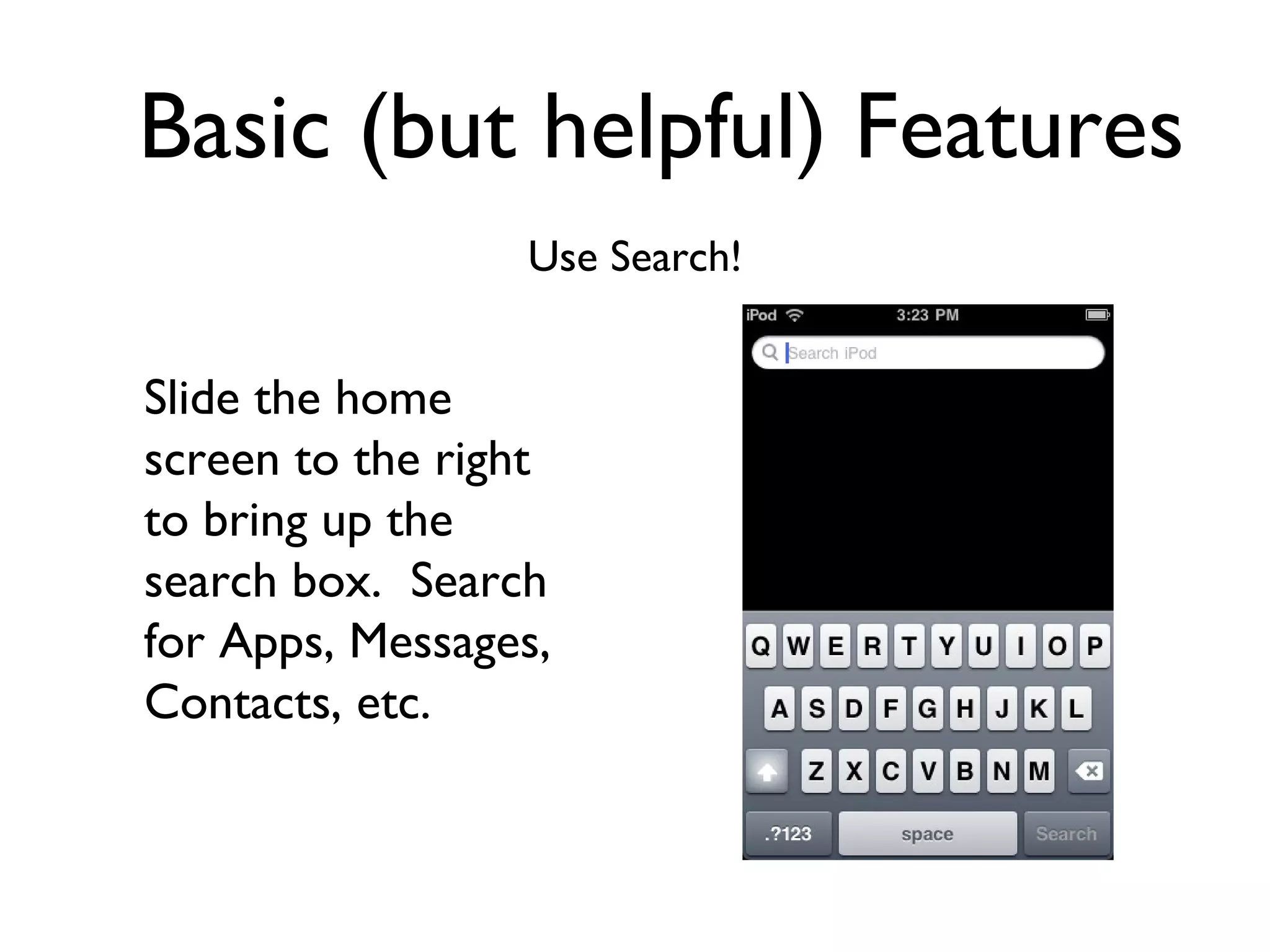
Basic (but helpful) Features Use Search! Slide the home screen to the right to bring up the search box.  Search for Apps, Messages, Contacts, etc.
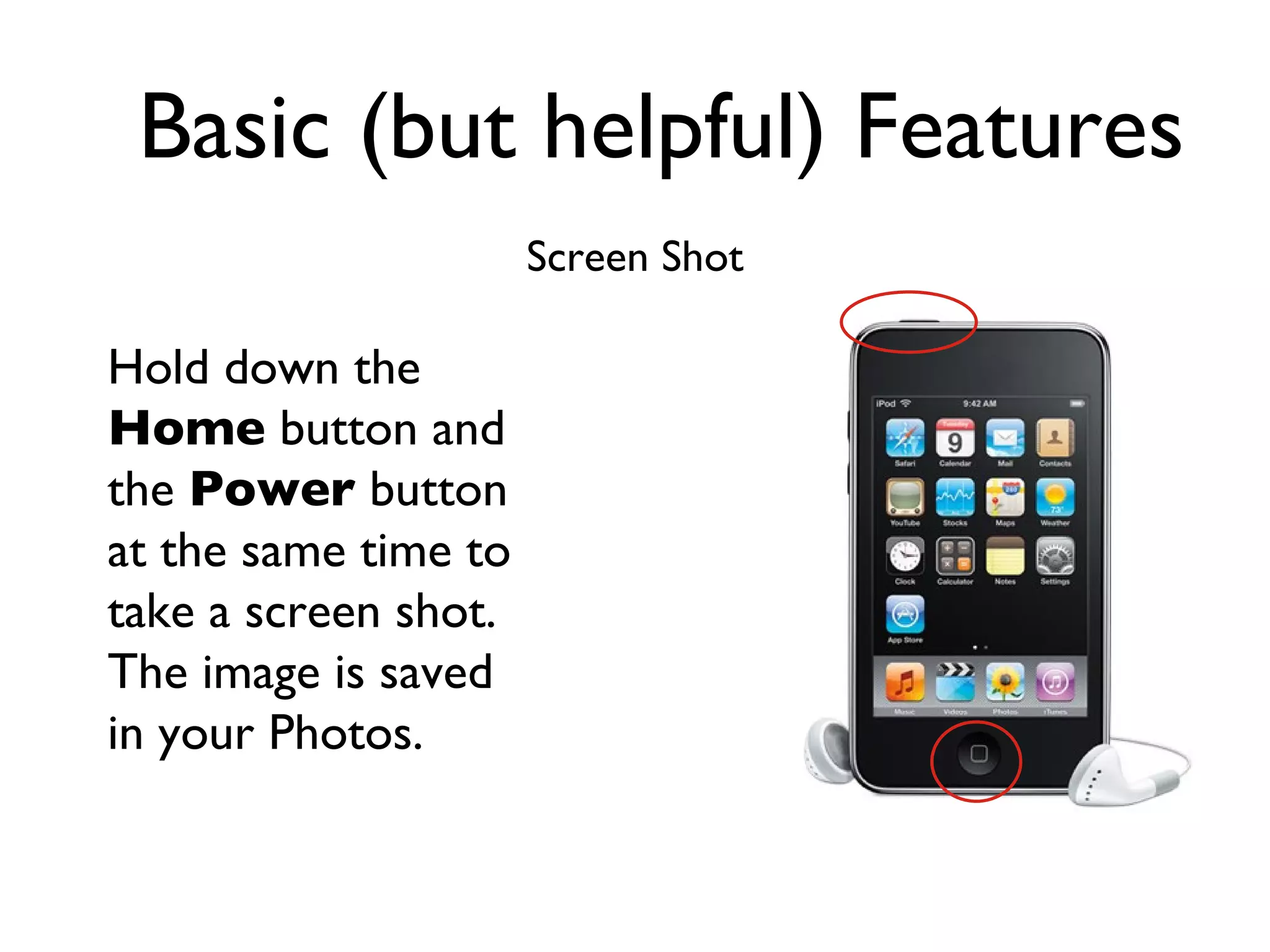
Basic (but helpful) Features Screen Shot Hold down the  Home  button and the  Power  button at the same time to take a screen shot.  The image is saved in your Photos.
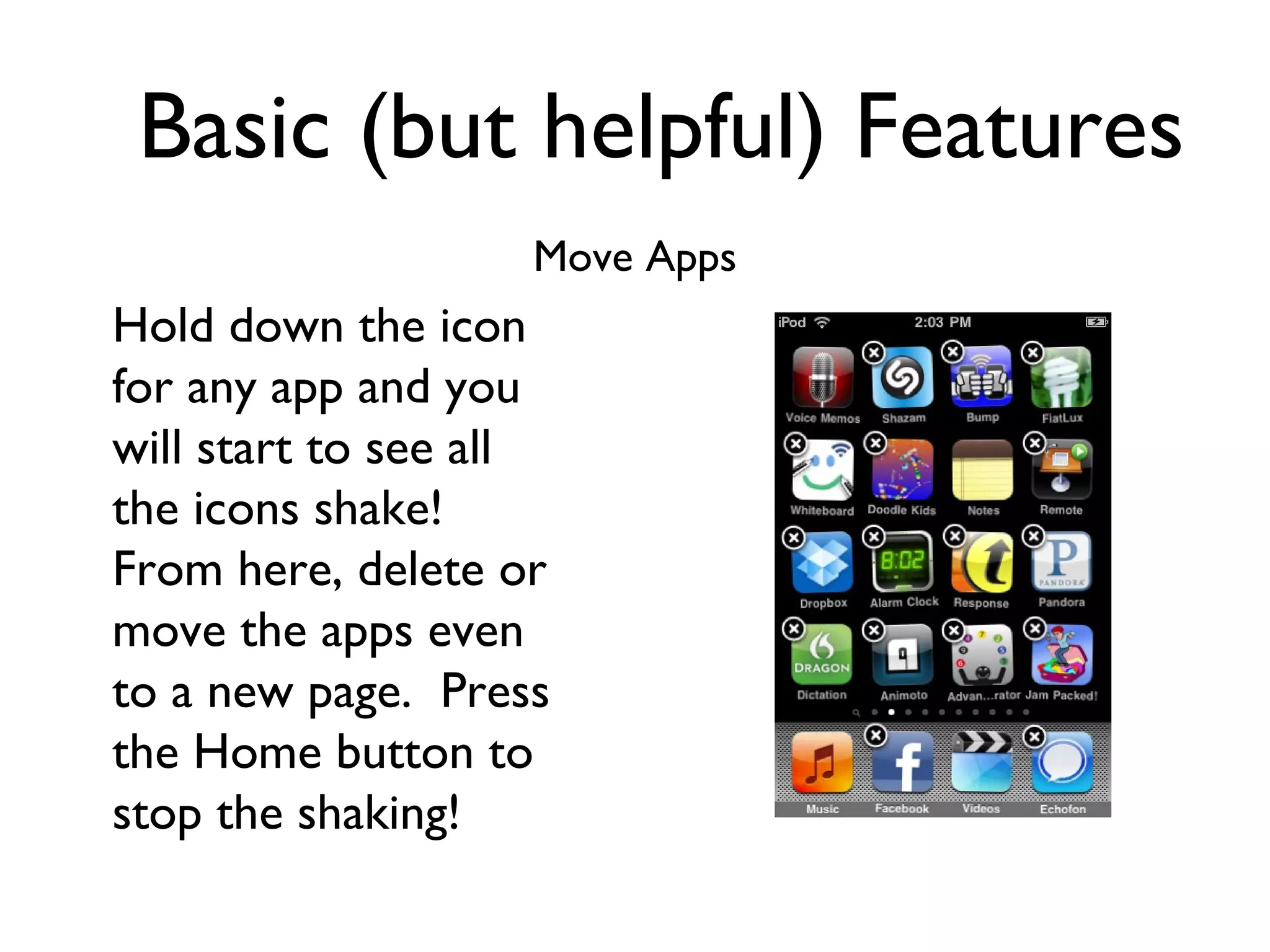
Basic (but helpful) Features Move Apps Hold down the icon for any app and you will start to see all the icons shake!  From here, delete or move the apps even to a new page.  Press the Home button to stop the shaking!
Basic (but helpful) Features Getting Back Home! Click the  Home  button to return to the home screen
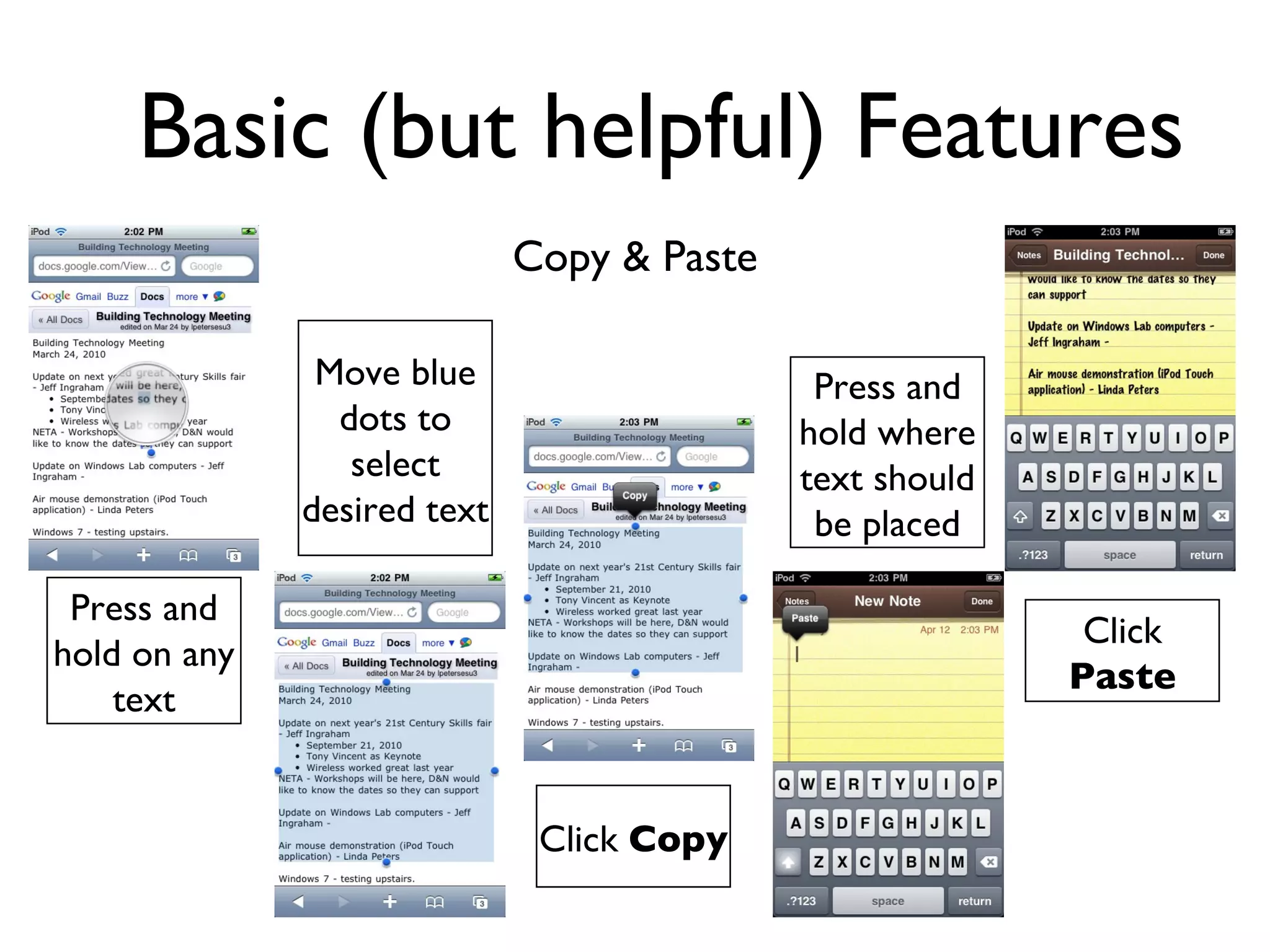
Basic (but helpful) Features Copy & Paste Press and hold on any text Move blue dots to select desired text Click  Paste Press and hold where text should be placed Click  Copy
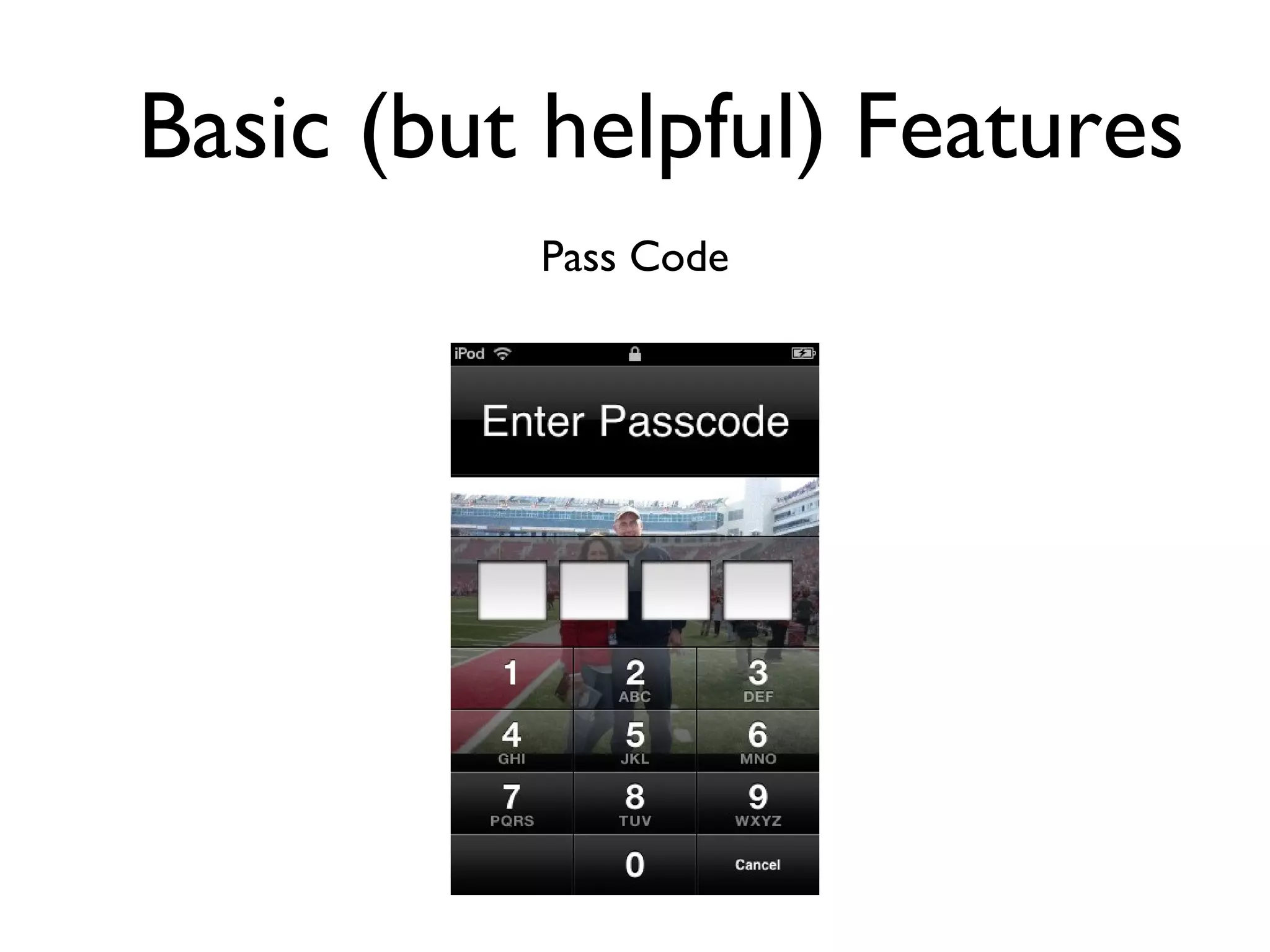
Basic (but helpful) Features Pass Code
Math Applications Math Quizzer
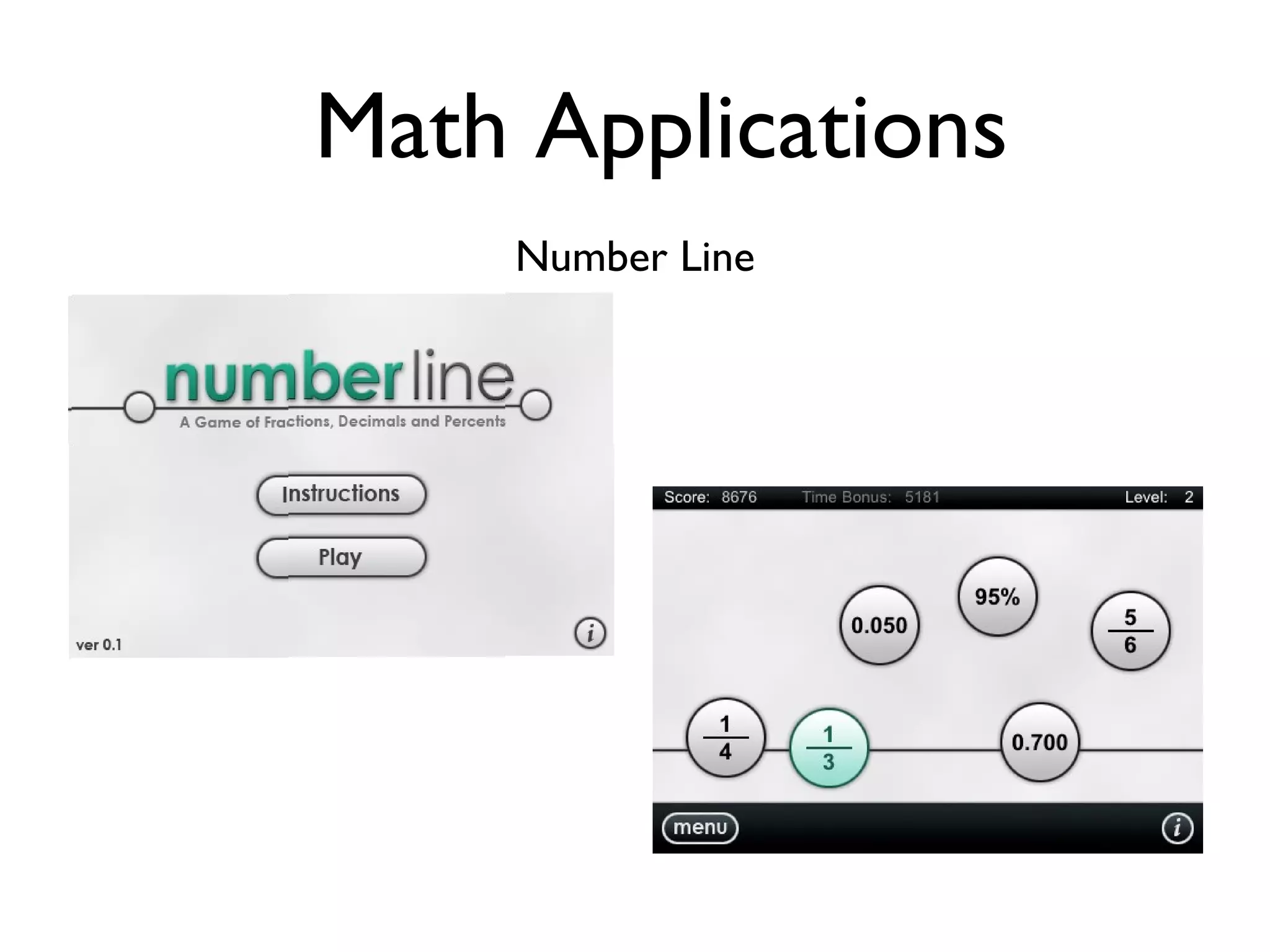
Math Applications Number Line
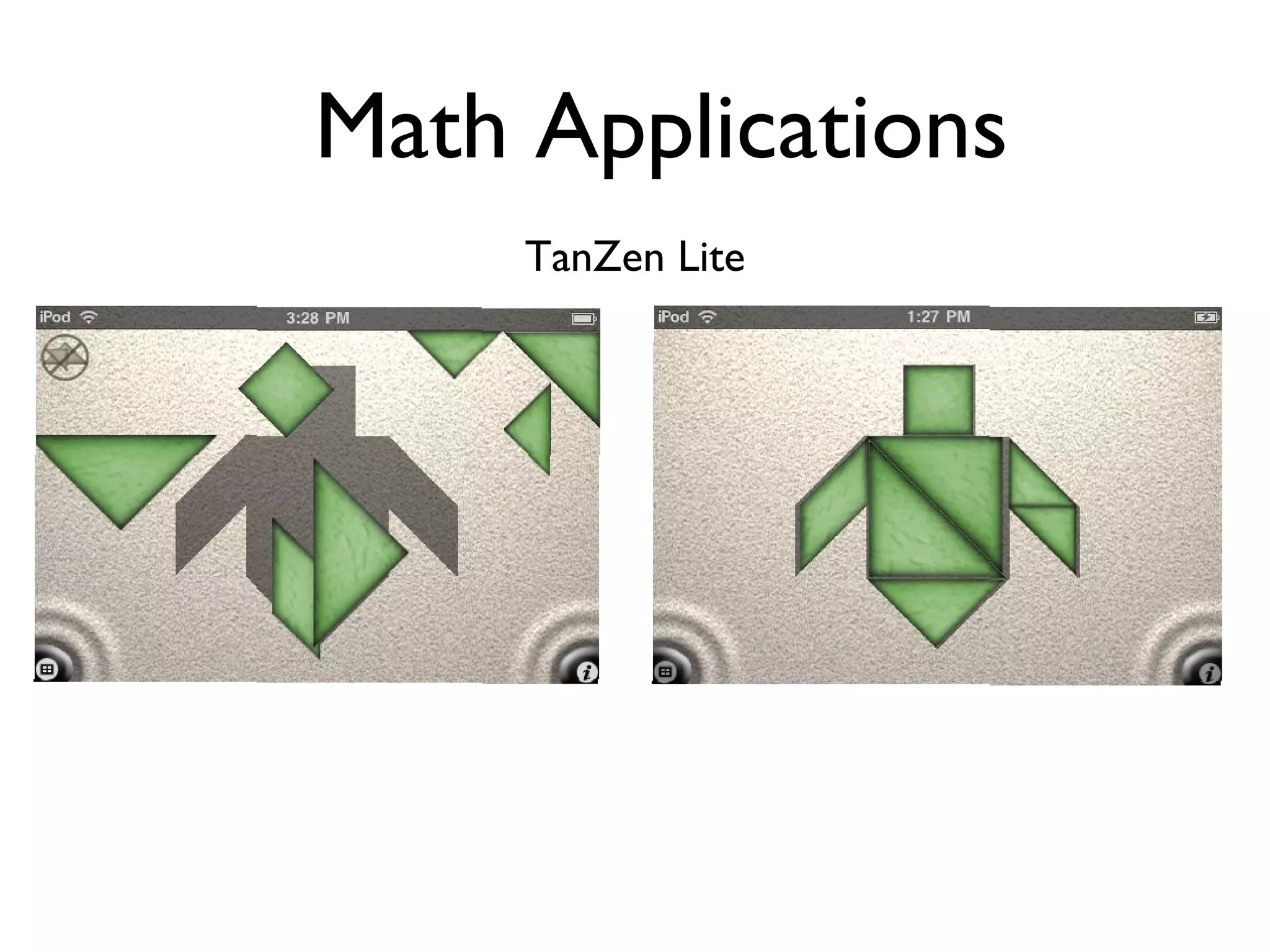
Math Applications TanZen Lite
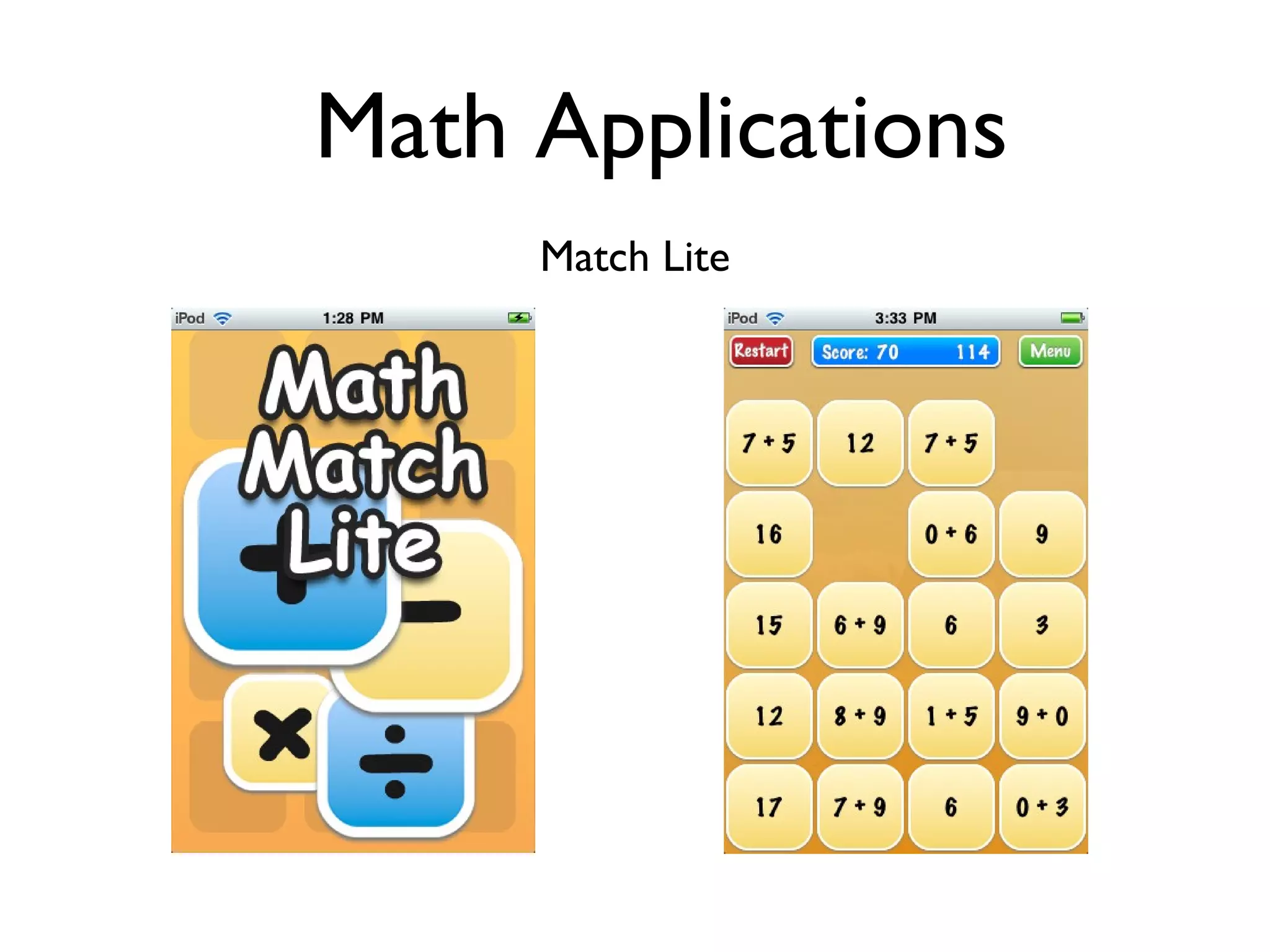
Math Applications Match Lite
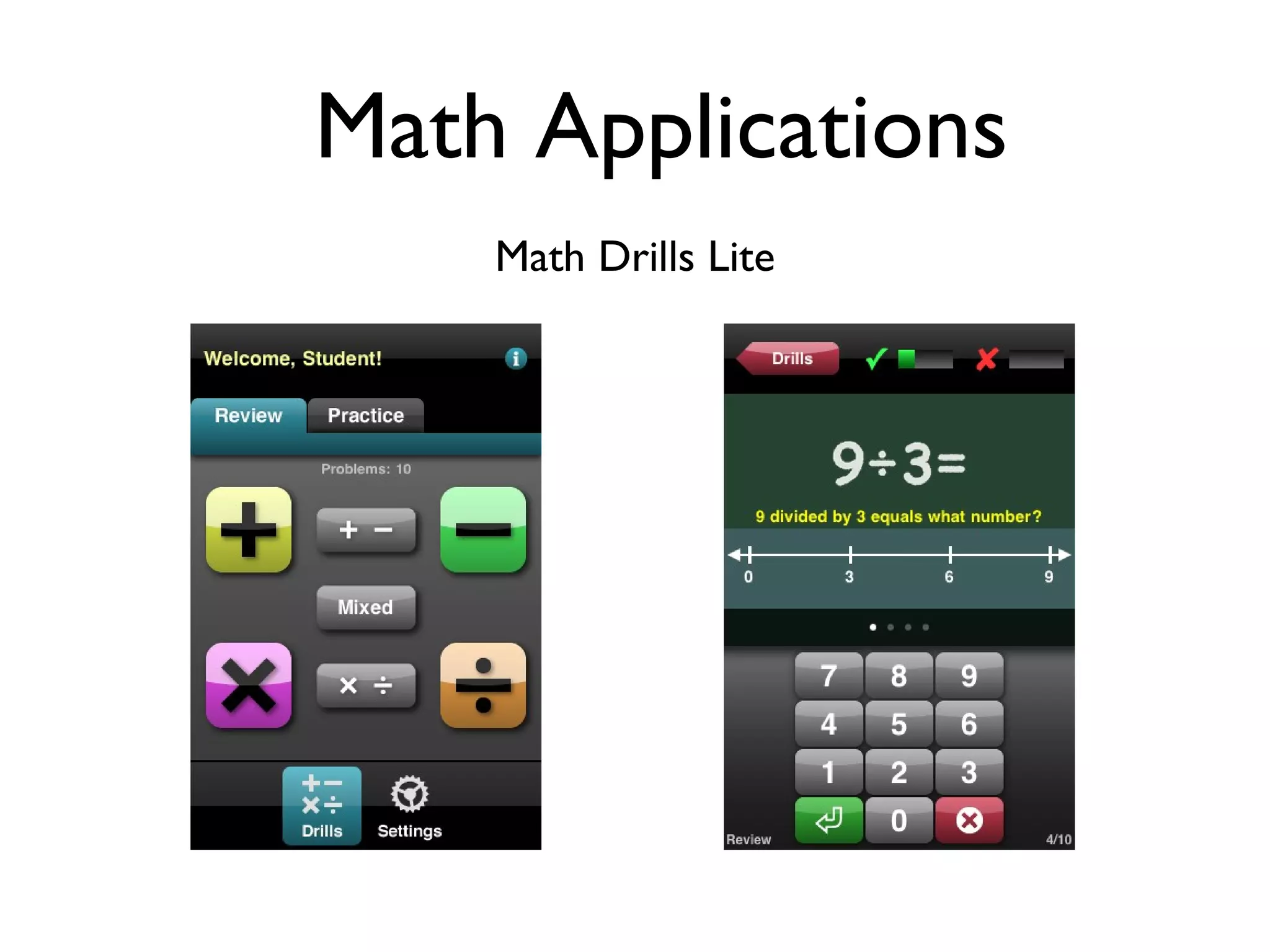
Math Applications Math Drills Lite
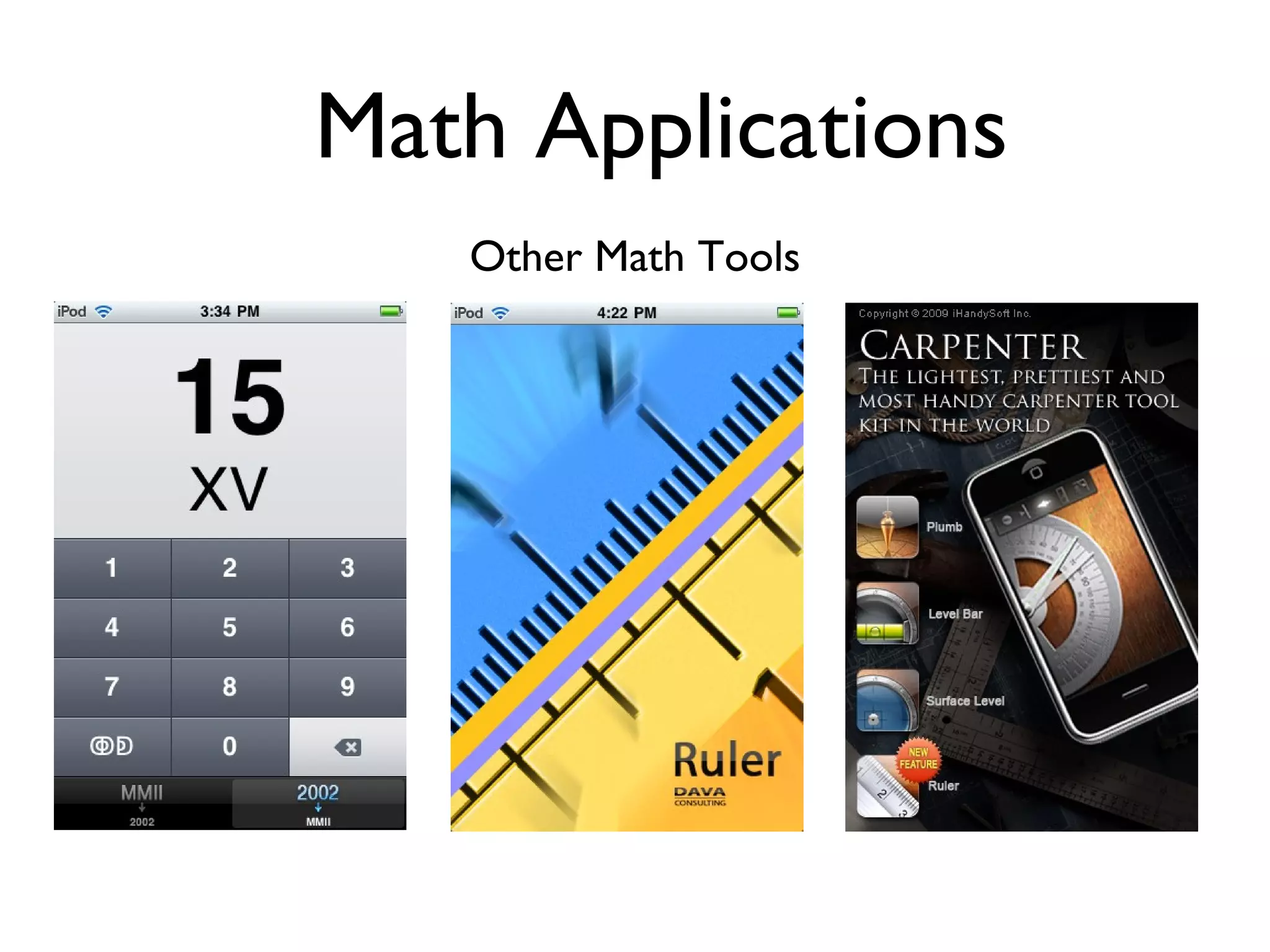
Math Applications Other Math Tools
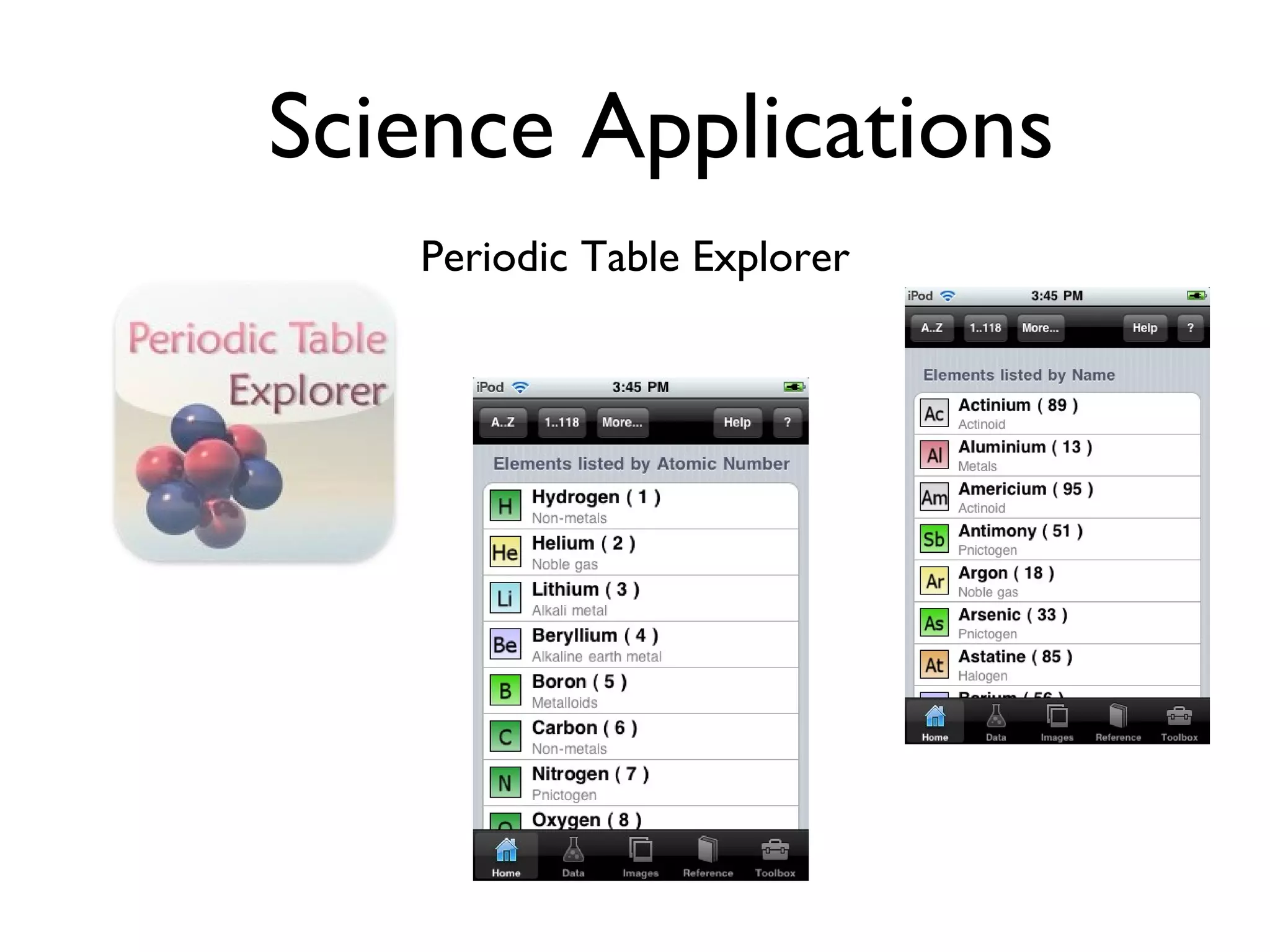
Science Applications Periodic Table Explorer
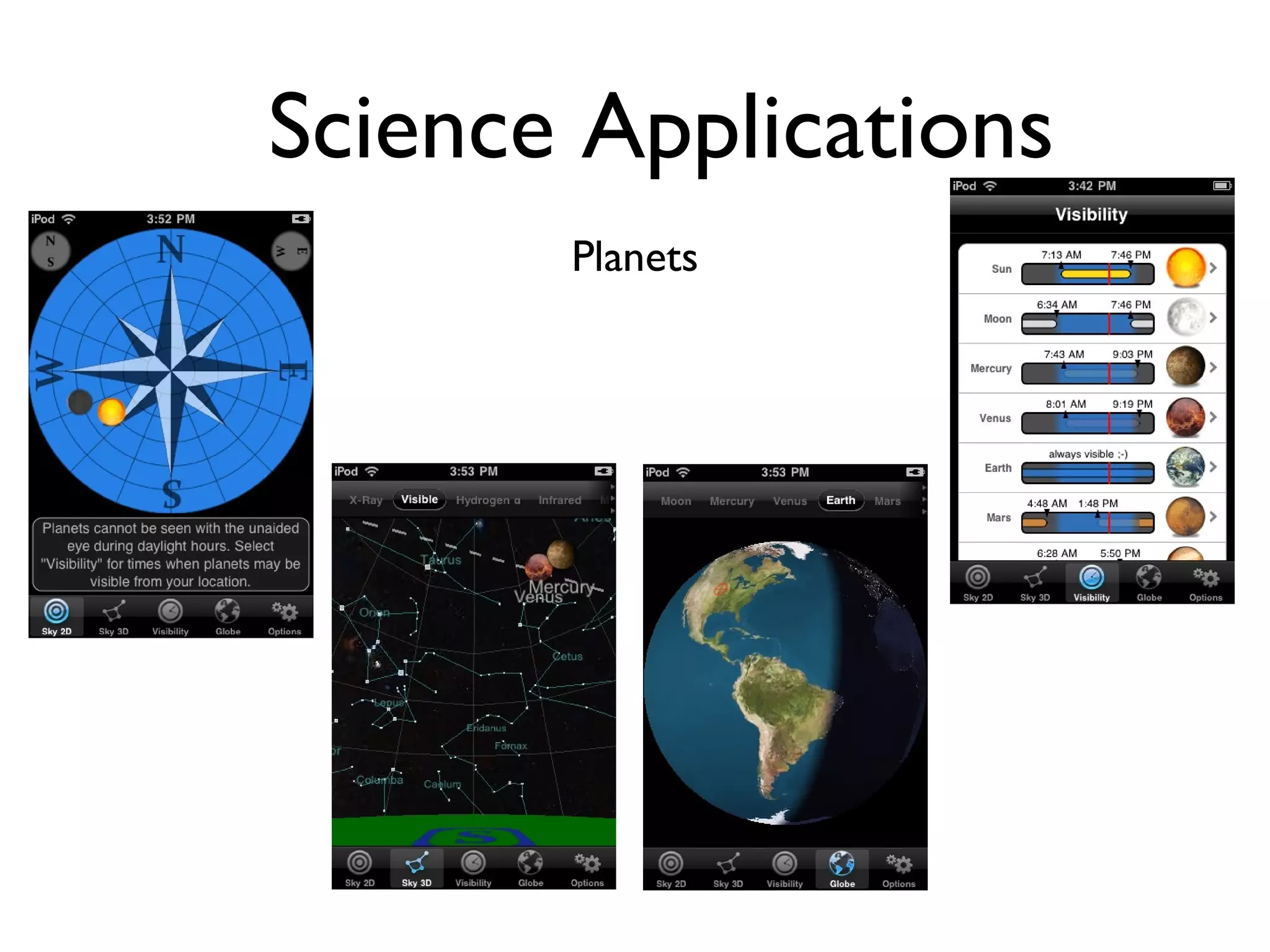
Science Applications Planets
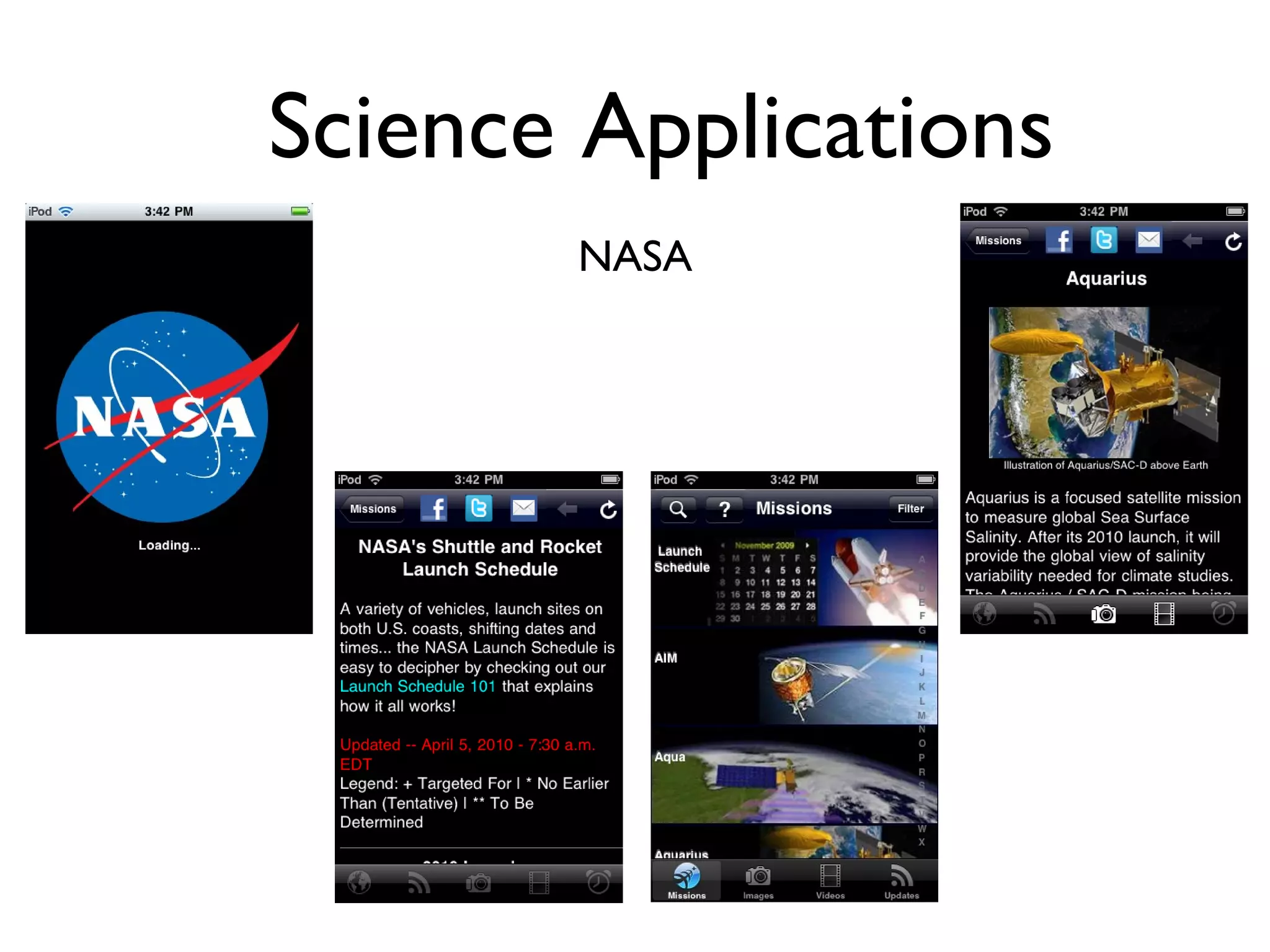
Science Applications NASA
Science Applications 101 Science
Science Applications Science @ VL
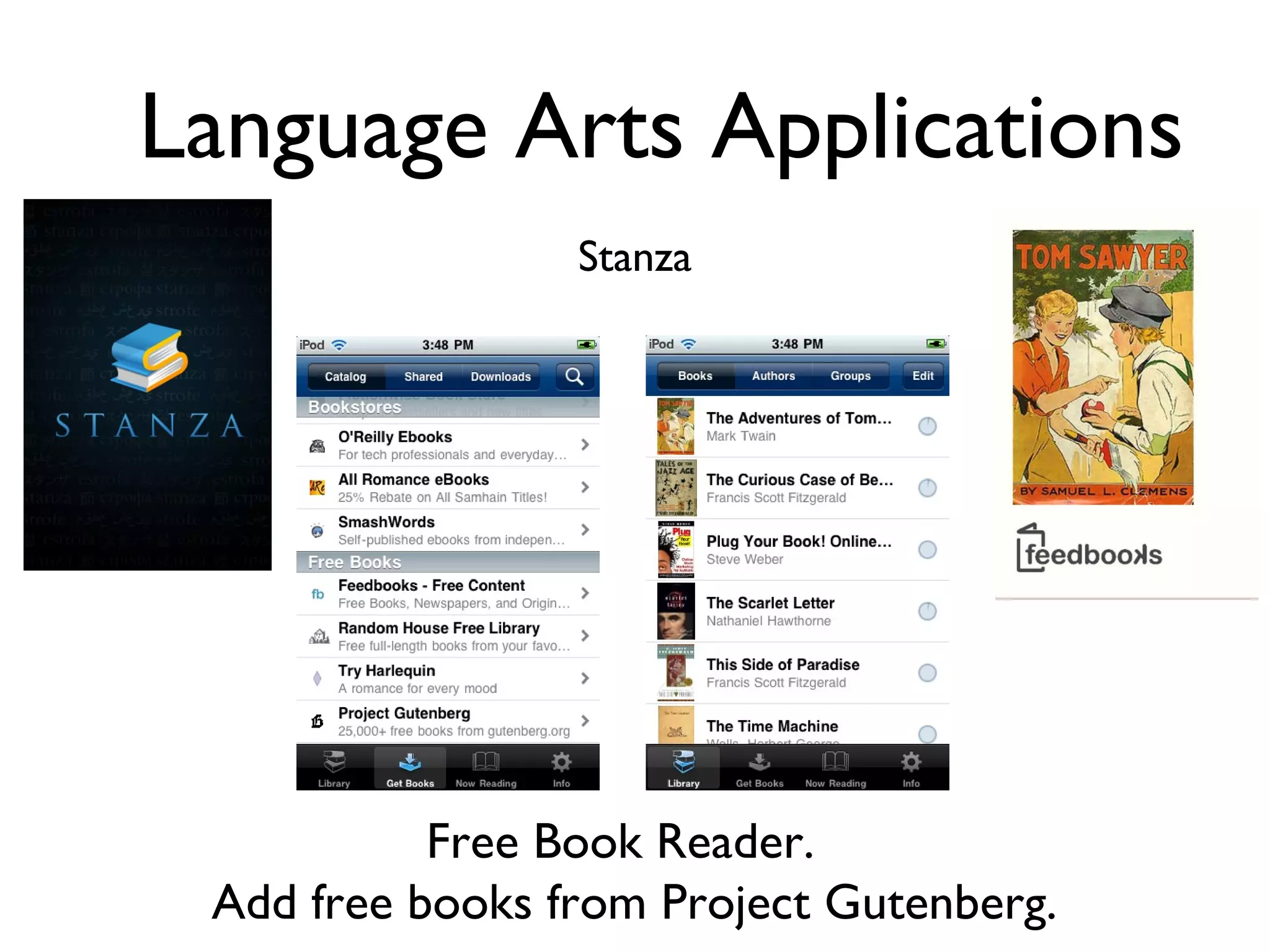
Language Arts Applications Stanza Free Book Reader.  Add free books from Project Gutenberg.
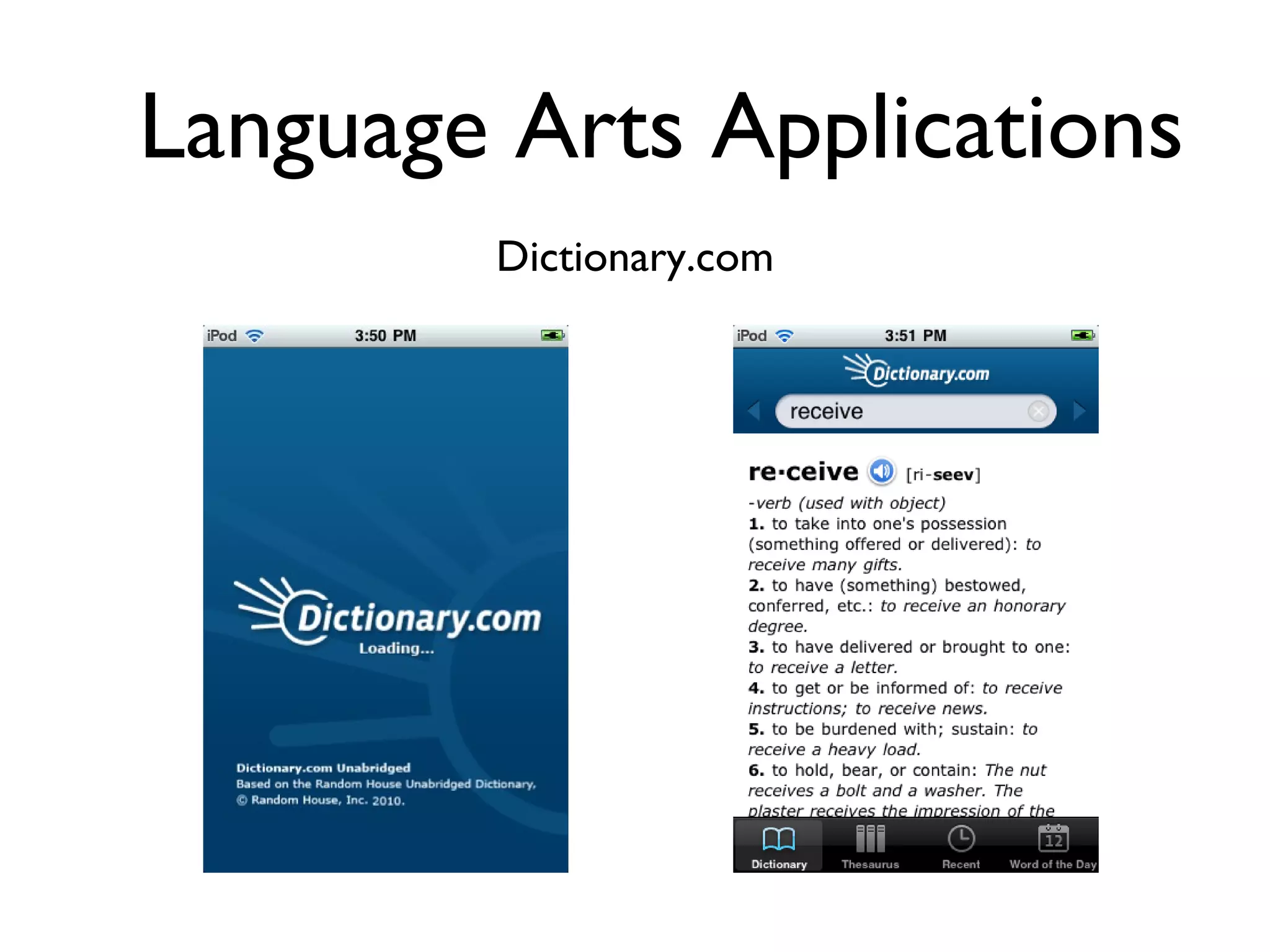
Language Arts Applications Dictionary.com
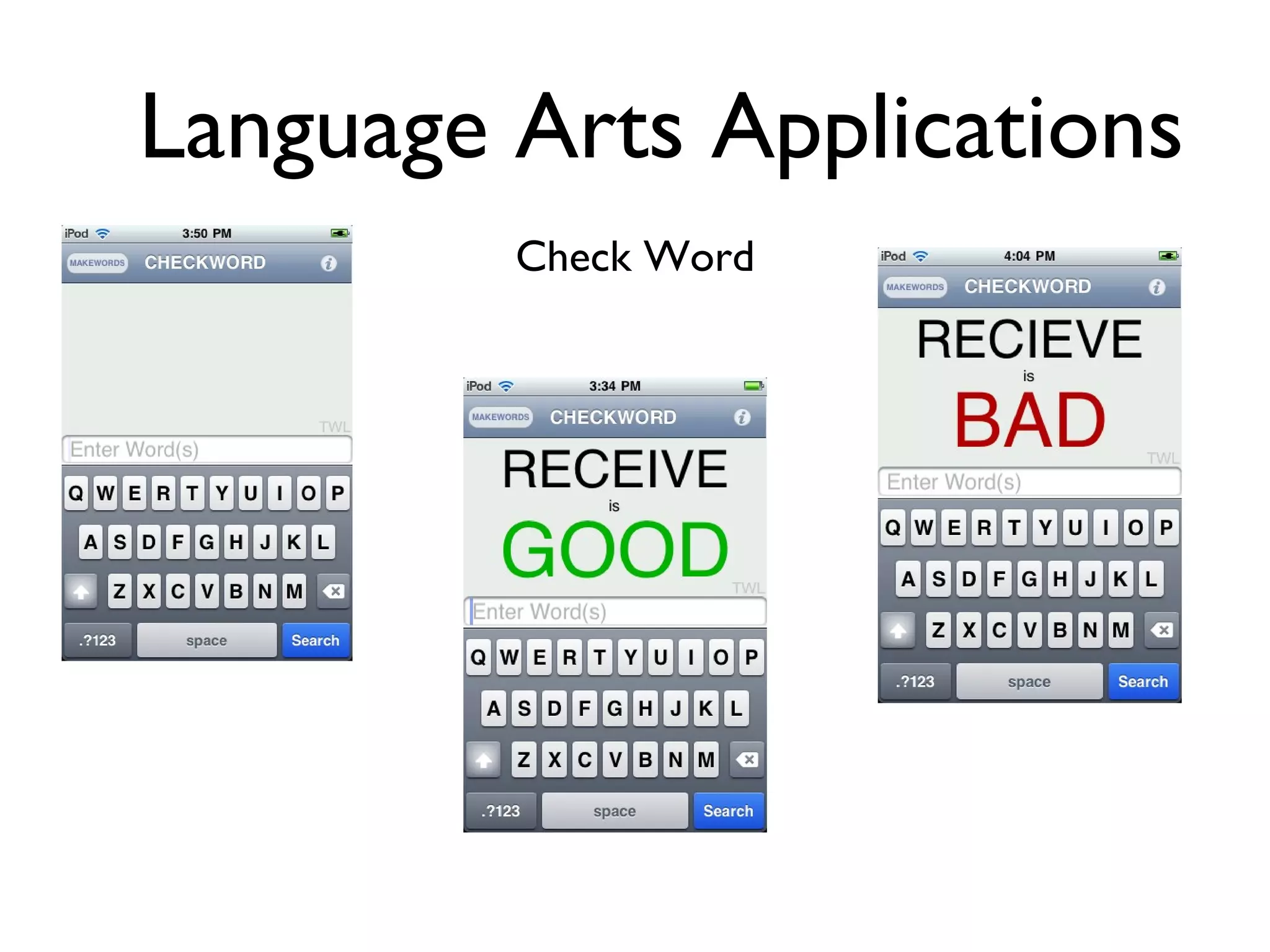
Language Arts Applications Check Word
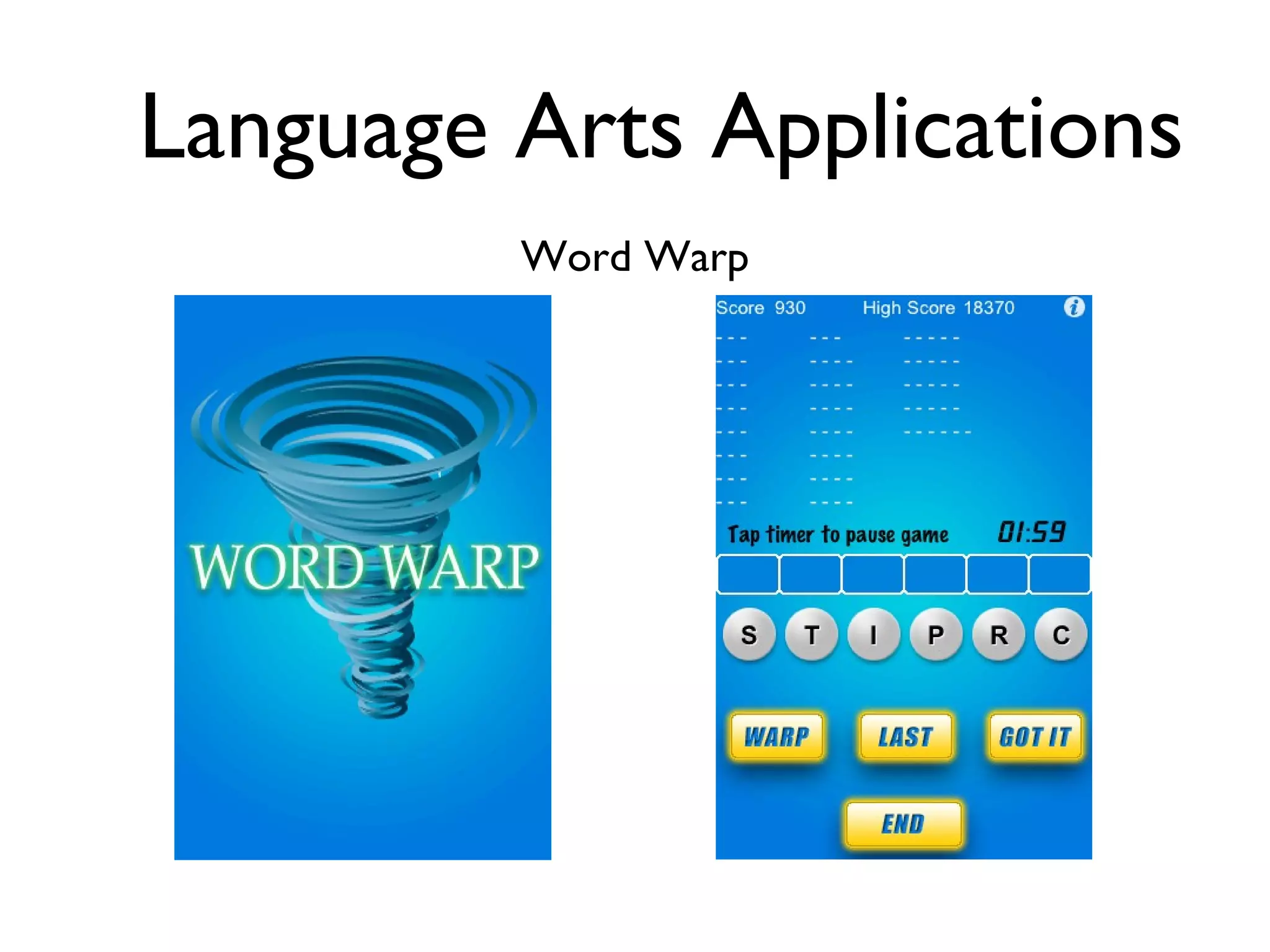
Language Arts Applications Word Warp
Language Arts Applications Miss Spell
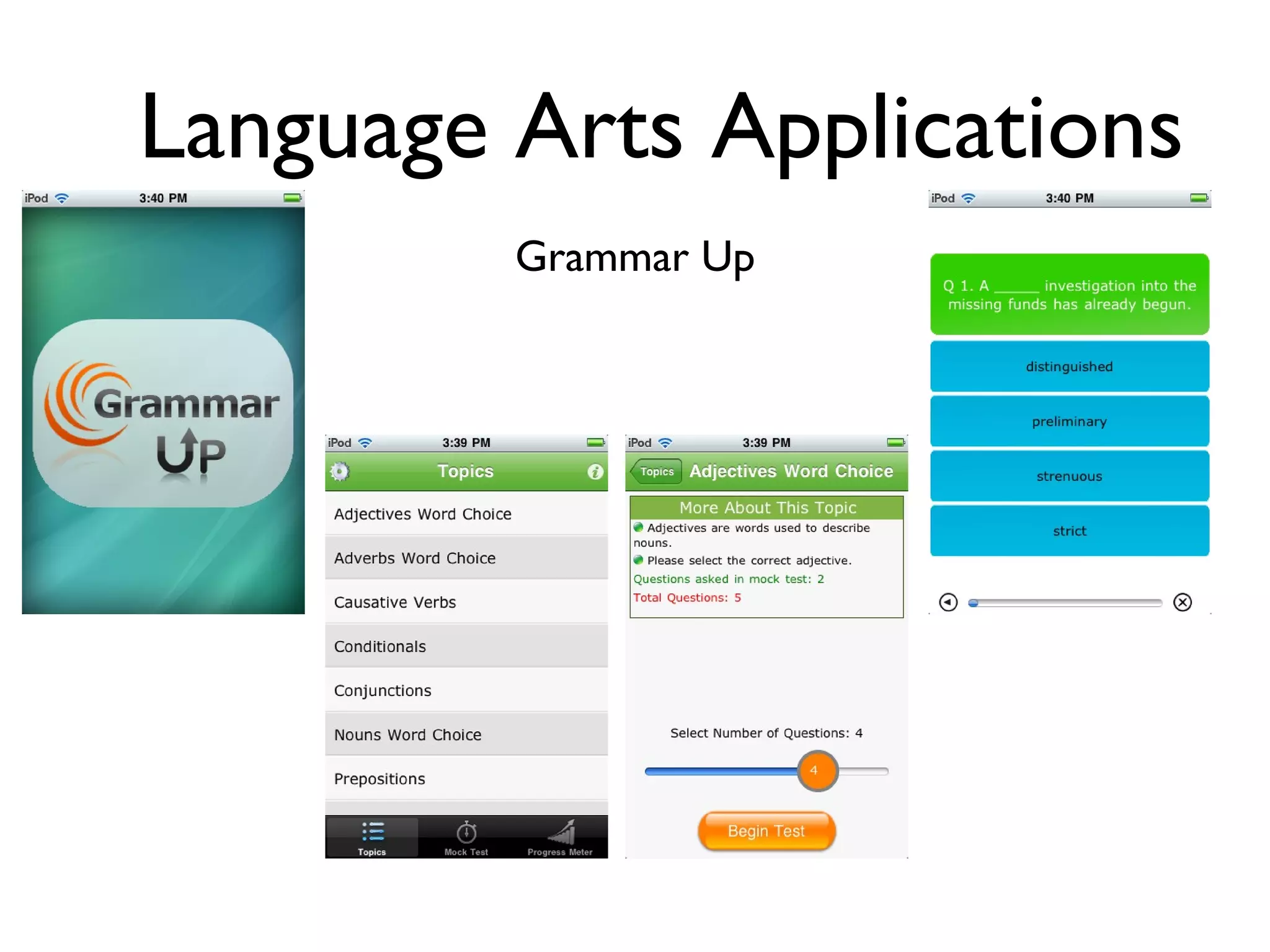
Language Arts Applications Grammar Up
Language Arts Applications Chickionary
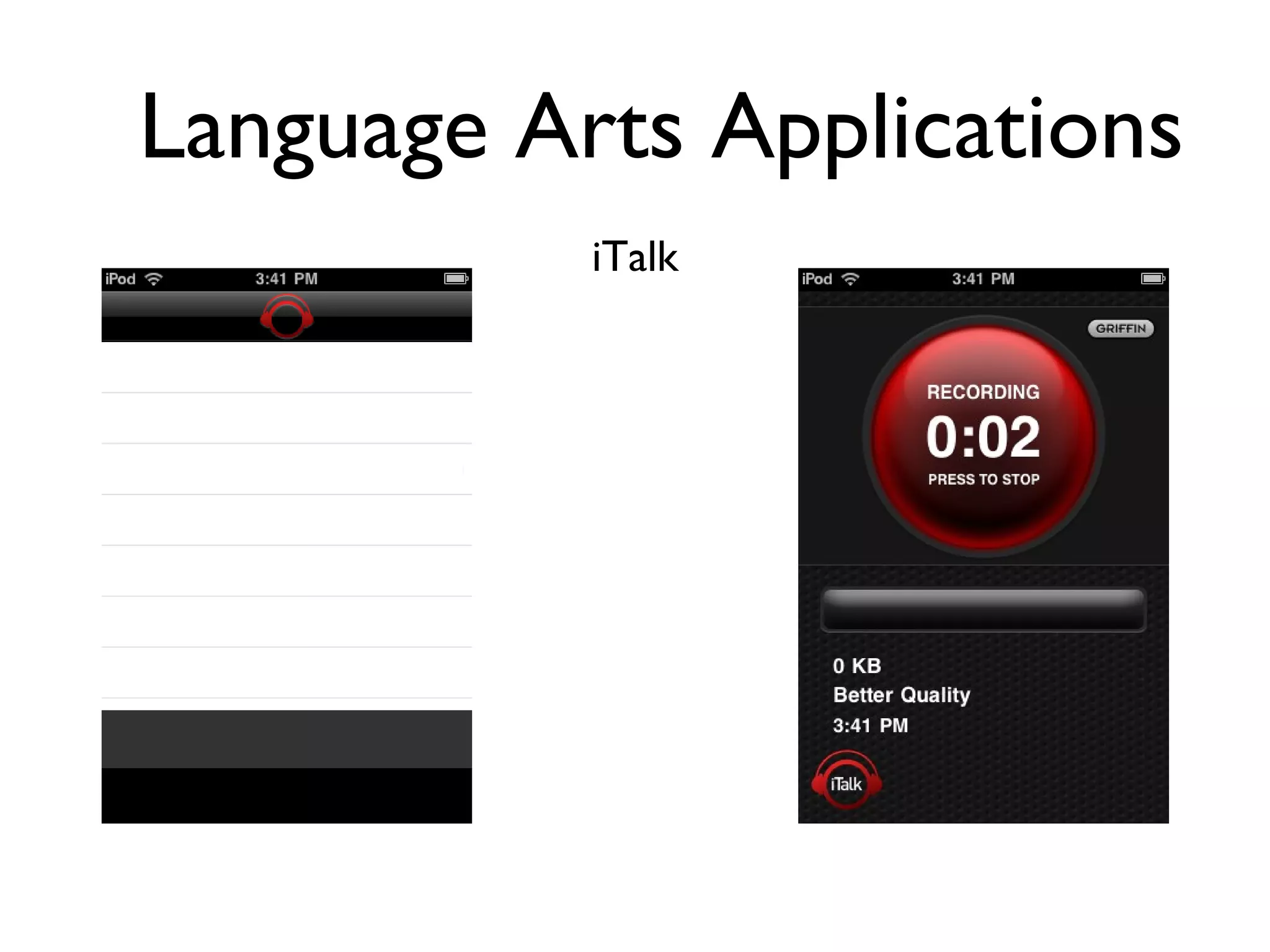
Language Arts Applications iTalk
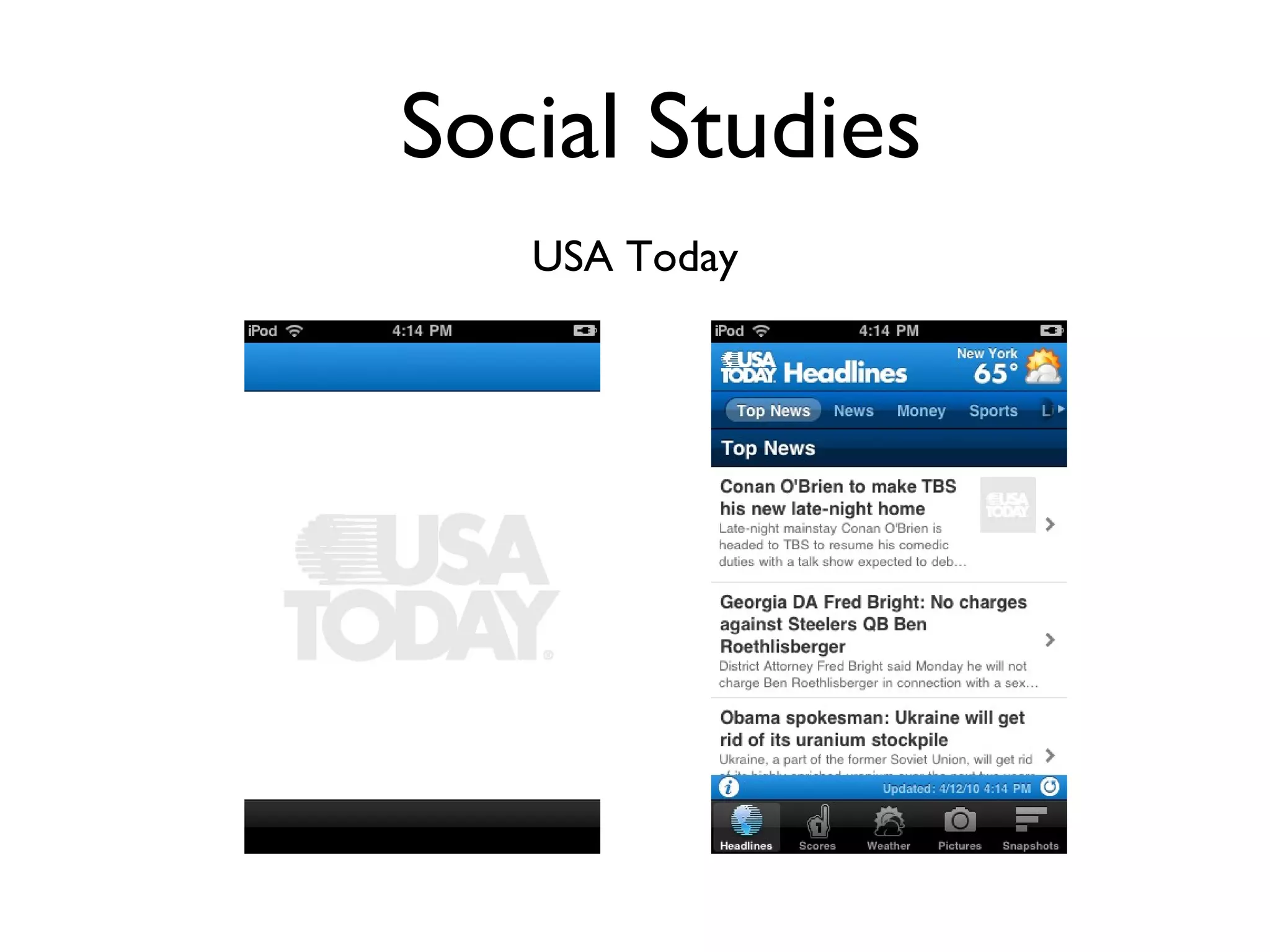
Social Studies USA Today
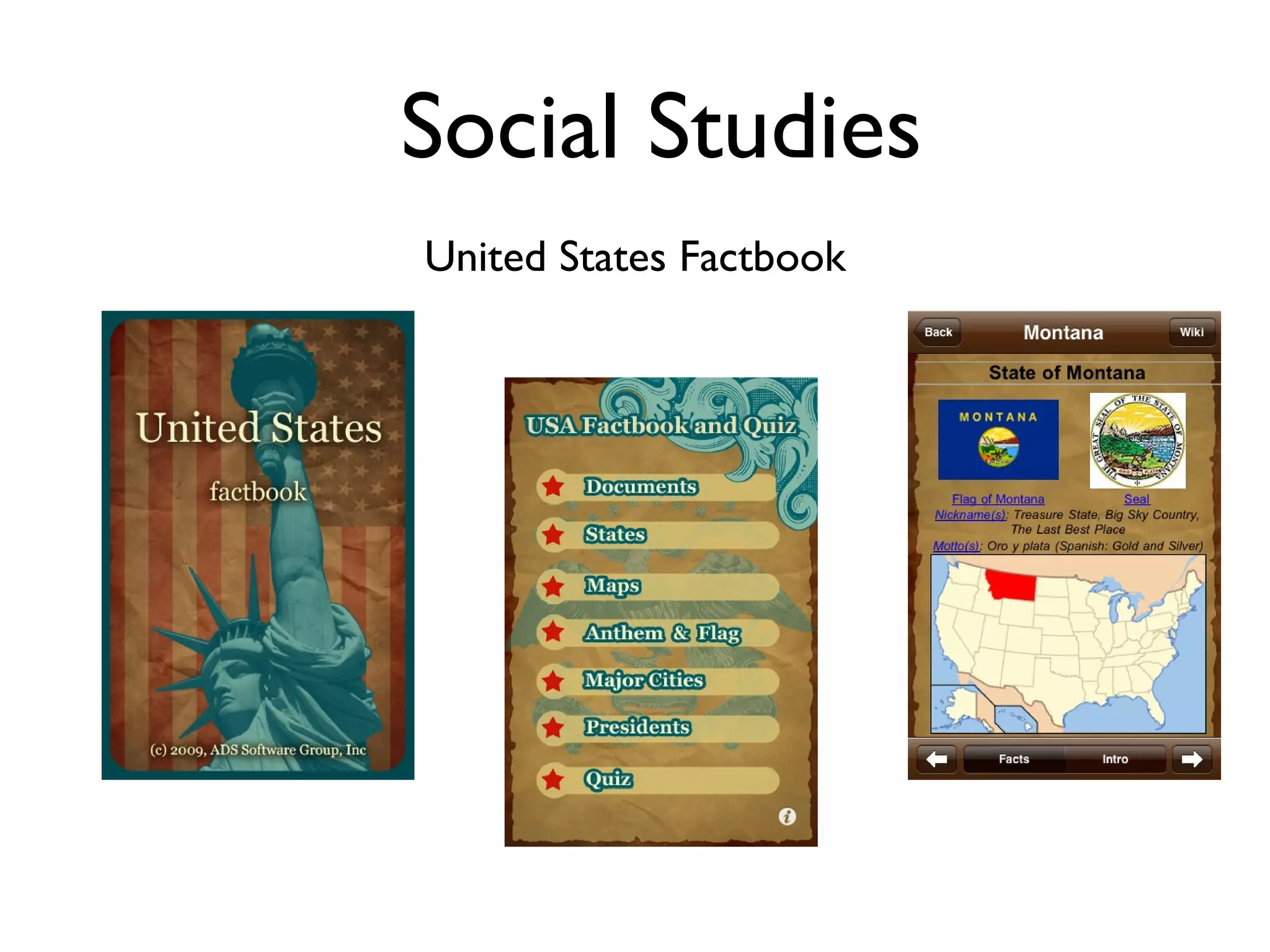
Social Studies United States Factbook
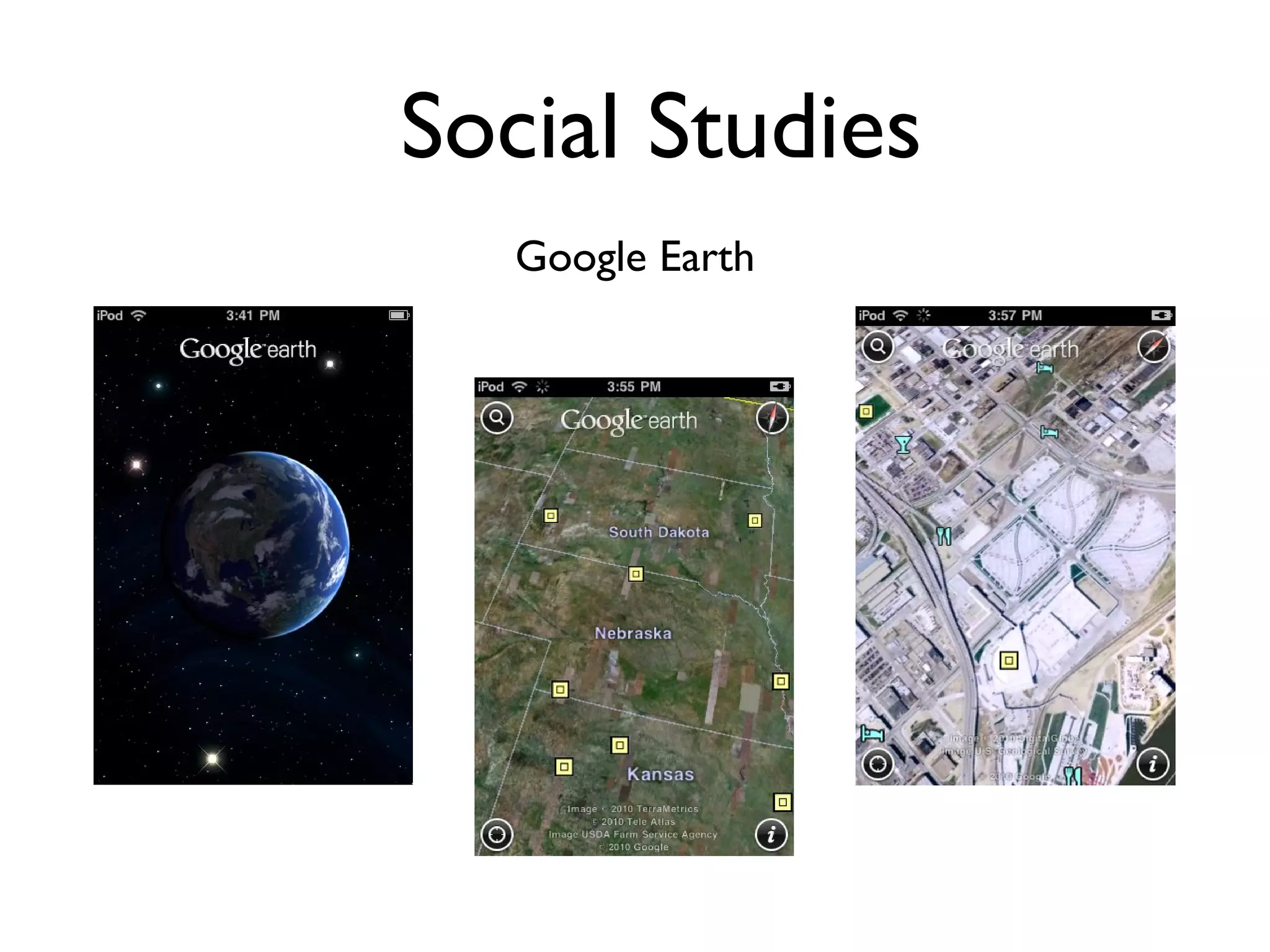
Social Studies Google Earth
Social Studies Constitution
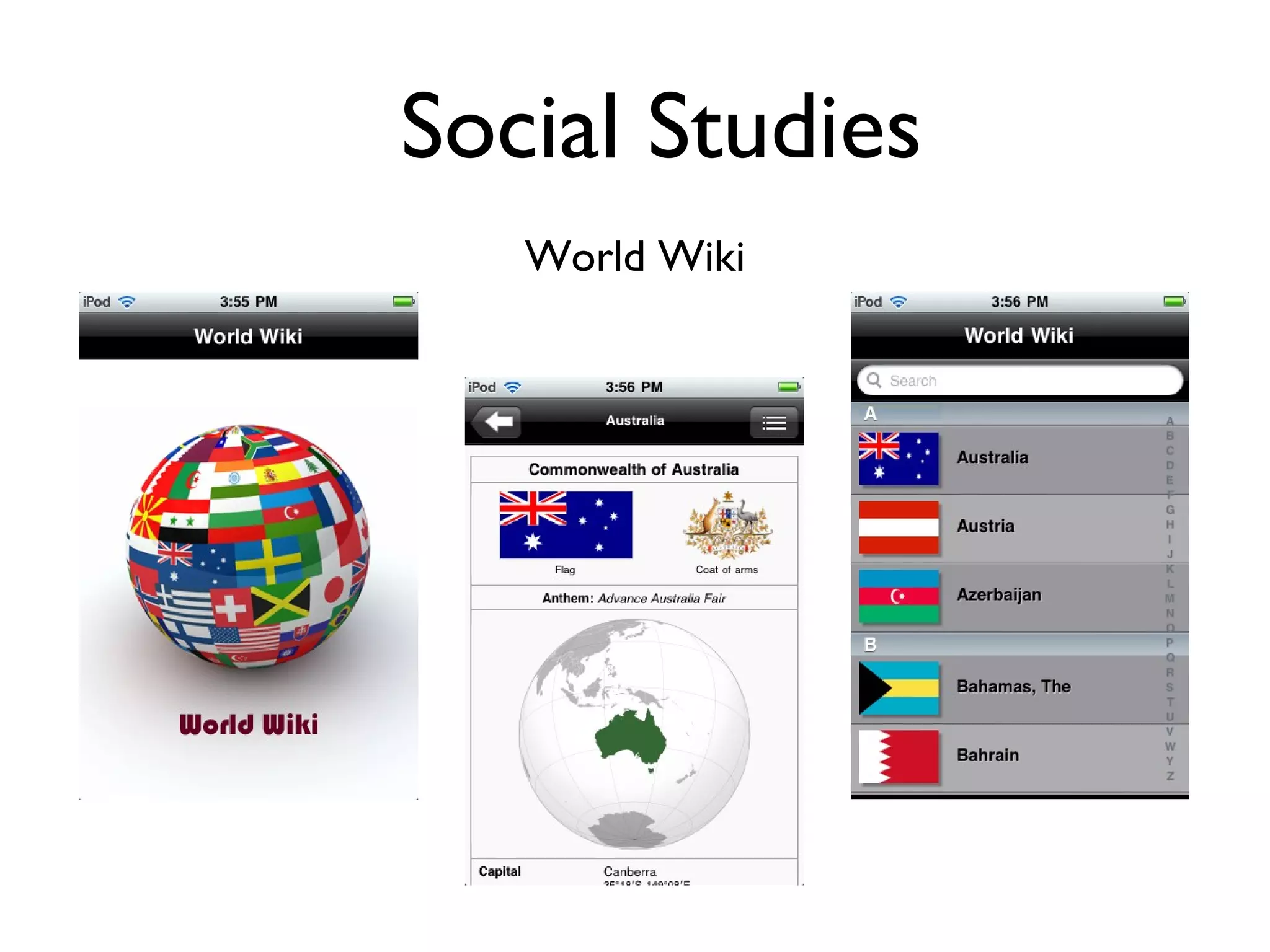
Social Studies World Wiki
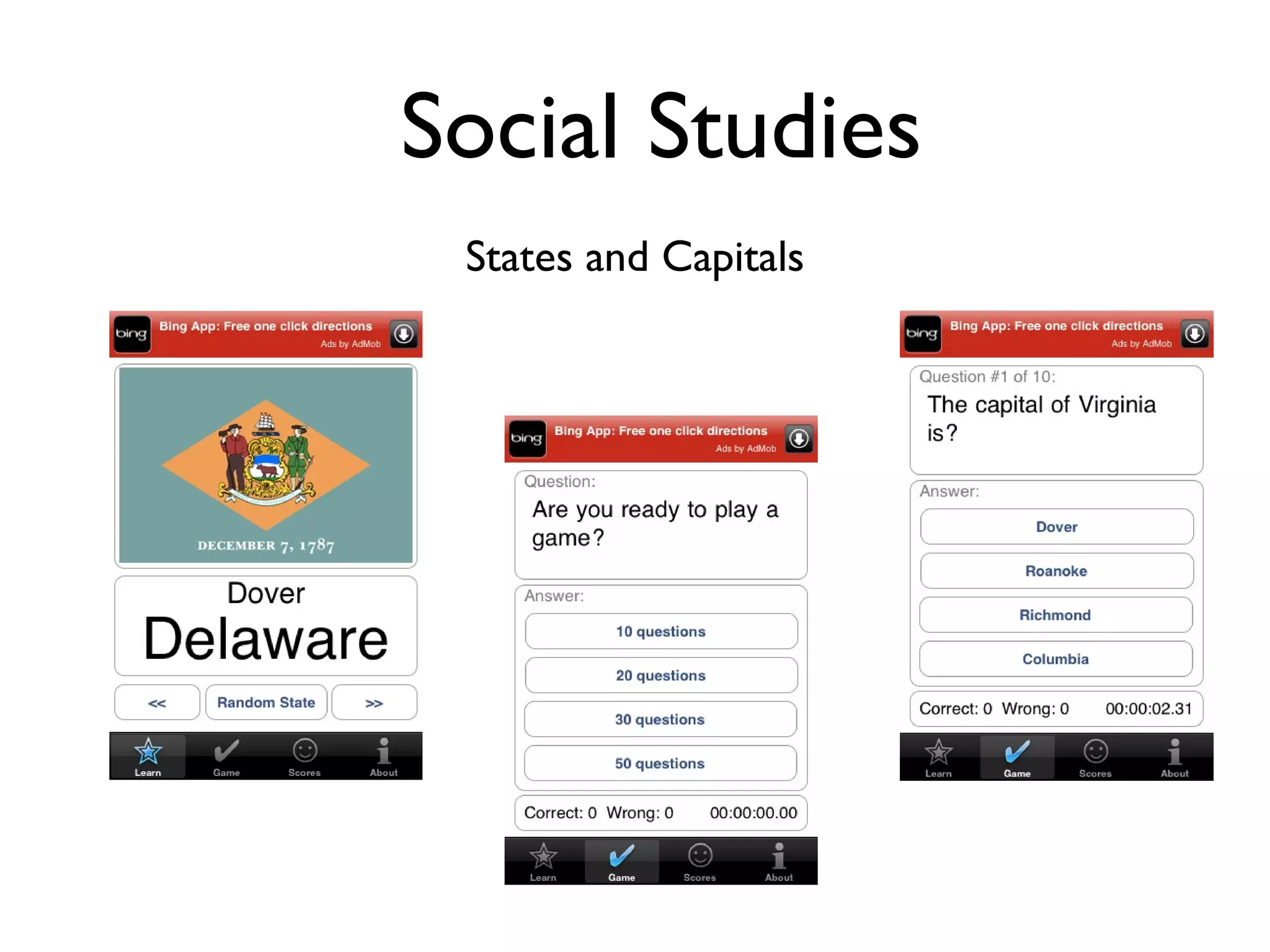
Social Studies States and Capitals
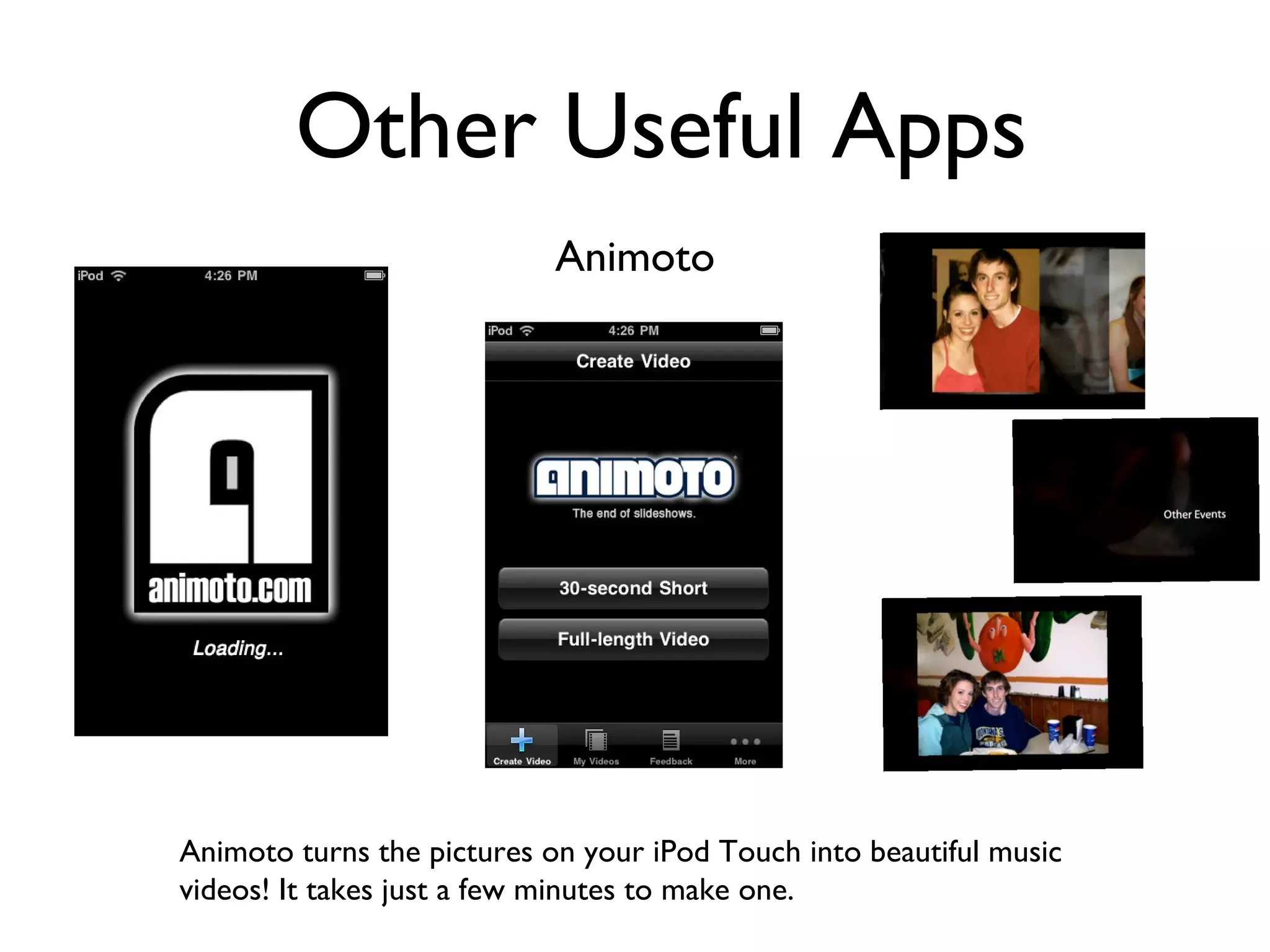
Other Useful Apps Animoto Animoto turns the pictures on your iPod Touch into beautiful music videos! It takes just a few minutes to make one.
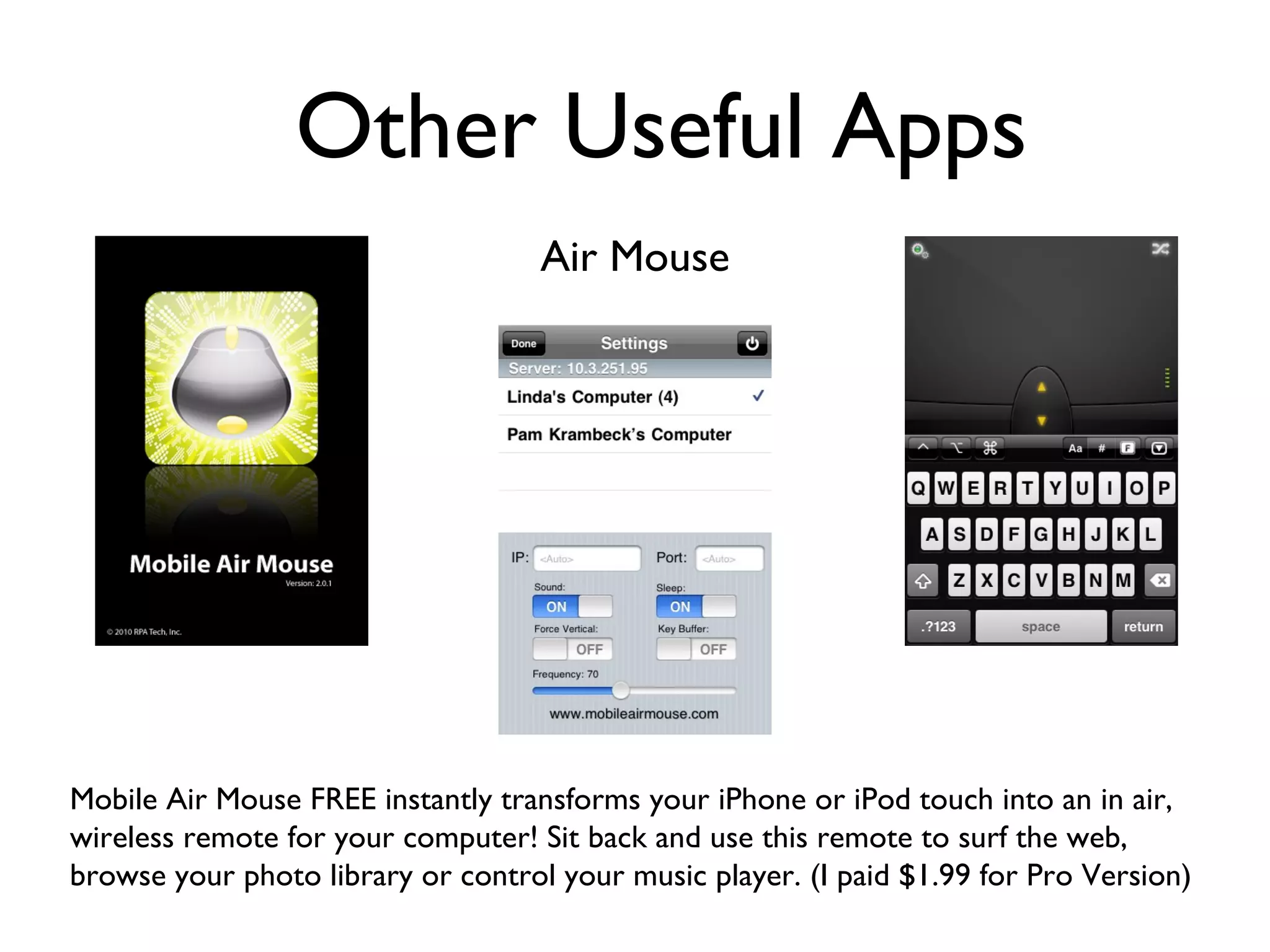
Other Useful Apps Air Mouse Mobile Air Mouse FREE instantly transforms your iPhone or iPod touch into an in air, wireless remote for your computer! Sit back and use this remote to surf the web, browse your photo library or control your music player. (I paid $1.99 for Pro Version)
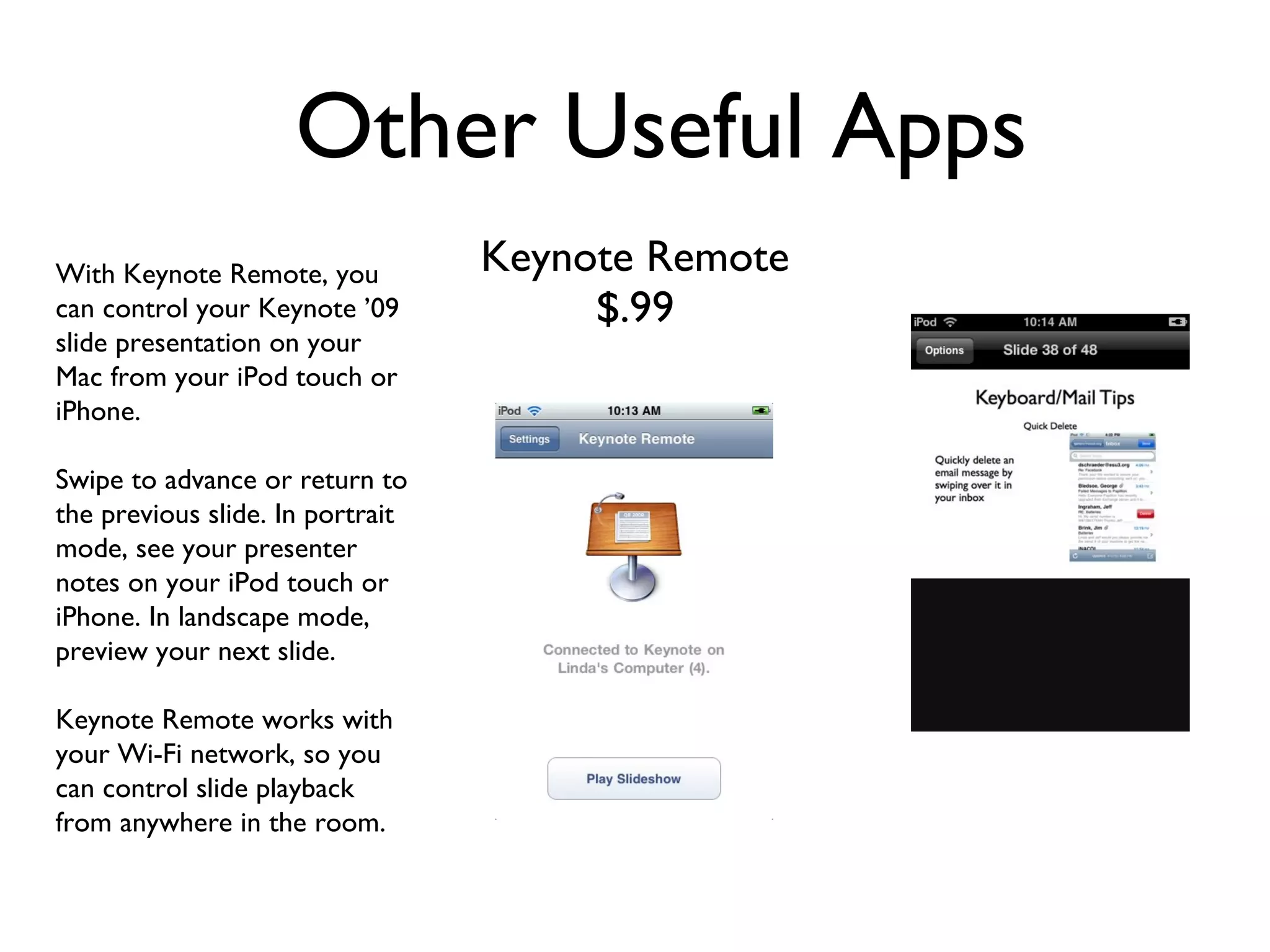
Other Useful Apps Keynote Remote $.99 With Keynote Remote, you can control your Keynote ’09 slide presentation on your Mac from your iPod touch or iPhone. Swipe to advance or return to the previous slide. In portrait mode, see your presenter notes on your iPod touch or iPhone. In landscape mode, preview your next slide. Keynote Remote works with your Wi-Fi network, so you can control slide playback from anywhere in the room.
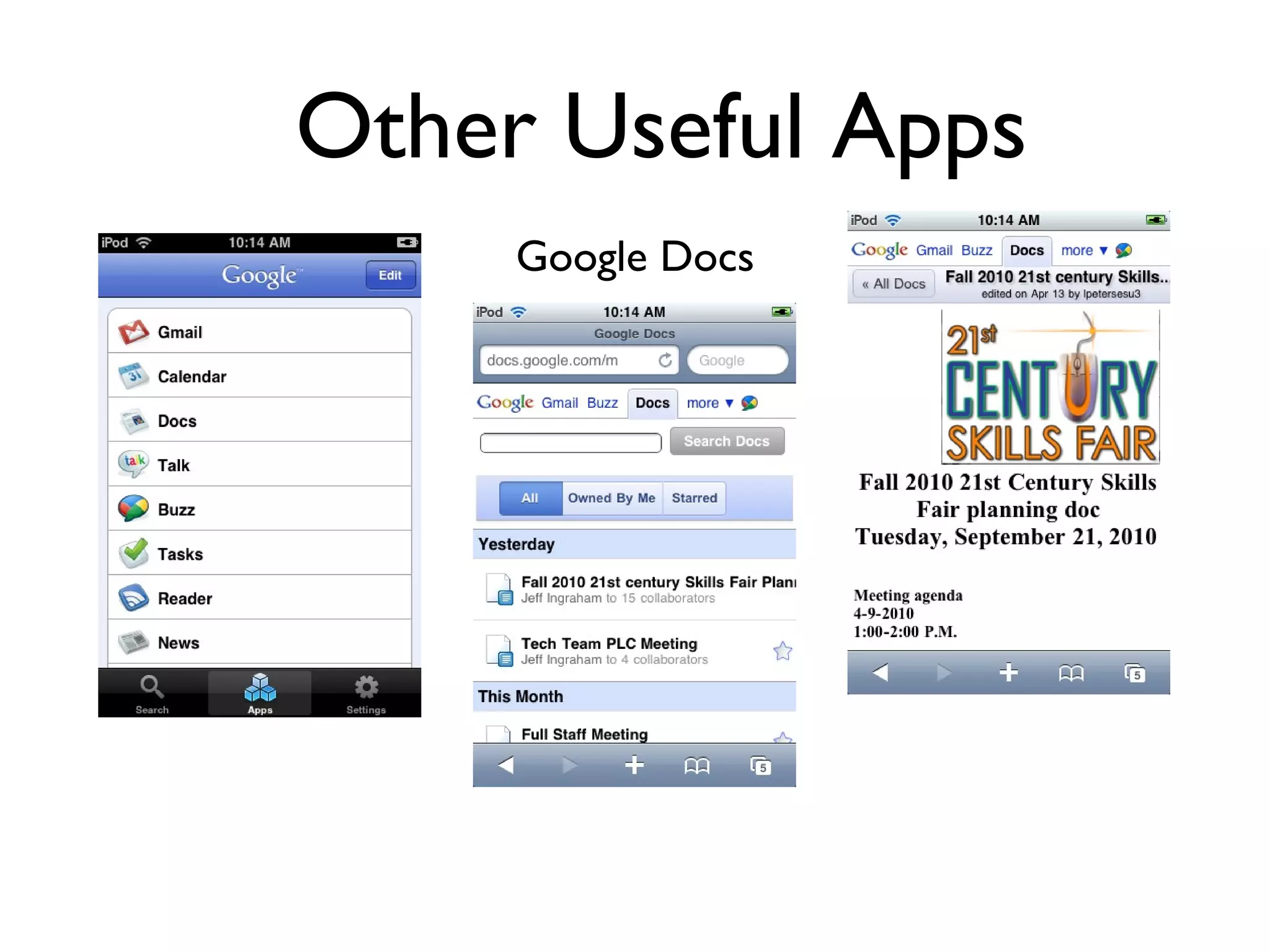
Other Useful Apps Google Docs
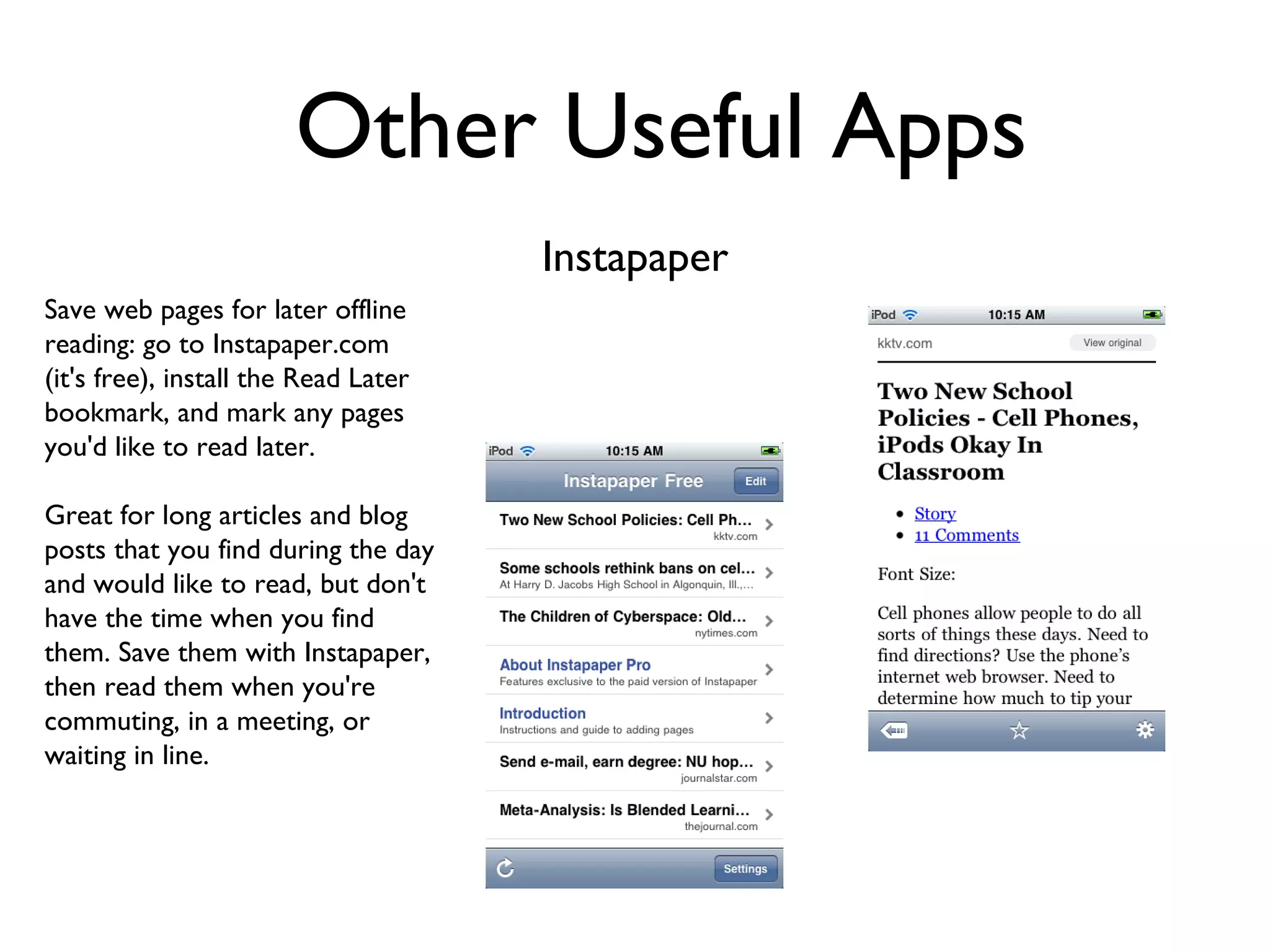
Other Useful Apps Instapaper Save web pages for later offline reading: go to Instapaper.com (it's free), install the Read Later bookmark, and mark any pages you'd like to read later. Great for long articles and blog posts that you find during the day and would like to read, but don't have the time when you find them. Save them with Instapaper, then read them when you're commuting, in a meeting, or waiting in line.
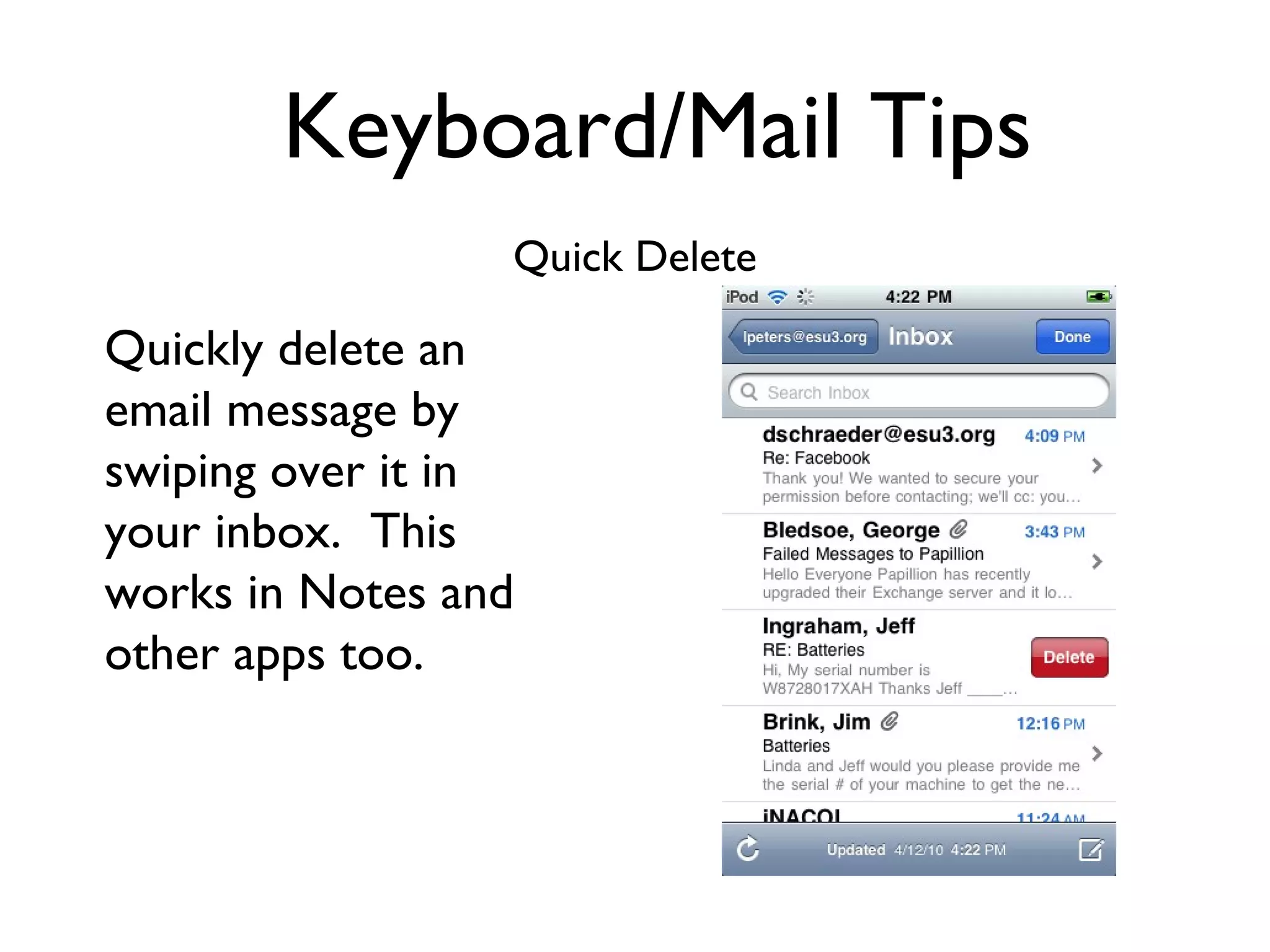
Keyboard/Mail Tips Quick Delete Quickly delete an email message by swiping over it in your inbox.  This works in Notes and other apps too.
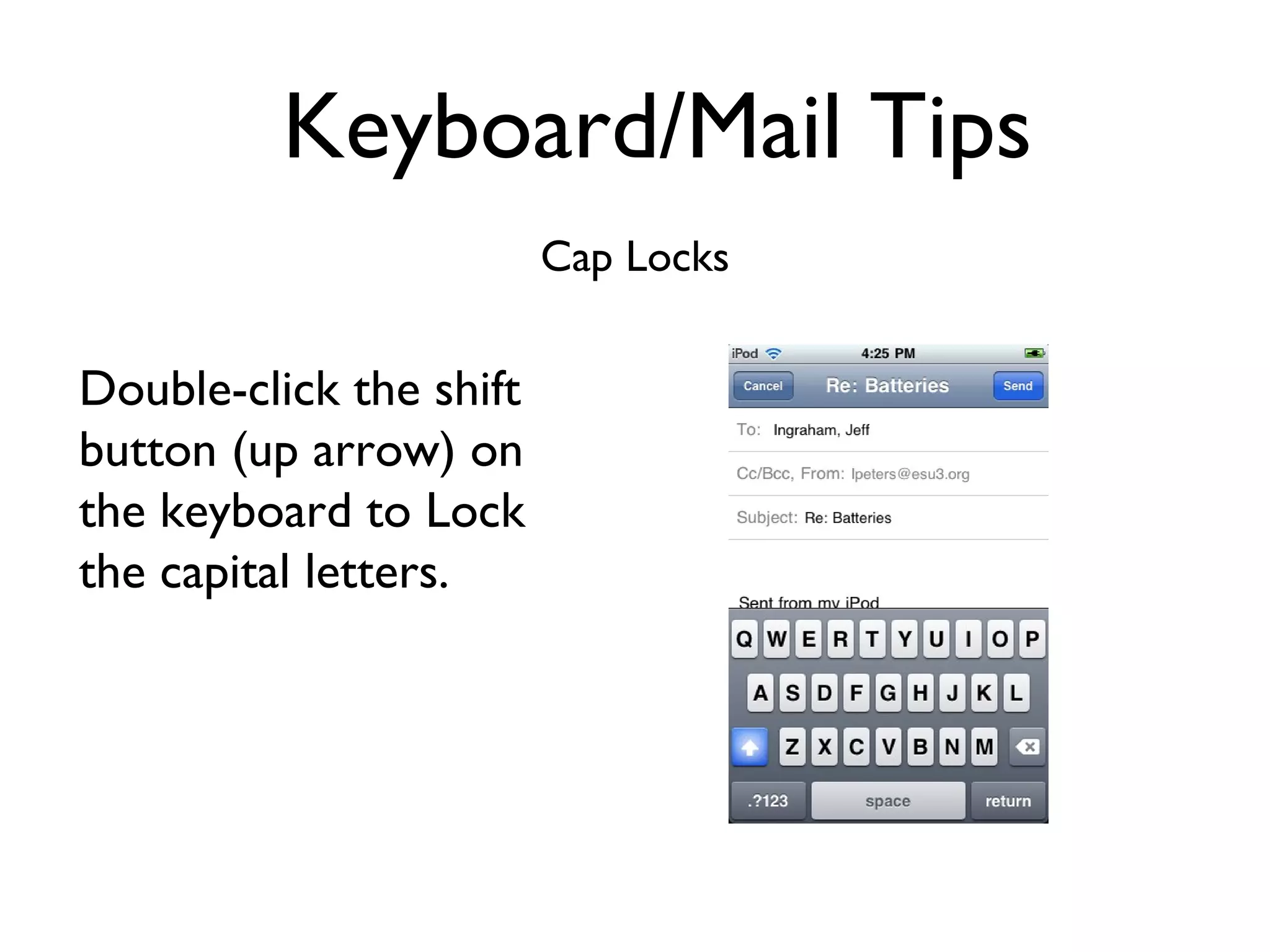
Keyboard/Mail Tips Cap Locks Double-click the shift button (up arrow) on the keyboard to Lock the capital letters.
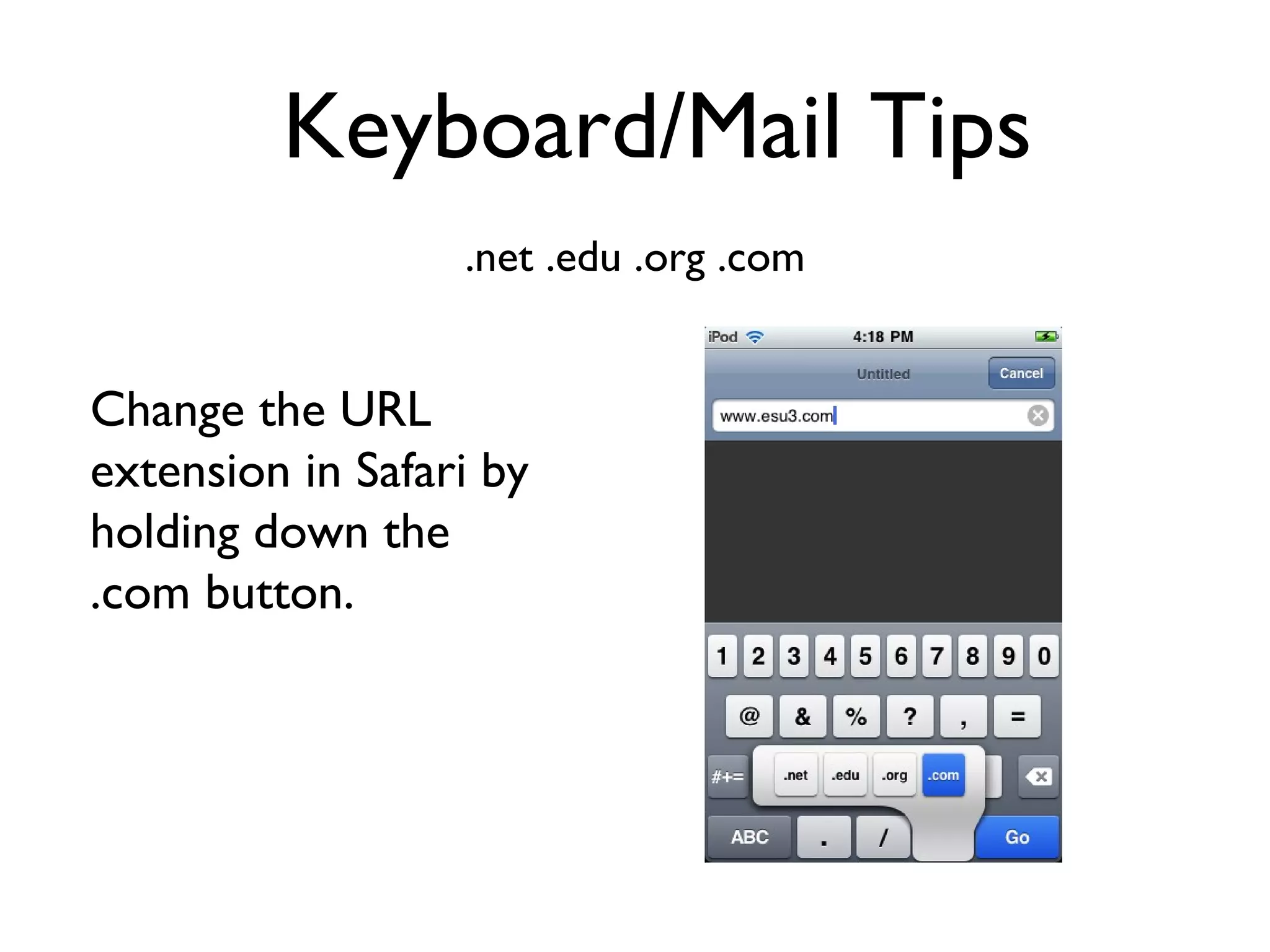
Keyboard/Mail Tips .net .edu .org .com Change the URL extension in Safari by holding down the .com button.
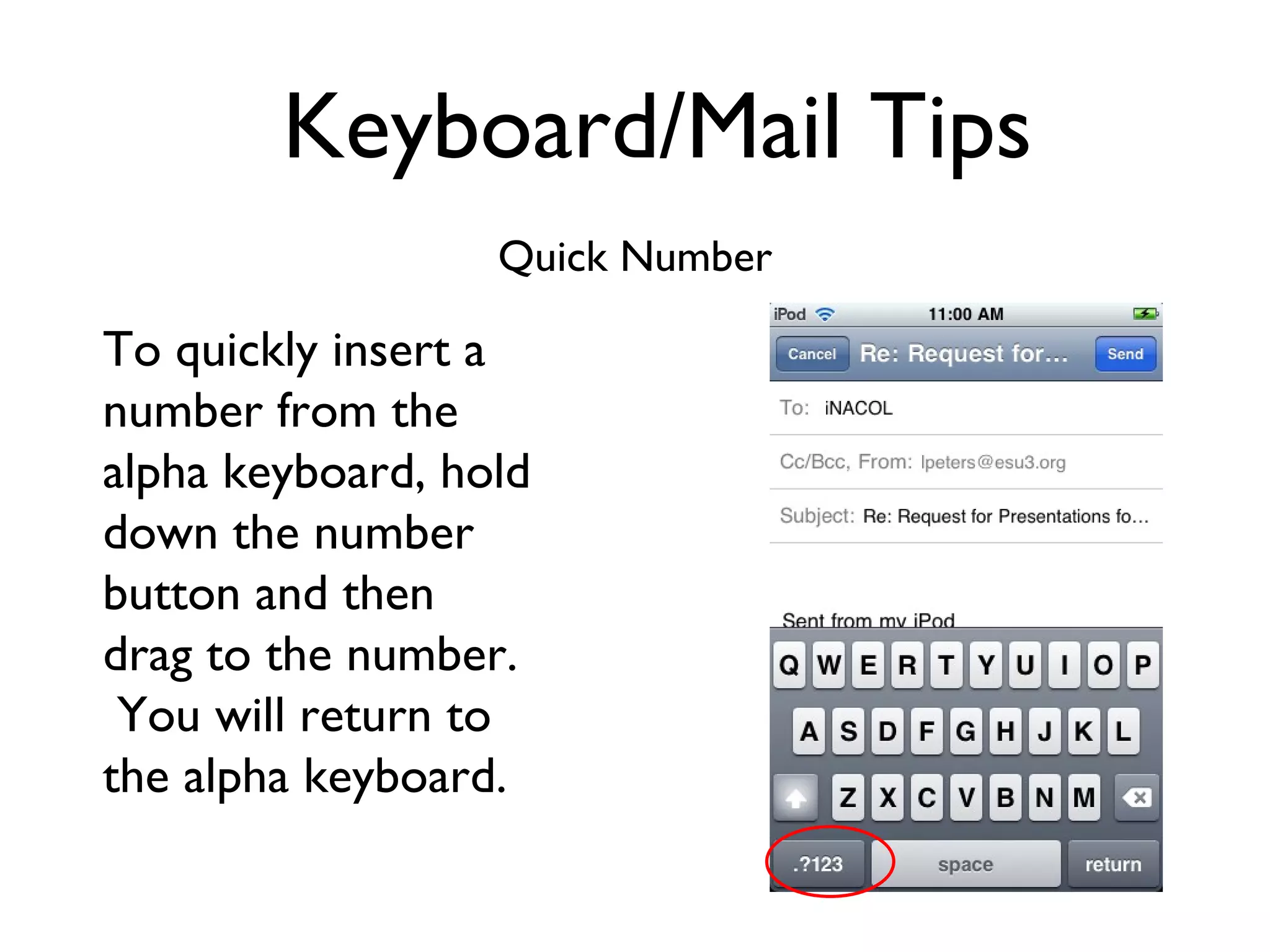
Keyboard/Mail Tips Quick Number To quickly insert a number from the alpha keyboard, hold down the number button and then drag to the number.  You will return to the alpha keyboard.
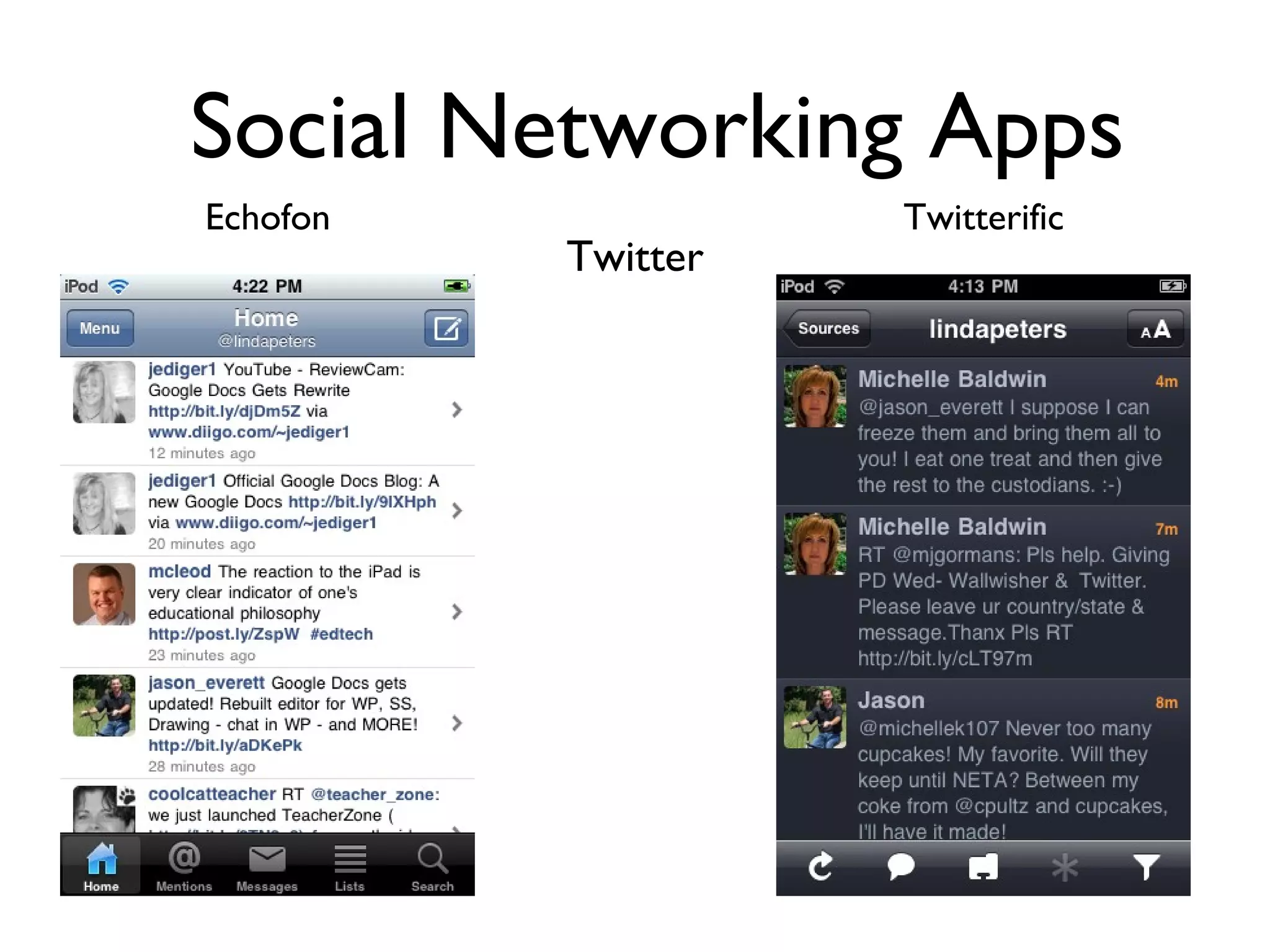
Social Networking Apps Twitter Echofon Twitterific
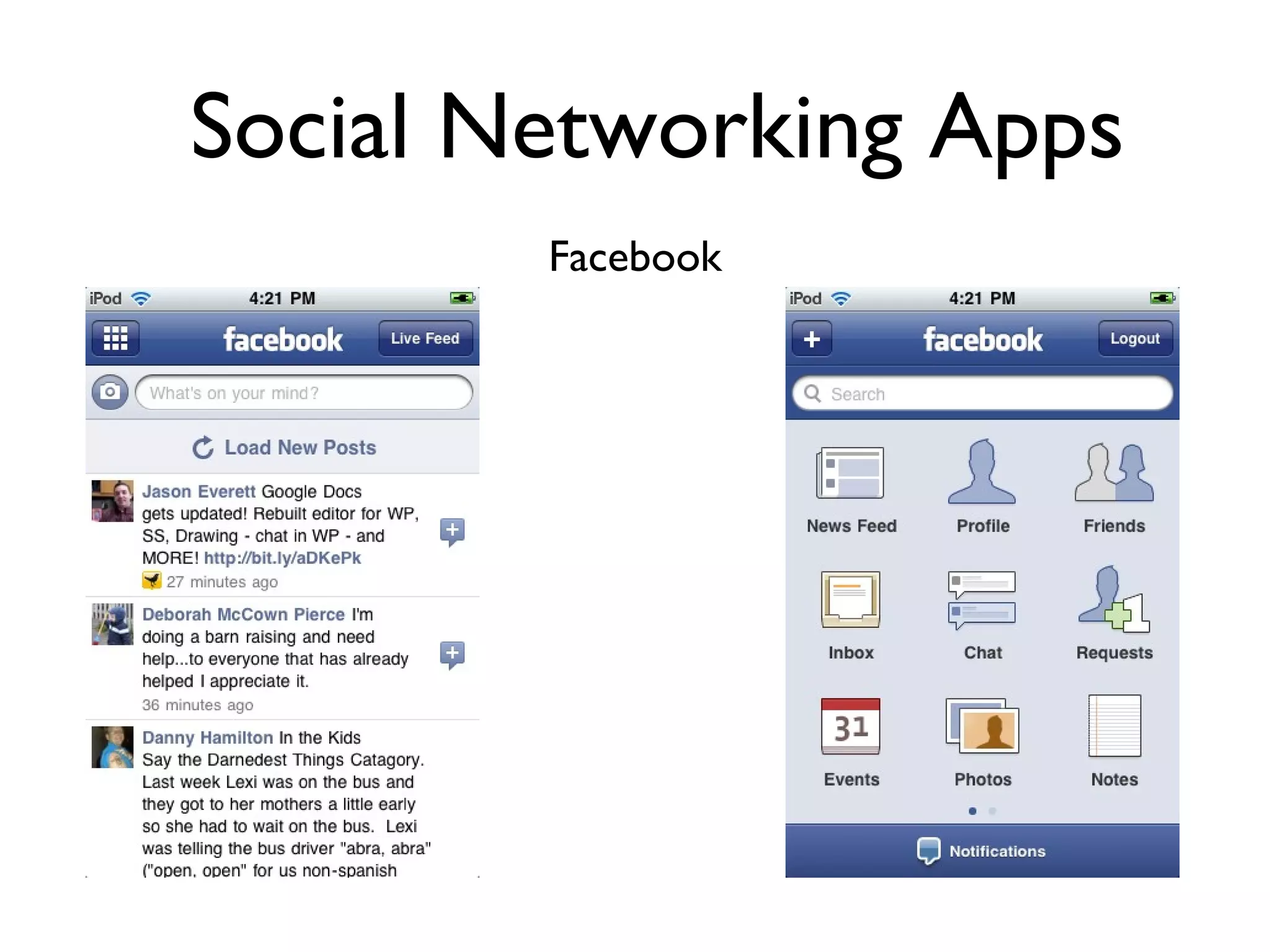
Social Networking Apps Facebook
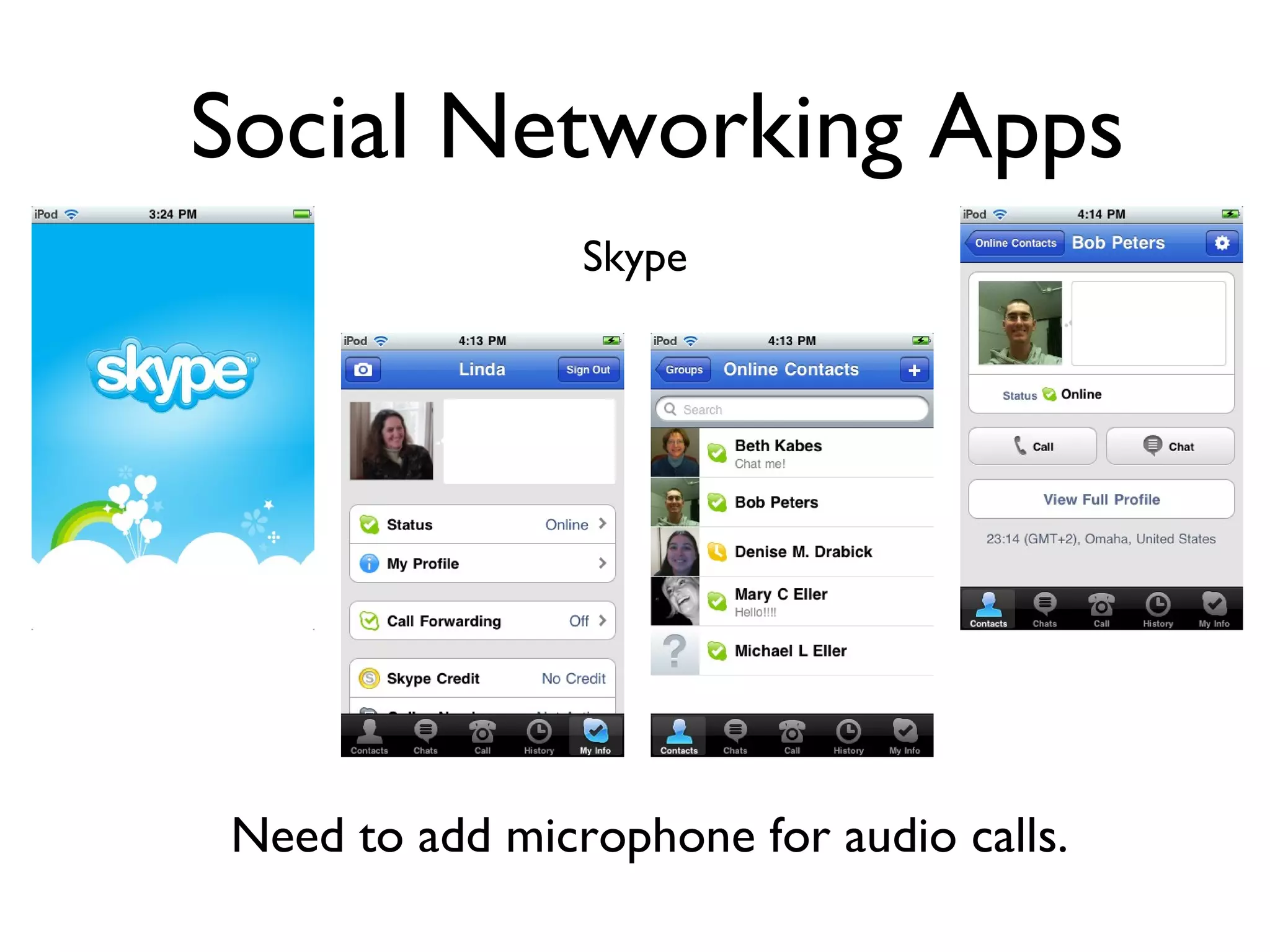
Social Networking Apps Skype Need to add microphone for audio calls.
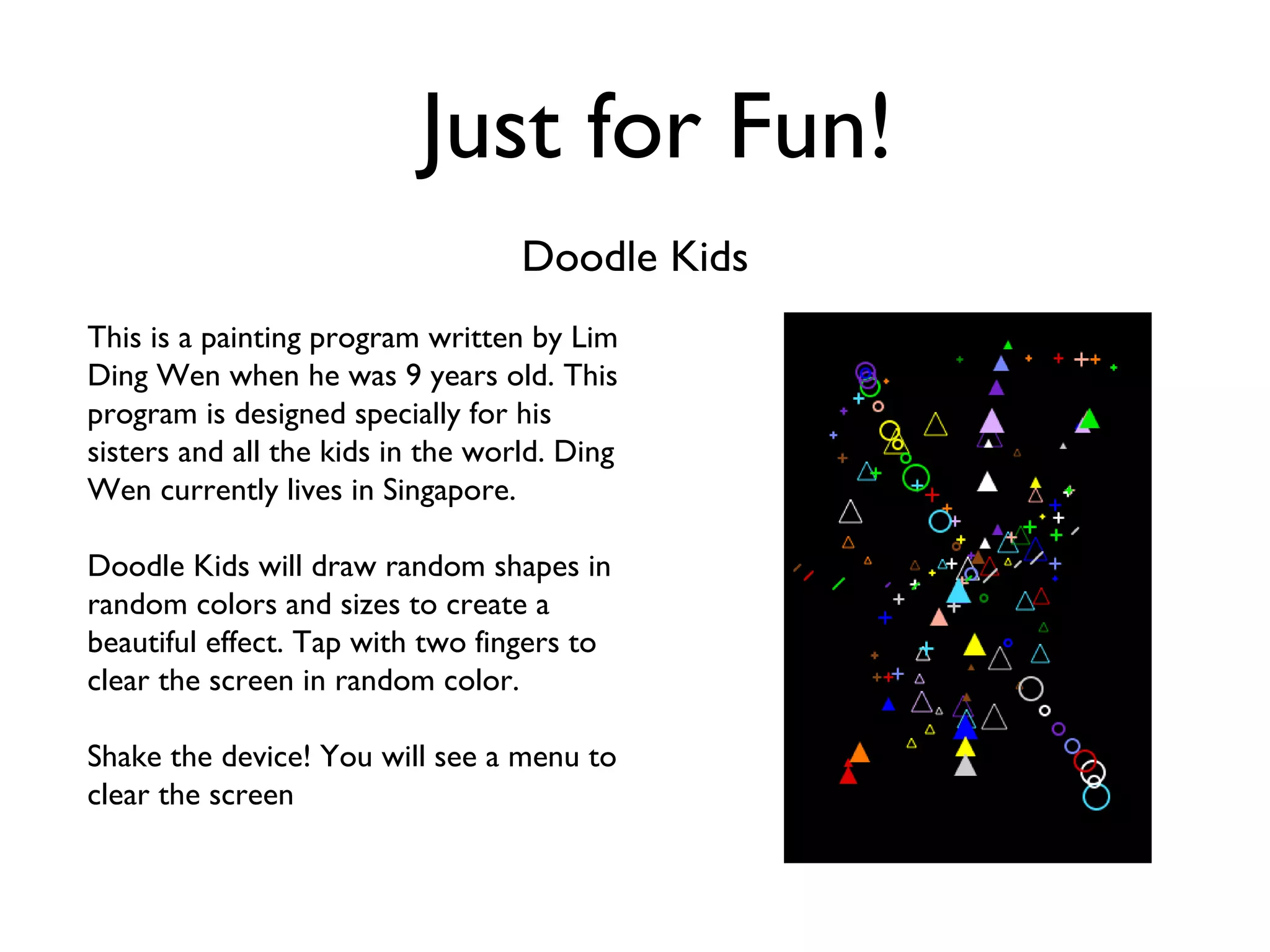
Just for Fun! Doodle Kids This is a painting program written by Lim Ding Wen when he was 9 years old. This program is designed specially for his sisters and all the kids in the world. Ding Wen currently lives in Singapore. Doodle Kids will draw random shapes in random colors and sizes to create a beautiful effect. Tap with two fingers to clear the screen in random color.  Shake the device! You will see a menu to clear the screen
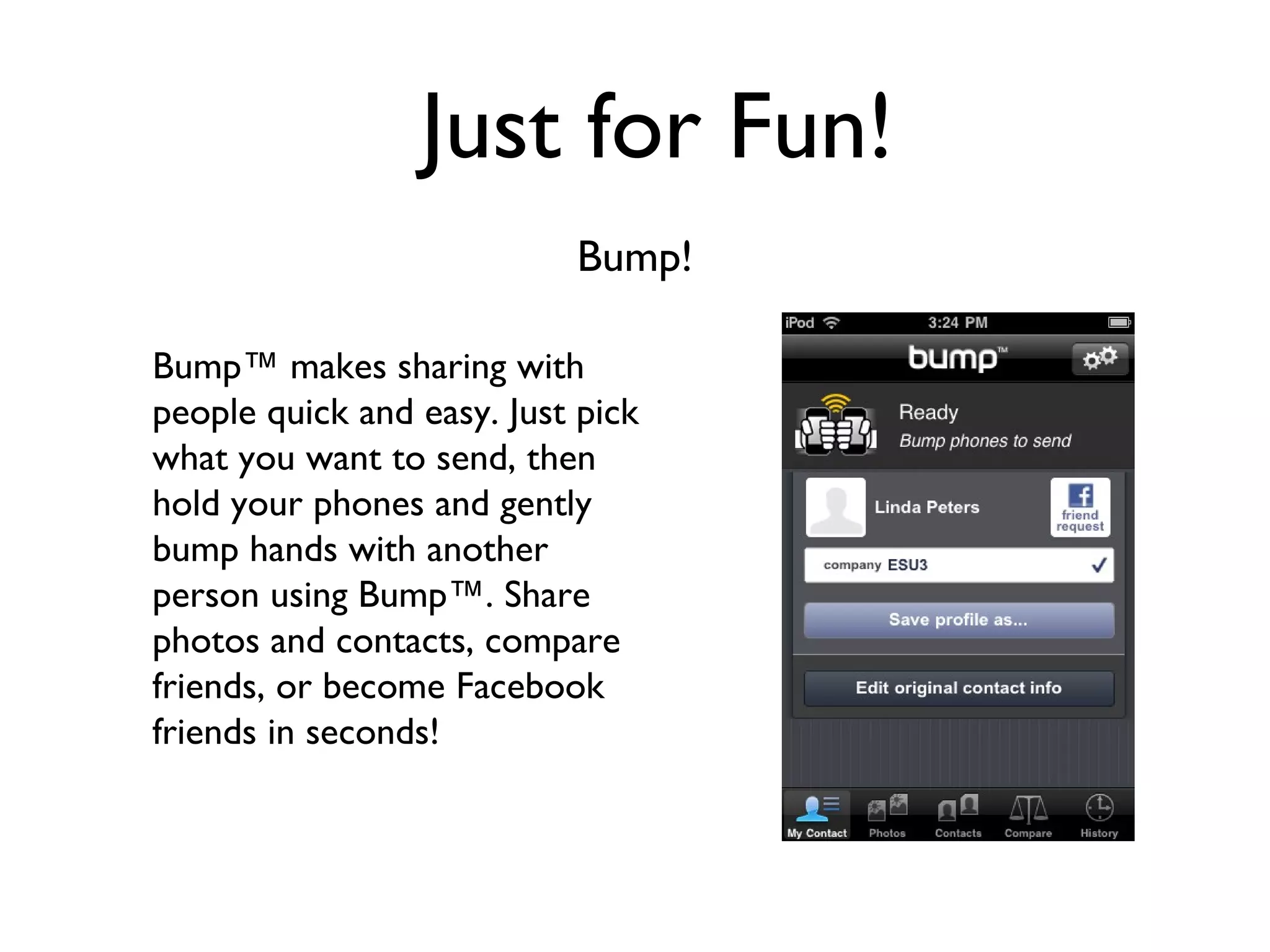
Just for Fun! Bump! Bump™ makes sharing with people quick and easy. Just pick what you want to send, then hold your phones and gently bump hands with another person using Bump™. Share photos and contacts, compare friends, or become Facebook friends in seconds!
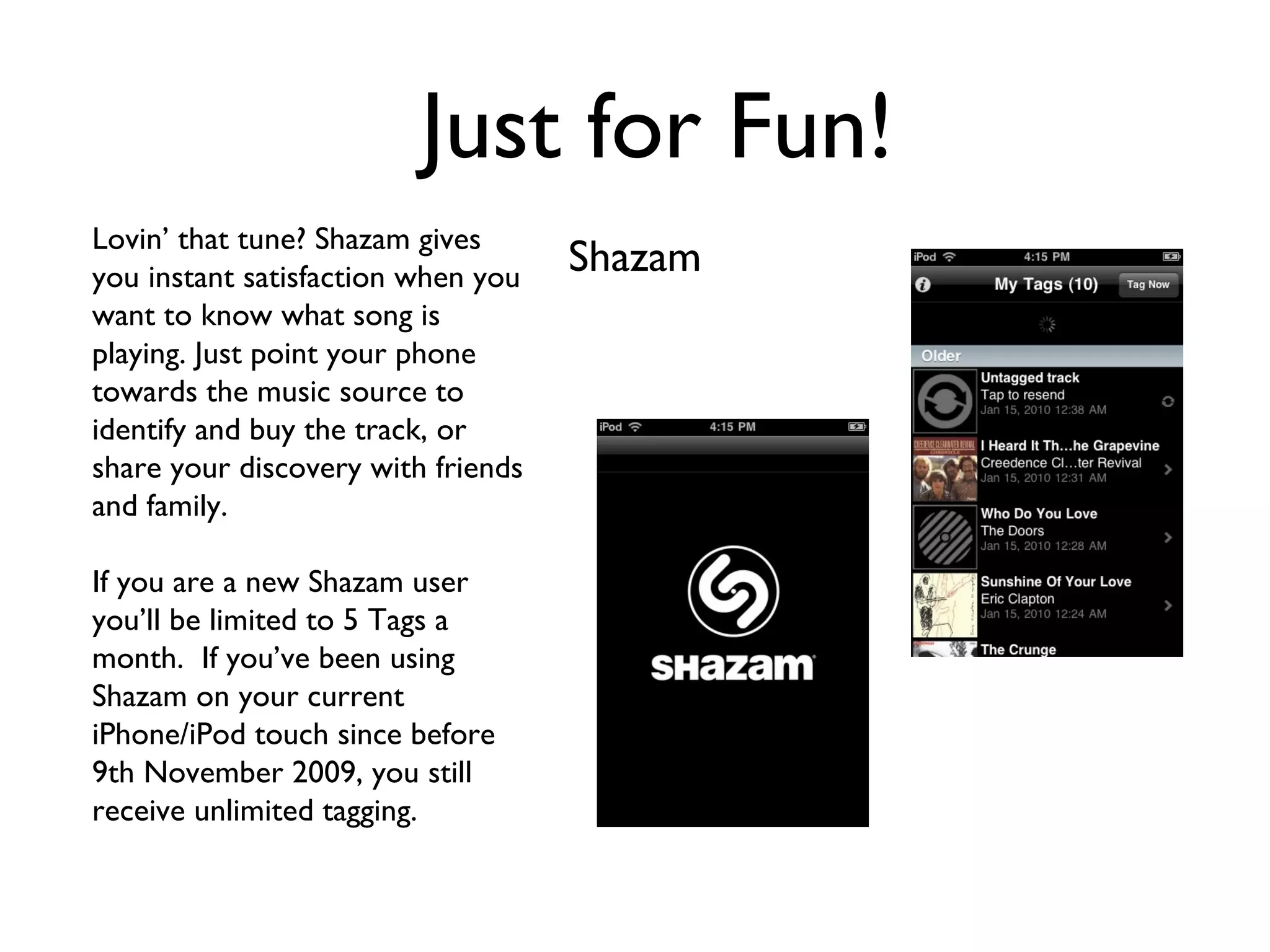
Just for Fun! Shazam Lovin’ that tune? Shazam gives you instant satisfaction when you want to know what song is playing. Just point your phone towards the music source to identify and buy the track, or share your discovery with friends and family.  If you are a new Shazam user you’ll be limited to 5 Tags a month.  If you’ve been using Shazam on your current iPhone/iPod touch since before 9th November 2009, you still receive unlimited tagging.
Just for Fun! Mini Piano
What’s on your iPod?

So Many Apps, So Little Time -