Download as PDF, PPTX
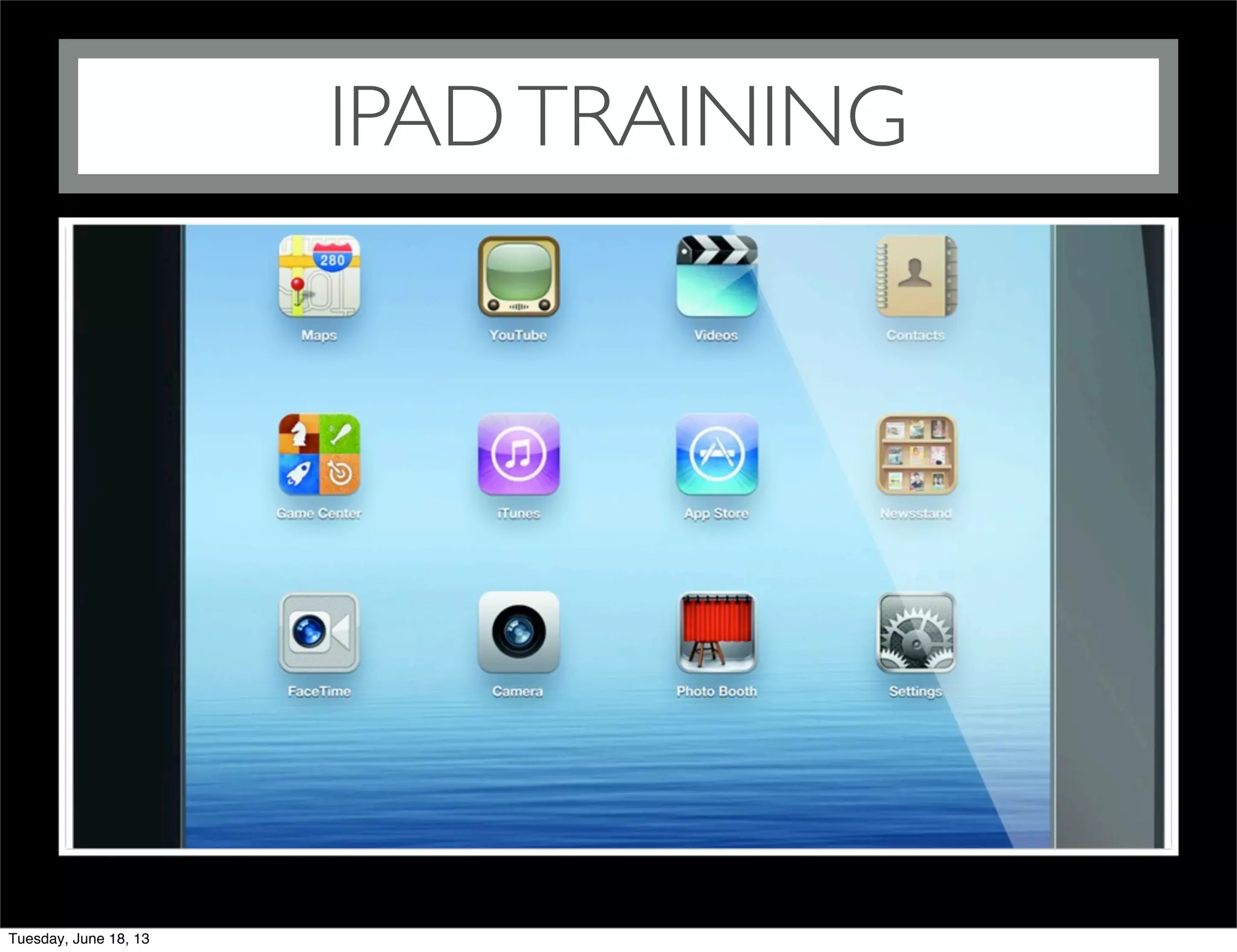


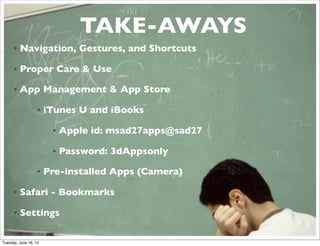
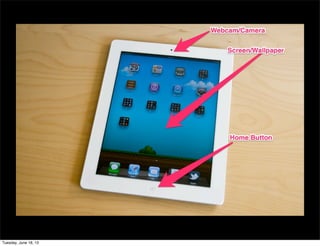
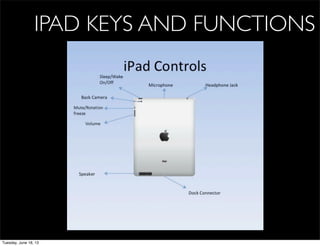
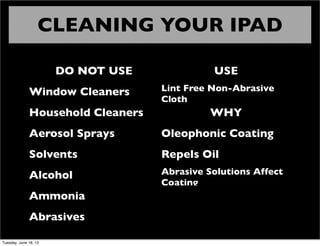
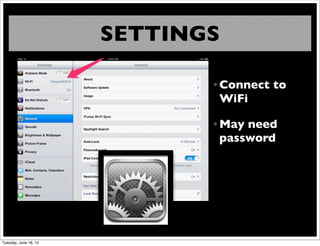
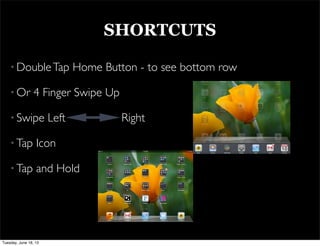
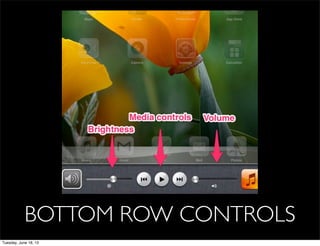
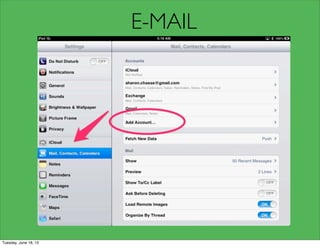
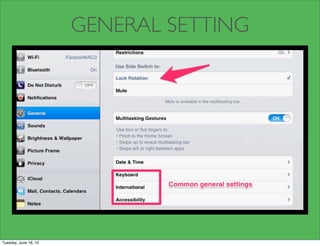
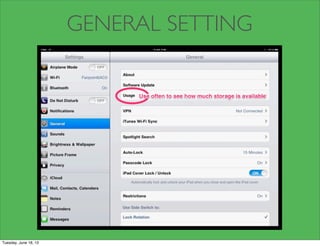
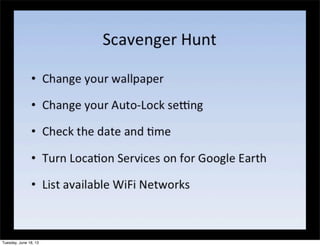
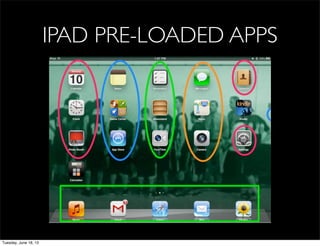



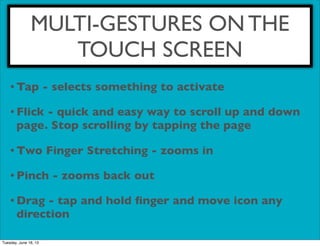
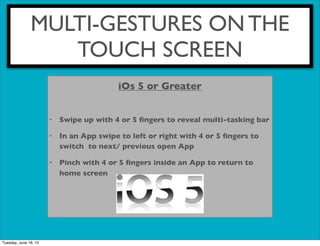
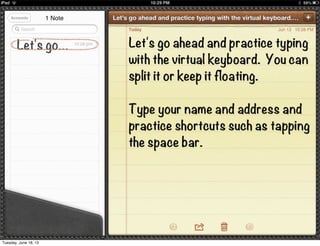
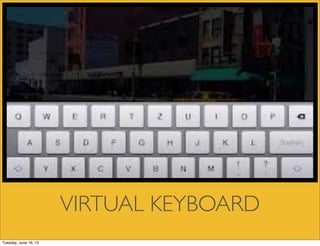

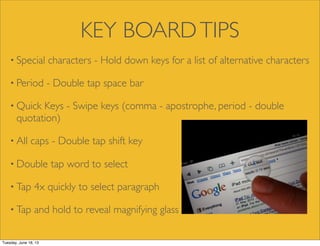
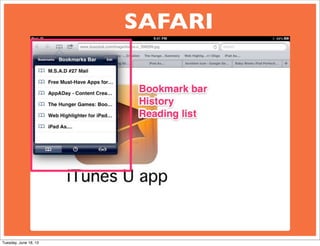
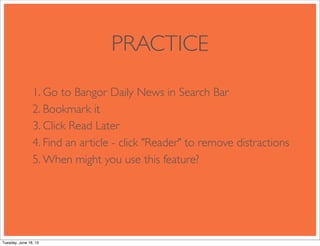
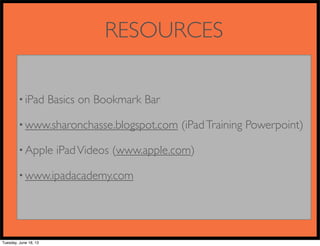


This document provides an overview of iPad training covering the following topics: - Navigation, gestures and shortcuts for the iPad interface - Proper care and cleaning of the iPad - An overview of key pre-installed apps like Camera, Safari, and iTunes U - How to connect to WiFi and manage settings - Multi-touch gestures for zooming, scrolling, switching apps - Using the on-screen keyboard and keyboard tips - Resources for additional iPad help and training


