Download to read offline
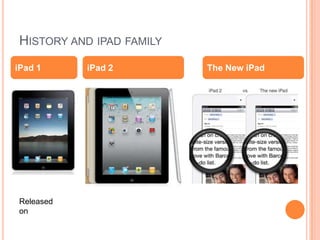
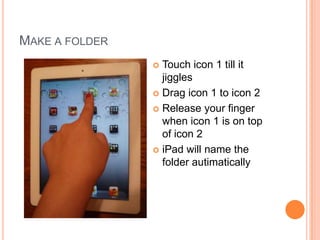
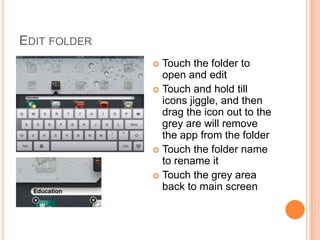
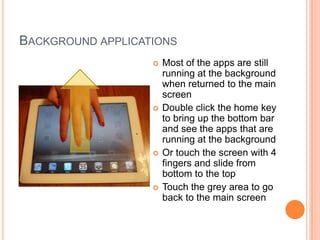
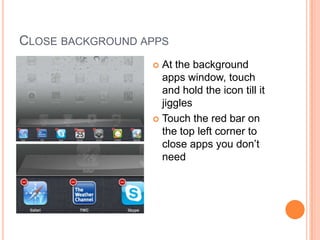
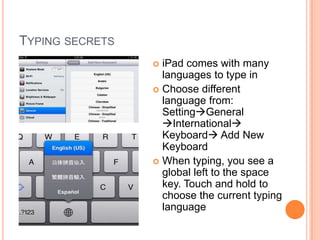
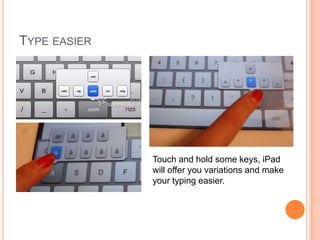
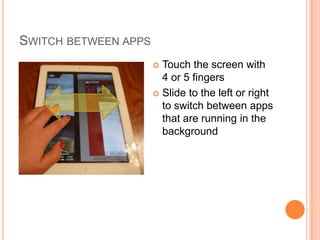
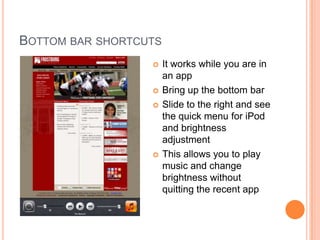
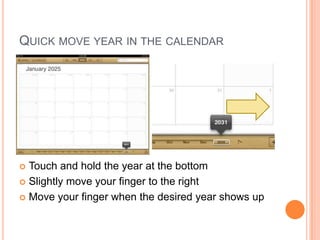

The document provides tips for using an iPad, including: 1) Creating folders by dragging apps onto each other and editing folders by dragging apps in or out. 2) Viewing running apps in the background by double clicking the home button or using four finger gestures. 3) Closing running apps by touching and holding their icons. 4) Changing the keyboard language and using touch and hold for keyboard variations. 5) Switching between apps using four or five finger gestures and accessing shortcuts from the bottom bar.


