Hall, Accounting Information Systems, 8e
©2013 Cengage Learning. All Rights Reserved. May not be scanned, copied or duplicated, or posted to a publicly accessible website,in whole or in part.
Accounting Information Systems, 8e
James A. Hall
Chapter 11
Enterprise Resource Planning
Systems
Hall, Accounting Information Systems, 8e
©2013 Cengage Learning. All Rights Reserved. May not be scanned, copied or duplicated, or posted to a publicly accessible website,in whole or in part.
Objectives for Chapter 11
 Understand the general functionality and key elements
of ERP systems.
 Understand the various aspects of ERP configurations
including servers, databases, and the use of bolt-on
software.
 Understand the purpose of data warehouses as a
strategic tool and recognize the issues related to the
design, maintenance, and operation of a data
warehouse.
 Recognize the risks associated with ERP
implementation.
 Be aware of key considerations related to ERP
implementation.
 Understand the internal control and auditing
implications associated with ERPs.
2
Hall, Accounting Information Systems, 8e
©2013 Cengage Learning. All Rights Reserved. May not be scanned, copied or duplicated, or posted to a publicly accessible website,in whole or in part.
Problems with Non-ERP Systems
 In-house design limits connectivity outside the
company
 Tendency toward separate IS’s within firm
 lack of integration limits communication within the
company
 Strategic decision-making not supported
 Long-term maintenance costs high
 Limits ability to engage in process
reengineering
3
Hall, Accounting Information Systems, 8e
©2013 Cengage Learning. All Rights Reserved. May not be scanned, copied or duplicated, or posted to a publicly accessible website,in whole or in part.
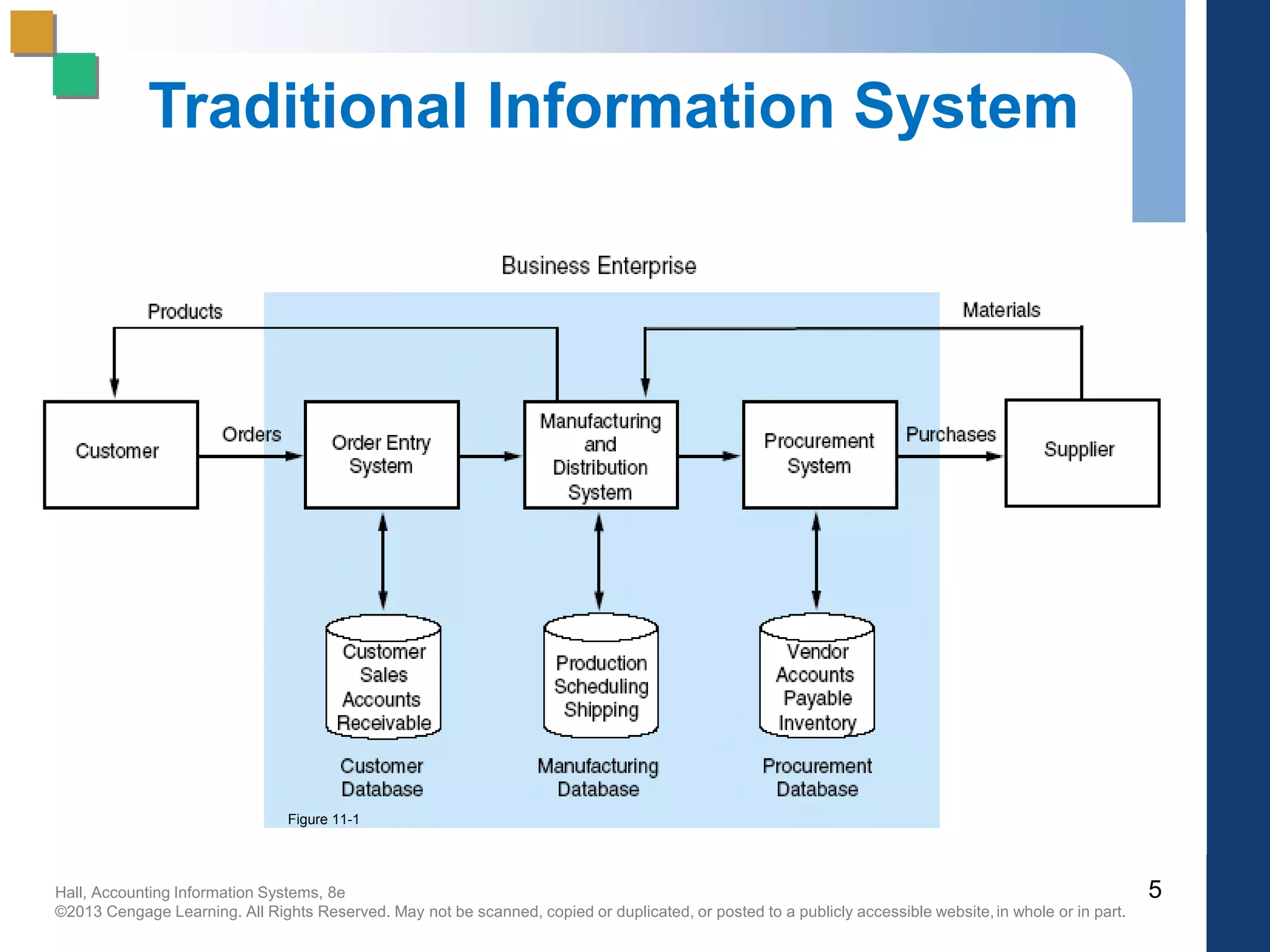
Traditional IS Model:
Closed Database Architecture
 Similar in concept to flat-file approach
 data remains the property of the application
 fragmentation limits communications
 Existence of numerous distinct and independent
databases
 redundancy and anomaly problems
 Paper-based
 requires multiple entry of data
 status of information unknown at key points
4
Hall, Accounting Information Systems, 8e
©2013 Cengage Learning. All Rights Reserved. May not be scanned, copied or duplicated, or posted to a publicly accessible website,in whole or in part.
Traditional Information System
5
Figure 11-1
Hall, Accounting Information Systems, 8e
©2013 Cengage Learning. All Rights Reserved. May not be scanned, copied or duplicated, or posted to a publicly accessible website,in whole or in part.
What is an ERP System?
 Multi-module application software that
helps a company manage the important
parts of its business in an integrated
fashion.
 Key features include:
 smooth and seamless flow of information
across organizational boundaries
 standardized environment with shared
database independent of applications and
integrated applications
6
Hall, Accounting Information Systems, 8e
©2013 Cengage Learning. All Rights Reserved. May not be scanned, copied or duplicated, or posted to a publicly accessible website,in whole or in part.
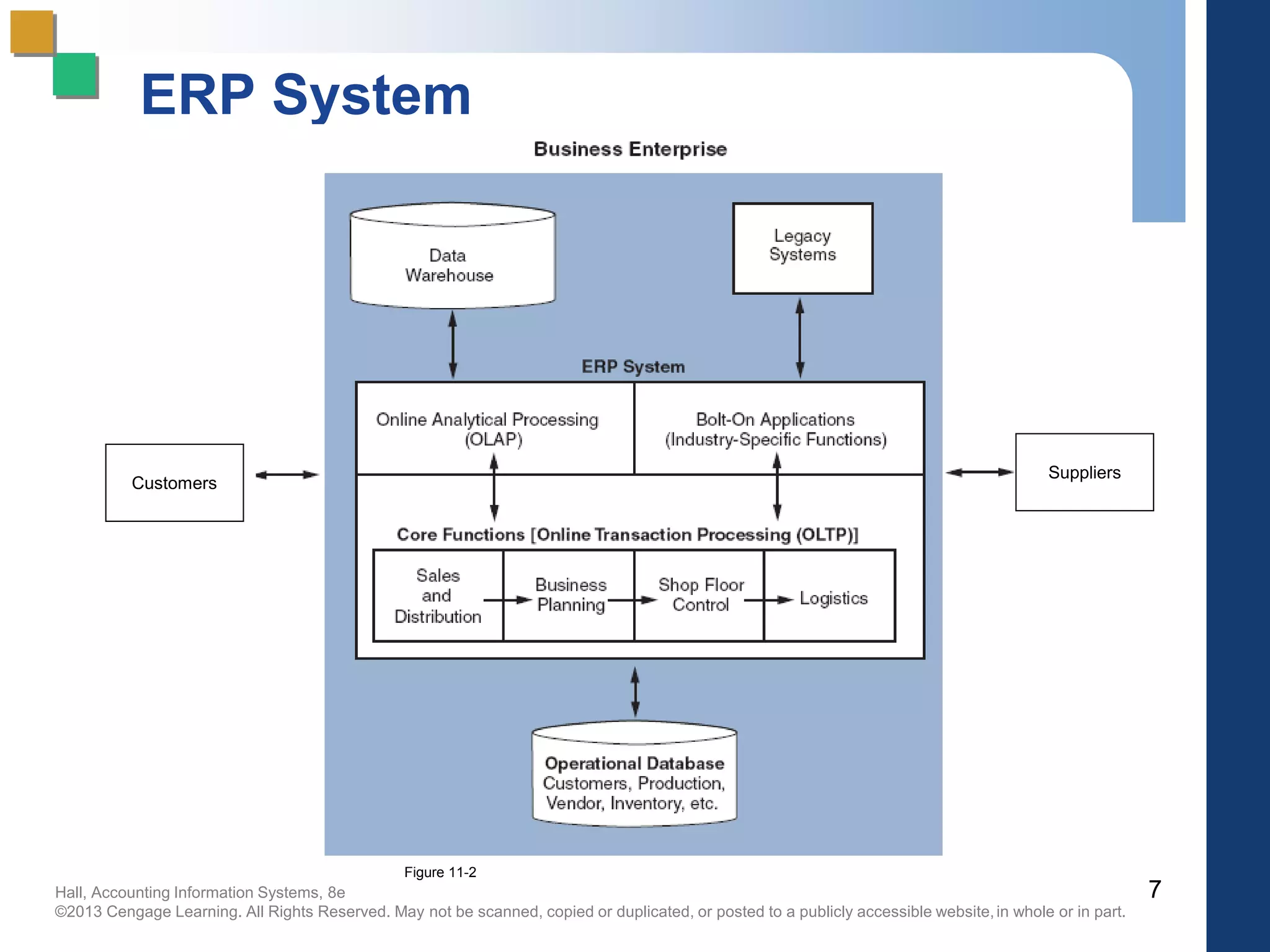
ERP System
7
Customers
Suppliers
Figure 11-2
Hall, Accounting Information Systems, 8e
©2013 Cengage Learning. All Rights Reserved. May not be scanned, copied or duplicated, or posted to a publicly accessible website,in whole or in part.
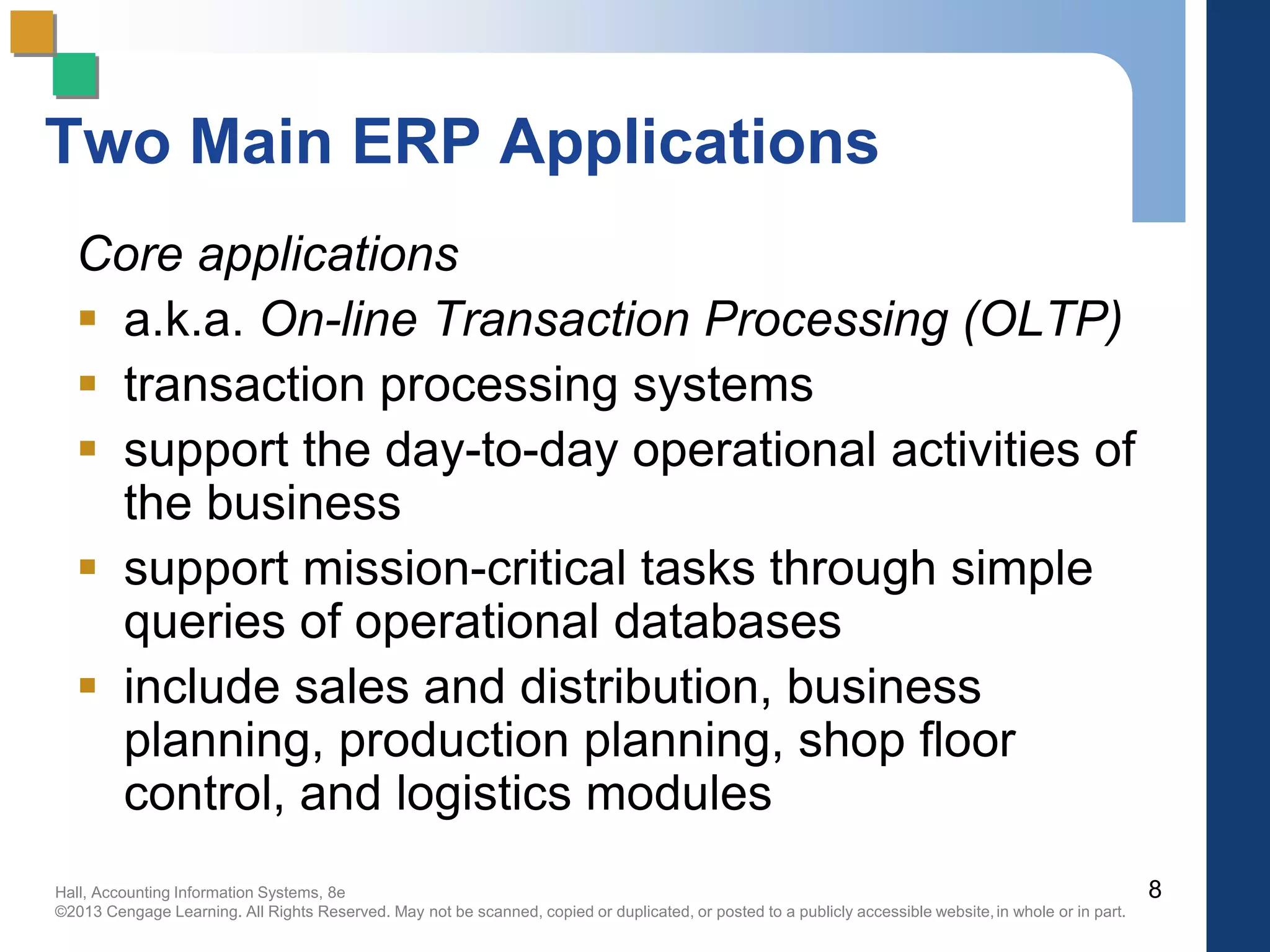
Two Main ERP Applications
Core applications
 a.k.a. On-line Transaction Processing (OLTP)
 transaction processing systems
 support the day-to-day operational activities of
the business
 support mission-critical tasks through simple
queries of operational databases
 include sales and distribution, business
planning, production planning, shop floor
control, and logistics modules
8
Hall, Accounting Information Systems, 8e
©2013 Cengage Learning. All Rights Reserved. May not be scanned, copied or duplicated, or posted to a publicly accessible website,in whole or in part.
Two Main ERP Applications
Business analysis applications
 a.k.a. On-line Analytical Processing (OLAP)
 decision support tool for management-critical
tasks through analytical investigation of
complex data associations
 supplies management with “real-time”
information and facilitates timely decisions to
improve performance and achieve competitive
advantage
 includes decision support, modeling,
information retrieval, ad-hoc reporting/analysis,
and what-if analysis
9
Hall, Accounting Information Systems, 8e
©2013 Cengage Learning. All Rights Reserved. May not be scanned, copied or duplicated, or posted to a publicly accessible website,in whole or in part.
OLAP
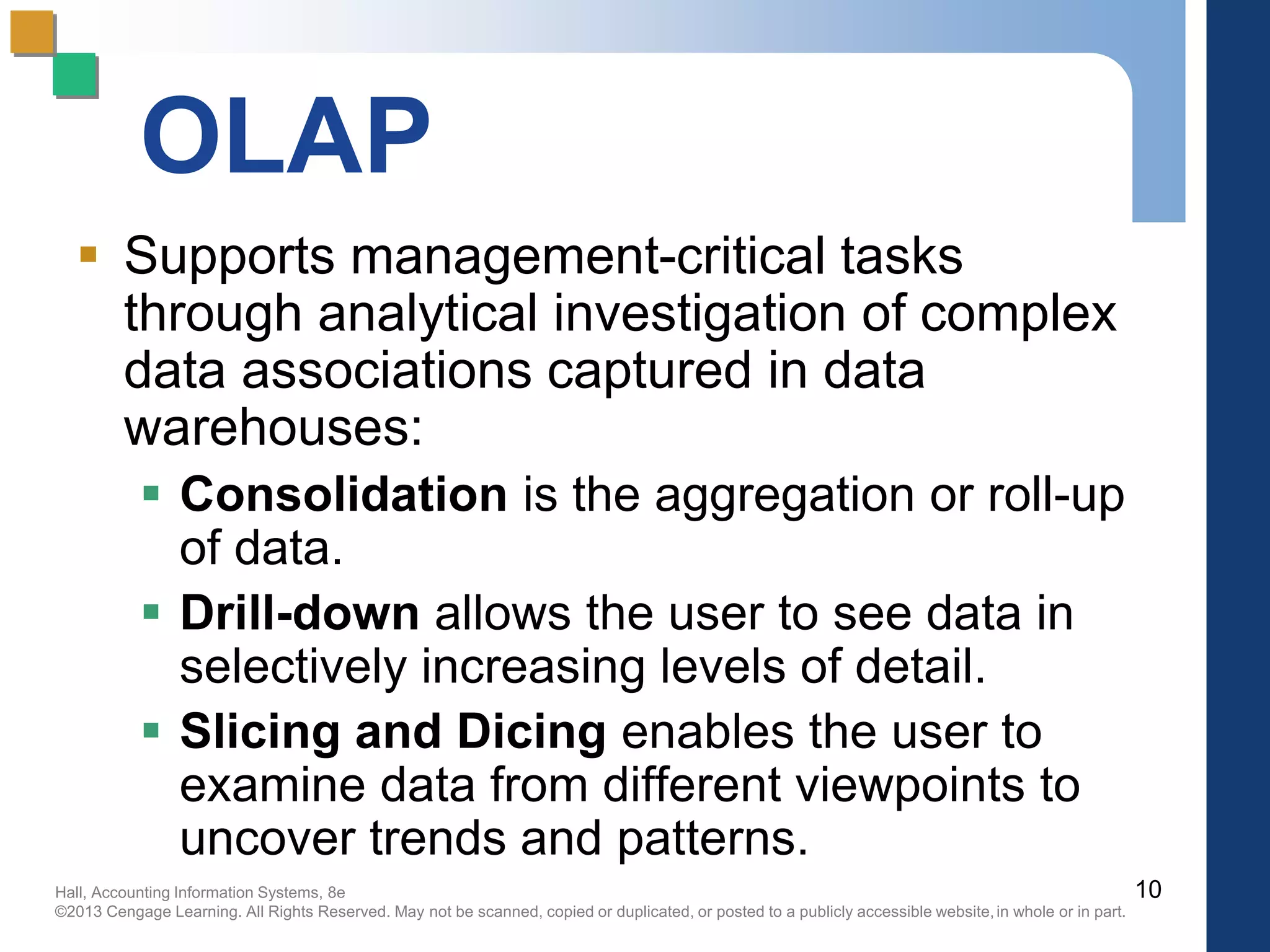
 Supports management-critical tasks
through analytical investigation of complex
data associations captured in data
warehouses:
 Consolidation is the aggregation or roll-up
of data.
 Drill-down allows the user to see data in
selectively increasing levels of detail.
 Slicing and Dicing enables the user to
examine data from different viewpoints to
uncover trends and patterns.
10
Hall, Accounting Information Systems, 8e
©2013 Cengage Learning. All Rights Reserved. May not be scanned, copied or duplicated, or posted to a publicly accessible website,in whole or in part.
ERP System Configurations:
Client-Server Network Topology
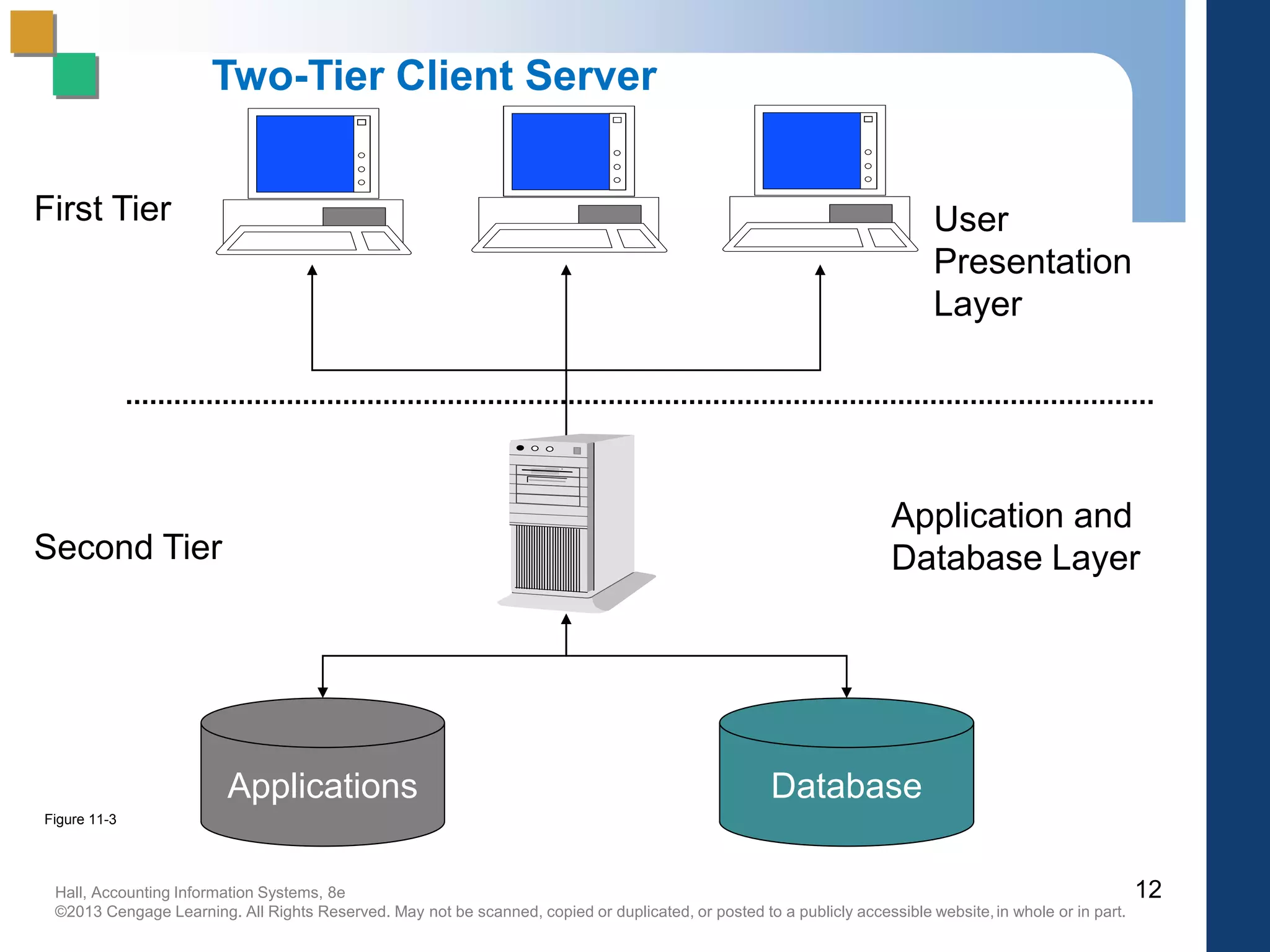
Two-tier
 common server handles both
application and database duties
 used especially in LANs
11
Hall, Accounting Information Systems, 8e
©2013 Cengage Learning. All Rights Reserved. May not be scanned, copied or duplicated, or posted to a publicly accessible website,in whole or in part.
Server
Applications Database
User
Presentation
Layer
First Tier
Second Tier
Application and
Database Layer
Two-Tier Client Server
12
Figure 11-3
Hall, Accounting Information Systems, 8e
©2013 Cengage Learning. All Rights Reserved. May not be scanned, copied or duplicated, or posted to a publicly accessible website,in whole or in part.
ERP System Configurations:
Client-Server Network Topology
Three-tier
 client links to the application server
which then initiates a second
connection to the database server
 used especially in WANs
13
Hall, Accounting Information Systems, 8e
©2013 Cengage Learning. All Rights Reserved. May not be scanned, copied or duplicated, or posted to a publicly accessible website,in whole or in part.
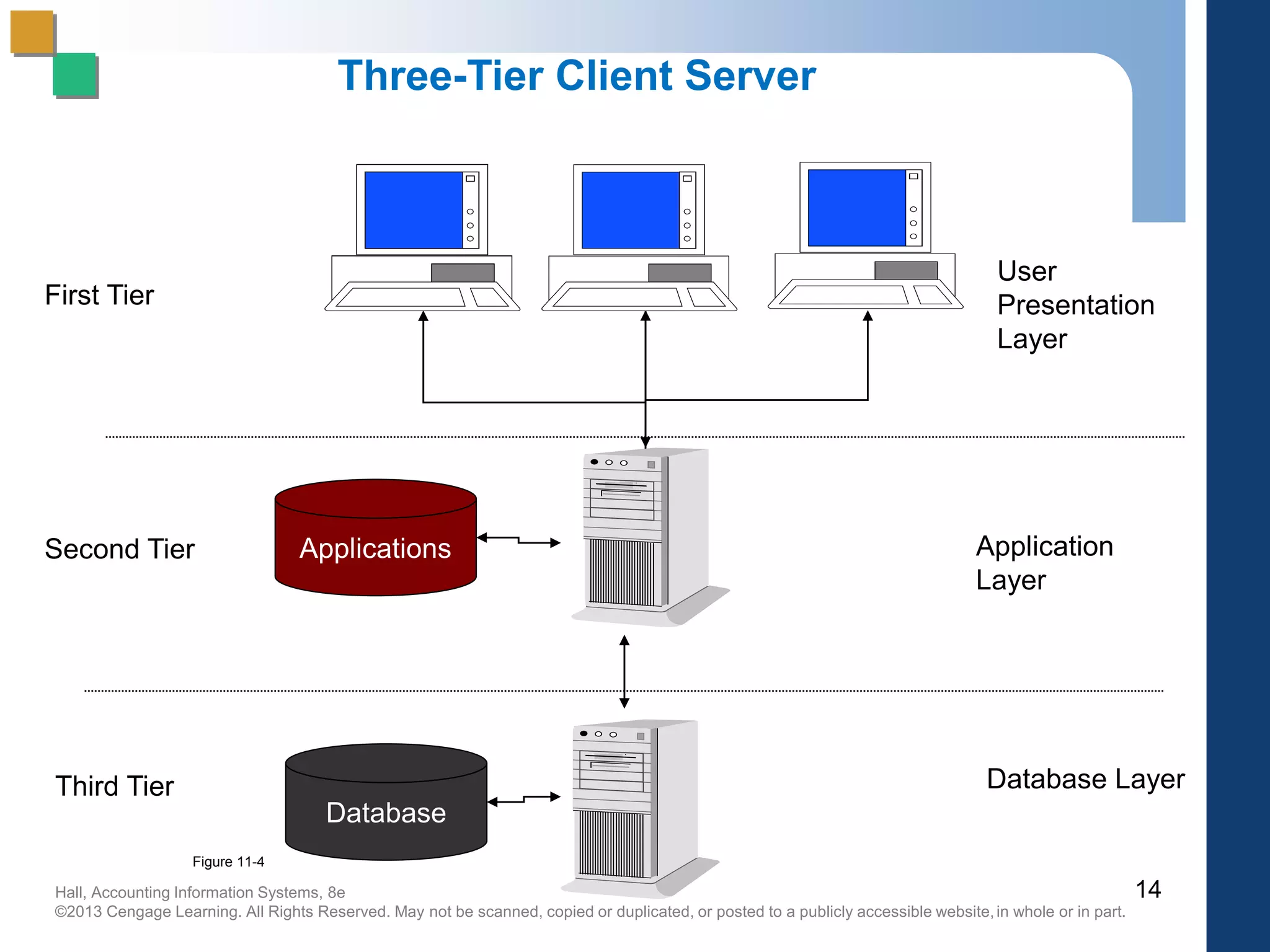
Three-Tier Client Server
Applications
Database
First Tier
Second Tier
Third Tier
User
Presentation
Layer
Application
Layer
Database Layer
14
Figure 11-4
Hall, Accounting Information Systems, 8e
©2013 Cengage Learning. All Rights Reserved. May not be scanned, copied or duplicated, or posted to a publicly accessible website,in whole or in part.
15
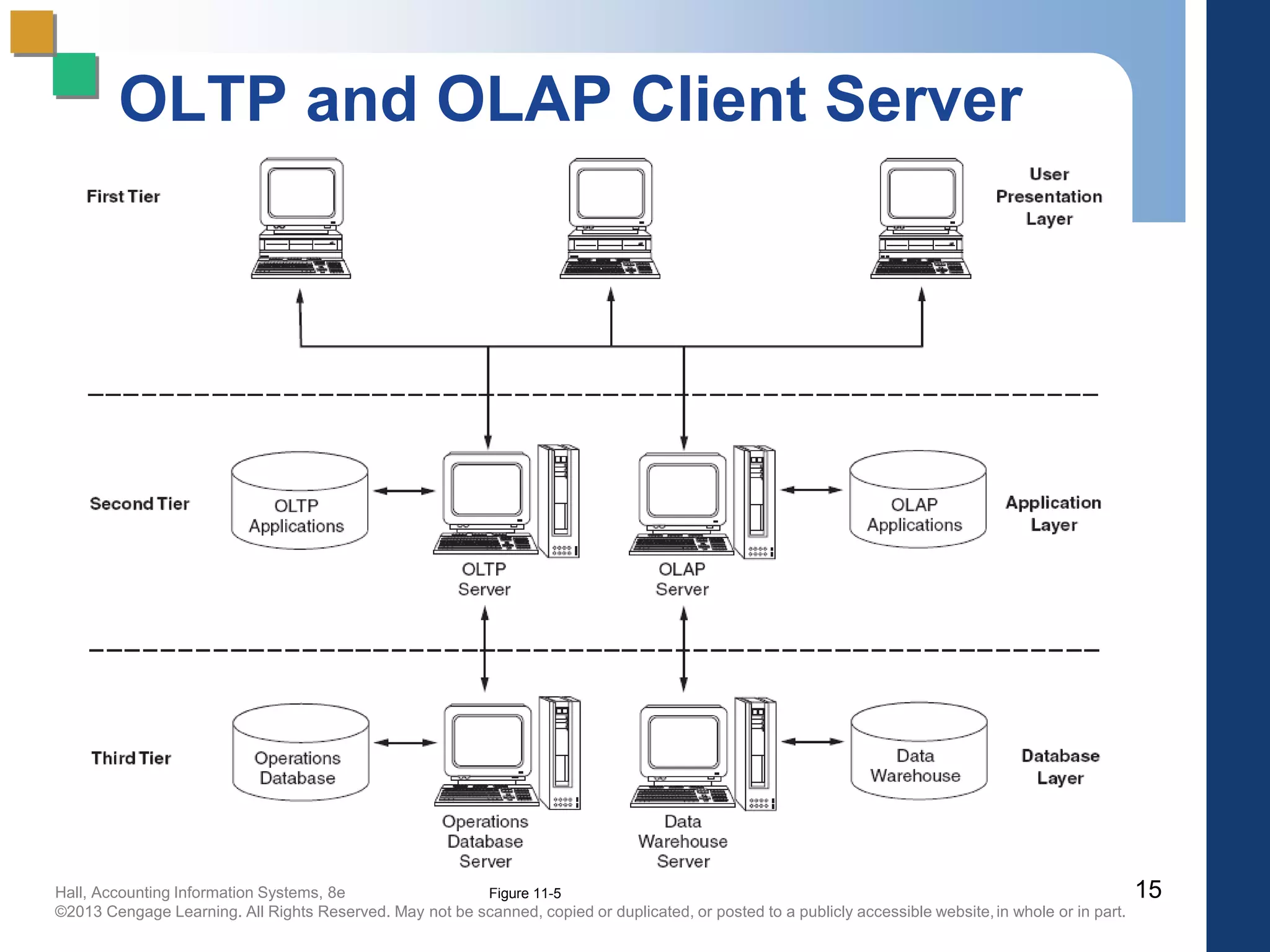
OLTP and OLAP Client Server
Figure 11-5
Hall, Accounting Information Systems, 8e
©2013 Cengage Learning. All Rights Reserved. May not be scanned, copied or duplicated, or posted to a publicly accessible website,in whole or in part.
ERP System Configurations:
Databases and Bolt-Ons
 Database Configuration
 selection of database tables in the thousands
 setting the switches in the system
 Bolt-on Software
 third-party vendors provide specialized
functionality software
 Supply Chain Management (SCM) links
vendors, carriers, logistics companies, and IS
providers
16
Hall, Accounting Information Systems, 8e
©2013 Cengage Learning. All Rights Reserved. May not be scanned, copied or duplicated, or posted to a publicly accessible website,in whole or in part.
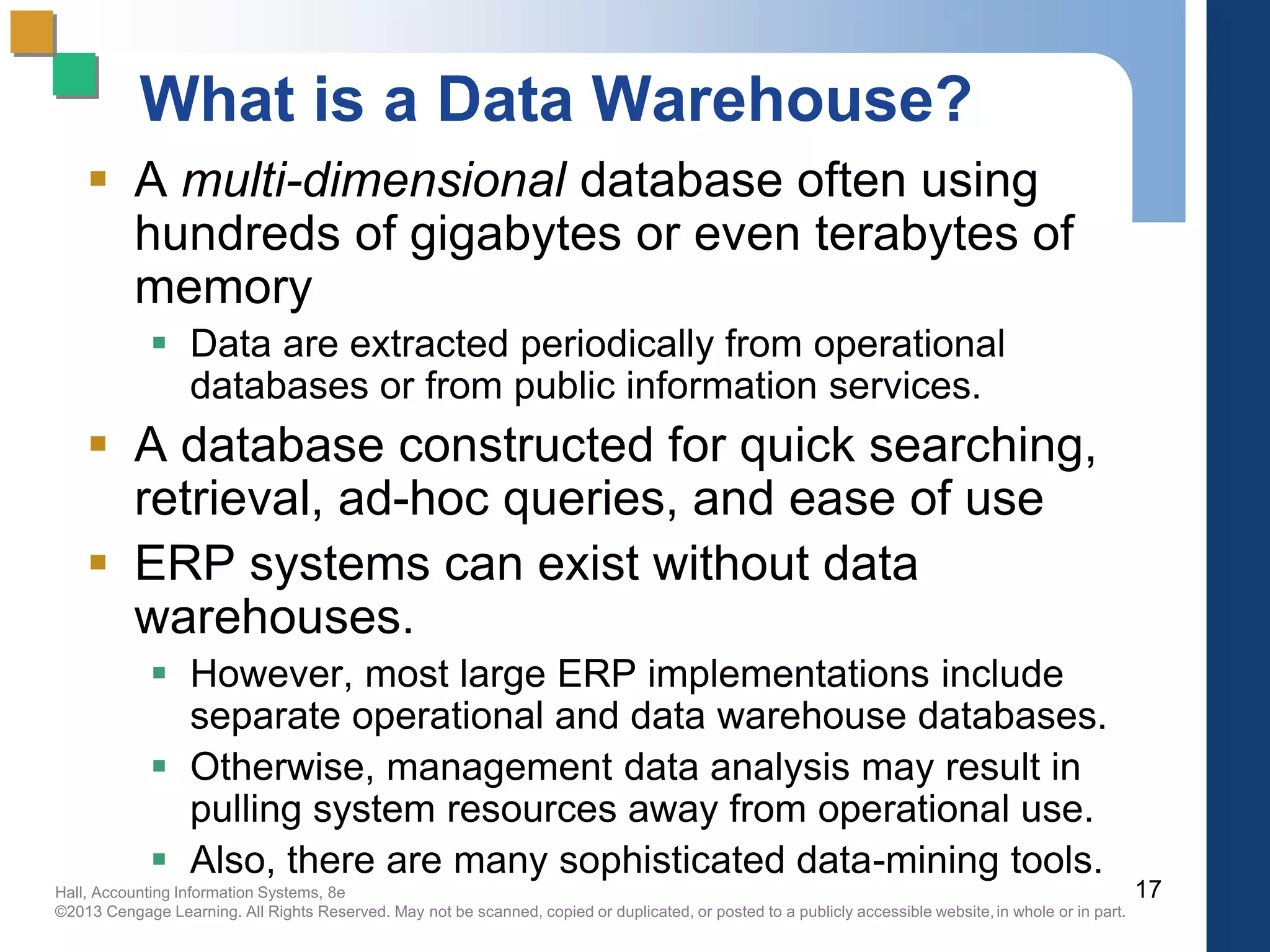
What is a Data Warehouse?
 A multi-dimensional database often using
hundreds of gigabytes or even terabytes of
memory
 Data are extracted periodically from operational
databases or from public information services.
 A database constructed for quick searching,
retrieval, ad-hoc queries, and ease of use
 ERP systems can exist without data
warehouses.
 However, most large ERP implementations include
separate operational and data warehouse databases.
 Otherwise, management data analysis may result in
pulling system resources away from operational use.
 Also, there are many sophisticated data-mining tools.
17
Hall, Accounting Information Systems, 8e
©2013 Cengage Learning. All Rights Reserved. May not be scanned, copied or duplicated, or posted to a publicly accessible website,in whole or in part.
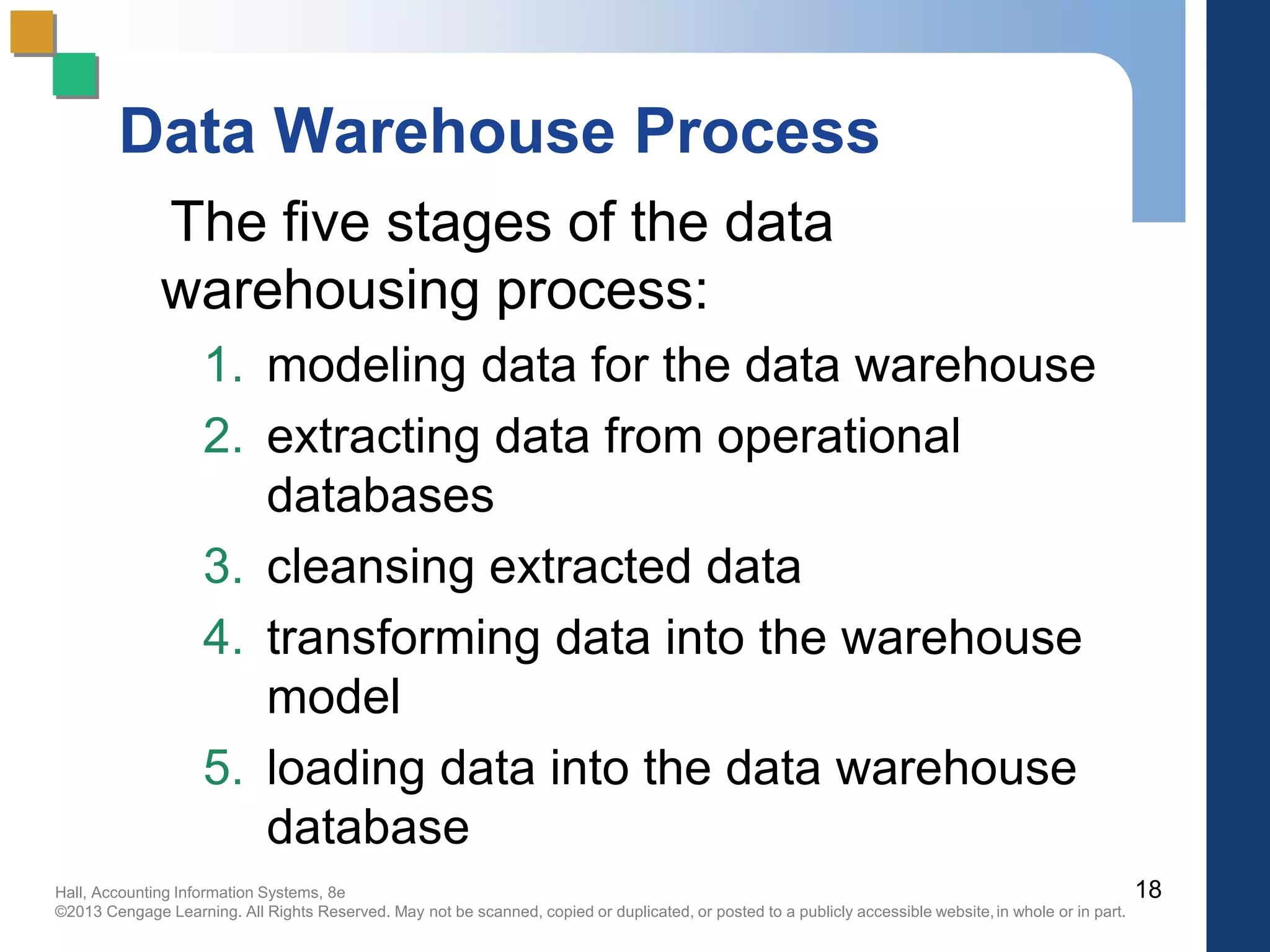
Data Warehouse Process
The five stages of the data
warehousing process:
1. modeling data for the data warehouse
2. extracting data from operational
databases
3. cleansing extracted data
4. transforming data into the warehouse
model
5. loading data into the data warehouse
database
18
Hall, Accounting Information Systems, 8e
©2013 Cengage Learning. All Rights Reserved. May not be scanned, copied or duplicated, or posted to a publicly accessible website,in whole or in part.
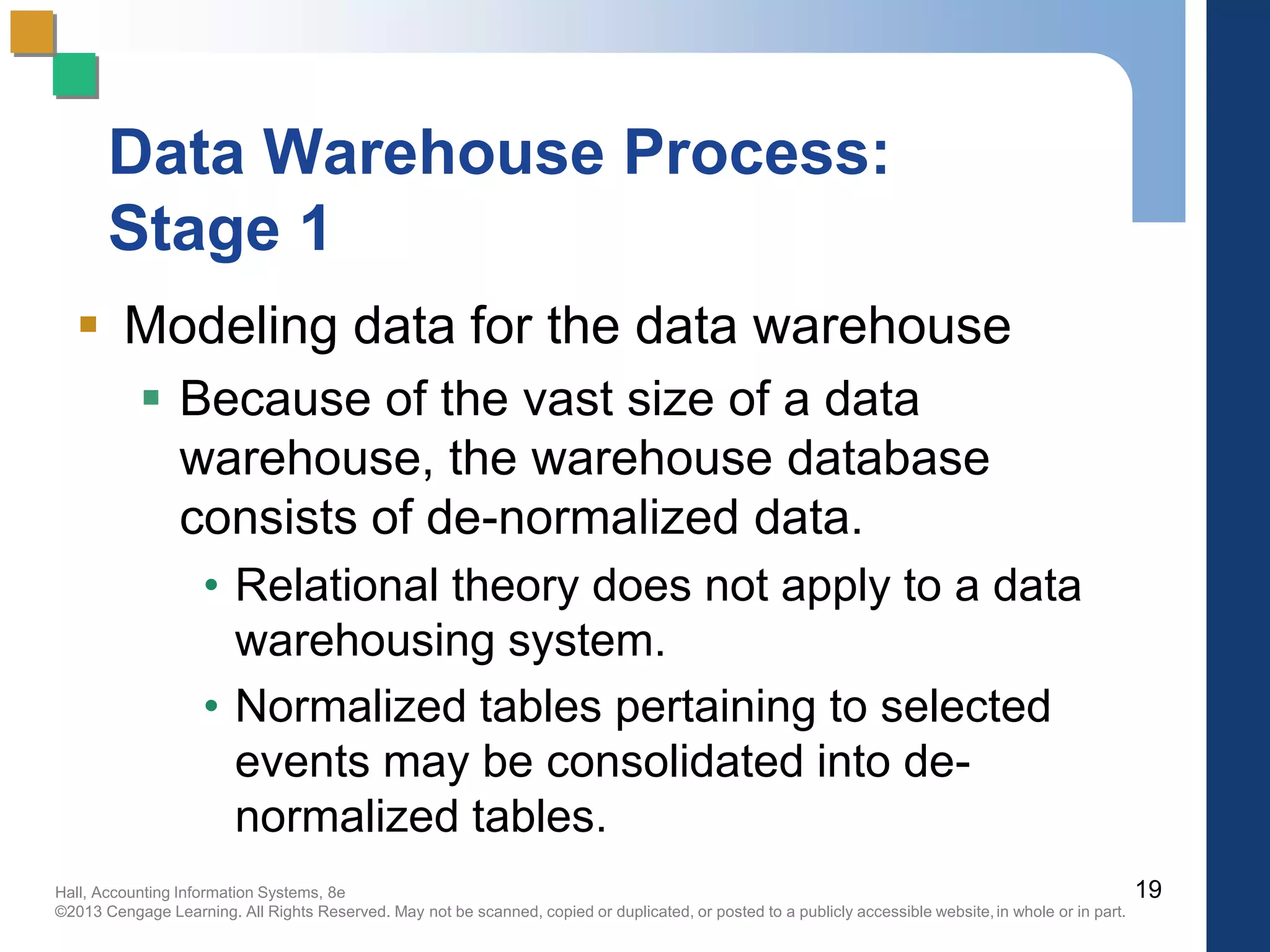
Data Warehouse Process:
Stage 1
 Modeling data for the data warehouse
 Because of the vast size of a data
warehouse, the warehouse database
consists of de-normalized data.
• Relational theory does not apply to a data
warehousing system.
• Normalized tables pertaining to selected
events may be consolidated into de-
normalized tables.
19
Hall, Accounting Information Systems, 8e
©2013 Cengage Learning. All Rights Reserved. May not be scanned, copied or duplicated, or posted to a publicly accessible website,in whole or in part.
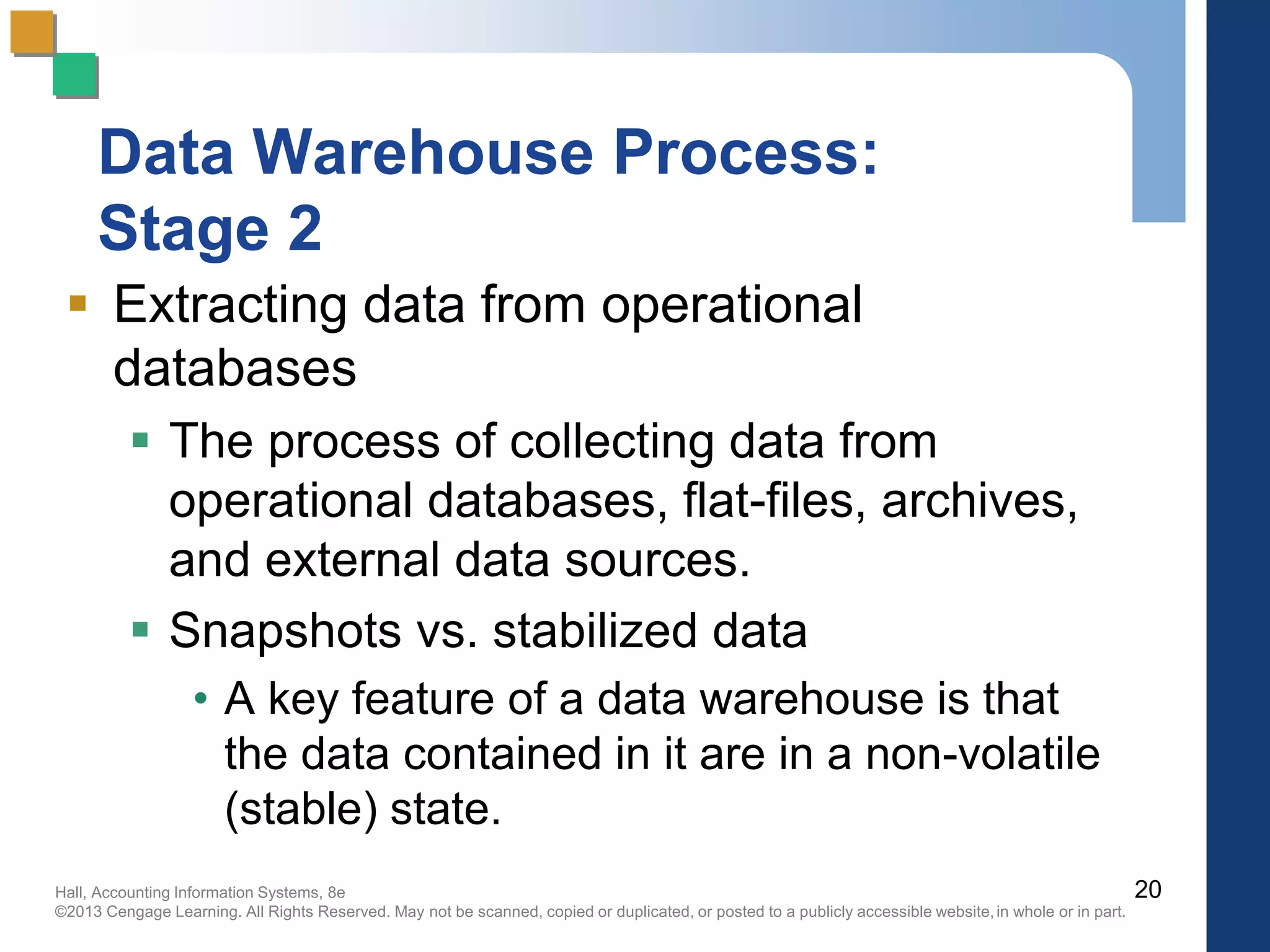
Data Warehouse Process:
Stage 2
 Extracting data from operational
databases
 The process of collecting data from
operational databases, flat-files, archives,
and external data sources.
 Snapshots vs. stabilized data
• A key feature of a data warehouse is that
the data contained in it are in a non-volatile
(stable) state.
20
Hall, Accounting Information Systems, 8e
©2013 Cengage Learning. All Rights Reserved. May not be scanned, copied or duplicated, or posted to a publicly accessible website,in whole or in part.
Data Warehouse Process:
Stage 3
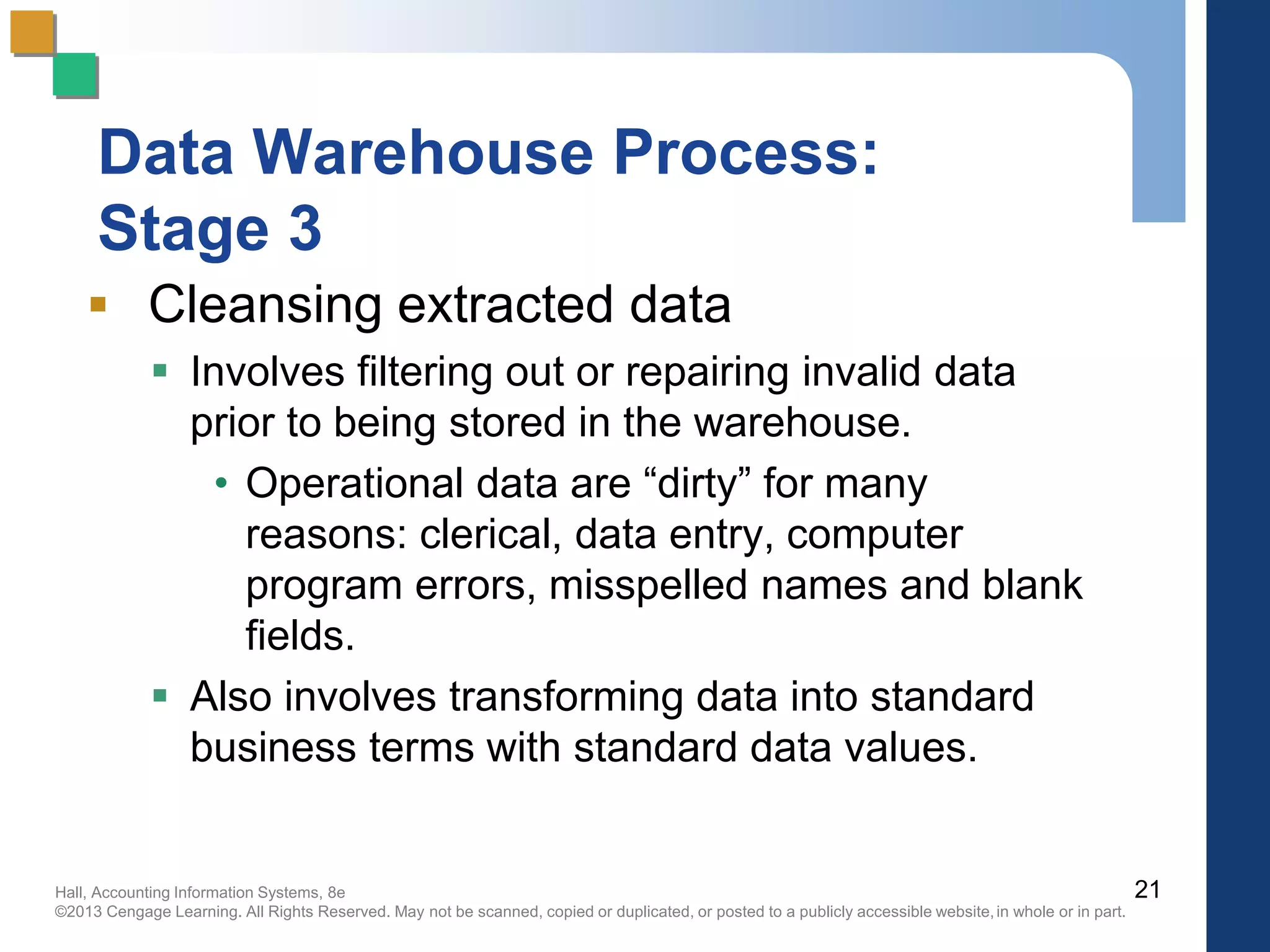
 Cleansing extracted data
 Involves filtering out or repairing invalid data
prior to being stored in the warehouse.
• Operational data are “dirty” for many
reasons: clerical, data entry, computer
program errors, misspelled names and blank
fields.
 Also involves transforming data into standard
business terms with standard data values.
21
Hall, Accounting Information Systems, 8e
©2013 Cengage Learning. All Rights Reserved. May not be scanned, copied or duplicated, or posted to a publicly accessible website,in whole or in part.
Data Warehouse Process:
Stage 4
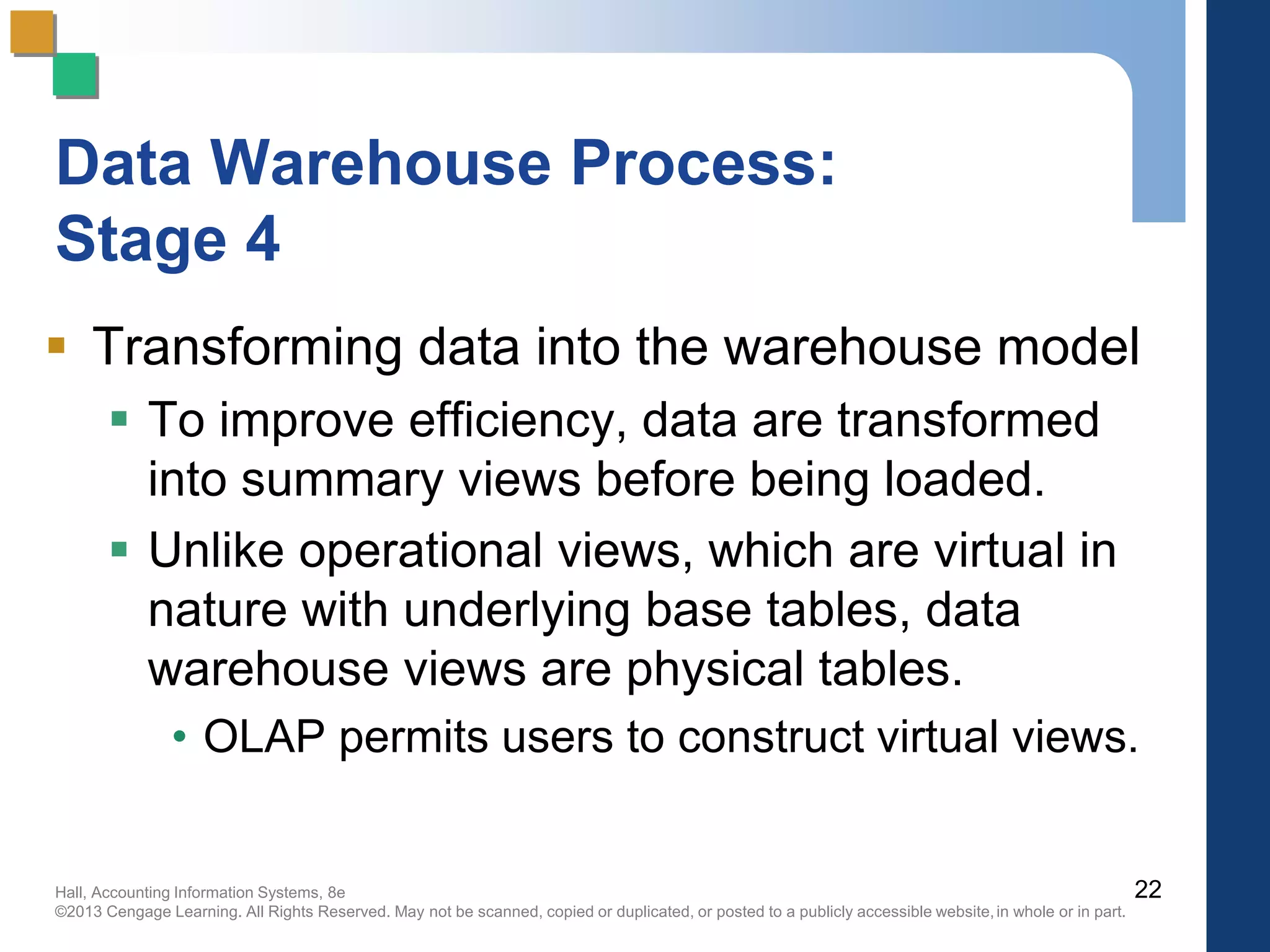
 Transforming data into the warehouse model
 To improve efficiency, data are transformed
into summary views before being loaded.
 Unlike operational views, which are virtual in
nature with underlying base tables, data
warehouse views are physical tables.
• OLAP permits users to construct virtual views.
22
Hall, Accounting Information Systems, 8e
©2013 Cengage Learning. All Rights Reserved. May not be scanned, copied or duplicated, or posted to a publicly accessible website,in whole or in part.
Data Warehouse Process:
Stage 5
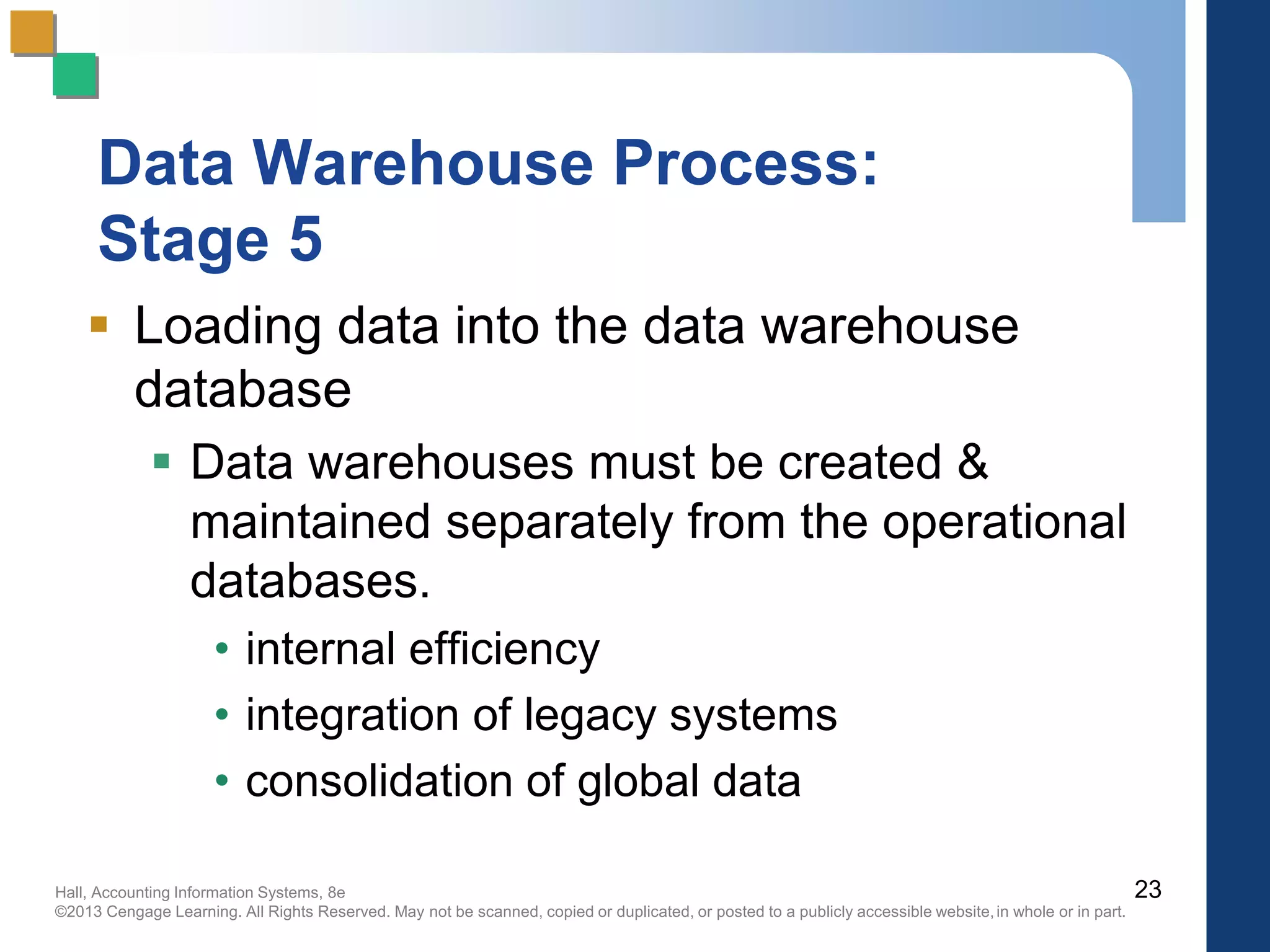
 Loading data into the data warehouse
database
 Data warehouses must be created &
maintained separately from the operational
databases.
• internal efficiency
• integration of legacy systems
• consolidation of global data
23
Hall, Accounting Information Systems, 8e
©2013 Cengage Learning. All Rights Reserved. May not be scanned, copied or duplicated, or posted to a publicly accessible website,in whole or in part.
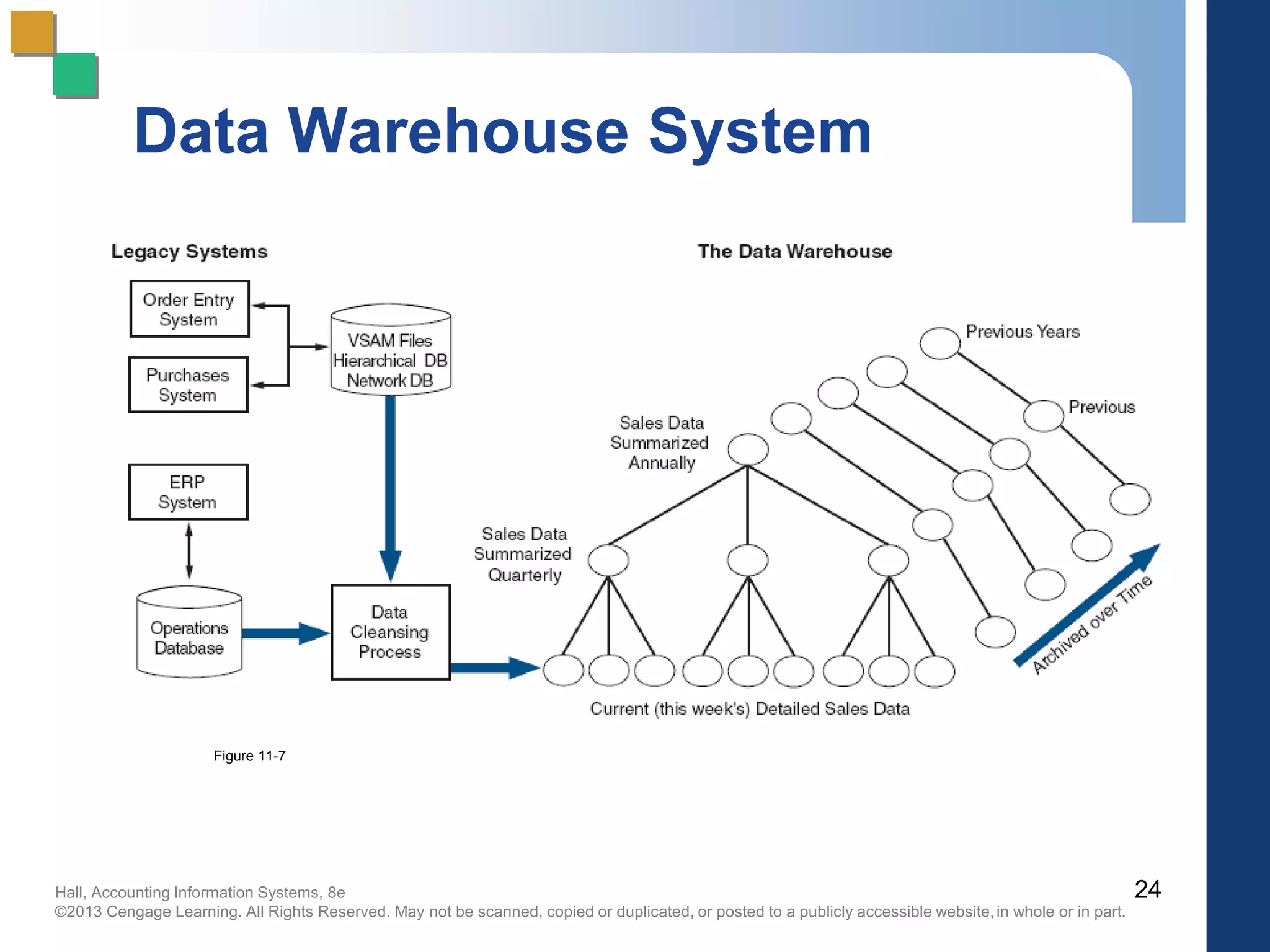
24
Data Warehouse System
Figure 11-7
Hall, Accounting Information Systems, 8e
©2013 Cengage Learning. All Rights Reserved. May not be scanned, copied or duplicated, or posted to a publicly accessible website,in whole or in part.
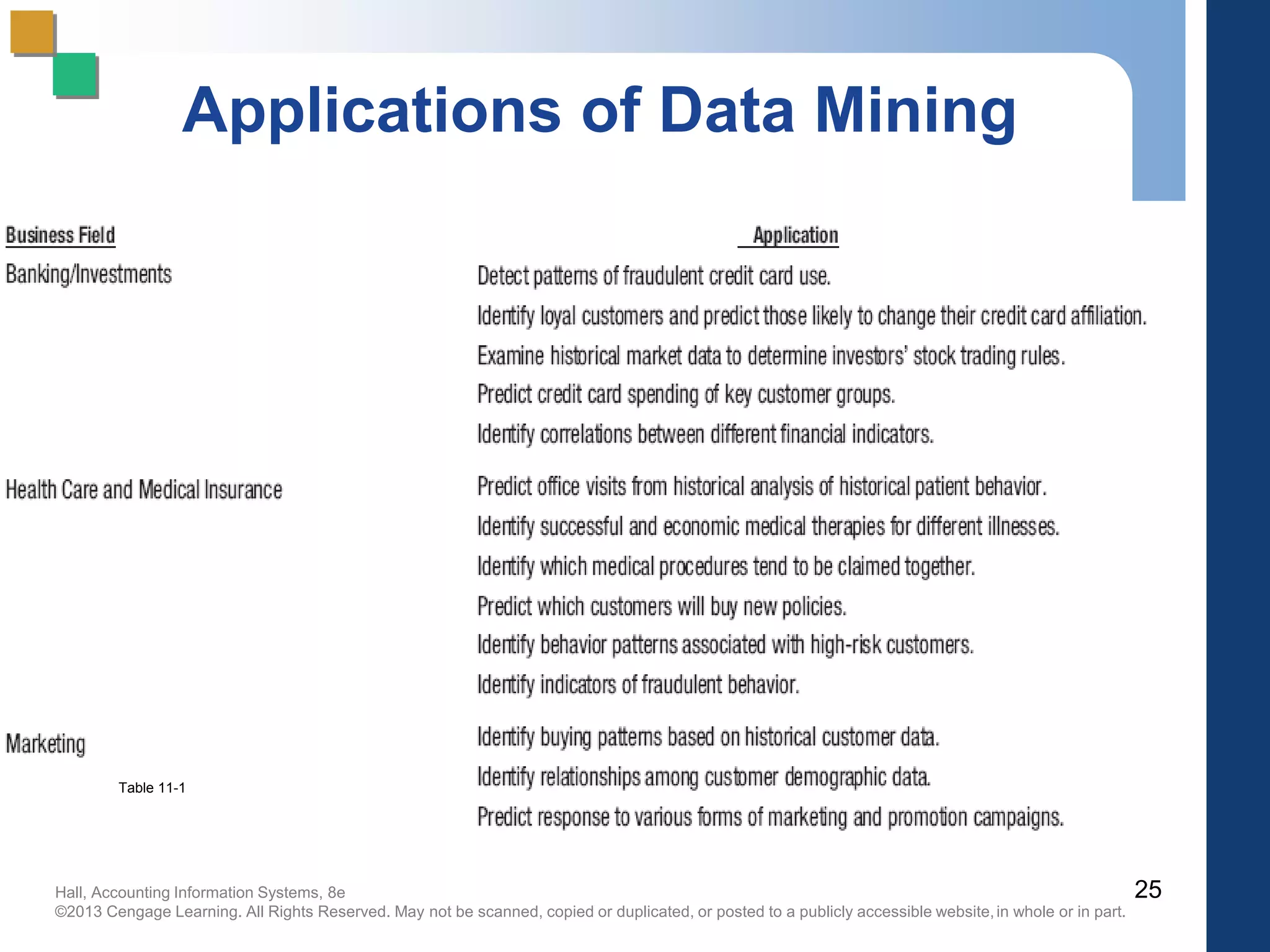
Applications of Data Mining
25
Table 11-1
Hall, Accounting Information Systems, 8e
©2013 Cengage Learning. All Rights Reserved. May not be scanned, copied or duplicated, or posted to a publicly accessible website,in whole or in part.
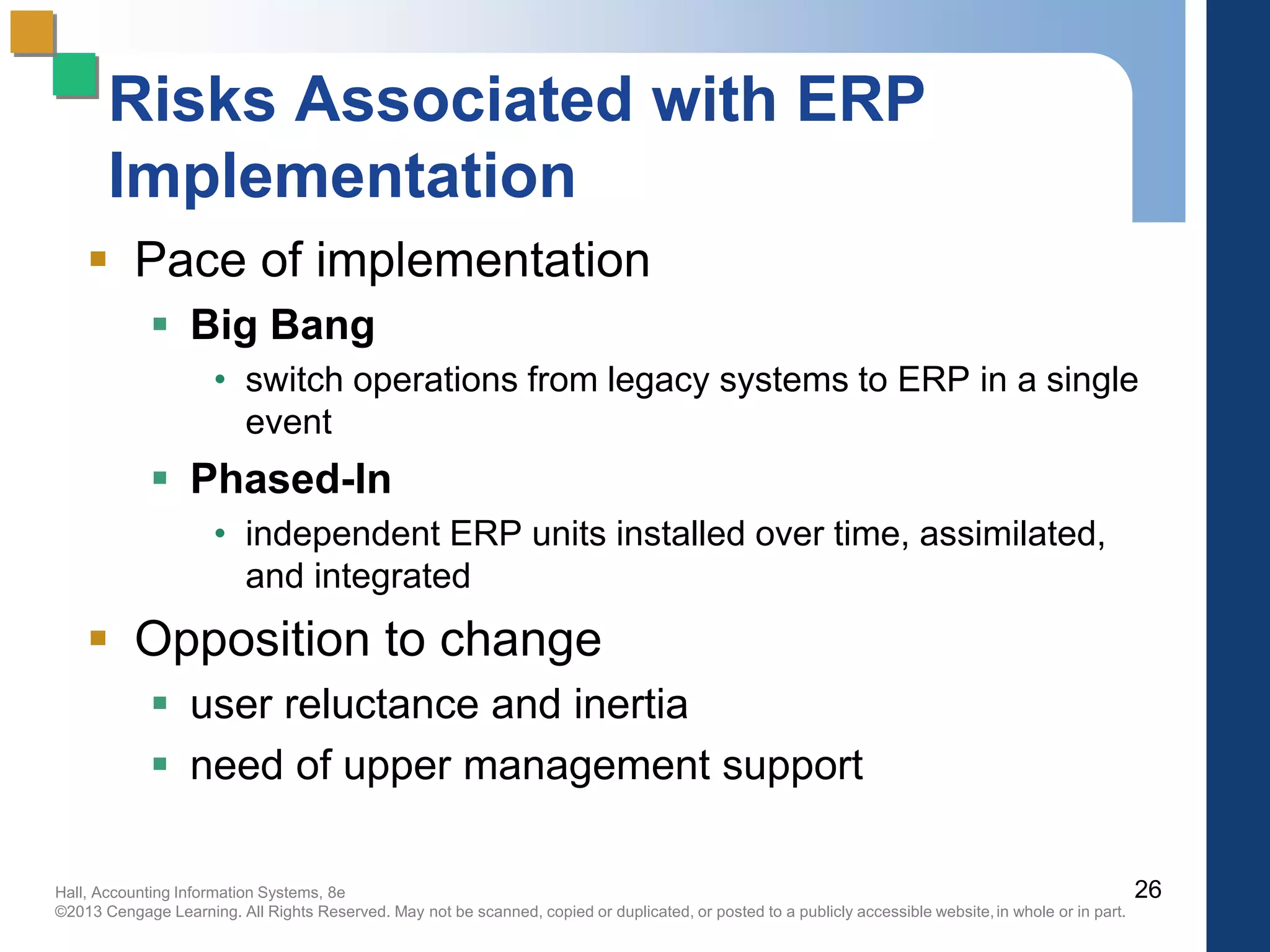
Risks Associated with ERP
Implementation
 Pace of implementation
 Big Bang
• switch operations from legacy systems to ERP in a single
event
 Phased-In
• independent ERP units installed over time, assimilated,
and integrated
 Opposition to change
 user reluctance and inertia
 need of upper management support
26
Hall, Accounting Information Systems, 8e
©2013 Cengage Learning. All Rights Reserved. May not be scanned, copied or duplicated, or posted to a publicly accessible website,in whole or in part.
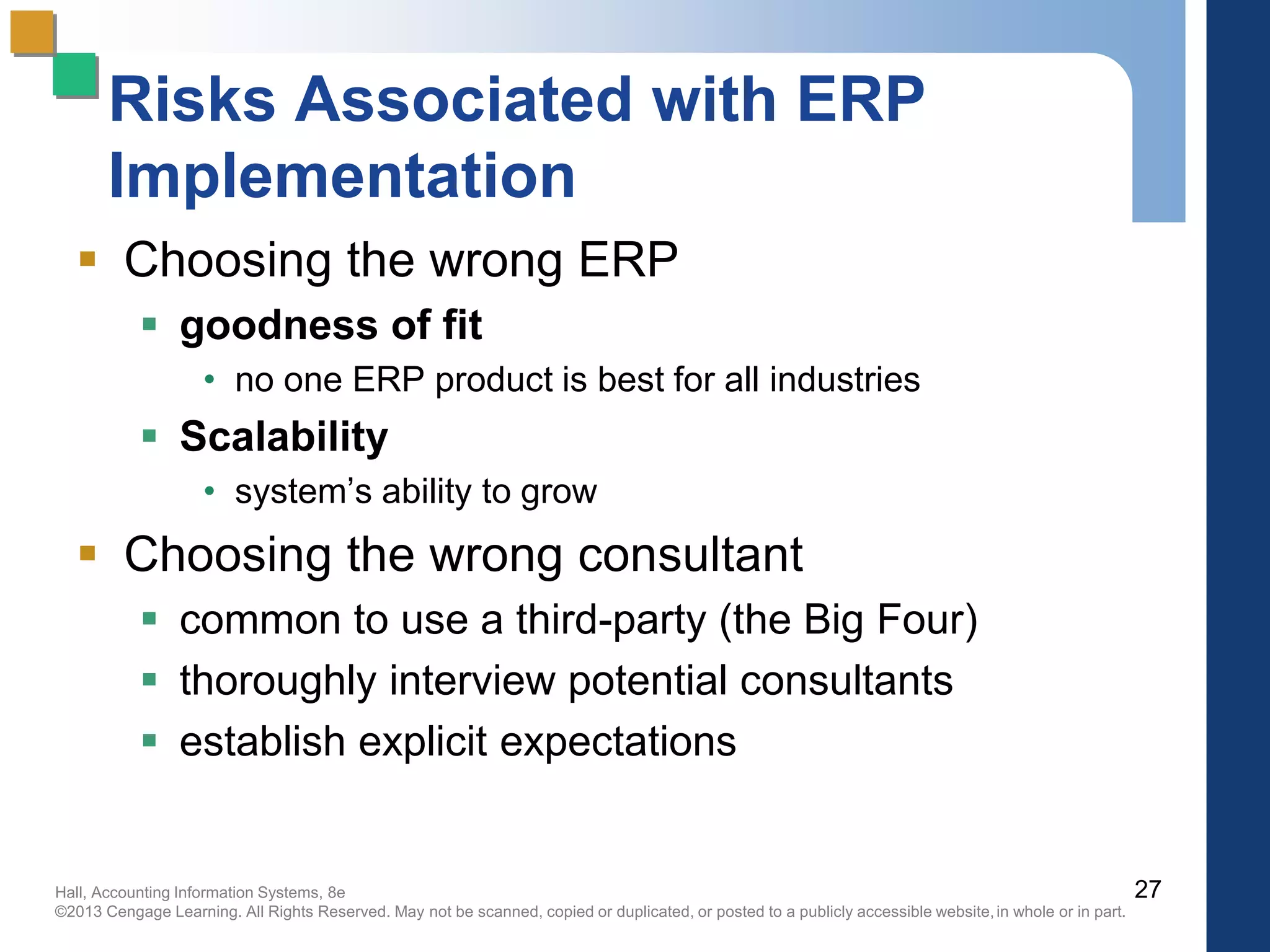
Risks Associated with ERP
Implementation
 Choosing the wrong ERP
 goodness of fit
• no one ERP product is best for all industries
 Scalability
• system’s ability to grow
 Choosing the wrong consultant
 common to use a third-party (the Big Four)
 thoroughly interview potential consultants
 establish explicit expectations
27
Hall, Accounting Information Systems, 8e
©2013 Cengage Learning. All Rights Reserved. May not be scanned, copied or duplicated, or posted to a publicly accessible website,in whole or in part.
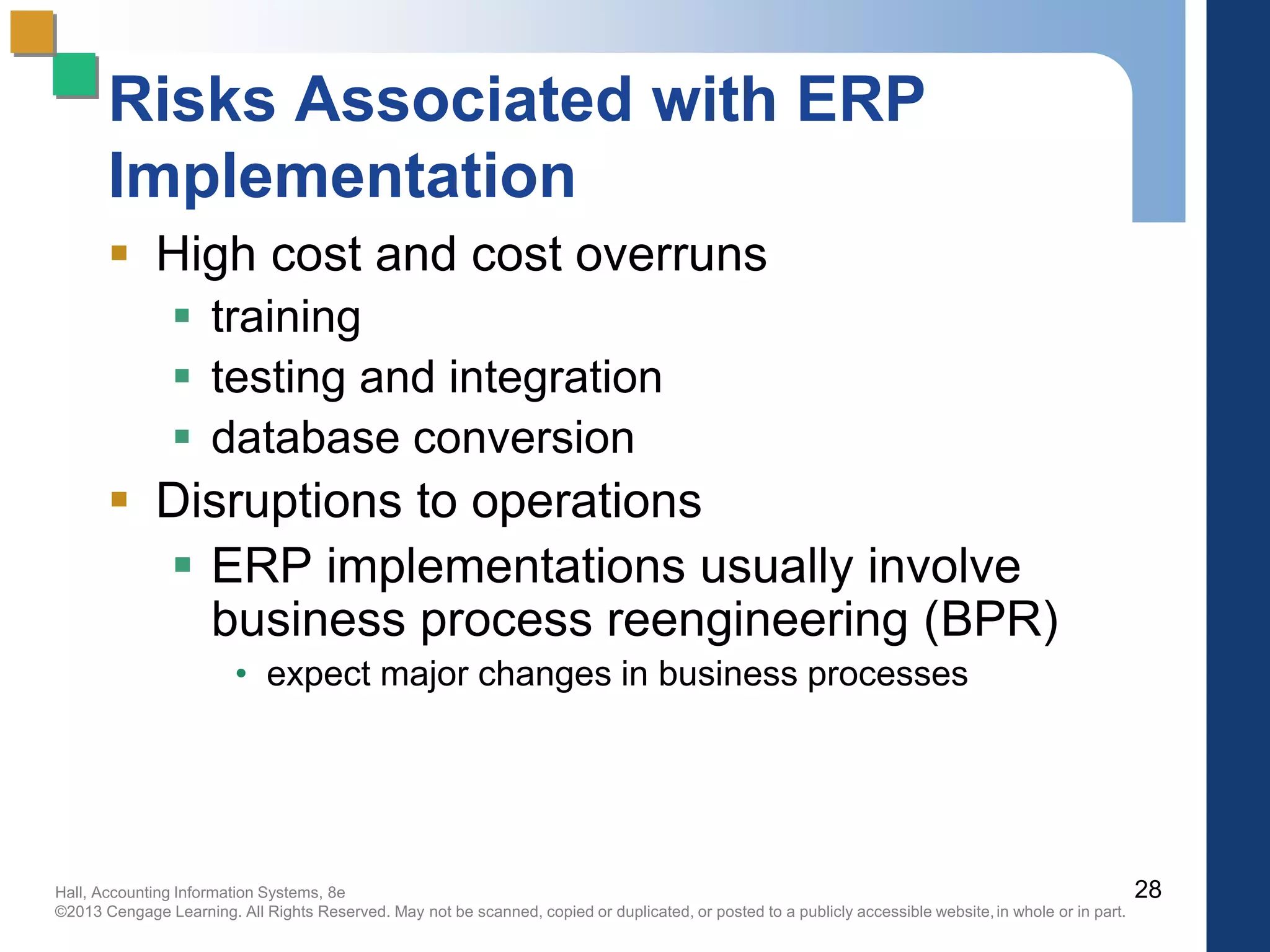
Risks Associated with ERP
Implementation
 High cost and cost overruns
 training
 testing and integration
 database conversion
 Disruptions to operations
 ERP implementations usually involve
business process reengineering (BPR)
• expect major changes in business processes
28
Hall, Accounting Information Systems, 8e
©2013 Cengage Learning. All Rights Reserved. May not be scanned, copied or duplicated, or posted to a publicly accessible website,in whole or in part.
Implications for Internal Control
and Auditing
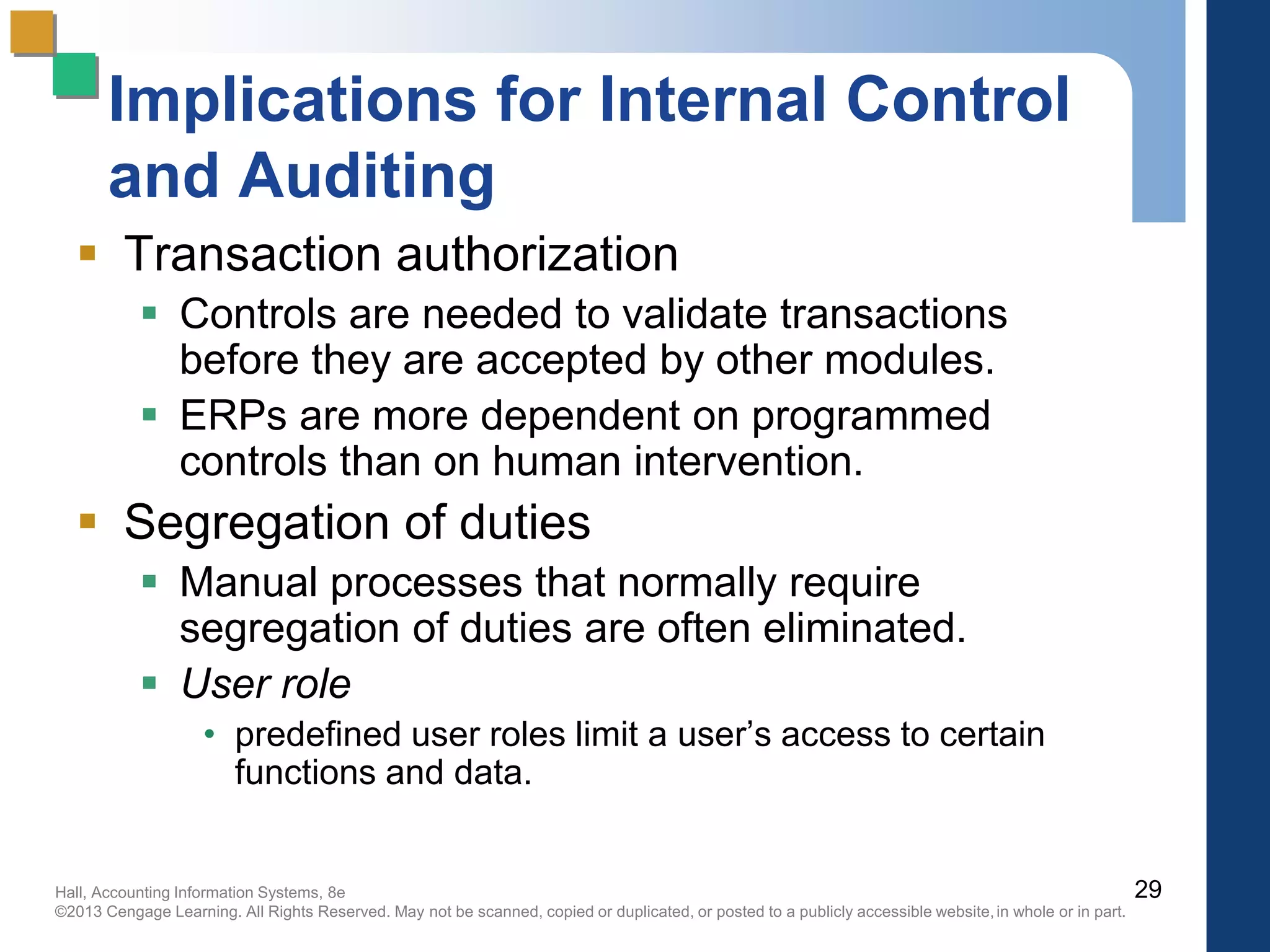
 Transaction authorization
 Controls are needed to validate transactions
before they are accepted by other modules.
 ERPs are more dependent on programmed
controls than on human intervention.
 Segregation of duties
 Manual processes that normally require
segregation of duties are often eliminated.
 User role
• predefined user roles limit a user’s access to certain
functions and data.
29
Hall, Accounting Information Systems, 8e
©2013 Cengage Learning. All Rights Reserved. May not be scanned, copied or duplicated, or posted to a publicly accessible website,in whole or in part.
Implications for Internal Control
and Auditing
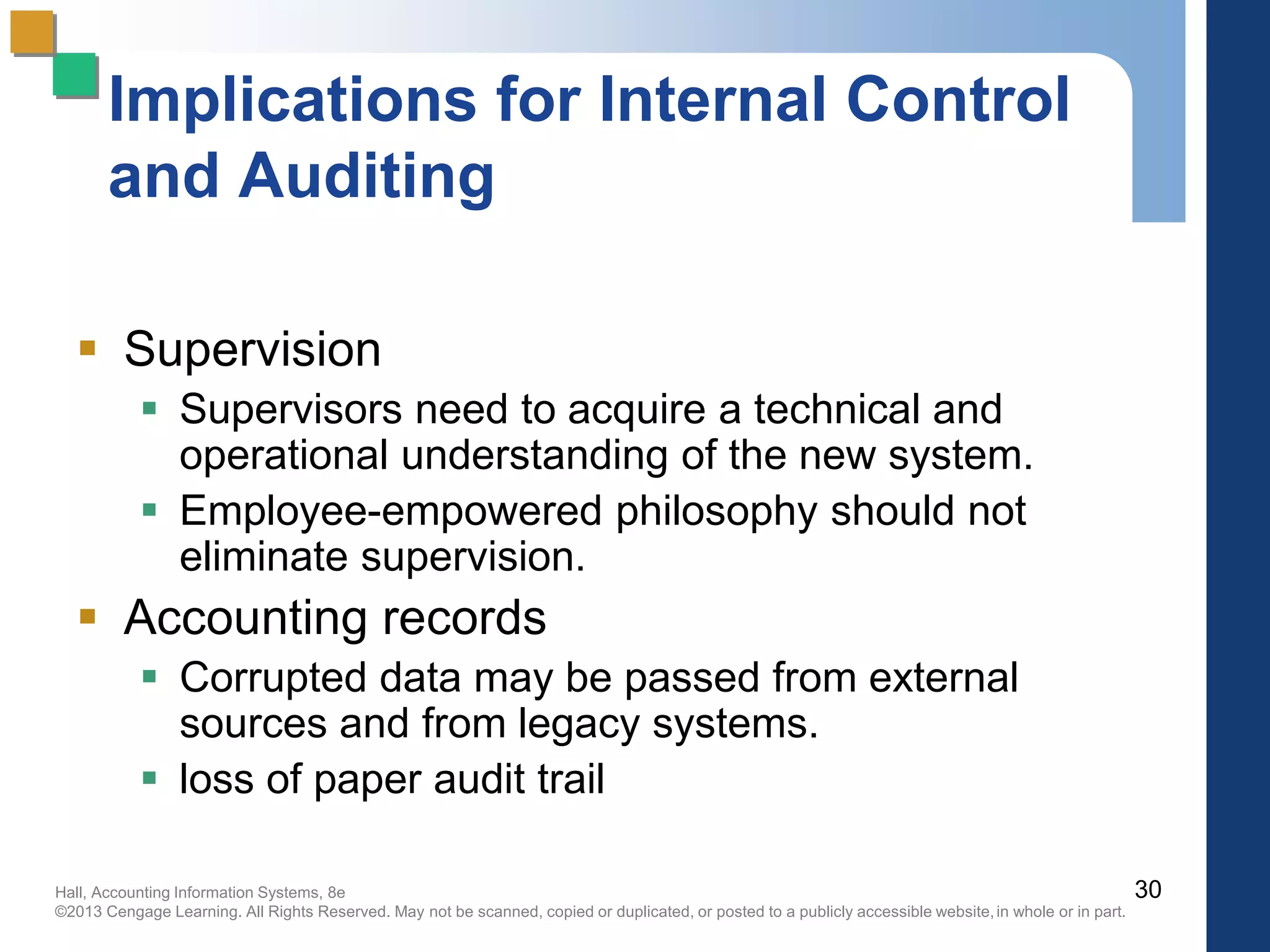
 Supervision
 Supervisors need to acquire a technical and
operational understanding of the new system.
 Employee-empowered philosophy should not
eliminate supervision.
 Accounting records
 Corrupted data may be passed from external
sources and from legacy systems.
 loss of paper audit trail
30
Hall, Accounting Information Systems, 8e
©2013 Cengage Learning. All Rights Reserved. May not be scanned, copied or duplicated, or posted to a publicly accessible website,in whole or in part.
Implications for Internal Control
and Auditing
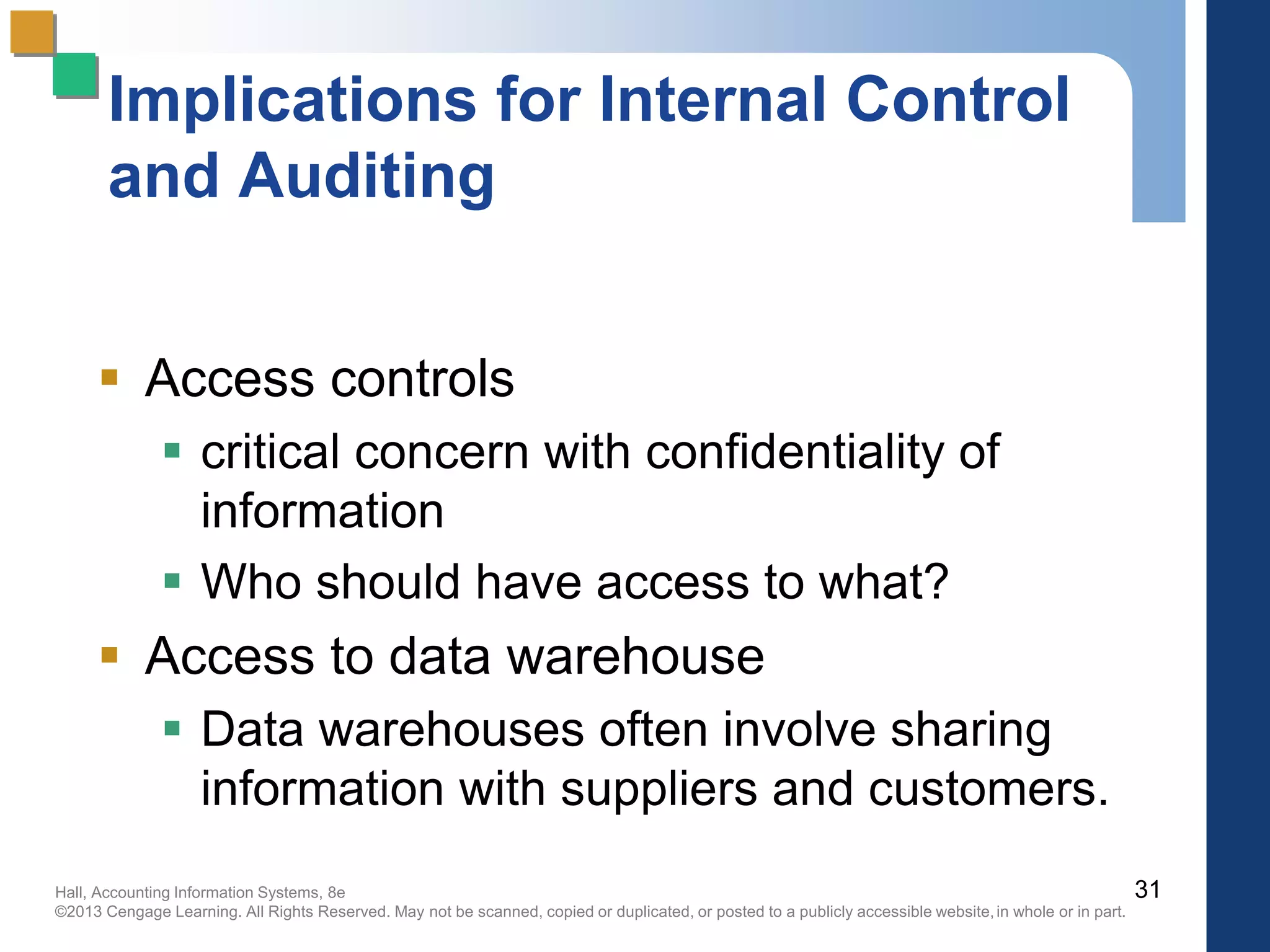
 Access controls
 critical concern with confidentiality of
information
 Who should have access to what?
 Access to data warehouse
 Data warehouses often involve sharing
information with suppliers and customers.
31
Hall, Accounting Information Systems, 8e
©2013 Cengage Learning. All Rights Reserved. May not be scanned, copied or duplicated, or posted to a publicly accessible website,in whole or in part.
Implications for Internal Control
and Auditing
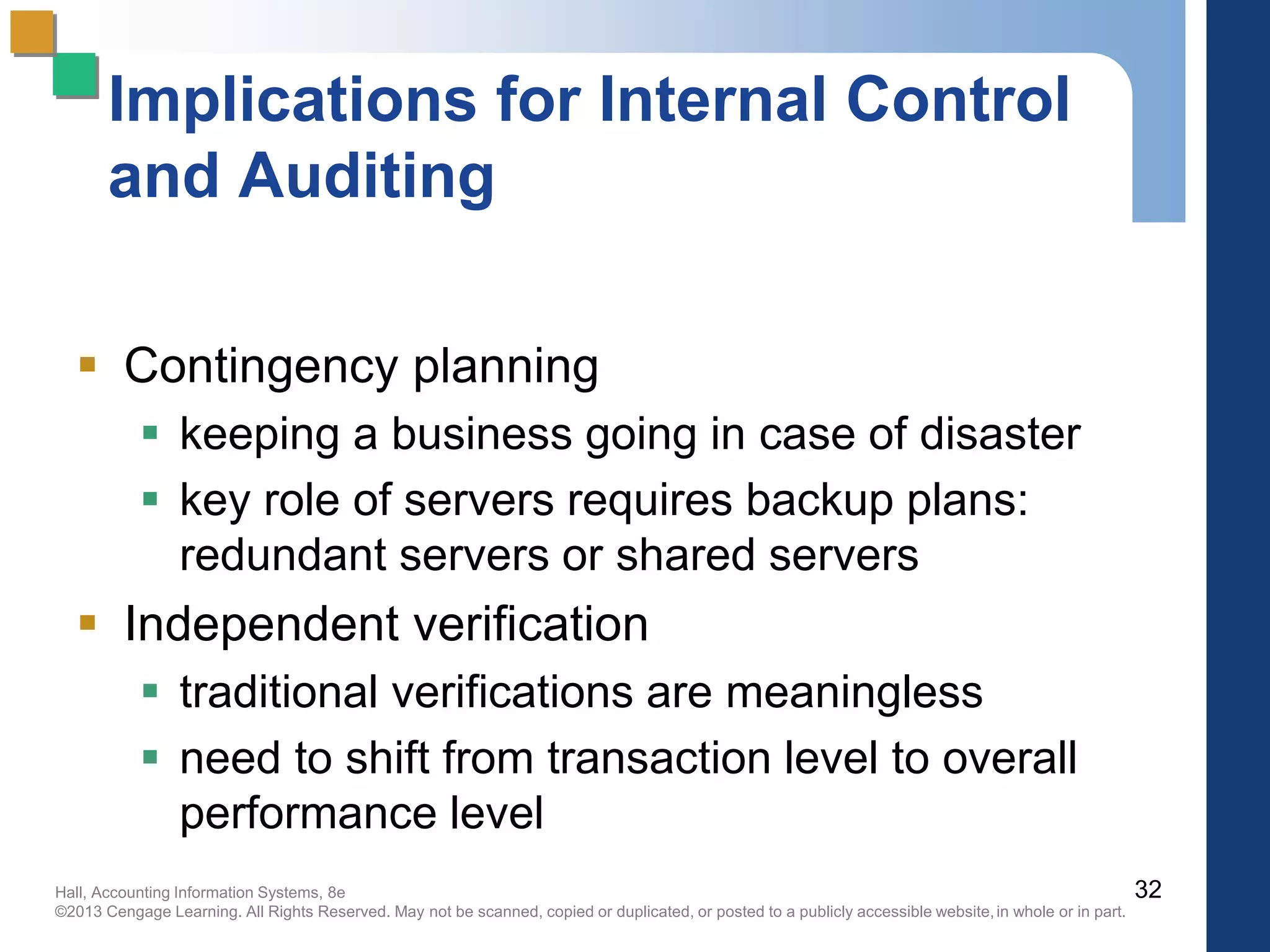
 Contingency planning
 keeping a business going in case of disaster
 key role of servers requires backup plans:
redundant servers or shared servers
 Independent verification
 traditional verifications are meaningless
 need to shift from transaction level to overall
performance level
32

Pp 11-new

  • 1.
    Hall, Accounting InformationSystems, 8e ©2013 Cengage Learning. All Rights Reserved. May not be scanned, copied or duplicated, or posted to a publicly accessible website,in whole or in part. Accounting Information Systems, 8e James A. Hall Chapter 11 Enterprise Resource Planning Systems
  • 2.
    Hall, Accounting InformationSystems, 8e ©2013 Cengage Learning. All Rights Reserved. May not be scanned, copied or duplicated, or posted to a publicly accessible website,in whole or in part. Objectives for Chapter 11  Understand the general functionality and key elements of ERP systems.  Understand the various aspects of ERP configurations including servers, databases, and the use of bolt-on software.  Understand the purpose of data warehouses as a strategic tool and recognize the issues related to the design, maintenance, and operation of a data warehouse.  Recognize the risks associated with ERP implementation.  Be aware of key considerations related to ERP implementation.  Understand the internal control and auditing implications associated with ERPs. 2
  • 3.
    Hall, Accounting InformationSystems, 8e ©2013 Cengage Learning. All Rights Reserved. May not be scanned, copied or duplicated, or posted to a publicly accessible website,in whole or in part. Problems with Non-ERP Systems  In-house design limits connectivity outside the company  Tendency toward separate IS’s within firm  lack of integration limits communication within the company  Strategic decision-making not supported  Long-term maintenance costs high  Limits ability to engage in process reengineering 3
  • 4.
    Hall, Accounting InformationSystems, 8e ©2013 Cengage Learning. All Rights Reserved. May not be scanned, copied or duplicated, or posted to a publicly accessible website,in whole or in part. Traditional IS Model: Closed Database Architecture  Similar in concept to flat-file approach  data remains the property of the application  fragmentation limits communications  Existence of numerous distinct and independent databases  redundancy and anomaly problems  Paper-based  requires multiple entry of data  status of information unknown at key points 4
  • 5.
    Hall, Accounting InformationSystems, 8e ©2013 Cengage Learning. All Rights Reserved. May not be scanned, copied or duplicated, or posted to a publicly accessible website,in whole or in part. Traditional Information System 5 Figure 11-1
  • 6.
    Hall, Accounting InformationSystems, 8e ©2013 Cengage Learning. All Rights Reserved. May not be scanned, copied or duplicated, or posted to a publicly accessible website,in whole or in part. What is an ERP System?  Multi-module application software that helps a company manage the important parts of its business in an integrated fashion.  Key features include:  smooth and seamless flow of information across organizational boundaries  standardized environment with shared database independent of applications and integrated applications 6
  • 7.
    Hall, Accounting InformationSystems, 8e ©2013 Cengage Learning. All Rights Reserved. May not be scanned, copied or duplicated, or posted to a publicly accessible website,in whole or in part. ERP System 7 Customers Suppliers Figure 11-2
  • 8.
    Hall, Accounting InformationSystems, 8e ©2013 Cengage Learning. All Rights Reserved. May not be scanned, copied or duplicated, or posted to a publicly accessible website,in whole or in part. Two Main ERP Applications Core applications  a.k.a. On-line Transaction Processing (OLTP)  transaction processing systems  support the day-to-day operational activities of the business  support mission-critical tasks through simple queries of operational databases  include sales and distribution, business planning, production planning, shop floor control, and logistics modules 8
  • 9.
    Hall, Accounting InformationSystems, 8e ©2013 Cengage Learning. All Rights Reserved. May not be scanned, copied or duplicated, or posted to a publicly accessible website,in whole or in part. Two Main ERP Applications Business analysis applications  a.k.a. On-line Analytical Processing (OLAP)  decision support tool for management-critical tasks through analytical investigation of complex data associations  supplies management with “real-time” information and facilitates timely decisions to improve performance and achieve competitive advantage  includes decision support, modeling, information retrieval, ad-hoc reporting/analysis, and what-if analysis 9
  • 10.
    Hall, Accounting InformationSystems, 8e ©2013 Cengage Learning. All Rights Reserved. May not be scanned, copied or duplicated, or posted to a publicly accessible website,in whole or in part. OLAP  Supports management-critical tasks through analytical investigation of complex data associations captured in data warehouses:  Consolidation is the aggregation or roll-up of data.  Drill-down allows the user to see data in selectively increasing levels of detail.  Slicing and Dicing enables the user to examine data from different viewpoints to uncover trends and patterns. 10
  • 11.
    Hall, Accounting InformationSystems, 8e ©2013 Cengage Learning. All Rights Reserved. May not be scanned, copied or duplicated, or posted to a publicly accessible website,in whole or in part. ERP System Configurations: Client-Server Network Topology Two-tier  common server handles both application and database duties  used especially in LANs 11
  • 12.
    Hall, Accounting InformationSystems, 8e ©2013 Cengage Learning. All Rights Reserved. May not be scanned, copied or duplicated, or posted to a publicly accessible website,in whole or in part. Server Applications Database User Presentation Layer First Tier Second Tier Application and Database Layer Two-Tier Client Server 12 Figure 11-3
  • 13.
    Hall, Accounting InformationSystems, 8e ©2013 Cengage Learning. All Rights Reserved. May not be scanned, copied or duplicated, or posted to a publicly accessible website,in whole or in part. ERP System Configurations: Client-Server Network Topology Three-tier  client links to the application server which then initiates a second connection to the database server  used especially in WANs 13
  • 14.
    Hall, Accounting InformationSystems, 8e ©2013 Cengage Learning. All Rights Reserved. May not be scanned, copied or duplicated, or posted to a publicly accessible website,in whole or in part. Three-Tier Client Server Applications Database First Tier Second Tier Third Tier User Presentation Layer Application Layer Database Layer 14 Figure 11-4
  • 15.
    Hall, Accounting InformationSystems, 8e ©2013 Cengage Learning. All Rights Reserved. May not be scanned, copied or duplicated, or posted to a publicly accessible website,in whole or in part. 15 OLTP and OLAP Client Server Figure 11-5
  • 16.
    Hall, Accounting InformationSystems, 8e ©2013 Cengage Learning. All Rights Reserved. May not be scanned, copied or duplicated, or posted to a publicly accessible website,in whole or in part. ERP System Configurations: Databases and Bolt-Ons  Database Configuration  selection of database tables in the thousands  setting the switches in the system  Bolt-on Software  third-party vendors provide specialized functionality software  Supply Chain Management (SCM) links vendors, carriers, logistics companies, and IS providers 16
  • 17.
    Hall, Accounting InformationSystems, 8e ©2013 Cengage Learning. All Rights Reserved. May not be scanned, copied or duplicated, or posted to a publicly accessible website,in whole or in part. What is a Data Warehouse?  A multi-dimensional database often using hundreds of gigabytes or even terabytes of memory  Data are extracted periodically from operational databases or from public information services.  A database constructed for quick searching, retrieval, ad-hoc queries, and ease of use  ERP systems can exist without data warehouses.  However, most large ERP implementations include separate operational and data warehouse databases.  Otherwise, management data analysis may result in pulling system resources away from operational use.  Also, there are many sophisticated data-mining tools. 17
  • 18.
    Hall, Accounting InformationSystems, 8e ©2013 Cengage Learning. All Rights Reserved. May not be scanned, copied or duplicated, or posted to a publicly accessible website,in whole or in part. Data Warehouse Process The five stages of the data warehousing process: 1. modeling data for the data warehouse 2. extracting data from operational databases 3. cleansing extracted data 4. transforming data into the warehouse model 5. loading data into the data warehouse database 18
  • 19.
    Hall, Accounting InformationSystems, 8e ©2013 Cengage Learning. All Rights Reserved. May not be scanned, copied or duplicated, or posted to a publicly accessible website,in whole or in part. Data Warehouse Process: Stage 1  Modeling data for the data warehouse  Because of the vast size of a data warehouse, the warehouse database consists of de-normalized data. • Relational theory does not apply to a data warehousing system. • Normalized tables pertaining to selected events may be consolidated into de- normalized tables. 19
  • 20.
    Hall, Accounting InformationSystems, 8e ©2013 Cengage Learning. All Rights Reserved. May not be scanned, copied or duplicated, or posted to a publicly accessible website,in whole or in part. Data Warehouse Process: Stage 2  Extracting data from operational databases  The process of collecting data from operational databases, flat-files, archives, and external data sources.  Snapshots vs. stabilized data • A key feature of a data warehouse is that the data contained in it are in a non-volatile (stable) state. 20
  • 21.
    Hall, Accounting InformationSystems, 8e ©2013 Cengage Learning. All Rights Reserved. May not be scanned, copied or duplicated, or posted to a publicly accessible website,in whole or in part. Data Warehouse Process: Stage 3  Cleansing extracted data  Involves filtering out or repairing invalid data prior to being stored in the warehouse. • Operational data are “dirty” for many reasons: clerical, data entry, computer program errors, misspelled names and blank fields.  Also involves transforming data into standard business terms with standard data values. 21
  • 22.
    Hall, Accounting InformationSystems, 8e ©2013 Cengage Learning. All Rights Reserved. May not be scanned, copied or duplicated, or posted to a publicly accessible website,in whole or in part. Data Warehouse Process: Stage 4  Transforming data into the warehouse model  To improve efficiency, data are transformed into summary views before being loaded.  Unlike operational views, which are virtual in nature with underlying base tables, data warehouse views are physical tables. • OLAP permits users to construct virtual views. 22
  • 23.
    Hall, Accounting InformationSystems, 8e ©2013 Cengage Learning. All Rights Reserved. May not be scanned, copied or duplicated, or posted to a publicly accessible website,in whole or in part. Data Warehouse Process: Stage 5  Loading data into the data warehouse database  Data warehouses must be created & maintained separately from the operational databases. • internal efficiency • integration of legacy systems • consolidation of global data 23
  • 24.
    Hall, Accounting InformationSystems, 8e ©2013 Cengage Learning. All Rights Reserved. May not be scanned, copied or duplicated, or posted to a publicly accessible website,in whole or in part. 24 Data Warehouse System Figure 11-7
  • 25.
    Hall, Accounting InformationSystems, 8e ©2013 Cengage Learning. All Rights Reserved. May not be scanned, copied or duplicated, or posted to a publicly accessible website,in whole or in part. Applications of Data Mining 25 Table 11-1
  • 26.
    Hall, Accounting InformationSystems, 8e ©2013 Cengage Learning. All Rights Reserved. May not be scanned, copied or duplicated, or posted to a publicly accessible website,in whole or in part. Risks Associated with ERP Implementation  Pace of implementation  Big Bang • switch operations from legacy systems to ERP in a single event  Phased-In • independent ERP units installed over time, assimilated, and integrated  Opposition to change  user reluctance and inertia  need of upper management support 26
  • 27.
    Hall, Accounting InformationSystems, 8e ©2013 Cengage Learning. All Rights Reserved. May not be scanned, copied or duplicated, or posted to a publicly accessible website,in whole or in part. Risks Associated with ERP Implementation  Choosing the wrong ERP  goodness of fit • no one ERP product is best for all industries  Scalability • system’s ability to grow  Choosing the wrong consultant  common to use a third-party (the Big Four)  thoroughly interview potential consultants  establish explicit expectations 27
  • 28.
    Hall, Accounting InformationSystems, 8e ©2013 Cengage Learning. All Rights Reserved. May not be scanned, copied or duplicated, or posted to a publicly accessible website,in whole or in part. Risks Associated with ERP Implementation  High cost and cost overruns  training  testing and integration  database conversion  Disruptions to operations  ERP implementations usually involve business process reengineering (BPR) • expect major changes in business processes 28
  • 29.
    Hall, Accounting InformationSystems, 8e ©2013 Cengage Learning. All Rights Reserved. May not be scanned, copied or duplicated, or posted to a publicly accessible website,in whole or in part. Implications for Internal Control and Auditing  Transaction authorization  Controls are needed to validate transactions before they are accepted by other modules.  ERPs are more dependent on programmed controls than on human intervention.  Segregation of duties  Manual processes that normally require segregation of duties are often eliminated.  User role • predefined user roles limit a user’s access to certain functions and data. 29
  • 30.
    Hall, Accounting InformationSystems, 8e ©2013 Cengage Learning. All Rights Reserved. May not be scanned, copied or duplicated, or posted to a publicly accessible website,in whole or in part. Implications for Internal Control and Auditing  Supervision  Supervisors need to acquire a technical and operational understanding of the new system.  Employee-empowered philosophy should not eliminate supervision.  Accounting records  Corrupted data may be passed from external sources and from legacy systems.  loss of paper audit trail 30
  • 31.
    Hall, Accounting InformationSystems, 8e ©2013 Cengage Learning. All Rights Reserved. May not be scanned, copied or duplicated, or posted to a publicly accessible website,in whole or in part. Implications for Internal Control and Auditing  Access controls  critical concern with confidentiality of information  Who should have access to what?  Access to data warehouse  Data warehouses often involve sharing information with suppliers and customers. 31
  • 32.
    Hall, Accounting InformationSystems, 8e ©2013 Cengage Learning. All Rights Reserved. May not be scanned, copied or duplicated, or posted to a publicly accessible website,in whole or in part. Implications for Internal Control and Auditing  Contingency planning  keeping a business going in case of disaster  key role of servers requires backup plans: redundant servers or shared servers  Independent verification  traditional verifications are meaningless  need to shift from transaction level to overall performance level 32