Rootless containers allow unprivileged users to create and run containers without relying on root privileges. This is achieved through user namespaces which map container UIDs/GIDs to different values on the host. Podman is a container engine that supports rootless containers. It uses fuse-overlayfs to provide the container filesystem in a way that is accessible to unprivileged users and supports storage deduplication across containers through reference counting and shifting of UIDs/GIDs. Networking is enabled through a usermode VPN implementation called slirp4netns which provides networking without requiring host network access.
Rootless Containers
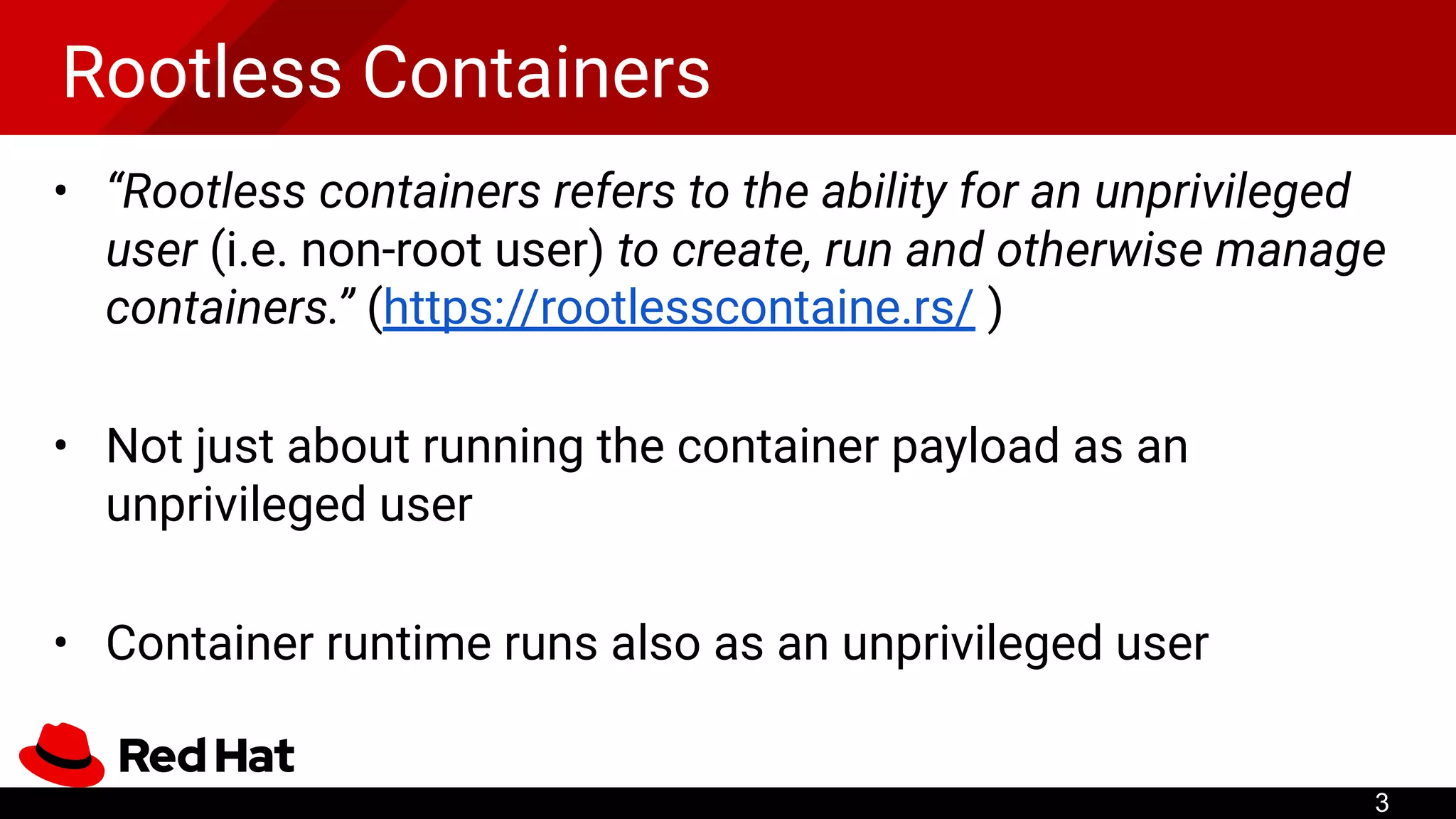
• “Rootlesscontainers refers to the ability for an unprivileged
user (i.e. non-root user) to create, run and otherwise manage
containers.” (https://rootlesscontaine.rs/ )
• Not just about running the container payload as an
unprivileged user
• Container runtime runs also as an unprivileged user
3
4.
Don’t confuse with...
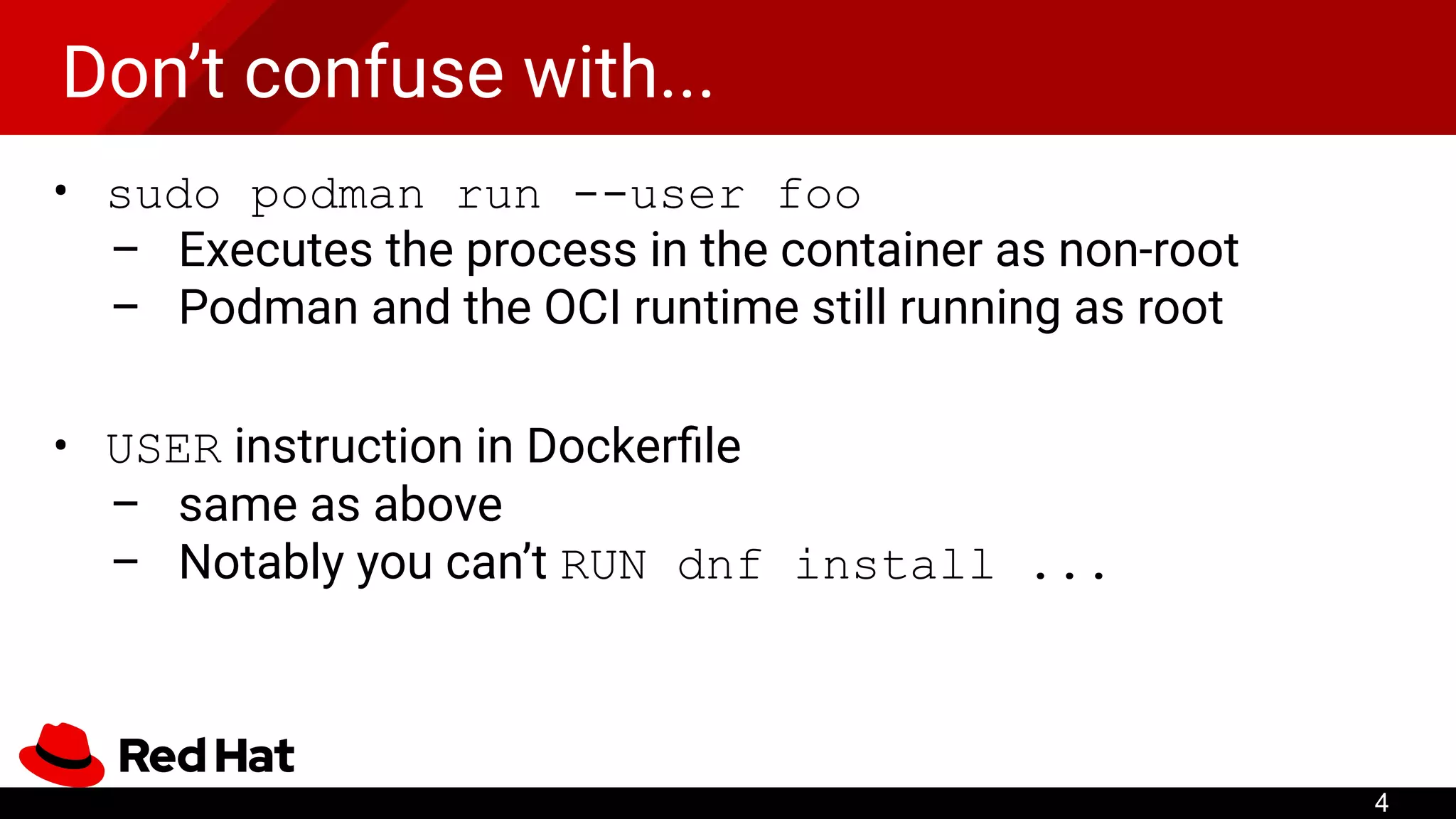
•sudo podman run --user foo
– Executes the process in the container as non-root
– Podman and the OCI runtime still running as root
• USER instruction in Dockerfile
– same as above
– Notably you can’t RUN dnf install ...
4
5.
Don’t confuse with...
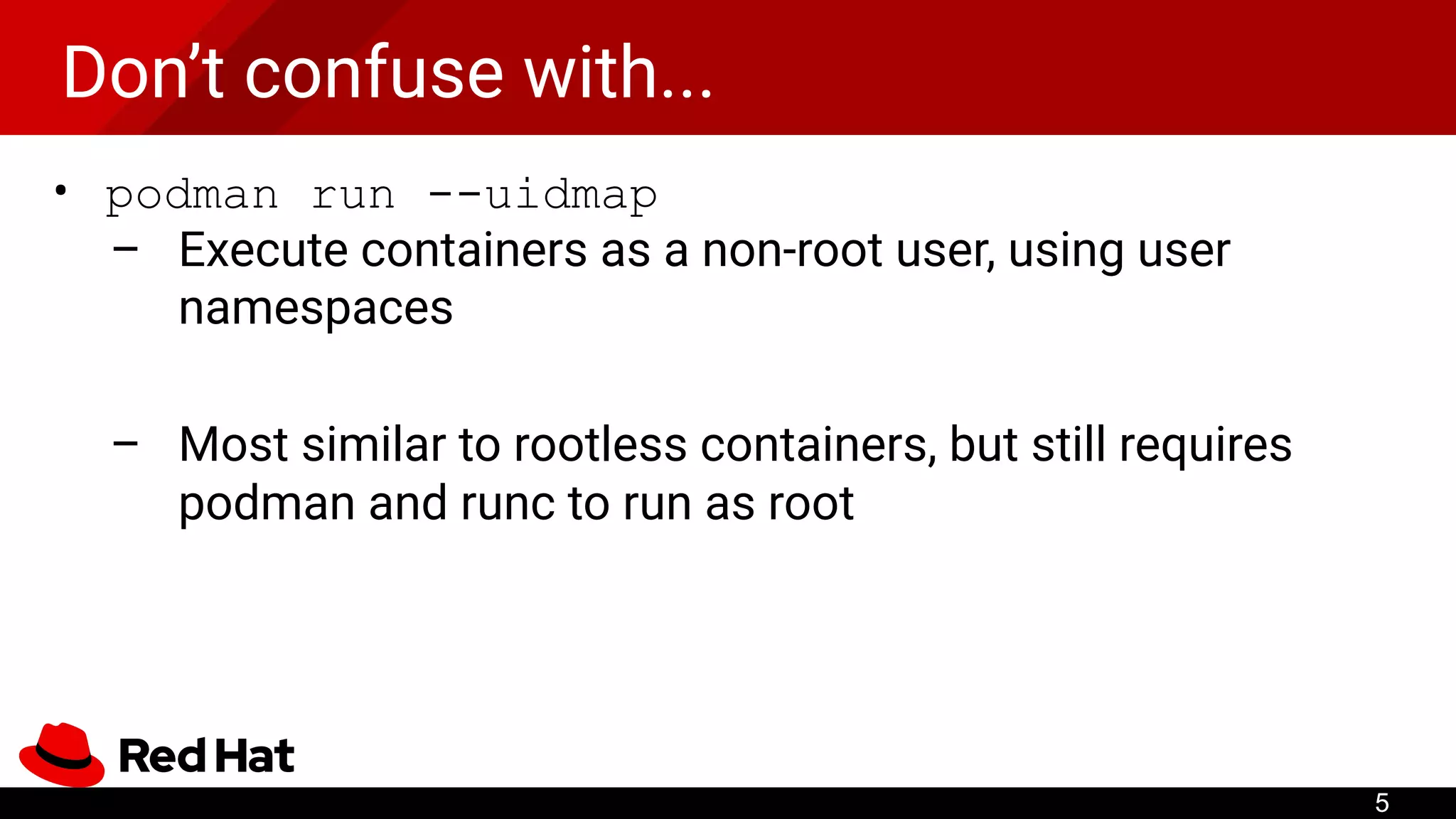
•podman run --uidmap
– Execute containers as a non-root user, using user
namespaces
– Most similar to rootless containers, but still requires
podman and runc to run as root
5
6.
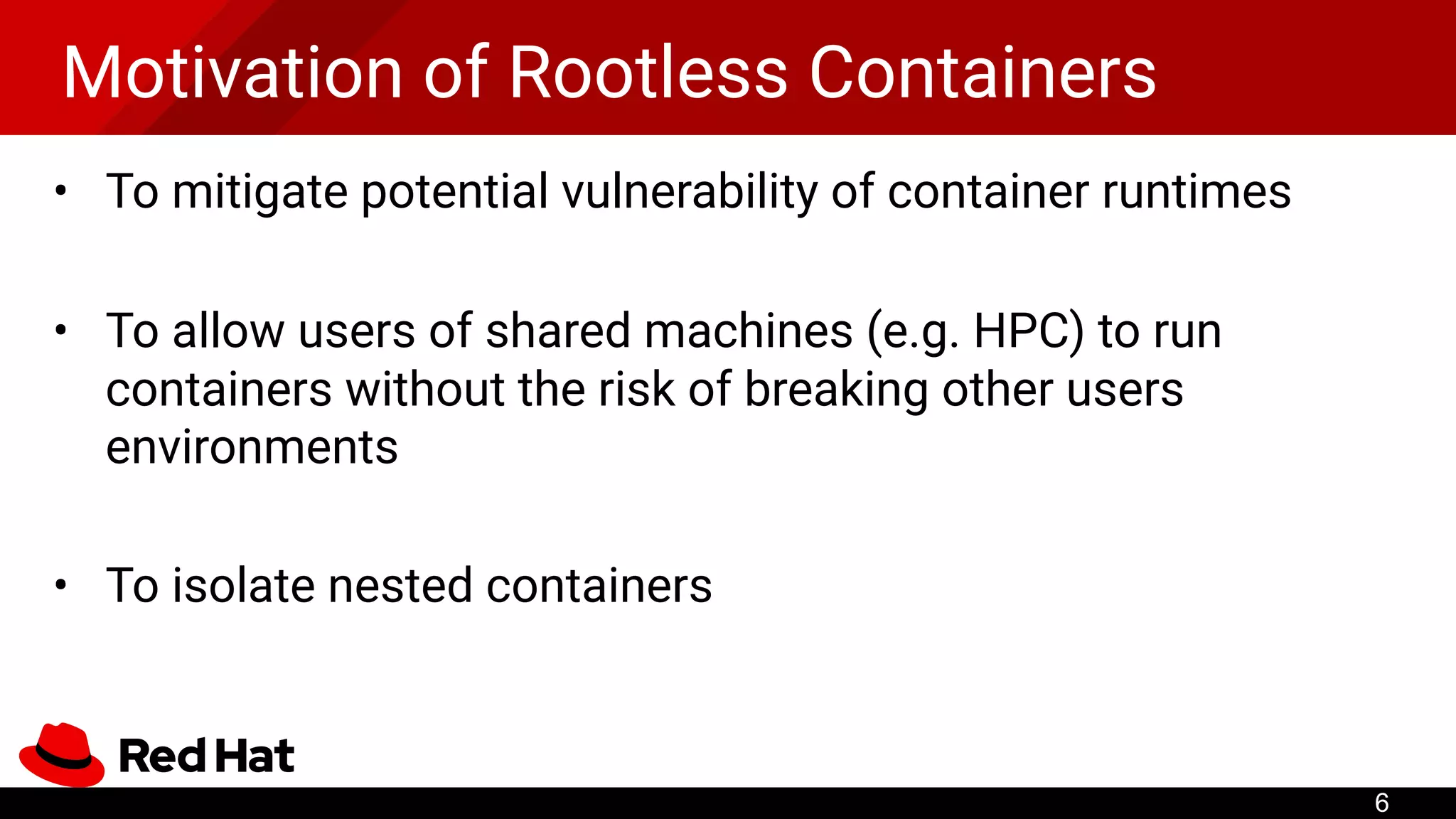
Motivation of RootlessContainers
• To mitigate potential vulnerability of container runtimes
• To allow users of shared machines (e.g. HPC) to run
containers without the risk of breaking other users
environments
• To isolate nested containers
6
7.
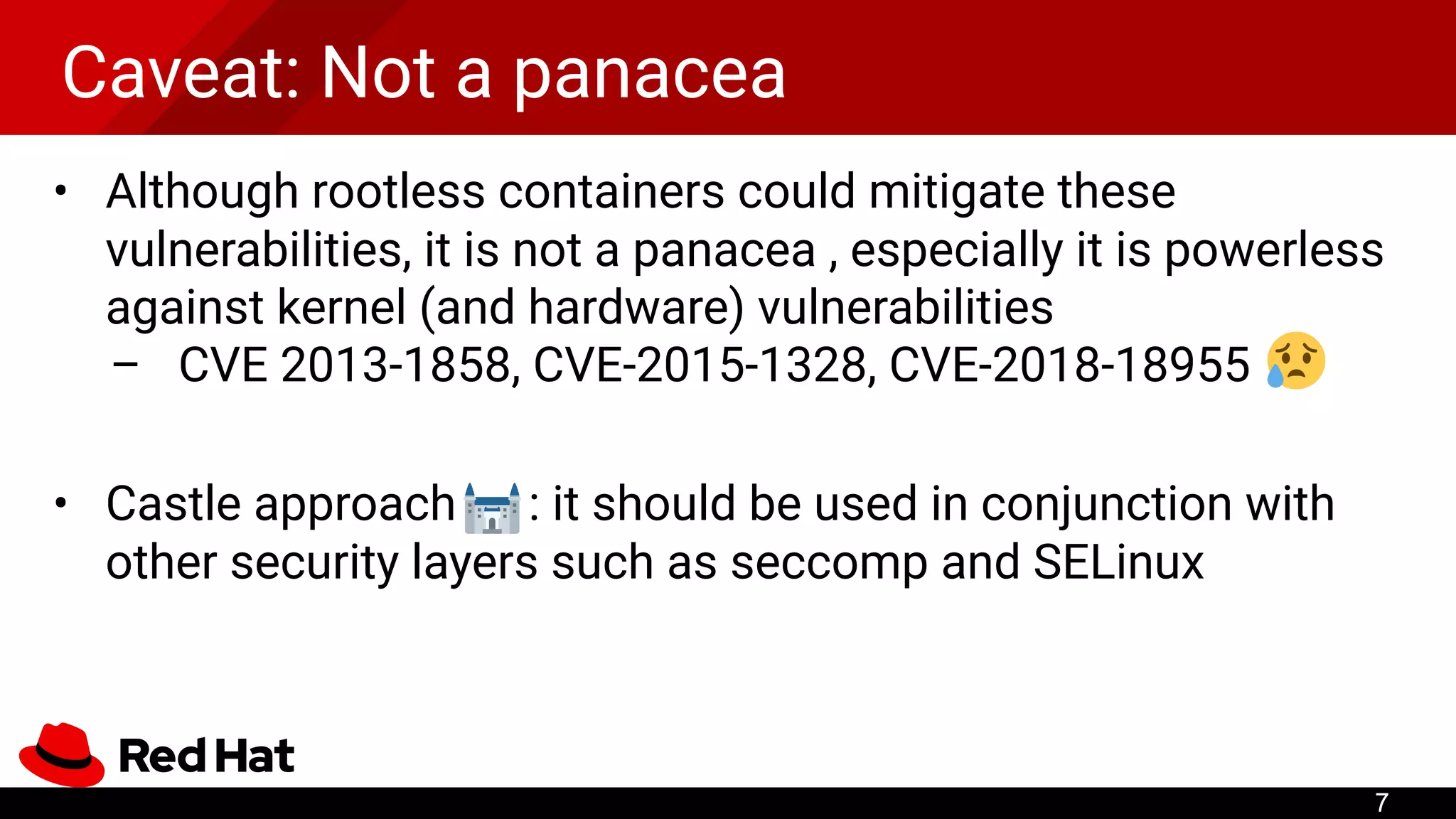
Caveat: Not apanacea
• Although rootless containers could mitigate these
vulnerabilities, it is not a panacea , especially it is powerless
against kernel (and hardware) vulnerabilities
– CVE 2013-1858, CVE-2015-1328, CVE-2018-18955
• Castle approach : it should be used in conjunction with
other security layers such as seccomp and SELinux
7
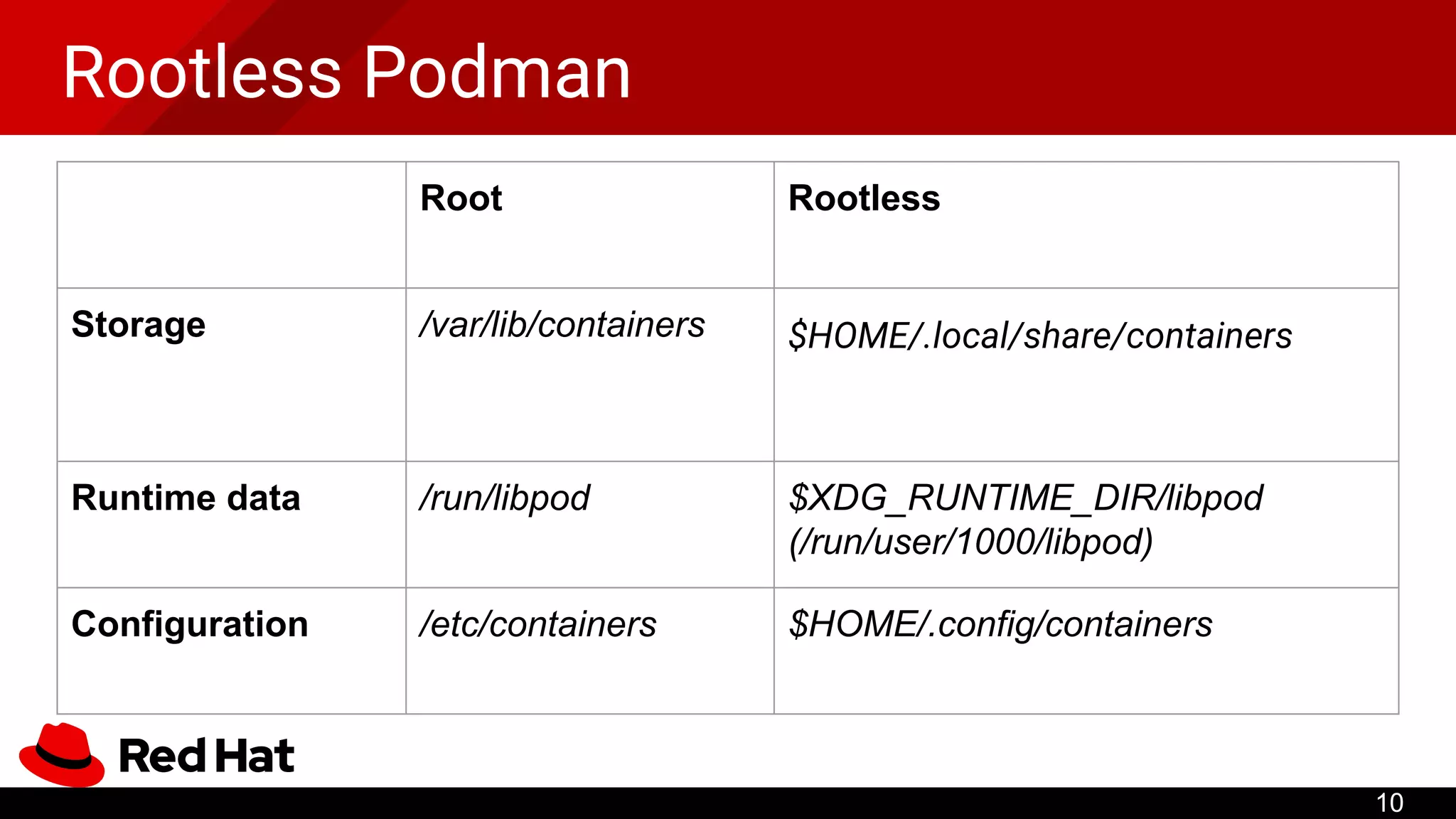
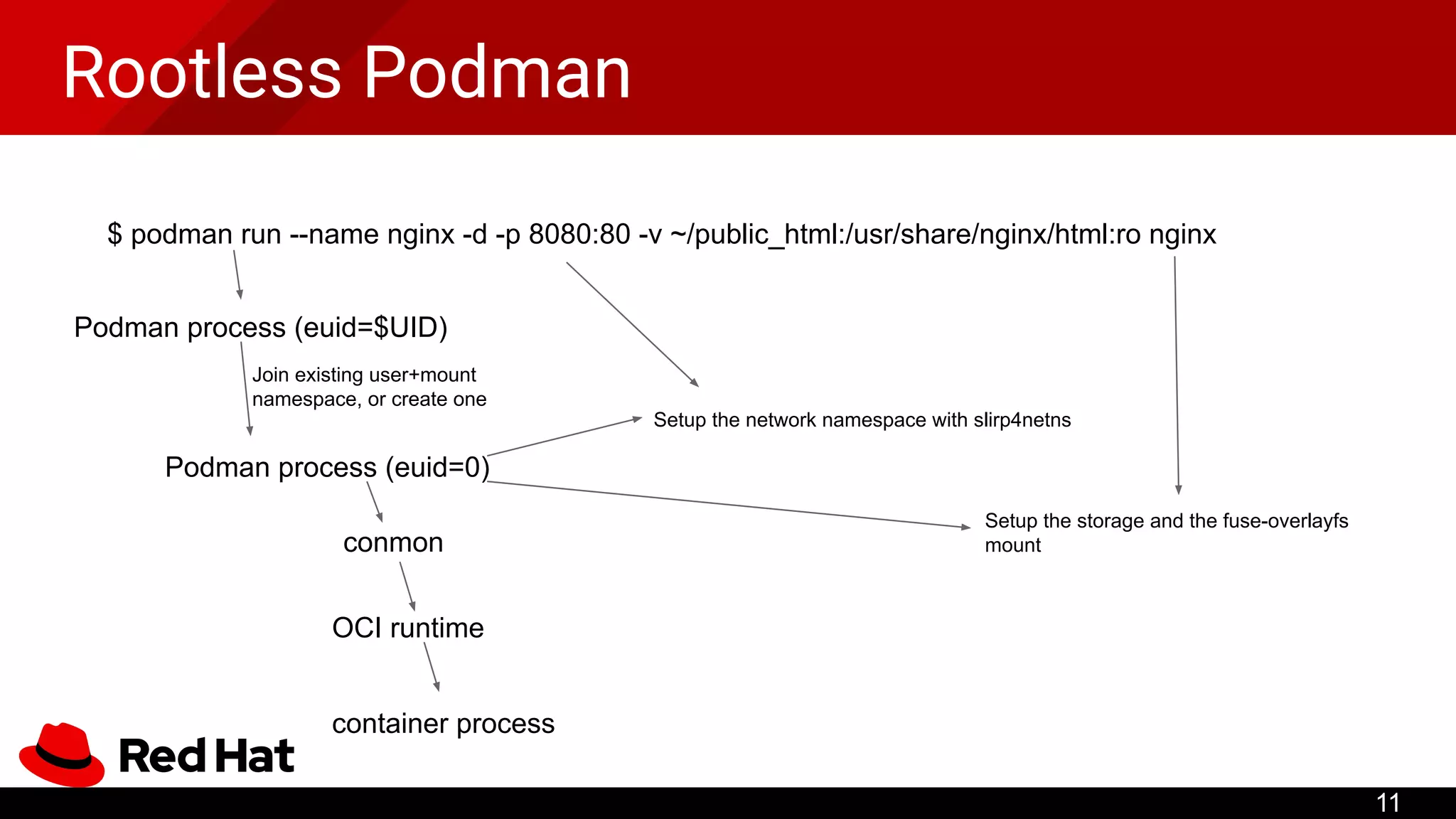
Rootless Podman
11
$ podmanrun --name nginx -d -p 8080:80 -v ~/public_html:/usr/share/nginx/html:ro nginx
Podman process (euid=$UID)
Podman process (euid=0)
Join existing user+mount
namespace, or create one
Setup the storage and the fuse-overlayfs
mount
Setup the network namespace with slirp4netns
conmon
OCI runtime
container process
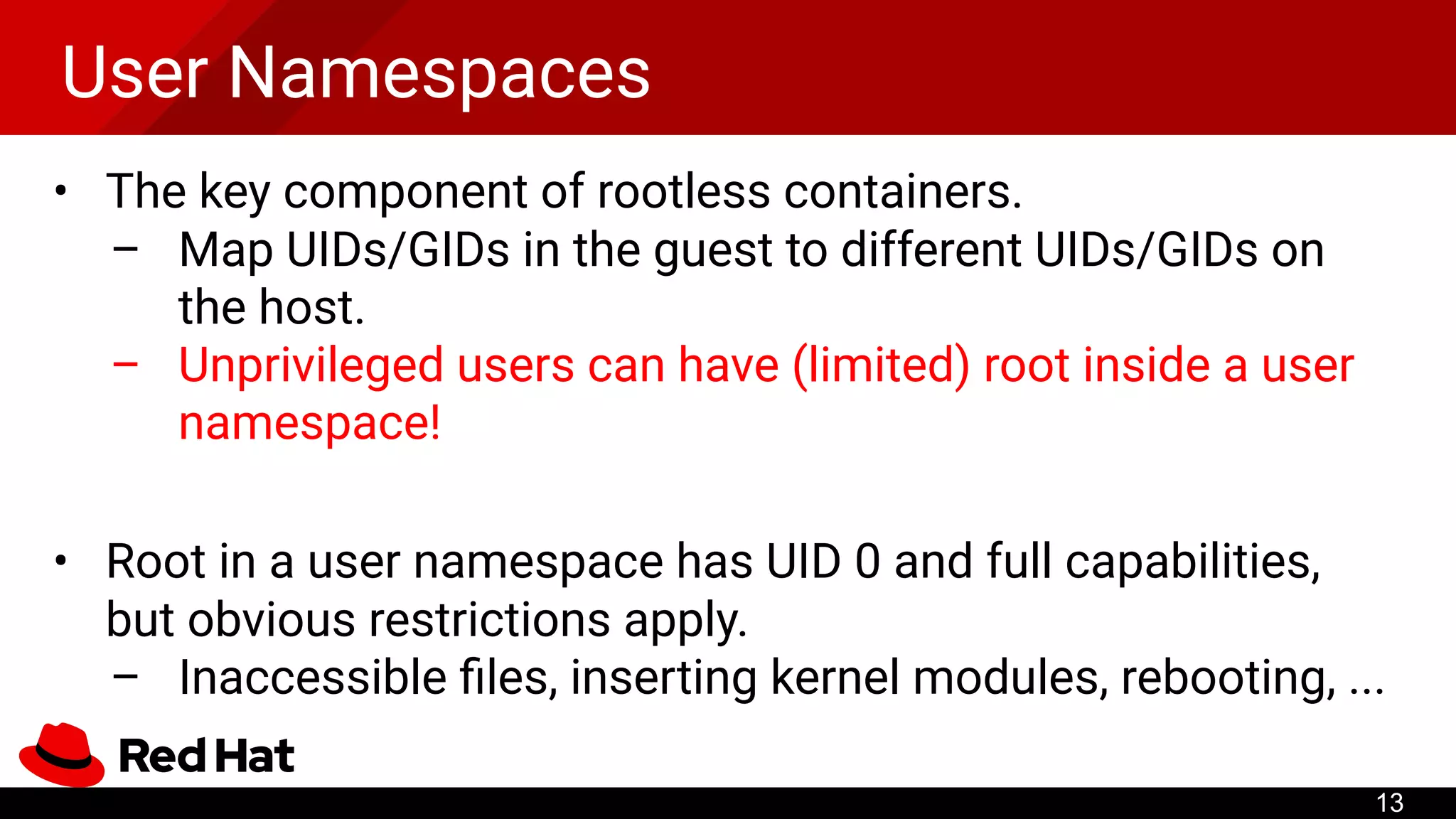
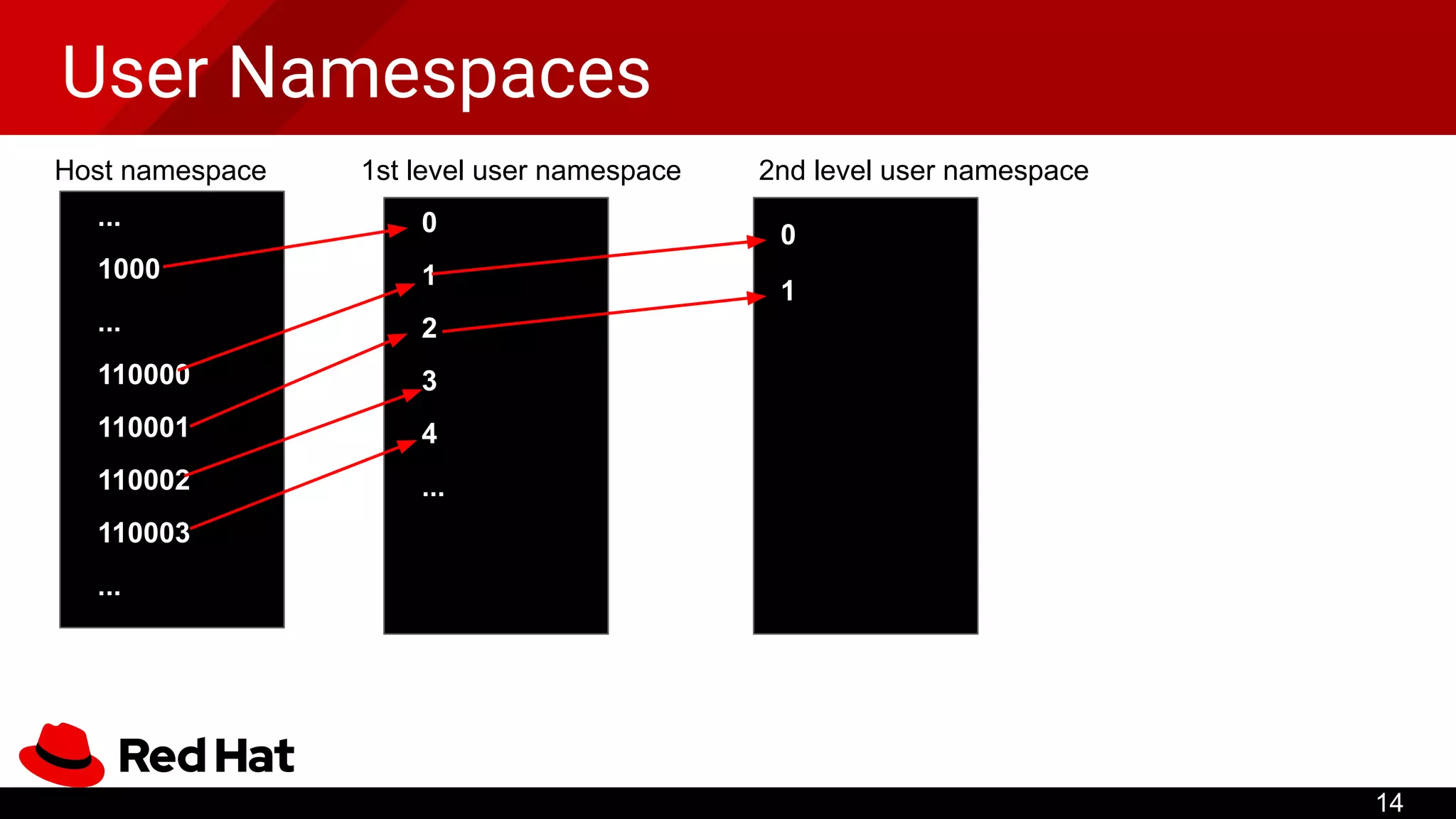
User Namespaces
• Thekey component of rootless containers.
– Map UIDs/GIDs in the guest to different UIDs/GIDs on
the host.
– Unprivileged users can have (limited) root inside a user
namespace!
• Root in a user namespace has UID 0 and full capabilities,
but obvious restrictions apply.
– Inaccessible files, inserting kernel modules, rebooting, ...
13
User Namespaces
• Toallow multi-user mappings, shadow-utils provides newuidmap and
newgidmap (packaged by most distributions).
– SETUID binaries writing mappings configured in /etc/sub[ug]id
/etc/subuid:
1000:420000:65536
/proc/42/uid_map:
0 1000 1
1 420000 65536
Provided by the admin (real root)
User can configure map UIDs after
unsharing a user namespace
15
16.
User Namespaces
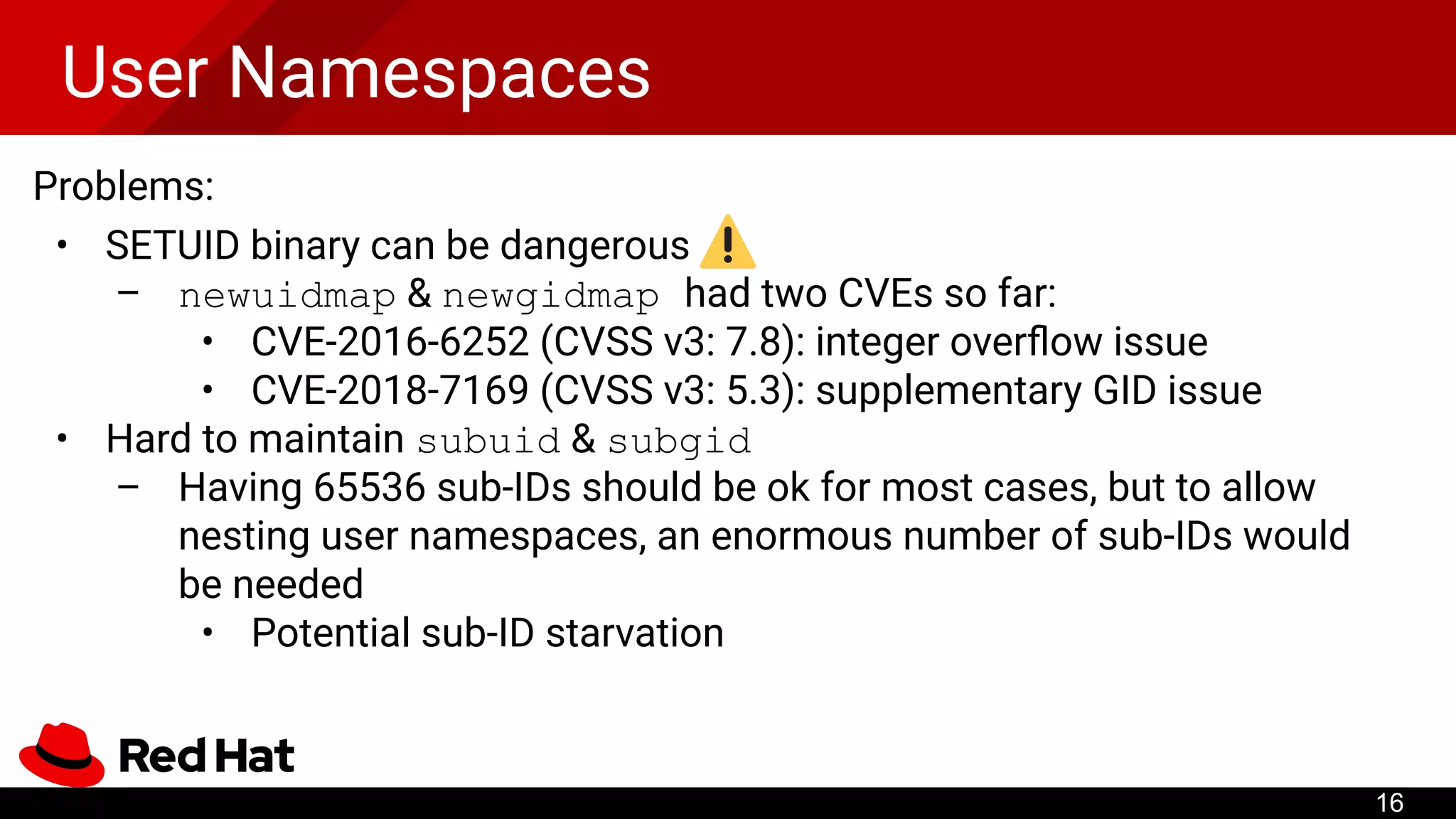
Problems:
• SETUIDbinary can be dangerous
– newuidmap & newgidmap had two CVEs so far:
• CVE-2016-6252 (CVSS v3: 7.8): integer overflow issue
• CVE-2018-7169 (CVSS v3: 5.3): supplementary GID issue
• Hard to maintain subuid & subgid
– Having 65536 sub-IDs should be ok for most cases, but to allow
nesting user namespaces, an enormous number of sub-IDs would
be needed
• Potential sub-ID starvation
16
17.
User Namespaces
Alternative way:Single-mapping mode
• Single-mapping mode does not require
newuidmap/newgidmap
• There is only one UID/GID available in the container
Limit the privileges of newuidmap/newgidmap
• Install them using file capabilities rather than SETUID bit
– Only CAP_SETUID and CAP_SETGID are needed
17
18.
Network Namespaces
• Anunprivileged user can create network namespaces along
with user namespaces
• With network namespaces, the user can
– create iptables rules
– isolate abstract (pathless) UNIX sockets
– set up overlay networking with VXLAN
– run tcpdump
– ...
18
19.
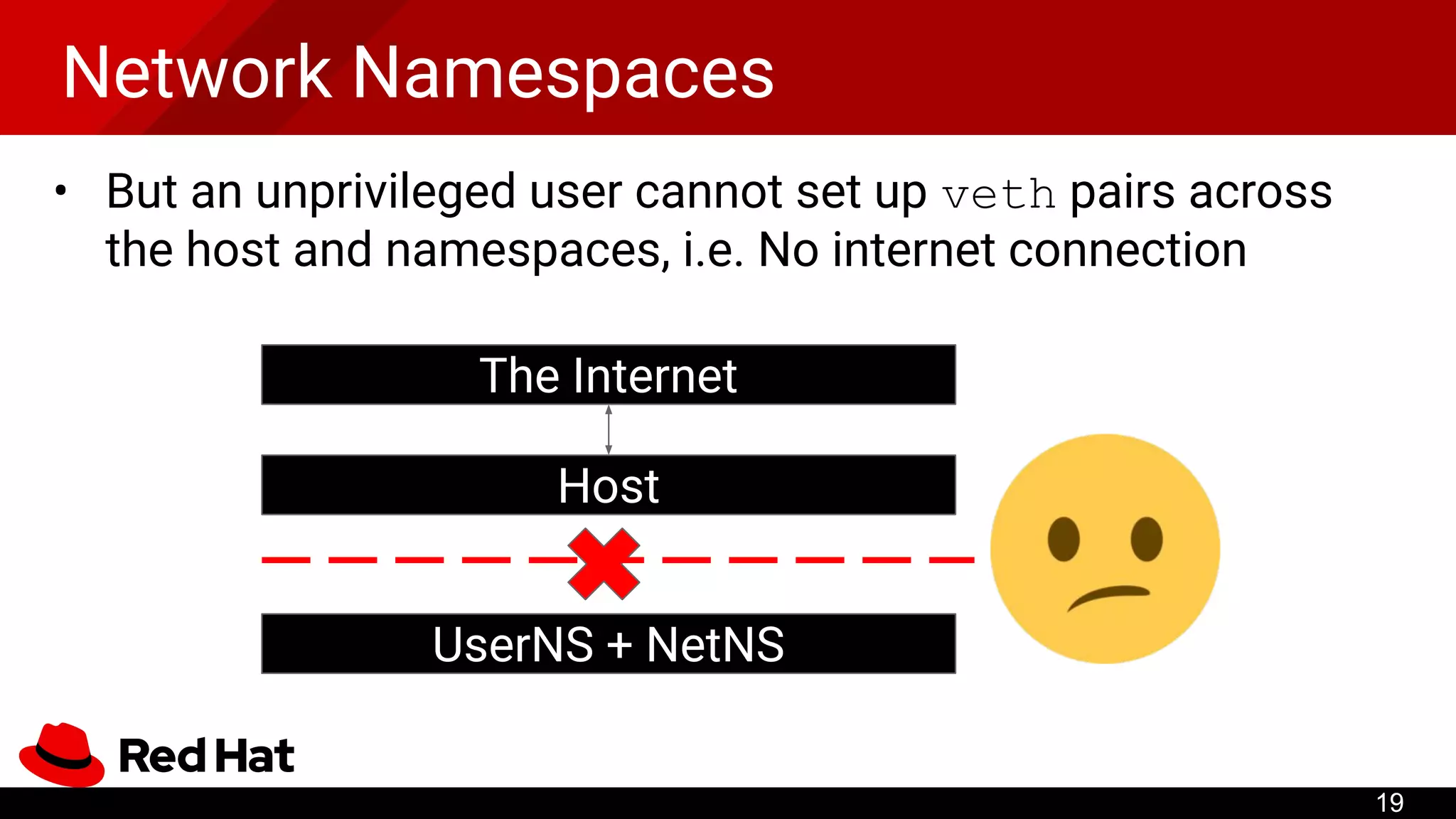
Network Namespaces
• Butan unprivileged user cannot set up veth pairs across
the host and namespaces, i.e. No internet connection
19
The Internet
Host
UserNS + NetNS
20.
Network Namespaces
Prior work:LXC uses SETUID binary (lxc-user-nic) for
setting up the veth pair across the the host and containers
Problem: SETUID binary can be dangerous!
• CVE-2017-5985 (CVSS v3: 3.3): netns privilege escalation
• CVE-2018-6556 (CVSS v3: 3.3): arbitrary file open(2)
20
21.
Network Namespaces
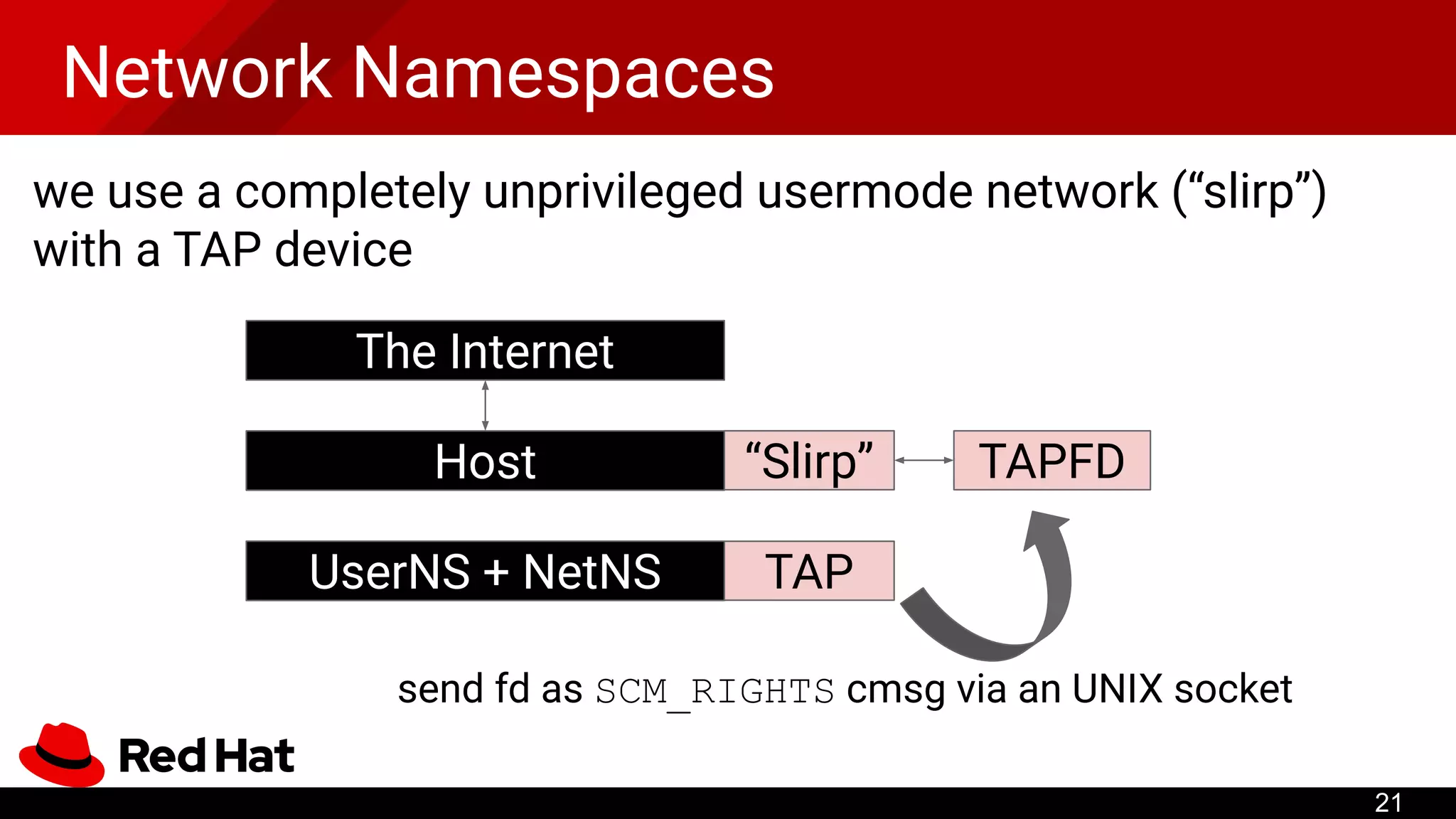
we usea completely unprivileged usermode network (“slirp”)
with a TAP device
TAP
“Slirp” TAPFD
send fd as SCM_RIGHTS cmsg via an UNIX socket
The Internet
Host
UserNS + NetNS
21
22.
Network Namespaces
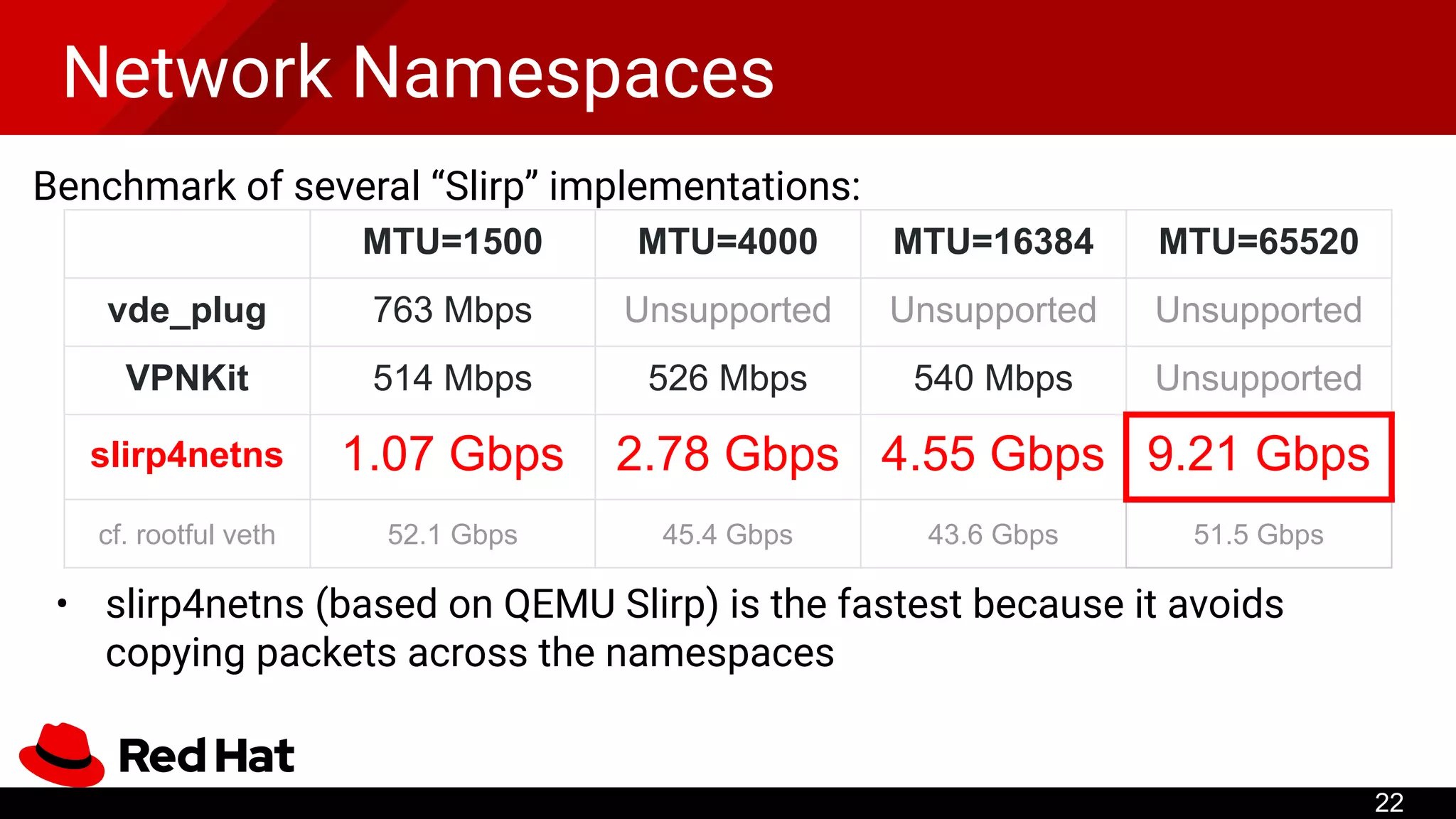
Benchmark ofseveral “Slirp” implementations:
• slirp4netns (based on QEMU Slirp) is the fastest because it avoids
copying packets across the namespaces
MTU=1500 MTU=4000 MTU=16384 MTU=65520
vde_plug 763 Mbps Unsupported Unsupported Unsupported
VPNKit 514 Mbps 526 Mbps 540 Mbps Unsupported
slirp4netns 1.07 Gbps 2.78 Gbps 4.55 Gbps 9.21 Gbps
cf. rootful veth 52.1 Gbps 45.4 Gbps 43.6 Gbps 51.5 Gbps
22
23.
Multi-node networking
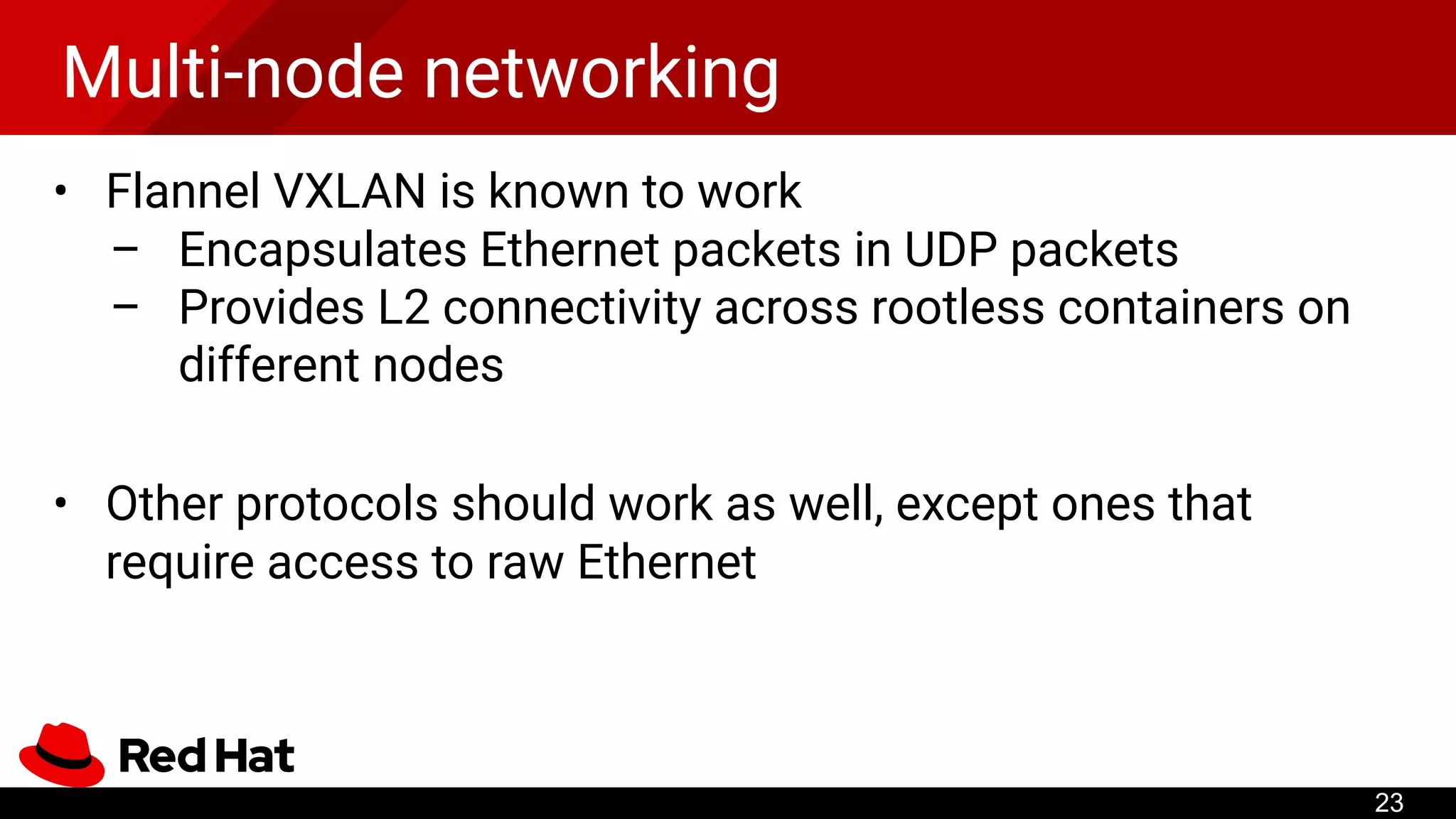
• FlannelVXLAN is known to work
– Encapsulates Ethernet packets in UDP packets
– Provides L2 connectivity across rootless containers on
different nodes
• Other protocols should work as well, except ones that
require access to raw Ethernet
23
24.
cgroups
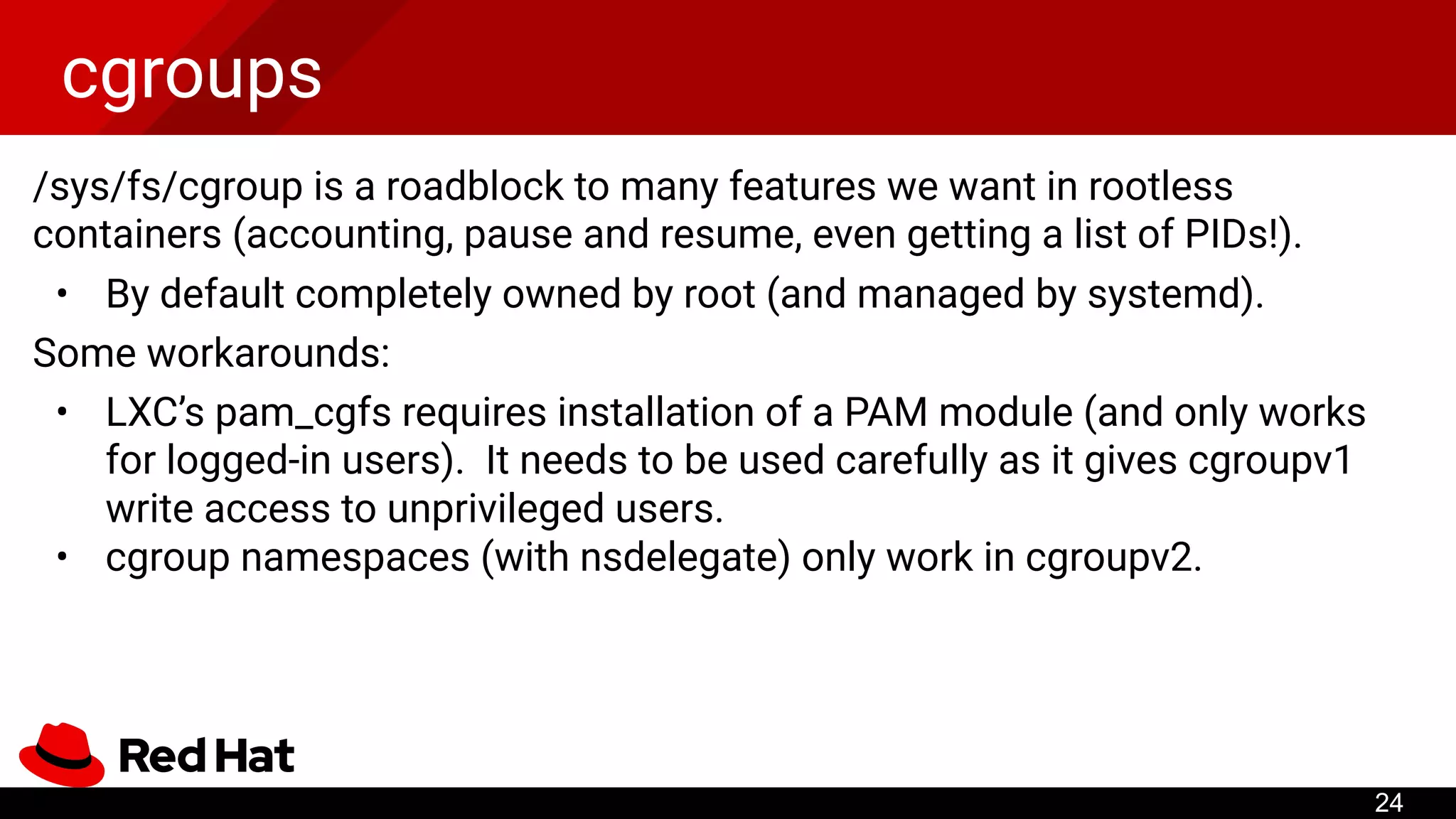
/sys/fs/cgroup is aroadblock to many features we want in rootless
containers (accounting, pause and resume, even getting a list of PIDs!).
• By default completely owned by root (and managed by systemd).
Some workarounds:
• LXC’s pam_cgfs requires installation of a PAM module (and only works
for logged-in users). It needs to be used carefully as it gives cgroupv1
write access to unprivileged users.
• cgroup namespaces (with nsdelegate) only work in cgroupv2.
24
25.
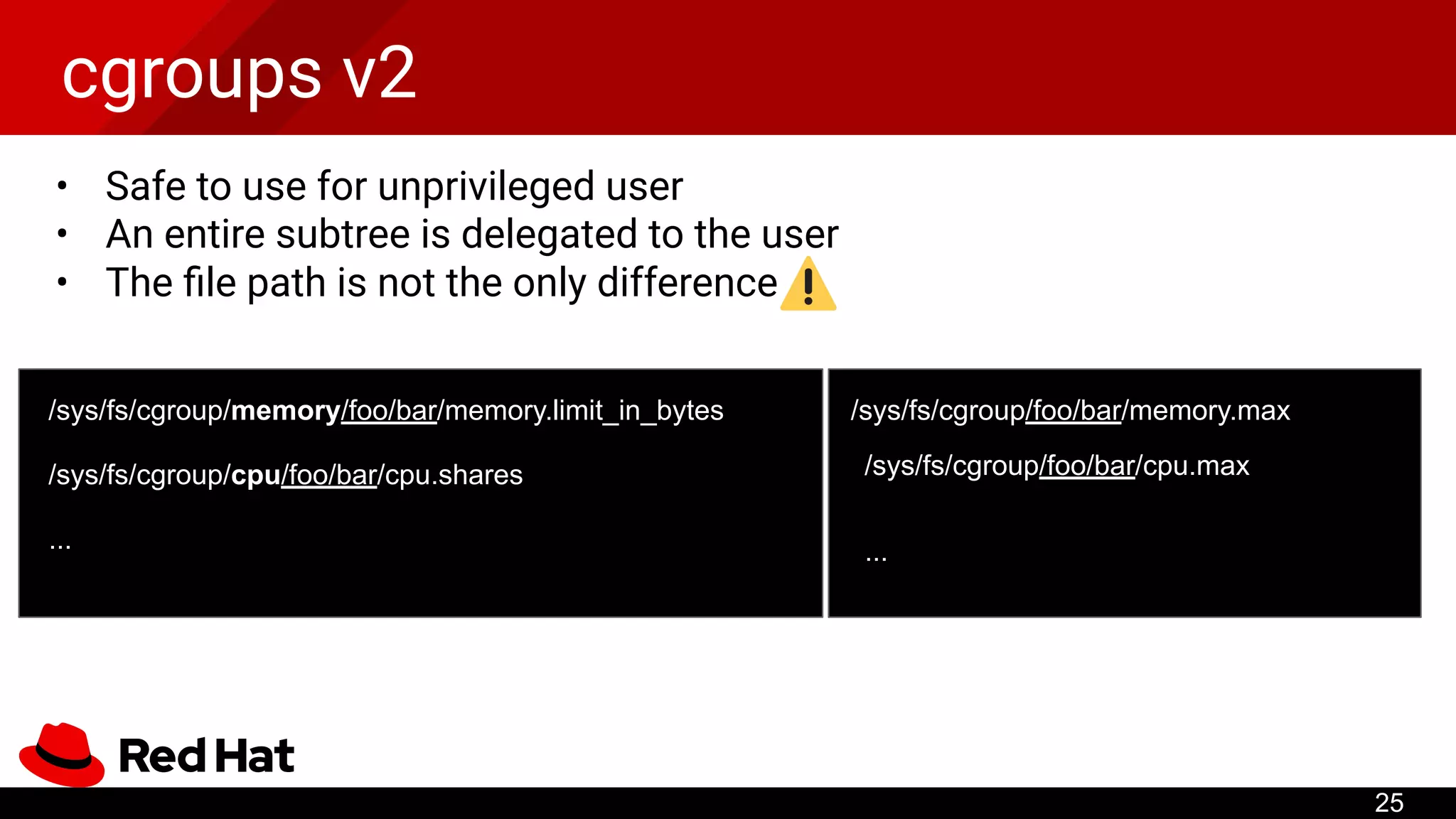
cgroups v2
• Safeto use for unprivileged user
• An entire subtree is delegated to the user
• The file path is not the only difference
25
/sys/fs/cgroup/memory/foo/bar/memory.limit_in_bytes
/sys/fs/cgroup/cpu/foo/bar/cpu.shares
...
/sys/fs/cgroup/foo/bar/memory.max
/sys/fs/cgroup/foo/bar/cpu.max
...
26.
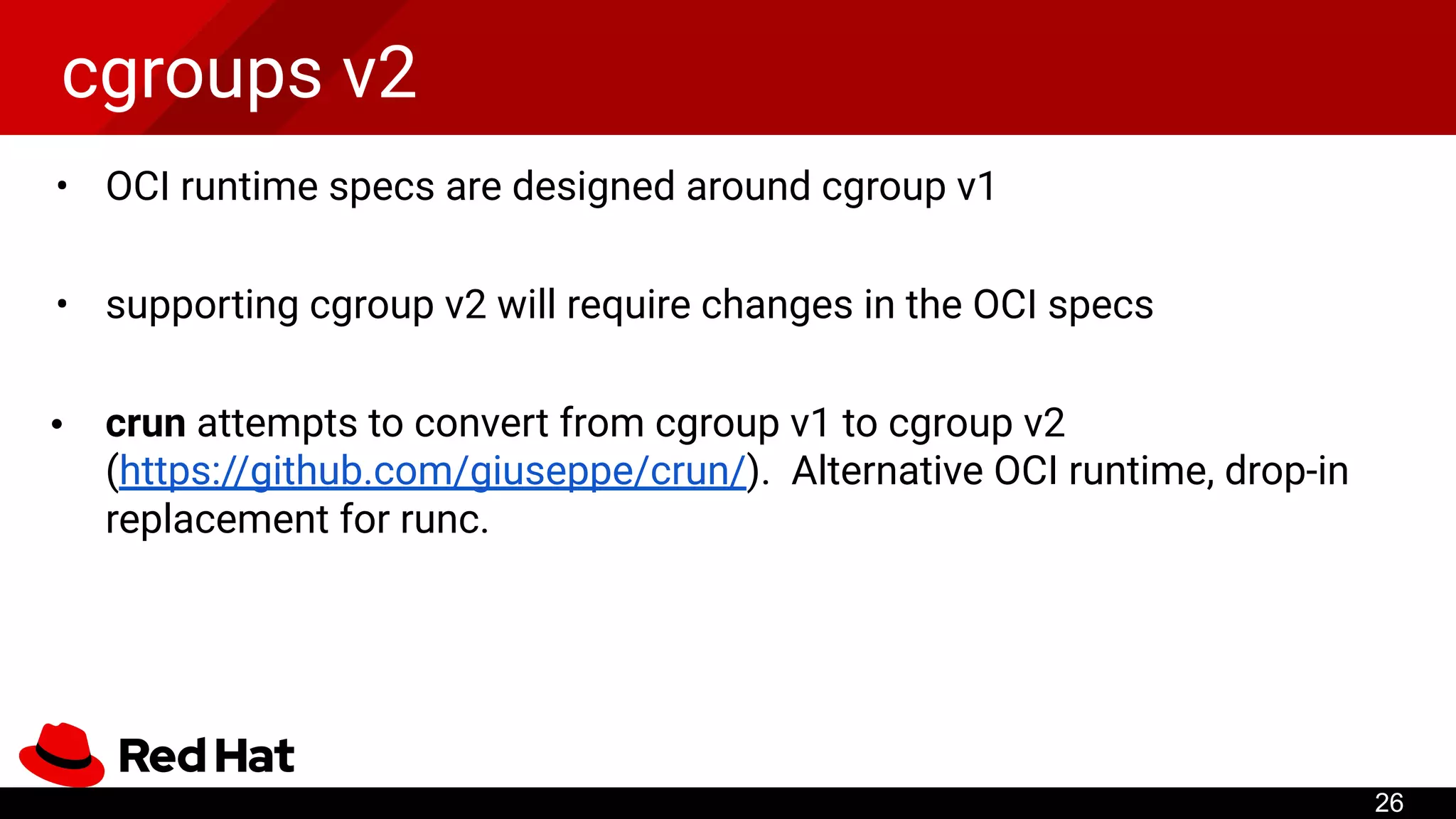
cgroups v2
• OCIruntime specs are designed around cgroup v1
• supporting cgroup v2 will require changes in the OCI specs
• crun attempts to convert from cgroup v1 to cgroup v2
(https://github.com/giuseppe/crun/). Alternative OCI runtime, drop-in
replacement for runc.
26
...
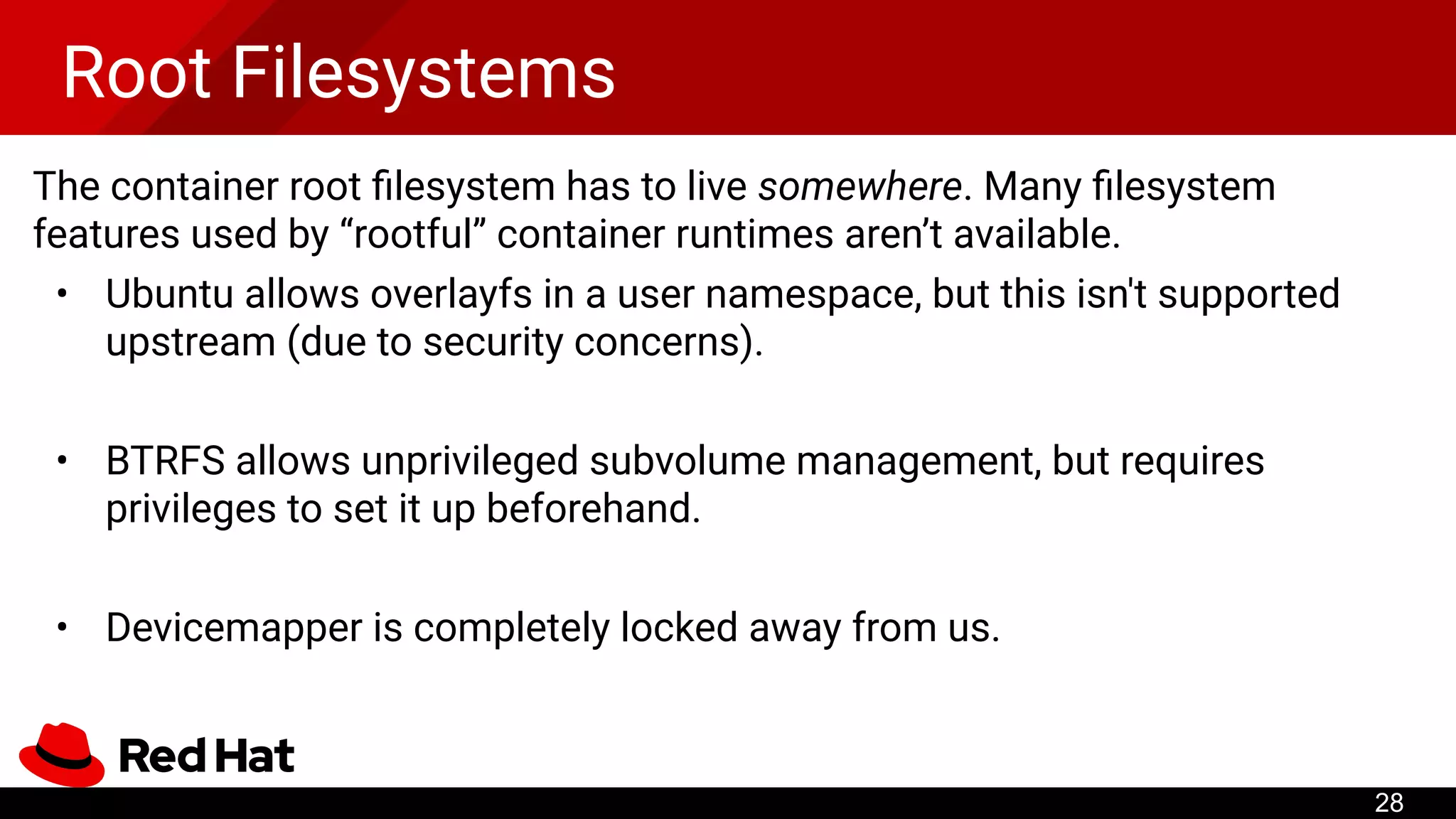
Root Filesystems
The containerroot filesystem has to live somewhere. Many filesystem
features used by “rootful” container runtimes aren’t available.
• Ubuntu allows overlayfs in a user namespace, but this isn't supported
upstream (due to security concerns).
• BTRFS allows unprivileged subvolume management, but requires
privileges to set it up beforehand.
• Devicemapper is completely locked away from us.
28
29.
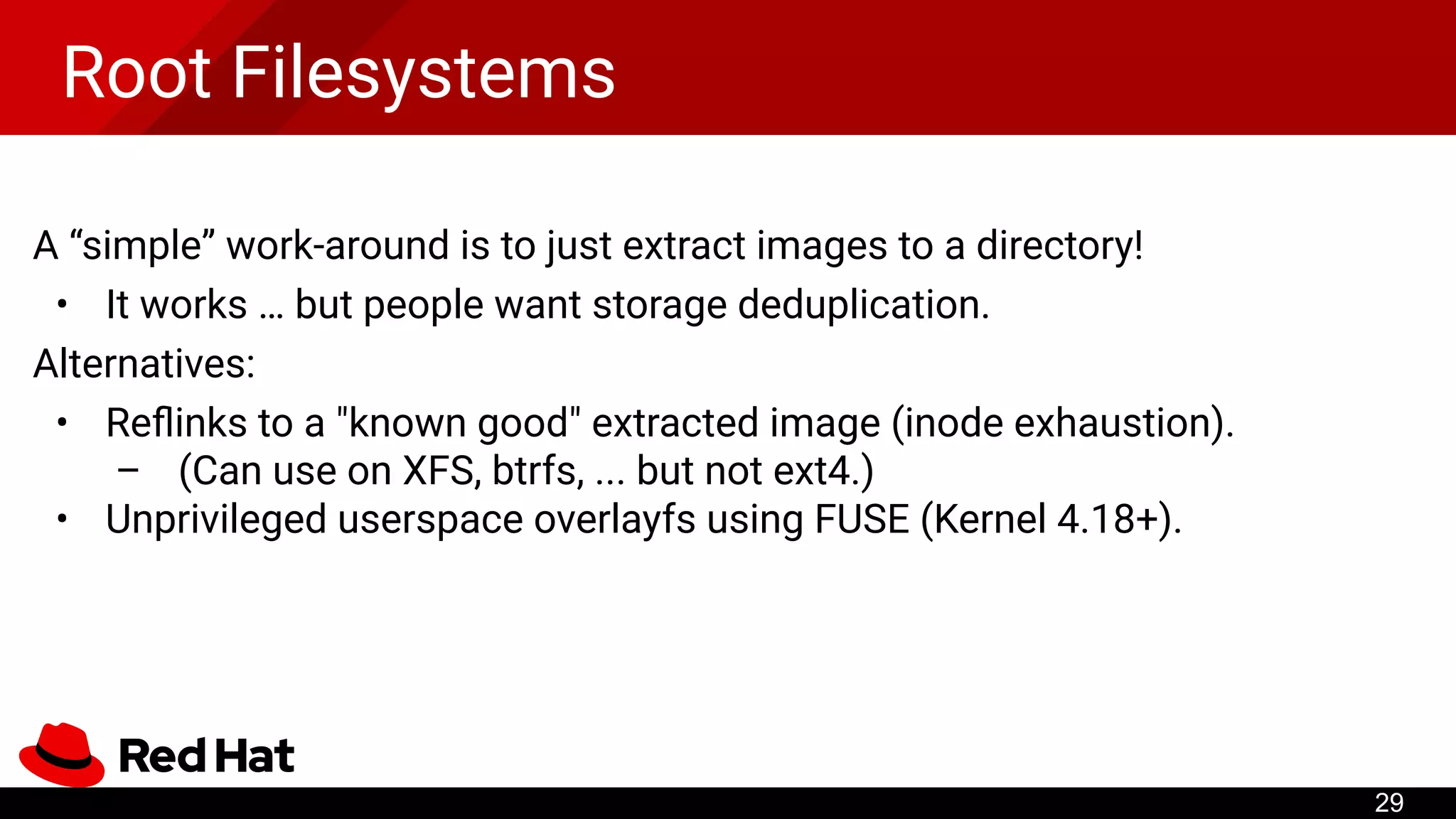
Root Filesystems
A “simple”work-around is to just extract images to a directory!
• It works … but people want storage deduplication.
Alternatives:
• Reflinks to a "known good" extracted image (inode exhaustion).
– (Can use on XFS, btrfs, ... but not ext4.)
• Unprivileged userspace overlayfs using FUSE (Kernel 4.18+).
29
30.
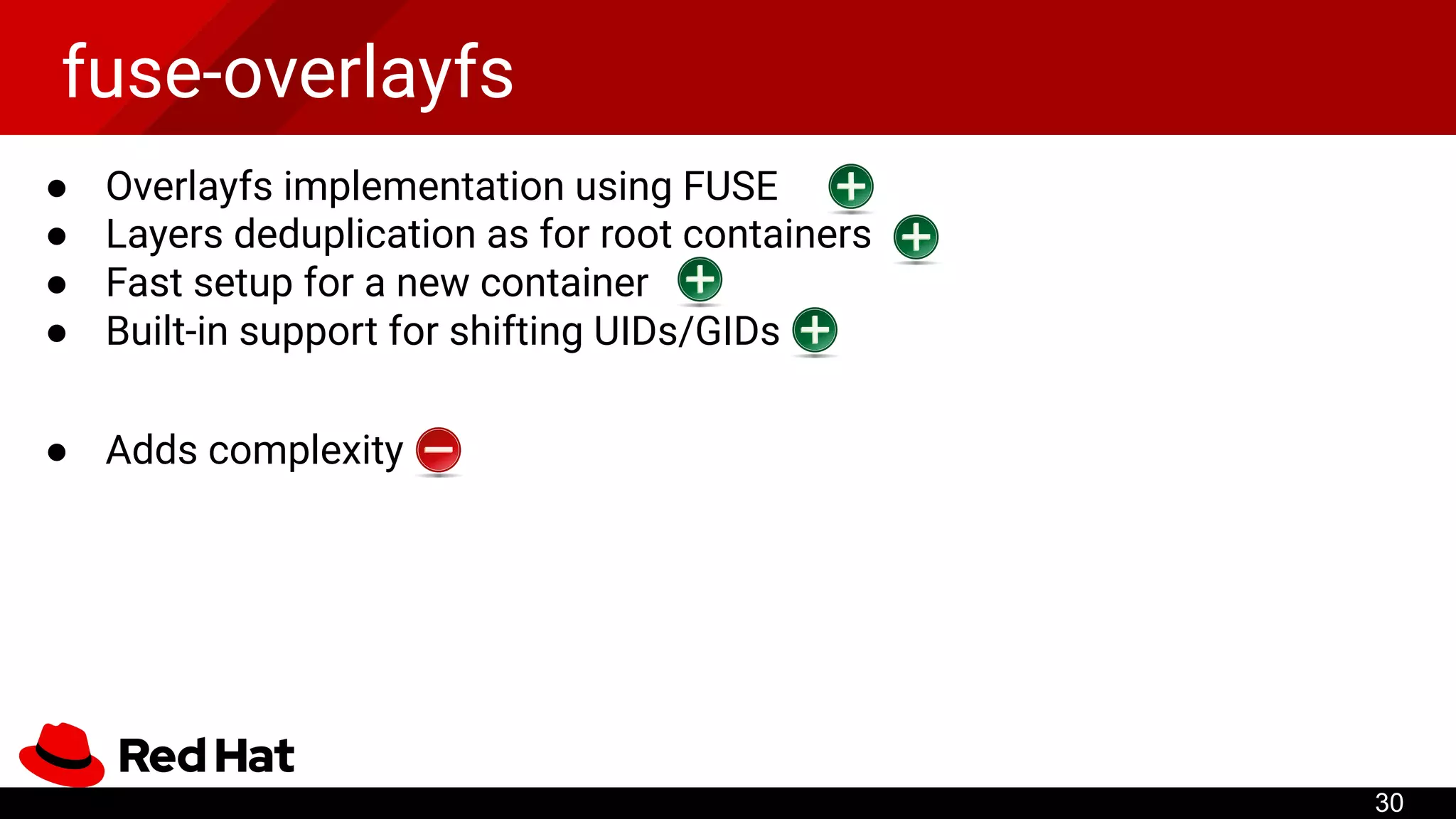
fuse-overlayfs
● Overlayfs implementationusing FUSE
● Layers deduplication as for root containers
● Fast setup for a new container
● Built-in support for shifting UIDs/GIDs
● Adds complexity
30
31.
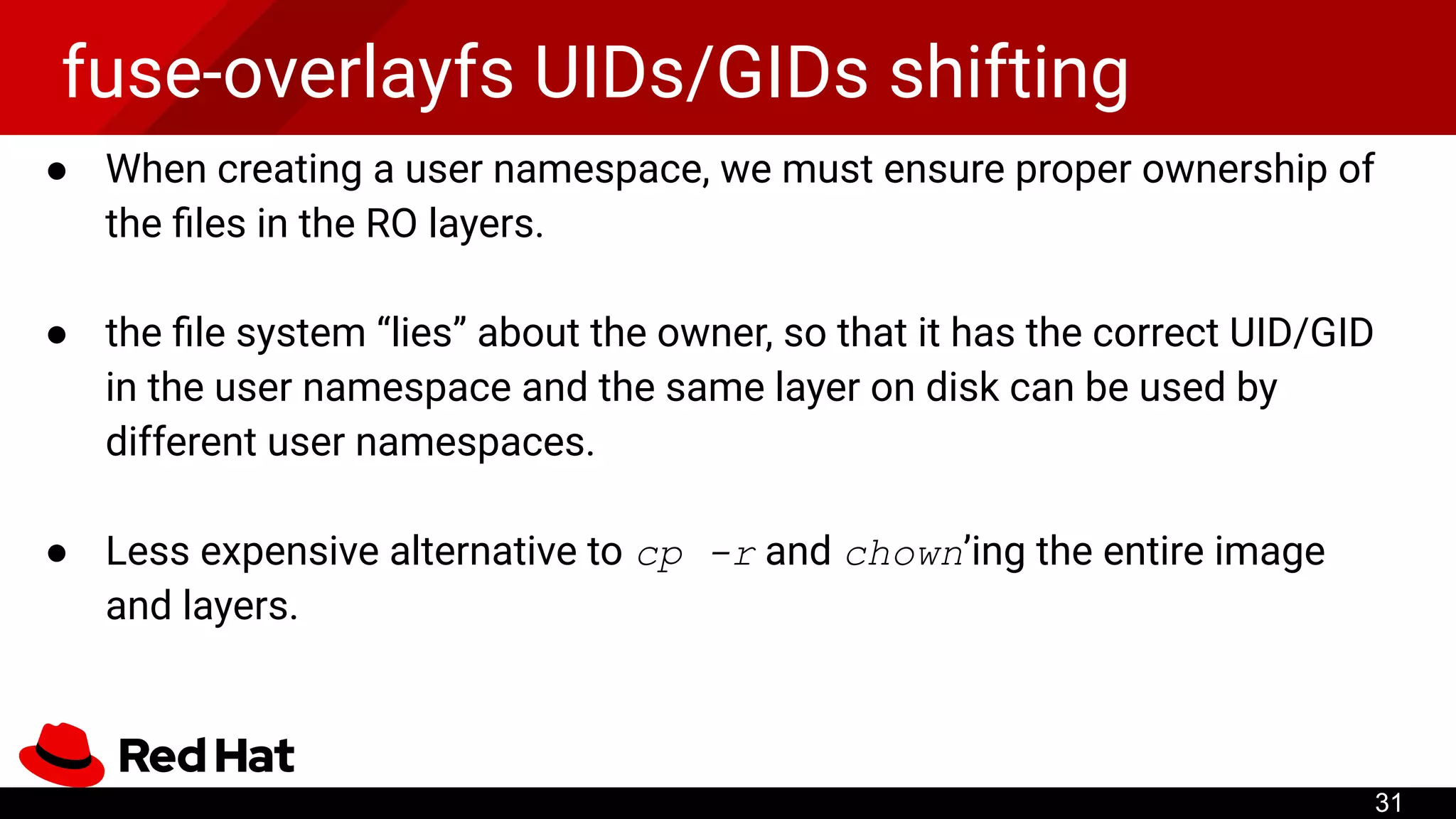
fuse-overlayfs UIDs/GIDs shifting
●When creating a user namespace, we must ensure proper ownership of
the files in the RO layers.
● the file system “lies” about the owner, so that it has the correct UID/GID
in the user namespace and the same layer on disk can be used by
different user namespaces.
● Less expensive alternative to cp -r and chown’ing the entire image
and layers.
31
32.
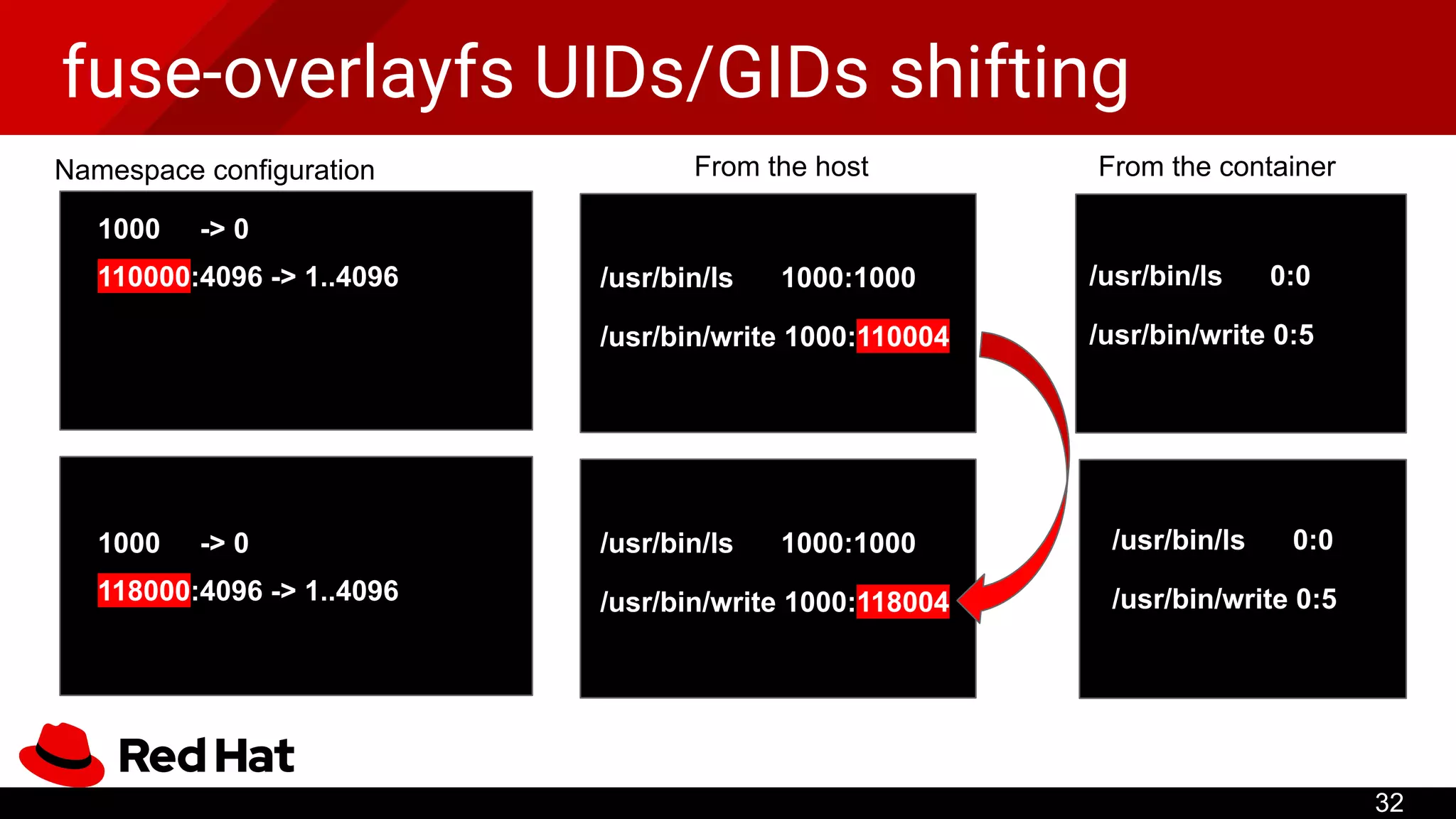
fuse-overlayfs UIDs/GIDs shifting
32
1000-> 0
110000:4096 -> 1..4096
Namespace configuration
/usr/bin/ls 1000:1000
From the host From the container
/usr/bin/write 1000:110004
/usr/bin/ls 0:0
/usr/bin/write 0:5
/usr/bin/ls 1000:1000
/usr/bin/write 1000:118004
/usr/bin/ls 0:0
/usr/bin/write 0:5
1000 -> 0
118000:4096 -> 1..4096



![User Namespaces
• To allow multi-user mappings, shadow-utils provides newuidmap and
newgidmap (packaged by most distributions).
– SETUID binaries writing mappings configured in /etc/sub[ug]id
/etc/subuid:
1000:420000:65536
/proc/42/uid_map:
0 1000 1
1 420000 65536
Provided by the admin (real root)
User can configure map UIDs after
unsharing a user namespace
15](https://image.slidesharecdn.com/podmanrootlesscontainers-190622090659/75/Podman-rootless-containers-15-2048.jpg)



![[오픈소스컨설팅]Docker기초 실습 교육 20181113_v3](https://cdn.slidesharecdn.com/ss_thumbnails/oscdockereducation20181113hanv3-181113075418-thumbnail.jpg?width=640&height=640&fit=bounds)


![[CNCF TAG-Runtime 2022-10-06] Lima](https://cdn.slidesharecdn.com/ss_thumbnails/cncftag-runtime2022-10-06lima-221007111035-3bb96dd9-thumbnail.jpg?width=640&height=640&fit=bounds)


![[DockerCon 2019] Hardening Docker daemon with Rootless mode](https://cdn.slidesharecdn.com/ss_thumbnails/hardeningdockerdaemonwithrootlessmode-190501210234-thumbnail.jpg?width=640&height=640&fit=bounds)


![20240415 [Container Plumbing Days] Usernetes Gen2 - Kubernetes in Rootless Do...](https://cdn.slidesharecdn.com/ss_thumbnails/20240415containerplumbingdaysusernetesgen2-kubernetesinrootlessdockerwithmultiplenodes-240415184952-ea0dfb7a-thumbnail.jpg?width=640&height=640&fit=bounds)
![20240201 [HPC Containers] Rootless Containers.pdf](https://cdn.slidesharecdn.com/ss_thumbnails/20240201hpccontainersrootlesscontainers-240408065736-d40a3c26-thumbnail.jpg?width=640&height=640&fit=bounds)


![[KubeCon NA 2020] containerd: Rootless Containers 2020](https://cdn.slidesharecdn.com/ss_thumbnails/kubeconna2020rootlesscontainers-201117203340-thumbnail.jpg?width=640&height=640&fit=bounds)


