Assembling your own
IDE for hardware design
Dr. Ir. Philippe Faes
Dr. Ir. Hendrik Eeckhaut
Overview
● Eclipse
○ What is Eclipse
○ Why is it so slow
● Installing
○ Organizing Eclipse
○ Installing multiple plugins
● Plugins
○ Languages
○ Create documentation
○ Version Control
○ Warnings
○ Team: Mylyn
● Customization
○ Domain Specific Languages (DSLs)
● The Eclipse Marketplace
● List of interesting Plugins
What is Eclipse?
● Integrated Development Environment
● Community
● Modular
● Extensible
● Multi-language
Industry standard in HW design community
Why is Eclipse so slow?
Startup time is longer than notepad / Vim / ...
but: Think about what you get in return.
Getting on an airplane is a lot slower
than getting into your car.
That does not make your car
faster than an airplane.
Organizing Eclipse
● One or several Eclipse installations?
● Update cycle
○ managed by IT department?
○ never update?
○ continually update?
○ File > Import > Install > From Existing Installation
http://support.sigasi.com/Knowledgebase/Article/View/140
● Sharing settings across your team
○ http://support.sigasi.com/Knowledgebase/Article/View/77
Installing multiple plug-ins
● Share with your colleagues
○ Export / Import list of plugins
File > Export > Install > Installed software items
● Managed by your IT department
○ Genuitec SDC
○ https://yoxos.eclipsesource.com/
○ Eclipse Oomph (new)
○ Local mirror
Languages
Dozens of languages supported.
Java, most prominently. but also:
● C / C++
● Tcl
● Python
● VHDL / (System)Verilog
● XML / HTML / CSS
● Wikitext (e.g. Markdown; used for documentation)
● and much more...
How to create documentation
● Doxygen (all languages)
● JavaDoc (Java)
● Sigasi documentation generator (VHDL)
● HTML
● Wikitext / Markdown
● LaTeX
● See which files have changed since the
latest commit
● Commit, annotate (praise), diff
Supporting:
● Subversion
● GIT
● Clearcase
● Perforce
● ...
Version control
Warnings
● Java:
○ Java annotations:
// @SuppressWarnings(“unused”)
● Language independent:
○ MarkerManager:
-- @suppress
● Find tasks (from issue tracker)
● Track changes
● Track which file you need for a task
● Commit to version control, using correct task
reference
For example: GitHub, Trac, Jira, ...
Team connectors: Mylyn
Customization
● External Tools
○ run a command, optionally based on selected file
● Custom builder
○ automatically run command as part of compilation
● Process output of external tools
○ generate warning markers in your source files
● Create a plugin
○ plain plugin
○ Xtext
○ Zest
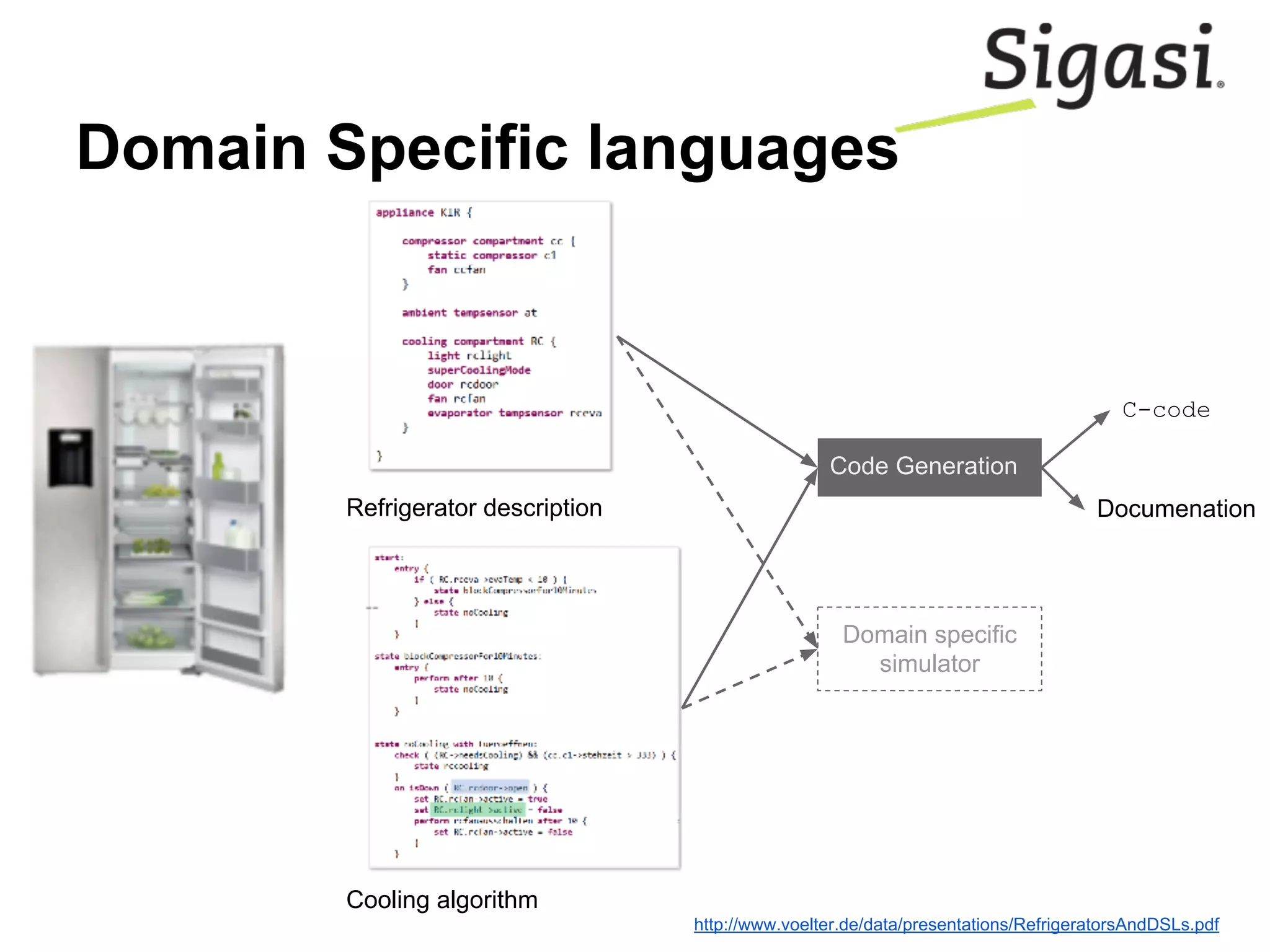
Domain Specific languages
Refrigerator description
Cooling algorithm
Code Generation
C-code
Documenation
Domain specific
simulator
http://www.voelter.de/data/presentations/RefrigeratorsAndDSLs.pdf
The Eclipse Marketplace
The Eclipse Marketplace is where you
find all these nice plugins.
https://marketplace.eclipse.org/
or
Click Help > Eclipse Marketplace…
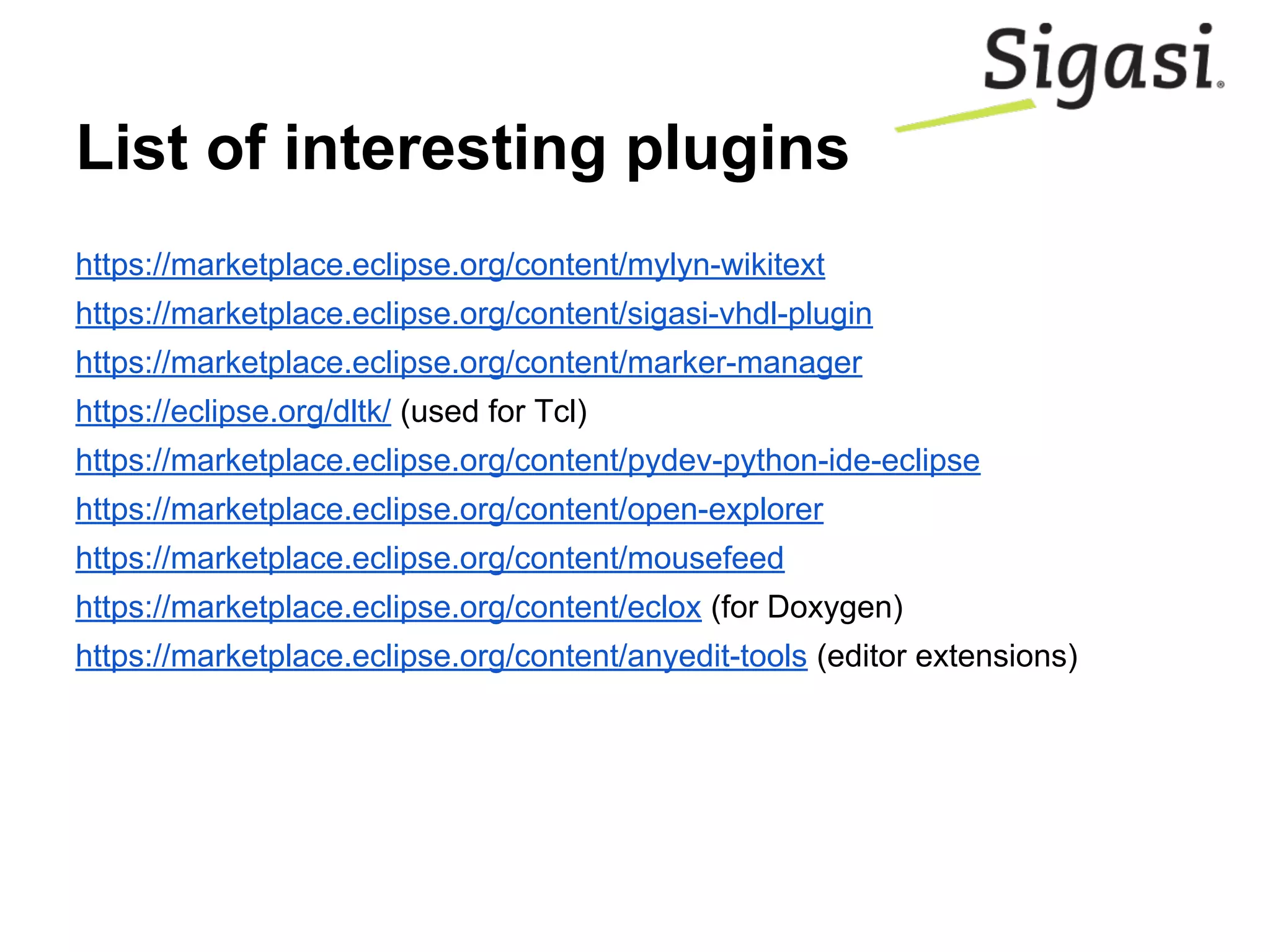
List of interesting plugins
https://marketplace.eclipse.org/content/mylyn-wikitext
https://marketplace.eclipse.org/content/sigasi-vhdl-plugin
https://marketplace.eclipse.org/content/marker-manager
https://eclipse.org/dltk/ (used for Tcl)
https://marketplace.eclipse.org/content/pydev-python-ide-eclipse
https://marketplace.eclipse.org/content/open-explorer
https://marketplace.eclipse.org/content/mousefeed
https://marketplace.eclipse.org/content/eclox (for Doxygen)
https://marketplace.eclipse.org/content/anyedit-tools (editor extensions)
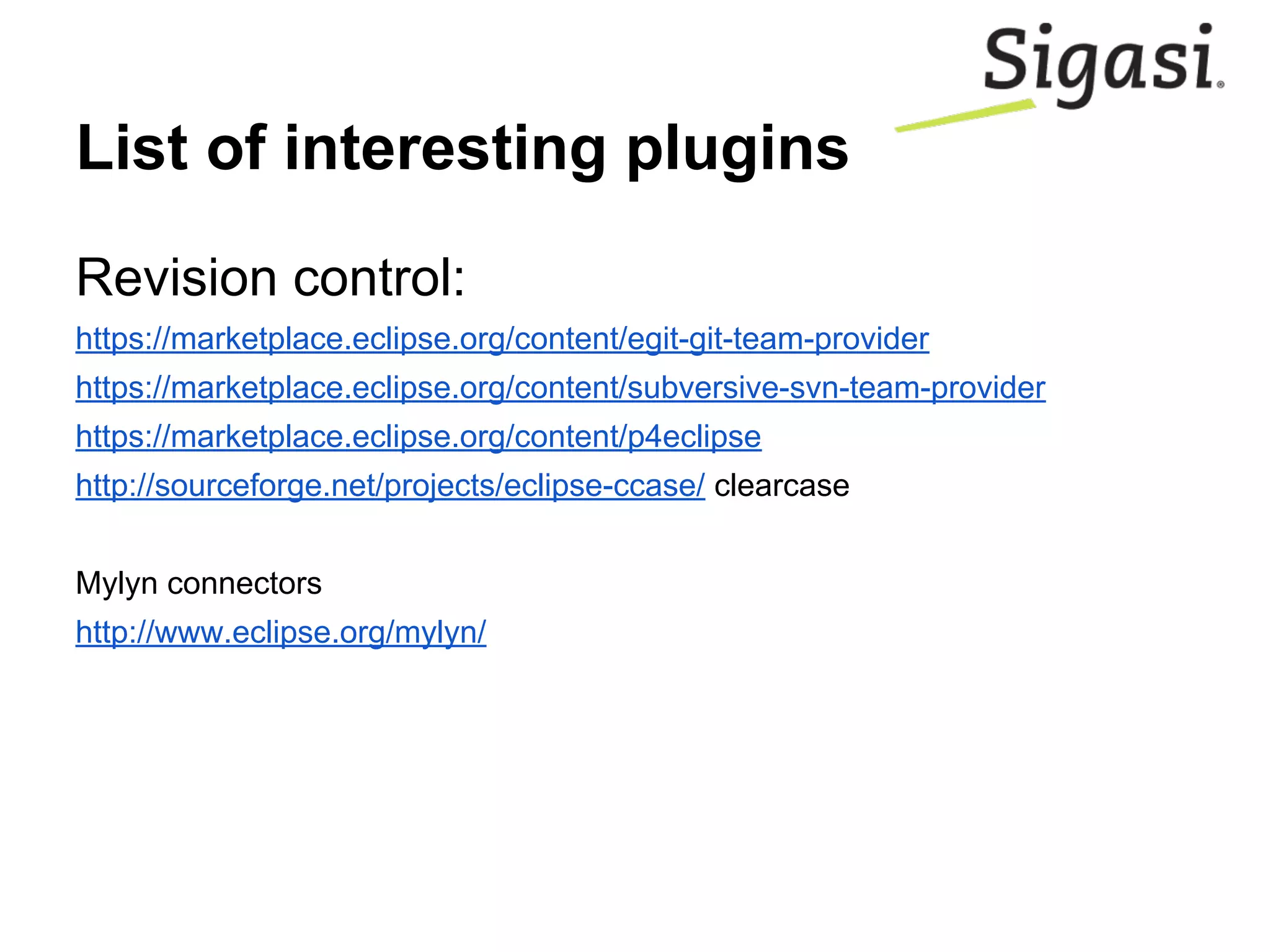
List of interesting plugins
Revision control:
https://marketplace.eclipse.org/content/egit-git-team-provider
https://marketplace.eclipse.org/content/subversive-svn-team-provider
https://marketplace.eclipse.org/content/p4eclipse
http://sourceforge.net/projects/eclipse-ccase/ clearcase
Mylyn connectors
http://www.eclipse.org/mylyn/
Free trial
Get a free 2-month trial of the Sigasi IDE:
http://www.sigasi.com/plc2-2015

Plc2 2015 your own ide

  • 1.
    Assembling your own IDEfor hardware design Dr. Ir. Philippe Faes Dr. Ir. Hendrik Eeckhaut
  • 2.
    Overview ● Eclipse ○ Whatis Eclipse ○ Why is it so slow ● Installing ○ Organizing Eclipse ○ Installing multiple plugins ● Plugins ○ Languages ○ Create documentation ○ Version Control ○ Warnings ○ Team: Mylyn ● Customization ○ Domain Specific Languages (DSLs) ● The Eclipse Marketplace ● List of interesting Plugins
  • 3.
    What is Eclipse? ●Integrated Development Environment ● Community ● Modular ● Extensible ● Multi-language Industry standard in HW design community
  • 4.
    Why is Eclipseso slow? Startup time is longer than notepad / Vim / ... but: Think about what you get in return. Getting on an airplane is a lot slower than getting into your car. That does not make your car faster than an airplane.
  • 5.
    Organizing Eclipse ● Oneor several Eclipse installations? ● Update cycle ○ managed by IT department? ○ never update? ○ continually update? ○ File > Import > Install > From Existing Installation http://support.sigasi.com/Knowledgebase/Article/View/140 ● Sharing settings across your team ○ http://support.sigasi.com/Knowledgebase/Article/View/77
  • 6.
    Installing multiple plug-ins ●Share with your colleagues ○ Export / Import list of plugins File > Export > Install > Installed software items ● Managed by your IT department ○ Genuitec SDC ○ https://yoxos.eclipsesource.com/ ○ Eclipse Oomph (new) ○ Local mirror
  • 7.
    Languages Dozens of languagessupported. Java, most prominently. but also: ● C / C++ ● Tcl ● Python ● VHDL / (System)Verilog ● XML / HTML / CSS ● Wikitext (e.g. Markdown; used for documentation) ● and much more...
  • 8.
    How to createdocumentation ● Doxygen (all languages) ● JavaDoc (Java) ● Sigasi documentation generator (VHDL) ● HTML ● Wikitext / Markdown ● LaTeX
  • 9.
    ● See whichfiles have changed since the latest commit ● Commit, annotate (praise), diff Supporting: ● Subversion ● GIT ● Clearcase ● Perforce ● ... Version control
  • 10.
    Warnings ● Java: ○ Javaannotations: // @SuppressWarnings(“unused”) ● Language independent: ○ MarkerManager: -- @suppress
  • 11.
    ● Find tasks(from issue tracker) ● Track changes ● Track which file you need for a task ● Commit to version control, using correct task reference For example: GitHub, Trac, Jira, ... Team connectors: Mylyn
  • 12.
    Customization ● External Tools ○run a command, optionally based on selected file ● Custom builder ○ automatically run command as part of compilation ● Process output of external tools ○ generate warning markers in your source files ● Create a plugin ○ plain plugin ○ Xtext ○ Zest
  • 13.
    Domain Specific languages Refrigeratordescription Cooling algorithm Code Generation C-code Documenation Domain specific simulator http://www.voelter.de/data/presentations/RefrigeratorsAndDSLs.pdf
  • 14.
    The Eclipse Marketplace TheEclipse Marketplace is where you find all these nice plugins. https://marketplace.eclipse.org/ or Click Help > Eclipse Marketplace…
  • 15.
    List of interestingplugins https://marketplace.eclipse.org/content/mylyn-wikitext https://marketplace.eclipse.org/content/sigasi-vhdl-plugin https://marketplace.eclipse.org/content/marker-manager https://eclipse.org/dltk/ (used for Tcl) https://marketplace.eclipse.org/content/pydev-python-ide-eclipse https://marketplace.eclipse.org/content/open-explorer https://marketplace.eclipse.org/content/mousefeed https://marketplace.eclipse.org/content/eclox (for Doxygen) https://marketplace.eclipse.org/content/anyedit-tools (editor extensions)
  • 16.
    List of interestingplugins Revision control: https://marketplace.eclipse.org/content/egit-git-team-provider https://marketplace.eclipse.org/content/subversive-svn-team-provider https://marketplace.eclipse.org/content/p4eclipse http://sourceforge.net/projects/eclipse-ccase/ clearcase Mylyn connectors http://www.eclipse.org/mylyn/
  • 17.
    Free trial Get afree 2-month trial of the Sigasi IDE: http://www.sigasi.com/plc2-2015