Introduction to Eclipse Infocenter Aliza Merzel Joe Gelb
Who are we? Our Mission To increase our customers’ profitability by significantly improving the efficiency of their  information development and delivery processes. Qualitative Advantage Content Lifecycle Implementation (CLI) is Suite Solutions’  comprehensive approach – from concept to publication – to maximizing the value of your information assets. Our professionals are with you at every phase, determining, recommending and implementing the most cost-effective, flexible and long term solution for your business.
Clients and Partners Private and Confidential Suite Solutions©2009
Agenda Case for dynamic content delivery Eclipse Infocenter as an inexpensive option Overview of Eclipse Infocenter Organization of content Customization options Deployment Multilingual support
Expectations of Content Consumers Find information quickly via web search Bite-size information topics Just in time delivery: what I need, when I need it – and quick! Targeted content – show me what’s relevant to me Multilingual – show me content in my language Community feedback Solution and task oriented Consistency of information from support and documentation Portability – give it to me on my smart phone Drive towards dynamic content delivery
Next Generation Publishing Metadata rich Multiple language Filter on the fly Generate PDF on demand Bookmarks, annotations Collect feedback Collect metrics: content usage Automated publishing and deployment platforms Incremental updates Integration with other systems
Overview of Eclipse Infocenter Open source platform Cross platform, cross browser Un-compiled format Can be run on client or server Allows for localized help in one platform  Use DITA-OT to generate package (plug-in) for deployment Easy to update/add content Provides tri-pane interface including TOC, index, search Provides facility for context-sensitive help Can be customized Designed for applications developed in Eclipse, although it may be deployed as a stand alone help system
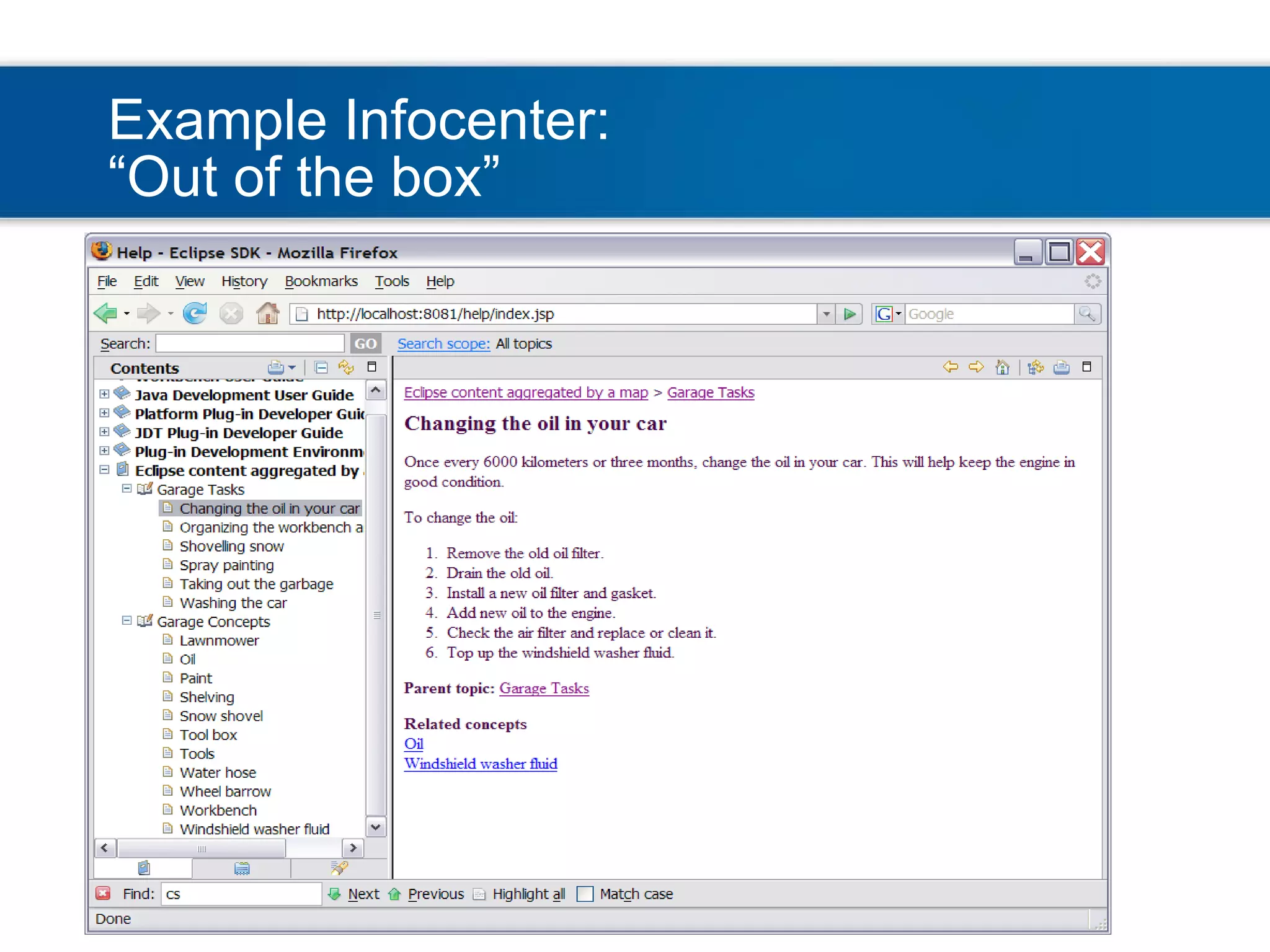
Example Infocenter: “Out of the box”
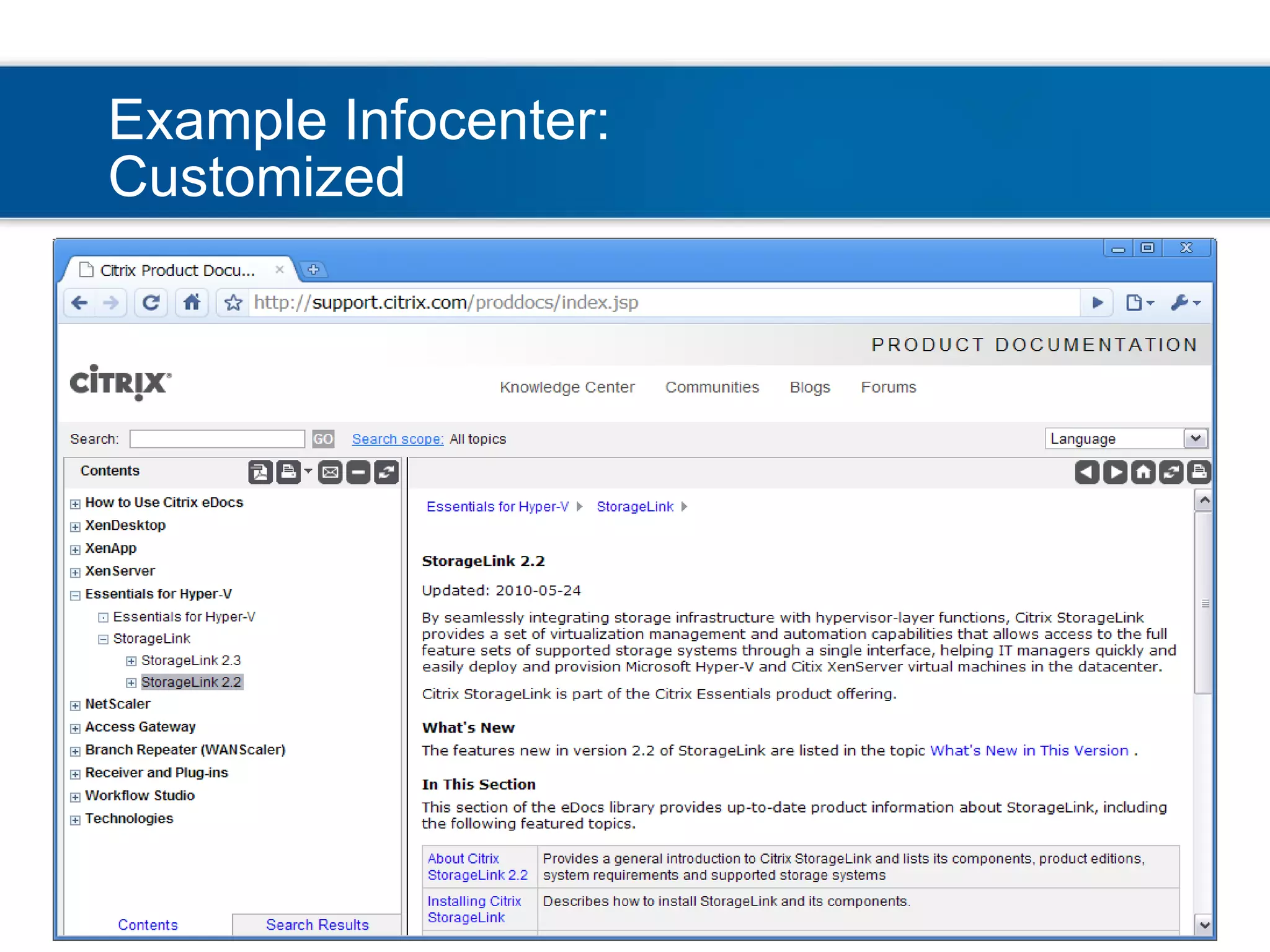
Example Infocenter: Customized
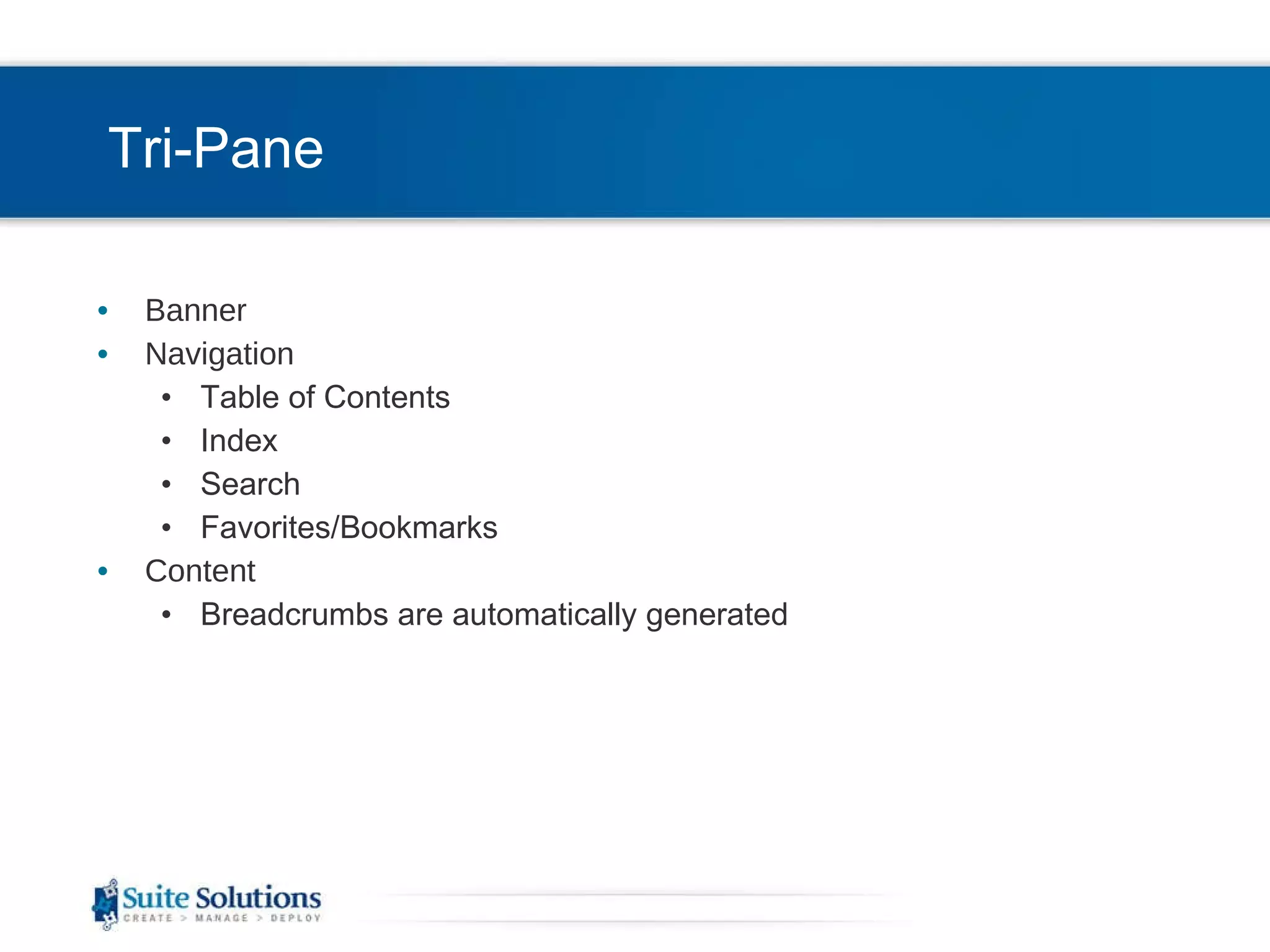
Tri-Pane Banner Navigation Table of Contents Index Search Favorites/Bookmarks Content Breadcrumbs are automatically generated
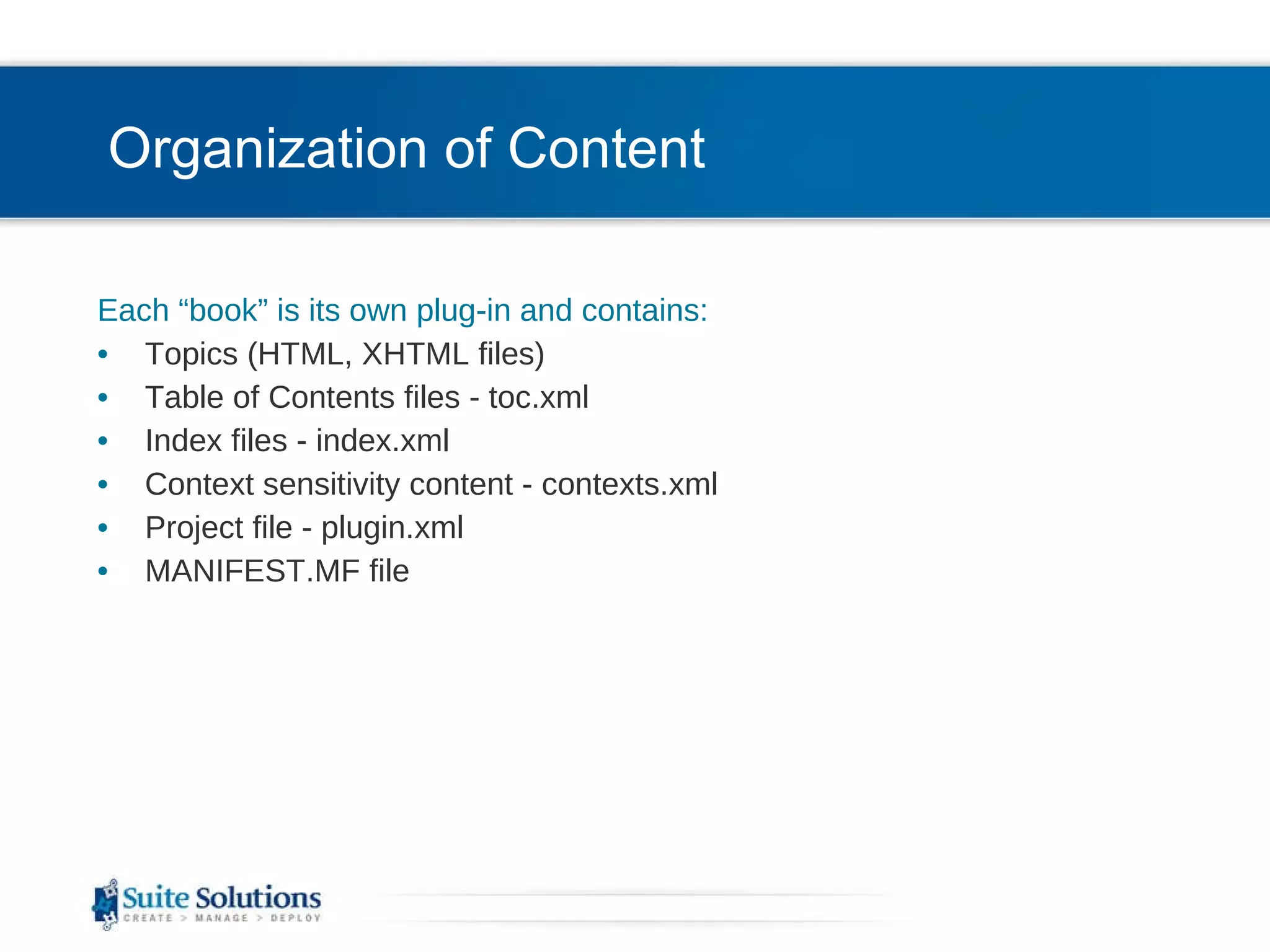
Organization of Content Each “book” is its own plug-in and contains: Topics (HTML, XHTML files) Table of Contents files - toc.xml Index files - index.xml Context sensitivity content - contexts.xml Project file - plugin.xml MANIFEST.MF file
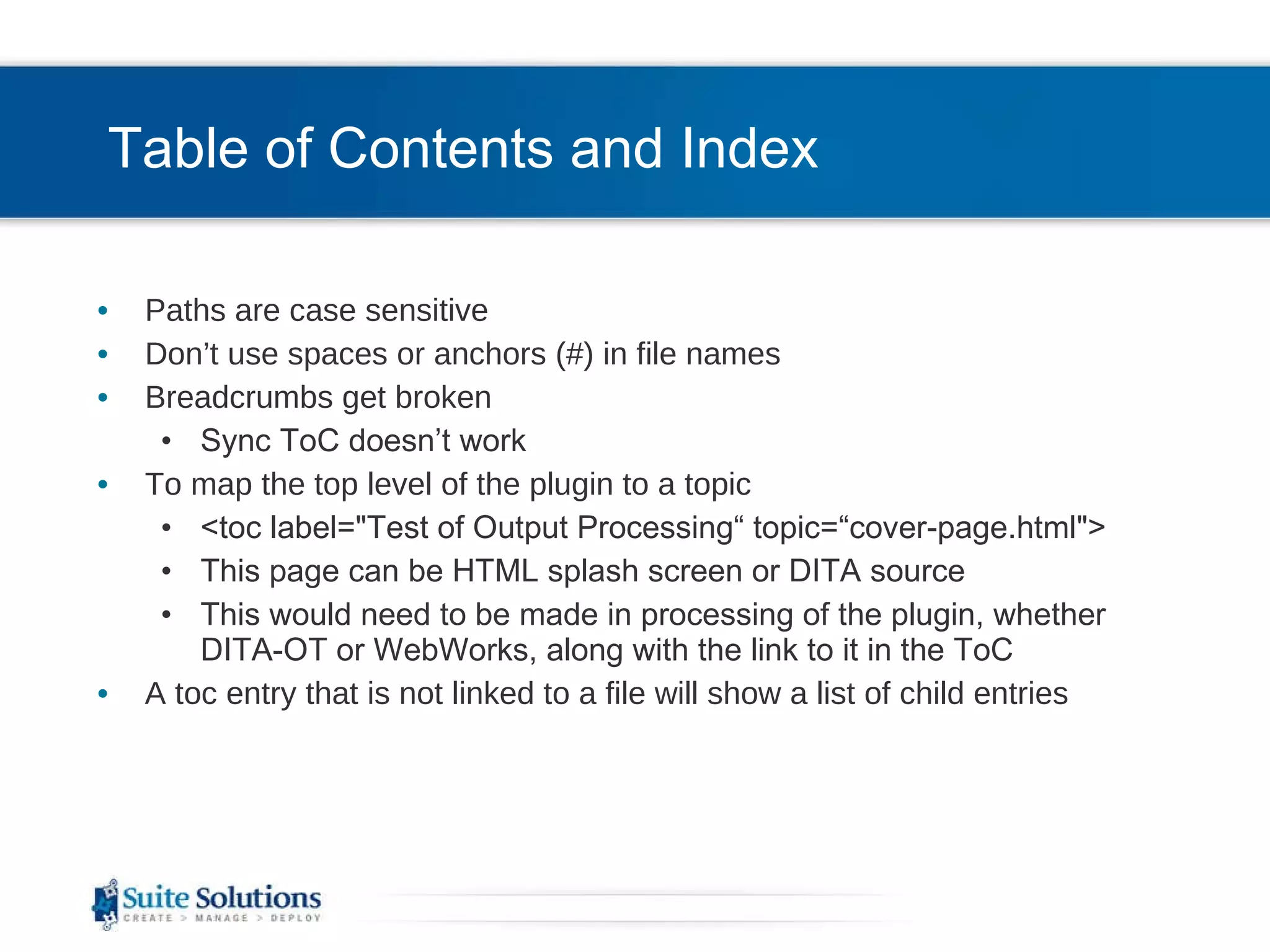
Table of Contents and Index Paths are case sensitive Don’t use spaces or anchors (#) in file names  Breadcrumbs get broken Sync ToC doesn’t work To map the top level of the plugin to a topic <toc label=&quot;Test of Output Processing“ topic=“cover-page.html&quot;> This page can be HTML splash screen or DITA source This would need to be made in processing of the plugin, whether DITA-OT or WebWorks, along with the link to it in the ToC A toc entry that is not linked to a file will show a list of child entries
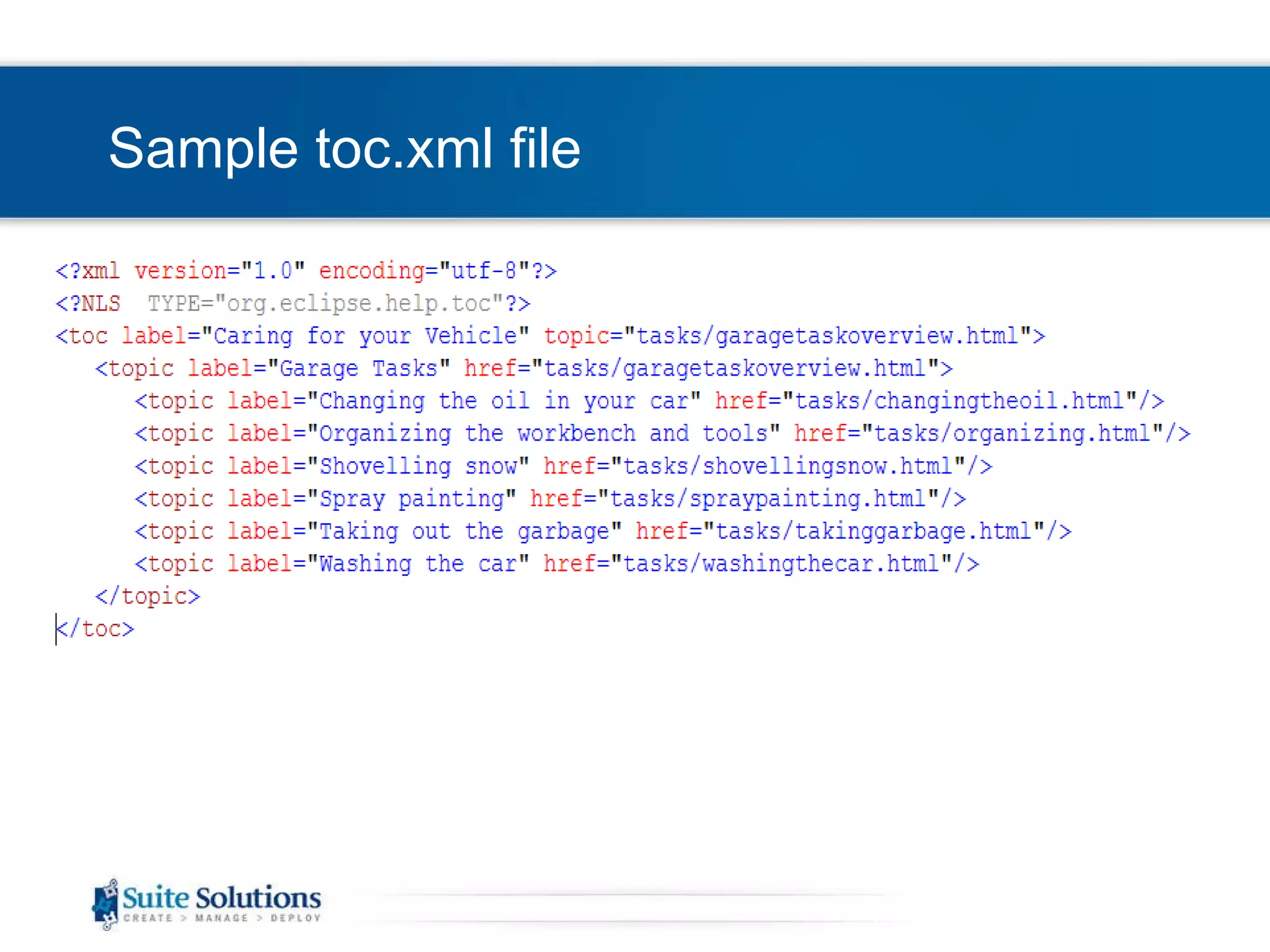
Sample toc.xml file
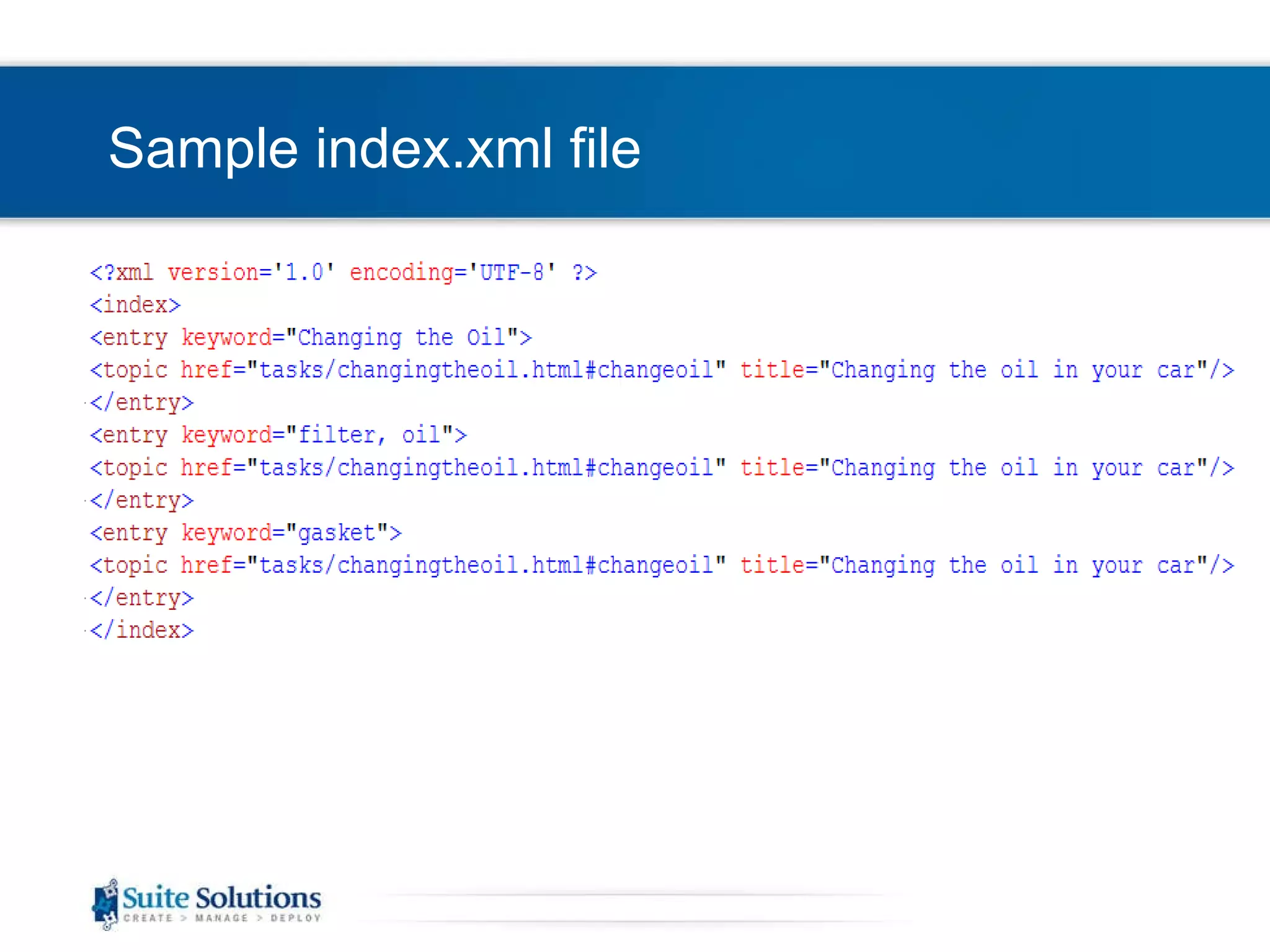
Sample index.xml file
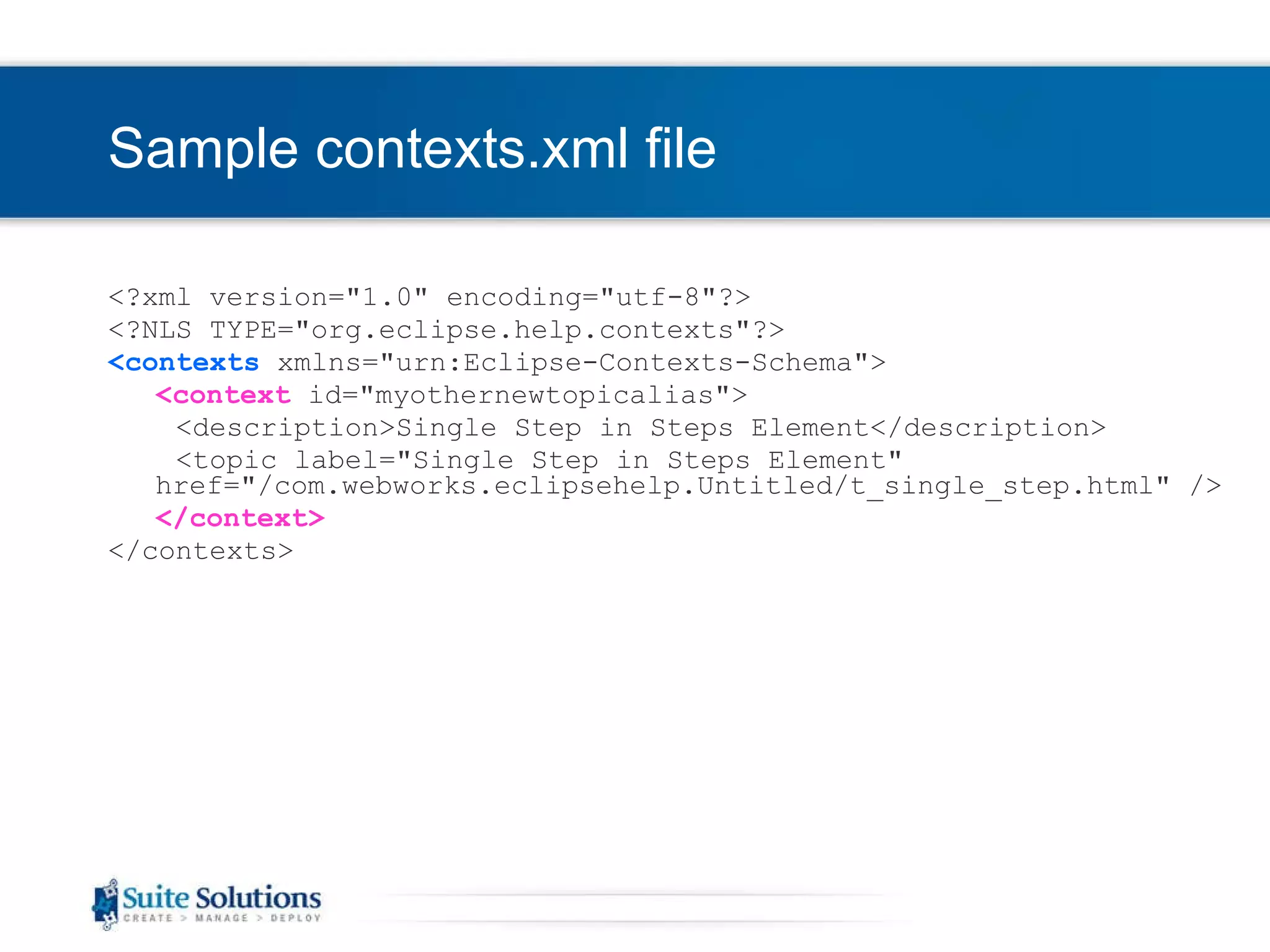
Sample contexts.xml file <?xml version=&quot;1.0&quot; encoding=&quot;utf-8&quot;?> <?NLS TYPE=&quot;org.eclipse.help.contexts&quot;?> <contexts  xmlns=&quot;urn:Eclipse-Contexts-Schema&quot;> <context  id=&quot;myothernewtopicalias&quot;> <description>Single Step in Steps Element</description> <topic label=&quot;Single Step in Steps Element&quot; href=&quot;/com.webworks.eclipsehelp.Untitled/t_single_step.html&quot; /> </context> </contexts >
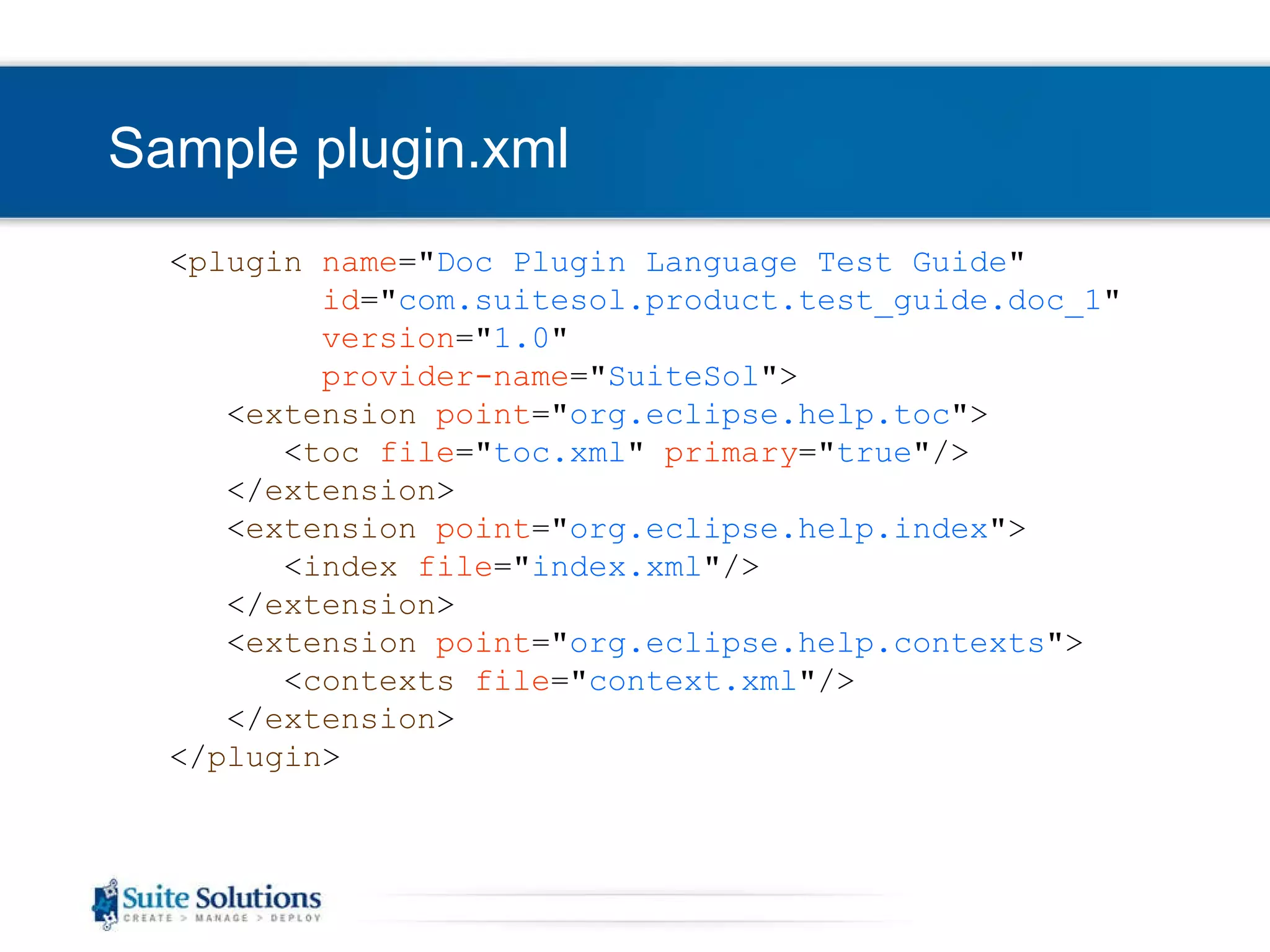
Sample plugin.xml < plugin   name =&quot; Doc Plugin Language Test Guide &quot; id =&quot; com.suitesol. product .test_guide.doc_1 &quot; version =&quot; 1.0 &quot; provider-name =&quot; SuiteSol &quot; > < extension   point =&quot; org.eclipse.help.toc &quot;> < toc   file =&quot; toc.xml &quot;  primary =&quot; true &quot;/> </ extension > < extension   point =&quot; org.eclipse.help.index &quot;> < index   file =&quot; index.xml &quot;/> </ extension > < extension   point =&quot; org.eclipse.help.contexts &quot;> < contexts   file =&quot; context.xml &quot;/> </ extension > </ plugin >
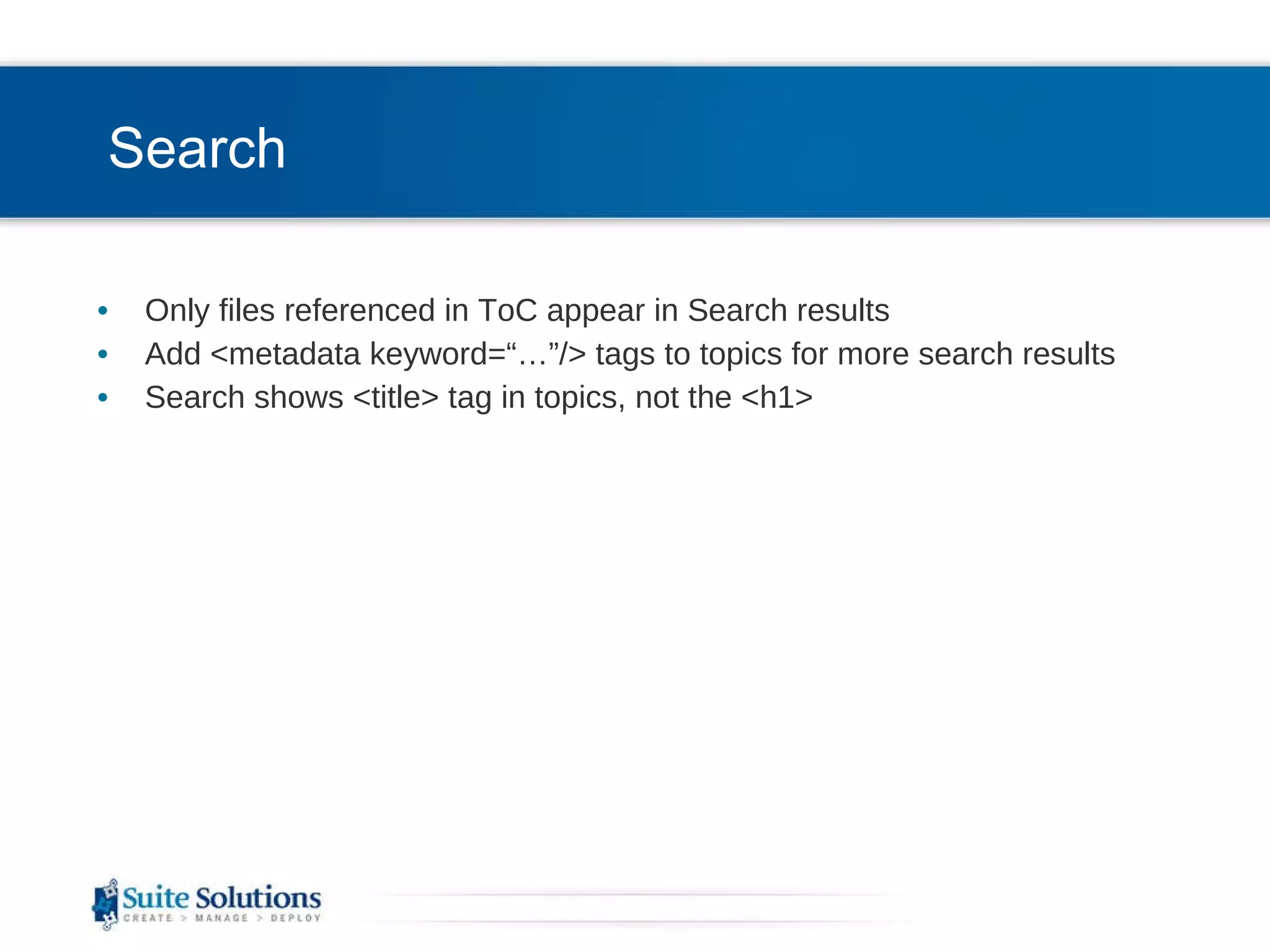
Search Only files referenced in ToC appear in Search results Add <metadata keyword=“…”/> tags to topics for more search results Search shows <title> tag in topics, not the <h1>
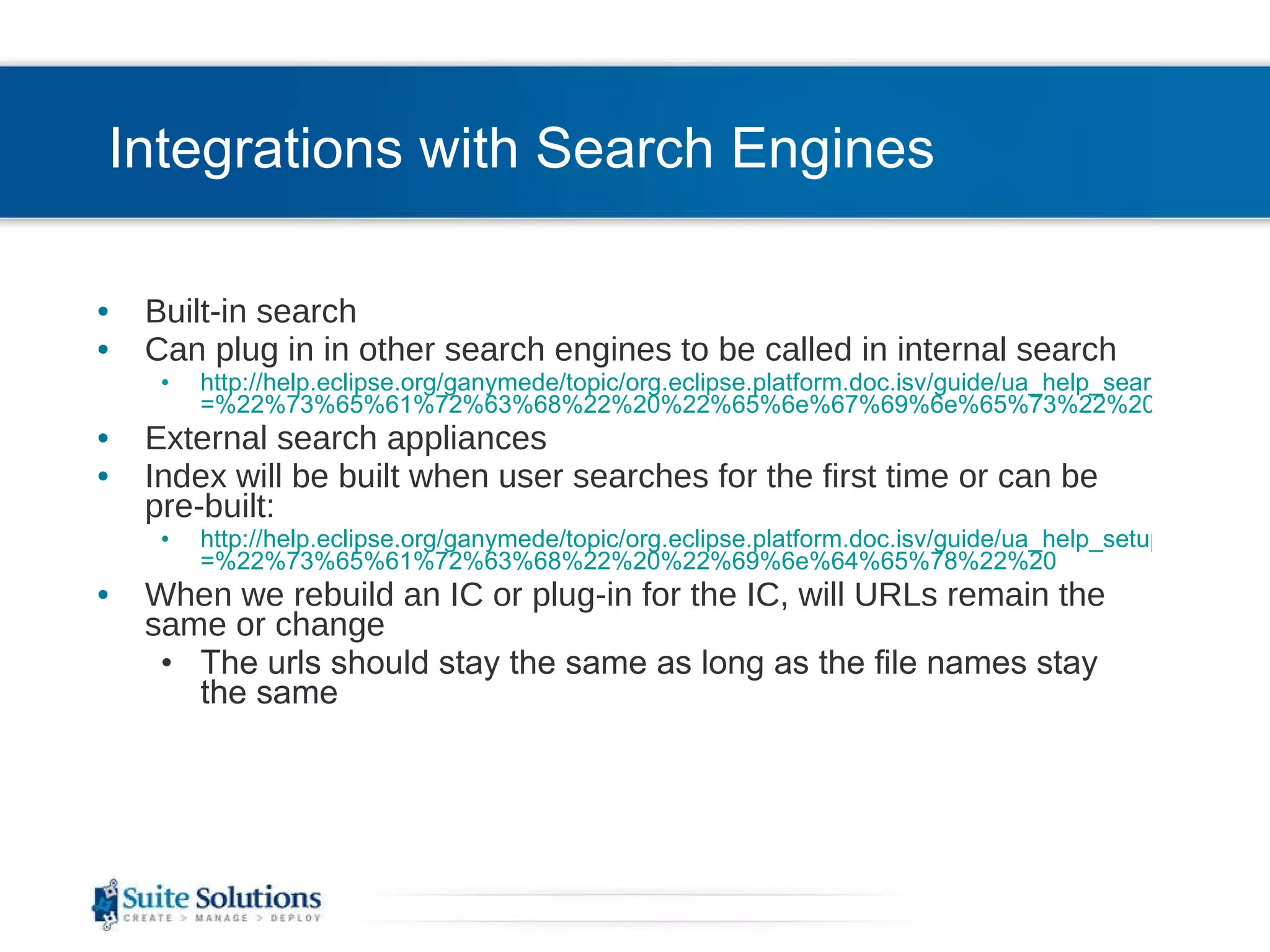
Integrations with Search Engines Built-in search Can plug in in other search engines to be called in internal search http://help.eclipse.org/ganymede/topic/org.eclipse.platform.doc.isv/guide/ua_help_search_types.htm?resultof =%22%73%65%61%72%63%68%22%20%22%65%6e%67%69%6e%65%73%22%20%22%65%6e%67%69%6e%22%20 External search appliances Index will be built when user searches for the first time or can be pre-built: http://help.eclipse.org/ganymede/topic/org.eclipse.platform.doc.isv/guide/ua_help_setup_preindex.htm?resultof =%22%73%65%61%72%63%68%22%20%22%69%6e%64%65%78%22%20 When we rebuild an IC or plug-in for the IC, will URLs remain the same or change The urls should stay the same as long as the file names stay the same
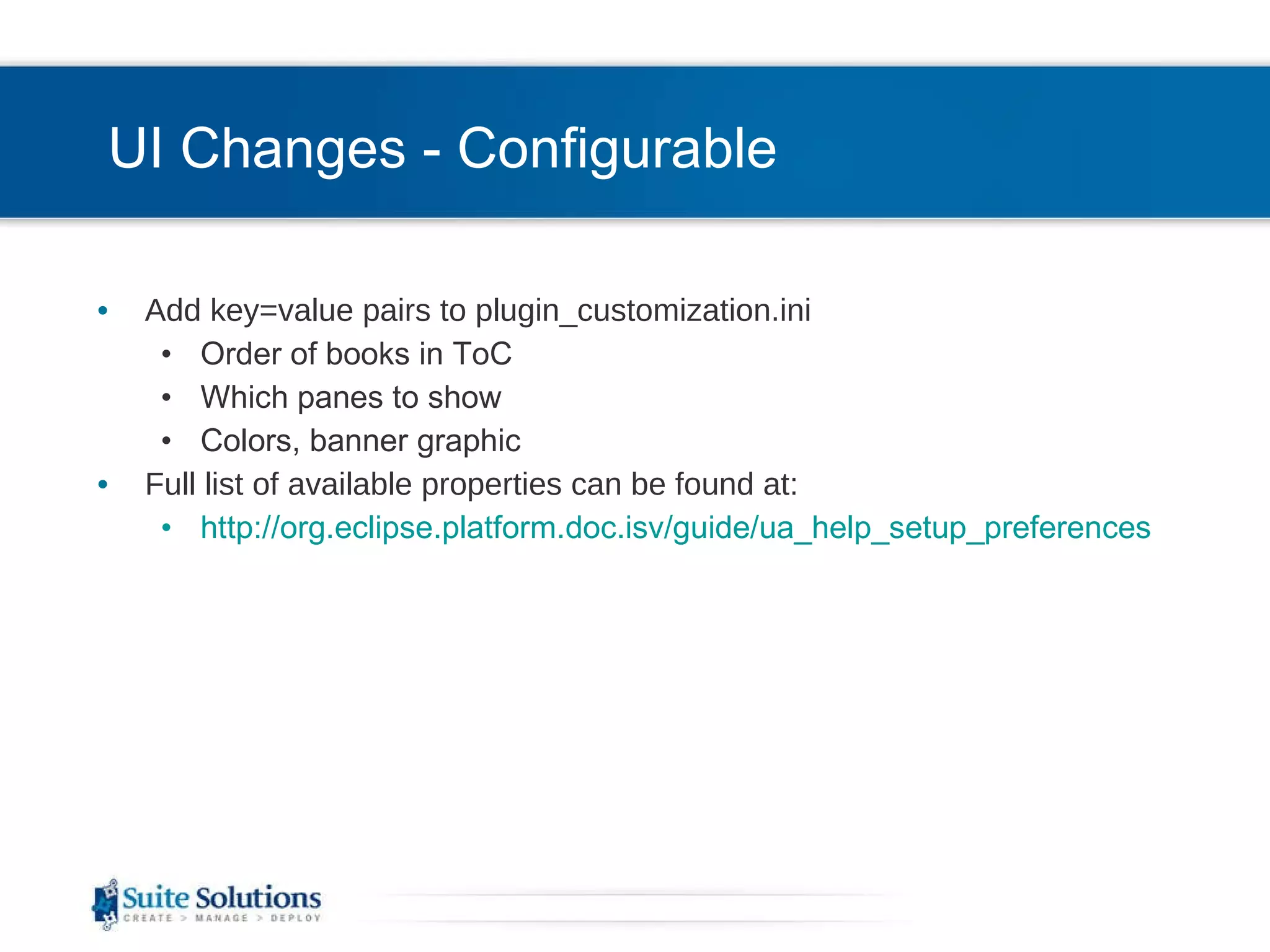
UI Changes - Configurable Add key=value pairs to plugin_customization.ini Order of books in ToC Which panes to show Colors, banner graphic Full list of available properties can be found at: http://org.eclipse.platform.doc.isv/guide/ua_help_setup_preferences.htm
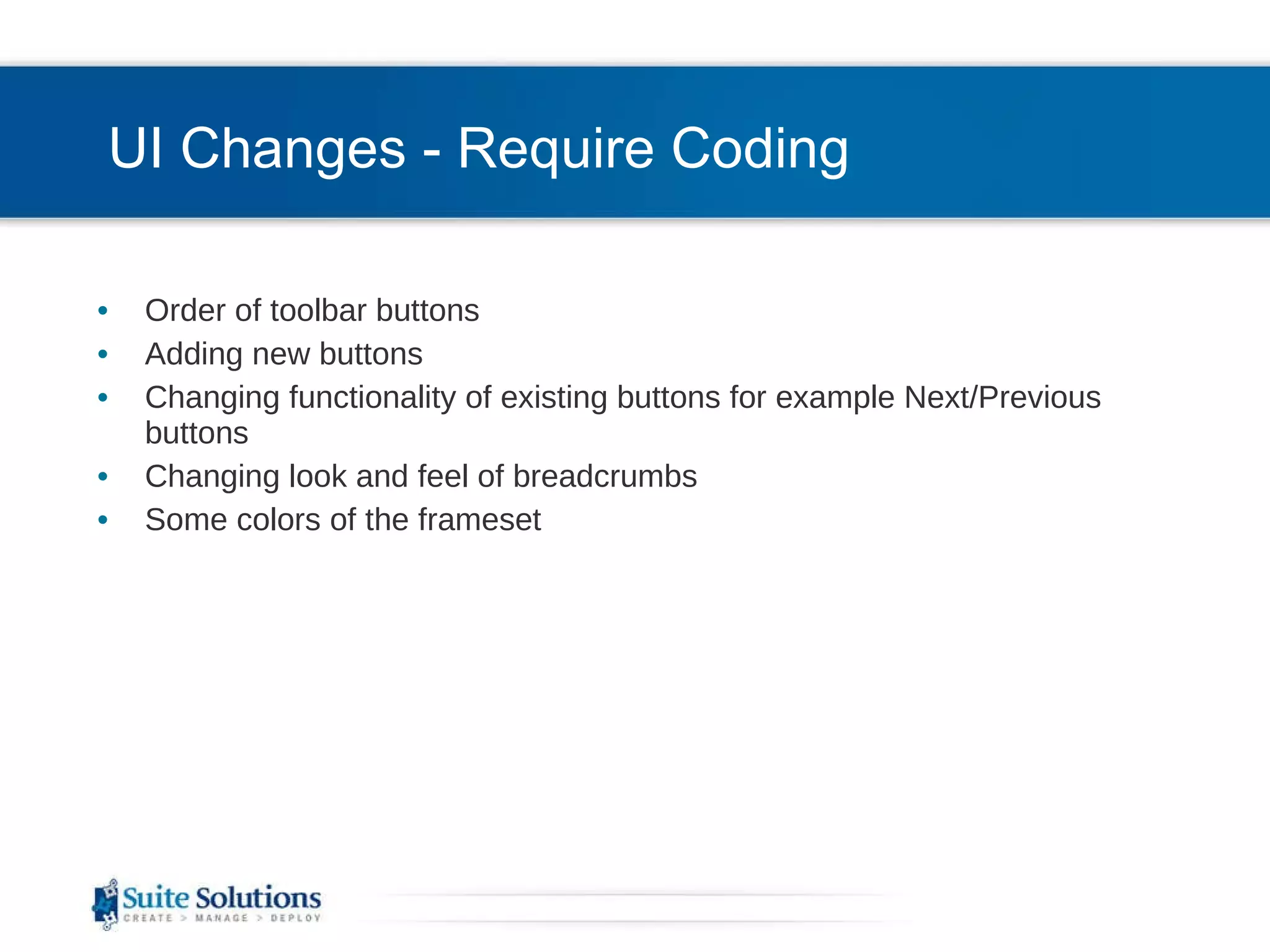
UI Changes - Require Coding Order of toolbar buttons Adding new buttons Changing functionality of existing buttons for example Next/Previous buttons Changing look and feel of breadcrumbs Some colors of the frameset
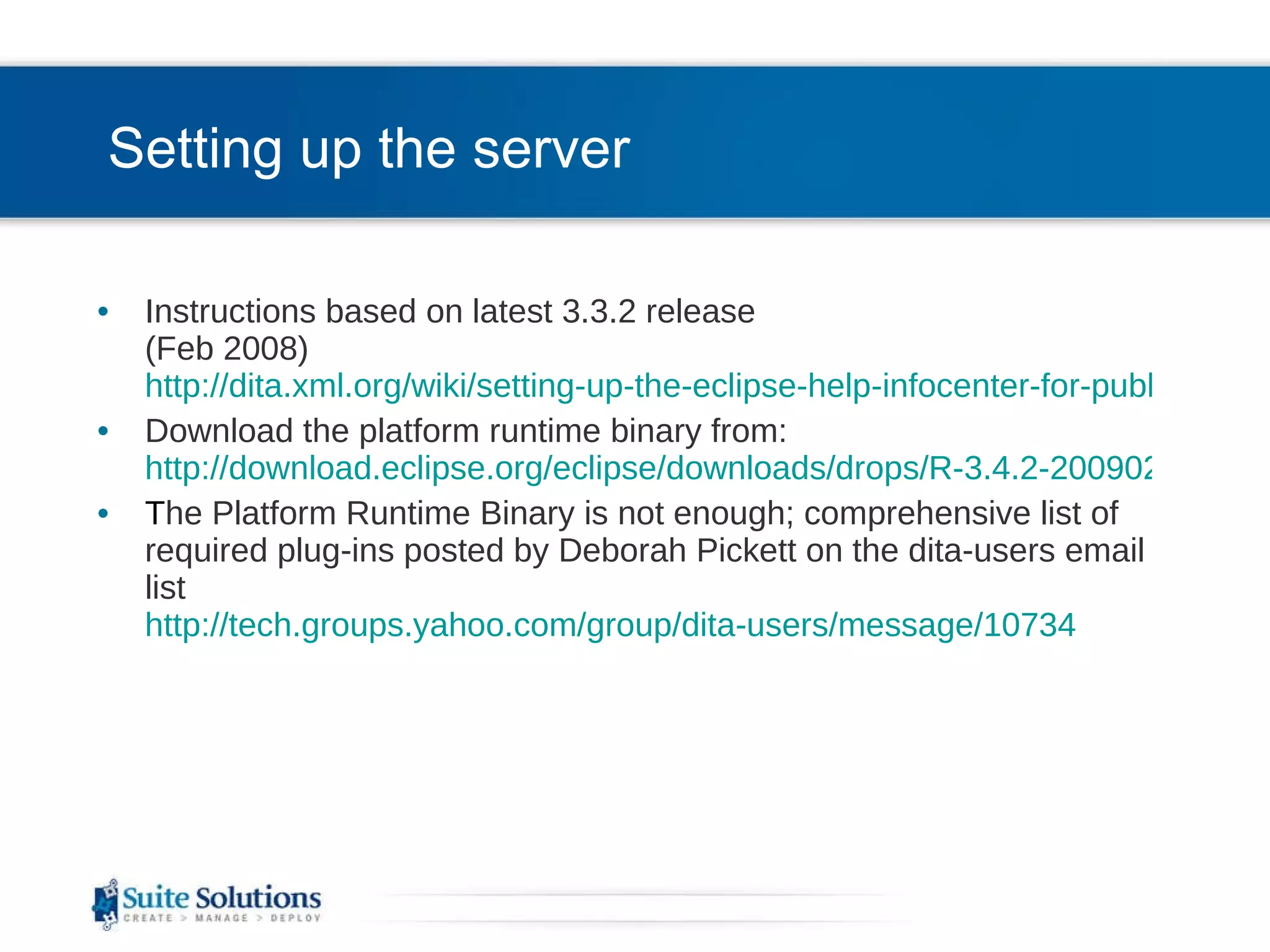
Setting up the server Instructions based on latest 3.3.2 release (Feb 2008) http://dita.xml.org/wiki/setting-up-the-eclipse-help-infocenter-for-publishing-dita-content Download the platform runtime binary from: http://download.eclipse.org/eclipse/downloads/drops/R-3.4.2-200902111700/index.php T he Platform Runtime Binary is not enough; comprehensive list of required plug-ins posted by Deborah Pickett on the dita-users email list http://tech.groups.yahoo.com/group/dita-users/message/10734
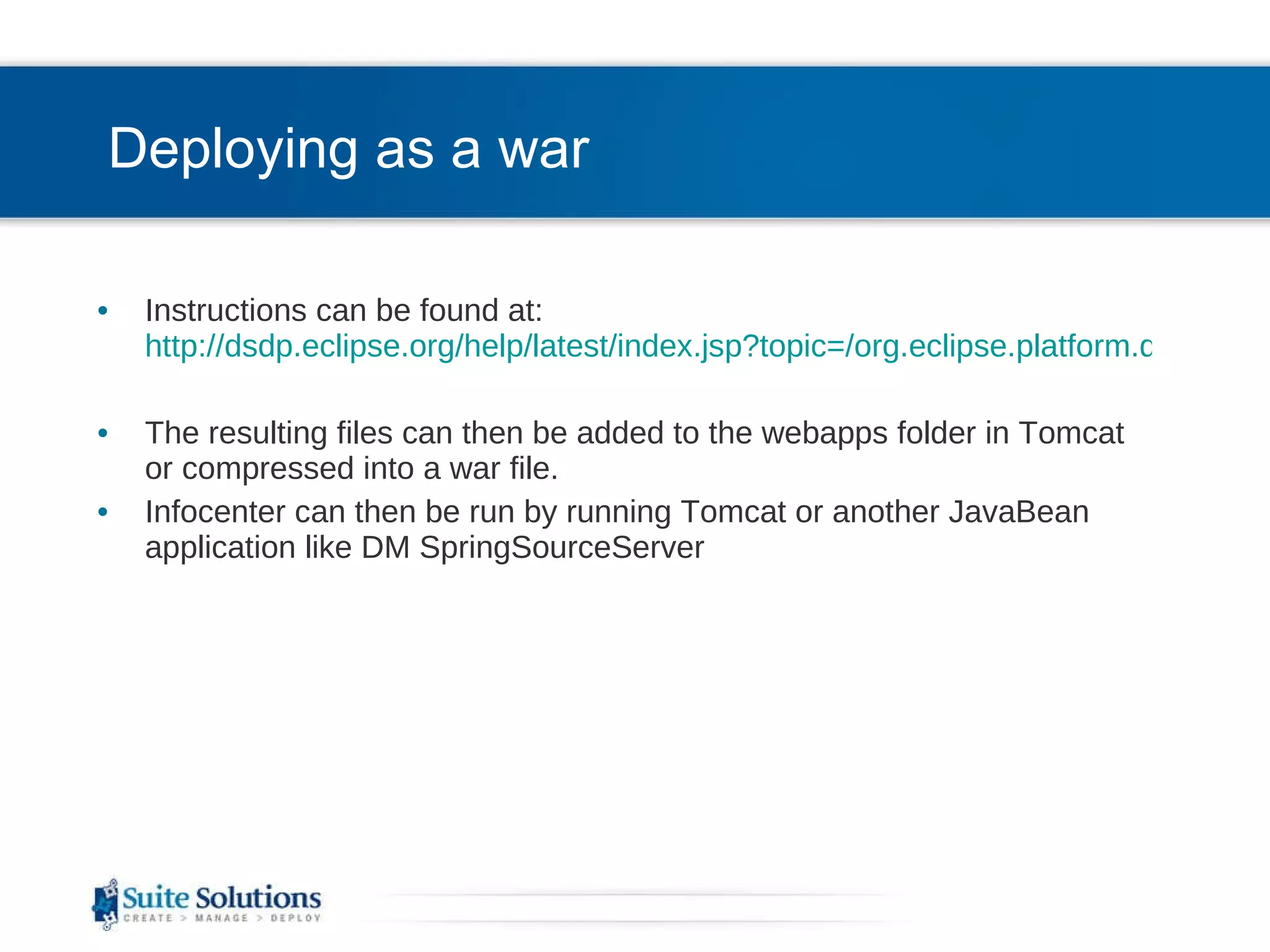
Deploying as a war Instructions can be found at:  http://dsdp.eclipse.org/help/latest/index.jsp?topic=/org.eclipse.platform.doc.isv/guide/ua_help_war.htm The resulting files can then be added to the webapps folder in Tomcat or compressed into a war file. Infocenter can then be run by running Tomcat or another JavaBean application like DM SpringSourceServer
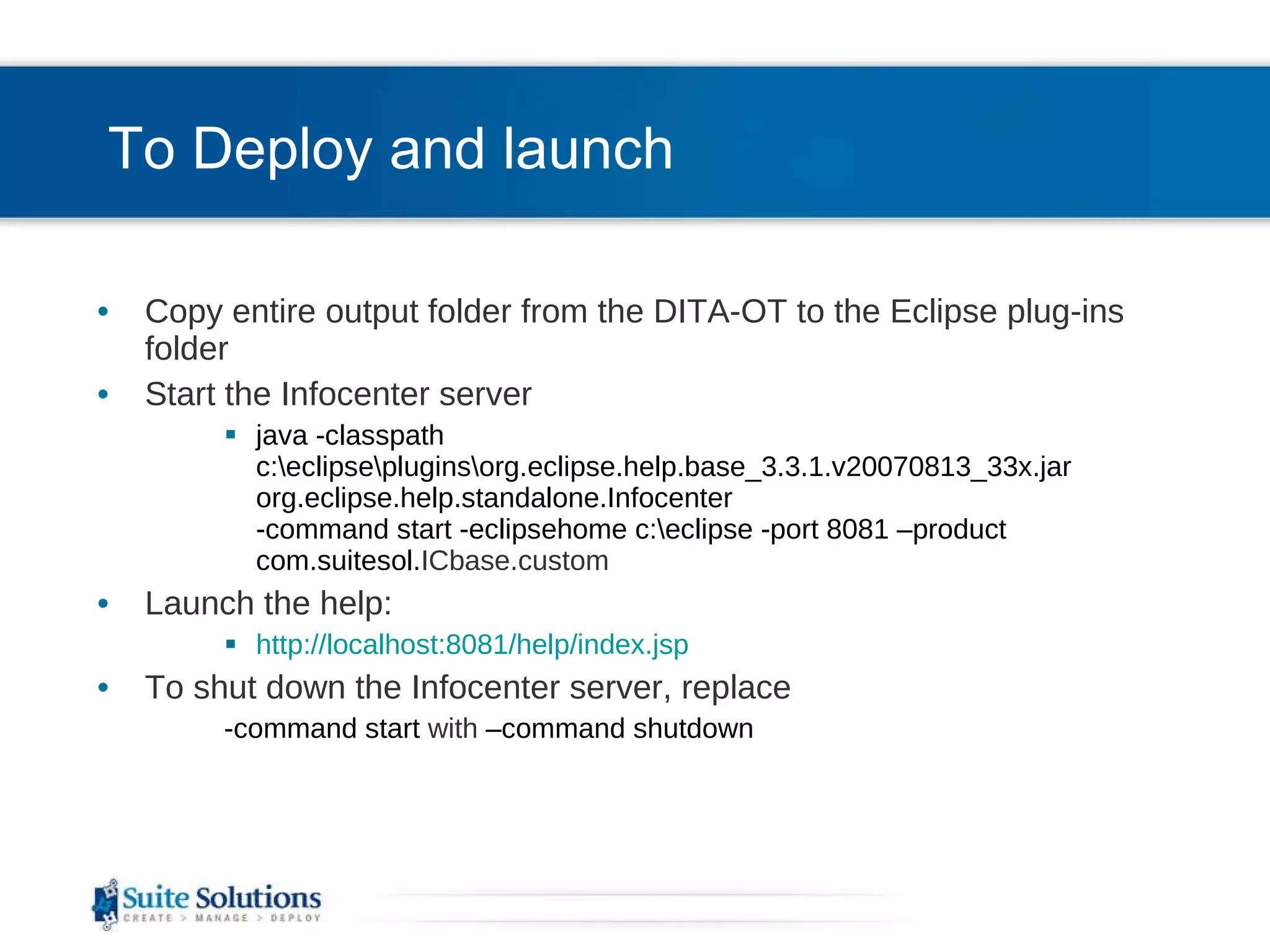
To Deploy and launch Copy entire output folder from the DITA-OT to the Eclipse plug-ins folder Start the Infocenter server java -classpath c:\eclipse\plugins\org.eclipse.help.base_3.3.1.v20070813_33x.jar org.eclipse.help.standalone.Infocenter -command start -eclipsehome c:\eclipse -port 8081 –product com.suitesol. ICbase.custom Launch the help: http://localhost:8081/help/index.jsp To shut down the Infocenter server, replace  -command start  with  –command shutdown
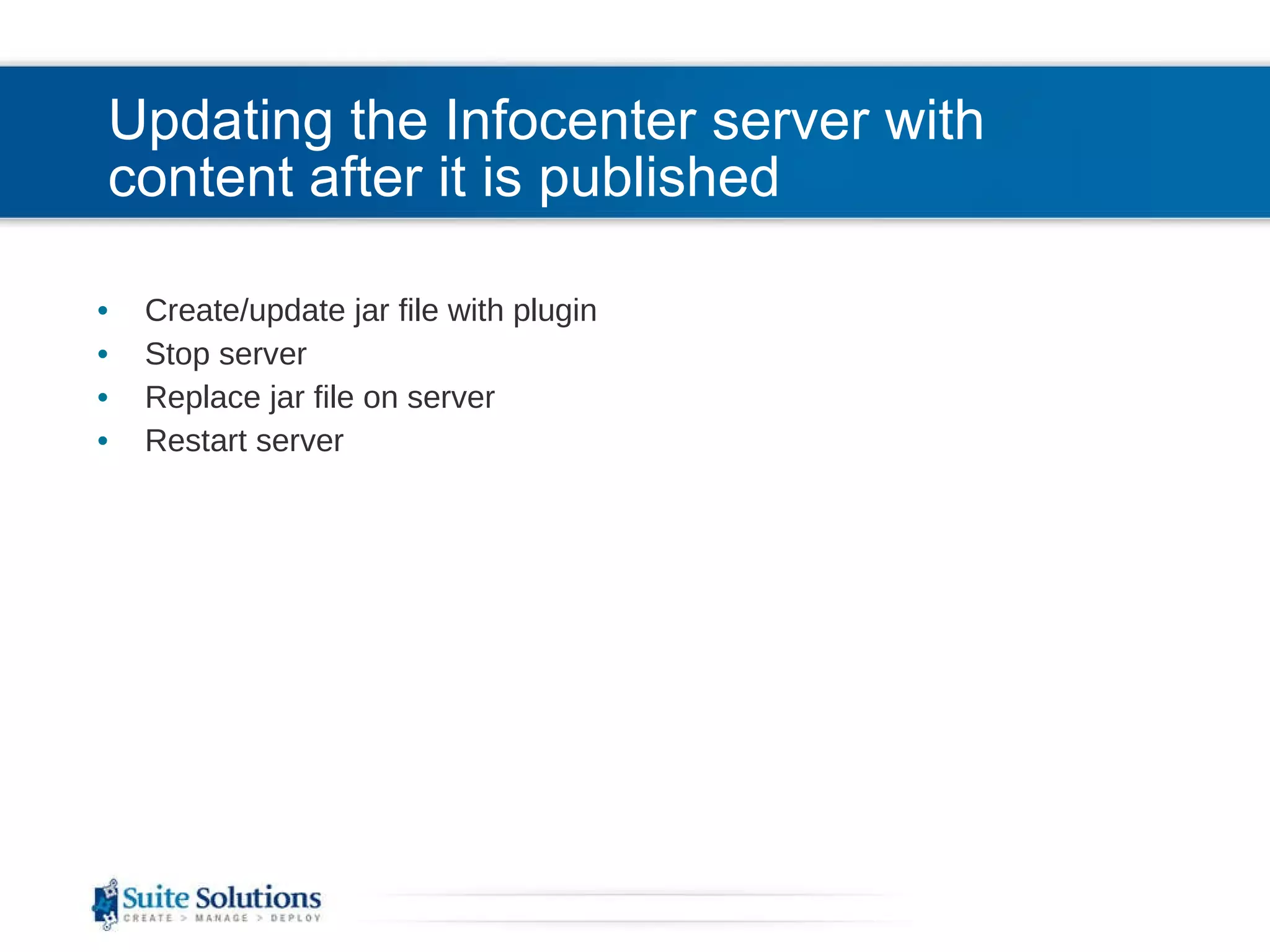
Updating the Infocenter server with content after it is published Create/update jar file with plugin Stop server Replace jar file on server Restart server
Multilingual support Strings that appear in UI are all configurable Each language has it own WebappResources.properties file: org.eclipse.help.webapp\org\eclipse\help\internal\webapp\WebappResources_[2 letter lang code].properties  Edit/Add strings key=value pairs SendMail=Send this content Called from JSP: ServletResources.getString(&quot;SendMail&quot;, request)
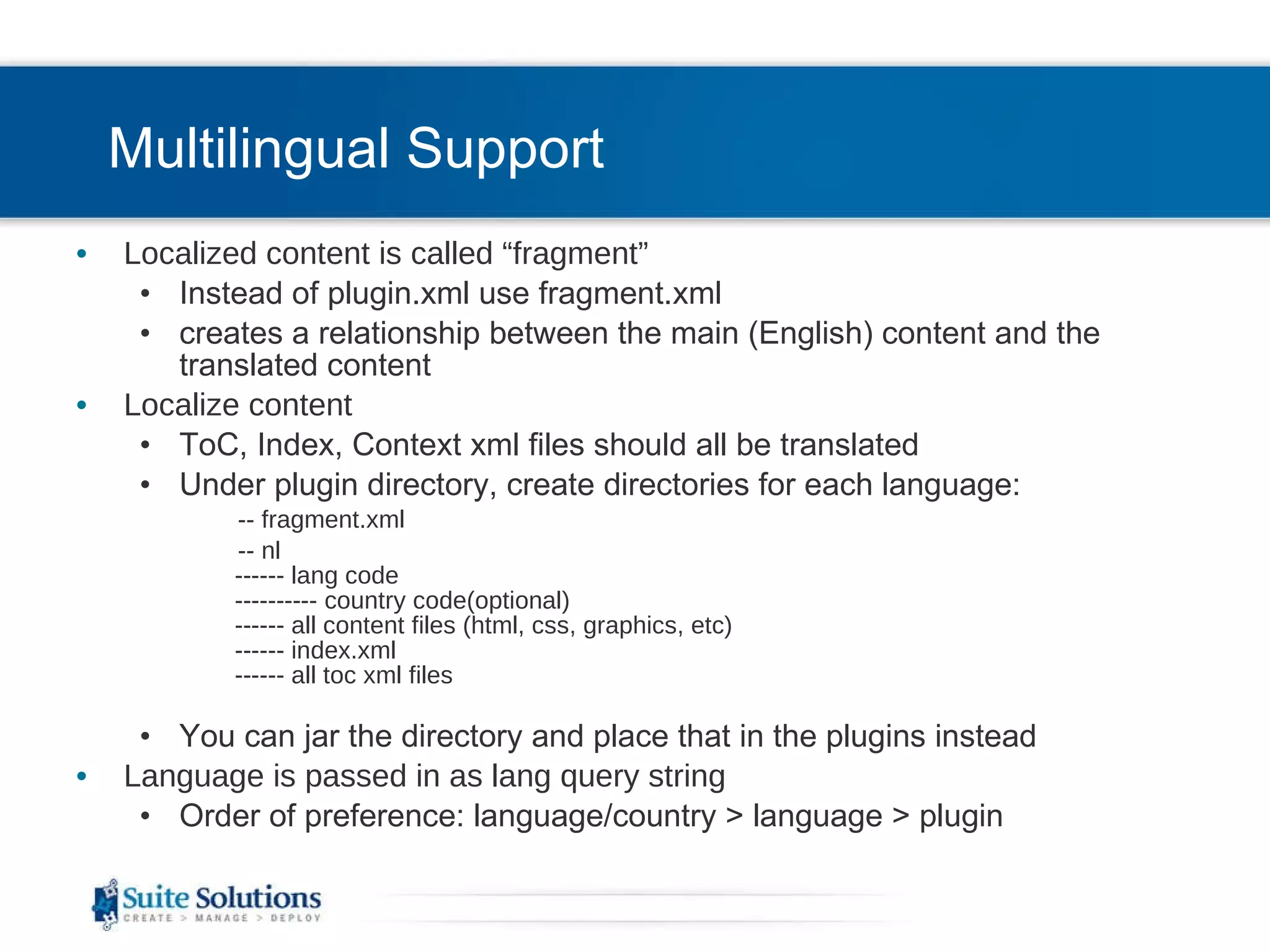
Multilingual Support Localized content is called “fragment” Instead of plugin.xml use fragment.xml creates a relationship between the main (English) content and the translated content Localize content ToC, Index, Context xml files should all be translated Under plugin directory, create directories for each language: -- fragment.xml  -- nl ------ lang code ---------- country code(optional) ------ all content files (html, css, graphics, etc) ------ index.xml ------ all toc xml files You can jar the directory and place that in the plugins instead Language is passed in as lang query string  Order of preference: language/country > language > plugin
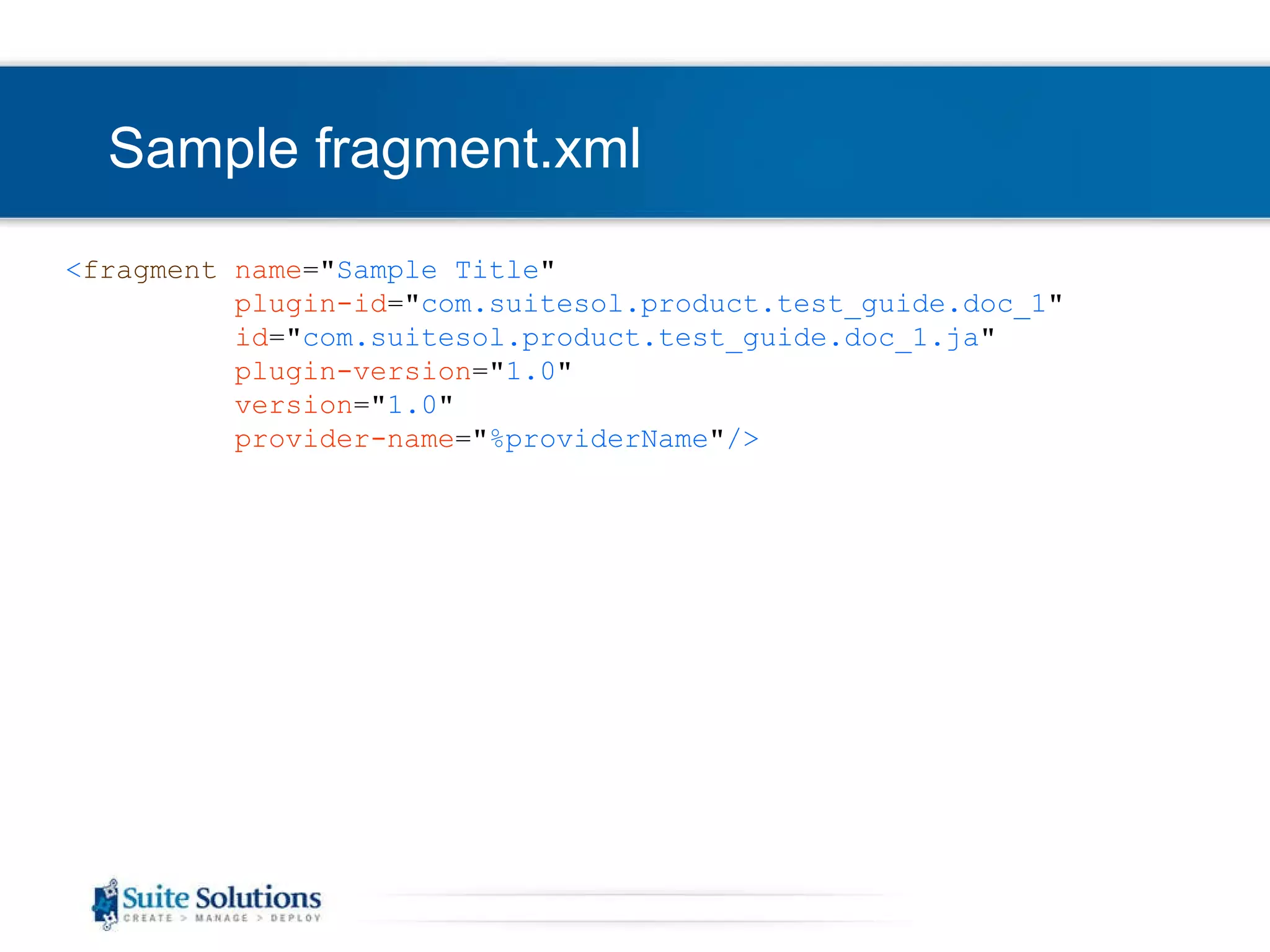
Sample fragment.xml < fragment   name =&quot; Sample Title &quot; plugin-id =&quot; com.suitesol.product.test_guide.doc_1 &quot; id =&quot; com.suitesol.product.test_guide.doc_1.ja &quot; plugin-version =&quot; 1.0 &quot; version =&quot; 1.0 &quot; provider-name =&quot; %providerName &quot; />
EclipseHelp –Determine Language Eclipse help allows you to provide localized documentation in the same Infocenter instance. Eclipse will determine the language of the user’s browser.  IE : Tools > Internet Options > General (Tab) > Languages (button) Chrome : Customize > Under the Hood (tab) > Web Content, Change font and language Settings (button) > Languages (tab) Opera : Tools > Preferences > General (tab) FireFox : Tools > Content (tab) > Languages You can override the browser language by adding ?lang=[lang code] to the url in the address bar
 
End of Introduction to Eclipse Infocenter   Be in touch! Joe Gelb [email_address] Aliza Merzel [email_address] Let us know how we can help you further… One-on-one support and training CMS

C:\Users\User\Desktop\Eclipse Infocenter

  • 1.
    Introduction to EclipseInfocenter Aliza Merzel Joe Gelb
  • 2.
    Who are we?Our Mission To increase our customers’ profitability by significantly improving the efficiency of their information development and delivery processes. Qualitative Advantage Content Lifecycle Implementation (CLI) is Suite Solutions’ comprehensive approach – from concept to publication – to maximizing the value of your information assets. Our professionals are with you at every phase, determining, recommending and implementing the most cost-effective, flexible and long term solution for your business.
  • 3.
    Clients and PartnersPrivate and Confidential Suite Solutions©2009
  • 4.
    Agenda Case fordynamic content delivery Eclipse Infocenter as an inexpensive option Overview of Eclipse Infocenter Organization of content Customization options Deployment Multilingual support
  • 5.
    Expectations of ContentConsumers Find information quickly via web search Bite-size information topics Just in time delivery: what I need, when I need it – and quick! Targeted content – show me what’s relevant to me Multilingual – show me content in my language Community feedback Solution and task oriented Consistency of information from support and documentation Portability – give it to me on my smart phone Drive towards dynamic content delivery
  • 6.
    Next Generation PublishingMetadata rich Multiple language Filter on the fly Generate PDF on demand Bookmarks, annotations Collect feedback Collect metrics: content usage Automated publishing and deployment platforms Incremental updates Integration with other systems
  • 7.
    Overview of EclipseInfocenter Open source platform Cross platform, cross browser Un-compiled format Can be run on client or server Allows for localized help in one platform Use DITA-OT to generate package (plug-in) for deployment Easy to update/add content Provides tri-pane interface including TOC, index, search Provides facility for context-sensitive help Can be customized Designed for applications developed in Eclipse, although it may be deployed as a stand alone help system
  • 8.
  • 9.
  • 10.
    Tri-Pane Banner NavigationTable of Contents Index Search Favorites/Bookmarks Content Breadcrumbs are automatically generated
  • 11.
    Organization of ContentEach “book” is its own plug-in and contains: Topics (HTML, XHTML files) Table of Contents files - toc.xml Index files - index.xml Context sensitivity content - contexts.xml Project file - plugin.xml MANIFEST.MF file
  • 12.
    Table of Contentsand Index Paths are case sensitive Don’t use spaces or anchors (#) in file names Breadcrumbs get broken Sync ToC doesn’t work To map the top level of the plugin to a topic <toc label=&quot;Test of Output Processing“ topic=“cover-page.html&quot;> This page can be HTML splash screen or DITA source This would need to be made in processing of the plugin, whether DITA-OT or WebWorks, along with the link to it in the ToC A toc entry that is not linked to a file will show a list of child entries
  • 13.
  • 14.
  • 15.
    Sample contexts.xml file<?xml version=&quot;1.0&quot; encoding=&quot;utf-8&quot;?> <?NLS TYPE=&quot;org.eclipse.help.contexts&quot;?> <contexts xmlns=&quot;urn:Eclipse-Contexts-Schema&quot;> <context id=&quot;myothernewtopicalias&quot;> <description>Single Step in Steps Element</description> <topic label=&quot;Single Step in Steps Element&quot; href=&quot;/com.webworks.eclipsehelp.Untitled/t_single_step.html&quot; /> </context> </contexts >
  • 16.
    Sample plugin.xml <plugin name =&quot; Doc Plugin Language Test Guide &quot; id =&quot; com.suitesol. product .test_guide.doc_1 &quot; version =&quot; 1.0 &quot; provider-name =&quot; SuiteSol &quot; > < extension point =&quot; org.eclipse.help.toc &quot;> < toc file =&quot; toc.xml &quot; primary =&quot; true &quot;/> </ extension > < extension point =&quot; org.eclipse.help.index &quot;> < index file =&quot; index.xml &quot;/> </ extension > < extension point =&quot; org.eclipse.help.contexts &quot;> < contexts file =&quot; context.xml &quot;/> </ extension > </ plugin >
  • 17.
    Search Only filesreferenced in ToC appear in Search results Add <metadata keyword=“…”/> tags to topics for more search results Search shows <title> tag in topics, not the <h1>
  • 18.
    Integrations with SearchEngines Built-in search Can plug in in other search engines to be called in internal search http://help.eclipse.org/ganymede/topic/org.eclipse.platform.doc.isv/guide/ua_help_search_types.htm?resultof =%22%73%65%61%72%63%68%22%20%22%65%6e%67%69%6e%65%73%22%20%22%65%6e%67%69%6e%22%20 External search appliances Index will be built when user searches for the first time or can be pre-built: http://help.eclipse.org/ganymede/topic/org.eclipse.platform.doc.isv/guide/ua_help_setup_preindex.htm?resultof =%22%73%65%61%72%63%68%22%20%22%69%6e%64%65%78%22%20 When we rebuild an IC or plug-in for the IC, will URLs remain the same or change The urls should stay the same as long as the file names stay the same
  • 19.
    UI Changes - ConfigurableAdd key=value pairs to plugin_customization.ini Order of books in ToC Which panes to show Colors, banner graphic Full list of available properties can be found at: http://org.eclipse.platform.doc.isv/guide/ua_help_setup_preferences.htm
  • 20.
    UI Changes - RequireCoding Order of toolbar buttons Adding new buttons Changing functionality of existing buttons for example Next/Previous buttons Changing look and feel of breadcrumbs Some colors of the frameset
  • 21.
    Setting up theserver Instructions based on latest 3.3.2 release (Feb 2008) http://dita.xml.org/wiki/setting-up-the-eclipse-help-infocenter-for-publishing-dita-content Download the platform runtime binary from: http://download.eclipse.org/eclipse/downloads/drops/R-3.4.2-200902111700/index.php T he Platform Runtime Binary is not enough; comprehensive list of required plug-ins posted by Deborah Pickett on the dita-users email list http://tech.groups.yahoo.com/group/dita-users/message/10734
  • 22.
    Deploying as awar Instructions can be found at: http://dsdp.eclipse.org/help/latest/index.jsp?topic=/org.eclipse.platform.doc.isv/guide/ua_help_war.htm The resulting files can then be added to the webapps folder in Tomcat or compressed into a war file. Infocenter can then be run by running Tomcat or another JavaBean application like DM SpringSourceServer
  • 23.
    To Deploy andlaunch Copy entire output folder from the DITA-OT to the Eclipse plug-ins folder Start the Infocenter server java -classpath c:\eclipse\plugins\org.eclipse.help.base_3.3.1.v20070813_33x.jar org.eclipse.help.standalone.Infocenter -command start -eclipsehome c:\eclipse -port 8081 –product com.suitesol. ICbase.custom Launch the help: http://localhost:8081/help/index.jsp To shut down the Infocenter server, replace -command start with –command shutdown
  • 24.
    Updating the Infocenterserver with content after it is published Create/update jar file with plugin Stop server Replace jar file on server Restart server
  • 25.
    Multilingual support Stringsthat appear in UI are all configurable Each language has it own WebappResources.properties file: org.eclipse.help.webapp\org\eclipse\help\internal\webapp\WebappResources_[2 letter lang code].properties Edit/Add strings key=value pairs SendMail=Send this content Called from JSP: ServletResources.getString(&quot;SendMail&quot;, request)
  • 26.
    Multilingual Support Localizedcontent is called “fragment” Instead of plugin.xml use fragment.xml creates a relationship between the main (English) content and the translated content Localize content ToC, Index, Context xml files should all be translated Under plugin directory, create directories for each language: -- fragment.xml -- nl ------ lang code ---------- country code(optional) ------ all content files (html, css, graphics, etc) ------ index.xml ------ all toc xml files You can jar the directory and place that in the plugins instead Language is passed in as lang query string Order of preference: language/country > language > plugin
  • 27.
    Sample fragment.xml <fragment name =&quot; Sample Title &quot; plugin-id =&quot; com.suitesol.product.test_guide.doc_1 &quot; id =&quot; com.suitesol.product.test_guide.doc_1.ja &quot; plugin-version =&quot; 1.0 &quot; version =&quot; 1.0 &quot; provider-name =&quot; %providerName &quot; />
  • 28.
    EclipseHelp –Determine LanguageEclipse help allows you to provide localized documentation in the same Infocenter instance. Eclipse will determine the language of the user’s browser. IE : Tools > Internet Options > General (Tab) > Languages (button) Chrome : Customize > Under the Hood (tab) > Web Content, Change font and language Settings (button) > Languages (tab) Opera : Tools > Preferences > General (tab) FireFox : Tools > Content (tab) > Languages You can override the browser language by adding ?lang=[lang code] to the url in the address bar
  • 29.
  • 30.
    End of Introductionto Eclipse Infocenter Be in touch! Joe Gelb [email_address] Aliza Merzel [email_address] Let us know how we can help you further… One-on-one support and training CMS