Pinterest 
– a beginners guide for business
Who am I?
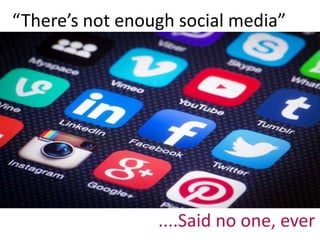
“There’s not enough social media” 
....Said no one, ever
Fear drove you here
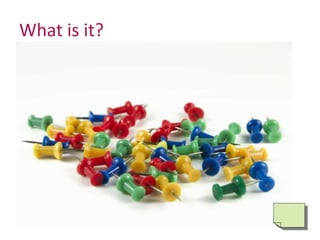
What is it?
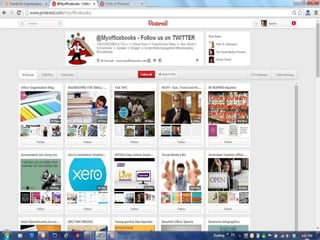
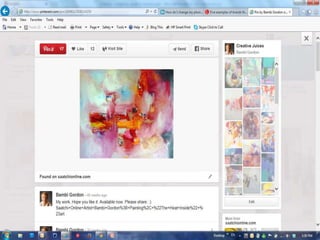
What are Pins? 
• Pins are visual bookmarks. 
Each Pin you see on Pinterest 
links back to the site it 
came from, so you can 
learn more— 
like how to make it 
or where to buy it.
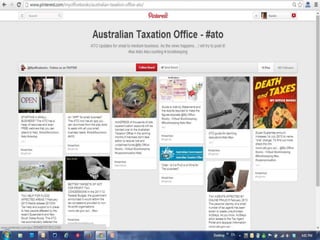
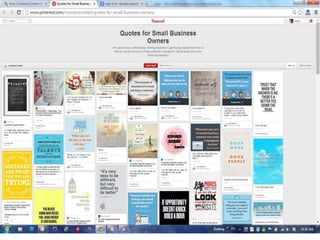
• Collect your Pins on boards 
• Boards are where you collect your Pins. You 
can make boards for anything and everything
Your home feed is just for you 
• When you first log in to Pinterest, you’ll see 
your home feed—it’s a collection of Pins from 
the people and boards you follow, and related 
Pins. It updates every time there’s a new Pin.
What can you 
do with it? 
Discover, dream, 
aspire
Curate and Collate a Collection that Lasts
Connect to people... just like you
A virtual high five
Spread the Share ..... 
further than you can reach
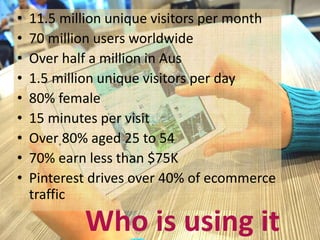
• 11.5 million unique visitors per month 
• 70 million users worldwide 
• Over half a million in Aus 
• 1.5 million unique visitors per day 
• 80% female 
• 15 minutes per visit 
• Over 80% aged 25 to 54 
• 70% earn less than $75K 
• Pinterest drives over 40% of ecommerce 
traffic 
Who is using it
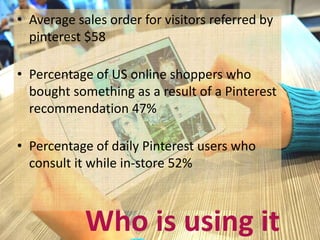
• Average sales order for visitors referred by 
pinterest $58 
• Percentage of US online shoppers who 
bought something as a result of a Pinterest 
recommendation 47% 
• Percentage of daily Pinterest users who 
consult it while in-store 52% 
Who is using it
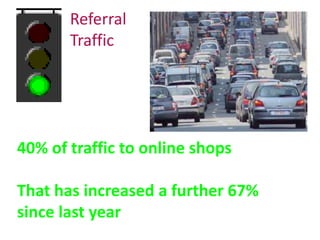
Referral 
Traffic 
40% of traffic to online shops 
That has increased a further 67% 
since last year
Engagement and positioning
Direct sales
Awareness
Word of mouse
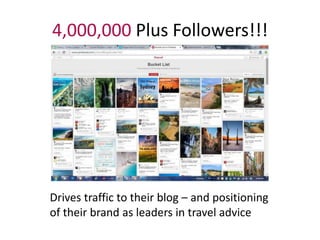
4,000,000 Plus Followers!!! 
Drives traffic to their blog – and positioning 
of their brand as leaders in travel advice
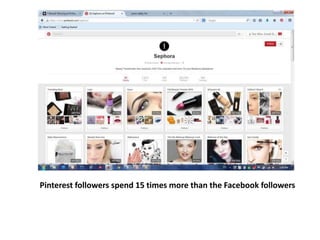
Pinterest followers spend 15 times more than the Facebook followers
Pinned over 375,000 times 
www.effecientlifeskills.com
How to get started 
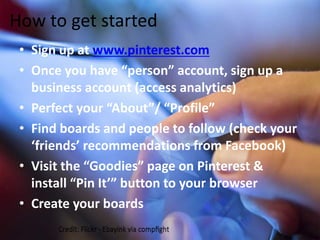
• Sign up at www.pinterest.com 
• Once you have “person” account, sign up a 
business account (access analytics) 
• Perfect your “About”/ “Profile” 
• Find boards and people to follow (check your 
‘friends’ recommendations from Facebook) 
• Visit the “Goodies” page on Pinterest & 
install “Pin It’” button to your browser 
• Create your boards
Find Pinners, Boards or 
Pins to follow 
Use #Tags 
Search on people or 
businesses you know – 
competitors, clients, 
suppliers, industry media
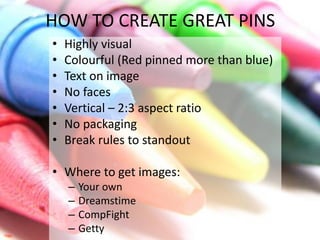
HOW TO CREATE GREAT PINS 
• Highly visual 
• Colourful (Red pinned more than blue) 
• Text on image 
• No faces 
• Vertical – 2:3 aspect ratio 
• No packaging 
• Break rules to standout 
• Where to get images: 
– Your own 
– Dreamstime 
– CompFight 
– Getty
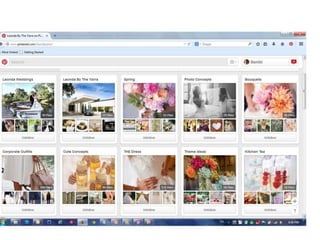
What to pin? 
• The tangible benefits of your business product 
or service (Not just the product) 
• Communicate the essence of your brand – 
values, colours, interests, beliefs, features 
• Acknowledge the lifestyle of your customers
Think like a publisher 
• White papers 
• Articles 
• Blog posts 
• Infographics 
• Videos 
• Reviews 
• Testimonials 
• Competitions
“The trick to succeeding on 
Pinterest isn't necessarily about 
showing off your products or 
services directly. It's about finding 
creative ways to show how those 
products and services fit into the 
lifestyles of your target 
audience.” Hubspot
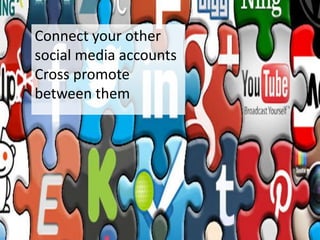
Connect your other 
social media accounts 
Cross promote 
between them
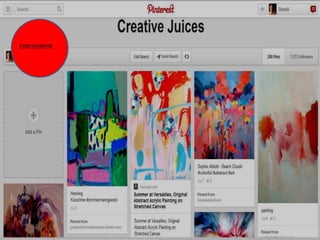
consistent
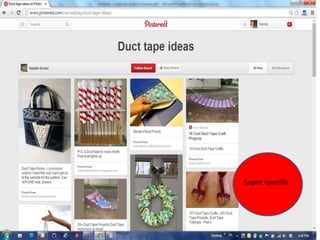
Be super specific 
Super specific
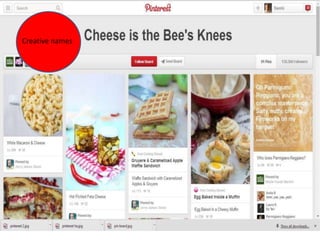
Creative names 
Creative name
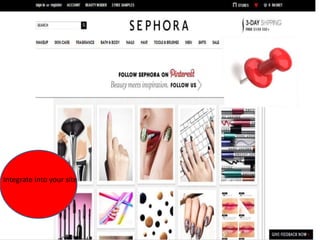
Integrate into your site
• More is best – be regular 
• Pick the right time of day 
• Engage with other Pins 
• Put links in your descriptions 
• Be highly visual 
• Delete old pins 
• Check Analytics regularly
You can connect your Pinterest 
account to your Facebook account. 
This will give you the option to post 
your pin automatically to Facebook. 
You have the option to select this 
for each Pin (Just tick the box).
• You can’t pin your Facebook posts to 
Pinterest. You need to go into Pinterest and 
upload your Image as a new pin. 
• You can’t pin other people’s Facebook posts to 
Pinterest. You have to right click their image, 
save the image, and Upload as a new pin. 
• There are services that can help with this: http://www.pinvolve.co/pricing
A Pin keeps giving over and over again
Sold out products??? 
• You Pin a product you have for sale, the product sells, 
but the Pin is still out there? 
• Delete the Pin so you don’t drive any more traffic OR 
update the page that you have Pinned from to tell 
visitors “Sorry – this product has sold out...but here 
is one just like it”. 
• If this is a one-off product or you have 
little stock make note of that in the 
original pin – perhaps even noting the date.
To pin or not to pin? 
• Are your customers there? 
• Does it suit your objectives 
(traffic, branding)? 
• Do you have the time?
https://help.pinterest.com/en
bambi@thewoo.com.au

Pinterest – a beginners guide for business manningham

  • 1.
    Pinterest – abeginners guide for business
  • 2.
  • 3.
    “There’s not enoughsocial media” ....Said no one, ever
  • 4.
  • 6.
  • 9.
    What are Pins? • Pins are visual bookmarks. Each Pin you see on Pinterest links back to the site it came from, so you can learn more— like how to make it or where to buy it.
  • 10.
    • Collect yourPins on boards • Boards are where you collect your Pins. You can make boards for anything and everything
  • 11.
    Your home feedis just for you • When you first log in to Pinterest, you’ll see your home feed—it’s a collection of Pins from the people and boards you follow, and related Pins. It updates every time there’s a new Pin.
  • 14.
    What can you do with it? Discover, dream, aspire
  • 15.
    Curate and Collatea Collection that Lasts
  • 16.
    Connect to people...just like you
  • 17.
  • 18.
    Spread the Share..... further than you can reach
  • 20.
    • 11.5 millionunique visitors per month • 70 million users worldwide • Over half a million in Aus • 1.5 million unique visitors per day • 80% female • 15 minutes per visit • Over 80% aged 25 to 54 • 70% earn less than $75K • Pinterest drives over 40% of ecommerce traffic Who is using it
  • 21.
    • Average salesorder for visitors referred by pinterest $58 • Percentage of US online shoppers who bought something as a result of a Pinterest recommendation 47% • Percentage of daily Pinterest users who consult it while in-store 52% Who is using it
  • 23.
    Referral Traffic 40%of traffic to online shops That has increased a further 67% since last year
  • 24.
  • 25.
  • 26.
  • 27.
  • 29.
    4,000,000 Plus Followers!!! Drives traffic to their blog – and positioning of their brand as leaders in travel advice
  • 30.
    Pinterest followers spend15 times more than the Facebook followers
  • 34.
    Pinned over 375,000times www.effecientlifeskills.com
  • 37.
    How to getstarted • Sign up at www.pinterest.com • Once you have “person” account, sign up a business account (access analytics) • Perfect your “About”/ “Profile” • Find boards and people to follow (check your ‘friends’ recommendations from Facebook) • Visit the “Goodies” page on Pinterest & install “Pin It’” button to your browser • Create your boards
  • 38.
    Find Pinners, Boardsor Pins to follow Use #Tags Search on people or businesses you know – competitors, clients, suppliers, industry media
  • 39.
    HOW TO CREATEGREAT PINS • Highly visual • Colourful (Red pinned more than blue) • Text on image • No faces • Vertical – 2:3 aspect ratio • No packaging • Break rules to standout • Where to get images: – Your own – Dreamstime – CompFight – Getty
  • 40.
    What to pin? • The tangible benefits of your business product or service (Not just the product) • Communicate the essence of your brand – values, colours, interests, beliefs, features • Acknowledge the lifestyle of your customers
  • 41.
    Think like apublisher • White papers • Articles • Blog posts • Infographics • Videos • Reviews • Testimonials • Competitions
  • 50.
    “The trick tosucceeding on Pinterest isn't necessarily about showing off your products or services directly. It's about finding creative ways to show how those products and services fit into the lifestyles of your target audience.” Hubspot
  • 54.
    Connect your other social media accounts Cross promote between them
  • 55.
  • 56.
    Be super specific Super specific
  • 57.
  • 58.
  • 59.
    • More isbest – be regular • Pick the right time of day • Engage with other Pins • Put links in your descriptions • Be highly visual • Delete old pins • Check Analytics regularly
  • 60.
    You can connectyour Pinterest account to your Facebook account. This will give you the option to post your pin automatically to Facebook. You have the option to select this for each Pin (Just tick the box).
  • 61.
    • You can’tpin your Facebook posts to Pinterest. You need to go into Pinterest and upload your Image as a new pin. • You can’t pin other people’s Facebook posts to Pinterest. You have to right click their image, save the image, and Upload as a new pin. • There are services that can help with this: http://www.pinvolve.co/pricing
  • 62.
    A Pin keepsgiving over and over again
  • 63.
    Sold out products??? • You Pin a product you have for sale, the product sells, but the Pin is still out there? • Delete the Pin so you don’t drive any more traffic OR update the page that you have Pinned from to tell visitors “Sorry – this product has sold out...but here is one just like it”. • If this is a one-off product or you have little stock make note of that in the original pin – perhaps even noting the date.
  • 64.
    To pin ornot to pin? • Are your customers there? • Does it suit your objectives (traffic, branding)? • Do you have the time?
  • 68.
  • 69.

Editor's Notes

  • #7 A VISUAL ‘virtual’ pin board where collect and curate web content. A personalised- media platform where every one of us can ‘publish’ editorial and promotional content and share it with people interested in similar things and/or people we already know. Third largest social media network after Facebook and Twitter.
  • #23 The latest Consumer Sharing Trends Report (Q4/2013) reveals that Pinterest has outpaced email for the first time to become the third most popular sharing channel overall. In a sign of how quickly social media has changed the digital landscape, consumers are now “pinning” things like articles, photos and recipes to share with their friends more often than emailing links. Launched march 2010 With 58 percent growth in 2013, Pinterest also leads as the fastest growing sharing channel, followed by Facebook and LinkedIn.The fact that Pinterest, which is still relatively young compared to the other social channels, has surpassed email, which has been a sharing tool for decades, is just one example of how quickly consumer preferences and habits are constantly changing” 2012 - crosses the 10 million mark faster than any other standalone site in history. Facebook and Pinterest are King & Queen of driving traffic – clicking on links. And Pinterest is growing 550,000 Pinterest users in Australia as of September 2013 Pins have a longer life than a Facebook post or Twitter tweet. Pinterest is the top app for iPads, and household ownership is set to increase to 50%in 2014.
  • #24 67% increase from traffic going from Pinterest to websites between January and June this year.
  • #25 A channel to promote all aspects of your brand – deeper
  • #27 Branding and sales
  • #29 Integrated!
  • #31 Sephora claims its Pinterest followers spend 15 times more than its Facebook ones....
  • #37 So let’s get going
  • #45 Even if you are not there, you may well be there!
  • #55 Loop
  • #63 Tweet – 6 hours Post – 22 hours Pin – just keeps on giving