Technology-enhanced learning:
screencasts, podcasts and
digital presentation for teaching
and learning.
Learning outcomes
• To consider why we might present ourselves digitally and
what benefit it has to students.
• To critically examine some examples of online presentation,
considering what might make ‘best practice’.
• To consider a range of specific uses for digital presentation,
including assessment, in Higher Education.
• To introduce a range of tools that can be used for the
creation of digital artefacts and practice using at least one
of them.
Online presentation videos
Listen to the short clips by two tutors.
Consider what their purpose is, how they
differ and what their relative strengths and
issues might be.
Clip 1
http://moodle.warwick.ac.uk/mod/lesson/edit.php?id=175958
Clip 2
http://moodle.warwick.ac.uk/mod/page/view.php?id=85820
How’s it done and why…?
What skills do you need to be a successful
online presenter? How do you make digital
presentations; what are the processes?
What might be the pedagogical benefits?
What are the pedagogical challenges?
What skills can digital
presentation support?
https://expertbeacon.com/sites/default/files/Blooms%20Taxonomy.jpg (Accessed on 30/11/15: 20:30)
What uses could there be for
digital presentations?
• Explaining threshold concepts
• Flipped classroom – recording lectures
• Introducing course tasks (online or offline)
• Navigation around a VLE
• Narration and storytelling/presenting context.
• Feedback to students on work, seminar contributions etc
• Feedback to students on assessed work
• Explaining or demonstrating a technique/method
• Peer tutoring/reciprocal teaching
• Other….?
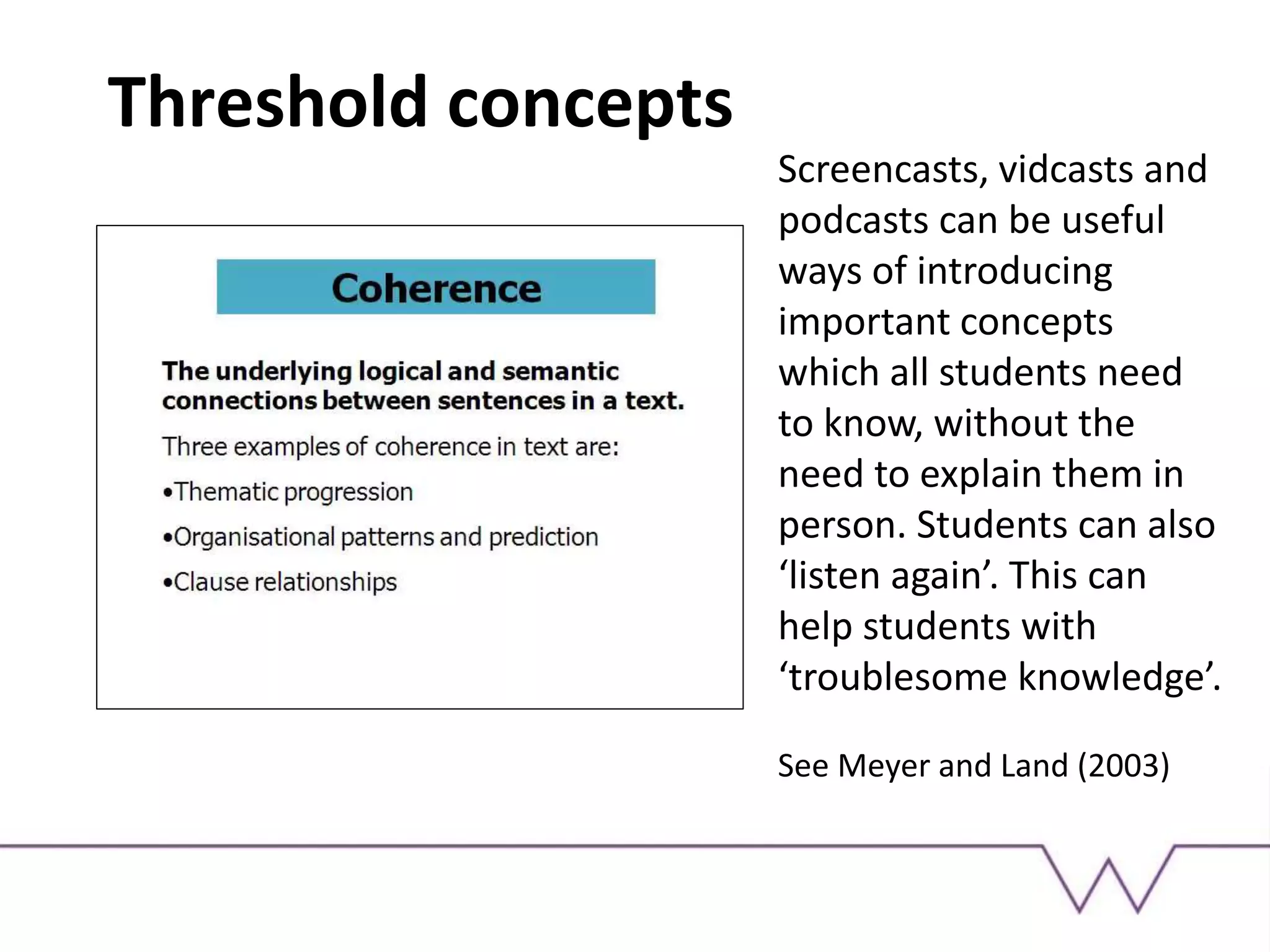
Threshold concepts
Screencasts, vidcasts and
podcasts can be useful
ways of introducing
important concepts
which all students need
to know, without the
need to explain them in
person. Students can also
‘listen again’. This can
help students with
‘troublesome knowledge’.
See Meyer and Land (2003)
Flipped classroom
Flipped classroom example
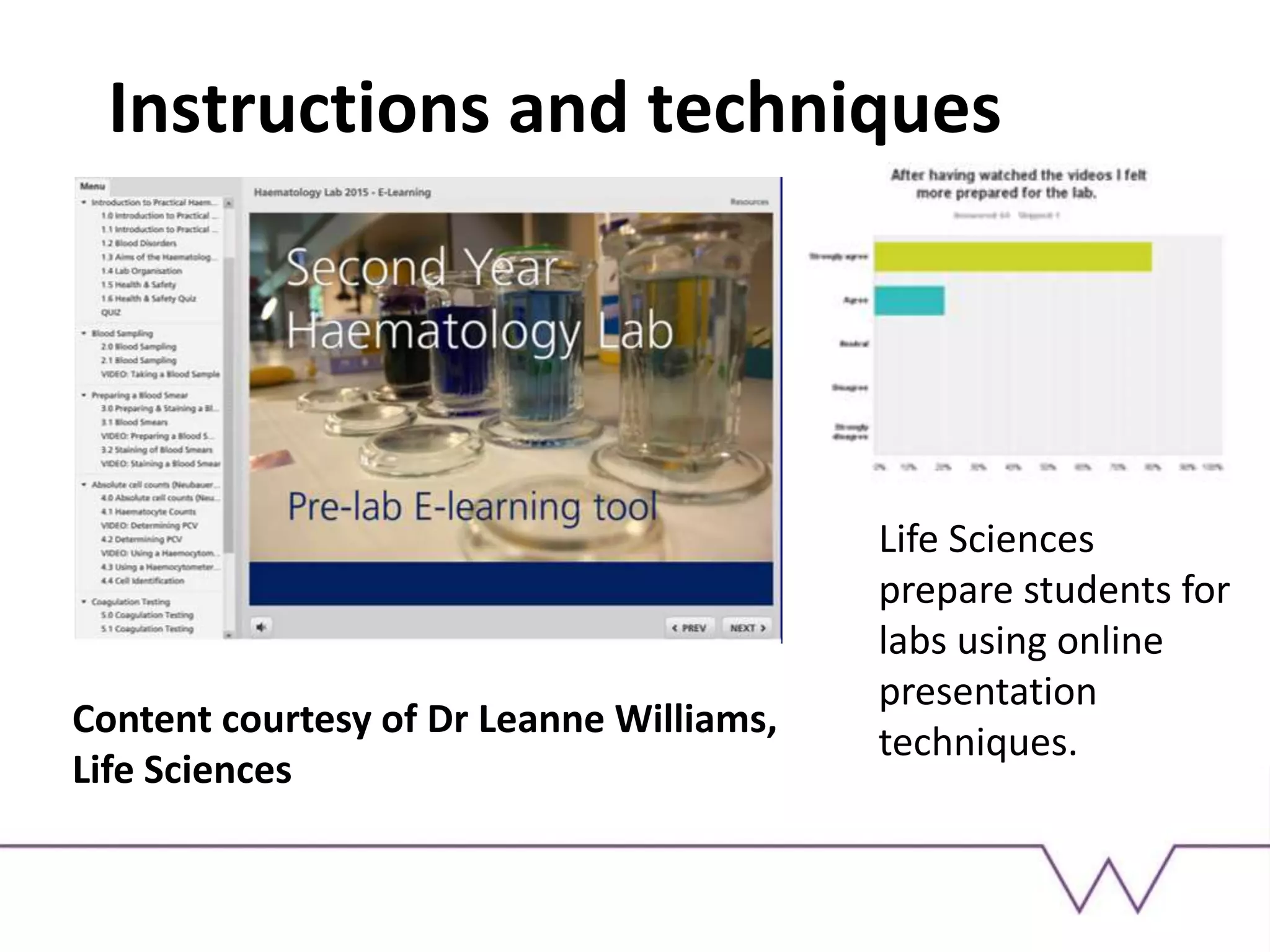
Instructions and techniques
Life Sciences
prepare students for
labs using online
presentation
techniques.
Content courtesy of Dr Leanne Williams,
Life Sciences
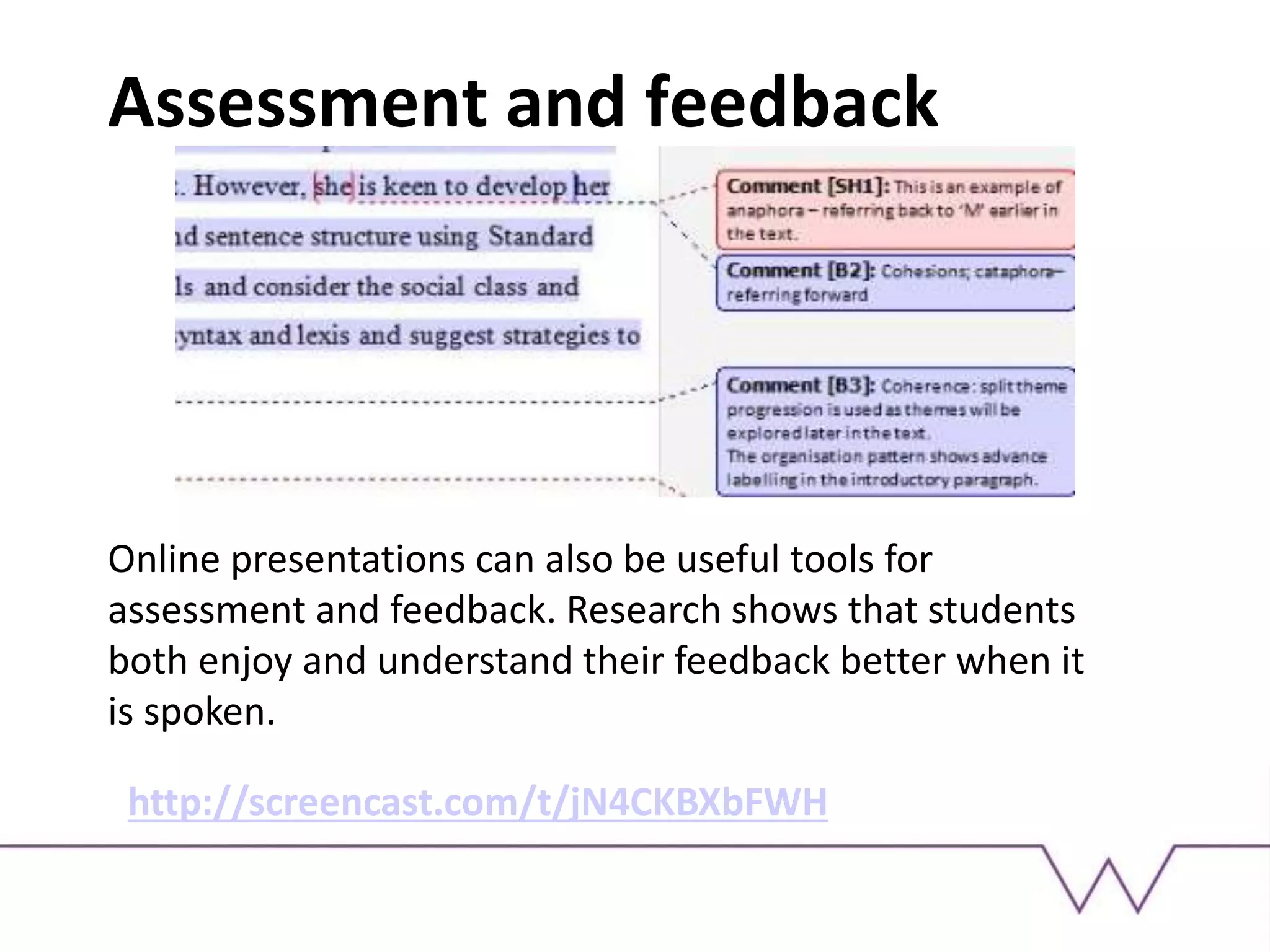
Assessment and feedback
Online presentations can also be useful tools for
assessment and feedback. Research shows that students
both enjoy and understand their feedback better when it
is spoken.
http://screencast.com/t/jN4CKBXbFWH
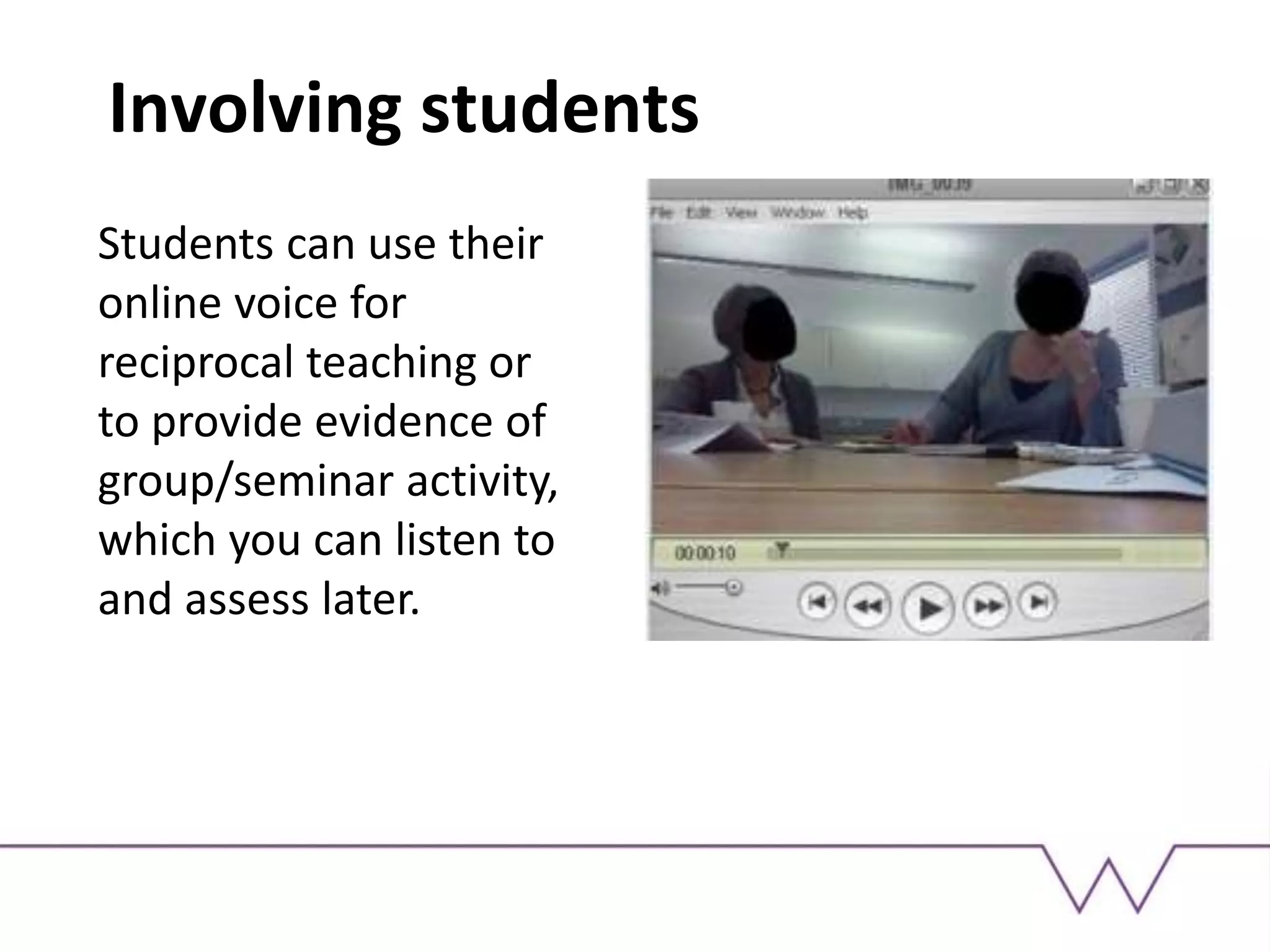
Involving students
Students can use their
online voice for
reciprocal teaching or
to provide evidence of
group/seminar activity,
which you can listen to
and assess later.
Russell Stannard: digital
presentation king!
http://www.teachertrainingvideos.com/
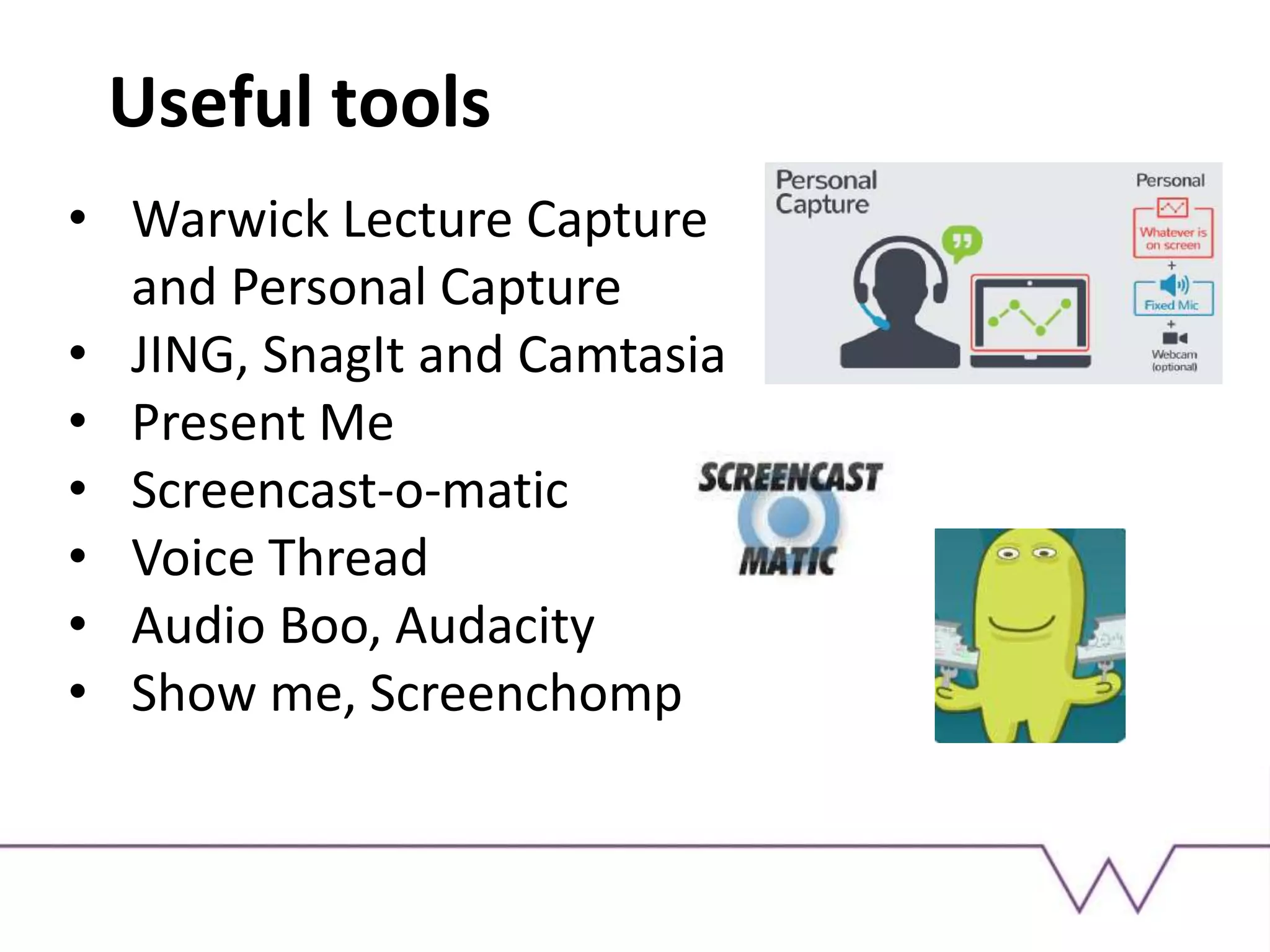
Useful tools
• Warwick Lecture Capture
and Personal Capture
• JING, SnagIt and Camtasia
• Present Me
• Screencast-o-matic
• Voice Thread
• Audio Boo, Audacity
• Show me, Screenchomp
Activity: digital presentations
1) Have a go at creating a screencast or podcast
using iPads (suggested tools: Screenchomp or
Show Me; Audacity etc). Consider the purpose
of the screencast and the audience for which it
is intended.
2) Go online and investigate existing digital
materials that could help with threshold
concepts in your discipline (suggested tools: You
Tube, Vimeo). Think about how/where you
might use these in a curriculum design.
You might be interested in…
• Warwick WIHEA Digichamps
http://moodle.warwick.ac.uk/course/view.ph
p?id=15710
• Lecture Capture and Personal Capture
http://www2.warwick.ac.uk/services/its/ser
vicessupport/av/lecture_capture
…..at Warwick
Stay in touch!
Sara Hattersley
S.Hattersley@warwick.ac.uk

PGDEtechnology2

  • 1.
    Technology-enhanced learning: screencasts, podcastsand digital presentation for teaching and learning.
  • 2.
    Learning outcomes • Toconsider why we might present ourselves digitally and what benefit it has to students. • To critically examine some examples of online presentation, considering what might make ‘best practice’. • To consider a range of specific uses for digital presentation, including assessment, in Higher Education. • To introduce a range of tools that can be used for the creation of digital artefacts and practice using at least one of them.
  • 3.
    Online presentation videos Listento the short clips by two tutors. Consider what their purpose is, how they differ and what their relative strengths and issues might be. Clip 1 http://moodle.warwick.ac.uk/mod/lesson/edit.php?id=175958 Clip 2 http://moodle.warwick.ac.uk/mod/page/view.php?id=85820
  • 4.
    How’s it doneand why…? What skills do you need to be a successful online presenter? How do you make digital presentations; what are the processes? What might be the pedagogical benefits? What are the pedagogical challenges?
  • 5.
    What skills candigital presentation support? https://expertbeacon.com/sites/default/files/Blooms%20Taxonomy.jpg (Accessed on 30/11/15: 20:30)
  • 6.
    What uses couldthere be for digital presentations? • Explaining threshold concepts • Flipped classroom – recording lectures • Introducing course tasks (online or offline) • Navigation around a VLE • Narration and storytelling/presenting context. • Feedback to students on work, seminar contributions etc • Feedback to students on assessed work • Explaining or demonstrating a technique/method • Peer tutoring/reciprocal teaching • Other….?
  • 7.
    Threshold concepts Screencasts, vidcastsand podcasts can be useful ways of introducing important concepts which all students need to know, without the need to explain them in person. Students can also ‘listen again’. This can help students with ‘troublesome knowledge’. See Meyer and Land (2003)
  • 8.
  • 9.
  • 10.
    Instructions and techniques LifeSciences prepare students for labs using online presentation techniques. Content courtesy of Dr Leanne Williams, Life Sciences
  • 11.
    Assessment and feedback Onlinepresentations can also be useful tools for assessment and feedback. Research shows that students both enjoy and understand their feedback better when it is spoken. http://screencast.com/t/jN4CKBXbFWH
  • 12.
    Involving students Students canuse their online voice for reciprocal teaching or to provide evidence of group/seminar activity, which you can listen to and assess later.
  • 13.
    Russell Stannard: digital presentationking! http://www.teachertrainingvideos.com/
  • 14.
    Useful tools • WarwickLecture Capture and Personal Capture • JING, SnagIt and Camtasia • Present Me • Screencast-o-matic • Voice Thread • Audio Boo, Audacity • Show me, Screenchomp
  • 15.
    Activity: digital presentations 1)Have a go at creating a screencast or podcast using iPads (suggested tools: Screenchomp or Show Me; Audacity etc). Consider the purpose of the screencast and the audience for which it is intended. 2) Go online and investigate existing digital materials that could help with threshold concepts in your discipline (suggested tools: You Tube, Vimeo). Think about how/where you might use these in a curriculum design.
  • 16.
    You might beinterested in… • Warwick WIHEA Digichamps http://moodle.warwick.ac.uk/course/view.ph p?id=15710 • Lecture Capture and Personal Capture http://www2.warwick.ac.uk/services/its/ser vicessupport/av/lecture_capture …..at Warwick
  • 17.
    Stay in touch! SaraHattersley S.Hattersley@warwick.ac.uk

Editor's Notes

  • #4 Analyse the two short clips. One is a screencast (screencast o matic) the other a screencast incorporating video of the tutor. Things to consider include: Tone of voice, pace, formality of language Benefit of video (seeing the tutor) Information conveyed – one looks at course tasks, specifically, giving instructions including ‘navigation’; one offers a course overview
  • #5 Analyse the two short clips. One is a screencast (screencast o matic) the other a screencast incorporating video of the tutor. Things to consider include: Tone of voice, pace, formality of language Benefit of video (seeing the tutor) Information conveyed – one looks at course tasks, specifically, giving instructions including ‘navigation’; one offers a course overview