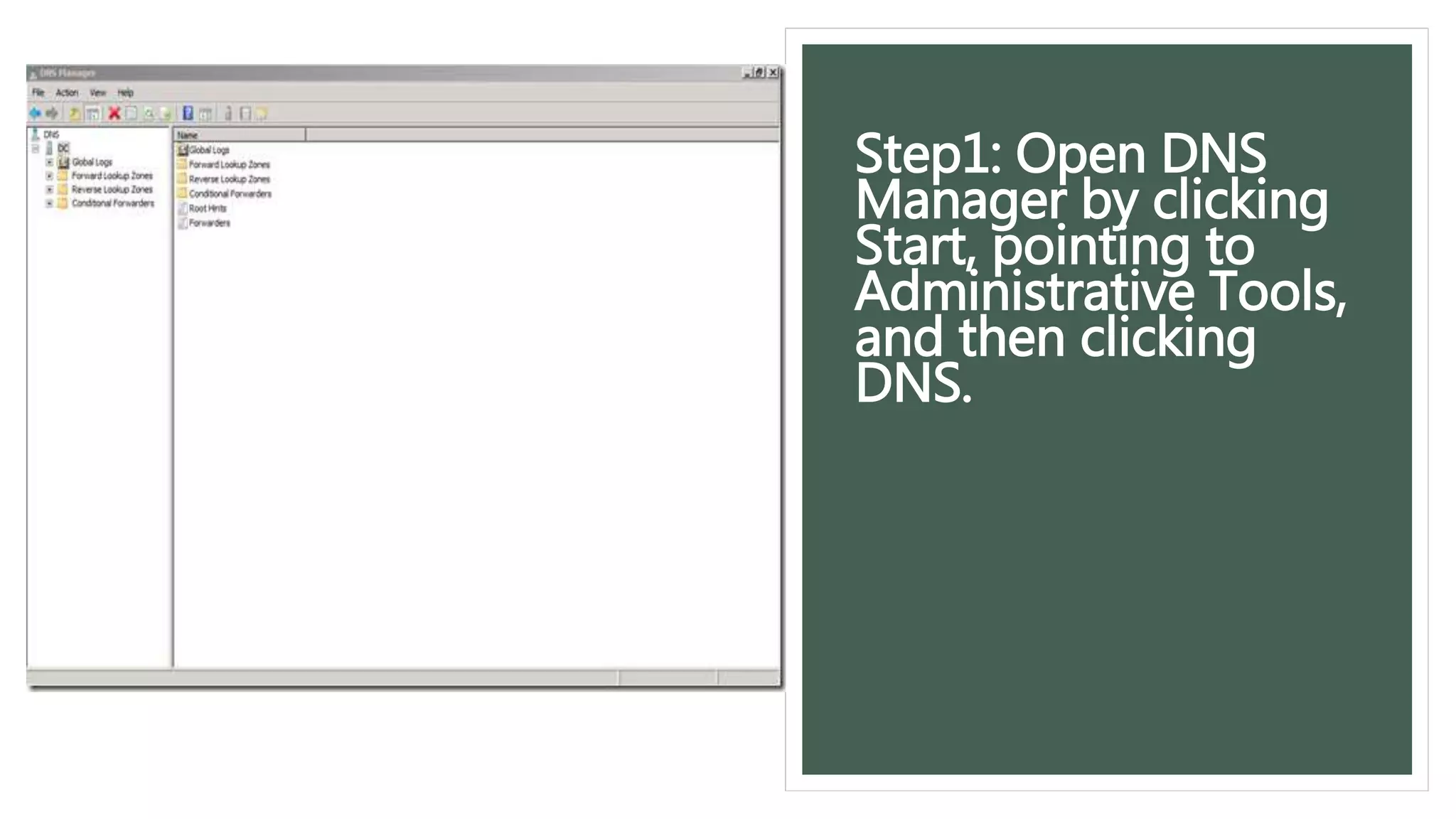
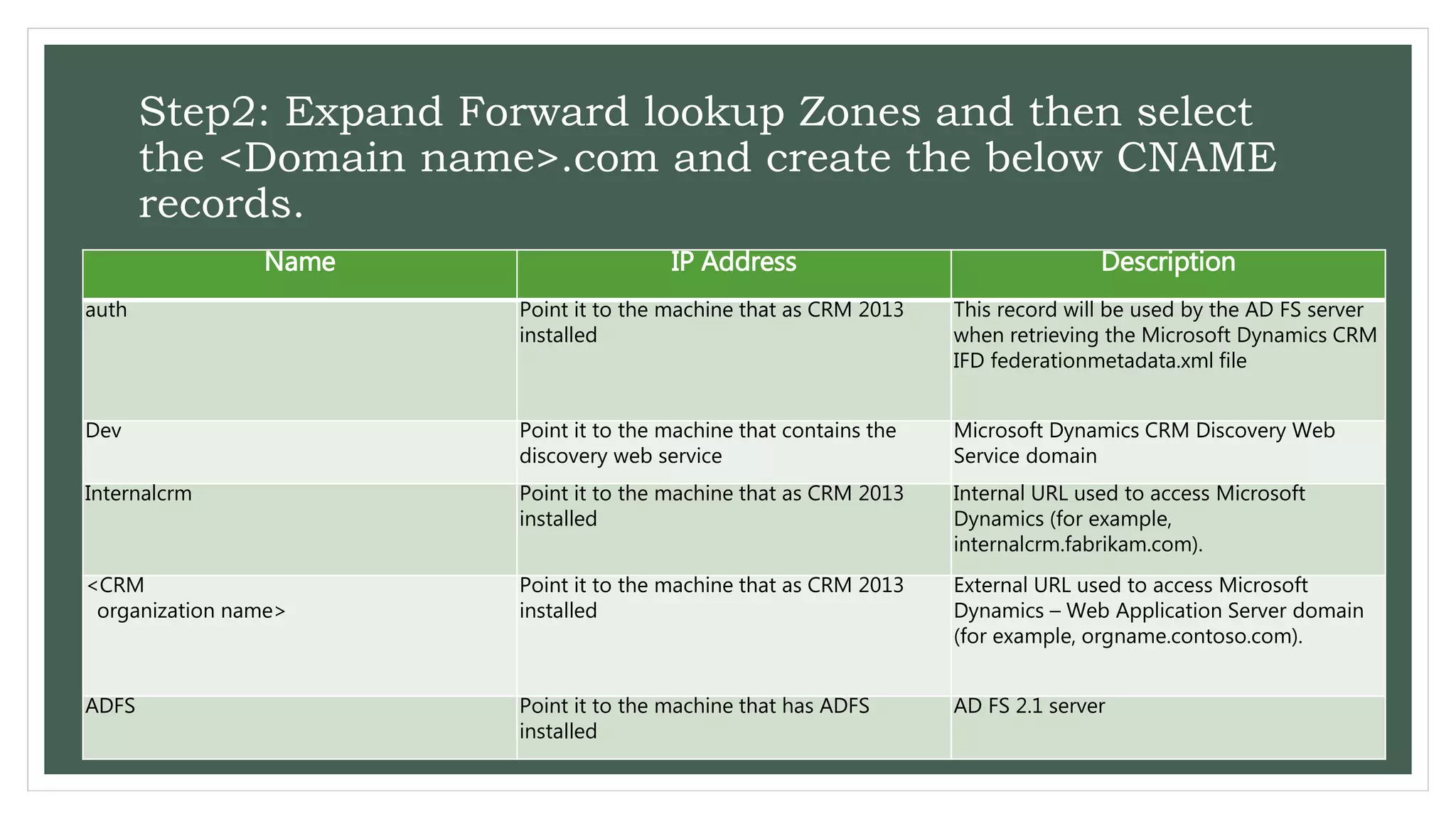
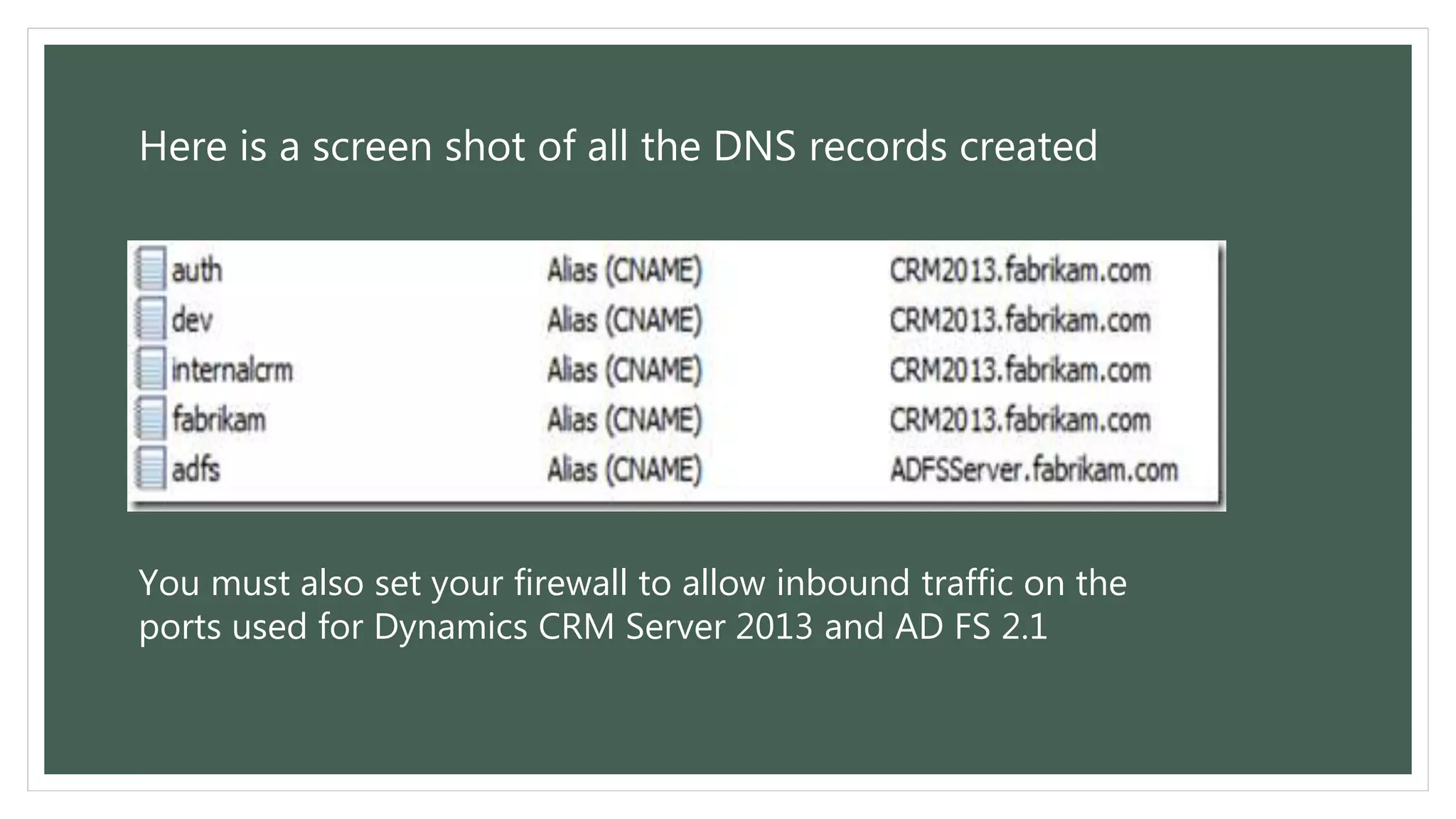

This document provides instructions for configuring DNS records for Microsoft Dynamics CRM 2016. It outlines 3 key steps: 1. Open the DNS Manager tool to manage domain records. 2. Create several CNAME records pointing to the machine with CRM installed, including for authentication, discovery, internal URL, and external URL access. 3. Also create a CNAME record pointing to the machine with ADFS installed for identity federation. Proper DNS configuration is necessary for the CRM server endpoints and AD FS server to resolve correctly. A screenshot of the configured DNS records is also provided.


