Joomla! 1.5 and roadmap to future versions Joomla!day Presentation Luzern, Switzerland Edite by : Ahmed Salem 15 November 2008
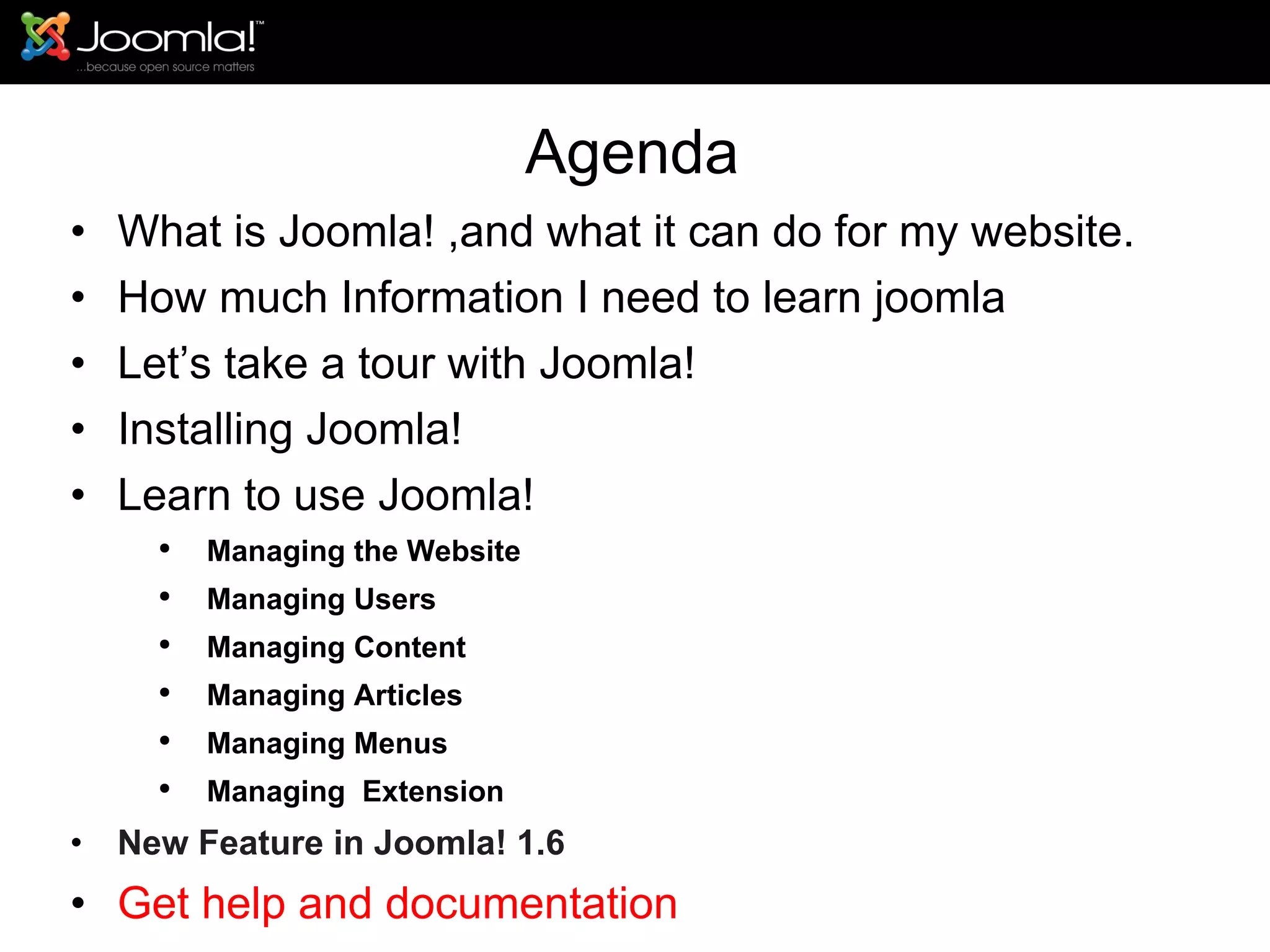
Agenda What is Joomla! ,and what it can do for my website. How much Information I need to learn joomla Let’s take a tour with Joomla!  Installing Joomla! Learn to use Joomla! Managing the Website Managing Users Managing Content Managing Articles Managing Menus Managing  Extension New Feature in Joomla! 1.6 Get help and documentation
What is Joomla! ,and what it can do for my website Joomla! is a Content Management System (or "CMS") which enables easy control and editing of the content and presentation of your website. With Joomla!, you can do things like: Edit the content of every page of your site through a word processor-style interface. Add new pages to your site using a point-and-click interface. Add images and other media through Web-based uploads. Control site elements like navigation menus and page layout.
Agenda What is Joomla! ,and what it can do for my website. How much Information I need to learn joomla Let’s take a tour with Joomla!  Installing Joomla! Learn to use Joomla Managing the Website Managing Users Managing Content Managing Articles Managing Menus Managing  Extension Get help and documentation
How much knowledge do I need to implement Joomla! ? -low level of technical knowledge is required -Joomla!'s installation process includes uploading files to a Web server via FTP, creating a new MySQL database, and then proceeding through Joomla!'s Web-based installation wizard.  (Fortunately, many Web hosting companies include Web site control panels which make it easy to handle technical tasks, including adding a MySQL database, and installing Joomla!.)
Agenda What is Joomla! ,and what it can do for my website. How much Information I need to learn joomla Let’s take a tour with Joomla!  Installing Joomla! Learn to use Joomla Managing the Website Managing Users Managing Content Managing Articles Managing Menus Managing  Extension Get help and documentation
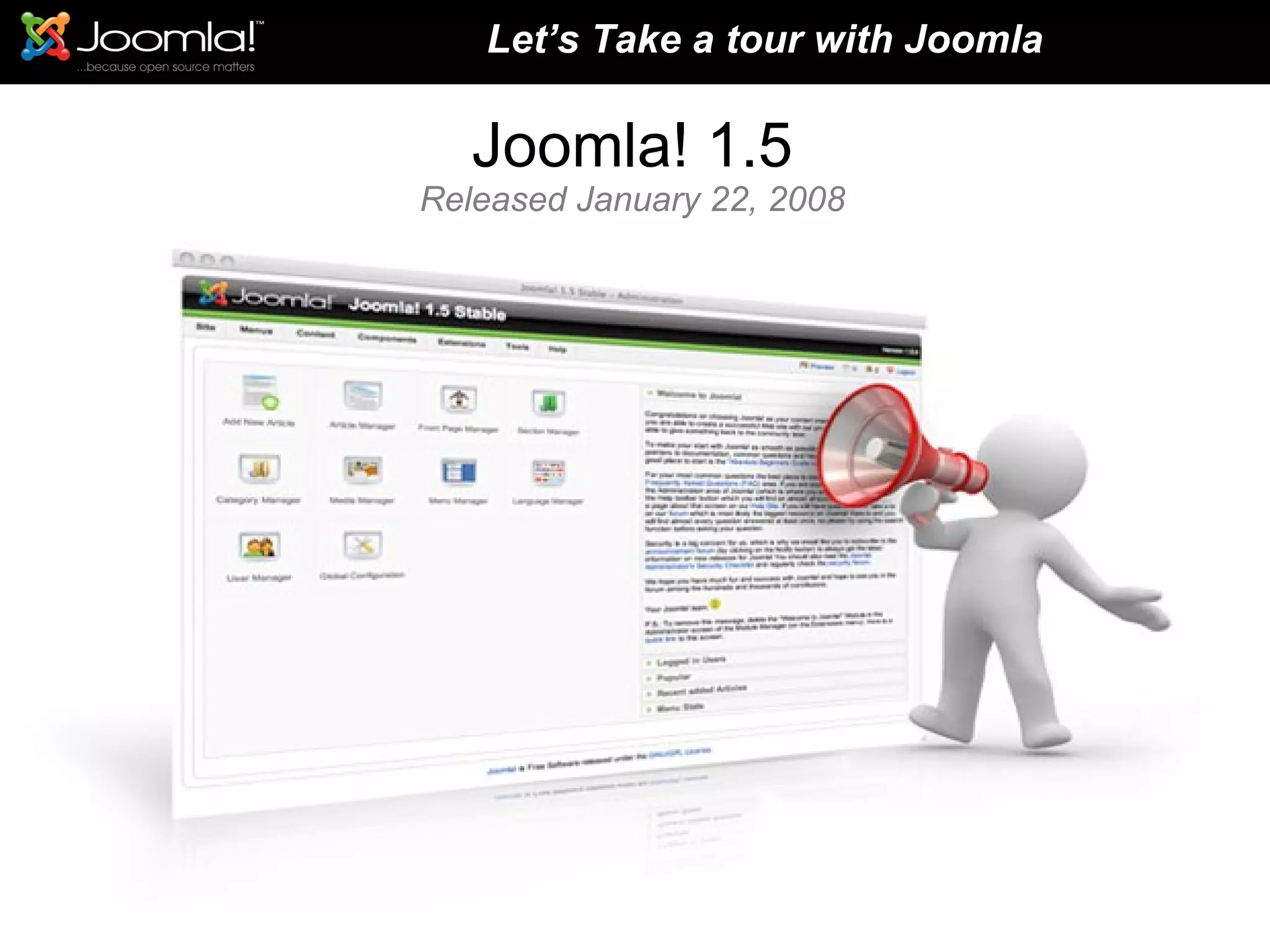
Joomla! 1.5 Released January 22, 2008 Let’s Take a tour with Joomla
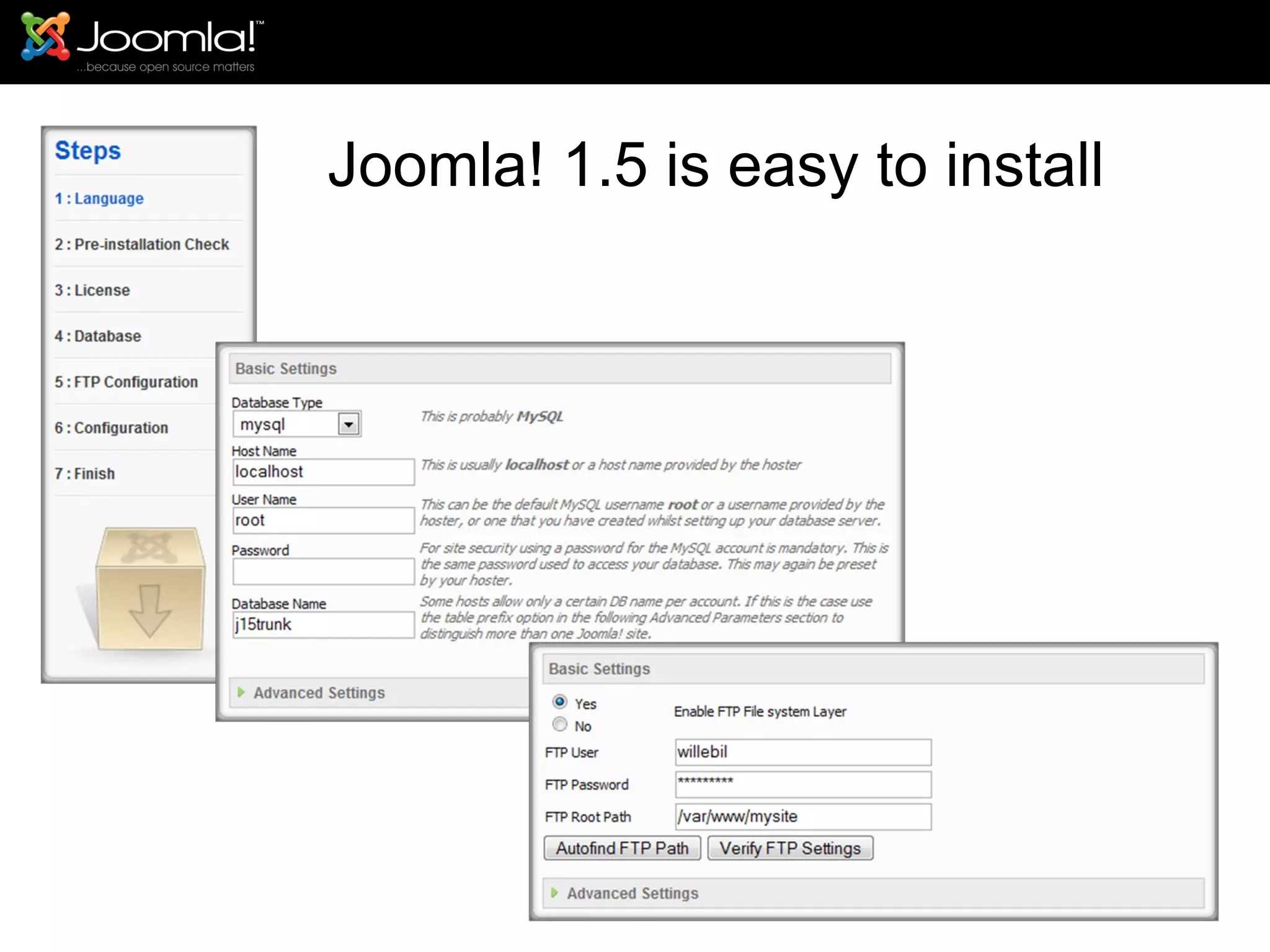
Joomla! 1.5 is easy to install
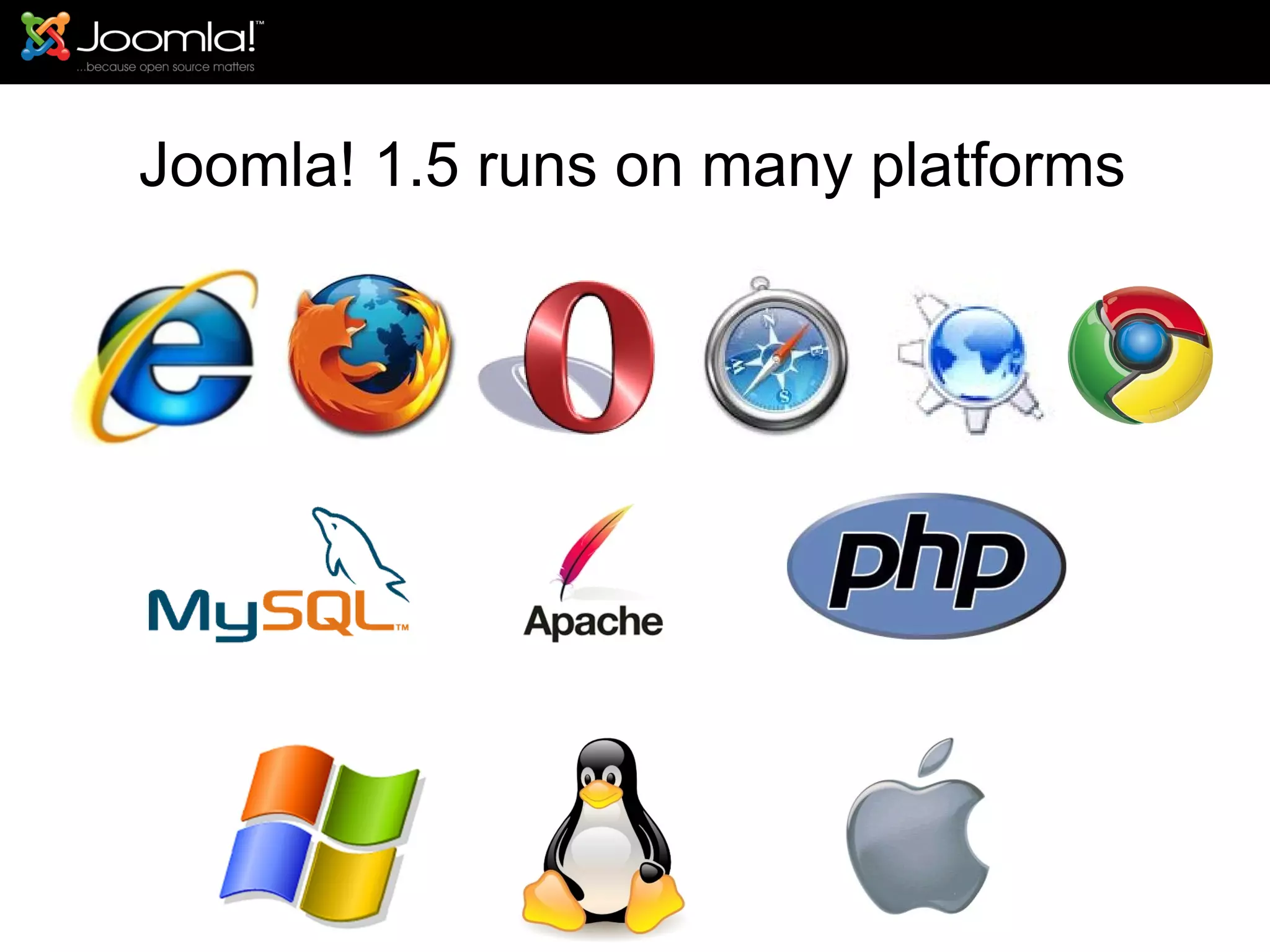
Joomla! 1.5 runs on many platforms
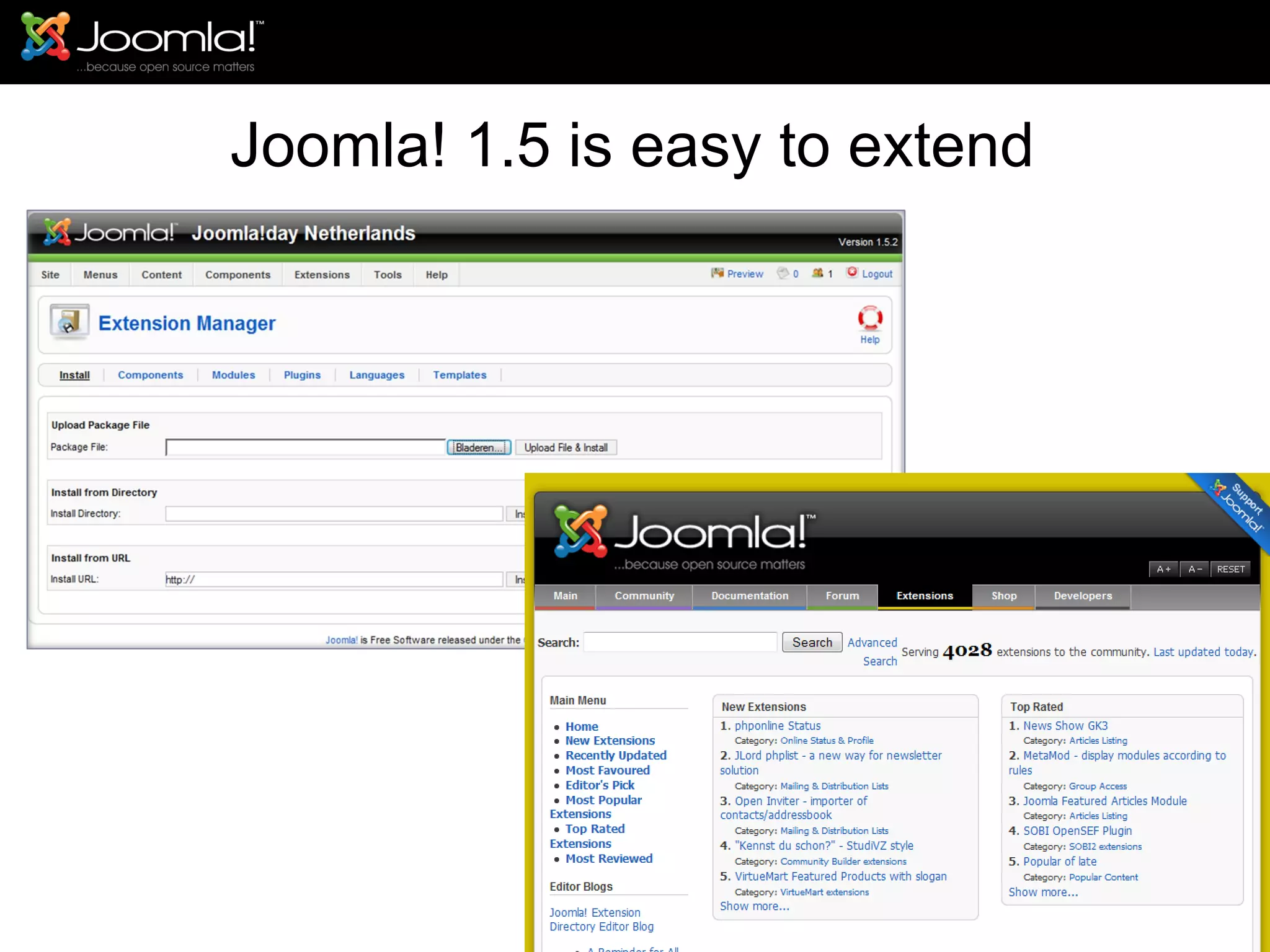
Joomla! 1.5 is easy to extend
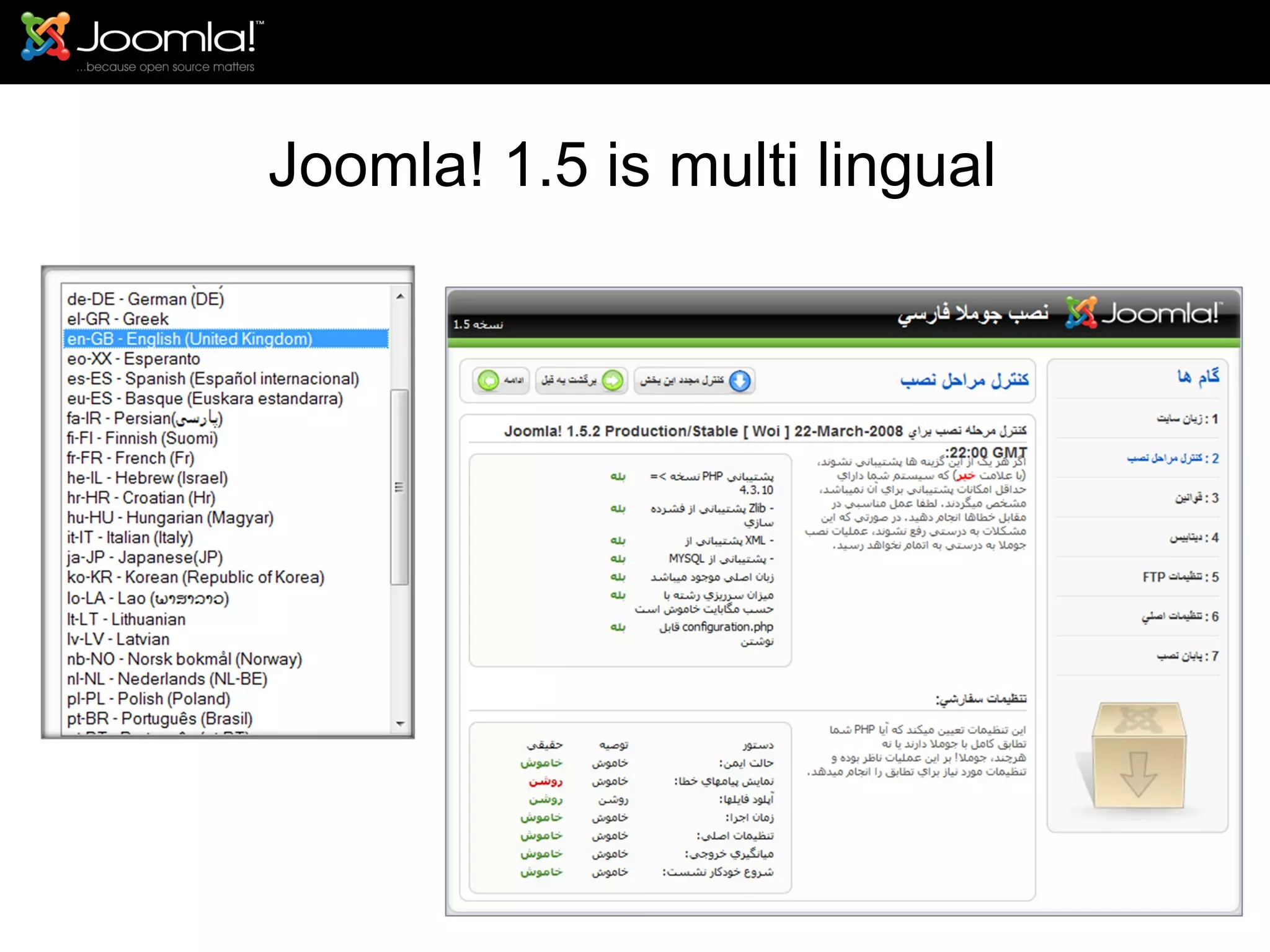
Joomla! 1.5 is multi lingual
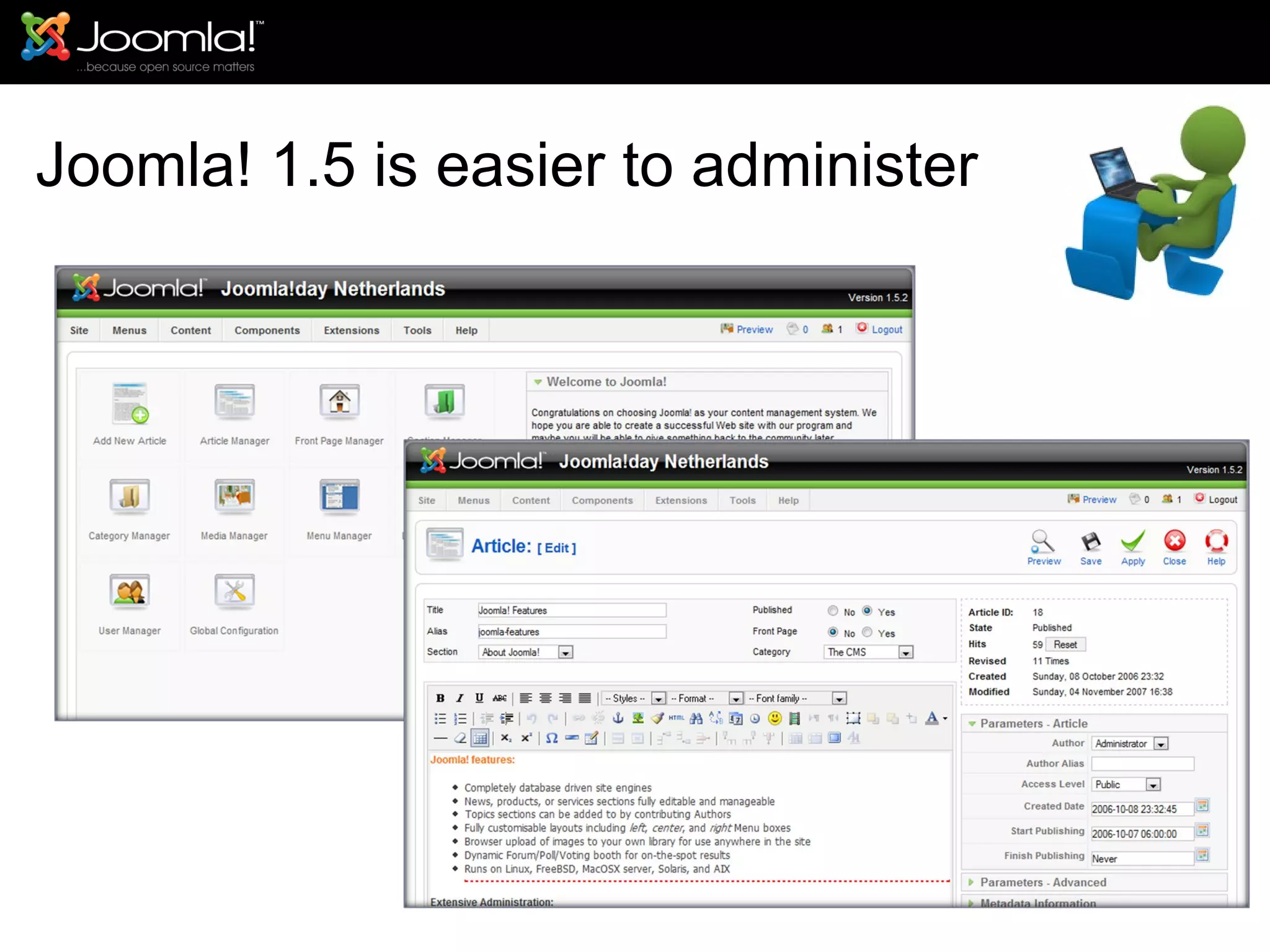
Joomla! 1.5 is easier to administer
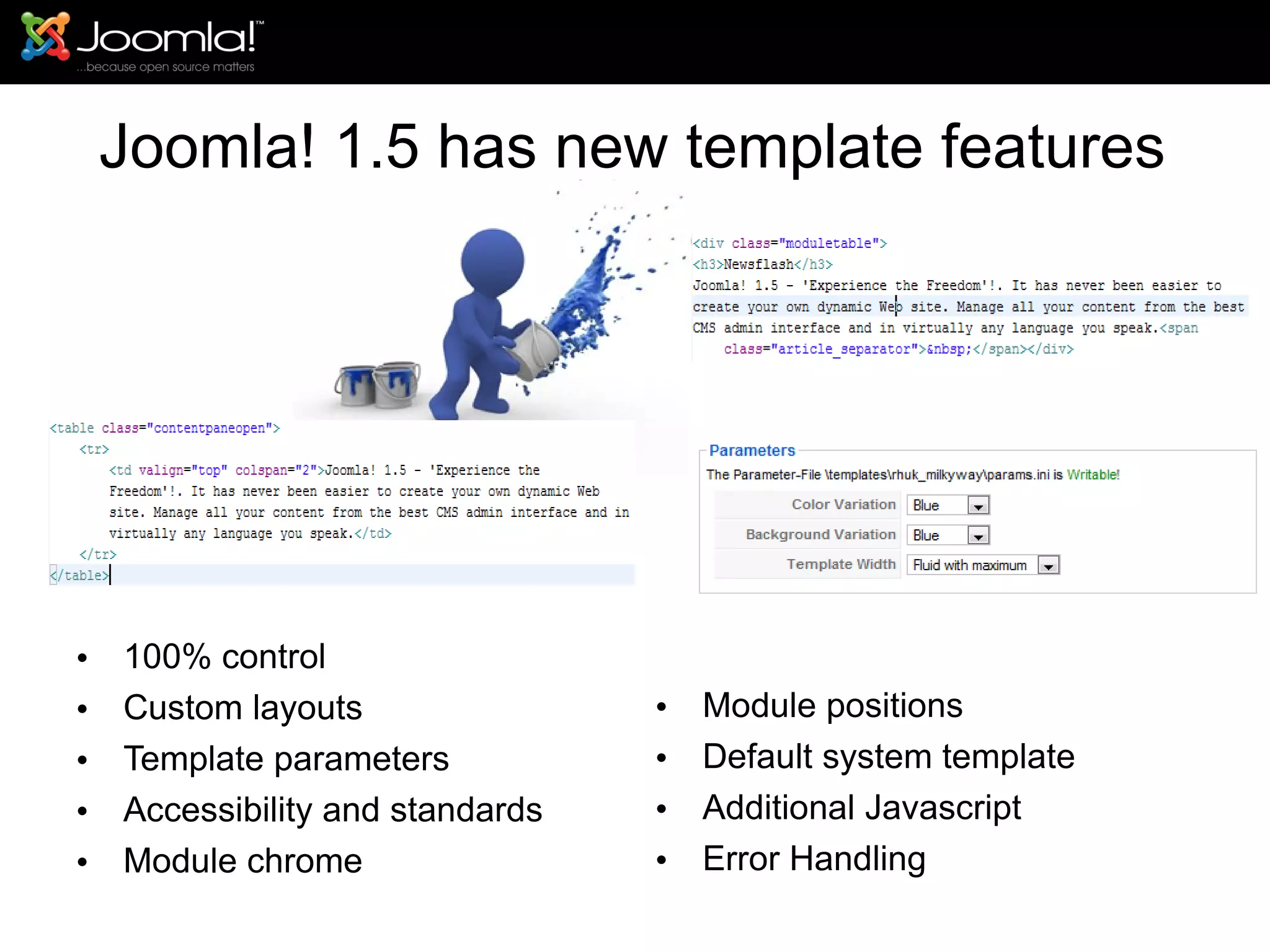
Joomla! 1.5 has new template features 100% control Custom layouts Template parameters Accessibility and standards Module chrome Module positions Default system template Additional Javascript Error Handling
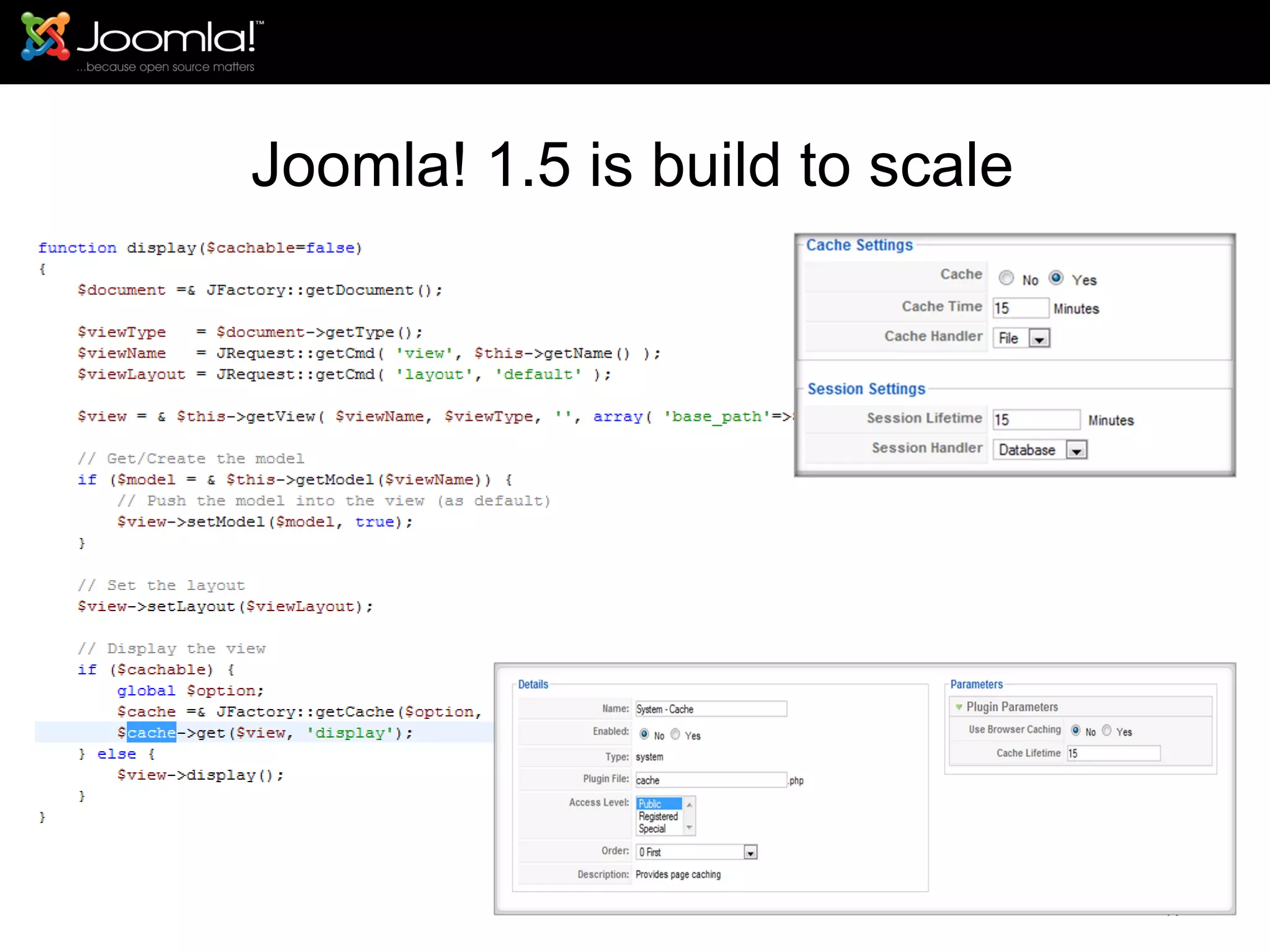
Joomla! 1.5 is build to scale
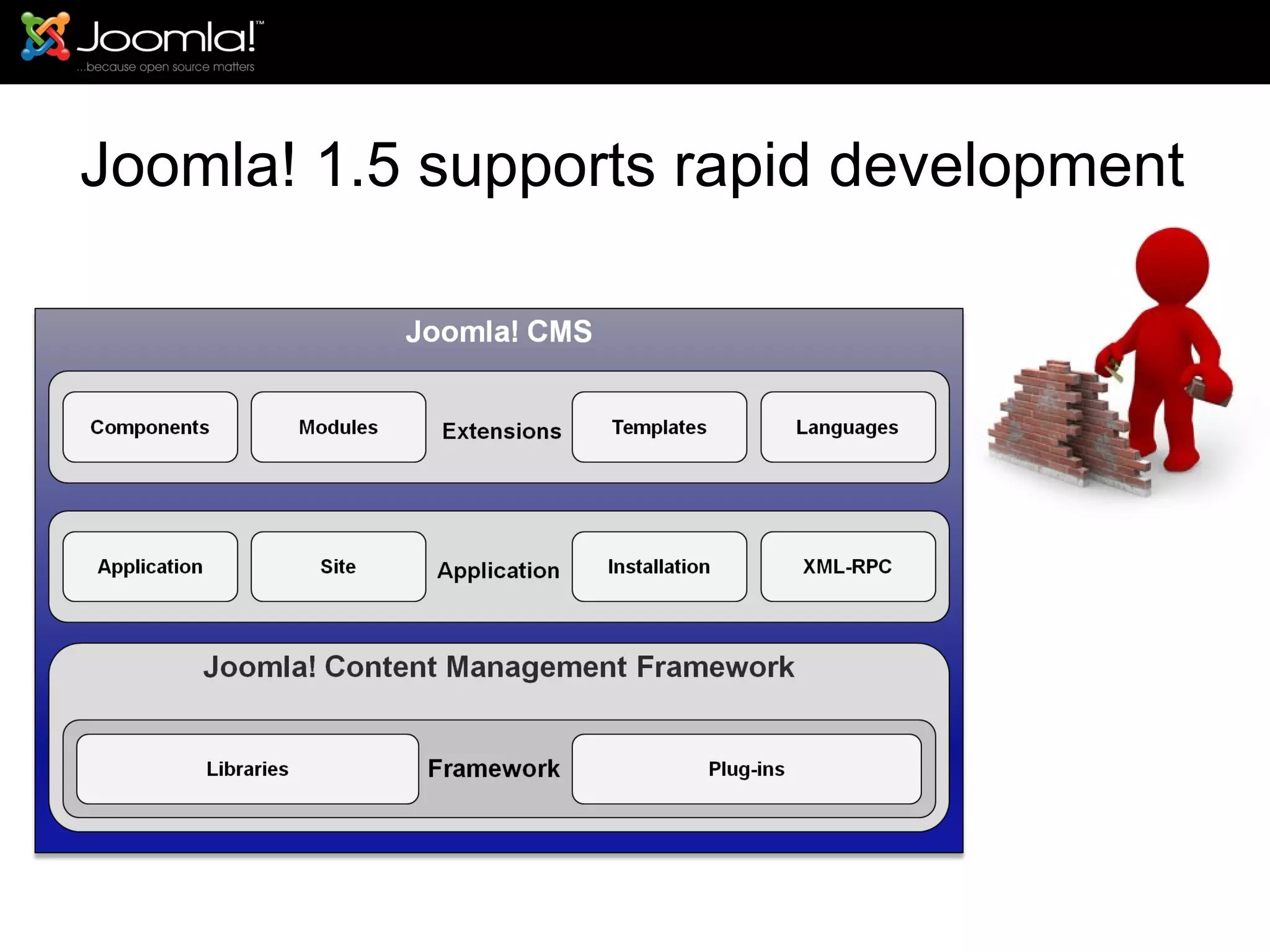
Joomla! 1.5 supports rapid development
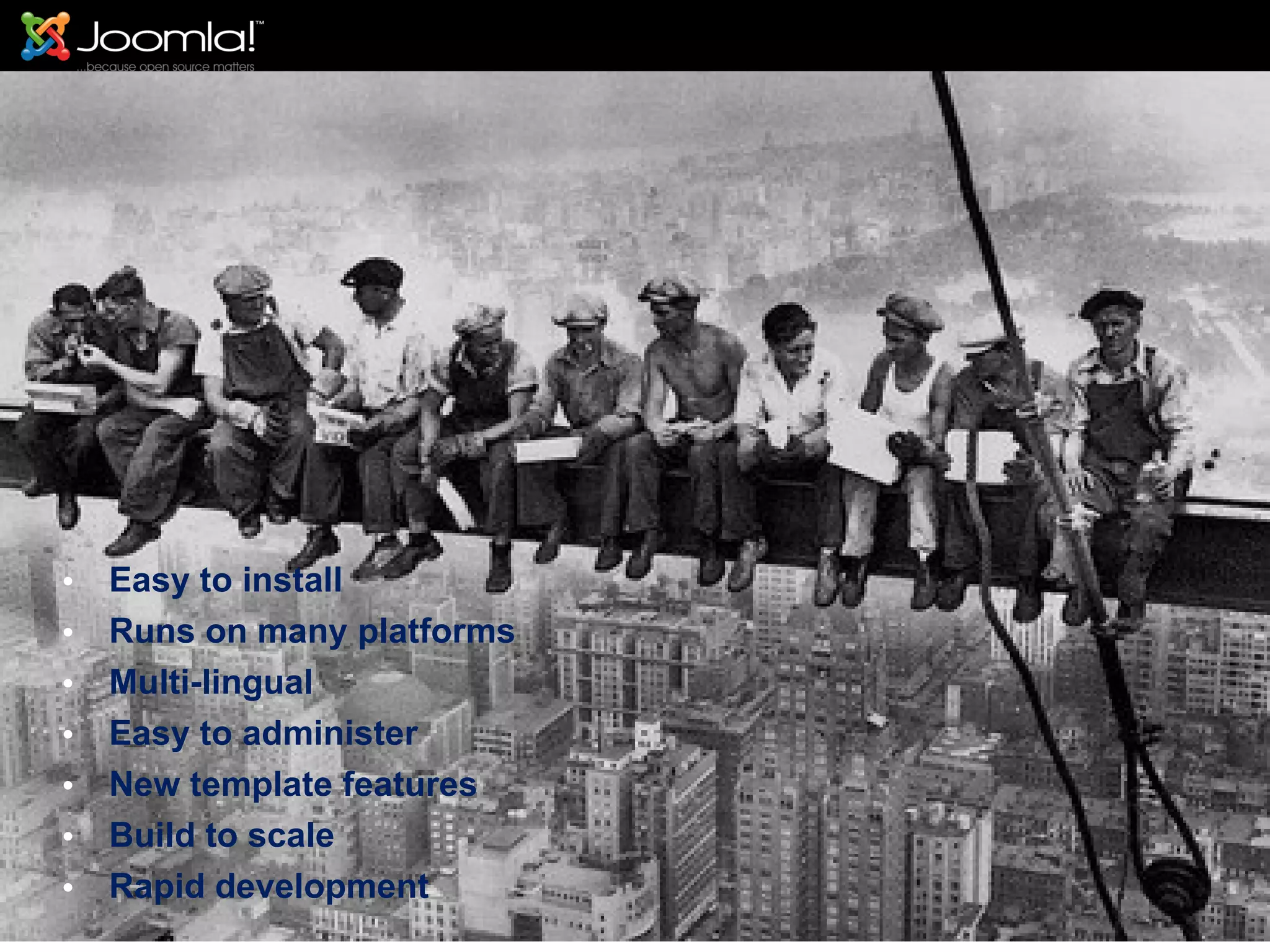
Easy to install Runs on many platforms Multi-lingual Easy to administer New template features Build to scale Rapid development
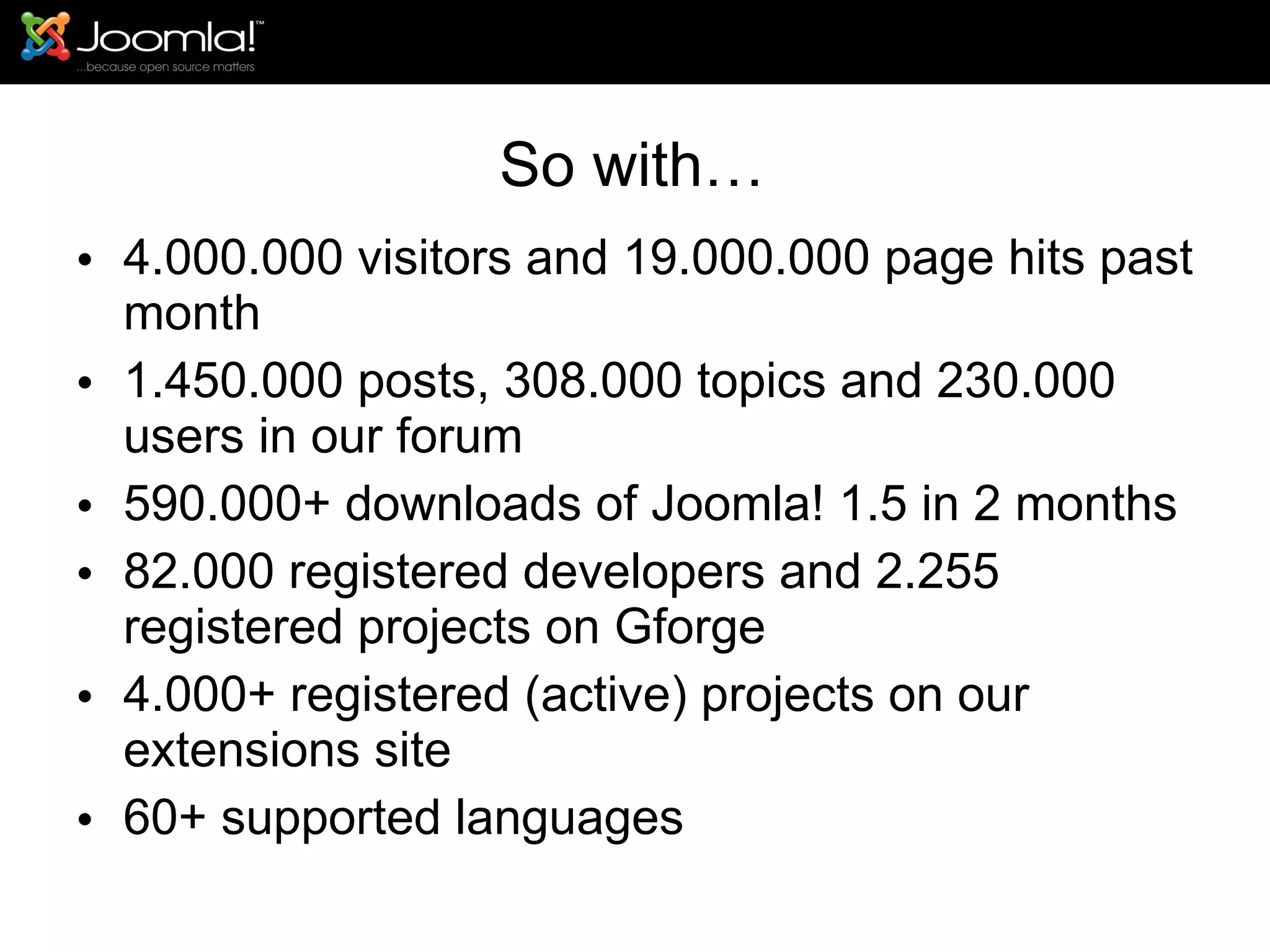
So with… 4.000.000 visitors and 19.000.000 page hits past month 1.450.000 posts, 308.000 topics and 230.000 users in our forum 590.000+ downloads of Joomla! 1.5 in 2 months 82.000 registered developers and 2.255 registered projects on Gforge 4.000+ registered (active) projects on our extensions site 60+ supported languages
This project rockets off!!!
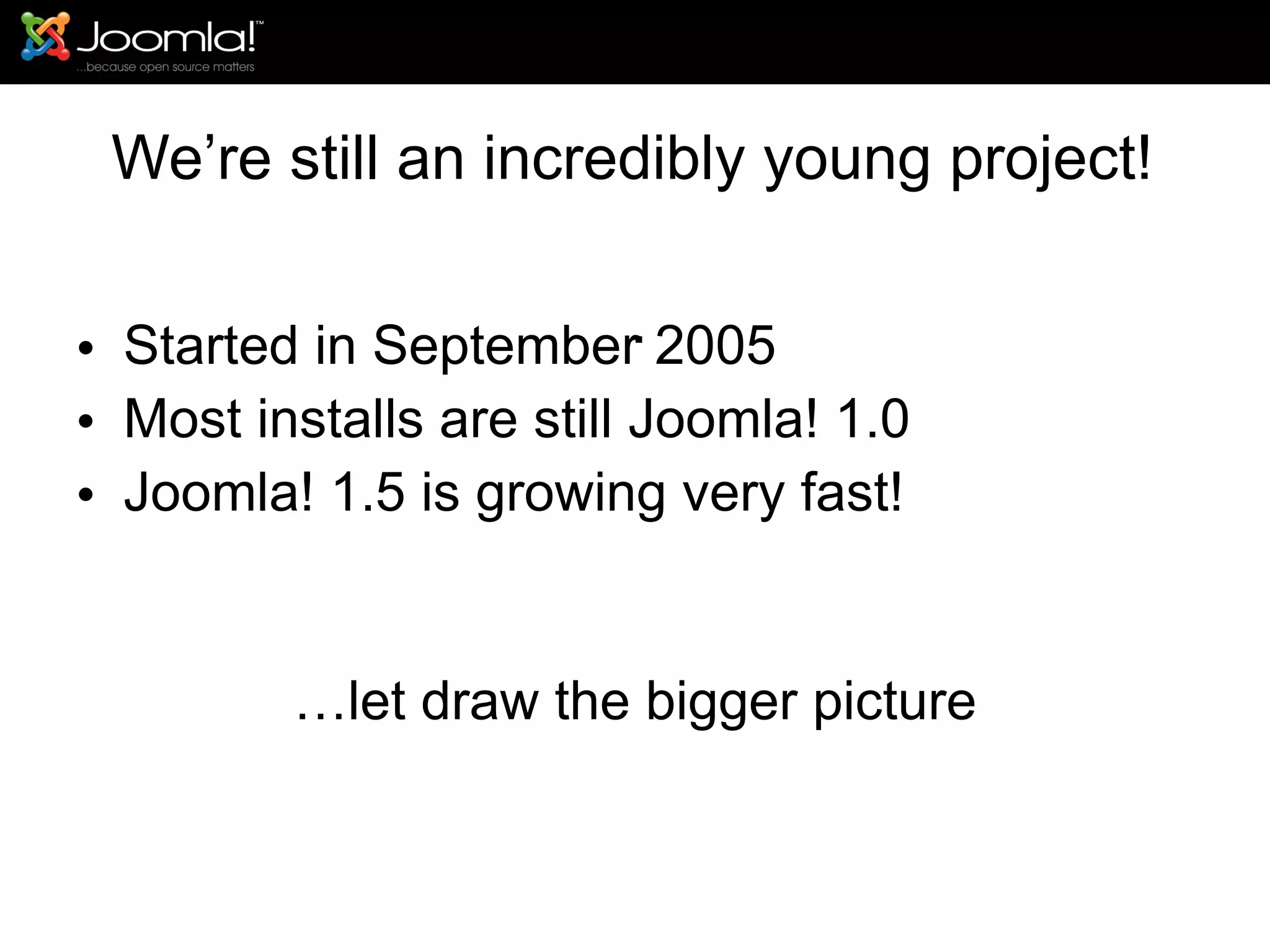
Thanks to an amazing army of  volunteers  who provide  support  in our  forum ,  developers  who maintain Joomla! core code and extensions, the  translators  and all who help with  documentation  this is a great open source project!
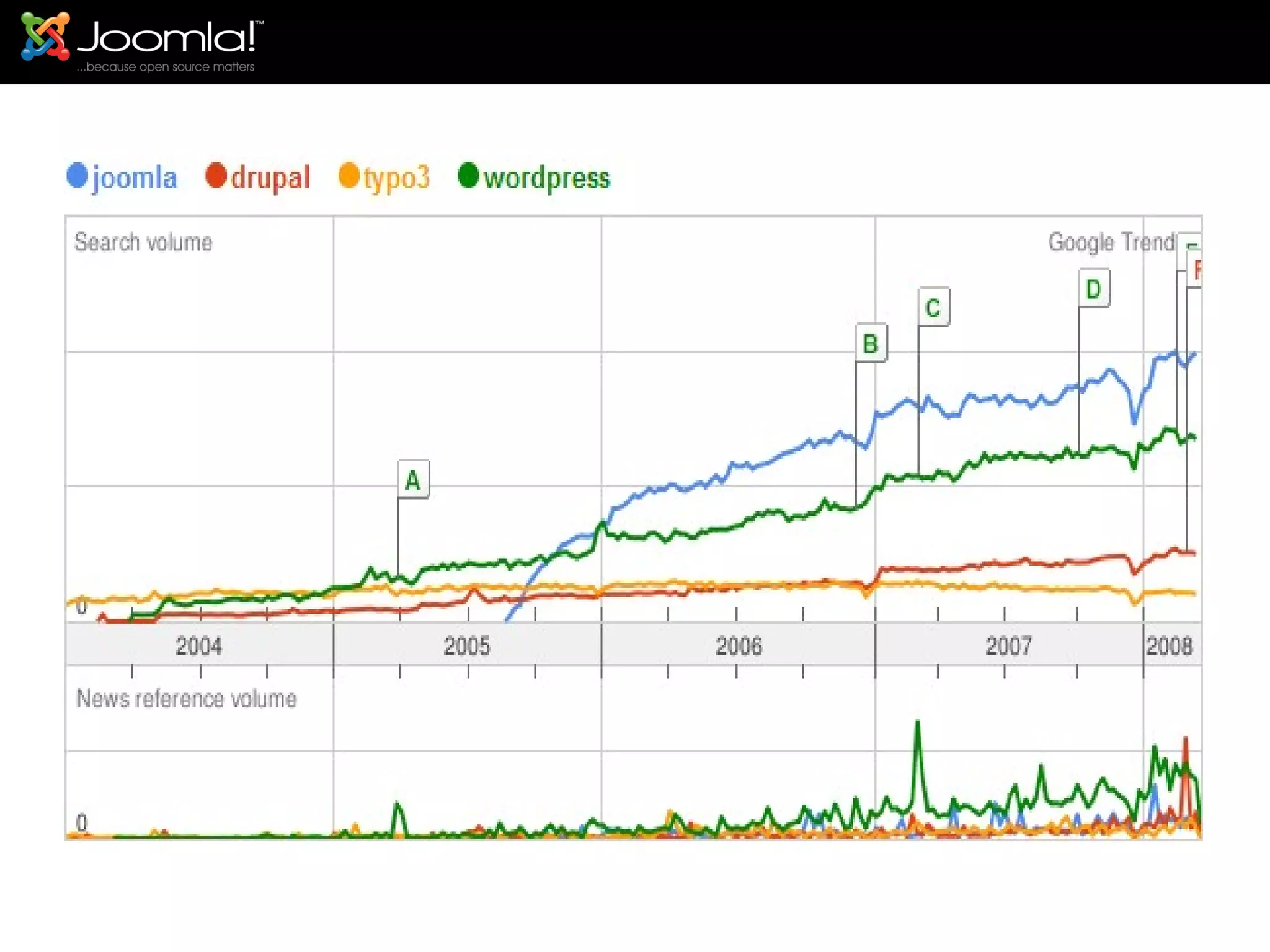
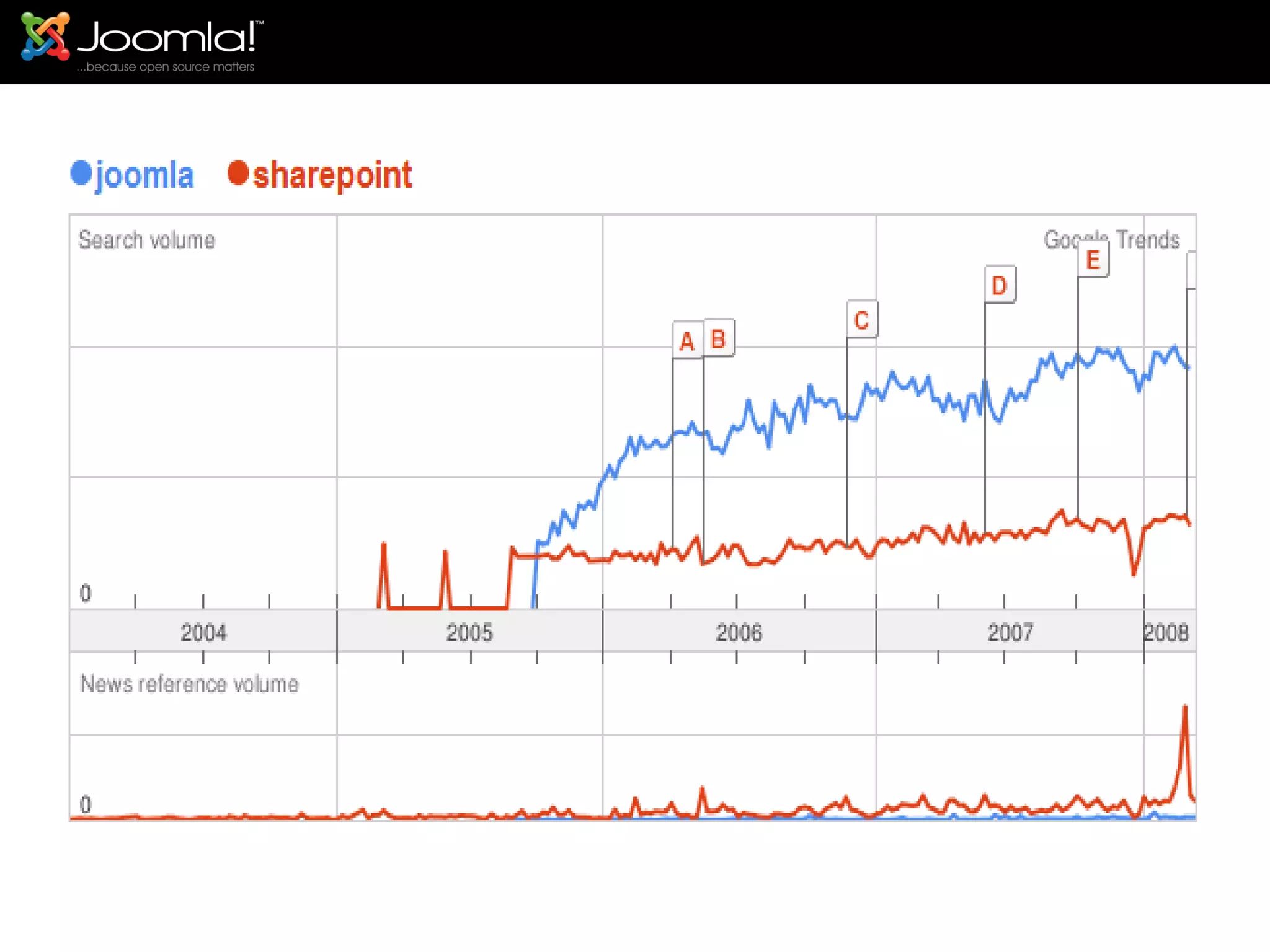
We’re still an incredibly young project! Started in September 2005 Most installs are still Joomla! 1.0 Joomla! 1.5 is growing very fast! … let draw the bigger picture Keep the following in mind.. .
 
 
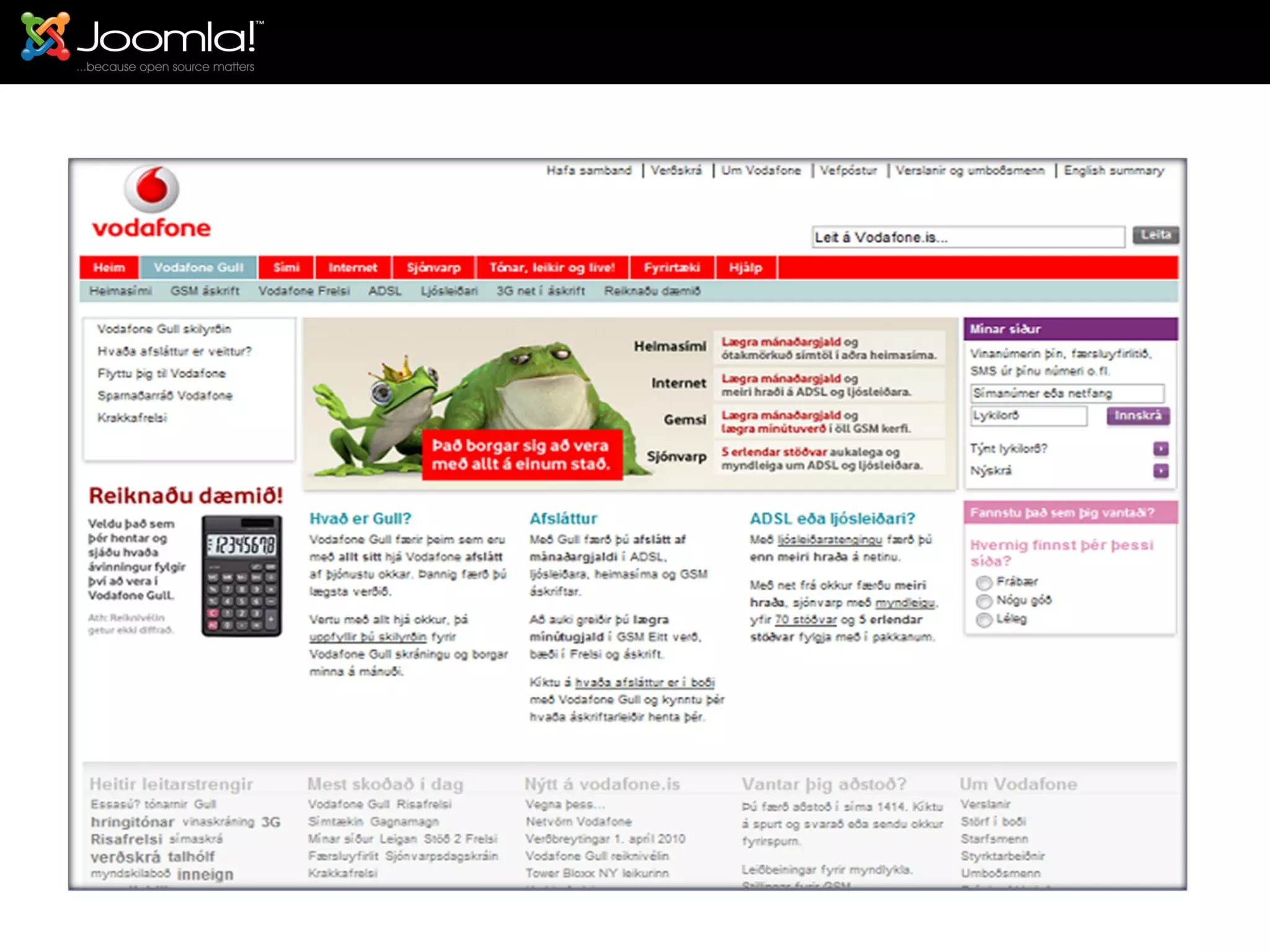
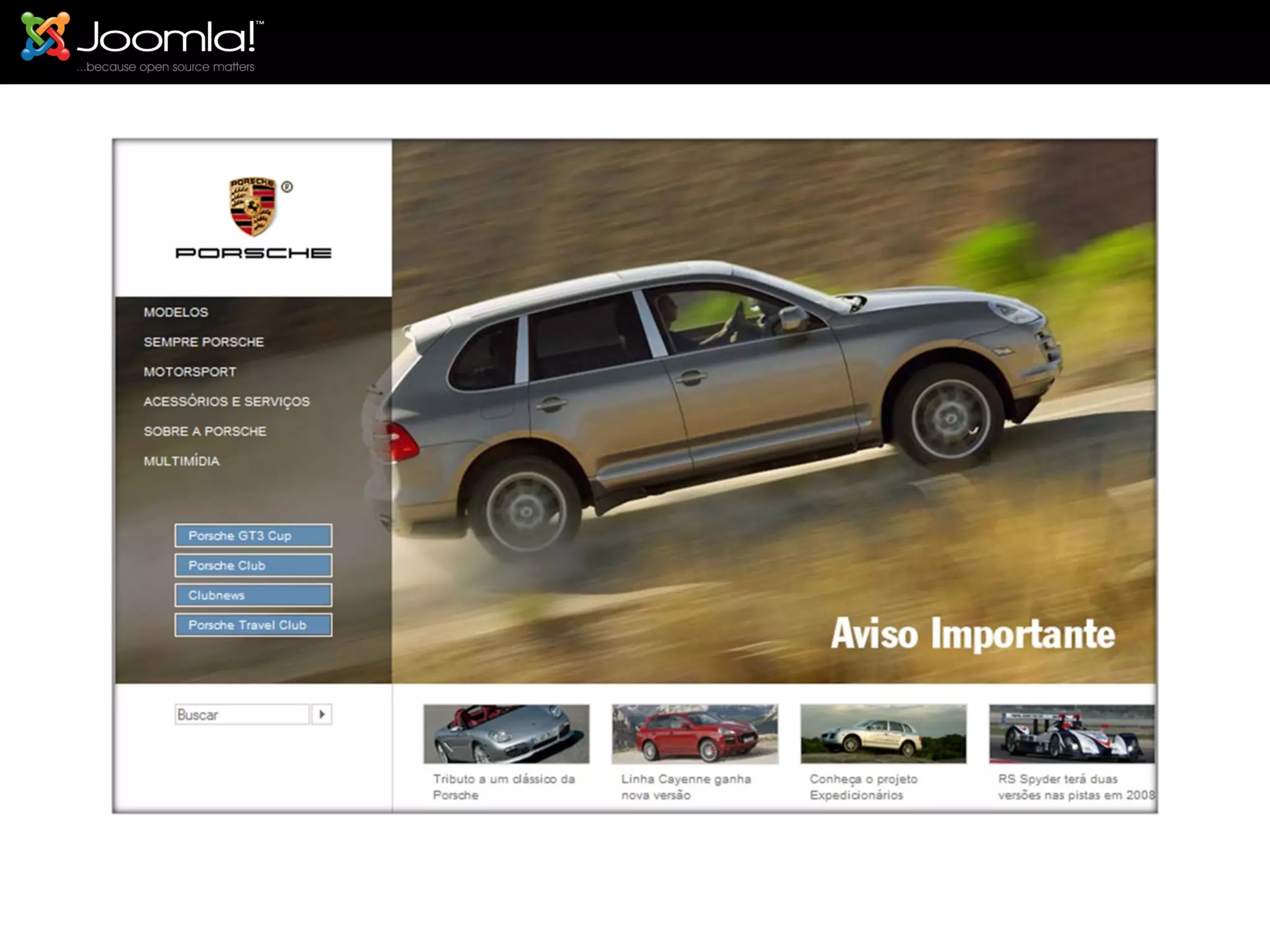
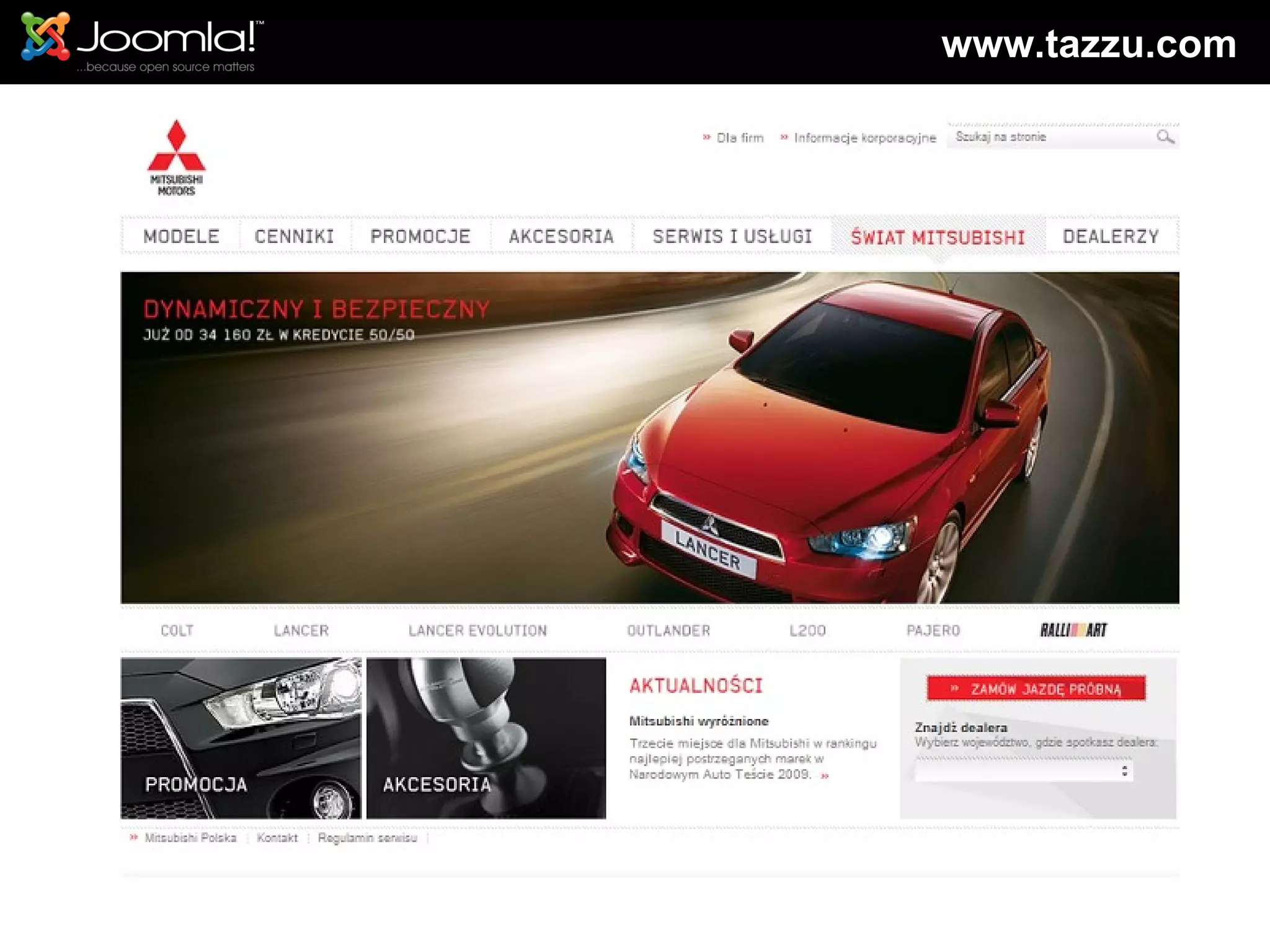
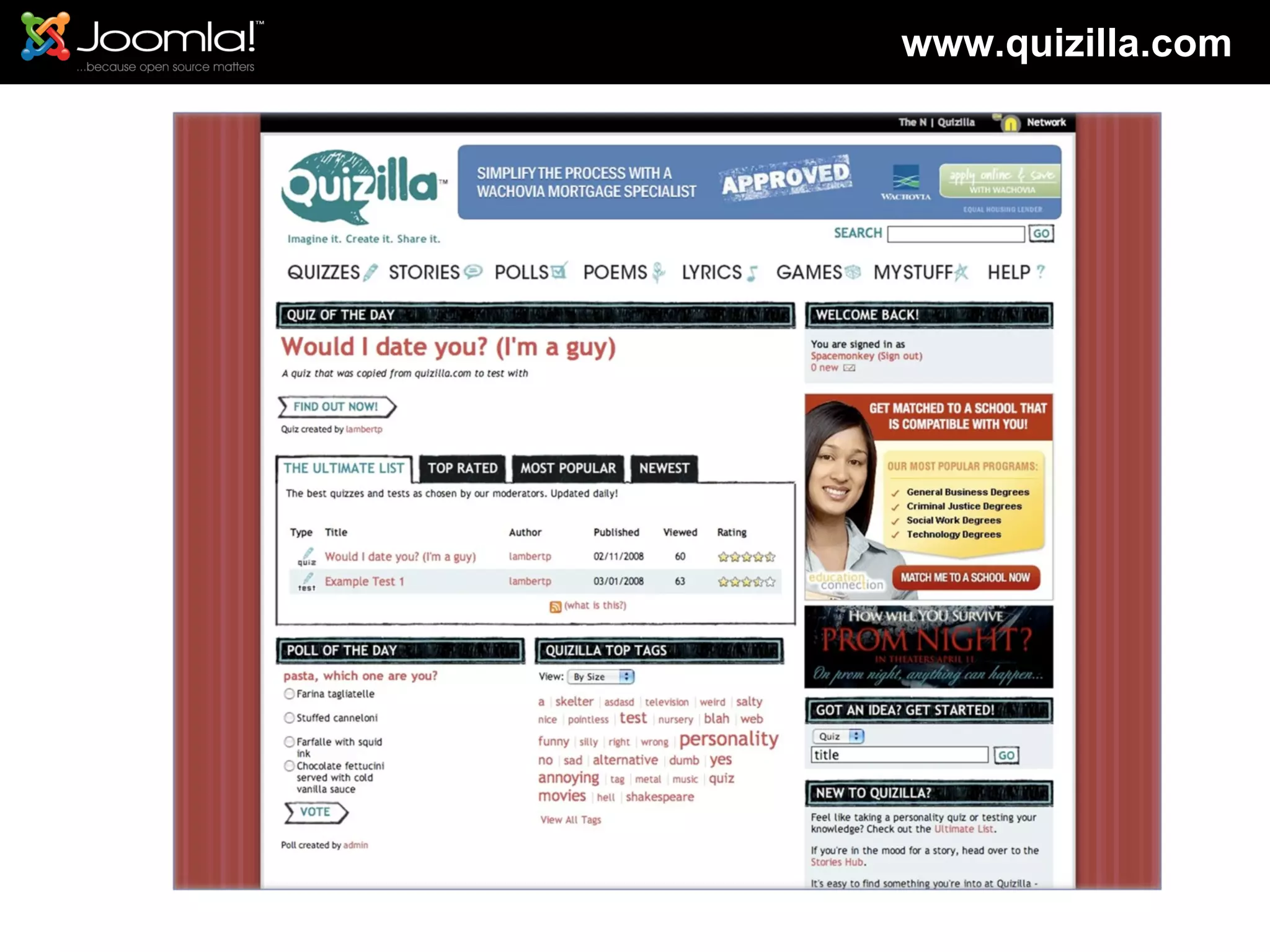
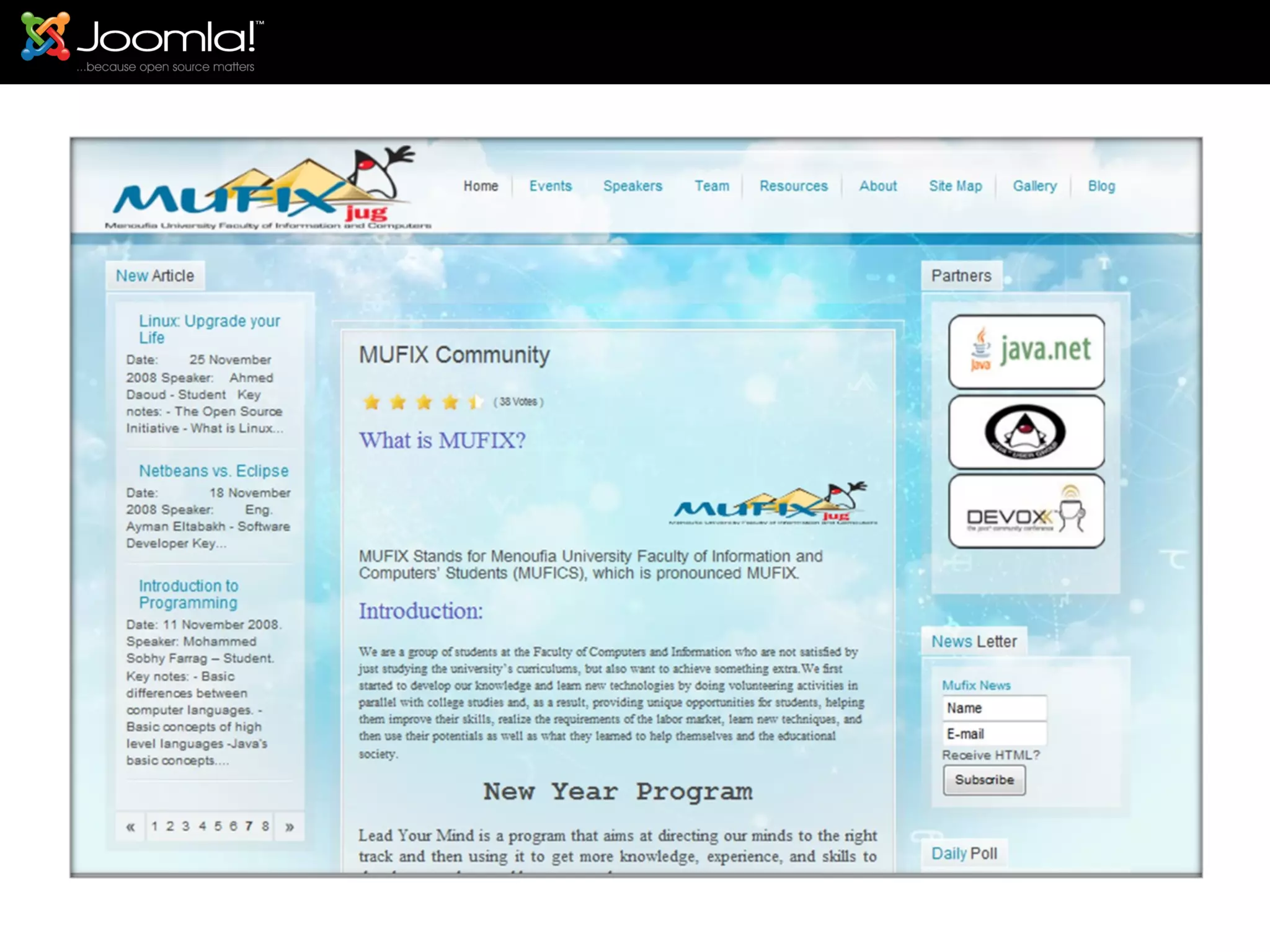
Joomla Available Examples Who use Joomla!
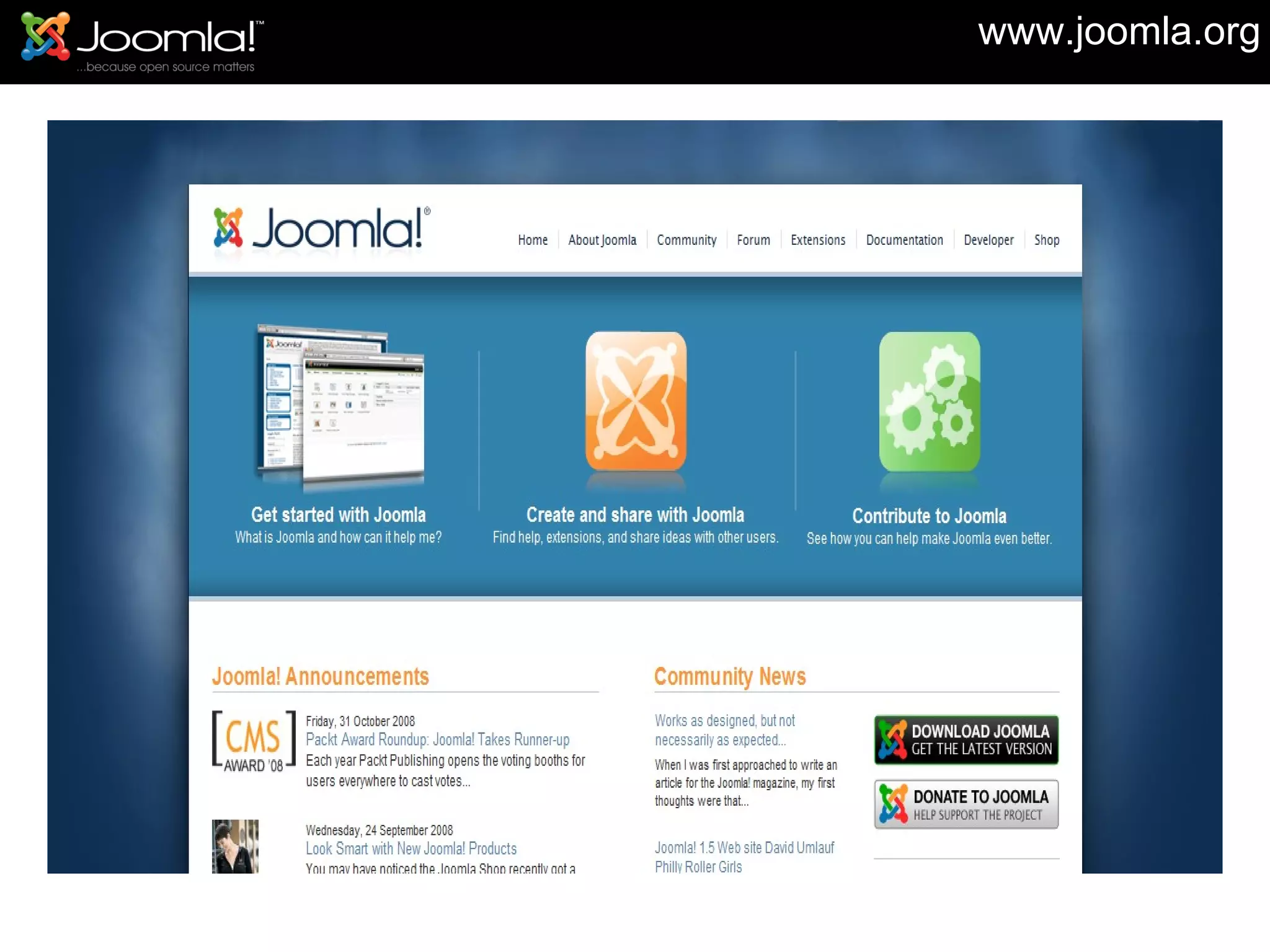
www.joomla.org
 
 
www.tazzu.com
www.quizilla.com
 
Maintenance releases driven by Joomla! Bug Squad Test the patch before we commit approach Around 55 team members Team introduced mid- December just before we release Joomla! 1.5.0 Maintenance cycle targets at 6-8 weeks for a release See also http://docs.joomla.org/Joomla%21_Maintenance_Procedures The Joomla! Bug Squad
 
Agenda What is Joomla! ,and what it can do for my website. How much Information I need to learn joomla Let’s take a tour with Joomla!  Installing Joomla! Learn to use Joomla! Managing the Website Managing Users Managing Content Managing Articles Managing Menus Managing  Extension New Feature in Joomla! 1.6 Get help and documentation
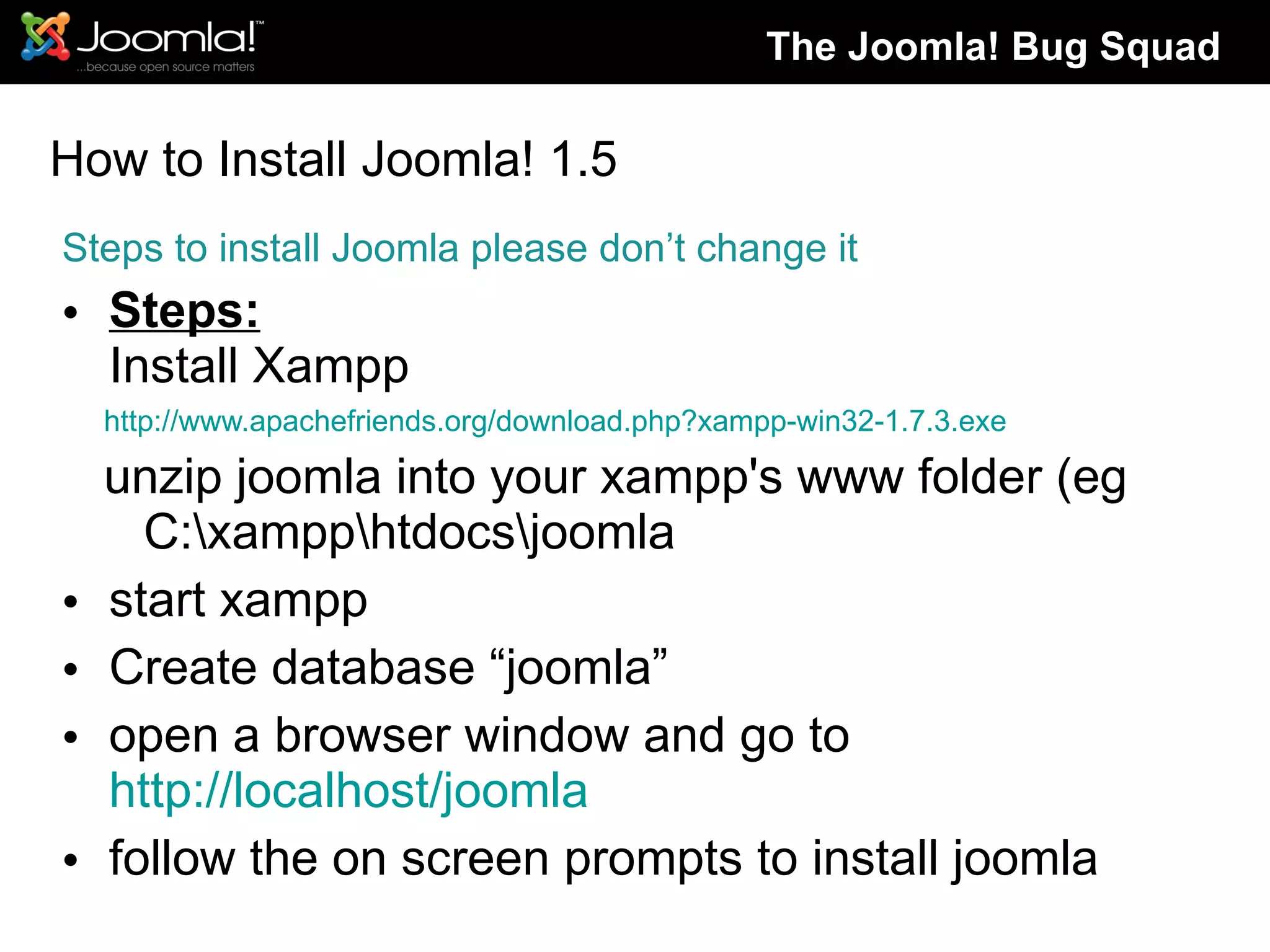
How to Install Joomla! 1.5 Steps to install Joomla please don’t change it Steps: Install Xampp http://www.apachefriends.org/download.php?xampp-win32-1.7.3.exe  unzip joomla into your xampp's www folder (eg C:\xampp\htdocs\joomla start xampp Create database “joomla” open a browser window and go to  http://localhost/joomla follow the on screen prompts to install joomla The Joomla! Bug Squad
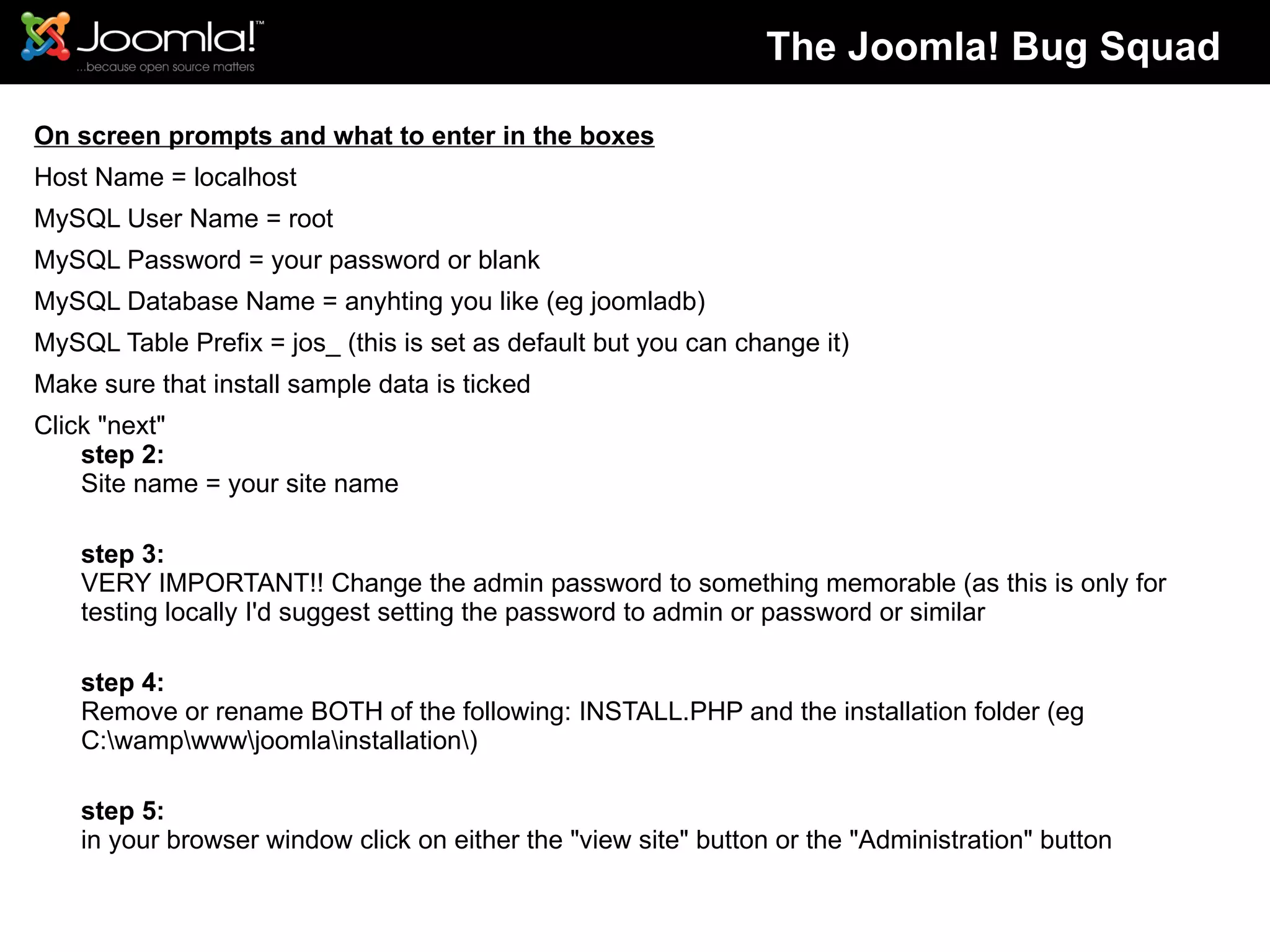
On screen prompts and what to enter in the boxes Host Name = localhost MySQL User Name = root MySQL Password = your password or blank MySQL Database Name = anyhting you like (eg joomladb) MySQL Table Prefix = jos_ (this is set as default but you can change it) Make sure that install sample data is ticked Click "next" step 2: Site name = your site name step 3: VERY IMPORTANT!! Change the admin password to something memorable (as this is only for testing locally I'd suggest setting the password to admin or password or similar step 4: Remove or rename BOTH of the following: INSTALL.PHP and the installation folder (eg C:\wamp\www\joomla\installation\) step 5: in your browser window click on either the "view site" button or the "Administration" button The Joomla! Bug Squad
Agenda What is Joomla! ,and what it can do for my website. How much Information I need to learn joomla Let’s take a tour with Joomla!  Installing Joomla! Learn to use Joomla! Managing the Website Managing Users Managing Content Managing Articles Managing Menus Managing  Extension New Feature in Joomla! 1.6 Get help and documentation
Sections, Categories, and Articles Users Web Links New Feeds Menus Modules Template Joomla! 1.6 (Sparrow) Learn to use Joomla
Agenda What is Joomla! ,and what it can do for my website. How much Information I need to learn joomla Let’s take a tour with Joomla!  Installing Joomla! Learn to use Joomla! Managing the Website Managing Users Managing Content Managing Articles Managing Menus Managing  Extension New Feature in Joomla! 1.6 Get help and documentation
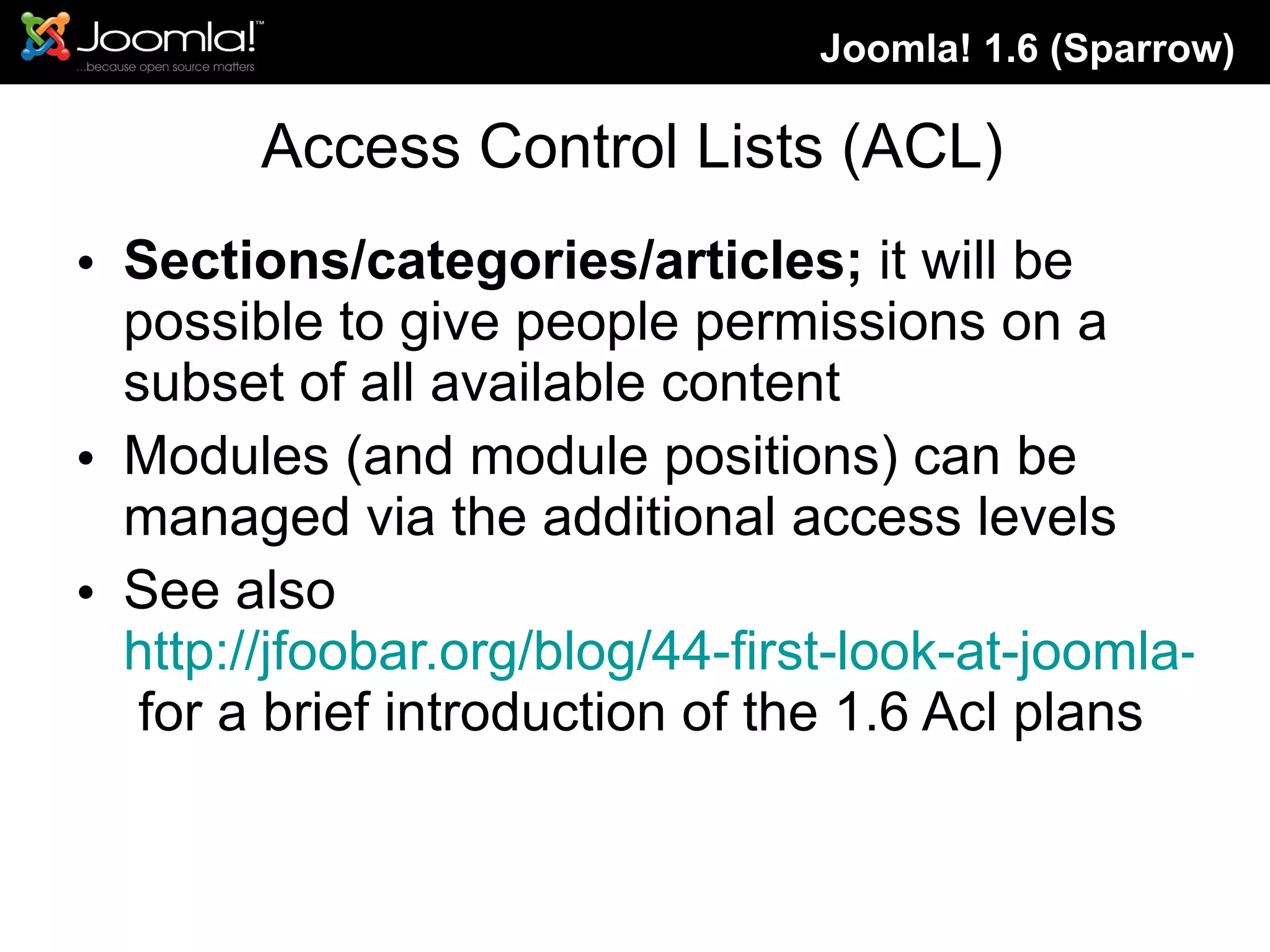
Access Control List Installer improvements Improved caching Only 1.5 legacy (1.0.x dropped) Re-factoring to native PHP 5.2+ moving to E-STRICT Joomla! 1.6 (Sparrow)
Access Control Lists (ACL) Sections/categories/articles;  it will be possible to give people permissions on a subset of all available content Modules (and module positions) can be managed via the additional access levels See also  http://jfoobar.org/blog/44-first-look-at-joomla-16-acl.html  for a brief introduction of the 1.6 Acl plans Joomla! 1.6 (Sparrow)
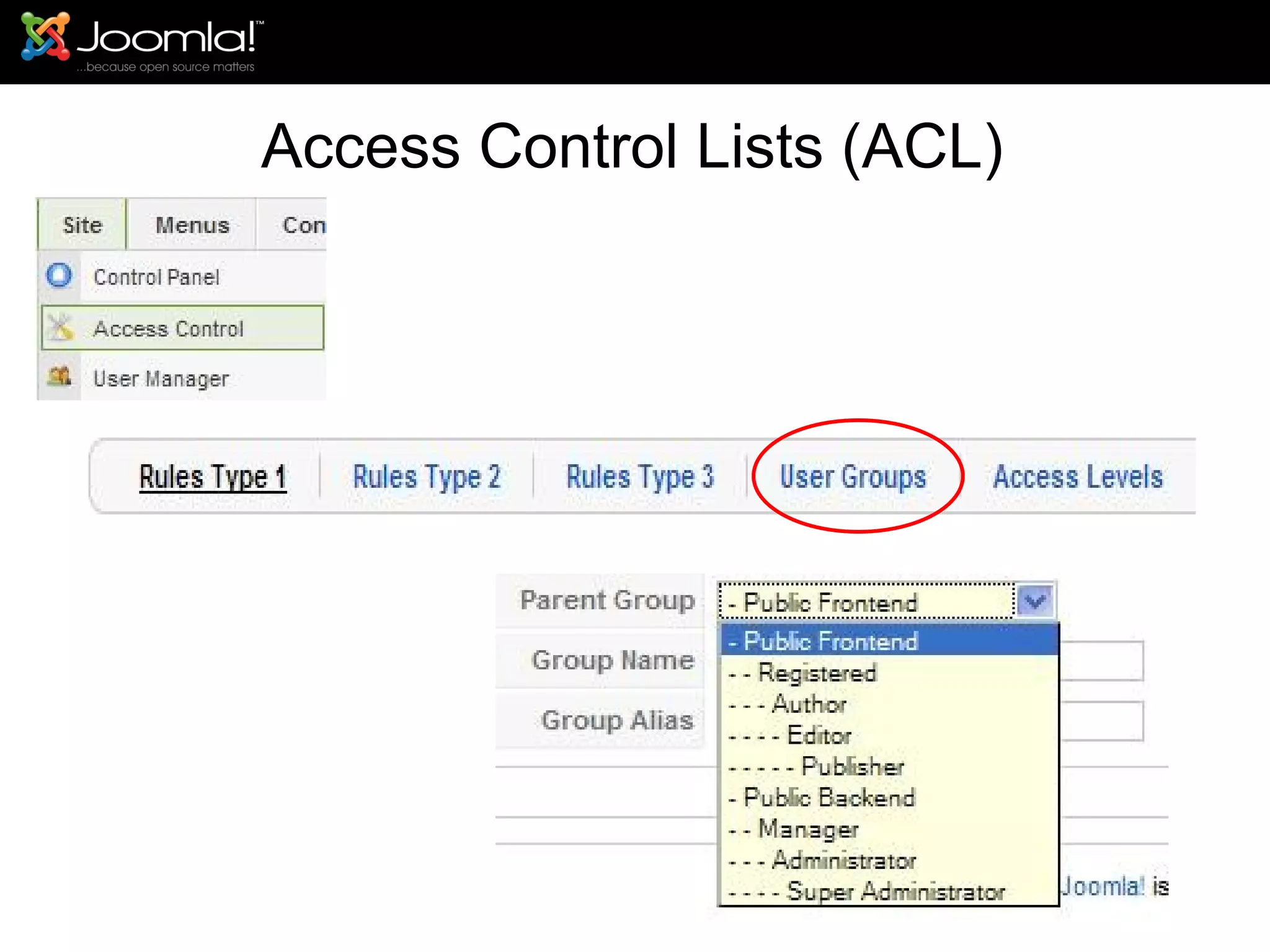
Access Control Lists (ACL)
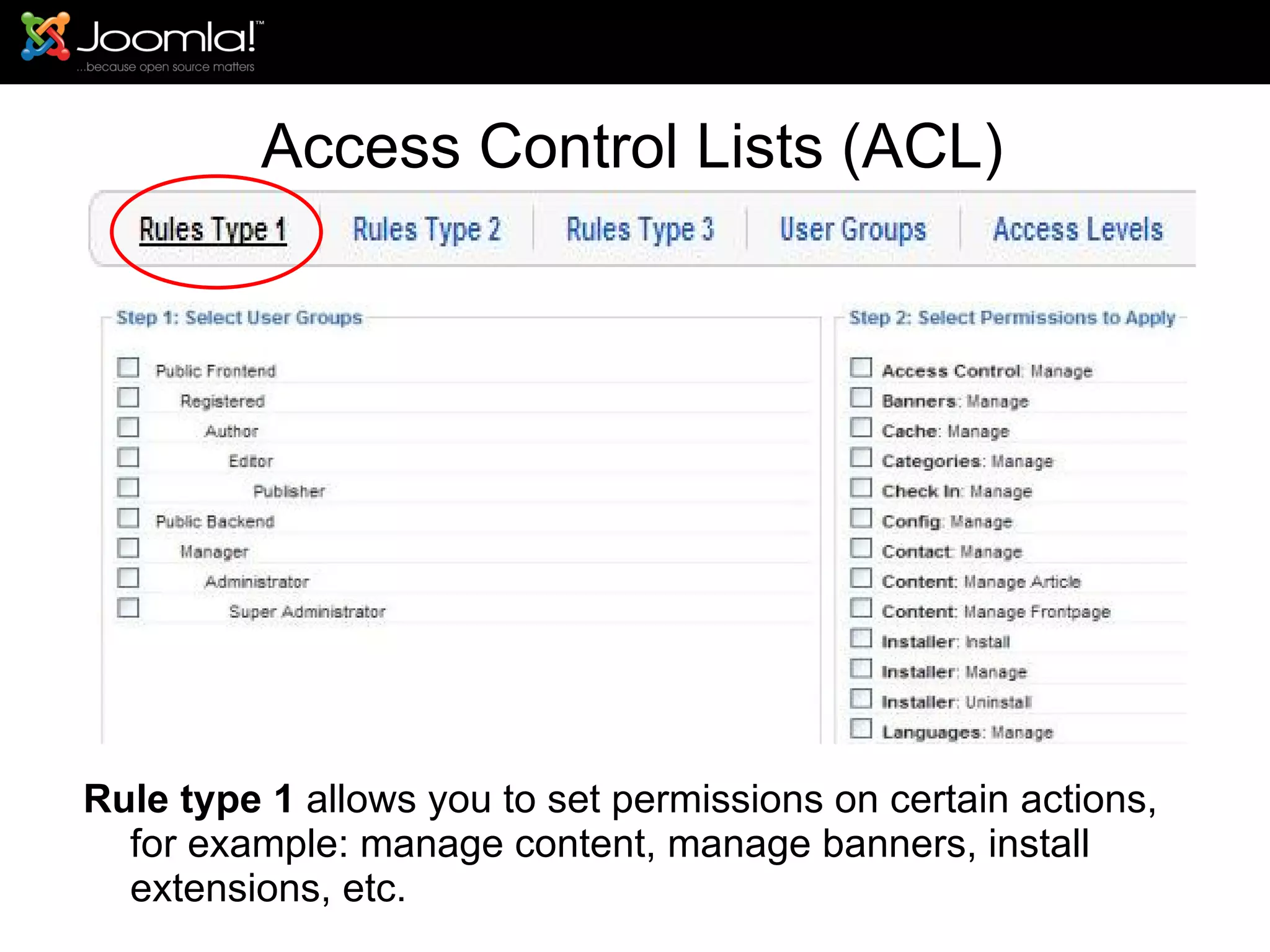
Access Control Lists (ACL) Rule type 1  allows you to set permissions on certain actions, for example: manage content, manage banners, install extensions, etc.
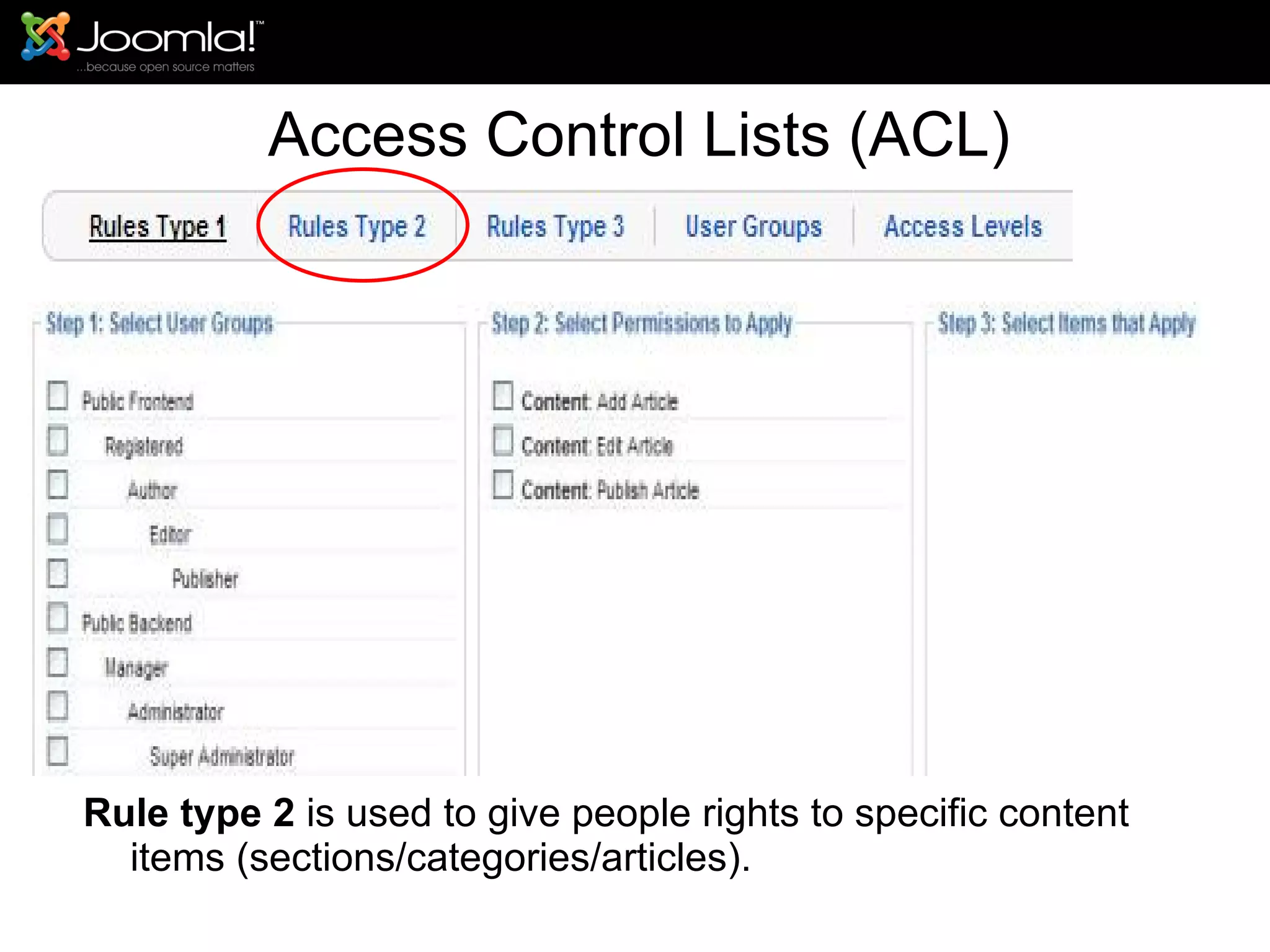
Access Control Lists (ACL) Rule type 2  is used to give people rights to specific content items (sections/categories/articles).
Access Control Lists (ACL) Rules type 3  gives permissions to actions that deal with access levels (public, registered, special).
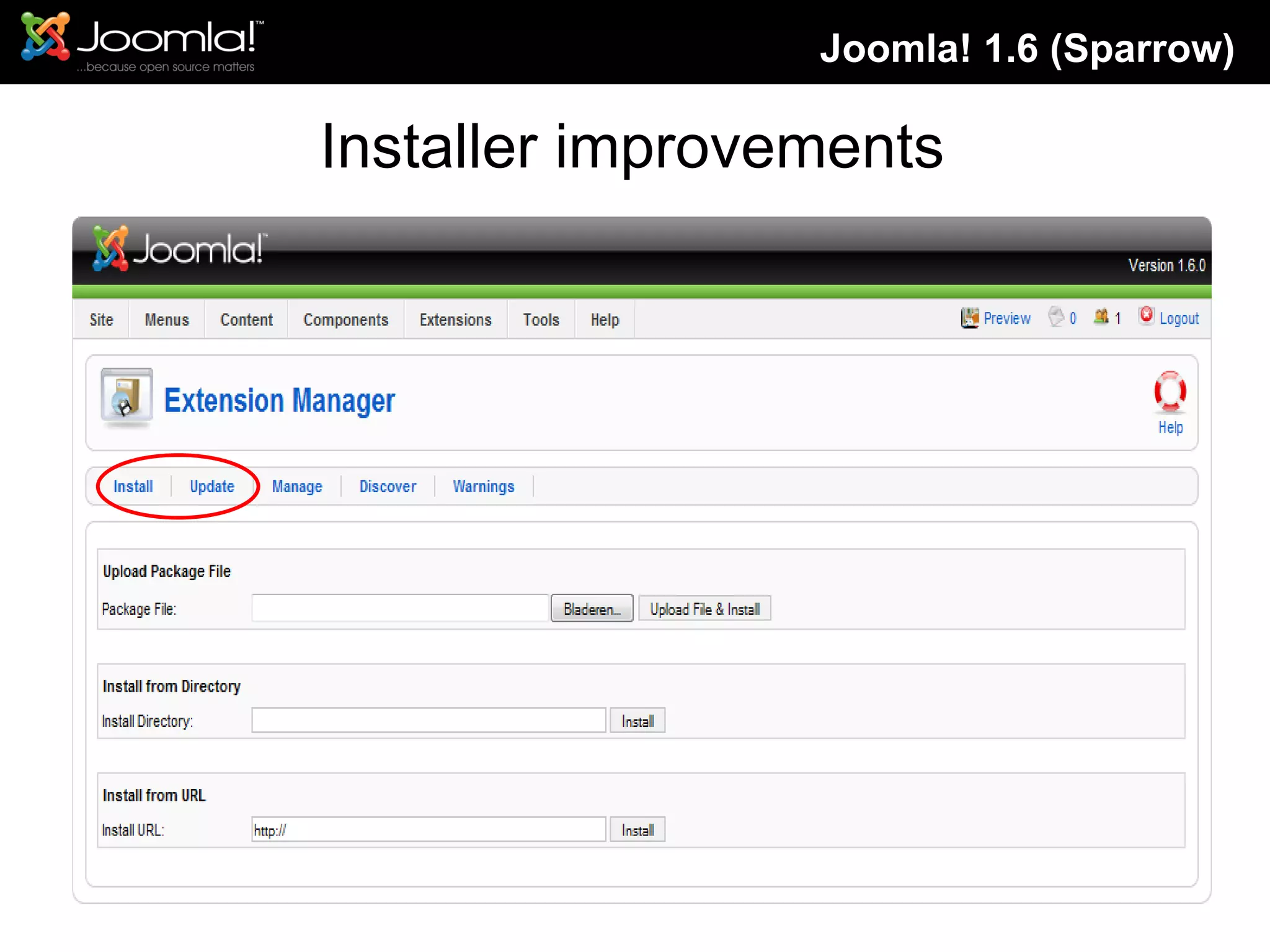
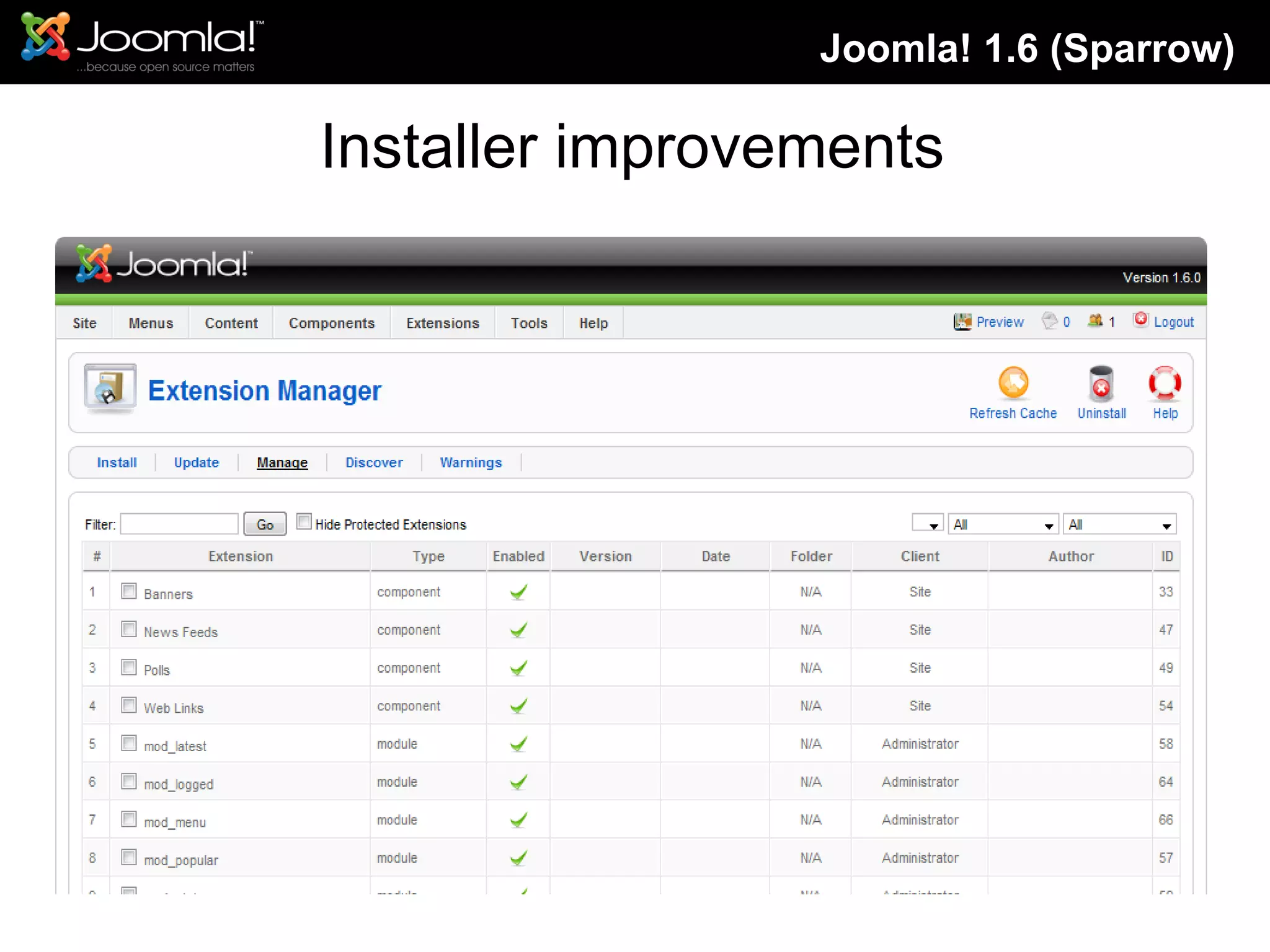
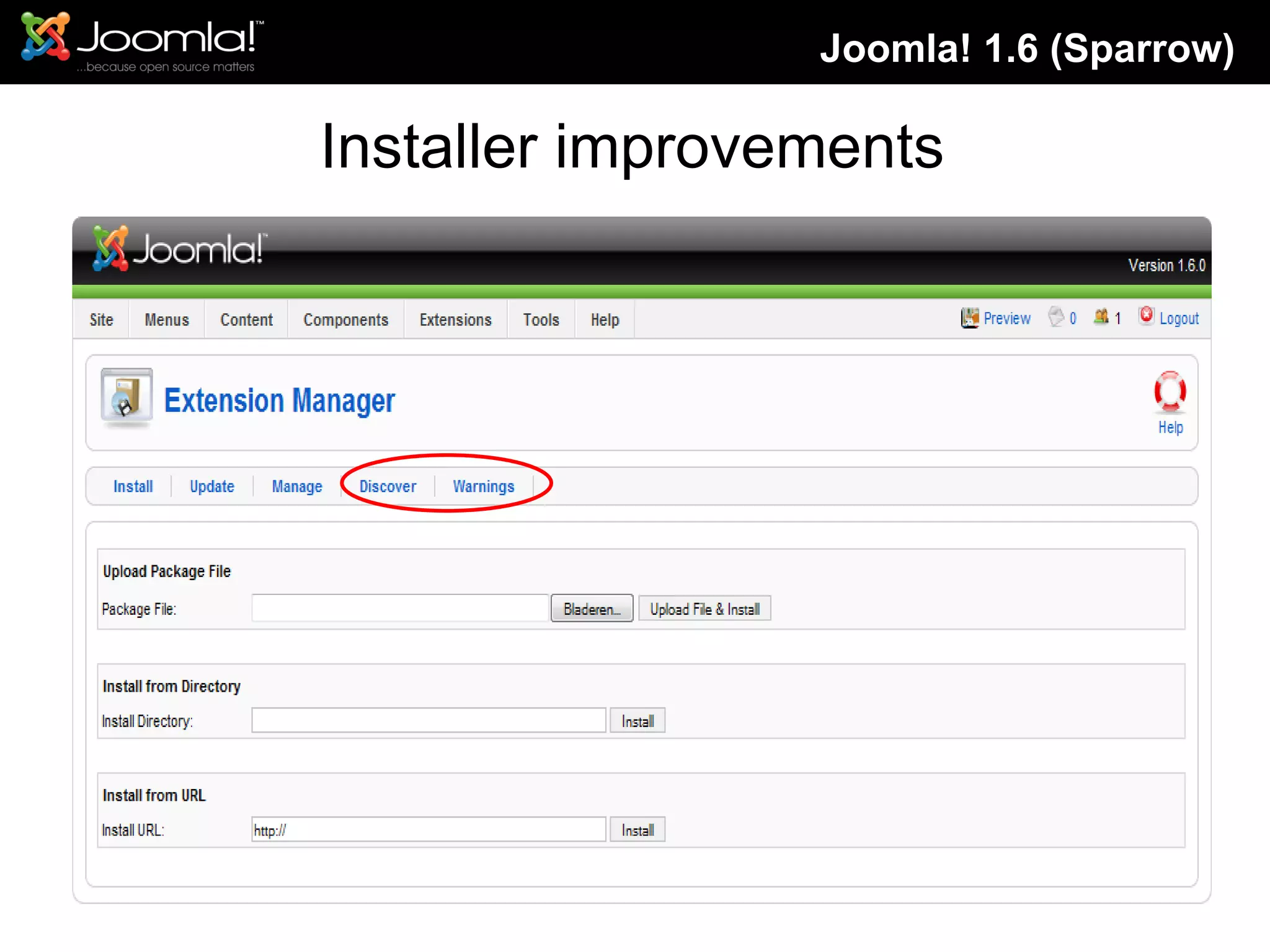
Installer improvements Joomla! 1.6 (Sparrow)
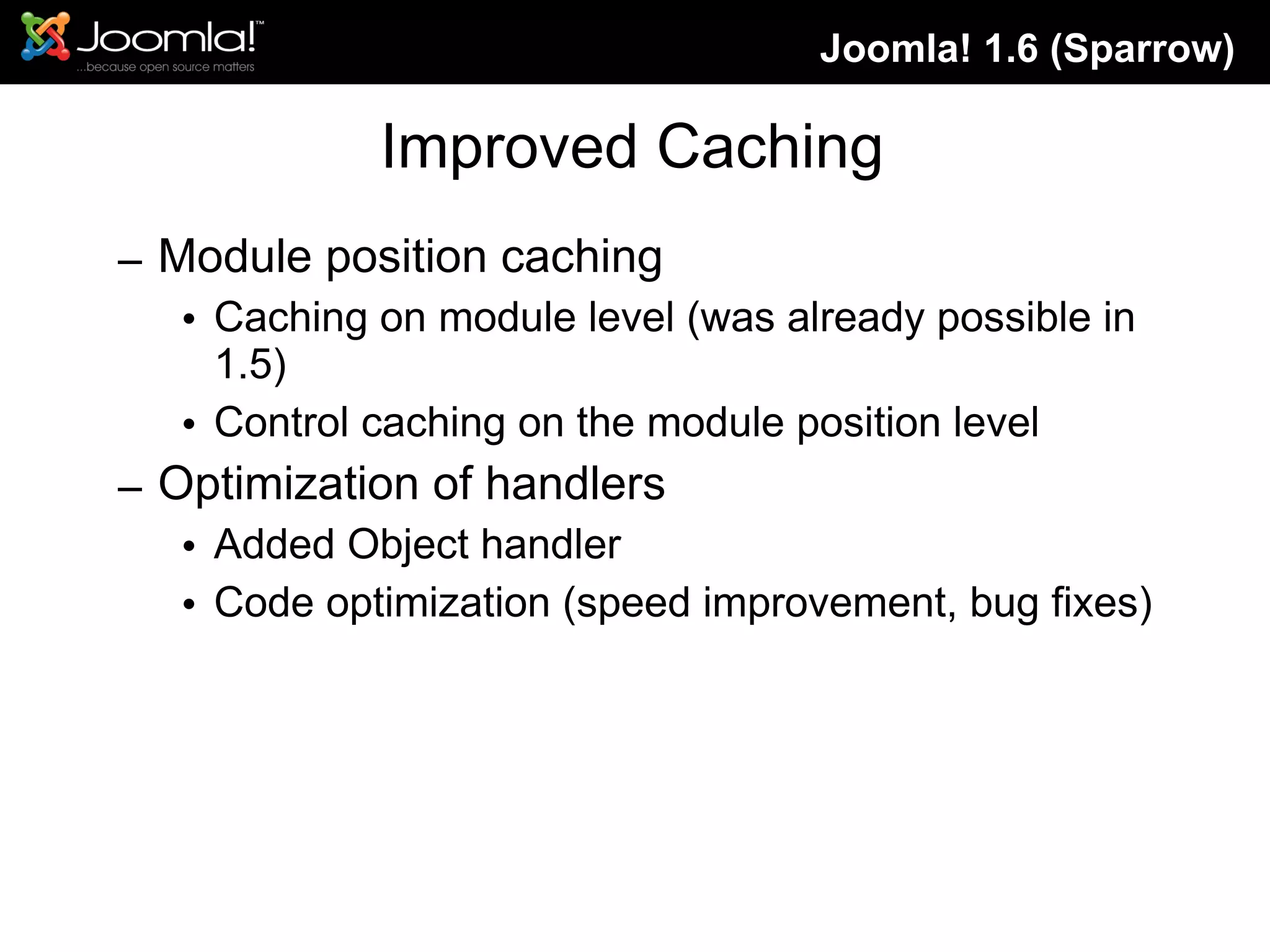
Improved Caching Module position caching Caching on module level (was already possible in 1.5) Control caching on the module position level Optimization of handlers Added Object handler Code optimization (speed improvement, bug fixes) Joomla! 1.6 (Sparrow)
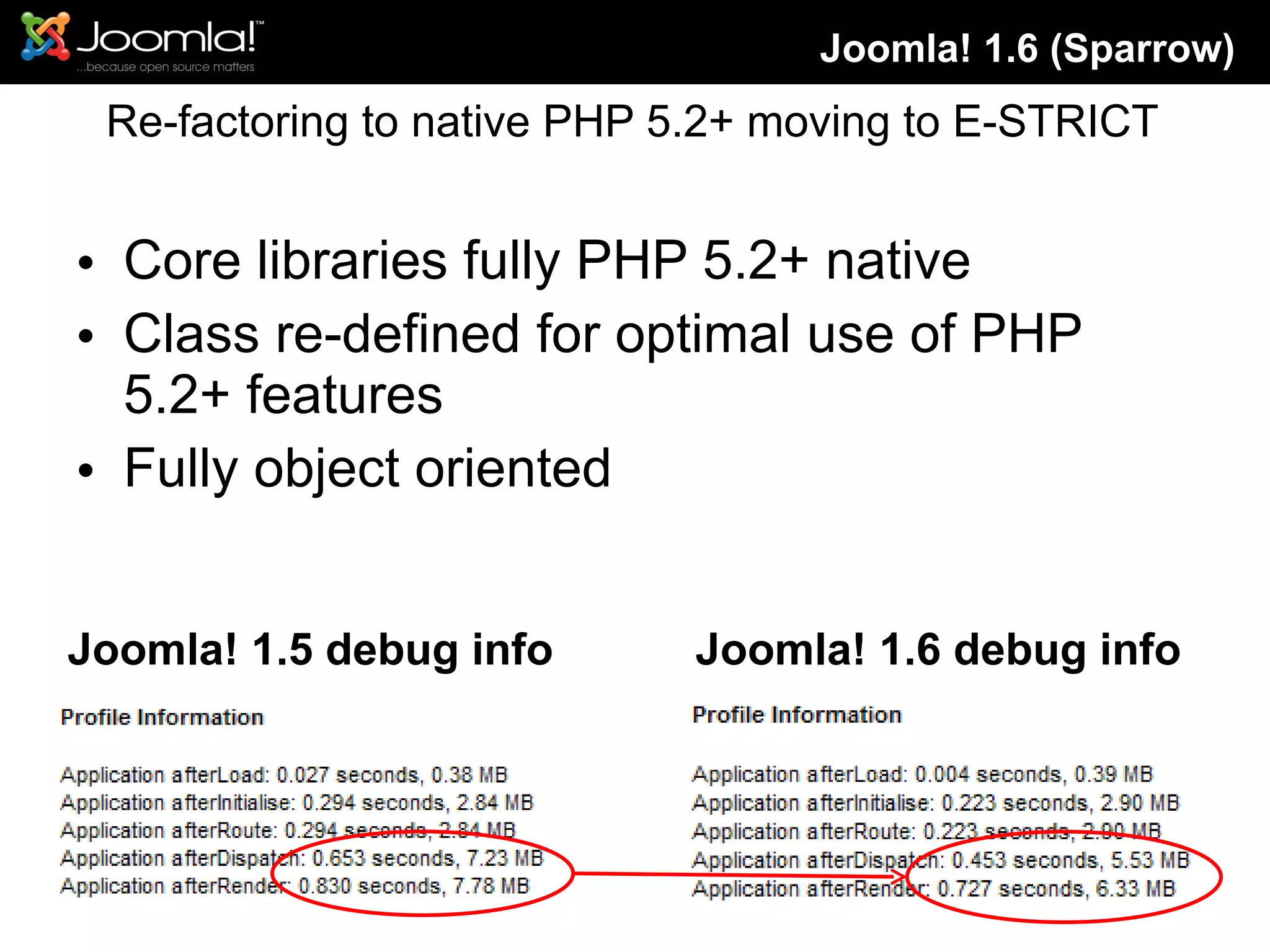
Re-factoring to native PHP 5.2+ moving to E-STRICT Core libraries fully PHP 5.2+ native Class re-defined for optimal use of PHP 5.2+ features Fully object oriented  Joomla! 1.6 (Sparrow) Joomla! 1.5 debug info Joomla! 1.6 debug info
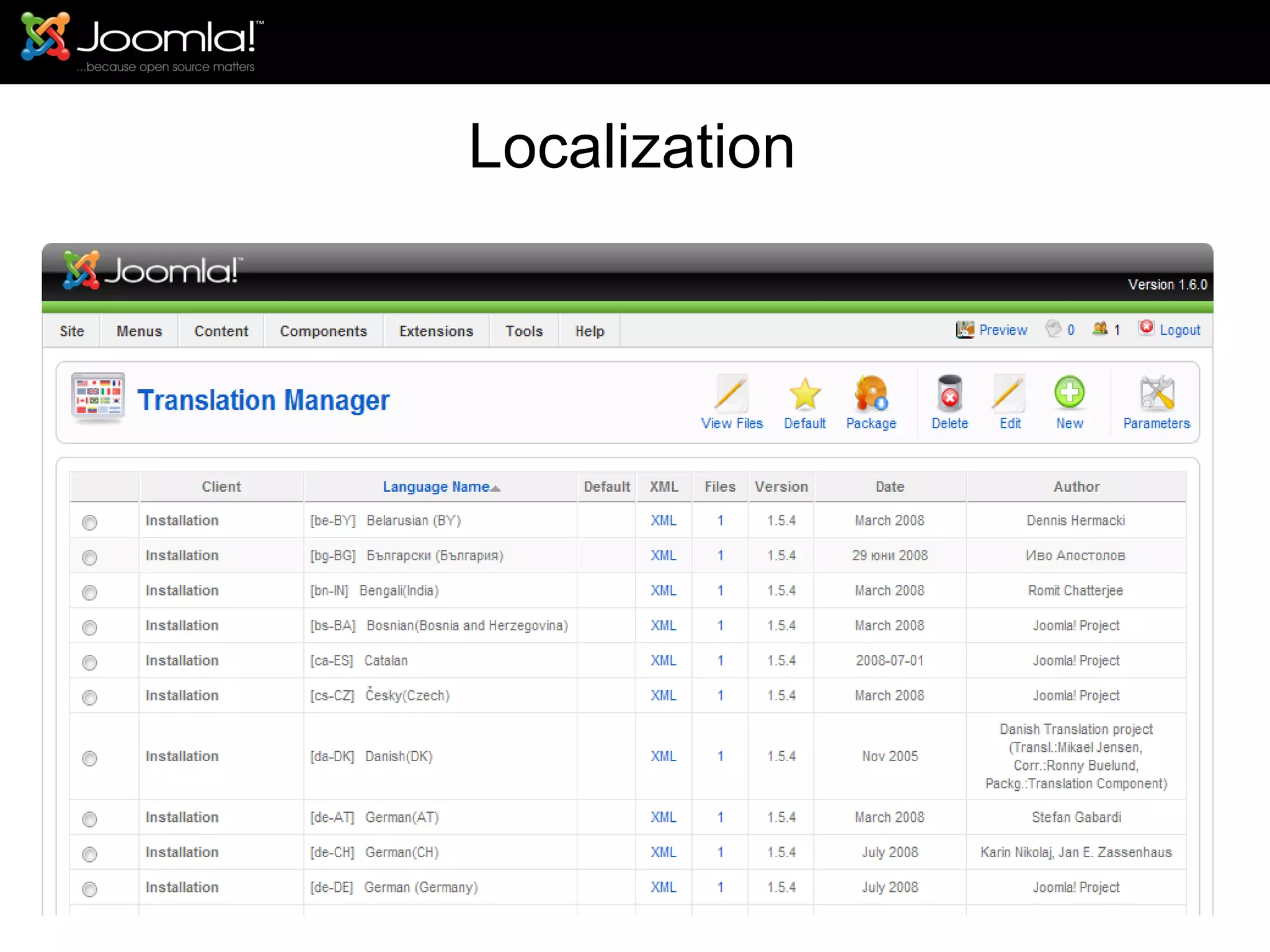
Localization
So what is our race strategy?
Agenda What is Joomla! ,and what it can do for my website. How much Information I need to learn joomla Let’s take a tour with Joomla!  Installing Joomla! Learn to use Joomla! Managing the Website Managing Users Managing Content Managing Articles Managing Menus Managing  Extension New Feature in Joomla! 1.6 Get help and documentation
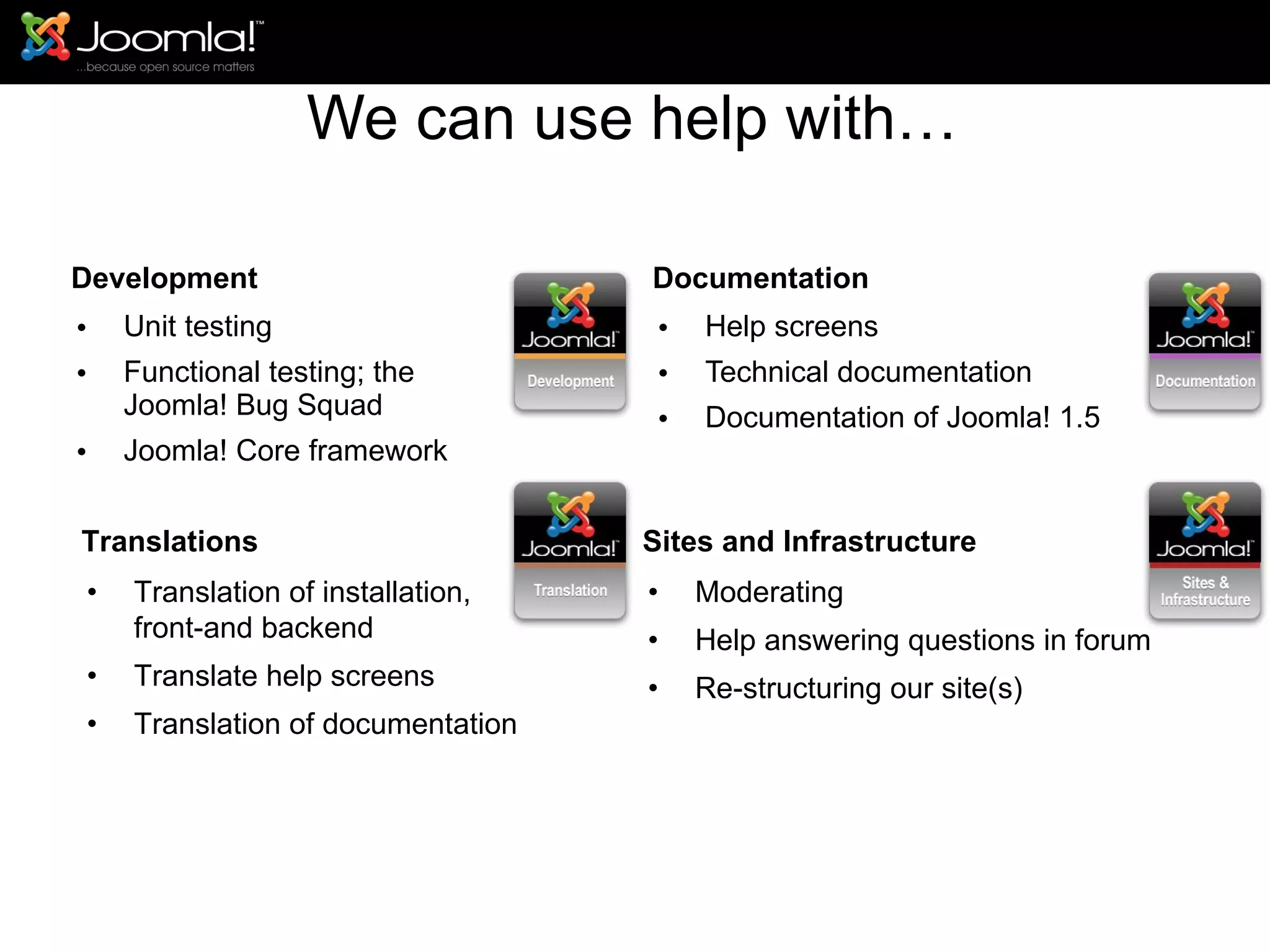
We can use help with… Development Unit testing Functional testing; the  Joomla! Bug Squad Joomla! Core framework Documentation Help screens Technical documentation Documentation of Joomla! 1.5 Translations Translation of installation, front-and backend Translate help screens Translation of documentation Sites and Infrastructure Moderating Help answering questions in forum Re-structuring our site(s)
Joomla! “ All together”
Questions?


Joomla Presentations

  • 1.
  • 2.
  • 3.
    Joomla! 1.5 androadmap to future versions Joomla!day Presentation Luzern, Switzerland Edite by : Ahmed Salem 15 November 2008
  • 4.
    Agenda What isJoomla! ,and what it can do for my website. How much Information I need to learn joomla Let’s take a tour with Joomla! Installing Joomla! Learn to use Joomla! Managing the Website Managing Users Managing Content Managing Articles Managing Menus Managing Extension New Feature in Joomla! 1.6 Get help and documentation
  • 5.
    What is Joomla!,and what it can do for my website Joomla! is a Content Management System (or "CMS") which enables easy control and editing of the content and presentation of your website. With Joomla!, you can do things like: Edit the content of every page of your site through a word processor-style interface. Add new pages to your site using a point-and-click interface. Add images and other media through Web-based uploads. Control site elements like navigation menus and page layout.
  • 6.
    Agenda What isJoomla! ,and what it can do for my website. How much Information I need to learn joomla Let’s take a tour with Joomla! Installing Joomla! Learn to use Joomla Managing the Website Managing Users Managing Content Managing Articles Managing Menus Managing Extension Get help and documentation
  • 7.
    How much knowledgedo I need to implement Joomla! ? -low level of technical knowledge is required -Joomla!'s installation process includes uploading files to a Web server via FTP, creating a new MySQL database, and then proceeding through Joomla!'s Web-based installation wizard. (Fortunately, many Web hosting companies include Web site control panels which make it easy to handle technical tasks, including adding a MySQL database, and installing Joomla!.)
  • 8.
    Agenda What isJoomla! ,and what it can do for my website. How much Information I need to learn joomla Let’s take a tour with Joomla! Installing Joomla! Learn to use Joomla Managing the Website Managing Users Managing Content Managing Articles Managing Menus Managing Extension Get help and documentation
  • 9.
    Joomla! 1.5 ReleasedJanuary 22, 2008 Let’s Take a tour with Joomla
  • 10.
    Joomla! 1.5 iseasy to install
  • 11.
    Joomla! 1.5 runson many platforms
  • 12.
    Joomla! 1.5 iseasy to extend
  • 13.
    Joomla! 1.5 ismulti lingual
  • 14.
    Joomla! 1.5 iseasier to administer
  • 15.
    Joomla! 1.5 hasnew template features 100% control Custom layouts Template parameters Accessibility and standards Module chrome Module positions Default system template Additional Javascript Error Handling
  • 16.
    Joomla! 1.5 isbuild to scale
  • 17.
    Joomla! 1.5 isbuild to scale
  • 18.
    Joomla! 1.5 supportsrapid development
  • 19.
    Easy to installRuns on many platforms Multi-lingual Easy to administer New template features Build to scale Rapid development
  • 20.
    So with… 4.000.000visitors and 19.000.000 page hits past month 1.450.000 posts, 308.000 topics and 230.000 users in our forum 590.000+ downloads of Joomla! 1.5 in 2 months 82.000 registered developers and 2.255 registered projects on Gforge 4.000+ registered (active) projects on our extensions site 60+ supported languages
  • 21.
  • 22.
    Thanks to anamazing army of volunteers who provide support in our forum , developers who maintain Joomla! core code and extensions, the translators and all who help with documentation this is a great open source project!
  • 23.
    We’re still anincredibly young project! Started in September 2005 Most installs are still Joomla! 1.0 Joomla! 1.5 is growing very fast! … let draw the bigger picture Keep the following in mind.. .
  • 24.
  • 25.
  • 26.
  • 27.
  • 28.
  • 29.
  • 30.
  • 31.
  • 32.
  • 33.
    Maintenance releases drivenby Joomla! Bug Squad Test the patch before we commit approach Around 55 team members Team introduced mid- December just before we release Joomla! 1.5.0 Maintenance cycle targets at 6-8 weeks for a release See also http://docs.joomla.org/Joomla%21_Maintenance_Procedures The Joomla! Bug Squad
  • 34.
  • 35.
    Agenda What isJoomla! ,and what it can do for my website. How much Information I need to learn joomla Let’s take a tour with Joomla! Installing Joomla! Learn to use Joomla! Managing the Website Managing Users Managing Content Managing Articles Managing Menus Managing Extension New Feature in Joomla! 1.6 Get help and documentation
  • 36.
    How to InstallJoomla! 1.5 Steps to install Joomla please don’t change it Steps: Install Xampp http://www.apachefriends.org/download.php?xampp-win32-1.7.3.exe unzip joomla into your xampp's www folder (eg C:\xampp\htdocs\joomla start xampp Create database “joomla” open a browser window and go to  http://localhost/joomla follow the on screen prompts to install joomla The Joomla! Bug Squad
  • 37.
    On screen promptsand what to enter in the boxes Host Name = localhost MySQL User Name = root MySQL Password = your password or blank MySQL Database Name = anyhting you like (eg joomladb) MySQL Table Prefix = jos_ (this is set as default but you can change it) Make sure that install sample data is ticked Click "next" step 2: Site name = your site name step 3: VERY IMPORTANT!! Change the admin password to something memorable (as this is only for testing locally I'd suggest setting the password to admin or password or similar step 4: Remove or rename BOTH of the following: INSTALL.PHP and the installation folder (eg C:\wamp\www\joomla\installation\) step 5: in your browser window click on either the "view site" button or the "Administration" button The Joomla! Bug Squad
  • 38.
    Agenda What isJoomla! ,and what it can do for my website. How much Information I need to learn joomla Let’s take a tour with Joomla! Installing Joomla! Learn to use Joomla! Managing the Website Managing Users Managing Content Managing Articles Managing Menus Managing Extension New Feature in Joomla! 1.6 Get help and documentation
  • 39.
    Sections, Categories, andArticles Users Web Links New Feeds Menus Modules Template Joomla! 1.6 (Sparrow) Learn to use Joomla
  • 40.
    Agenda What isJoomla! ,and what it can do for my website. How much Information I need to learn joomla Let’s take a tour with Joomla! Installing Joomla! Learn to use Joomla! Managing the Website Managing Users Managing Content Managing Articles Managing Menus Managing Extension New Feature in Joomla! 1.6 Get help and documentation
  • 41.
    Access Control ListInstaller improvements Improved caching Only 1.5 legacy (1.0.x dropped) Re-factoring to native PHP 5.2+ moving to E-STRICT Joomla! 1.6 (Sparrow)
  • 42.
    Access Control Lists(ACL) Sections/categories/articles; it will be possible to give people permissions on a subset of all available content Modules (and module positions) can be managed via the additional access levels See also http://jfoobar.org/blog/44-first-look-at-joomla-16-acl.html for a brief introduction of the 1.6 Acl plans Joomla! 1.6 (Sparrow)
  • 43.
  • 44.
    Access Control Lists(ACL) Rule type 1 allows you to set permissions on certain actions, for example: manage content, manage banners, install extensions, etc.
  • 45.
    Access Control Lists(ACL) Rule type 2 is used to give people rights to specific content items (sections/categories/articles).
  • 46.
    Access Control Lists(ACL) Rules type 3 gives permissions to actions that deal with access levels (public, registered, special).
  • 47.
  • 48.
  • 49.
  • 50.
    Improved Caching Moduleposition caching Caching on module level (was already possible in 1.5) Control caching on the module position level Optimization of handlers Added Object handler Code optimization (speed improvement, bug fixes) Joomla! 1.6 (Sparrow)
  • 51.
    Re-factoring to nativePHP 5.2+ moving to E-STRICT Core libraries fully PHP 5.2+ native Class re-defined for optimal use of PHP 5.2+ features Fully object oriented Joomla! 1.6 (Sparrow) Joomla! 1.5 debug info Joomla! 1.6 debug info
  • 52.
  • 53.
    So what isour race strategy?
  • 54.
    Agenda What isJoomla! ,and what it can do for my website. How much Information I need to learn joomla Let’s take a tour with Joomla! Installing Joomla! Learn to use Joomla! Managing the Website Managing Users Managing Content Managing Articles Managing Menus Managing Extension New Feature in Joomla! 1.6 Get help and documentation
  • 55.
    We can usehelp with… Development Unit testing Functional testing; the Joomla! Bug Squad Joomla! Core framework Documentation Help screens Technical documentation Documentation of Joomla! 1.5 Translations Translation of installation, front-and backend Translate help screens Translation of documentation Sites and Infrastructure Moderating Help answering questions in forum Re-structuring our site(s)
  • 57.
    Joomla! “ Alltogether”
  • 58.
  • 59.
  • 60.

Editor's Notes

  • #11 Shortly explain the main design principles for Joomla! Reduce choices  important to mention, this starts with the installation Use 80/20 rule Keep it small and simple Design to be extended
  • #12 Apache 1.3 or above MySQL 3.23 or above PHP 4.3.10 or above
  • #13 Unified installer; installer knows what kind of extension you want to install. Extensions directory; holds an impressive amount of active extensions (2900), originally submitted amount of extensions ~ 4900
  • #14 Internationalization was one of the main targets of the original 1.5 Fully UTF-8 support, around 60+ languages RTL support!
  • #16 Also a major improvement is the templating See additions in the sheet (MVC, parameters, accessibility etc.) Get rid of the tabled output  along with MVC it is now possible to fully separate logic from layout, and in the template we can separate (X)HTML and CSS
  • #17 Advanced session management Implementation of caching Simple (cache): Enable core caching Enable query cache in MySQL Tweak browser cache Difficult (cache): Opcode cache (APC, Xcache, Eaccelerator) Memory storage cache (APC, Xcache. Memcache) Sidenote 1: performance of the site depends on a lot of ingredients like infrastructure, site design (template efficiency) etc. Sidenote 2: we have not yet done full performance profiling and optimization, we know where we can gain a lot of performance, more on this when we handle the future roadmap
  • #18 Advanced session management Implementation of caching Simple (cache): Enable core caching Enable query cache in MySQL Tweak browser cache Difficult (cache): Opcode cache (APC, Xcache, Eaccelerator) Memory storage cache (APC, Xcache. Memcache) Sidenote 1: performance of the site depends on a lot of ingredients like infrastructure, site design (template efficiency) etc. Sidenote 2: we have not yet done full performance profiling and optimization, we know where we can gain a lot of performance, more on this when we handle the future roadmap
  • #19 Current development methodologies. Object Orientation and design patterns Three tiered stack to keep the internal structure clean and allow developers to leverage the different layers as necessary. Layer 1: Joomla! 1.5 framework, implementing OO and patterns, leads to logical structured framework packages Keywords: php 4.3 compatible, up till version 5 build with compatibility in mind Reuse of code MVC, OO and patterns Full control on the document object
  • #21 Mention our infrastructure sponsor Rochen here!
  • #25 Comparison of the projects attending the Joomla! Day Wordpress is additional…
  • #26 Sharepoint was the only one who showed up in this comparison 
  • #27 Here intermezzo (it’s not the war on terror :-D): Joomla! Is widely used, but it’s only for small sites (hobby) so don’t take this to serious?
  • #31 This is a social network site, build on Joomla! 1.5.
  • #32 www.quizilla.com 40 million page hits per week expected
  • #35 Looking forward!
  • #56 No matter who you are, you can help out! And we need help with the current growth rate of this project, else individual contributers can’t keep up (burn out).
  • #58 Mention the afternoon session here with Louis and me; “What does it take to be a contributor”