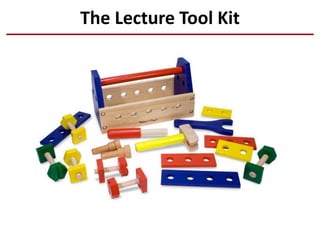
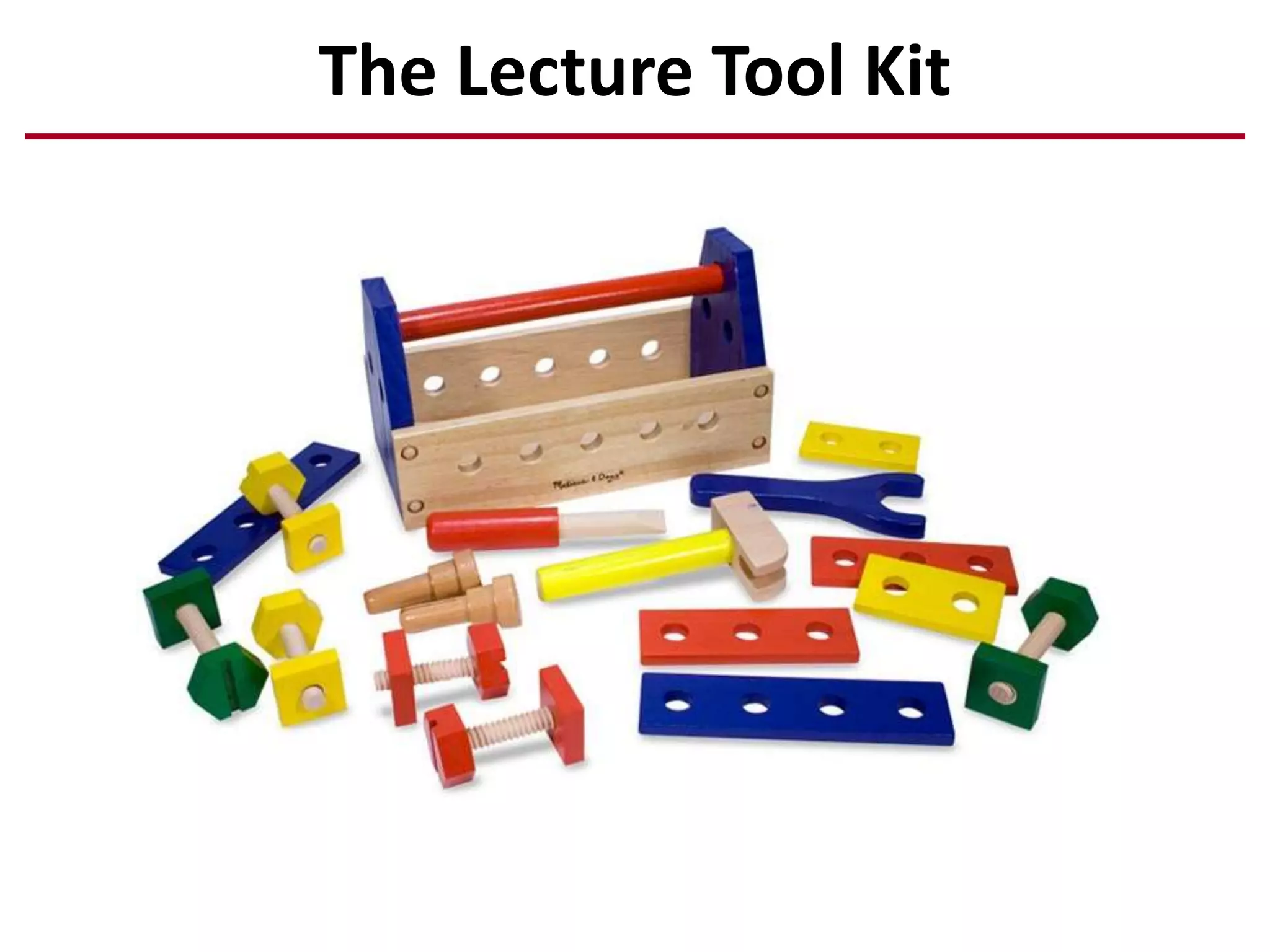
The Lecture Tool Kit
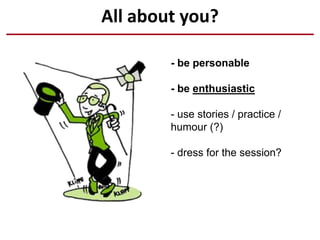
All about you?
- be personable
- be enthusiastic
- use stories / practice /
humour (?)
- dress for the session?
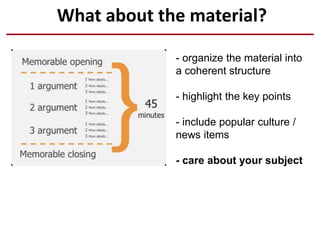
What about the material?
- organize the material into
a coherent structure
- highlight the key points
- include popular culture /
news items
- care about your subject
death by PowerPoint
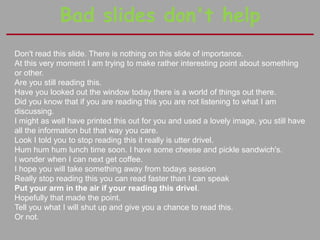
Bad slides don't help
Don't read this slide. There is nothing on this slide of importance.
At this very moment I am trying to make rather interesting point about something
or other.
Are you still reading this.
Have you looked out the window today there is a world of things out there.
Did you know that if you are reading this you are not listening to what I am
discussing.
I might as well have printed this out for you and used a lovely image, you still have
all the information but that way you care.
Look I told you to stop reading this it really is utter drivel.
Hum hum hum lunch time soon. I have some cheese and pickle sandwich's.
I wonder when I can next get coffee.
I hope you will take something away from todays session
Really stop reading this you can read faster than I can speak
Put your arm in the air if your reading this drivel.
Hopefully that made the point.
Tell you what I will shut up and give you a chance to read this.
Or not.
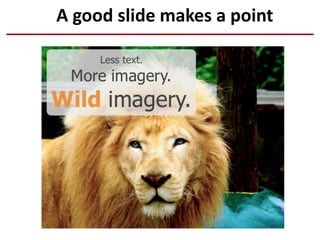
A good slide makes a point
this slide is intentionally blank
Do you need to use slides at all?
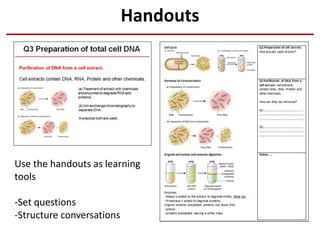
Handouts
Use the handouts as learning
tools
-Set questions
-Structure conversations
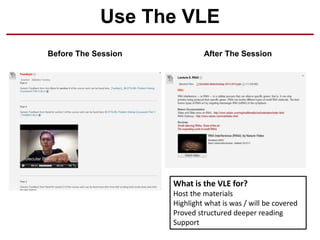
Use The VLE
Before The Session After The Session
What is the VLE for?
Host the materials
Highlight what is was / will be covered
Proved structured deeper reading
Support
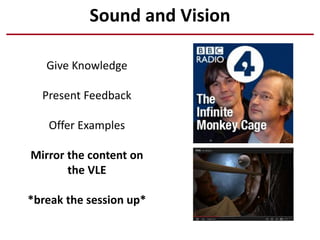
Sound and Vision
Give Knowledge
Present Feedback
Offer Examples
Mirror the content on
the VLE
*break the session up*
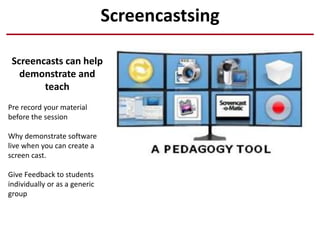
Screencastsing
Screencasts can help
demonstrate and
teach
Pre record your material
before the session
Why demonstrate software
live when you can create a
screen cast.
Give Feedback to students
individually or as a generic
group
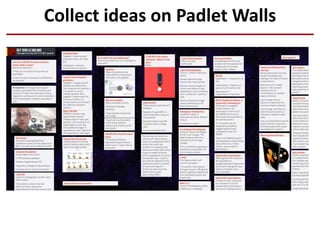
Collect ideas on Padlet Walls
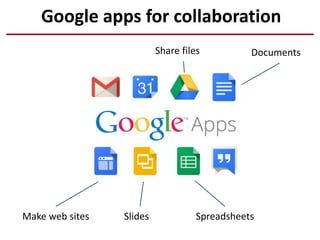
Google apps for collaboration
Documents
Slides Spreadsheets
Share files
Make web sites
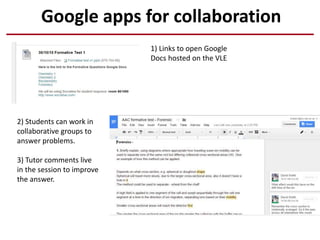
Google apps for collaboration
2) Students can work in
collaborative groups to
answer problems.
3) Tutor comments live
in the session to improve
the answer.
1) Links to open Google
Docs hosted on the VLE
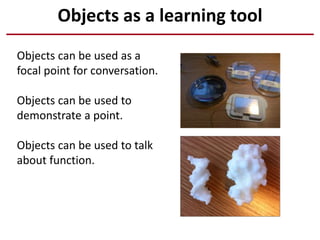
Objects as a learning tool
Objects can be used as a
focal point for conversation.
Objects can be used to
demonstrate a point.
Objects can be used to talk
about function.
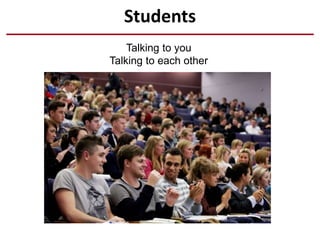
Students
Talking to you
Talking to each other
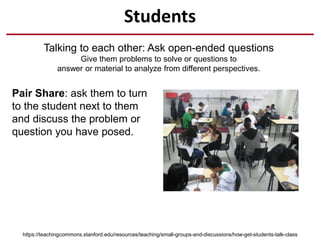
Students
Talking to each other: Ask open-ended questions
Give them problems to solve or questions to
answer or material to analyze from different perspectives.
https://teachingcommons.stanford.edu/resources/teaching/small-groups-and-discussions/how-get-students-talk-class
Pair Share: ask them to turn
to the student next to them
and discuss the problem or
question you have posed.
Students
Talking to each other: Ask open-ended questions
Give them problems to solve or questions to
answer or material to analyze from different perspectives.
https://teachingcommons.stanford.edu/resources/teaching/small-groups-and-discussions/how-get-students-talk-class
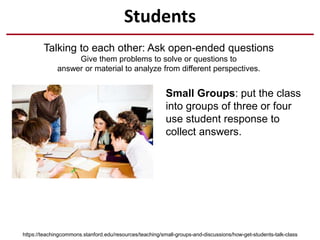
Small Groups: put the class
into groups of three or four
use student response to
collect answers.
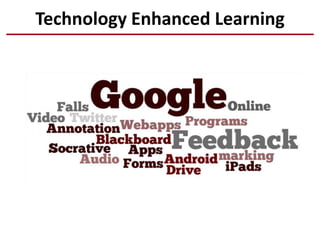
Technology Enhanced Learning
Student Response
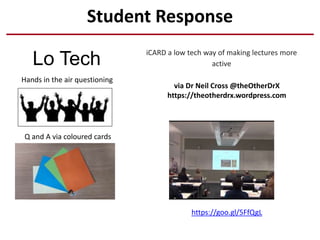
Lo Tech
https://goo.gl/5FfQgL
iCARD a low tech way of making lectures more
active
via Dr Neil Cross @theOtherDrX
https://theotherdrx.wordpress.com
Q and A via coloured cards
Hands in the air questioning
Student Response
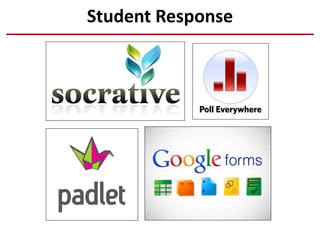
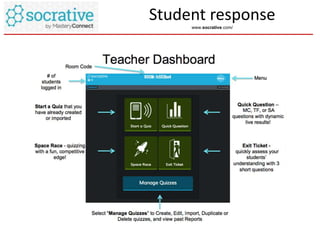
Student response
www.socrative.com/
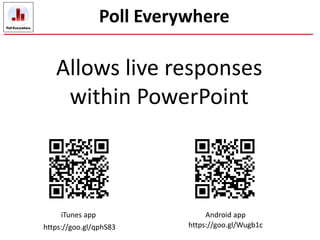
Poll Everywhere
Allows live responses
within PowerPoint
iTunes app Android app
https://goo.gl/qphS83 https://goo.gl/Wugb1c
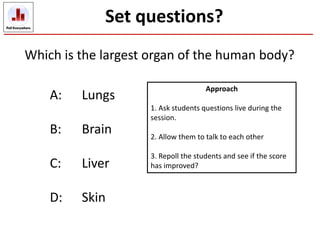
Which is the largest organ of the human body?
A: Lungs
B: Brain
C: Liver
D: Skin
Set questions?
Approach
1. Ask students questions live during the
session.
2. Allow them to talk to each other
3. Repoll the students and see if the score
has improved?

Part 2 teaching tool kit

  • 1.
  • 2.
    All about you? -be personable - be enthusiastic - use stories / practice / humour (?) - dress for the session?
  • 3.
    What about thematerial? - organize the material into a coherent structure - highlight the key points - include popular culture / news items - care about your subject death by PowerPoint
  • 4.
    Bad slides don'thelp Don't read this slide. There is nothing on this slide of importance. At this very moment I am trying to make rather interesting point about something or other. Are you still reading this. Have you looked out the window today there is a world of things out there. Did you know that if you are reading this you are not listening to what I am discussing. I might as well have printed this out for you and used a lovely image, you still have all the information but that way you care. Look I told you to stop reading this it really is utter drivel. Hum hum hum lunch time soon. I have some cheese and pickle sandwich's. I wonder when I can next get coffee. I hope you will take something away from todays session Really stop reading this you can read faster than I can speak Put your arm in the air if your reading this drivel. Hopefully that made the point. Tell you what I will shut up and give you a chance to read this. Or not.
  • 5.
    A good slidemakes a point
  • 6.
    this slide isintentionally blank Do you need to use slides at all?
  • 7.
    Handouts Use the handoutsas learning tools -Set questions -Structure conversations
  • 8.
    Use The VLE BeforeThe Session After The Session What is the VLE for? Host the materials Highlight what is was / will be covered Proved structured deeper reading Support
  • 9.
    Sound and Vision GiveKnowledge Present Feedback Offer Examples Mirror the content on the VLE *break the session up*
  • 10.
    Screencastsing Screencasts can help demonstrateand teach Pre record your material before the session Why demonstrate software live when you can create a screen cast. Give Feedback to students individually or as a generic group
  • 11.
    Collect ideas onPadlet Walls
  • 12.
    Google apps forcollaboration Documents Slides Spreadsheets Share files Make web sites
  • 13.
    Google apps forcollaboration 2) Students can work in collaborative groups to answer problems. 3) Tutor comments live in the session to improve the answer. 1) Links to open Google Docs hosted on the VLE
  • 14.
    Objects as alearning tool Objects can be used as a focal point for conversation. Objects can be used to demonstrate a point. Objects can be used to talk about function.
  • 15.
  • 16.
    Students Talking to eachother: Ask open-ended questions Give them problems to solve or questions to answer or material to analyze from different perspectives. https://teachingcommons.stanford.edu/resources/teaching/small-groups-and-discussions/how-get-students-talk-class Pair Share: ask them to turn to the student next to them and discuss the problem or question you have posed.
  • 17.
    Students Talking to eachother: Ask open-ended questions Give them problems to solve or questions to answer or material to analyze from different perspectives. https://teachingcommons.stanford.edu/resources/teaching/small-groups-and-discussions/how-get-students-talk-class Small Groups: put the class into groups of three or four use student response to collect answers.
  • 18.
  • 19.
    Student Response Lo Tech https://goo.gl/5FfQgL iCARDa low tech way of making lectures more active via Dr Neil Cross @theOtherDrX https://theotherdrx.wordpress.com Q and A via coloured cards Hands in the air questioning
  • 20.
  • 21.
  • 22.
    Poll Everywhere Allows liveresponses within PowerPoint iTunes app Android app https://goo.gl/qphS83 https://goo.gl/Wugb1c
  • 23.
    Which is thelargest organ of the human body? A: Lungs B: Brain C: Liver D: Skin Set questions? Approach 1. Ask students questions live during the session. 2. Allow them to talk to each other 3. Repoll the students and see if the score has improved?