


 understand the reasons behind
using technology in the classroom
 be aware of some theories
surrounding technology in the
classroom
 know different tools that you
could start to use in your practice
https://www.polleverywhere.com/free_text_polls/I2dpmwN35lV9QYq
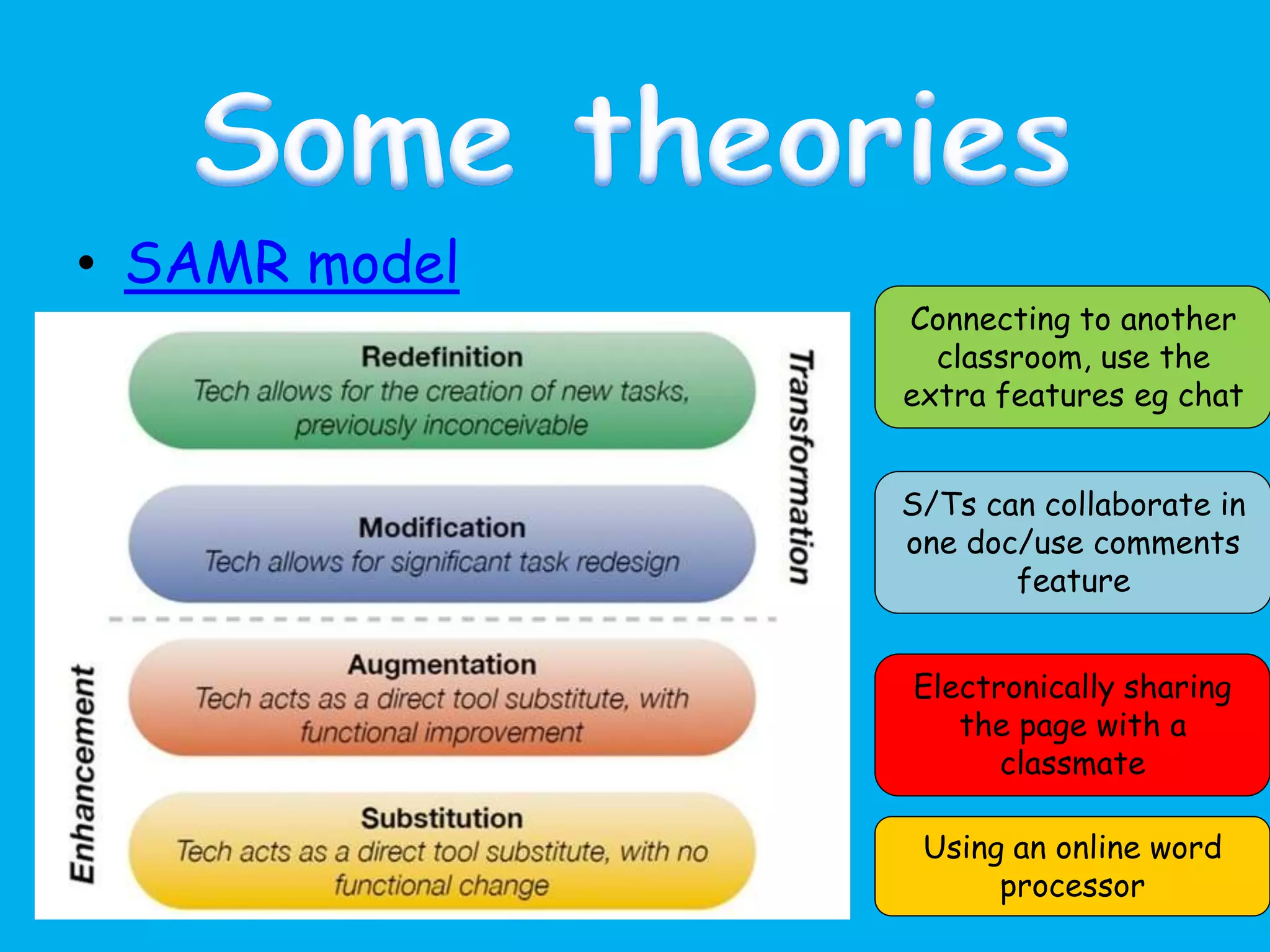
• SAMR model
Using an online word
processor
Electronically sharing
the page with a
classmate
S/Ts can collaborate in
one doc/use comments
feature
Connecting to another
classroom, use the
extra features eg chat
But…
• SAMR encourages use of technology at
redefinition level.
• You, the professional, know what is best
for your students
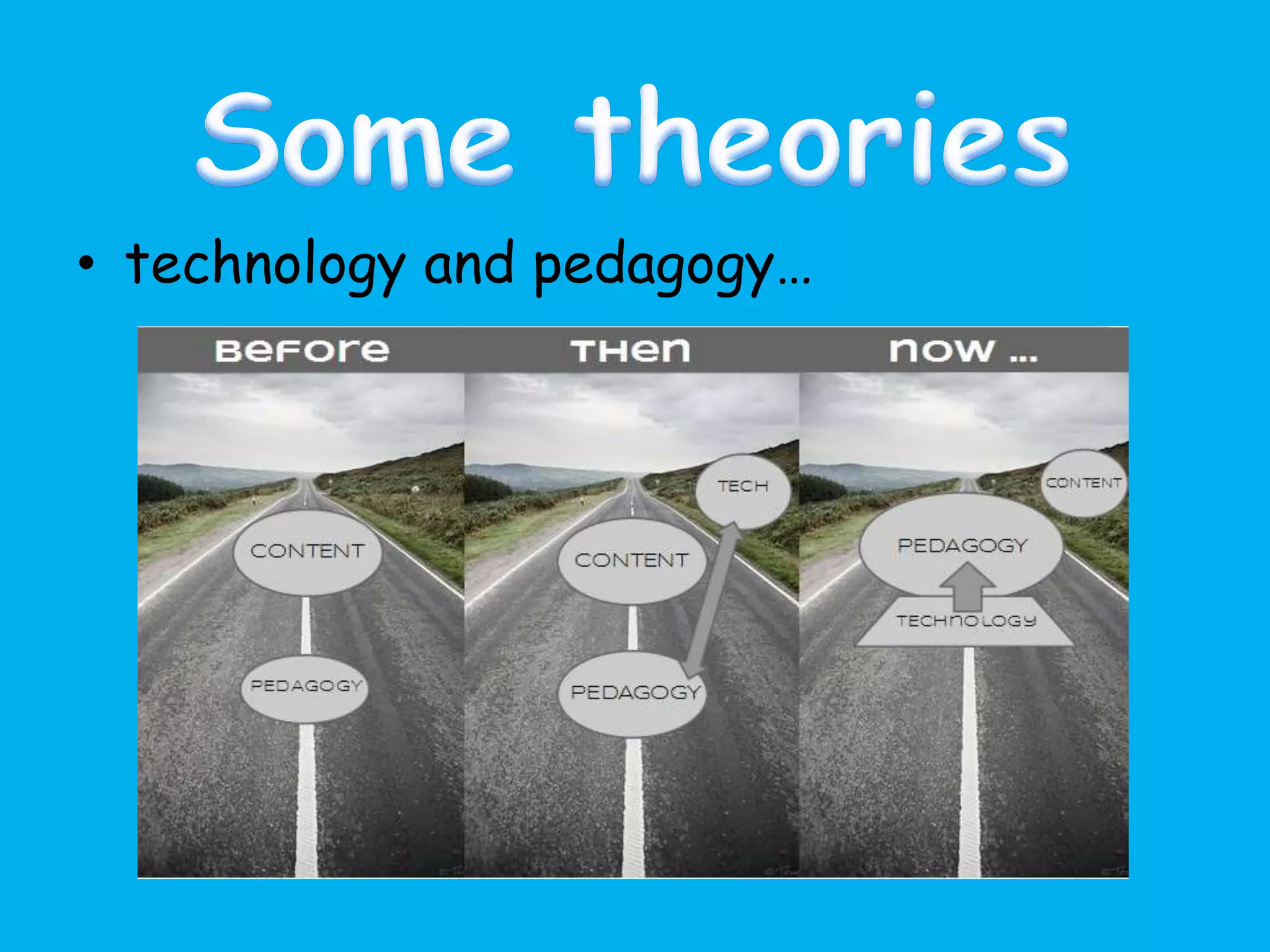
• Sound pedagogical thinking should guide
what technology you are going to use
• Let the pedagogy guide you NOT the
technology
• technology and pedagogy…
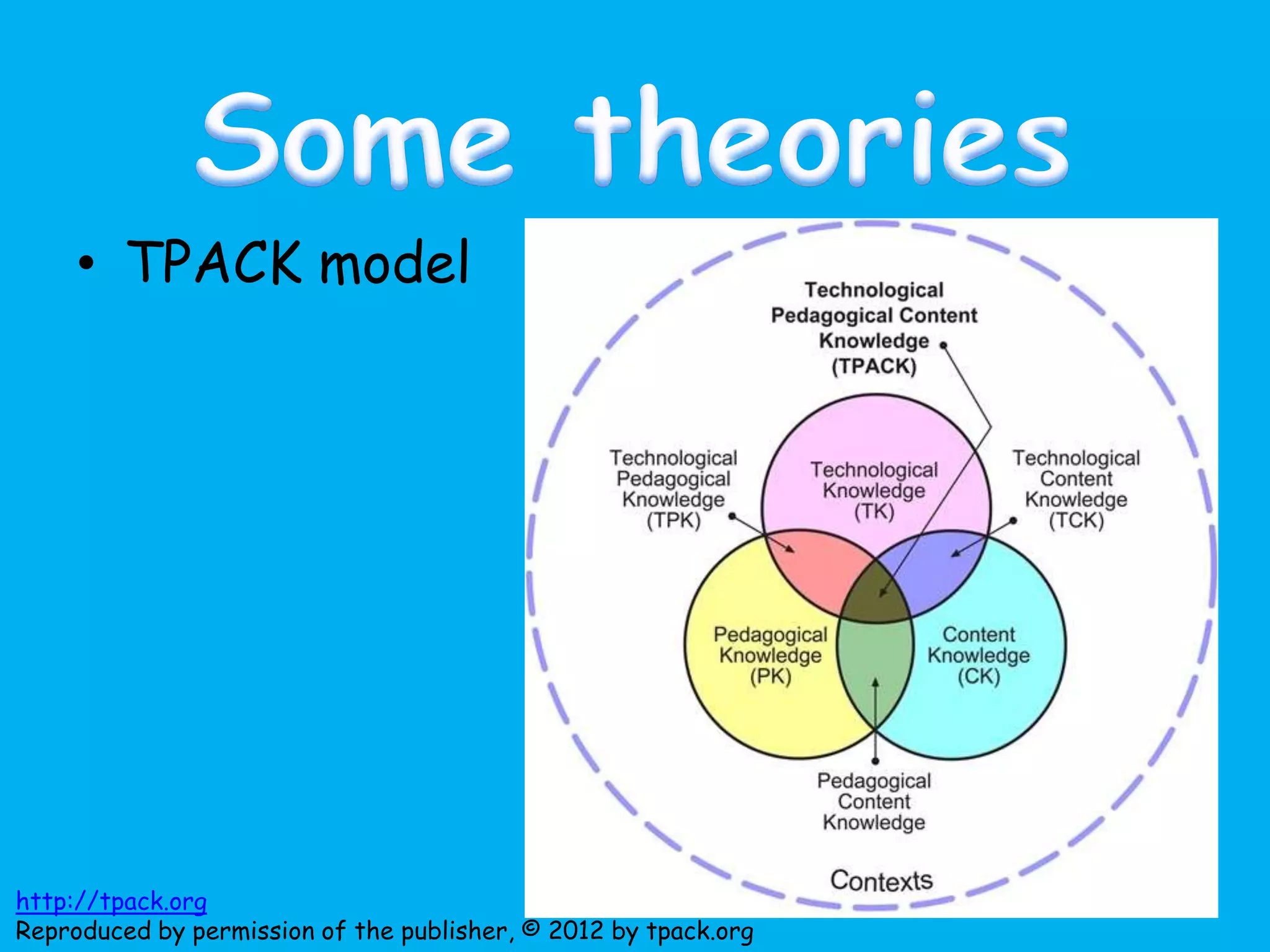
• TPACK model
http://tpack.org
Reproduced by permission of the publisher, © 2012 by tpack.org
Technology
• …is used to improve educational
outcomes
• …helps students to develop transferable
skills and become more inquisitive
• …increases opportunities for both
independent work and collaboration…
• ..motivates and enthuses
http://media.education.gov.uk/assets/files/doc/e/using%20technology%20to%20improv
e%20teaching%20and%20learning%20in%20secondary%20schools.doc
Animoto
• free
• video/presentation
• share
• add music
AudioBoo
• create sound files
• mobile app
Blogs
• free
• share thoughts
• read other’s ideas
• find out about good practice
• collect them in one place through
using RSS feeds ( Feedly)
To get you
started:
My blog
James Stubbs
Jose Picardo
Rachel Smith
Clare Seccombe
ClassDojo
• free
• behaviour management system
• pupils can earn points and lose points
• accessible via desktop or mobile device
• pupil access and pupil avatars
Dropbox
• free
• share folders with groups/individuals
• the more people you invite, the more space
you have
• MFL Twitterati folders (Spanish, French,
German and general)
• Alternatives > OneDrive, GoogleDrive
Diigo & Delicious bookmarks
• free
• bookmarking online
• can share and follow lists
• have created an MFL revision list for pupils
• reduce bookmarks using tag feature
Edmodo – class platform
• free
• create class groups for pupils
• communicate with teacher or pupils
• looks like Facebook
• share messages, documents, links, set
assignments etc
• Alternatives: Google Classroom, Moodle, VLE
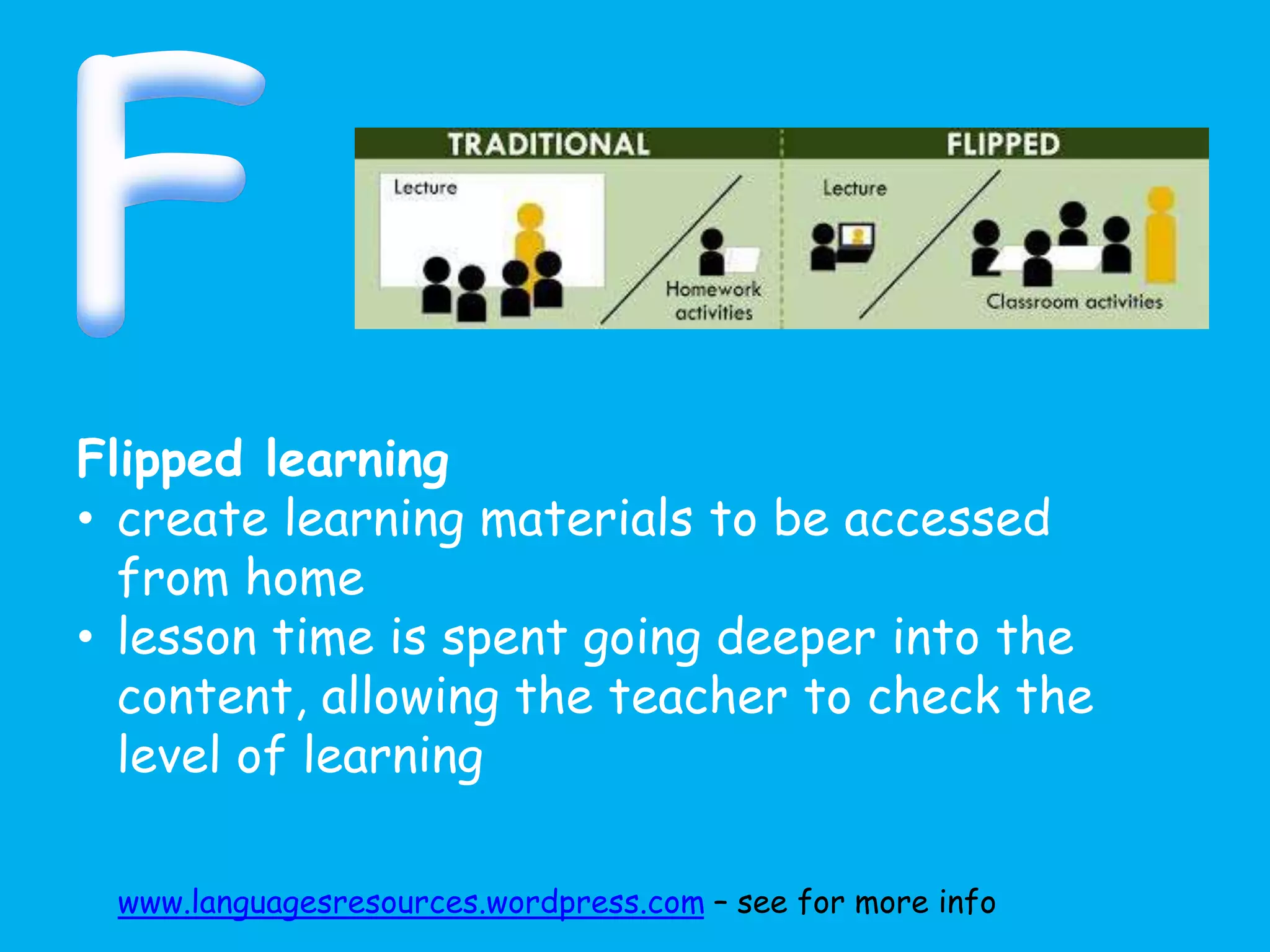
Flipped learning
• create learning materials to be accessed
from home
• lesson time is spent going deeper into the
content, allowing the teacher to check the
level of learning
www.languagesresources.wordpress.com – see for more info
Google
• searching specifically using filetype: doc/ppt
etc
• Google apps –videos, maps, drive, mail, classroom
Glogster
• make interactive posters
• educational accounts available
HotPotatoes
• free
• make different types of games
• can publish on blog or website eg.
languagesonline.org.uk
• examples on my site
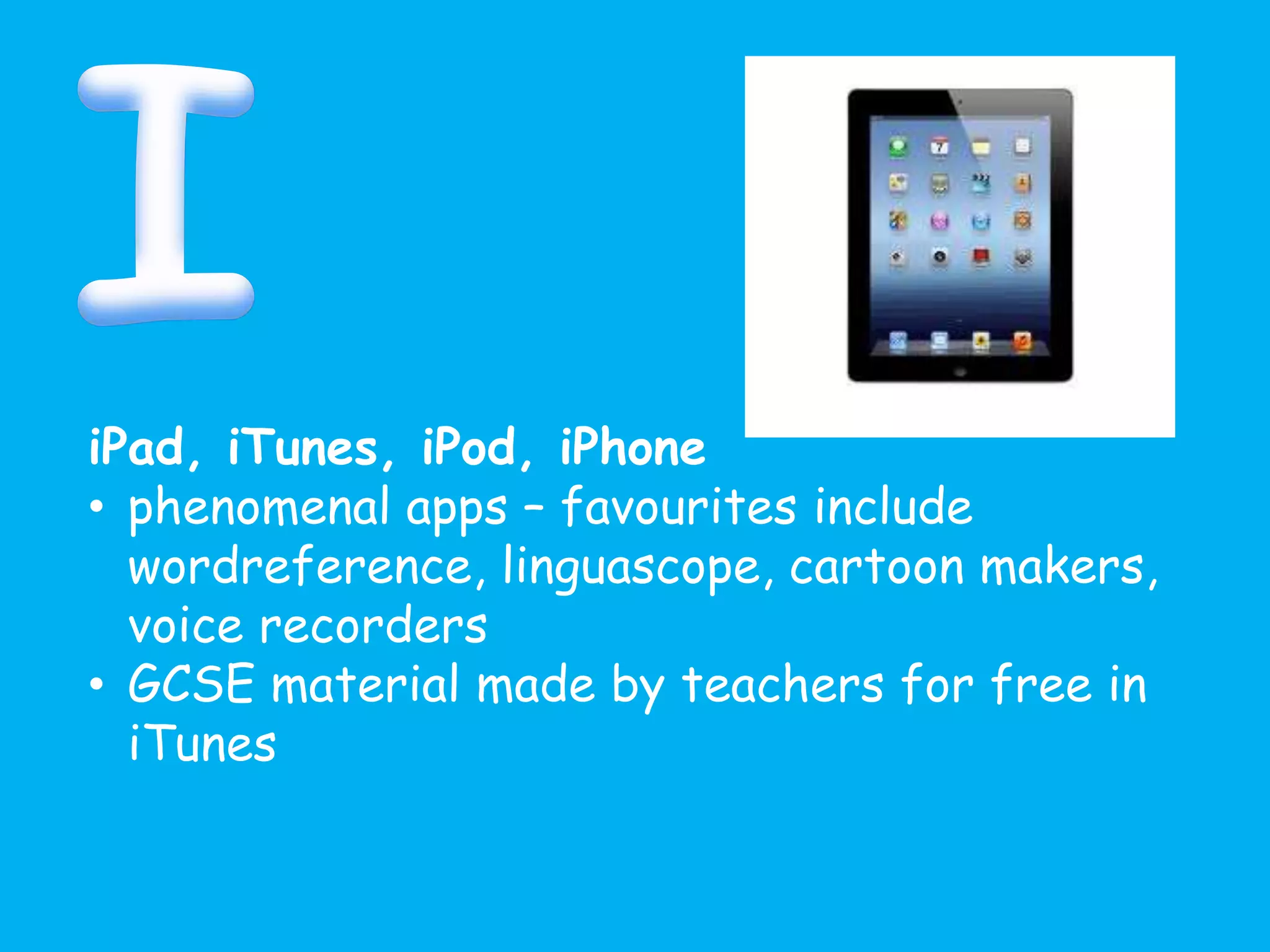
iPad, iTunes, iPod, iPhone
• phenomenal apps – favourites include
wordreference, linguascope, cartoon makers,
voice recorders
• GCSE material made by teachers for free in
iTunes
Jing
• share and create screencasts, images and
videos
• collaborate
• free
• snagit and camtasia are run by the same
people that do more detailed things
Kerboodle
• electronic resources linked to AQA Nelson
Thornes text books, subscription only (Now
OUP)
• KS3-5
• audio visual, soundfiles, downloadable
worksheets, supports and supplements the
textbook
• eBook with links to Kerboodle files
Kahoot
• instant response system > quiz tool
• uses any device and a website (not an app)
• engaging and motivating
• Teacher can download responses at the end to
check responses
• language resources sites
• languagesresources
• languagesonline
• linguascope
• atantot
• Lightbulb languages
• TES resource bank
• lingt
my Languages Online
• department for Education
• games and activities
• scoreboard
• free
News
• authentic materials
• can change language
• includes videos and transcripts
• other news sites eg El País, 20 minutes
• authentic websites offer a wealth of material
Oye, Zut, Gut, Zut Jnr
• free after 4pm, minimal cost
• games and interactive exercises
Prezi
• make presentations
• linear, non-linear
• zooms in and out
• can add images, videos and hyperlinks
Padlet
• put virtual post-its on a wall
• great for feedback or collecting ideas
• MFL collection of reading and listening tips
for the GCSE exam
• LinoIt is an alternative
Pinterest
• collect ideas which are pinned on a board
• find useful
articles/posters/infographics/cultural info
• categorise
• share with others
• search others’
• @spanishsam or look at who I follow eg
@lisibo
Quizlet
• vocabulary learning
• can create own quizzes and classes
• can monitor who is playing/accessing
• can add pre-existing lists to your classes
Routes Into Languages
• useful promotional resources
• careers information
• MFL events locally and nationally
• spelling bee, film courses etc
• supported by local universities
Storybird
• make and tell stories
• great for younger students
• MFL storybird wiki
Socrative
• test and immediate response system
• pupils login via a code (no sign up
required)
• answer a series of questions
• system logs responses and teacher can
download
Twitter
• follow other educators and linguists
• tweet and share ideas
• best CPD around!
• @spanishsam
• protect your tweets?
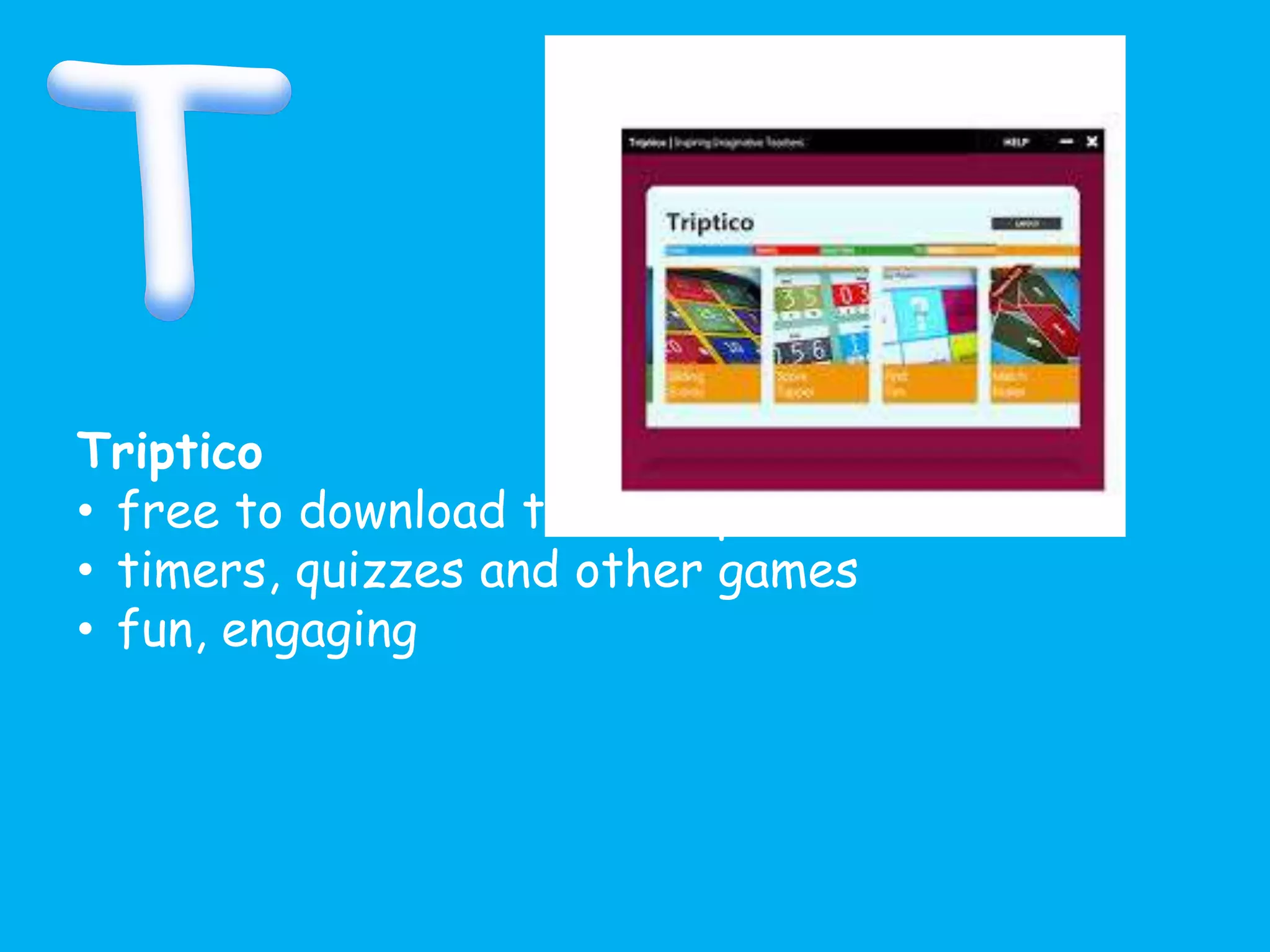
Triptico
• free to download to a computer
• timers, quizzes and other games
• fun, engaging
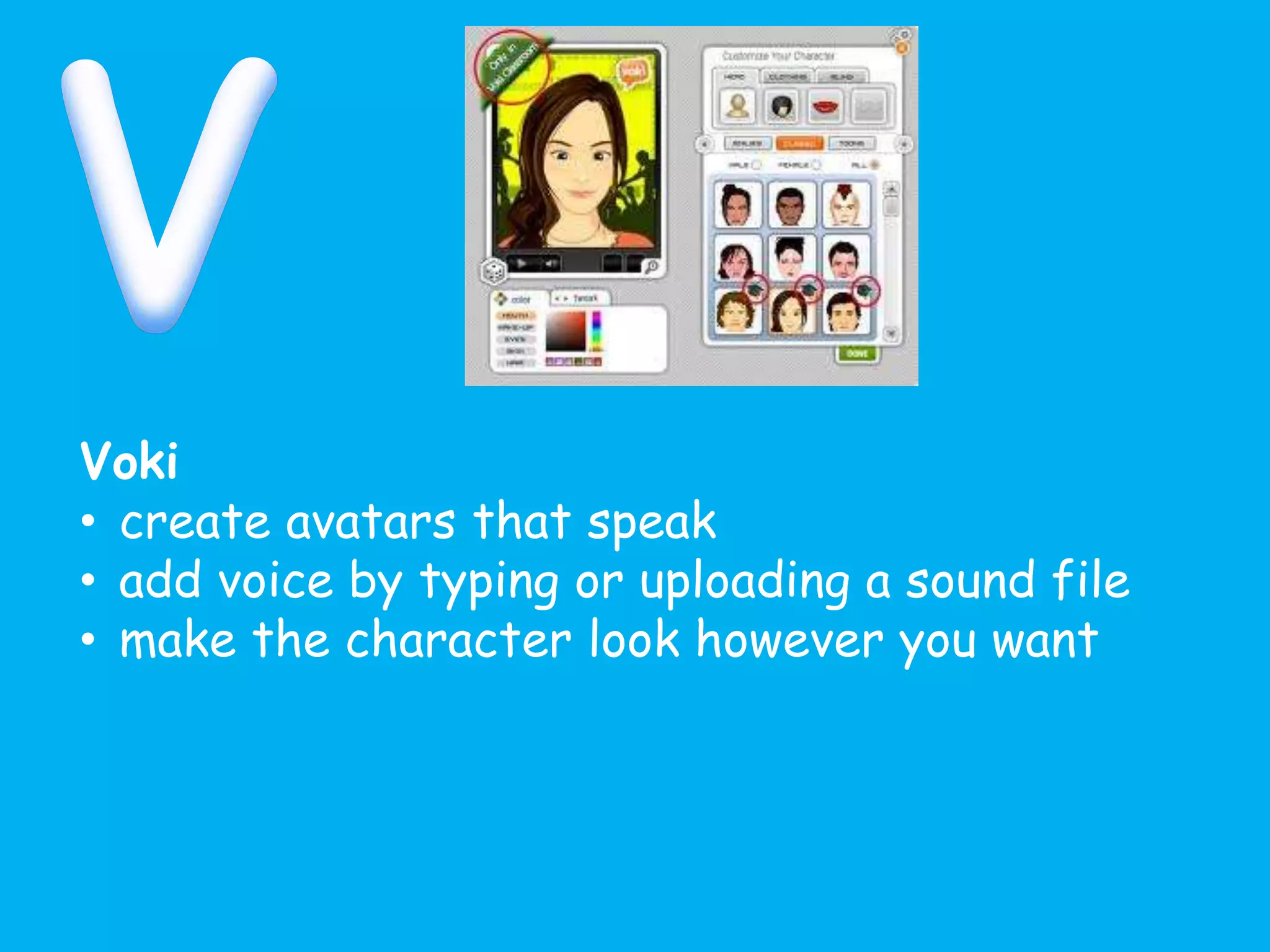
Voki
• create avatars that speak
• add voice by typing or uploading a sound file
• make the character look however you want
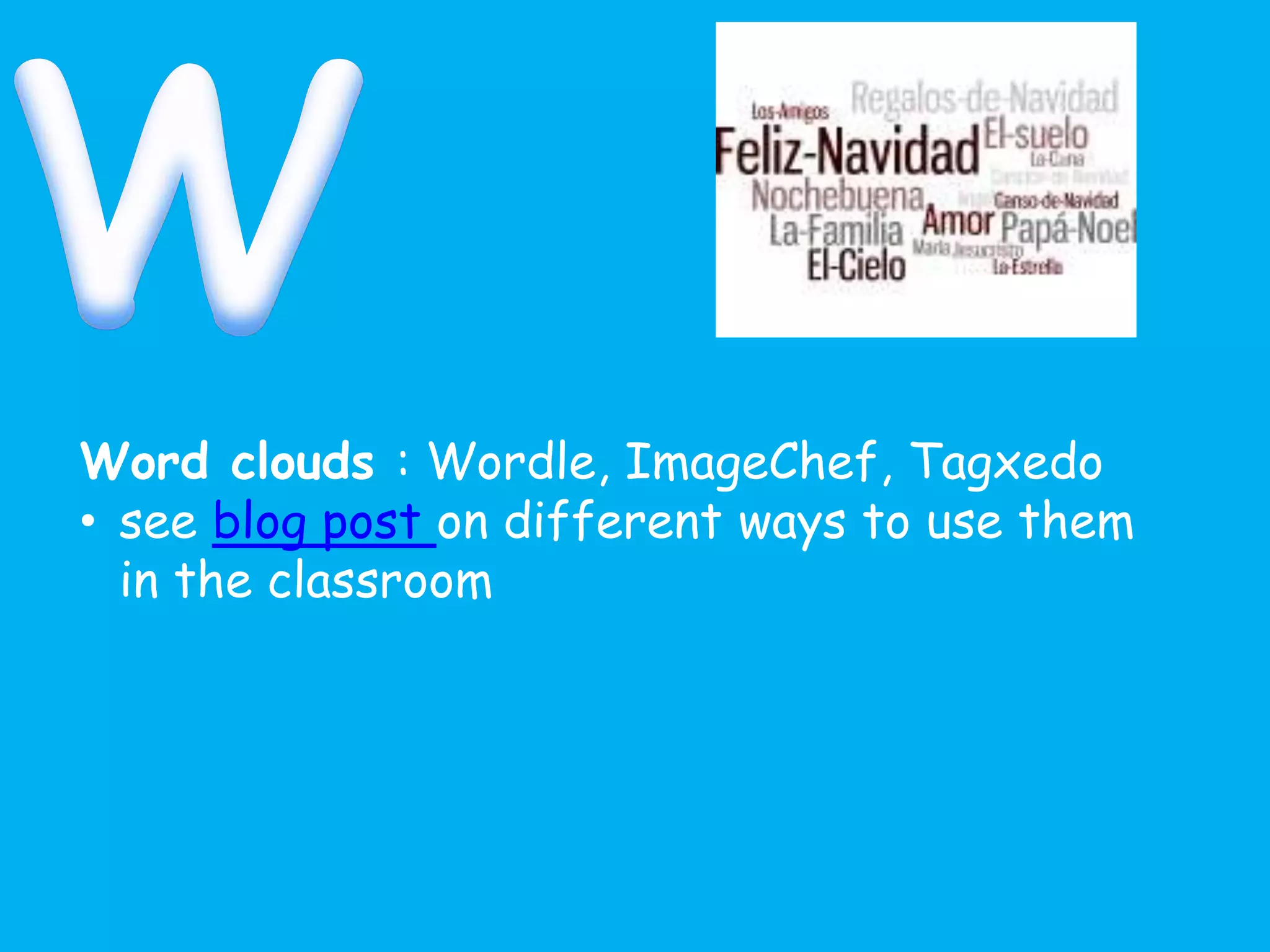
Word clouds : Wordle, ImageChef, Tagxedo
• see blog post on different ways to use them
in the classroom
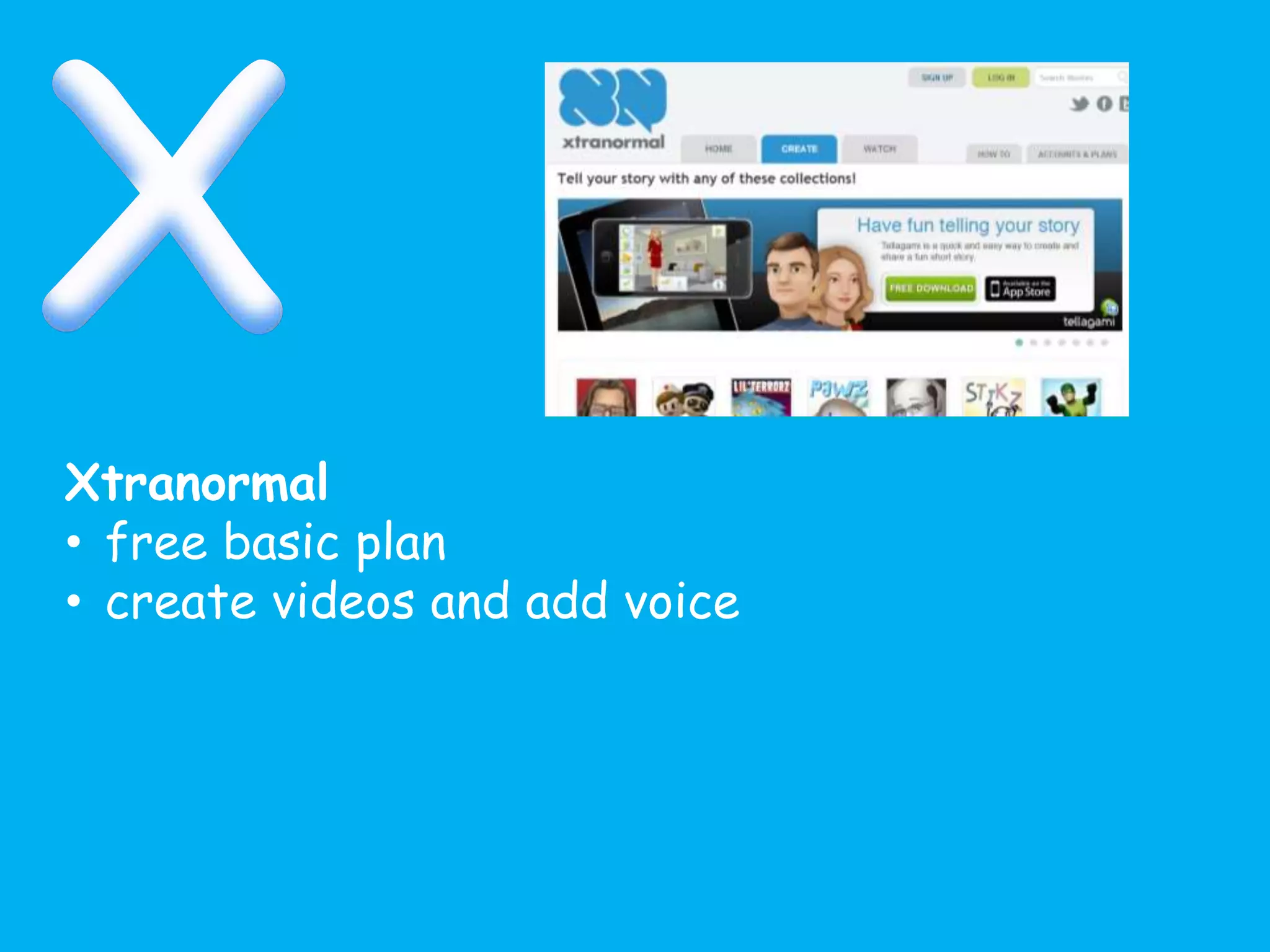
Xtranormal
• free basic plan
• create videos and add voice
YouTube
• authentic materials
• music, film
• grammar help
• share with the world
• alternatives: TeacherTube, TES
video,teachersmedia.co.uk
• download videos using Zamzar
Zondle
• games
• teachers can make and share pre-made games
• all topics
• free
Padlet
• http://padlet.com/samantha_broom/uoc
15
• Go to the URL above
• Give some feedback on today´s session
and what you plan to do next
• Double click anywhere to post something
Something to try today
• sign up to twitter (and follow me,
@spanishsam)
• start your own blog with what you have
learnt today
• play some games on Zondle, MYLO,
languagesonline or Oye/Zut/Gut
• Make your own animated video using
animoto or xtranormal
• create a storybird
Sign up to Quizlet using a username
that you would be happy for students to
see (mine is MrsBroom)
Browse through some of the vocab lists
that already exist – maybe look at mine!
Try to make a vocab list of your own
Can you create a class?
How would you have pupils find your
vocabulary list?

UoC ict presentation jan 2015

  • 2.
     understand thereasons behind using technology in the classroom  be aware of some theories surrounding technology in the classroom  know different tools that you could start to use in your practice
  • 4.
  • 5.
    • SAMR model Usingan online word processor Electronically sharing the page with a classmate S/Ts can collaborate in one doc/use comments feature Connecting to another classroom, use the extra features eg chat
  • 6.
    But… • SAMR encouragesuse of technology at redefinition level. • You, the professional, know what is best for your students • Sound pedagogical thinking should guide what technology you are going to use • Let the pedagogy guide you NOT the technology
  • 7.
    • technology andpedagogy…
  • 8.
    • TPACK model http://tpack.org Reproducedby permission of the publisher, © 2012 by tpack.org
  • 9.
    Technology • …is usedto improve educational outcomes • …helps students to develop transferable skills and become more inquisitive • …increases opportunities for both independent work and collaboration… • ..motivates and enthuses http://media.education.gov.uk/assets/files/doc/e/using%20technology%20to%20improv e%20teaching%20and%20learning%20in%20secondary%20schools.doc
  • 11.
    Animoto • free • video/presentation •share • add music AudioBoo • create sound files • mobile app
  • 12.
    Blogs • free • sharethoughts • read other’s ideas • find out about good practice • collect them in one place through using RSS feeds ( Feedly) To get you started: My blog James Stubbs Jose Picardo Rachel Smith Clare Seccombe
  • 13.
    ClassDojo • free • behaviourmanagement system • pupils can earn points and lose points • accessible via desktop or mobile device • pupil access and pupil avatars
  • 14.
    Dropbox • free • sharefolders with groups/individuals • the more people you invite, the more space you have • MFL Twitterati folders (Spanish, French, German and general) • Alternatives > OneDrive, GoogleDrive
  • 15.
    Diigo & Deliciousbookmarks • free • bookmarking online • can share and follow lists • have created an MFL revision list for pupils • reduce bookmarks using tag feature
  • 16.
    Edmodo – classplatform • free • create class groups for pupils • communicate with teacher or pupils • looks like Facebook • share messages, documents, links, set assignments etc • Alternatives: Google Classroom, Moodle, VLE
  • 17.
    Flipped learning • createlearning materials to be accessed from home • lesson time is spent going deeper into the content, allowing the teacher to check the level of learning www.languagesresources.wordpress.com – see for more info
  • 18.
    Google • searching specificallyusing filetype: doc/ppt etc • Google apps –videos, maps, drive, mail, classroom Glogster • make interactive posters • educational accounts available
  • 19.
    HotPotatoes • free • makedifferent types of games • can publish on blog or website eg. languagesonline.org.uk • examples on my site
  • 20.
    iPad, iTunes, iPod,iPhone • phenomenal apps – favourites include wordreference, linguascope, cartoon makers, voice recorders • GCSE material made by teachers for free in iTunes
  • 21.
    Jing • share andcreate screencasts, images and videos • collaborate • free • snagit and camtasia are run by the same people that do more detailed things
  • 22.
    Kerboodle • electronic resourceslinked to AQA Nelson Thornes text books, subscription only (Now OUP) • KS3-5 • audio visual, soundfiles, downloadable worksheets, supports and supplements the textbook • eBook with links to Kerboodle files
  • 23.
    Kahoot • instant responsesystem > quiz tool • uses any device and a website (not an app) • engaging and motivating • Teacher can download responses at the end to check responses
  • 24.
    • language resourcessites • languagesresources • languagesonline • linguascope • atantot • Lightbulb languages • TES resource bank • lingt
  • 25.
    my Languages Online •department for Education • games and activities • scoreboard • free
  • 26.
    News • authentic materials •can change language • includes videos and transcripts • other news sites eg El País, 20 minutes • authentic websites offer a wealth of material
  • 27.
    Oye, Zut, Gut,Zut Jnr • free after 4pm, minimal cost • games and interactive exercises
  • 28.
    Prezi • make presentations •linear, non-linear • zooms in and out • can add images, videos and hyperlinks
  • 29.
    Padlet • put virtualpost-its on a wall • great for feedback or collecting ideas • MFL collection of reading and listening tips for the GCSE exam • LinoIt is an alternative
  • 30.
    Pinterest • collect ideaswhich are pinned on a board • find useful articles/posters/infographics/cultural info • categorise • share with others • search others’ • @spanishsam or look at who I follow eg @lisibo
  • 31.
    Quizlet • vocabulary learning •can create own quizzes and classes • can monitor who is playing/accessing • can add pre-existing lists to your classes
  • 32.
    Routes Into Languages •useful promotional resources • careers information • MFL events locally and nationally • spelling bee, film courses etc • supported by local universities
  • 33.
    Storybird • make andtell stories • great for younger students • MFL storybird wiki
  • 34.
    Socrative • test andimmediate response system • pupils login via a code (no sign up required) • answer a series of questions • system logs responses and teacher can download
  • 35.
    Twitter • follow othereducators and linguists • tweet and share ideas • best CPD around! • @spanishsam • protect your tweets?
  • 36.
    Triptico • free todownload to a computer • timers, quizzes and other games • fun, engaging
  • 37.
    Voki • create avatarsthat speak • add voice by typing or uploading a sound file • make the character look however you want
  • 38.
    Word clouds :Wordle, ImageChef, Tagxedo • see blog post on different ways to use them in the classroom
  • 39.
    Xtranormal • free basicplan • create videos and add voice
  • 40.
    YouTube • authentic materials •music, film • grammar help • share with the world • alternatives: TeacherTube, TES video,teachersmedia.co.uk • download videos using Zamzar
  • 41.
    Zondle • games • teacherscan make and share pre-made games • all topics • free
  • 43.
    Padlet • http://padlet.com/samantha_broom/uoc 15 • Goto the URL above • Give some feedback on today´s session and what you plan to do next • Double click anywhere to post something
  • 44.
    Something to trytoday • sign up to twitter (and follow me, @spanishsam) • start your own blog with what you have learnt today • play some games on Zondle, MYLO, languagesonline or Oye/Zut/Gut • Make your own animated video using animoto or xtranormal • create a storybird
  • 45.
    Sign up toQuizlet using a username that you would be happy for students to see (mine is MrsBroom) Browse through some of the vocab lists that already exist – maybe look at mine! Try to make a vocab list of your own Can you create a class? How would you have pupils find your vocabulary list?

Editor's Notes

  • #4 Quick discussion about why use tech. Input via poll everywhere
  • #5 Why should teachers use technology in the classroom? https://www.polleverywhere.com/free_text_polls/I2dpmwN35lV9QYq