
Presenter | r03944021 Pei-Hsuan Tsai
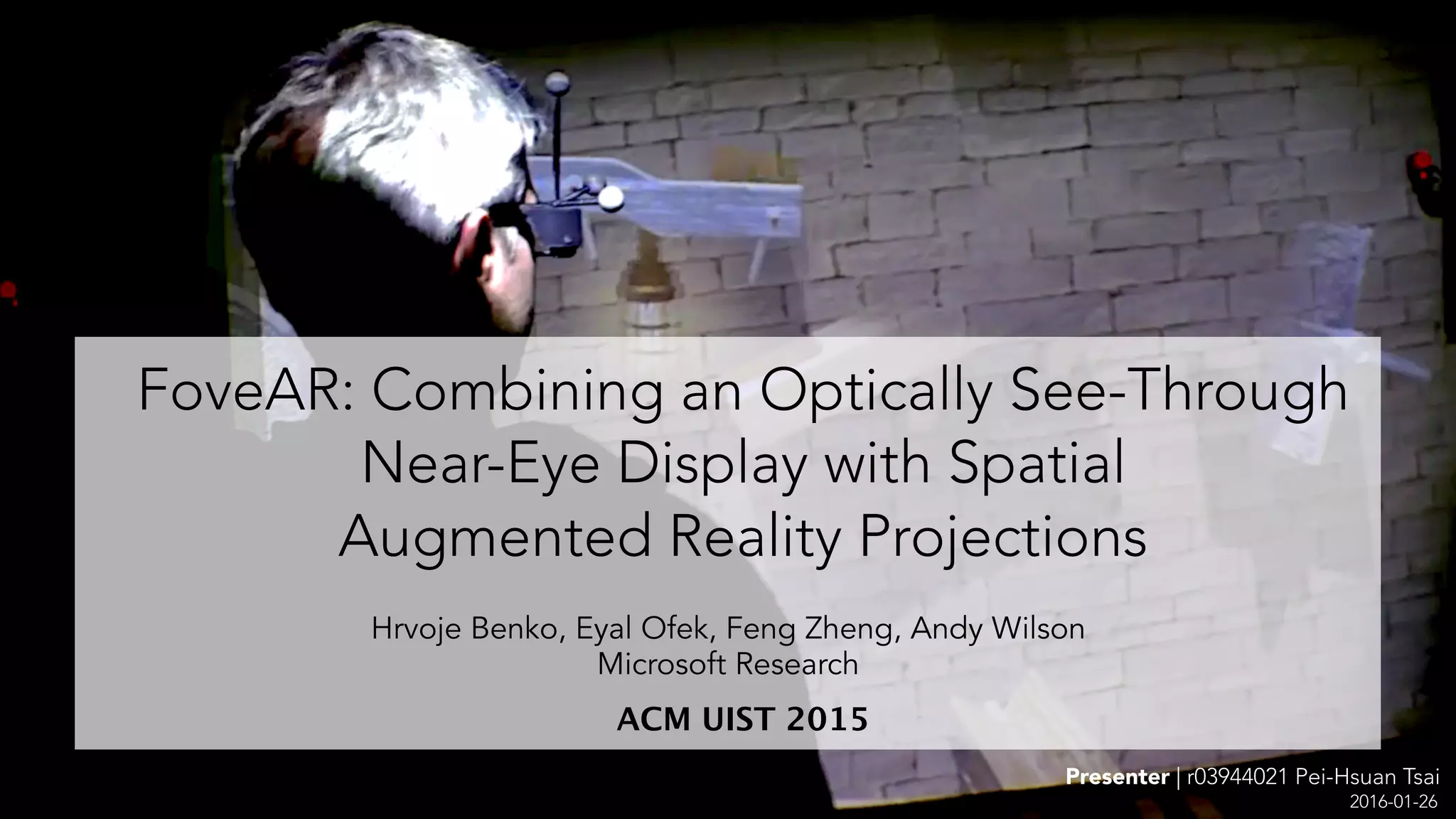
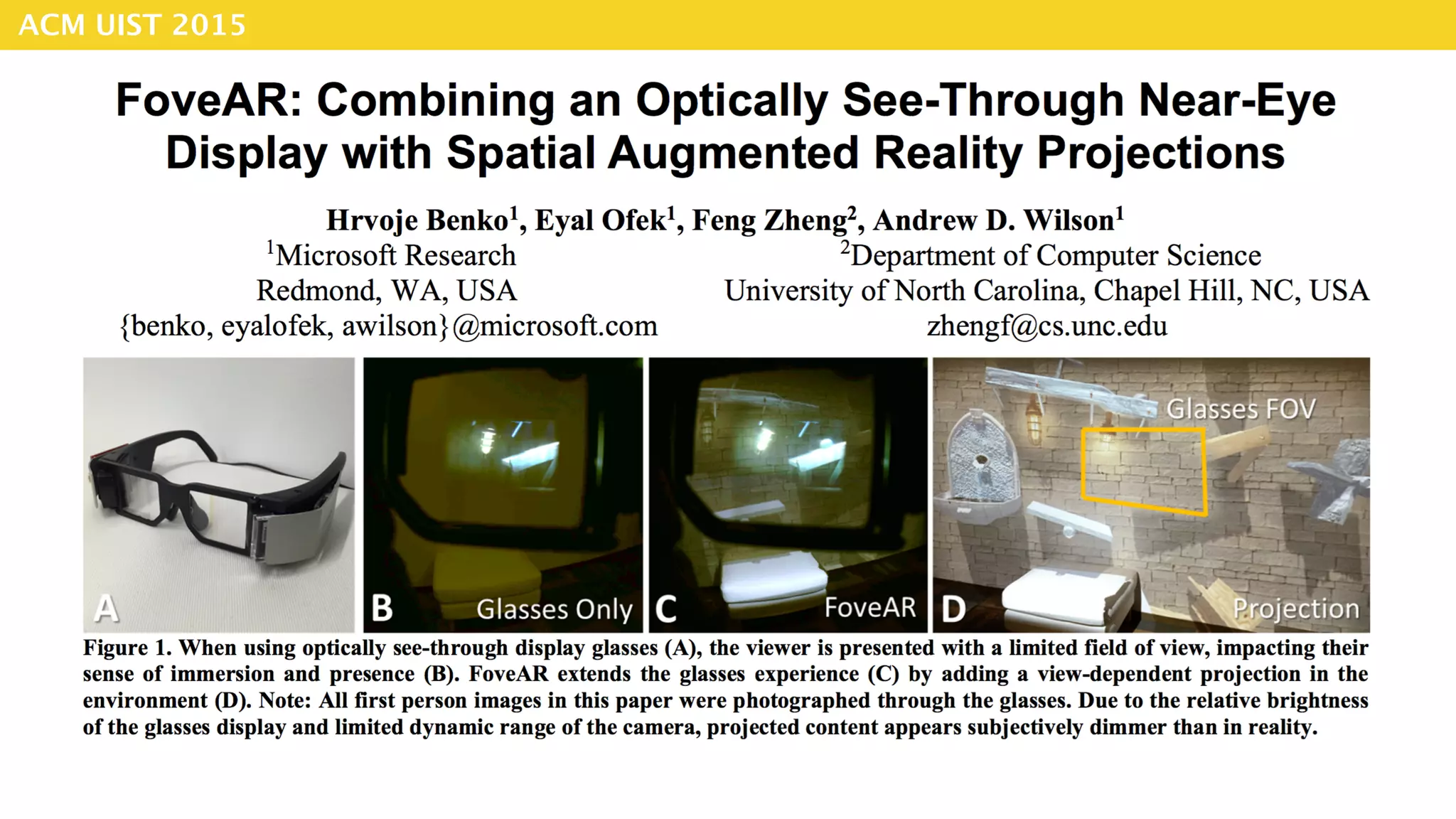
FoveAR: Combining an Optically See-Through
Near-Eye Display with Spatial 

Augmented Reality Projections
ACM UIST 2015
2016-01-26
Hrvoje Benko, Eyal Ofek, Feng Zheng, Andy Wilson
Microsoft Research
Hrvoje Benko
Senior Researcher in 

Natural Interaction Research group 

at Microsoft Research
Eyal Ofek Feng Zheng Andy Wilson
1
2 3 4
Authors
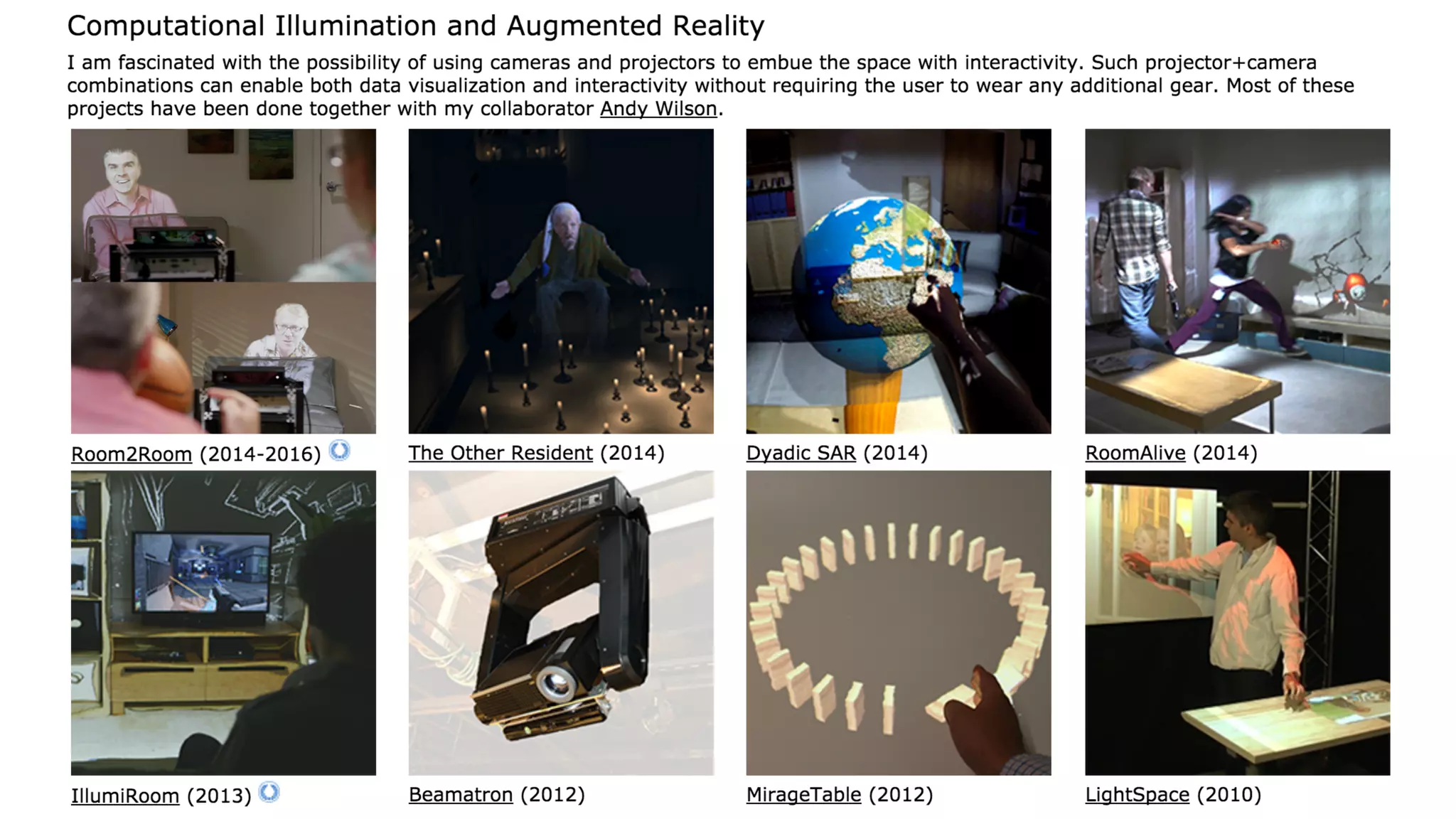
Computational Illumination and Augmented Reality
Multitouch Input Devices
Touch and Gestures on New Form Factors
Research Interests
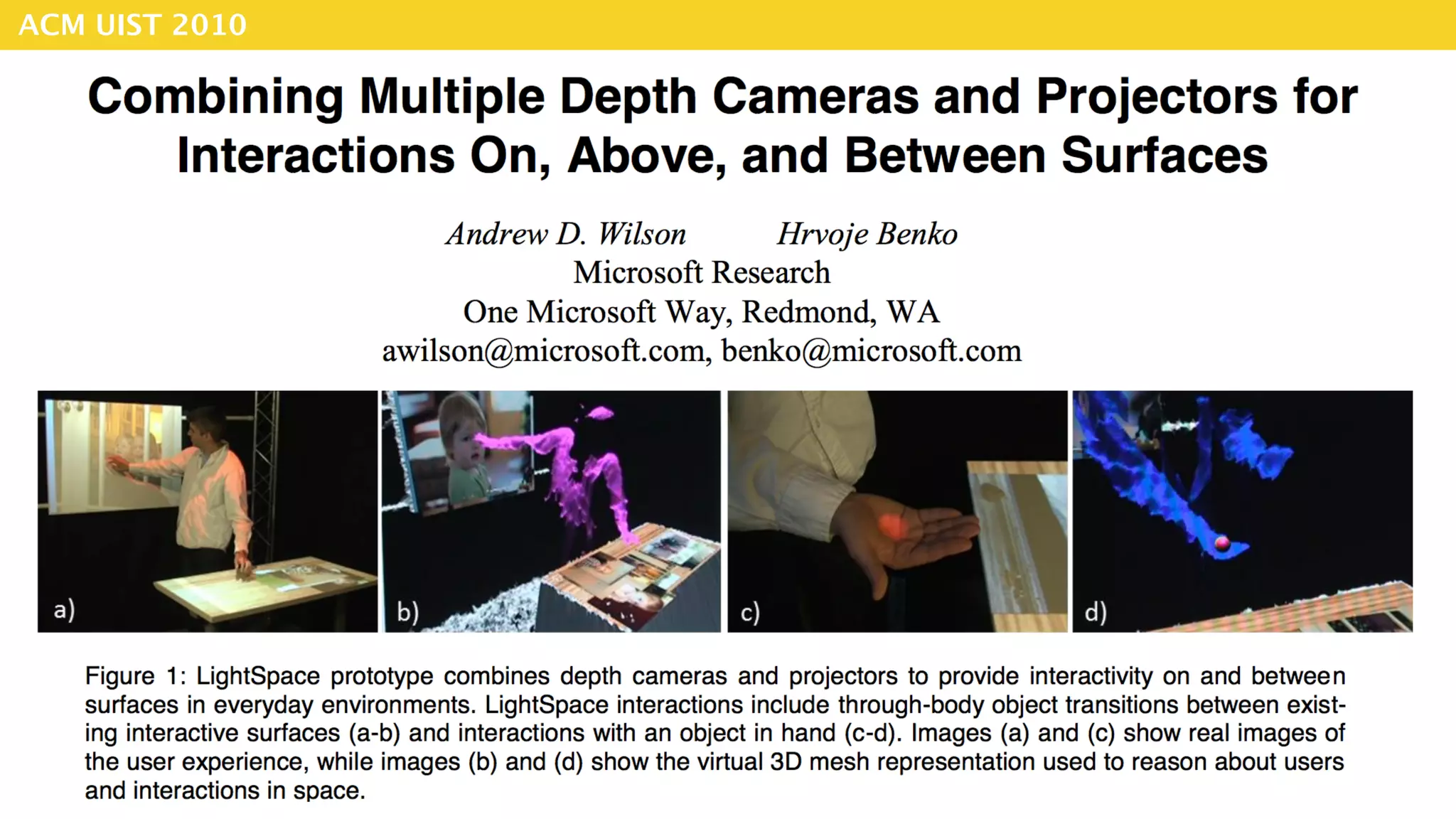
ACM UIST 2010
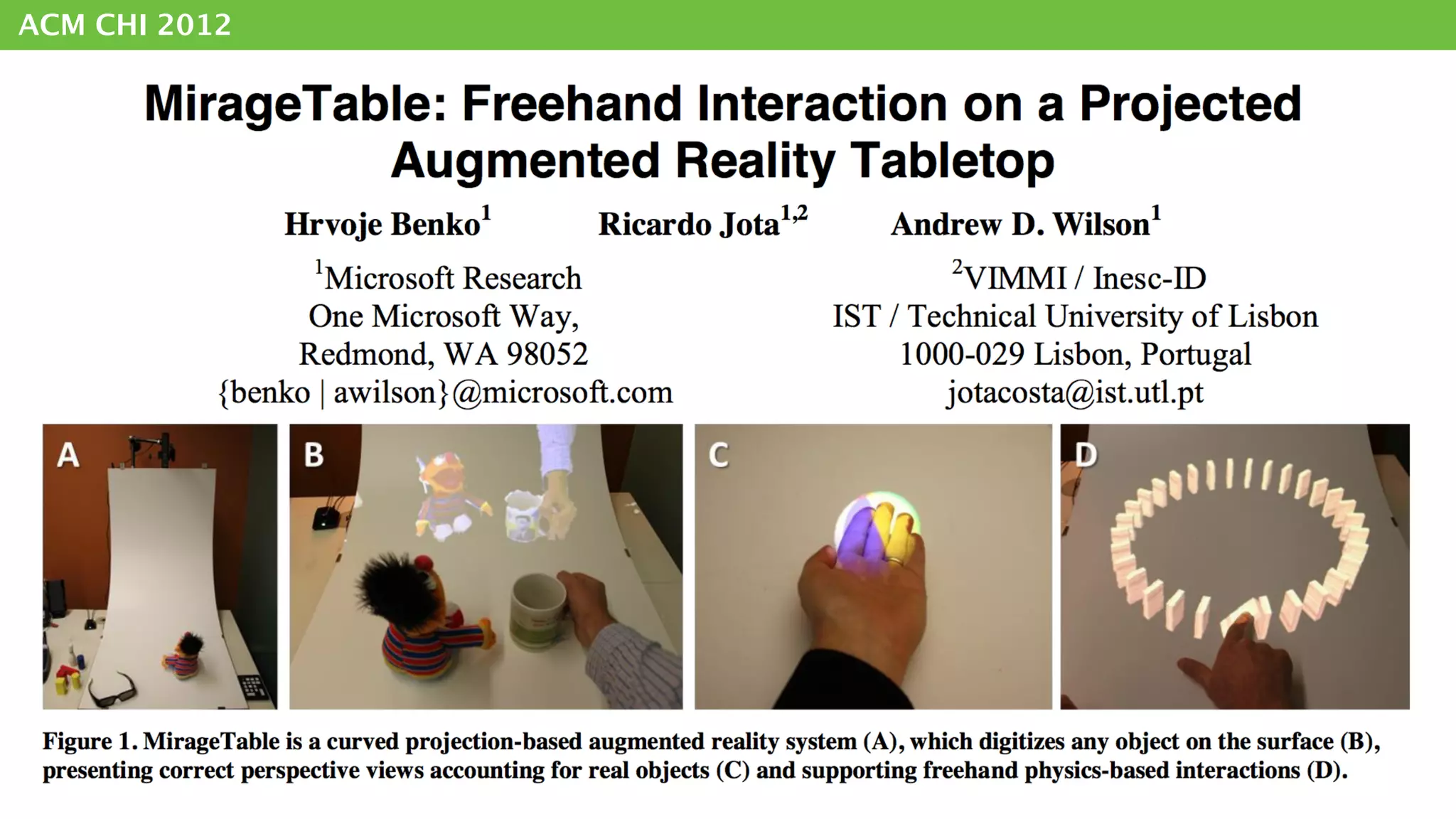
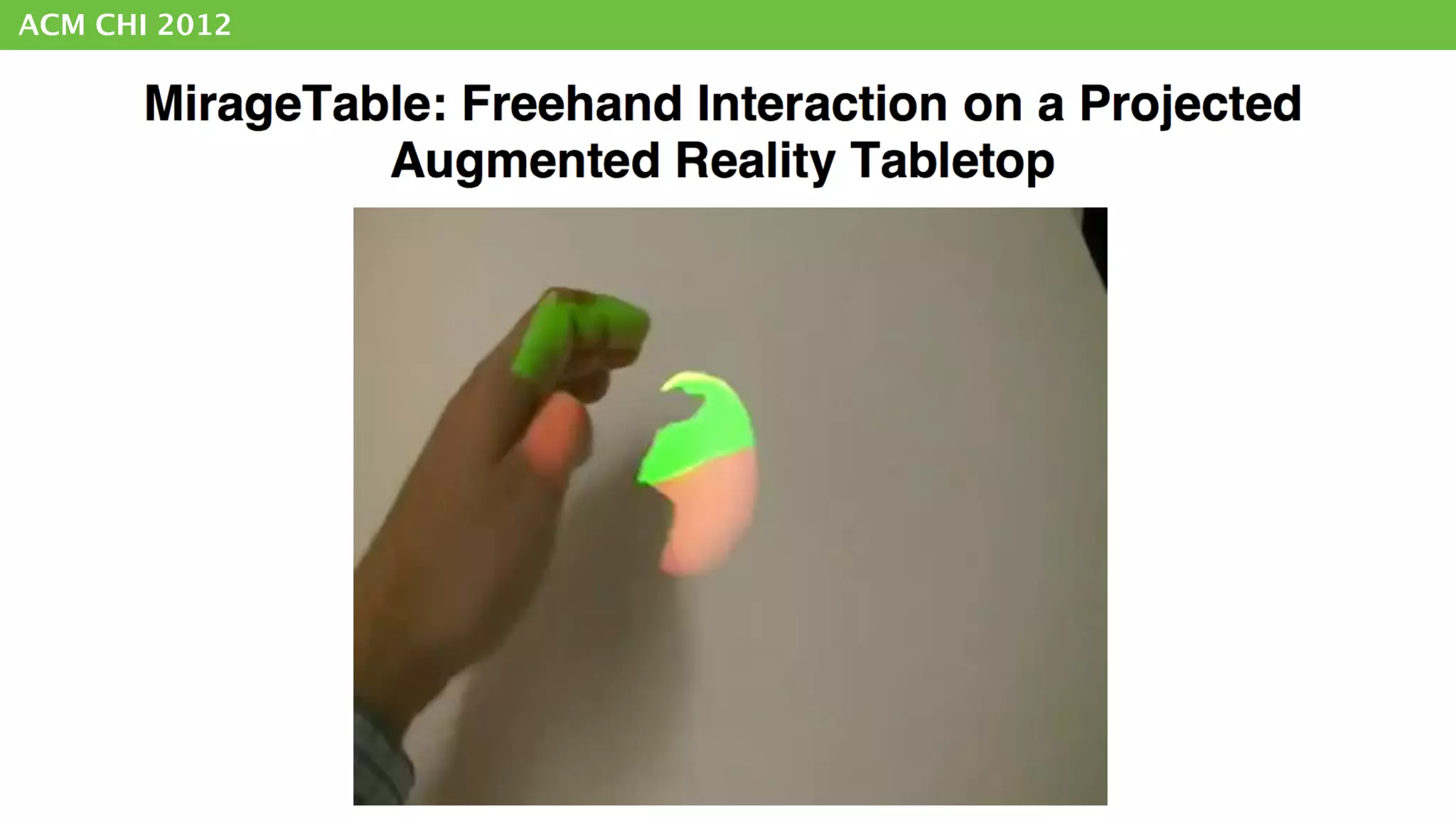
ACM CHI 2012
ACM CHI 2012
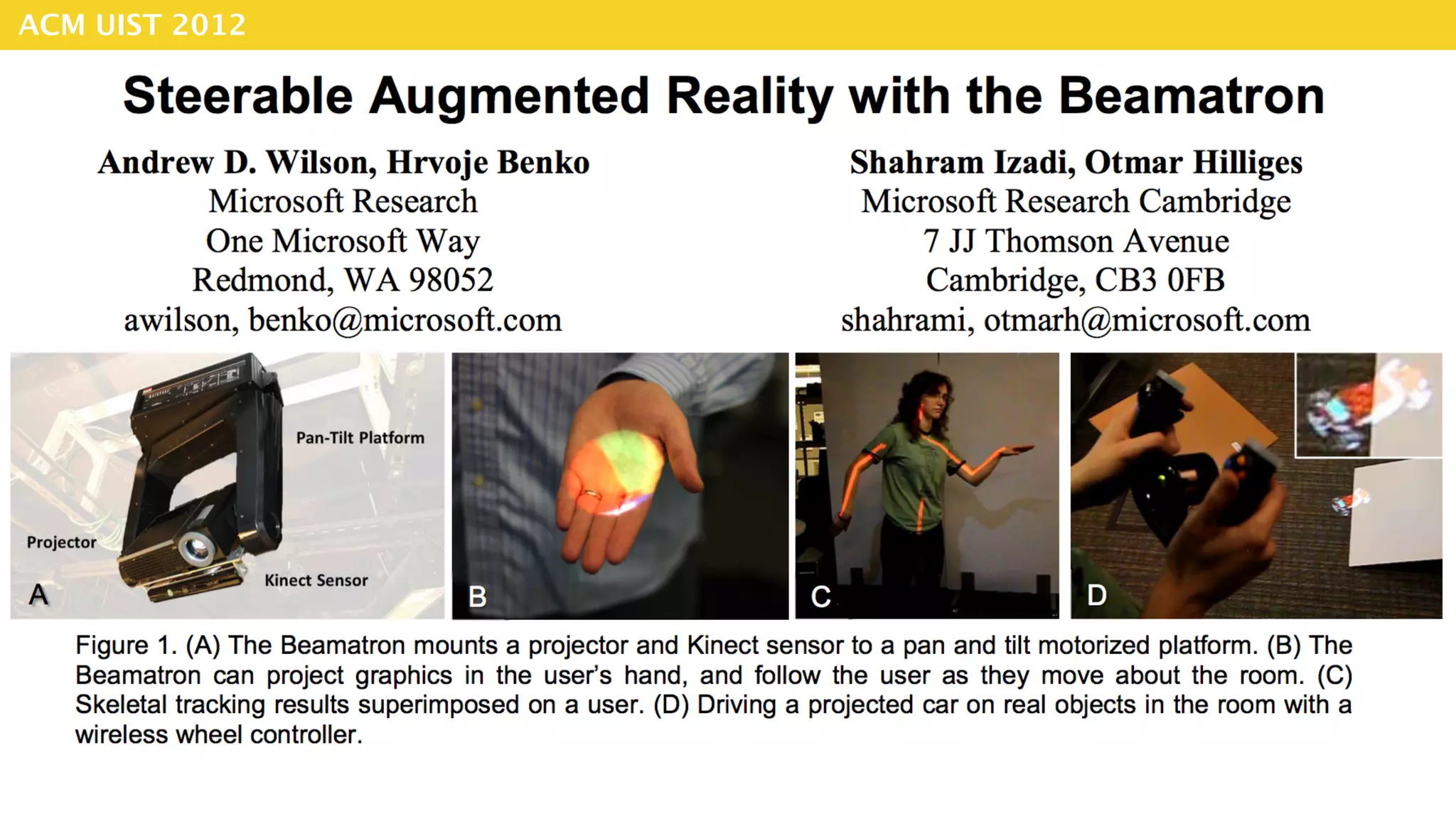
ACM UIST 2012
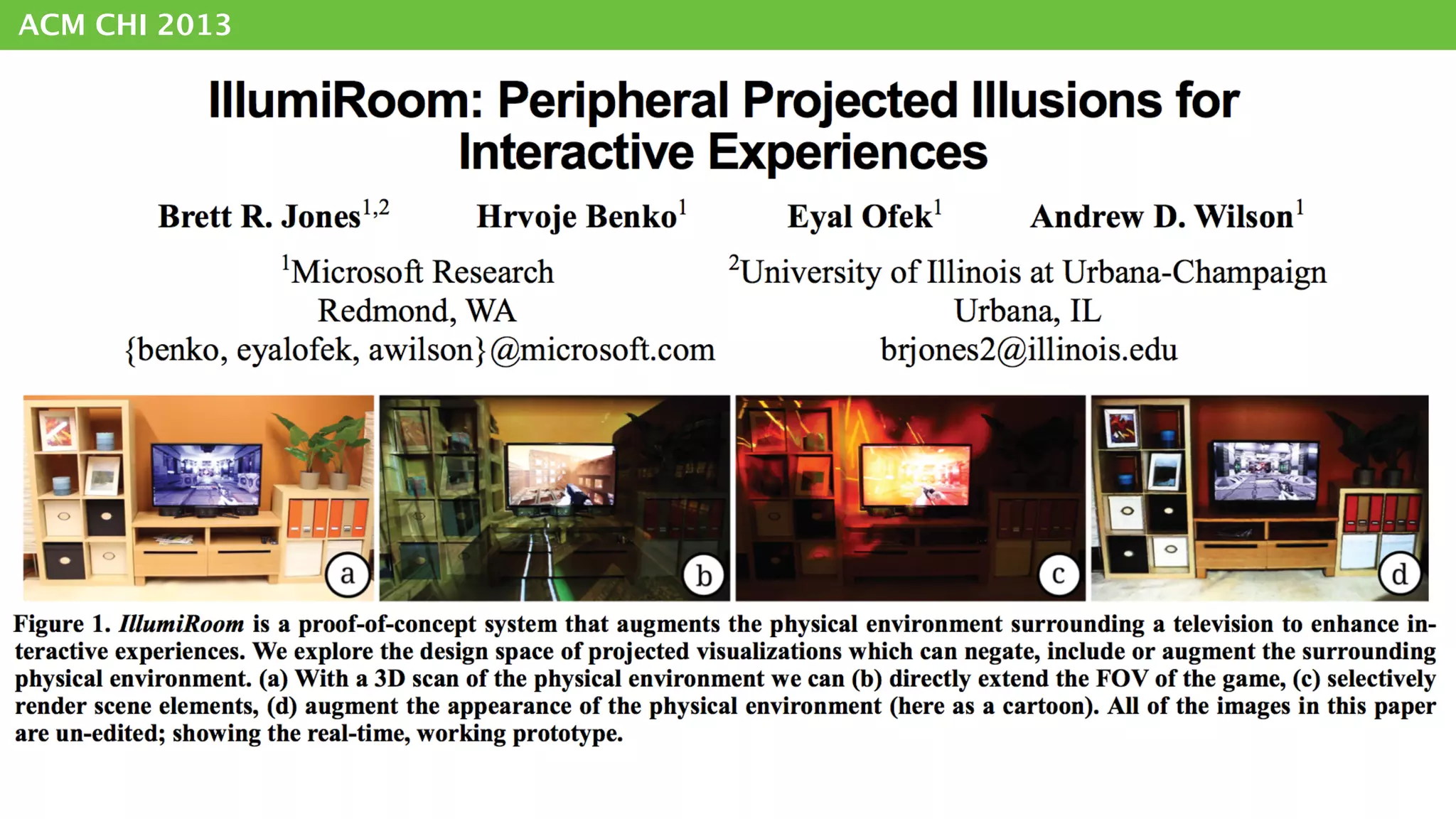
ACM CHI 2013
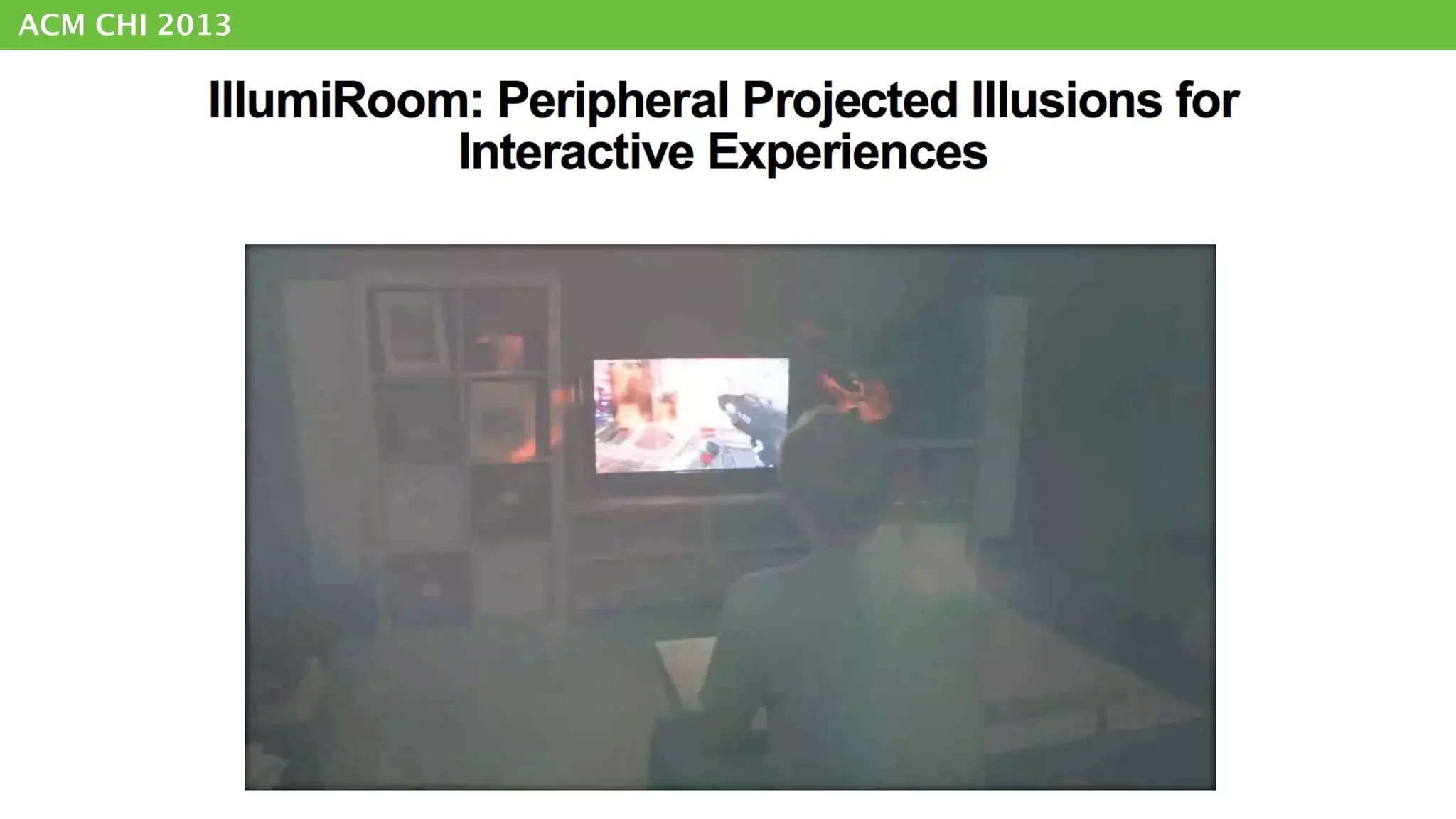
ACM CHI 2013
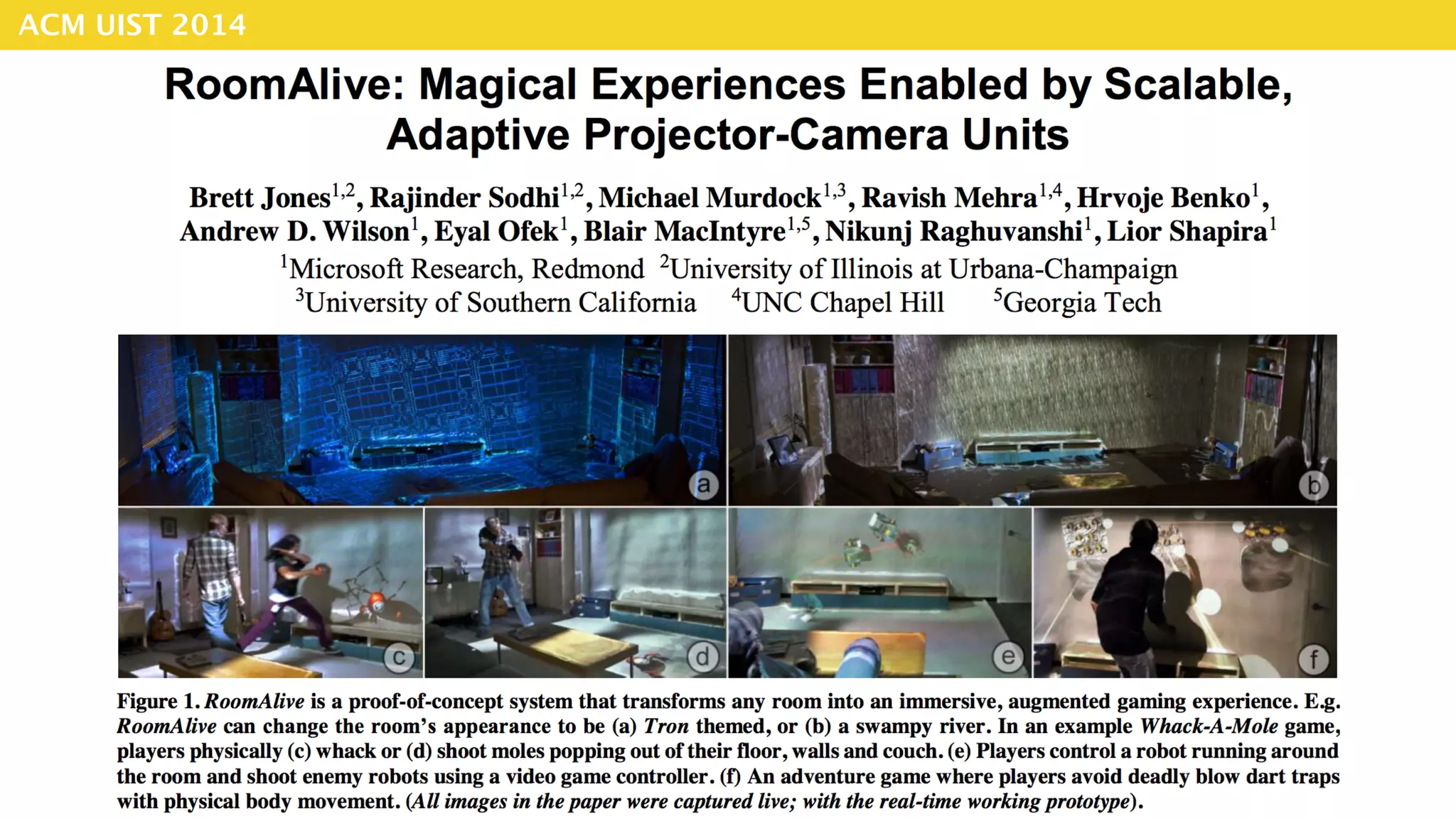
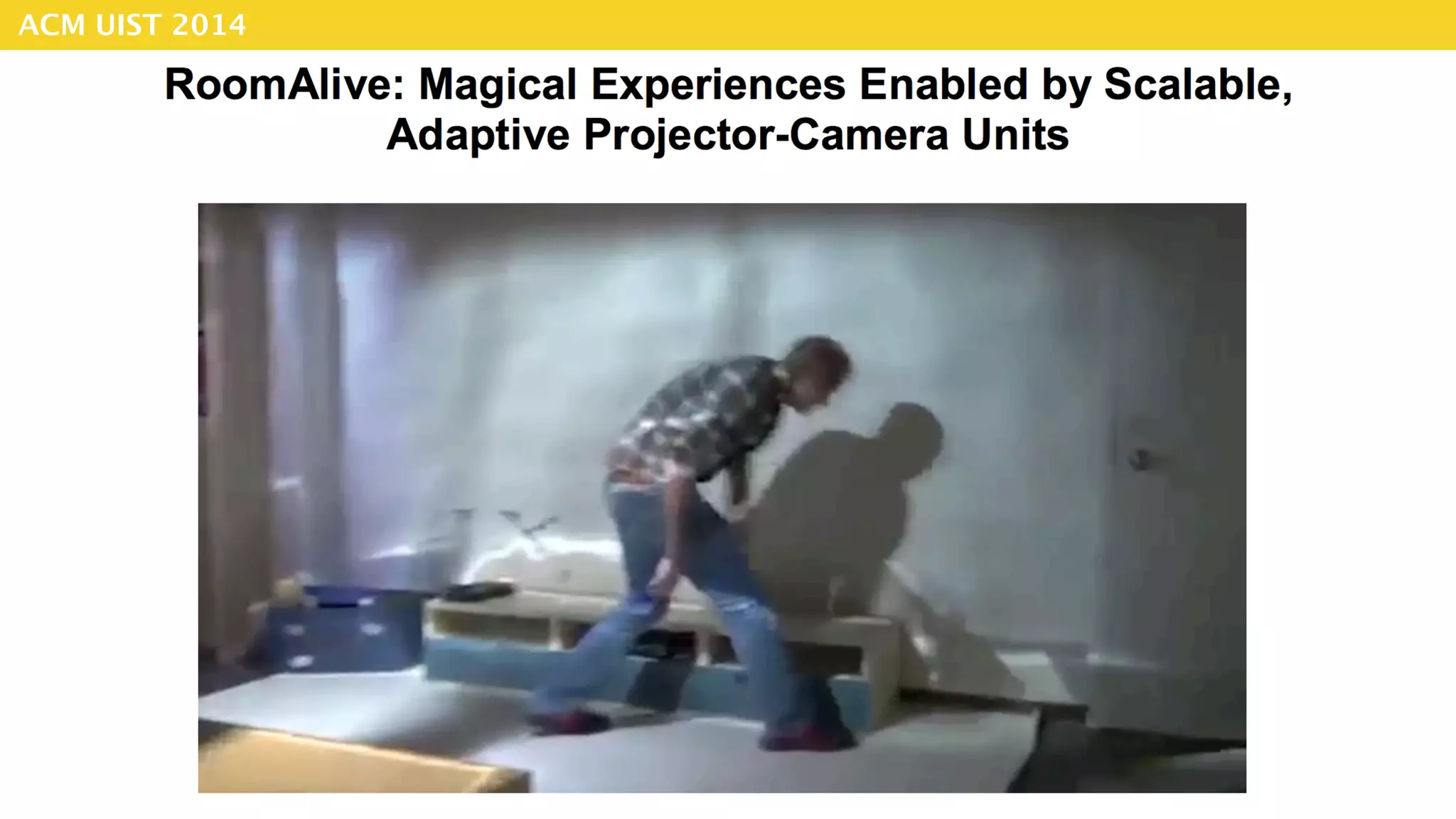
ACM UIST 2014
ACM UIST 2014
ACM UIST 2014
ACM UIST 2014
ACM UIST 2015
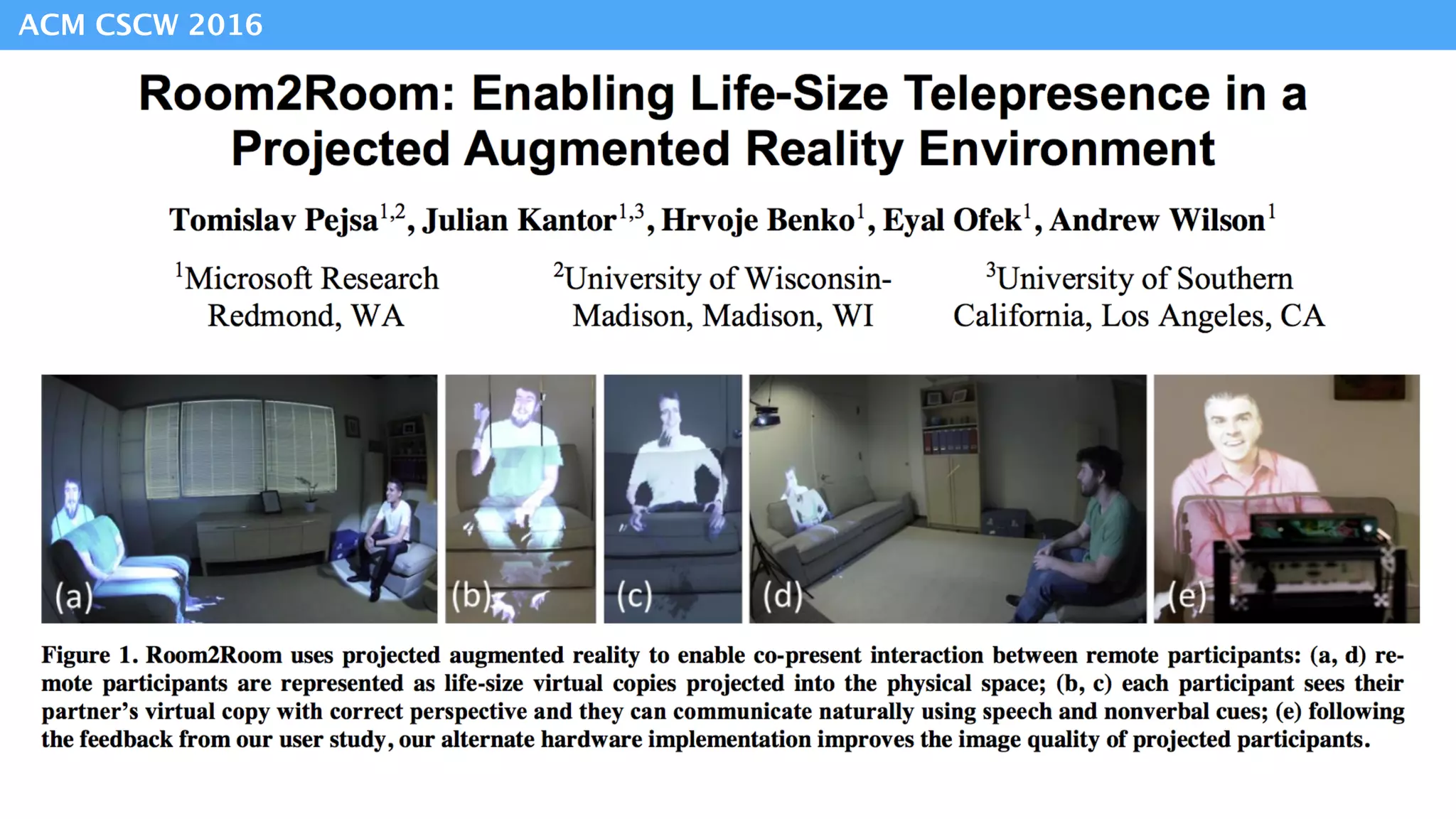
ACM CSCW 2016
Peripheral
Projected Displays
FoveAR
Extending
the FoV
Spatial Augmented
Reality
AR
Improve beam splitter design
head / shoulder - mounted projector
light field display
VR Multiple Displays
ShaderLamps [EWRT’01, Raskar]
MirageTable [CHI’12, Benko]
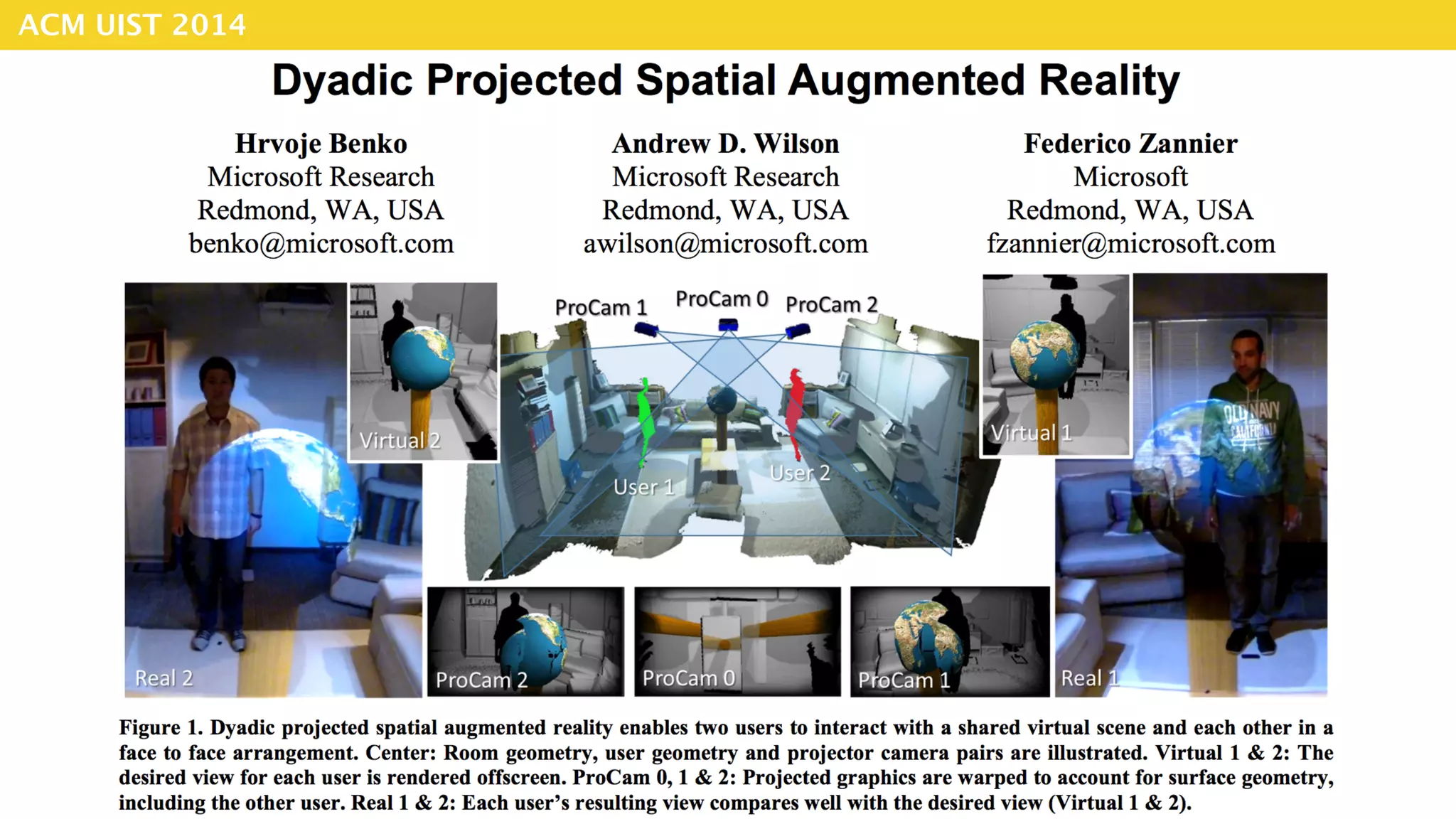
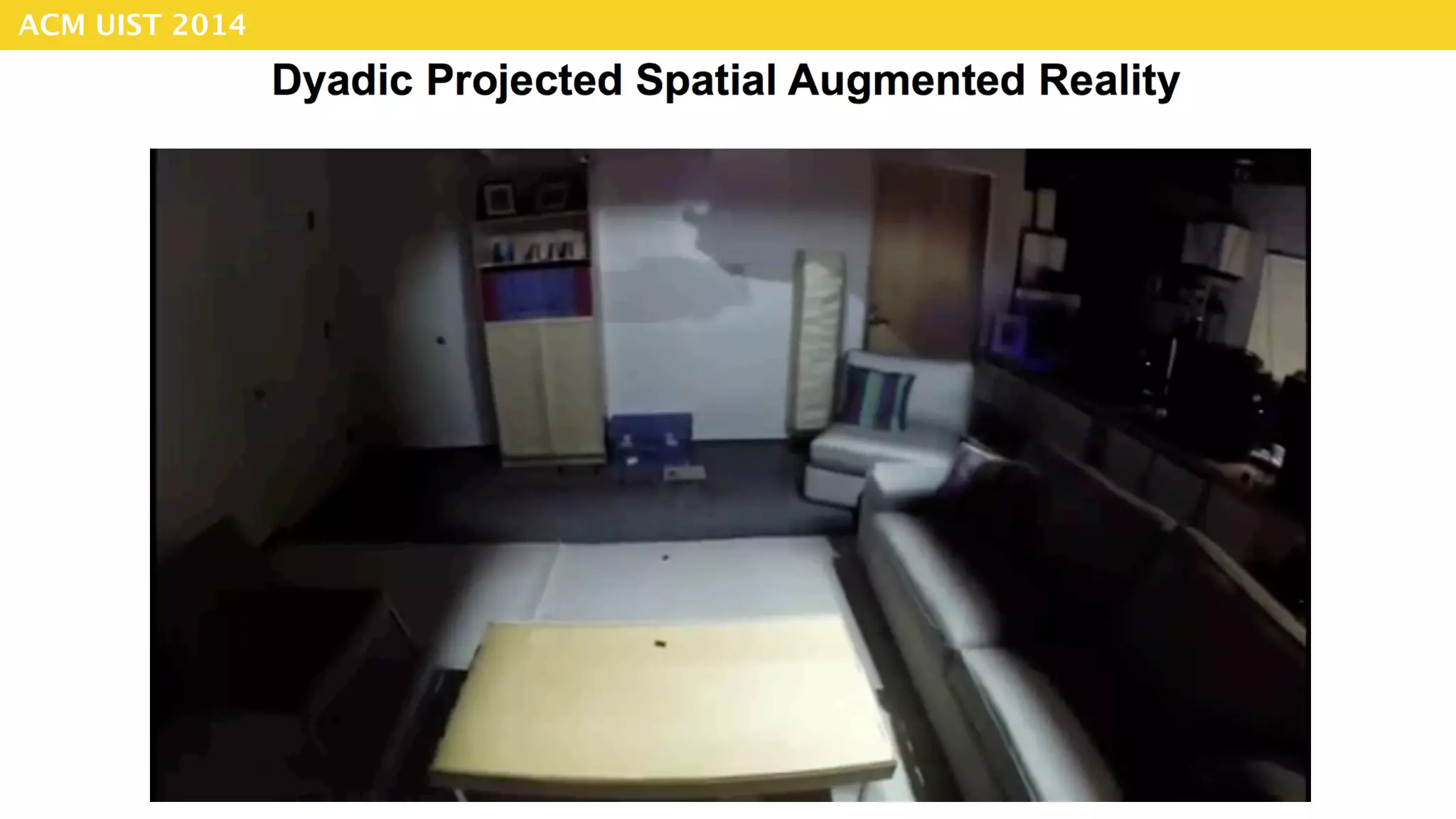
Dyadic SAR [UIST’14, Benko]
IllumiRoom [CHI’13, Jones]
Occlusion Shadows [ISMAR’02, Bimber]
[UIST ’15, Benko ]
Peripheral
Projected Displays
FoveAR
Extending
the FoV
Spatial Augmented
Reality
AR
Improve beam splitter design
head / shoulder - mounted projector
light field display
VR Multiple Displays
ShaderLamps [EWRT’01, Raskar]
MirageTable [CHI’12, Benko]
Dyadic SAR [UIST’14, Benko]
IllumiRoom [CHI’13, Jones]
Occlusion Shadows [ISMAR’02, Bimber]
[UIST ’15, Benko ]
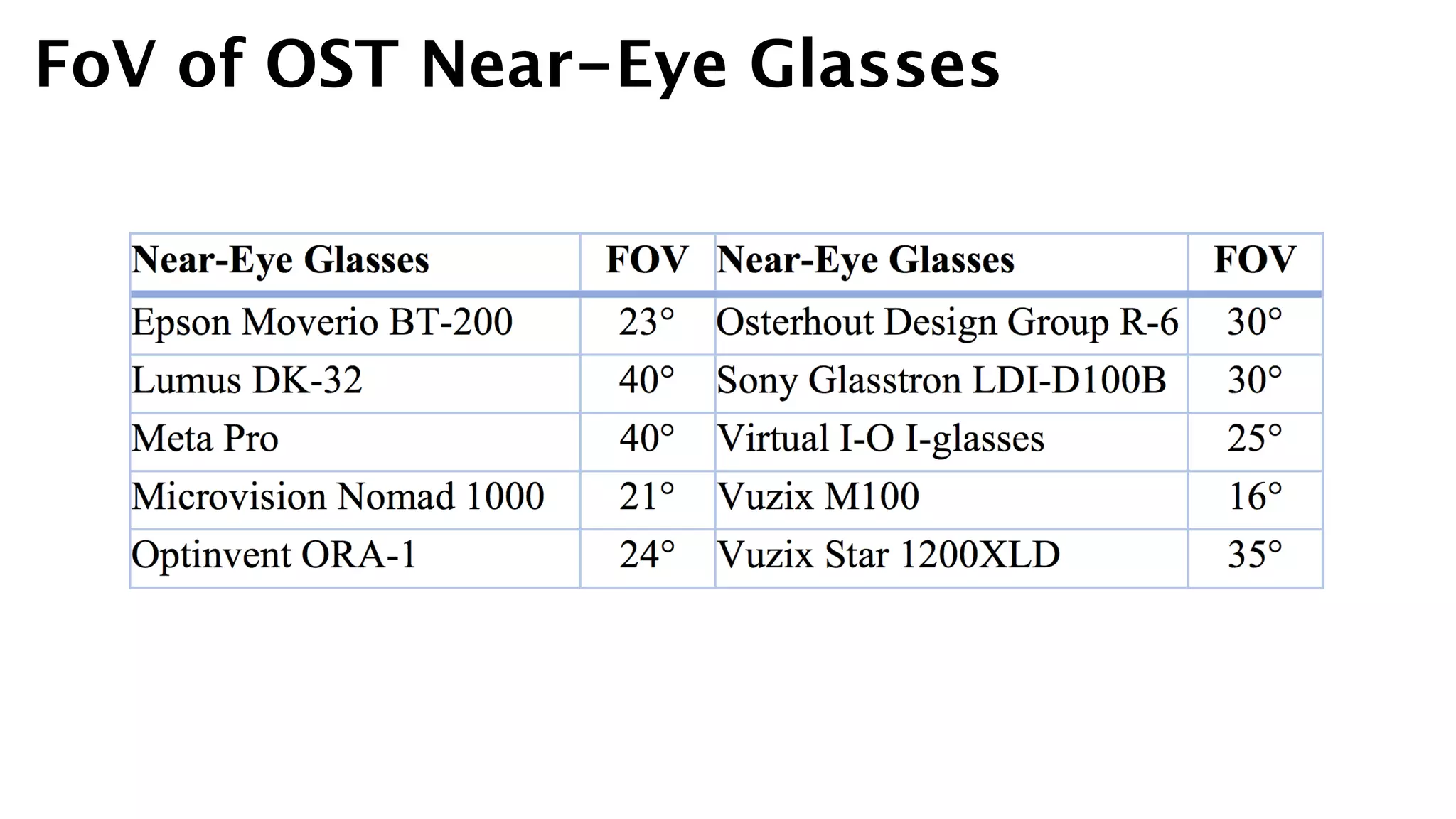
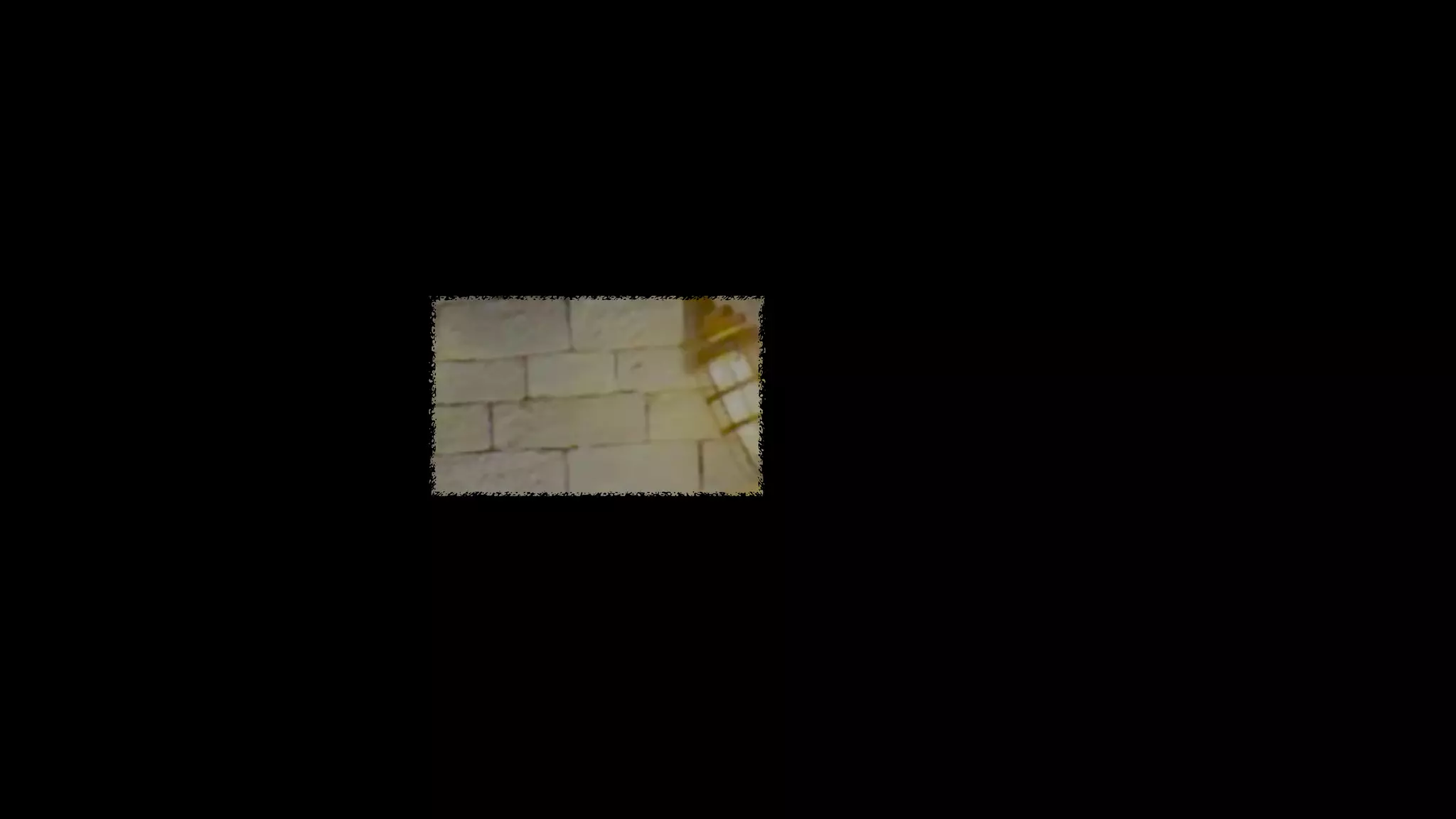
FoV of OST Near-Eye Glasses
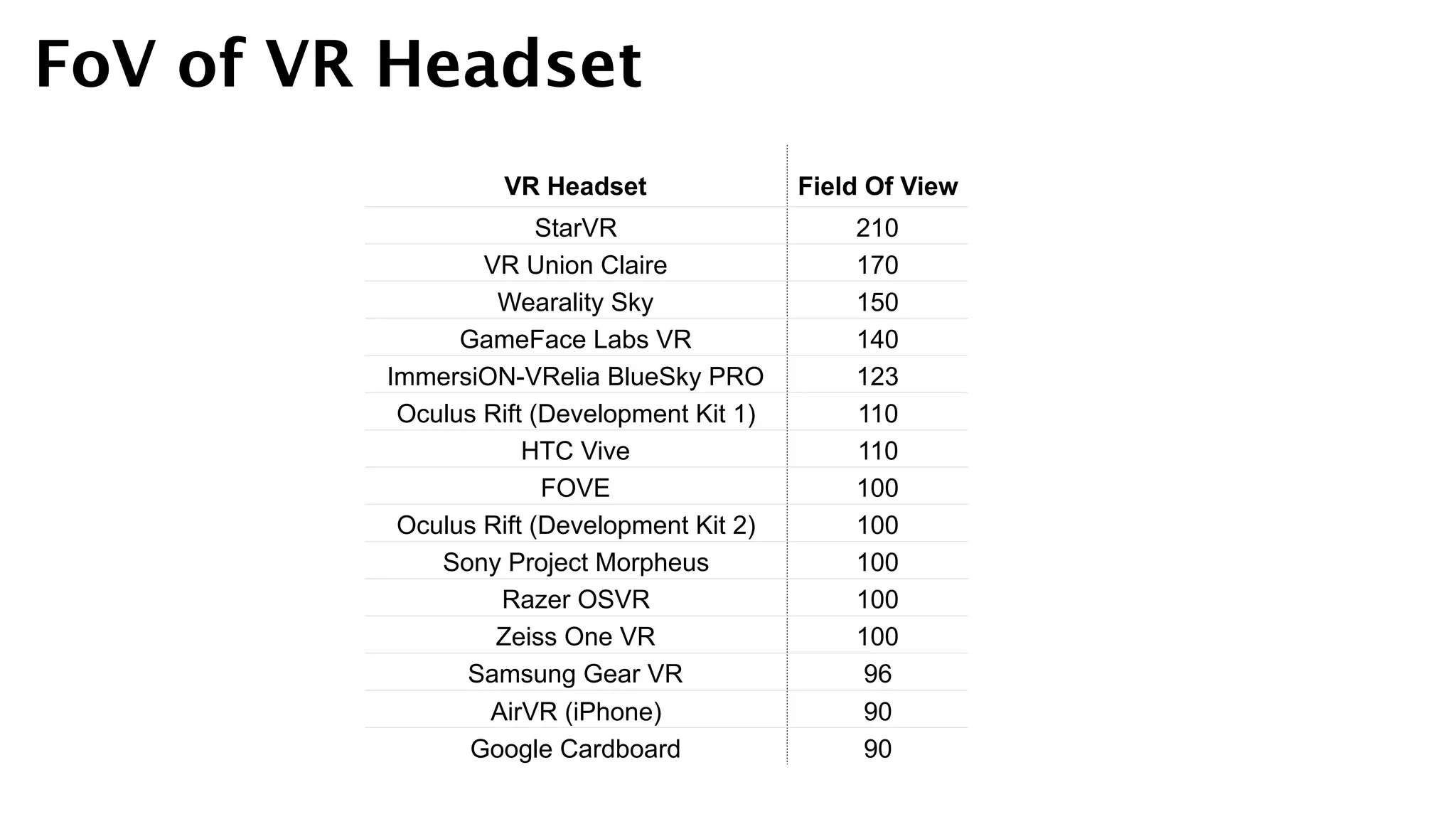
FoV of VR Headset
VR Headset Field Of View
StarVR 210
VR Union Claire 170
Wearality Sky 150
GameFace Labs VR 140
ImmersiON-VRelia BlueSky PRO 123
Oculus Rift (Development Kit 1) 110
HTC Vive 110
FOVE 100
Oculus Rift (Development Kit 2) 100
Sony Project Morpheus 100
Razer OSVR 100
Zeiss One VR 100
Samsung Gear VR 96
AirVR (iPhone) 90
Google Cardboard 90
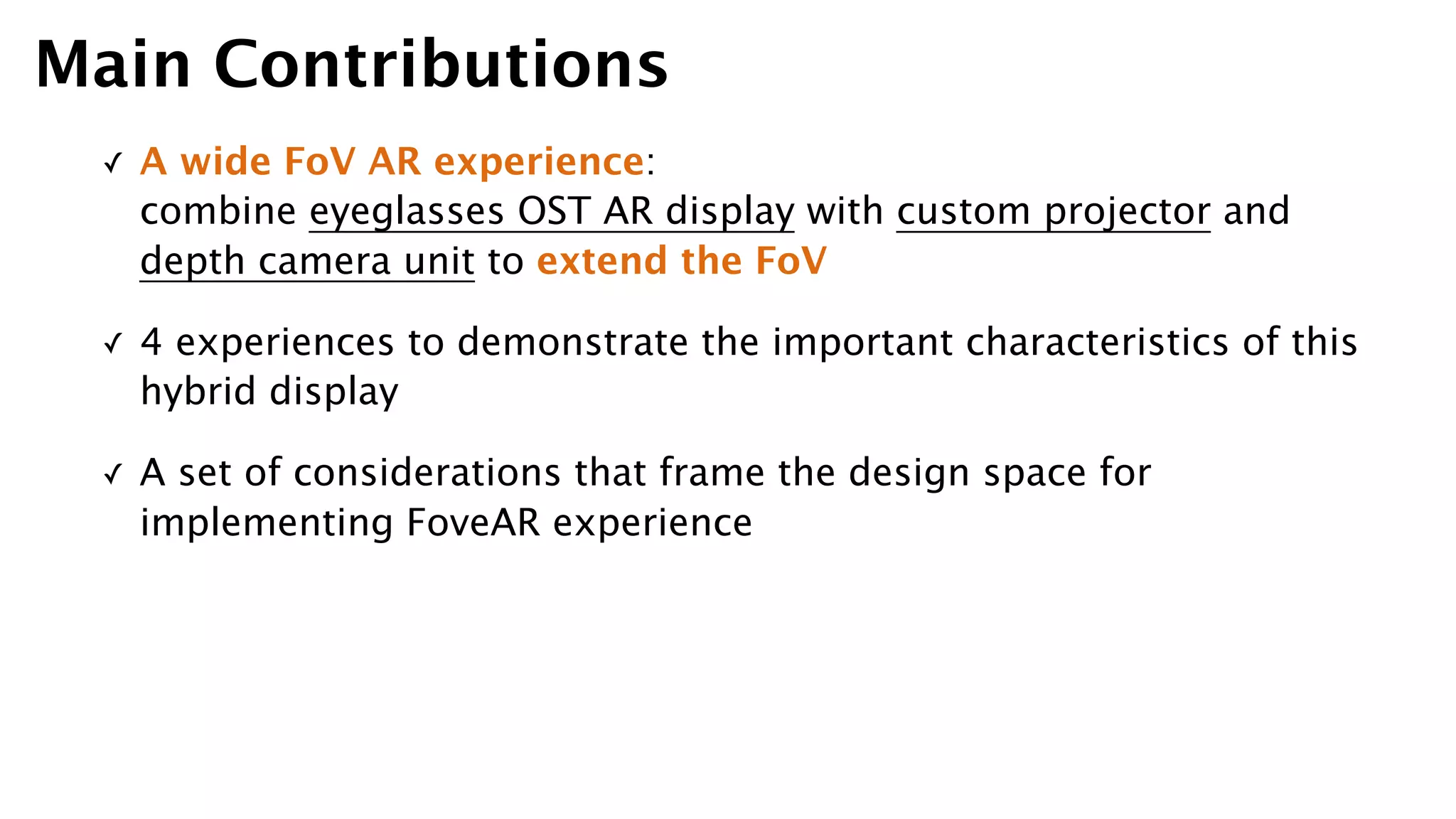
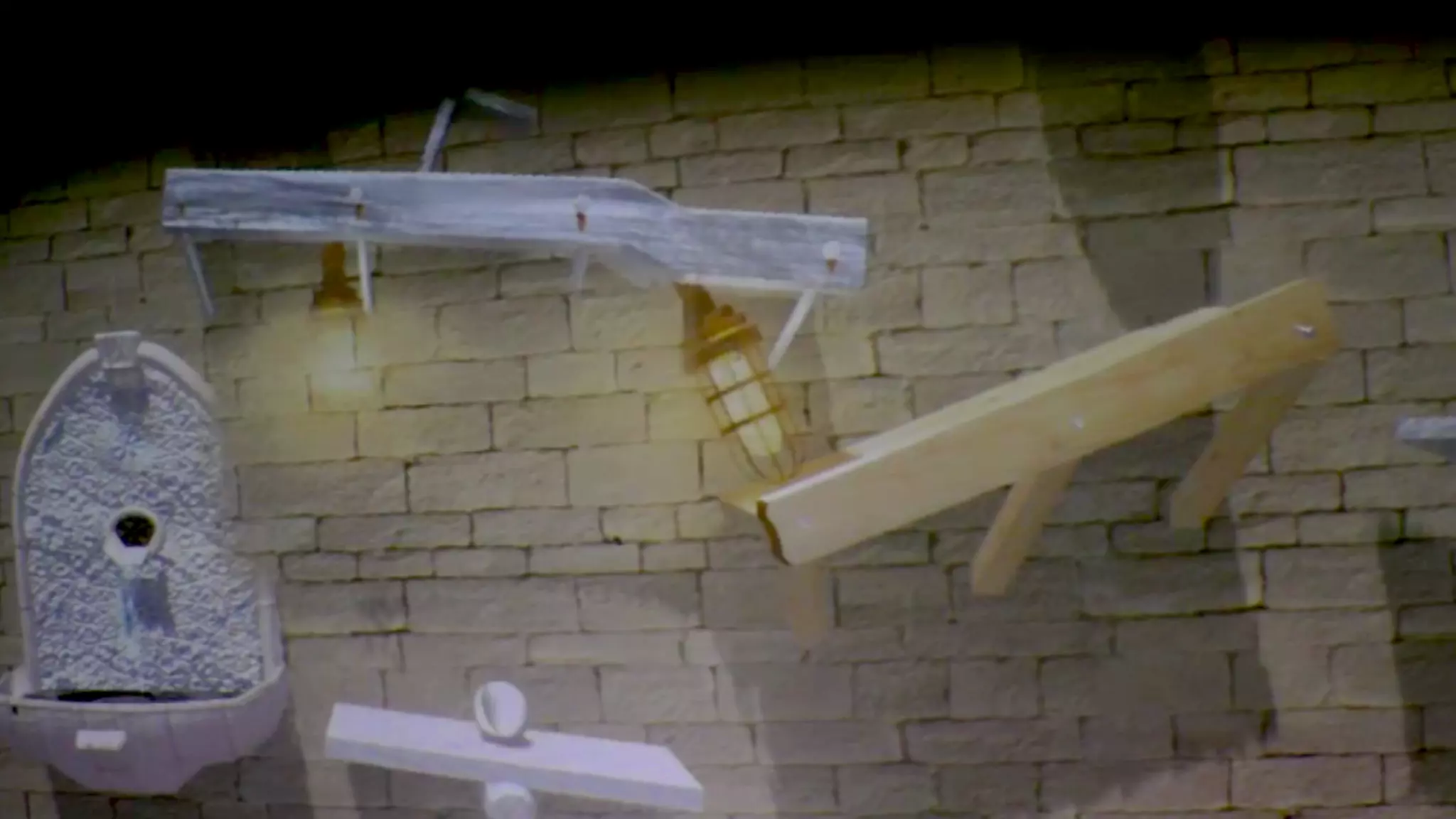
✓ A wide FoV AR experience: 

combine eyeglasses OST AR display with custom projector and
depth camera unit to extend the FoV
✓ 4 experiences to demonstrate the important characteristics of this
hybrid display
✓ A set of considerations that frame the design space for
implementing FoveAR experience
Main Contributions
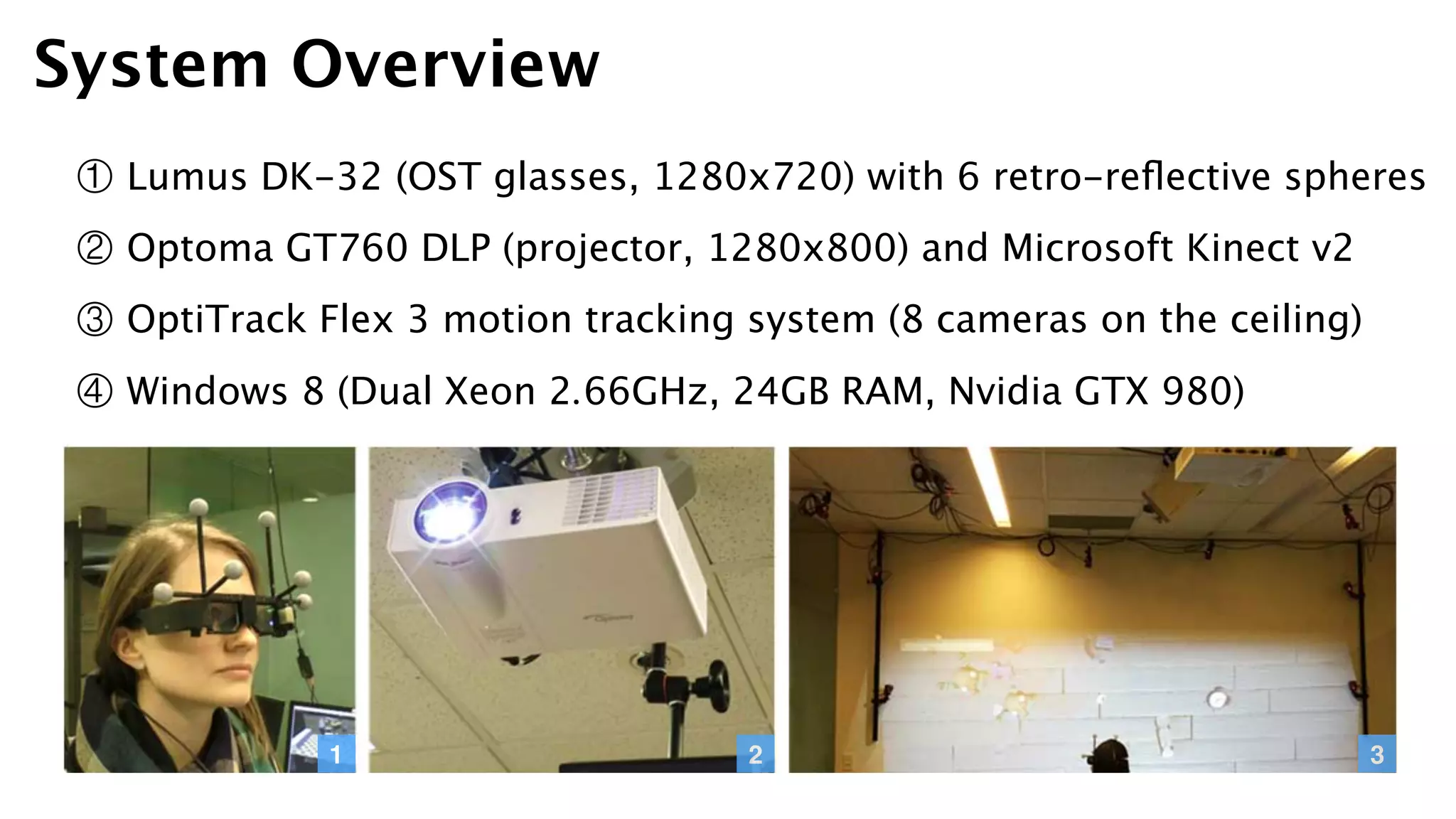
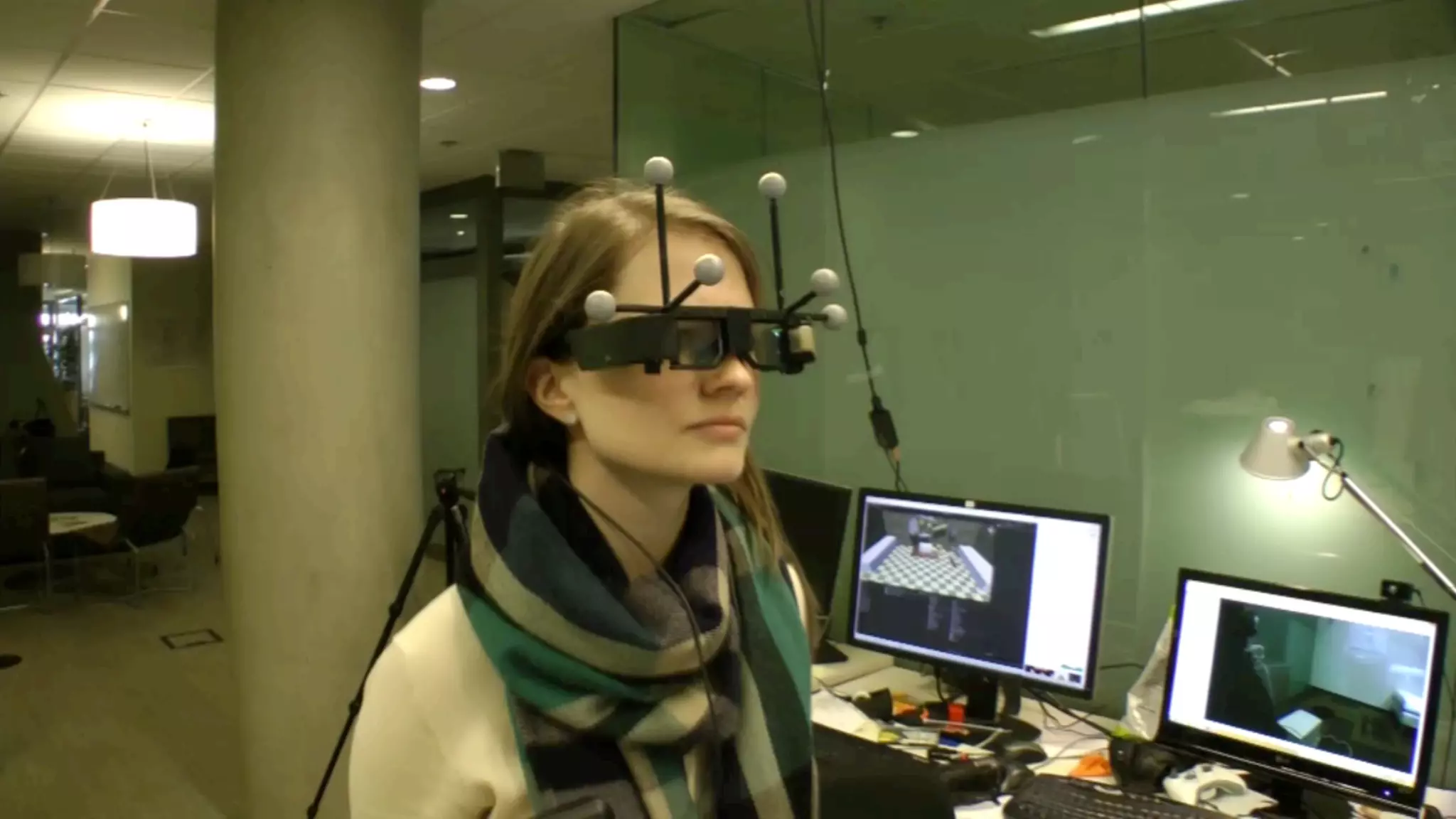
① Lumus DK-32 (OST glasses, 1280x720) with 6 retro-reflective spheres
② Optoma GT760 DLP (projector, 1280x800) and Microsoft Kinect v2
③ OptiTrack Flex 3 motion tracking system (8 cameras on the ceiling)
④ Windows 8 (Dual Xeon 2.66GHz, 24GB RAM, Nvidia GTX 980)
System Overview
1 2 3
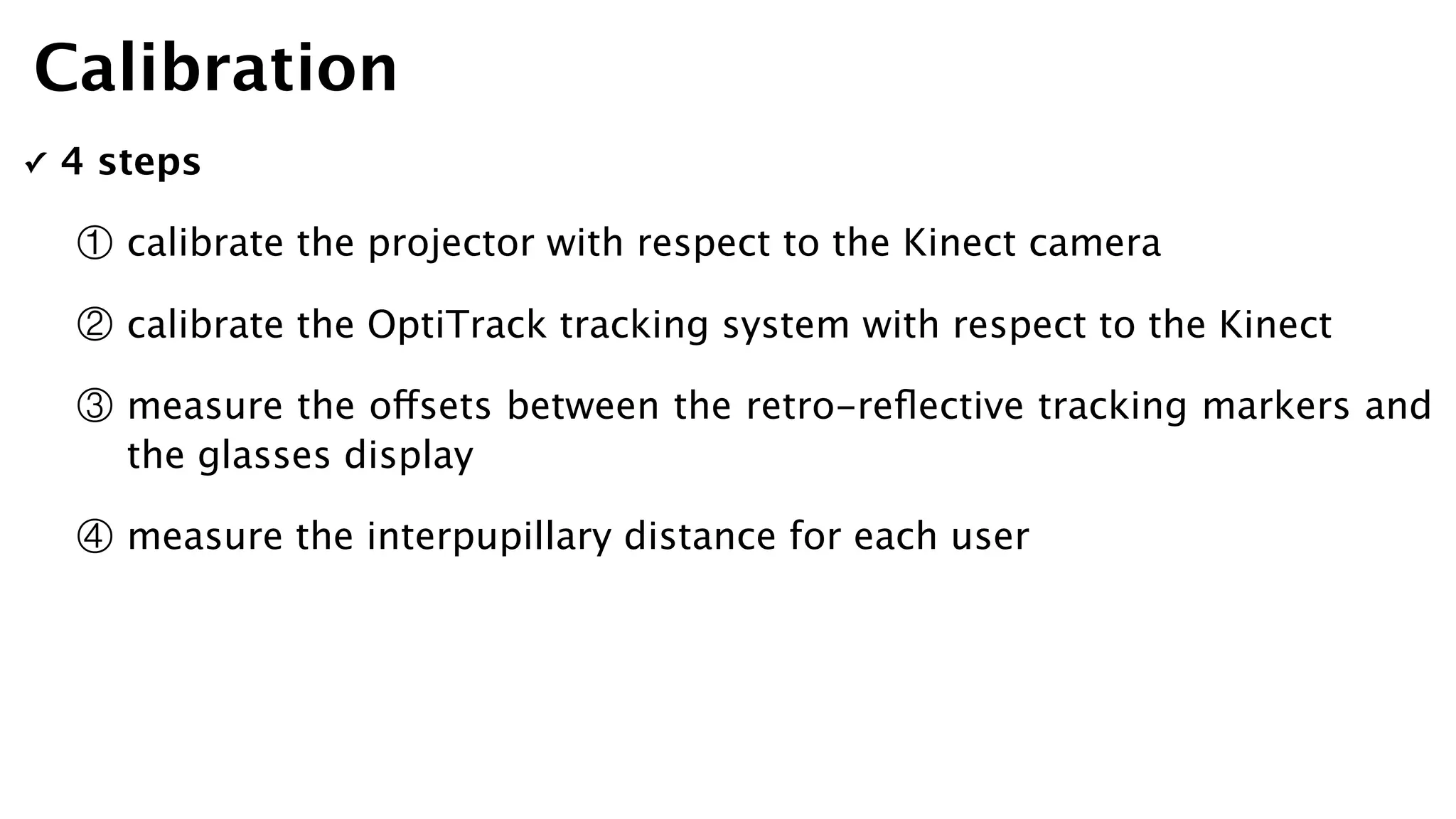
✓ 4 steps
① calibrate the projector with respect to the Kinect camera
② calibrate the OptiTrack tracking system with respect to the Kinect
③ measure the offsets between the retro-reflective tracking markers and
the glasses display
④ measure the interpupillary distance for each user
Calibration
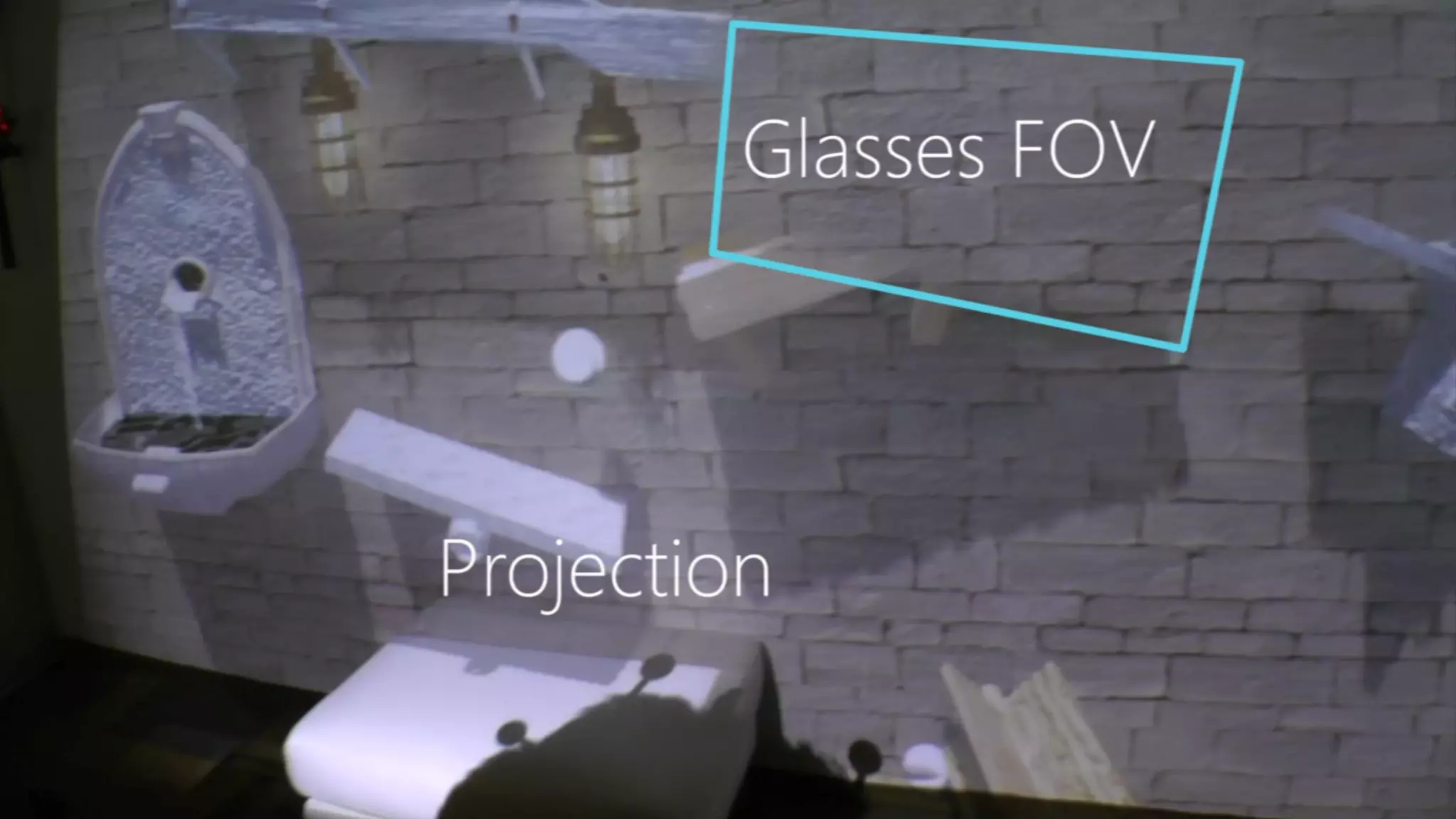
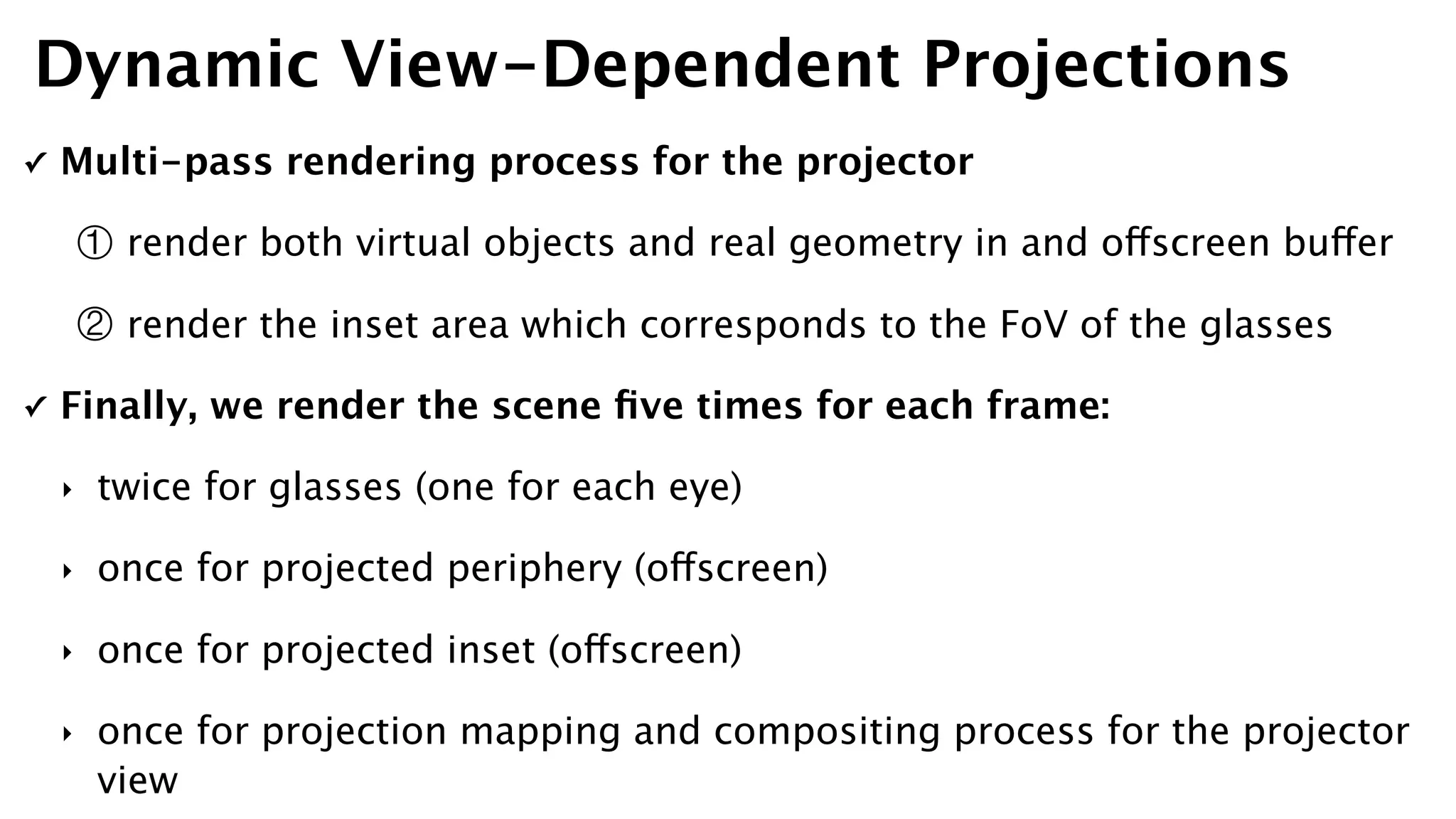
✓ Multi-pass rendering process for the projector
① render both virtual objects and real geometry in and offscreen buffer
② render the inset area which corresponds to the FoV of the glasses
✓ Finally, we render the scene five times for each frame:
‣ twice for glasses (one for each eye)
‣ once for projected periphery (offscreen)
‣ once for projected inset (offscreen)
‣ once for projection mapping and compositing process for the projector
view
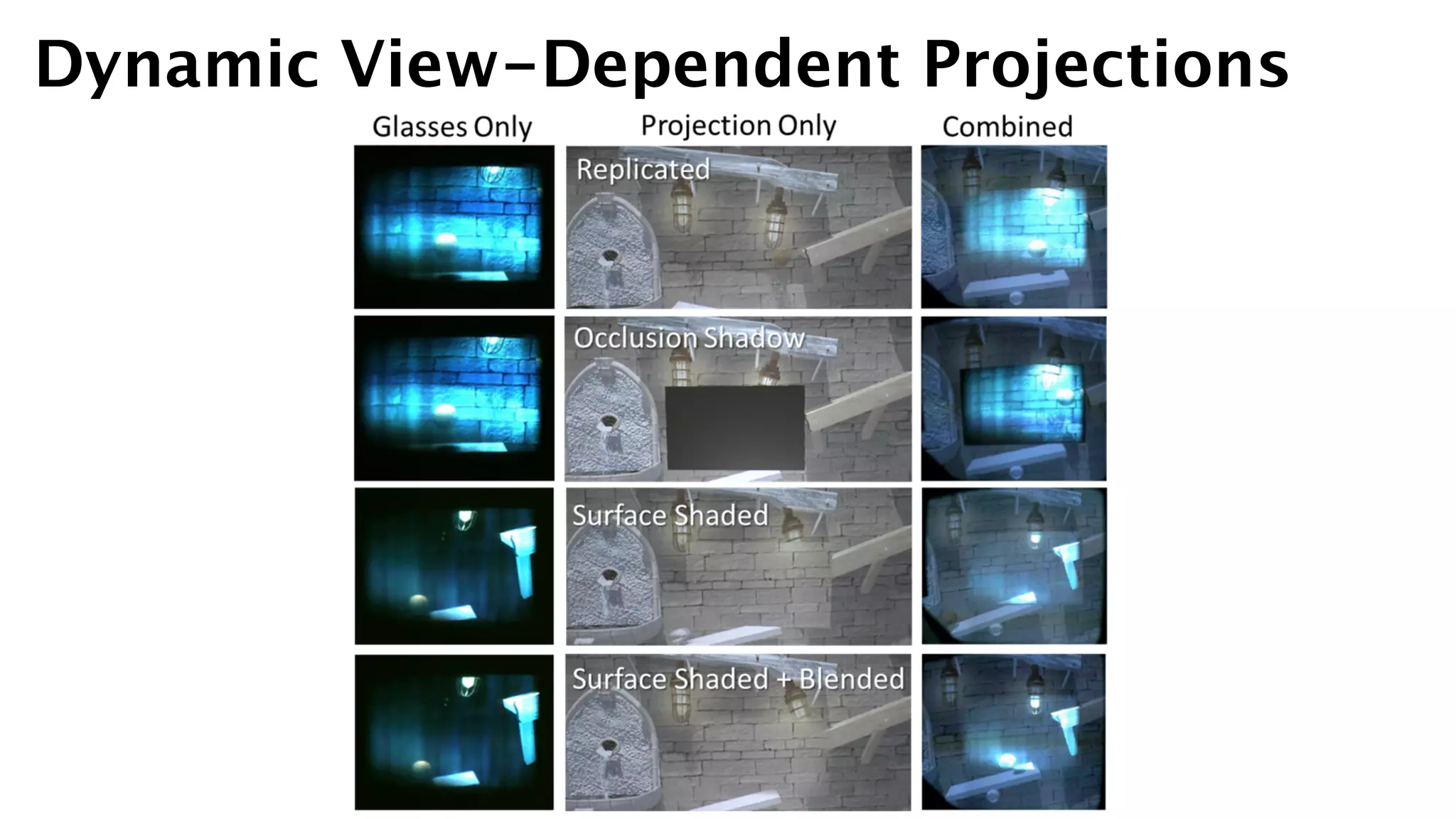
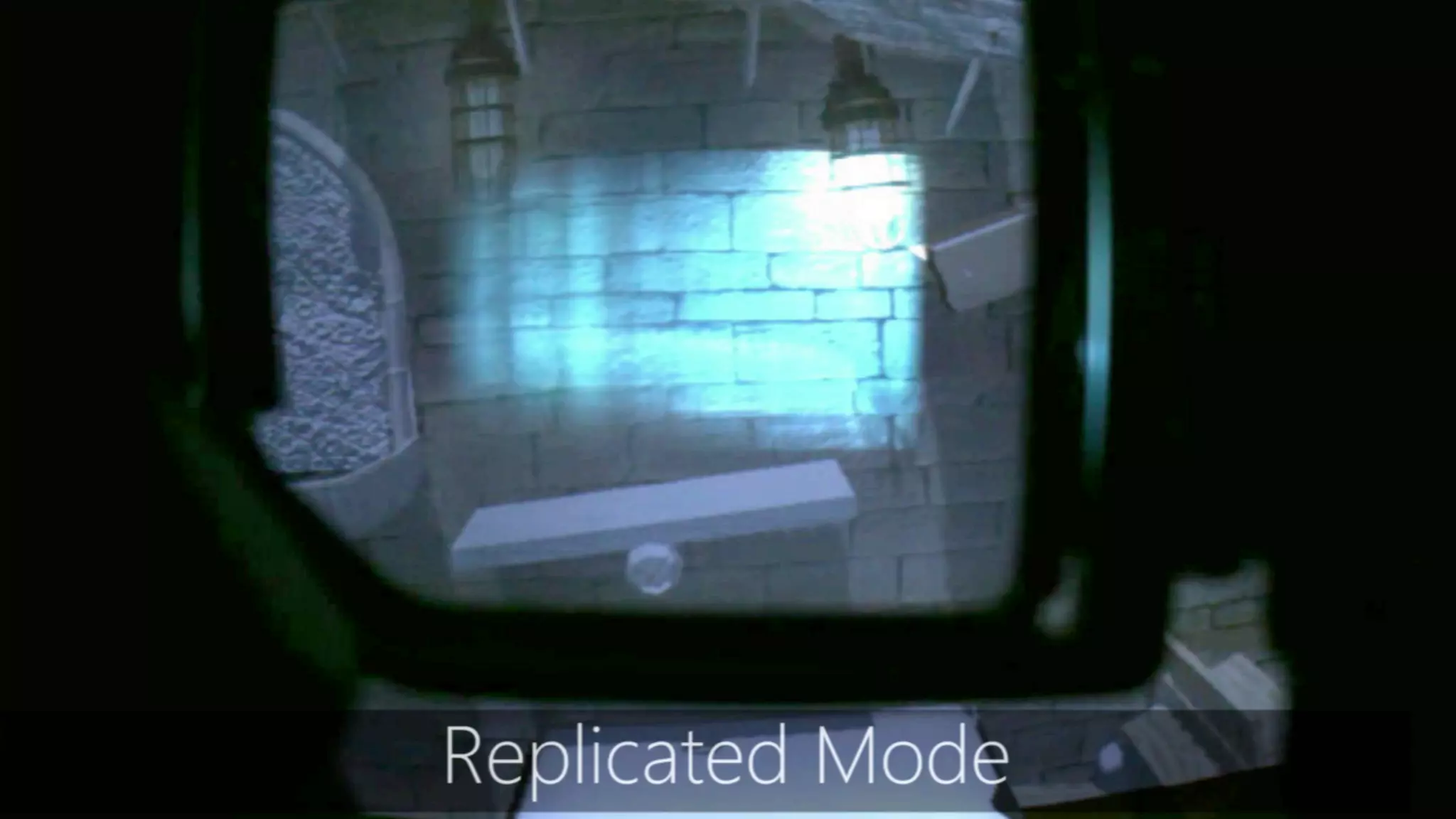
Dynamic View-Dependent Projections
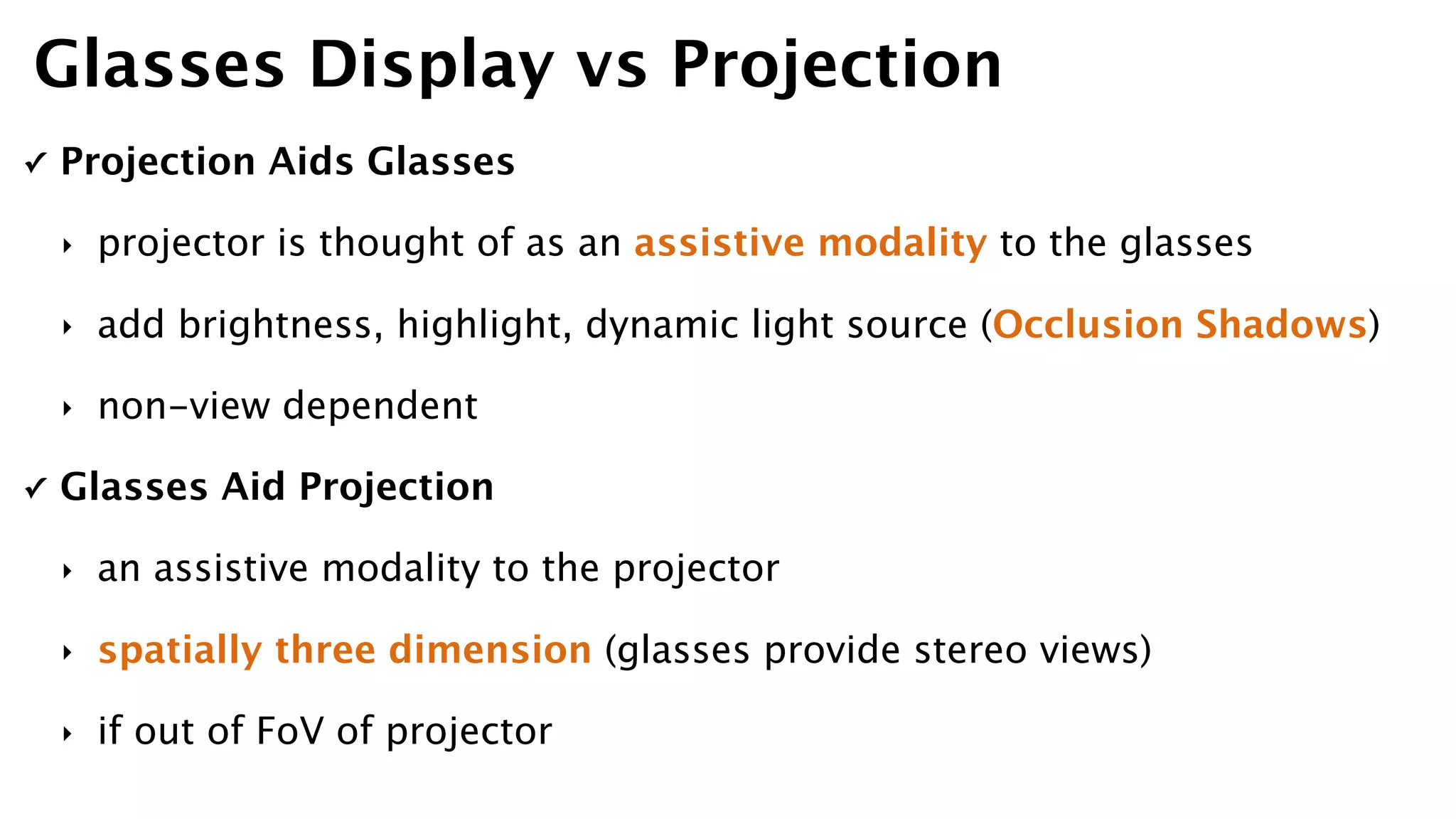
✓ Projection Aids Glasses
‣ projector is thought of as an assistive modality to the glasses
‣ add brightness, highlight, dynamic light source (Occlusion Shadows)
‣ non-view dependent
✓ Glasses Aid Projection
‣ an assistive modality to the projector
‣ spatially three dimension (glasses provide stereo views)
‣ if out of FoV of projector
Glasses Display vs Projection
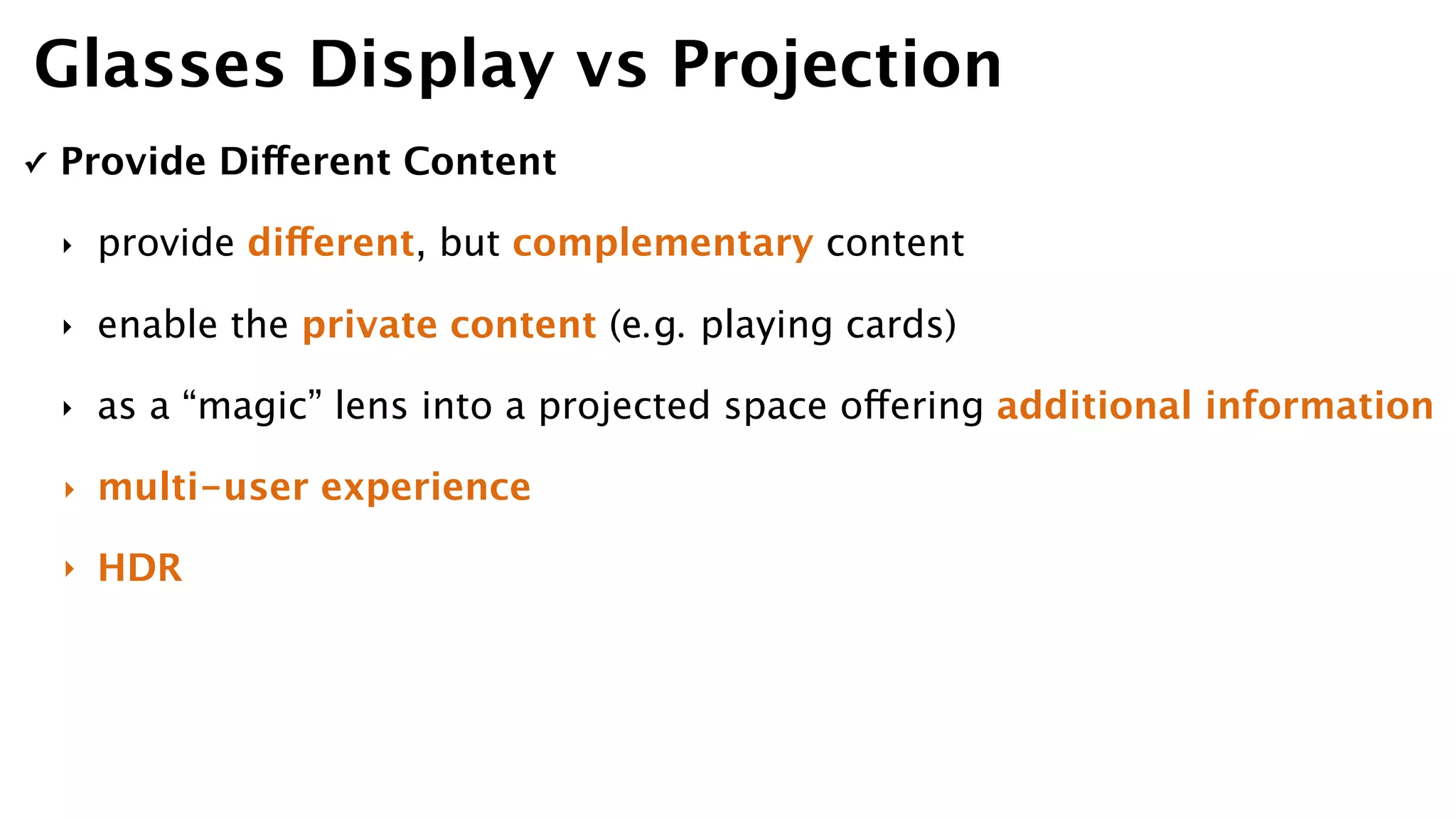
✓ Provide Different Content
‣ provide different, but complementary content
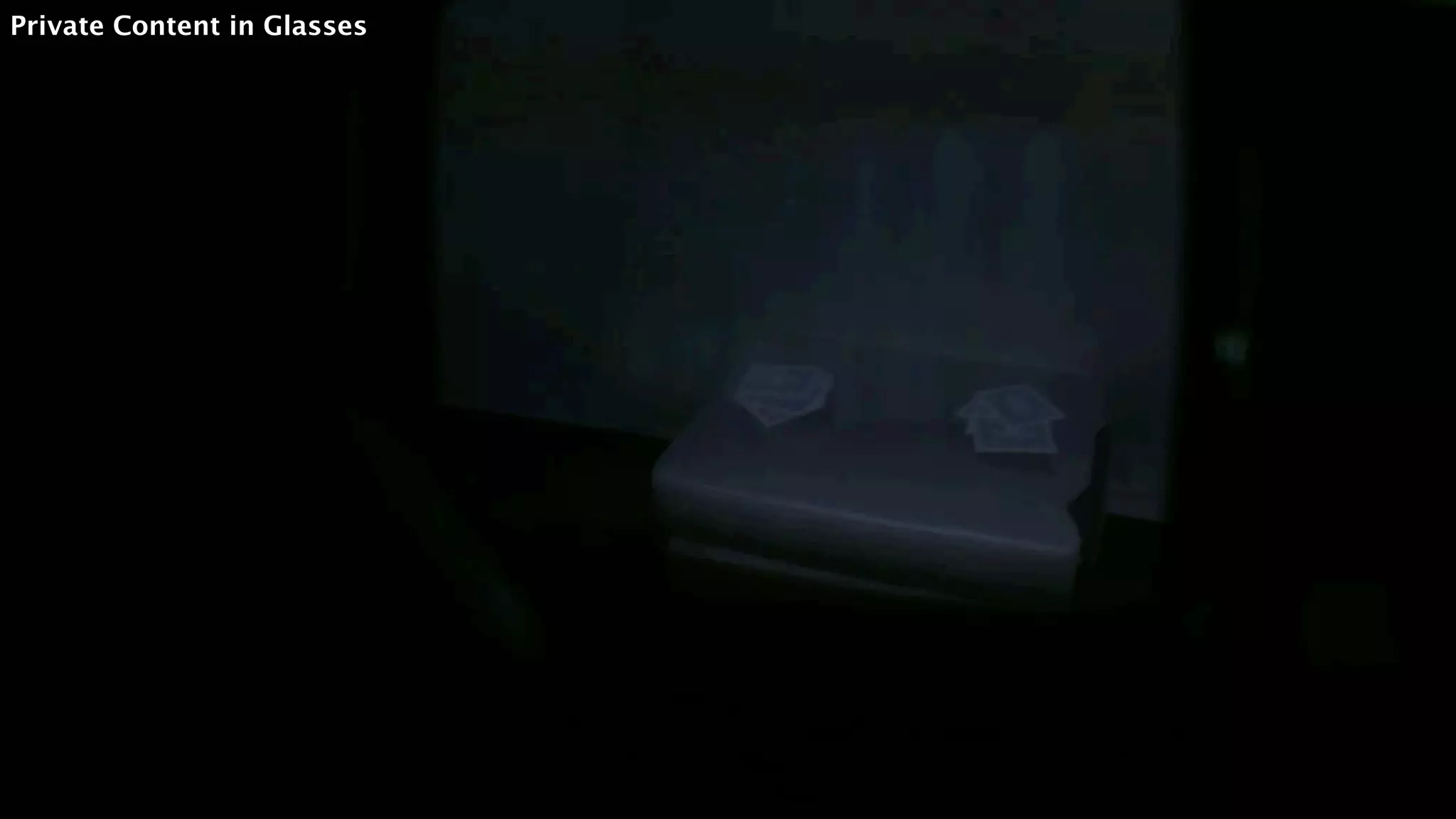
‣ enable the private content (e.g. playing cards)
‣ as a “magic” lens into a projected space offering additional information
‣ multi-user experience
‣ HDR
Glasses Display vs Projection
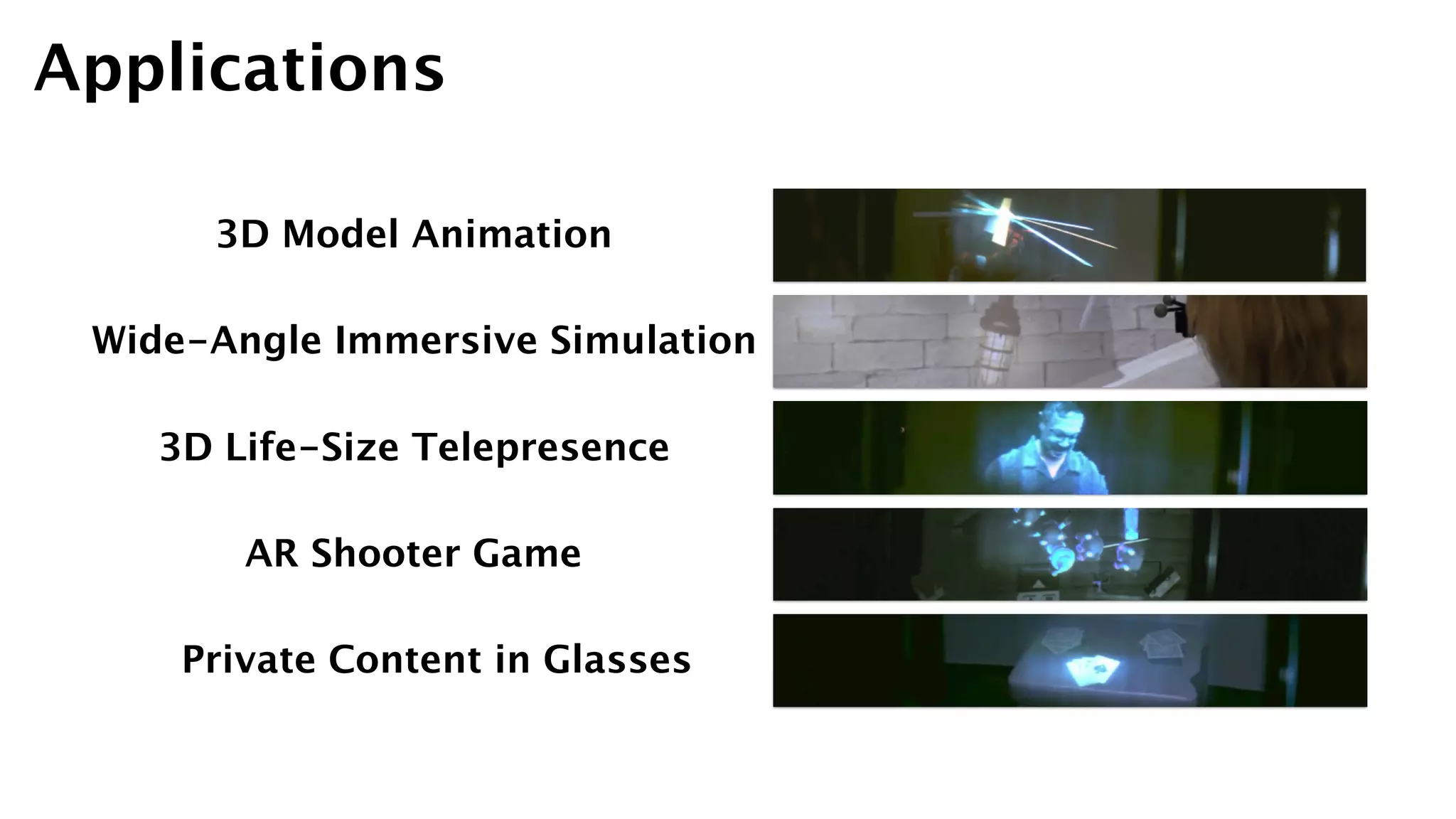
Applications
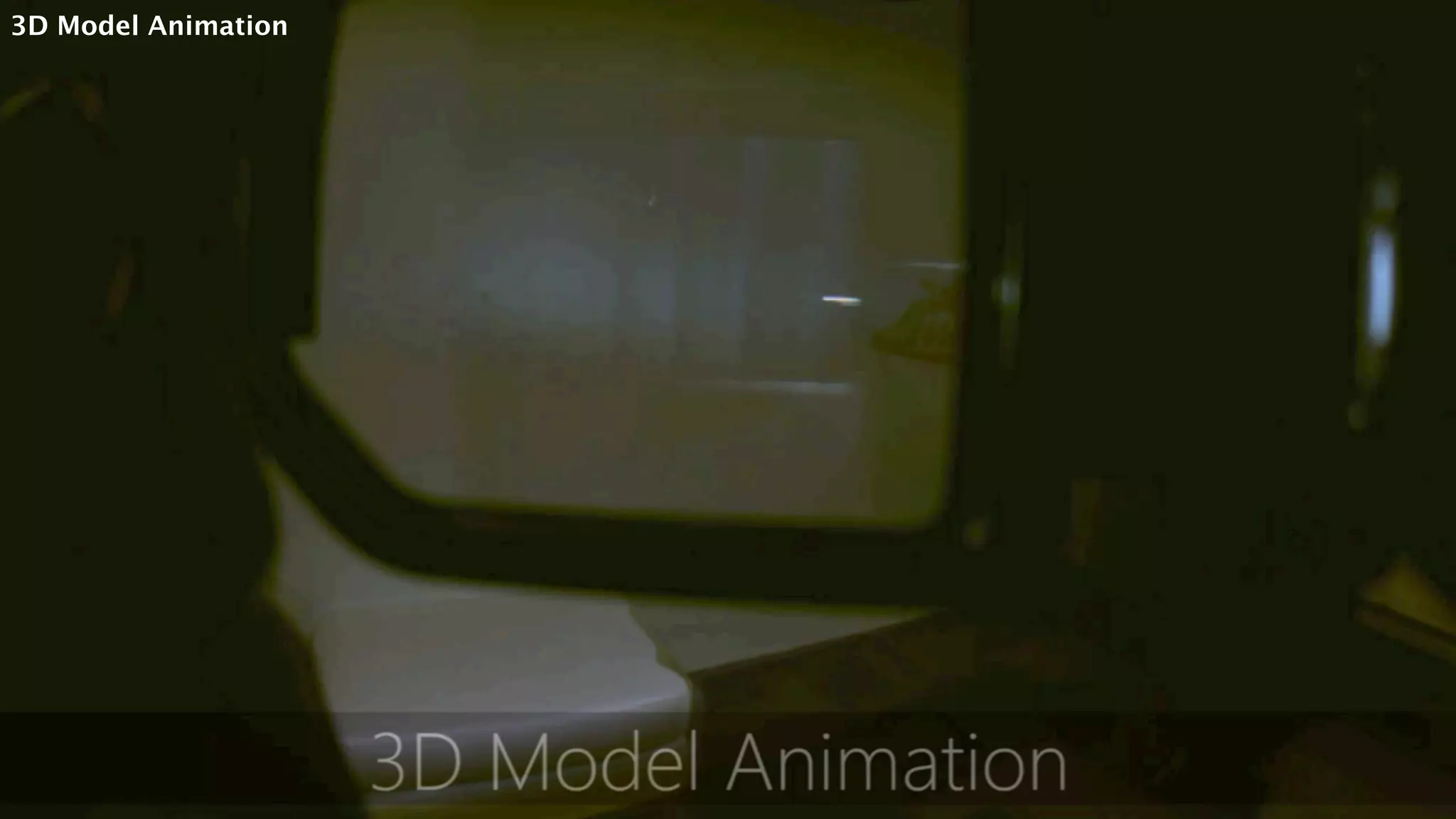
3D Model Animation
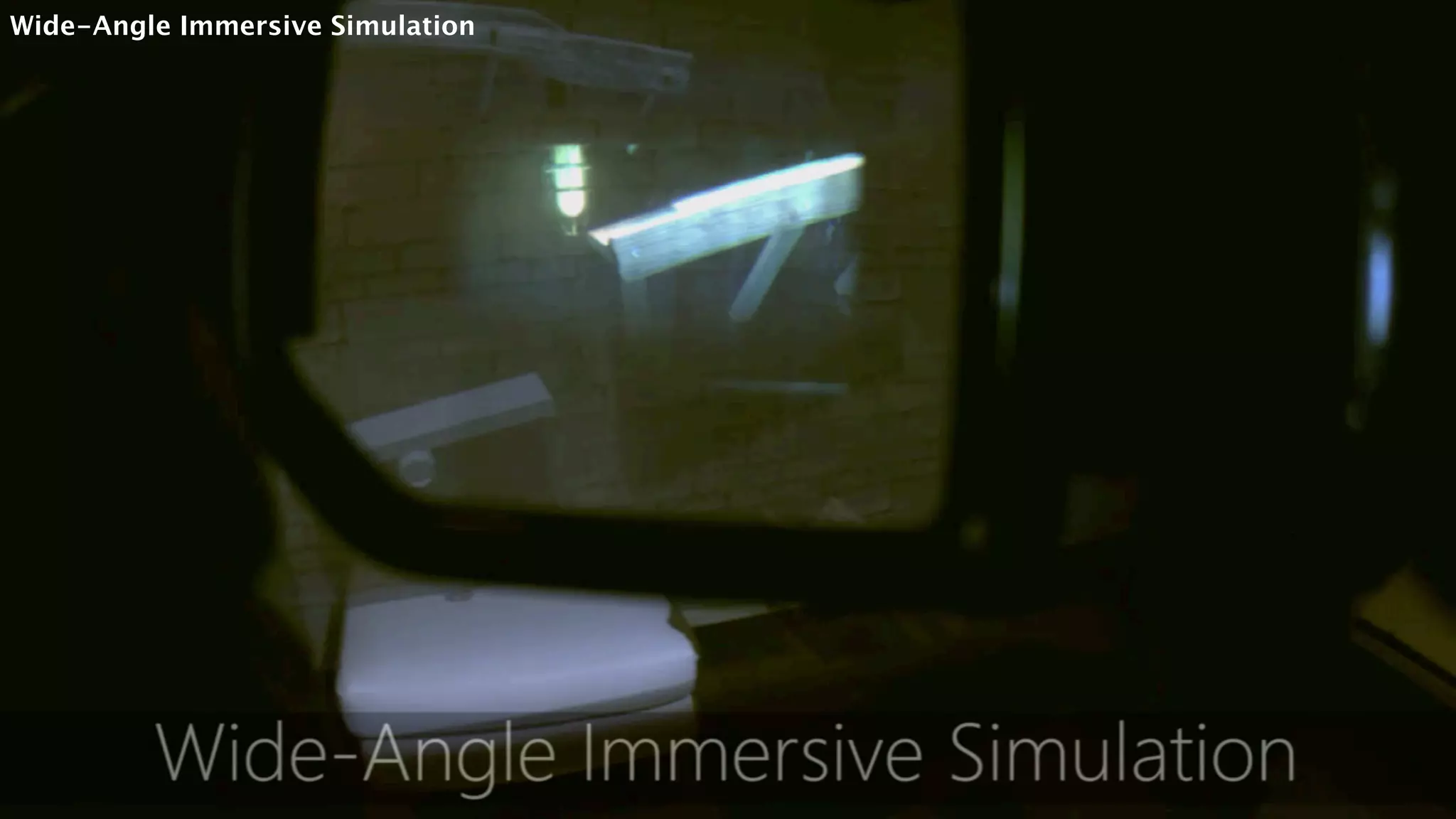
Wide-Angle Immersive Simulation
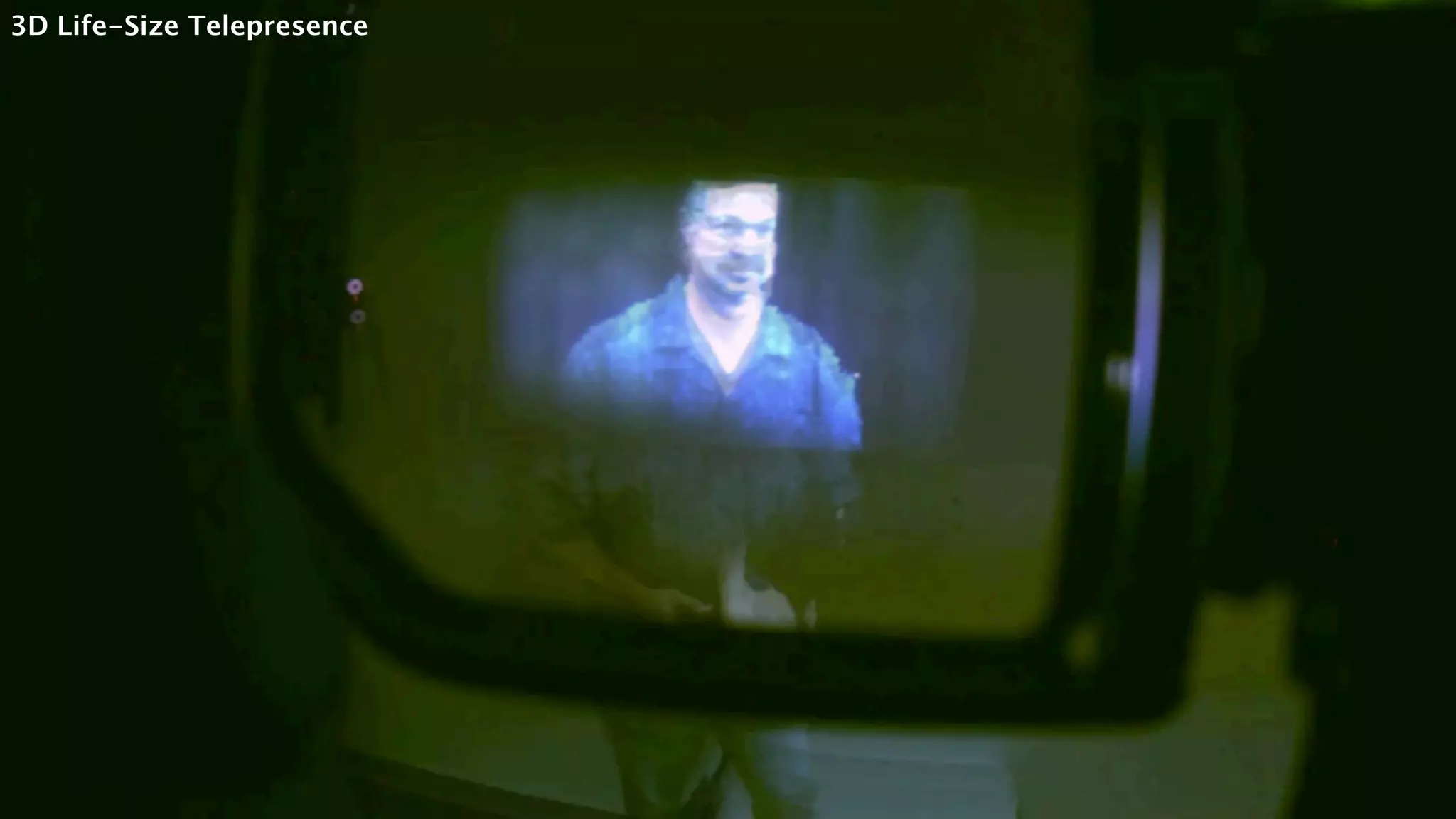
3D Life-Size Telepresence
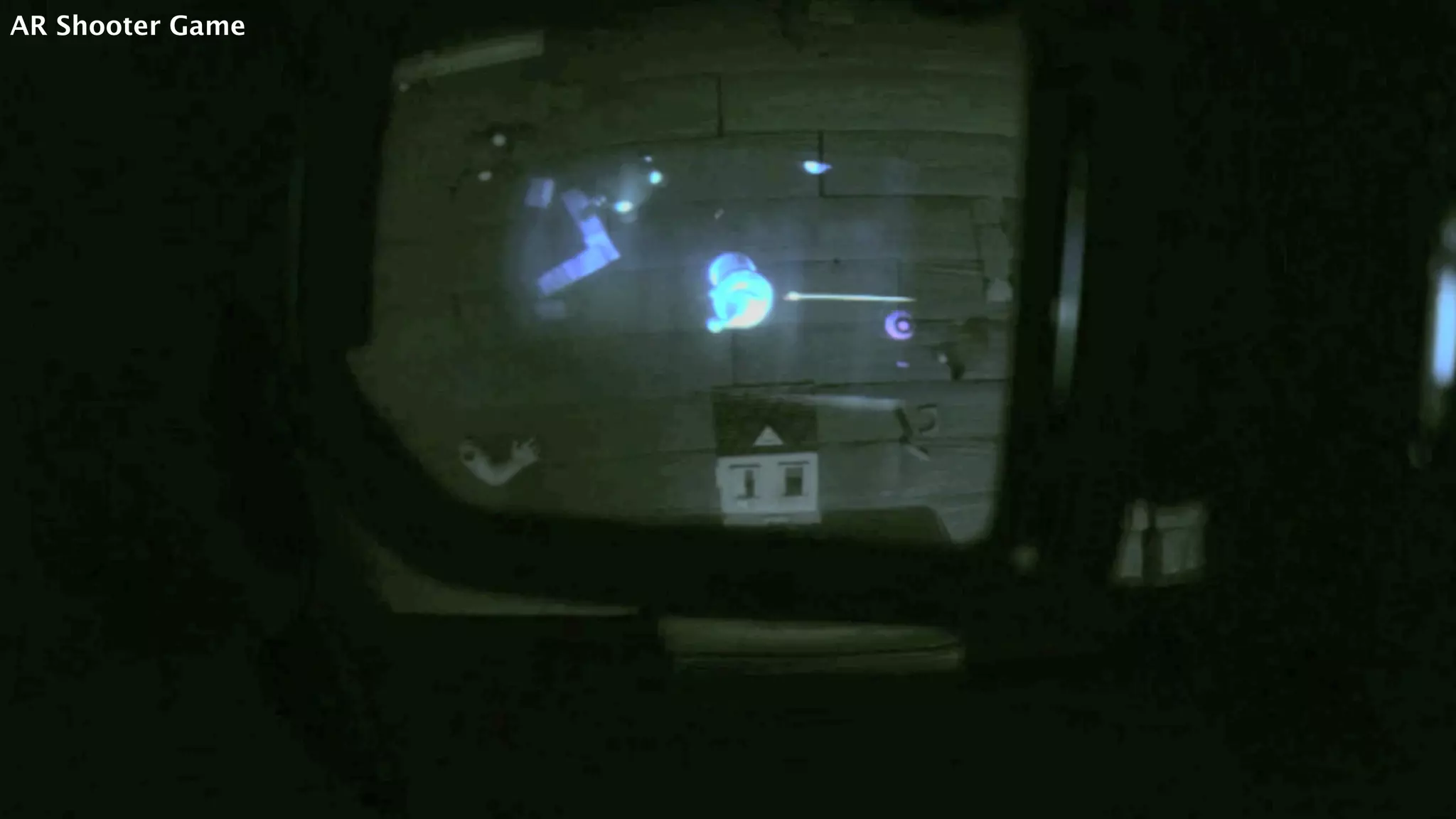
AR Shooter Game
Private Content in Glasses
3D Model Animation
Wide-Angle Immersive Simulation
3D Life-Size Telepresence
AR Shooter Game
Private Content in Glasses
✓ Tracking lag
✓ Tracking noise
✓ Content misalignment (future: HDR)
✓ Focus mismatch
✓ Lack of radiometric compensation
✓ Only for a single user
Limitations & Future Work
✓ demo to 5 users, 3 of them were very familiar with VR gaming and HMD
✓ Pros
‣ be surprised by the NARROW FoV of AR glasses
‣ extended FoV is beneficial
‣ no simulator sickness (even with tracking noise and lag)
‣ no fusing stereo images problem (even partially shown in glasses and projector)
‣ 3D life-size teleconferencing
‣ combine public and private views (but not unique to FoveAR!!!)
✓ Cons
‣ tracking problems (same as Limitation)
‣ color / brightness difference
‣ system is complex and the benefits are not large enough for them to install it in houses
User Feedback
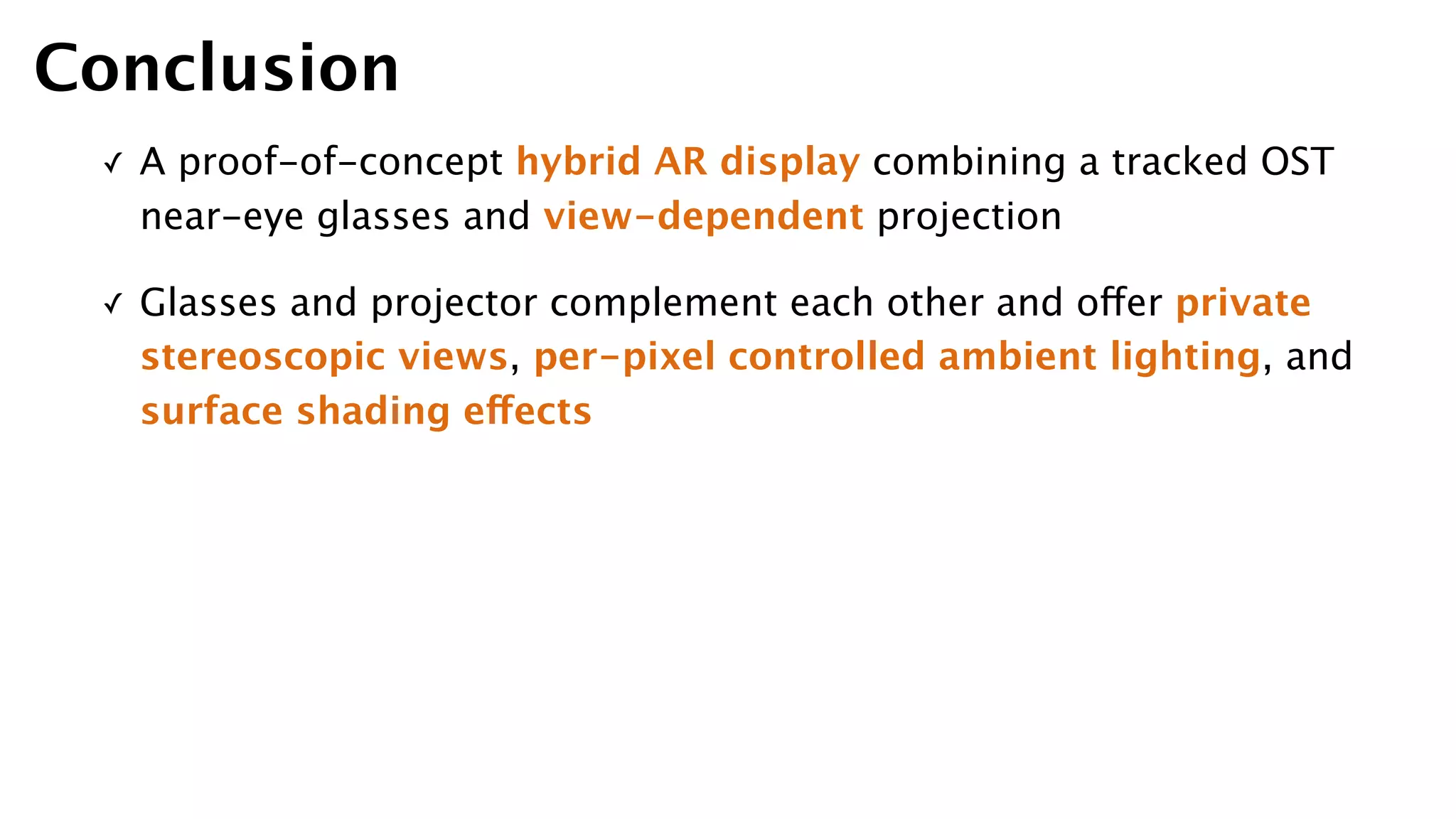
✓ A proof-of-concept hybrid AR display combining a tracked OST
near-eye glasses and view-dependent projection
✓ Glasses and projector complement each other and offer private
stereoscopic views, per-pixel controlled ambient lighting, and
surface shading effects
Conclusion
Thank You for Listening :)

[Paper Presentation] FoveAR: Combining an Optically See-Through Near-Eye Display with Spatial 
Augmented Reality Projections

  • 1.
    Presenter | r03944021Pei-Hsuan Tsai FoveAR: Combining an Optically See-Through Near-Eye Display with Spatial 
 Augmented Reality Projections ACM UIST 2015 2016-01-26 Hrvoje Benko, Eyal Ofek, Feng Zheng, Andy Wilson Microsoft Research
  • 5.
    Hrvoje Benko Senior Researcherin 
 Natural Interaction Research group 
 at Microsoft Research Eyal Ofek Feng Zheng Andy Wilson 1 2 3 4 Authors Computational Illumination and Augmented Reality Multitouch Input Devices Touch and Gestures on New Form Factors Research Interests
  • 7.
  • 8.
  • 9.
  • 10.
  • 11.
  • 12.
  • 13.
  • 14.
  • 15.
  • 16.
  • 17.
  • 18.
  • 19.
    Peripheral Projected Displays FoveAR Extending the FoV SpatialAugmented Reality AR Improve beam splitter design head / shoulder - mounted projector light field display VR Multiple Displays ShaderLamps [EWRT’01, Raskar] MirageTable [CHI’12, Benko] Dyadic SAR [UIST’14, Benko] IllumiRoom [CHI’13, Jones] Occlusion Shadows [ISMAR’02, Bimber] [UIST ’15, Benko ]
  • 20.
    Peripheral Projected Displays FoveAR Extending the FoV SpatialAugmented Reality AR Improve beam splitter design head / shoulder - mounted projector light field display VR Multiple Displays ShaderLamps [EWRT’01, Raskar] MirageTable [CHI’12, Benko] Dyadic SAR [UIST’14, Benko] IllumiRoom [CHI’13, Jones] Occlusion Shadows [ISMAR’02, Bimber] [UIST ’15, Benko ]
  • 21.
    FoV of OSTNear-Eye Glasses
  • 22.
    FoV of VRHeadset VR Headset Field Of View StarVR 210 VR Union Claire 170 Wearality Sky 150 GameFace Labs VR 140 ImmersiON-VRelia BlueSky PRO 123 Oculus Rift (Development Kit 1) 110 HTC Vive 110 FOVE 100 Oculus Rift (Development Kit 2) 100 Sony Project Morpheus 100 Razer OSVR 100 Zeiss One VR 100 Samsung Gear VR 96 AirVR (iPhone) 90 Google Cardboard 90
  • 23.
    ✓ A wideFoV AR experience: 
 combine eyeglasses OST AR display with custom projector and depth camera unit to extend the FoV ✓ 4 experiences to demonstrate the important characteristics of this hybrid display ✓ A set of considerations that frame the design space for implementing FoveAR experience Main Contributions
  • 24.
    ① Lumus DK-32(OST glasses, 1280x720) with 6 retro-reflective spheres ② Optoma GT760 DLP (projector, 1280x800) and Microsoft Kinect v2 ③ OptiTrack Flex 3 motion tracking system (8 cameras on the ceiling) ④ Windows 8 (Dual Xeon 2.66GHz, 24GB RAM, Nvidia GTX 980) System Overview 1 2 3
  • 26.
    ✓ 4 steps ①calibrate the projector with respect to the Kinect camera ② calibrate the OptiTrack tracking system with respect to the Kinect ③ measure the offsets between the retro-reflective tracking markers and the glasses display ④ measure the interpupillary distance for each user Calibration
  • 28.
    ✓ Multi-pass renderingprocess for the projector ① render both virtual objects and real geometry in and offscreen buffer ② render the inset area which corresponds to the FoV of the glasses ✓ Finally, we render the scene five times for each frame: ‣ twice for glasses (one for each eye) ‣ once for projected periphery (offscreen) ‣ once for projected inset (offscreen) ‣ once for projection mapping and compositing process for the projector view Dynamic View-Dependent Projections
  • 29.
  • 31.
    ✓ Projection AidsGlasses ‣ projector is thought of as an assistive modality to the glasses ‣ add brightness, highlight, dynamic light source (Occlusion Shadows) ‣ non-view dependent ✓ Glasses Aid Projection ‣ an assistive modality to the projector ‣ spatially three dimension (glasses provide stereo views) ‣ if out of FoV of projector Glasses Display vs Projection
  • 32.
    ✓ Provide DifferentContent ‣ provide different, but complementary content ‣ enable the private content (e.g. playing cards) ‣ as a “magic” lens into a projected space offering additional information ‣ multi-user experience ‣ HDR Glasses Display vs Projection
  • 33.
    Applications 3D Model Animation Wide-AngleImmersive Simulation 3D Life-Size Telepresence AR Shooter Game Private Content in Glasses
  • 34.
  • 35.
  • 36.
  • 37.
  • 38.
  • 39.
    ✓ Tracking lag ✓Tracking noise ✓ Content misalignment (future: HDR) ✓ Focus mismatch ✓ Lack of radiometric compensation ✓ Only for a single user Limitations & Future Work
  • 40.
    ✓ demo to5 users, 3 of them were very familiar with VR gaming and HMD ✓ Pros ‣ be surprised by the NARROW FoV of AR glasses ‣ extended FoV is beneficial ‣ no simulator sickness (even with tracking noise and lag) ‣ no fusing stereo images problem (even partially shown in glasses and projector) ‣ 3D life-size teleconferencing ‣ combine public and private views (but not unique to FoveAR!!!) ✓ Cons ‣ tracking problems (same as Limitation) ‣ color / brightness difference ‣ system is complex and the benefits are not large enough for them to install it in houses User Feedback
  • 41.
    ✓ A proof-of-concepthybrid AR display combining a tracked OST near-eye glasses and view-dependent projection ✓ Glasses and projector complement each other and offer private stereoscopic views, per-pixel controlled ambient lighting, and surface shading effects Conclusion
  • 42.
    Thank You forListening :)