

Introduction to
the BIOS
Page 2
Instructor, PACE-IT Program – Edmonds Community College
Areas of Expertise Industry Certifications
 PC Hardware
 Network Administration
 IT Project Management
 Network Design
 User Training
 IT Troubleshooting
Qualifications Summary
Education
 M.B.A., IT Management, Western Governor’s University
 B.S., IT Security, Western Governor’s University
Entrepreneur, executive leader, and proven manger
with 10+ years of experience turning complex issues
into efficient and effective solutions.
Strengths include developing and mentoring diverse
workforces, improving processes, analyzing
business needs and creating the solutions
required— with a focus on technology.
Page 3
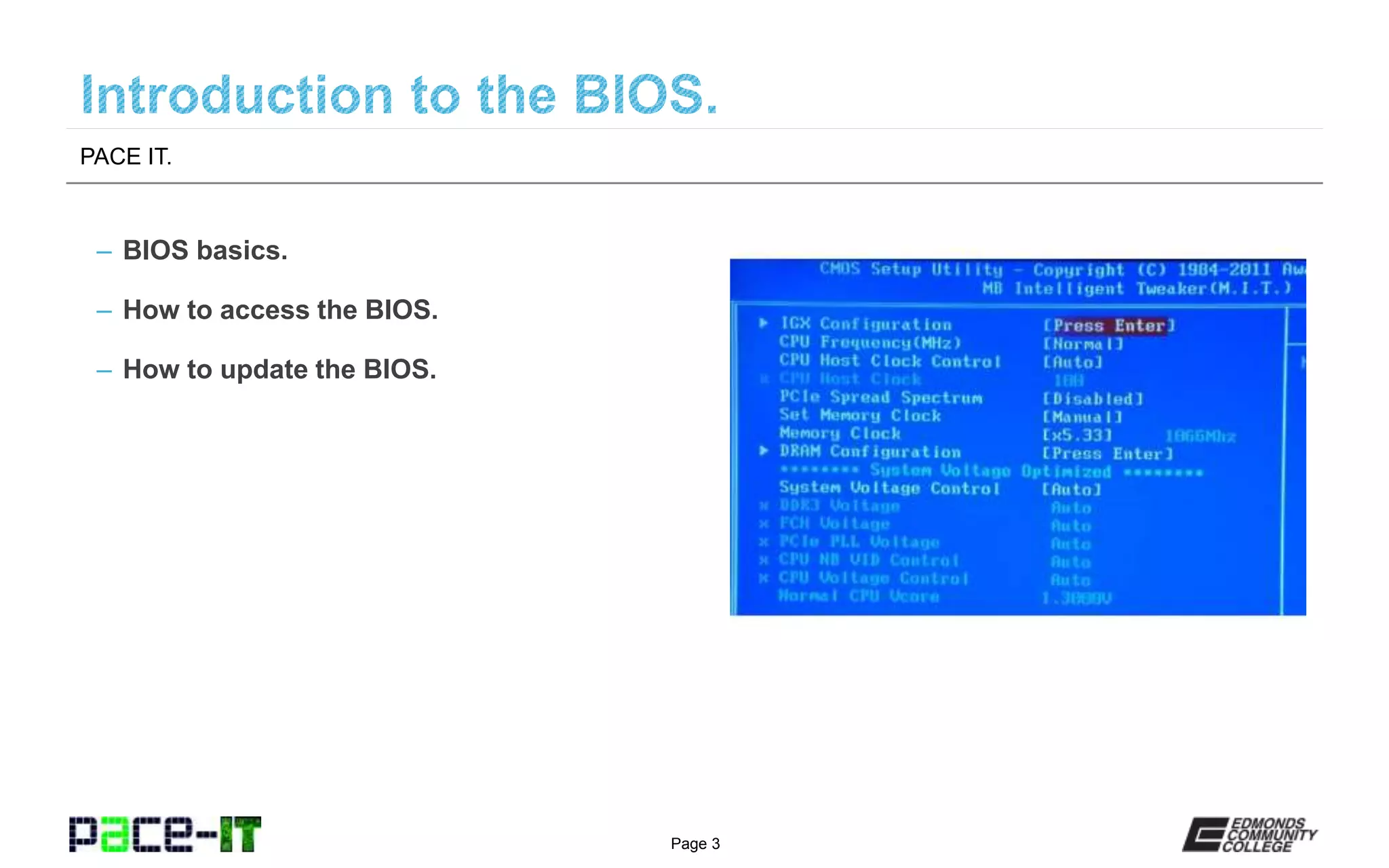
– BIOS basics.
– How to access the BIOS.
– How to update the BIOS.
PACE IT.
Page 4
Introduction to the BIOS.
Page 5
– Basic Input/Output System (BIOS).
» It is the first software to run on a PC when the power is
turned on.
» It is firmware software that establishes the base behavior
of the PC.
» It sets the hardware configuration of the system.
» It tells the PC what hardware to initialize and what the
priority of that hardware is.
» It points the system to the files that are needed to boot
the operating system.
– More BIOS basics.
» Stored in nonvolatile random access memory (NVRAM).
» It is designed and coded for a specific motherboard.
» BIOS updates can add functionality to a system that
wasn’t originally present.
Introduction to the BIOS.
Page 6
Introduction to the BIOS.
Page 7
Why might you need to
access the BIOS?
System stability may have been compromised by
the addition of a new component. Some people
(gamers) adjust settings in the BIOS to improve
performance. Most importantly, the BIOS may need
to be entered to help in the system recovery
process.
Introduction to the BIOS.
Page 8
Introduction to the BIOS.
Page 9
– Warning.
» The BIOS is required in order for the system to function,
making a mistake in updating the BIOS may have serious
consequences on your system.
– Why the BIOS may need to be updated.
» To extend the productive life of the system by adding
additional functionality to the system.
» To resolve issues that where unknown at the time the
BIOS was created.
– The process needed to update.
» The motherboard/system manufacturer is responsible for
developing the BIOS update process.
» Follow their instructions to the letter to avoid a
catastrophic failure.
Introduction to the BIOS.
Page 10
Introduction to the BIOS.
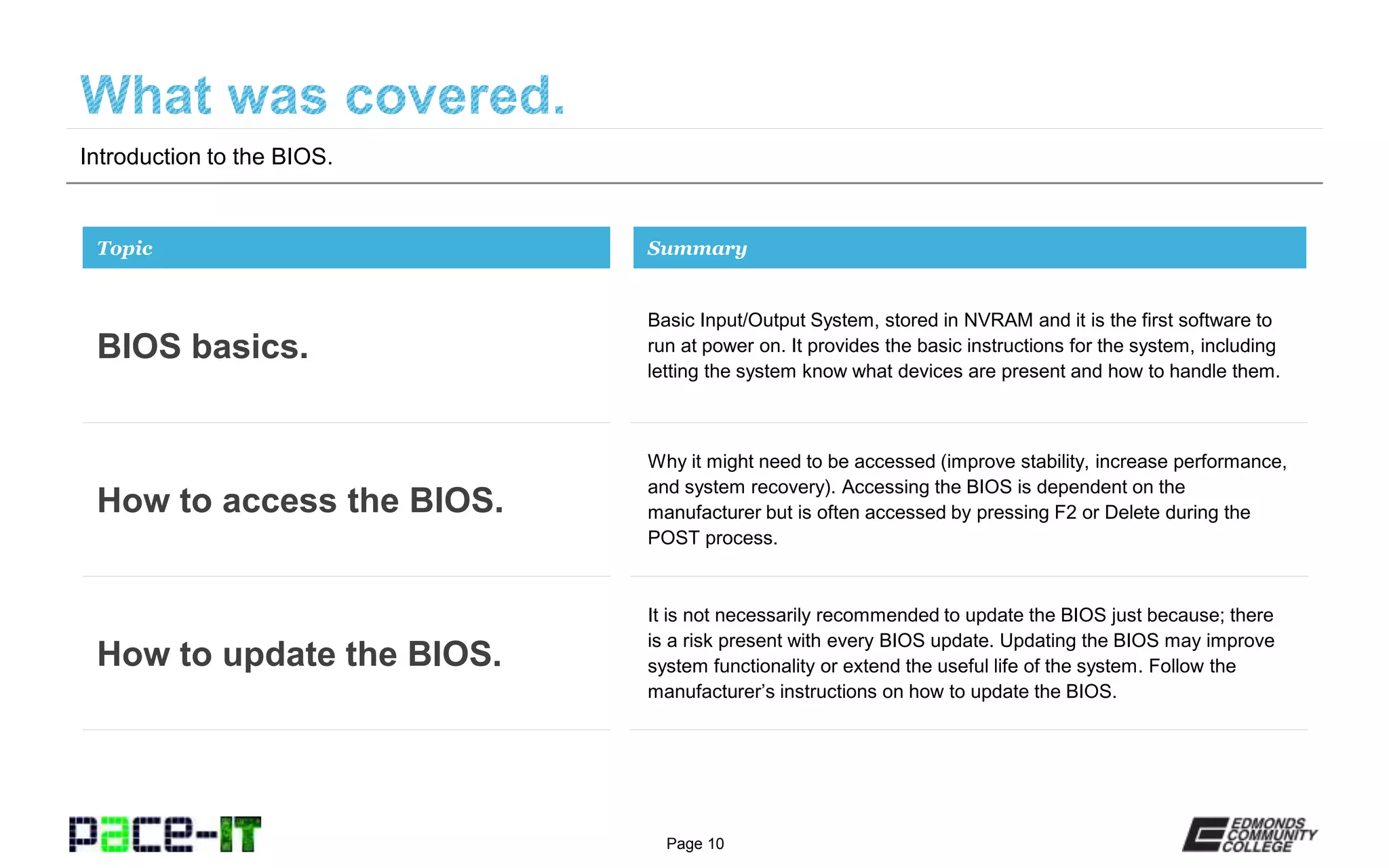
Basic Input/Output System, stored in NVRAM and it is the first software to
run at power on. It provides the basic instructions for the system, including
letting the system know what devices are present and how to handle them.
Topic
BIOS basics.
Summary
Why it might need to be accessed (improve stability, increase performance,
and system recovery). Accessing the BIOS is dependent on the
manufacturer but is often accessed by pressing F2 or Delete during the
POST process.
How to access the BIOS.
It is not necessarily recommended to update the BIOS just because; there
is a risk present with every BIOS update. Updating the BIOS may improve
system functionality or extend the useful life of the system. Follow the
manufacturer’s instructions on how to update the BIOS.
How to update the BIOS.
Page 11
THANK YOU!
This workforce solution was 100 percent funded by a $3 million grant awarded by the
U.S. Department of Labor's Employment and Training Administration. The solution was
created by the grantee and does not necessarily reflect the official position of the U.S.
Department of Labor. The Department of Labor makes no guarantees, warranties, or
assurances of any kind, express or implied, with respect to such information, including
any information on linked sites and including, but not limited to, accuracy of the
information or its completeness, timeliness, usefulness, adequacy, continued availability
or ownership. Funded by the Department of Labor, Employment and Training
Administration, Grant #TC-23745-12-60-A-53.
PACE-IT is an equal opportunity employer/program and auxiliary aids and services are
available upon request to individuals with disabilities. For those that are hearing
impaired, a video phone is available at the Services for Students with Disabilities (SSD)
office in Mountlake Terrace Hall 159. Check www.edcc.edu/ssd for office hours. Call
425.354.3113 on a video phone for more information about the PACE-IT program. For
any additional special accommodations needed, call the SSD office at 425.640.1814.
Edmonds Community College does not discriminate on the basis of race; color; religion;
national origin; sex; disability; sexual orientation; age; citizenship, marital, or veteran
status; or genetic information in its programs and activities.

Pace IT - Introduction to the Bios

  • 1.
  • 2.
    Page 2 Instructor, PACE-ITProgram – Edmonds Community College Areas of Expertise Industry Certifications  PC Hardware  Network Administration  IT Project Management  Network Design  User Training  IT Troubleshooting Qualifications Summary Education  M.B.A., IT Management, Western Governor’s University  B.S., IT Security, Western Governor’s University Entrepreneur, executive leader, and proven manger with 10+ years of experience turning complex issues into efficient and effective solutions. Strengths include developing and mentoring diverse workforces, improving processes, analyzing business needs and creating the solutions required— with a focus on technology.
  • 3.
    Page 3 – BIOSbasics. – How to access the BIOS. – How to update the BIOS. PACE IT.
  • 4.
  • 5.
    Page 5 – BasicInput/Output System (BIOS). » It is the first software to run on a PC when the power is turned on. » It is firmware software that establishes the base behavior of the PC. » It sets the hardware configuration of the system. » It tells the PC what hardware to initialize and what the priority of that hardware is. » It points the system to the files that are needed to boot the operating system. – More BIOS basics. » Stored in nonvolatile random access memory (NVRAM). » It is designed and coded for a specific motherboard. » BIOS updates can add functionality to a system that wasn’t originally present. Introduction to the BIOS.
  • 6.
  • 7.
    Page 7 Why mightyou need to access the BIOS? System stability may have been compromised by the addition of a new component. Some people (gamers) adjust settings in the BIOS to improve performance. Most importantly, the BIOS may need to be entered to help in the system recovery process. Introduction to the BIOS.
  • 8.
  • 9.
    Page 9 – Warning. »The BIOS is required in order for the system to function, making a mistake in updating the BIOS may have serious consequences on your system. – Why the BIOS may need to be updated. » To extend the productive life of the system by adding additional functionality to the system. » To resolve issues that where unknown at the time the BIOS was created. – The process needed to update. » The motherboard/system manufacturer is responsible for developing the BIOS update process. » Follow their instructions to the letter to avoid a catastrophic failure. Introduction to the BIOS.
  • 10.
    Page 10 Introduction tothe BIOS. Basic Input/Output System, stored in NVRAM and it is the first software to run at power on. It provides the basic instructions for the system, including letting the system know what devices are present and how to handle them. Topic BIOS basics. Summary Why it might need to be accessed (improve stability, increase performance, and system recovery). Accessing the BIOS is dependent on the manufacturer but is often accessed by pressing F2 or Delete during the POST process. How to access the BIOS. It is not necessarily recommended to update the BIOS just because; there is a risk present with every BIOS update. Updating the BIOS may improve system functionality or extend the useful life of the system. Follow the manufacturer’s instructions on how to update the BIOS. How to update the BIOS.
  • 11.
  • 12.
    This workforce solutionwas 100 percent funded by a $3 million grant awarded by the U.S. Department of Labor's Employment and Training Administration. The solution was created by the grantee and does not necessarily reflect the official position of the U.S. Department of Labor. The Department of Labor makes no guarantees, warranties, or assurances of any kind, express or implied, with respect to such information, including any information on linked sites and including, but not limited to, accuracy of the information or its completeness, timeliness, usefulness, adequacy, continued availability or ownership. Funded by the Department of Labor, Employment and Training Administration, Grant #TC-23745-12-60-A-53. PACE-IT is an equal opportunity employer/program and auxiliary aids and services are available upon request to individuals with disabilities. For those that are hearing impaired, a video phone is available at the Services for Students with Disabilities (SSD) office in Mountlake Terrace Hall 159. Check www.edcc.edu/ssd for office hours. Call 425.354.3113 on a video phone for more information about the PACE-IT program. For any additional special accommodations needed, call the SSD office at 425.640.1814. Edmonds Community College does not discriminate on the basis of race; color; religion; national origin; sex; disability; sexual orientation; age; citizenship, marital, or veteran status; or genetic information in its programs and activities.