P6 Release 8 Installation Orientation
Jim McCarthy
Technical Support Engineer
• P6 EPPM R8 Technical Feature Considerations
– Database Changes
– Authentication Types
– P6 (Formerly known as Web Access)
– P6 Prerequisites
– Known Java Issues
– Application Server Clustering
– P6 Professional
– P6 R8 Standalone Status
– Job Services
© 2010 Oracle Corporation – Proprietary and Confidential
Overview
• P6 EPPM R8 Technical Feature Considerations
– Enterprise Reporting
– Security and Hardening
– Technologies Added to R8
– Technologies Dropped from R8
• Where to download P6 R8?
• Integrated Components
• Database Upgrade
• P6 Installation
• Helpful Documentation
• Where to get support
© 2010 Oracle Corporation – Proprietary and Confidential
Overview
• New Oracle Database User
– Background Processes User
• New Database Password Encryption
– Release 8 will be using AES2 encryption
• New Administer Private Database Logins Utility
– Allows you to reset the Privuser password.
– No longer located in the Database Configuration Utility
Database Changes in P6 EPPM R8
© 2010 Oracle Corporation – Proprietary and Confidential
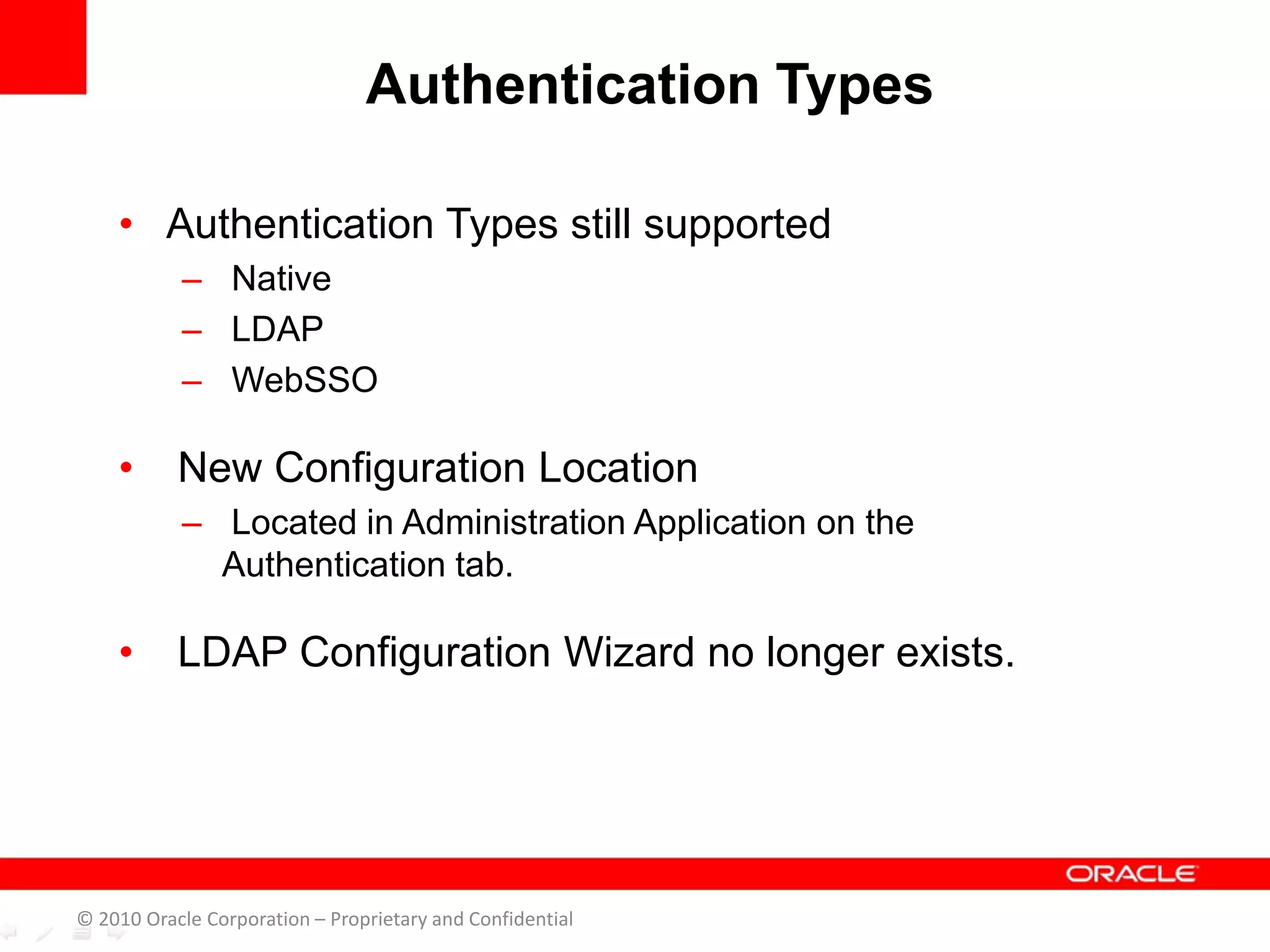
• Authentication Types still supported
– Native
– LDAP
– WebSSO
• New Configuration Location
– Located in Administration Application on the
Authentication tab.
• LDAP Configuration Wizard no longer exists.
Authentication Types
© 2010 Oracle Corporation – Proprietary and Confidential
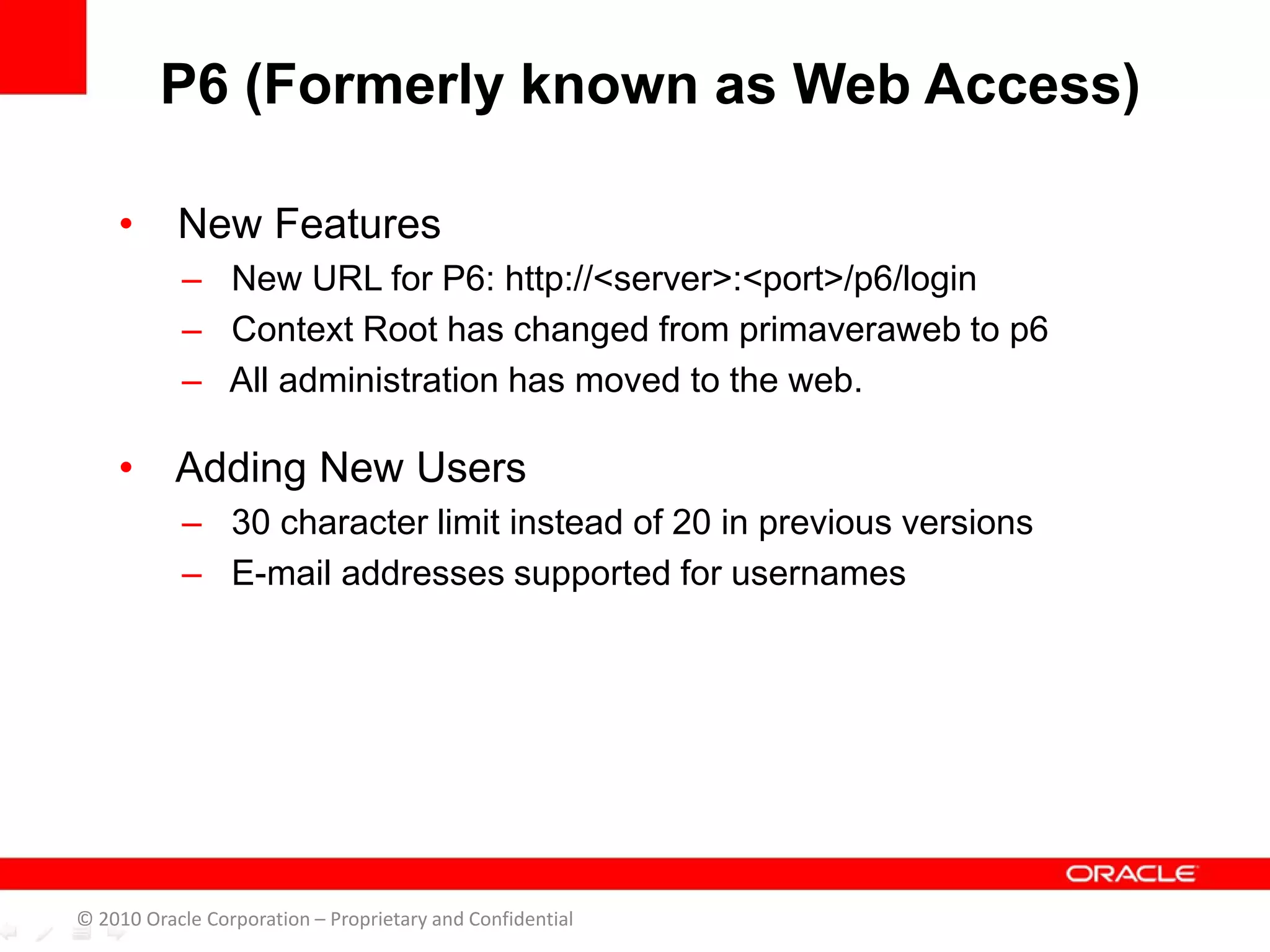
• New Features
– New URL for P6: http://<server>:<port>/p6/login
– Context Root has changed from primaveraweb to p6
– All administration has moved to the web.
• Adding New Users
– 30 character limit instead of 20 in previous versions
– E-mail addresses supported for usernames
P6 (Formerly known as Web Access)
© 2010 Oracle Corporation – Proprietary and Confidential
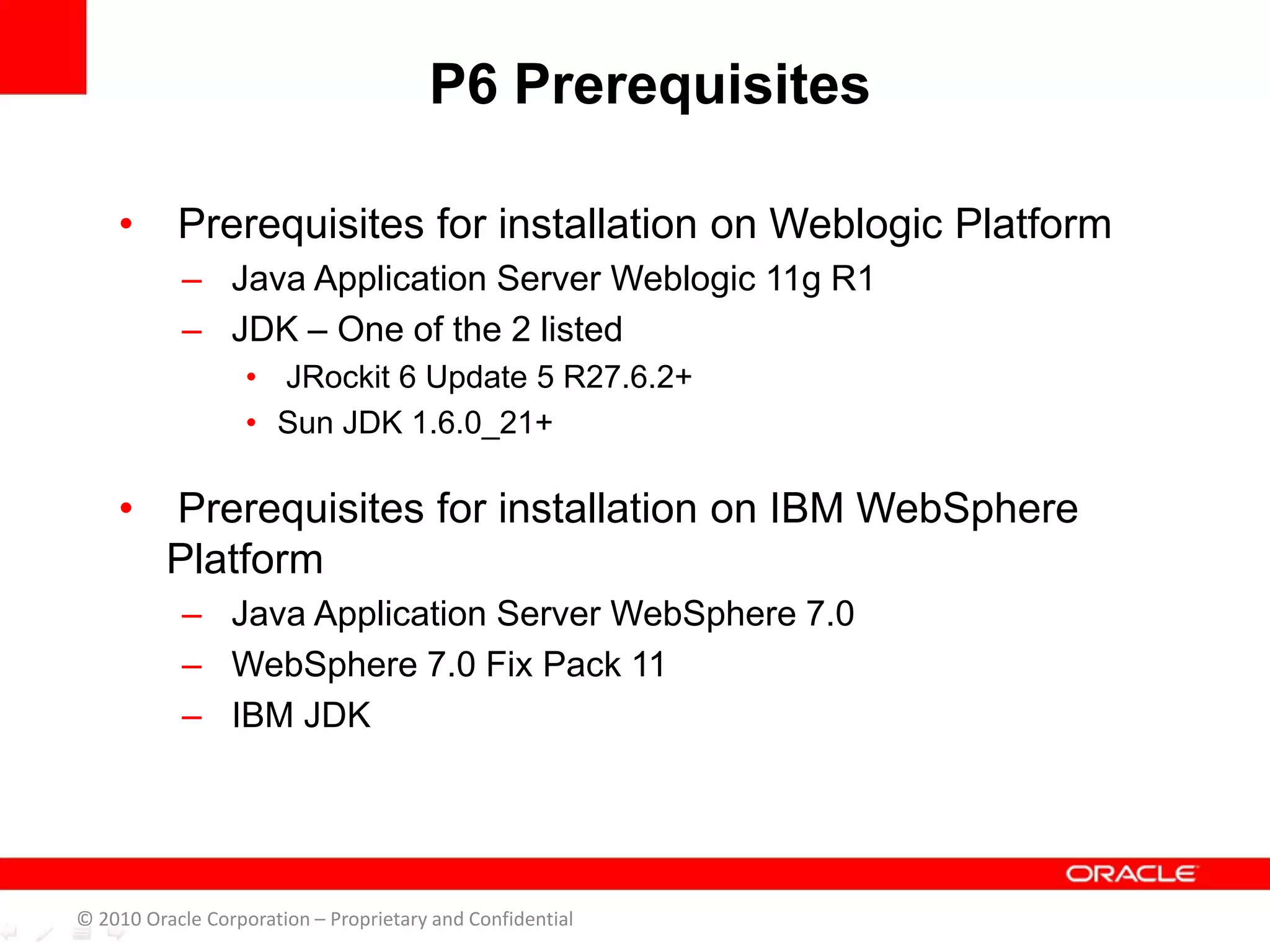
• Prerequisites for installation on Weblogic Platform
– Java Application Server Weblogic 11g R1
– JDK – One of the 2 listed
• JRockit 6 Update 5 R27.6.2+
• Sun JDK 1.6.0_21+
• Prerequisites for installation on IBM WebSphere
Platform
– Java Application Server WebSphere 7.0
– WebSphere 7.0 Fix Pack 11
– IBM JDK
P6 Prerequisites
© 2010 Oracle Corporation – Proprietary and Confidential
• Java JREs 6 update 21 and update 22
• Release will download JRE 6 update 20
Known Java JRE Issues
© 2010 Oracle Corporation – Proprietary and Confidential
• Supported on Weblogic and Websphere application
servers
• Application Cluster Benefits
– Scalability
• Web server capacity can be increased on demand
– High – Availability
• Processing continues when a server instance fails.
P6 R8 Application Server Clustering
© 2010 Oracle Corporation – Proprietary and Confidential
• Installation
– No more Methodology Management Client application or
database (MMDB)
– Methodology templates will need to be exported/imported
over to project templates.
– Project Management Professional Client application only
– No registry entries installed with R8 client
• Connection Information
– Can only connect to a P6 EPPM database
– Administration has been moved to the Web
– Database alias connection information stored in a new
Prmbootstrap.xml file.
P6 R8 Professional
© 2010 Oracle Corporation – Proprietary and Confidential
• Connection Information cont.
– File found in:
• C:Documents and Settings<username>Local SettingsApplication
DataPrimavera P6 Professional (for Windows XP/2003 users)
• C:Users<username>Local SettingsApplication DataPrimavera P6
Professional (for Windows Vista/7/2008 users).
P6 R8 Professional cont’d.
© 2010 Oracle Corporation – Proprietary and Confidential
• P6 R8 is currently an Enterprise-only release.
• No Installation Option or Upgrade Path available
• Does not include functionality required for
standalone installations.
• P6 Standalone Installation and Upgrade Status(Doc
ID 1266725.1)
P6 R8 Standalone Status
© 2010 Oracle Corporation – Proprietary and Confidential
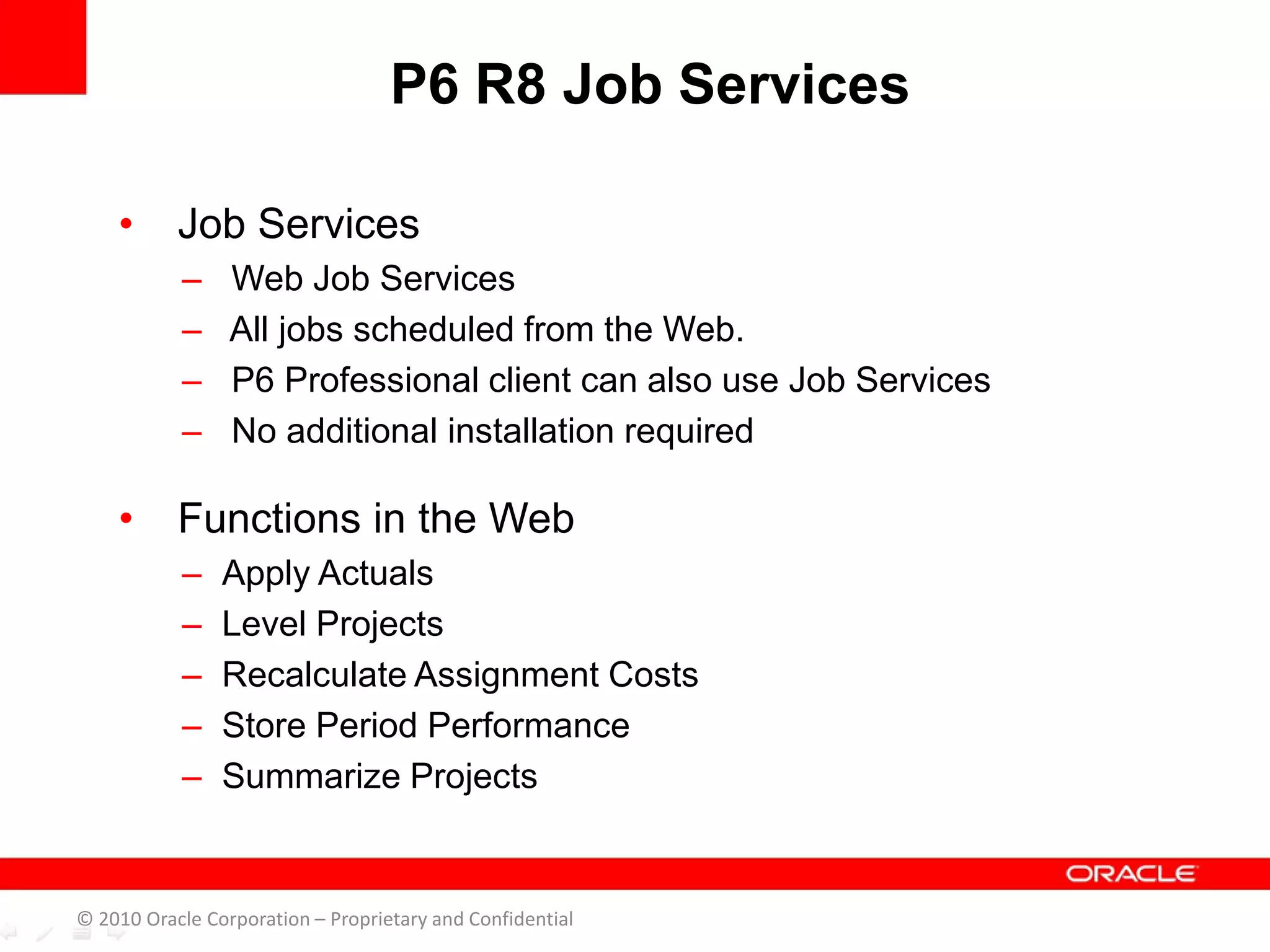
• Job Services
– Web Job Services
– All jobs scheduled from the Web.
– P6 Professional client can also use Job Services
– No additional installation required
• Functions in the Web
– Apply Actuals
– Level Projects
– Recalculate Assignment Costs
– Store Period Performance
– Summarize Projects
P6 R8 Job Services
© 2010 Oracle Corporation – Proprietary and Confidential
• Functions in the Professional Client
– Apply Actuals
– Summarize Projects
P6 R8 Job Services cont’d.
© 2010 Oracle Corporation – Proprietary and Confidential
• Enterprise Reporting
– Enables customer to create day-to-day operational reports
using the Operational Data Store (ODS)
• P6 Analytics (Sold Separately)
– Perform business intelligence analysis with Enterprise
Reporting using the Star Schema (STAR)
P6 R8 Enterprise Reporting
© 2010 Oracle Corporation – Proprietary and Confidential
• Migrations from iManage must first be upgraded to
P6.2.1
• For those using P6.2.1 and P6v7 there will be a
migration tool available at a later date.
• For more information please review Doc ID
1263556.1.
Content Repository Migrations
© 2010 Oracle Corporation – Proprietary and Confidential
• Purpose
– Minimize and eliminate security risks
– Protect systems and data from attacks
• Planning and Action
– Implement measures on general operating systems
– Implement on database and application servers
• Can be deployed into environments with hardening
measures in practice
R8 Security Hardening
© 2010 Oracle Corporation – Proprietary and Confidential
• Oracle Business Process Management 10g
(BPM 10g)
• Oracle BI Publisher 10g
• Oracle Enterprise Manager 11g
• Support for Mac OS (Snow Leopard)
• Support for Safari 4.x web browser
• Database Technologies
– Active Data Guard
– Advanced Compression
• Partitioning
• RAC (Real Application Cluster)
Technologies Added to R8
© 2010 Oracle Corporation – Proprietary and Confidential
• Apache 2.0 (Web Server)
• IIS 6.0 (Web Server)
• JackRabbit (Document Repository)
• JBoss (Java Application Server)
• JBPM (Workflow Engine)
• OHTTP 2.0
• SiteMinder
• WebLogic 10g R3
Technologies Dropped From R8
© 2010 Oracle Corporation – Proprietary and Confidential
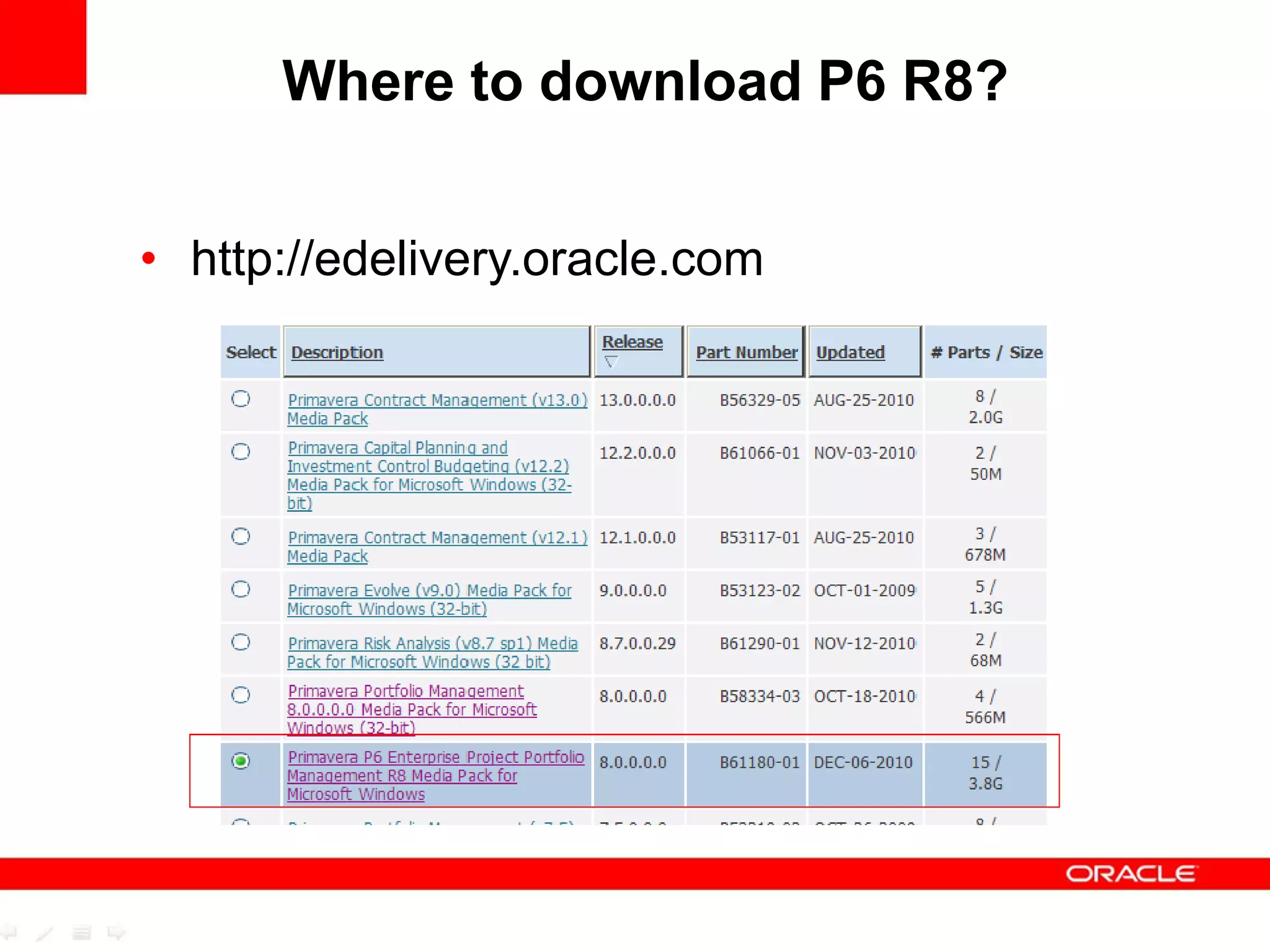
Where to download P6 R8?
• http://edelivery.oracle.com
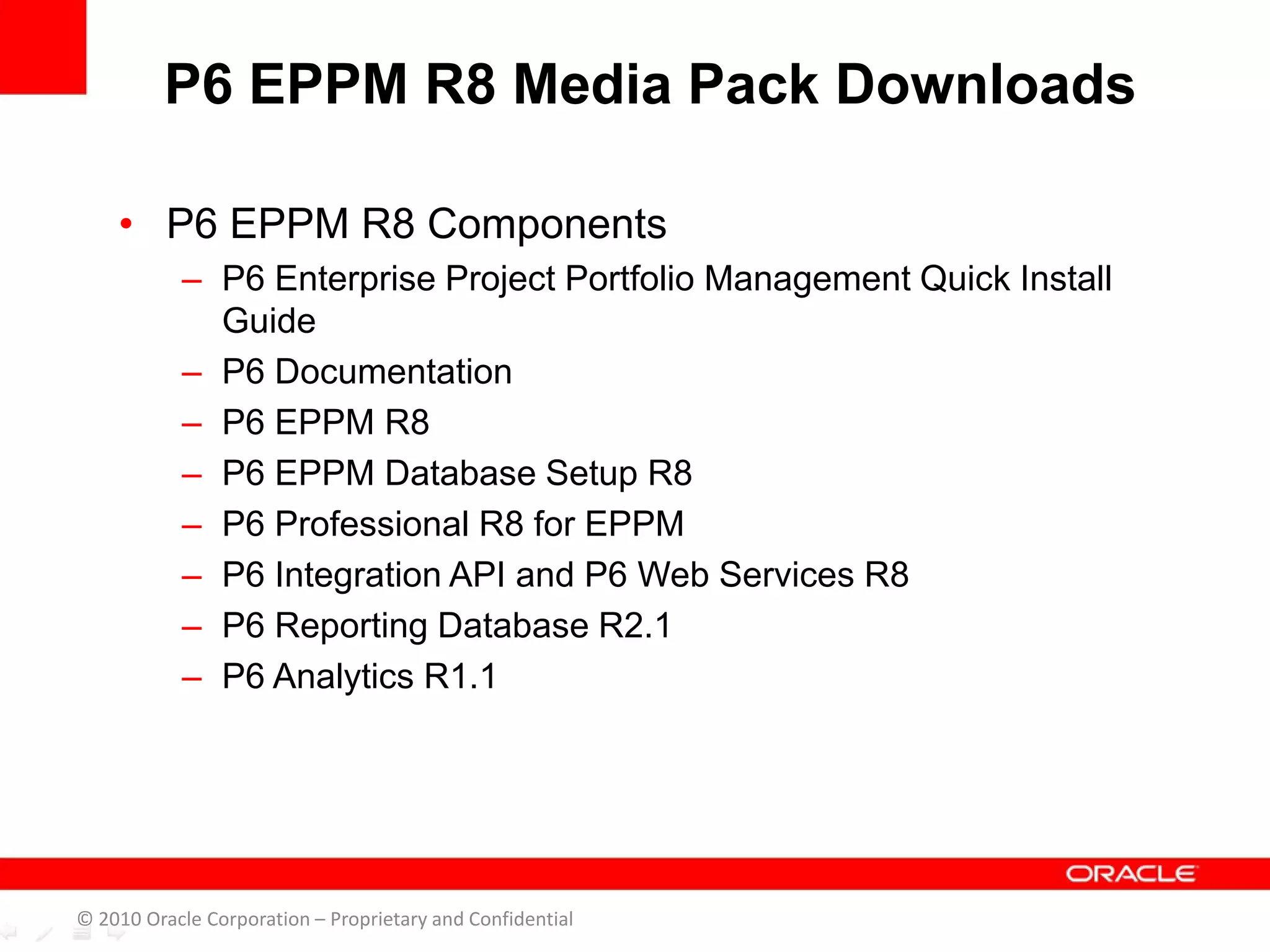
• P6 EPPM R8 Components
– P6 Enterprise Project Portfolio Management Quick Install
Guide
– P6 Documentation
– P6 EPPM R8
– P6 EPPM Database Setup R8
– P6 Professional R8 for EPPM
– P6 Integration API and P6 Web Services R8
– P6 Reporting Database R2.1
– P6 Analytics R1.1
P6 EPPM R8 Media Pack Downloads
© 2010 Oracle Corporation – Proprietary and Confidential
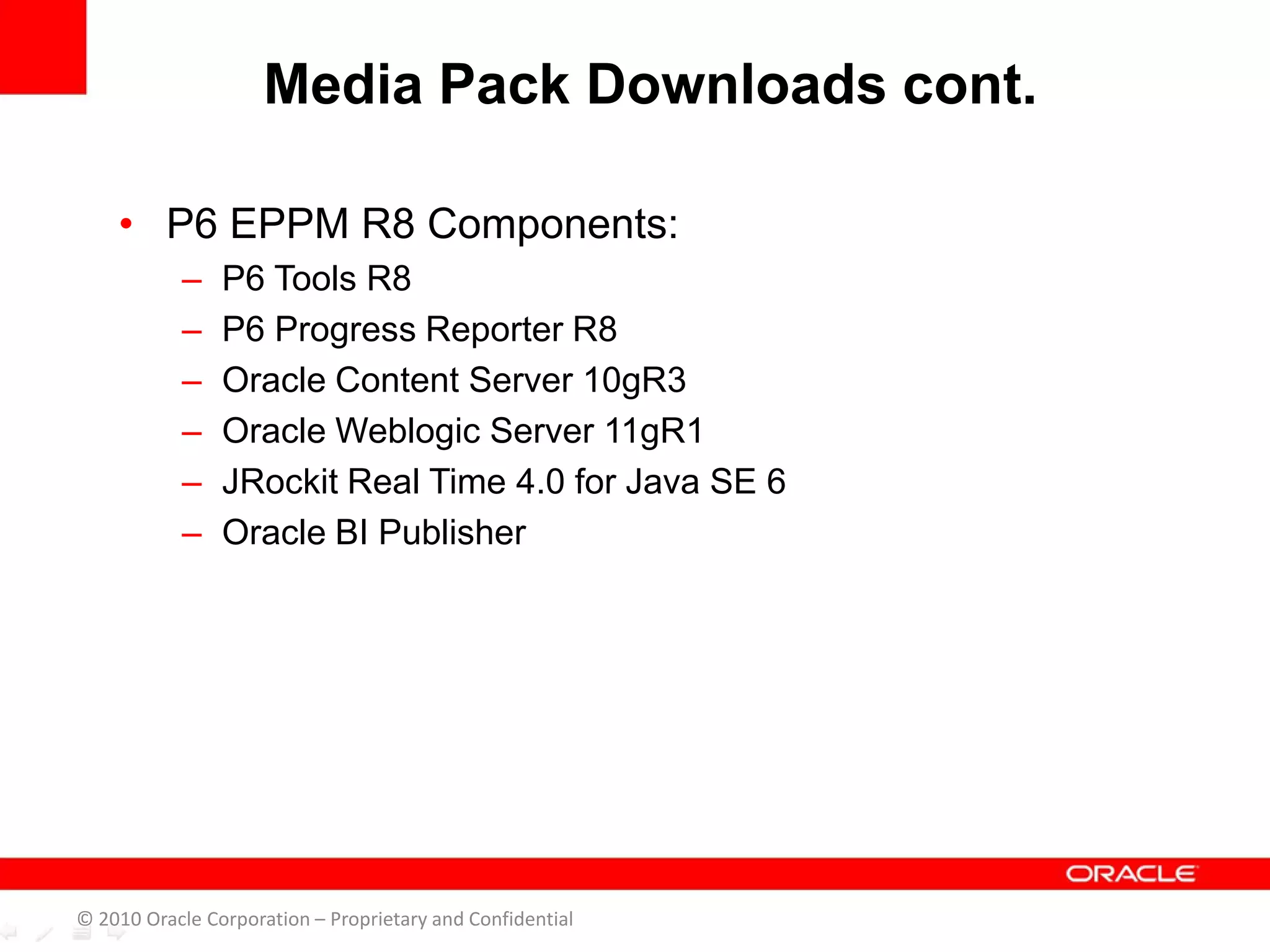
• P6 EPPM R8 Components:
– P6 Tools R8
– P6 Progress Reporter R8
– Oracle Content Server 10gR3
– Oracle Weblogic Server 11gR1
– JRockit Real Time 4.0 for Java SE 6
– Oracle BI Publisher
Media Pack Downloads cont.
© 2010 Oracle Corporation – Proprietary and Confidential
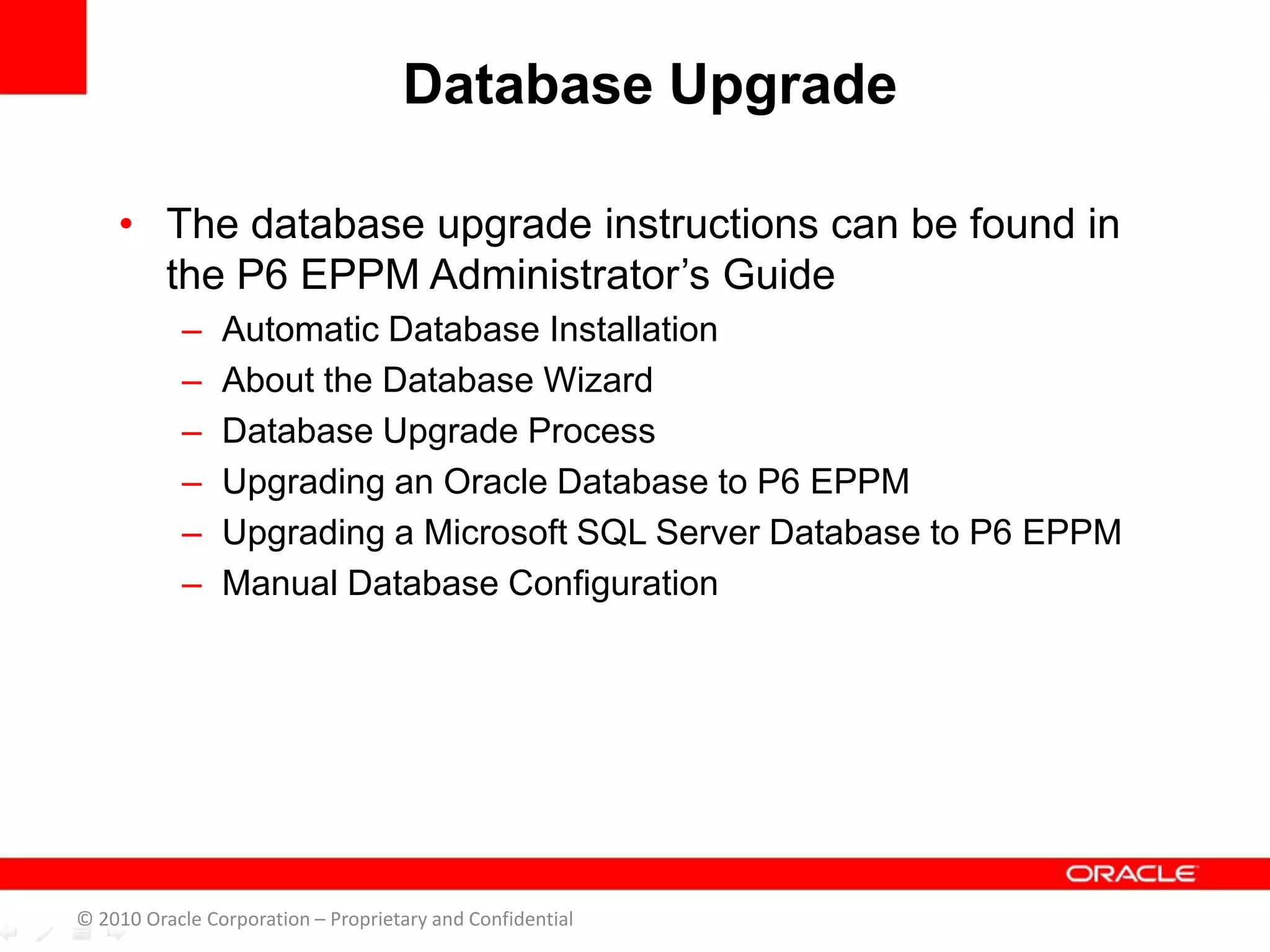
• The database upgrade instructions can be found in
the P6 EPPM Administrator’s Guide
– Automatic Database Installation
– About the Database Wizard
– Database Upgrade Process
– Upgrading an Oracle Database to P6 EPPM
– Upgrading a Microsoft SQL Server Database to P6 EPPM
– Manual Database Configuration
Database Upgrade
© 2010 Oracle Corporation – Proprietary and Confidential
• How To: Install and Setup P6 Release 8
with Weblogic 11g [Video] (Doc ID
1275445.1)
P6 R8 Installation with WebLogic
© 2010 Oracle Corporation – Proprietary and Confidential
• Oracle Access Manager
• Oracle Single Sign-On
• Oracle AutoVue
• Oracle Business Intelligence Publisher
• Oracle Universal Content Management
• Microsoft SharePoint
Integrated Components
© 2010 Oracle Corporation – Proprietary and Confidential
• P6 R8 Documentation
– Analytics
– Notices and Disclosures
– Migration Guide P3 to P6
– Production Manuals
– Tested Configurations
– Technical Documentation
– P6 EPPM Quick Install Guide Release
8(p6eppm_v80_qig.pdf)
– Administrator’s Guide
• Oracle Technology Network
– http://www.oracle.com/technetwork/indexes/documentation/in
dex.html
Recommended Documentation
© 2010 Oracle Corporation – Proprietary and Confidential
• Master Note for Primavera P6 Release 8 (P6 r8)
Enterprise Project Portfolio Management Documentation
(Doc ID 1272188.1)
Helpful KM Documentation
© 2010 Oracle Corporation – Proprietary and Confidential
• If you have a question about using Oracle
Primavera products that you or your network
administrator cannot resolve with information in the
documentation or help, go to:
http://www.oracle.com/us/support/index.html This
page provides the latest information on contacting
Oracle Global Customer Support and the support
renewals process.
• Go to
http://download.oracle.com/docs/cd/E17266_01/inde
x.htm for the latest updates to the P6 EPPM 8.0
Documentation library.
Where To Get Support?
© 2010 Oracle Corporation – Proprietary and Confidential
THANK YOU
© 2010 Oracle Corporation – Proprietary and Confidential

P6 Release 8 Installation Orientation

  • 1.
    P6 Release 8Installation Orientation Jim McCarthy Technical Support Engineer
  • 2.
    • P6 EPPMR8 Technical Feature Considerations – Database Changes – Authentication Types – P6 (Formerly known as Web Access) – P6 Prerequisites – Known Java Issues – Application Server Clustering – P6 Professional – P6 R8 Standalone Status – Job Services © 2010 Oracle Corporation – Proprietary and Confidential Overview
  • 3.
    • P6 EPPMR8 Technical Feature Considerations – Enterprise Reporting – Security and Hardening – Technologies Added to R8 – Technologies Dropped from R8 • Where to download P6 R8? • Integrated Components • Database Upgrade • P6 Installation • Helpful Documentation • Where to get support © 2010 Oracle Corporation – Proprietary and Confidential Overview
  • 4.
    • New OracleDatabase User – Background Processes User • New Database Password Encryption – Release 8 will be using AES2 encryption • New Administer Private Database Logins Utility – Allows you to reset the Privuser password. – No longer located in the Database Configuration Utility Database Changes in P6 EPPM R8 © 2010 Oracle Corporation – Proprietary and Confidential
  • 5.
    • Authentication Typesstill supported – Native – LDAP – WebSSO • New Configuration Location – Located in Administration Application on the Authentication tab. • LDAP Configuration Wizard no longer exists. Authentication Types © 2010 Oracle Corporation – Proprietary and Confidential
  • 6.
    • New Features –New URL for P6: http://<server>:<port>/p6/login – Context Root has changed from primaveraweb to p6 – All administration has moved to the web. • Adding New Users – 30 character limit instead of 20 in previous versions – E-mail addresses supported for usernames P6 (Formerly known as Web Access) © 2010 Oracle Corporation – Proprietary and Confidential
  • 7.
    • Prerequisites forinstallation on Weblogic Platform – Java Application Server Weblogic 11g R1 – JDK – One of the 2 listed • JRockit 6 Update 5 R27.6.2+ • Sun JDK 1.6.0_21+ • Prerequisites for installation on IBM WebSphere Platform – Java Application Server WebSphere 7.0 – WebSphere 7.0 Fix Pack 11 – IBM JDK P6 Prerequisites © 2010 Oracle Corporation – Proprietary and Confidential
  • 8.
    • Java JREs6 update 21 and update 22 • Release will download JRE 6 update 20 Known Java JRE Issues © 2010 Oracle Corporation – Proprietary and Confidential
  • 9.
    • Supported onWeblogic and Websphere application servers • Application Cluster Benefits – Scalability • Web server capacity can be increased on demand – High – Availability • Processing continues when a server instance fails. P6 R8 Application Server Clustering © 2010 Oracle Corporation – Proprietary and Confidential
  • 10.
    • Installation – Nomore Methodology Management Client application or database (MMDB) – Methodology templates will need to be exported/imported over to project templates. – Project Management Professional Client application only – No registry entries installed with R8 client • Connection Information – Can only connect to a P6 EPPM database – Administration has been moved to the Web – Database alias connection information stored in a new Prmbootstrap.xml file. P6 R8 Professional © 2010 Oracle Corporation – Proprietary and Confidential
  • 11.
    • Connection Informationcont. – File found in: • C:Documents and Settings<username>Local SettingsApplication DataPrimavera P6 Professional (for Windows XP/2003 users) • C:Users<username>Local SettingsApplication DataPrimavera P6 Professional (for Windows Vista/7/2008 users). P6 R8 Professional cont’d. © 2010 Oracle Corporation – Proprietary and Confidential
  • 12.
    • P6 R8is currently an Enterprise-only release. • No Installation Option or Upgrade Path available • Does not include functionality required for standalone installations. • P6 Standalone Installation and Upgrade Status(Doc ID 1266725.1) P6 R8 Standalone Status © 2010 Oracle Corporation – Proprietary and Confidential
  • 13.
    • Job Services –Web Job Services – All jobs scheduled from the Web. – P6 Professional client can also use Job Services – No additional installation required • Functions in the Web – Apply Actuals – Level Projects – Recalculate Assignment Costs – Store Period Performance – Summarize Projects P6 R8 Job Services © 2010 Oracle Corporation – Proprietary and Confidential
  • 14.
    • Functions inthe Professional Client – Apply Actuals – Summarize Projects P6 R8 Job Services cont’d. © 2010 Oracle Corporation – Proprietary and Confidential
  • 15.
    • Enterprise Reporting –Enables customer to create day-to-day operational reports using the Operational Data Store (ODS) • P6 Analytics (Sold Separately) – Perform business intelligence analysis with Enterprise Reporting using the Star Schema (STAR) P6 R8 Enterprise Reporting © 2010 Oracle Corporation – Proprietary and Confidential
  • 16.
    • Migrations fromiManage must first be upgraded to P6.2.1 • For those using P6.2.1 and P6v7 there will be a migration tool available at a later date. • For more information please review Doc ID 1263556.1. Content Repository Migrations © 2010 Oracle Corporation – Proprietary and Confidential
  • 17.
    • Purpose – Minimizeand eliminate security risks – Protect systems and data from attacks • Planning and Action – Implement measures on general operating systems – Implement on database and application servers • Can be deployed into environments with hardening measures in practice R8 Security Hardening © 2010 Oracle Corporation – Proprietary and Confidential
  • 18.
    • Oracle BusinessProcess Management 10g (BPM 10g) • Oracle BI Publisher 10g • Oracle Enterprise Manager 11g • Support for Mac OS (Snow Leopard) • Support for Safari 4.x web browser • Database Technologies – Active Data Guard – Advanced Compression • Partitioning • RAC (Real Application Cluster) Technologies Added to R8 © 2010 Oracle Corporation – Proprietary and Confidential
  • 19.
    • Apache 2.0(Web Server) • IIS 6.0 (Web Server) • JackRabbit (Document Repository) • JBoss (Java Application Server) • JBPM (Workflow Engine) • OHTTP 2.0 • SiteMinder • WebLogic 10g R3 Technologies Dropped From R8 © 2010 Oracle Corporation – Proprietary and Confidential
  • 20.
    Where to downloadP6 R8? • http://edelivery.oracle.com
  • 21.
    • P6 EPPMR8 Components – P6 Enterprise Project Portfolio Management Quick Install Guide – P6 Documentation – P6 EPPM R8 – P6 EPPM Database Setup R8 – P6 Professional R8 for EPPM – P6 Integration API and P6 Web Services R8 – P6 Reporting Database R2.1 – P6 Analytics R1.1 P6 EPPM R8 Media Pack Downloads © 2010 Oracle Corporation – Proprietary and Confidential
  • 22.
    • P6 EPPMR8 Components: – P6 Tools R8 – P6 Progress Reporter R8 – Oracle Content Server 10gR3 – Oracle Weblogic Server 11gR1 – JRockit Real Time 4.0 for Java SE 6 – Oracle BI Publisher Media Pack Downloads cont. © 2010 Oracle Corporation – Proprietary and Confidential
  • 23.
    • The databaseupgrade instructions can be found in the P6 EPPM Administrator’s Guide – Automatic Database Installation – About the Database Wizard – Database Upgrade Process – Upgrading an Oracle Database to P6 EPPM – Upgrading a Microsoft SQL Server Database to P6 EPPM – Manual Database Configuration Database Upgrade © 2010 Oracle Corporation – Proprietary and Confidential
  • 24.
    • How To:Install and Setup P6 Release 8 with Weblogic 11g [Video] (Doc ID 1275445.1) P6 R8 Installation with WebLogic © 2010 Oracle Corporation – Proprietary and Confidential
  • 25.
    • Oracle AccessManager • Oracle Single Sign-On • Oracle AutoVue • Oracle Business Intelligence Publisher • Oracle Universal Content Management • Microsoft SharePoint Integrated Components © 2010 Oracle Corporation – Proprietary and Confidential
  • 26.
    • P6 R8Documentation – Analytics – Notices and Disclosures – Migration Guide P3 to P6 – Production Manuals – Tested Configurations – Technical Documentation – P6 EPPM Quick Install Guide Release 8(p6eppm_v80_qig.pdf) – Administrator’s Guide • Oracle Technology Network – http://www.oracle.com/technetwork/indexes/documentation/in dex.html Recommended Documentation © 2010 Oracle Corporation – Proprietary and Confidential
  • 27.
    • Master Notefor Primavera P6 Release 8 (P6 r8) Enterprise Project Portfolio Management Documentation (Doc ID 1272188.1) Helpful KM Documentation © 2010 Oracle Corporation – Proprietary and Confidential
  • 28.
    • If youhave a question about using Oracle Primavera products that you or your network administrator cannot resolve with information in the documentation or help, go to: http://www.oracle.com/us/support/index.html This page provides the latest information on contacting Oracle Global Customer Support and the support renewals process. • Go to http://download.oracle.com/docs/cd/E17266_01/inde x.htm for the latest updates to the P6 EPPM 8.0 Documentation library. Where To Get Support? © 2010 Oracle Corporation – Proprietary and Confidential
  • 29.
    © 2010 OracleCorporation – Proprietary and Confidential
  • 30.
    THANK YOU © 2010Oracle Corporation – Proprietary and Confidential