ICT for Outcomes Monitoring

     27th November 2012


    Raising awareness of a range
        of ICT tools that can be
       deployed to improve the
    efficiency and effectiveness of
         outcomes monitoring.
Session objectives

 • Learn how ICT can help with collecting, storing, retrieving and
    presenting outcomes information

 • Understand more about the processes involved in implementing a
    holistic system

 • See demonstrations looking at ‘off the shelf' systems selected for
    relevance in terms of services, client group and cost

 • Start identifying specific tools that will enable you to better capture
    information relating to your organisations outcomes

 • Draft an action plan to support adoption of these tools over the next
    year 6 – 12 months
Your current practice

How are you currently using ICT to capture
& evidence Outcomes?

What challenges do you face?

Do you already have ideas for how you can
improve this process?
Why ICT can help?

Greater efficiency:
   •   Automating manual processes
   •   Reducing paperwork
   •   Reducing staff time

Greater effectiveness:
   •   Sharing / accessing information
   •   Analysing data in more sophisticated ways
   •   Presenting information with greater impact & to a
       wider variety of audiences
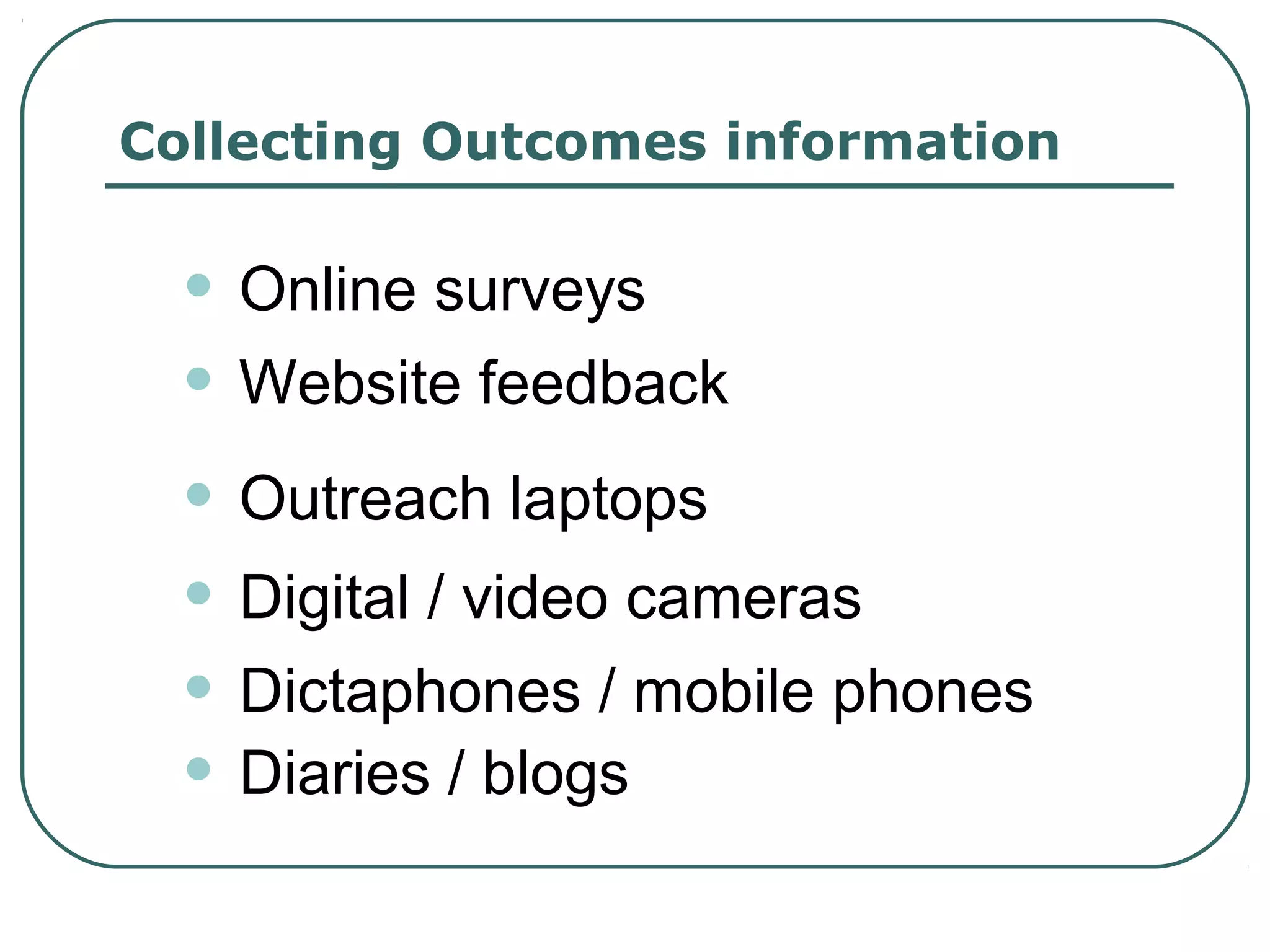
Collecting Outcomes information


  • Online surveys
  • Website feedback
  • Outreach laptops
  • Digital / video cameras
  • Dictaphones / mobile phones
  • Diaries / blogs
Source: London
   Housing
  Foundation
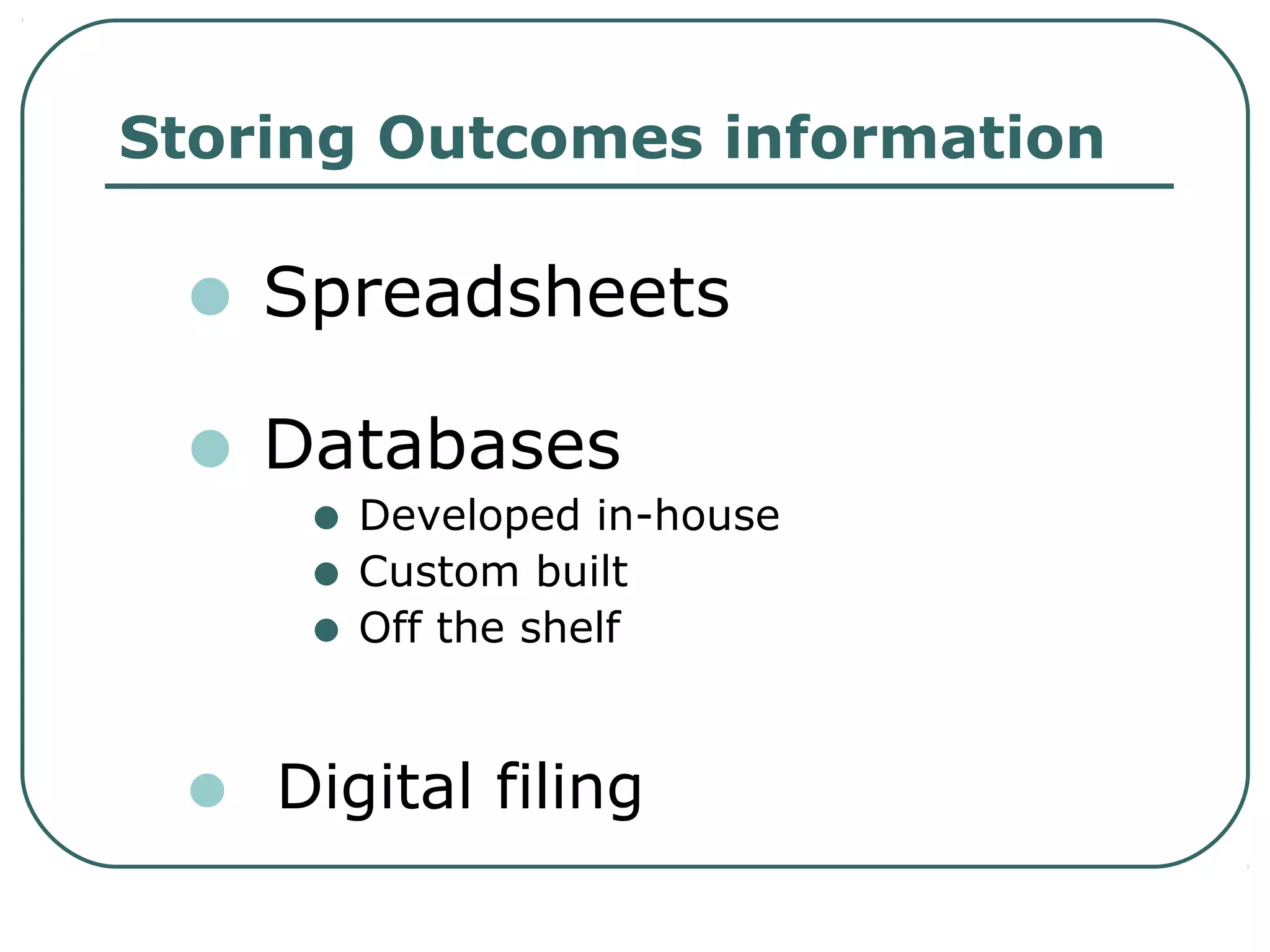
Storing Outcomes information

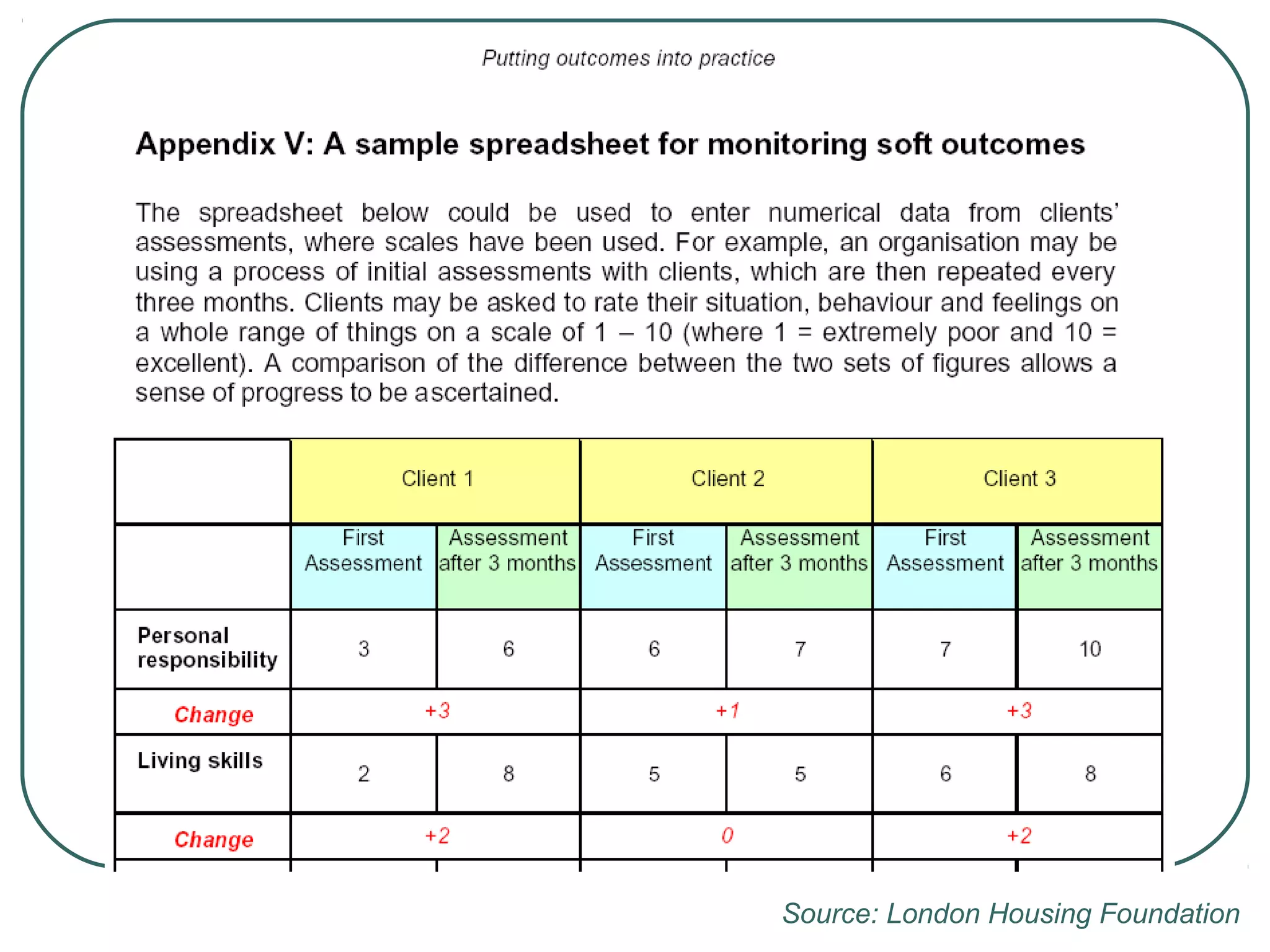
 • Spreadsheets
 • Databases
      •
     Developed in-house
      • Custom built
      • Off the shelf

 •   Digital filing
Source: London Housing Foundation
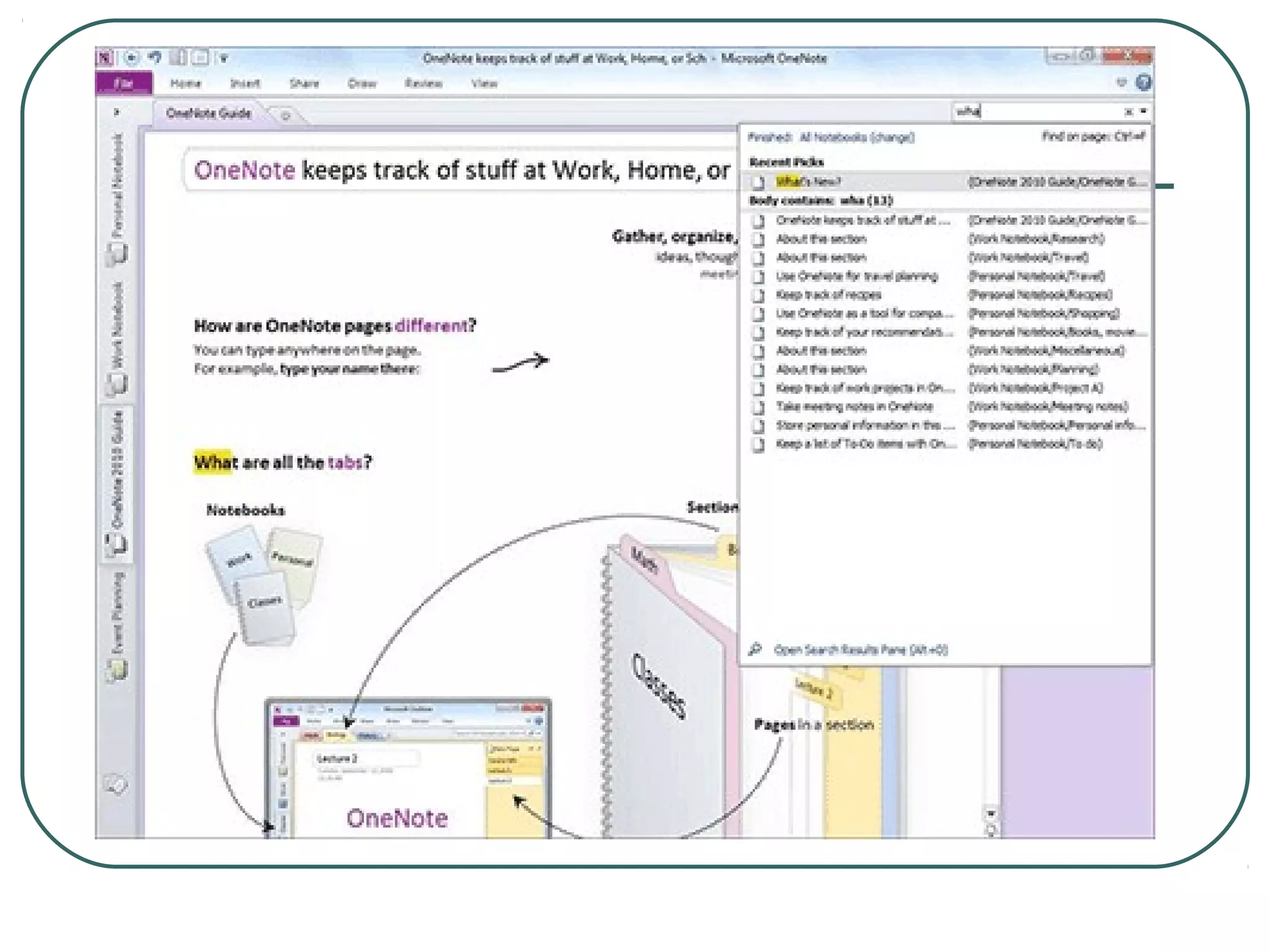
Online repositories

 • e.g. Huddle, Dropbox, Flickr,
   Evernote

 • Can be shared with team or external
   partners

 •Can be accessed from anywhere
   including mobile devices
Retrieving & analysing
Outcomes info

• Spreadsheets – filtering, sorting,
  pivot tables

• Database - queries & reports
• Exporting as csv files & importing to
  Excel
Presenting Outcomes info

 • Charts & graphs
 • Dashboards
 • Websites
 • Annual reviews
 • Videos / Digital Storytelling
 • Email signatures
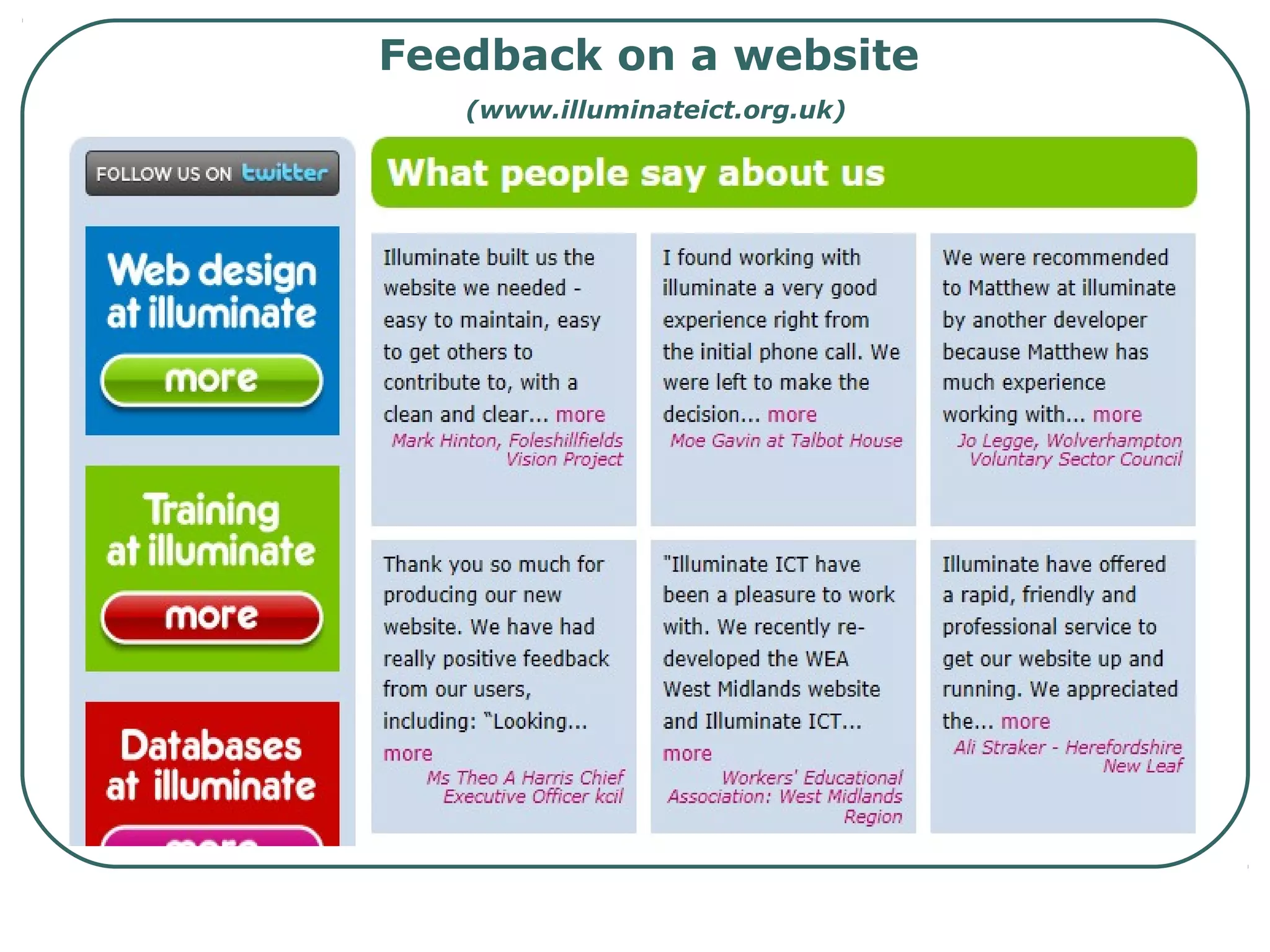
Feedback on a website
   (www.illuminateict.org.uk)
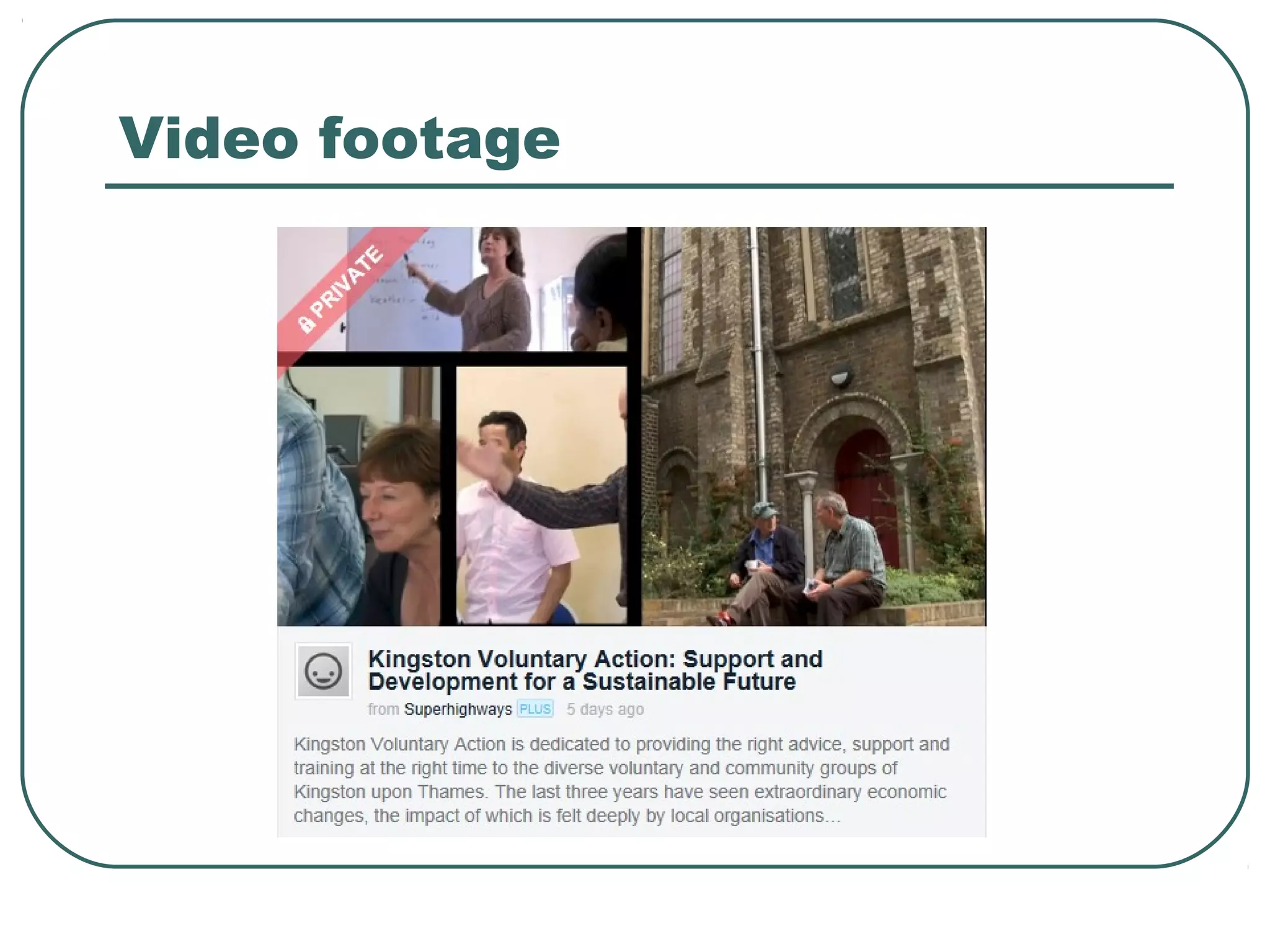
Video footage
Developing a system…

First steps
   Get together as a team and identify and
     agree the what, how, when, why and
           then capture this on paper


  Remember to include bother outputs and
    outcomes
Next steps…

   Carry out an audit of current systems
    – what are you using, what works
    well, what frustrates you etc
   Document how you are structuring
    your information e.g. the ‘fields’ you
    are using
   Draw up a brief – include some
    background and specify what you
    need – remember to future proof
Next steps…


   Then consider…
    •   Is this something that can be
        realistically developed in house?
    •   If not, research whether a system
        already exists to meet your needs?
    •   If not, budget for the bespoke option
Resources required?

 Upgraded     ICT infrastructure?

A  new system or developments to an
  existing system?

 Data    migration or start from scratch?

 Staff   roles and training?
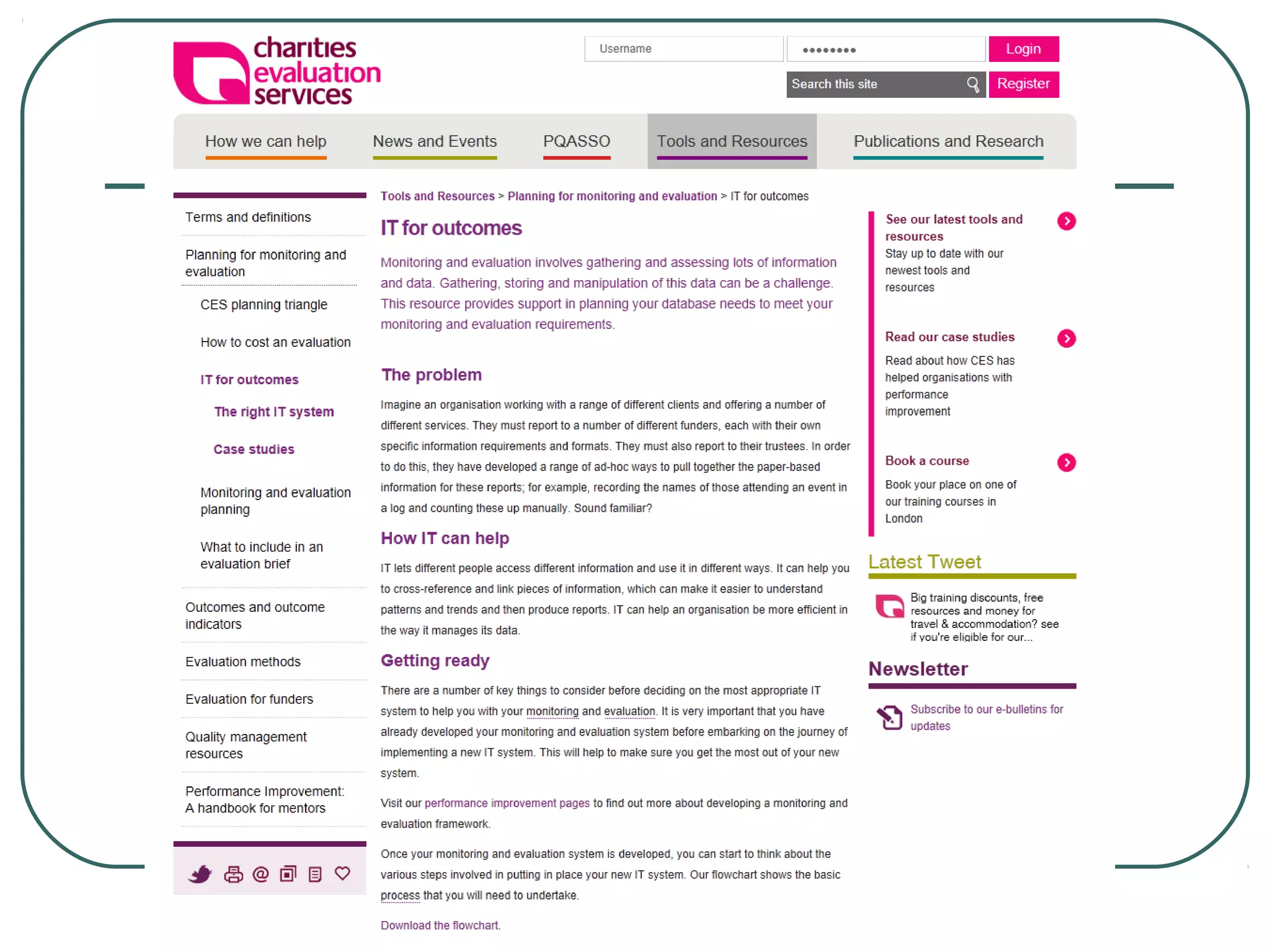
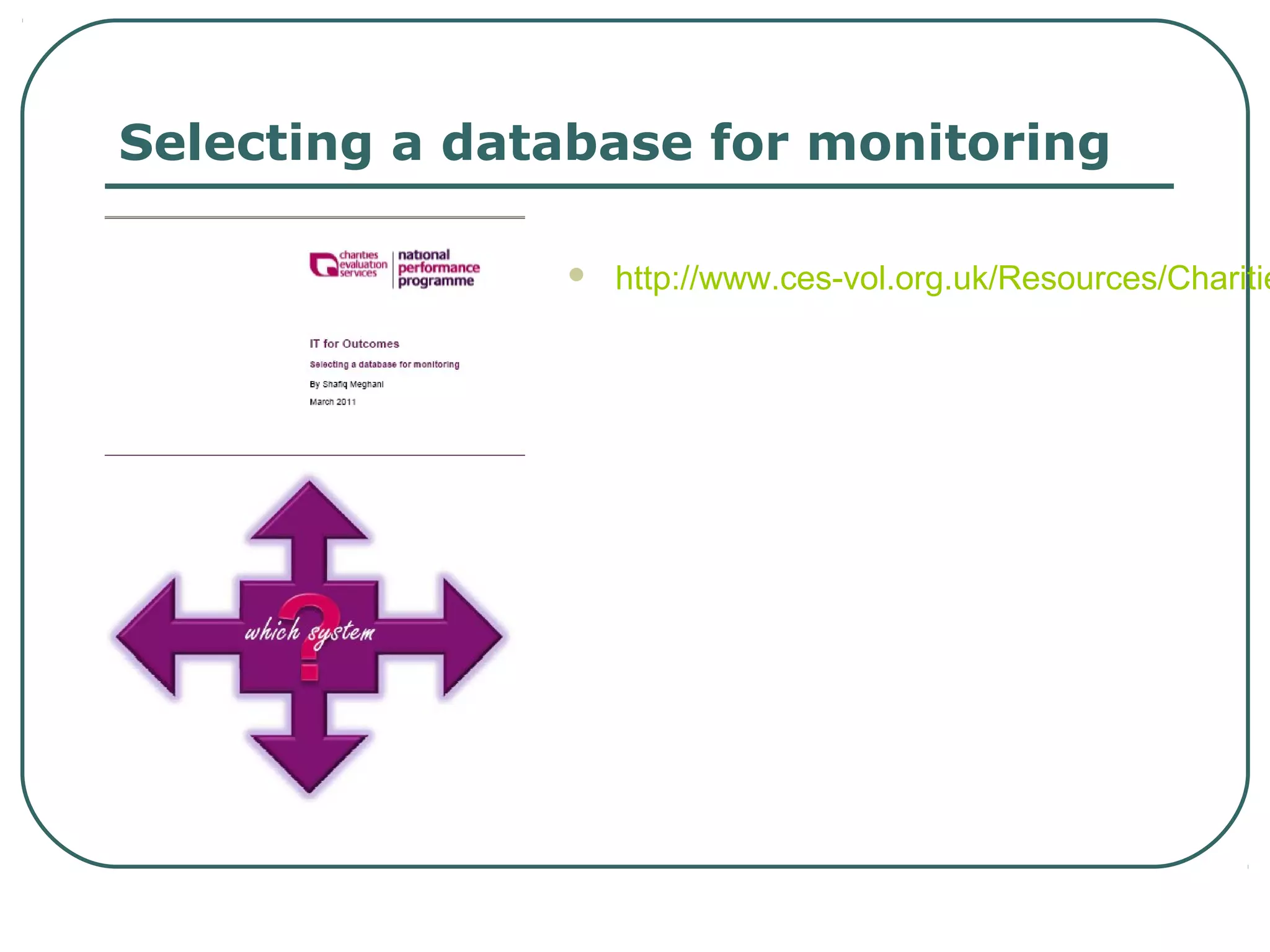
Selecting a database for monitoring

                  http://www.ces-vol.org.uk/Resources/Charitie
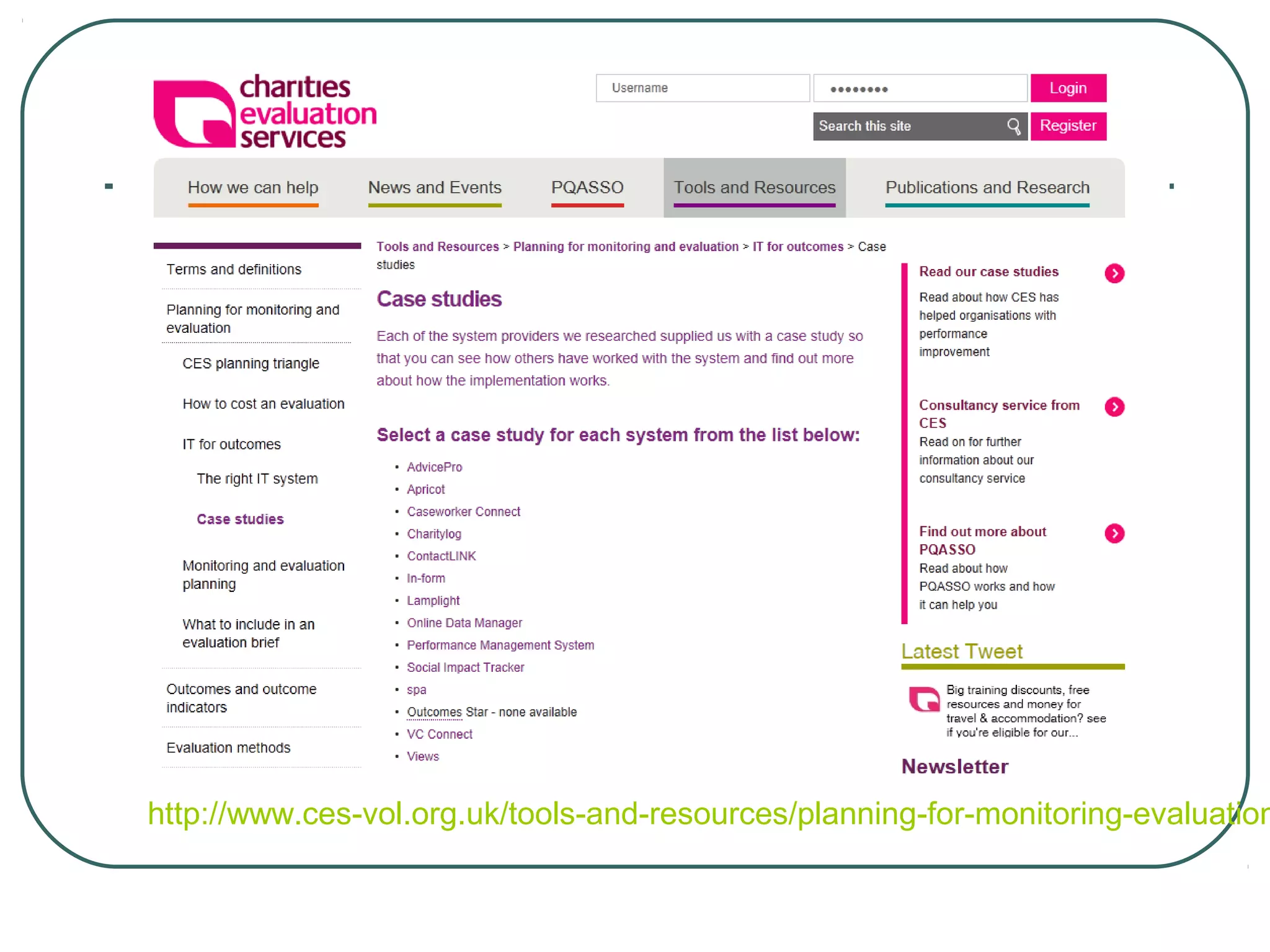
http://www.ces-vol.org.uk/tools-and-resources/planning-for-monitoring-evaluation
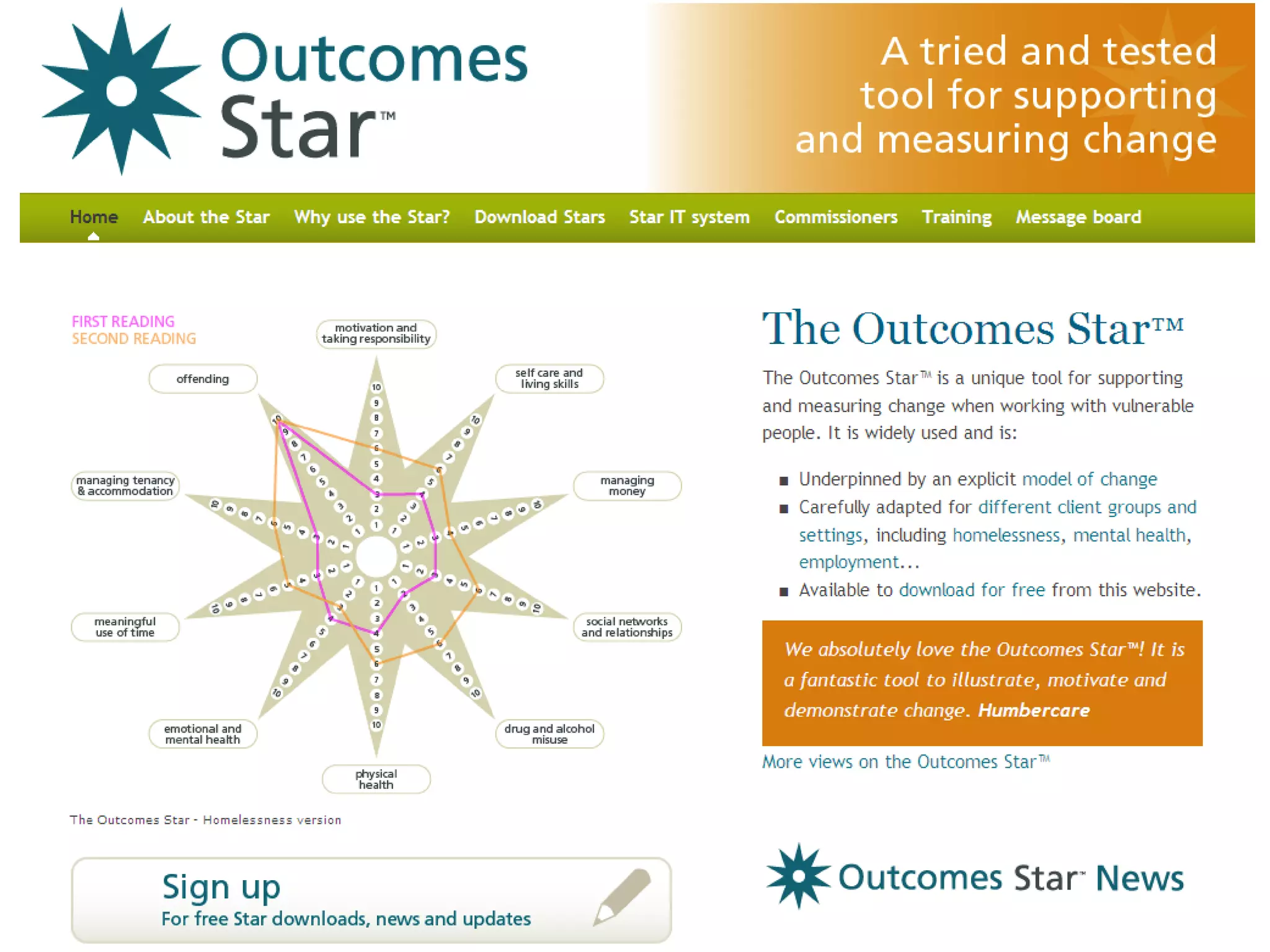
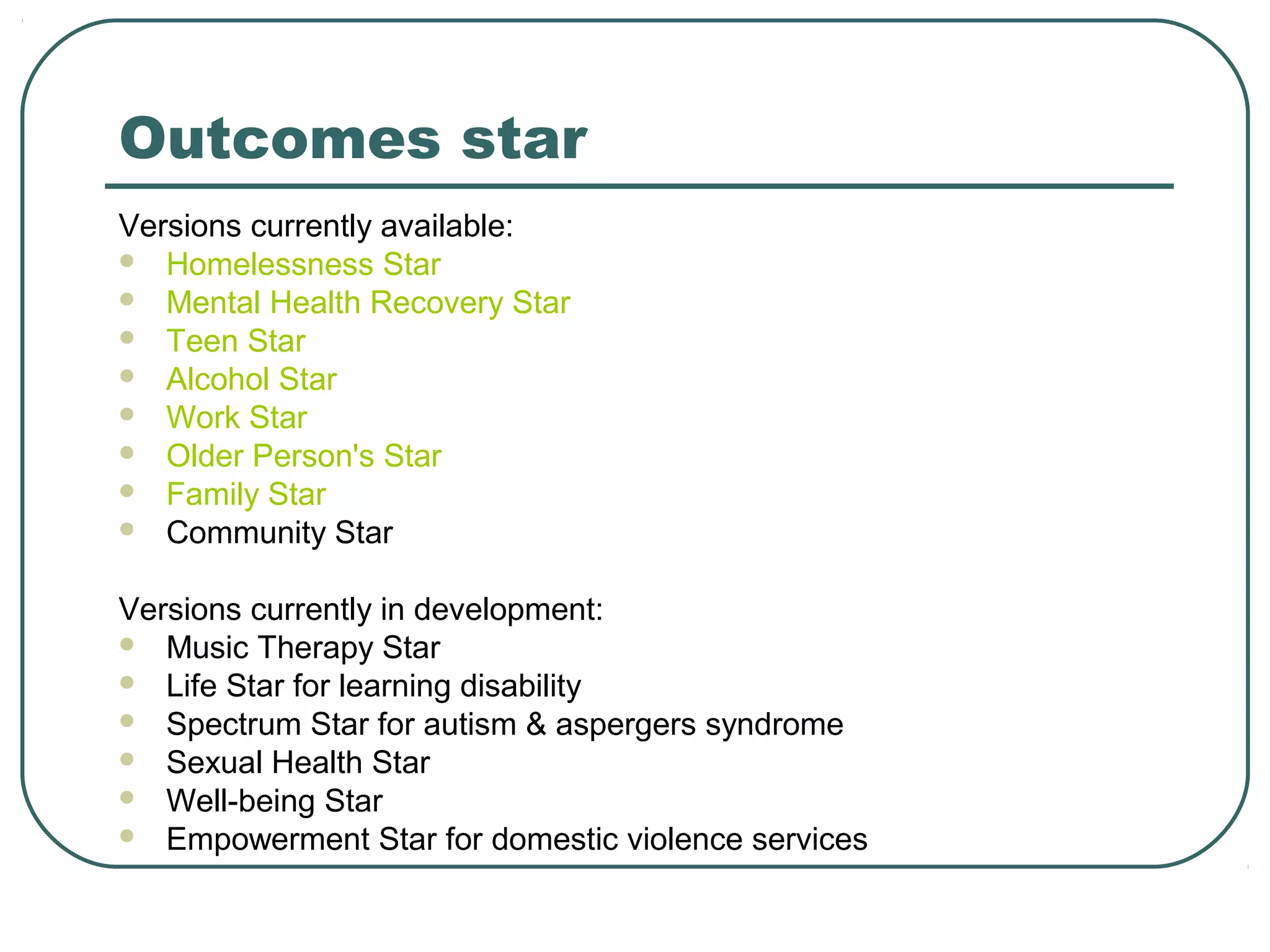
Outcomes star
Versions currently available:
 Homelessness Star
 Mental Health Recovery Star
 Teen Star
 Alcohol Star
 Work Star
 Older Person's Star
 Family Star
 Community Star


Versions currently in development:
 Music Therapy Star
 Life Star for learning disability
 Spectrum Star for autism & aspergers syndrome
 Sexual Health Star
 Well-being Star
 Empowerment Star for domestic violence services
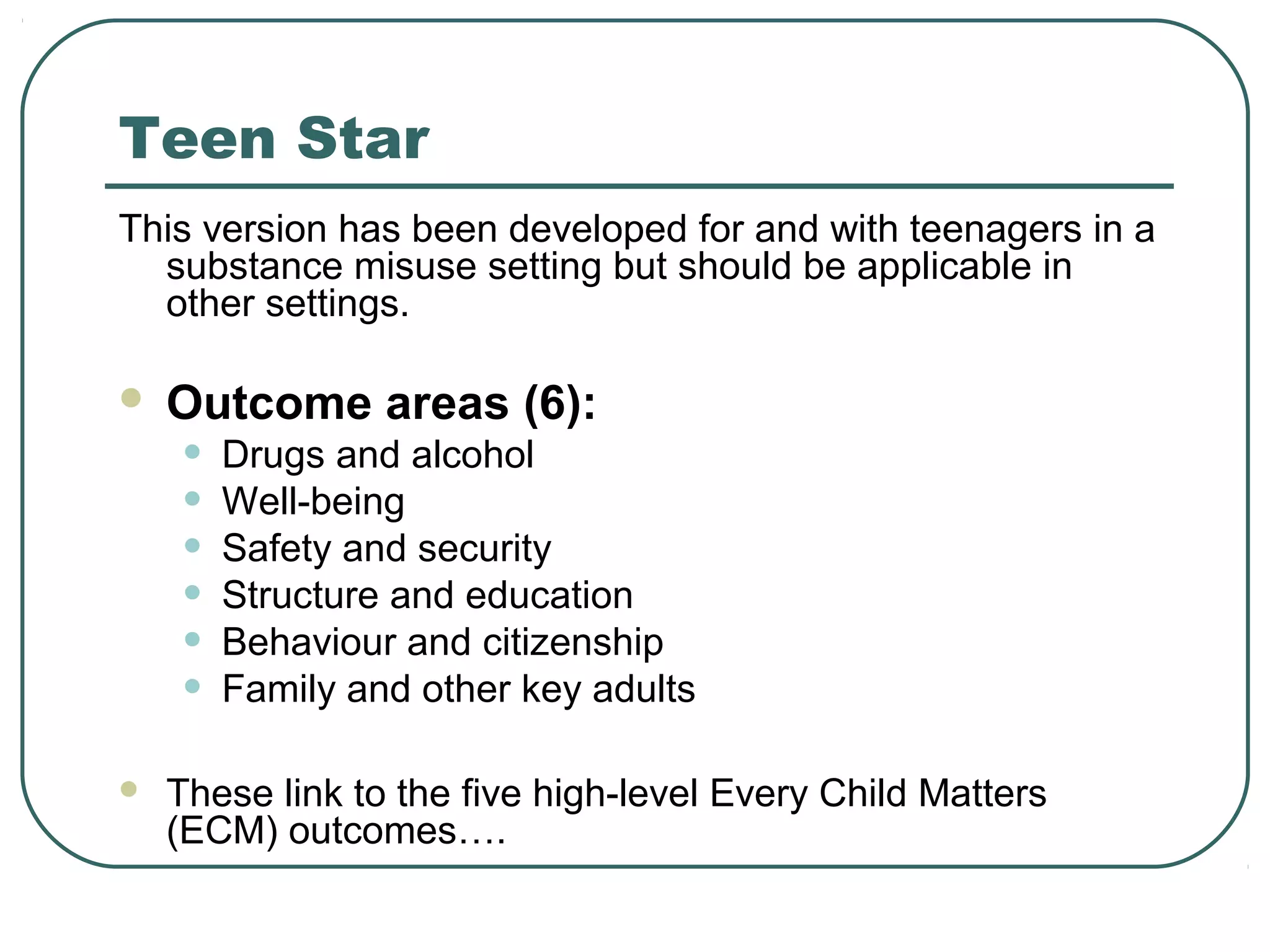
Teen Star
This version has been developed for and with teenagers in a
  substance misuse setting but should be applicable in
  other settings.

   Outcome areas (6):
    •   Drugs and alcohol
    •   Well-being
    •   Safety and security
    •   Structure and education
    •   Behaviour and citizenship
    •   Family and other key adults

   These link to the five high-level Every Child Matters
    (ECM) outcomes….
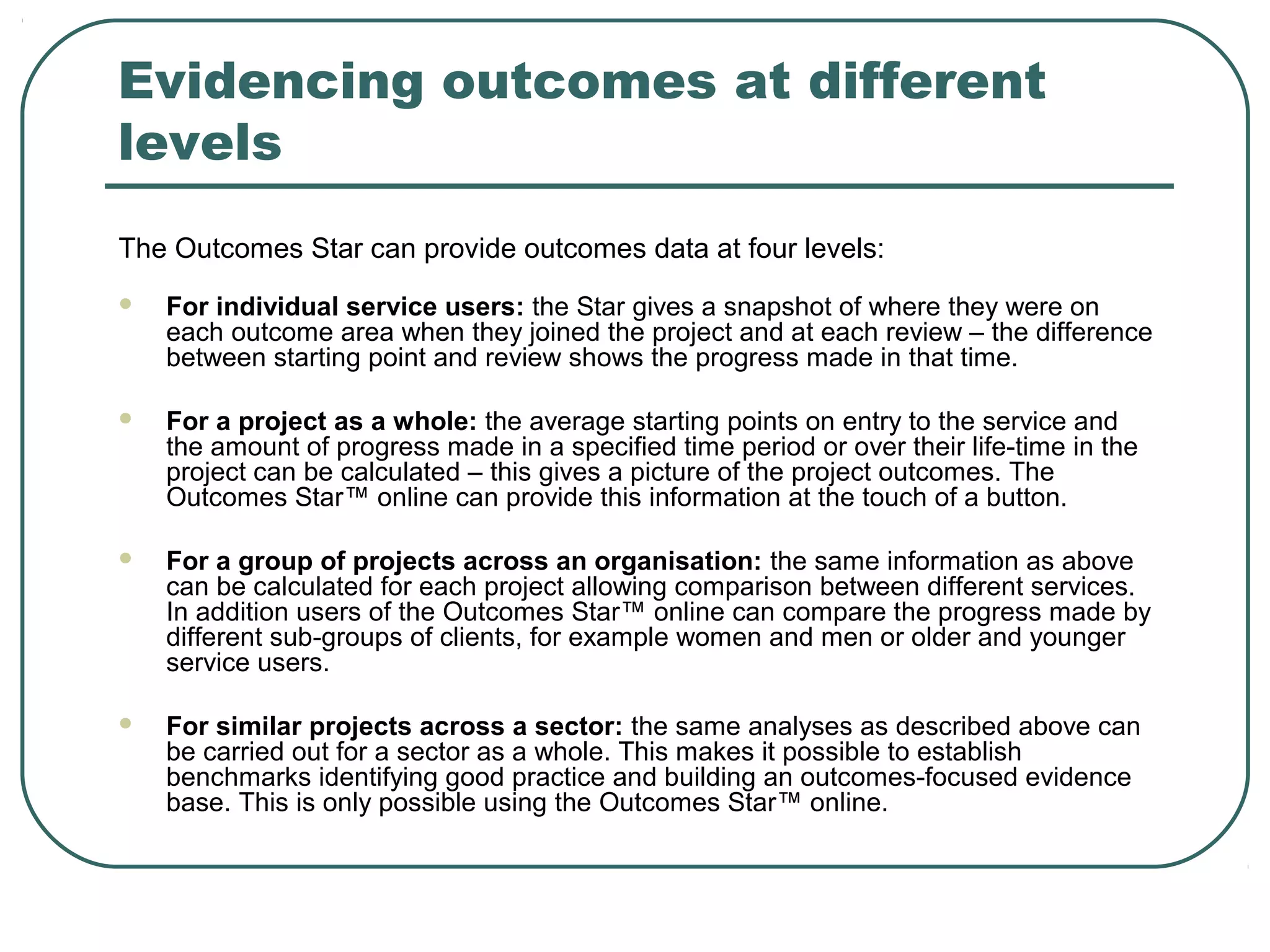
Evidencing outcomes at different
levels
The Outcomes Star can provide outcomes data at four levels:
   For individual service users: the Star gives a snapshot of where they were on
    each outcome area when they joined the project and at each review – the difference
    between starting point and review shows the progress made in that time.

   For a project as a whole: the average starting points on entry to the service and
    the amount of progress made in a specified time period or over their life-time in the
    project can be calculated – this gives a picture of the project outcomes. The
    Outcomes Star™ online can provide this information at the touch of a button.

   For a group of projects across an organisation: the same information as above
    can be calculated for each project allowing comparison between different services.
    In addition users of the Outcomes Star™ online can compare the progress made by
    different sub-groups of clients, for example women and men or older and younger
    service users.

   For similar projects across a sector: the same analyses as described above can
    be carried out for a sector as a whole. This makes it possible to establish
    benchmarks identifying good practice and building an outcomes-focused evidence
    base. This is only possible using the Outcomes Star™ online.
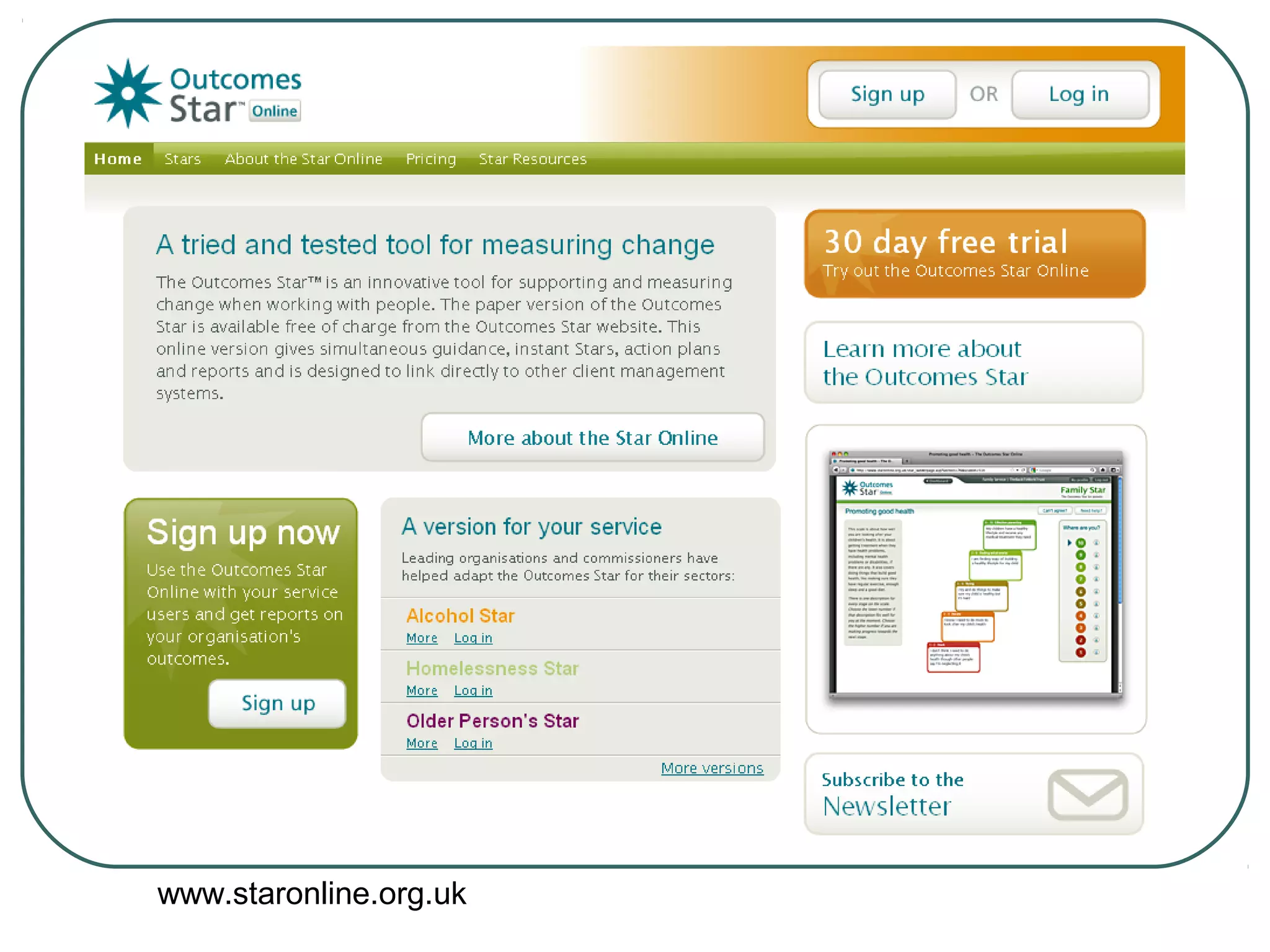
www.staronline.org.uk
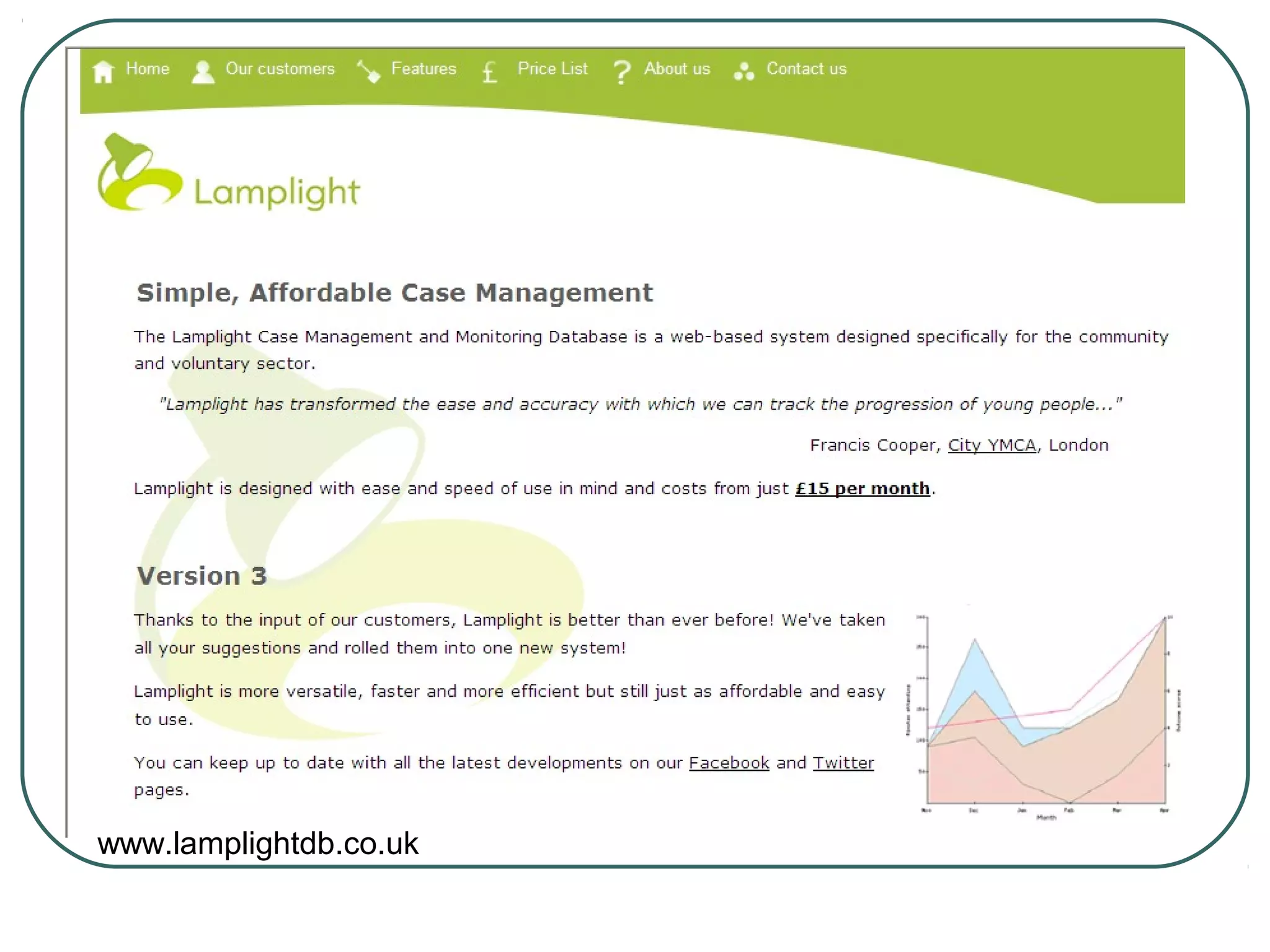
www.lamplightdb.co.uk
Lamplight demos


 Customising   fields

 Adding   outcomes and seeing change

 See   your impact overall
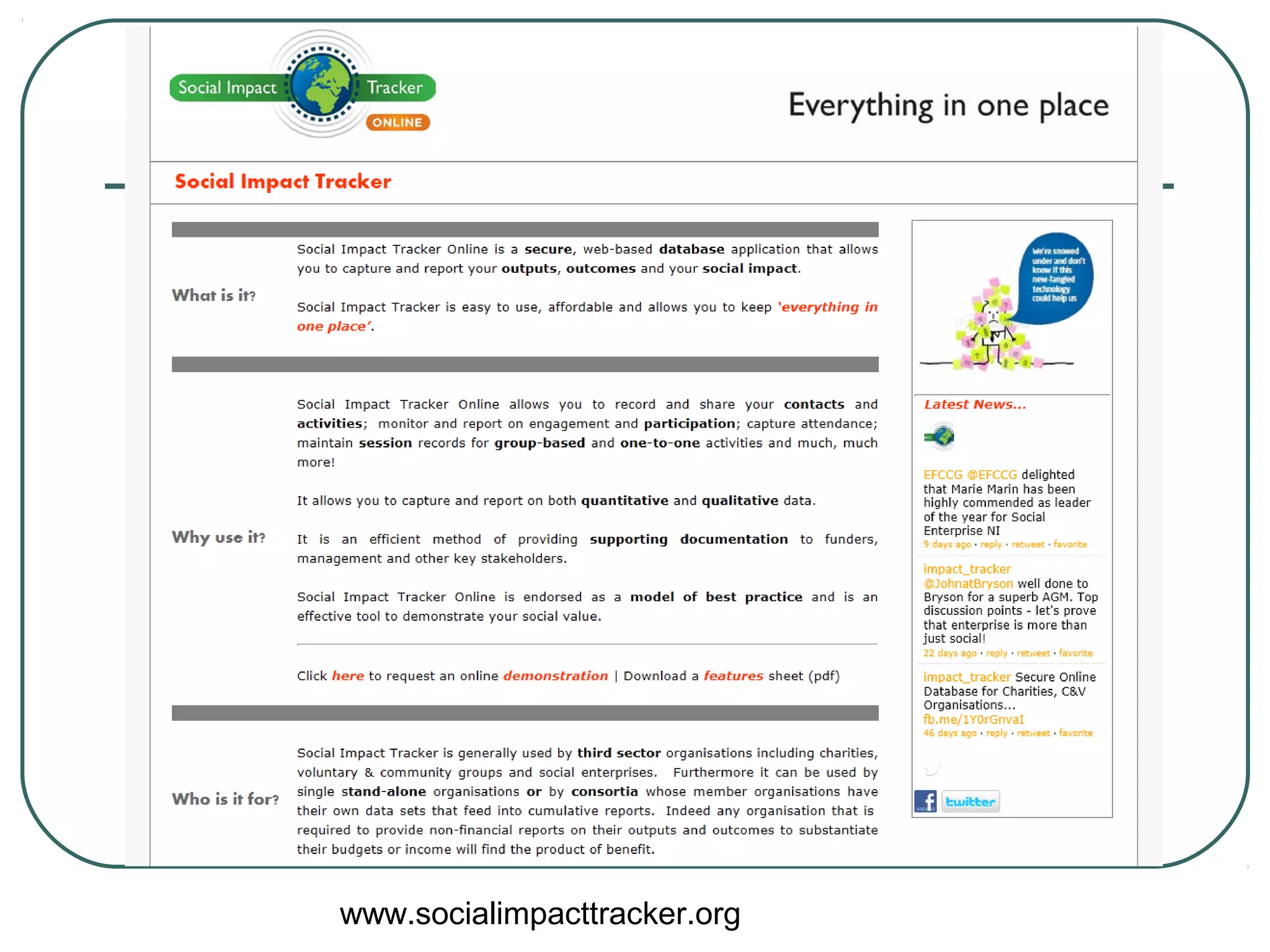
www.socialimpacttracker.org
Developing an action plan
 Outcomes     & indicators
 Using ICT to capture / present this
  information
 Resources     required – infrastructure &
  skills

 Allocating   responsibility / setting a
  timeline
Best practice issues
   Are you registered with the information
    commissioner?
    www.informationcommissioner.gov.uk
   Do you have a data protection & privacy
    policy and explain why you collect data
    and what it will be used for?
   Do you ask for permission to use
    photos / videos?
   Is your client data secure i.e. password
    protected, backed up, safeguarded with
    anti virus software and a firewall?
For more help contact:


    Superhighways
         0208 255 8040
katewhite@superhighways.org.uk

Outcomes & ICT KVA Nov 2012

  • 1.
    ICT for OutcomesMonitoring 27th November 2012 Raising awareness of a range of ICT tools that can be deployed to improve the efficiency and effectiveness of outcomes monitoring.
  • 2.
    Session objectives •Learn how ICT can help with collecting, storing, retrieving and presenting outcomes information • Understand more about the processes involved in implementing a holistic system • See demonstrations looking at ‘off the shelf' systems selected for relevance in terms of services, client group and cost • Start identifying specific tools that will enable you to better capture information relating to your organisations outcomes • Draft an action plan to support adoption of these tools over the next year 6 – 12 months
  • 3.
    Your current practice Howare you currently using ICT to capture & evidence Outcomes? What challenges do you face? Do you already have ideas for how you can improve this process?
  • 4.
    Why ICT canhelp? Greater efficiency: • Automating manual processes • Reducing paperwork • Reducing staff time Greater effectiveness: • Sharing / accessing information • Analysing data in more sophisticated ways • Presenting information with greater impact & to a wider variety of audiences
  • 5.
    Collecting Outcomes information • Online surveys • Website feedback • Outreach laptops • Digital / video cameras • Dictaphones / mobile phones • Diaries / blogs
  • 6.
    Source: London Housing Foundation
  • 7.
    Storing Outcomes information • Spreadsheets • Databases • Developed in-house • Custom built • Off the shelf • Digital filing
  • 8.
  • 10.
    Online repositories •e.g. Huddle, Dropbox, Flickr, Evernote • Can be shared with team or external partners •Can be accessed from anywhere including mobile devices
  • 11.
    Retrieving & analysing Outcomesinfo • Spreadsheets – filtering, sorting, pivot tables • Database - queries & reports • Exporting as csv files & importing to Excel
  • 12.
    Presenting Outcomes info • Charts & graphs • Dashboards • Websites • Annual reviews • Videos / Digital Storytelling • Email signatures
  • 13.
    Feedback on awebsite (www.illuminateict.org.uk)
  • 14.
  • 15.
    Developing a system… Firststeps Get together as a team and identify and agree the what, how, when, why and then capture this on paper Remember to include bother outputs and outcomes
  • 16.
    Next steps…  Carry out an audit of current systems – what are you using, what works well, what frustrates you etc  Document how you are structuring your information e.g. the ‘fields’ you are using  Draw up a brief – include some background and specify what you need – remember to future proof
  • 17.
    Next steps…  Then consider… • Is this something that can be realistically developed in house? • If not, research whether a system already exists to meet your needs? • If not, budget for the bespoke option
  • 18.
    Resources required?  Upgraded ICT infrastructure? A new system or developments to an existing system?  Data migration or start from scratch?  Staff roles and training?
  • 20.
    Selecting a databasefor monitoring  http://www.ces-vol.org.uk/Resources/Charitie
  • 21.
  • 23.
    Outcomes star Versions currentlyavailable:  Homelessness Star  Mental Health Recovery Star  Teen Star  Alcohol Star  Work Star  Older Person's Star  Family Star  Community Star Versions currently in development:  Music Therapy Star  Life Star for learning disability  Spectrum Star for autism & aspergers syndrome  Sexual Health Star  Well-being Star  Empowerment Star for domestic violence services
  • 24.
    Teen Star This versionhas been developed for and with teenagers in a substance misuse setting but should be applicable in other settings.  Outcome areas (6): • Drugs and alcohol • Well-being • Safety and security • Structure and education • Behaviour and citizenship • Family and other key adults  These link to the five high-level Every Child Matters (ECM) outcomes….
  • 25.
    Evidencing outcomes atdifferent levels The Outcomes Star can provide outcomes data at four levels:  For individual service users: the Star gives a snapshot of where they were on each outcome area when they joined the project and at each review – the difference between starting point and review shows the progress made in that time.  For a project as a whole: the average starting points on entry to the service and the amount of progress made in a specified time period or over their life-time in the project can be calculated – this gives a picture of the project outcomes. The Outcomes Star™ online can provide this information at the touch of a button.  For a group of projects across an organisation: the same information as above can be calculated for each project allowing comparison between different services. In addition users of the Outcomes Star™ online can compare the progress made by different sub-groups of clients, for example women and men or older and younger service users.  For similar projects across a sector: the same analyses as described above can be carried out for a sector as a whole. This makes it possible to establish benchmarks identifying good practice and building an outcomes-focused evidence base. This is only possible using the Outcomes Star™ online.
  • 26.
  • 27.
  • 28.
    Lamplight demos  Customising fields  Adding outcomes and seeing change  See your impact overall
  • 29.
  • 30.
    Developing an actionplan  Outcomes & indicators  Using ICT to capture / present this information  Resources required – infrastructure & skills  Allocating responsibility / setting a timeline
  • 31.
    Best practice issues  Are you registered with the information commissioner? www.informationcommissioner.gov.uk  Do you have a data protection & privacy policy and explain why you collect data and what it will be used for?  Do you ask for permission to use photos / videos?  Is your client data secure i.e. password protected, backed up, safeguarded with anti virus software and a firewall?
  • 32.
    For more helpcontact: Superhighways 0208 255 8040 katewhite@superhighways.org.uk

Editor's Notes

  • #2 13.45: As people arrive, teas, coffees 14.00: Welcome: Housekeeping
  • #3 14.20 Presentation: What is monitoring, what is evaluation? Monitoring: ongoing data gathering, e.g. to see if things are on track. Evaluation: end of project (or other key point). Analysis of what you have collected. Full scale detailed process to judge the value of a project or service, using the information gathered through monitoring
  • #33 PACKS Additional support. Evaluation forms.