








OPTIMISING YOUR CONTENT FOR
         FINDABILITY
   Kristian Norling, JBoye 2012, 6 November, Aarhus, Denmark
#jboye12
@kristiannorling
  @!ndwise
Introduction
• Who is here?
• Your expectations?
• Kristian?
• 3 hours
• One 20 minute break ≈ 10.20
• Lifetime answer Guarantee on this class
THE ENTERPRISE SEARCH AND
 FINDABILITY SURVEY/REPORT
 SIGN-UP & DOWNLOAD 2012 REPORT
Description

 As the amount of content continues to increase, new approaches are
 required to provide good user experiences. Findability has been
 introduced as a new term among content strategists and information
 architects and is most easily explained as :


 “A state where all information is !ndable and an approach to reaching
 that state.”


 Search technology is readily used to make information !ndable, but as
 many have realized technology alone is unfortunately not enough. To
 achieve !ndability additional activities across several important
 dimensions such as business, user, information and organisation are
 needed.
Description

 Search engine optimisation is one aspect of !ndability and many of the
 principles from SEO works in a intranet or website search context.


 Getting !ndability to work well for your website or intranet is a
 di#cult task, that needs continuous work.


 In this tutorial you will take a deep dive into the many aspects of
 !ndability, with some good practices on how to improve !ndability.
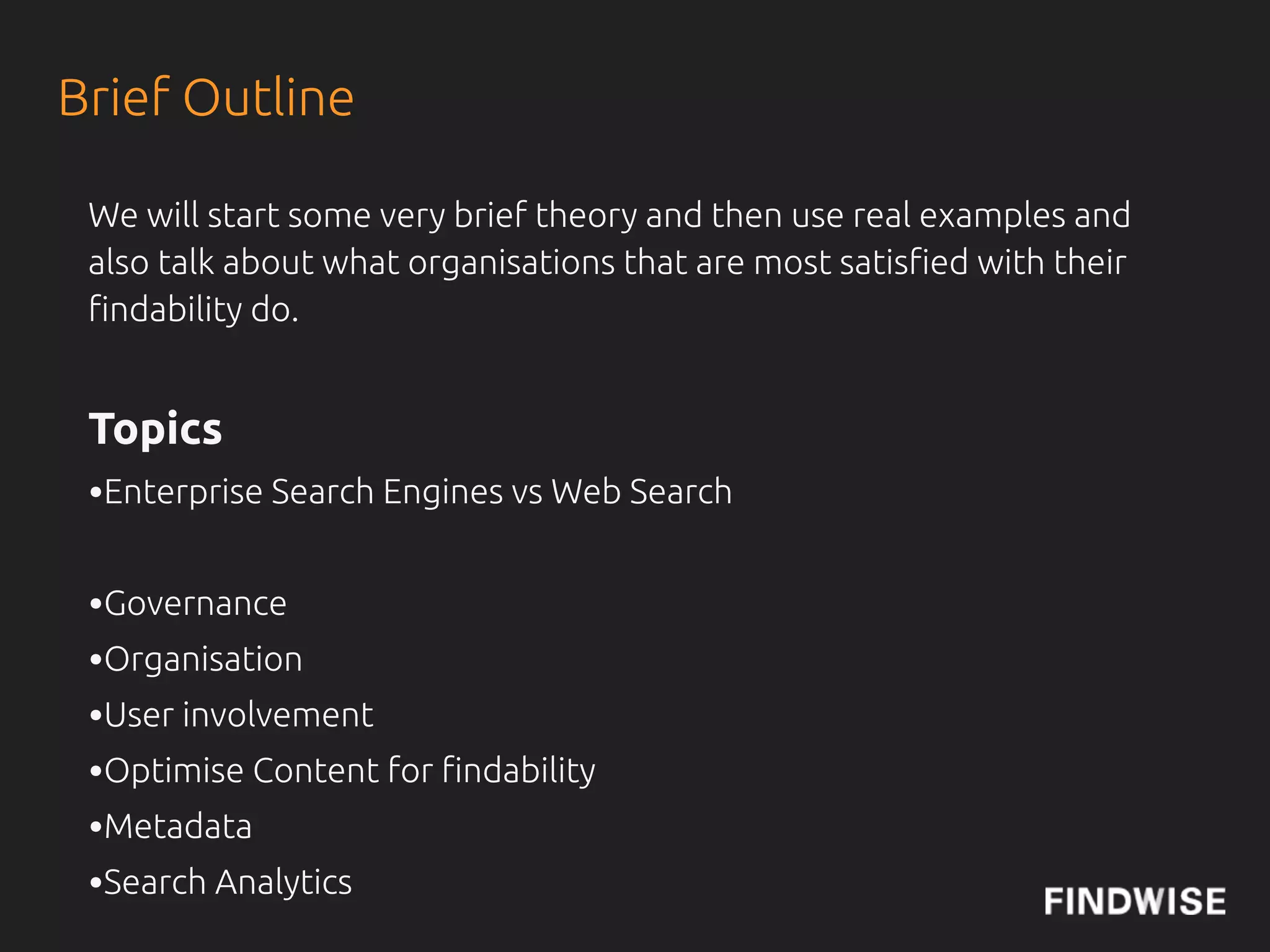
Brief Outline

 We will start some very brief theory and then use real examples and
 also talk about what organisations that are most satis!ed with their
 !ndability do.


 Topics
 •Enterprise Search Engines vs Web Search
 •Governance
 •Organisation
 •User involvement
 •Optimise Content for !ndability
 •Metadata
 •Search Analytics
IS IT EASY TO FIND THE RIGHT
   INFORMATION WITHIN YOUR
      ORGANISATION TODAY?
Source: The Enterprise Search and Findability Report 2012
EUROPE
       77%
MODERATELY/VERY HARD
WHAT ARE THE OBSTACLES
 TO FINDING THE RIGHT
     INFORMATION?
EUROPE
64.2% POOR SEARCH FUNCTIONALITY
47.7% LACK OF ADEQUATE TAGS
48.6% INCONSISTENCY IN HOW WE TAG
     CONTENT
47.7% DON'T KNOW WHERE TO LOOK
DATE -
THE SILVER BULLET OF ENTERPRISE SEARCH
                          Source: IntranetFocus
ENTERPRISE SEARCH:
UN-COOL AND MISSION CRITICAL
                  Source: Julie Hunt
History of Search
In Academia search is called Information
Retrieval.


It is an old discipline, dating back
thousands of years...


Basic concepts in Information Retrieval:
Recall and Precision, more later...
Wikipedia De!nition
“Enterprise search is the practice of
making content from multiple
enterprise-type sources, such as
databases and intranets, searchable to a
de"ned audience.”
http://en.wikipedia.org/wiki/Enterprise_search
The Concept of Enterprise
 Search: Precision
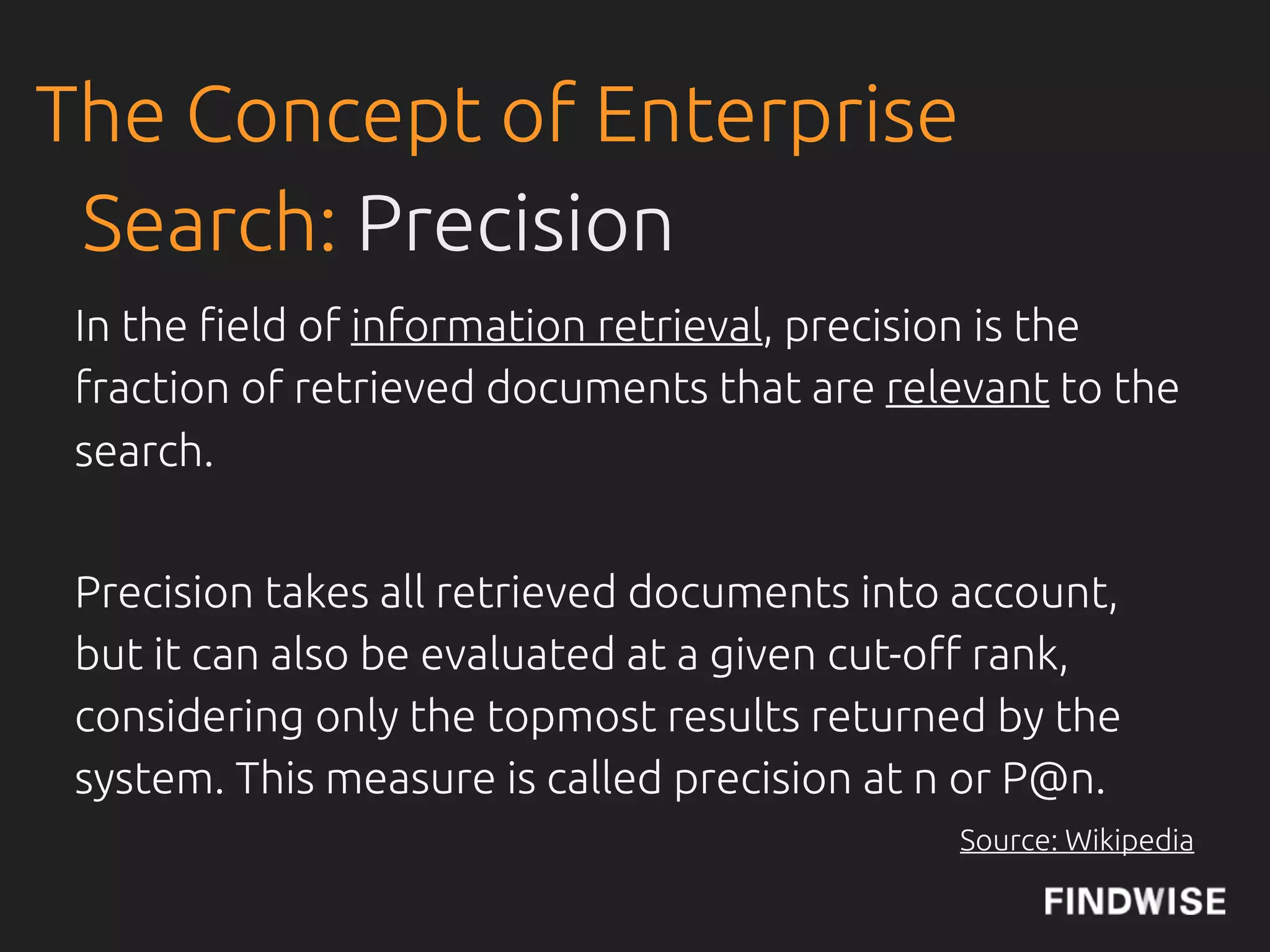
 In the !eld of information retrieval, precision is the
 fraction of retrieved documents that are relevant to the
 search.


 Precision takes all retrieved documents into account,
 but it can also be evaluated at a given cut-o" rank,
 considering only the topmost results returned by the
 system. This measure is called precision at n or P@n.
                                             Source: Wikipedia
The Concept of Enterprise
 Search: Recall
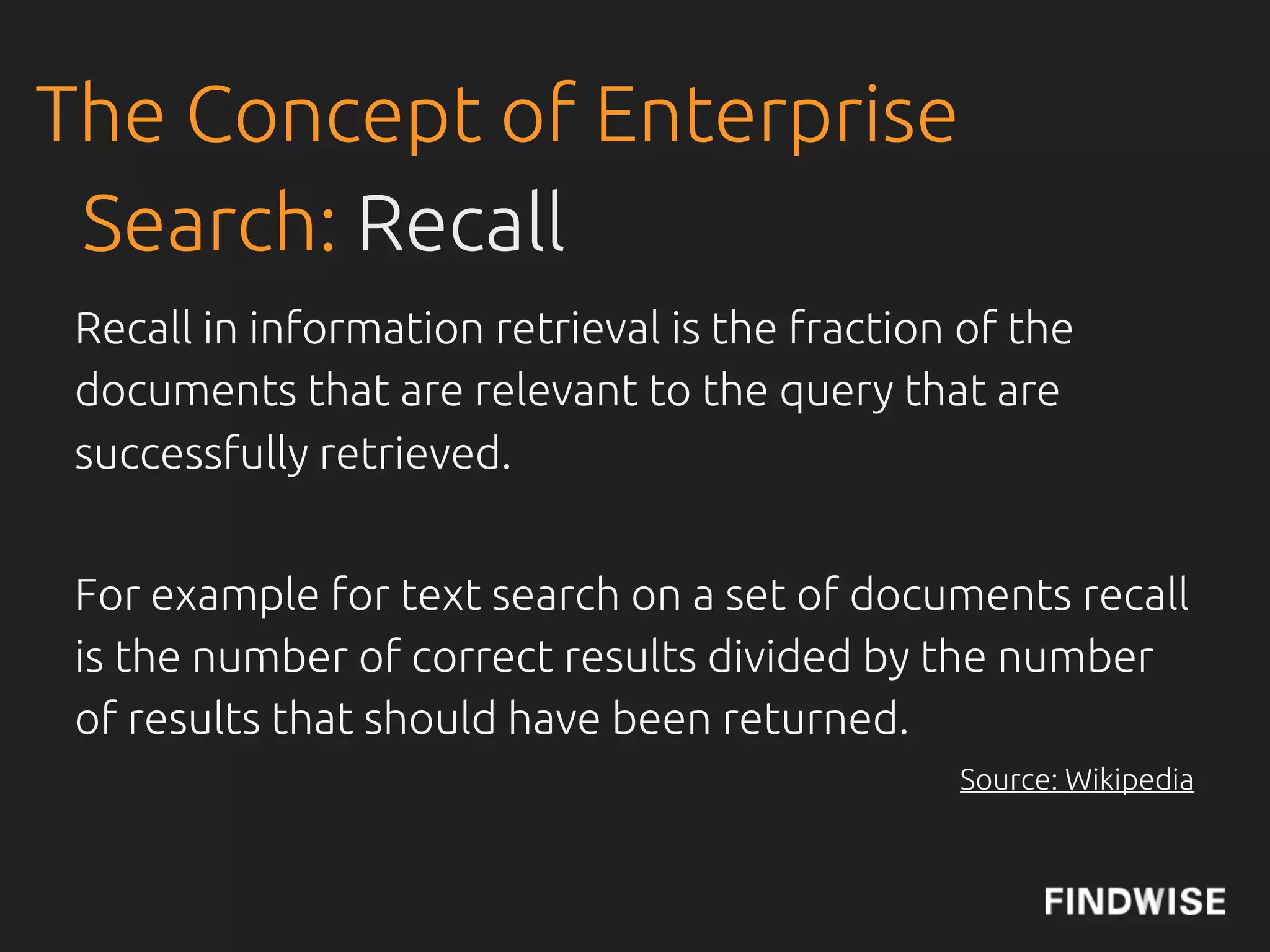
 Recall in information retrieval is the fraction of the
 documents that are relevant to the query that are
 successfully retrieved.


 For example for text search on a set of documents recall
 is the number of correct results divided by the number
 of results that should have been returned.
                                                Source: Wikipedia
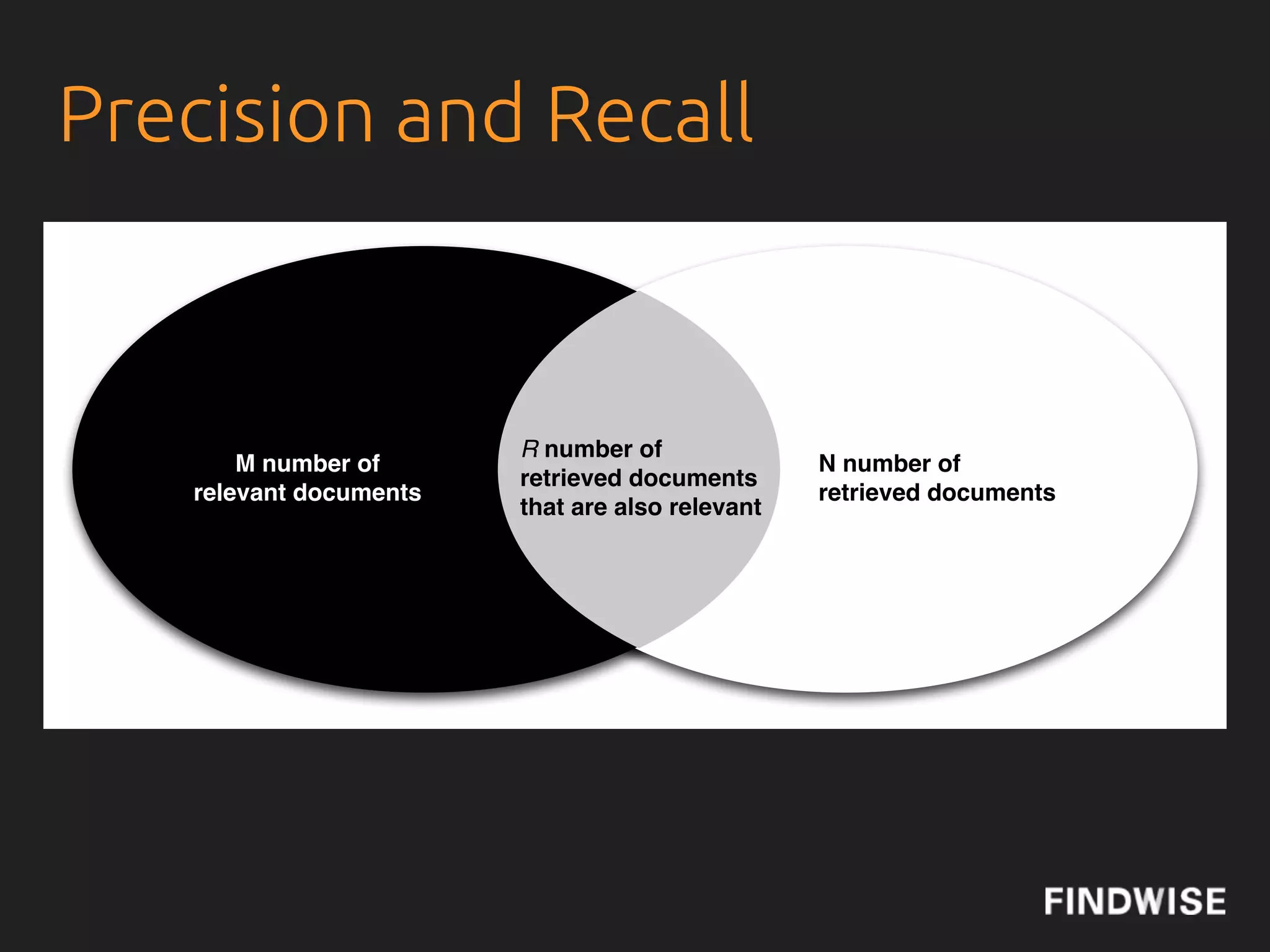
Precision and Recall


                        R number of
       M number of                               N number of
                        retrieved documents
   relevant documents                            retrieved documents
                        that are also relevant
Precision and Recall
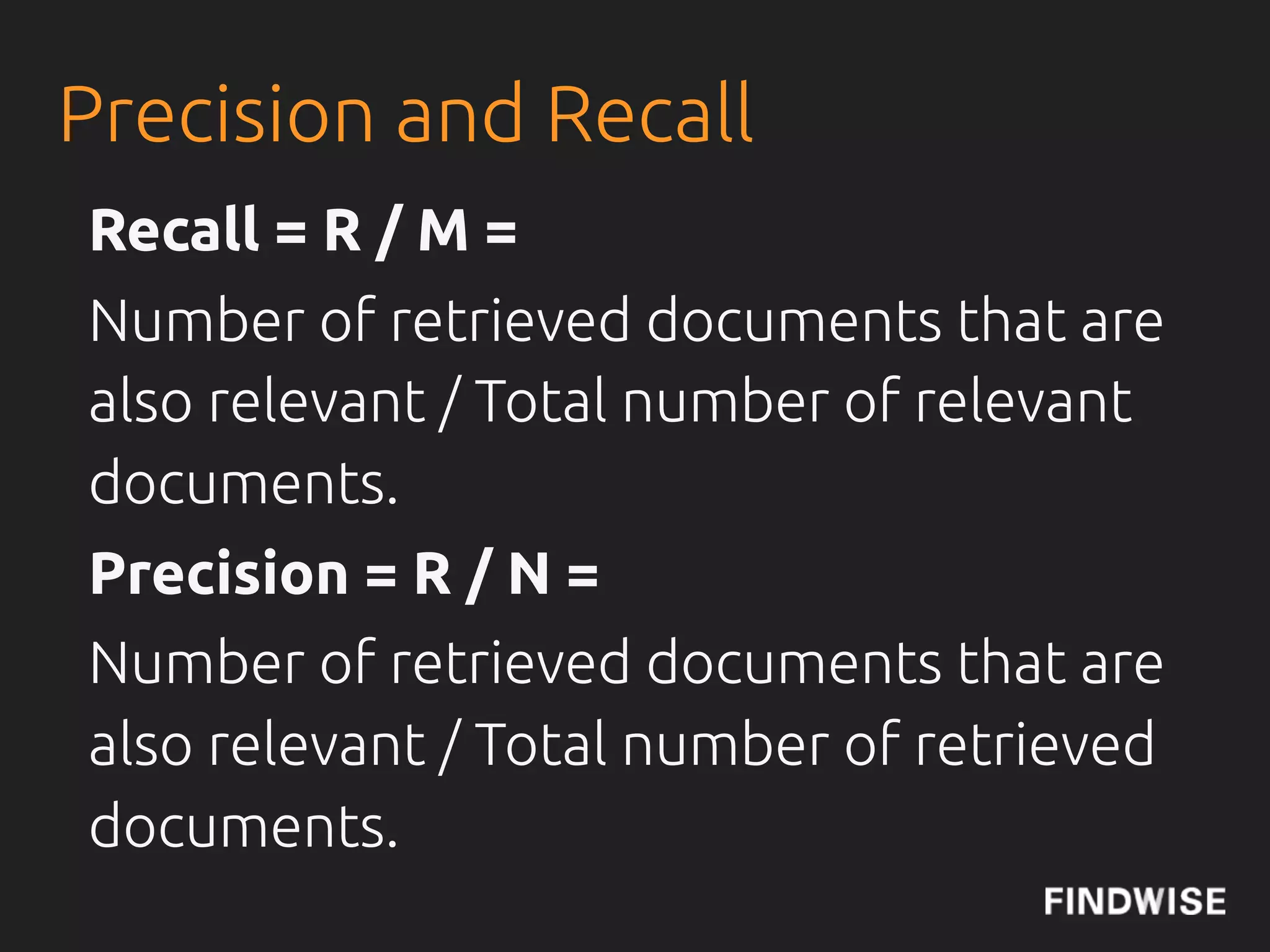
Recall = R / M =
Number of retrieved documents that are
also relevant / Total number of relevant
documents.
Precision = R / N =
Number of retrieved documents that are
also relevant / Total number of retrieved
documents.
Relevance
...enterprises typically have to use other query-
independent factors, such as a document's recency or
popularity, along with query-dependent factors
traditionally associated with information retrieval
algorithms. Also, the rich functionality of enterprise
search UIs, such as clustering and faceting, diminish
reliance on ranking as the means to direct the user's
attention.
                                         Source: Wikipedia
PageRank
Web/Consumer Data vs Enterprise Data

  “Enterprise data simply isn’t like web or
   consumer data – it’s characterised by
  rarity and unconnectedness rather than
           popularity and context.”
                           Charlie Hull, Flax Blog
Relevance
We do not have PageRank...
...but we have the bene"t of social!
CMSWire: Social Reconnects Enterprise Search


Emails, People Catalogues, Connections,
Tagging, Sharing etc.
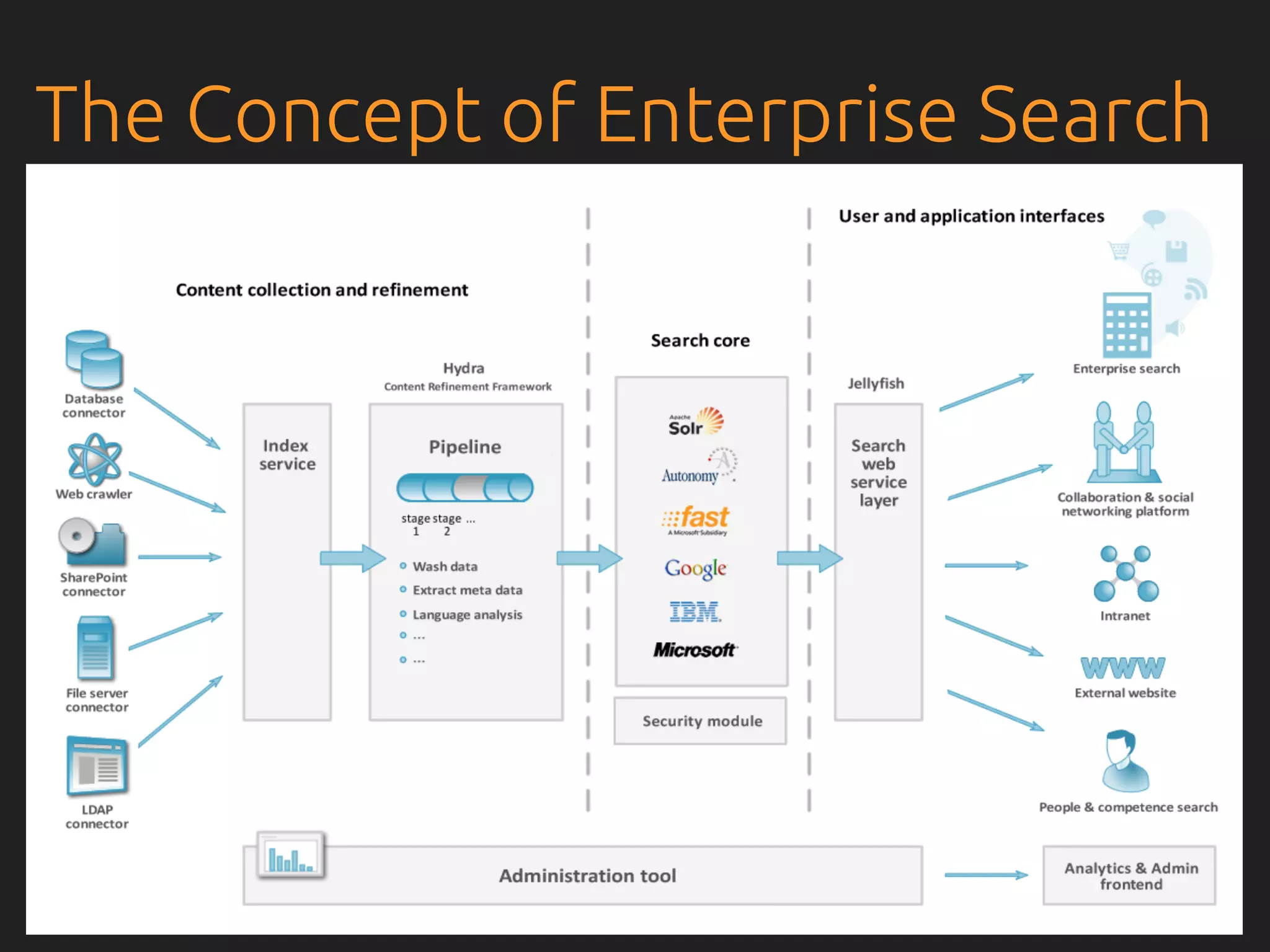
The Concept of Enterprise Search
Organisation
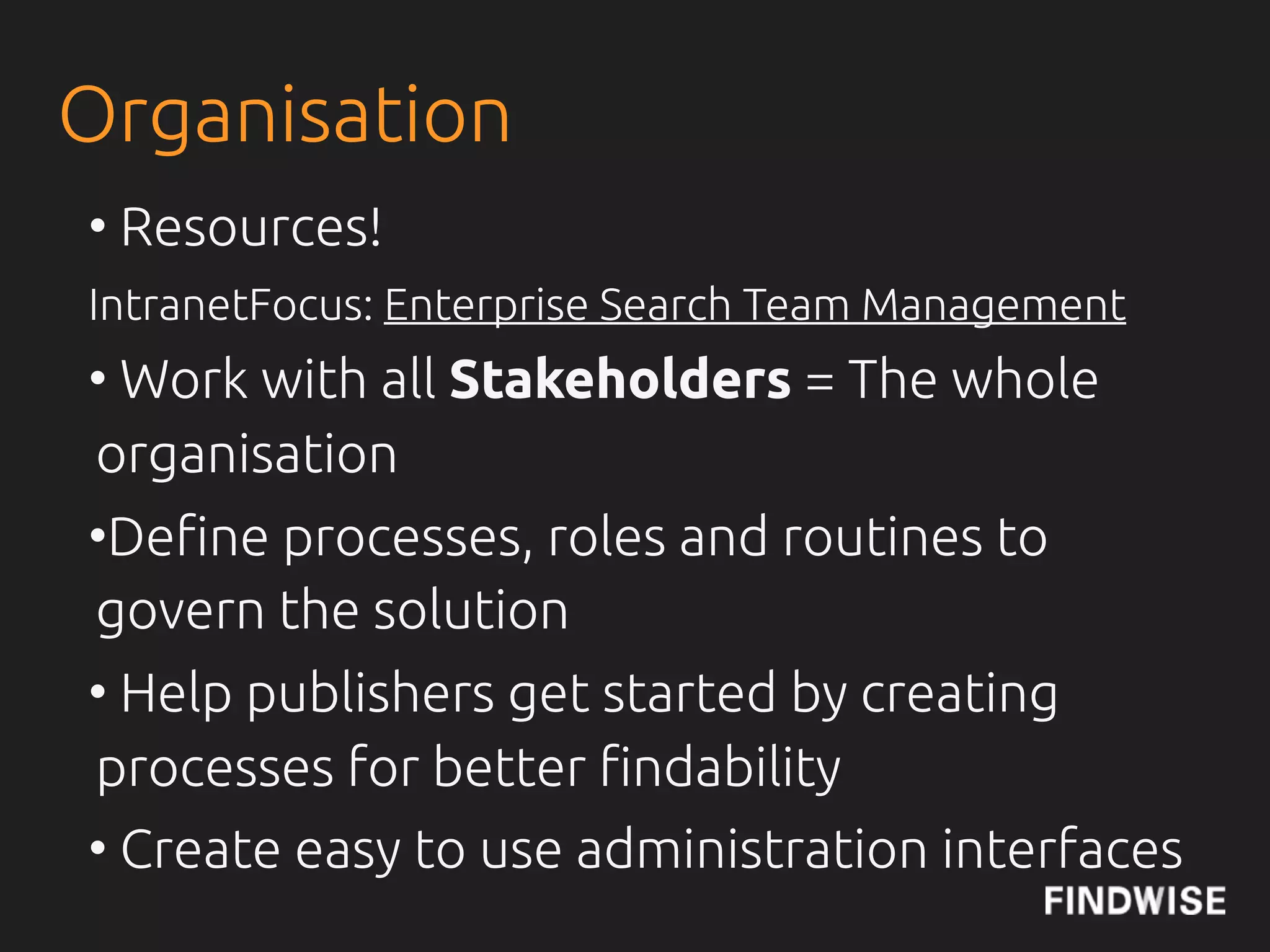
• Resources!
IntranetFocus: Enterprise Search Team Management
• Work with all Stakeholders = The whole
organisation
•De!ne processes, roles and routines to
govern the solution
• Help publishers get started by creating
processes for better !ndability
• Create easy to use administration interfaces
Survey Results of Budget and Organisation

 Amongst the organisations that are very satis!ed with their search,
 they have a (larger) budget, more resources and systematically work
 with analysing search.


 As many as 45% of the respondents have no separate budget for
 search, but 20% have had a budget for 3 years or more. In the group
 with no budget 56% are very or mostly dissatis!ed with their current
 search. The dissatisfaction with search drops to 30% for those
 organisations with a dedicated budget for search. In the very satis!ed
 (67%) and mostly satis!ed (59%) groups a large majority has a budget.
 And 71% of the organisations without a strategy also have no budget.
What Does the Organisations Do That Leads
Findability?
 • In the Very Satis!ed (VS) with their current search group, the number
 of Full Time Equivalents (FTE) is 1-2 or more.
 • 67% of VS and 71% of the mostly satis!ed groups do search analytics
 • 50% do user testing regularly in the very satis!ed group
 • 83% (VS) have a person or group that is responsible for analysing
 user behaviour and to make sure that search supports the business
 needs
 • 84% have feedback functionality in the VS group
 • 67% of VS have a taxonomy in place and 83% have a metadata
 standard.
Search Team
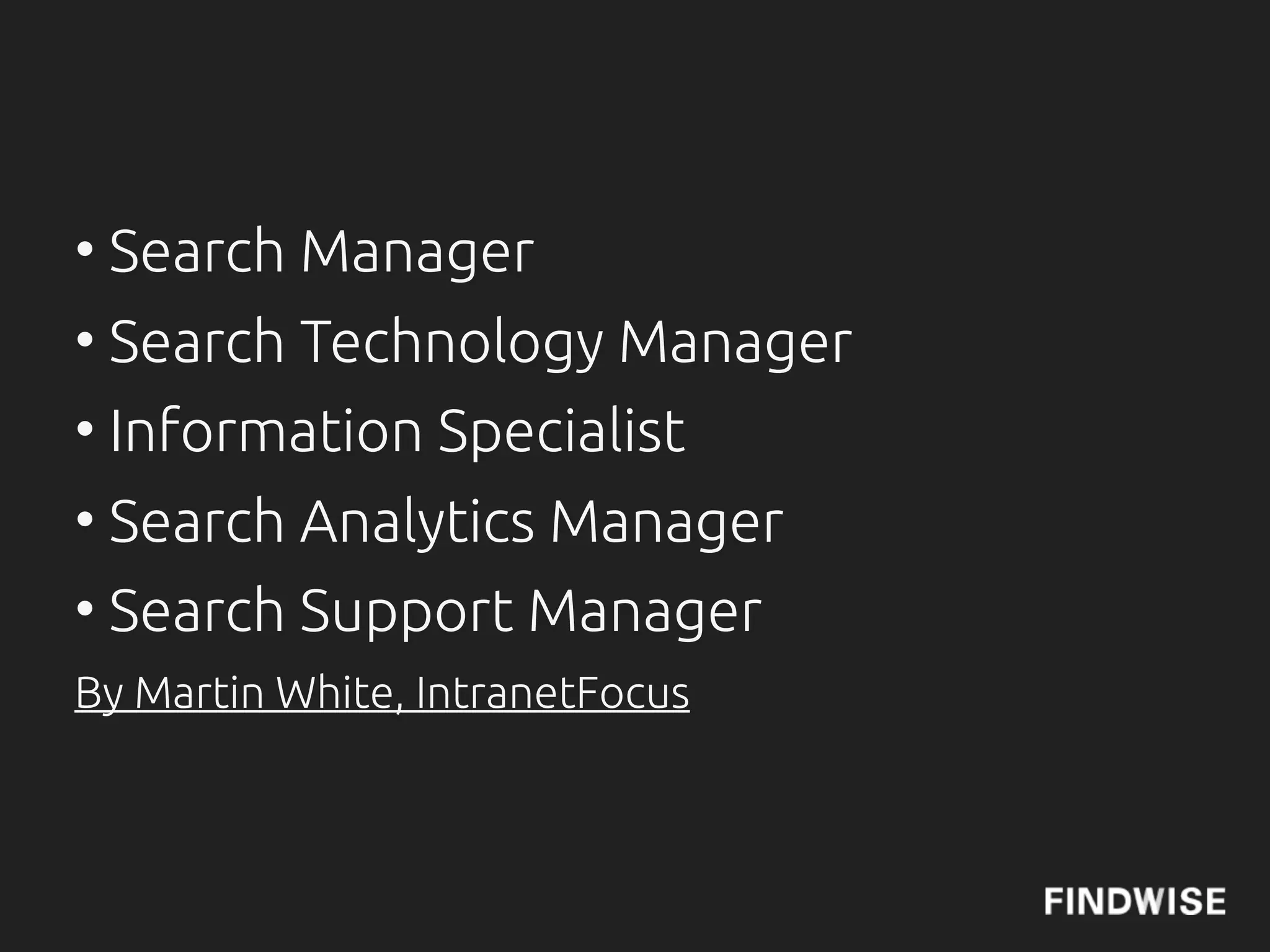
• Search Manager
• Search Technology Manager
• Information Specialist
• Search Analytics Manager
• Search Support Manager
By Martin White, IntranetFocus
Organisation
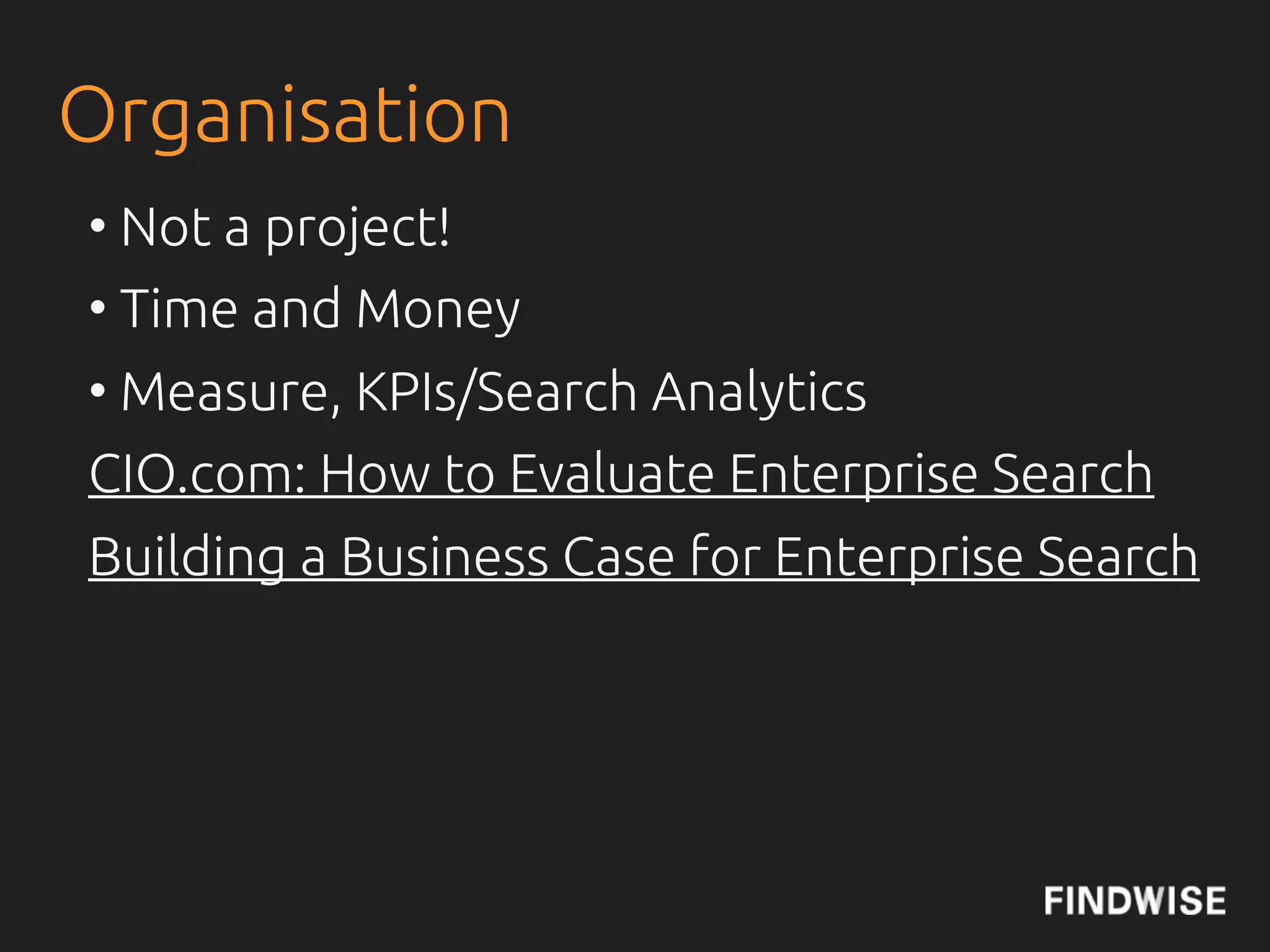
• Not a project!
• Time and Money important
• Measure, KPIs/Search Analytics
CIO.com: How to Evaluate Enterprise Search
Findability Blog: Building a Business Case for Enterprise
Search
CONTENT STRATEGY
 @jcolman: How to Build SEO into Content Strategy
Governance
• Information Quality, with KPI
• Metadata Quality, with KPI
• Information Lifecycle Management
  - Time to live for di$erent content types
  - Archive, delete or keep?
• SimCorp example
• Search Analytics on regular basis
User Involvement
• Get to know your users and their needs
• Make sure your solution is easy to use
• Perform continuous usability evaluations, like
usage tests and expert evaluations
• Make sure users !nd what they are looking for
• Enable feedback loops for complaints,
feedback and praise
• Examples: Nordea, VGR and many more
Information
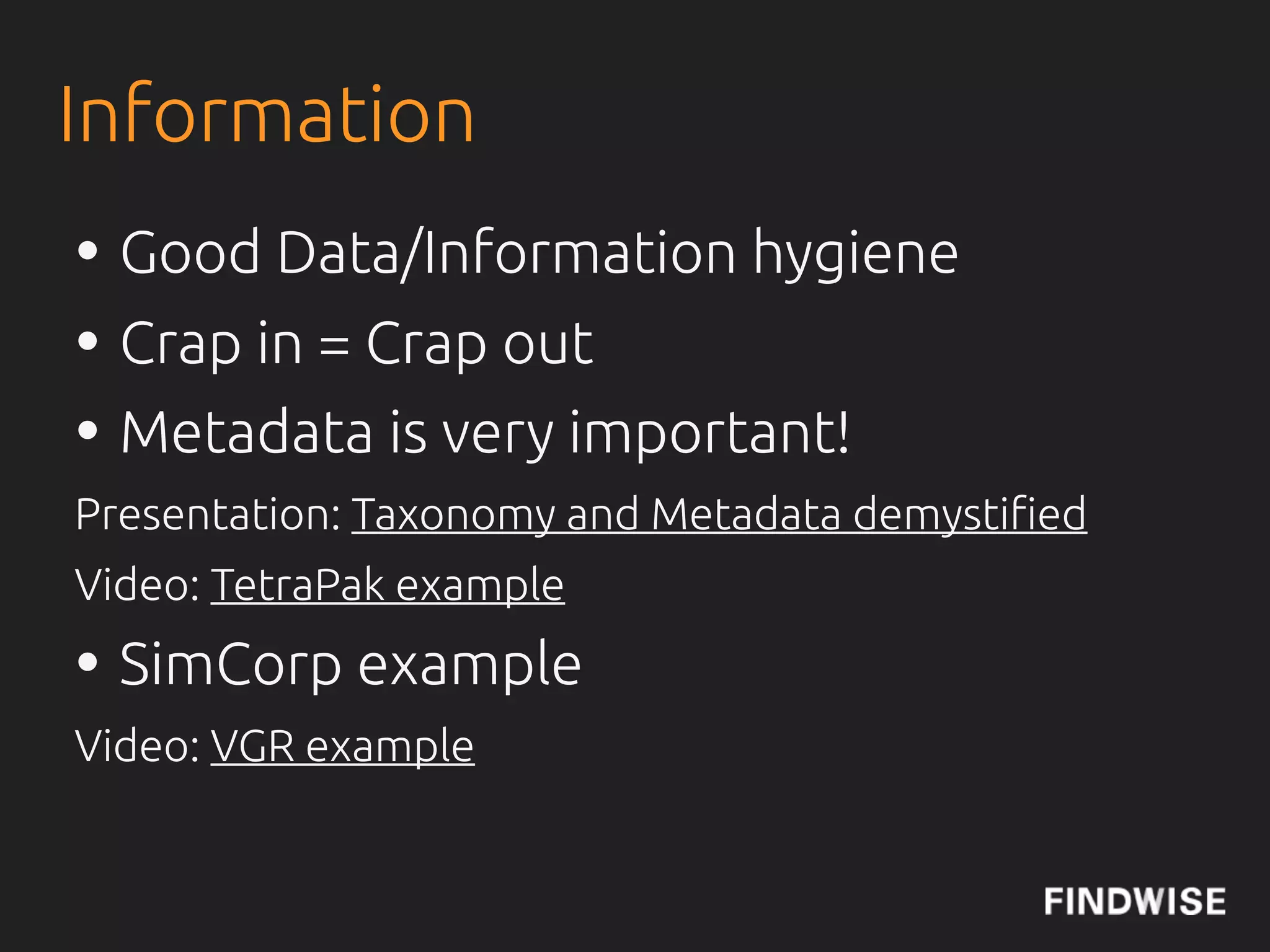
• Good Data/Information hygiene
• Crap in = Crap out
• Metadata is very important!
Presentation: Taxonomy and Metadata demysti!ed
Video: TetraPak example
Video: VGR example
Information
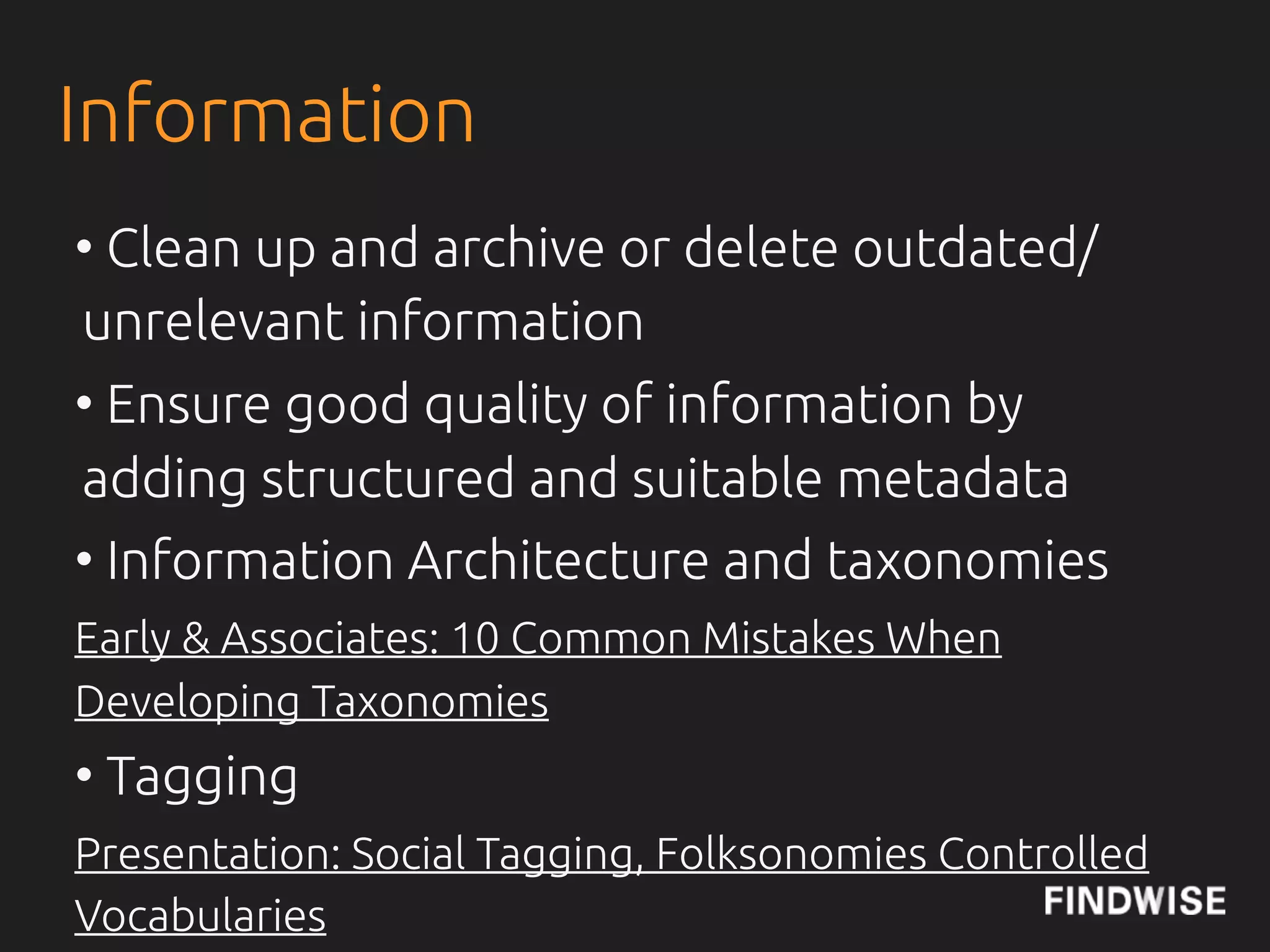
• Clean up and archive or delete outdated/
unrelevant information
• Ensure good quality of information by
adding structured and suitable metadata
• Information Architecture and taxonomies
Early & Associates: 10 Common Mistakes When
Developing Taxonomies
• Tagging
Presentation: Social Tagging, Folksonomies Controlled
Vocabularies
METADATA
•List


        yeraze
svenwerk
DEWEY DECIMAL CLASSIFICATION
KristianNorling
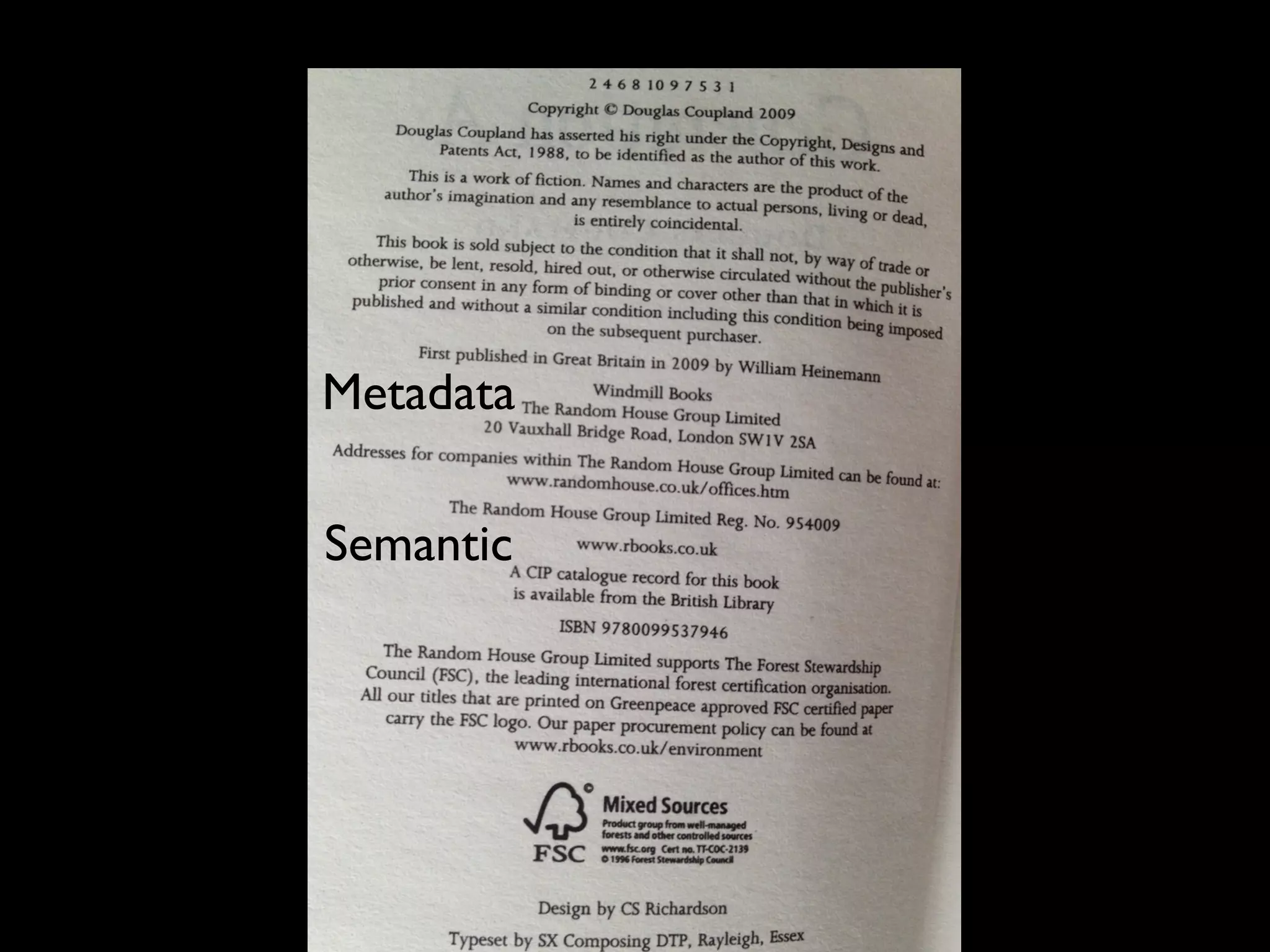
Author: Douglas Coupland
Title: Generation A
Publisher: Windmill Books
Year: 2009
Printed by: CPI Cox & Wyman
First published: 2004
Metadata

Semantic
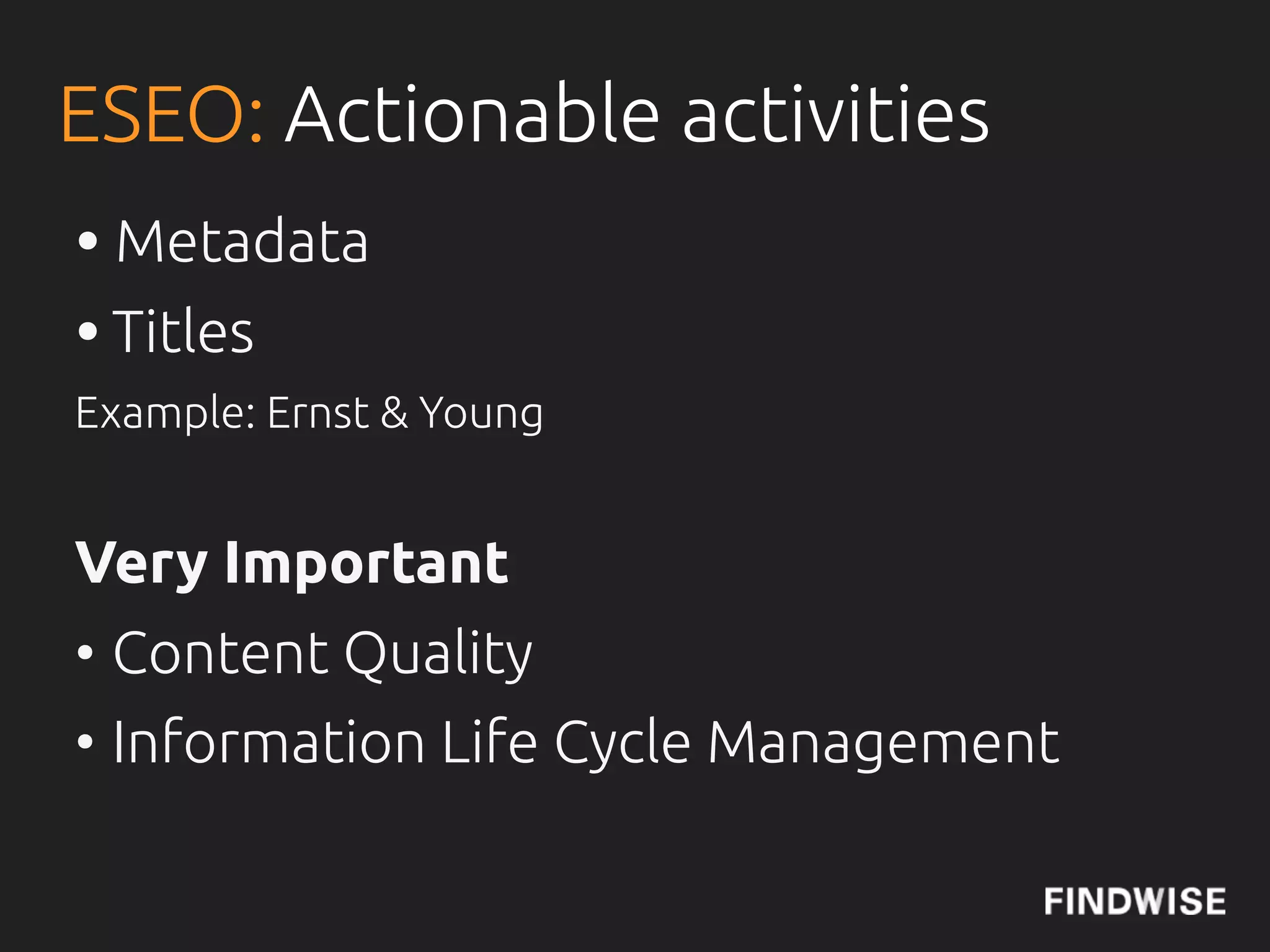
ESEO: Actionable activities
• Metadata
• Titles
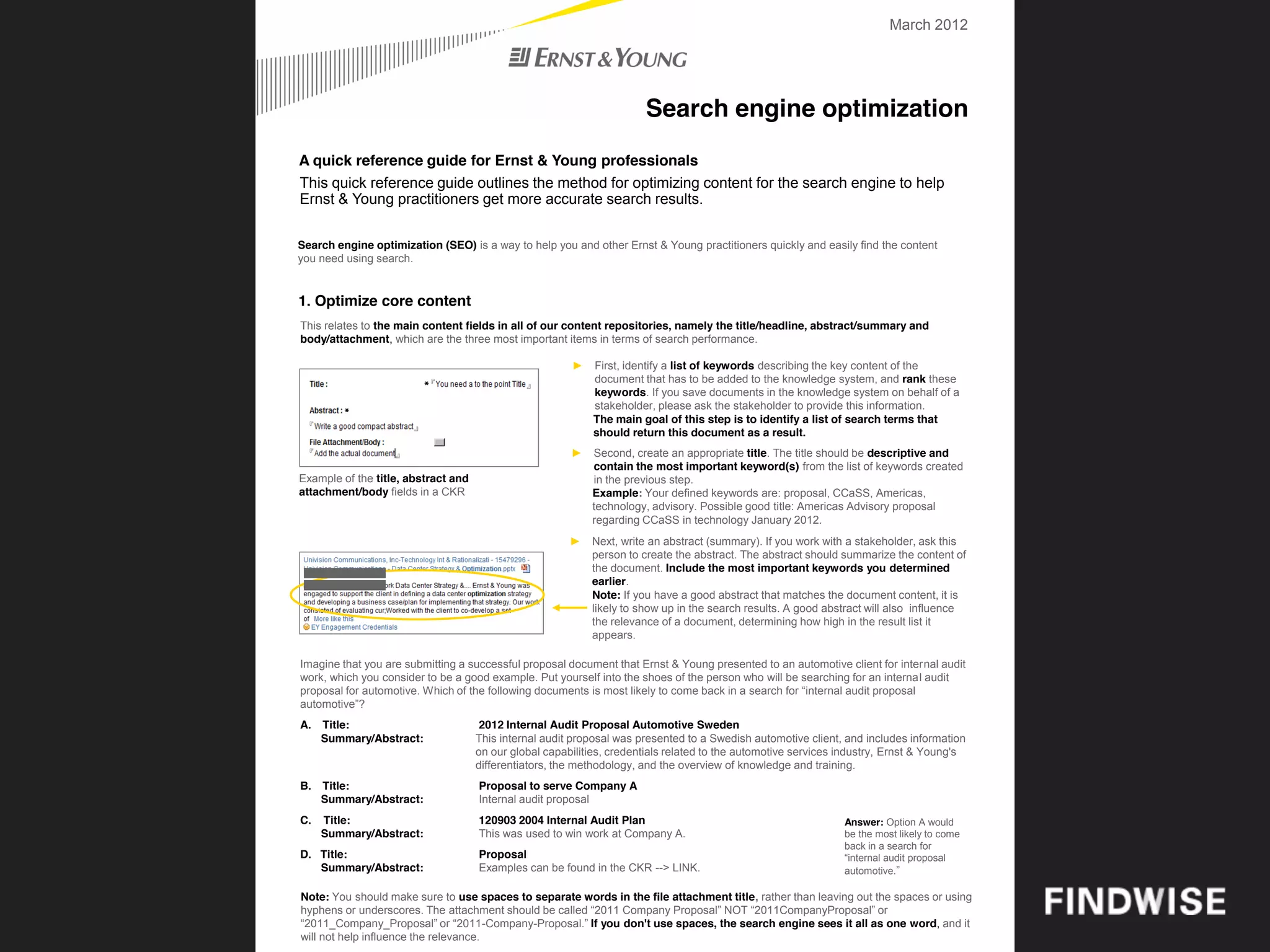
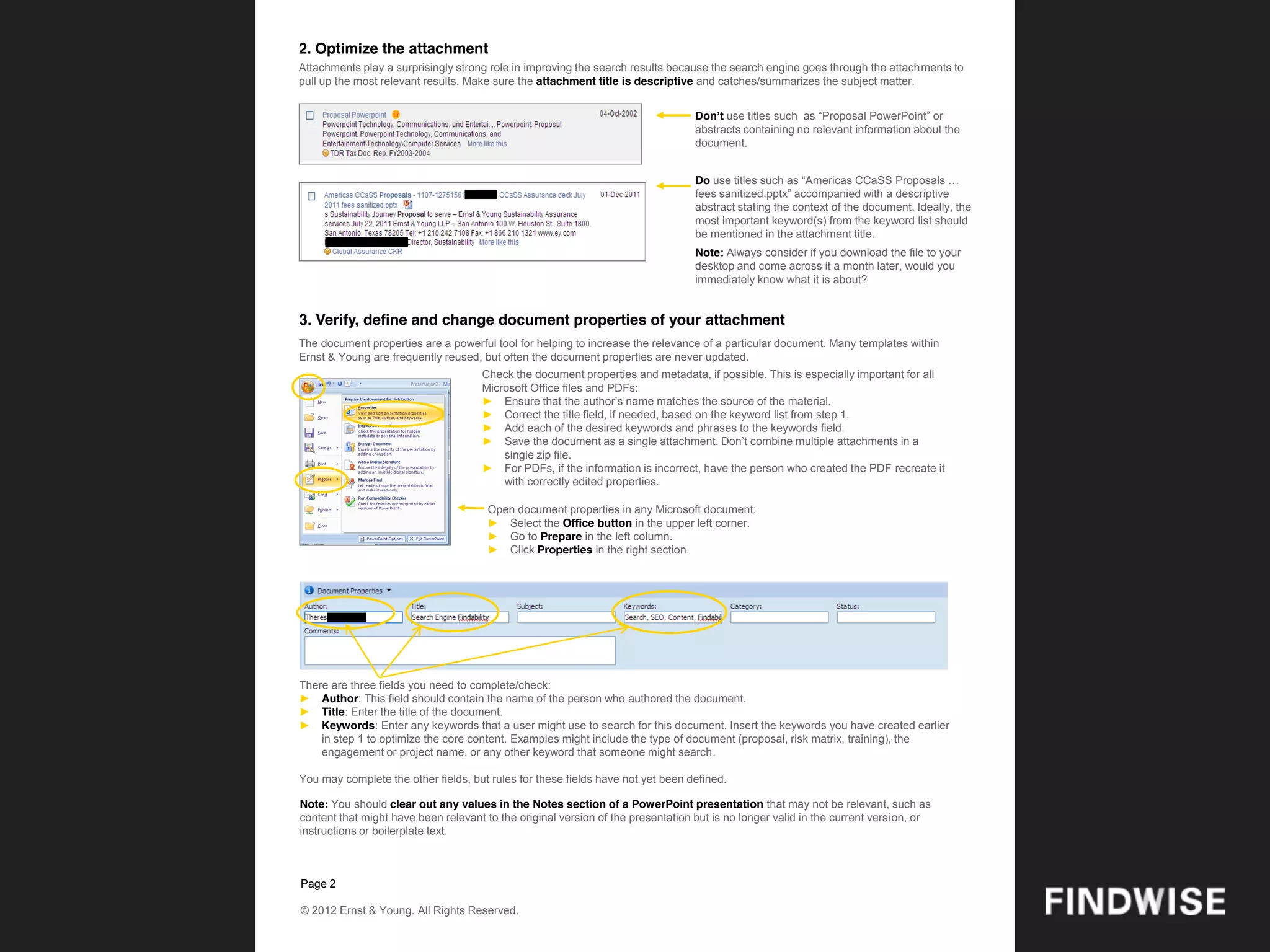
Example: Ernst & Young


Very Important
• Content Quality
• Information Life Cycle Management
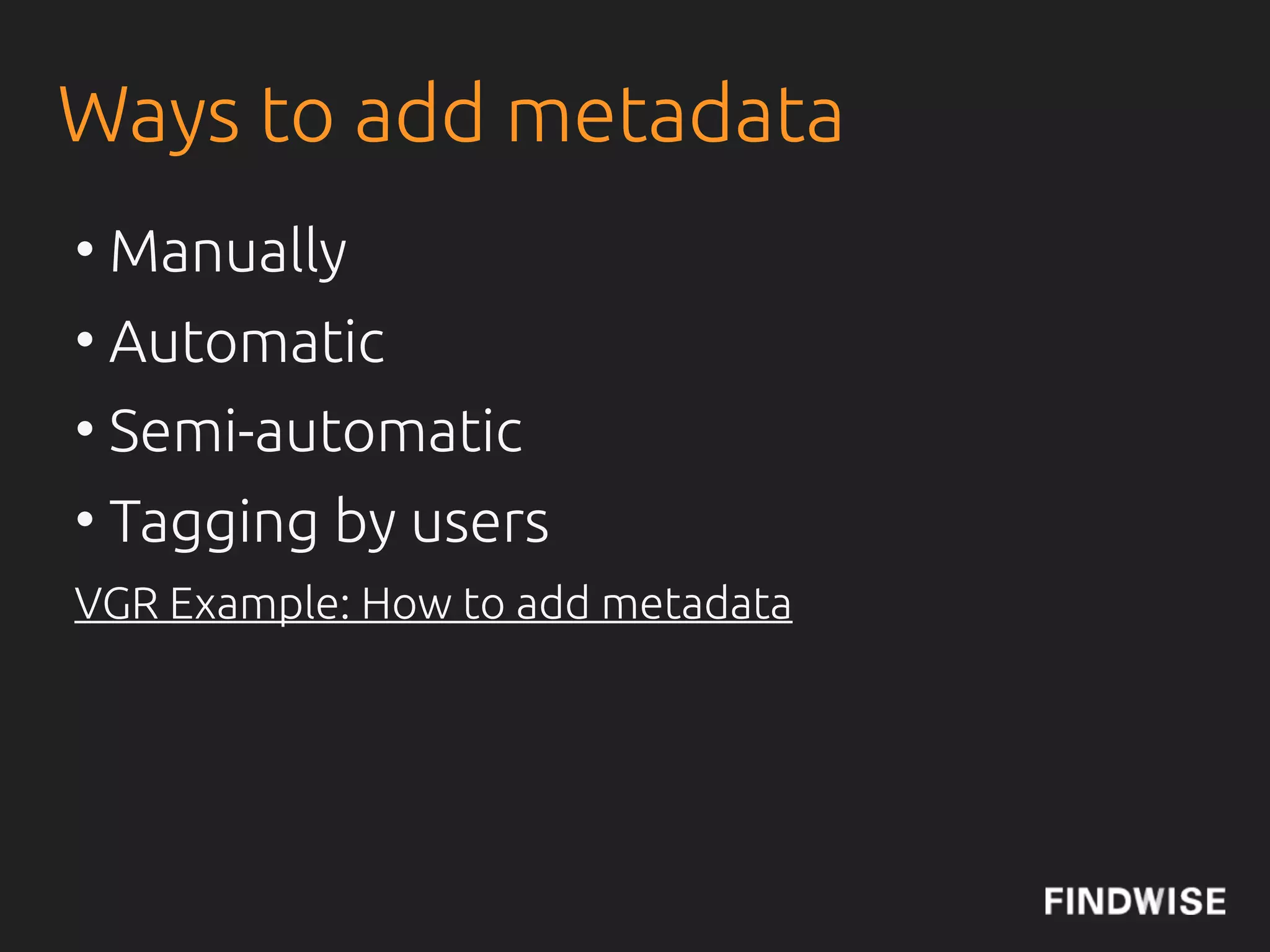
Ways to add metadata
• Manually - Editors
• Automatic - Software
• Semi-automatic - Software + Editors
• Tagging - Users (+Software)
VGR Example: How to add metadata
Thomas Vander Wal:
Integrating Folksonomies With Traditional Metadata
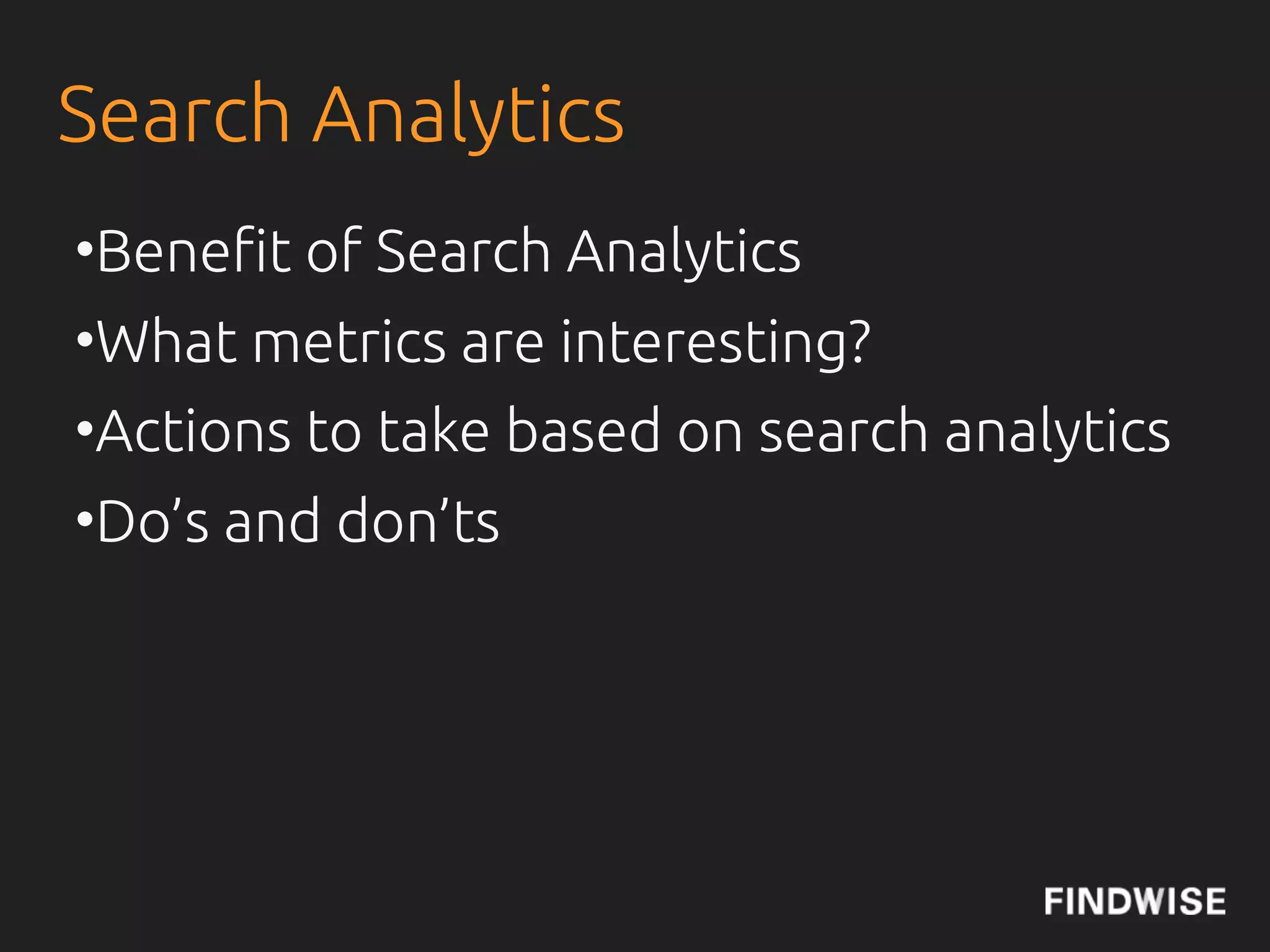
Search Analytics
•Bene"t of Search Analytics
•What metrics are interesting?
•Actions to take based on search analytics
•Do’s and don’ts
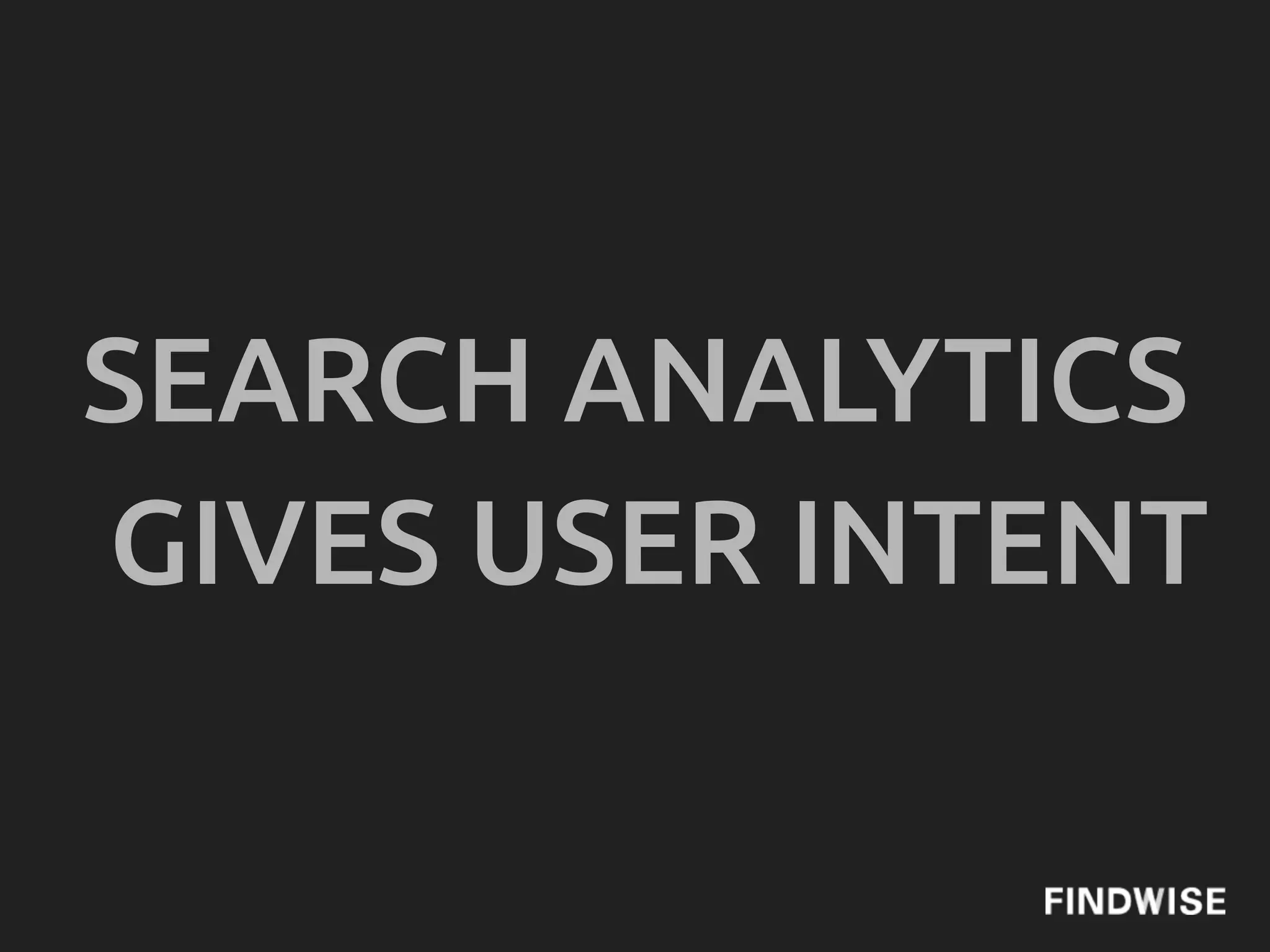
SEARCH ANALYTICS
GIVES USER INTENT
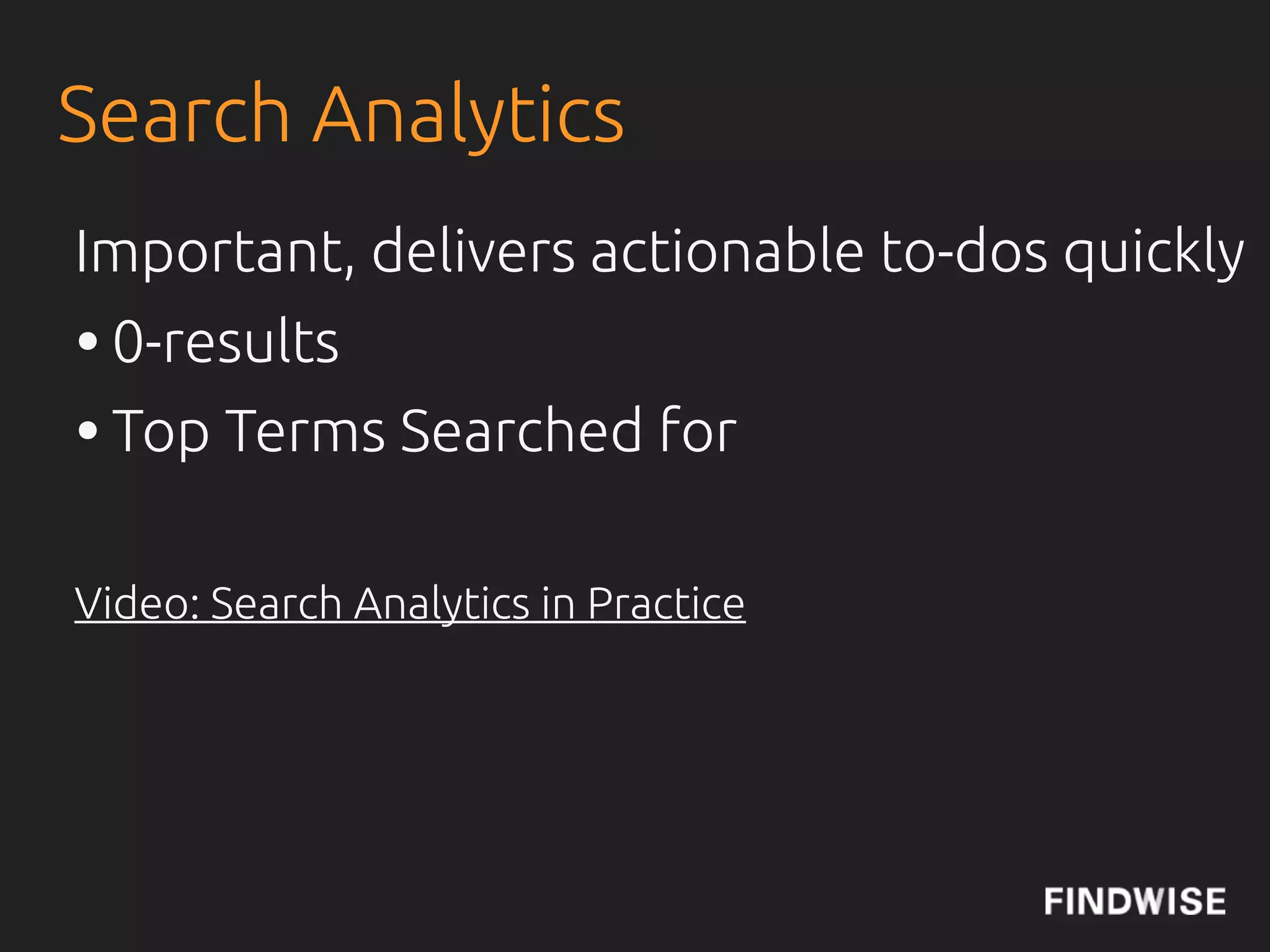
Search Analytics
Important, delivers actionable to-dos quickly
• 0-results
• Top Terms Searched for

Video: Search Analytics in Practice
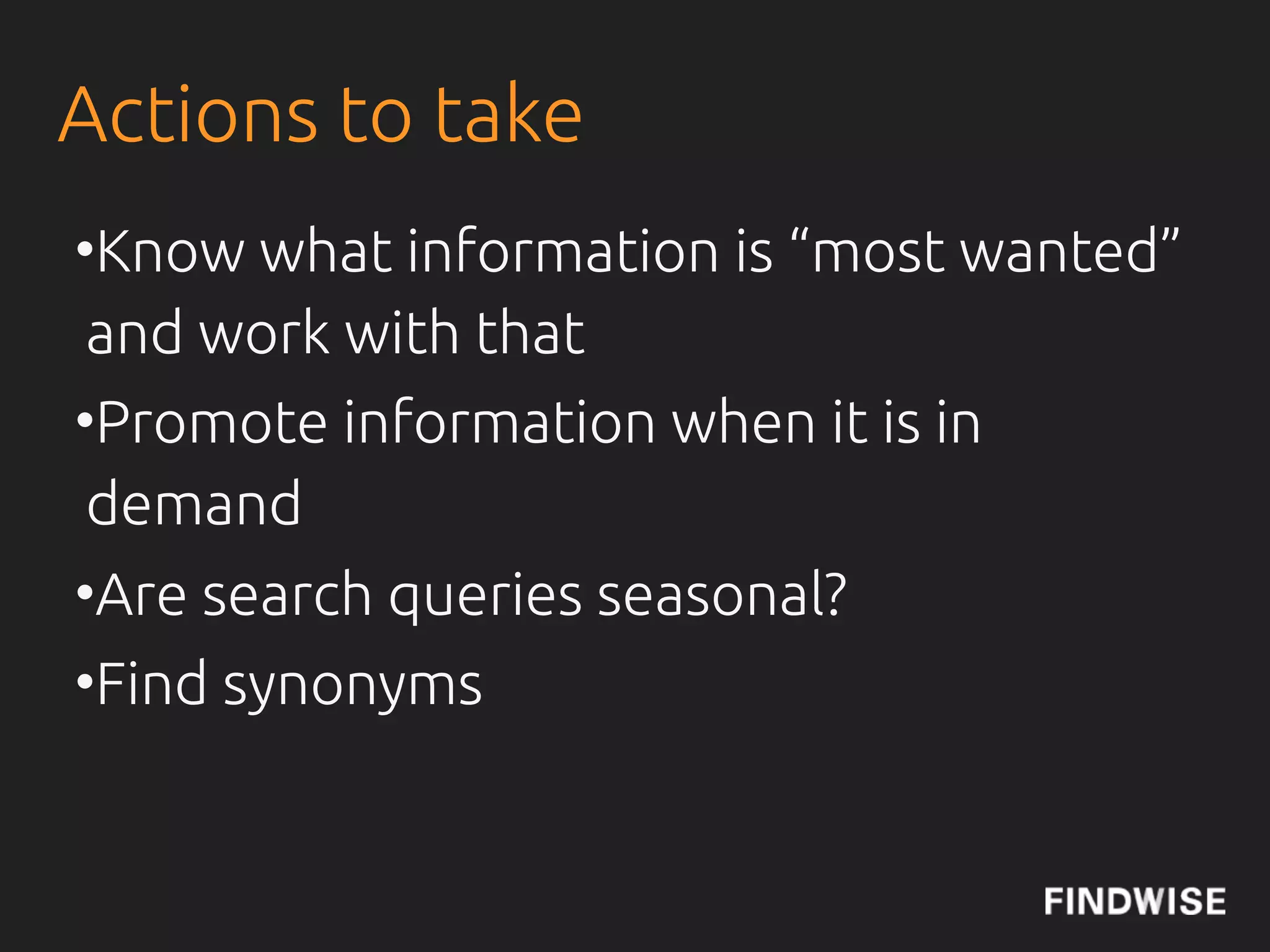
Actions to take
• Know what information is “most
 wanted” and work with that
• Promote information when it is in
 demand
• Are search queries seasonal?
• Find synonyms
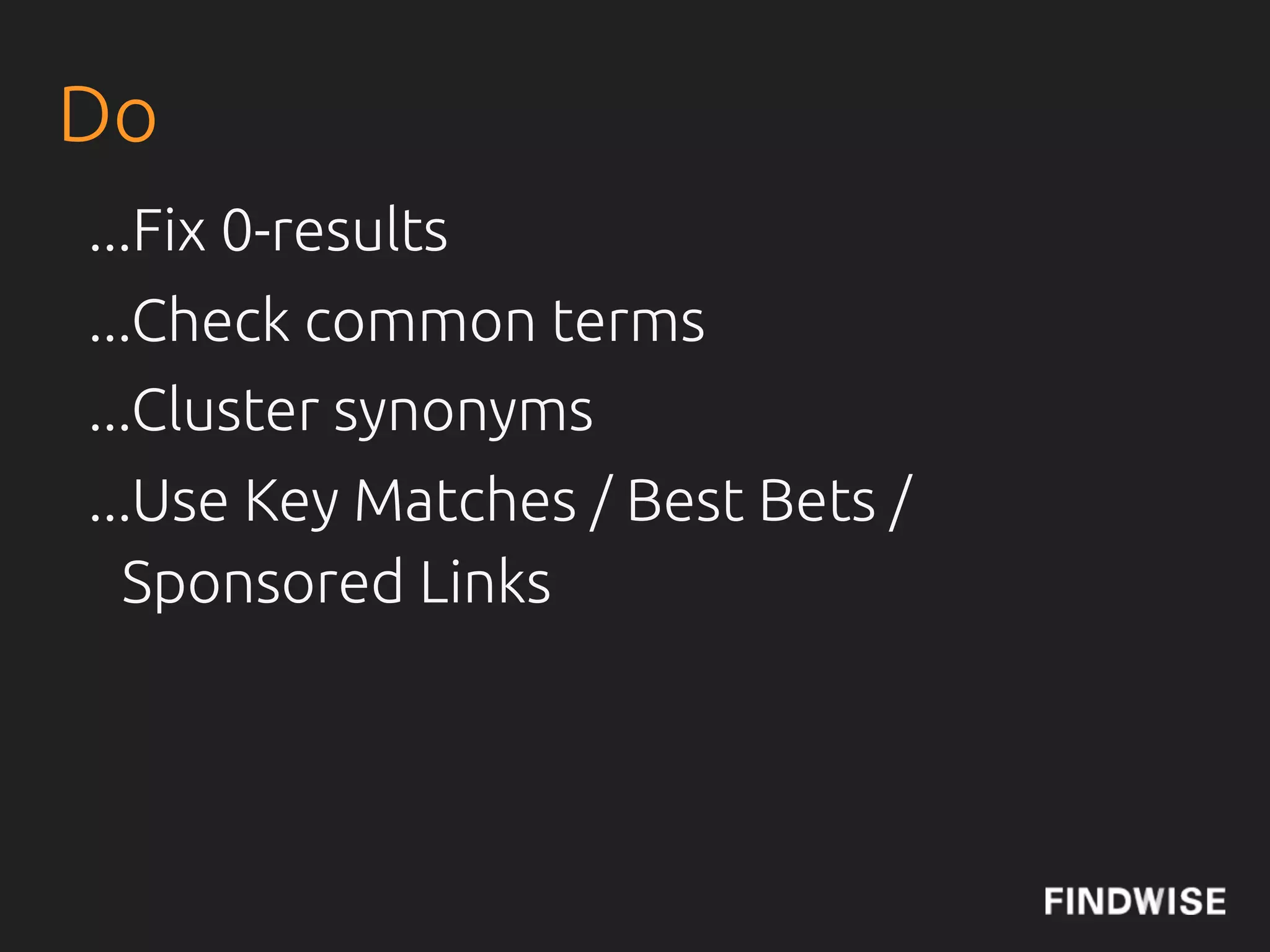
Do
...Fix 0-results
...Check common terms
...Cluster synonyms
...Use Key Matches / Best Bets /
  Sponsored Links
A FEW HOURS
EVERY MONTH,
 CAN DELIVER
GREAT RESULTS!
Do - bonus
...Check user behaviour?
...Research in what context?
...Look at trending/temporal terms
Do not
...Forget to work with your content
...Forget metadata
...Only use search analytics - combine
  with web analytics
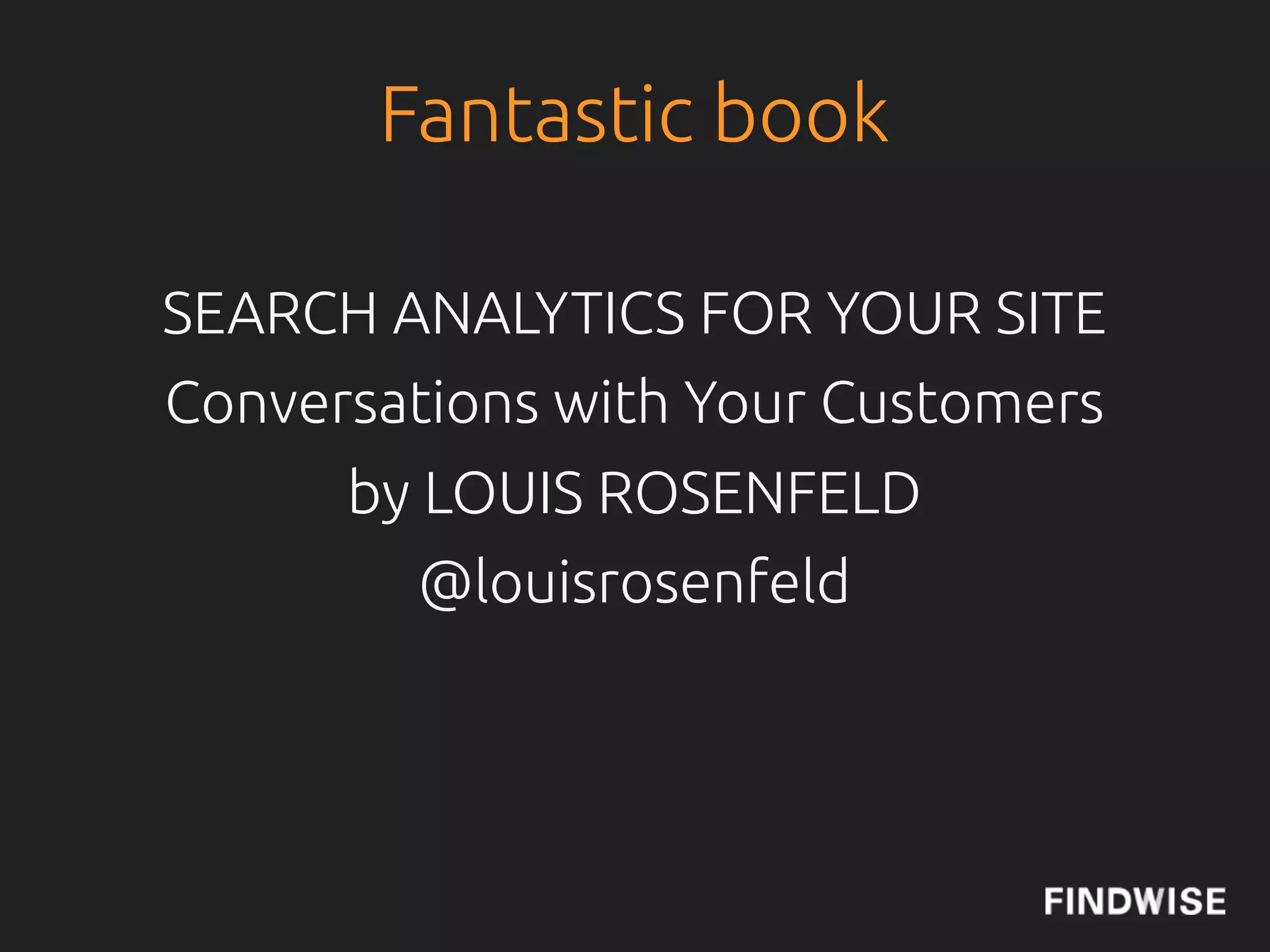
Fantastic book

SEARCH ANALYTICS FOR YOUR SITE
Conversations with Your Customers
      by LOUIS ROSENFELD
         @louisrosenfeld
Summary
• Involve the users (and stakeholders!)
• Allow user input (forms)
• Training for editors and publishers
• Set up simple guidelines (E&Y)
• Lifecycle Manage Information
• Do Search Analytics
• Measure and follow-up
Bonus (SharePoint) tip 1

 Create an information architecture or at least a content model,
 answering the questions; What goes were, what information are
 related and how should it be possibly to access the information?  
 Ensure that all information is mapped in this manner and if new types
 of information arise that doesn't !t the model, revise and restructure
 (not refactor). Make sure that information architecture is not optional
 but mandatory. 
  
Bonus (SharePoint) tip 2

 The way forward in a more complex information landscape is metadata
 and search. Use the term store to create taxonomies and metadata
 structures, add as much needed information as possible and apply
 them to the information through the content types in SP, to all the
 information.
 Applied term store information can be directly accessed via search as
 facets which is a very powerful tool to quickly navigate to the correct
 information. The term store also gives you other possibilities to create
 other ways to navigate that are not based on the classical usually more
 functionally or organisationally based navigation e.g. Via product,
 customer or projects. 
Bonus (SharePoint) tip 3

 Socialise your content and make sure that user input counts towards
 search relevance and the overall information architecture. User input
 can be manifested as explicit or implicit. Explicit as likes or comment
 on the information, implicit via search logs. The explicit input is quite
 straight forward but might need a critical mass to become relevant
 e.g. More likes = higher relevance. Implicit via search logs needs more
 analysis but will give more leverage.
Kristian Norling
kristian.norling@!ndwise.com
      @kristiannorling
         @!ndwise
       !ndwise.com
      Findability Blog
         Slideshare
          LinkedIn
           Vimeo
        Newsroom

Optimising Your Content for Findability

  • 1.
    OPTIMISING YOUR CONTENTFOR FINDABILITY Kristian Norling, JBoye 2012, 6 November, Aarhus, Denmark
  • 2.
  • 3.
    Introduction • Who ishere? • Your expectations? • Kristian? • 3 hours • One 20 minute break ≈ 10.20 • Lifetime answer Guarantee on this class
  • 4.
    THE ENTERPRISE SEARCHAND FINDABILITY SURVEY/REPORT SIGN-UP & DOWNLOAD 2012 REPORT
  • 5.
    Description As theamount of content continues to increase, new approaches are required to provide good user experiences. Findability has been introduced as a new term among content strategists and information architects and is most easily explained as : “A state where all information is !ndable and an approach to reaching that state.” Search technology is readily used to make information !ndable, but as many have realized technology alone is unfortunately not enough. To achieve !ndability additional activities across several important dimensions such as business, user, information and organisation are needed.
  • 6.
    Description Search engineoptimisation is one aspect of !ndability and many of the principles from SEO works in a intranet or website search context. Getting !ndability to work well for your website or intranet is a di#cult task, that needs continuous work. In this tutorial you will take a deep dive into the many aspects of !ndability, with some good practices on how to improve !ndability.
  • 7.
    Brief Outline Wewill start some very brief theory and then use real examples and also talk about what organisations that are most satis!ed with their !ndability do. Topics •Enterprise Search Engines vs Web Search •Governance •Organisation •User involvement •Optimise Content for !ndability •Metadata •Search Analytics
  • 8.
    IS IT EASYTO FIND THE RIGHT INFORMATION WITHIN YOUR ORGANISATION TODAY? Source: The Enterprise Search and Findability Report 2012
  • 9.
    EUROPE 77% MODERATELY/VERY HARD
  • 10.
    WHAT ARE THEOBSTACLES TO FINDING THE RIGHT INFORMATION?
  • 11.
    EUROPE 64.2% POOR SEARCHFUNCTIONALITY 47.7% LACK OF ADEQUATE TAGS 48.6% INCONSISTENCY IN HOW WE TAG CONTENT 47.7% DON'T KNOW WHERE TO LOOK
  • 12.
    DATE - THE SILVERBULLET OF ENTERPRISE SEARCH Source: IntranetFocus
  • 13.
    ENTERPRISE SEARCH: UN-COOL ANDMISSION CRITICAL Source: Julie Hunt
  • 14.
    History of Search InAcademia search is called Information Retrieval. It is an old discipline, dating back thousands of years... Basic concepts in Information Retrieval: Recall and Precision, more later...
  • 15.
    Wikipedia De!nition “Enterprise searchis the practice of making content from multiple enterprise-type sources, such as databases and intranets, searchable to a de"ned audience.” http://en.wikipedia.org/wiki/Enterprise_search
  • 16.
    The Concept ofEnterprise Search: Precision In the !eld of information retrieval, precision is the fraction of retrieved documents that are relevant to the search. Precision takes all retrieved documents into account, but it can also be evaluated at a given cut-o" rank, considering only the topmost results returned by the system. This measure is called precision at n or P@n. Source: Wikipedia
  • 17.
    The Concept ofEnterprise Search: Recall Recall in information retrieval is the fraction of the documents that are relevant to the query that are successfully retrieved. For example for text search on a set of documents recall is the number of correct results divided by the number of results that should have been returned. Source: Wikipedia
  • 18.
    Precision and Recall R number of M number of N number of retrieved documents relevant documents retrieved documents that are also relevant
  • 19.
    Precision and Recall Recall= R / M = Number of retrieved documents that are also relevant / Total number of relevant documents. Precision = R / N = Number of retrieved documents that are also relevant / Total number of retrieved documents.
  • 20.
    Relevance ...enterprises typically haveto use other query- independent factors, such as a document's recency or popularity, along with query-dependent factors traditionally associated with information retrieval algorithms. Also, the rich functionality of enterprise search UIs, such as clustering and faceting, diminish reliance on ranking as the means to direct the user's attention. Source: Wikipedia
  • 21.
  • 22.
    Web/Consumer Data vsEnterprise Data “Enterprise data simply isn’t like web or consumer data – it’s characterised by rarity and unconnectedness rather than popularity and context.” Charlie Hull, Flax Blog
  • 23.
    Relevance We do nothave PageRank... ...but we have the bene"t of social! CMSWire: Social Reconnects Enterprise Search Emails, People Catalogues, Connections, Tagging, Sharing etc.
  • 24.
    The Concept ofEnterprise Search
  • 25.
    Organisation • Resources! IntranetFocus: EnterpriseSearch Team Management • Work with all Stakeholders = The whole organisation •De!ne processes, roles and routines to govern the solution • Help publishers get started by creating processes for better !ndability • Create easy to use administration interfaces
  • 26.
    Survey Results ofBudget and Organisation Amongst the organisations that are very satis!ed with their search, they have a (larger) budget, more resources and systematically work with analysing search. As many as 45% of the respondents have no separate budget for search, but 20% have had a budget for 3 years or more. In the group with no budget 56% are very or mostly dissatis!ed with their current search. The dissatisfaction with search drops to 30% for those organisations with a dedicated budget for search. In the very satis!ed (67%) and mostly satis!ed (59%) groups a large majority has a budget. And 71% of the organisations without a strategy also have no budget.
  • 27.
    What Does theOrganisations Do That Leads Findability? • In the Very Satis!ed (VS) with their current search group, the number of Full Time Equivalents (FTE) is 1-2 or more. • 67% of VS and 71% of the mostly satis!ed groups do search analytics • 50% do user testing regularly in the very satis!ed group • 83% (VS) have a person or group that is responsible for analysing user behaviour and to make sure that search supports the business needs • 84% have feedback functionality in the VS group • 67% of VS have a taxonomy in place and 83% have a metadata standard.
  • 28.
    Search Team • SearchManager • Search Technology Manager • Information Specialist • Search Analytics Manager • Search Support Manager By Martin White, IntranetFocus
  • 29.
    Organisation • Not aproject! • Time and Money important • Measure, KPIs/Search Analytics CIO.com: How to Evaluate Enterprise Search Findability Blog: Building a Business Case for Enterprise Search
  • 30.
    CONTENT STRATEGY @jcolman:How to Build SEO into Content Strategy
  • 31.
    Governance • Information Quality,with KPI • Metadata Quality, with KPI • Information Lifecycle Management - Time to live for di$erent content types - Archive, delete or keep? • SimCorp example • Search Analytics on regular basis
  • 32.
    User Involvement • Getto know your users and their needs • Make sure your solution is easy to use • Perform continuous usability evaluations, like usage tests and expert evaluations • Make sure users !nd what they are looking for • Enable feedback loops for complaints, feedback and praise • Examples: Nordea, VGR and many more
  • 33.
    Information • Good Data/Informationhygiene • Crap in = Crap out • Metadata is very important! Presentation: Taxonomy and Metadata demysti!ed Video: TetraPak example Video: VGR example
  • 34.
    Information • Clean upand archive or delete outdated/ unrelevant information • Ensure good quality of information by adding structured and suitable metadata • Information Architecture and taxonomies Early & Associates: 10 Common Mistakes When Developing Taxonomies • Tagging Presentation: Social Tagging, Folksonomies Controlled Vocabularies
  • 35.
  • 36.
    •List yeraze
  • 37.
  • 38.
  • 39.
  • 40.
    Author: Douglas Coupland Title:Generation A Publisher: Windmill Books Year: 2009 Printed by: CPI Cox & Wyman First published: 2004
  • 41.
  • 42.
    ESEO: Actionable activities •Metadata • Titles Example: Ernst & Young Very Important • Content Quality • Information Life Cycle Management
  • 43.
    Ways to addmetadata • Manually - Editors • Automatic - Software • Semi-automatic - Software + Editors • Tagging - Users (+Software) VGR Example: How to add metadata Thomas Vander Wal: Integrating Folksonomies With Traditional Metadata
  • 44.
    Search Analytics •Bene"t ofSearch Analytics •What metrics are interesting? •Actions to take based on search analytics •Do’s and don’ts
  • 45.
  • 46.
    Search Analytics Important, deliversactionable to-dos quickly • 0-results • Top Terms Searched for Video: Search Analytics in Practice
  • 47.
    Actions to take •Know what information is “most wanted” and work with that • Promote information when it is in demand • Are search queries seasonal? • Find synonyms
  • 48.
    Do ...Fix 0-results ...Check commonterms ...Cluster synonyms ...Use Key Matches / Best Bets / Sponsored Links
  • 49.
    A FEW HOURS EVERYMONTH, CAN DELIVER GREAT RESULTS!
  • 50.
    Do - bonus ...Checkuser behaviour? ...Research in what context? ...Look at trending/temporal terms
  • 51.
    Do not ...Forget towork with your content ...Forget metadata ...Only use search analytics - combine with web analytics
  • 52.
    Fantastic book SEARCH ANALYTICSFOR YOUR SITE Conversations with Your Customers by LOUIS ROSENFELD @louisrosenfeld
  • 53.
    Summary • Involve theusers (and stakeholders!) • Allow user input (forms) • Training for editors and publishers • Set up simple guidelines (E&Y) • Lifecycle Manage Information • Do Search Analytics • Measure and follow-up
  • 54.
    Bonus (SharePoint) tip1 Create an information architecture or at least a content model, answering the questions; What goes were, what information are related and how should it be possibly to access the information?   Ensure that all information is mapped in this manner and if new types of information arise that doesn't !t the model, revise and restructure (not refactor). Make sure that information architecture is not optional but mandatory.   
  • 55.
    Bonus (SharePoint) tip2 The way forward in a more complex information landscape is metadata and search. Use the term store to create taxonomies and metadata structures, add as much needed information as possible and apply them to the information through the content types in SP, to all the information. Applied term store information can be directly accessed via search as facets which is a very powerful tool to quickly navigate to the correct information. The term store also gives you other possibilities to create other ways to navigate that are not based on the classical usually more functionally or organisationally based navigation e.g. Via product, customer or projects. 
  • 56.
    Bonus (SharePoint) tip3 Socialise your content and make sure that user input counts towards search relevance and the overall information architecture. User input can be manifested as explicit or implicit. Explicit as likes or comment on the information, implicit via search logs. The explicit input is quite straight forward but might need a critical mass to become relevant e.g. More likes = higher relevance. Implicit via search logs needs more analysis but will give more leverage.
  • 57.
    Kristian Norling kristian.norling@!ndwise.com @kristiannorling @!ndwise !ndwise.com Findability Blog Slideshare LinkedIn Vimeo Newsroom