Online Journal Management using
Open Journal Systems (OJS)
Ina Smith
Journal Publishing Needs
“Scholars need the means to launch a new
generation of journals committed to open access,
and to help existing journals that elect to make the
transition to open access…”
Budapest Open Access Initiative, 2002
2
Open Source Software (1)
• Highly skilled developers, highly productive, self-motivated – pride and
peer recognition
• Highly prized factors: clean design, reliability, maintainability, with adherence to
standards and shared community values preeminent
• Open source community with lots of collaboration, enhancement,
bug fixes
• Code available & transparent – no clever salesperson
• “Closed-source software forces its users to trust the vendor when claims are
made for qualities such as security, freedom from backdoors, adherence to
standards and flexibility in the face of future changes. If the source code is not
available those claims remain simply claims.”
• It is not free software: purchase cost vs total cost of ownership (TCO)
3
Open Source Software (2)
• Possibly zero purchase price
• Potentially no need to account for copies in use, reducing administrative
overhead
• Claimed reduced need for regular upgrades (giving lower/nil upgrade fees, lower
management costs)
• Claimed longer uptimes and reduced need for expensive systems administrators
• Near-zero vulnerability to viruses eliminating need for virus checking, data loss
and downtime
• Claimed lower vulnerability to security breaches and hack attacks reducing
systems administration load
• Claimed ability to prolong life of older hardware while retaining performance
4
Open Journal Systems (OJS)
• Journal management & publishing system, web site – all in
one
• Licensed as Open Source Software (OS)
• Developed by Public Knowledge Project (PKP) & Simon
Fraser University
• Community of developers
• Download and install on local server https://pkp.sfu.ca/ojs/
• Version 3.0 in August/September 2016
5
Benefits of OJS
• Installed locally and locally controlled
• Editors configure requirements, sections, review process
• Online submission and management of all content
• Central archive – documentation, communication etc
• Comprehensive indexing of journal content
• Reading tools for content
• Plugins (additional tools)
• Email notifications and commenting options
• Builds capacity, reduces dependency
• Allows for flexible publishing frequency
6
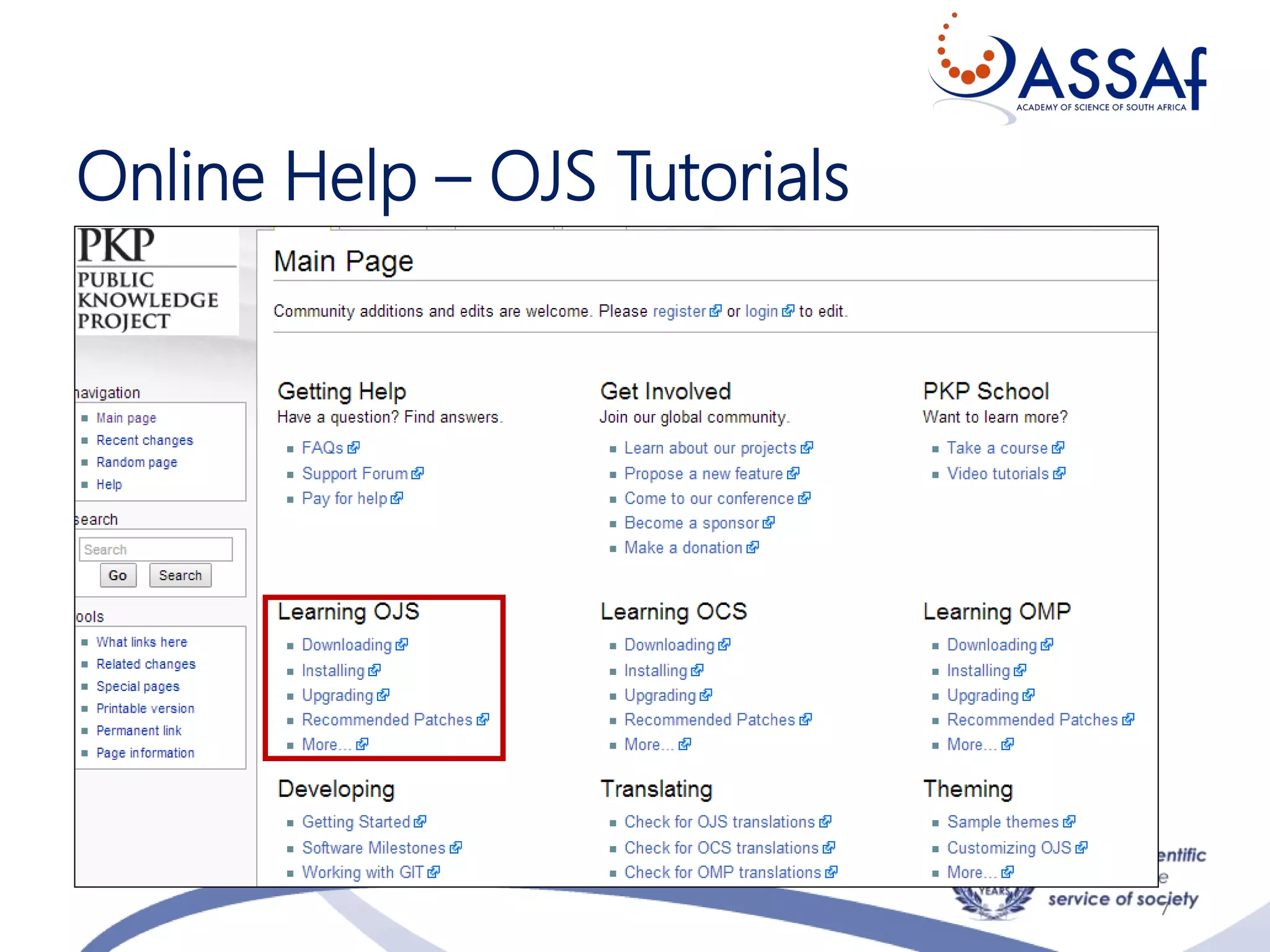
Online Help – OJS Tutorials
7
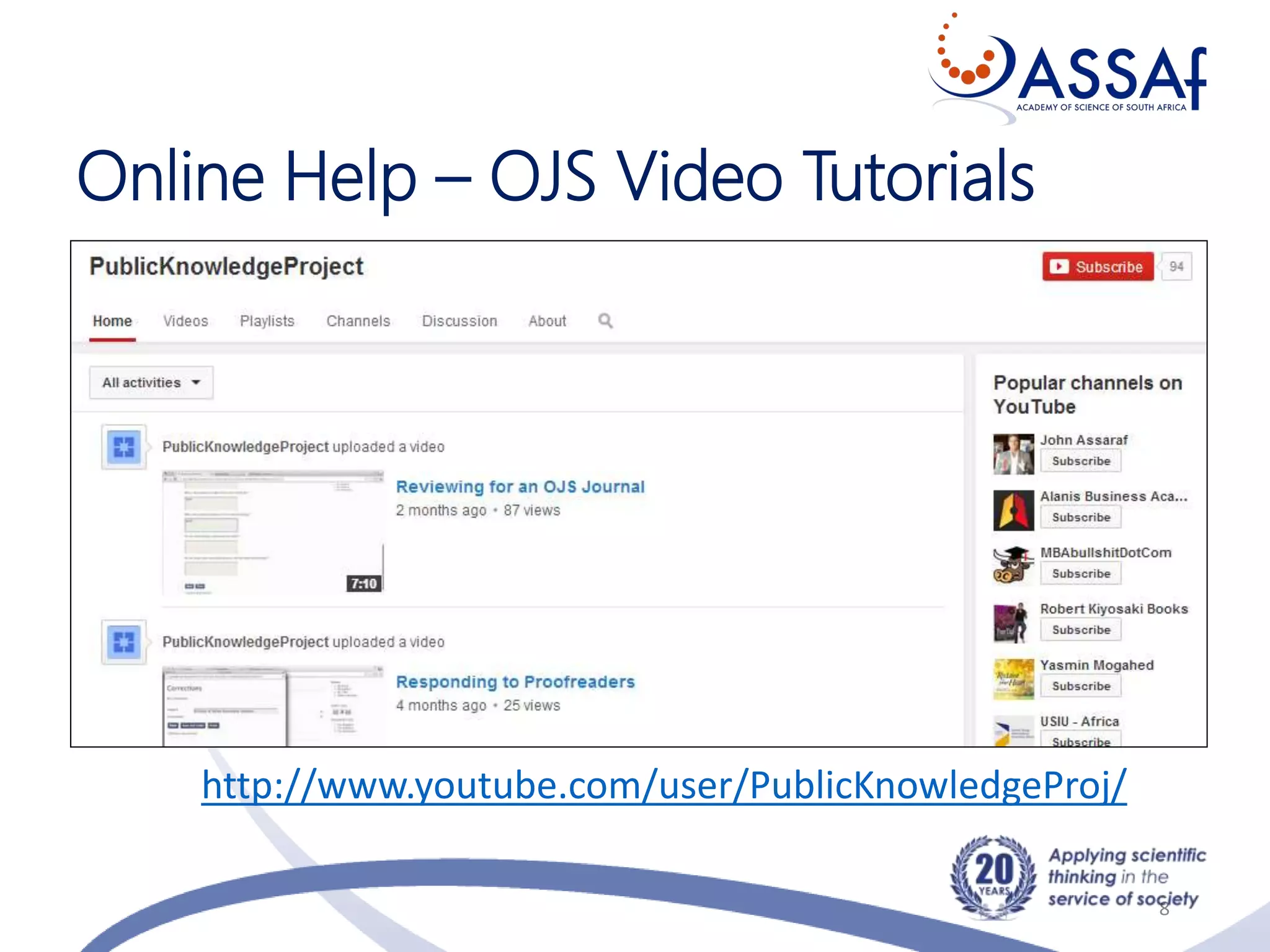
Online Help – OJS Video Tutorials
8
http://www.youtube.com/user/PublicKnowledgeProj/
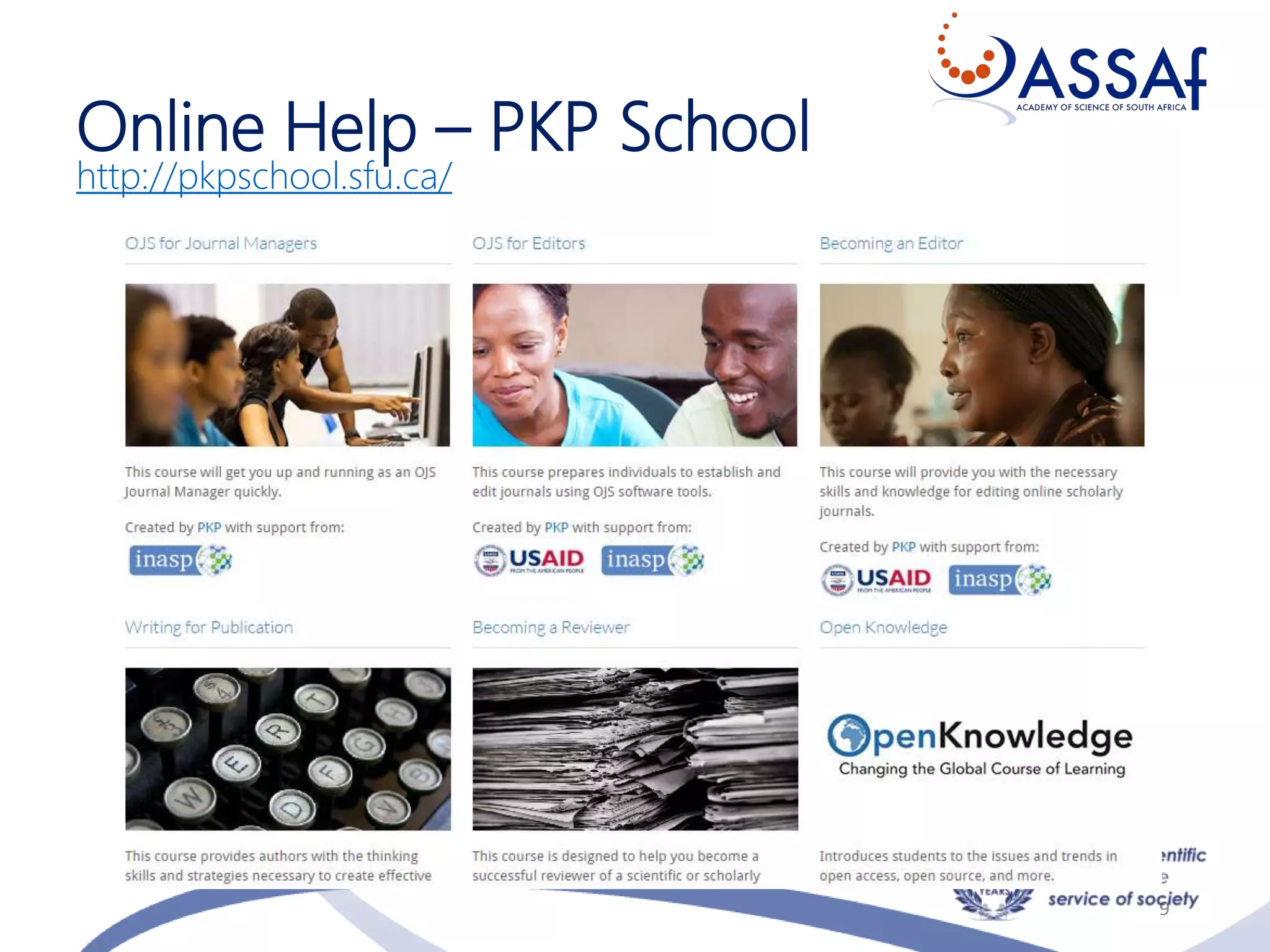
Online Help – PKP School
http://pkpschool.sfu.ca/
9
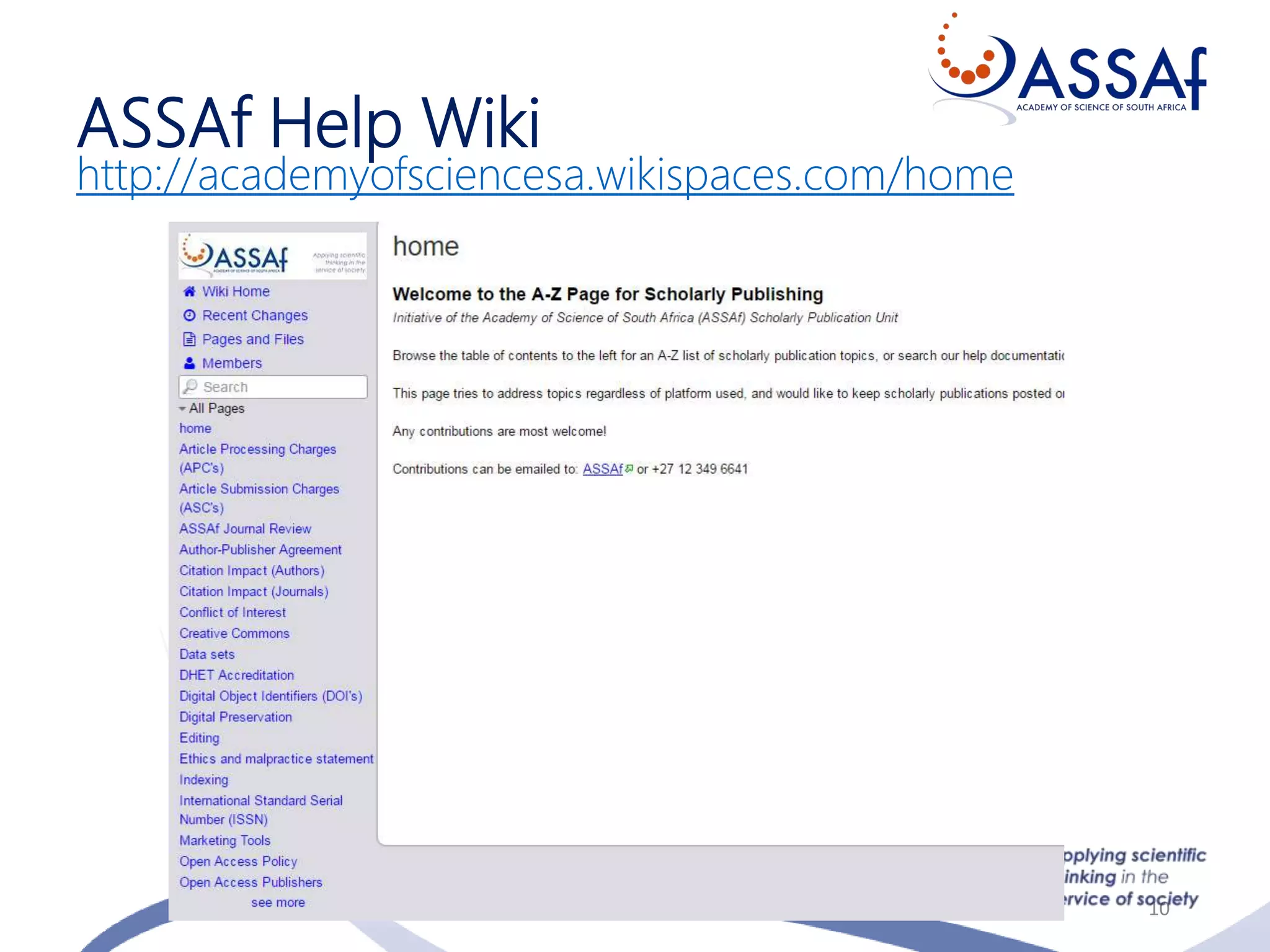
ASSAf Help Wiki
http://academyofsciencesa.wikispaces.com/home
10
Users of OJS in SA
• Societies
• Publishers
• Universities
• Other
11
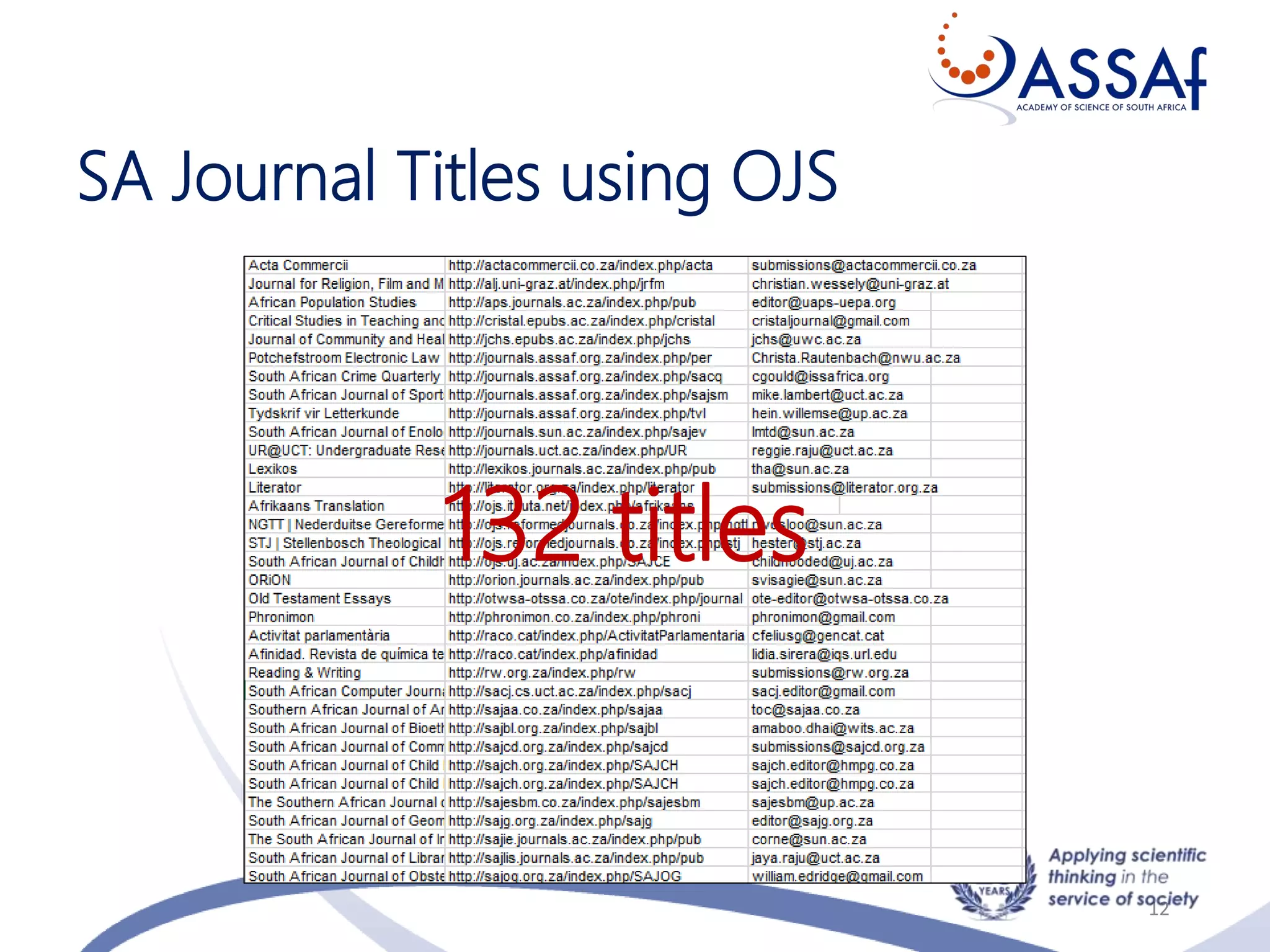
SA Journal Titles using OJS
12
132 titles
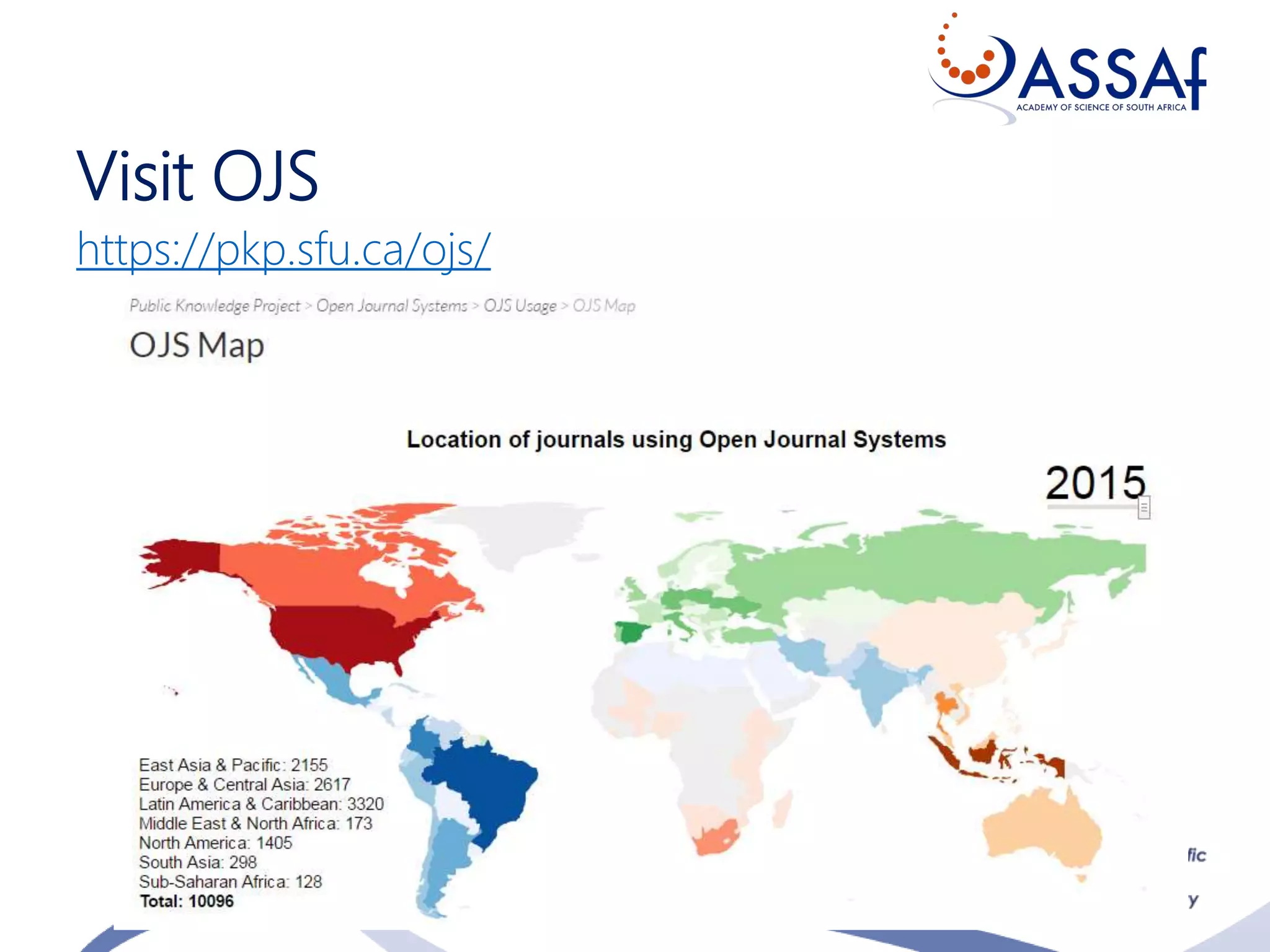
Visit OJS
https://pkp.sfu.ca/ojs/
13
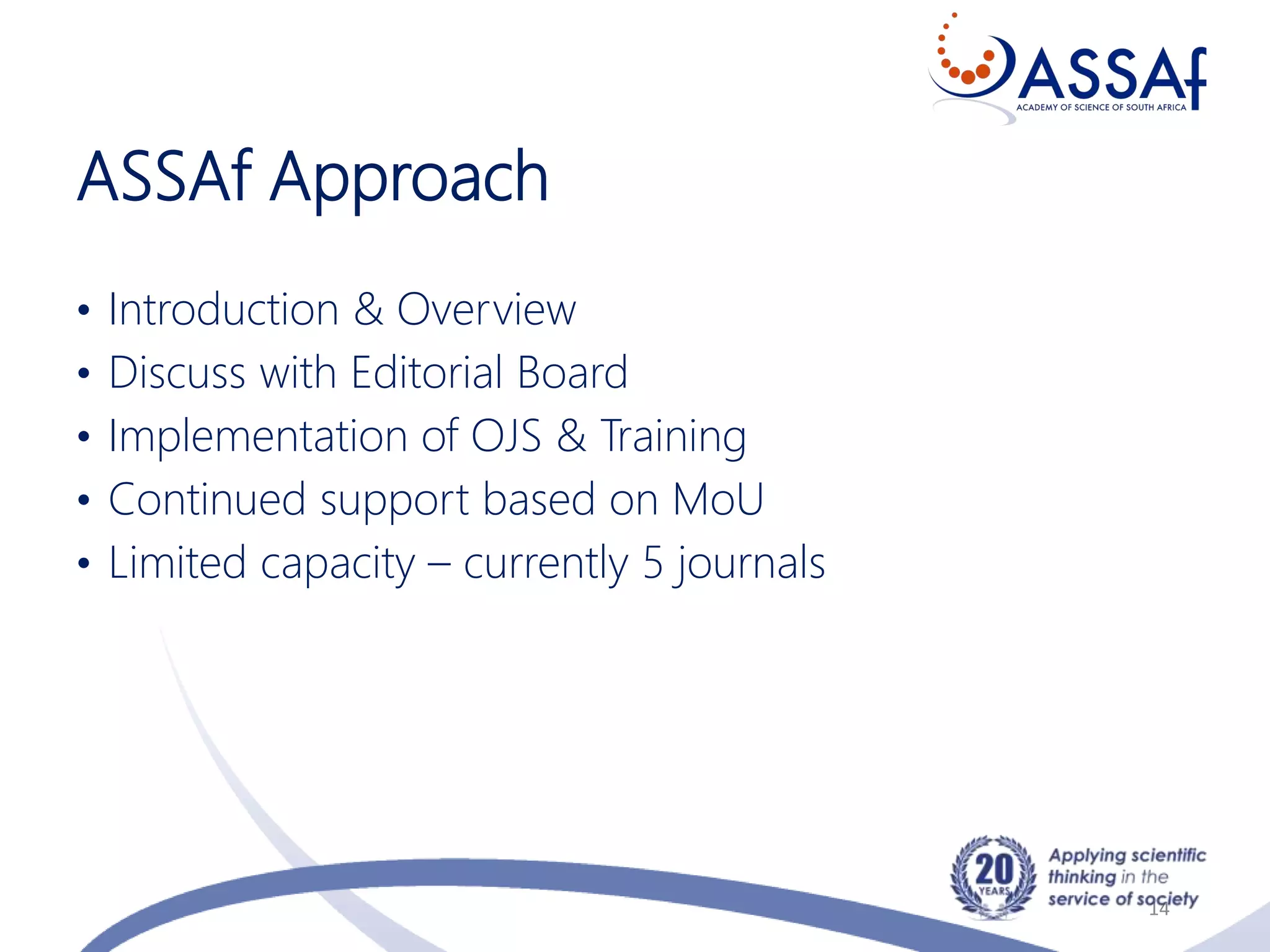
ASSAf Approach
• Introduction & Overview
• Discuss with Editorial Board
• Implementation of OJS & Training
• Continued support based on MoU
• Limited capacity – currently 5 journals
14
Which Journals Qualify (ASSAf)?
• SciELO SA Journals
• Journals in good standing
• Print to Online
• “Challenged” journals
• Committed & dedicated editorial team
15
E-Workflow
• Author
• Editor
• Section Editor
• Reviewers
• Proofreader
• Copyeditor
• Layout Editor
Not in workflow
• Journal Manager
• Reader
16
Variations of Editorial Role
http://pkpschool.sfu.ca/becoming-an-editor/module-1/unit-5-
editorial-titles-and-positions/
17
Beall’s list of questionable
journals/ publishers
• Use with caution, but nevertheless consult
• Lists of suspicious publishers & journal titles
• Authors: consult list before deciding where to
submit paper
• Editors: regularly check and confirm that your
journal is not listed
• Funders: consult before funding research
published in journal
http://scholarlyoa.com/
Academic Integrity (1)
19
• Researchers, journals should take ownership of their
academic identity & integrity on the web – be pro-active
• Create a Google Profile (Google Scholar & Google
Citations)
• Create an ORCID ID
• Setup alerts and know who cites your work and in which
context it is used
Academic Integrity (2)
20
• Assign good quality metadata to OA research so that
Google will return quality research at the top of Google
listing
• Conduct Google searches for your own research/name,
and see where it has been mentioned
• Know what is being researched in your field
• Take action if needed
Requirements
• Use Open Source software, open standards
• Make base URL available to harvesters
• Journal setup complete
• Google Scholar site map in configuration
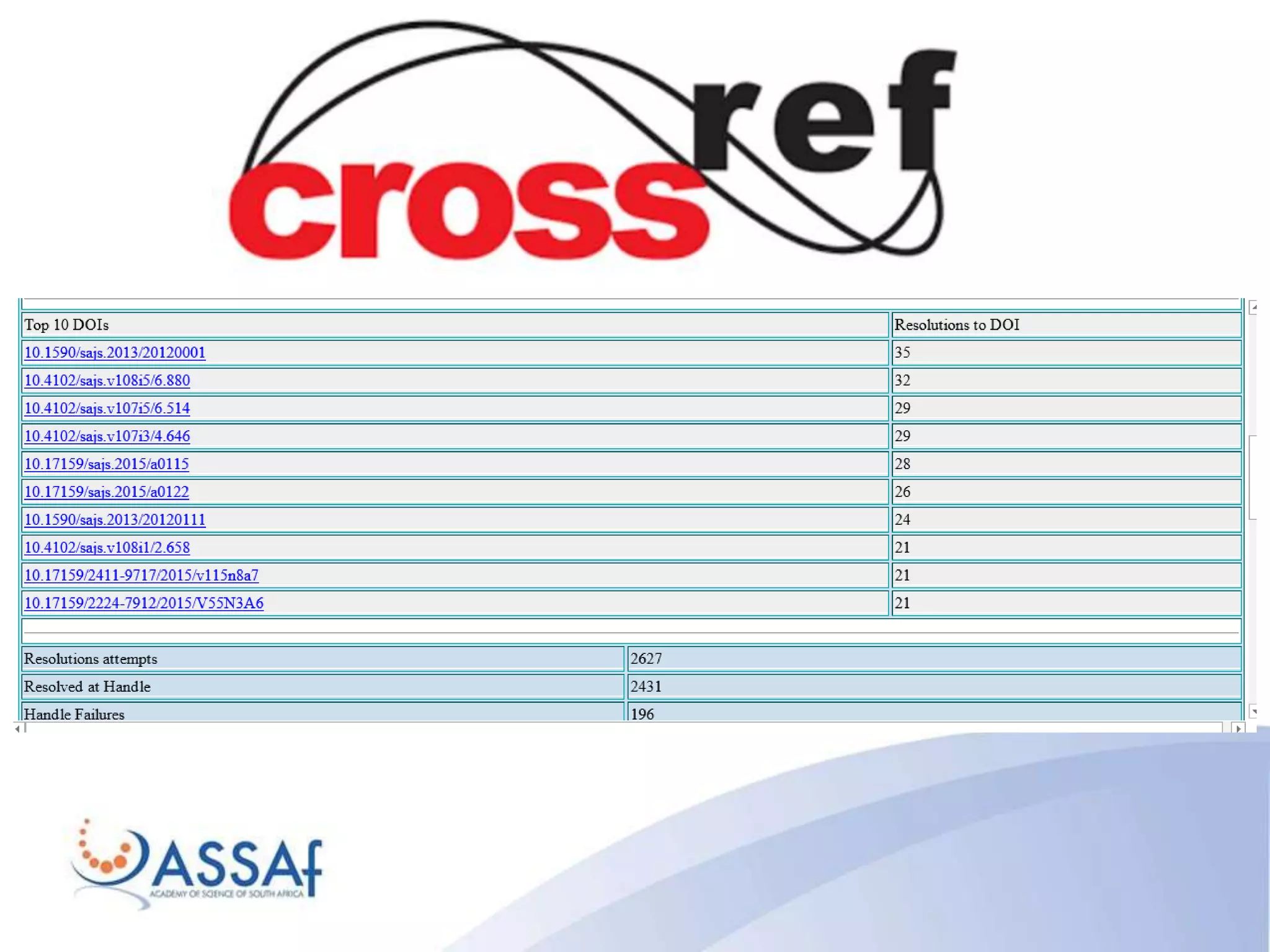
• Article persistent URLs (DOIs)
• Quality metadata
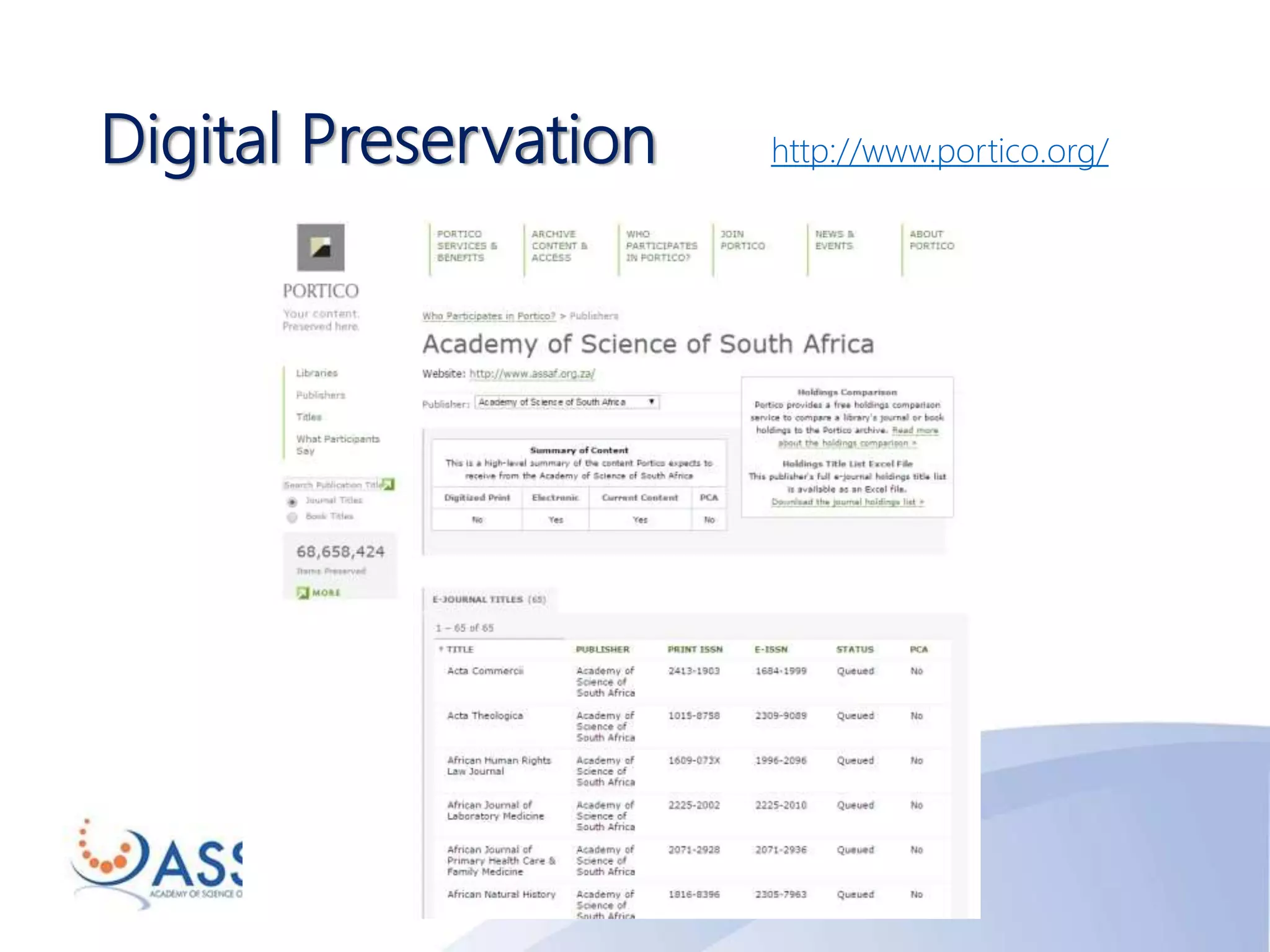
Digital Preservation http://www.portico.org/
XML
• XML was designed to carry data - with focus on what
data is
• HTML was designed to display data - with focus on how
data looks
• XML tags are not predefined like HTML tags are
• It simplifies data sharing
• It simplifies data transport
• It simplifies platform changes
• It simplifies data availability
http://www.w3schools.com/xml/xml_whatis.asp
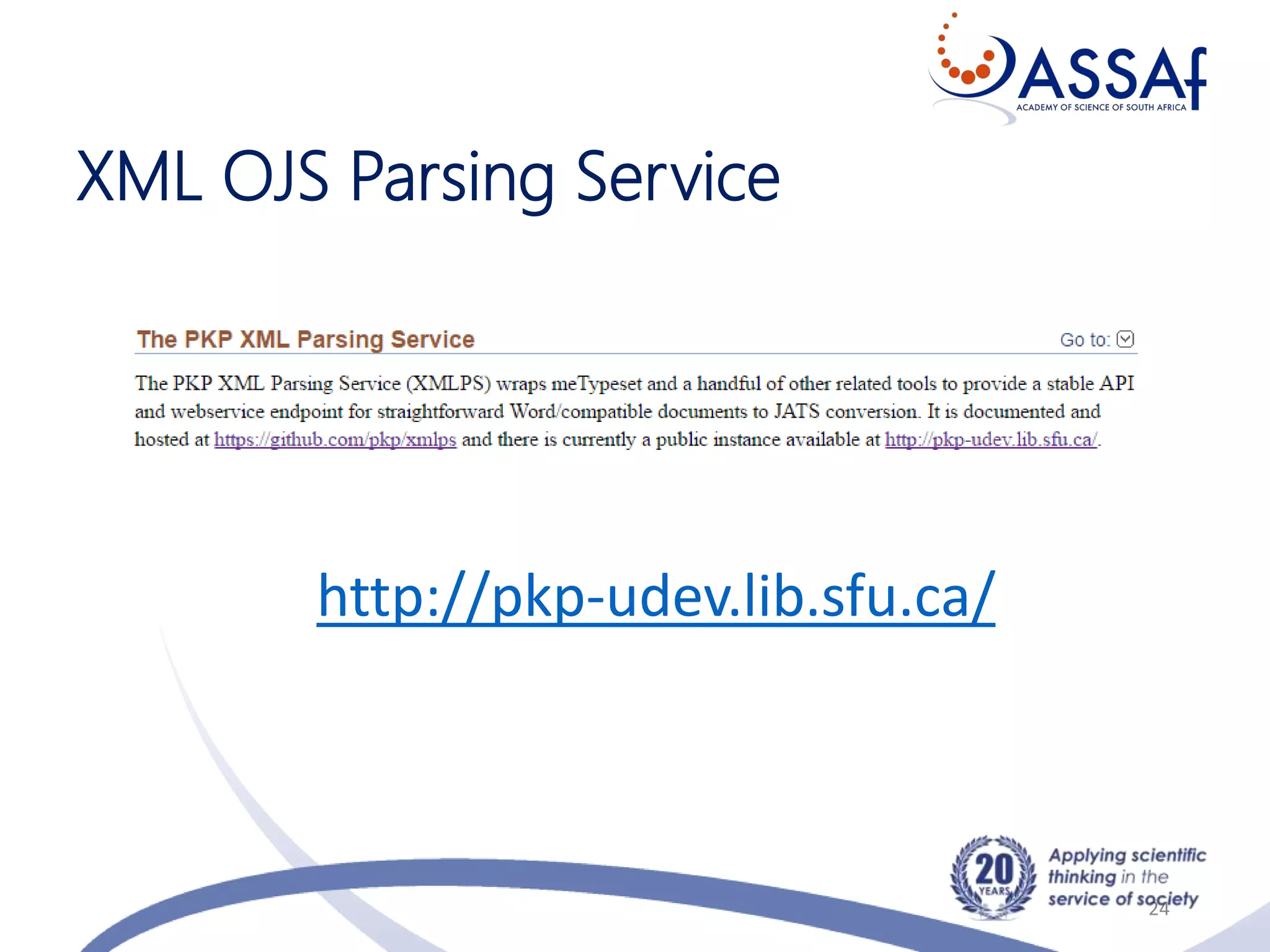
XML OJS Parsing Service
24
http://pkp-udev.lib.sfu.ca/
Online ISSN
25
http://www.nlsa.ac.za/index.php/bibsa/isn-agency
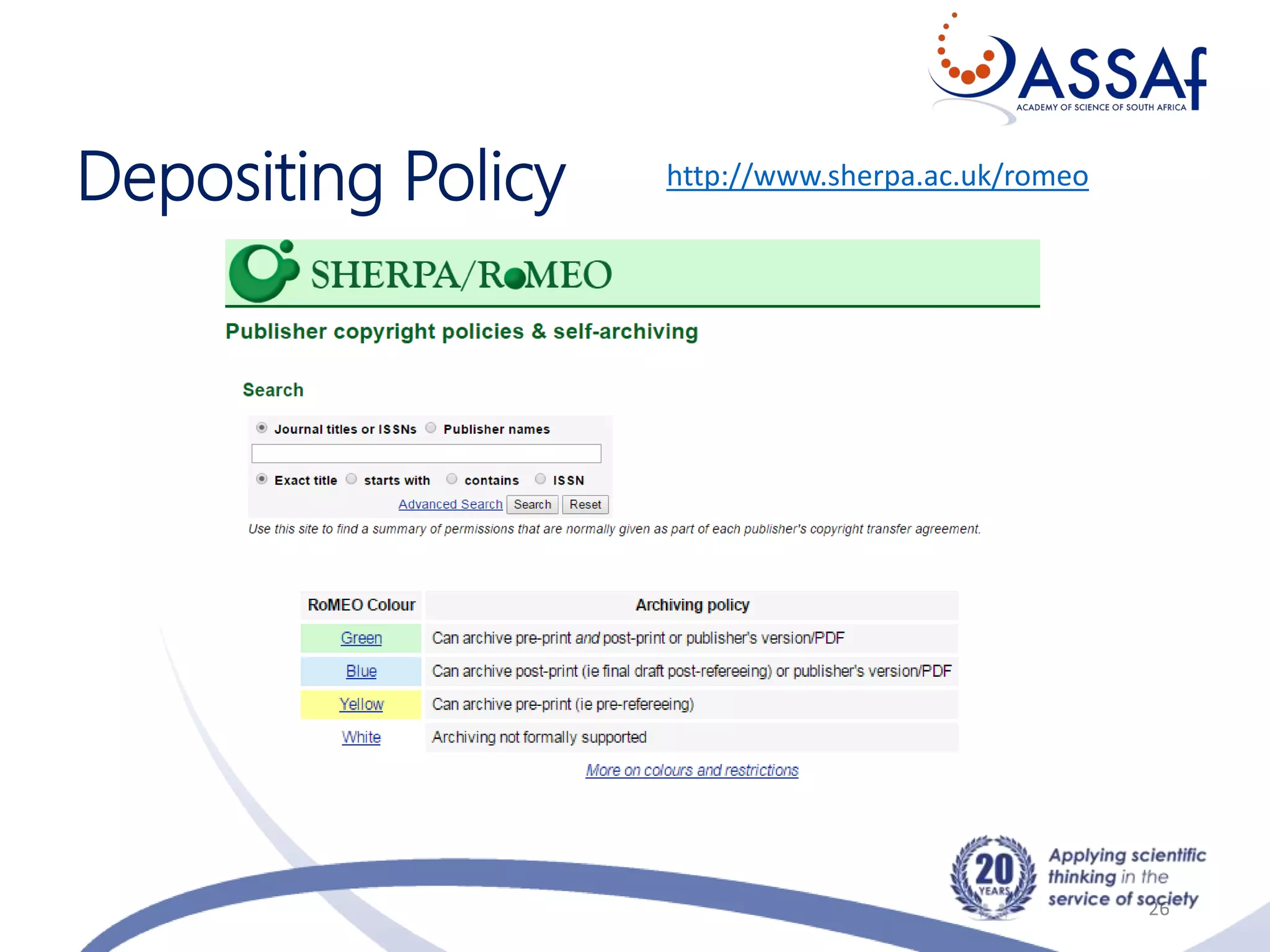
Depositing Policy
26
http://www.sherpa.ac.uk/romeo
“Without data you are just another person with an opinion.” –
W. Edwards Deming
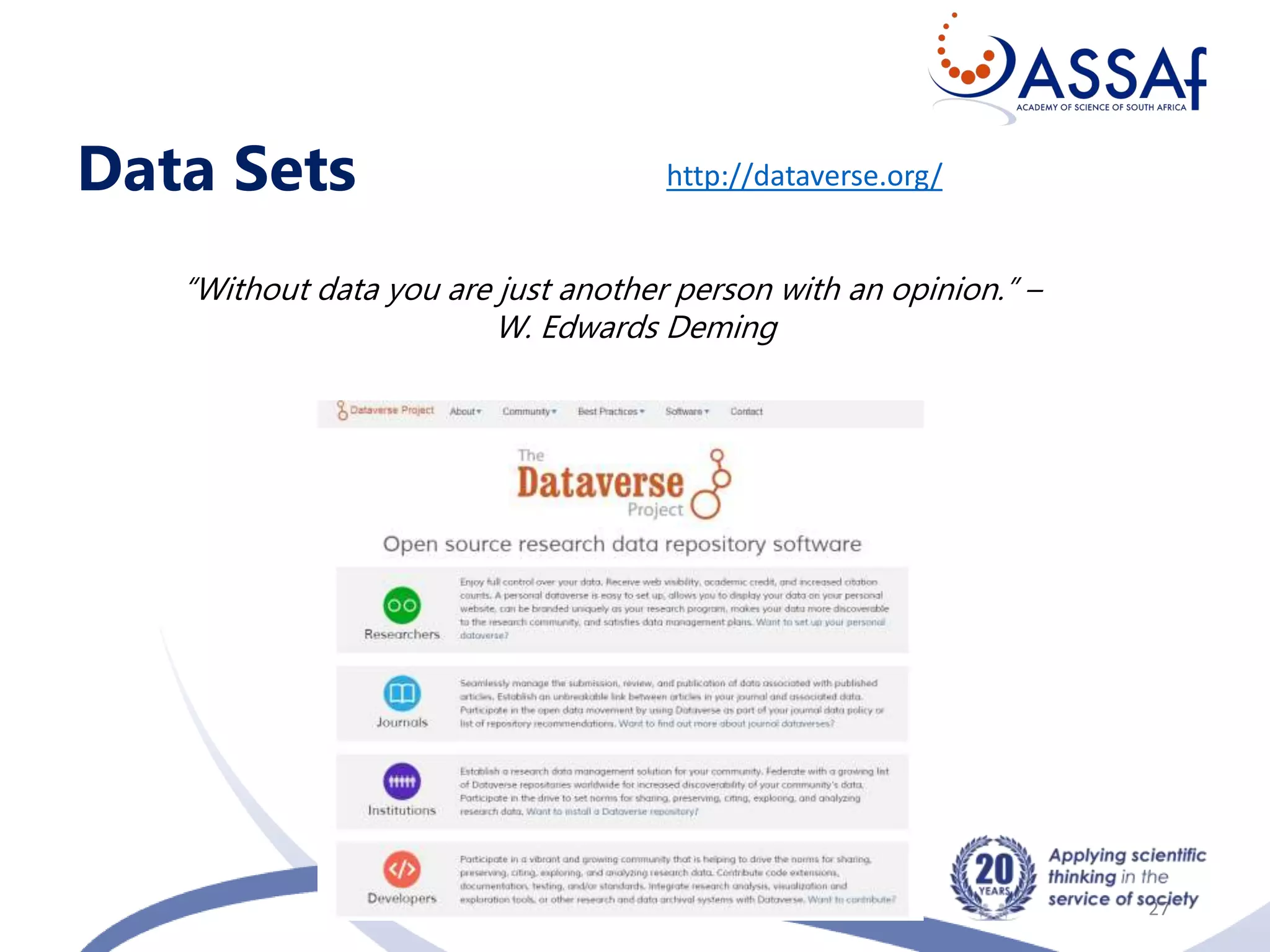
Data Sets
27
http://dataverse.org/
Referencing
28
https://www.refme.com/
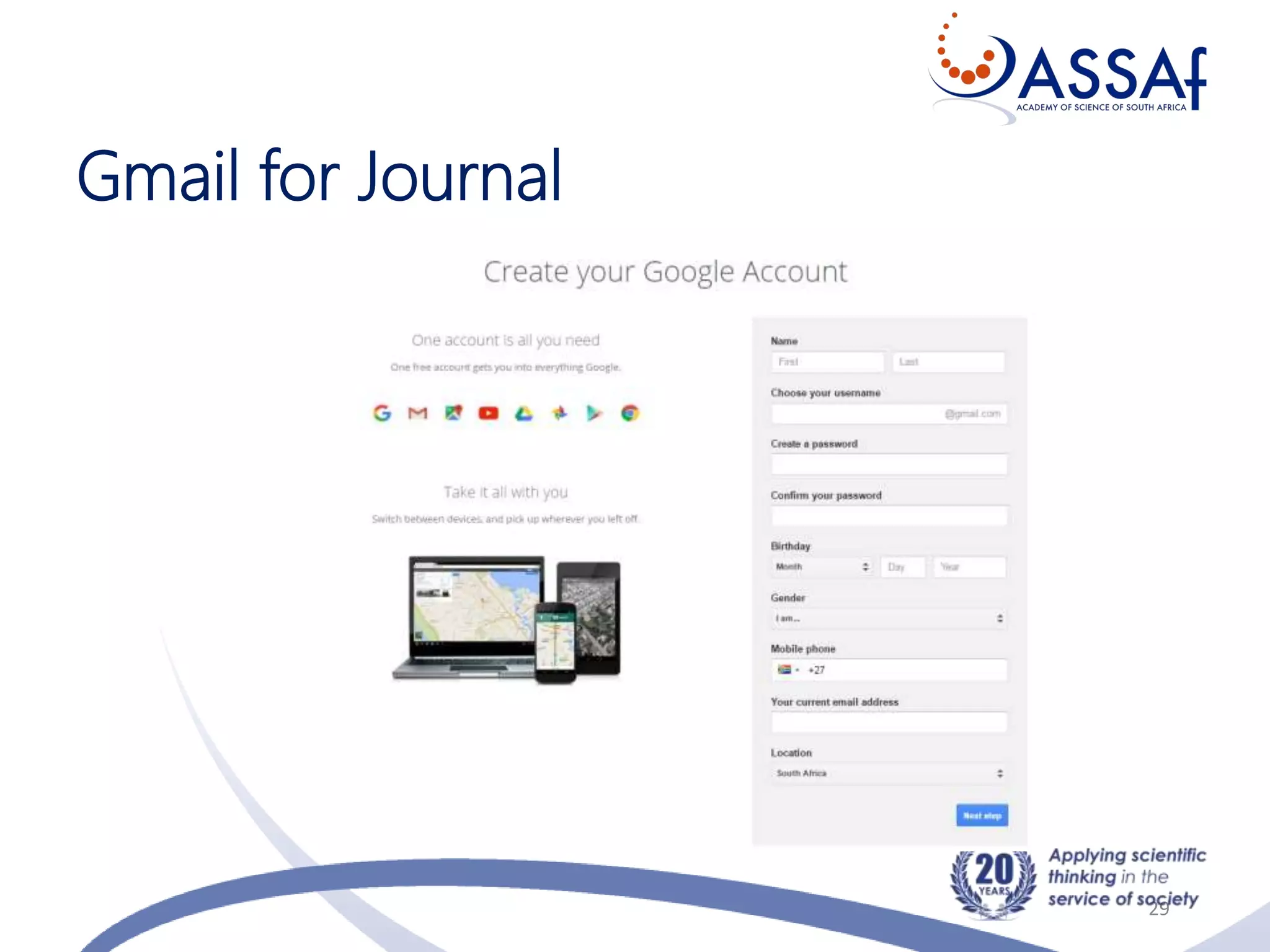
Gmail for Journal
29
Charges
30
• Article Processing Charges
• Article Submission Charges
• Galley, other charges?
• Waiver Policy
Rights
31
• Copyright: Author/s
• Licensing: Conditions of use by other
Apply one of six licenses
https://creativecommons.org/licenses/
• Publishing Rights: Exclusive or Non-exclusive Licenses
DOAJ Recommended OA Policy
32
Law, Democracy & Development is an Open Access
journal which means that all content is freely available
without charge to the user or his/her institution. Users are
allowed to read, download, copy, distribute, print, search,
or link to the full texts of the articles, or use them for any
other lawful purpose, without asking prior permission
from the publisher or the author. This is in accordance
with the Budapest Open Access Initiative (BOAI) definition
of Open Access.
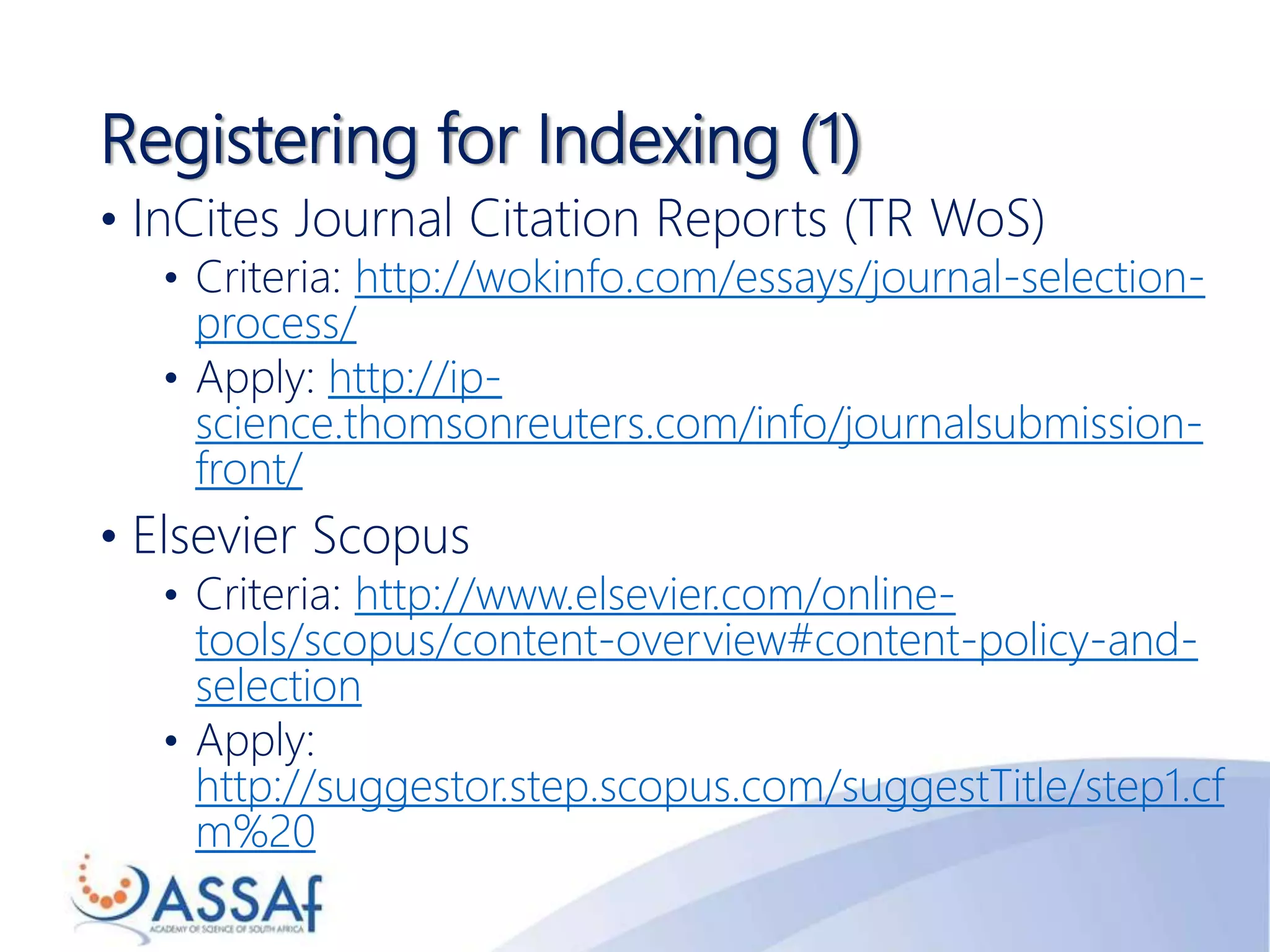
Registering for Indexing (1)
• InCites Journal Citation Reports (TR WoS)
• Criteria: http://wokinfo.com/essays/journal-selection-
process/
• Apply: http://ip-
science.thomsonreuters.com/info/journalsubmission-
front/
• Elsevier Scopus
• Criteria: http://www.elsevier.com/online-
tools/scopus/content-overview#content-policy-and-
selection
• Apply:
http://suggestor.step.scopus.com/suggestTitle/step1.cf
m%20
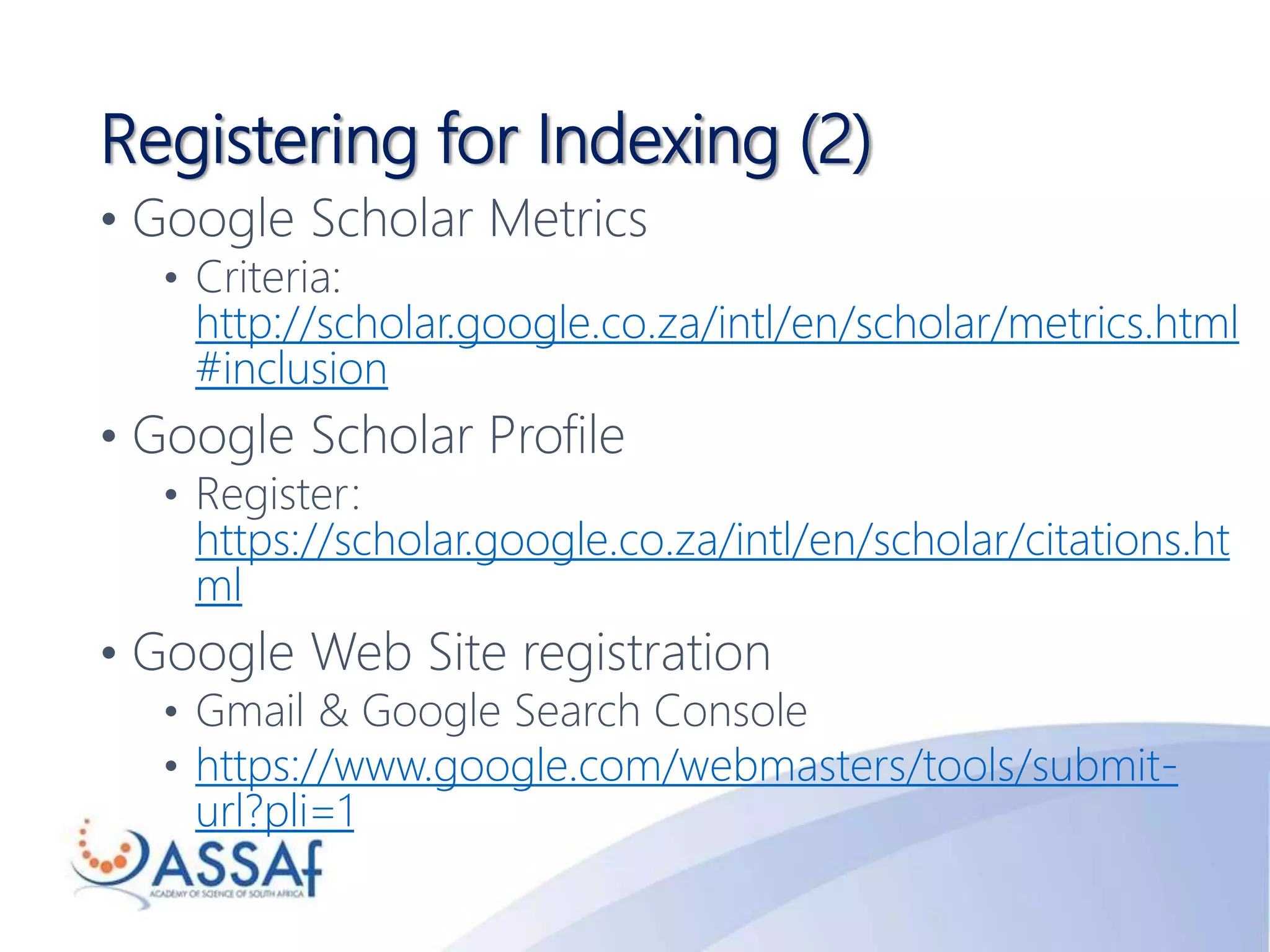
Registering for Indexing (2)
• Google Scholar Metrics
• Criteria:
http://scholar.google.co.za/intl/en/scholar/metrics.html
#inclusion
• Google Scholar Profile
• Register:
https://scholar.google.co.za/intl/en/scholar/citations.ht
ml
• Google Web Site registration
• Gmail & Google Search Console
• https://www.google.com/webmasters/tools/submit-
url?pli=1
Registering for Indexing (3)
• Discipline specific indexes
• E.g. Music: Rilm Abstracts; The Music Index; Sabinet
Online; African Journals OnLine
• E.g. Aquatic Science: Agris; ASFA; Aquatic Biology;
Aquaculture & Fisheries Resources; BIOBASE; BIOSIS;
Fish & Fisheries Worldwide; Journal Citation Reports;
Science Citation Index Expanded; Zoological Record
• Directory of Open Access Journals (DOAJ)
• https://doaj.org/application/new
• SHERPA RoMEO
http://www.sherpa.ac.uk/romeo/index.php
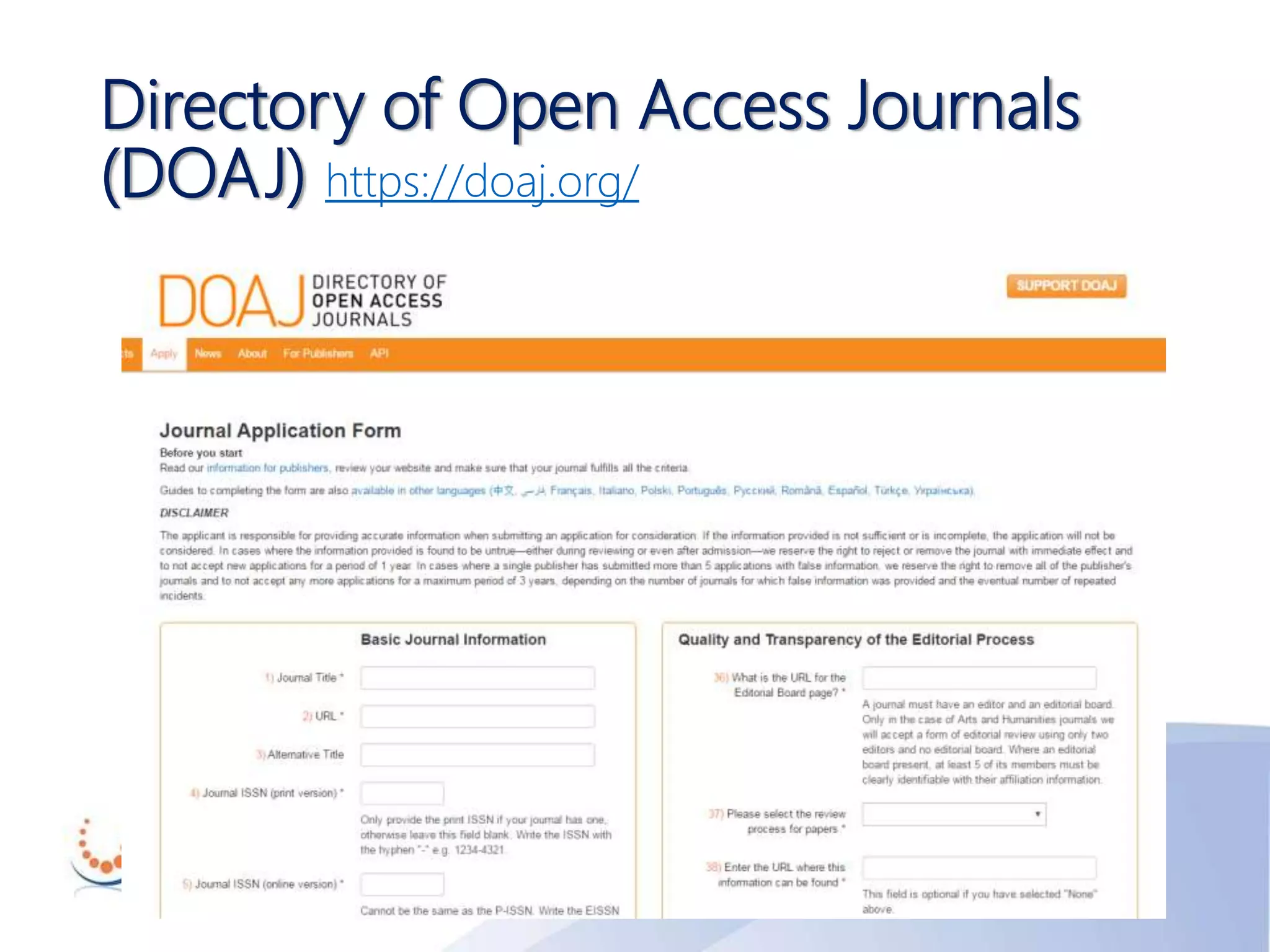
Directory of Open Access Journals
(DOAJ) https://doaj.org/
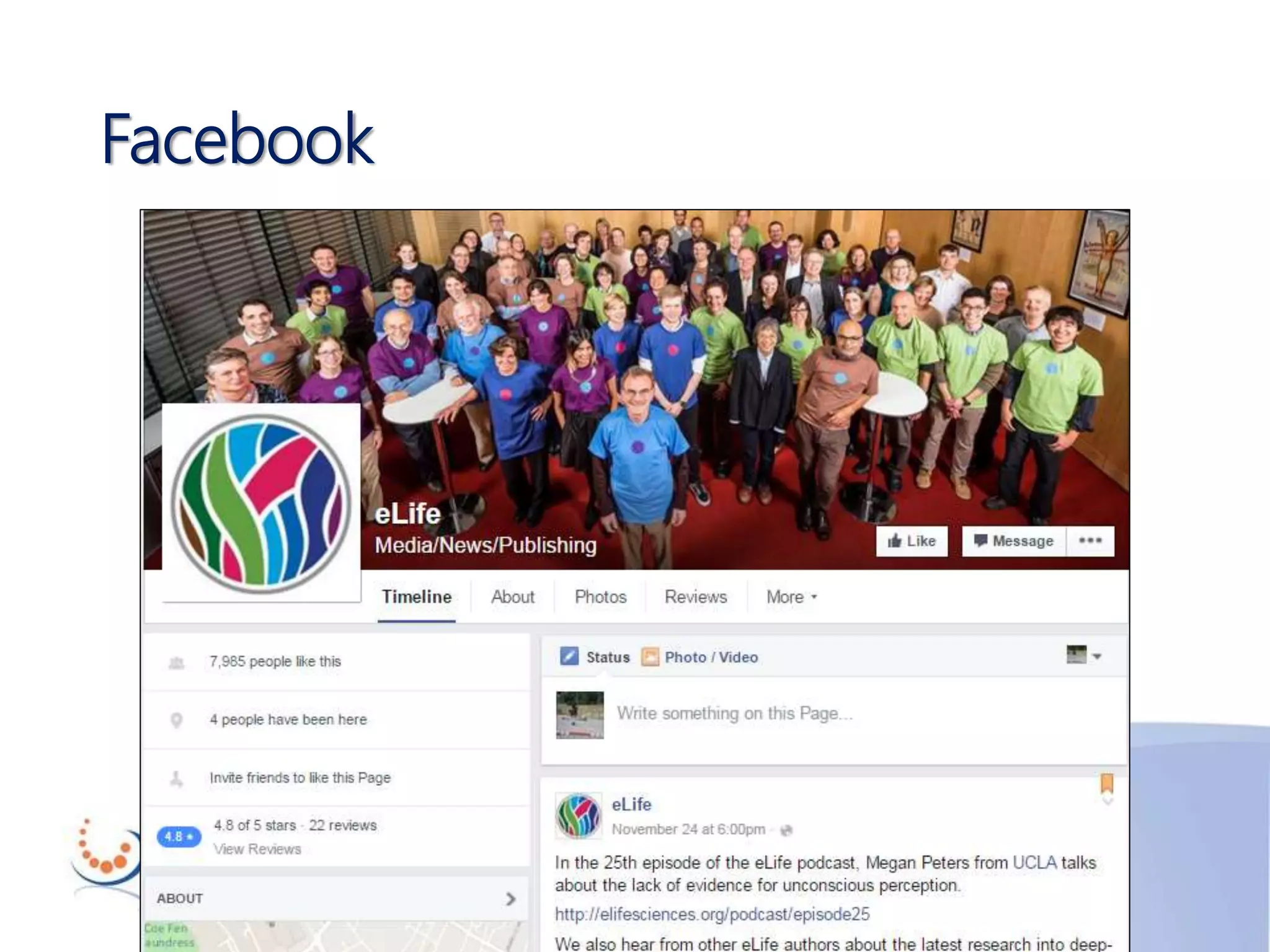
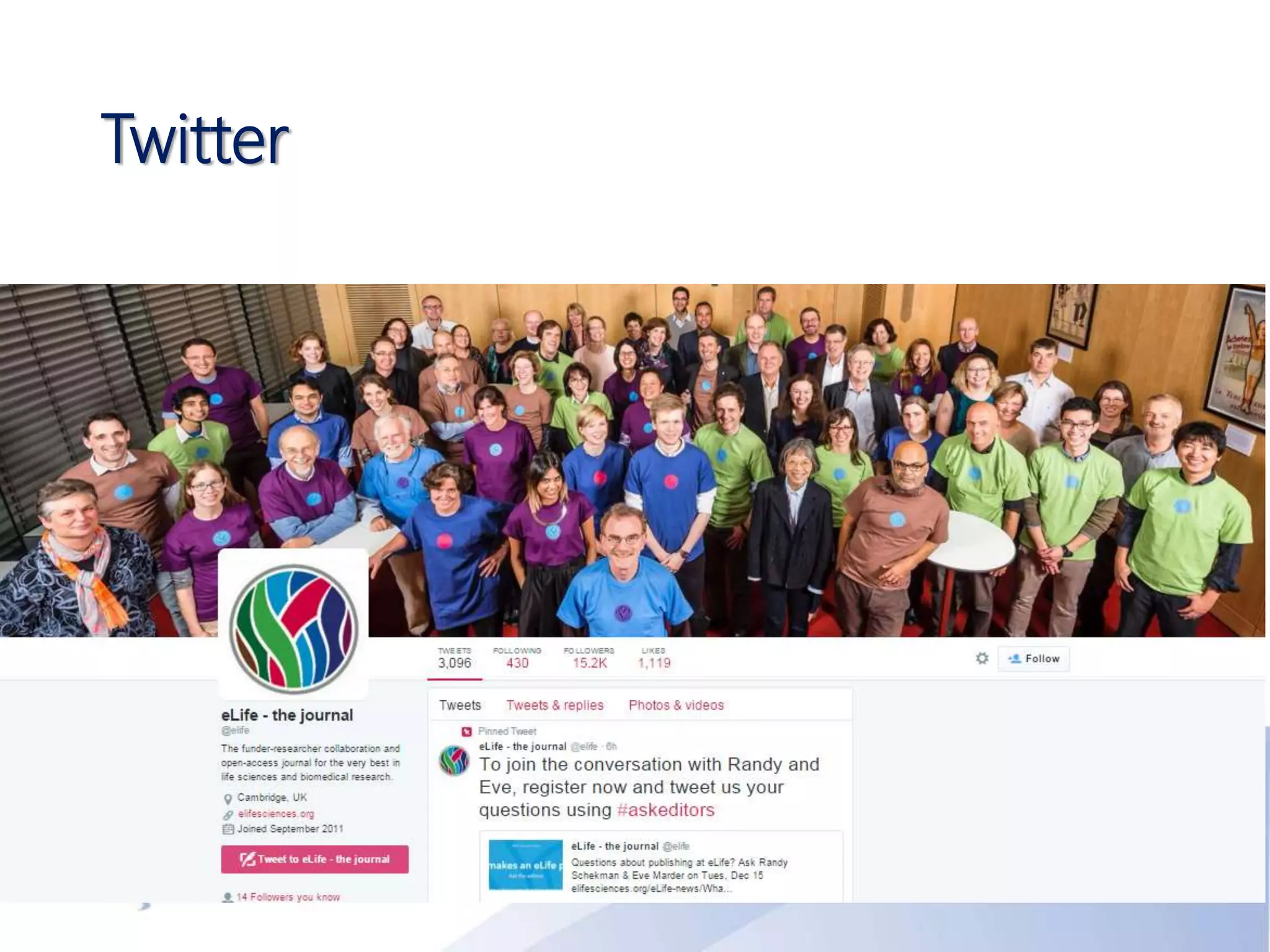
Social media
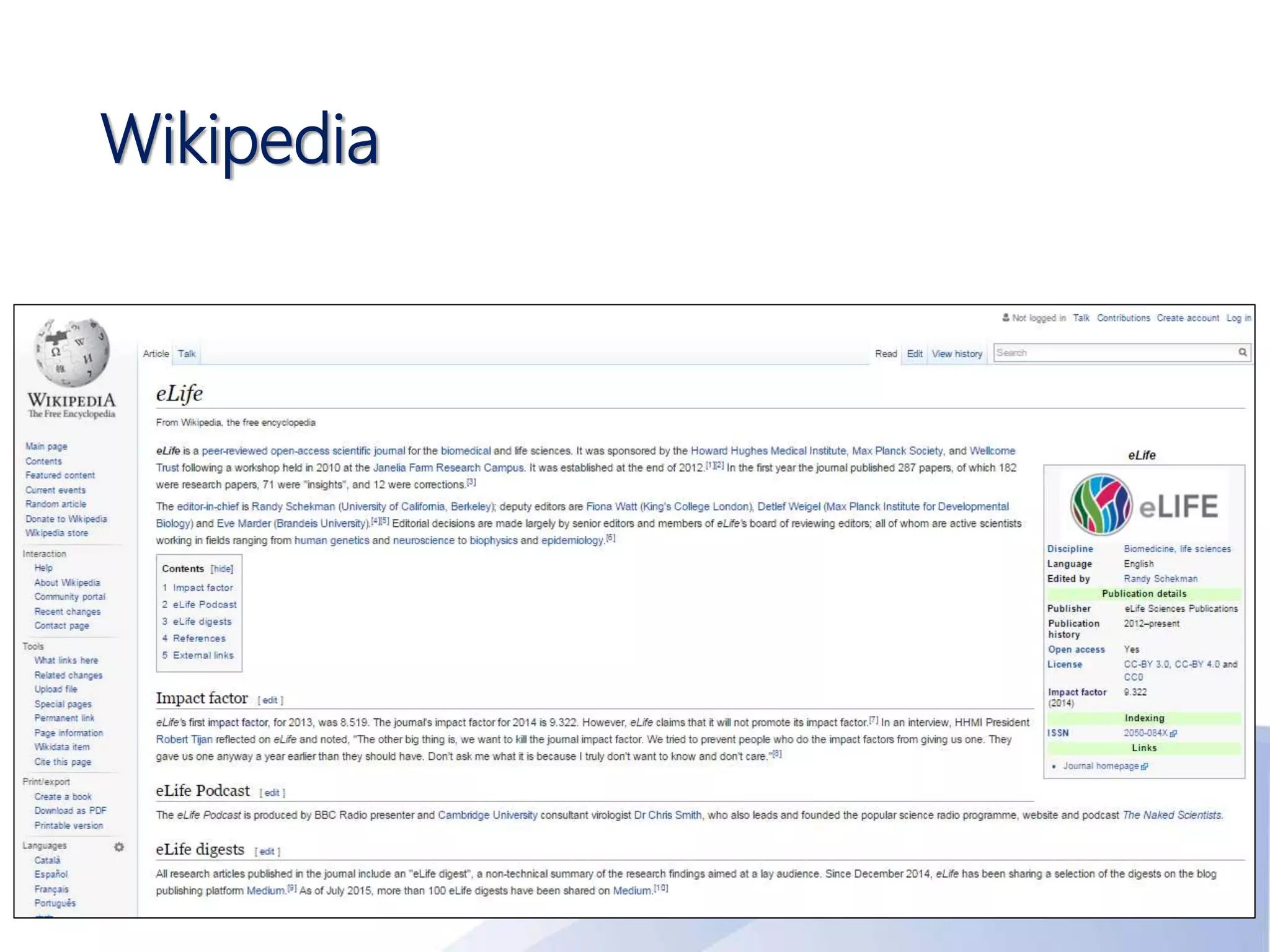
Wikipedia
Facebook
Twitter
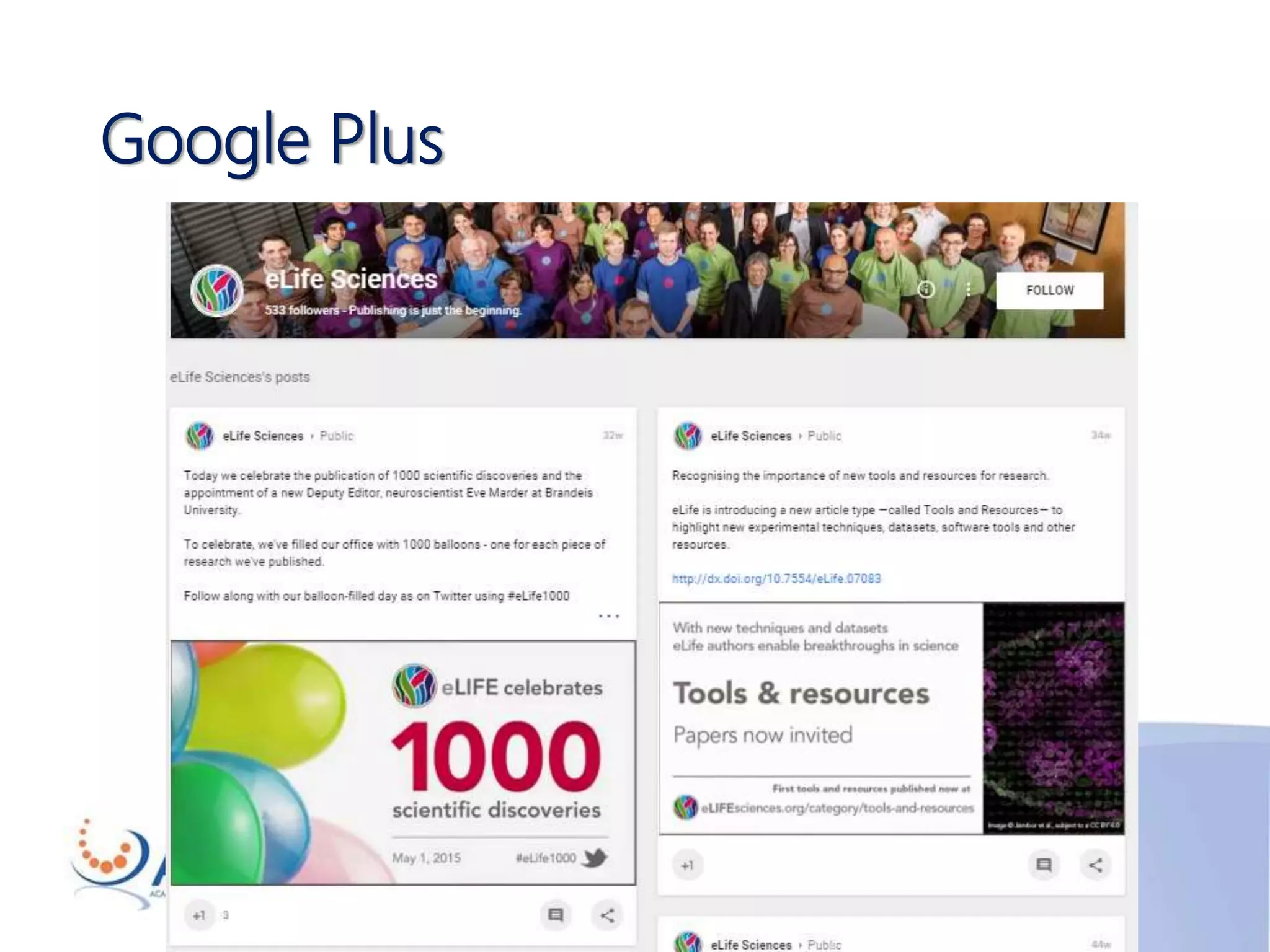
Google Plus
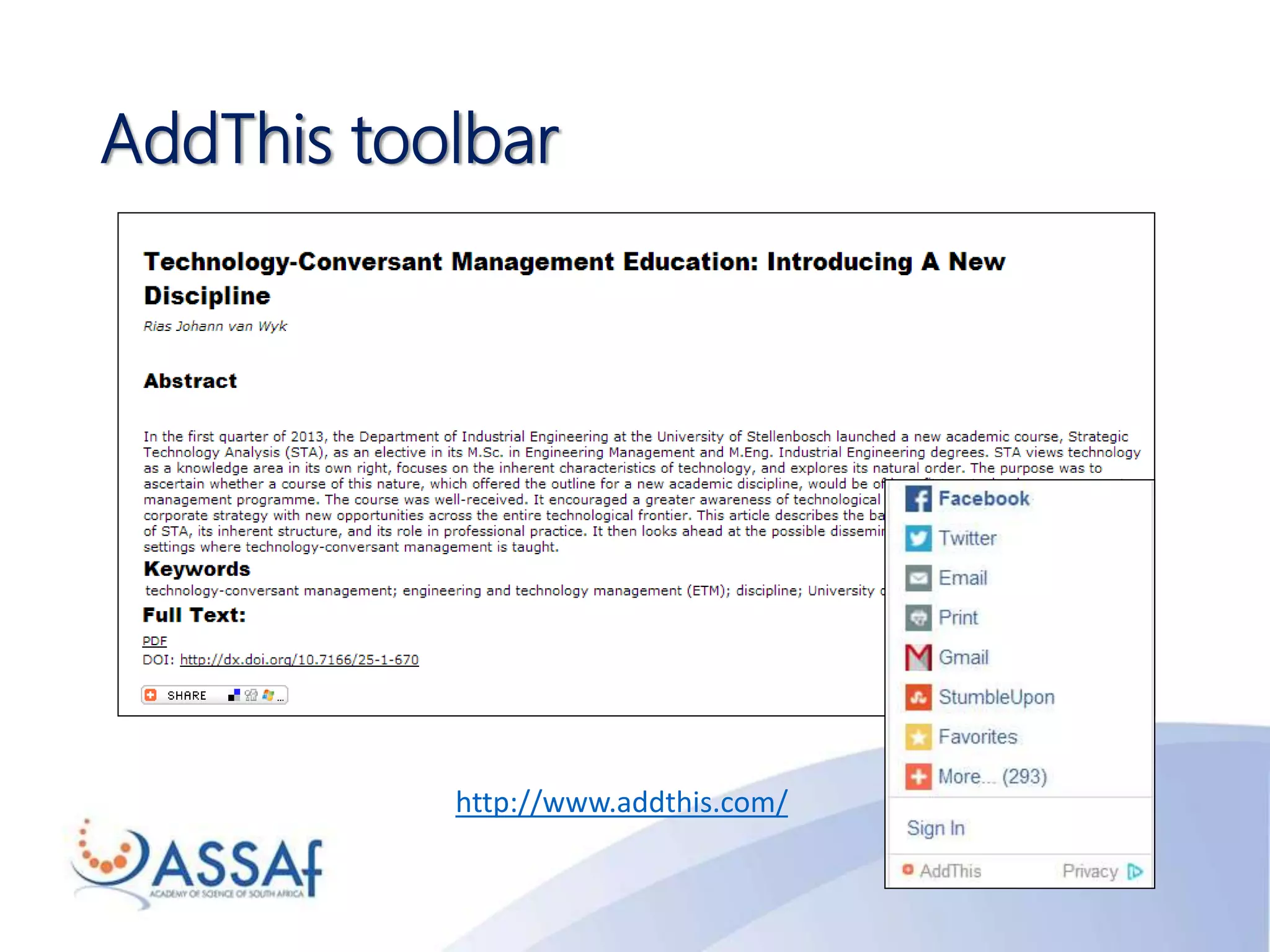
AddThis toolbar
http://www.addthis.com/
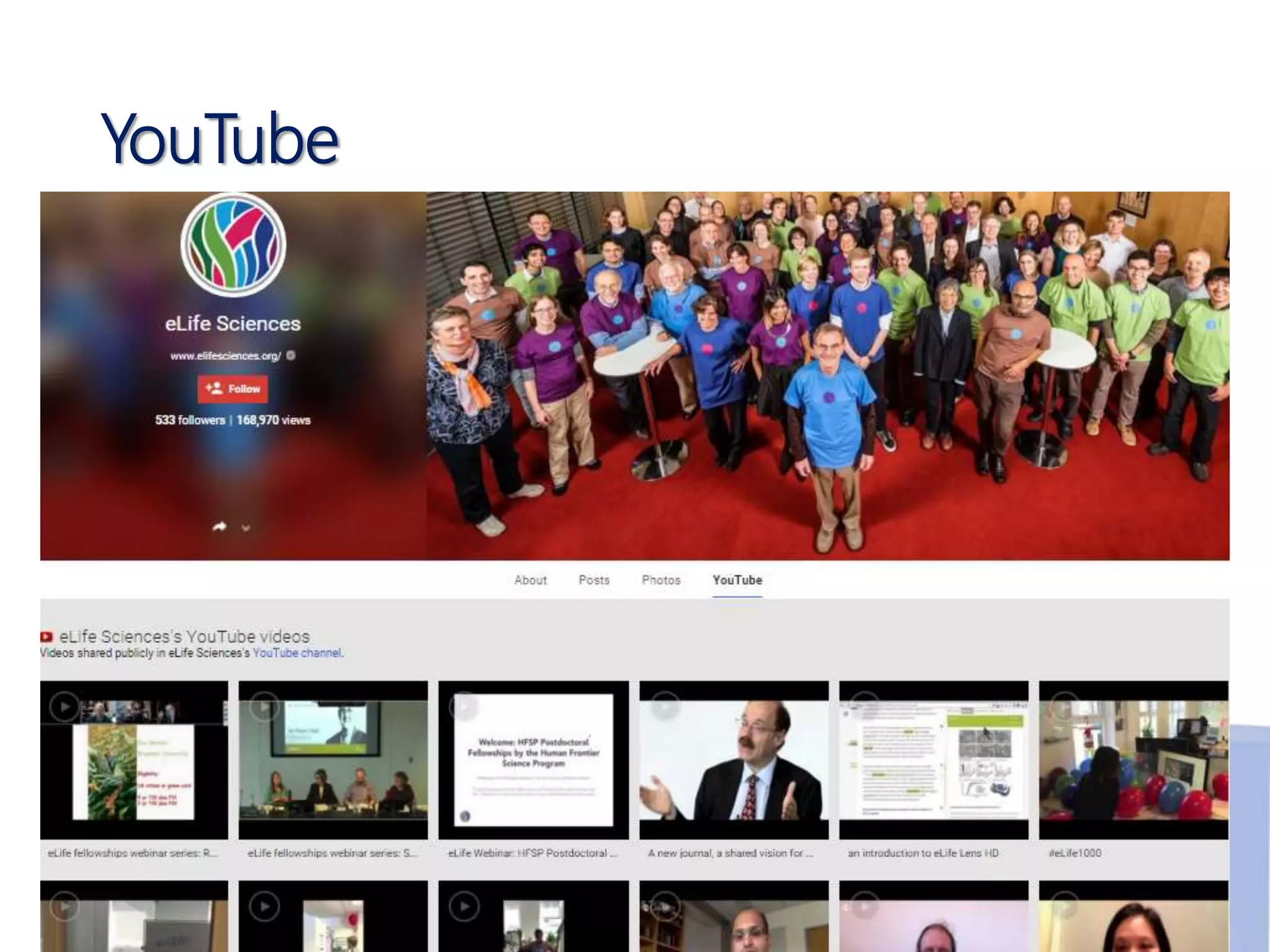
YouTube
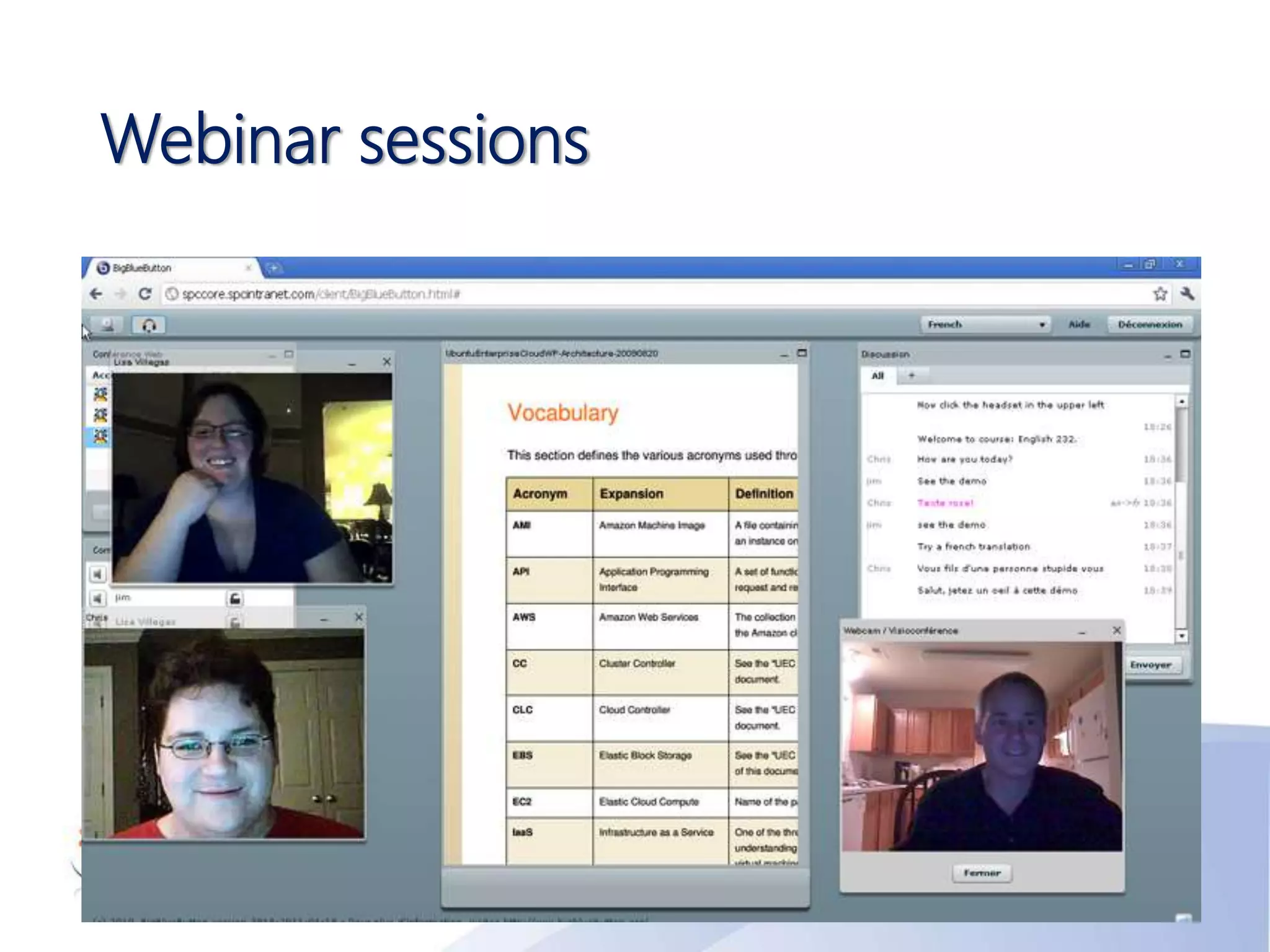
Webinar sessions
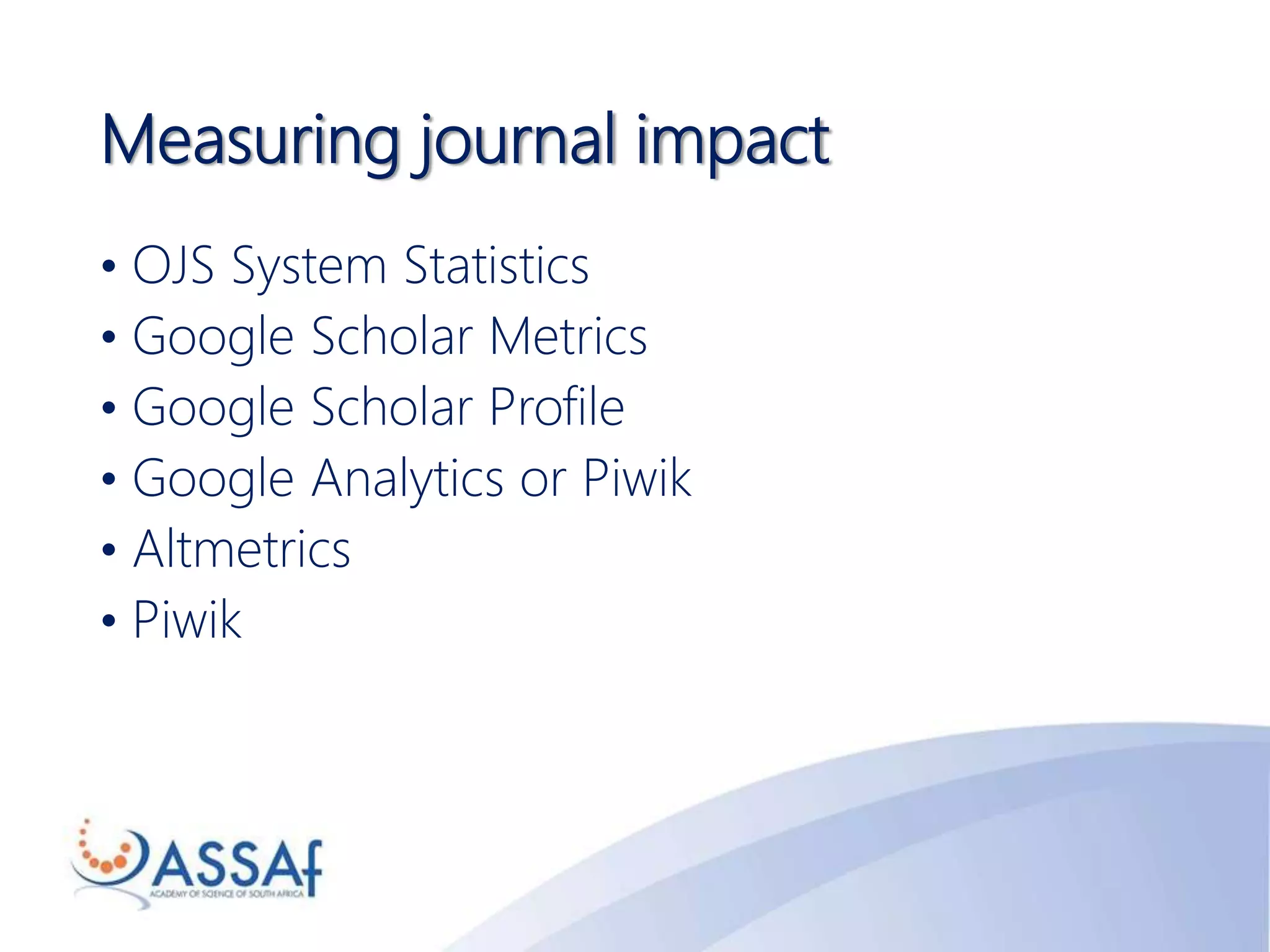
Measuring journal impact
• OJS System Statistics
• Google Scholar Metrics
• Google Scholar Profile
• Google Analytics or Piwik
• Altmetrics
• Piwik
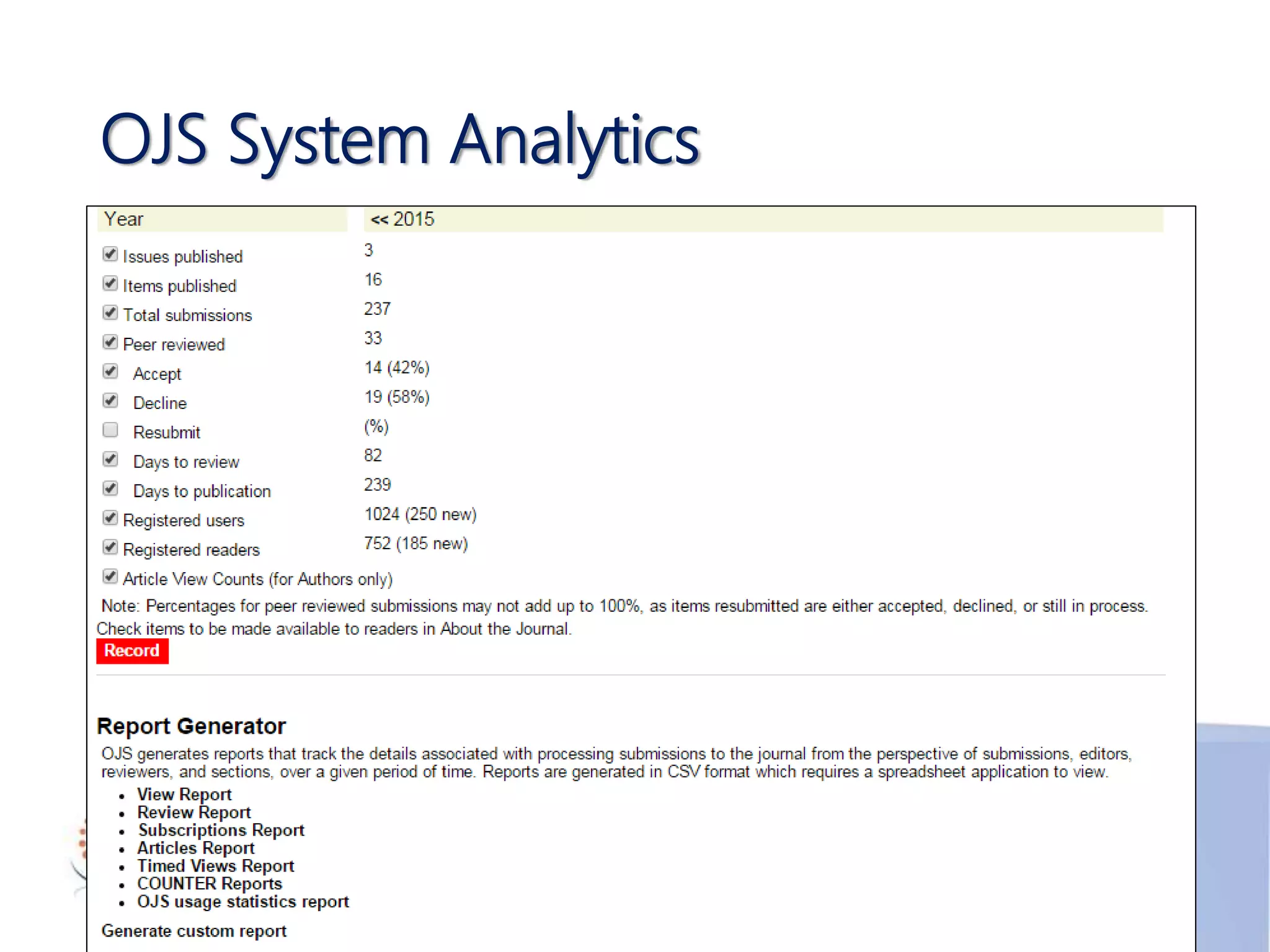
OJS System Analytics
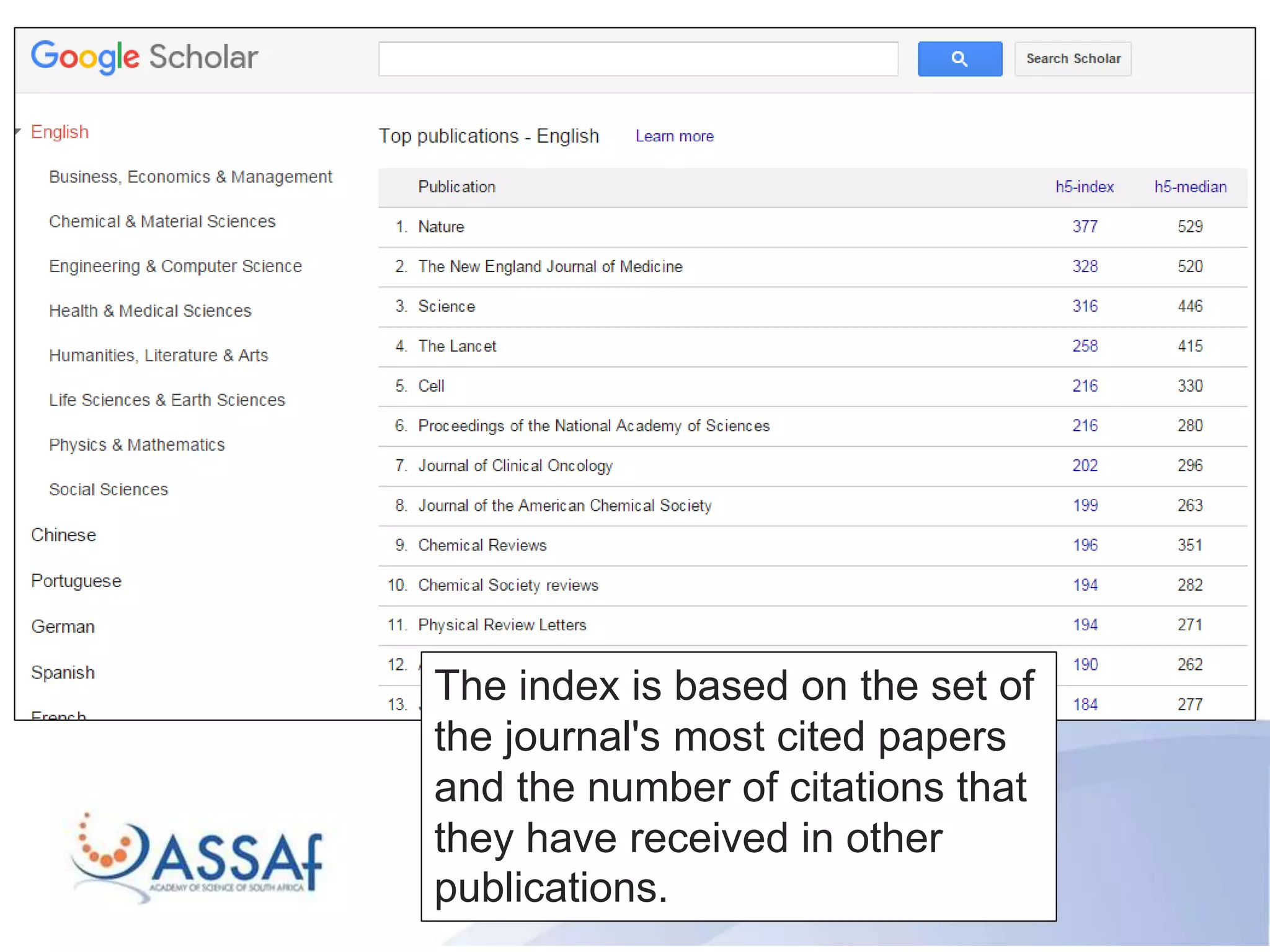
The index is based on the set of
the journal's most cited papers
and the number of citations that
they have received in other
publications.
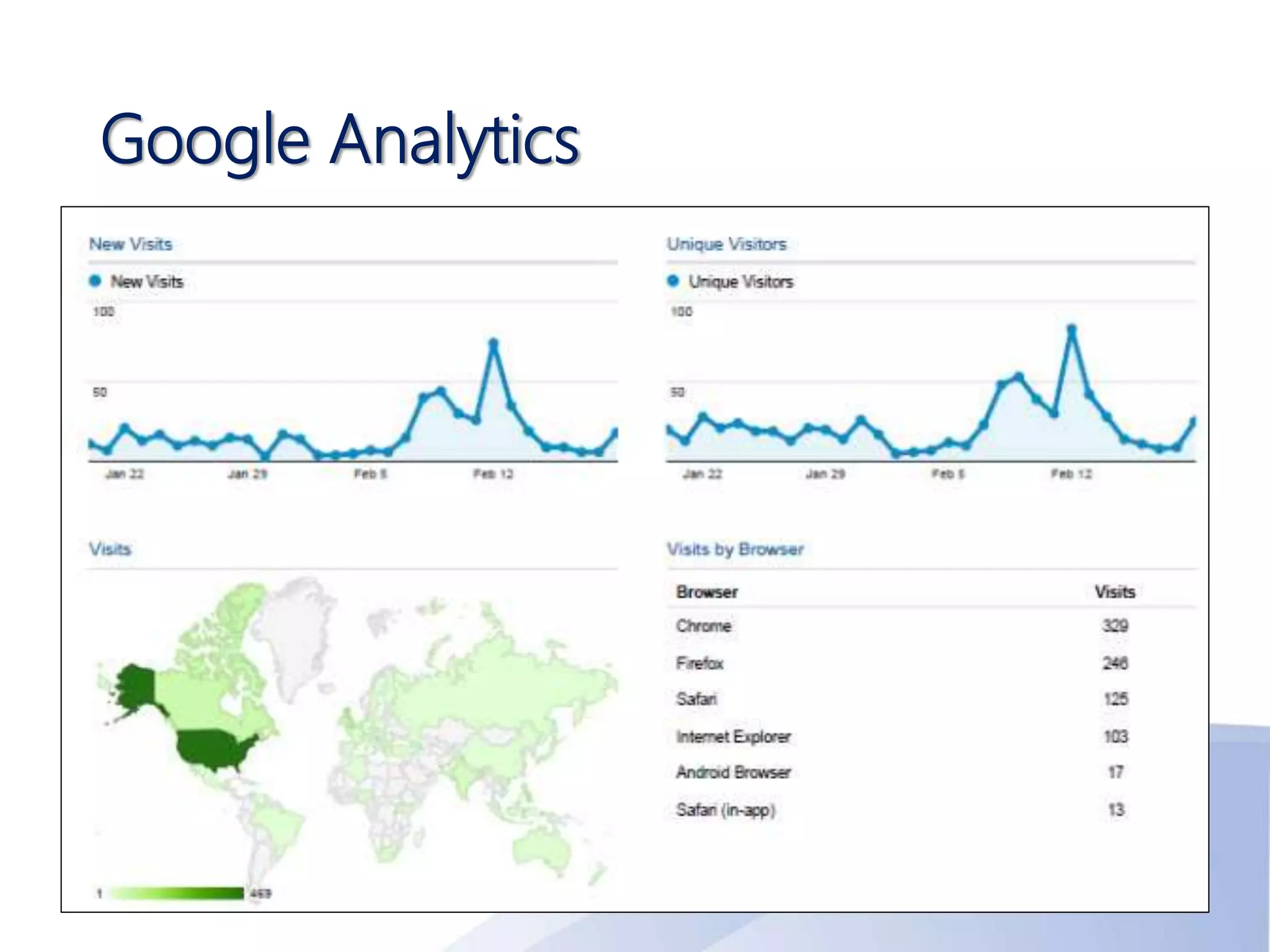
Google Analytics
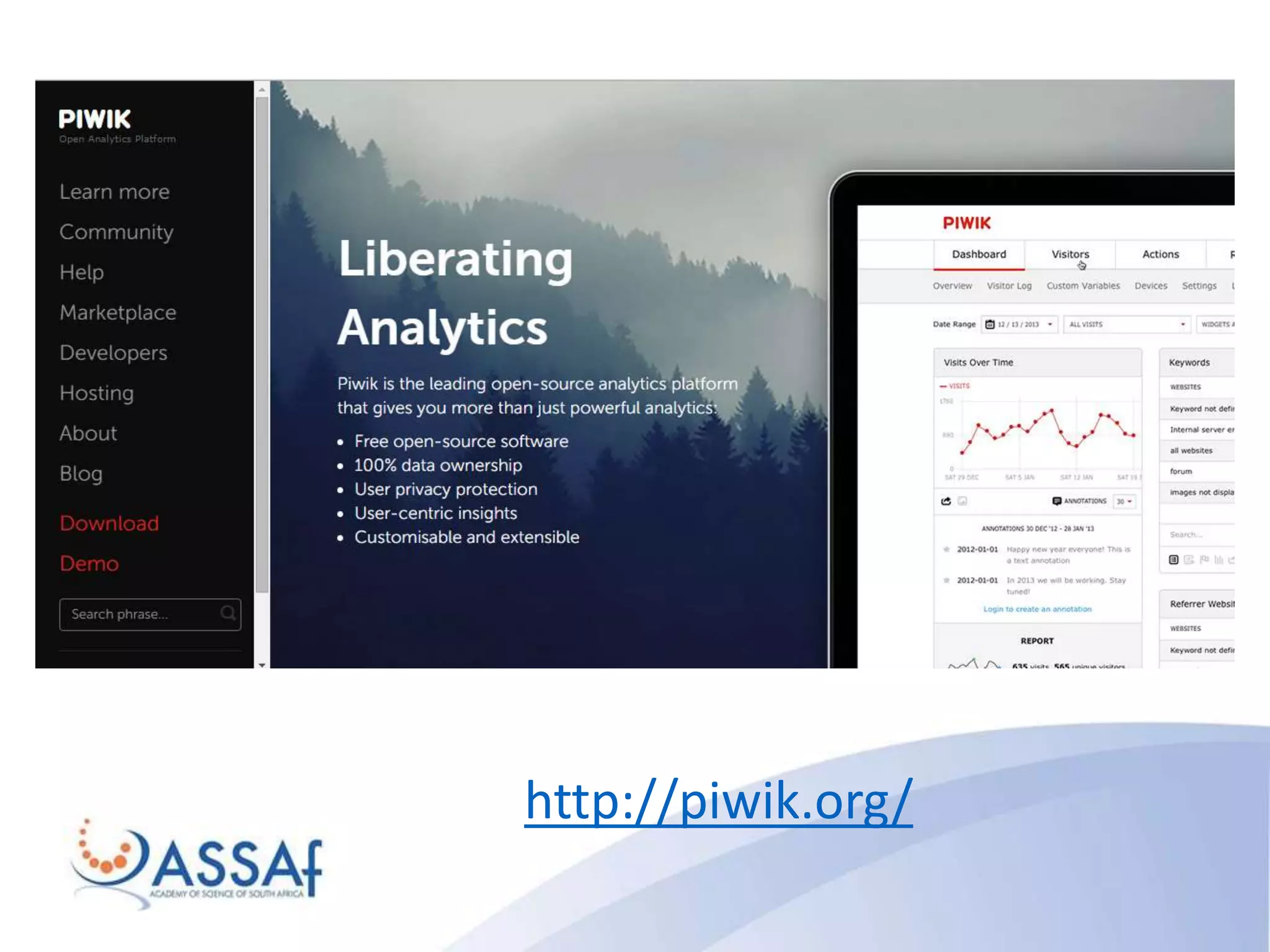
http://piwik.org/
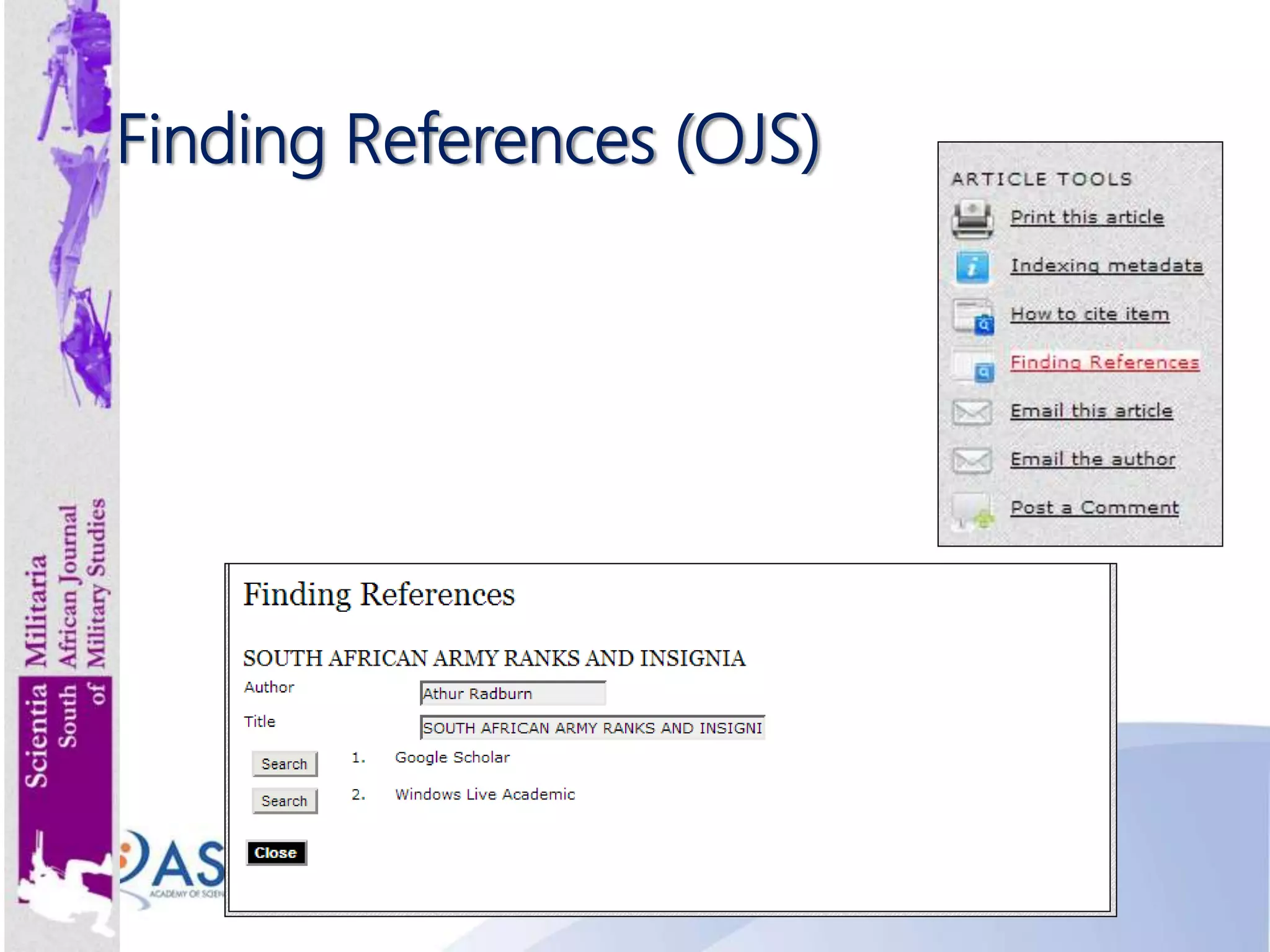
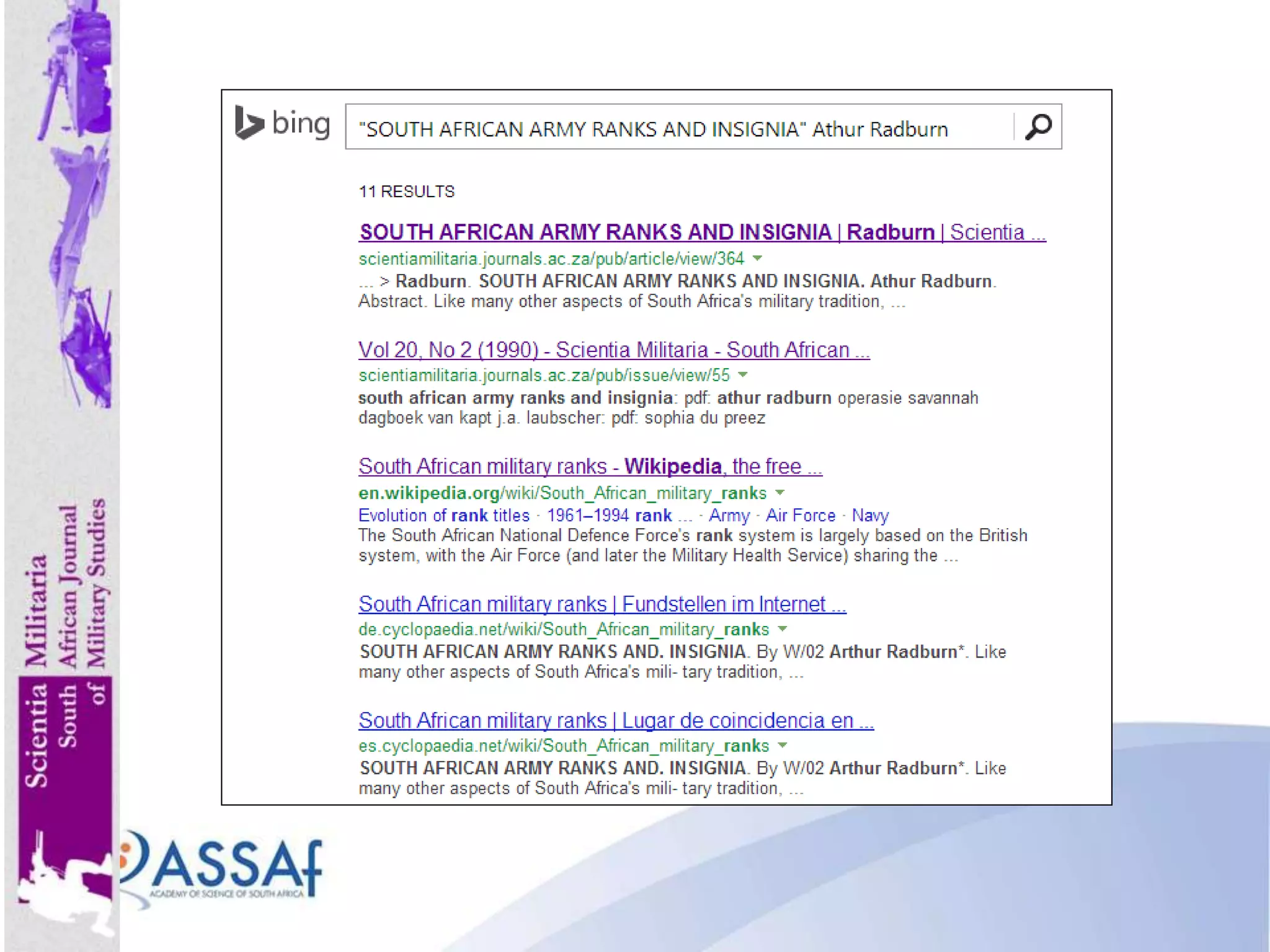
Finding References (OJS)
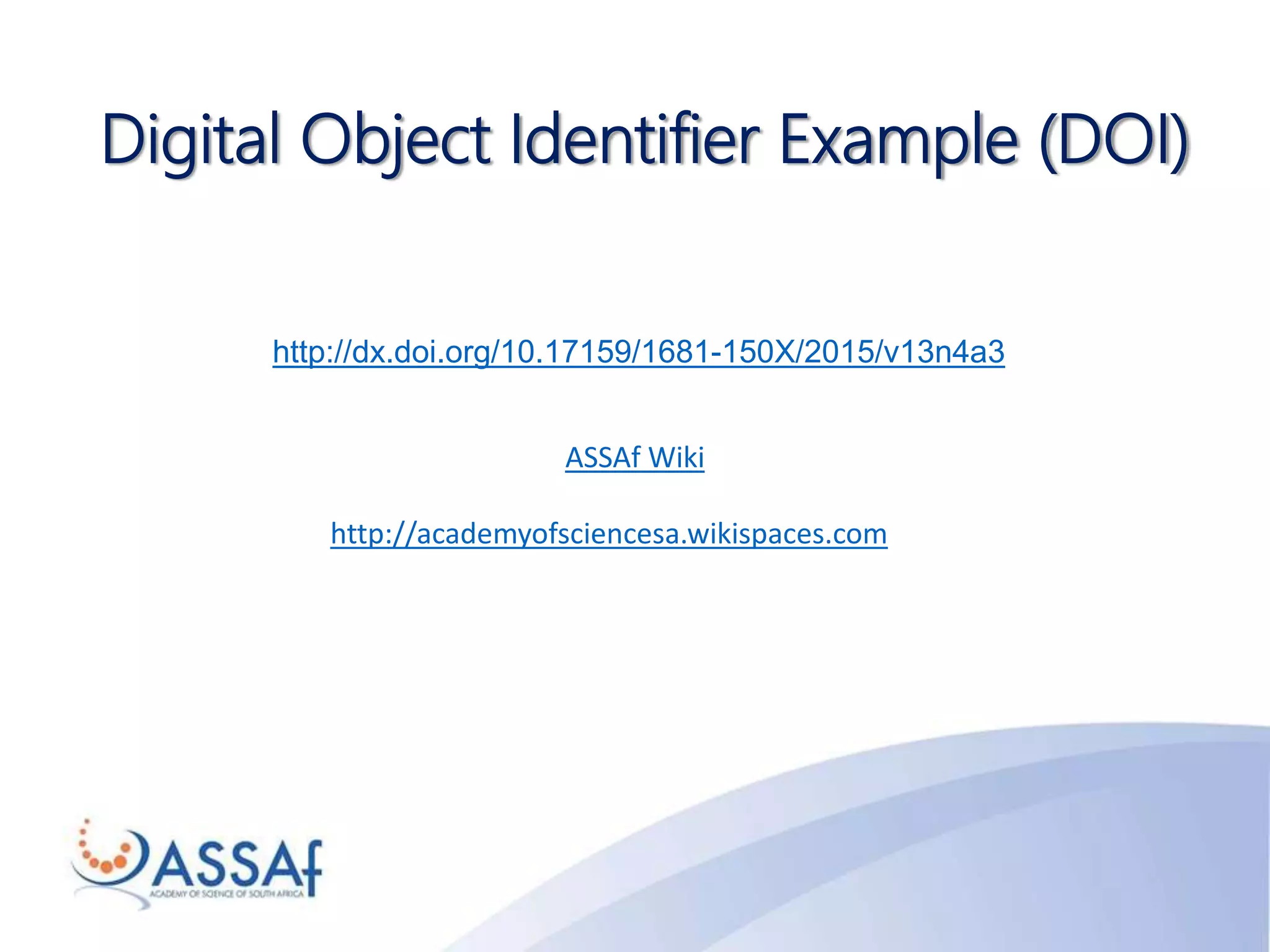
http://dx.doi.org/10.17159/1681-150X/2015/v13n4a3
Digital Object Identifier Example (DOI)
ASSAf Wiki
http://academyofsciencesa.wikispaces.com
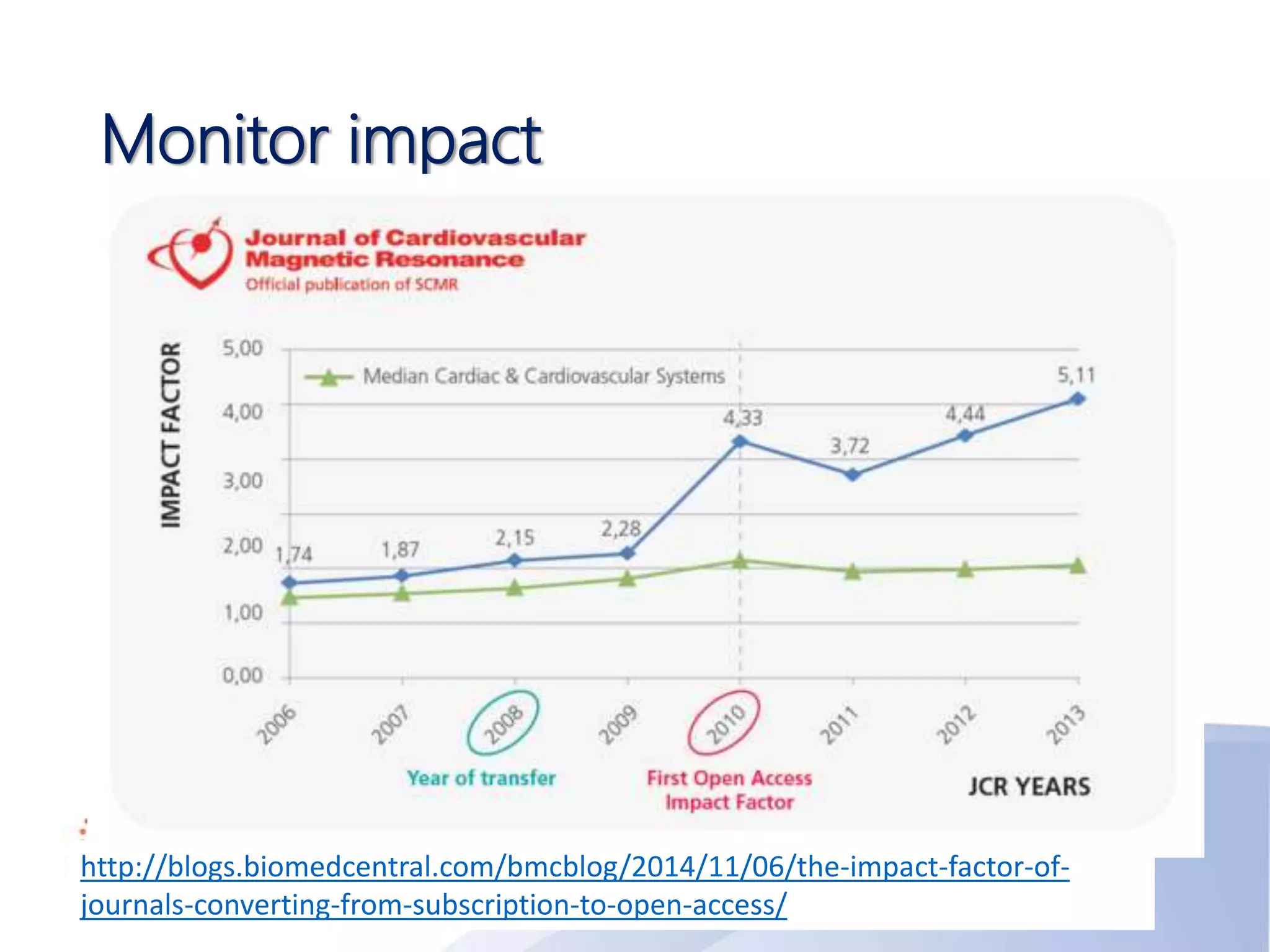
Monitor impact
http://blogs.biomedcentral.com/bmcblog/2014/11/06/the-impact-factor-of-
journals-converting-from-subscription-to-open-access/
For your journal ….
http://journals.sfu.ca/testdrive/
admin
testdrive
Questions? Thank you!
Ina Smith
ina@assaf.org.za

Online Journal Management using Open Journal Systems (OJS)

  • 1.
    Online Journal Managementusing Open Journal Systems (OJS) Ina Smith
  • 2.
    Journal Publishing Needs “Scholarsneed the means to launch a new generation of journals committed to open access, and to help existing journals that elect to make the transition to open access…” Budapest Open Access Initiative, 2002 2
  • 3.
    Open Source Software(1) • Highly skilled developers, highly productive, self-motivated – pride and peer recognition • Highly prized factors: clean design, reliability, maintainability, with adherence to standards and shared community values preeminent • Open source community with lots of collaboration, enhancement, bug fixes • Code available & transparent – no clever salesperson • “Closed-source software forces its users to trust the vendor when claims are made for qualities such as security, freedom from backdoors, adherence to standards and flexibility in the face of future changes. If the source code is not available those claims remain simply claims.” • It is not free software: purchase cost vs total cost of ownership (TCO) 3
  • 4.
    Open Source Software(2) • Possibly zero purchase price • Potentially no need to account for copies in use, reducing administrative overhead • Claimed reduced need for regular upgrades (giving lower/nil upgrade fees, lower management costs) • Claimed longer uptimes and reduced need for expensive systems administrators • Near-zero vulnerability to viruses eliminating need for virus checking, data loss and downtime • Claimed lower vulnerability to security breaches and hack attacks reducing systems administration load • Claimed ability to prolong life of older hardware while retaining performance 4
  • 5.
    Open Journal Systems(OJS) • Journal management & publishing system, web site – all in one • Licensed as Open Source Software (OS) • Developed by Public Knowledge Project (PKP) & Simon Fraser University • Community of developers • Download and install on local server https://pkp.sfu.ca/ojs/ • Version 3.0 in August/September 2016 5
  • 6.
    Benefits of OJS •Installed locally and locally controlled • Editors configure requirements, sections, review process • Online submission and management of all content • Central archive – documentation, communication etc • Comprehensive indexing of journal content • Reading tools for content • Plugins (additional tools) • Email notifications and commenting options • Builds capacity, reduces dependency • Allows for flexible publishing frequency 6
  • 7.
    Online Help –OJS Tutorials 7
  • 8.
    Online Help –OJS Video Tutorials 8 http://www.youtube.com/user/PublicKnowledgeProj/
  • 9.
    Online Help –PKP School http://pkpschool.sfu.ca/ 9
  • 10.
  • 11.
    Users of OJSin SA • Societies • Publishers • Universities • Other 11
  • 12.
    SA Journal Titlesusing OJS 12 132 titles
  • 13.
  • 14.
    ASSAf Approach • Introduction& Overview • Discuss with Editorial Board • Implementation of OJS & Training • Continued support based on MoU • Limited capacity – currently 5 journals 14
  • 15.
    Which Journals Qualify(ASSAf)? • SciELO SA Journals • Journals in good standing • Print to Online • “Challenged” journals • Committed & dedicated editorial team 15
  • 16.
    E-Workflow • Author • Editor •Section Editor • Reviewers • Proofreader • Copyeditor • Layout Editor Not in workflow • Journal Manager • Reader 16
  • 17.
    Variations of EditorialRole http://pkpschool.sfu.ca/becoming-an-editor/module-1/unit-5- editorial-titles-and-positions/ 17
  • 18.
    Beall’s list ofquestionable journals/ publishers • Use with caution, but nevertheless consult • Lists of suspicious publishers & journal titles • Authors: consult list before deciding where to submit paper • Editors: regularly check and confirm that your journal is not listed • Funders: consult before funding research published in journal http://scholarlyoa.com/
  • 19.
    Academic Integrity (1) 19 •Researchers, journals should take ownership of their academic identity & integrity on the web – be pro-active • Create a Google Profile (Google Scholar & Google Citations) • Create an ORCID ID • Setup alerts and know who cites your work and in which context it is used
  • 20.
    Academic Integrity (2) 20 •Assign good quality metadata to OA research so that Google will return quality research at the top of Google listing • Conduct Google searches for your own research/name, and see where it has been mentioned • Know what is being researched in your field • Take action if needed
  • 21.
    Requirements • Use OpenSource software, open standards • Make base URL available to harvesters • Journal setup complete • Google Scholar site map in configuration • Article persistent URLs (DOIs) • Quality metadata
  • 22.
  • 23.
    XML • XML wasdesigned to carry data - with focus on what data is • HTML was designed to display data - with focus on how data looks • XML tags are not predefined like HTML tags are • It simplifies data sharing • It simplifies data transport • It simplifies platform changes • It simplifies data availability http://www.w3schools.com/xml/xml_whatis.asp
  • 24.
    XML OJS ParsingService 24 http://pkp-udev.lib.sfu.ca/
  • 25.
  • 26.
  • 27.
    “Without data youare just another person with an opinion.” – W. Edwards Deming Data Sets 27 http://dataverse.org/
  • 28.
  • 29.
  • 30.
    Charges 30 • Article ProcessingCharges • Article Submission Charges • Galley, other charges? • Waiver Policy
  • 31.
    Rights 31 • Copyright: Author/s •Licensing: Conditions of use by other Apply one of six licenses https://creativecommons.org/licenses/ • Publishing Rights: Exclusive or Non-exclusive Licenses
  • 32.
    DOAJ Recommended OAPolicy 32 Law, Democracy & Development is an Open Access journal which means that all content is freely available without charge to the user or his/her institution. Users are allowed to read, download, copy, distribute, print, search, or link to the full texts of the articles, or use them for any other lawful purpose, without asking prior permission from the publisher or the author. This is in accordance with the Budapest Open Access Initiative (BOAI) definition of Open Access.
  • 33.
    Registering for Indexing(1) • InCites Journal Citation Reports (TR WoS) • Criteria: http://wokinfo.com/essays/journal-selection- process/ • Apply: http://ip- science.thomsonreuters.com/info/journalsubmission- front/ • Elsevier Scopus • Criteria: http://www.elsevier.com/online- tools/scopus/content-overview#content-policy-and- selection • Apply: http://suggestor.step.scopus.com/suggestTitle/step1.cf m%20
  • 34.
    Registering for Indexing(2) • Google Scholar Metrics • Criteria: http://scholar.google.co.za/intl/en/scholar/metrics.html #inclusion • Google Scholar Profile • Register: https://scholar.google.co.za/intl/en/scholar/citations.ht ml • Google Web Site registration • Gmail & Google Search Console • https://www.google.com/webmasters/tools/submit- url?pli=1
  • 35.
    Registering for Indexing(3) • Discipline specific indexes • E.g. Music: Rilm Abstracts; The Music Index; Sabinet Online; African Journals OnLine • E.g. Aquatic Science: Agris; ASFA; Aquatic Biology; Aquaculture & Fisheries Resources; BIOBASE; BIOSIS; Fish & Fisheries Worldwide; Journal Citation Reports; Science Citation Index Expanded; Zoological Record • Directory of Open Access Journals (DOAJ) • https://doaj.org/application/new • SHERPA RoMEO http://www.sherpa.ac.uk/romeo/index.php
  • 36.
    Directory of OpenAccess Journals (DOAJ) https://doaj.org/
  • 37.
  • 38.
  • 40.
  • 41.
  • 42.
  • 43.
  • 44.
  • 45.
  • 46.
    Measuring journal impact •OJS System Statistics • Google Scholar Metrics • Google Scholar Profile • Google Analytics or Piwik • Altmetrics • Piwik
  • 47.
  • 48.
    The index isbased on the set of the journal's most cited papers and the number of citations that they have received in other publications.
  • 50.
  • 51.
  • 52.
  • 55.
    http://dx.doi.org/10.17159/1681-150X/2015/v13n4a3 Digital Object IdentifierExample (DOI) ASSAf Wiki http://academyofsciencesa.wikispaces.com
  • 56.
  • 57.
    For your journal…. http://journals.sfu.ca/testdrive/ admin testdrive
  • 58.
    Questions? Thank you! InaSmith ina@assaf.org.za