Downloaded 77 times
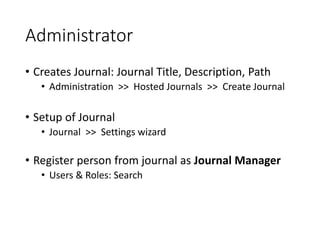
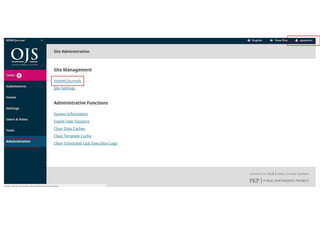
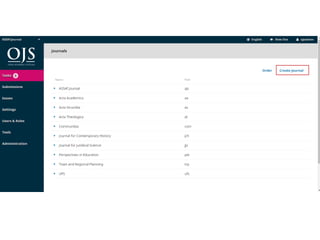
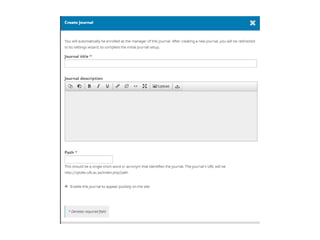
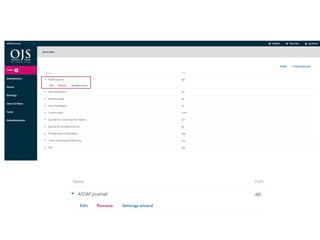
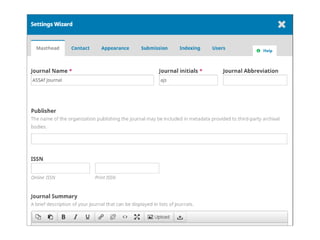
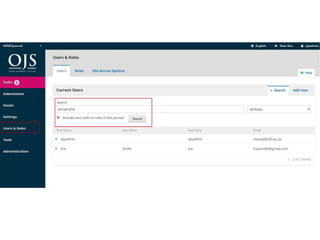
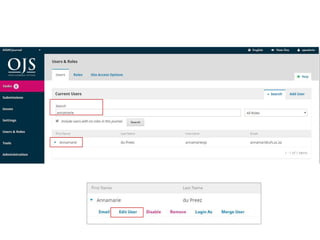
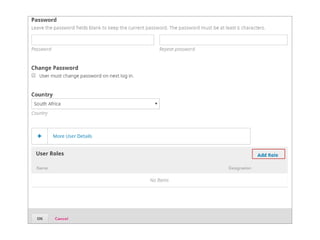
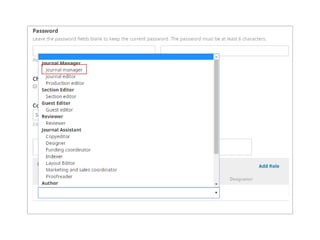
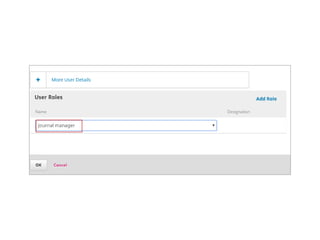
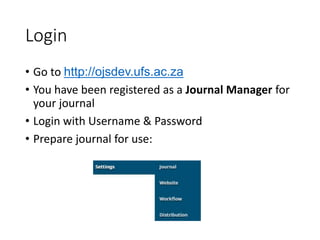
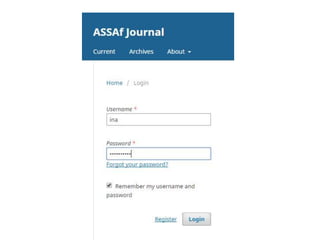
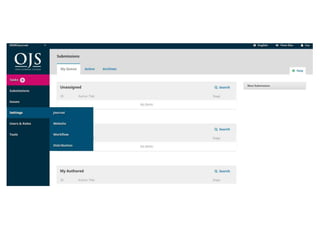
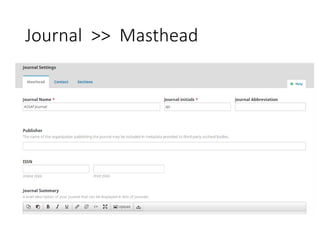
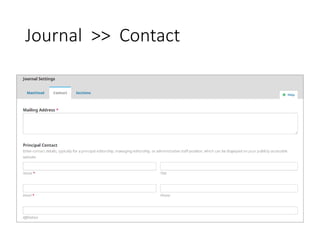
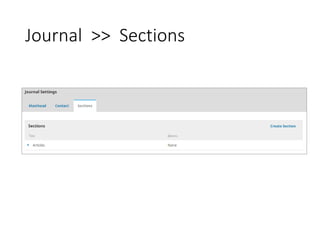
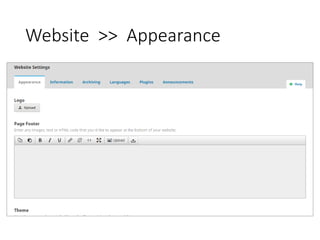
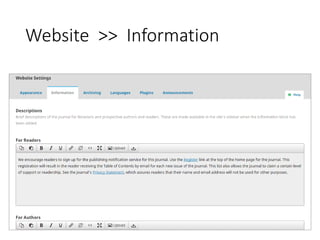
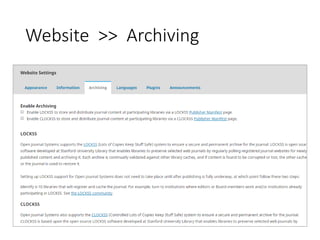
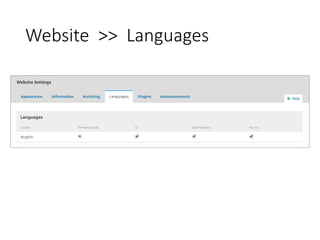
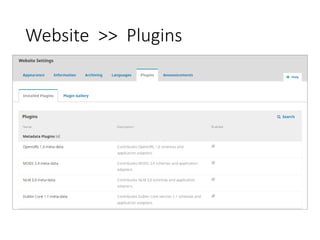
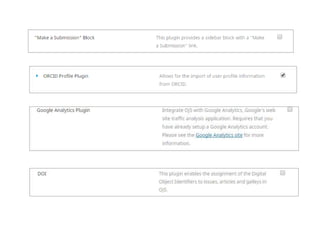
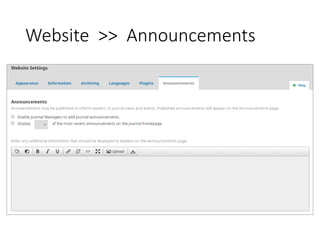
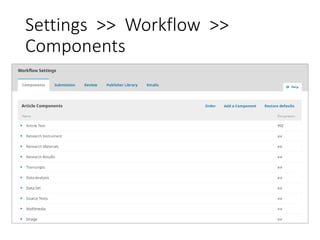
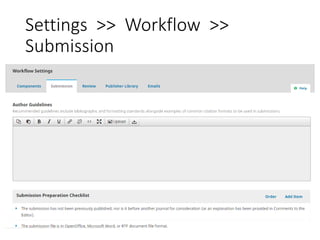
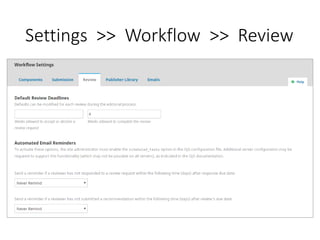
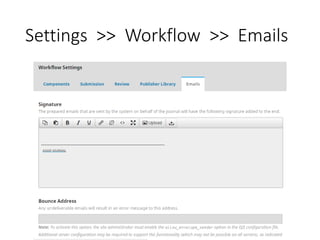
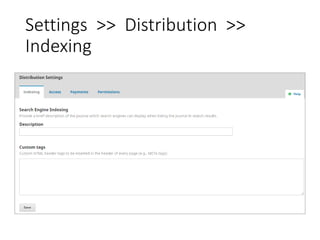
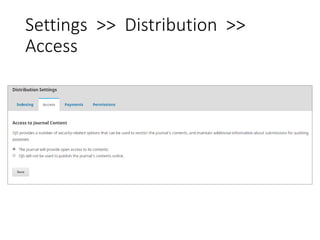
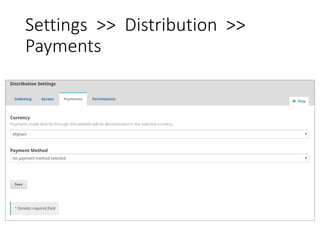
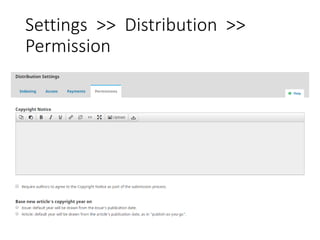
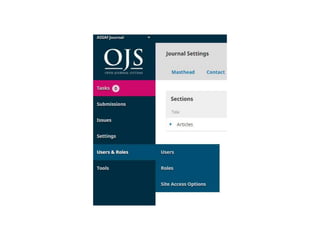
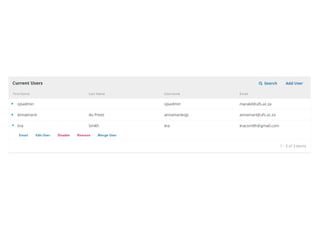
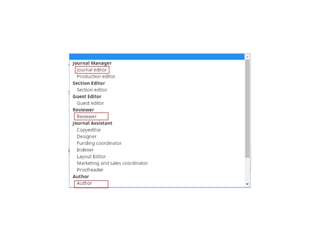
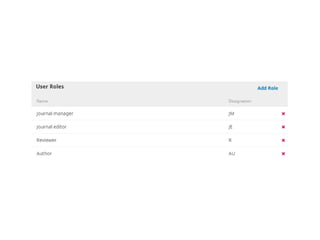

The document provides instructions for setting up an online journal using OJS 3 as the journal manager. It outlines logging in through the OJS development site and preparing the journal by configuring settings like the masthead, contact information, sections, website appearance, languages, workflow components, submissions process, review process, emails, indexing, access, payments, and permissions. It also notes that the administrator initially creates and registers the journal before assigning journal manager access.


