Download to read offline


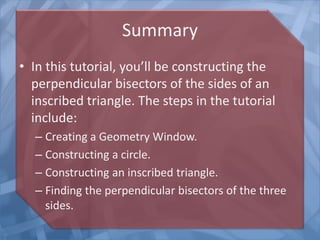


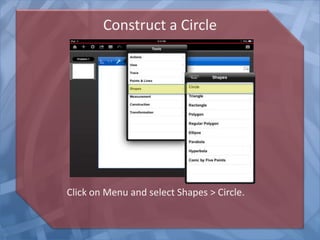
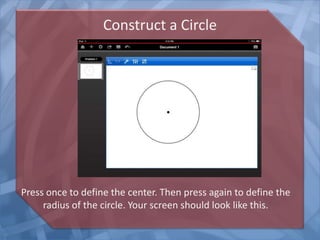
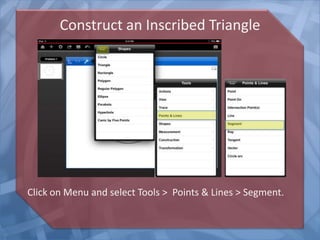
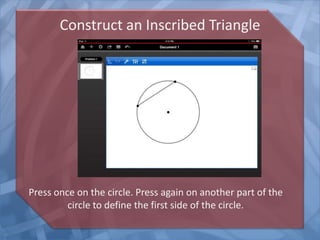
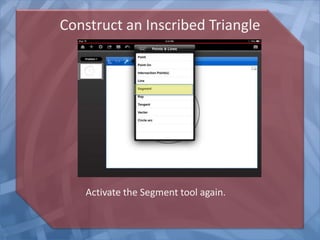
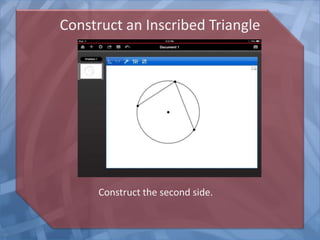

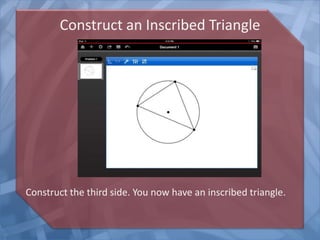

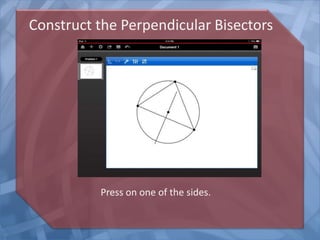

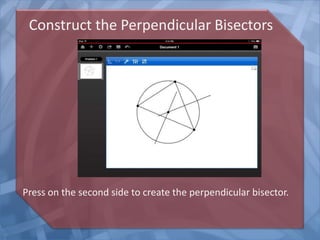

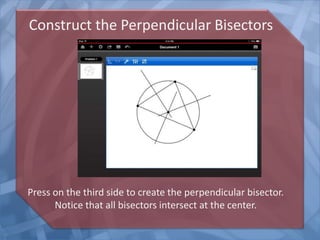
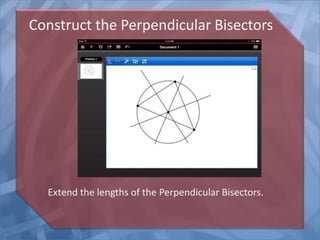
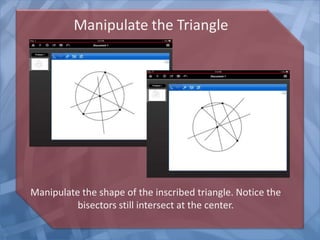

This tutorial demonstrates how to construct the perpendicular bisectors of the sides of an inscribed triangle on a TI-Nspire app. The steps include creating a geometry window, drawing a circle, constructing an inscribed triangle within the circle using three line segments, and using the perpendicular bisector tool to draw the perpendicular bisectors of each side of the triangle, which all intersect at the center of the circle.


