Downloaded 11 times
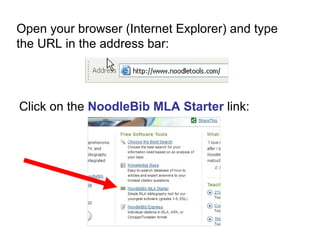
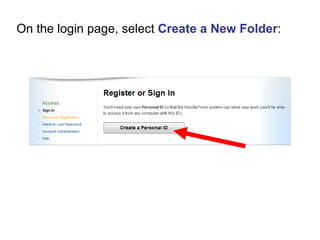
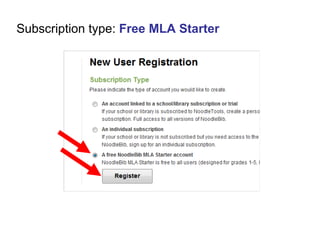
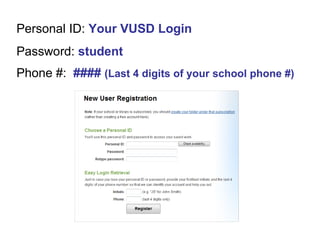
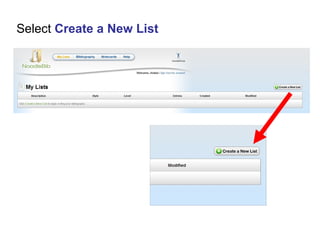
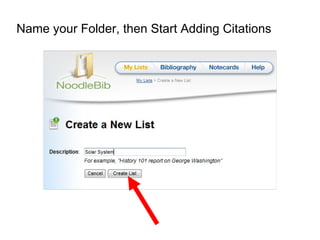
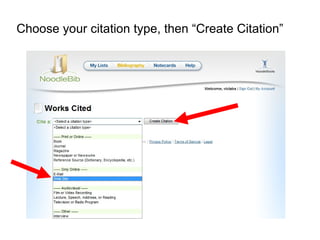
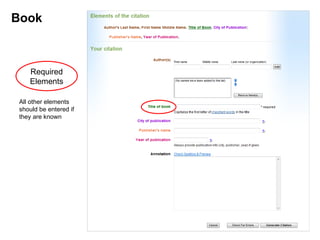
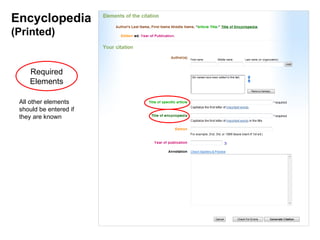
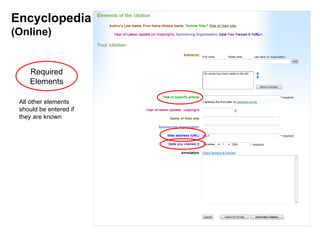
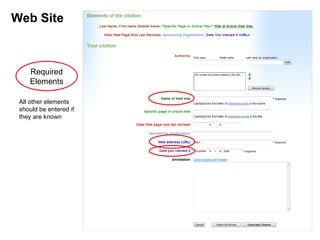
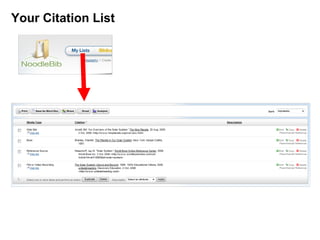
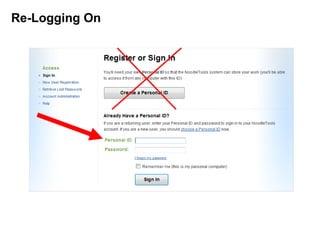
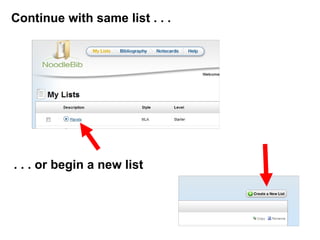
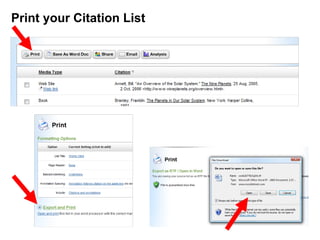
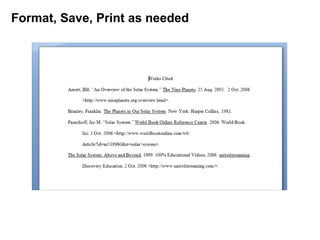
The document provides instructions for creating an account and citation folder on NoodleTools, an online citation manager. It explains how to log in or create a new account, select a free MLA starter subscription, and name a new citation folder. It then describes how to cite different source types like books, encyclopedias, and websites using NoodleTools by entering required elements and any other known elements. The document concludes by noting users can continue adding to an existing citation list or start a new list, and that lists can be printed, formatted, and saved as needed.


