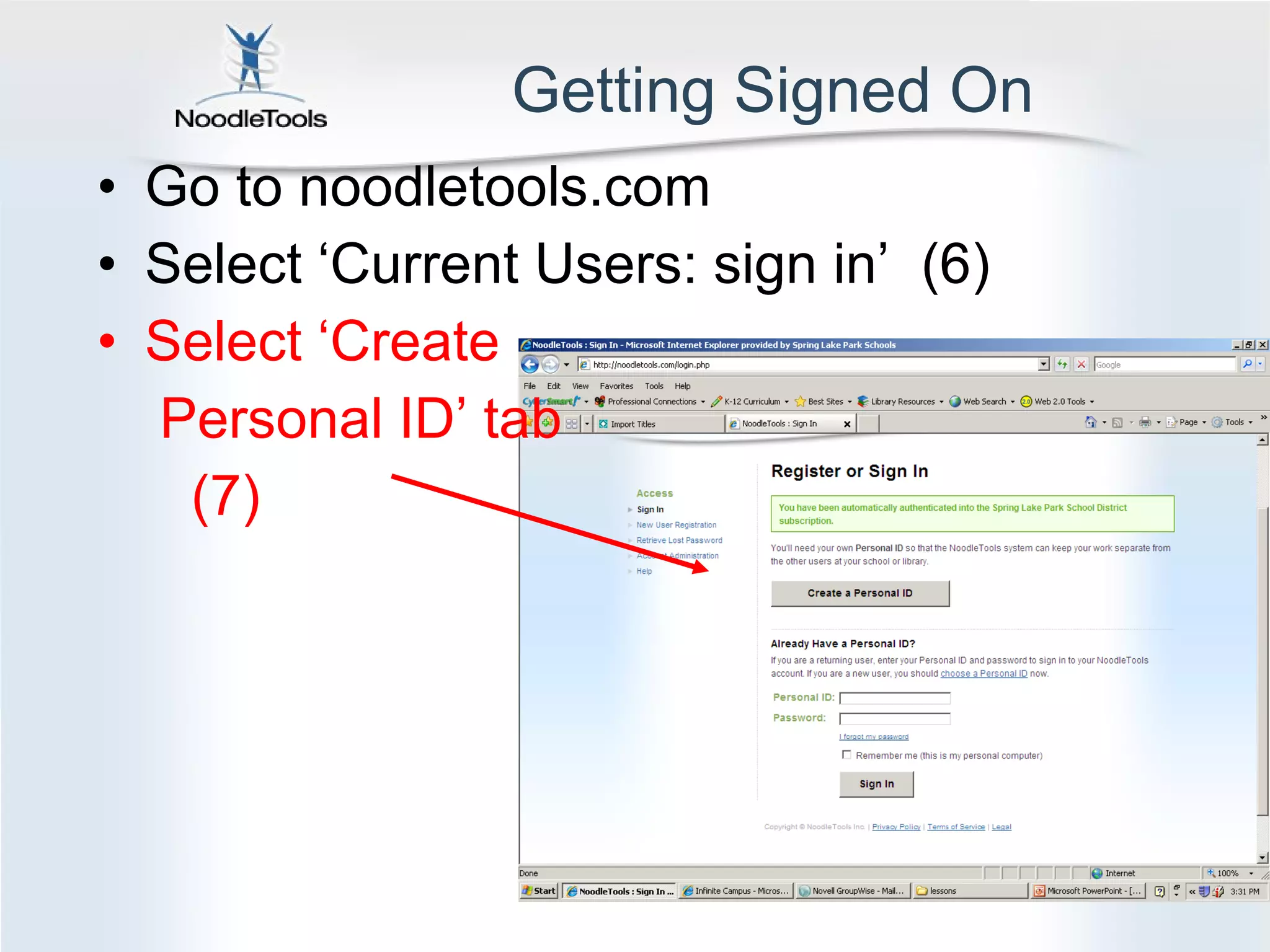
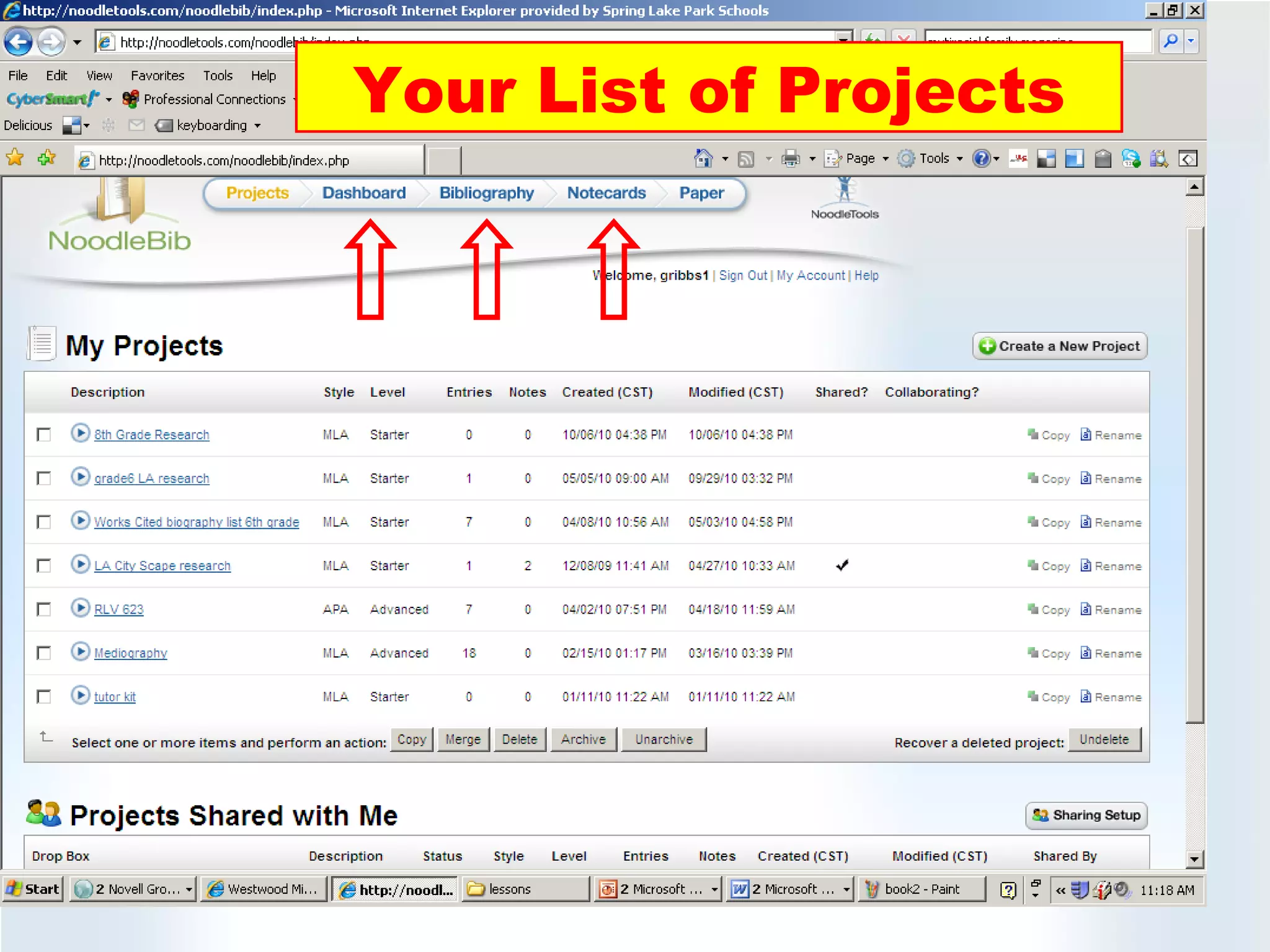
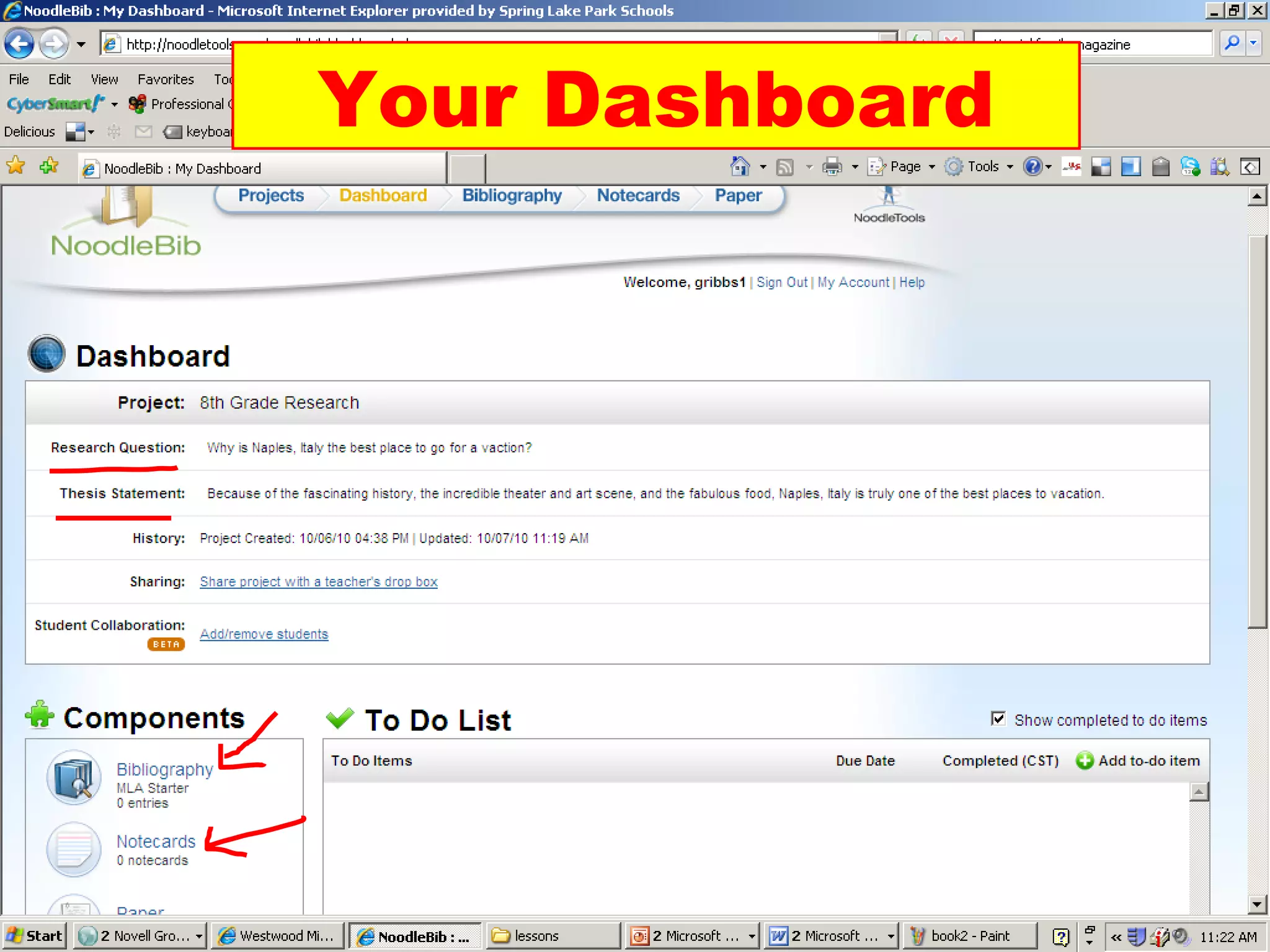
![Follow the directions … Go to noodletools.com and select ‘current users: sign in’ (6) Create your personal ID and password (7) Use your network ID (ex: 15dkings) [8] When you use Noodletools after that, login only with your personal ID and password First project: ‘Country Research Project’](https://image.slidesharecdn.com/noodletoolsforstudentsciting-8th-110222110207-phpapp02/75/Noodle-tools-for_students_citing-8th-13-2048.jpg)
![NoodleBib Start your source list! Questions? For more teaching ideas: support [at] noodletools [dot] com](https://image.slidesharecdn.com/noodletoolsforstudentsciting-8th-110222110207-phpapp02/75/Noodle-tools-for_students_citing-8th-22-2048.jpg)

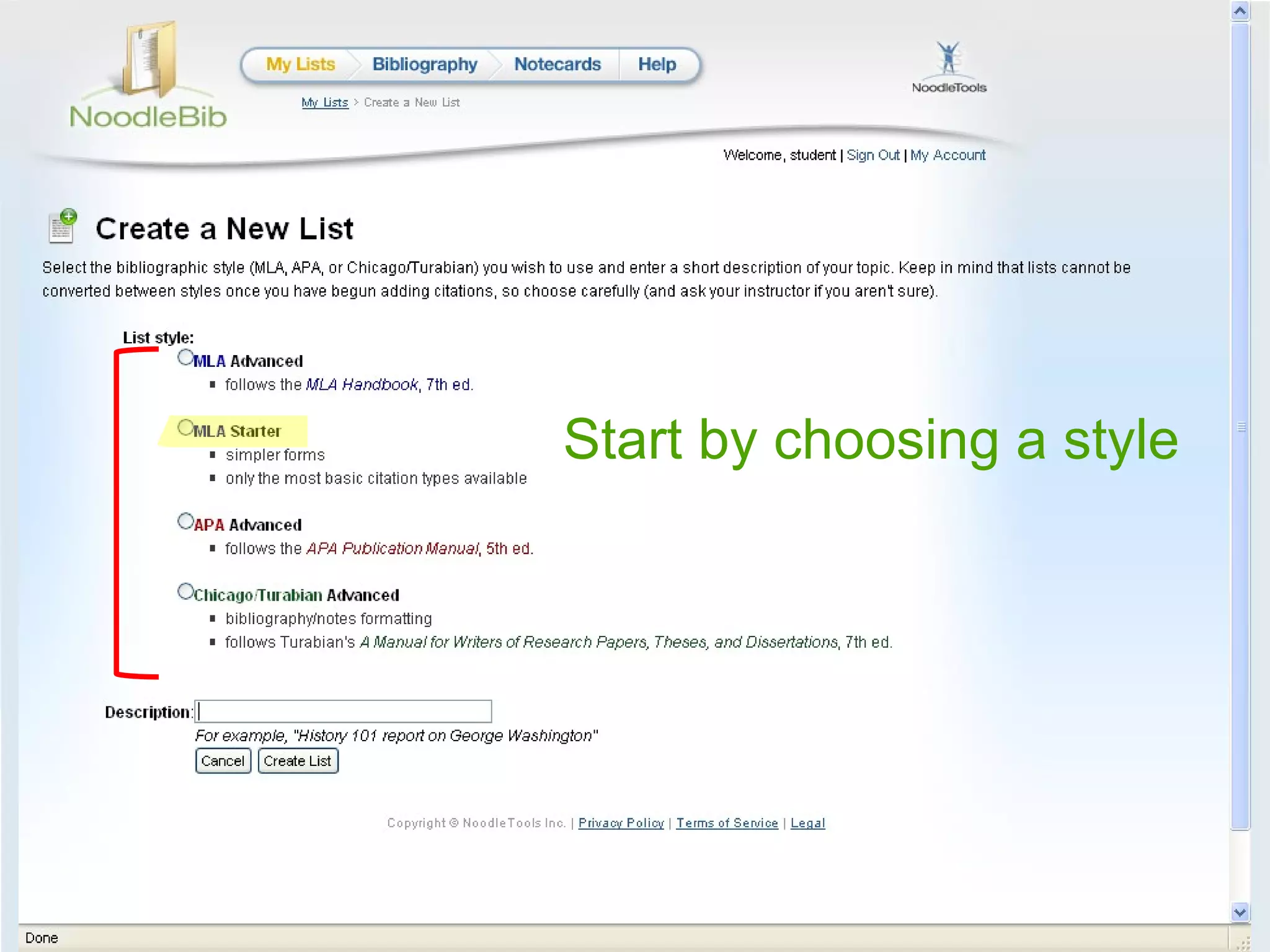
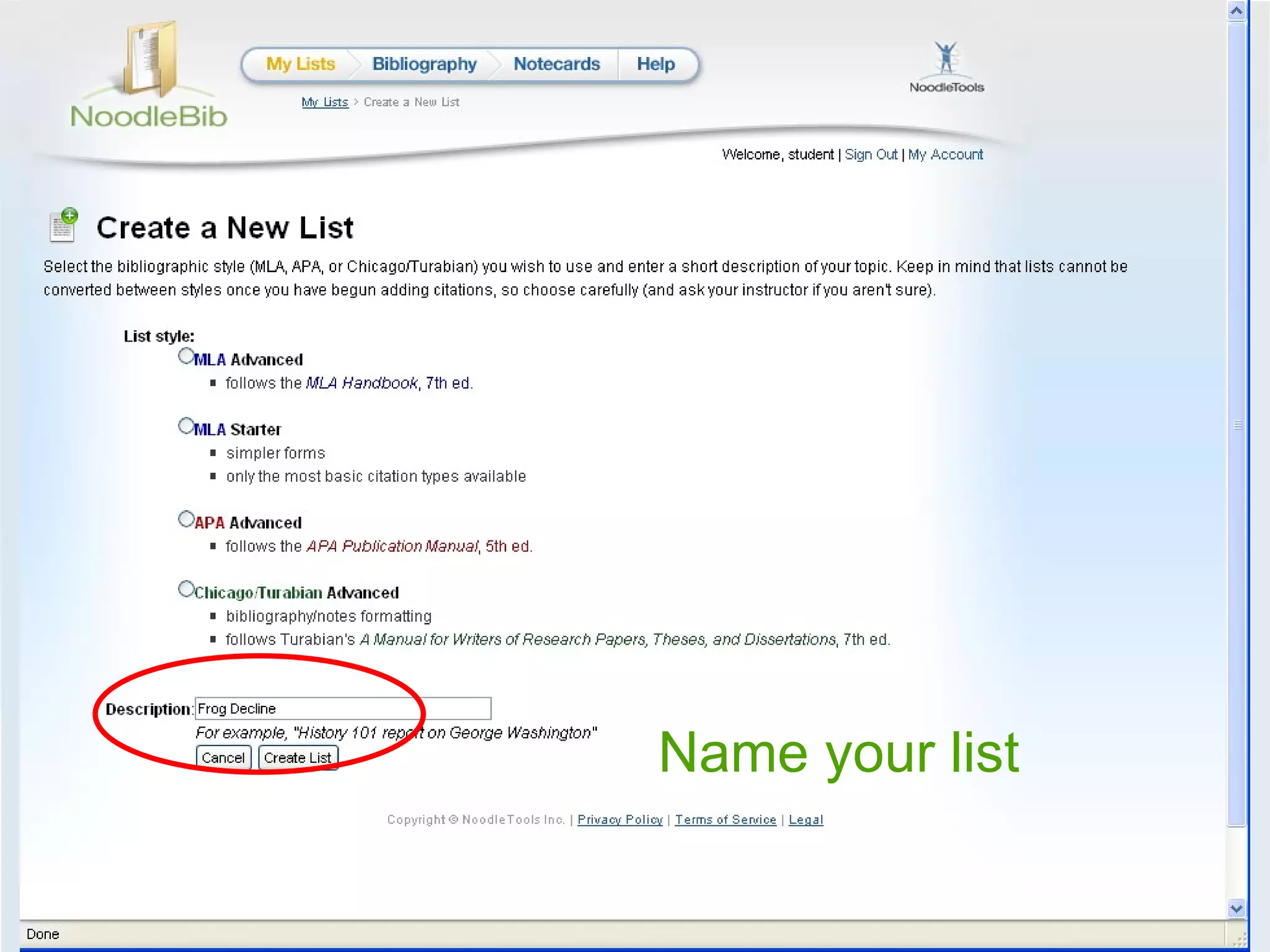
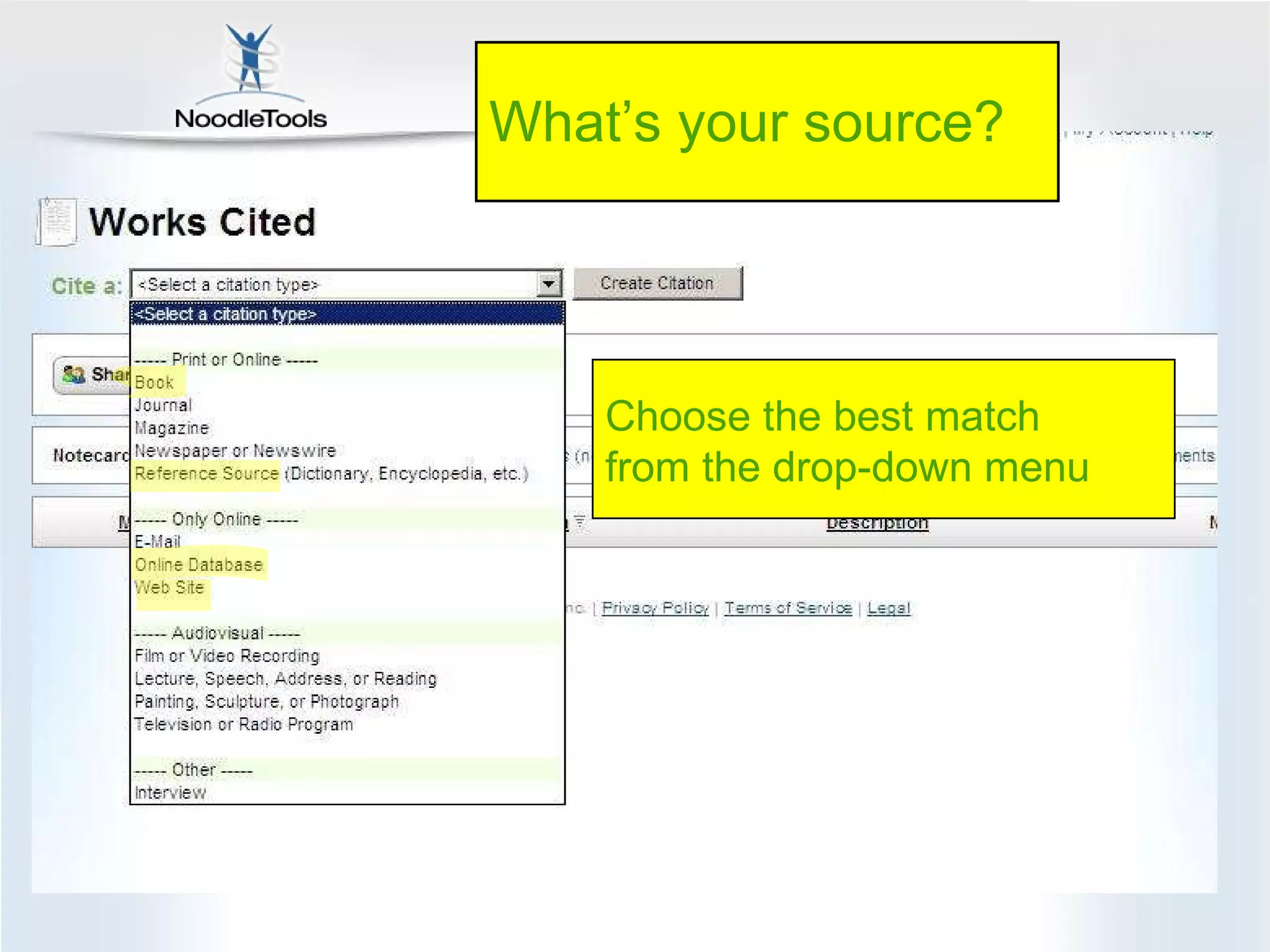
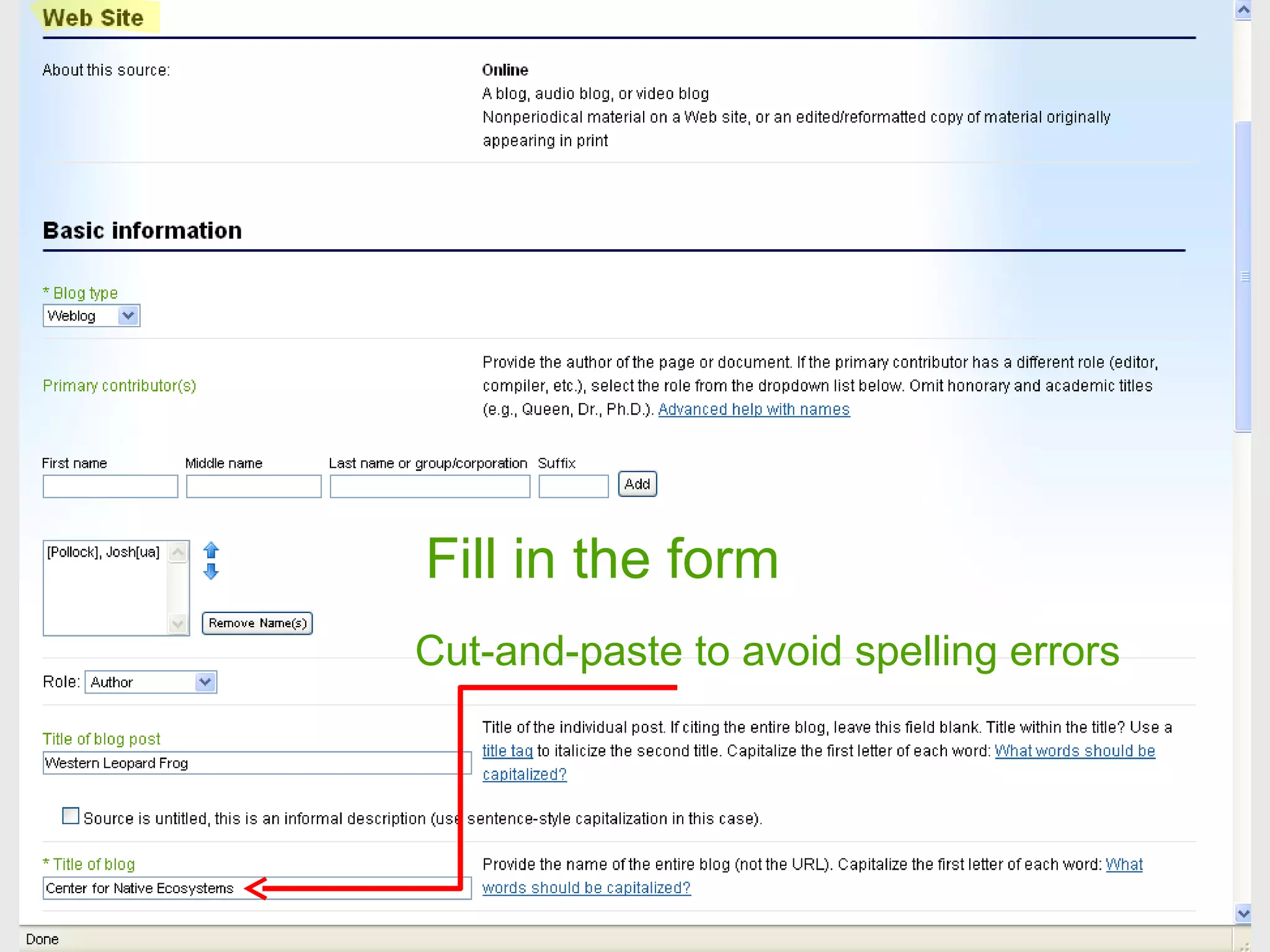
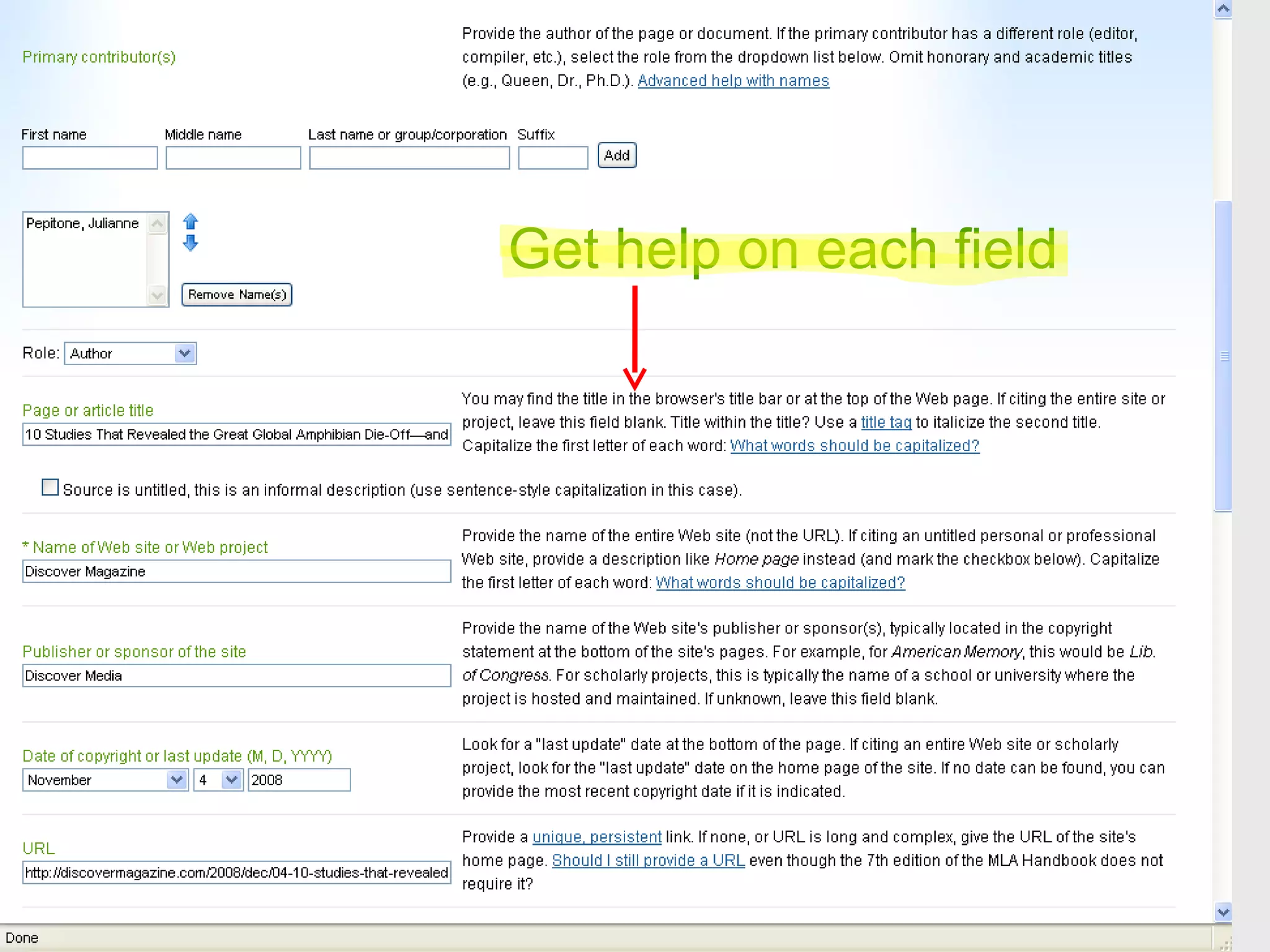
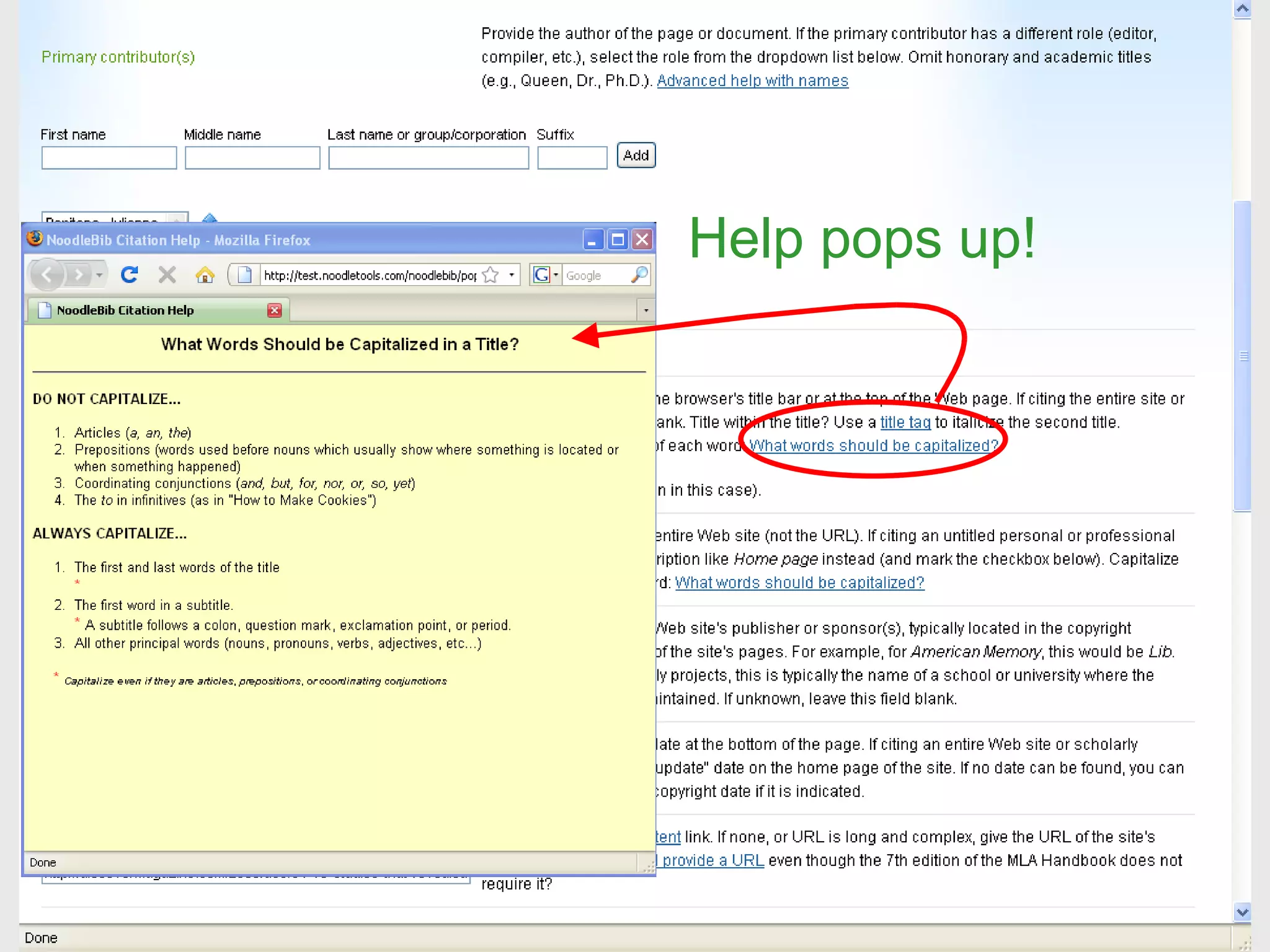
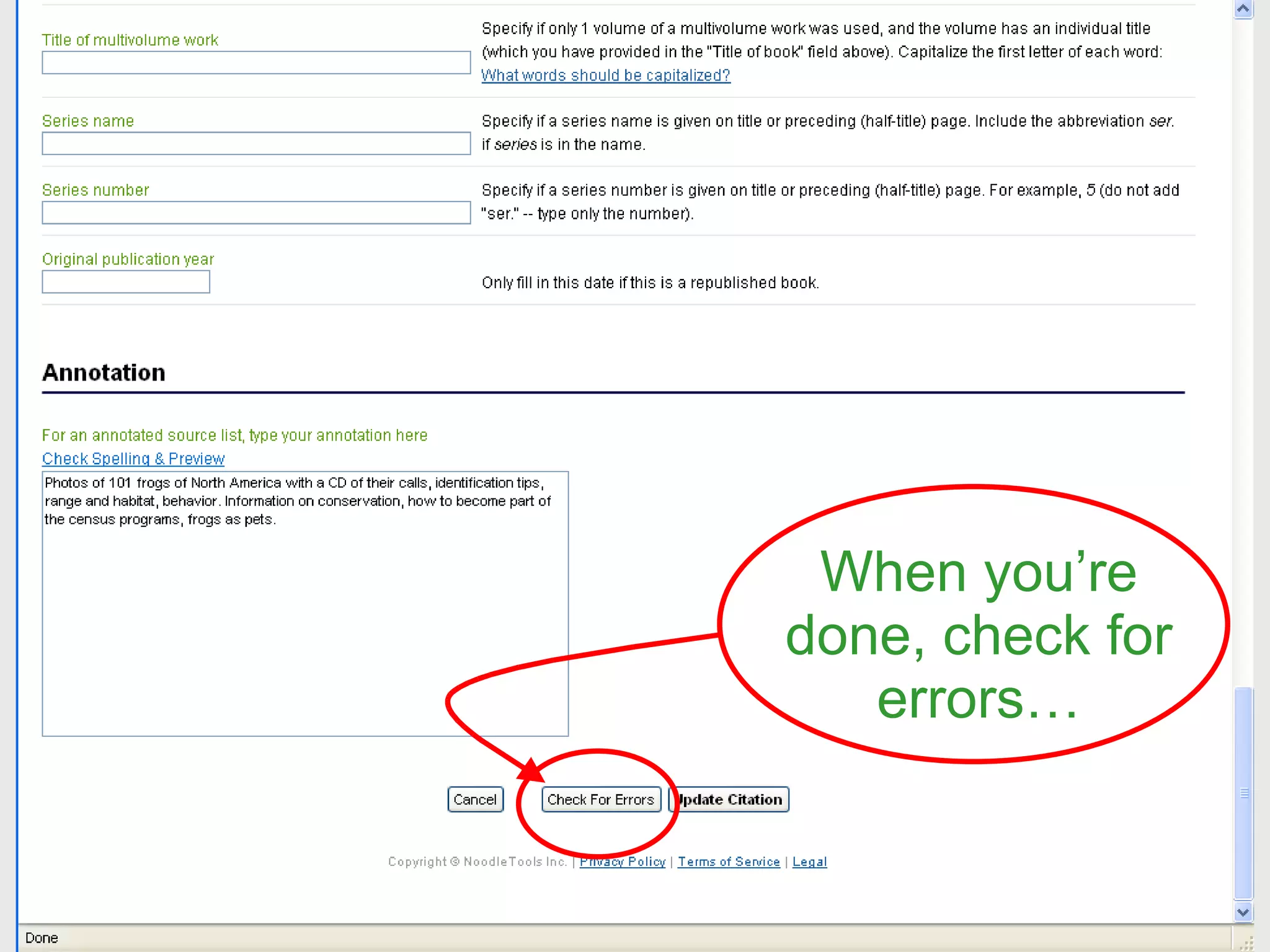
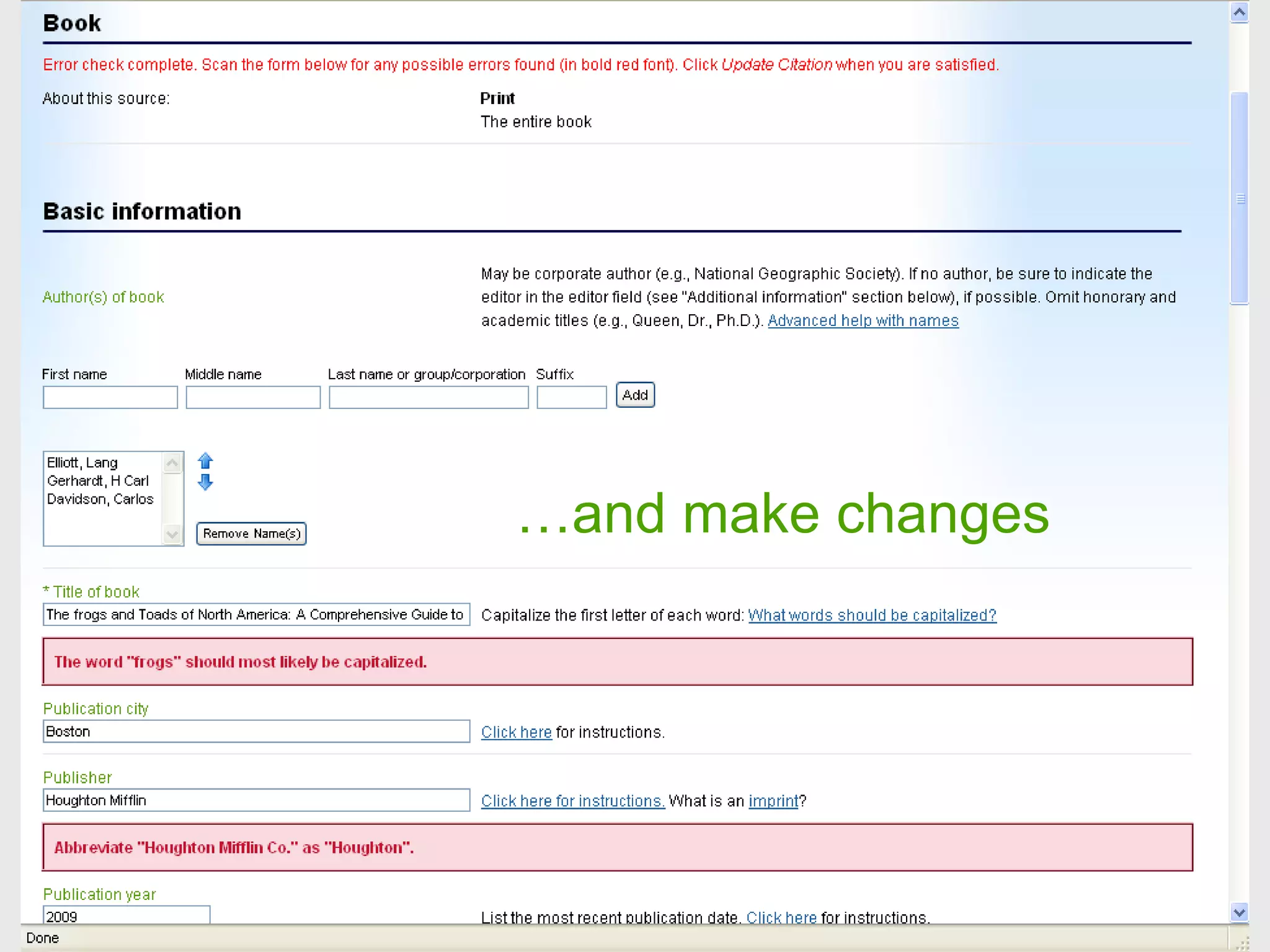
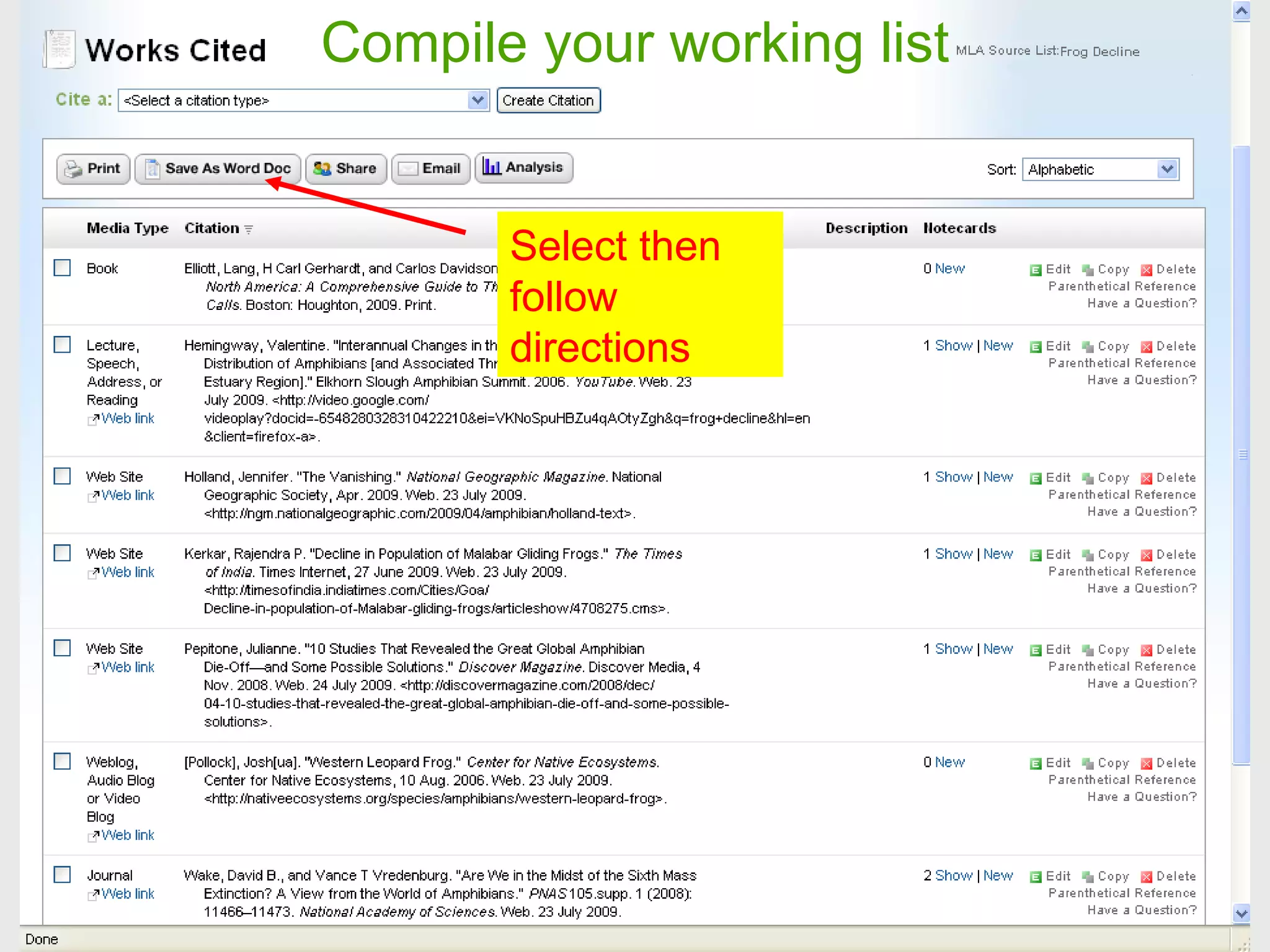
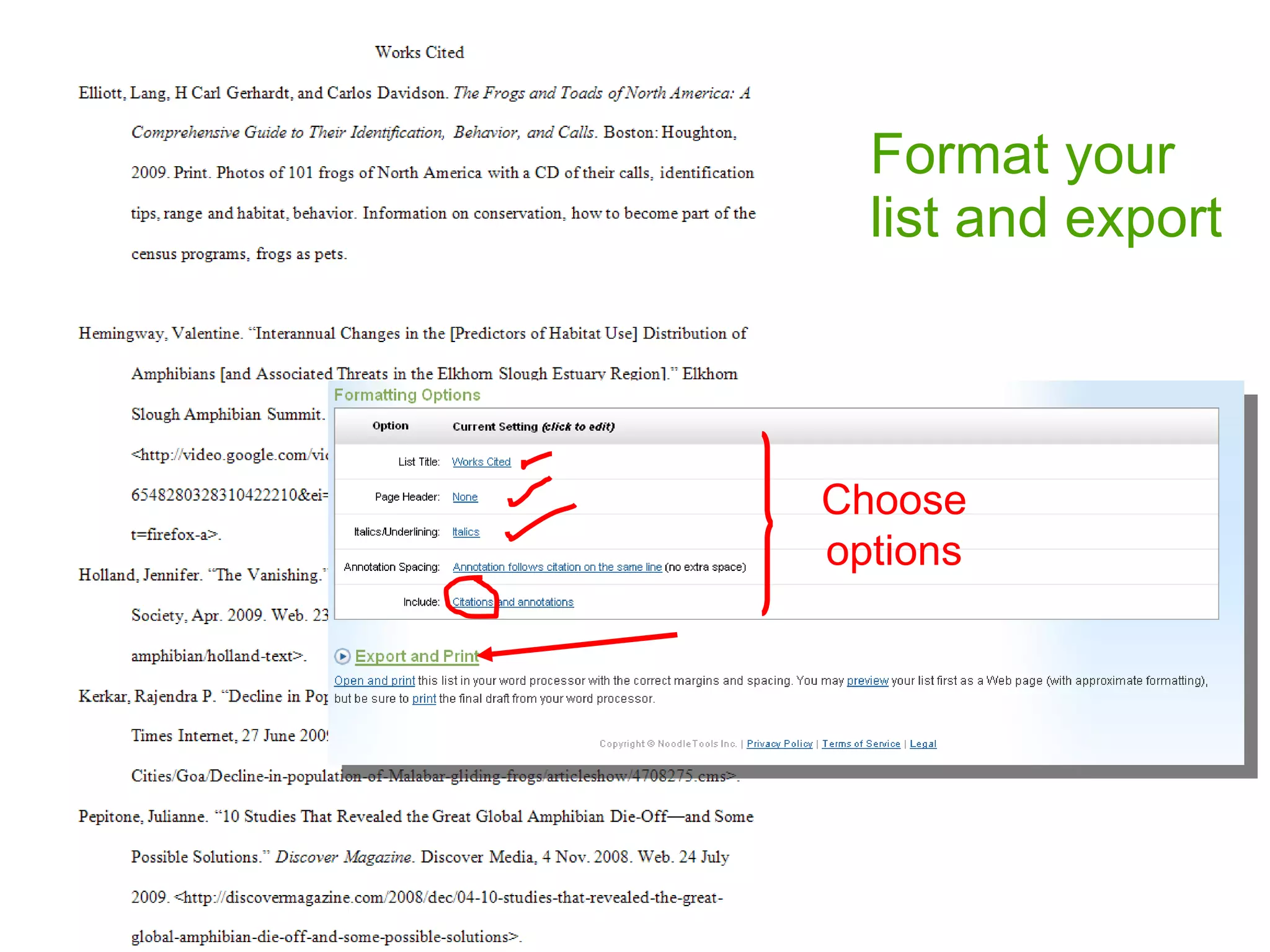
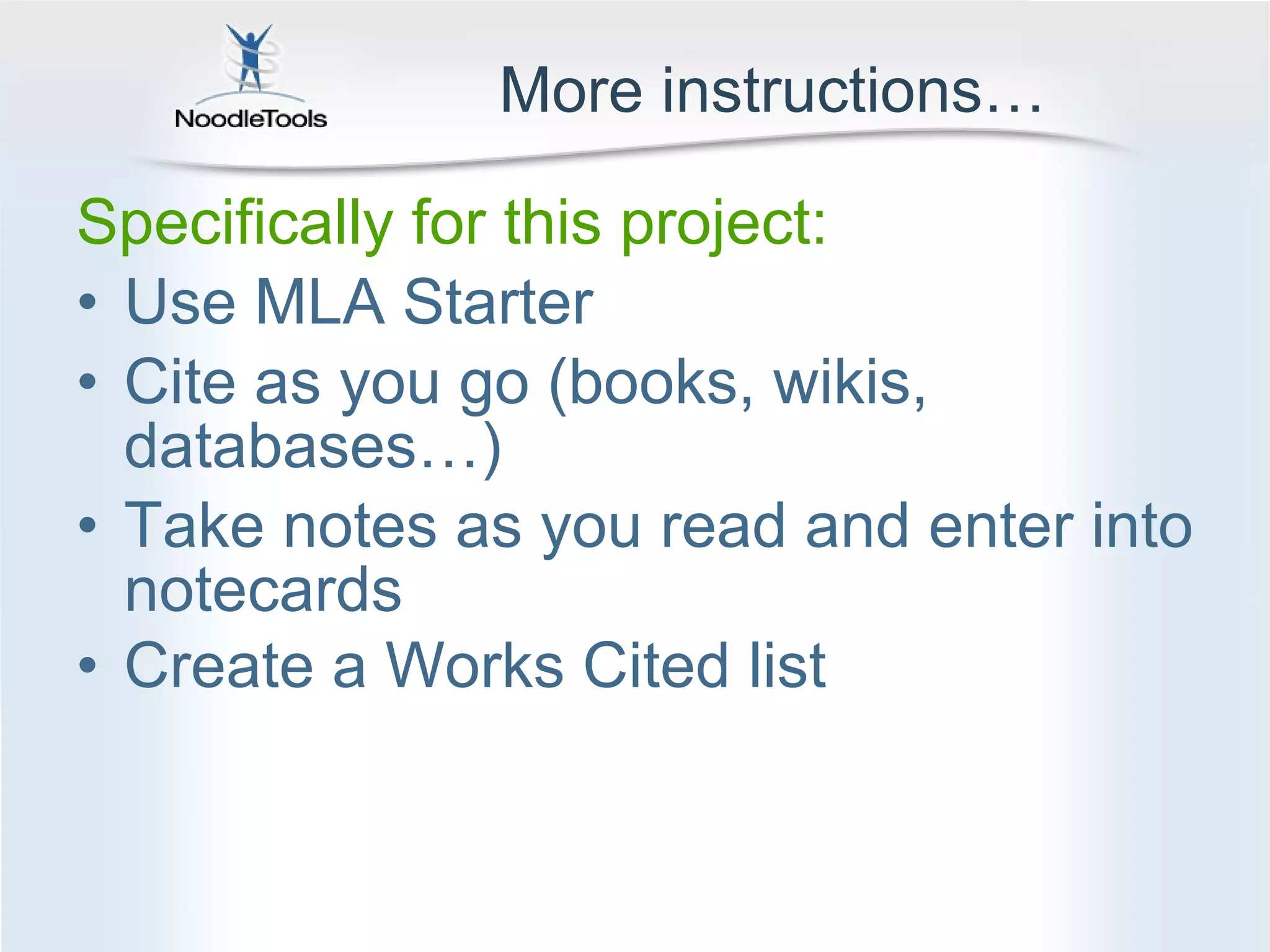
NoodleBib is an online tool that helps students create citations and bibliographies in the correct style. It allows users to choose a citation style, name their source list, select sources from a drop-down menu, get help for each field, and compile their working list. When the list is complete, it can be formatted and exported or copied and pasted into a Word document. NoodleBib provides step-by-step instructions to help students properly cite sources for research projects and papers.


