Networks Have Layers
Brandon Checketts
Who Am I
● My father is a network engineer for a government
contractor (I grew up with this stuff)
● Degree on Telecommunications Administration
● Background in Linux System Administration
● Now mostly work in Software Development
● Lead people here at RoundSphere / BookScouter / Seller
Labs
http://193.140.54.45/network/Network-Protocols-Map-Poster.jpg (9Mb)
Layers, According to Who?
● OSI Model
● TCP/IP Model
● Apple Model
Layers are not always distinctly defined (many protocols span multiple layers)
In modern technology, many protocols tunnel other protocols….it can be a mess.
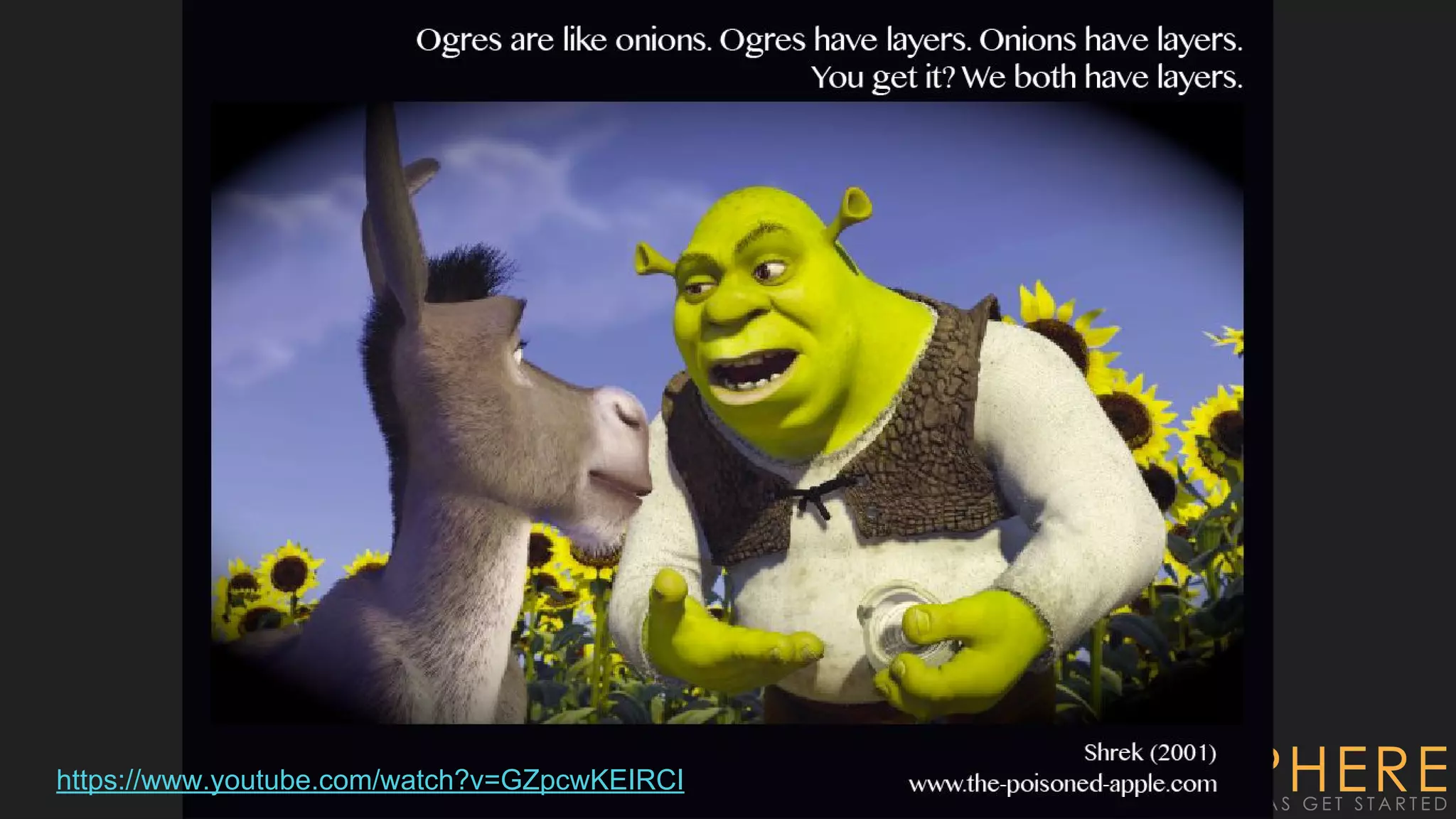
https://www.youtube.com/watch?v=GZpcwKEIRCI
The OSI Layers
● Application, Presentation, Session, Transport, Network,
Data, Physical
● All People Seem To Need Data Processing
● People Don’t Need Those Stupid Packets Anyway
● Please Do Not Throw Sausage Pizza Away
● Please Do Not Teach Students Pointless Acronyms
Local networks, remote networks?
● You can talk to hosts on a local network without going through a router
● Hosts on a different network, require going through a router.
Hubs, Switches, Routers, oh my!
● Hubs = Layer 1
● Switches = Layer 2
● Routers = Layer 3
● Modern devices claim to handle All 7-Layers
○ (DNS Recursion, HTTP Caching, Load Balancing,
VOIP, VPN, etc)
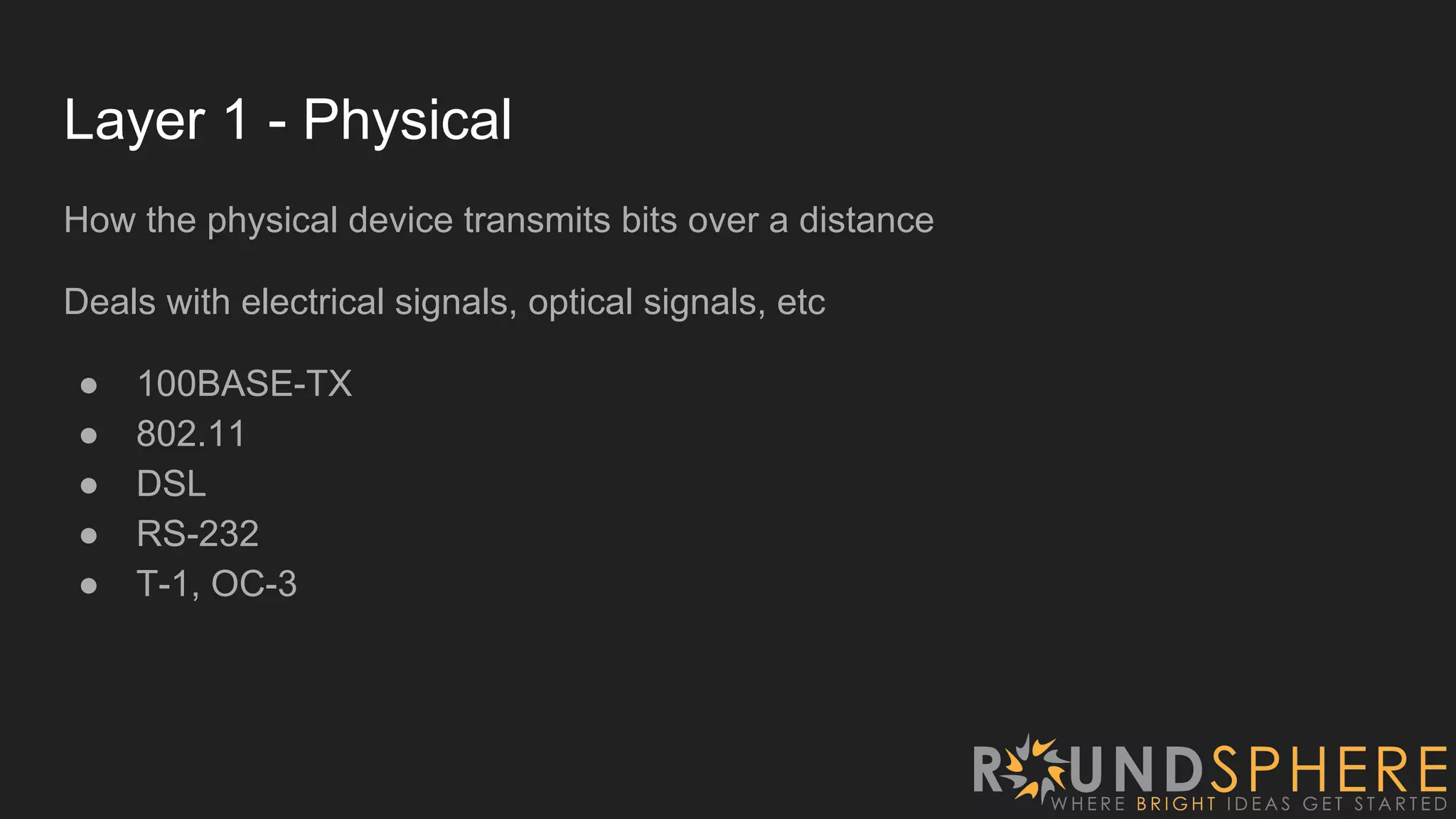
Layer 1 - Physical
How the physical device transmits bits over a distance
Deals with electrical signals, optical signals, etc
● 100BASE-TX
● 802.11
● DSL
● RS-232
● T-1, OC-3
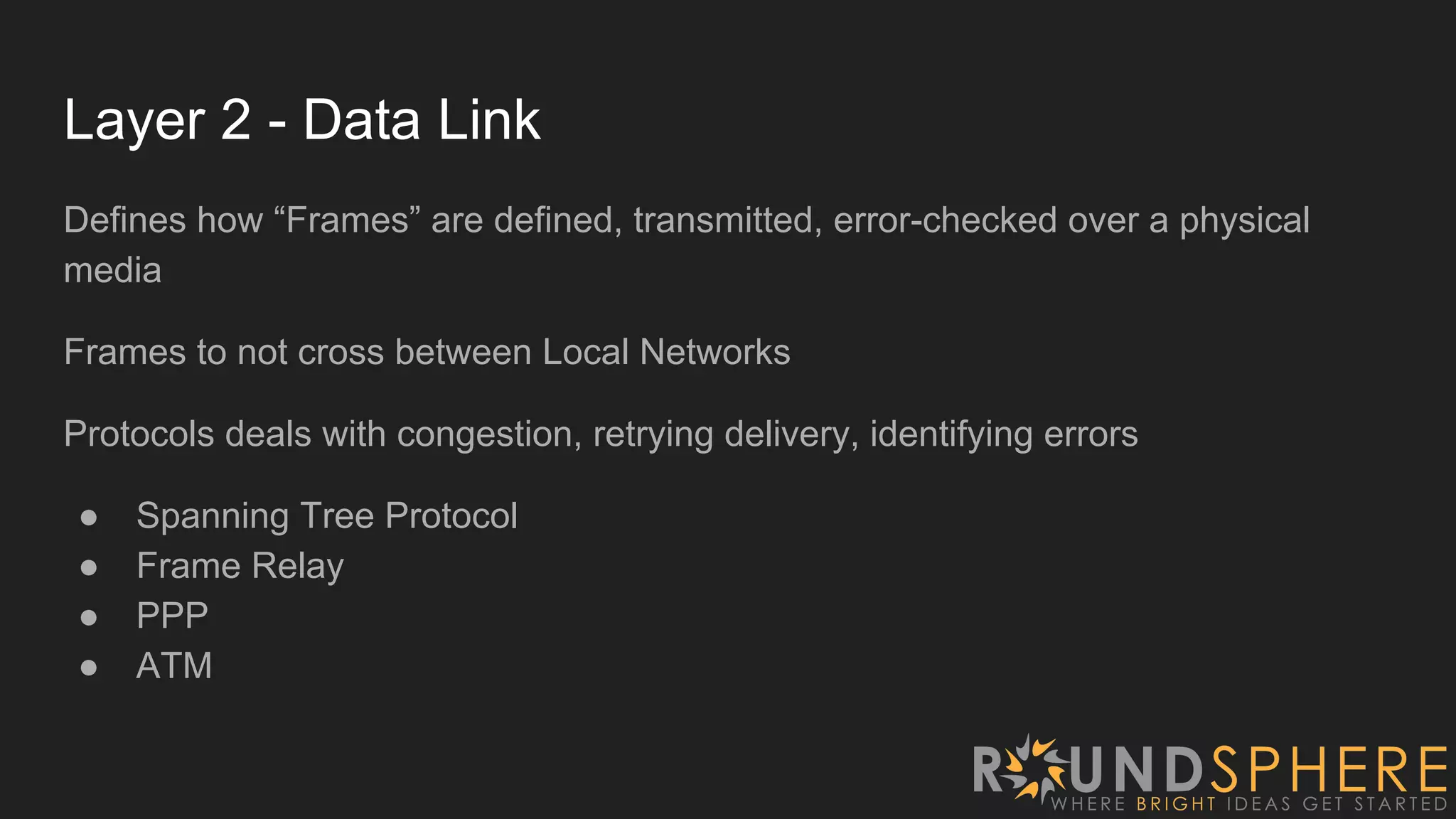
Layer 2 - Data Link
Defines how “Frames” are defined, transmitted, error-checked over a physical
media
Frames to not cross between Local Networks
Protocols deals with congestion, retrying delivery, identifying errors
● Spanning Tree Protocol
● Frame Relay
● PPP
● ATM
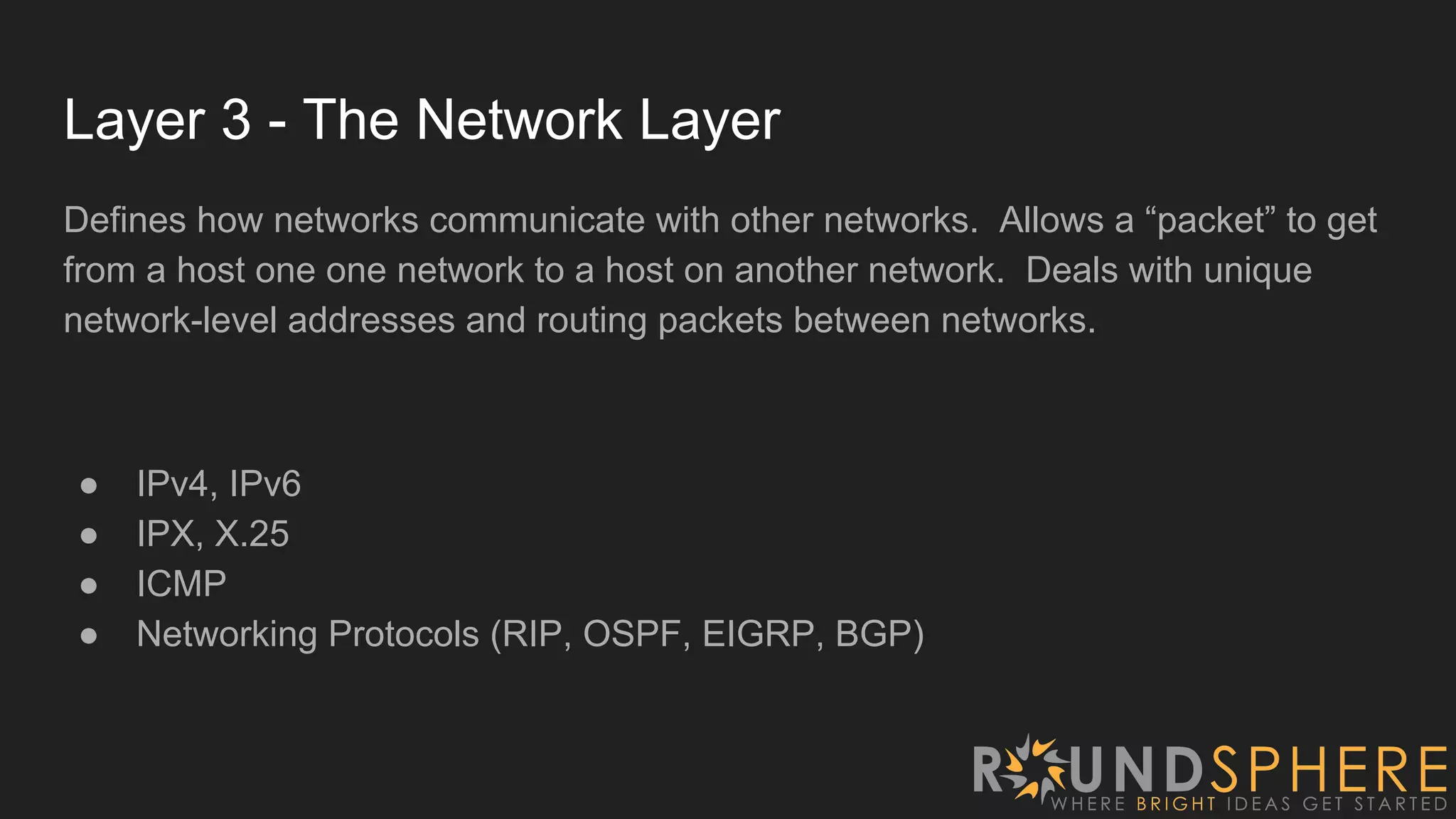
Layer 3 - The Network Layer
Defines how networks communicate with other networks. Allows a “packet” to get
from a host one one network to a host on another network. Deals with unique
network-level addresses and routing packets between networks.
● IPv4, IPv6
● IPX, X.25
● ICMP
● Networking Protocols (RIP, OSPF, EIGRP, BGP)
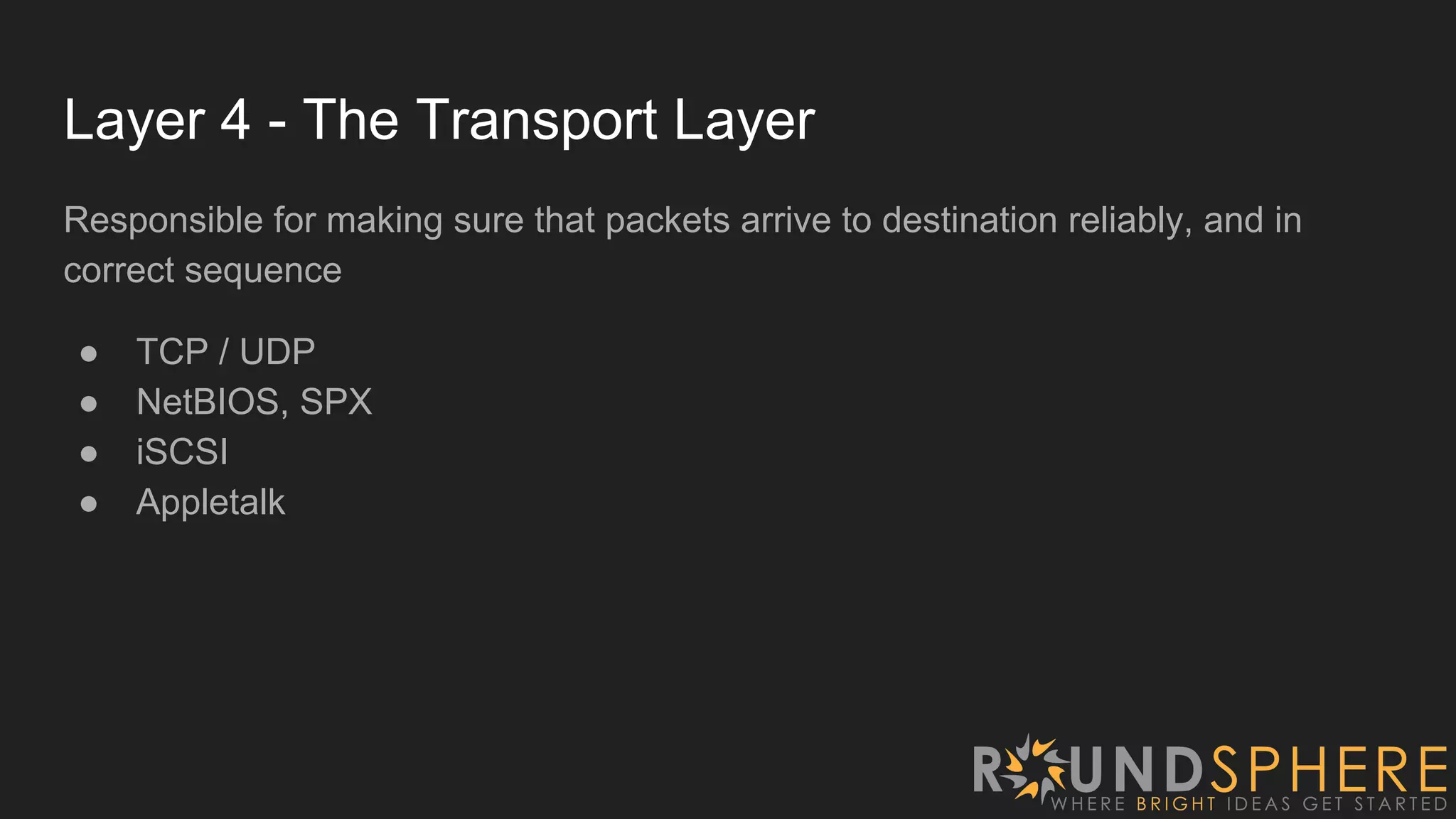
Layer 4 - The Transport Layer
Responsible for making sure that packets arrive to destination reliably, and in
correct sequence
● TCP / UDP
● NetBIOS, SPX
● iSCSI
● Appletalk
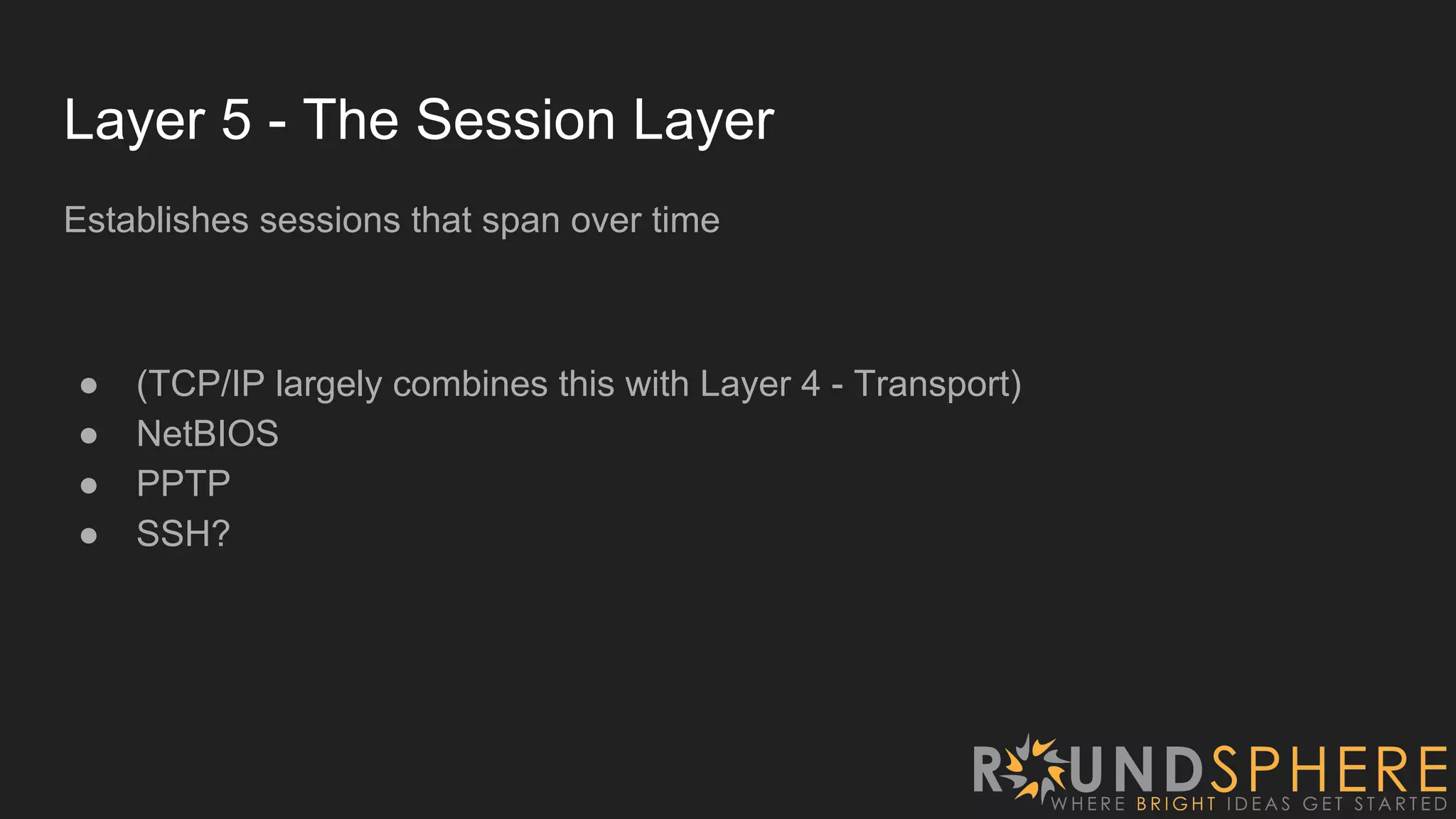
Layer 5 - The Session Layer
Establishes sessions that span over time
● (TCP/IP largely combines this with Layer 4 - Transport)
● NetBIOS
● PPTP
● SSH?
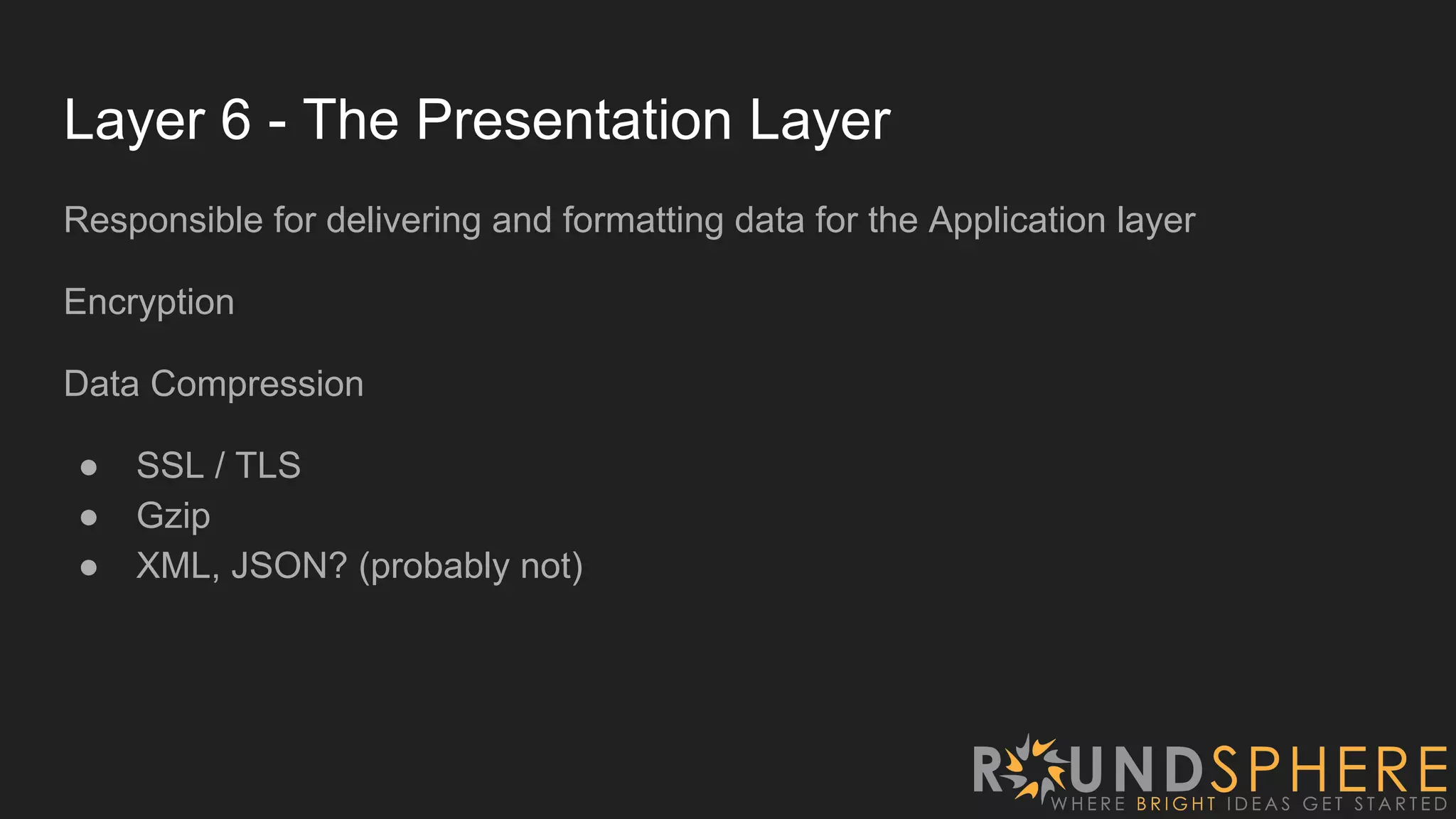
Layer 6 - The Presentation Layer
Responsible for delivering and formatting data for the Application layer
Encryption
Data Compression
● SSL / TLS
● Gzip
● XML, JSON? (probably not)
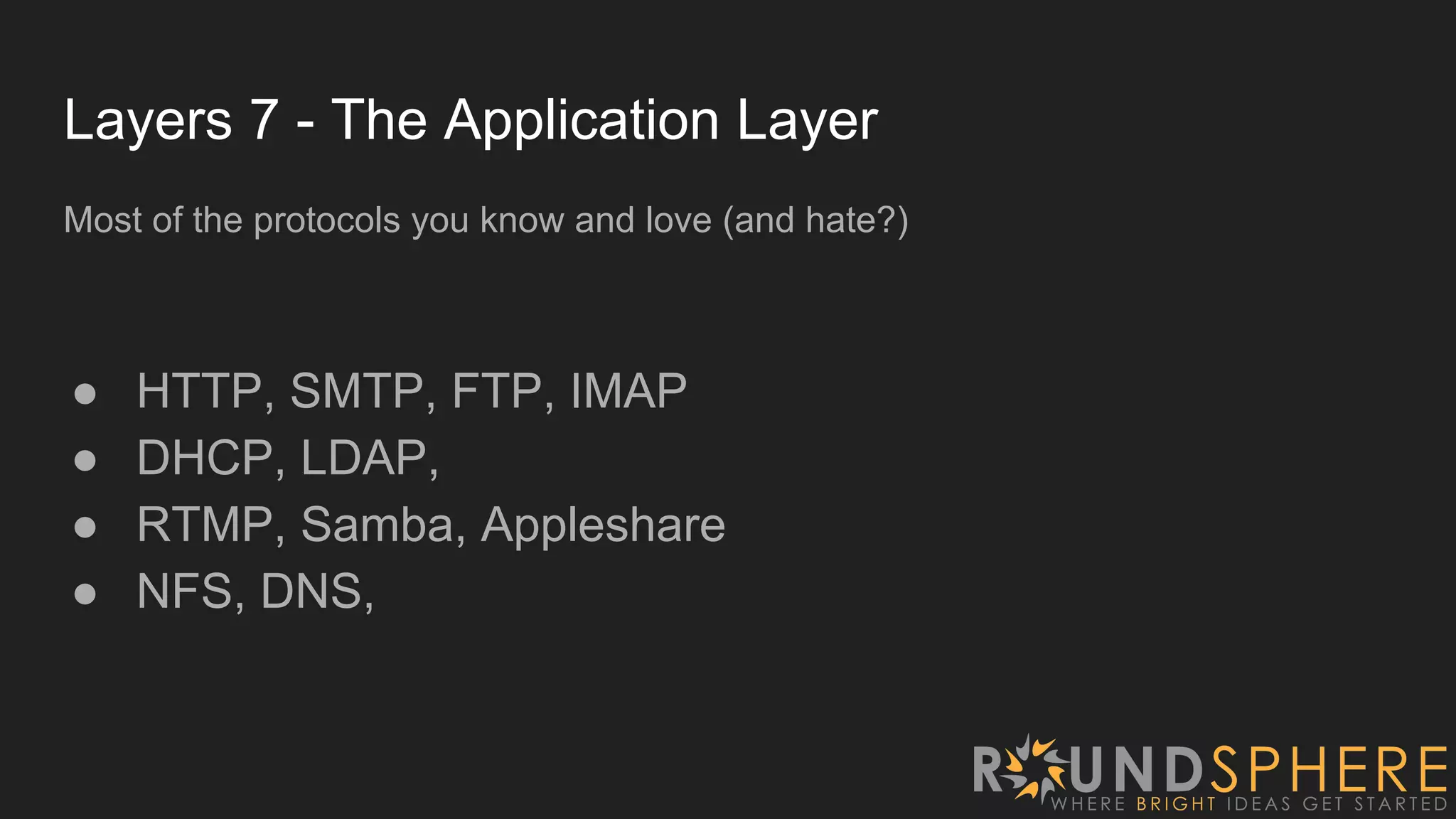
Layers 7 - The Application Layer
Most of the protocols you know and love (and hate?)
● HTTP, SMTP, FTP, IMAP
● DHCP, LDAP,
● RTMP, Samba, Appleshare
● NFS, DNS,
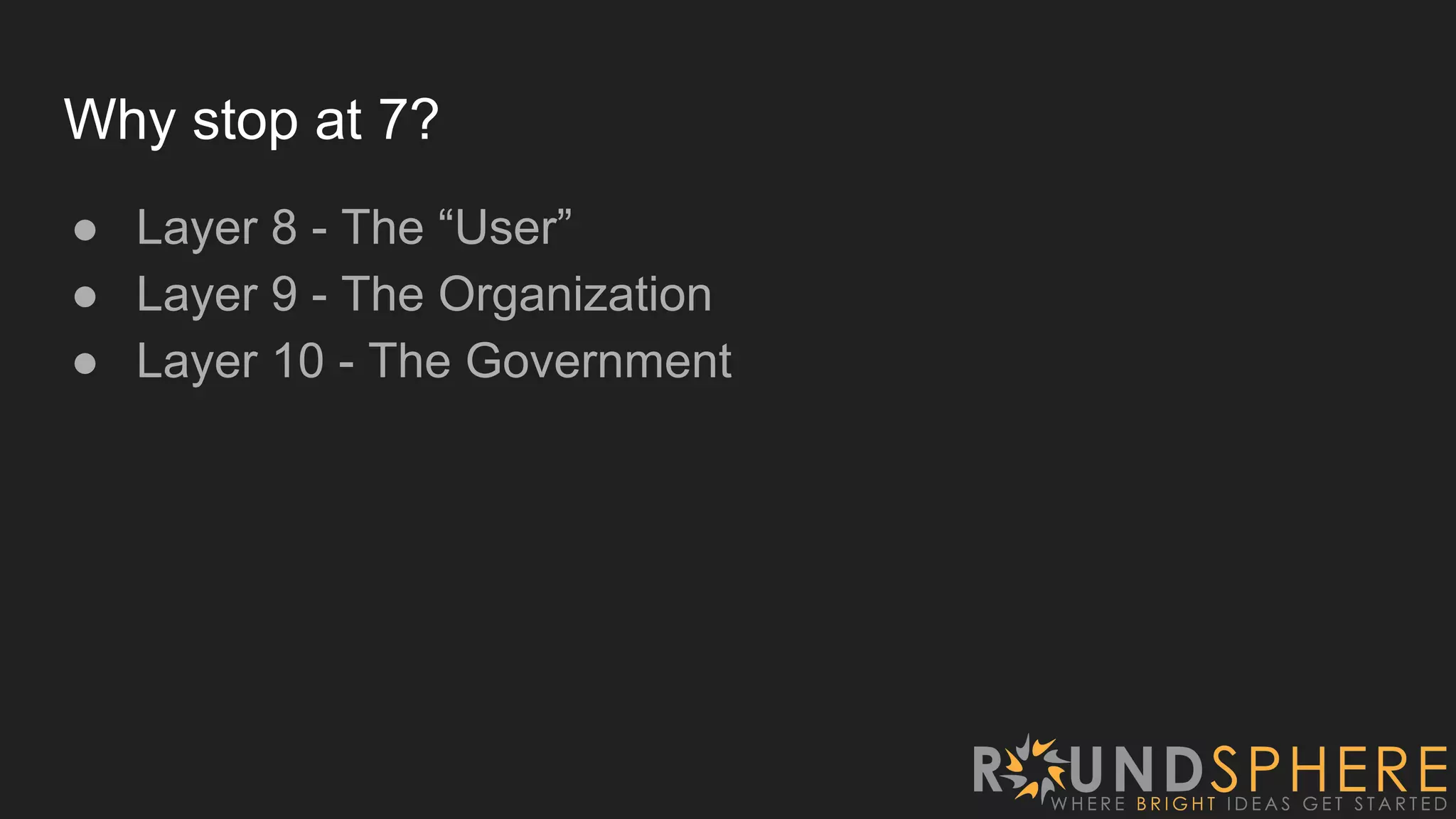
Why stop at 7?
● Layer 8 - The “User”
● Layer 9 - The Organization
● Layer 10 - The Government
Wireshark
● PCap, WinPCap are the packet capture
programs
● Wireshark is a frontend for PCap
● Wireshark is a really nice interface for viewing
captured packet streams
● Really good at digging into protocol details
Demo: Capture Simple Ping
1. ARP request / response from my computer
2. DNS Request / Response from 4.2.2.1
3. Ping Requests
4. Ping Replies
a. (Can dig into any of these packets to see lower-level protocols)
Demo: Capture HTTP Request
● Filter just DNS to see hots that the site is using
● TCP Syn (#16), Syn-Ack (#22), and Ack (#23)
● #34-43 are TCP Packets Re-assembled in #50
○ (1514 bytes each, re-assembled #50 shows size of 15,275 bytes)
● #911 out-of-order TCP Packet
● #1183 SSL Certificate Exchange
● TCP Window Sizing if fascinating :)
Demo: Capture WPA Key Exchange?
Some wireless cards (mostly Windows) don’t support capturing raw packets:
https://wiki.wireshark.org/CaptureSetup/WLAN
Filter for ‘eapol’
Questions?
●

Networks Have Layers - Understanding The OSI Model

  • 1.
  • 2.
    Who Am I ●My father is a network engineer for a government contractor (I grew up with this stuff) ● Degree on Telecommunications Administration ● Background in Linux System Administration ● Now mostly work in Software Development ● Lead people here at RoundSphere / BookScouter / Seller Labs
  • 3.
  • 4.
    Layers, According toWho? ● OSI Model ● TCP/IP Model ● Apple Model Layers are not always distinctly defined (many protocols span multiple layers) In modern technology, many protocols tunnel other protocols….it can be a mess.
  • 5.
  • 7.
    The OSI Layers ●Application, Presentation, Session, Transport, Network, Data, Physical ● All People Seem To Need Data Processing ● People Don’t Need Those Stupid Packets Anyway ● Please Do Not Throw Sausage Pizza Away ● Please Do Not Teach Students Pointless Acronyms
  • 8.
    Local networks, remotenetworks? ● You can talk to hosts on a local network without going through a router ● Hosts on a different network, require going through a router.
  • 9.
    Hubs, Switches, Routers,oh my! ● Hubs = Layer 1 ● Switches = Layer 2 ● Routers = Layer 3 ● Modern devices claim to handle All 7-Layers ○ (DNS Recursion, HTTP Caching, Load Balancing, VOIP, VPN, etc)
  • 10.
    Layer 1 -Physical How the physical device transmits bits over a distance Deals with electrical signals, optical signals, etc ● 100BASE-TX ● 802.11 ● DSL ● RS-232 ● T-1, OC-3
  • 11.
    Layer 2 -Data Link Defines how “Frames” are defined, transmitted, error-checked over a physical media Frames to not cross between Local Networks Protocols deals with congestion, retrying delivery, identifying errors ● Spanning Tree Protocol ● Frame Relay ● PPP ● ATM
  • 12.
    Layer 3 -The Network Layer Defines how networks communicate with other networks. Allows a “packet” to get from a host one one network to a host on another network. Deals with unique network-level addresses and routing packets between networks. ● IPv4, IPv6 ● IPX, X.25 ● ICMP ● Networking Protocols (RIP, OSPF, EIGRP, BGP)
  • 13.
    Layer 4 -The Transport Layer Responsible for making sure that packets arrive to destination reliably, and in correct sequence ● TCP / UDP ● NetBIOS, SPX ● iSCSI ● Appletalk
  • 14.
    Layer 5 -The Session Layer Establishes sessions that span over time ● (TCP/IP largely combines this with Layer 4 - Transport) ● NetBIOS ● PPTP ● SSH?
  • 15.
    Layer 6 -The Presentation Layer Responsible for delivering and formatting data for the Application layer Encryption Data Compression ● SSL / TLS ● Gzip ● XML, JSON? (probably not)
  • 16.
    Layers 7 -The Application Layer Most of the protocols you know and love (and hate?) ● HTTP, SMTP, FTP, IMAP ● DHCP, LDAP, ● RTMP, Samba, Appleshare ● NFS, DNS,
  • 17.
    Why stop at7? ● Layer 8 - The “User” ● Layer 9 - The Organization ● Layer 10 - The Government
  • 18.
    Wireshark ● PCap, WinPCapare the packet capture programs ● Wireshark is a frontend for PCap ● Wireshark is a really nice interface for viewing captured packet streams ● Really good at digging into protocol details
  • 19.
    Demo: Capture SimplePing 1. ARP request / response from my computer 2. DNS Request / Response from 4.2.2.1 3. Ping Requests 4. Ping Replies a. (Can dig into any of these packets to see lower-level protocols)
  • 20.
    Demo: Capture HTTPRequest ● Filter just DNS to see hots that the site is using ● TCP Syn (#16), Syn-Ack (#22), and Ack (#23) ● #34-43 are TCP Packets Re-assembled in #50 ○ (1514 bytes each, re-assembled #50 shows size of 15,275 bytes) ● #911 out-of-order TCP Packet ● #1183 SSL Certificate Exchange ● TCP Window Sizing if fascinating :)
  • 21.
    Demo: Capture WPAKey Exchange? Some wireless cards (mostly Windows) don’t support capturing raw packets: https://wiki.wireshark.org/CaptureSetup/WLAN Filter for ‘eapol’
  • 22.