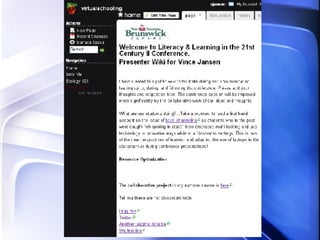
Virtual Learning in Schools:   Thriving in Web 2.0 Vincent Jansen LEARN Email:  [email_address] Skype: vjansen07 http://virtualschooling.wikispaces.com/
Work smarter  not  harder
Key points: Resource optimization Process-oriented  Blended learning Work / Learn / Play / job-embedded Collaborate / Communicate Just do it
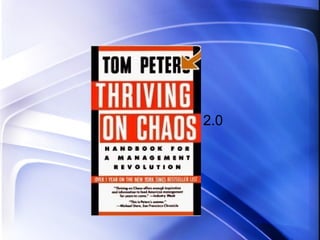
2.0
 
 
Disorganized  in  Web 2.0
 
Put First Things First - Principles of Personal Management
Virtual Learning Community Electronic communities of practice Group of people with same interest Deepen knowledge and expertise Situated learning
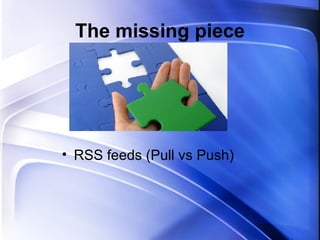
The missing piece RSS feeds (Pull vs Push)
Build Capacity Personal and professional growth Balance of work and play Blended learning Thinking and collaborating differently Social network Educational transformation -  teacher / student leverage
Key components F ocus – relevant to you F riends – with people you trust F eel – confident to contribute
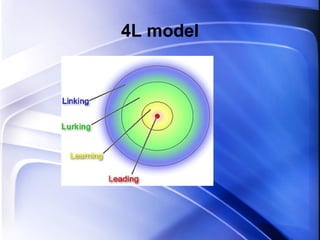
4L model
Measuring success Shared vision Core group, key participants Opportunities (chats, publish, PD, lesson sharing) Innovation (ideas) The right stuff
Virtual Learning Community
 
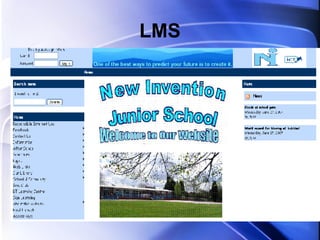
LMS
 
 
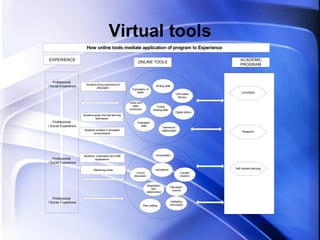
Virtual tools
 
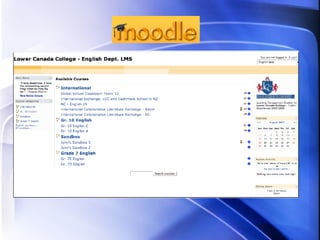
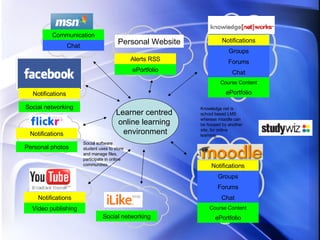
Notifications Groups Forums Chat ePortfolio Course Content Notifications Groups Forums Chat ePortfolio Course Content Learner centred  online learning  environment Notifications Notifications Notifications Social networking Personal photos Communication Social networking Video publishing ePortfolio Chat Alerts RSS Personal Website Social software student uses to store and manage files, participate in online communities. Knowledge net is school based LMS whereas moodle can be housed by another site, for online learning.
Student-centered learning Web as ecosystem Small pieces loosely joined Emergent behavior from connections Sharing / learning with friends Web as conversation Read / write web Blogging Content is continuously created Real audience
What are the essential classroom tools for collaborating and communicating worldwide? Miguel Guhlin
 
 
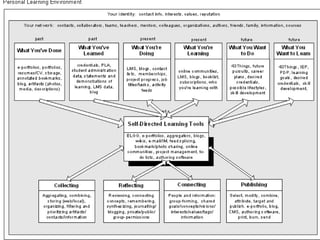
Personal Learning Environment
 
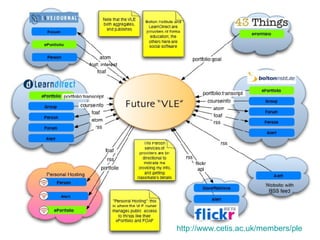
PLE http:// www.cetis.ac.uk/members/ple
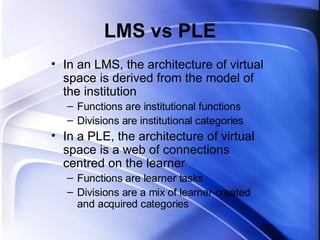
LMS vs PLE In an LMS, the architecture of virtual space is derived from the model of the institution Functions are institutional functions Divisions are institutional categories In a PLE, the architecture of virtual space is a web of connections centred on the learner Functions are learner tasks Divisions are a mix of learner-created and acquired categories
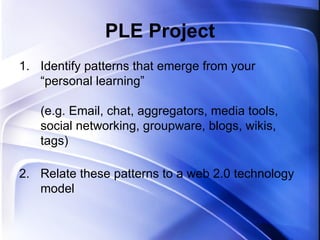
PLE Project Identify patterns that emerge from your “personal learning” (e.g. Email, chat, aggregators, media tools, social networking, groupware, blogs, wikis, tags) Relate these patterns to a web 2.0 technology model
 
Workflow Process
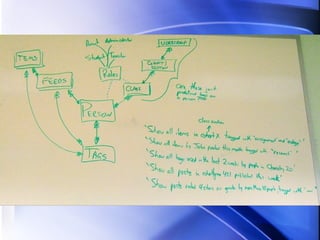
Constructing your own model
Content: eLearning 2.0
 
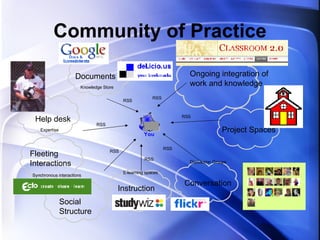
Community of Practice Documents Fleeting Interactions Help desk Conversation Project Spaces Ongoing integration of work and knowledge Instruction E-learning spaces Discussion Groups Knowledge Store Expertise Synchronous interactions RSS RSS RSS RSS RSS RSS RSS Social Structure
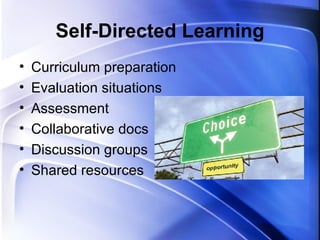
Self-Directed Learning Curriculum preparation Evaluation situations Assessment Collaborative docs Discussion groups Shared resources


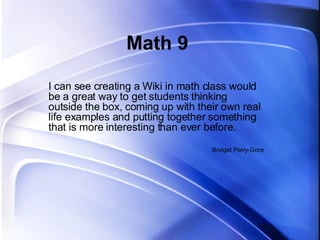
Math 9 I can see creating a Wiki in math class would be a great way to get students thinking outside the box, coming up with their own real life examples and putting together something that is more interesting than ever before.  Bridget Perry-Gore
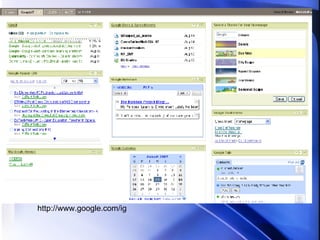
http://www.google.com/ig
 
… to what extent is it now a teacher's responsibility to make use of these tools in his or her own learning? Will Richardson
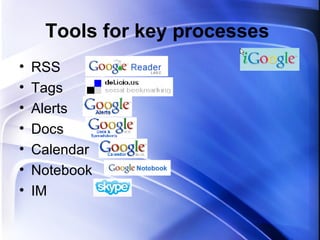
Tools for key processes  RSS Tags Alerts Docs Calendar Notebook IM
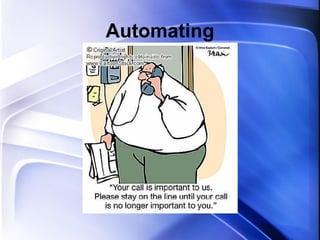
Automating
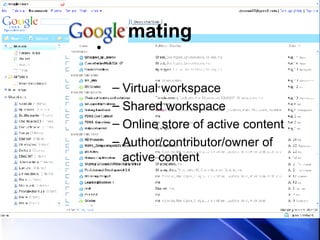
mating Virtual workspace Shared workspace Online store of active content Author/contributor/owner of active content
This is where everything falls apart as Vince attempts to demonstrate some virtual tools (technology factors, hotel wifi, power…)

Nb4post

  • 1.
    Virtual Learning inSchools: Thriving in Web 2.0 Vincent Jansen LEARN Email: [email_address] Skype: vjansen07 http://virtualschooling.wikispaces.com/
  • 2.
    Work smarter not harder
  • 3.
    Key points: Resourceoptimization Process-oriented Blended learning Work / Learn / Play / job-embedded Collaborate / Communicate Just do it
  • 4.
  • 5.
  • 6.
  • 7.
  • 8.
  • 9.
    Put First ThingsFirst - Principles of Personal Management
  • 10.
    Virtual Learning CommunityElectronic communities of practice Group of people with same interest Deepen knowledge and expertise Situated learning
  • 11.
    The missing pieceRSS feeds (Pull vs Push)
  • 12.
    Build Capacity Personaland professional growth Balance of work and play Blended learning Thinking and collaborating differently Social network Educational transformation - teacher / student leverage
  • 13.
    Key components Focus – relevant to you F riends – with people you trust F eel – confident to contribute
  • 14.
  • 15.
    Measuring success Sharedvision Core group, key participants Opportunities (chats, publish, PD, lesson sharing) Innovation (ideas) The right stuff
  • 16.
  • 17.
  • 18.
  • 19.
  • 20.
  • 21.
  • 22.
  • 23.
    Notifications Groups ForumsChat ePortfolio Course Content Notifications Groups Forums Chat ePortfolio Course Content Learner centred online learning environment Notifications Notifications Notifications Social networking Personal photos Communication Social networking Video publishing ePortfolio Chat Alerts RSS Personal Website Social software student uses to store and manage files, participate in online communities. Knowledge net is school based LMS whereas moodle can be housed by another site, for online learning.
  • 24.
    Student-centered learning Webas ecosystem Small pieces loosely joined Emergent behavior from connections Sharing / learning with friends Web as conversation Read / write web Blogging Content is continuously created Real audience
  • 25.
    What are theessential classroom tools for collaborating and communicating worldwide? Miguel Guhlin
  • 26.
  • 27.
  • 28.
  • 29.
  • 30.
  • 31.
    LMS vs PLEIn an LMS, the architecture of virtual space is derived from the model of the institution Functions are institutional functions Divisions are institutional categories In a PLE, the architecture of virtual space is a web of connections centred on the learner Functions are learner tasks Divisions are a mix of learner-created and acquired categories
  • 32.
    PLE Project Identifypatterns that emerge from your “personal learning” (e.g. Email, chat, aggregators, media tools, social networking, groupware, blogs, wikis, tags) Relate these patterns to a web 2.0 technology model
  • 33.
  • 34.
  • 35.
  • 36.
  • 37.
  • 38.
    Community of PracticeDocuments Fleeting Interactions Help desk Conversation Project Spaces Ongoing integration of work and knowledge Instruction E-learning spaces Discussion Groups Knowledge Store Expertise Synchronous interactions RSS RSS RSS RSS RSS RSS RSS Social Structure
  • 39.
    Self-Directed Learning Curriculumpreparation Evaluation situations Assessment Collaborative docs Discussion groups Shared resources
  • 40.
  • 41.
  • 42.
  • 43.
    Math 9 Ican see creating a Wiki in math class would be a great way to get students thinking outside the box, coming up with their own real life examples and putting together something that is more interesting than ever before. Bridget Perry-Gore
  • 44.
  • 45.
  • 46.
    … to whatextent is it now a teacher's responsibility to make use of these tools in his or her own learning? Will Richardson
  • 47.
    Tools for keyprocesses RSS Tags Alerts Docs Calendar Notebook IM
  • 48.
  • 49.
    mating Virtual workspaceShared workspace Online store of active content Author/contributor/owner of active content
  • 50.
    This is whereeverything falls apart as Vince attempts to demonstrate some virtual tools (technology factors, hotel wifi, power…)