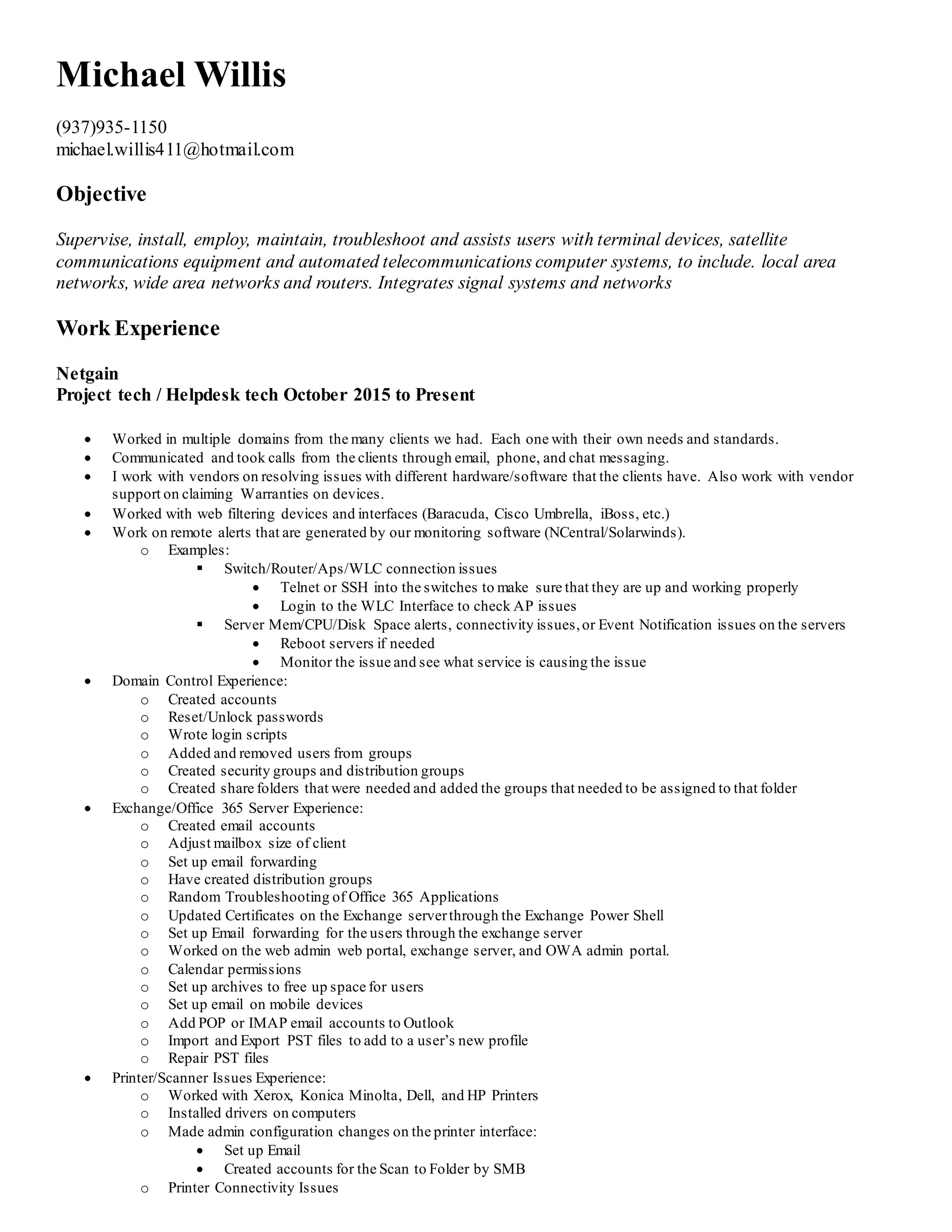
Michael Willis
(937)935-1150
michael.willis411@hotmail.com
Objective
Supervise, install, employ, maintain, troubleshoot and assists users with terminal devices, satellite
communications equipment and automated telecommunications computer systems, to include. local area
networks, wide area networks and routers. Integrates signal systems and networks
Work Experience
Netgain
Project tech / Helpdesk tech October 2015 to Present
 Worked in multiple domains from the many clients we had. Each one with their own needs and standards.
 Communicated and took calls from the clients through email, phone, and chat messaging.
 I work with vendors on resolving issues with different hardware/software that the clients have. Also work with vendor
support on claiming Warranties on devices.
 Worked with web filtering devices and interfaces (Baracuda, Cisco Umbrella, iBoss, etc.)
 Work on remote alerts that are generated by our monitoring software (NCentral/Solarwinds).
o Examples:
 Switch/Router/Aps/WLC connection issues
 Telnet or SSH into the switches to make sure that they are up and working properly
 Login to the WLC Interface to check AP issues
 Server Mem/CPU/Disk Space alerts, connectivity issues,or Event Notification issues on the servers
 Reboot servers if needed
 Monitor the issue and see what service is causing the issue
 Domain Control Experience:
o Created accounts
o Reset/Unlock passwords
o Wrote login scripts
o Added and removed users from groups
o Created security groups and distribution groups
o Created share folders that were needed and added the groups that needed to be assigned to that folder
 Exchange/Office 365 Server Experience:
o Created email accounts
o Adjust mailbox size of client
o Set up email forwarding
o Have created distribution groups
o Random Troubleshooting of Office 365 Applications
o Updated Certificates on the Exchange serverthrough the Exchange Power Shell
o Set up Email forwarding for the users through the exchange server
o Worked on the web admin web portal, exchange server, and OWA admin portal.
o Calendar permissions
o Set up archives to free up space for users
o Set up email on mobile devices
o Add POP or IMAP email accounts to Outlook
o Import and Export PST files to add to a user’s new profile
o Repair PST files
 Printer/Scanner Issues Experience:
o Worked with Xerox, Konica Minolta, Dell, and HP Printers
o Installed drivers on computers
o Made admin configuration changes on the printer interface:
 Set up Email
 Created accounts for the Scan to Folder by SMB
o Printer Connectivity Issues
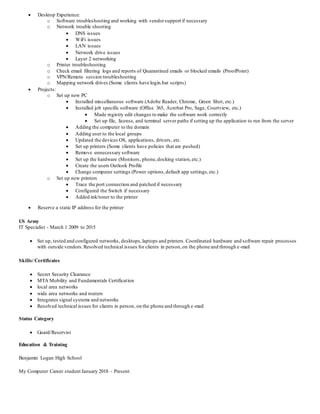
 Desktop Experience:
o Software troubleshooting and working with vendorsupport if necessary
o Network trouble shooting
 DNS issues
 WiFi issues
 LAN issues
 Network drive issues
 Layer 2 networking
o Printer troubleshooting
o Check email filtering logs and reports of Quarantined emails or blocked emails (ProofPoint)
o VPN/Remote session troubleshooting
o Mapping network drives (Some clients have login.bat scripts)
 Projects:
o Set up new PC
 Installed miscellaneous software (Adobe Reader, Chrome, Green Shot, etc.)
 Installed job specific software (Office 365, Acrobat Pro, Sage, Courtview, etc.)
 Made registry edit changes to make the software work correctly
 Set up file, license, and terminal server paths if setting up the application to run from the server
 Adding the computer to the domain
 Adding user to the local groups
 Updated the devices OS, applications, drivers, etc.
 Set up printers (Some clients have policies that are pushed)
 Remove unnecessary software
 Set up the hardware (Monitors, phone,docking station,etc.)
 Create the users Outlook Profile
 Change computer settings (Power options,default app settings,etc.)
o Set up new printers
 Trace the port connection and patched if necessary
 Configured the Switch if necessary
 Added ink/toner to the printer
 Reserve a static IP address for the printer
US Army
IT Specialist - March 1 2009 to 2015
 Set up, tested and configured networks, desktops,laptops and printers. Coordinated hardware and software repair processes
with outside vendors.Resolved technical issues for clients in person,on the phone and through e-mail
Skills/ Certificates
 Secret Security Clearance
 MTA Mobility and Fundamentals Certification
 local area networks
 wide area networks and routers
 Integrates signal systems and networks
 Resolved technical issues for clients in person, on the phone and through e-mail
Status Category
 Guard/Reservist
Education & Training
Benjamin Logan High School
My Computer Career student January 2018 - Present

My resume 2018

  • 1.
    Michael Willis (937)935-1150 michael.willis411@hotmail.com Objective Supervise, install,employ, maintain, troubleshoot and assists users with terminal devices, satellite communications equipment and automated telecommunications computer systems, to include. local area networks, wide area networks and routers. Integrates signal systems and networks Work Experience Netgain Project tech / Helpdesk tech October 2015 to Present  Worked in multiple domains from the many clients we had. Each one with their own needs and standards.  Communicated and took calls from the clients through email, phone, and chat messaging.  I work with vendors on resolving issues with different hardware/software that the clients have. Also work with vendor support on claiming Warranties on devices.  Worked with web filtering devices and interfaces (Baracuda, Cisco Umbrella, iBoss, etc.)  Work on remote alerts that are generated by our monitoring software (NCentral/Solarwinds). o Examples:  Switch/Router/Aps/WLC connection issues  Telnet or SSH into the switches to make sure that they are up and working properly  Login to the WLC Interface to check AP issues  Server Mem/CPU/Disk Space alerts, connectivity issues,or Event Notification issues on the servers  Reboot servers if needed  Monitor the issue and see what service is causing the issue  Domain Control Experience: o Created accounts o Reset/Unlock passwords o Wrote login scripts o Added and removed users from groups o Created security groups and distribution groups o Created share folders that were needed and added the groups that needed to be assigned to that folder  Exchange/Office 365 Server Experience: o Created email accounts o Adjust mailbox size of client o Set up email forwarding o Have created distribution groups o Random Troubleshooting of Office 365 Applications o Updated Certificates on the Exchange serverthrough the Exchange Power Shell o Set up Email forwarding for the users through the exchange server o Worked on the web admin web portal, exchange server, and OWA admin portal. o Calendar permissions o Set up archives to free up space for users o Set up email on mobile devices o Add POP or IMAP email accounts to Outlook o Import and Export PST files to add to a user’s new profile o Repair PST files  Printer/Scanner Issues Experience: o Worked with Xerox, Konica Minolta, Dell, and HP Printers o Installed drivers on computers o Made admin configuration changes on the printer interface:  Set up Email  Created accounts for the Scan to Folder by SMB o Printer Connectivity Issues
  • 2.
     Desktop Experience: oSoftware troubleshooting and working with vendorsupport if necessary o Network trouble shooting  DNS issues  WiFi issues  LAN issues  Network drive issues  Layer 2 networking o Printer troubleshooting o Check email filtering logs and reports of Quarantined emails or blocked emails (ProofPoint) o VPN/Remote session troubleshooting o Mapping network drives (Some clients have login.bat scripts)  Projects: o Set up new PC  Installed miscellaneous software (Adobe Reader, Chrome, Green Shot, etc.)  Installed job specific software (Office 365, Acrobat Pro, Sage, Courtview, etc.)  Made registry edit changes to make the software work correctly  Set up file, license, and terminal server paths if setting up the application to run from the server  Adding the computer to the domain  Adding user to the local groups  Updated the devices OS, applications, drivers, etc.  Set up printers (Some clients have policies that are pushed)  Remove unnecessary software  Set up the hardware (Monitors, phone,docking station,etc.)  Create the users Outlook Profile  Change computer settings (Power options,default app settings,etc.) o Set up new printers  Trace the port connection and patched if necessary  Configured the Switch if necessary  Added ink/toner to the printer  Reserve a static IP address for the printer US Army IT Specialist - March 1 2009 to 2015  Set up, tested and configured networks, desktops,laptops and printers. Coordinated hardware and software repair processes with outside vendors.Resolved technical issues for clients in person,on the phone and through e-mail Skills/ Certificates  Secret Security Clearance  MTA Mobility and Fundamentals Certification  local area networks  wide area networks and routers  Integrates signal systems and networks  Resolved technical issues for clients in person, on the phone and through e-mail Status Category  Guard/Reservist Education & Training Benjamin Logan High School My Computer Career student January 2018 - Present