MUSIC VIDEO
PRODUCTION
PROCESS
LOGYOUR NAME
PRODUCTION LOG:
GUIDANCE
• This document is for you to track the progress of your
production – filming, editing and post-production.
• This is so you can track what you did and how you did it,
explaining and amendments and changes you made and
tracking the decisions that have shaped the practical
creation of your music video.
• The more detail you include about how you made your music
video, the better. The document is broken down in to two
sections, Filming and Editing, each of these is then made of
specific elements that occur in both.
• For each slide there is a prompt detailing what you should
include, delete the prompt after you have complete the slide.
• Remember, images often show what you’ve done more
effectively than words. Use text to explain an illustration.
FILMING
Explain what worked and didn’t work about your filming and how you
managed this covering the following areas:
• Technical – using the cameras and any technical equipment; this could
be how you did your lip sync, used the green screen, dealt with problems
with batteries, etc
• Logistical – did your locations work? Did you have any access
problems? Did it rain?
• Personnel – how were your cast/crew? Did anyone let you down? How
did you manage this?
• Planning – did your planning help? Do you think it could have worked
better? How?
• Next steps – do you need to re-film? Film more? Have you changed your
video? How/why?
*If you make any drastic changes to your video you MUST
add this to your planning documentation and state how and
why this has happened
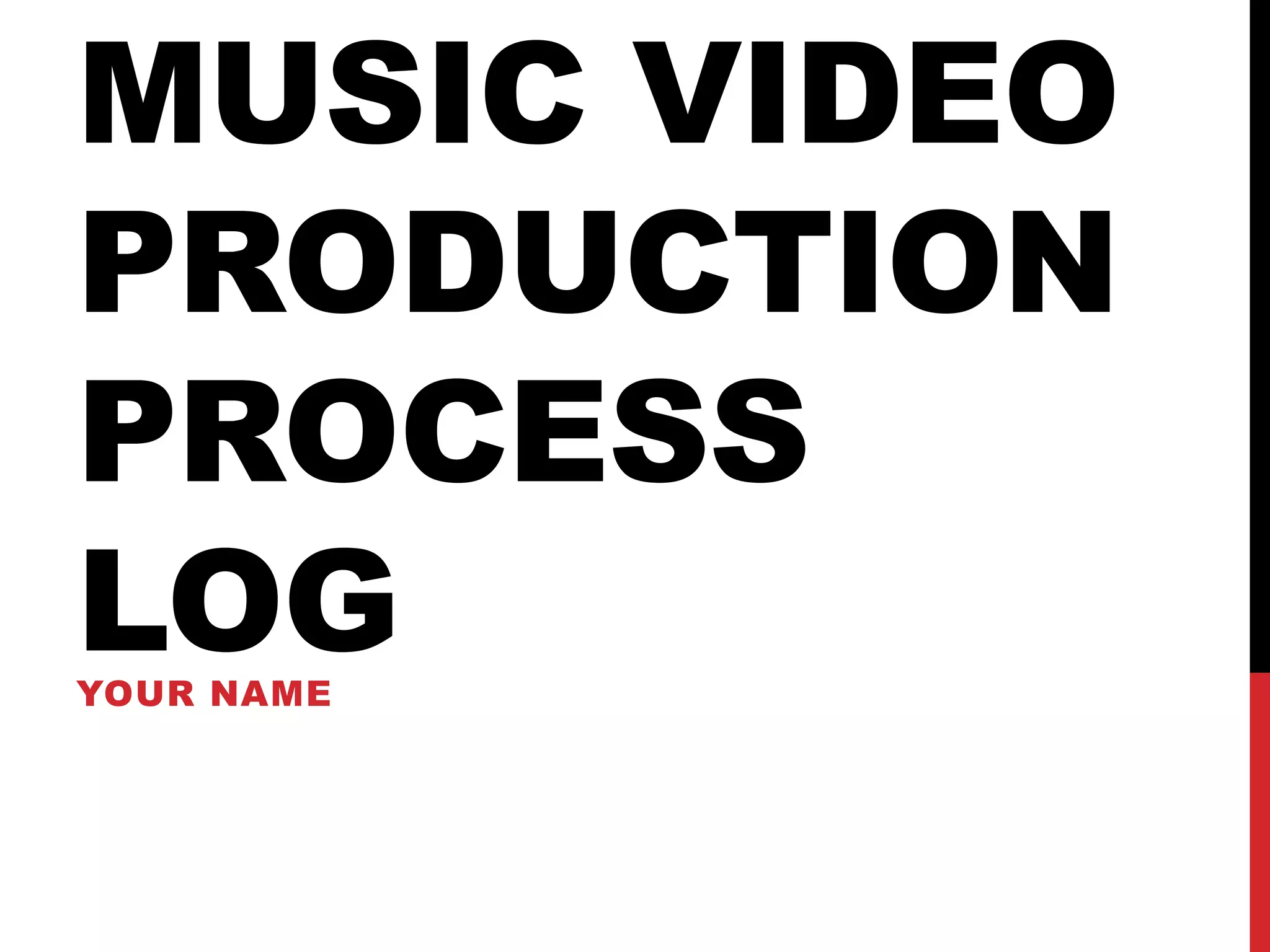
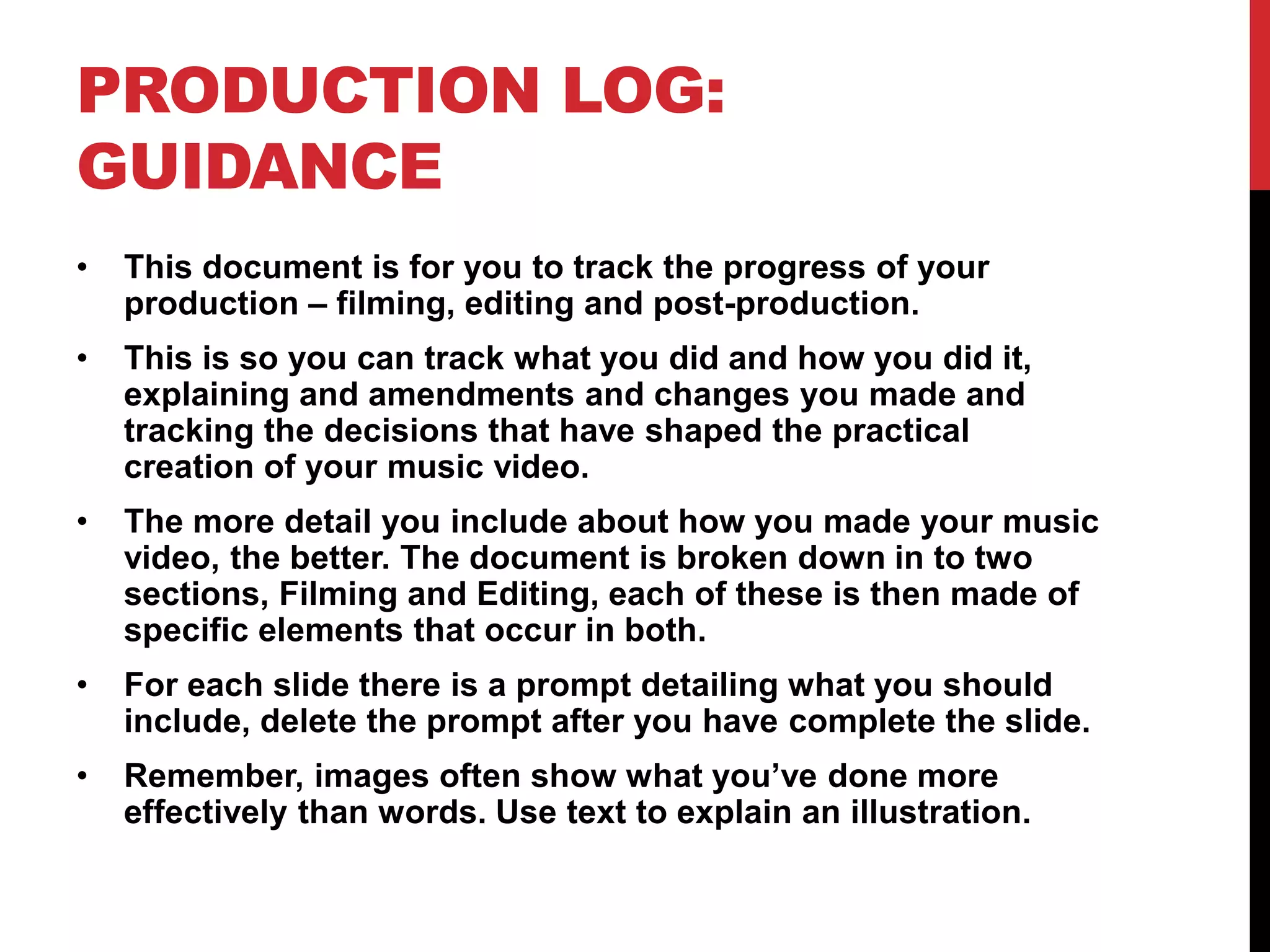
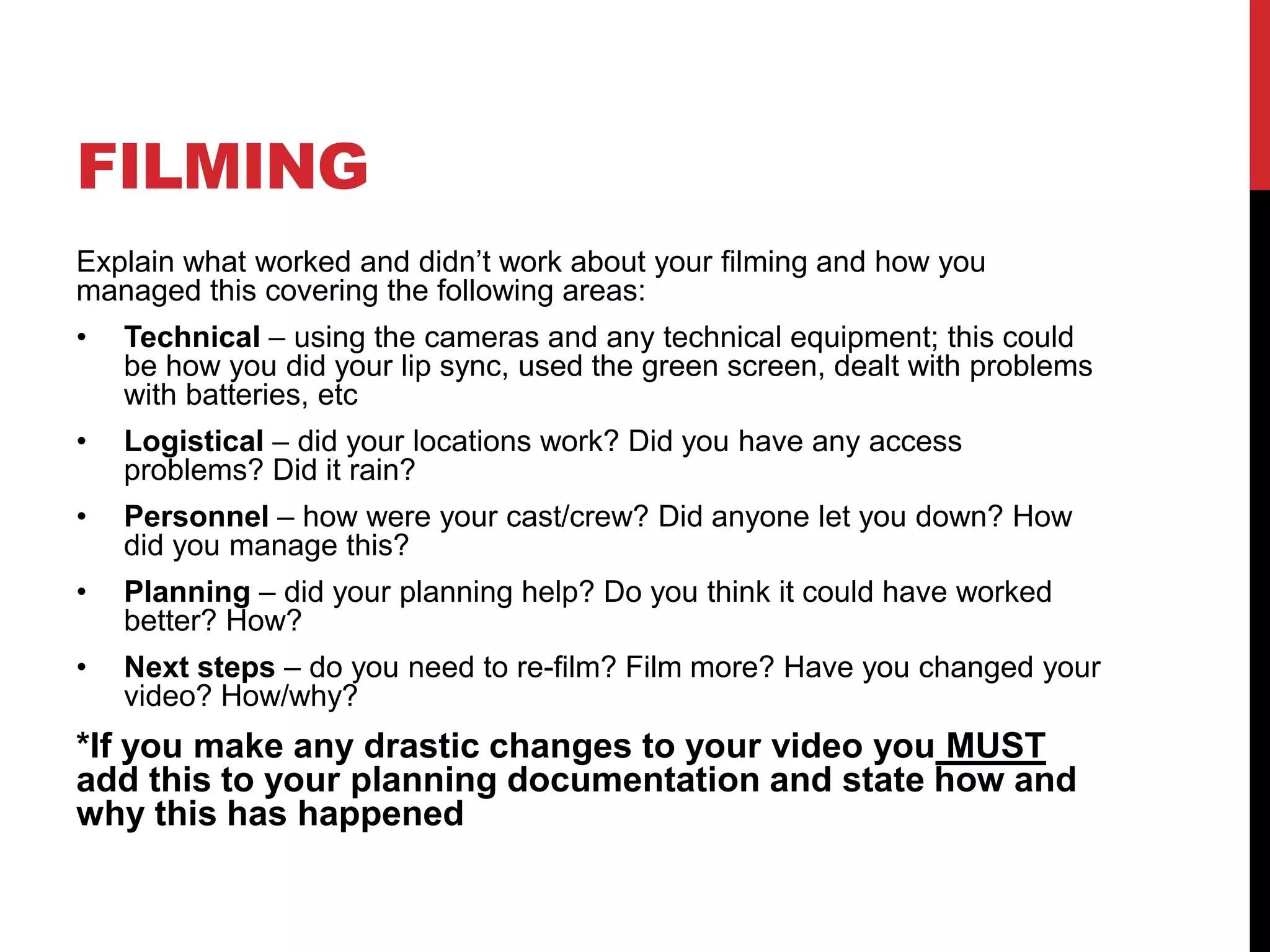
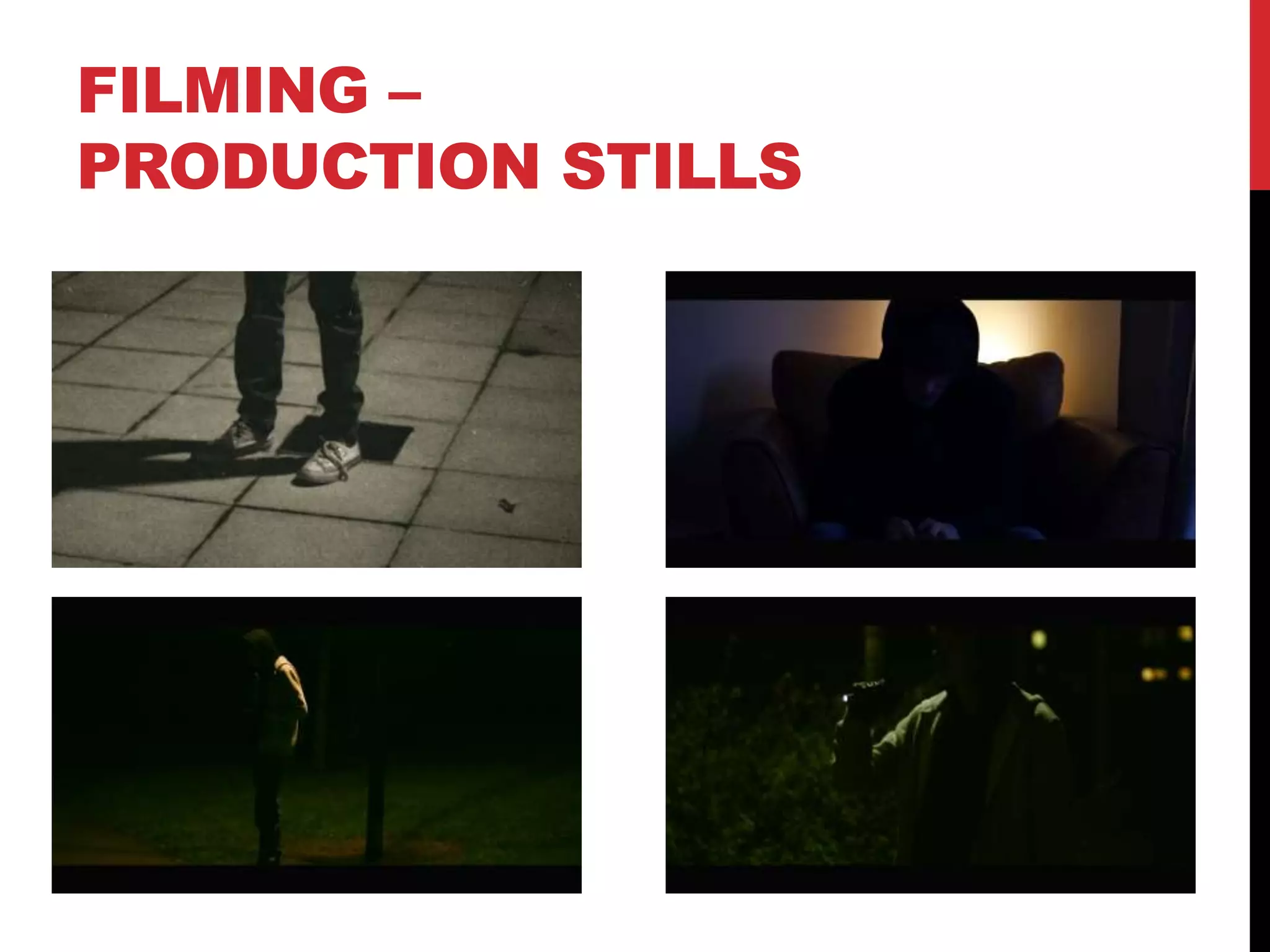
FILMING –
PRODUCTION STILLS
EDITING
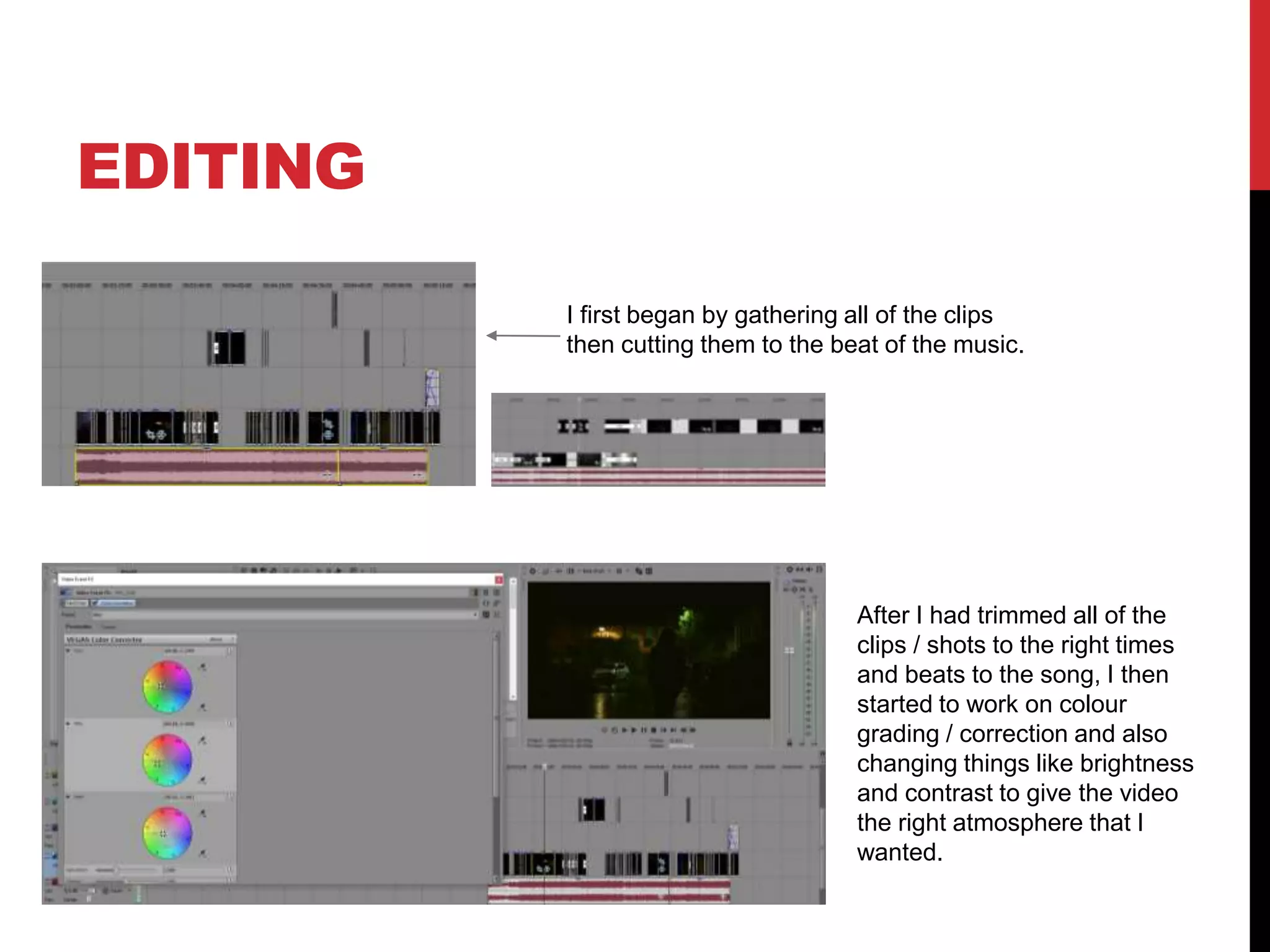
I first began by gathering all of the clips
then cutting them to the beat of the music.
After I had trimmed all of the
clips / shots to the right times
and beats to the song, I then
started to work on colour
grading / correction and also
changing things like brightness
and contrast to give the video
the right atmosphere that I
wanted.
EDITING –
FILE MANAGEMENT
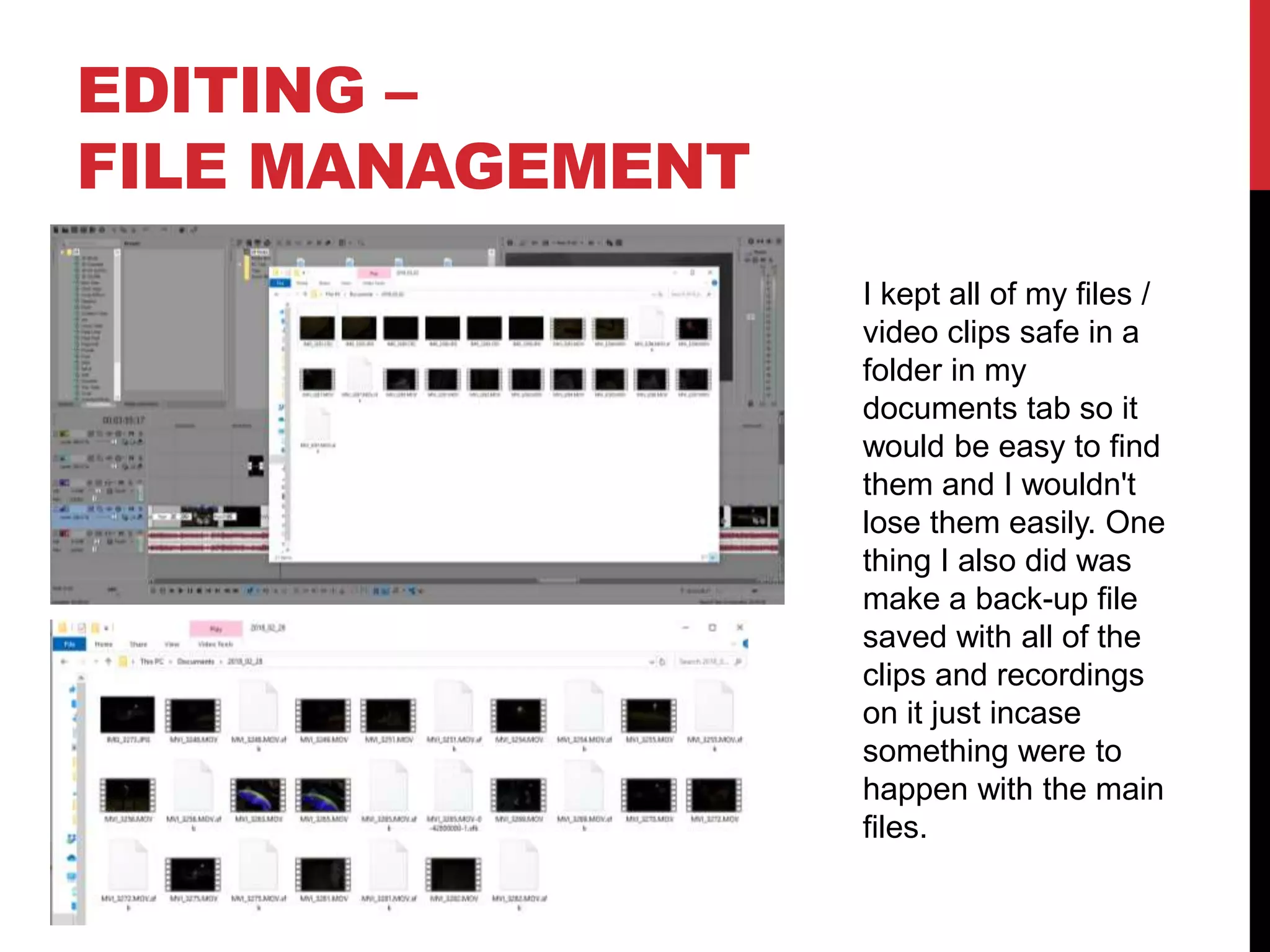
I kept all of my files /
video clips safe in a
folder in my
documents tab so it
would be easy to find
them and I wouldn't
lose them easily. One
thing I also did was
make a back-up file
saved with all of the
clips and recordings
on it just incase
something were to
happen with the main
files.
EDITING –
SETTING UP PREMIERE
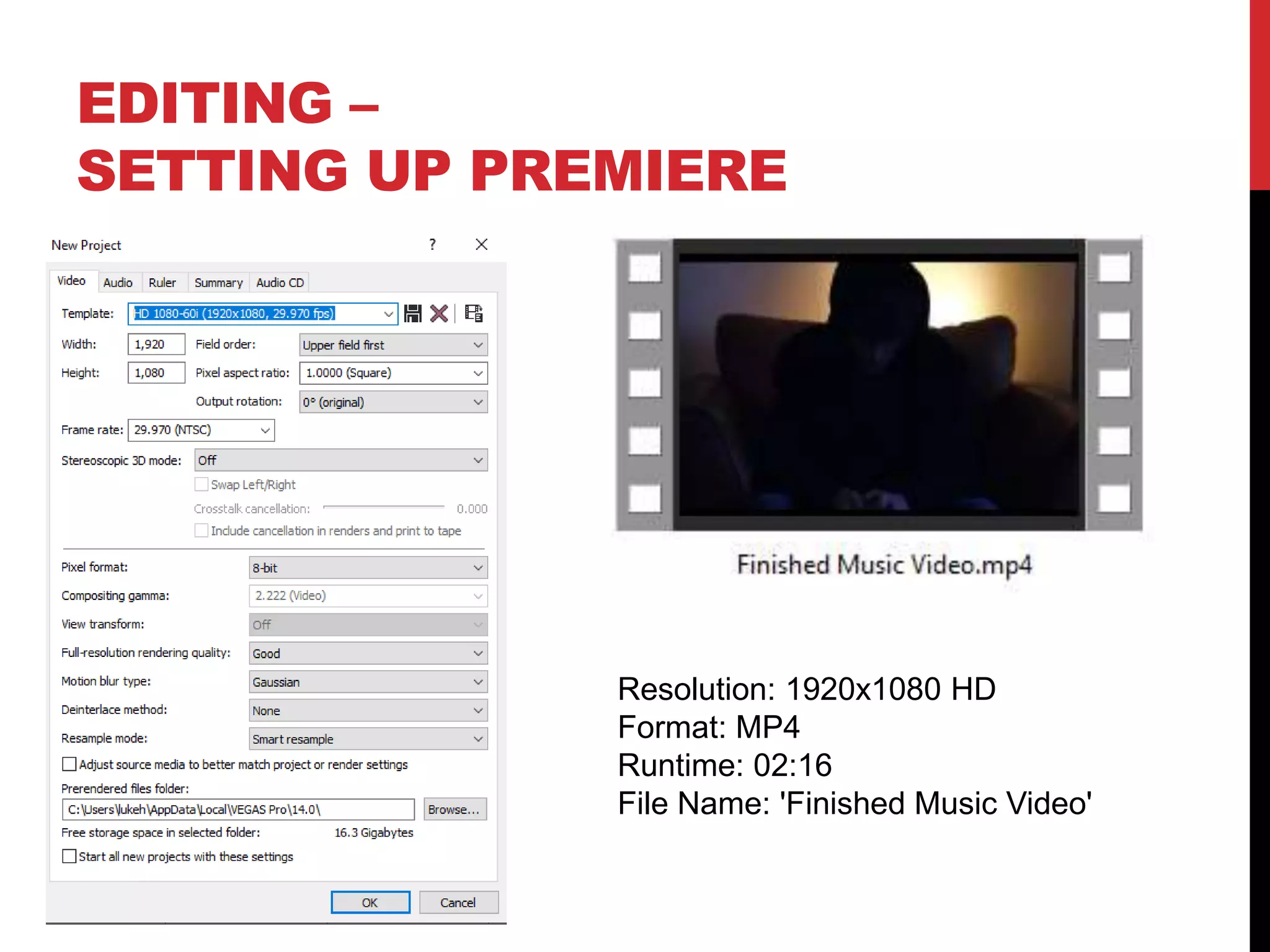
Resolution: 1920x1080 HD
Format: MP4
Runtime: 02:16
File Name: 'Finished Music Video'
EDITING –
IMPORTING FOOTAGE
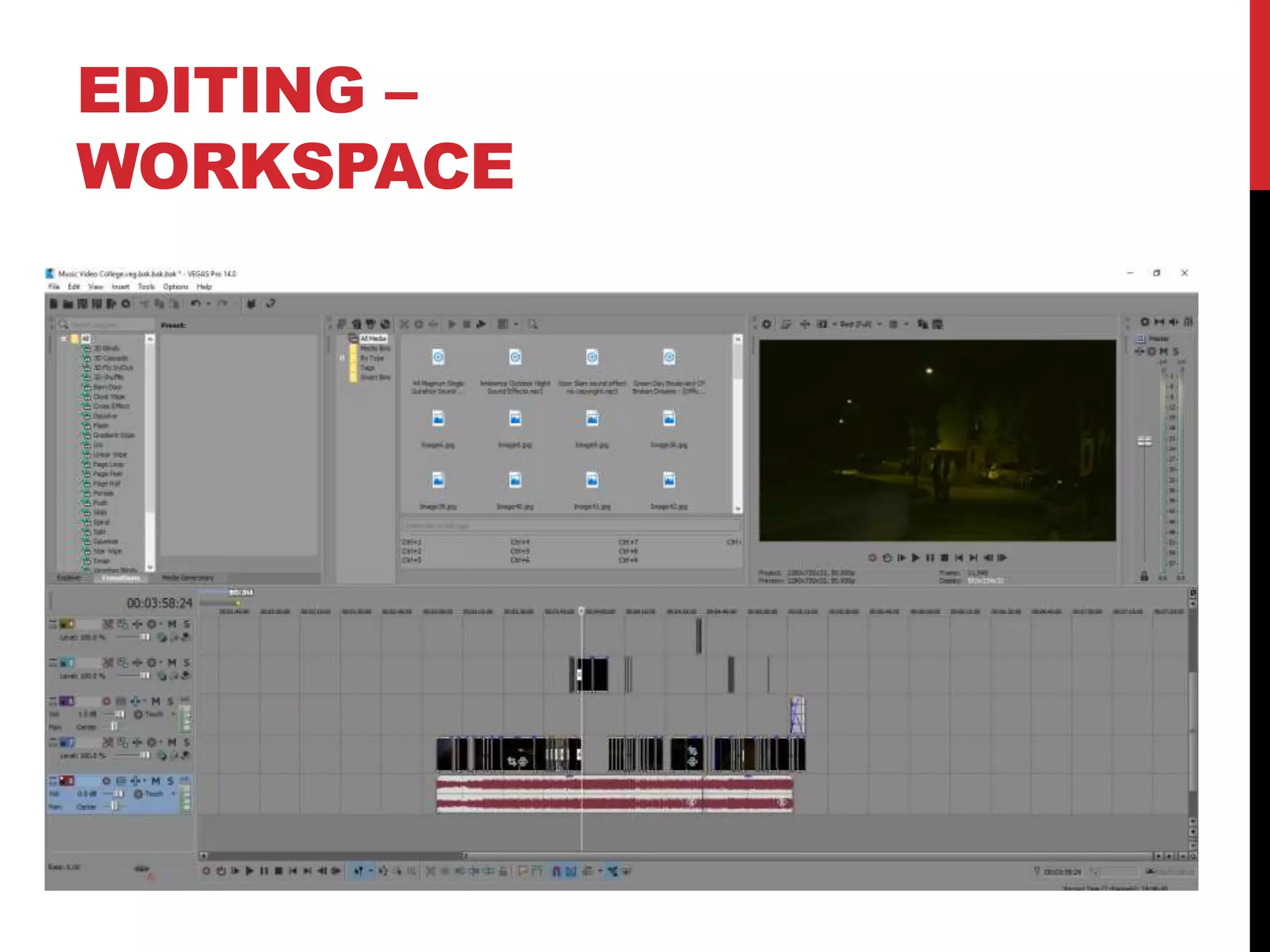
EDITING –
WORKSPACE
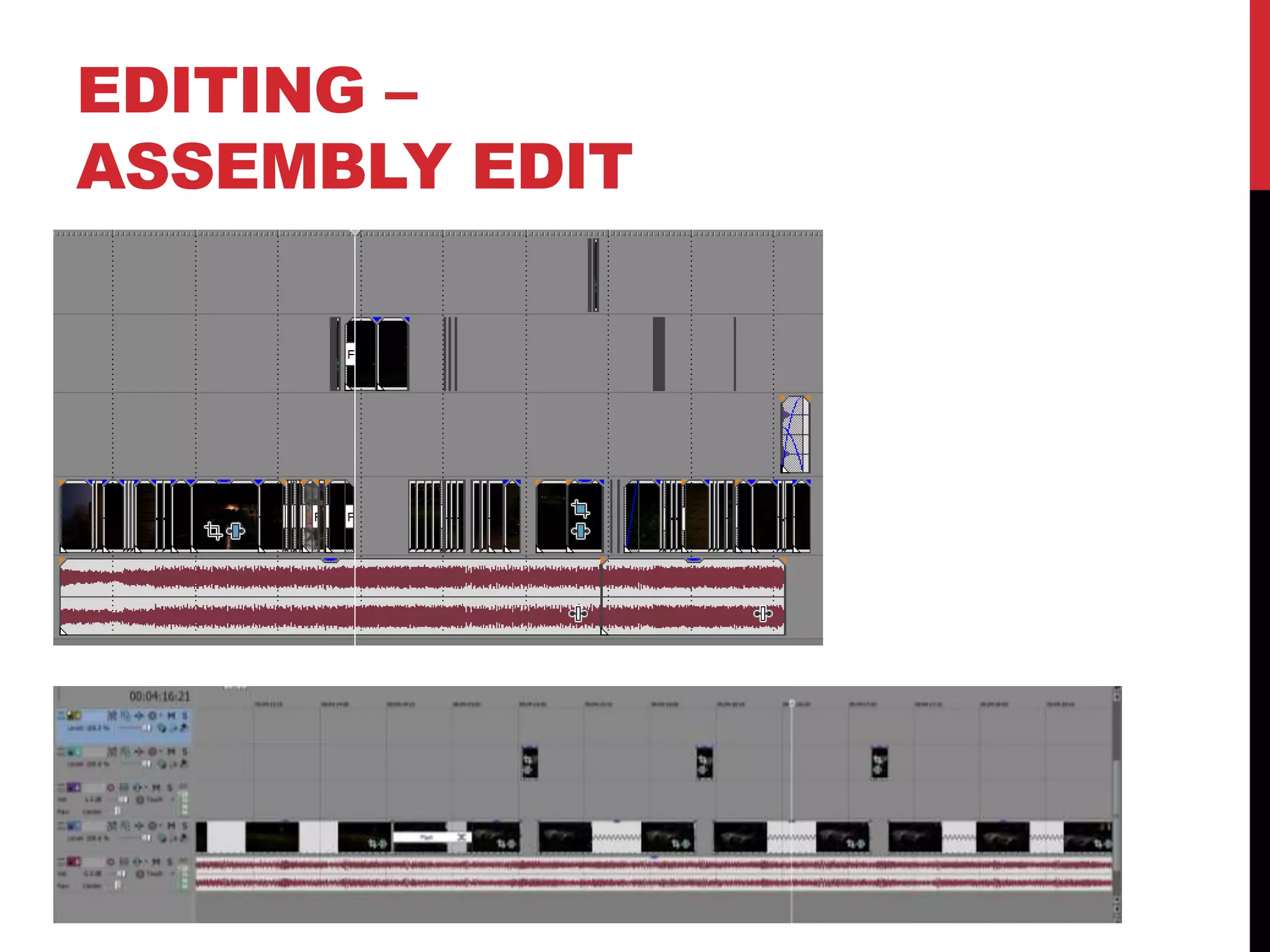
EDITING –
ASSEMBLY EDIT
EDITING –
REFINEMENT
EDITING –
COLOUR CORRECTION/SFX
EDITING –
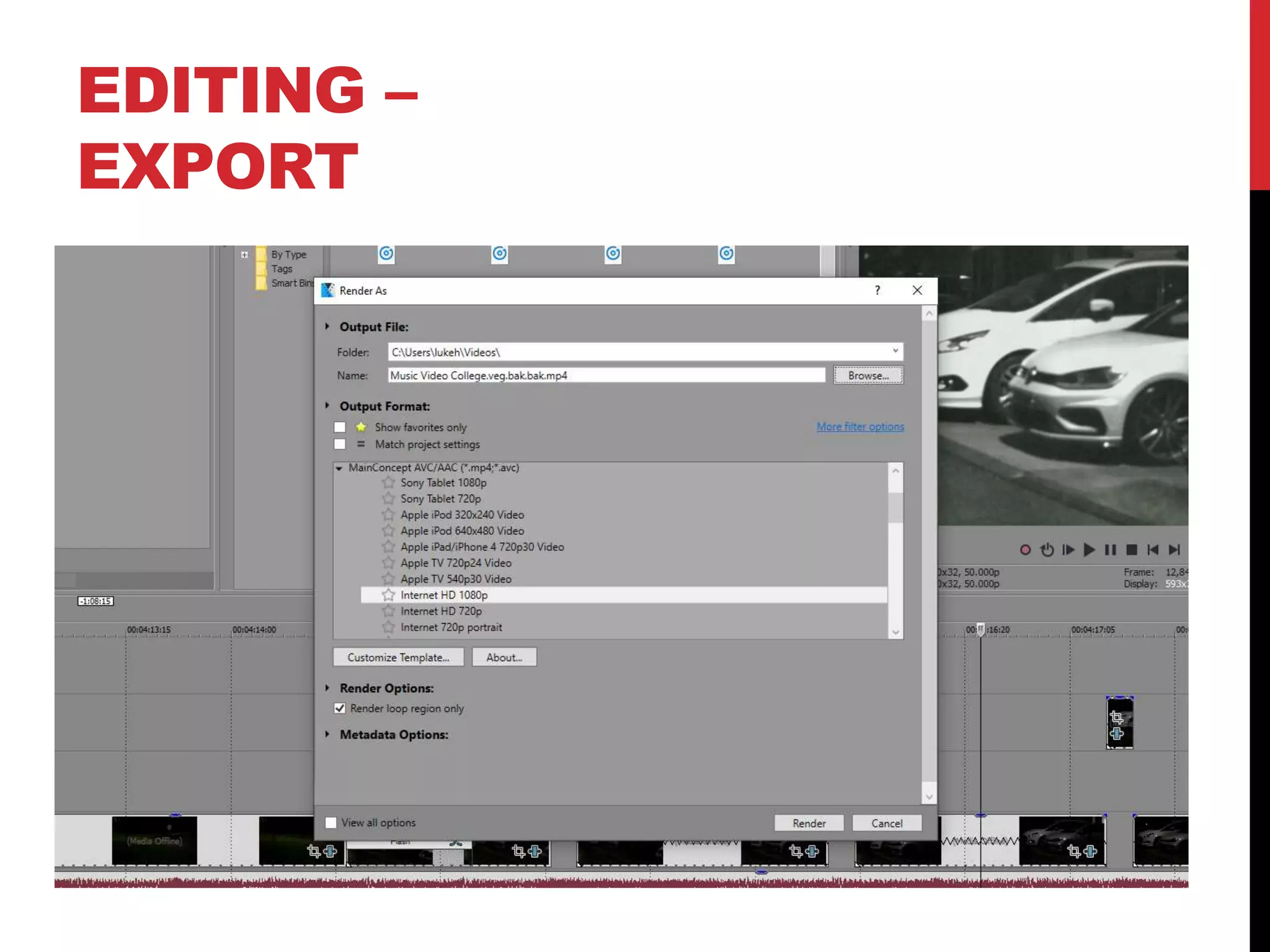
EXPORT

Mv process log form 2019 (luke headland) (luke headland) (luke headland) (luke headland)

  • 1.
  • 2.
    PRODUCTION LOG: GUIDANCE • Thisdocument is for you to track the progress of your production – filming, editing and post-production. • This is so you can track what you did and how you did it, explaining and amendments and changes you made and tracking the decisions that have shaped the practical creation of your music video. • The more detail you include about how you made your music video, the better. The document is broken down in to two sections, Filming and Editing, each of these is then made of specific elements that occur in both. • For each slide there is a prompt detailing what you should include, delete the prompt after you have complete the slide. • Remember, images often show what you’ve done more effectively than words. Use text to explain an illustration.
  • 3.
    FILMING Explain what workedand didn’t work about your filming and how you managed this covering the following areas: • Technical – using the cameras and any technical equipment; this could be how you did your lip sync, used the green screen, dealt with problems with batteries, etc • Logistical – did your locations work? Did you have any access problems? Did it rain? • Personnel – how were your cast/crew? Did anyone let you down? How did you manage this? • Planning – did your planning help? Do you think it could have worked better? How? • Next steps – do you need to re-film? Film more? Have you changed your video? How/why? *If you make any drastic changes to your video you MUST add this to your planning documentation and state how and why this has happened
  • 4.
  • 5.
    EDITING I first beganby gathering all of the clips then cutting them to the beat of the music. After I had trimmed all of the clips / shots to the right times and beats to the song, I then started to work on colour grading / correction and also changing things like brightness and contrast to give the video the right atmosphere that I wanted.
  • 6.
    EDITING – FILE MANAGEMENT Ikept all of my files / video clips safe in a folder in my documents tab so it would be easy to find them and I wouldn't lose them easily. One thing I also did was make a back-up file saved with all of the clips and recordings on it just incase something were to happen with the main files.
  • 7.
    EDITING – SETTING UPPREMIERE Resolution: 1920x1080 HD Format: MP4 Runtime: 02:16 File Name: 'Finished Music Video'
  • 8.
  • 9.
  • 10.
  • 11.
  • 12.
  • 13.