Updated July 2010 Moodle Course Management System
Session outline Moodle Introduction Examples Moodle demonstration Hands on practice
What is  Moodle ? Moodle is a software package for producing Internet-based courses and web sites. It supports a  social constructionist framework of education.  It’s provided freely as open source software It was developed by Martin Dougiamas as a free alternative to CMS Modular Object-Oriented Dynamic Learning Environment
What does Moodle do? Moodle is a CMS that supports the management, organisation, creation and delivery of web based content for courses. Delivers course content  Enables course organisation  Provides means of communication  Delivers assessment  Records and tracks students online activity
Benefits of Moodle Simple intuitive web browser interface  Provides an easy and flexible way of distributing learning materials online available 24/7 Accessible from anywhere and anyplace, provided that user has access to the internet and a pc. Supports the distribution of interactive material of any format, e.g. Microsoft office suite,  Videos, podcasts, images, flash presentations, etc.
Moodle Examples OpenLearn  Project at the Open University UK Moodle Exchange : free range of courses
Moodle Features Manage Course and content (upload materials, attach files and readings, link to multimedia objects, integrate multimedia, embed graphics, etc) Communicate: asynchronous n  synchronous communication tools (online chat, forums, collaborative activities) Assess: integrate quizzes, gradebook and online submissions
Components of a Moodle Course Content based modules  Resource Module  Glossary Module  Lesson Module  Assessment based modules  Assignment Module  Quiz Module  Communication based modules  Chat Module  Forums Module  Dialogue Module  Evaluation modules  Choice Module
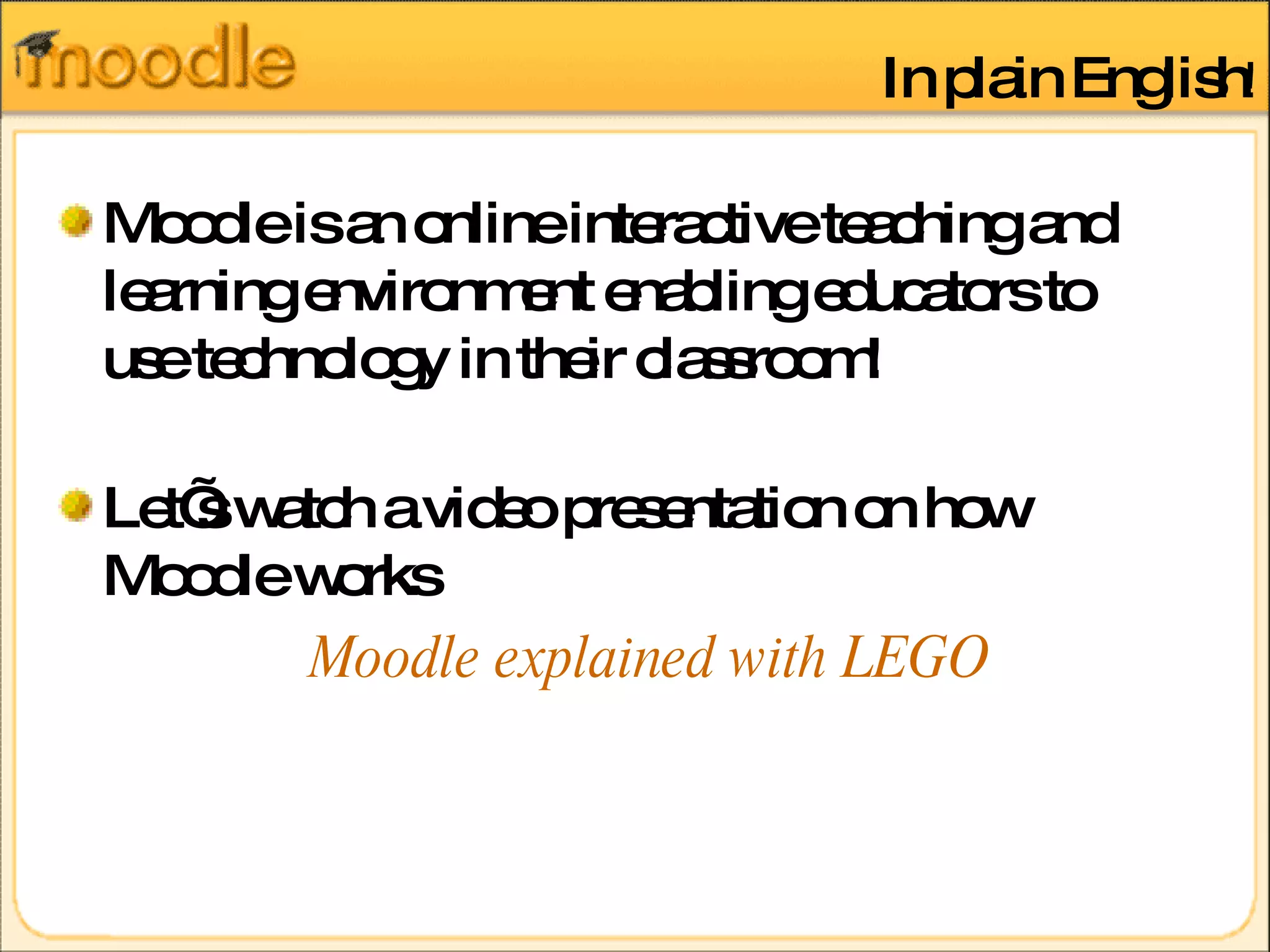
In plain English ! Moodle is an online interactive teaching and learning environment enabling educators to use technology in their classroom! Let’s watch a video presentation on how Moodle works Moodle explained with LEGO
DEMONSTRATION There will be time allocated for hands on practice for f2f students .
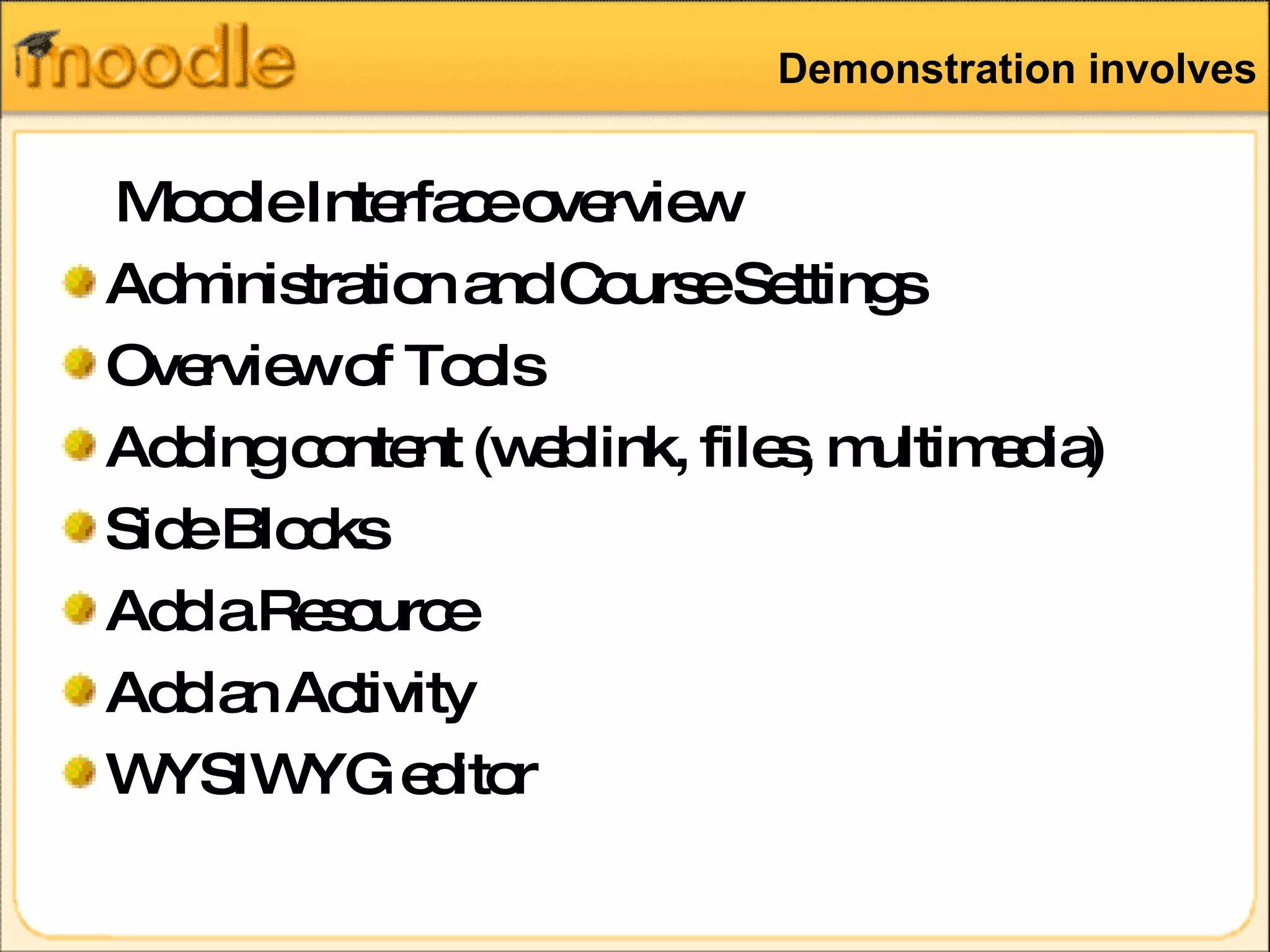
Demonstration involves Moodle Interface overview Administration and Course Settings Overview of Tools Adding content (weblink, files, multimedia) Side Blocks Add a Resource Add an Activity WYSIWYG editor
Login and access Go To  http://83.170.93.38/~unimanc/ Type in username and password Access your Course
Further Information Moodle Training Space (how to guides, support material, further links) Moodle forums for queries www.moodle.org  community Happy Moodle-ing!  

Moodle Introduction

  • 1.
    Updated July 2010Moodle Course Management System
  • 2.
    Session outline MoodleIntroduction Examples Moodle demonstration Hands on practice
  • 3.
    What is Moodle ? Moodle is a software package for producing Internet-based courses and web sites. It supports a social constructionist framework of education. It’s provided freely as open source software It was developed by Martin Dougiamas as a free alternative to CMS Modular Object-Oriented Dynamic Learning Environment
  • 4.
    What does Moodledo? Moodle is a CMS that supports the management, organisation, creation and delivery of web based content for courses. Delivers course content Enables course organisation Provides means of communication Delivers assessment Records and tracks students online activity
  • 5.
    Benefits of MoodleSimple intuitive web browser interface Provides an easy and flexible way of distributing learning materials online available 24/7 Accessible from anywhere and anyplace, provided that user has access to the internet and a pc. Supports the distribution of interactive material of any format, e.g. Microsoft office suite, Videos, podcasts, images, flash presentations, etc.
  • 6.
    Moodle Examples OpenLearn Project at the Open University UK Moodle Exchange : free range of courses
  • 7.
    Moodle Features ManageCourse and content (upload materials, attach files and readings, link to multimedia objects, integrate multimedia, embed graphics, etc) Communicate: asynchronous n synchronous communication tools (online chat, forums, collaborative activities) Assess: integrate quizzes, gradebook and online submissions
  • 8.
    Components of aMoodle Course Content based modules Resource Module Glossary Module Lesson Module Assessment based modules Assignment Module Quiz Module Communication based modules Chat Module Forums Module Dialogue Module Evaluation modules Choice Module
  • 9.
    In plain English! Moodle is an online interactive teaching and learning environment enabling educators to use technology in their classroom! Let’s watch a video presentation on how Moodle works Moodle explained with LEGO
  • 10.
    DEMONSTRATION There willbe time allocated for hands on practice for f2f students .
  • 11.
    Demonstration involves MoodleInterface overview Administration and Course Settings Overview of Tools Adding content (weblink, files, multimedia) Side Blocks Add a Resource Add an Activity WYSIWYG editor
  • 12.
    Login and accessGo To http://83.170.93.38/~unimanc/ Type in username and password Access your Course
  • 13.
    Further Information MoodleTraining Space (how to guides, support material, further links) Moodle forums for queries www.moodle.org community Happy Moodle-ing! 

Editor's Notes

  • #11Ā http://stream.manchester.ac.uk/Play.aspx?VideoId=1335 http://www.youtube.com/watch?v=McvCJley78A
  • #13Ā Show moodle stratight away- have they all seen it!