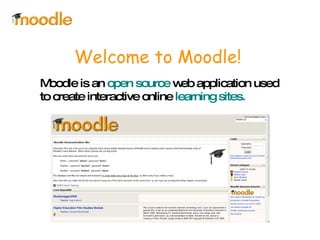
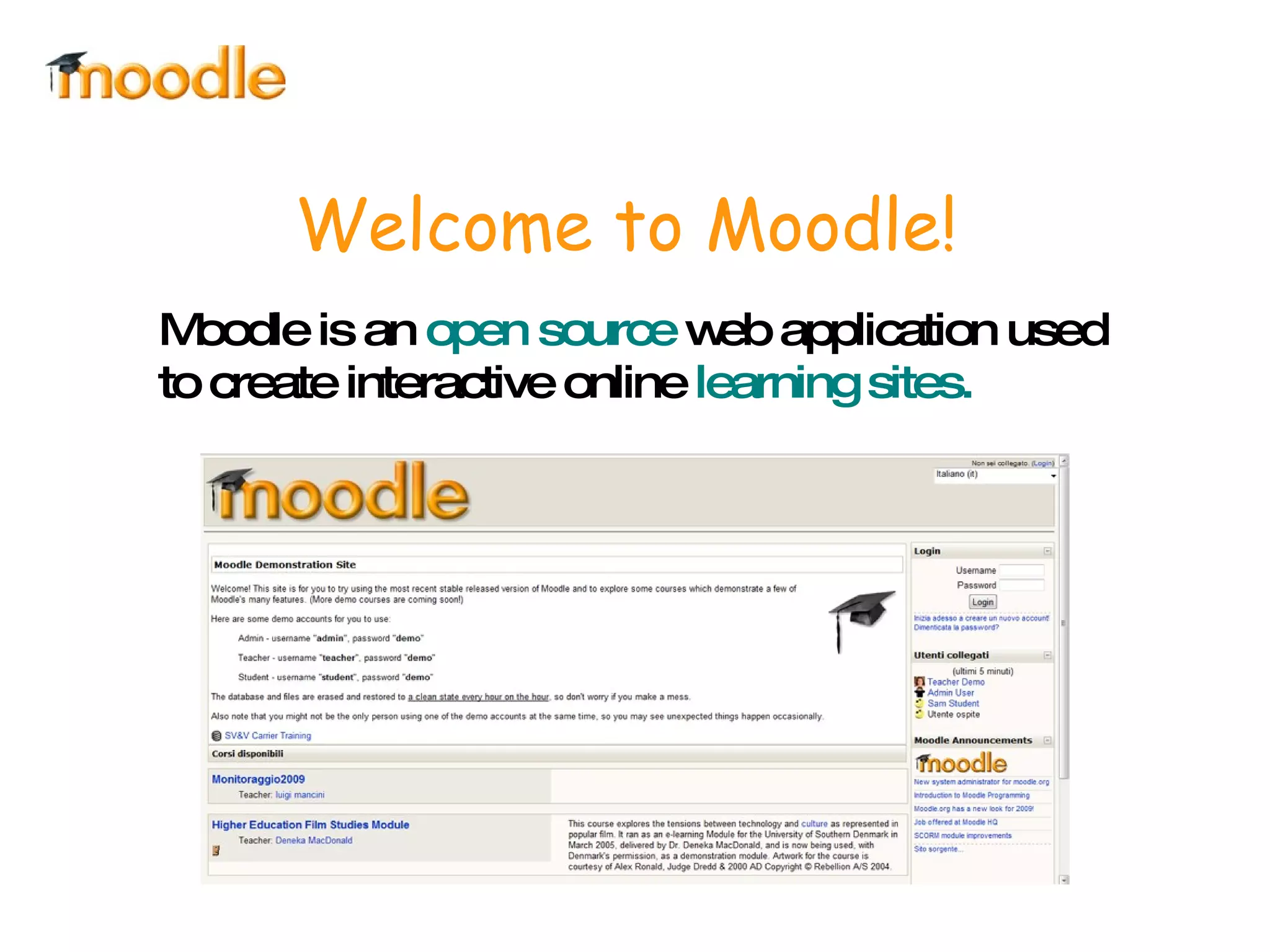
Welcome to Moodle! Moodle is an  open source  web application used to create interactive online  learning sites.
“ Who” is Moodle? Moodle that is the acronym for M odular  O bject- O riented  D ynamic  L earning  E nvironment it's an online  Learning Management System  (LMS). ITIS Corni – Modena, Italy
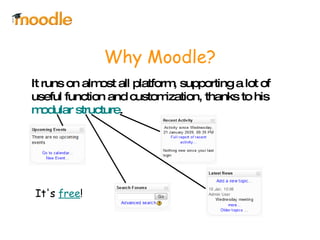
It runs on almost all platform, supporting a lot of useful function and customization, thanks to his  modular structure .  Why Moodle? It's  free !
It is used all over the world by teachers and educators and it's probably  the best E-Learning tool  in the net! Why Moodle? Also, it's available in  78 languages !
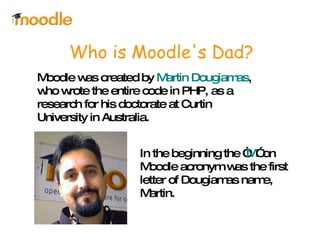
Moodle was created by  Martin Dougiamas , who wrote the entire code in PHP, as a research for his doctorate at Curtin University in Australia. Who is Moodle's Dad? In the beginning the “ M ” on Moodle acronym was the first letter of Dougiamas name, Martin.
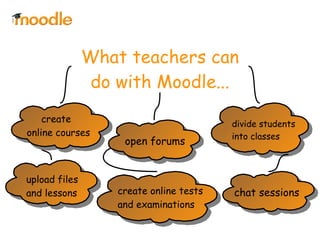
What teachers can do with Moodle... create online tests and examinations  upload files  and lessons create online courses divide students  into classes open forums chat sessions
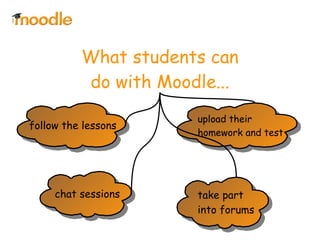
What students can do with Moodle... follow the lessons take part  into forums chat sessions upload their  homework and test
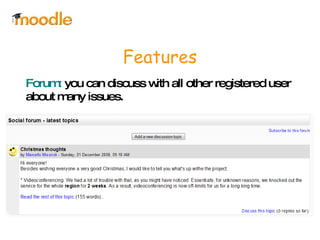
Features Forum:  you can discuss with all other registered user about many issues.
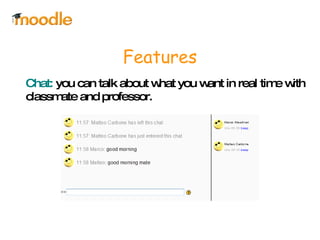
Features Chat:  you can talk about what you want in real time with classmate and professor.
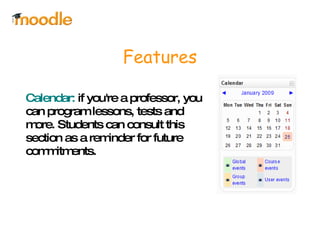
Features Calendar:  if you're a professor, you can program lessons, tests and more. Students can consult this section as a reminder for future commitments.
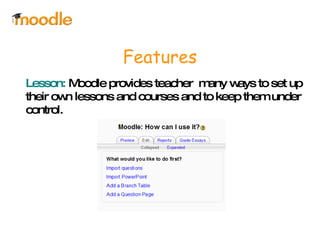
Features Lesson:  Moodle provides teacher  many ways to set up their own lessons and courses and to keep them under control.
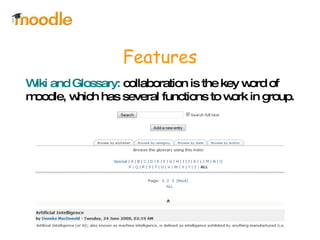
Features Wiki and Glossary:  collaboration is the key word of moodle, which has several functions to work in group.
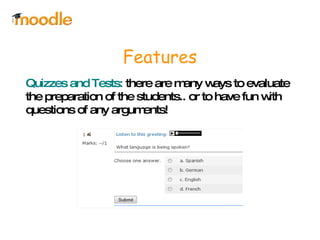
Features Quizzes and Tests:  there are many ways to evaluate the preparation of the students.. or to have fun with questions of any arguments!
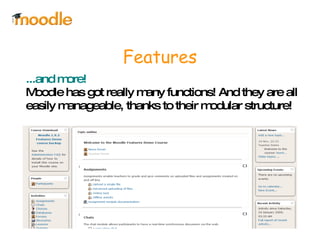
Features ...and more!   Moodle has got really many functions! And they are all easily manageable, thanks to their modular structure!
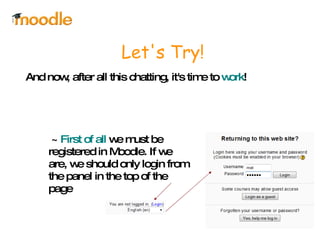
Let's Try! And now, after all this chatting, it's time to  work !  ~  First of all  we must be registered in Moodle. If we are, we should only login from the panel in the top of the page
Thanks for Watching So... this is  Moodle !  If I had to explain all the  functions ,  features  and  customizations  that moodle supports, i would have to keep this presentation going for hours but i think you're a bit tired now, so i'll stop right here, but  i'm inviting you to use it  as soon as you have the chance.. Bye!

Moodle Intro Power Point

  • 1.
    Welcome to Moodle!Moodle is an open source web application used to create interactive online learning sites.
  • 2.
    “ Who” isMoodle? Moodle that is the acronym for M odular O bject- O riented D ynamic L earning E nvironment it's an online Learning Management System (LMS). ITIS Corni – Modena, Italy
  • 3.
    It runs onalmost all platform, supporting a lot of useful function and customization, thanks to his modular structure . Why Moodle? It's free !
  • 4.
    It is usedall over the world by teachers and educators and it's probably the best E-Learning tool in the net! Why Moodle? Also, it's available in 78 languages !
  • 5.
    Moodle was createdby Martin Dougiamas , who wrote the entire code in PHP, as a research for his doctorate at Curtin University in Australia. Who is Moodle's Dad? In the beginning the “ M ” on Moodle acronym was the first letter of Dougiamas name, Martin.
  • 6.
    What teachers cando with Moodle... create online tests and examinations upload files and lessons create online courses divide students into classes open forums chat sessions
  • 7.
    What students cando with Moodle... follow the lessons take part into forums chat sessions upload their homework and test
  • 8.
    Features Forum: you can discuss with all other registered user about many issues.
  • 9.
    Features Chat: you can talk about what you want in real time with classmate and professor.
  • 10.
    Features Calendar: if you're a professor, you can program lessons, tests and more. Students can consult this section as a reminder for future commitments.
  • 11.
    Features Lesson: Moodle provides teacher many ways to set up their own lessons and courses and to keep them under control.
  • 12.
    Features Wiki andGlossary: collaboration is the key word of moodle, which has several functions to work in group.
  • 13.
    Features Quizzes andTests: there are many ways to evaluate the preparation of the students.. or to have fun with questions of any arguments!
  • 14.
    Features ...and more! Moodle has got really many functions! And they are all easily manageable, thanks to their modular structure!
  • 15.
    Let's Try! Andnow, after all this chatting, it's time to work ! ~ First of all we must be registered in Moodle. If we are, we should only login from the panel in the top of the page
  • 16.
    Thanks for WatchingSo... this is Moodle ! If I had to explain all the functions , features and customizations that moodle supports, i would have to keep this presentation going for hours but i think you're a bit tired now, so i'll stop right here, but i'm inviting you to use it as soon as you have the chance.. Bye!