Module for Principles and Application of Precision Agriculture

Requirements for each Participant

    a. Should have own Laptop or Personnel Computers

    b. Internet accessibility to download Google Earth software

        And Statistical data verification

    c. Software GS+ For Windows

    d. Software MapInfo Professional Version 8.5

DAY 1

The needs of Precision Agriculture

Precision Agriculture Concept and System

Yield Variability

Component of Principle Agriculture

    a. Spatial Referring

    b. Crop and Soil Monitoring

    c. Spatial Prediction and Mapping

    d. Decision Support

    e. Differential Action

Technology in Precision Agriculture

    a. Remote Sensing (RS)

    b. Geographic Informations System (GIS)

    c. Global Positioning System (GPS)

    d. Variable-rate technology (VRT)

Quantify Variability using Geostatistics Sensors

    a. Concept

    b. Procedure in Sampling, Variogram and Interpolation
Soil Sampling

Sampling Method

Geostatistic Steps

    a. Spatial Modelling (variography)

    b. Spatial Interpolation (Kriging)


Variography using Semivariogram

    a. Understanding Sill

    b. Understanding Nuggets

    c. Understanding Range

Afternoon – Computer Works

    1. Installation of Software GS+ (Geostatistic for the Environmental Sciences) and MapInfo
       Professional Version 8.5

    2. Download Software Google Earth

    3. Ensure Mapinfo with Projection of Malaysia

    4. Data Sampling download from Word/ Excell

DAY 2

Understanding Type of Variogram Modelling

    a. Spherical

    b. Exponential

    c. Gaussian

    d. Hole effect

    e. Anisotropic

    f.   Isotropic

Interpolation Method

    a. Nearest neighbor
b. Local average

    c. Inverse distance weighting

    d. Contouring

    e. Kriging

Sensor System

Positioning Systems (Satelite-based navigation System)

GPS Accuracy and factors affecting it

Differential GPS


Geographic Information System

    a. Objectives

    b. Types

    c. Sources

    d. Component Hardware

    e. Digital mapping

    f.   Process and Data Processing

    g. GIS Data Format (Raster and Vector)

Remote Sensing

    a. Understanding

    b. Method Data Collection

    c. Uses of Data and Advantages

    d. Basic of RS

    e. Electromagnetic Spectrum and understanding
f.   Active Sensing System

    g. Passive Sensing System

    h. Measurement of performance

    i.   RS Data for Site Specific purpose

Introduction to GIS

    a. What and Why GIS is important

    b. Practical Application

    c. GIS as s set of Interrelated Subsystem

    d. Geospatial Data (Digital and Analogue data)

    e. Data inputs

    f.   Raster data

    g. Vector Data

    h. Database management system

    i.   Vector Overlay processing Algorithms

         1. Point-in-Polygon

         2. Line-in-Polygon

         3. Polygon-on-Polygon

    j.   Raster Spatial Analysis – Specific Theory

    k. Bilinear Interpolation

    l.   Digital elevation model


Remote Sensing

    a. Concept of Sampling

    b. Basic Step of Visual and Digital Image Analysis
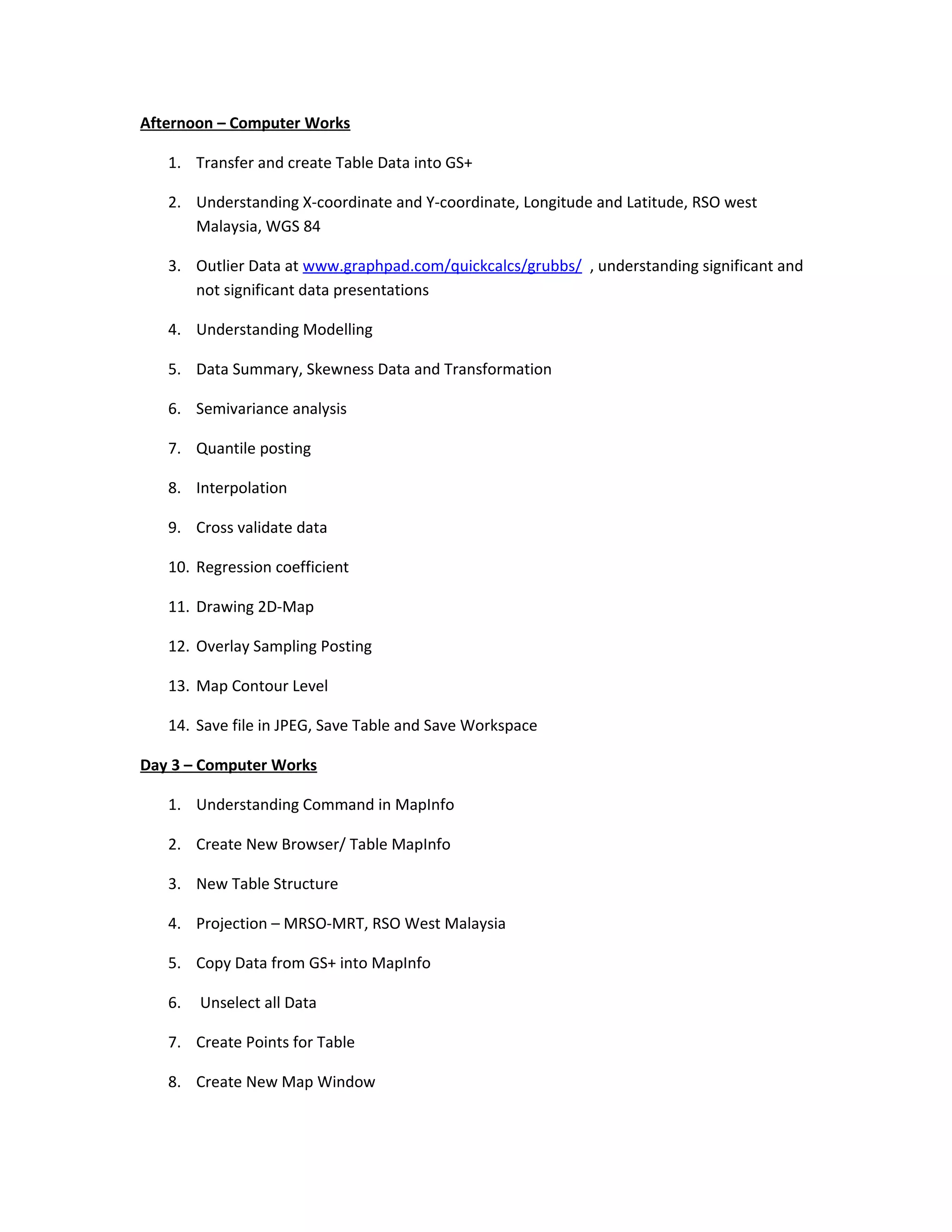
Afternoon – Computer Works

   1. Transfer and create Table Data into GS+

   2. Understanding X-coordinate and Y-coordinate, Longitude and Latitude, RSO west
      Malaysia, WGS 84

   3. Outlier Data at www.graphpad.com/quickcalcs/grubbs/ , understanding significant and
      not significant data presentations

   4. Understanding Modelling

   5. Data Summary, Skewness Data and Transformation

   6. Semivariance analysis

   7. Quantile posting

   8. Interpolation

   9. Cross validate data

   10. Regression coefficient

   11. Drawing 2D-Map

   12. Overlay Sampling Posting

   13. Map Contour Level

   14. Save file in JPEG, Save Table and Save Workspace

Day 3 – Computer Works

   1. Understanding Command in MapInfo

   2. Create New Browser/ Table MapInfo

   3. New Table Structure

   4. Projection – MRSO-MRT, RSO West Malaysia

   5. Copy Data from GS+ into MapInfo

   6.   Unselect all Data

   7. Create Points for Table

   8. Create New Map Window
9. Understanding Layer Control

10. Layer Control for ID

11. Layer Control for Z value

12. Map Option (change into metric unit)

13. Choose projection Latitude/Longitude (WGS 84)

14. Understanding point object coordinate

15. Overlay Coordinate into Google Earth Live

16. Drawing Polygon or Polyline on Map

17. Check Region Object

18. Save as Table, Save as Workspace

19. Create Raster Table and Image Registeration, Error must be zero

20. Confirmed control points and Malaysia projections

21. Overlay Map onto Sampling Data

22. Layer control to clear map outside maintained Digitalized Map layer and alter other
    layer

23. New Table, Add to current Mapper and create

24. Save Table and Save Workspace

25. Layer control, maintained Digitalized Map layer and unclick cosmetic layer and other
    layer if required accordingly

26. Understanding Polygon and Polyline and Corner

27. Commence Digitized

28. Create Map

    -   Draw Distance Scale

    -   Draw North Indicator

    -   Draw Legends

29. Finalised Map

Module for principles and application of precision agriculture

  • 1.
    Module for Principlesand Application of Precision Agriculture Requirements for each Participant a. Should have own Laptop or Personnel Computers b. Internet accessibility to download Google Earth software And Statistical data verification c. Software GS+ For Windows d. Software MapInfo Professional Version 8.5 DAY 1 The needs of Precision Agriculture Precision Agriculture Concept and System Yield Variability Component of Principle Agriculture a. Spatial Referring b. Crop and Soil Monitoring c. Spatial Prediction and Mapping d. Decision Support e. Differential Action Technology in Precision Agriculture a. Remote Sensing (RS) b. Geographic Informations System (GIS) c. Global Positioning System (GPS) d. Variable-rate technology (VRT) Quantify Variability using Geostatistics Sensors a. Concept b. Procedure in Sampling, Variogram and Interpolation
  • 2.
    Soil Sampling Sampling Method GeostatisticSteps a. Spatial Modelling (variography) b. Spatial Interpolation (Kriging) Variography using Semivariogram a. Understanding Sill b. Understanding Nuggets c. Understanding Range Afternoon – Computer Works 1. Installation of Software GS+ (Geostatistic for the Environmental Sciences) and MapInfo Professional Version 8.5 2. Download Software Google Earth 3. Ensure Mapinfo with Projection of Malaysia 4. Data Sampling download from Word/ Excell DAY 2 Understanding Type of Variogram Modelling a. Spherical b. Exponential c. Gaussian d. Hole effect e. Anisotropic f. Isotropic Interpolation Method a. Nearest neighbor
  • 3.
    b. Local average c. Inverse distance weighting d. Contouring e. Kriging Sensor System Positioning Systems (Satelite-based navigation System) GPS Accuracy and factors affecting it Differential GPS Geographic Information System a. Objectives b. Types c. Sources d. Component Hardware e. Digital mapping f. Process and Data Processing g. GIS Data Format (Raster and Vector) Remote Sensing a. Understanding b. Method Data Collection c. Uses of Data and Advantages d. Basic of RS e. Electromagnetic Spectrum and understanding
  • 4.
    f. Active Sensing System g. Passive Sensing System h. Measurement of performance i. RS Data for Site Specific purpose Introduction to GIS a. What and Why GIS is important b. Practical Application c. GIS as s set of Interrelated Subsystem d. Geospatial Data (Digital and Analogue data) e. Data inputs f. Raster data g. Vector Data h. Database management system i. Vector Overlay processing Algorithms 1. Point-in-Polygon 2. Line-in-Polygon 3. Polygon-on-Polygon j. Raster Spatial Analysis – Specific Theory k. Bilinear Interpolation l. Digital elevation model Remote Sensing a. Concept of Sampling b. Basic Step of Visual and Digital Image Analysis
  • 5.
    Afternoon – ComputerWorks 1. Transfer and create Table Data into GS+ 2. Understanding X-coordinate and Y-coordinate, Longitude and Latitude, RSO west Malaysia, WGS 84 3. Outlier Data at www.graphpad.com/quickcalcs/grubbs/ , understanding significant and not significant data presentations 4. Understanding Modelling 5. Data Summary, Skewness Data and Transformation 6. Semivariance analysis 7. Quantile posting 8. Interpolation 9. Cross validate data 10. Regression coefficient 11. Drawing 2D-Map 12. Overlay Sampling Posting 13. Map Contour Level 14. Save file in JPEG, Save Table and Save Workspace Day 3 – Computer Works 1. Understanding Command in MapInfo 2. Create New Browser/ Table MapInfo 3. New Table Structure 4. Projection – MRSO-MRT, RSO West Malaysia 5. Copy Data from GS+ into MapInfo 6. Unselect all Data 7. Create Points for Table 8. Create New Map Window
  • 6.
    9. Understanding LayerControl 10. Layer Control for ID 11. Layer Control for Z value 12. Map Option (change into metric unit) 13. Choose projection Latitude/Longitude (WGS 84) 14. Understanding point object coordinate 15. Overlay Coordinate into Google Earth Live 16. Drawing Polygon or Polyline on Map 17. Check Region Object 18. Save as Table, Save as Workspace 19. Create Raster Table and Image Registeration, Error must be zero 20. Confirmed control points and Malaysia projections 21. Overlay Map onto Sampling Data 22. Layer control to clear map outside maintained Digitalized Map layer and alter other layer 23. New Table, Add to current Mapper and create 24. Save Table and Save Workspace 25. Layer control, maintained Digitalized Map layer and unclick cosmetic layer and other layer if required accordingly 26. Understanding Polygon and Polyline and Corner 27. Commence Digitized 28. Create Map - Draw Distance Scale - Draw North Indicator - Draw Legends 29. Finalised Map