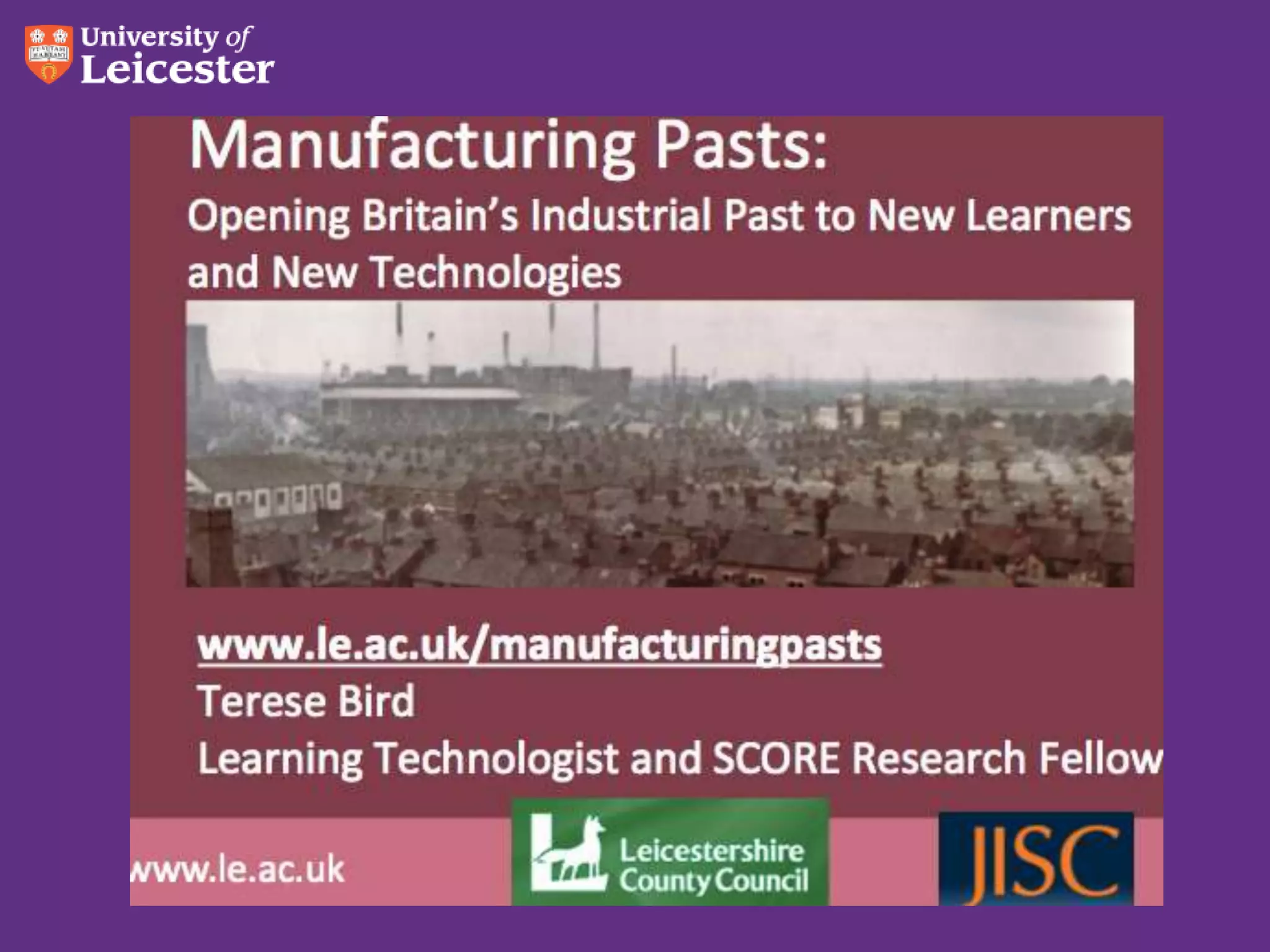
How to make appropriate learning
   materials for various m-devices


    Terese Bird
    Learning Technologist and SCORE Research Fellow
    Beyond Distance Research Alliance

    MobiLearnAsia Conference Singapore 26 Oct 2012

www.le.ac.uk
What will we talk about?
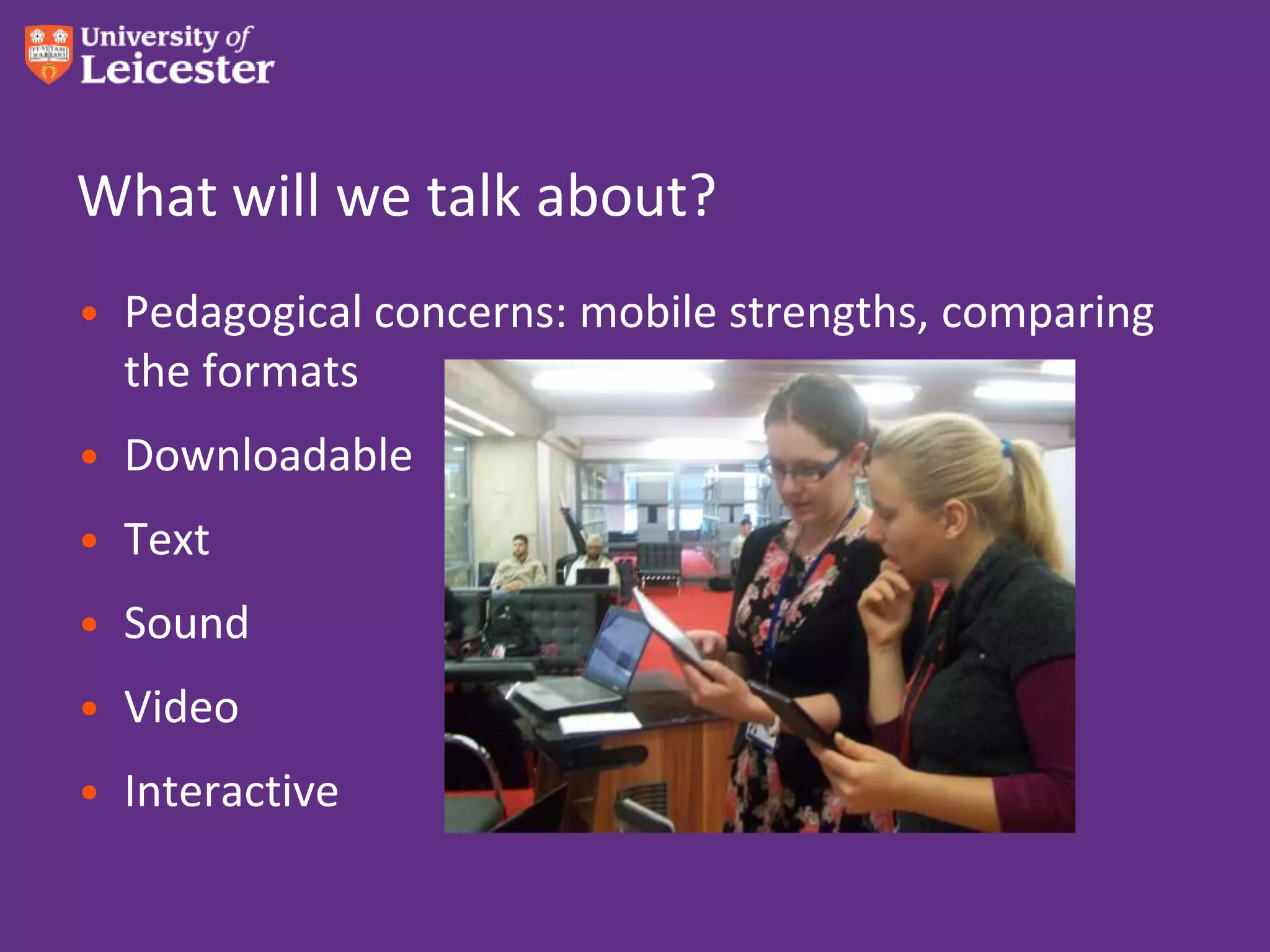
• Pedagogical concerns: mobile strengths, comparing
  the formats
• Downloadable
• Text
• Sound
• Video
• Interactive
What are you hoping to learn today?


                 Photo by shaunwong on Flickr
Oh the pedagogy of it all!
• Mobile strengths:
  – In class:
      • BYOD group or pairs work – look up,discuss,respond
      • One-to-one – everything but some create work
      • Lab work – electronic lab notebook
      • More immediate than ICT suite
   – Out of class:
      • Field work - capture
      • Homework – flipped lecture
      • Research – capture & process
What format for content?
• It’s usually faster to read than to listen or watch
• A picture paints a thousand words
• Photos can mislead
• More is communicated by voice than just the words
• Video: some things must be shown
• Interactivity encourages exploration
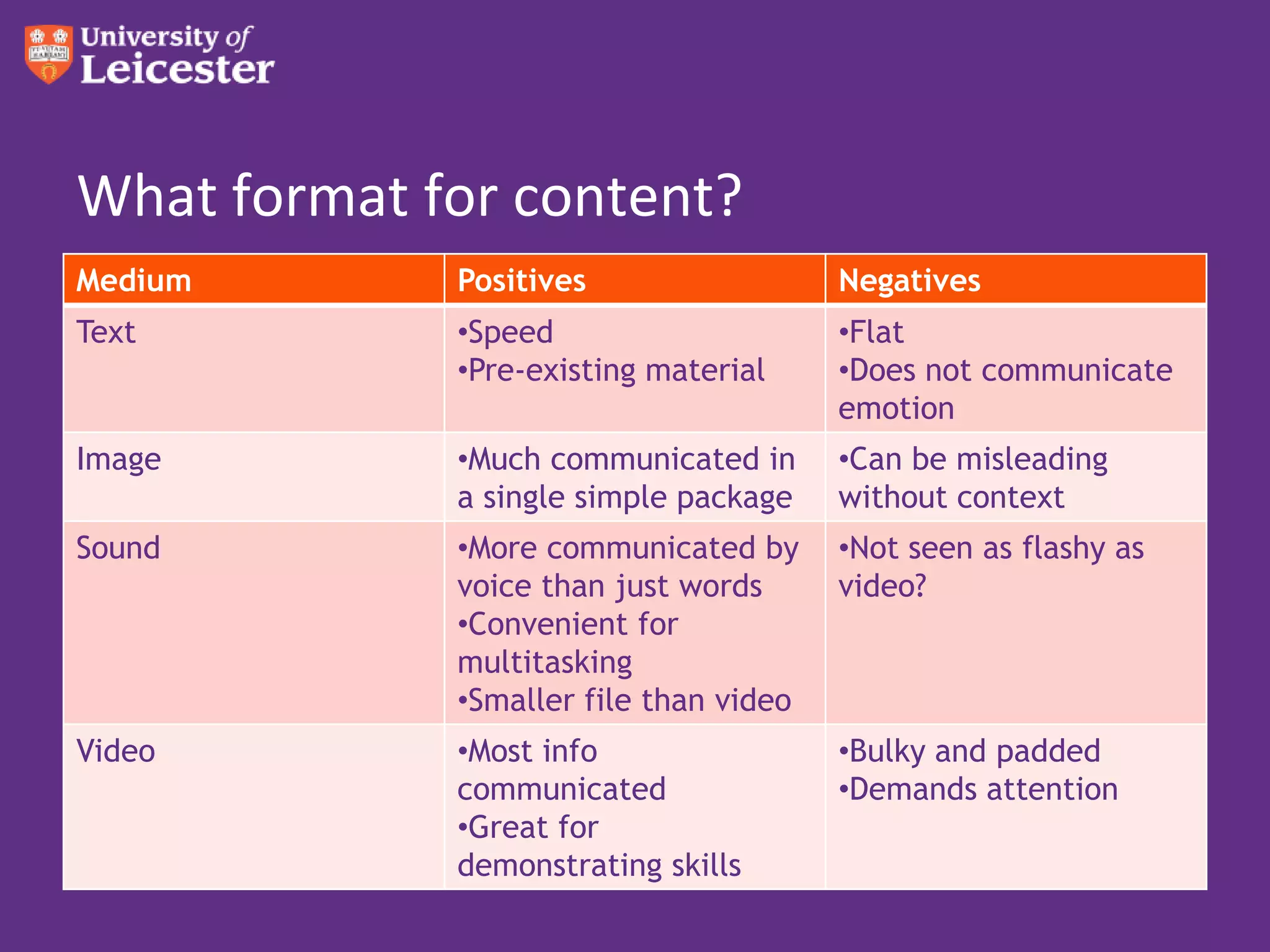
What format for content?
Medium       Positives                  Negatives
Text         •Speed                     •Flat
             •Pre-existing material     •Does not communicate
                                        emotion
Image        •Much communicated in      •Can be misleading
             a single simple package    without context
Sound        •More communicated by      •Not seen as flashy as
             voice than just words      video?
             •Convenient for
             multitasking
             •Smaller file than video
Video        •Most info                 •Bulky and padded
             communicated               •Demands attention
             •Great for
             demonstrating skills
Tbird Top Tips – Overall view
• When I designed for Apple
  devices, things worked nicely
  on Android as well
• Dropbox is from heaven
• iTunes can be fiddly
• For downloadable items,
  consider a Creative Commons
  license
Text – ebooks!
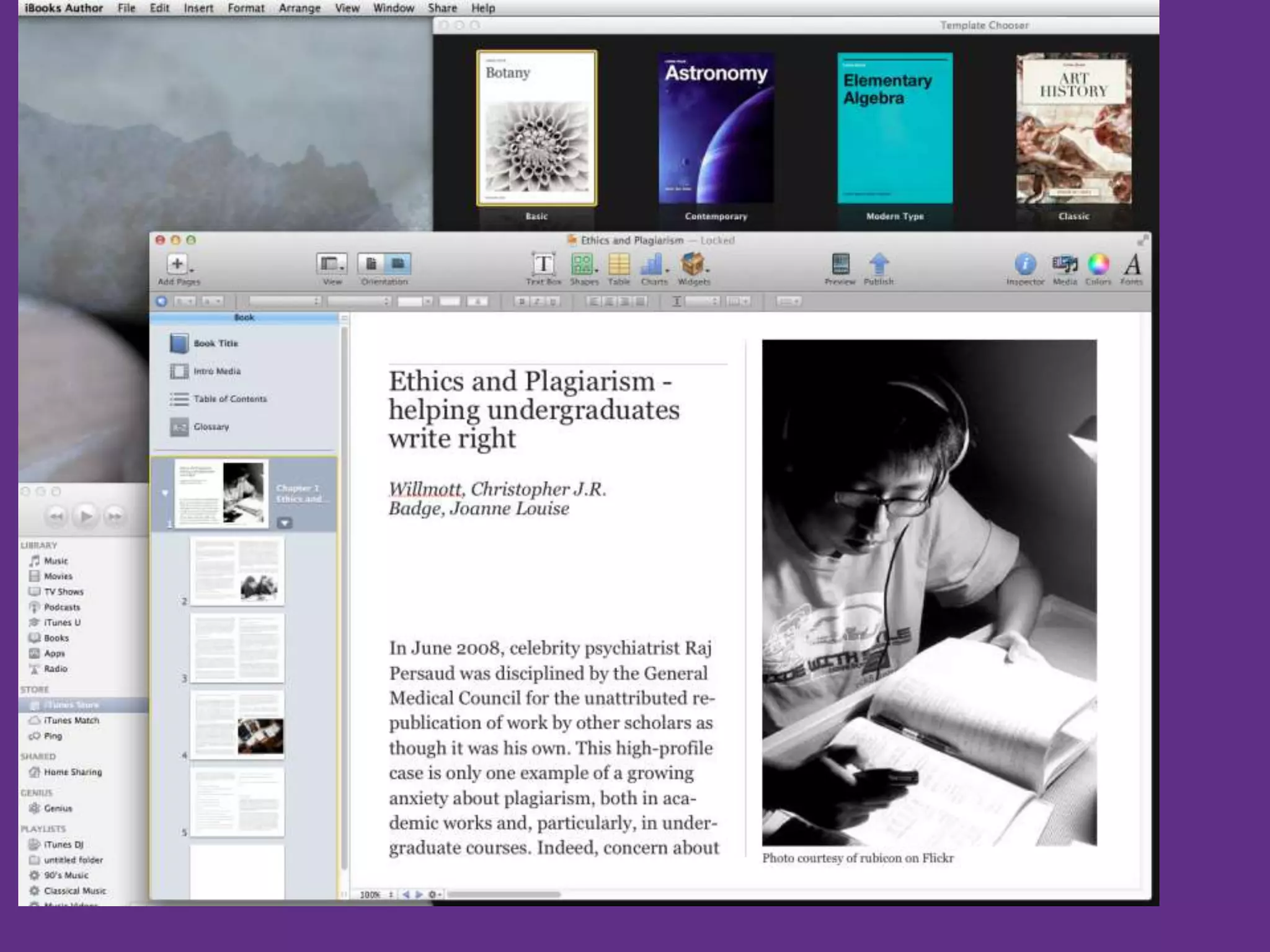
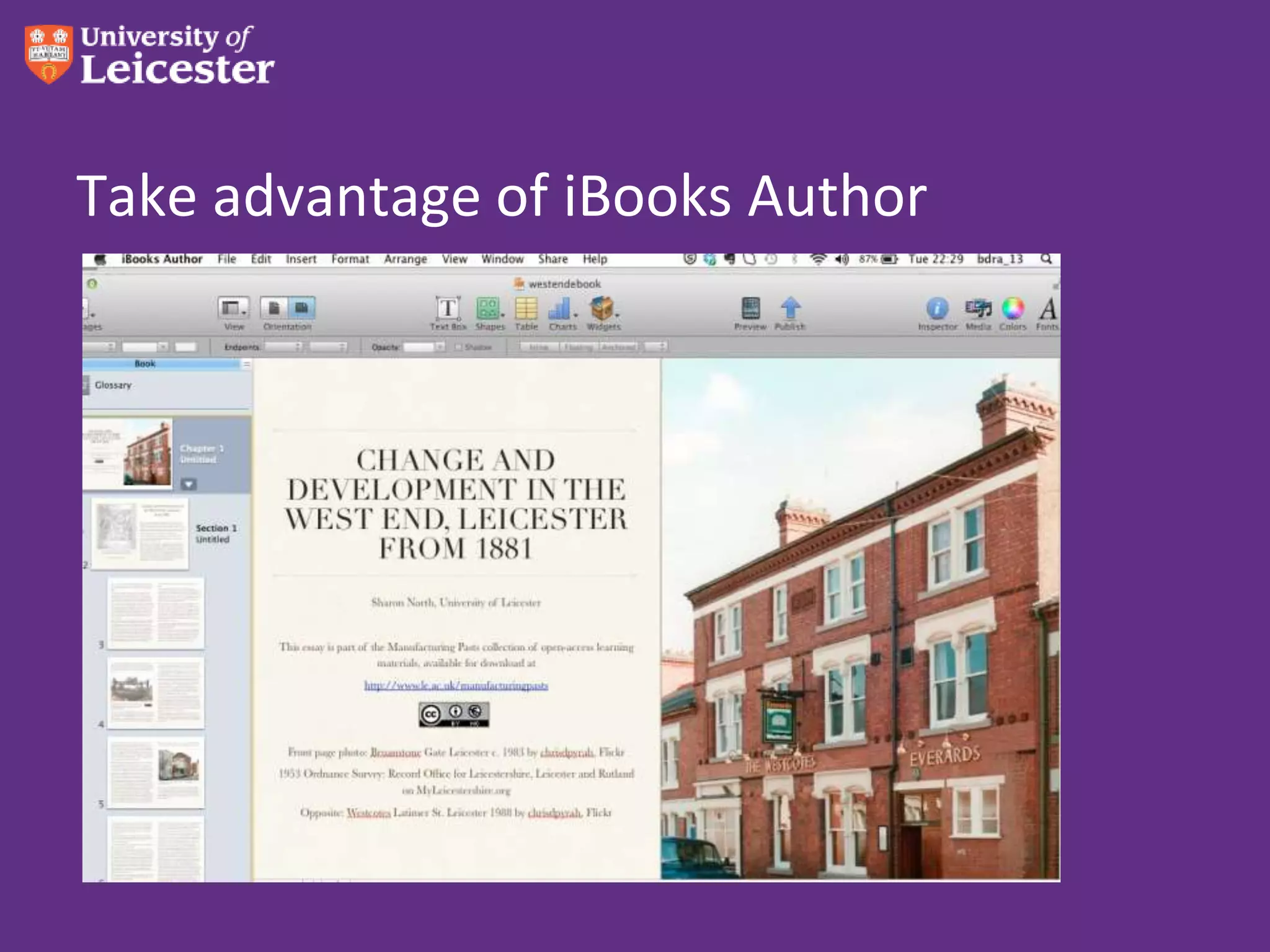
• iBooks Author – simple easy, produces .ibook format
• Free with latest Mac OS
• Print to PDF – it’s beautiful
• If you don’t wish to stop there…
• Can take it into Adobe Acrobat Distiller and save as
  Word
Take advantage of iBooks Author
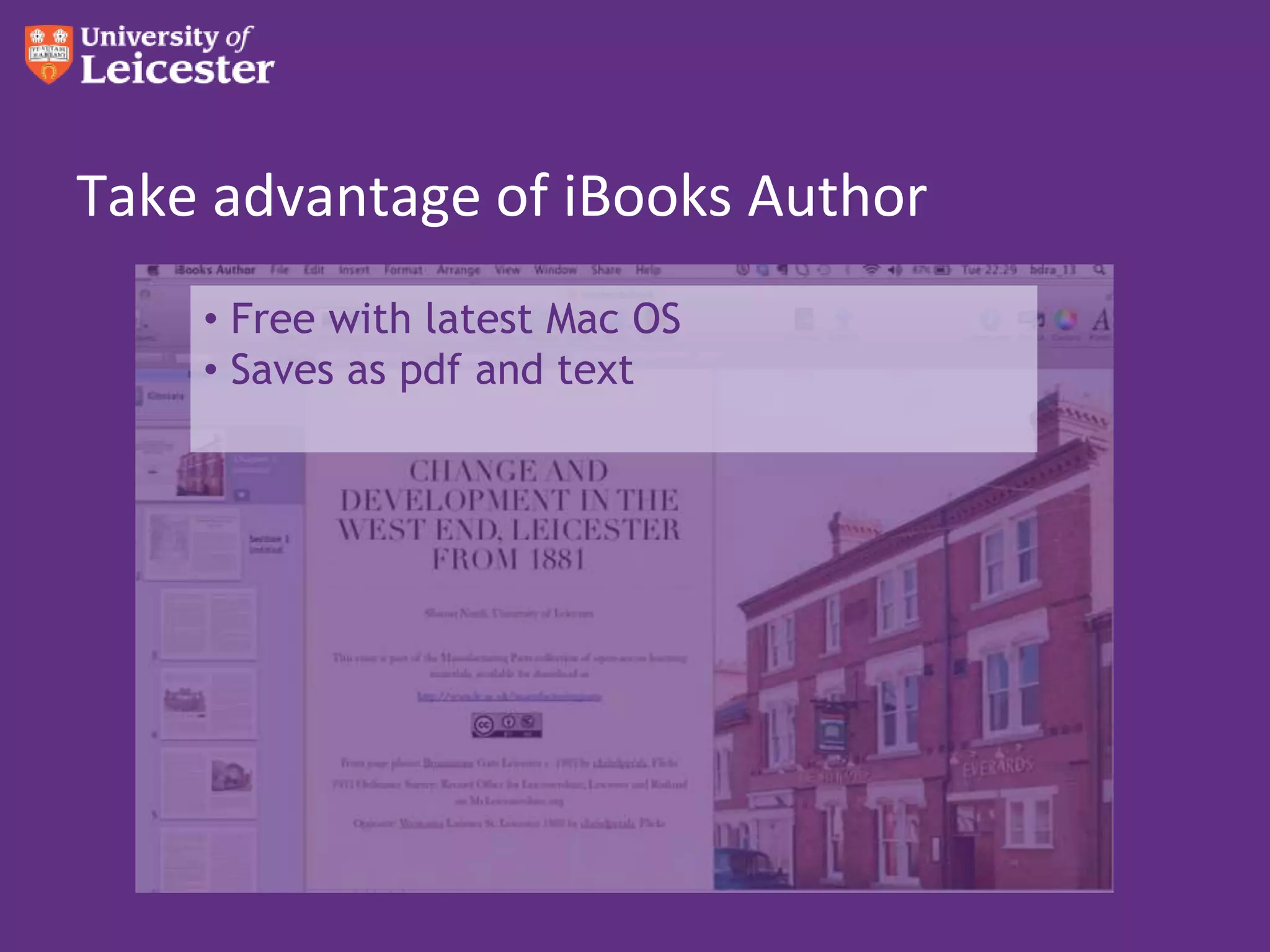
    • Free with latest Mac OS
    • Saves as pdf and text
Now make an epub
• Copy and paste the text into Pages.
• Add photos.
• Add video if you’re sure the devices can handle it
   – iOS: iBooks
   – Android: Kobo, Ibis Reader
• Let it flow!
• Tips: Only inline. No floating objects.
Calibre
• Take a Word doc
• Save as html
• Import into Calibre
• Save as epub or mobi
• Pdf to epub doesn’t really work
• Also try epubbud.com
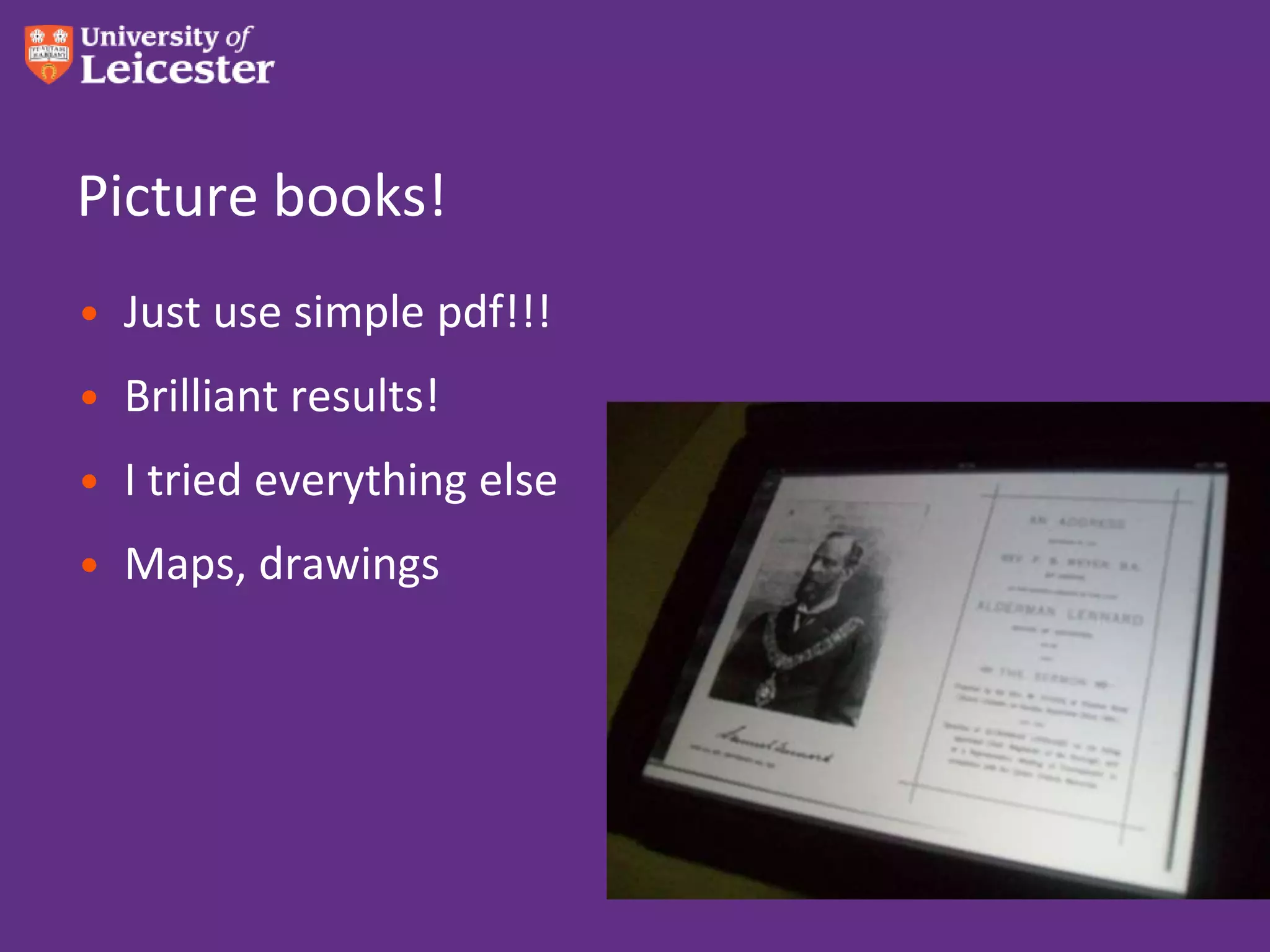
Picture books!
• Just use simple pdf!!!
• Brilliant results!
• I tried everything else
• Maps, drawings
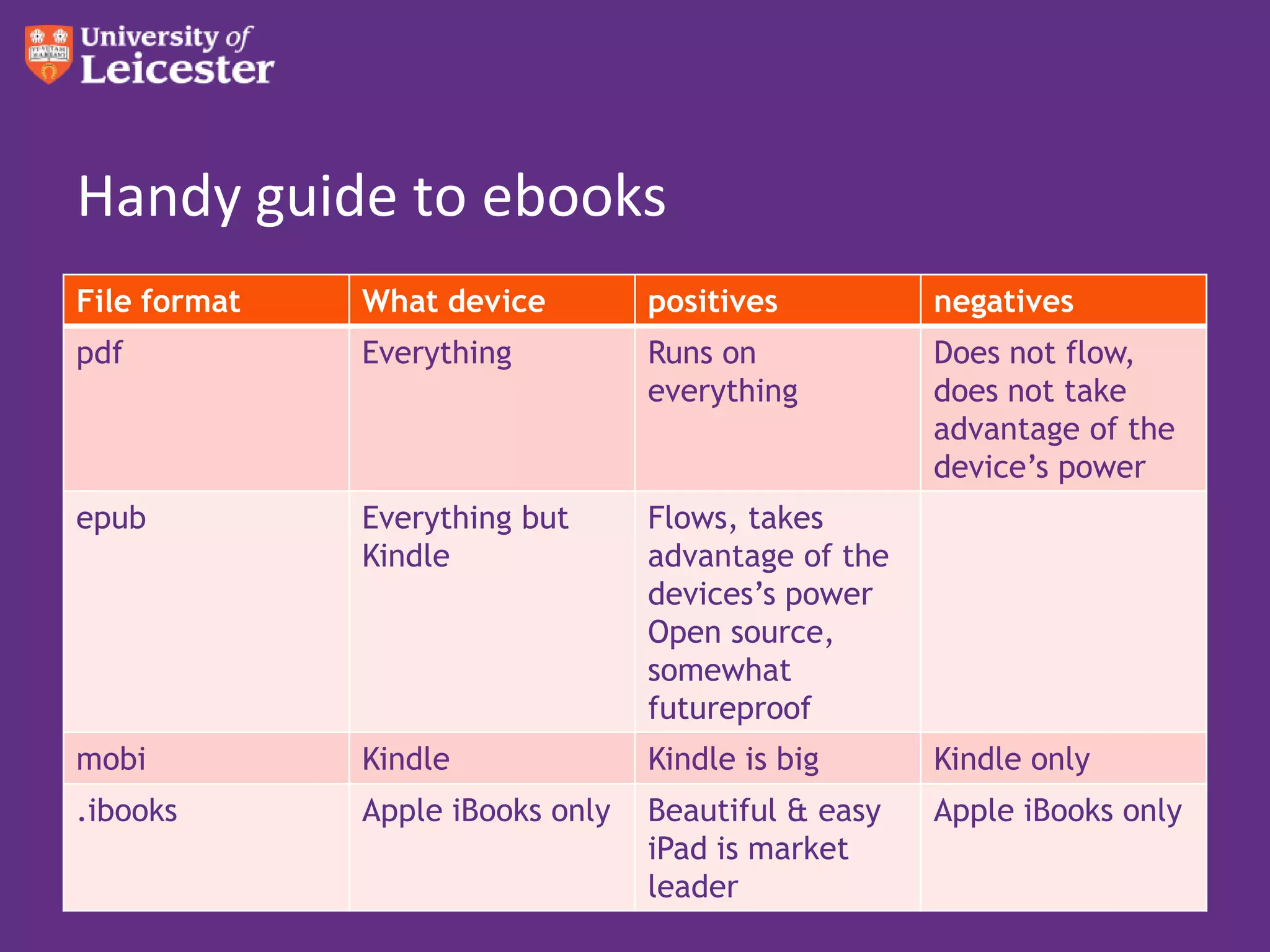
Handy guide to ebooks
File format   What device         positives          negatives
pdf           Everything          Runs on            Does not flow,
                                  everything         does not take
                                                     advantage of the
                                                     device’s power
epub          Everything but      Flows, takes
              Kindle              advantage of the
                                  devices’s power
                                  Open source,
                                  somewhat
                                  futureproof
mobi          Kindle              Kindle is big      Kindle only
.ibooks       Apple iBooks only   Beautiful & easy   Apple iBooks only
                                  iPad is market
                                  leader
Share your stories!


Shall we try it?
Sound


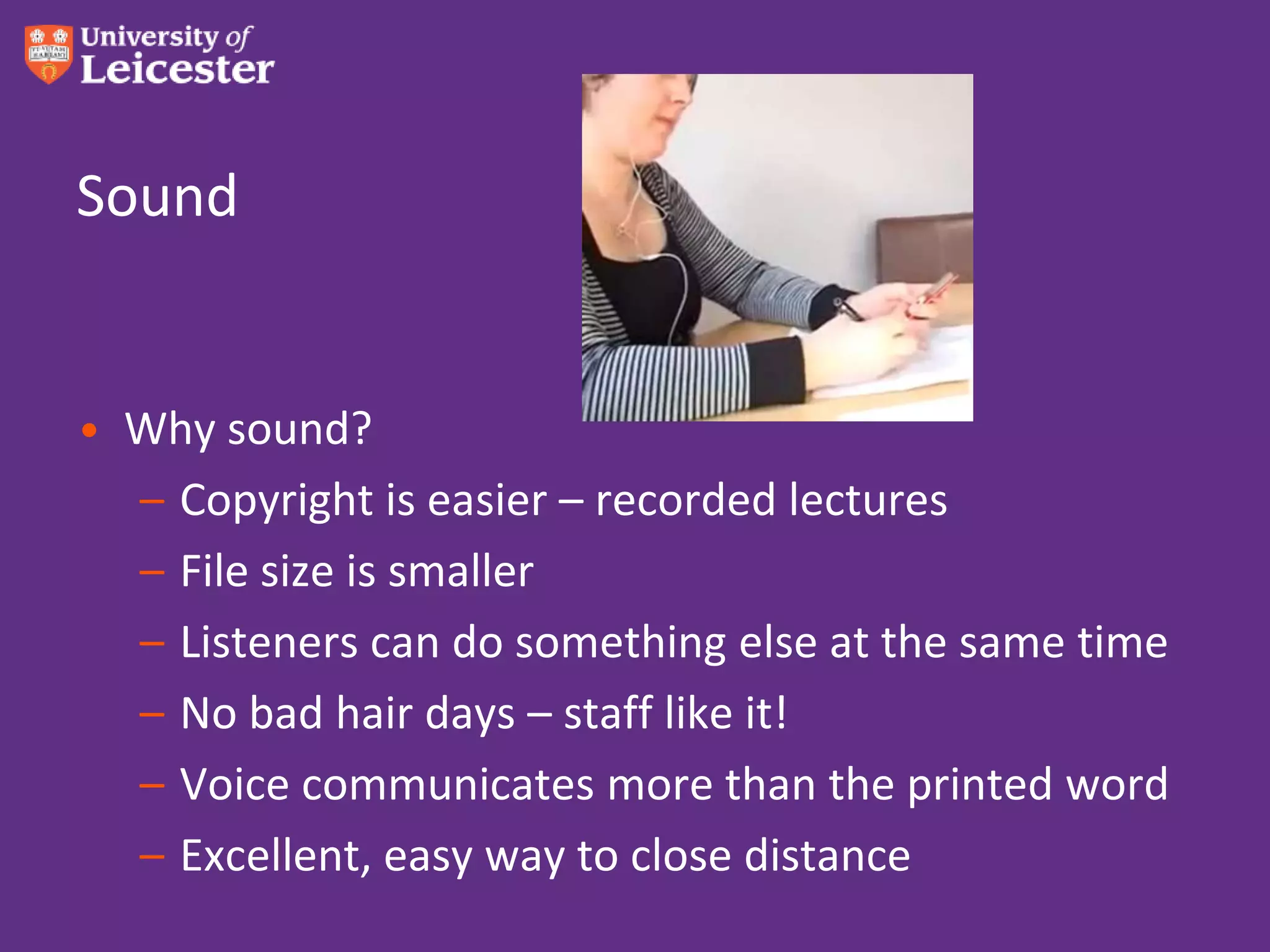
• Why sound?
  – Copyright is easier – recorded lectures
  – File size is smaller
  – Listeners can do something else at the same time
  – No bad hair days – staff like it!
  – Voice communicates more than the printed word
  – Excellent, easy way to close distance
How?
• Audacity
• Garageband
• WindowSound Recorder
• But please save as mp3 (wma and wav are dead)
• And apps!!!...
Audioboo
• Like YouTube for sound
• Record in browser
• Attract comments in browser
• Or simply upload
• RSS out, iTunes out  it’s like magic
• Can send these to Apple if you like
• 5-minute sound limit
Soundcloud
• A bit more socially aware
• The app lets you record so good for students to
  record their own stuff and post up
• Very intuitive
• Longer sound limit
Sound threaded discussions
• WimbaVoiceboard
• Voice Thread
• Voxopop
Examples of use
• Audio feedback – increased marks & retention
  http://www.le.ac.uk/duckling
• Voice discussions
• Audioboo – Field use – listen to teacher’s description
  of a flower, student audio-records her own
  comments and findings
• Student can record, using Audioboo for iPhone
  (don’t use iPad app yet)
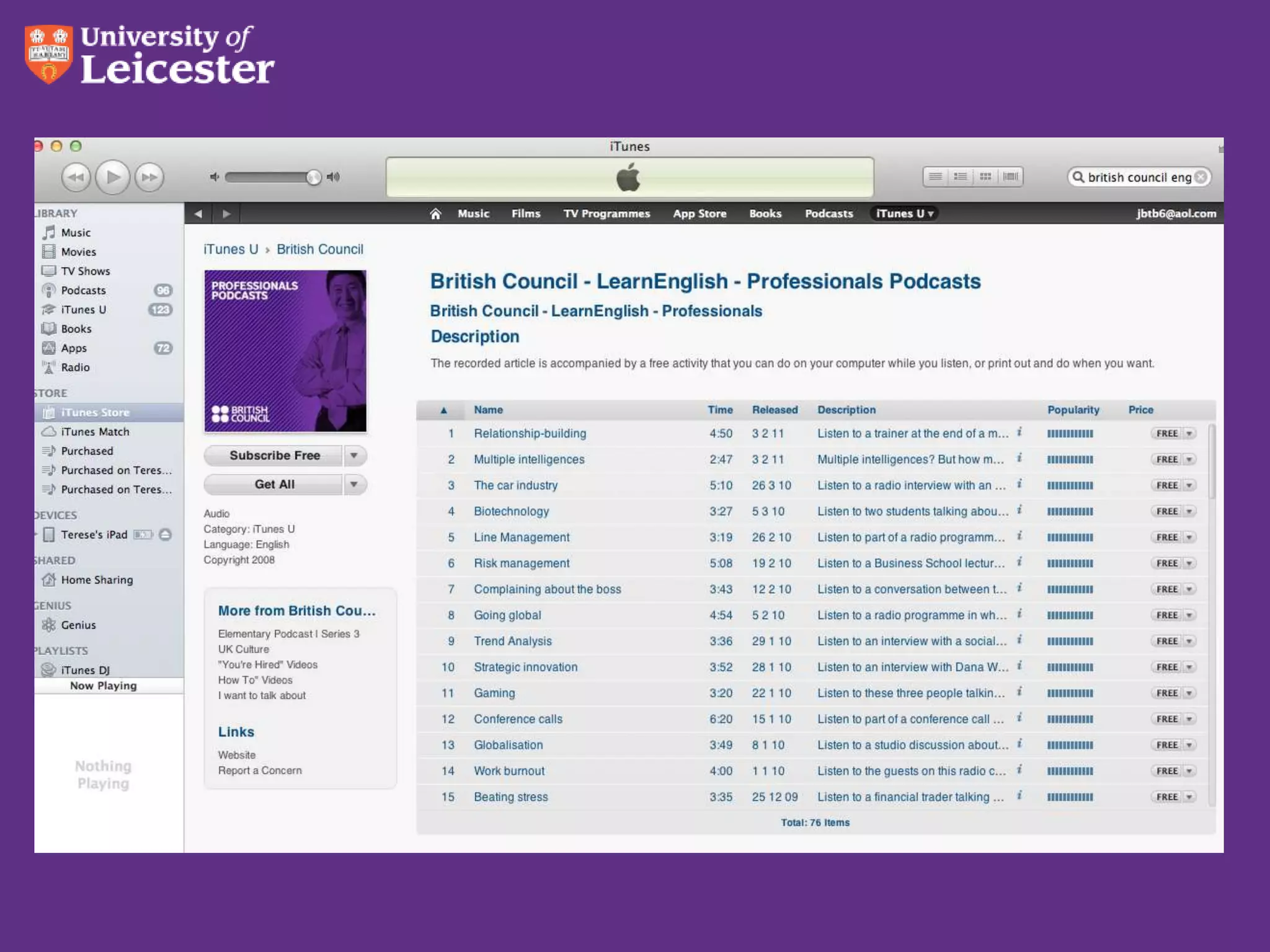
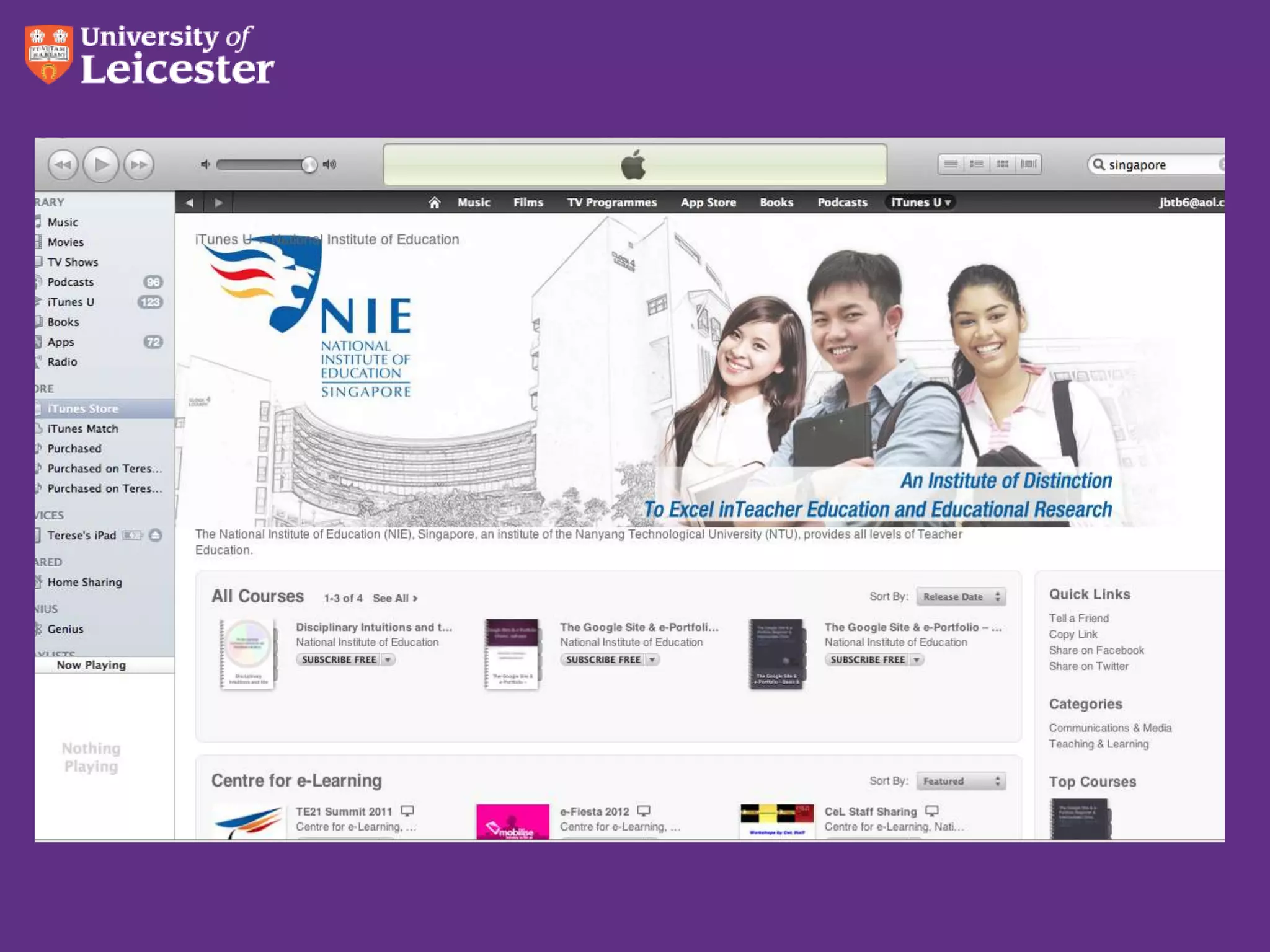
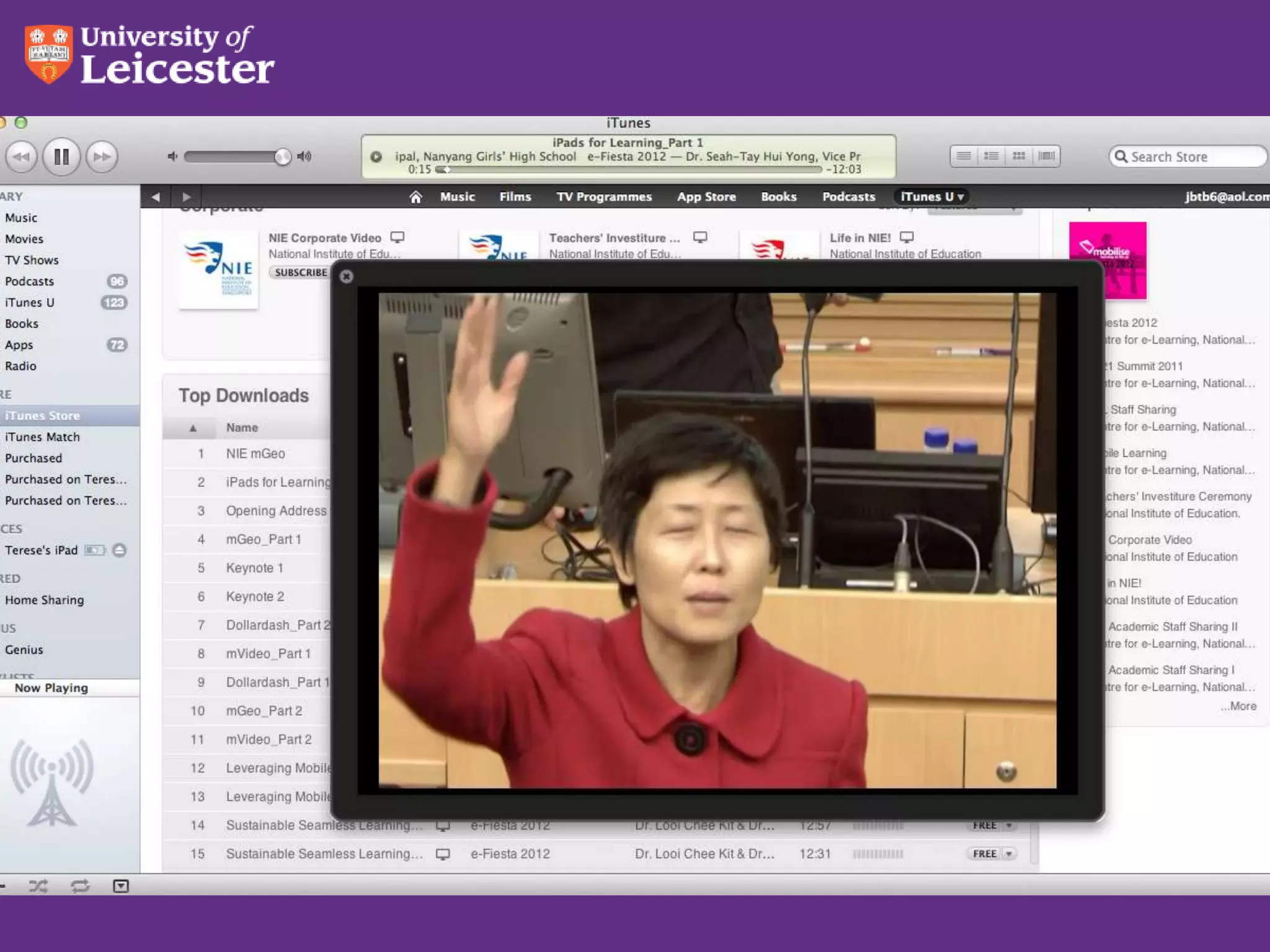
Sound on iTunes U
• Easy to get going
• Oxford example
Share your stories!


Shall we try it?
Video
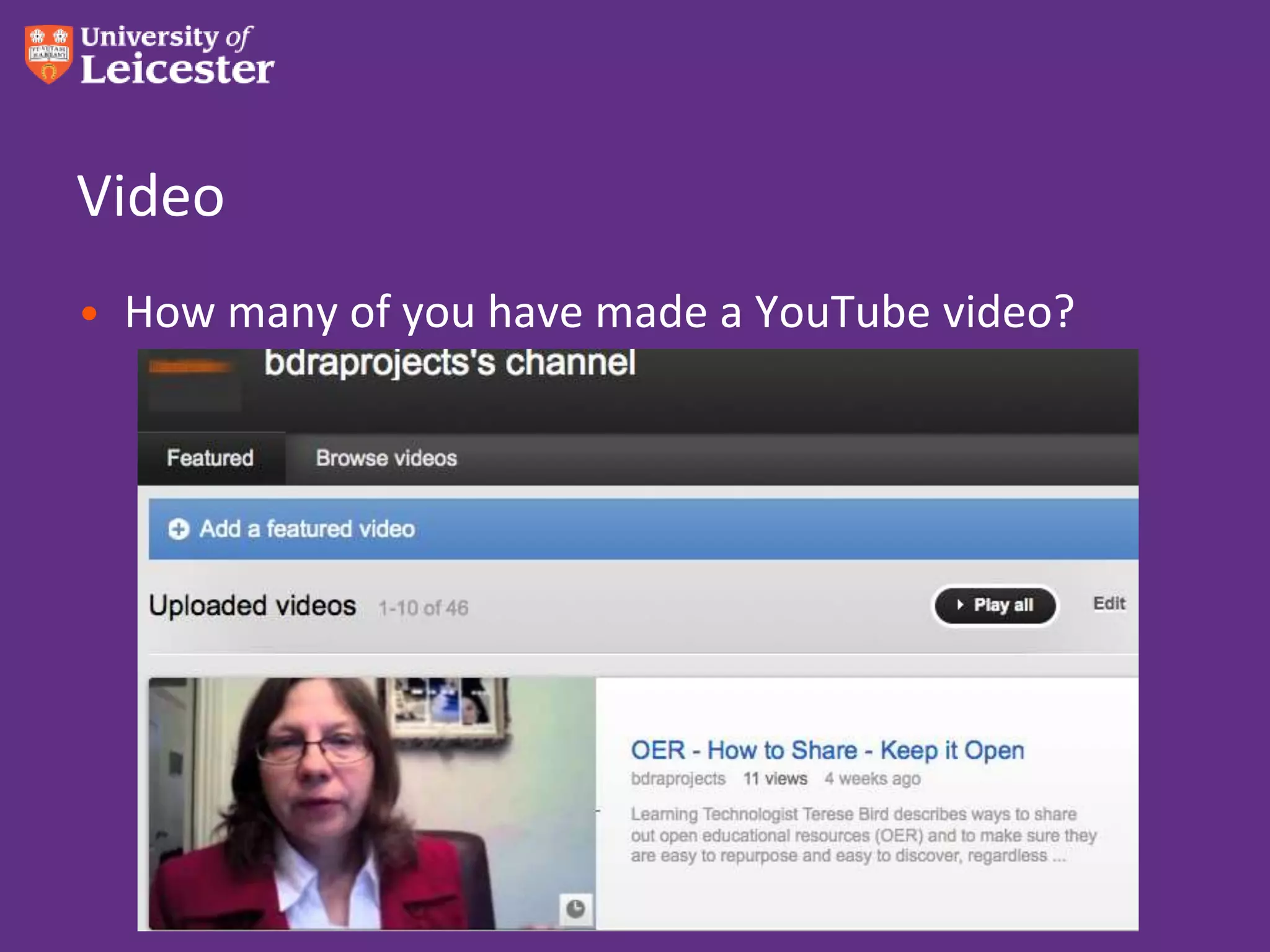
• How many of you have made a YouTube video?
YouTube facts
• 10 minute limit
• Great to embed into LMS
• Comments are a mixed blessing
• Good statistics
• Use branding
• Not too easy to download the video
• Good way to convert files to mp4
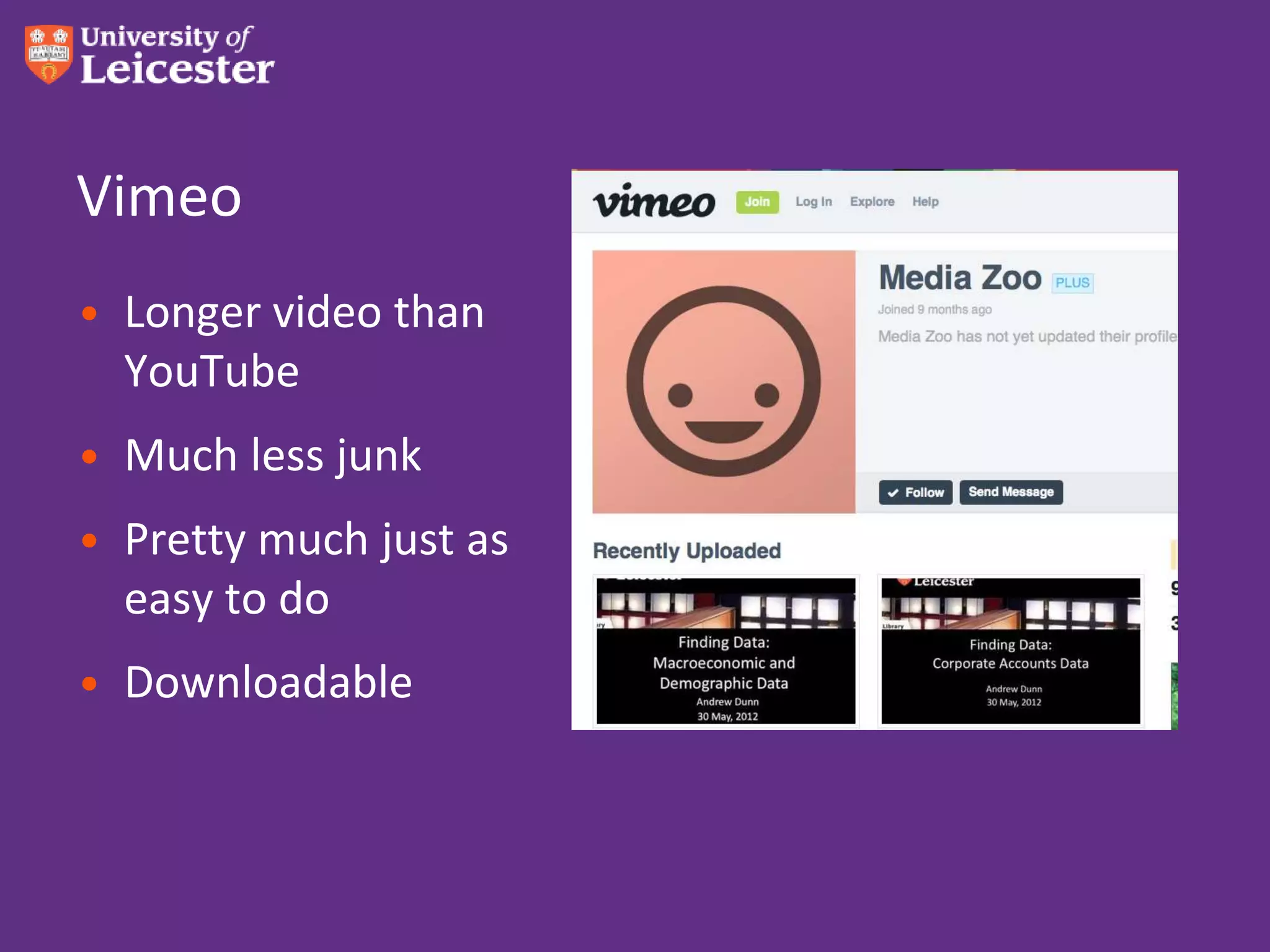
Vimeo
• Longer video than
  YouTube
• Much less junk
• Pretty much just as
  easy to do
• Downloadable
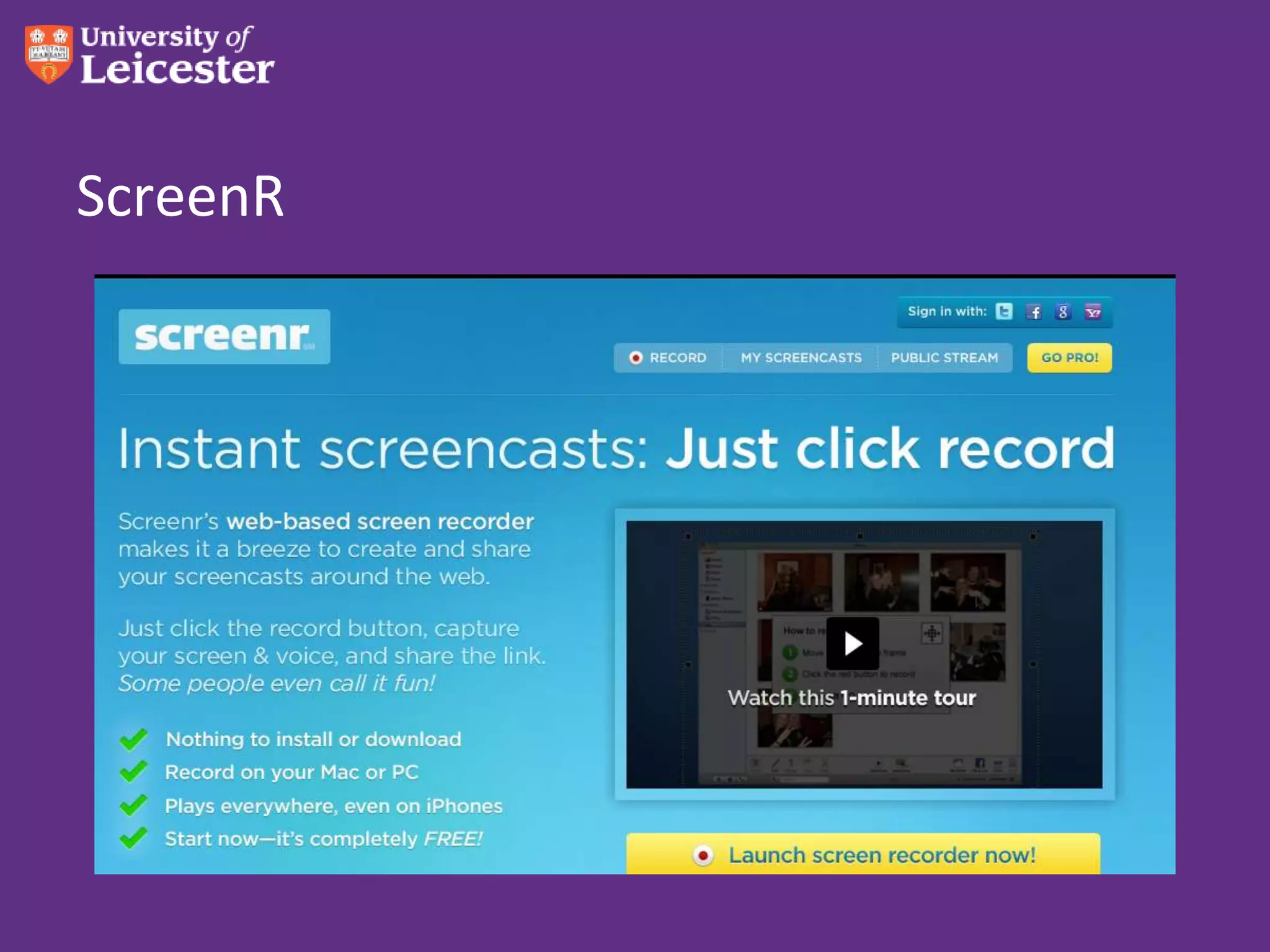
ScreenR
Recorded lectures
• Record the face or just the slides?
• Streaming or download?
• Automatic enterprise, or one-by-one?
• Huge server space required, very expensive
• Screen capture software:
  QuickTime, Camtasia, iShowU
Editing movies – keep it simple
• iMovie – free with Mac – saves as .mov, .mp4
• Windows MovieMaker – but doesn’t save as mp4
• Only go to Final Cut Express if you have to!
  – Bleeped out sounds
  – Fuzzed out faces
  – A cut-out logo floating over the image
Share your stories!

Shall we try it?
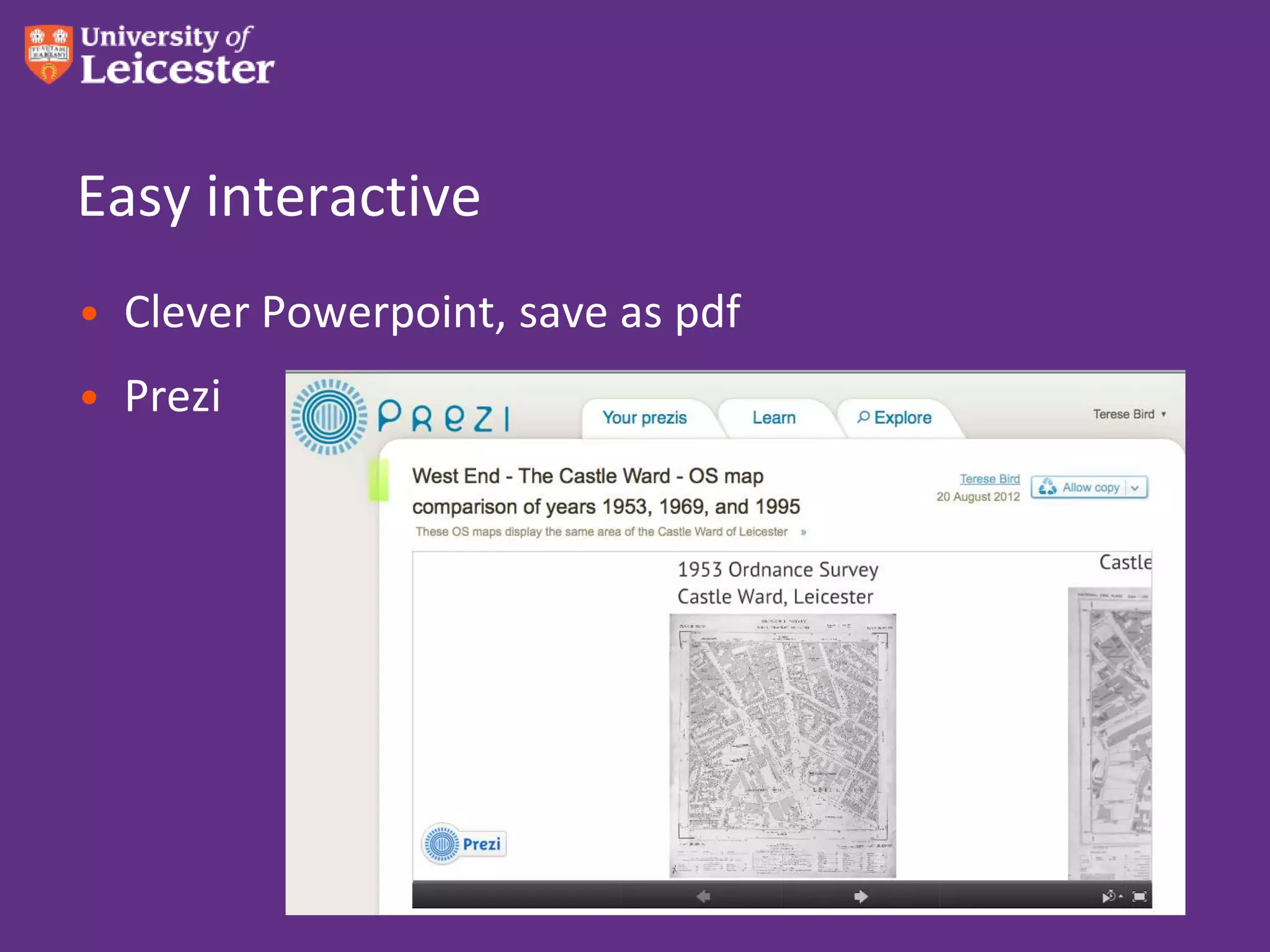
Easy interactive
• Clever Powerpoint, save as pdf
• Prezi
Get some helpsheets!
• http://tinyurl.com/mobi-learn-mat
Thank you!!!

How to make appropriate learning materials for various

  • 1.
    How to makeappropriate learning materials for various m-devices Terese Bird Learning Technologist and SCORE Research Fellow Beyond Distance Research Alliance MobiLearnAsia Conference Singapore 26 Oct 2012 www.le.ac.uk
  • 2.
    What will wetalk about? • Pedagogical concerns: mobile strengths, comparing the formats • Downloadable • Text • Sound • Video • Interactive
  • 4.
    What are youhoping to learn today? Photo by shaunwong on Flickr
  • 5.
    Oh the pedagogyof it all! • Mobile strengths: – In class: • BYOD group or pairs work – look up,discuss,respond • One-to-one – everything but some create work • Lab work – electronic lab notebook • More immediate than ICT suite – Out of class: • Field work - capture • Homework – flipped lecture • Research – capture & process
  • 6.
    What format forcontent? • It’s usually faster to read than to listen or watch • A picture paints a thousand words • Photos can mislead • More is communicated by voice than just the words • Video: some things must be shown • Interactivity encourages exploration
  • 7.
    What format forcontent? Medium Positives Negatives Text •Speed •Flat •Pre-existing material •Does not communicate emotion Image •Much communicated in •Can be misleading a single simple package without context Sound •More communicated by •Not seen as flashy as voice than just words video? •Convenient for multitasking •Smaller file than video Video •Most info •Bulky and padded communicated •Demands attention •Great for demonstrating skills
  • 8.
    Tbird Top Tips– Overall view • When I designed for Apple devices, things worked nicely on Android as well • Dropbox is from heaven • iTunes can be fiddly • For downloadable items, consider a Creative Commons license
  • 9.
    Text – ebooks! •iBooks Author – simple easy, produces .ibook format • Free with latest Mac OS • Print to PDF – it’s beautiful • If you don’t wish to stop there… • Can take it into Adobe Acrobat Distiller and save as Word
  • 11.
    Take advantage ofiBooks Author
  • 12.
    Take advantage ofiBooks Author • Free with latest Mac OS • Saves as pdf and text
  • 13.
    Now make anepub • Copy and paste the text into Pages. • Add photos. • Add video if you’re sure the devices can handle it – iOS: iBooks – Android: Kobo, Ibis Reader • Let it flow! • Tips: Only inline. No floating objects.
  • 14.
    Calibre • Take aWord doc • Save as html • Import into Calibre • Save as epub or mobi • Pdf to epub doesn’t really work • Also try epubbud.com
  • 15.
    Picture books! • Justuse simple pdf!!! • Brilliant results! • I tried everything else • Maps, drawings
  • 16.
    Handy guide toebooks File format What device positives negatives pdf Everything Runs on Does not flow, everything does not take advantage of the device’s power epub Everything but Flows, takes Kindle advantage of the devices’s power Open source, somewhat futureproof mobi Kindle Kindle is big Kindle only .ibooks Apple iBooks only Beautiful & easy Apple iBooks only iPad is market leader
  • 17.
  • 18.
    Sound • Why sound? – Copyright is easier – recorded lectures – File size is smaller – Listeners can do something else at the same time – No bad hair days – staff like it! – Voice communicates more than the printed word – Excellent, easy way to close distance
  • 19.
    How? • Audacity • Garageband •WindowSound Recorder • But please save as mp3 (wma and wav are dead) • And apps!!!...
  • 20.
    Audioboo • Like YouTubefor sound • Record in browser • Attract comments in browser • Or simply upload • RSS out, iTunes out  it’s like magic • Can send these to Apple if you like • 5-minute sound limit
  • 21.
    Soundcloud • A bitmore socially aware • The app lets you record so good for students to record their own stuff and post up • Very intuitive • Longer sound limit
  • 22.
    Sound threaded discussions •WimbaVoiceboard • Voice Thread • Voxopop
  • 23.
    Examples of use •Audio feedback – increased marks & retention http://www.le.ac.uk/duckling • Voice discussions • Audioboo – Field use – listen to teacher’s description of a flower, student audio-records her own comments and findings • Student can record, using Audioboo for iPhone (don’t use iPad app yet)
  • 25.
    Sound on iTunesU • Easy to get going • Oxford example
  • 26.
  • 27.
    Video • How manyof you have made a YouTube video?
  • 28.
    YouTube facts • 10minute limit • Great to embed into LMS • Comments are a mixed blessing • Good statistics • Use branding • Not too easy to download the video • Good way to convert files to mp4
  • 29.
    Vimeo • Longer videothan YouTube • Much less junk • Pretty much just as easy to do • Downloadable
  • 30.
  • 31.
    Recorded lectures • Recordthe face or just the slides? • Streaming or download? • Automatic enterprise, or one-by-one? • Huge server space required, very expensive • Screen capture software: QuickTime, Camtasia, iShowU
  • 34.
    Editing movies –keep it simple • iMovie – free with Mac – saves as .mov, .mp4 • Windows MovieMaker – but doesn’t save as mp4 • Only go to Final Cut Express if you have to! – Bleeped out sounds – Fuzzed out faces – A cut-out logo floating over the image
  • 35.
  • 36.
    Easy interactive • CleverPowerpoint, save as pdf • Prezi
  • 37.
    Get some helpsheets! •http://tinyurl.com/mobi-learn-mat
  • 38.