Instructor
Juanita McDowell


A Better Outlook
Using an Email Program to Schedule, Organize &
Prospect
Orientation
Business
 Challenges


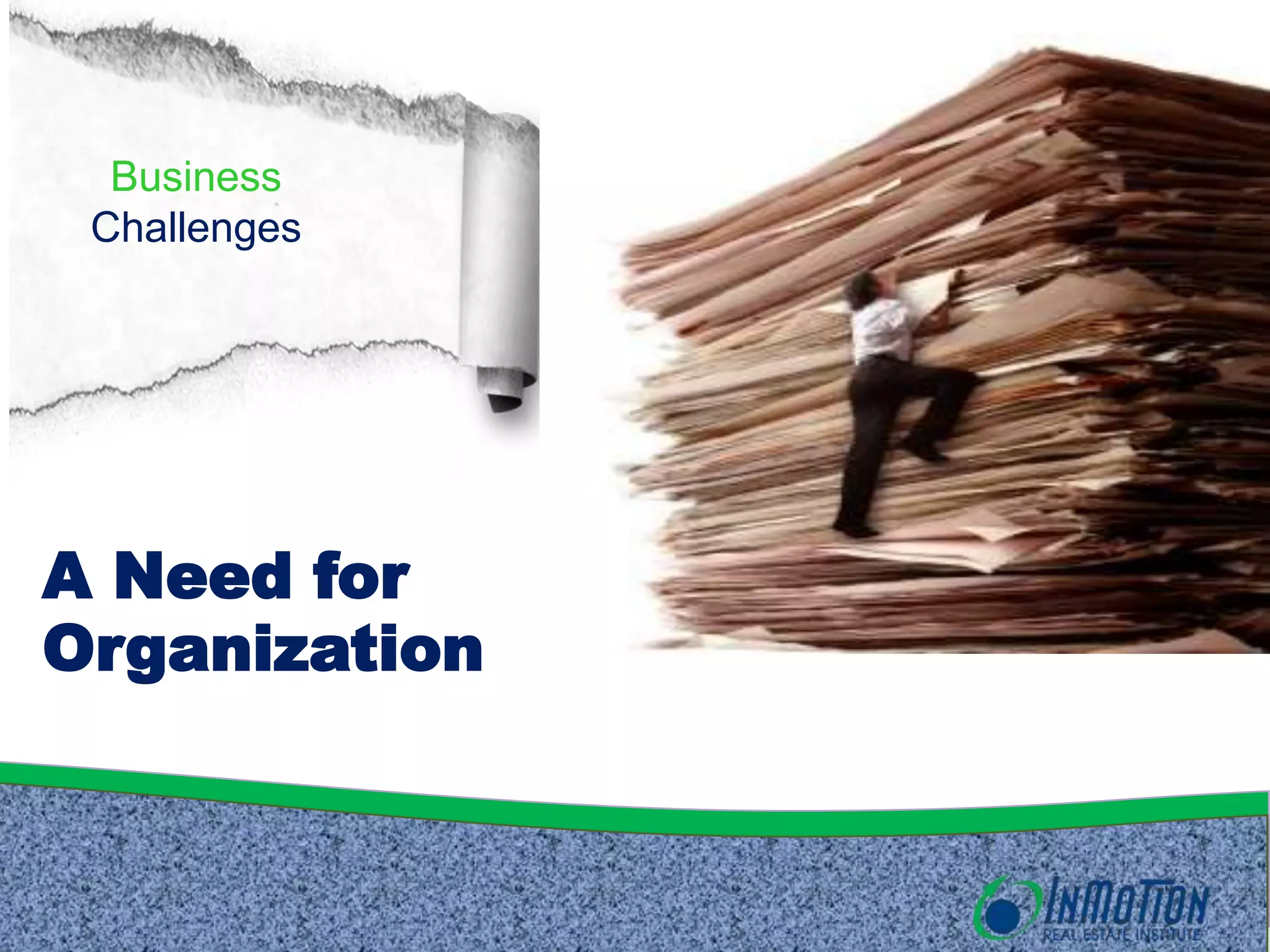
A Need for
Organization
Business
  Challenges


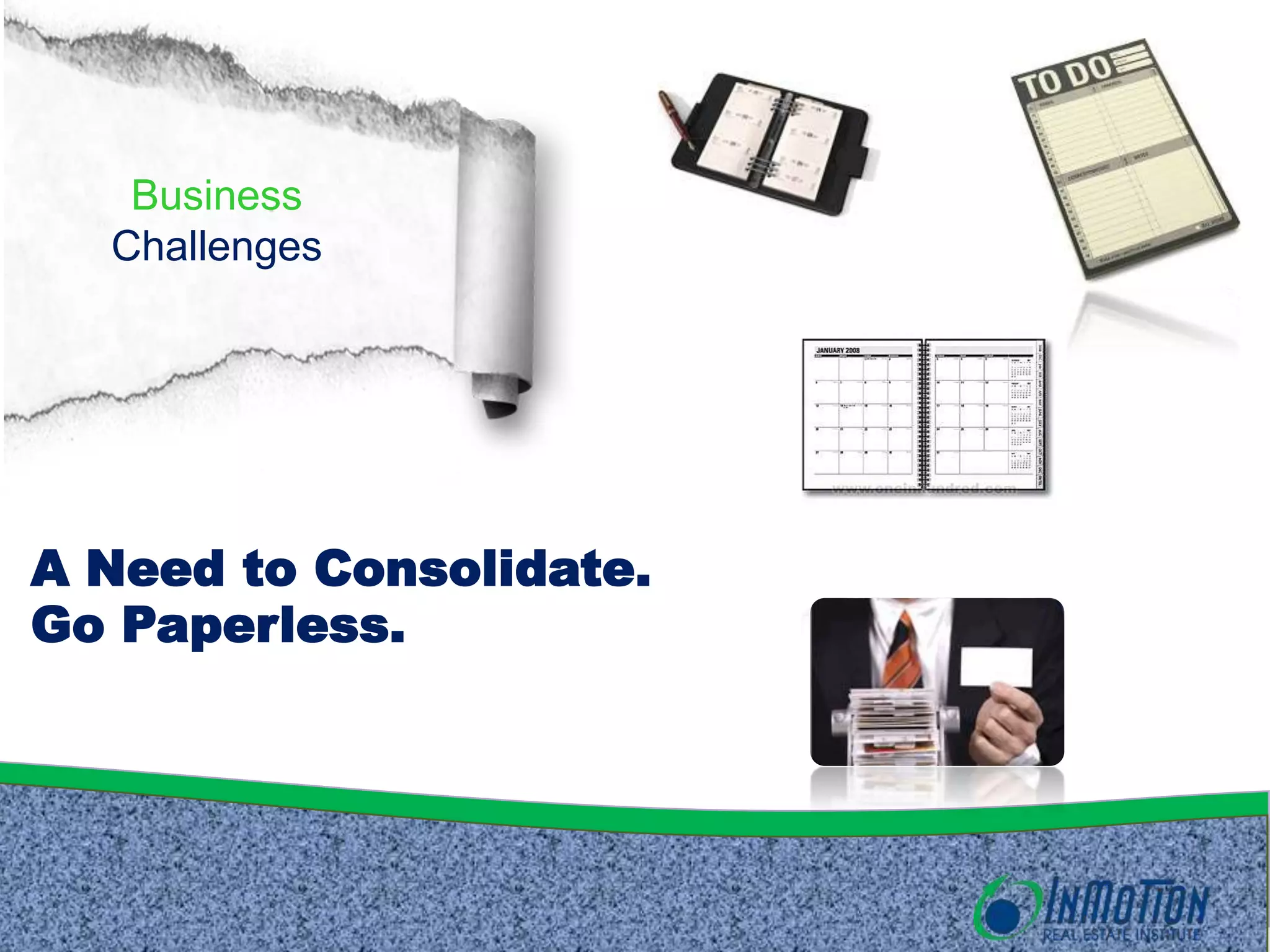
A Need to Consolidate.
Go Paperless.
Business
   Challenge


Save Time.
Business
   Challenge


Save Clicks = Save Time
Business
   Challenge


A Need to Focus on
Strategy
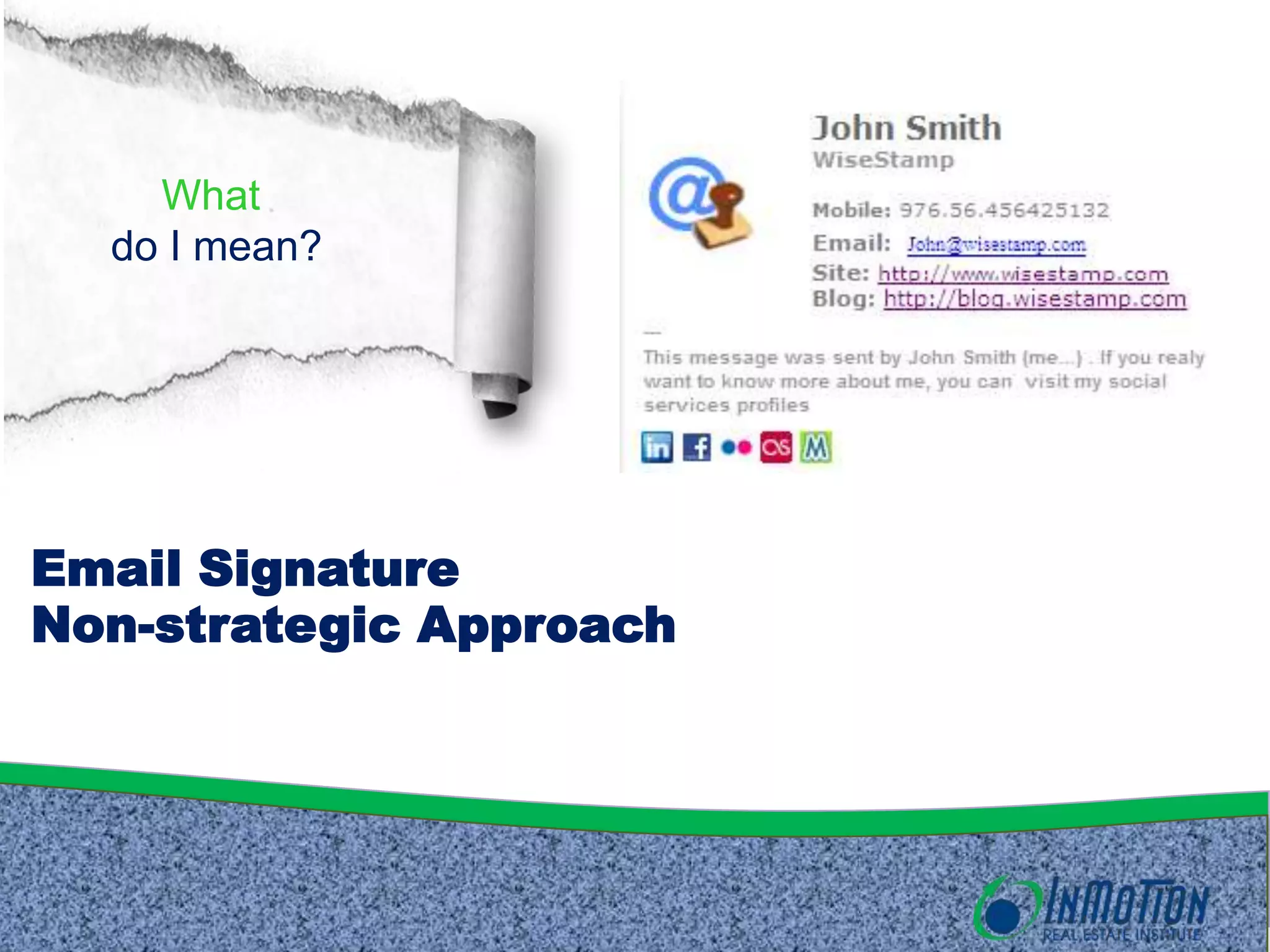
What
  do I mean?


Email Signature
Non-strategic Approach
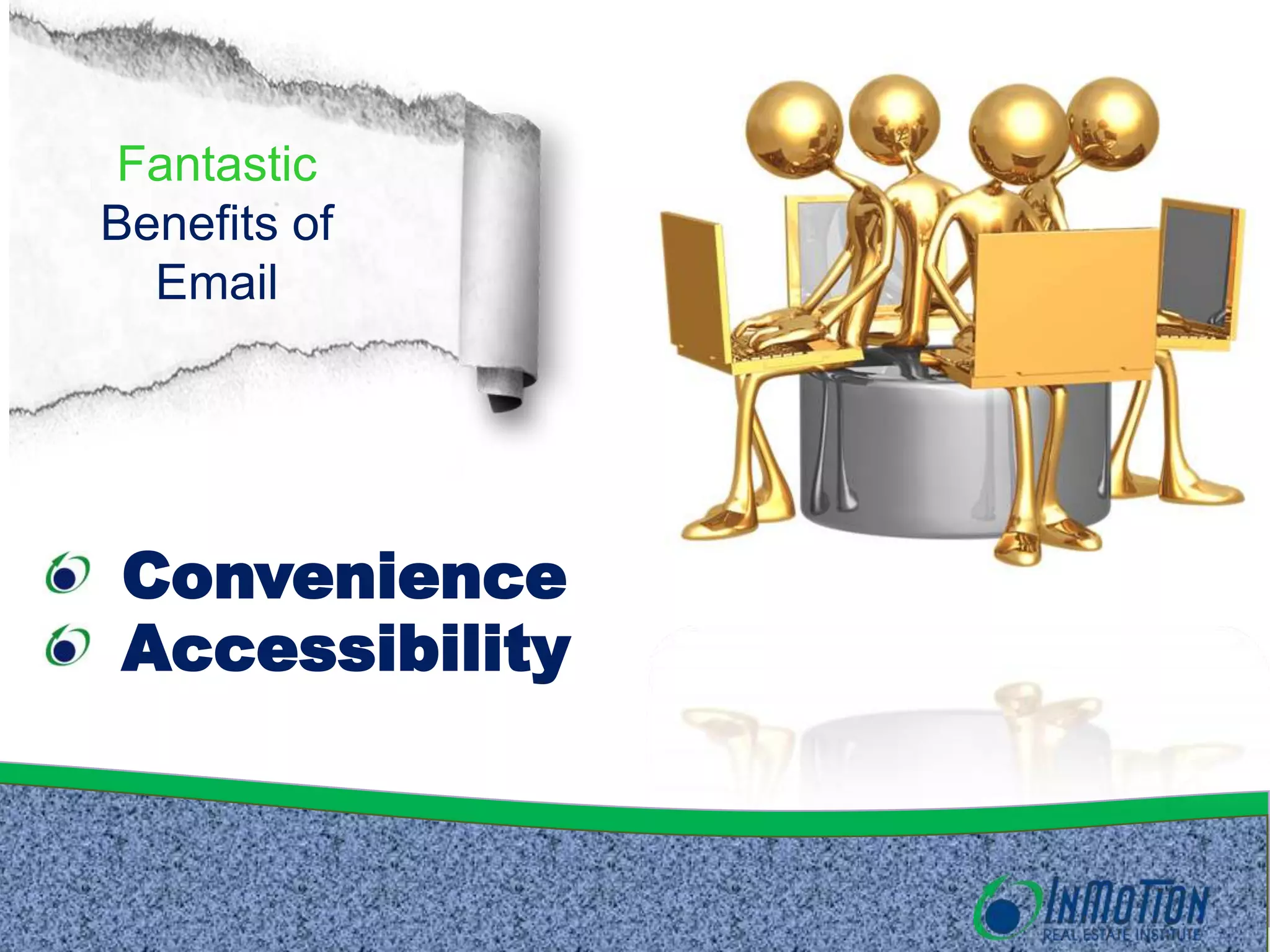
Fantastic
Benefits of
  Email


 Convenience
 Accessibility
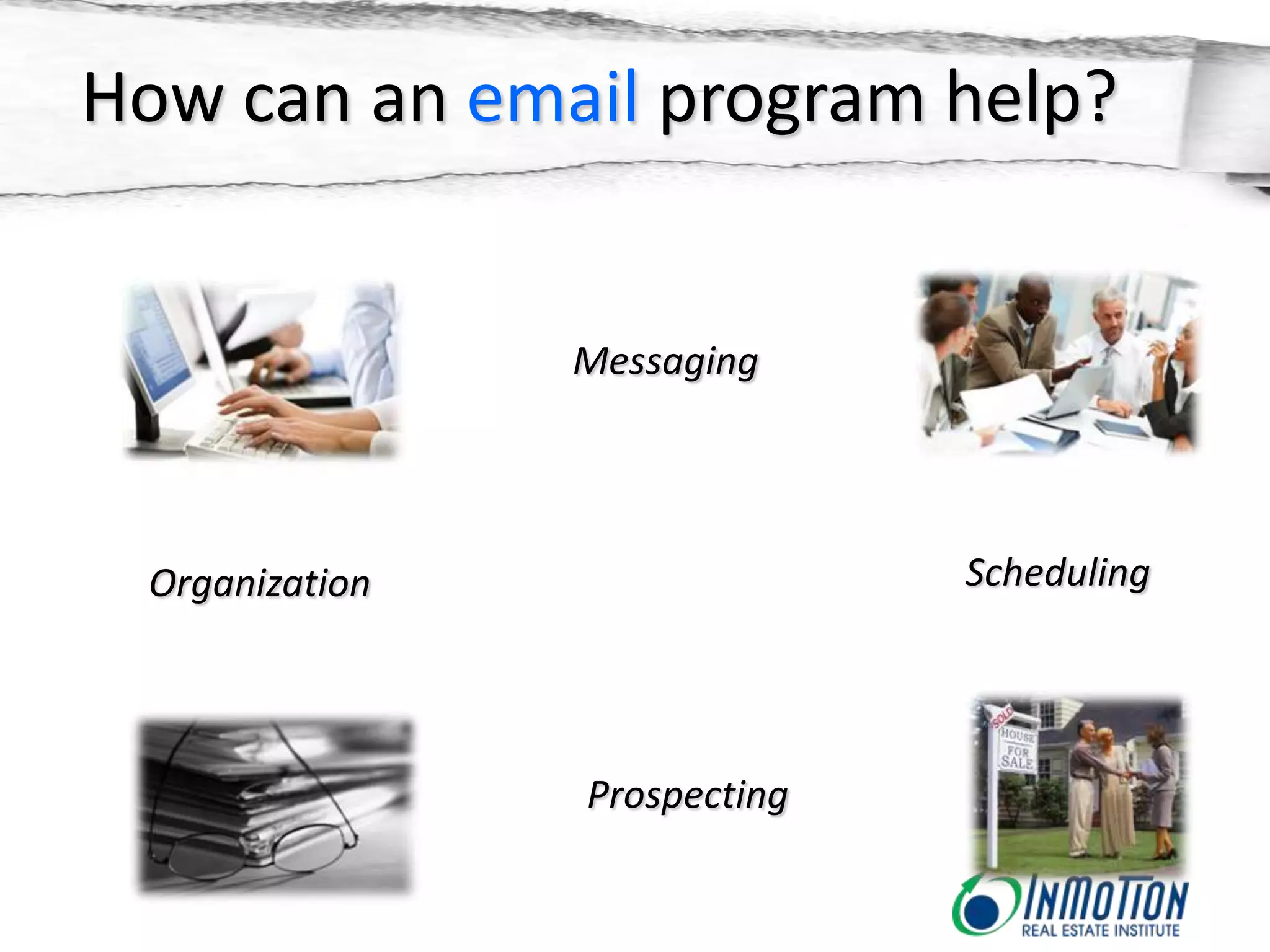
How can an email program help?


                Messaging


 Organization                 Scheduling


                Prospecting
Warning!


  “It takes workers 15 minutes to return to
  mental tasks after dealing with email.”
                                  New York Times
First Things
    First

The Interface
Outlook 2010
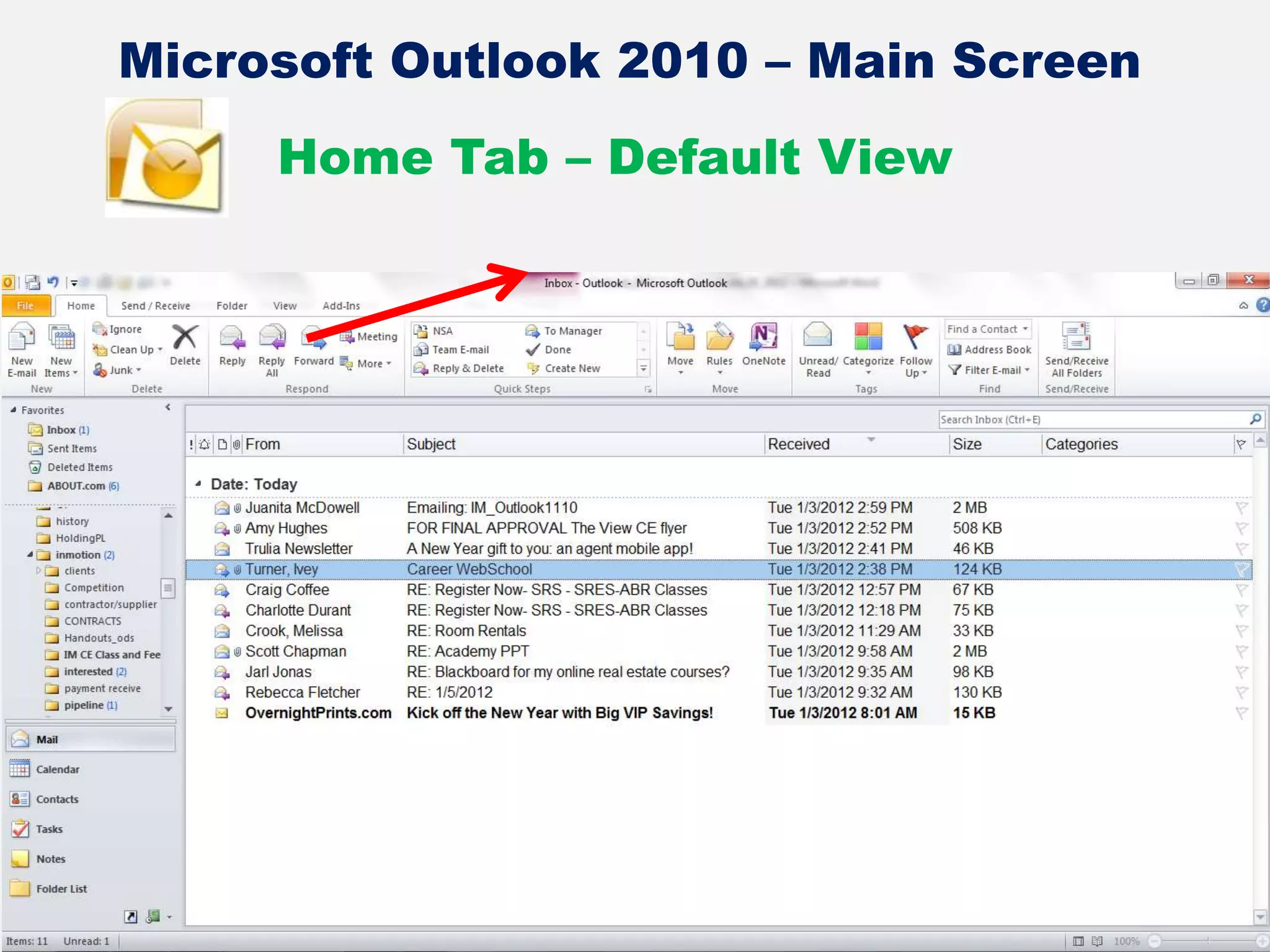
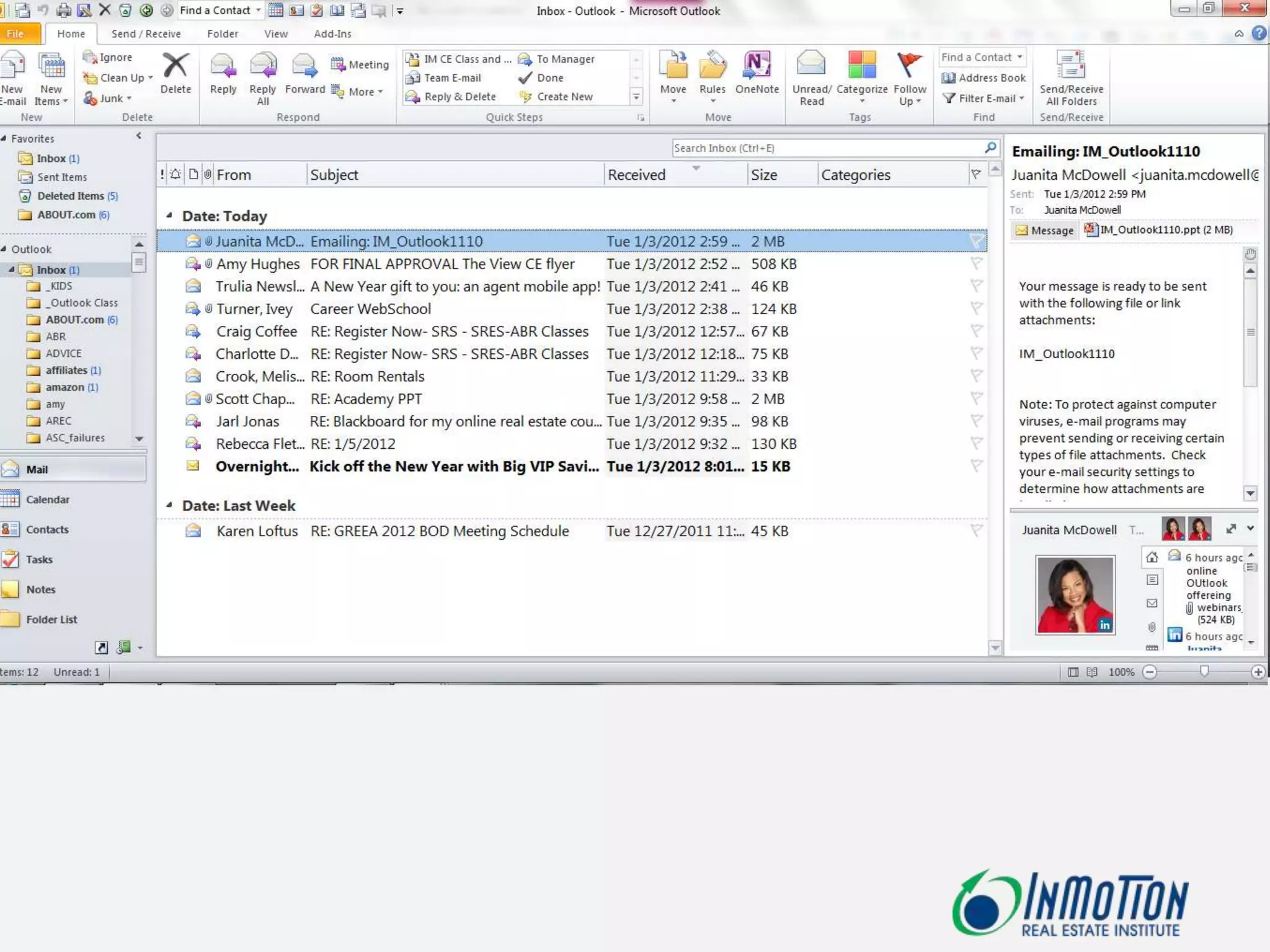
Microsoft Outlook 2010 – Main Screen
     Home Tab – Default View
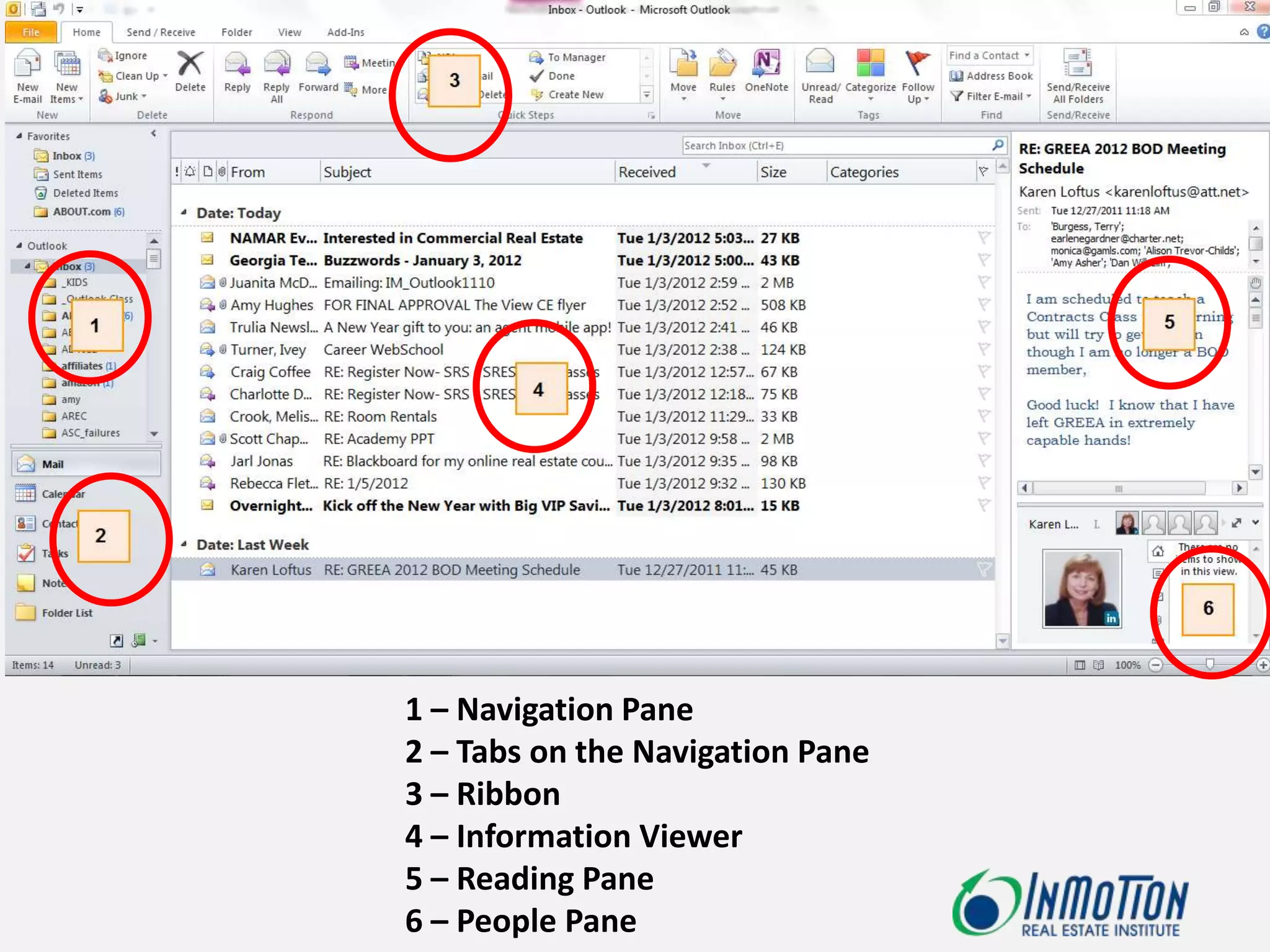
1 – Navigation Pane
2 – Tabs on the Navigation Pane
3 – Ribbon
4 – Information Viewer
5 – Reading Pane
6 – People Pane
First Things
    First

Ribbon Basics
Outlook 2010
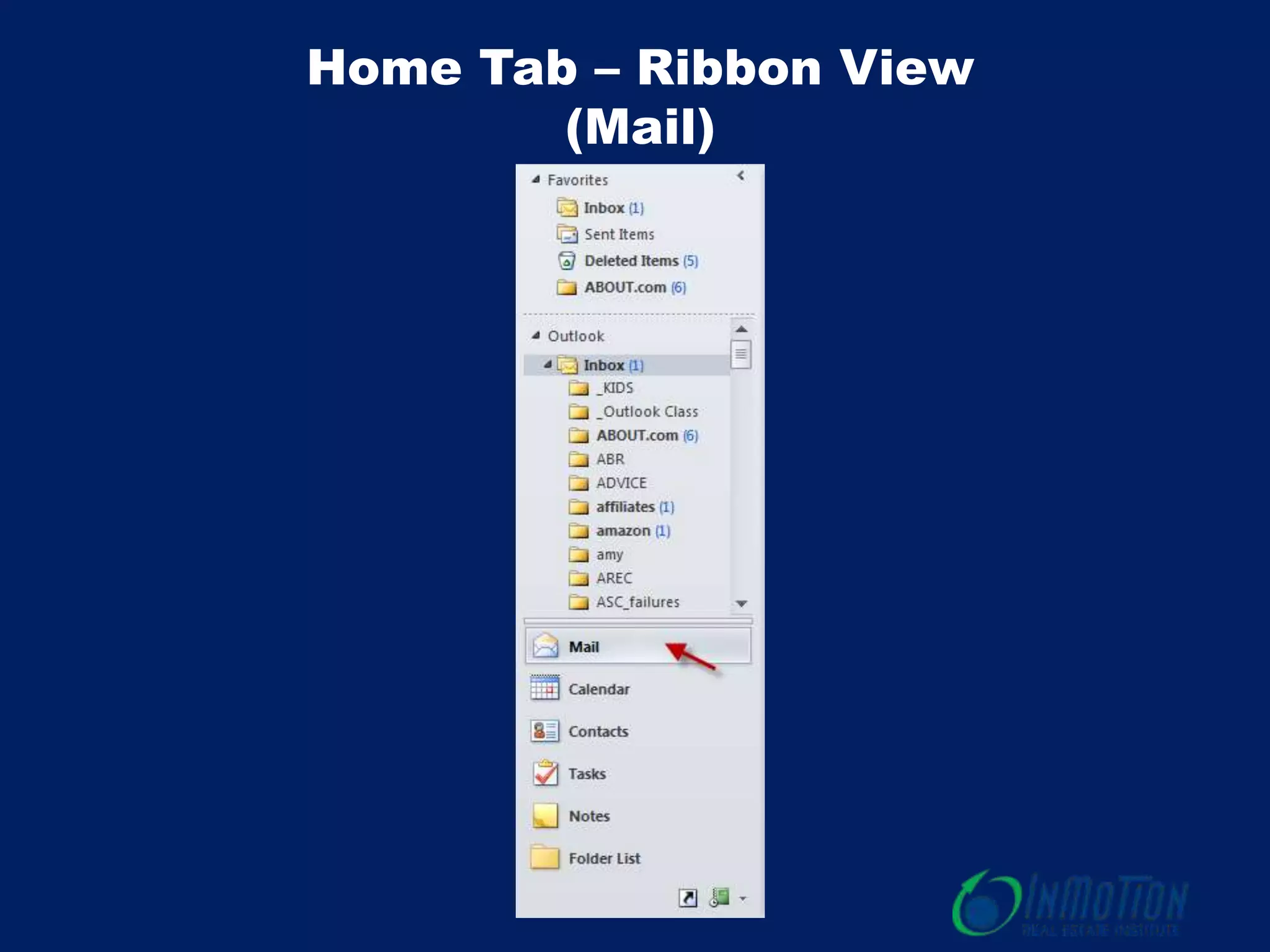
Home Tab – Ribbon View
        (Mail)
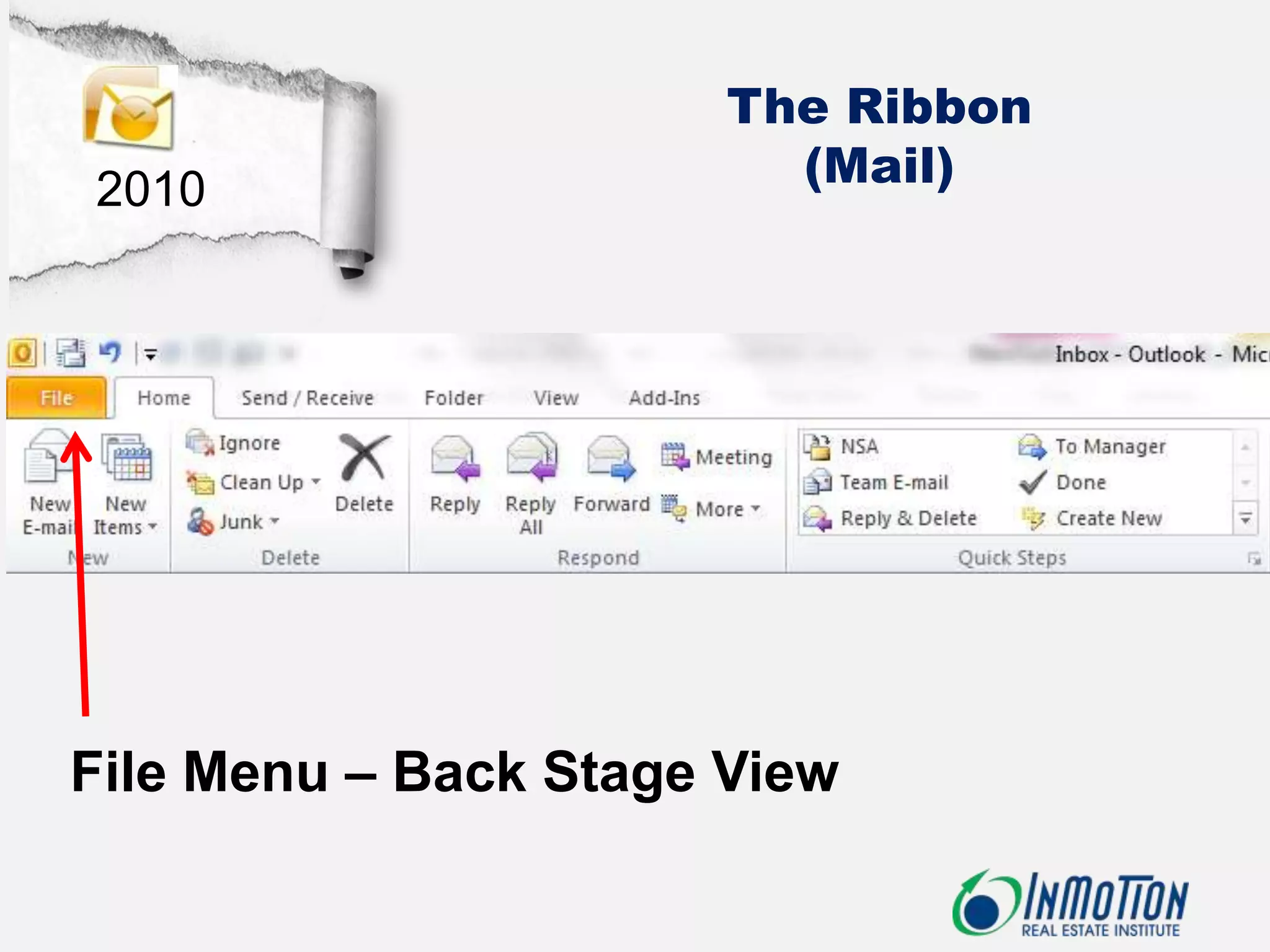
The Ribbon
2010                     (Mail)


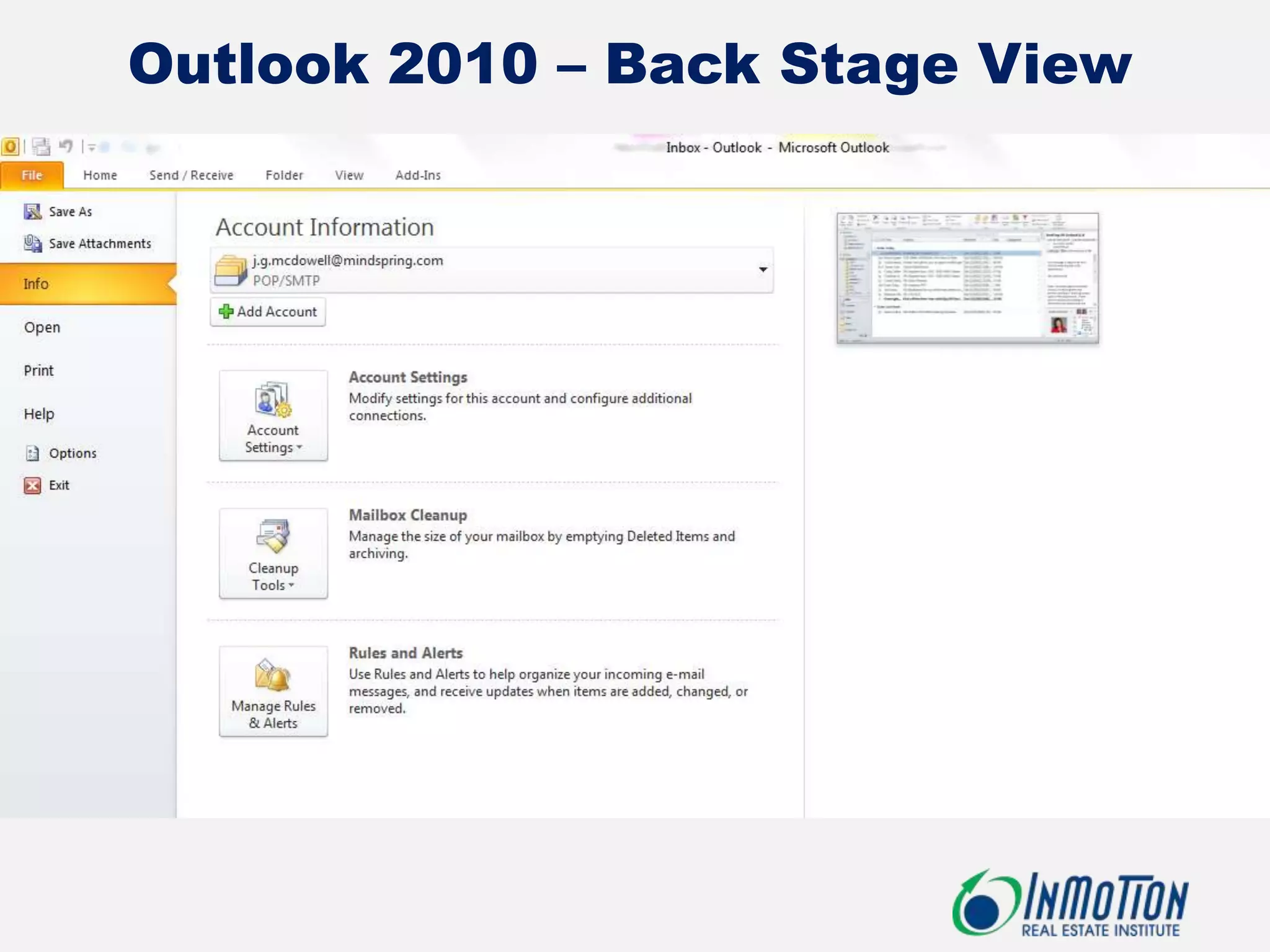
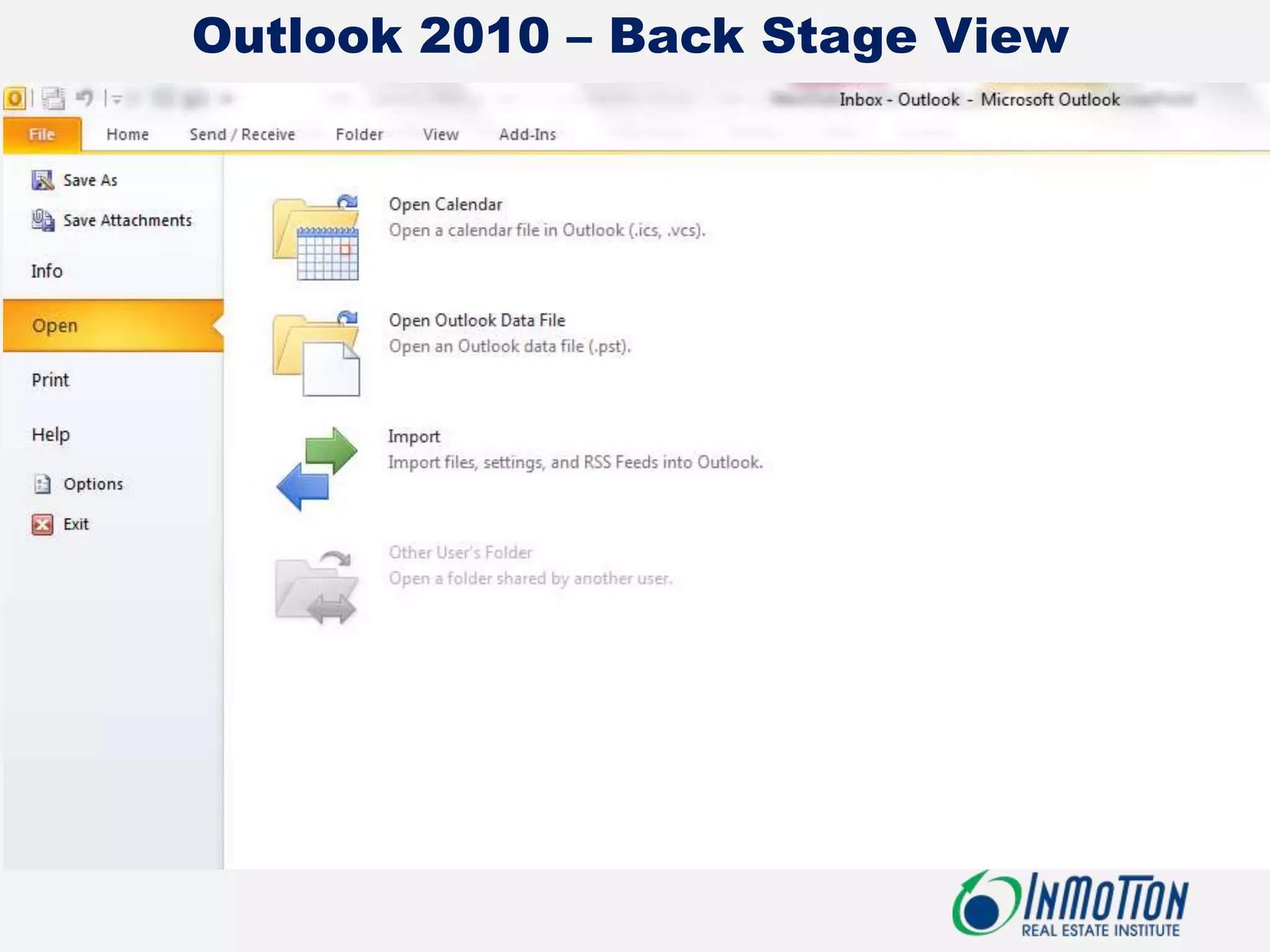
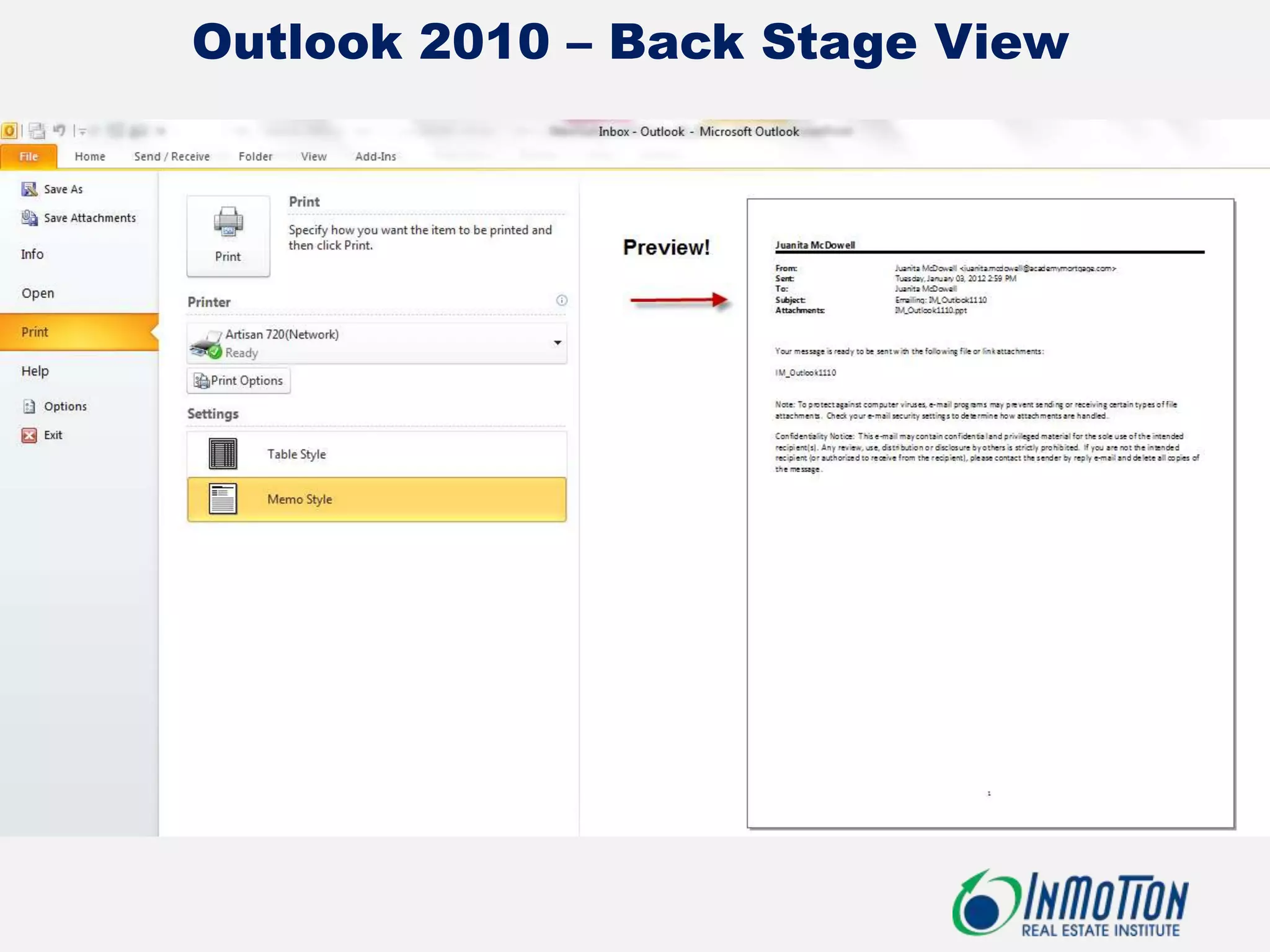
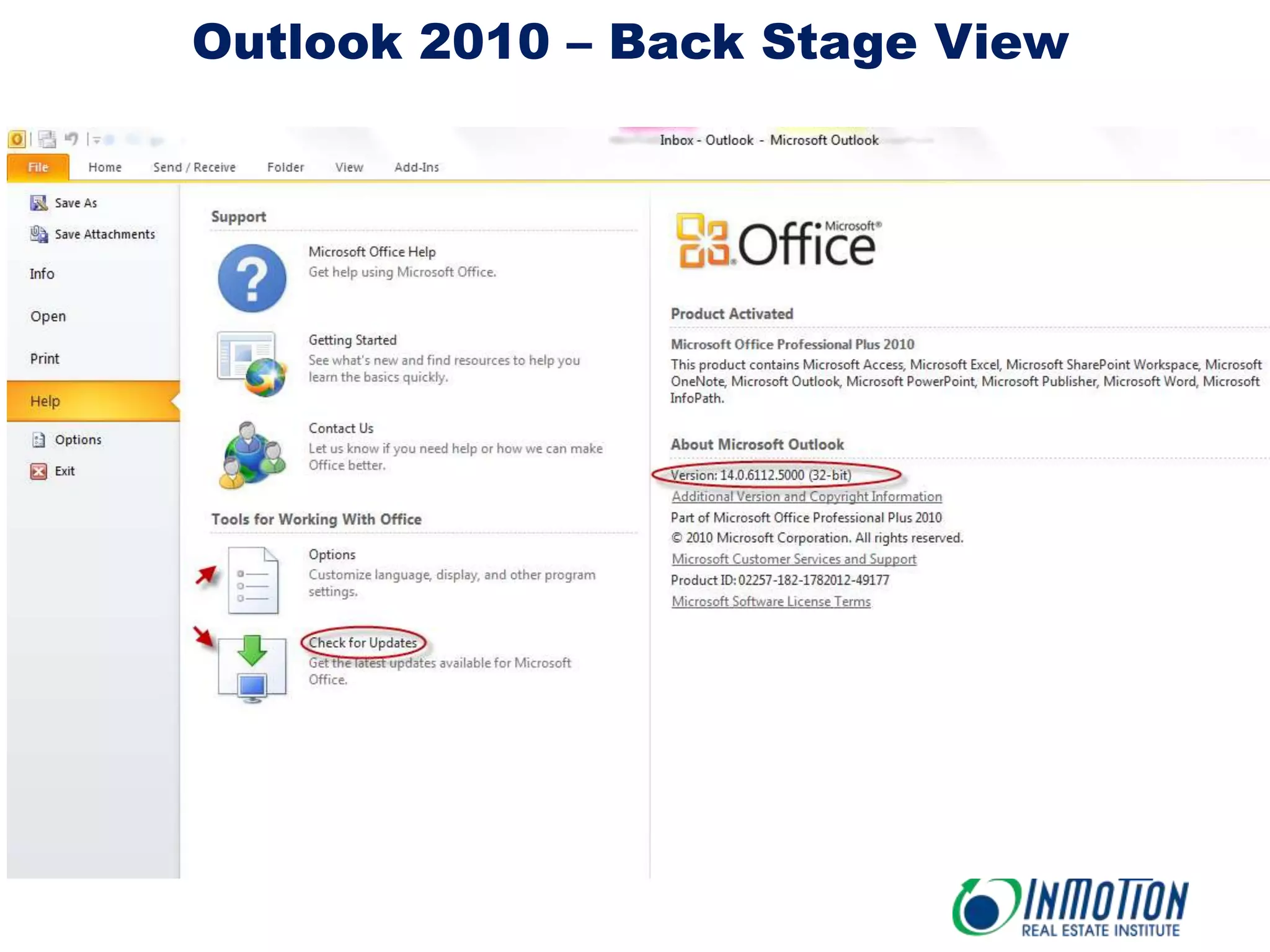
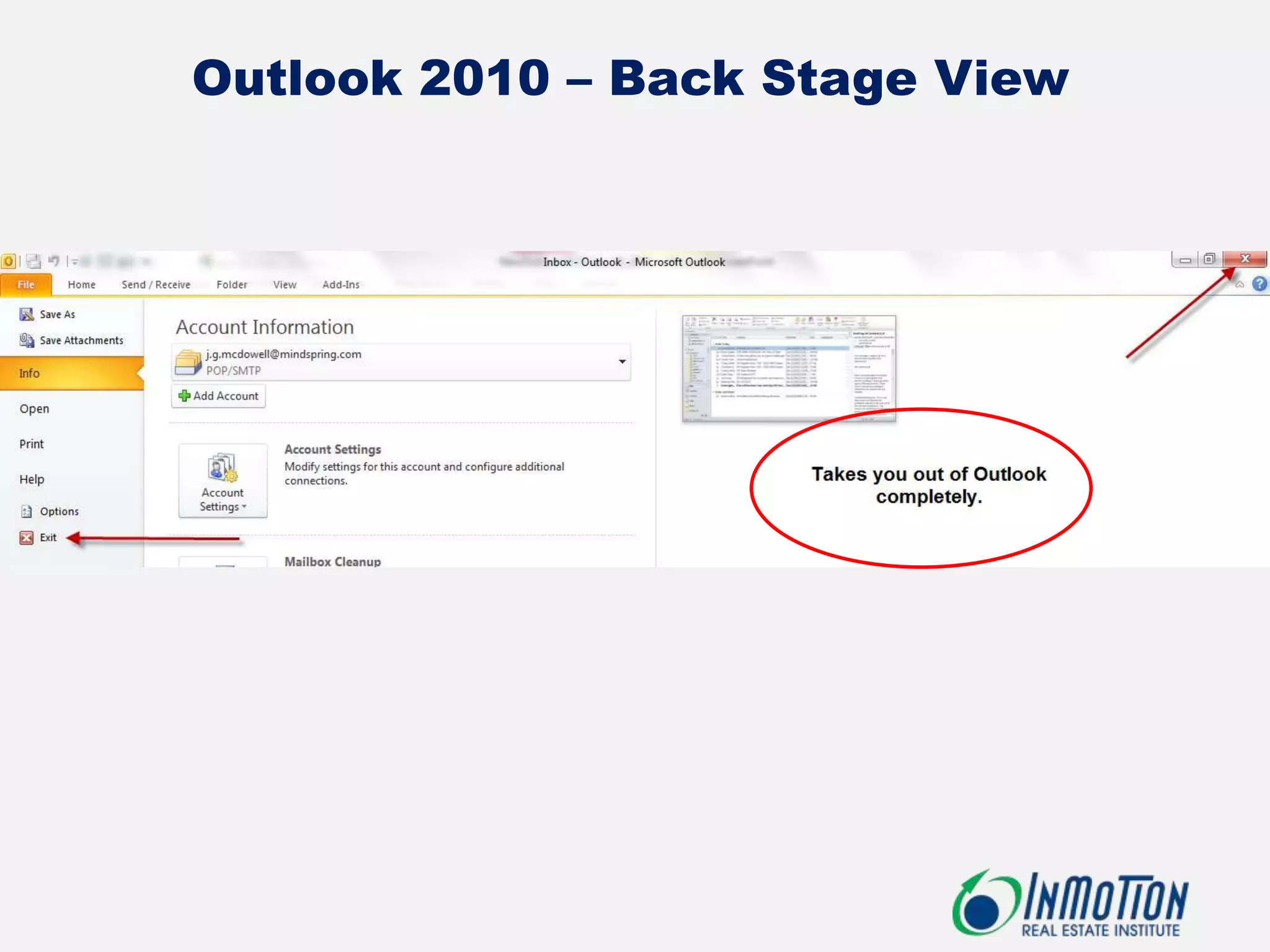
File Menu – Back Stage View
Outlook 2010 – Back Stage View
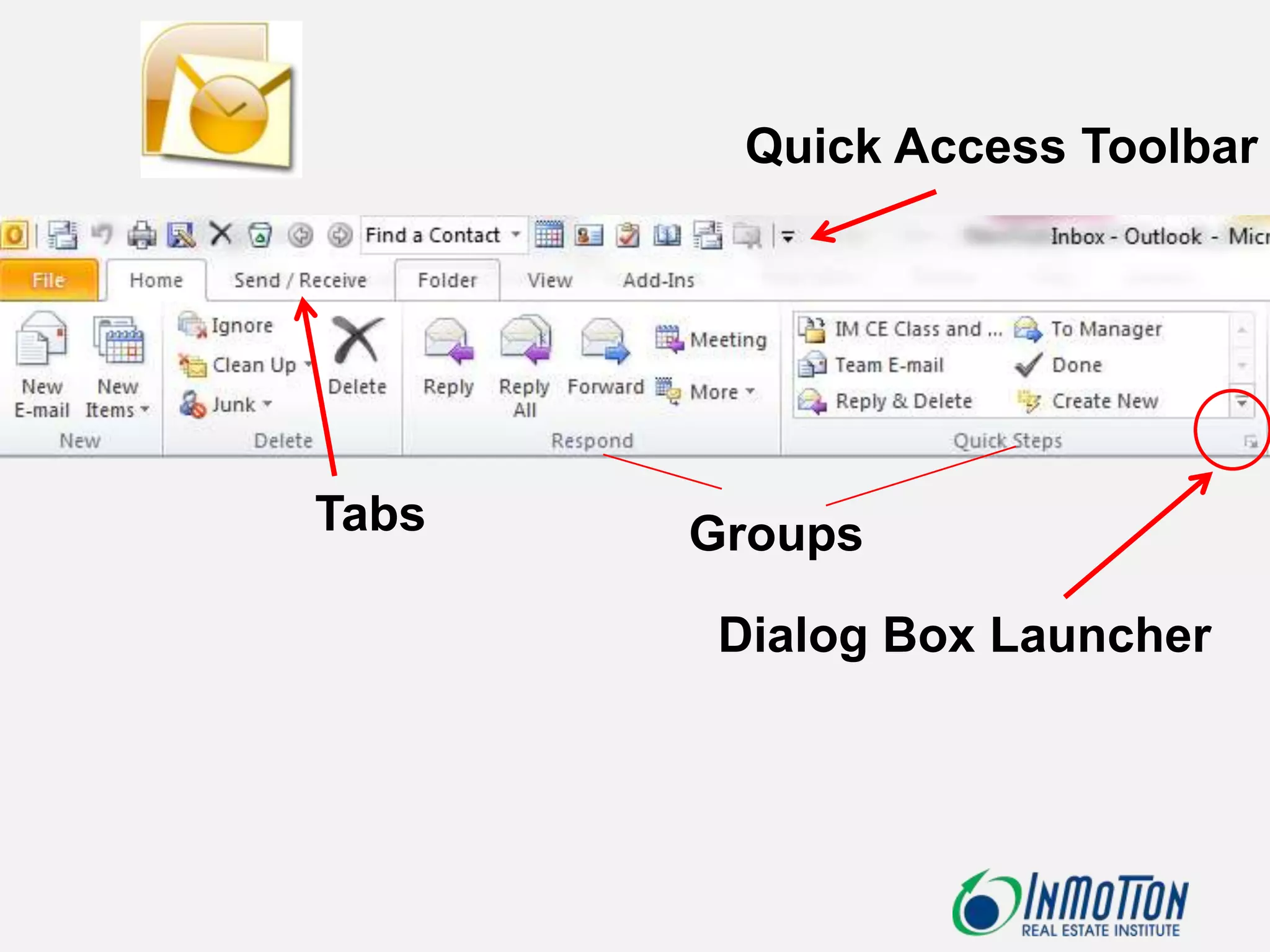
Quick Access Toolbar


Tabs   Groups

        Dialog Box Launcher
Demo
(Handout)

Microsoft Outlook 2010 - Orientation