OptiWorkflow How to submit an Electronic Form
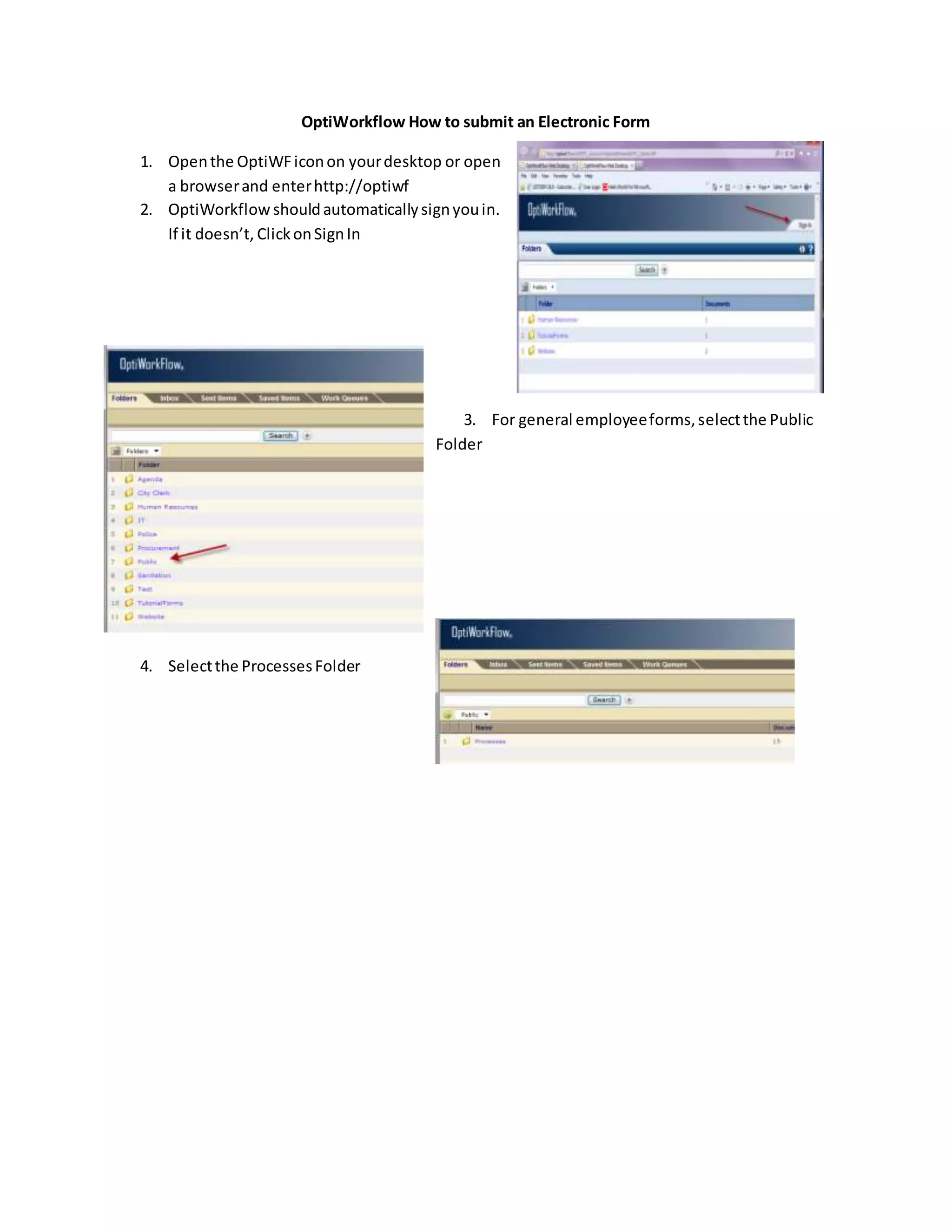
1. Openthe OptiWFiconon yourdesktop or open
a browserand enterhttp://optiwf
2. OptiWorkflow shouldautomaticallysignyouin.
If it doesn’t, ClickonSignIn
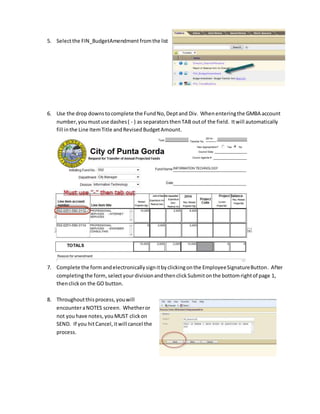
3. For general employeeforms,selectthe Public
Folder
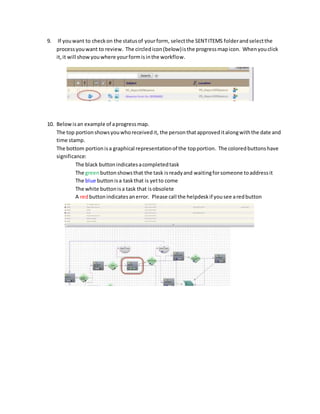
4. Selectthe ProcessesFolder
5. Selectthe FIN_BudgetAmendment fromthe list
6. Use the drop downstocomplete the FundNo,Deptand Div. Whenenteringthe GMBA account
number,youmustuse dashes( - ) as separatorsthenTAB outof the field. Itwill automatically
fill inthe Line ItemTitle andRevisedBudgetAmount.
7. Complete the form andelectronicallysignitbyclickingonthe EmployeeSignatureButton. After
completingthe form,selectyourdivisionandthenclick Submitonthe bottomrightof page 1,
thenclickon the GO button.
8. Throughoutthisprocess,youwill
encounteraNOTES screen. Whetheror
not you have notes, youMUST clickon
SEND. If you hitCancel,itwill cancel the
process.
9. If youwant to checkon the statusof yourform, selectthe SENTITEMS folderandselectthe
processyouwant to review. The circledicon(below)isthe progressmapicon. Whenyouclick
it,it will showyouwhere yourformisinthe workflow.
10. Belowisan example of aprogressmap.
The top portionshowsyouwhoreceivedit, the personthatapproveditalongwiththe date and
time stamp.
The bottom portionisa graphical representationof the topportion. The coloredbuttonshave
significance:
The black buttonindicatesacompletedtask
The greenbuttonshowsthat the task isreadyand waitingforsomeone toaddressit
The blue buttonisa taskthat is yetto come
The white buttonisa task that isobsolete
A redbuttonindicatesanerror. Please call the helpdeskif yousee aredbutton

Budget Amendment - OptiWorkFlow

  • 1.
    OptiWorkflow How tosubmit an Electronic Form 1. Openthe OptiWFiconon yourdesktop or open a browserand enterhttp://optiwf 2. OptiWorkflow shouldautomaticallysignyouin. If it doesn’t, ClickonSignIn 3. For general employeeforms,selectthe Public Folder 4. Selectthe ProcessesFolder
  • 2.
    5. Selectthe FIN_BudgetAmendmentfromthe list 6. Use the drop downstocomplete the FundNo,Deptand Div. Whenenteringthe GMBA account number,youmustuse dashes( - ) as separatorsthenTAB outof the field. Itwill automatically fill inthe Line ItemTitle andRevisedBudgetAmount. 7. Complete the form andelectronicallysignitbyclickingonthe EmployeeSignatureButton. After completingthe form,selectyourdivisionandthenclick Submitonthe bottomrightof page 1, thenclickon the GO button. 8. Throughoutthisprocess,youwill encounteraNOTES screen. Whetheror not you have notes, youMUST clickon SEND. If you hitCancel,itwill cancel the process.
  • 3.
    9. If youwantto checkon the statusof yourform, selectthe SENTITEMS folderandselectthe processyouwant to review. The circledicon(below)isthe progressmapicon. Whenyouclick it,it will showyouwhere yourformisinthe workflow. 10. Belowisan example of aprogressmap. The top portionshowsyouwhoreceivedit, the personthatapproveditalongwiththe date and time stamp. The bottom portionisa graphical representationof the topportion. The coloredbuttonshave significance: The black buttonindicatesacompletedtask The greenbuttonshowsthat the task isreadyand waitingforsomeone toaddressit The blue buttonisa taskthat is yetto come The white buttonisa task that isobsolete A redbuttonindicatesanerror. Please call the helpdeskif yousee aredbutton