

Memory and Storage
Prepared by:
Jeric F. Bilita
What is memory?
 -consist of electronic components
that store instructions waiting to be
executed by the processor, data
needed by those instructions and the
results of processed data.
What are items memory holds?
The Operating system
Application Programs
Data processed by Application
Program and the resulting information
Stored Program Concept
-the role of memory as a part
of computer storing both data and
programs
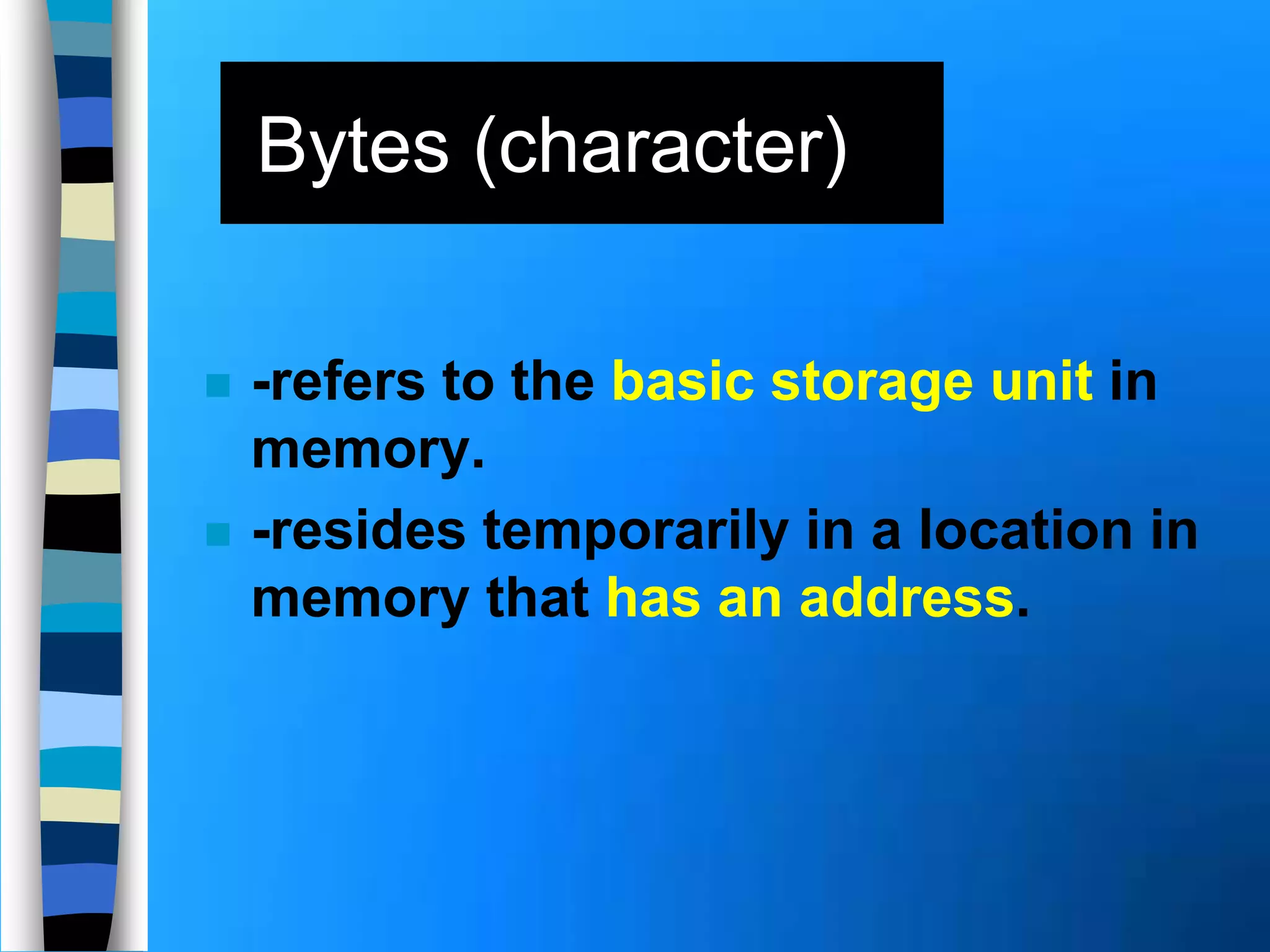
 -refers to the basic storage unit in
memory.
 -resides temporarily in a location in
memory that has an address.
Bytes (character)
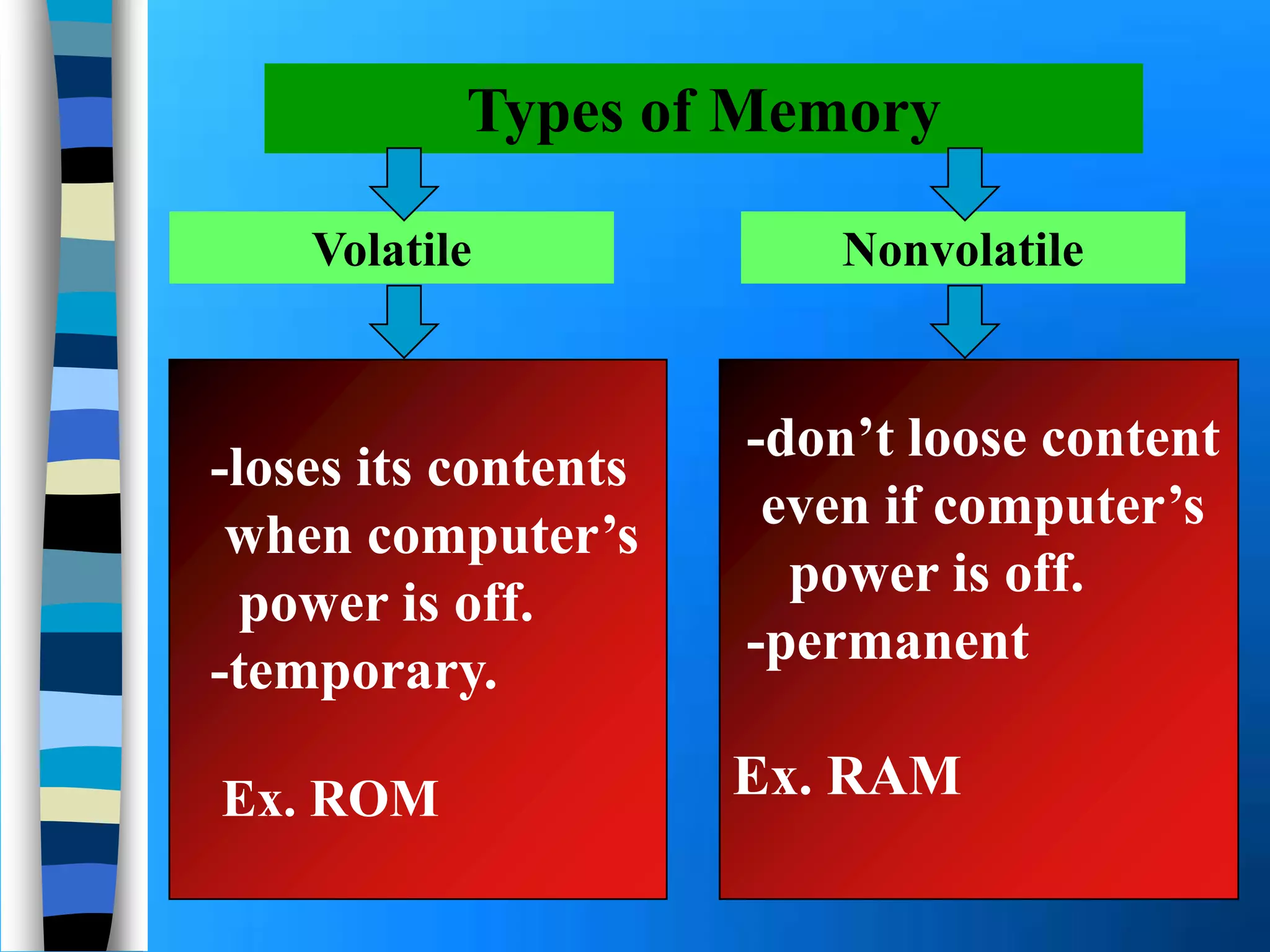
Types of Memory
-loses its contents
when computer’s
power is off.
-temporary.
Ex. ROM
-don’t loose content
even if computer’s
power is off.
-permanent
Ex. RAM
Volatile Nonvolatile
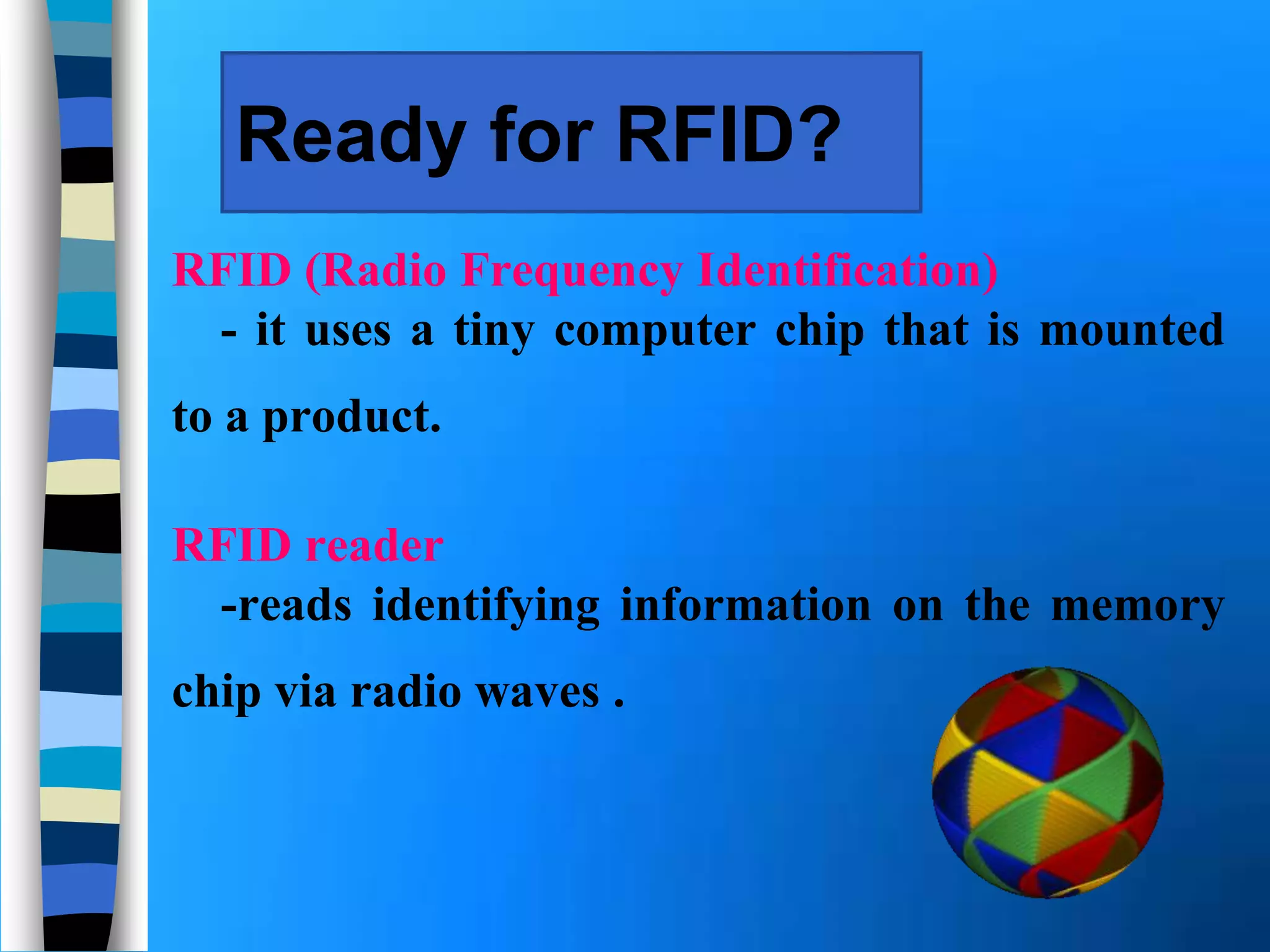
Ready for RFID?
RFID (Radio Frequency Identification)
- it uses a tiny computer chip that is mounted
to a product.
RFID reader
-reads identifying information on the memory
chip via radio waves .
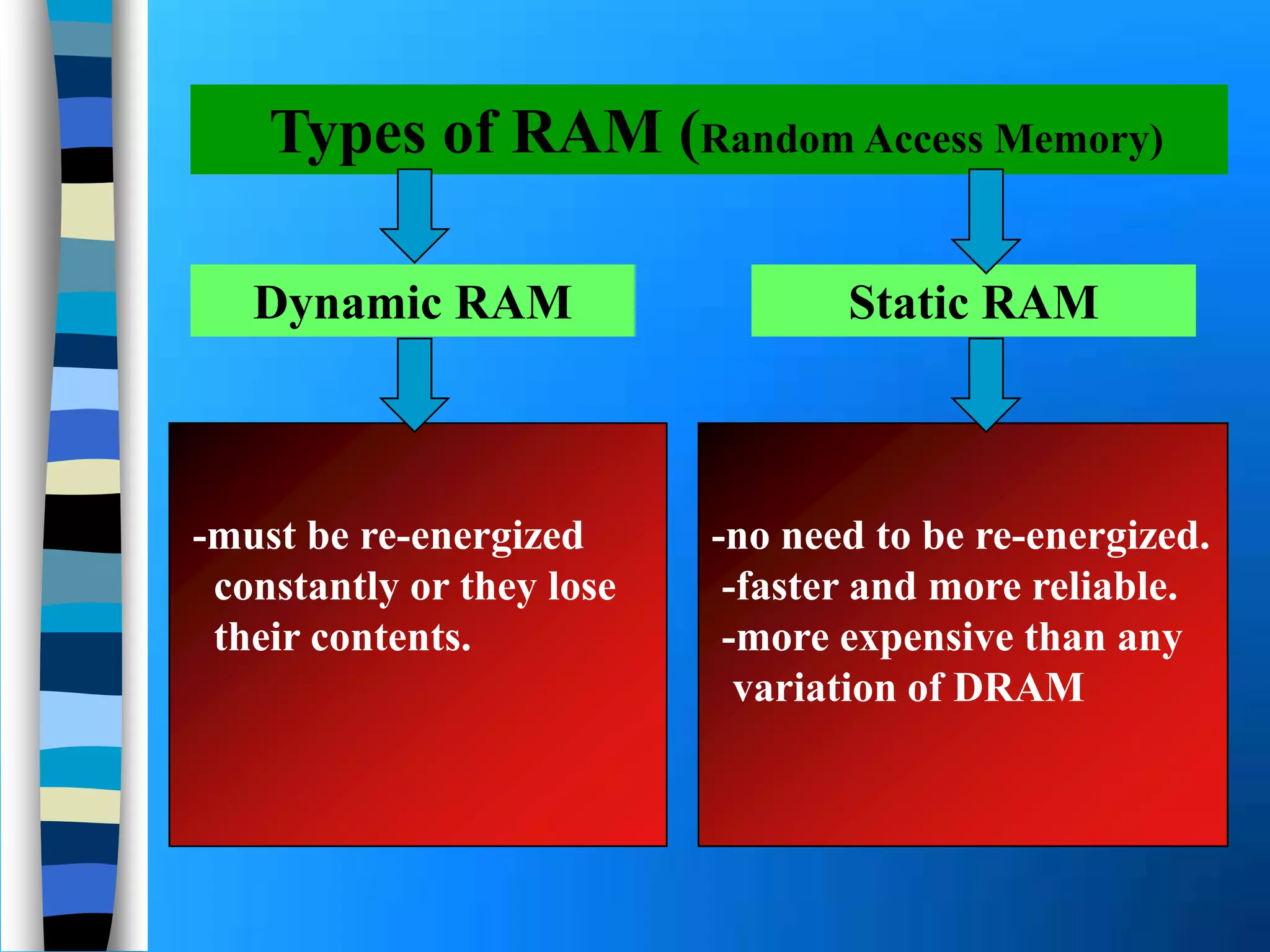
-must be re-energized
constantly or they lose
their contents.
Types of RAM (Random Access Memory)
Dynamic RAM Static RAM
-no need to be re-energized.
-faster and more reliable.
-more expensive than any
variation of DRAM
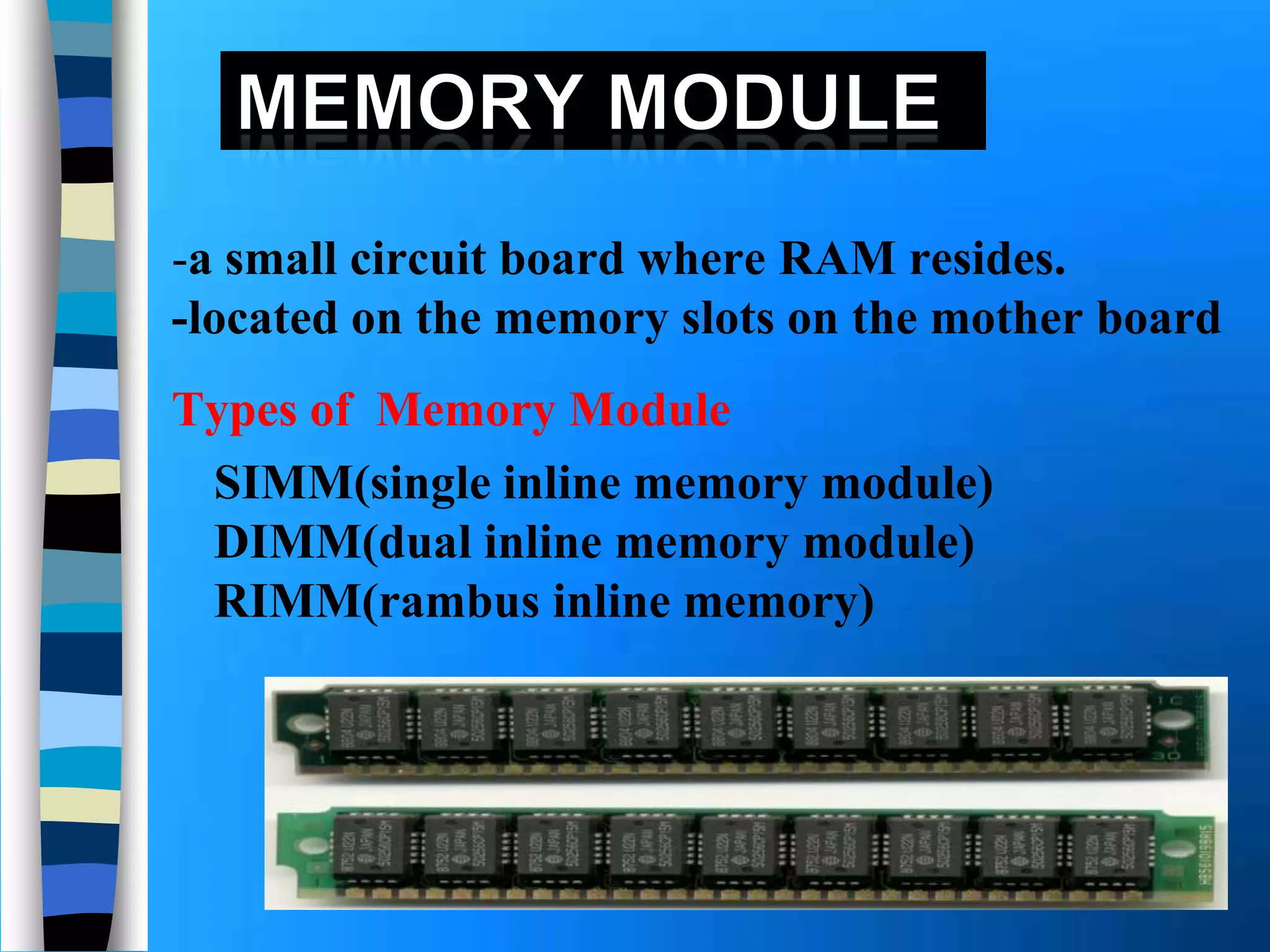
-a small circuit board where RAM resides.
-located on the memory slots on the mother board
SIMM(single inline memory module)
DIMM(dual inline memory module)
RIMM(rambus inline memory)
Types of Memory Module
Check your computer documentation
to see how much RAM you can add.
Can I add more RAM in my computer?
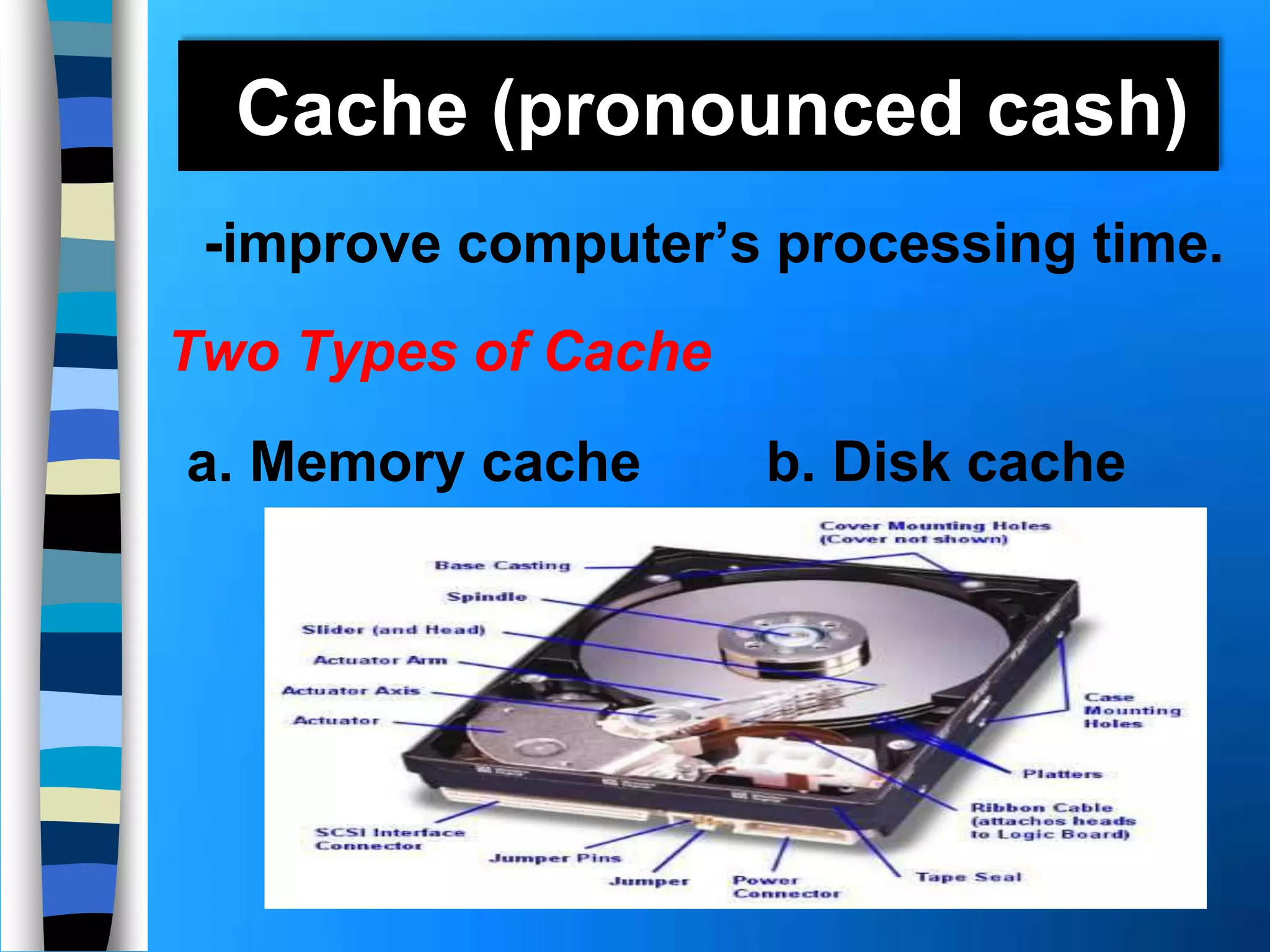
Cache (pronounced cash)
-improve computer’s processing time.
Two Types of Cache
a. Memory cache b. Disk cache
Types Of Memory Cache
L1 Cache- built directly in the processor
-has small capacity like in PC.
L2 Cache-slower than L1
-has larger capacity than L1
L3 Cache-a cache on the motherboard that
is separate from the processor.
-it coexist with L2.
-helps speed the processes of the
computer because it stores frequently
used instructions and data.
Memory cache
ROM(Read Only Memory)
-data stored cannot be modified, hence
the name read-only.
-a memory chip storing permanent items.
PROM(programmable read-only memory)
-nonvolatile
-is a blank ROM chip on which a
programmer can write permanently
using microcode but erasable by
EEPROM.
Flash Memory
 -nonvolatile
 -can be erased electronically and
rewritten
 -also store data/instruction.
CMOS (pronounced See-moss)
 -stands for Complementary Metal-oxide
semiconductor
 -provides high speeds and consumes
less power.
 -uses battery to retain information.
Memory Access Time
 -is the amount of time it takes to read
from memory.
 10,000,000 operations= 1blink
Teenk u! ….

Memory and storage (Jeric Bilita)

  • 1.
    Memory and Storage Preparedby: Jeric F. Bilita
  • 2.
    What is memory? -consist of electronic components that store instructions waiting to be executed by the processor, data needed by those instructions and the results of processed data.
  • 3.
    What are itemsmemory holds? The Operating system Application Programs Data processed by Application Program and the resulting information
  • 4.
    Stored Program Concept -therole of memory as a part of computer storing both data and programs
  • 5.
     -refers tothe basic storage unit in memory.  -resides temporarily in a location in memory that has an address. Bytes (character)
  • 6.
    Types of Memory -losesits contents when computer’s power is off. -temporary. Ex. ROM -don’t loose content even if computer’s power is off. -permanent Ex. RAM Volatile Nonvolatile
  • 8.
    Ready for RFID? RFID(Radio Frequency Identification) - it uses a tiny computer chip that is mounted to a product. RFID reader -reads identifying information on the memory chip via radio waves .
  • 9.
    -must be re-energized constantlyor they lose their contents. Types of RAM (Random Access Memory) Dynamic RAM Static RAM -no need to be re-energized. -faster and more reliable. -more expensive than any variation of DRAM
  • 10.
    -a small circuitboard where RAM resides. -located on the memory slots on the mother board SIMM(single inline memory module) DIMM(dual inline memory module) RIMM(rambus inline memory) Types of Memory Module
  • 11.
    Check your computerdocumentation to see how much RAM you can add. Can I add more RAM in my computer?
  • 12.
    Cache (pronounced cash) -improvecomputer’s processing time. Two Types of Cache a. Memory cache b. Disk cache
  • 13.
    Types Of MemoryCache L1 Cache- built directly in the processor -has small capacity like in PC. L2 Cache-slower than L1 -has larger capacity than L1 L3 Cache-a cache on the motherboard that is separate from the processor. -it coexist with L2. -helps speed the processes of the computer because it stores frequently used instructions and data. Memory cache
  • 14.
    ROM(Read Only Memory) -datastored cannot be modified, hence the name read-only. -a memory chip storing permanent items. PROM(programmable read-only memory) -nonvolatile -is a blank ROM chip on which a programmer can write permanently using microcode but erasable by EEPROM.
  • 15.
    Flash Memory  -nonvolatile -can be erased electronically and rewritten  -also store data/instruction.
  • 16.
    CMOS (pronounced See-moss) -stands for Complementary Metal-oxide semiconductor  -provides high speeds and consumes less power.  -uses battery to retain information.
  • 17.
    Memory Access Time -is the amount of time it takes to read from memory.  10,000,000 operations= 1blink
  • 18.