MCT Summit North America 2013MCT Summit North America 2013
<3
prime
run Windows
MCT Summit North America 2013MCT Summit North America 2013
@pdtit
info@pdtit.be
MCT Summit North America 2013MCT Summit North America 2013
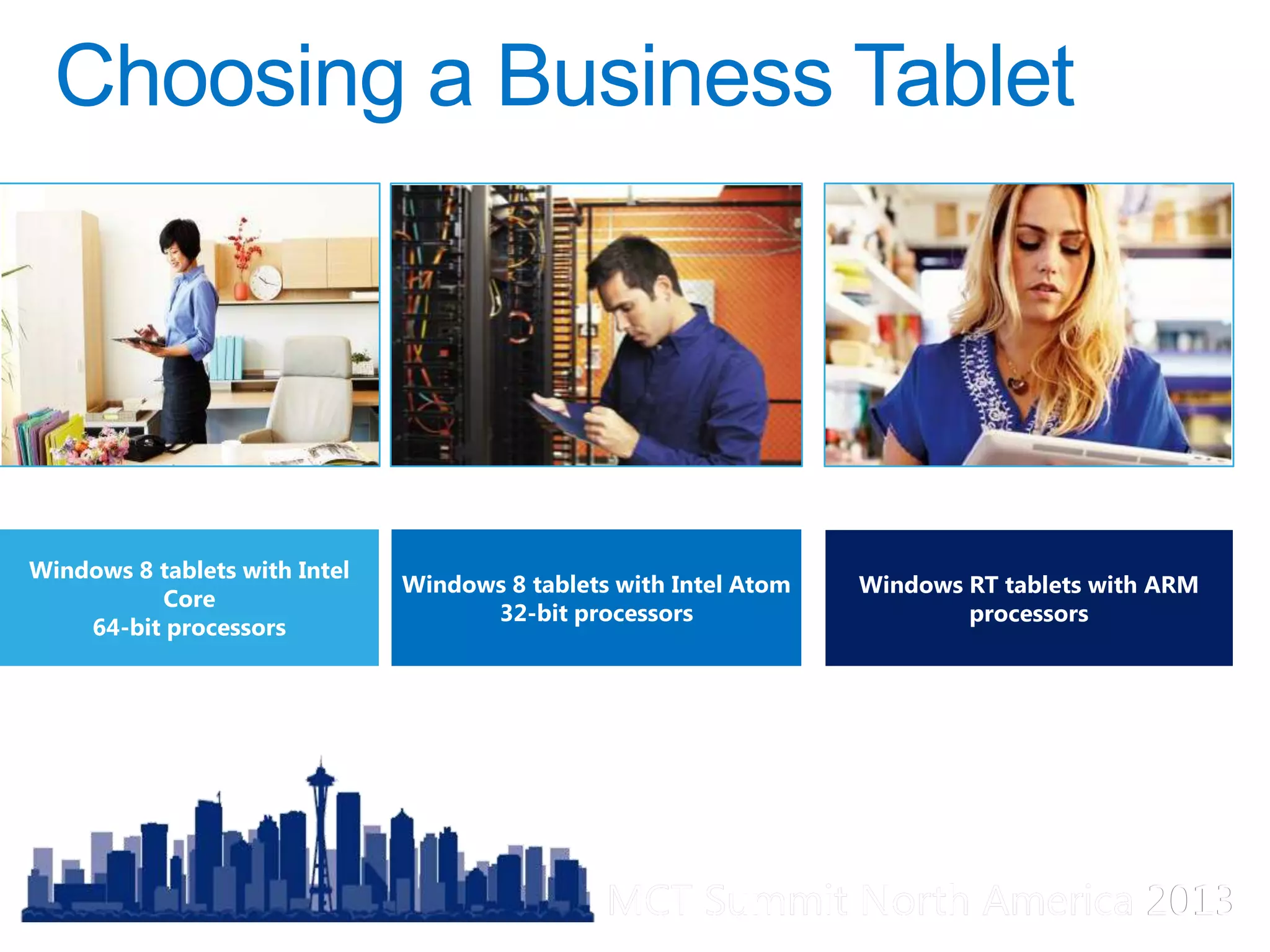
Windows 8 tablets with Intel
Core
64-bit processors
Windows 8 tablets with Intel Atom
32-bit processors
Windows RT tablets with ARM
processors
MCT Summit North America 2013MCT Summit North America 2013
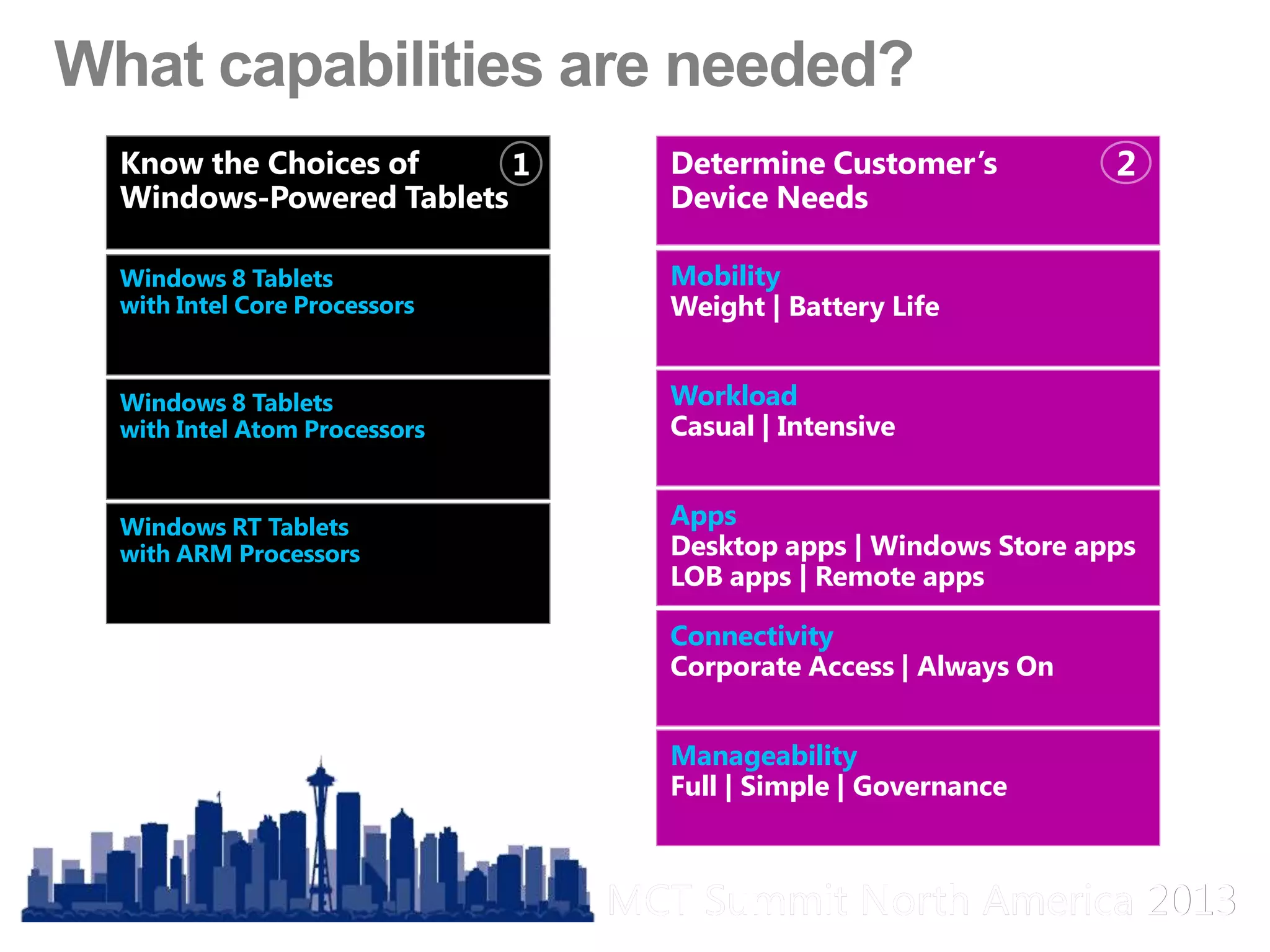
Windows 8 Tablets
with Intel Core Processors
Windows 8 Tablets
with Intel Atom Processors
Windows RT Tablets
with ARM Processors
Know the Choices of
Windows-Powered Tablets
1
Mobility
Weight | Battery Life
Workload
Casual | Intensive
Apps
Desktop apps | Windows Store apps
LOB apps | Remote apps
Connectivity
Corporate Access | Always On
Manageability
Full | Simple | Governance
Determine Customer’s
Device Needs
2
MCT Summit North America 2013MCT Summit North America 2013
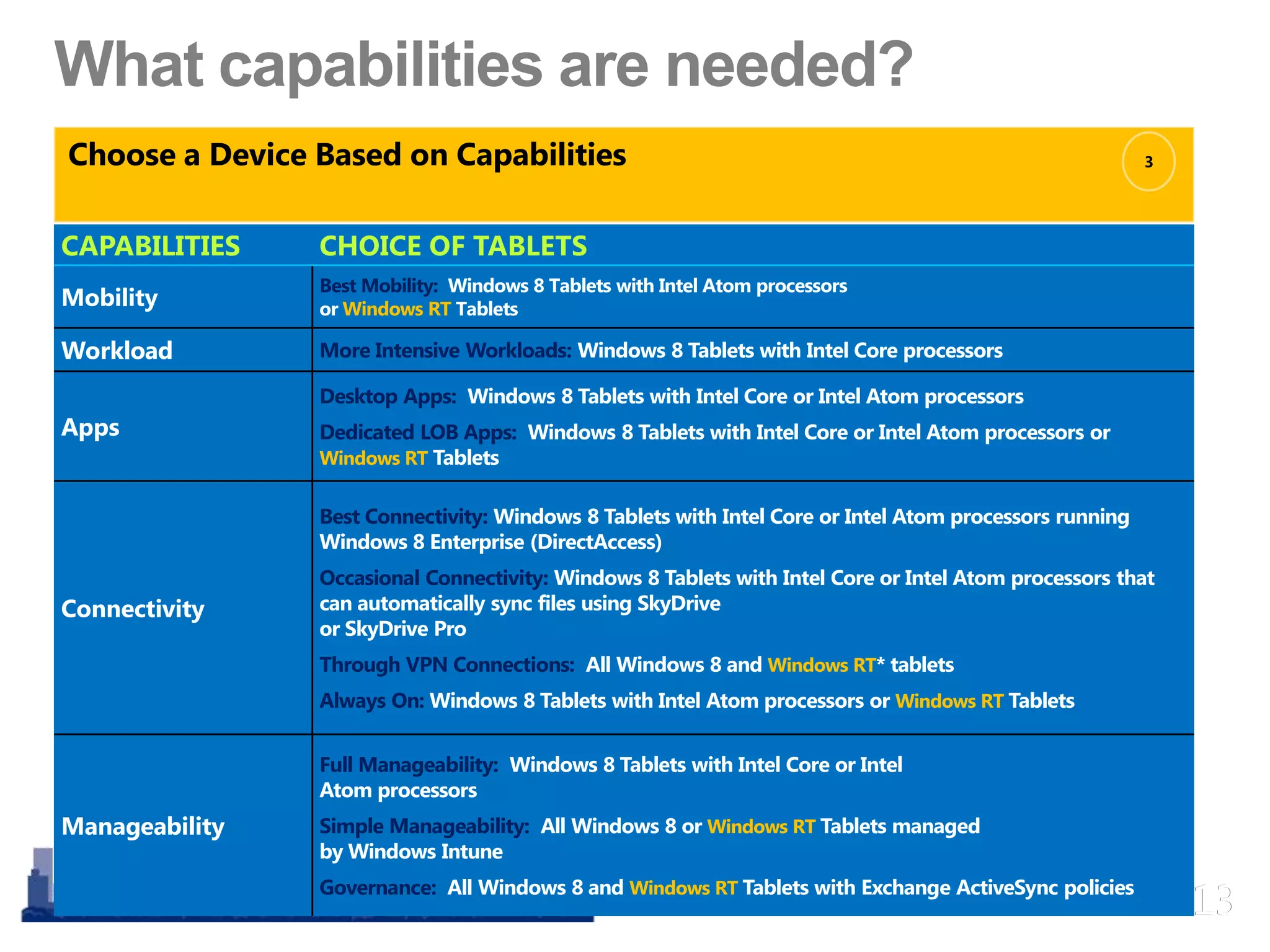
CAPABILITIES CHOICE OF TABLETS
Mobility
Best Mobility: Windows 8 Tablets with Intel Atom processors
or Windows RT Tablets
Workload More Intensive Workloads: Windows 8 Tablets with Intel Core processors
Apps
Desktop Apps: Windows 8 Tablets with Intel Core or Intel Atom processors
Dedicated LOB Apps: Windows 8 Tablets with Intel Core or Intel Atom processors or
Windows RT Tablets
Connectivity
Best Connectivity: Windows 8 Tablets with Intel Core or Intel Atom processors running
Windows 8 Enterprise (DirectAccess)
Occasional Connectivity: Windows 8 Tablets with Intel Core or Intel Atom processors that
can automatically sync files using SkyDrive
or SkyDrive Pro
Through VPN Connections: All Windows 8 and Windows RT* tablets
Always On: Windows 8 Tablets with Intel Atom processors or Windows RT Tablets
Manageability
Full Manageability: Windows 8 Tablets with Intel Core or Intel
Atom processors
Simple Manageability: All Windows 8 or Windows RT Tablets managed
by Windows Intune
Governance: All Windows 8 and Windows RT Tablets with Exchange ActiveSync policies
Choose a Device Based on Capabilities 3
MCT Summit North America 2013MCT Summit North America 2013
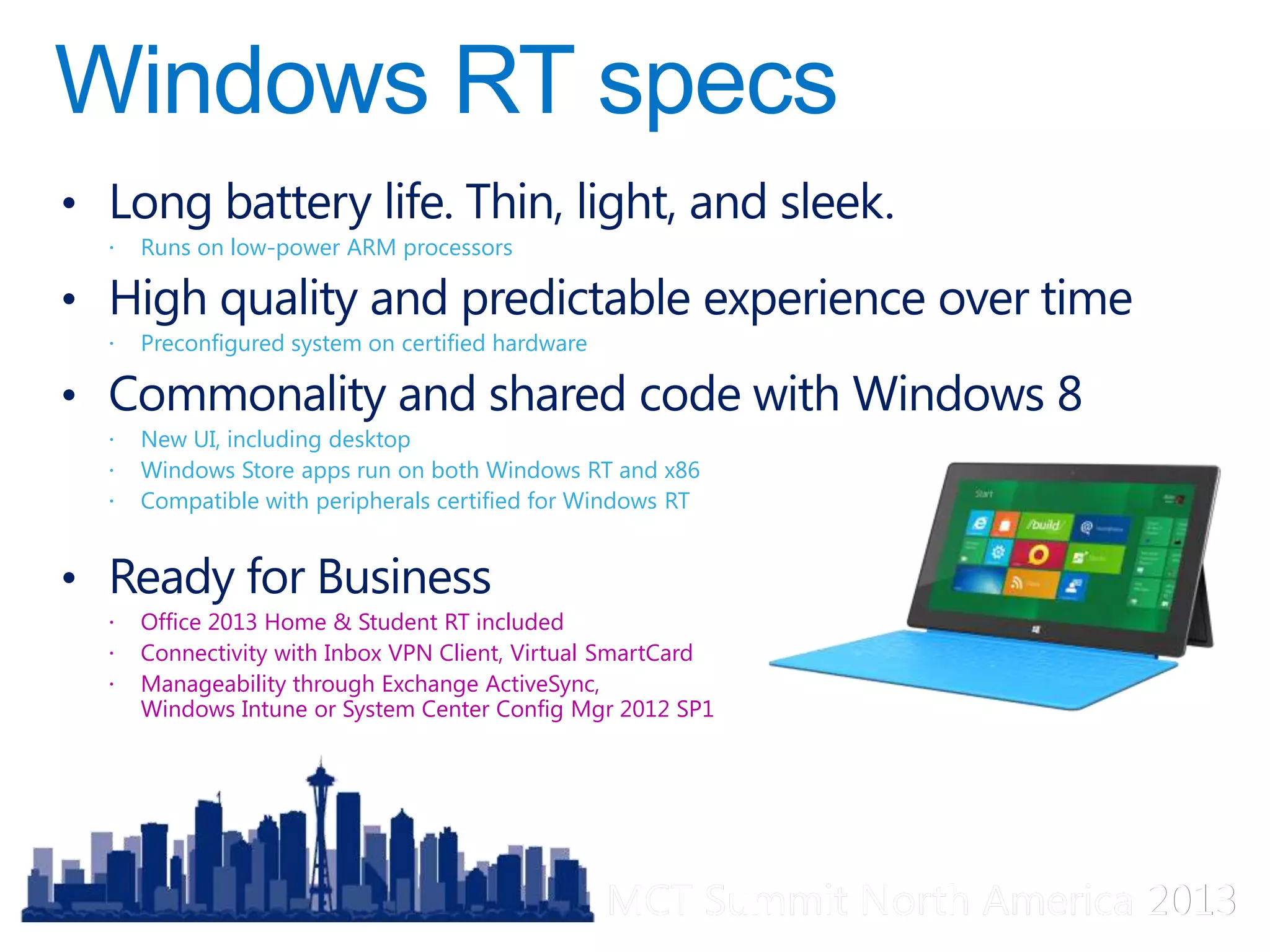
• Long battery life. Thin, light, and sleek.
 Runs on low-power ARM processors
• High quality and predictable experience over time
 Preconfigured system on certified hardware
• Commonality and shared code with Windows 8
 New UI, including desktop
 Windows Store apps run on both Windows RT and x86
 Compatible with peripherals certified for Windows RT
• Ready for Business
 Office 2013 Home & Student RT included
 Connectivity with Inbox VPN Client, Virtual SmartCard
 Manageability through Exchange ActiveSync,
Windows Intune or System Center Config Mgr 2012 SP1
MCT Summit North America 2013MCT Summit North America 2013
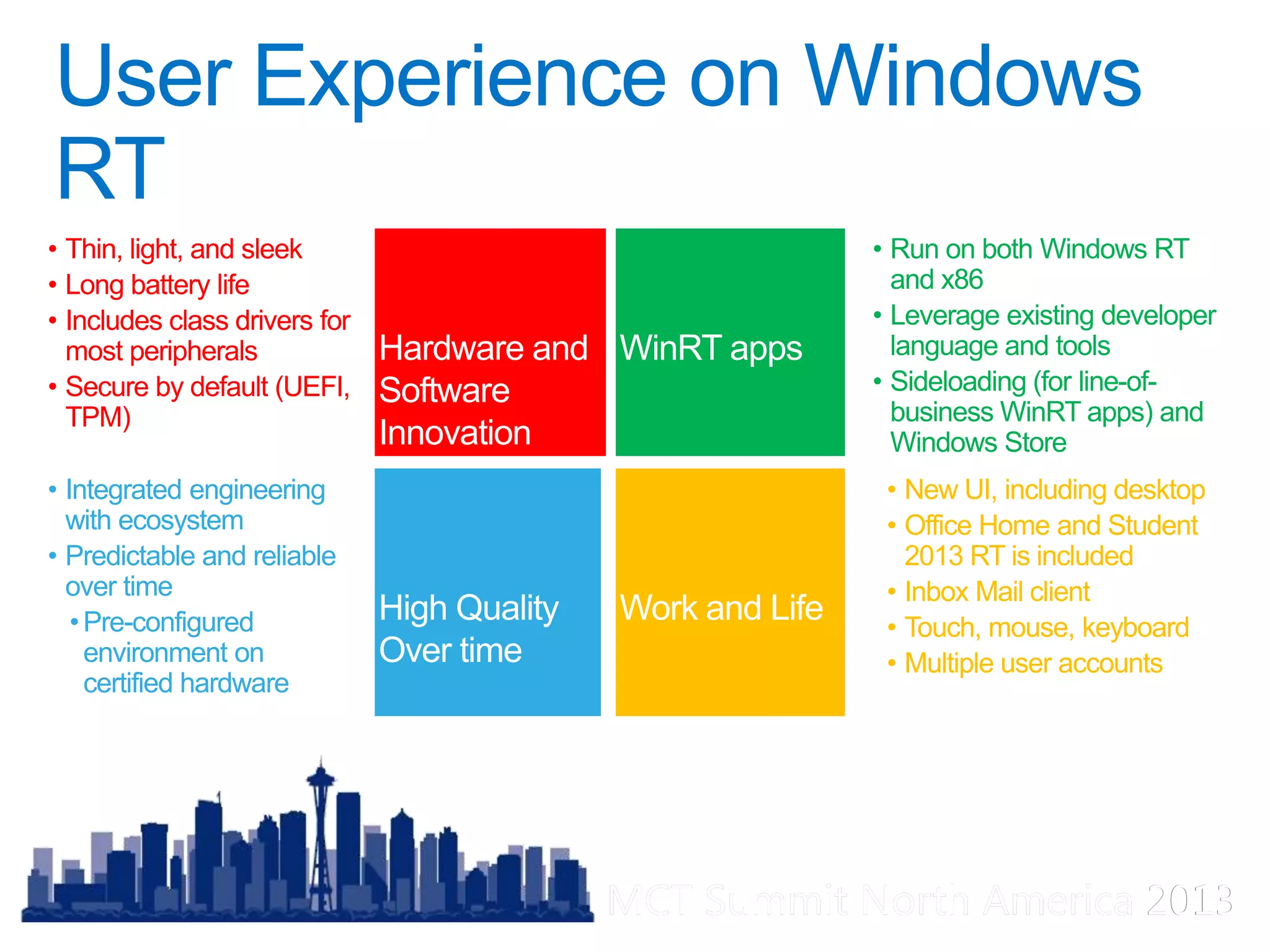
• Thin, light, and sleek
• Long battery life
• Includes class drivers for
most peripherals
• Secure by default (UEFI,
TPM)
• Integrated engineering
with ecosystem
• Predictable and reliable
over time
•Pre-configured
environment on
certified hardware
• New UI, including desktop
• Office Home and Student
2013 RT is included
• Inbox Mail client
• Touch, mouse, keyboard
• Multiple user accounts
• Run on both Windows RT
and x86
• Leverage existing developer
language and tools
• Sideloading (for line-of-
business WinRT apps) and
Windows Store
MCT Summit North America 2013MCT Summit North America 2013
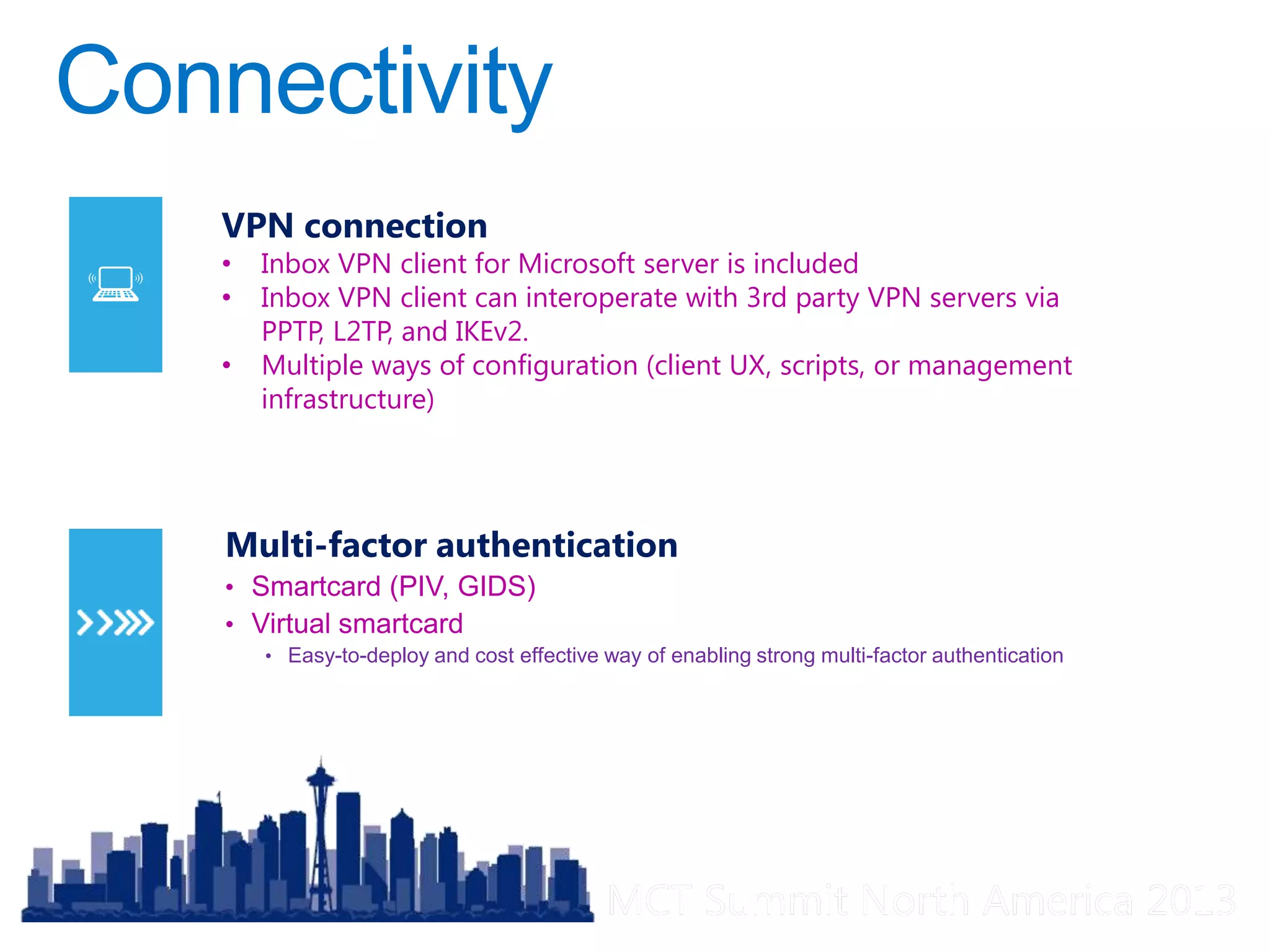
Multi-factor authentication
• Smartcard (PIV, GIDS)
• Virtual smartcard
• Easy-to-deploy and cost effective way of enabling strong multi-factor authentication
VPN connection
• Inbox VPN client for Microsoft server is included
• Inbox VPN client can interoperate with 3rd party VPN servers via
PPTP, L2TP, and IKEv2.
• Multiple ways of configuration (client UX, scripts, or management
infrastructure)
MCT Summit North America 2013MCT Summit North America 2013
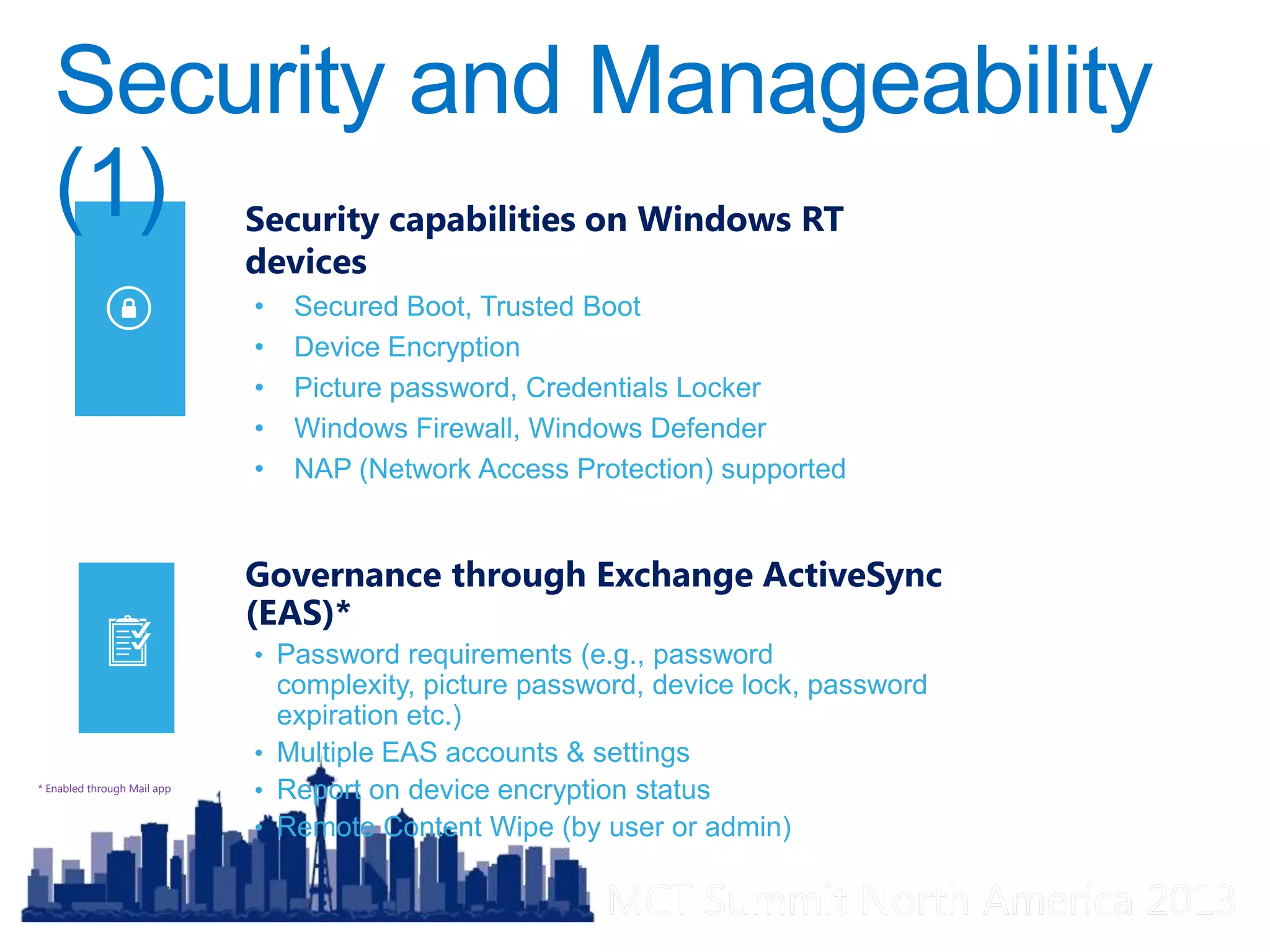
Governance through Exchange ActiveSync
(EAS)*
• Password requirements (e.g., password
complexity, picture password, device lock, password
expiration etc.)
• Multiple EAS accounts & settings
• Report on device encryption status
• Remote Content Wipe (by user or admin)
* Enabled through Mail app
Security capabilities on Windows RT
devices
• Secured Boot, Trusted Boot
• Device Encryption
• Picture password, Credentials Locker
• Windows Firewall, Windows Defender
• NAP (Network Access Protection) supported
MCT Summit North America 2013MCT Summit North America 2013
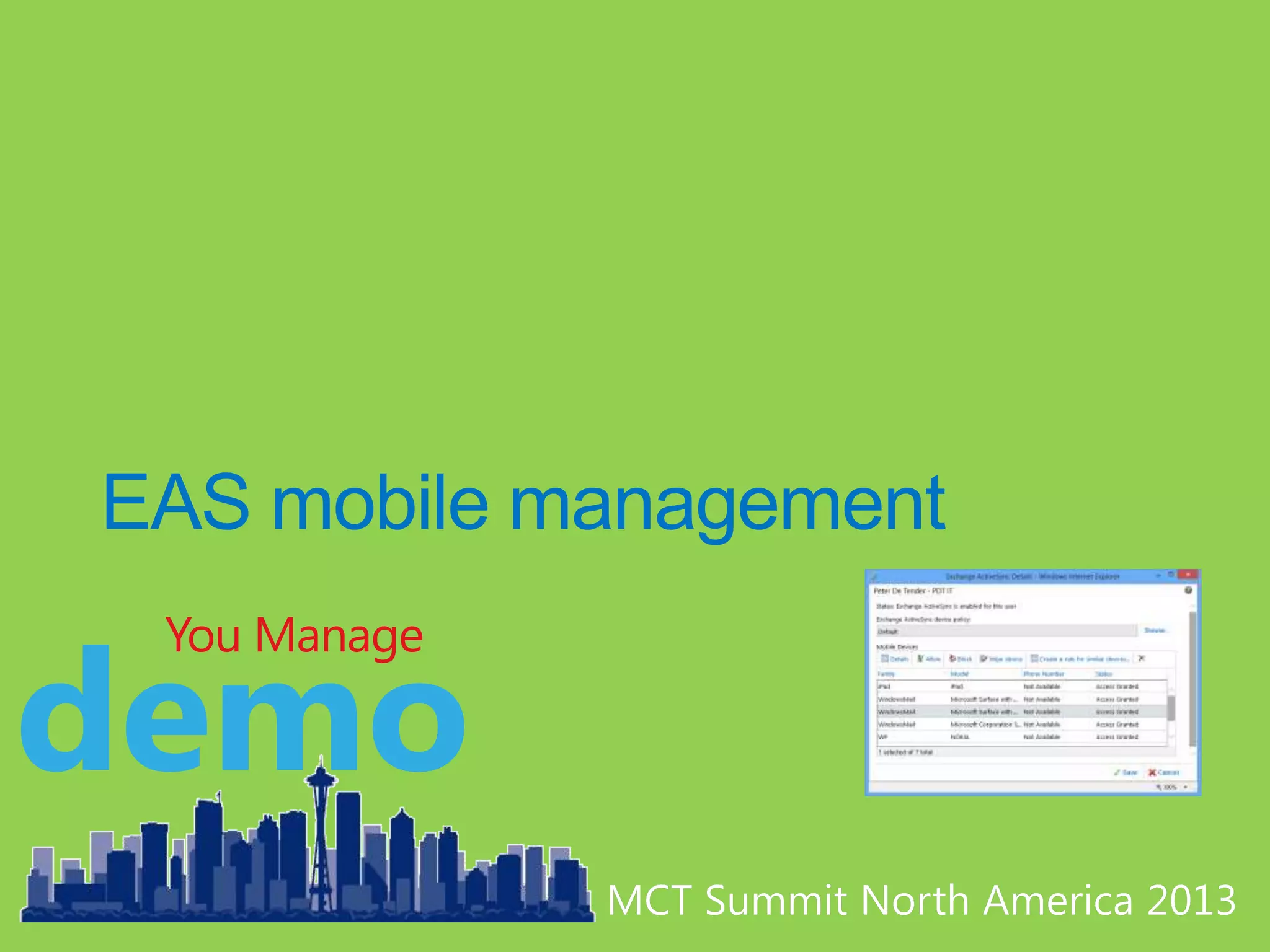
demo
You Manage
MCT Summit North America 2013MCT Summit North America 2013
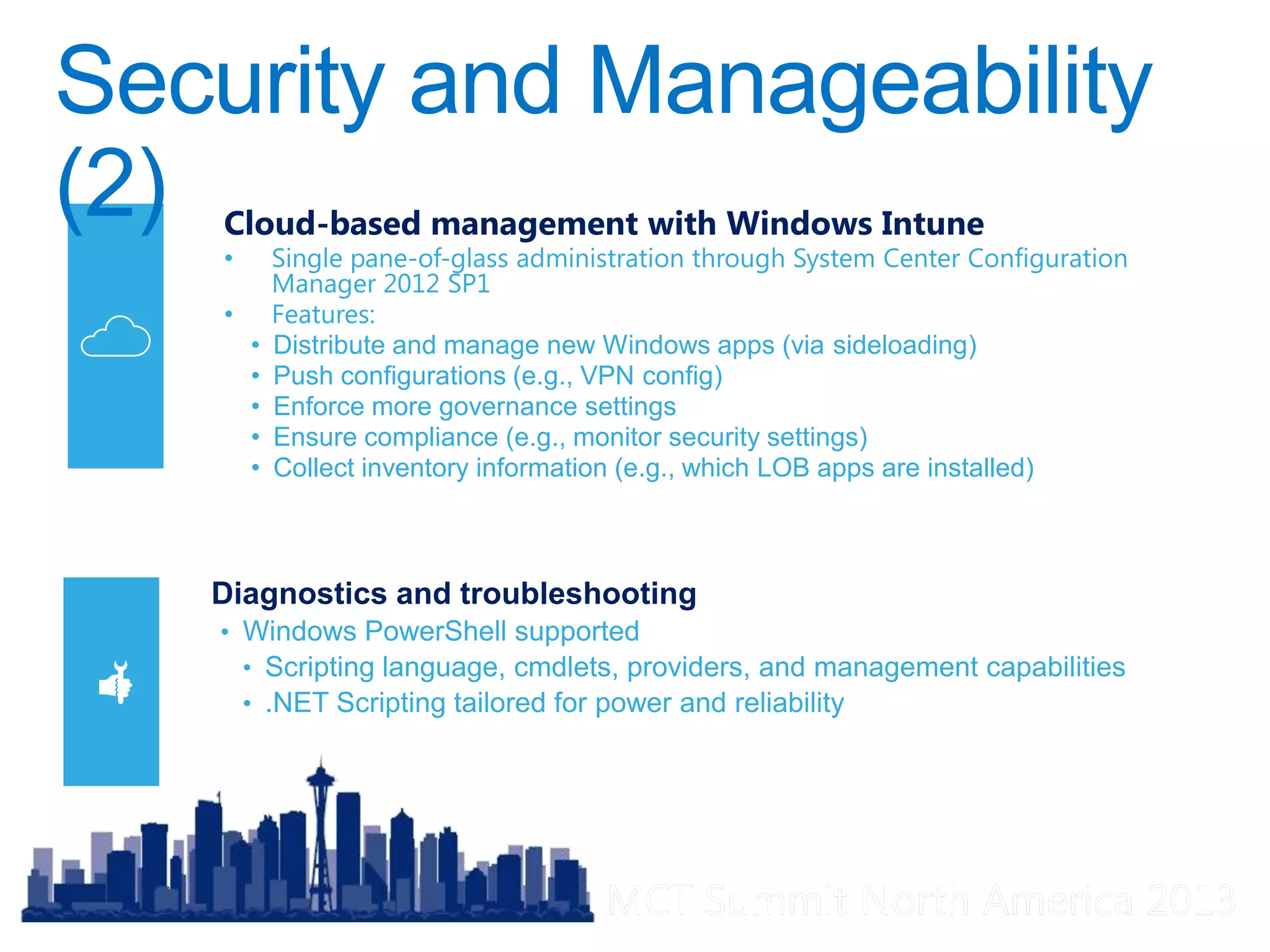
Diagnostics and troubleshooting
• Windows PowerShell supported
• Scripting language, cmdlets, providers, and management capabilities
• .NET Scripting tailored for power and reliability
Cloud-based management with Windows Intune
• Single pane-of-glass administration through System Center Configuration
Manager 2012 SP1
• Features:
• Distribute and manage new Windows apps (via sideloading)
• Push configurations (e.g., VPN config)
• Enforce more governance settings
• Ensure compliance (e.g., monitor security settings)
• Collect inventory information (e.g., which LOB apps are installed)
MCT Summit North America 2013MCT Summit North America 2013
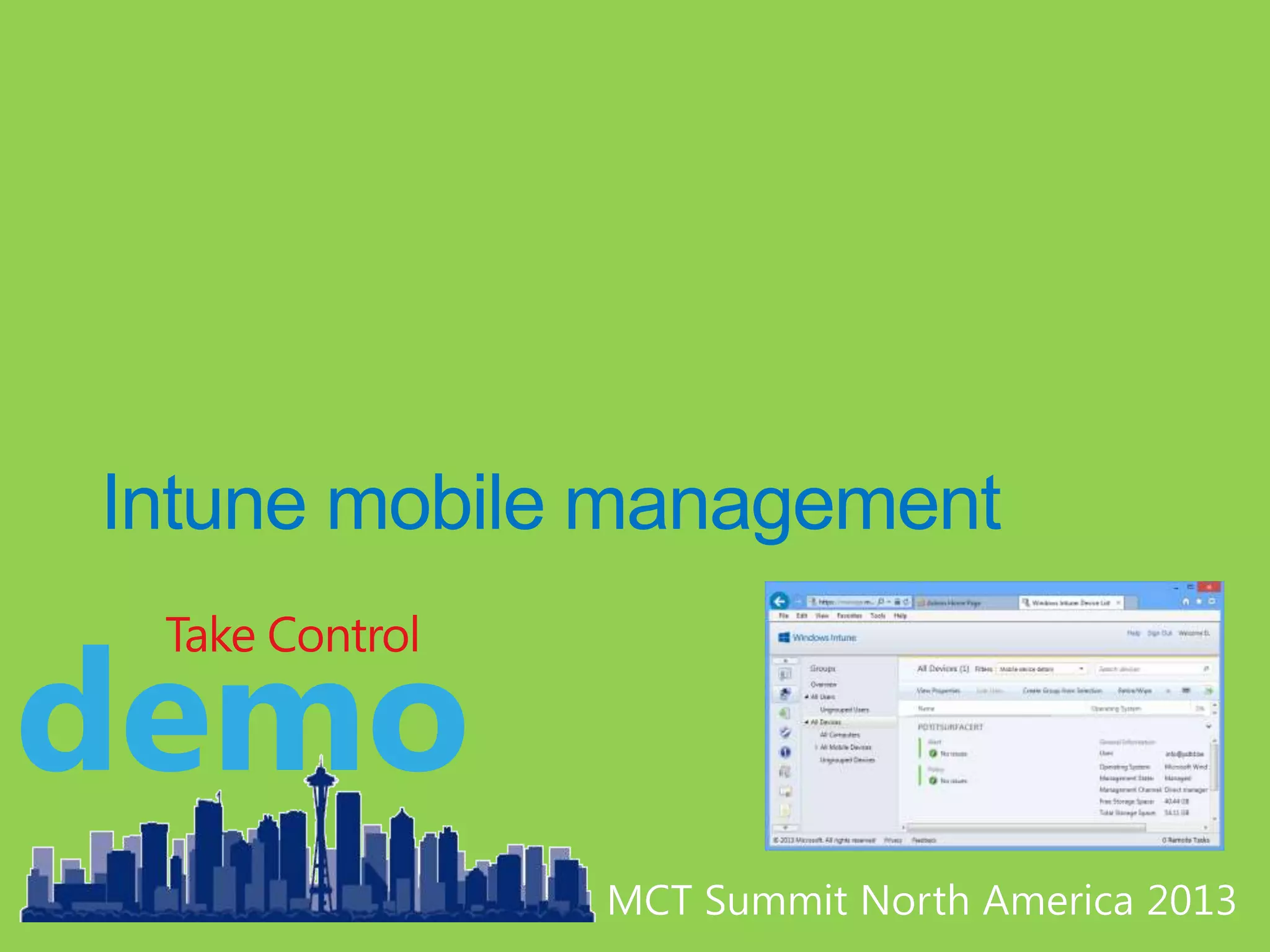
demo
Take Control
MCT Summit North America 2013MCT Summit North America 2013
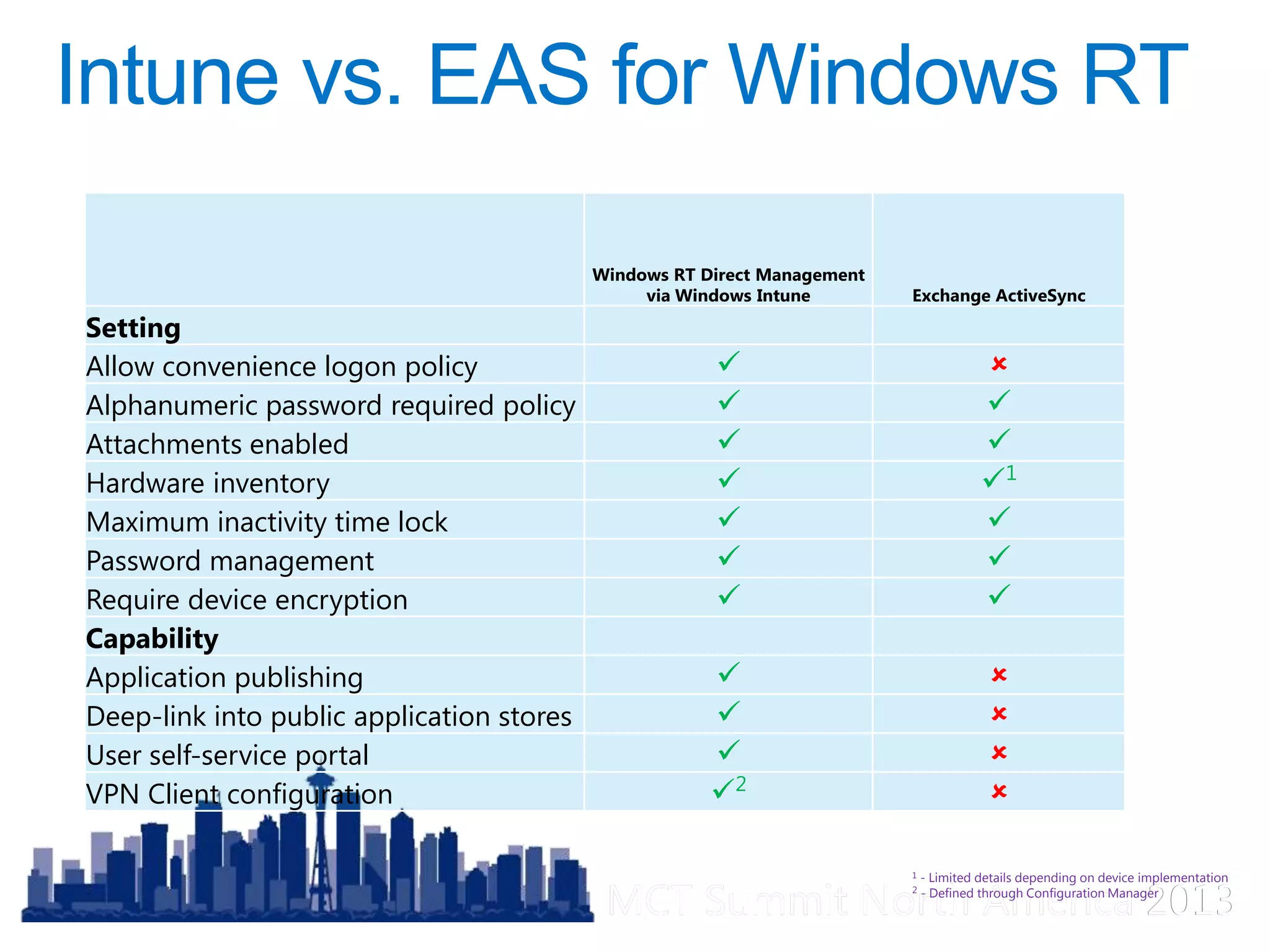
Windows RT Direct Management
via Windows Intune Exchange ActiveSync
Setting
Allow convenience logon policy  
Alphanumeric password required policy  
Attachments enabled  
Hardware inventory  1
Maximum inactivity time lock  
Password management  
Require device encryption  
Capability
Application publishing  
Deep-link into public application stores  
User self-service portal  
VPN Client configuration 2

1 - Limited details depending on device implementation
2 - Defined through Configuration Manager
MCT Summit North America 2013MCT Summit North America 2013
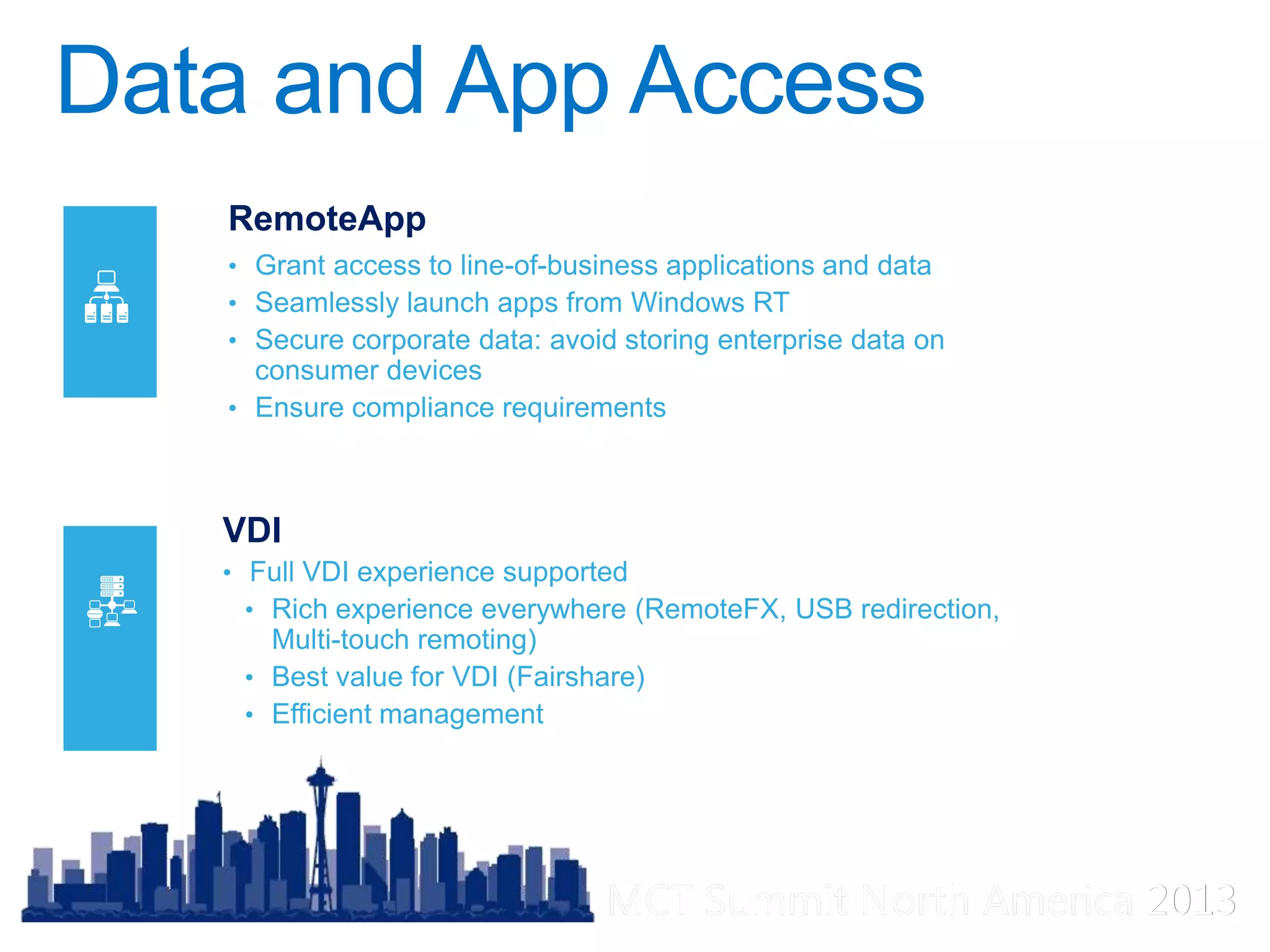
VDI
• Full VDI experience supported
• Rich experience everywhere (RemoteFX, USB redirection,
Multi-touch remoting)
• Best value for VDI (Fairshare)
• Efficient management
RemoteApp
• Grant access to line-of-business applications and data
• Seamlessly launch apps from Windows RT
• Secure corporate data: avoid storing enterprise data on
consumer devices
• Ensure compliance requirements
MCT Summit North America 2013MCT Summit North America 2013
demo
Ain’t that cool?
MCT Summit North America 2013MCT Summit North America 2013
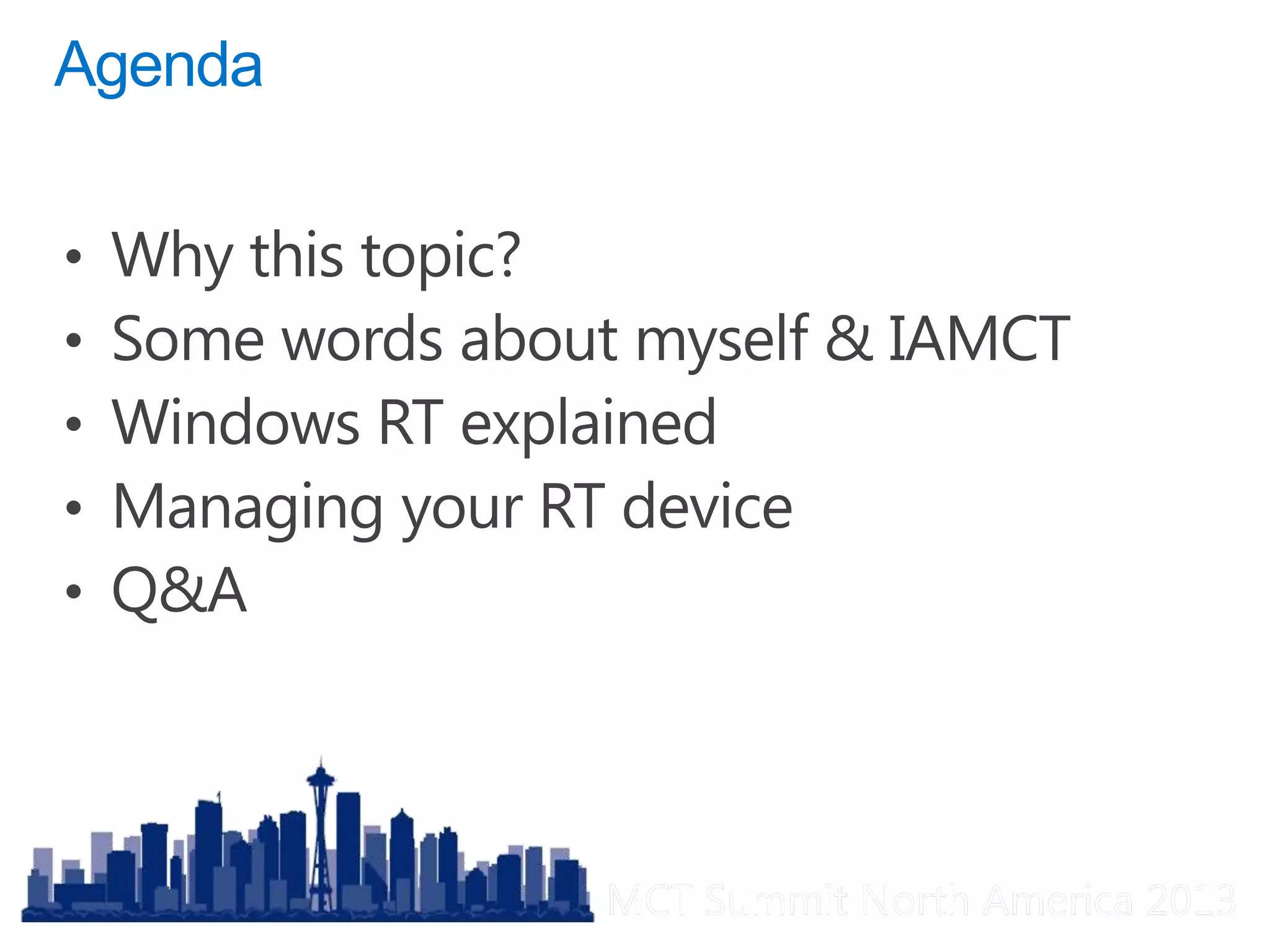
Q&A
MCT Summit North America 2013MCT Summit North America 2013

Mct summit 2013 rt in the enterprise

  • 1.
    MCT Summit NorthAmerica 2013MCT Summit North America 2013
  • 2.
    MCT Summit NorthAmerica 2013MCT Summit North America 2013
  • 3.
    MCT Summit NorthAmerica 2013MCT Summit North America 2013
  • 4.
    MCT Summit NorthAmerica 2013MCT Summit North America 2013
  • 5.
    MCT Summit NorthAmerica 2013MCT Summit North America 2013
  • 6.
    MCT Summit NorthAmerica 2013MCT Summit North America 2013 <3 prime run Windows
  • 7.
    MCT Summit NorthAmerica 2013MCT Summit North America 2013
  • 8.
    MCT Summit NorthAmerica 2013MCT Summit North America 2013 @pdtit info@pdtit.be
  • 9.
    MCT Summit NorthAmerica 2013MCT Summit North America 2013
  • 10.
    MCT Summit NorthAmerica 2013MCT Summit North America 2013 Windows 8 tablets with Intel Core 64-bit processors Windows 8 tablets with Intel Atom 32-bit processors Windows RT tablets with ARM processors
  • 11.
    MCT Summit NorthAmerica 2013MCT Summit North America 2013 Windows 8 Tablets with Intel Core Processors Windows 8 Tablets with Intel Atom Processors Windows RT Tablets with ARM Processors Know the Choices of Windows-Powered Tablets 1 Mobility Weight | Battery Life Workload Casual | Intensive Apps Desktop apps | Windows Store apps LOB apps | Remote apps Connectivity Corporate Access | Always On Manageability Full | Simple | Governance Determine Customer’s Device Needs 2
  • 12.
    MCT Summit NorthAmerica 2013MCT Summit North America 2013 CAPABILITIES CHOICE OF TABLETS Mobility Best Mobility: Windows 8 Tablets with Intel Atom processors or Windows RT Tablets Workload More Intensive Workloads: Windows 8 Tablets with Intel Core processors Apps Desktop Apps: Windows 8 Tablets with Intel Core or Intel Atom processors Dedicated LOB Apps: Windows 8 Tablets with Intel Core or Intel Atom processors or Windows RT Tablets Connectivity Best Connectivity: Windows 8 Tablets with Intel Core or Intel Atom processors running Windows 8 Enterprise (DirectAccess) Occasional Connectivity: Windows 8 Tablets with Intel Core or Intel Atom processors that can automatically sync files using SkyDrive or SkyDrive Pro Through VPN Connections: All Windows 8 and Windows RT* tablets Always On: Windows 8 Tablets with Intel Atom processors or Windows RT Tablets Manageability Full Manageability: Windows 8 Tablets with Intel Core or Intel Atom processors Simple Manageability: All Windows 8 or Windows RT Tablets managed by Windows Intune Governance: All Windows 8 and Windows RT Tablets with Exchange ActiveSync policies Choose a Device Based on Capabilities 3
  • 13.
    MCT Summit NorthAmerica 2013MCT Summit North America 2013 • Long battery life. Thin, light, and sleek.  Runs on low-power ARM processors • High quality and predictable experience over time  Preconfigured system on certified hardware • Commonality and shared code with Windows 8  New UI, including desktop  Windows Store apps run on both Windows RT and x86  Compatible with peripherals certified for Windows RT • Ready for Business  Office 2013 Home & Student RT included  Connectivity with Inbox VPN Client, Virtual SmartCard  Manageability through Exchange ActiveSync, Windows Intune or System Center Config Mgr 2012 SP1
  • 14.
    MCT Summit NorthAmerica 2013MCT Summit North America 2013 • Thin, light, and sleek • Long battery life • Includes class drivers for most peripherals • Secure by default (UEFI, TPM) • Integrated engineering with ecosystem • Predictable and reliable over time •Pre-configured environment on certified hardware • New UI, including desktop • Office Home and Student 2013 RT is included • Inbox Mail client • Touch, mouse, keyboard • Multiple user accounts • Run on both Windows RT and x86 • Leverage existing developer language and tools • Sideloading (for line-of- business WinRT apps) and Windows Store
  • 15.
    MCT Summit NorthAmerica 2013MCT Summit North America 2013
  • 16.
    MCT Summit NorthAmerica 2013MCT Summit North America 2013 Multi-factor authentication • Smartcard (PIV, GIDS) • Virtual smartcard • Easy-to-deploy and cost effective way of enabling strong multi-factor authentication VPN connection • Inbox VPN client for Microsoft server is included • Inbox VPN client can interoperate with 3rd party VPN servers via PPTP, L2TP, and IKEv2. • Multiple ways of configuration (client UX, scripts, or management infrastructure)
  • 17.
    MCT Summit NorthAmerica 2013MCT Summit North America 2013 Governance through Exchange ActiveSync (EAS)* • Password requirements (e.g., password complexity, picture password, device lock, password expiration etc.) • Multiple EAS accounts & settings • Report on device encryption status • Remote Content Wipe (by user or admin) * Enabled through Mail app Security capabilities on Windows RT devices • Secured Boot, Trusted Boot • Device Encryption • Picture password, Credentials Locker • Windows Firewall, Windows Defender • NAP (Network Access Protection) supported
  • 18.
    MCT Summit NorthAmerica 2013MCT Summit North America 2013 demo You Manage
  • 19.
    MCT Summit NorthAmerica 2013MCT Summit North America 2013 Diagnostics and troubleshooting • Windows PowerShell supported • Scripting language, cmdlets, providers, and management capabilities • .NET Scripting tailored for power and reliability Cloud-based management with Windows Intune • Single pane-of-glass administration through System Center Configuration Manager 2012 SP1 • Features: • Distribute and manage new Windows apps (via sideloading) • Push configurations (e.g., VPN config) • Enforce more governance settings • Ensure compliance (e.g., monitor security settings) • Collect inventory information (e.g., which LOB apps are installed)
  • 20.
    MCT Summit NorthAmerica 2013MCT Summit North America 2013 demo Take Control
  • 21.
    MCT Summit NorthAmerica 2013MCT Summit North America 2013 Windows RT Direct Management via Windows Intune Exchange ActiveSync Setting Allow convenience logon policy   Alphanumeric password required policy   Attachments enabled   Hardware inventory  1 Maximum inactivity time lock   Password management   Require device encryption   Capability Application publishing   Deep-link into public application stores   User self-service portal   VPN Client configuration 2  1 - Limited details depending on device implementation 2 - Defined through Configuration Manager
  • 22.
    MCT Summit NorthAmerica 2013MCT Summit North America 2013 VDI • Full VDI experience supported • Rich experience everywhere (RemoteFX, USB redirection, Multi-touch remoting) • Best value for VDI (Fairshare) • Efficient management RemoteApp • Grant access to line-of-business applications and data • Seamlessly launch apps from Windows RT • Secure corporate data: avoid storing enterprise data on consumer devices • Ensure compliance requirements
  • 23.
    MCT Summit NorthAmerica 2013MCT Summit North America 2013 demo Ain’t that cool?
  • 24.
    MCT Summit NorthAmerica 2013MCT Summit North America 2013 Q&A
  • 25.
    MCT Summit NorthAmerica 2013MCT Summit North America 2013