Presented By:
Maria Akther
ID:083-20-119
Dept. : Computer Science
Daffodil International University
MATLAB
  Matlab introduction
 Matlab elements
 Variables
 Matrices
 Loading, saving and plotting
 Matlab Programming language
 Some functions
   Matlab is a program for doing numerical
    computation. It was originally designed for
    solving linear algebra type problems using
    matrices. It’s name is derived from MATrix
    LABoratory.

   Matlab is also a high level programming
    language that currently is widely used as a
    platform for developing tools for Machine
    Learning.
   Some other aspects of Matlab
    -Matlab is an interpreter -> not as fast as
    compiled code
     -Typically quite fast for an interpreted
    language
    -Can be linked to C/C++, JAVA, SQL etc
    -Commercial product, but widely used in
    industry and academia
    -Many algorithms and toolboxes freely
    available
Advantages of MATLAB:
 -Easy to use
 -Predefined Functions
 -Plotting

Disadvantages of MATLAB:
 - Can be slow
 - Commercial Software.
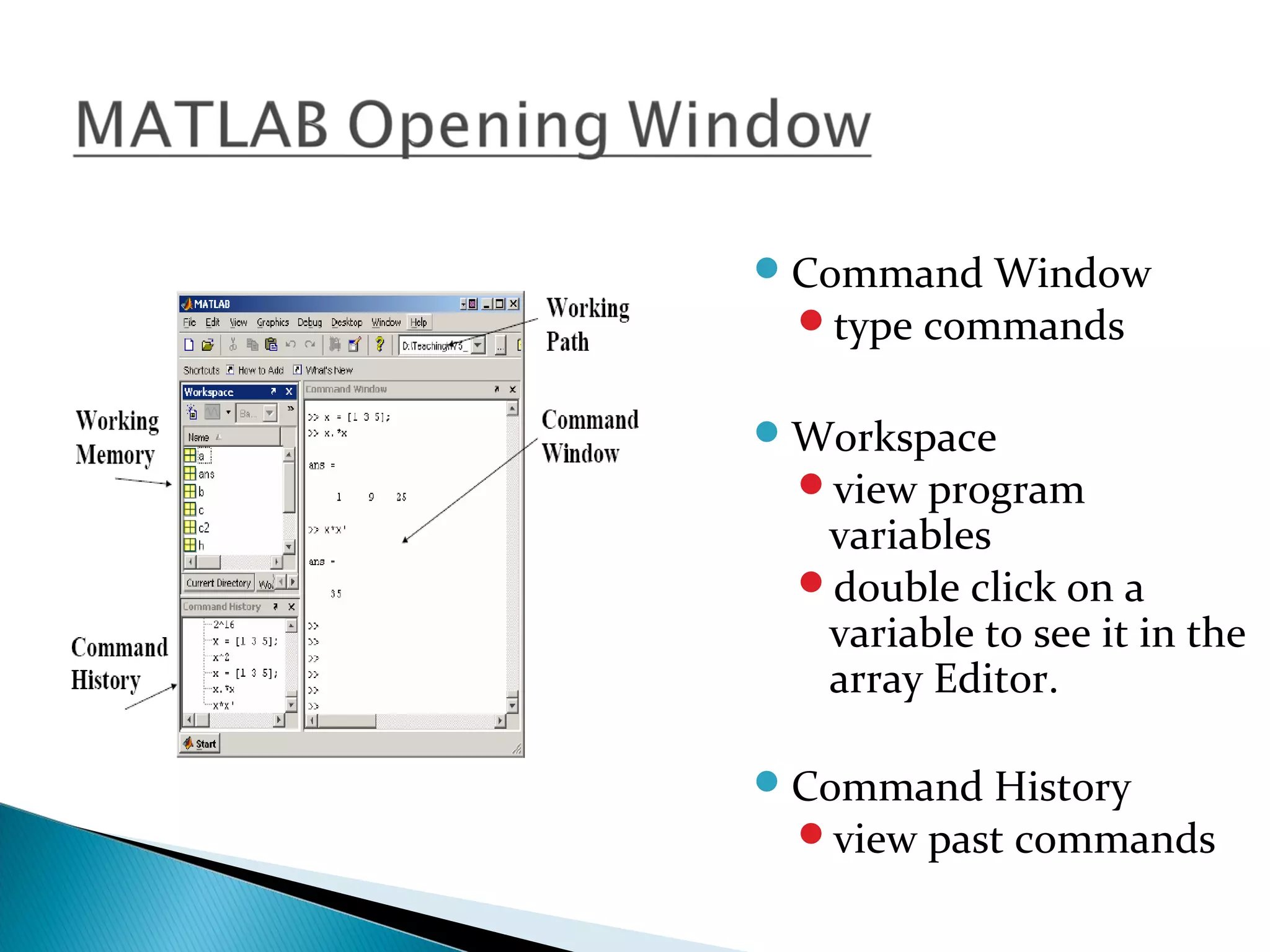
 Command Window
  type commands


 Workspace
  view program
   variables
  double click on a
   variable to see it in the
   array Editor.

 Command History
  view past commands
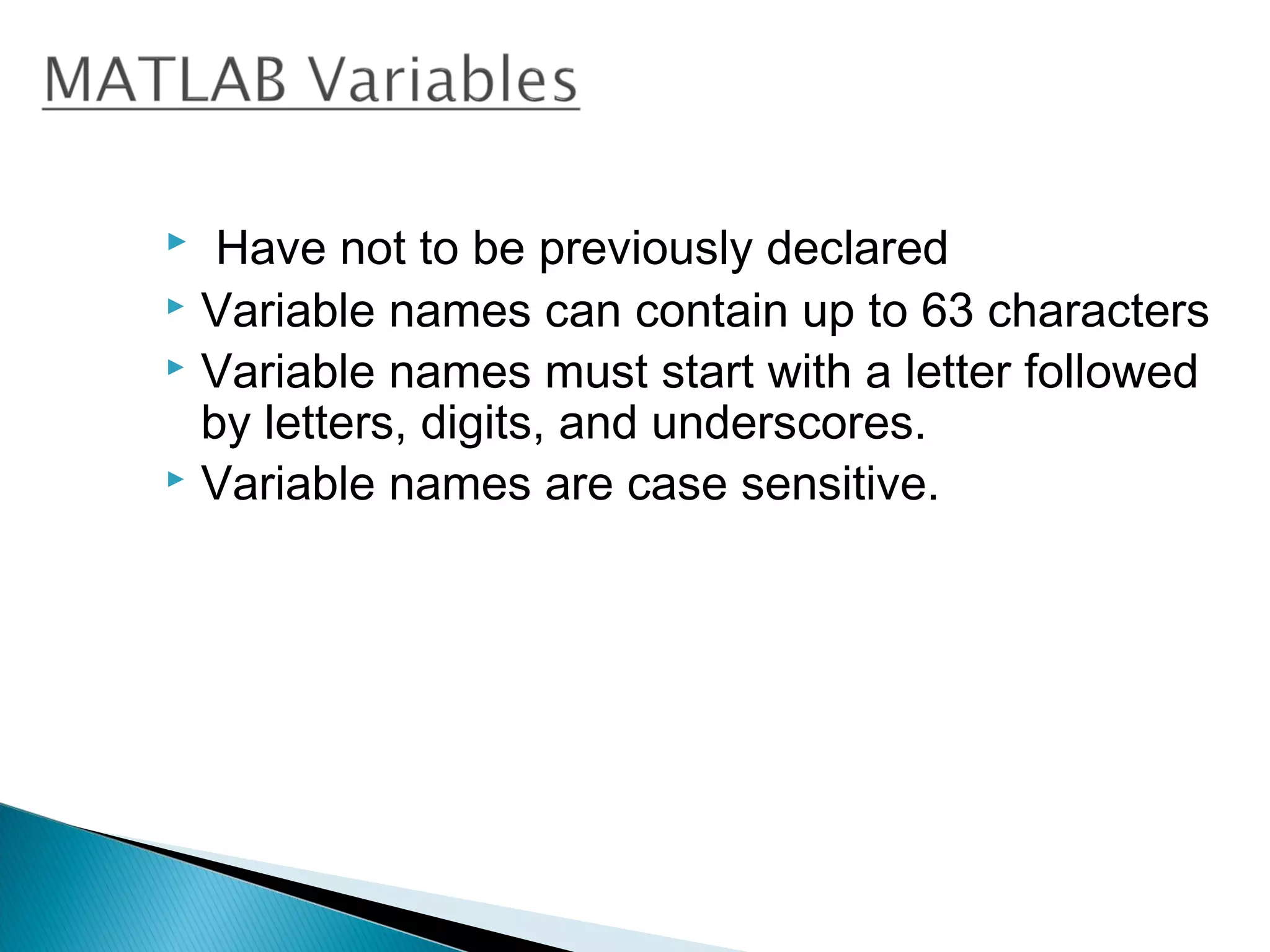
  Have not to be previously declared
 Variable names can contain up to 63 characters
 Variable names must start with a letter followed
  by letters, digits, and underscores.
 Variable names are case sensitive.
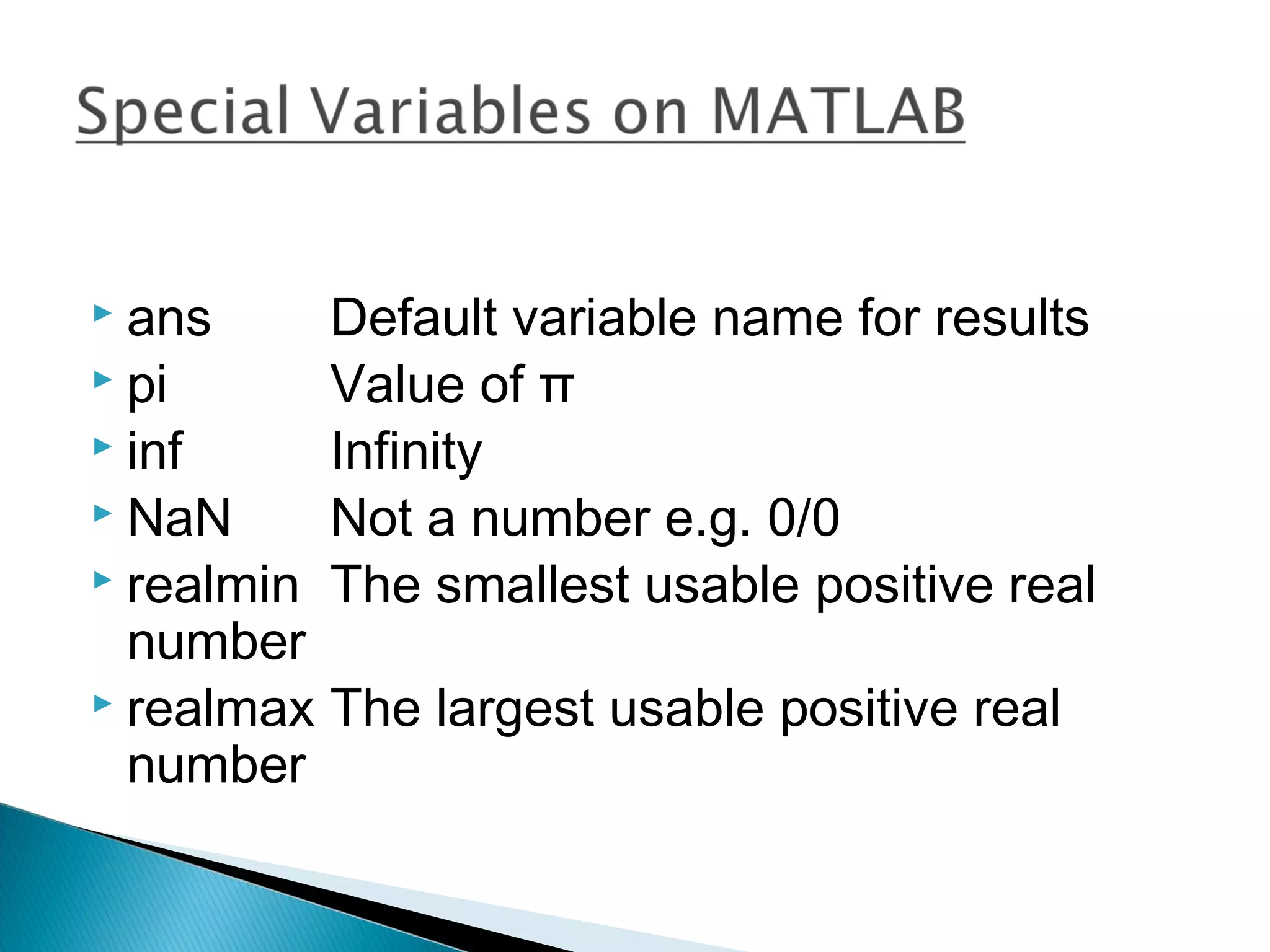
 ans     Default variable name for results
 pi      Value of π
 inf     Infinity
 NaN     Not a number e.g. 0/0
 realmin The smallest usable positive real
  number
 realmax The largest usable positive real
  number
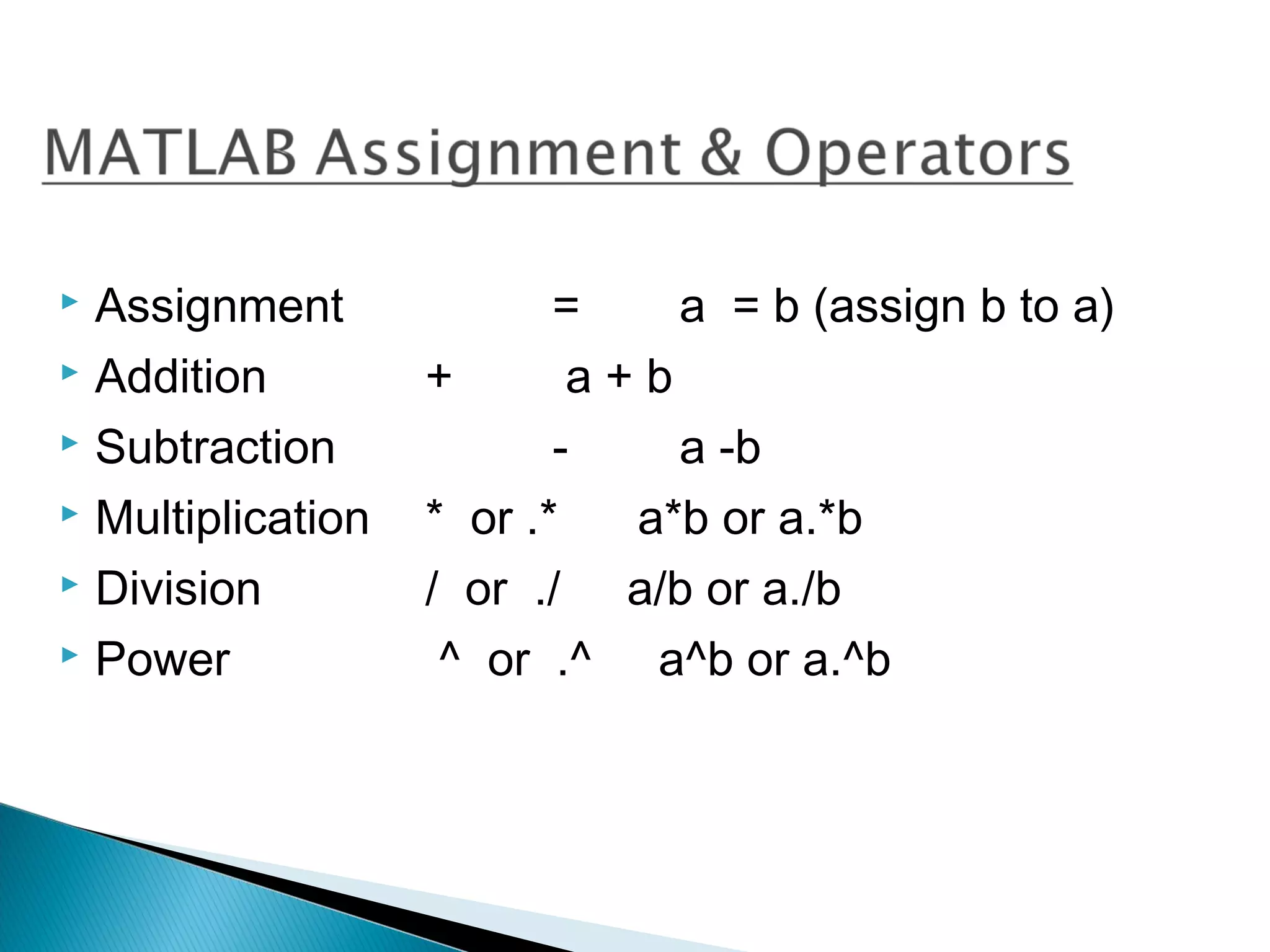
 Assignment              =    a = b (assign b to a)
 Addition         +       a+b
 Subtraction             -    a -b
 Multiplication   * or .*   a*b or a.*b
 Division         / or ./ a/b or a./b
 Power             ^ or .^ a^b or a.^b
 Matlab treats all variables as matrices. A
  matrix can be thought of as an array, in fact,
  that is how it is stored.
 Vectors are special forms of matrices and
  contain only one row OR one column.
 Scalars are matrices with only one row AND
  one column
 A matrix with only one row is called a row
  vector. A row vector can be created in
 Matlab as follows (note the commas):
      » rowvec = [12 , 14 , 63]
   A matrix with only one column is called a column
    vector. A column vector can be created in MATLAB
    as follows (note the semicolons):
        » colvec = [13 ; 45 ; -2]

   A matrix can be created in Matlab as follows (note
    the commas AND semicolons):
              » matrix = [1 , 2 , 3 ; 4 , 5 ,6 ; 7 , 8 , 9]
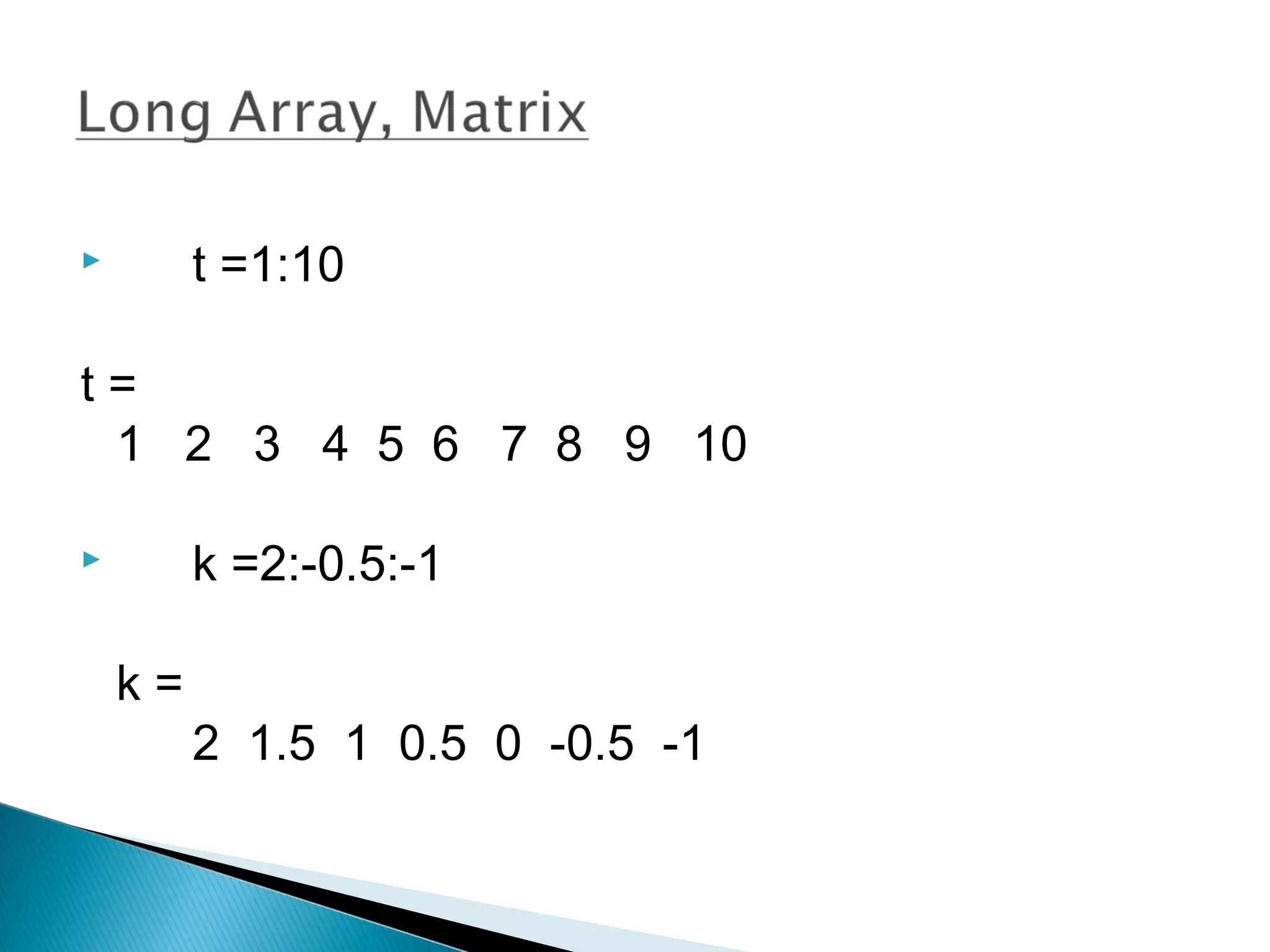
        t =1:10

t=
 1 2 3 4 5 6 7 8 9 10

        k =2:-0.5:-1

    k=
         2 1.5 1 0.5 0 -0.5 -1
 x = [1 2], y = [4 5], z=[ 0 0]
     A = [ x y]
      1 2 4 5
   B = [x ; y]
     12
     45
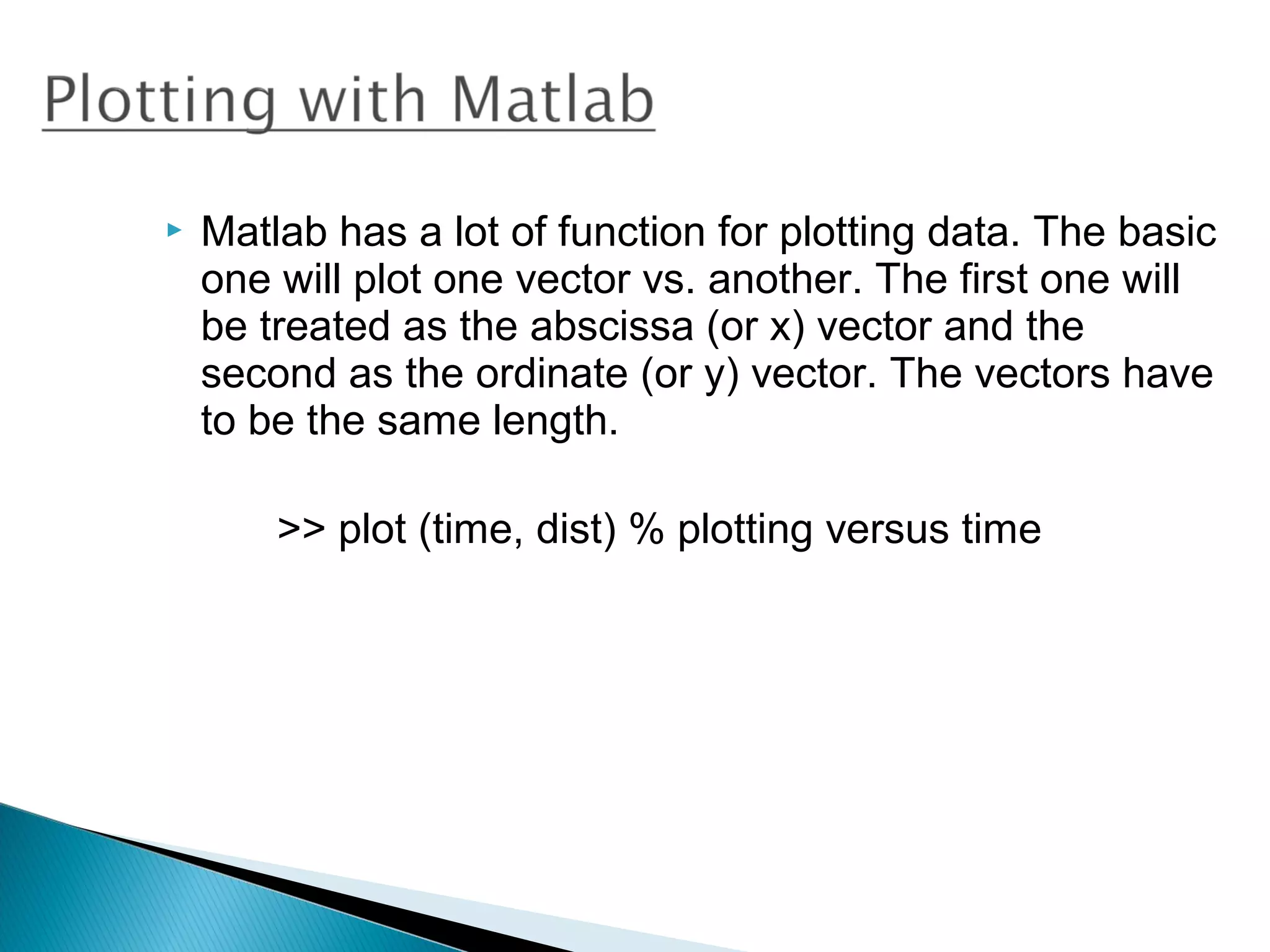
   Matlab has a lot of function for plotting data. The basic
    one will plot one vector vs. another. The first one will
    be treated as the abscissa (or x) vector and the
    second as the ordinate (or y) vector. The vectors have
    to be the same length.

        >> plot (time, dist) % plotting versus time
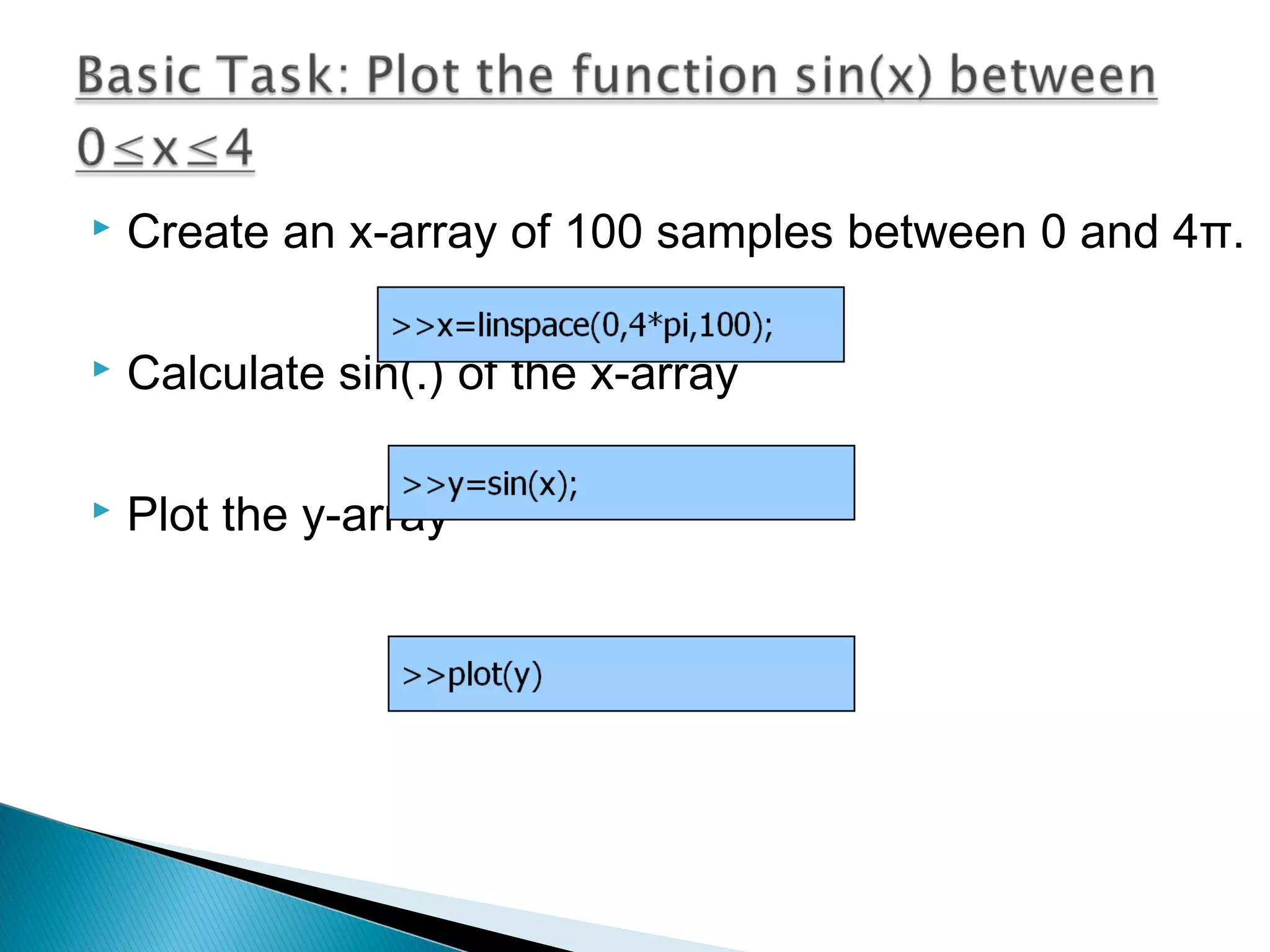
   Create an x-array of 100 samples between 0 and 4π.

   Calculate sin(.) of the x-array

   Plot the y-array
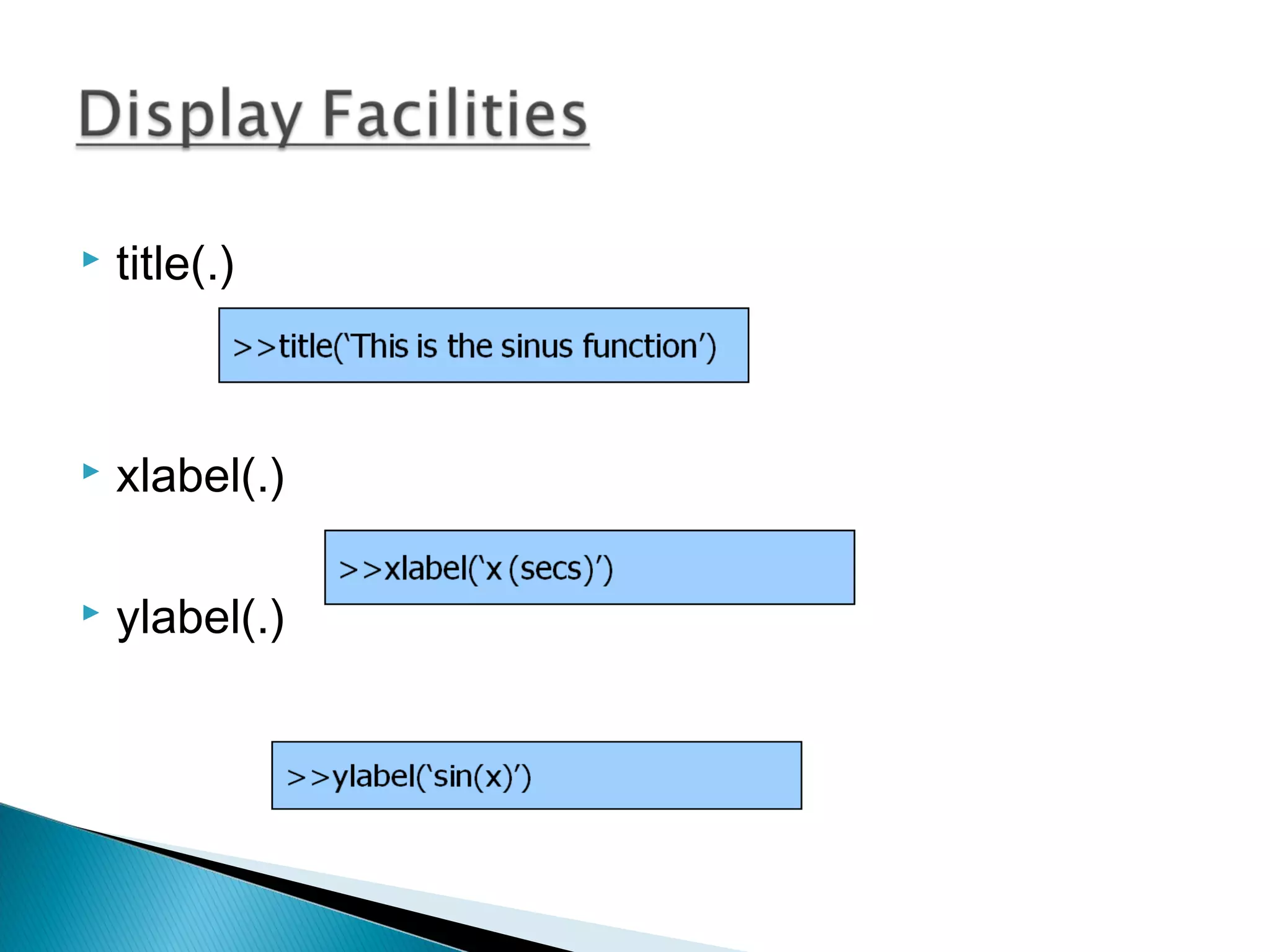
   title(.)


   xlabel(.)

   ylabel(.)
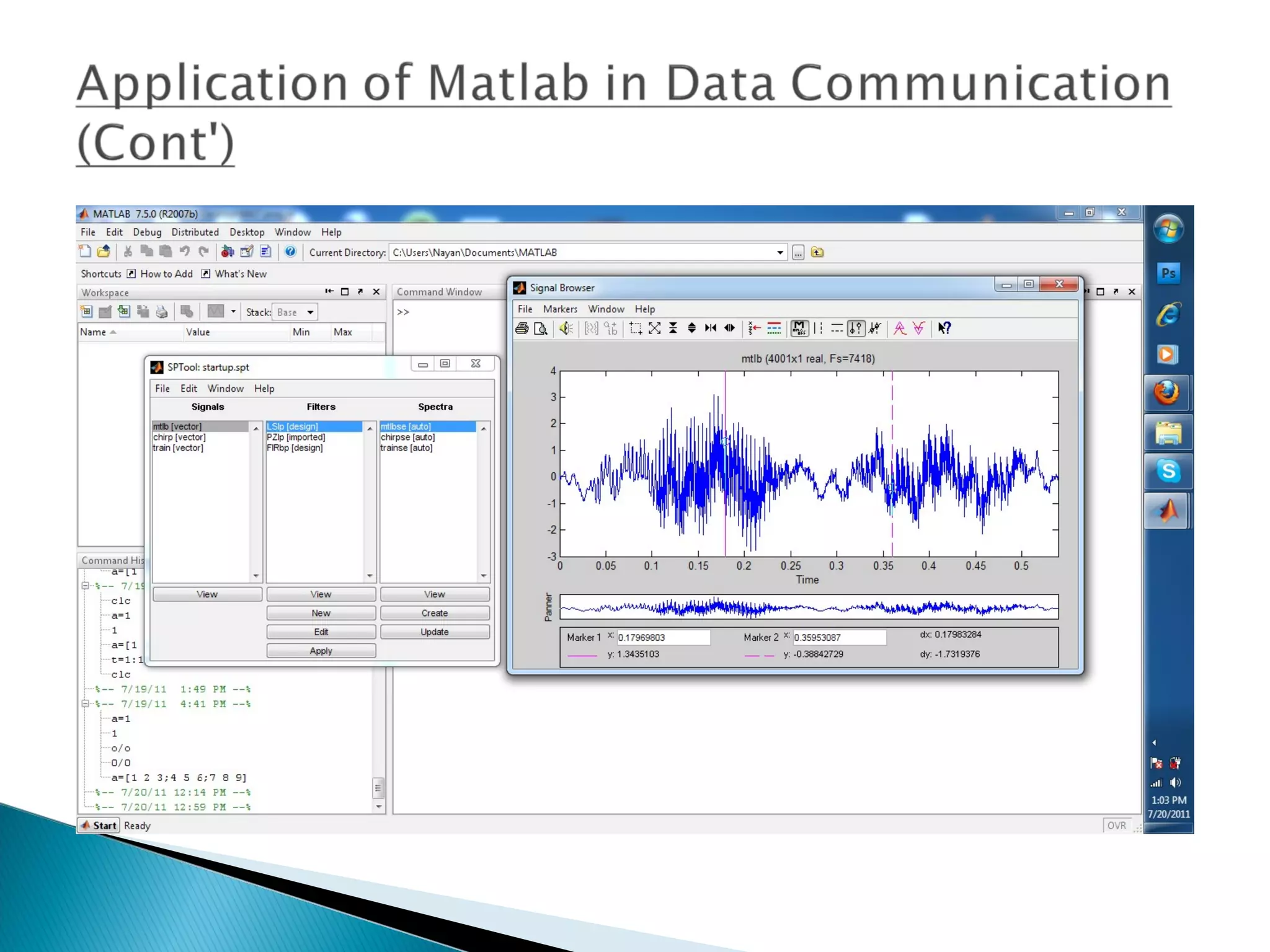
Signal Processing Toolbox™ provides industry-standard algorithms
for analog and digital signal processing (DSP). We can use the
toolbox to visualize signals in time and frequency domains, compute
FFTs for spectral analysis, design FIR and IIR filters, and implement
convolution, modulation, re-sampling, and other signal processing
techniques. Algorithms in the toolbox can be used as a basis for
developing custom algorithms for audio and speech processing,
instrumentation, and baseband wireless communications.
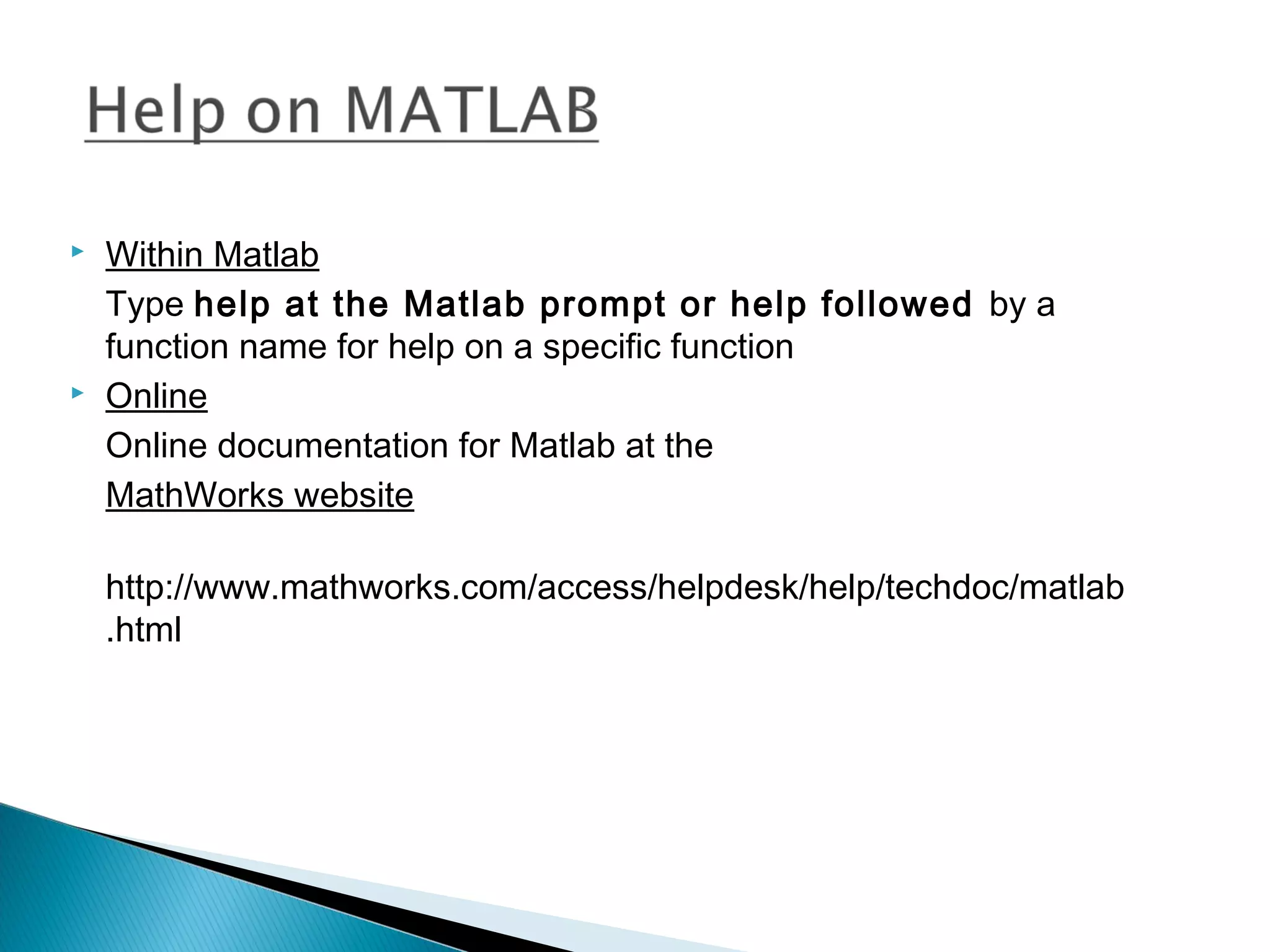
   Within Matlab
    Type help at the Matlab prompt or help followed by a
    function name for help on a specific function
   Online
    Online documentation for Matlab at the
    MathWorks website

    http://www.mathworks.com/access/helpdesk/help/techdoc/matlab
    .html
Matlab

Matlab

  • 1.
    Presented By: Maria Akther ID:083-20-119 Dept.: Computer Science Daffodil International University
  • 2.
  • 3.
     Matlabintroduction  Matlab elements  Variables  Matrices  Loading, saving and plotting  Matlab Programming language  Some functions
  • 4.
    Matlab is a program for doing numerical computation. It was originally designed for solving linear algebra type problems using matrices. It’s name is derived from MATrix LABoratory.  Matlab is also a high level programming language that currently is widely used as a platform for developing tools for Machine Learning.
  • 5.
    Some other aspects of Matlab -Matlab is an interpreter -> not as fast as compiled code -Typically quite fast for an interpreted language -Can be linked to C/C++, JAVA, SQL etc -Commercial product, but widely used in industry and academia -Many algorithms and toolboxes freely available
  • 6.
    Advantages of MATLAB: -Easy to use -Predefined Functions -Plotting Disadvantages of MATLAB: - Can be slow - Commercial Software.
  • 7.
     Command Window type commands  Workspace view program variables double click on a variable to see it in the array Editor.  Command History view past commands
  • 8.
     Havenot to be previously declared  Variable names can contain up to 63 characters  Variable names must start with a letter followed by letters, digits, and underscores.  Variable names are case sensitive.
  • 9.
     ans Default variable name for results  pi Value of π  inf Infinity  NaN Not a number e.g. 0/0  realmin The smallest usable positive real number  realmax The largest usable positive real number
  • 10.
     Assignment = a = b (assign b to a)  Addition + a+b  Subtraction - a -b  Multiplication * or .* a*b or a.*b  Division / or ./ a/b or a./b  Power ^ or .^ a^b or a.^b
  • 11.
     Matlab treatsall variables as matrices. A matrix can be thought of as an array, in fact, that is how it is stored.  Vectors are special forms of matrices and contain only one row OR one column.  Scalars are matrices with only one row AND one column  A matrix with only one row is called a row vector. A row vector can be created in  Matlab as follows (note the commas): » rowvec = [12 , 14 , 63]
  • 12.
    A matrix with only one column is called a column vector. A column vector can be created in MATLAB as follows (note the semicolons): » colvec = [13 ; 45 ; -2]  A matrix can be created in Matlab as follows (note the commas AND semicolons): » matrix = [1 , 2 , 3 ; 4 , 5 ,6 ; 7 , 8 , 9]
  • 13.
    t =1:10 t= 1 2 3 4 5 6 7 8 9 10  k =2:-0.5:-1 k= 2 1.5 1 0.5 0 -0.5 -1
  • 14.
     x =[1 2], y = [4 5], z=[ 0 0]  A = [ x y] 1 2 4 5  B = [x ; y] 12 45
  • 15.
    Matlab has a lot of function for plotting data. The basic one will plot one vector vs. another. The first one will be treated as the abscissa (or x) vector and the second as the ordinate (or y) vector. The vectors have to be the same length. >> plot (time, dist) % plotting versus time
  • 16.
    Create an x-array of 100 samples between 0 and 4π.  Calculate sin(.) of the x-array  Plot the y-array
  • 17.
    title(.)  xlabel(.)  ylabel(.)
  • 18.
    Signal Processing Toolbox™provides industry-standard algorithms for analog and digital signal processing (DSP). We can use the toolbox to visualize signals in time and frequency domains, compute FFTs for spectral analysis, design FIR and IIR filters, and implement convolution, modulation, re-sampling, and other signal processing techniques. Algorithms in the toolbox can be used as a basis for developing custom algorithms for audio and speech processing, instrumentation, and baseband wireless communications.
  • 20.
    Within Matlab Type help at the Matlab prompt or help followed by a function name for help on a specific function  Online Online documentation for Matlab at the MathWorks website http://www.mathworks.com/access/helpdesk/help/techdoc/matlab .html