I
I
What can you do as a
teacher using technology in
the future?
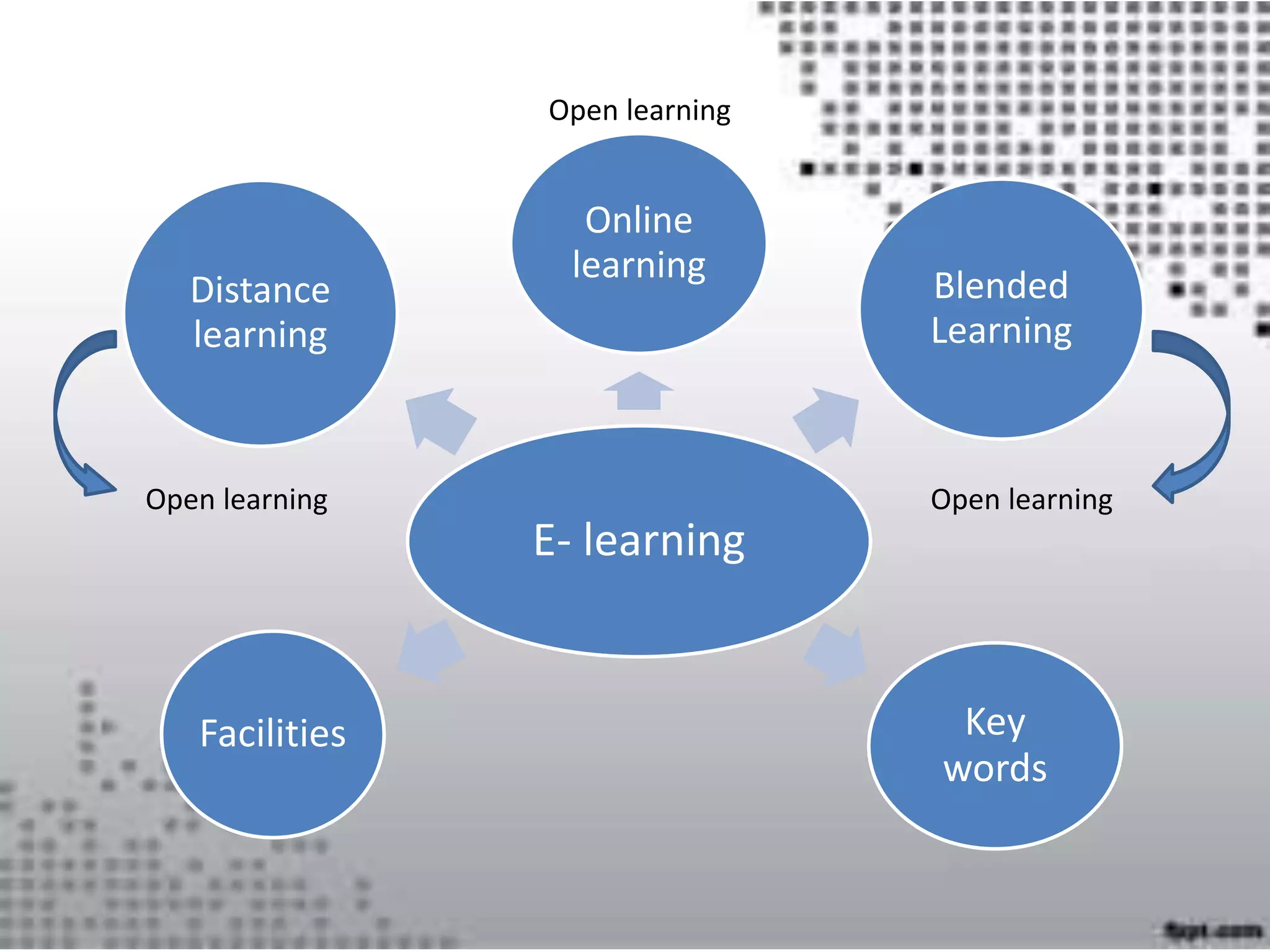
E- learning
Online
learning
Blended
Learning
Key
words
Distance
learning
Facilities
Open learningOpen learning
Open learning
Online
learning
Distance
learning
Open learningOpen learning
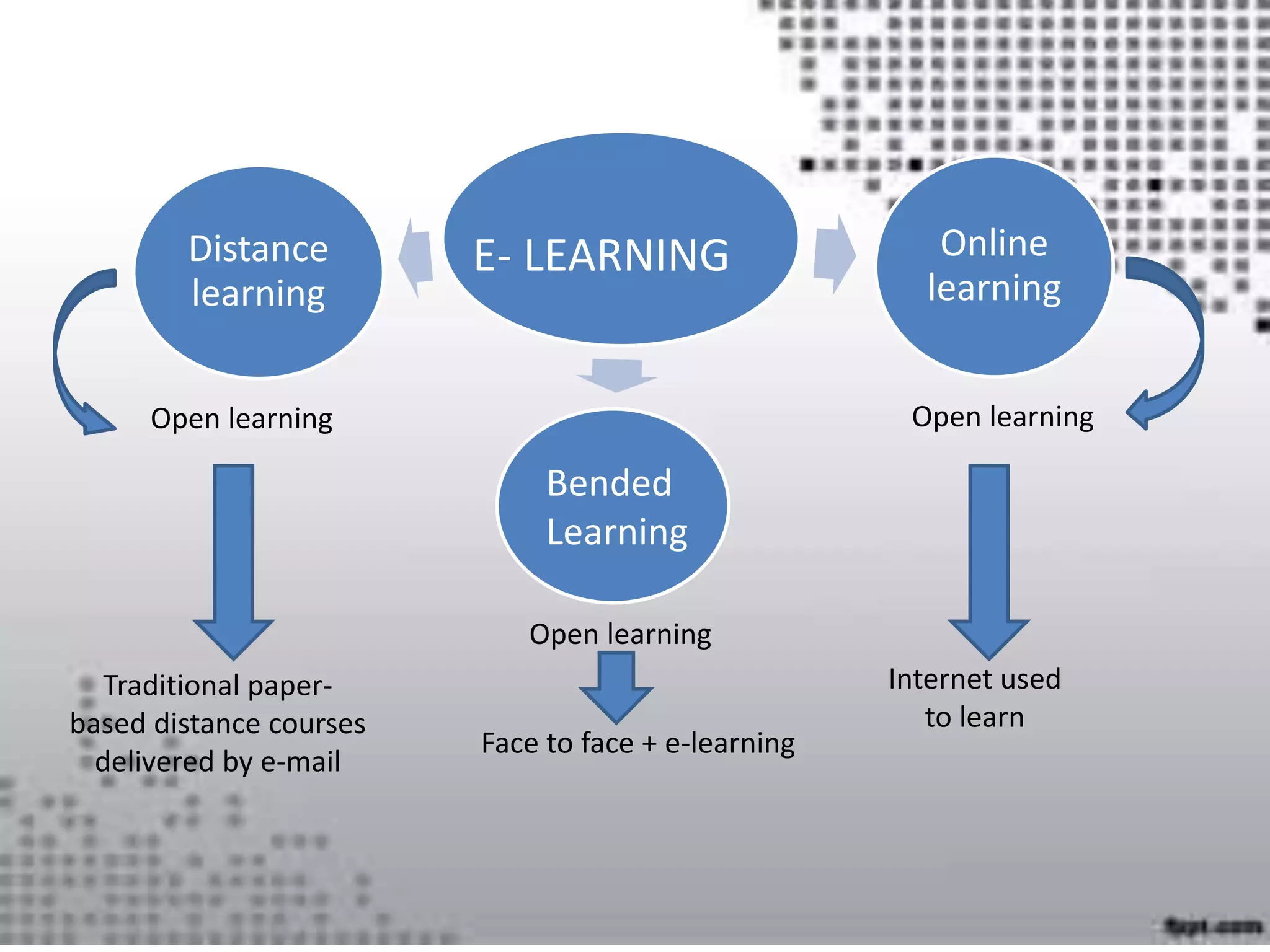
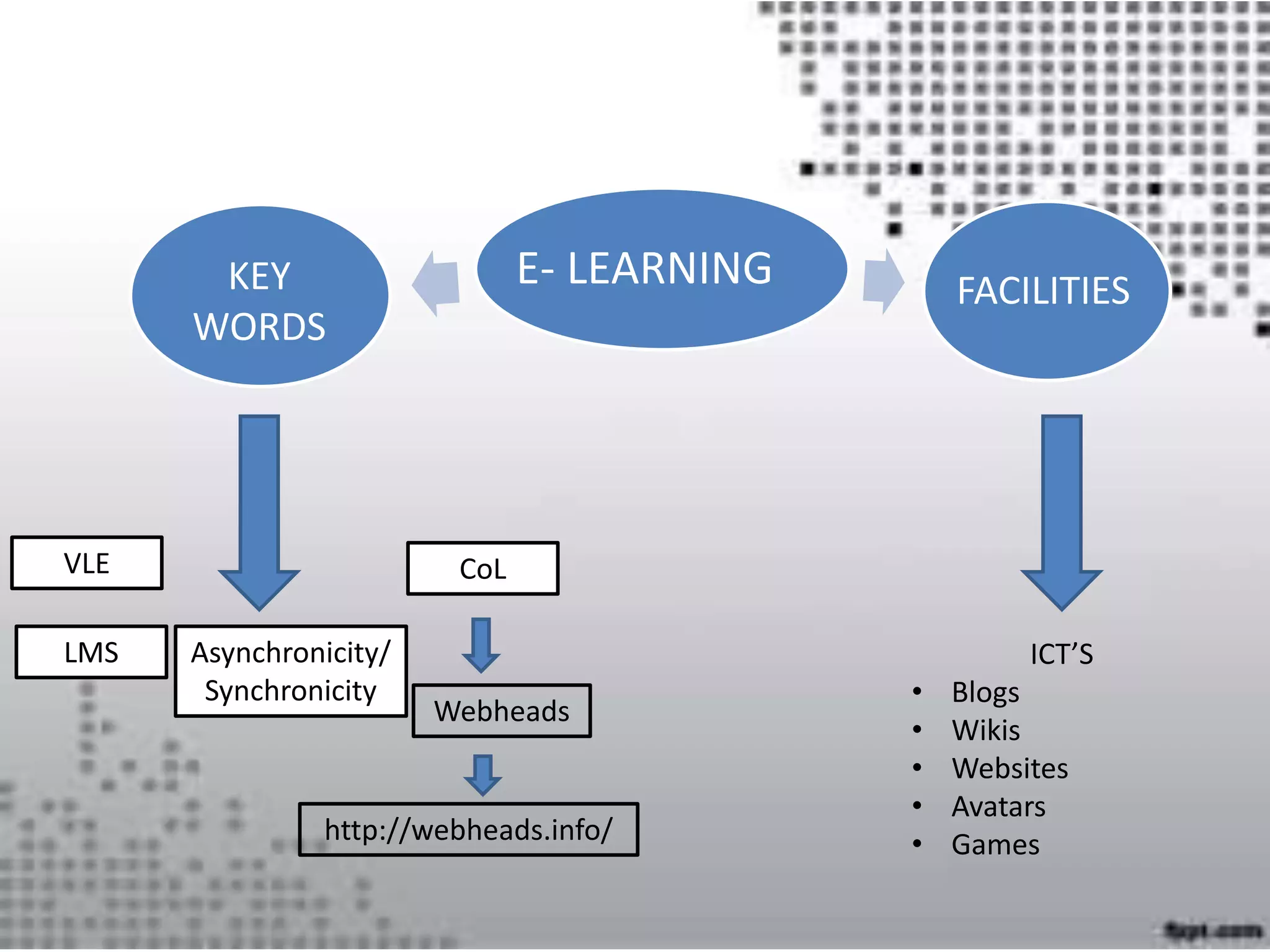
E- LEARNING
Bended
Learning
Traditional paper-
based distance courses
delivered by e-mail
Internet used
to learn
Open learning
Face to face + e-learning
E- LEARNING
ICT’S
• Blogs
• Wikis
• Websites
• Avatars
• Games
VLE
KEY
WORDS
FACILITIES
LMS
CoL
Webheads
http://webheads.info/
Asynchronicity/
Synchronicity
https://prezi.com/coicnzlh3x6c/copy-of-copy-of-importancia-de-las-
tics-en-el-aprendizaje-del-idioma-extranj/
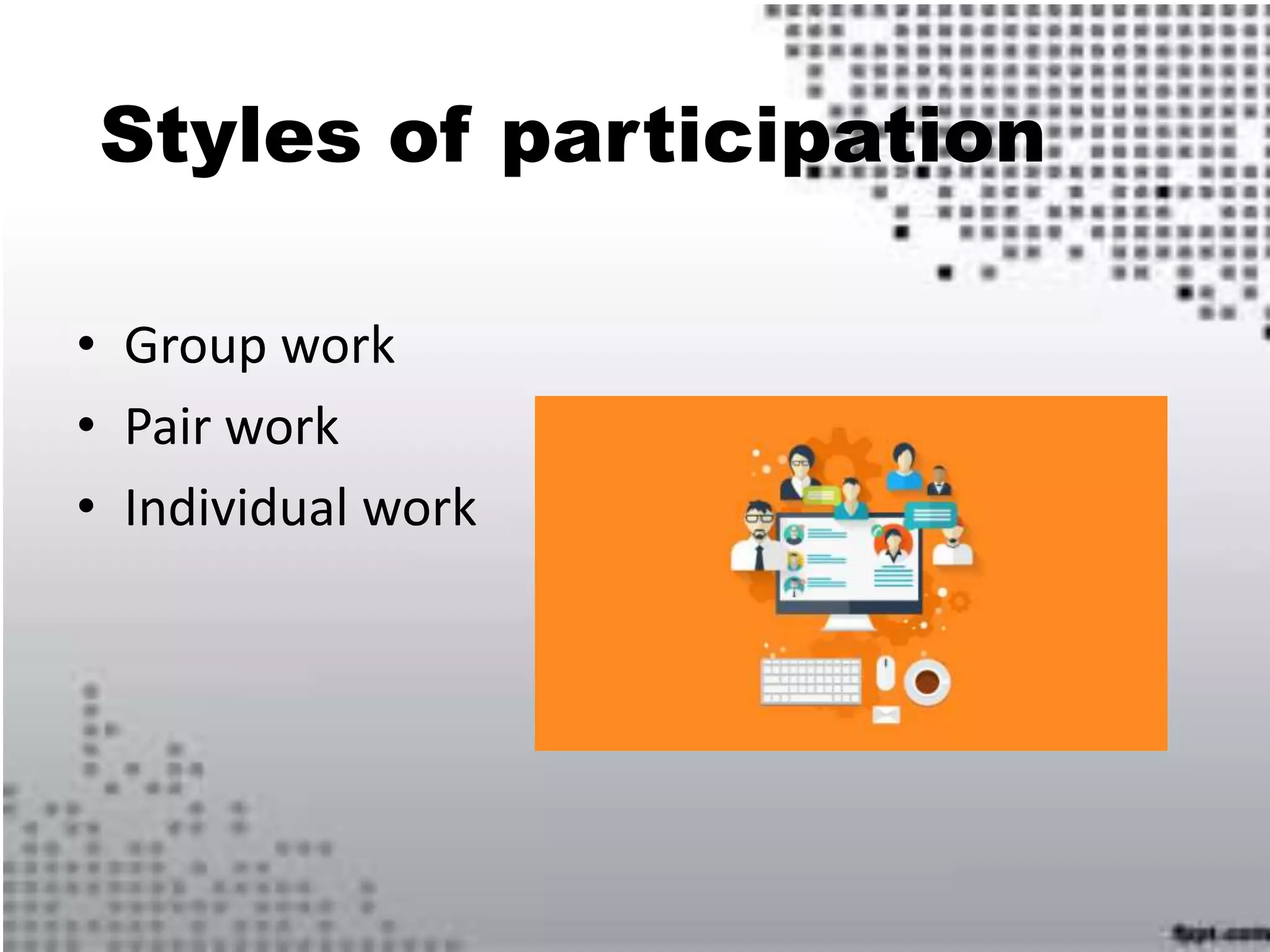
Styles of participation
• Group work
• Pair work
• Individual work
NETtiquette
The word netiquette is a combination of ’net’
and ’etiquette’.
Learners’ need
1. What is the primary goal of your eLearning
audience?
2. What are your learners’ educational background?
3. What information and skill-sets will the learner
need to acquire?
4. What are your audiences’ technical requirements ?
Role of the Tutor
Coach (Murphy et al., 1998),
Leader (Hotte and Pierre, 2002),
Tutor (Gerrard, 2002),
Moderator (Kerr, 1986; Feenberg, 1986; Salmon, 2000; Berge
1995),
Facilitator (Collison et al. 2000; Marjanovic, 1999; Berge, 1992),
Motivator, Mentor, Mediator and even Production
Coordinator (English & Yazdani, 1999).
Basic Online Tutoring
Skills
• places greater emphasis on written skills;
• produces a more formal tone;
• does not follow a linear conversation
• places greater emphasis on student-student
learning;
• requires teachers to assess the worth of
online contributions.
E-Lesson planning.
Things to take in mind
before we plan:
• User-friendliness.
• Visually appealing material.
• Variety of materials.
Lesson planning stages:
1. State the objectives.
2. Decide on the introduction and input.
3. Verify understanding.
4. Implement activities.
5. Wraping it all up.
Deciding on the input: wide
variety.
Verifying the undrestanding
of the concept.
Implementing activities:
production and interaction.
Wrapping it all up: how do
we know they learned?
E-Assessment.
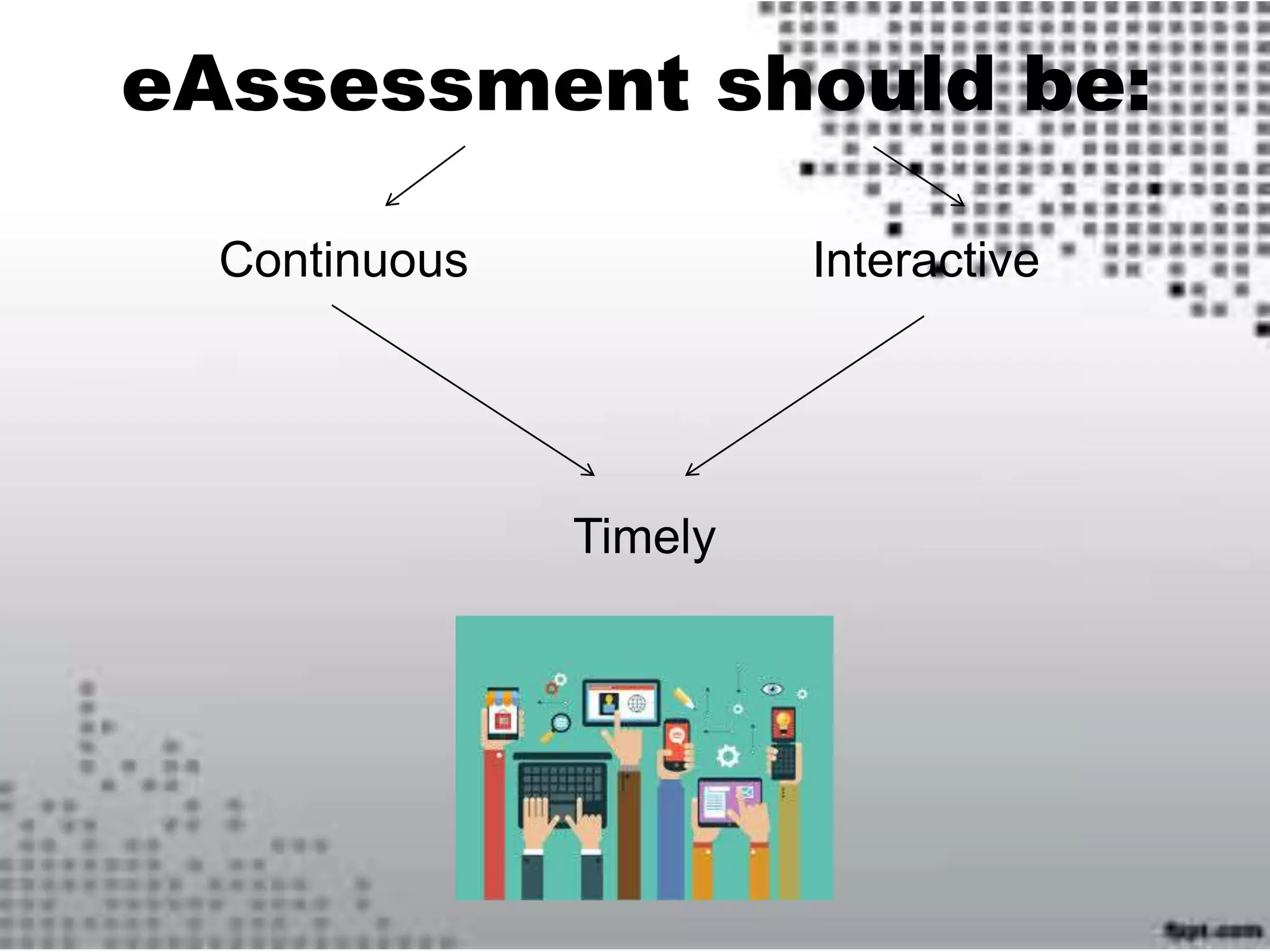
eAssessment should be:
Continuous Interactive
Timely
SOME TYPES OF ONLINE ASSESSMENT
• Critical thinking (essays, reports, reflective journals)
• Problem solving (multimedia or text-based scenarios,
simulations using CD-ROM, videoconferencing)
• Demonstrating techniques (videoconferencing,
verification by workplace mentor, site monitor)
• Self-management (journal, autobiography, portfolio,
learning contract)
• Demonstrating knowledge (written exam with local
proctors, quick feedback through multiple choice,
true/false matching, short answer tests)
• Designing, creating (portfolios, projects using video or the
Web)
• Communicating (debate, forum)
• Teamwork and collaboration (e-mail, or conferencing
discussions/debates)
One of the major problems
in eAssessment is …
authentication.
SCAVENGER HUNT
• FIND THE CLUES.
• YOU SHOULD BE SMART AND FIGURE OUT THE SONG
• Number one… is on the top
• Number two … is next to you
• Number three… touch a knee
• Number four … is on the floor
• Number five … use your eye
• Number six … you can hear
• Number seven … is in heaven
• Number eigth… clear and light
• Number nine … say good bye
• Number ten … it has four legs!!!!
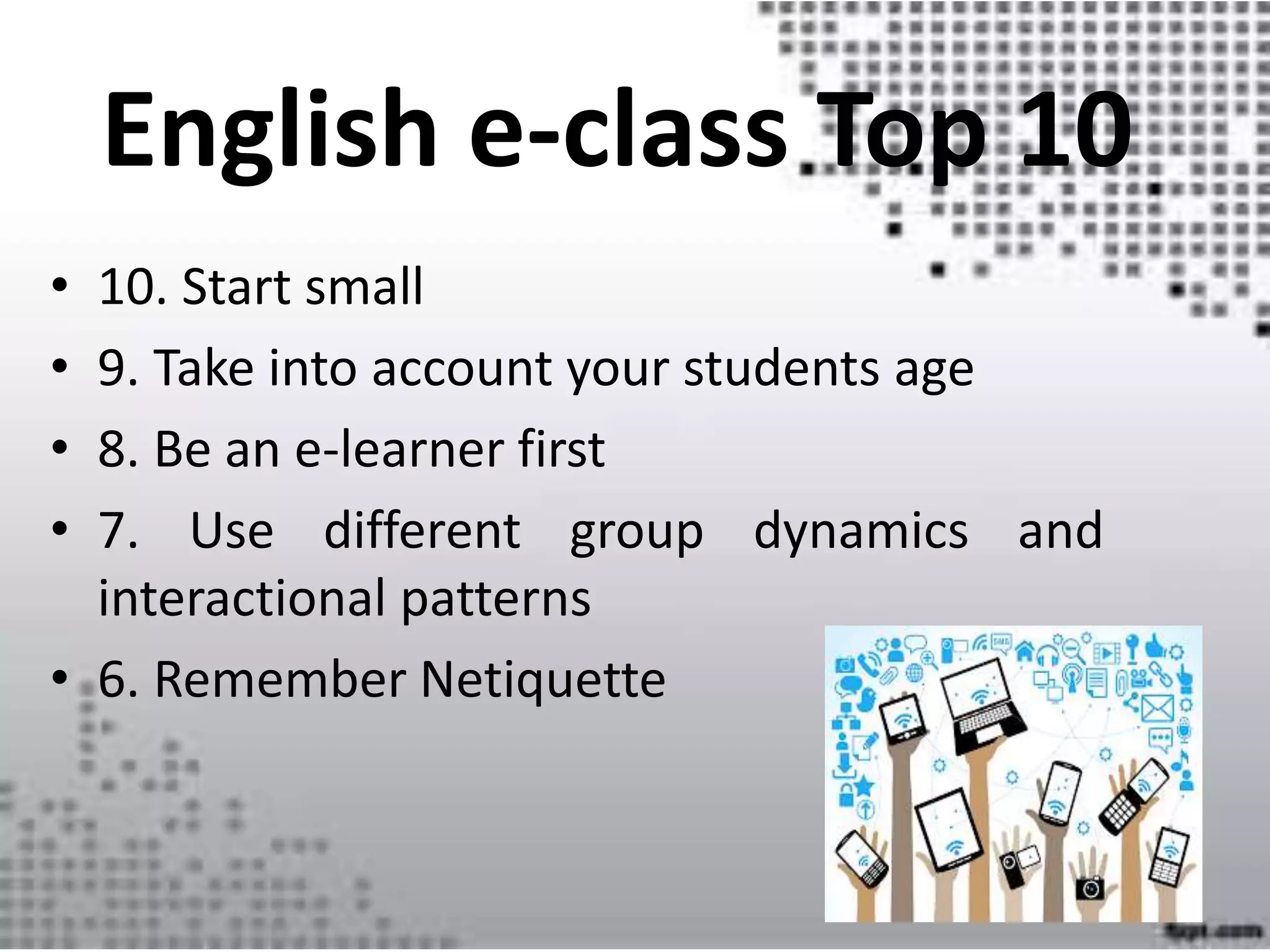
English e-class Top 10
• 10. Start small
• 9. Take into account your students age
• 8. Be an e-learner first
• 7. Use different group dynamics and
interactional patterns
• 6. Remember Netiquette
• 5. Use a FAQ always and for everything
• 4. Use ICT’s for real interaction
• 3. Be careful when selecting websites and and e-
planning
• 2. Assess your students and promote autonomous
learning
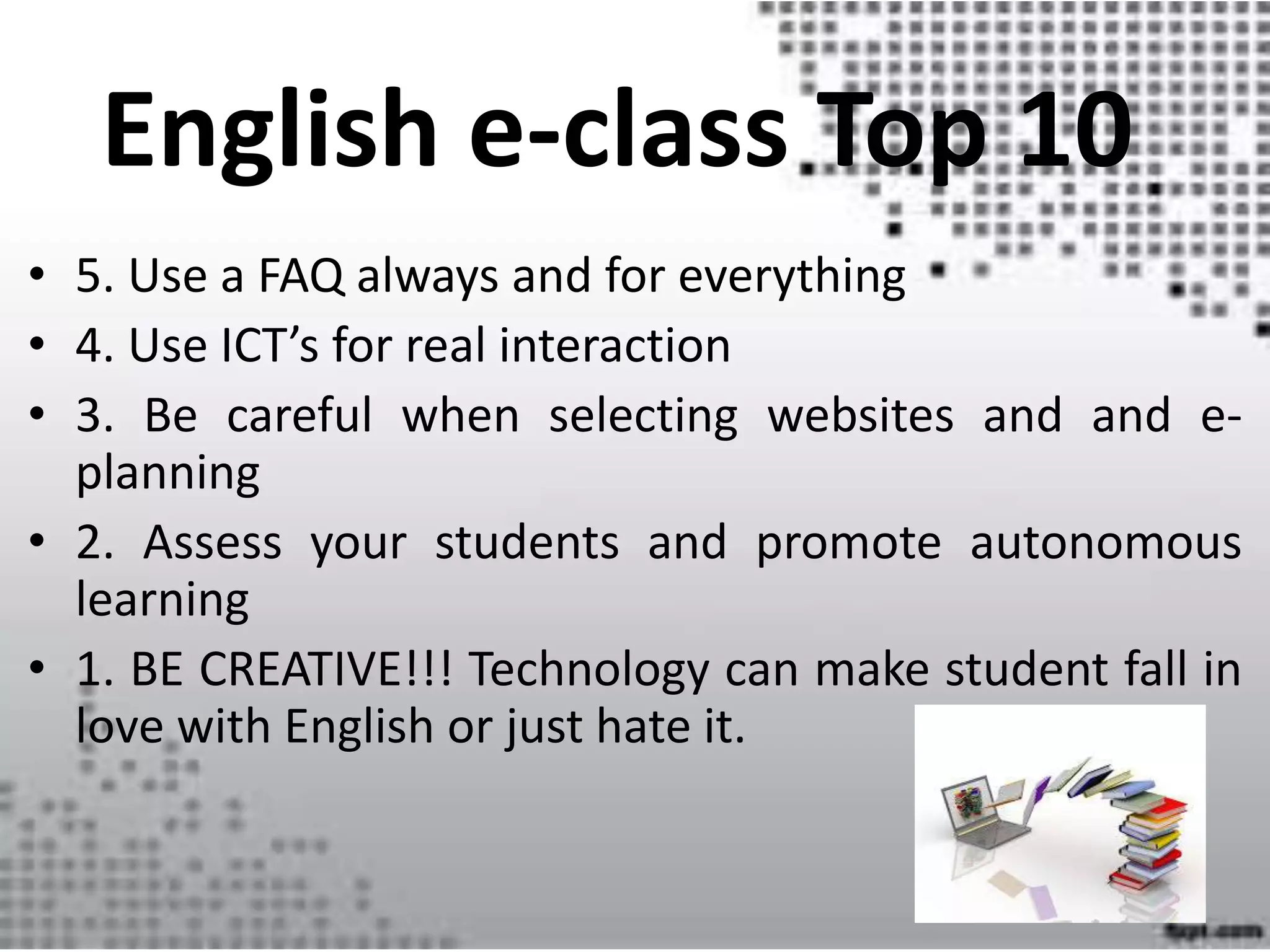
• 1. BE CREATIVE!!! Technology can make student fall in
love with English or just hate it.
English e-class Top 10
Master´s in English Didactics: E learning presentation

Master´s in English Didactics: E learning presentation

  • 1.
  • 2.
    I What can youdo as a teacher using technology in the future?
  • 4.
  • 5.
    Online learning Distance learning Open learningOpen learning E-LEARNING Bended Learning Traditional paper- based distance courses delivered by e-mail Internet used to learn Open learning Face to face + e-learning
  • 6.
    E- LEARNING ICT’S • Blogs •Wikis • Websites • Avatars • Games VLE KEY WORDS FACILITIES LMS CoL Webheads http://webheads.info/ Asynchronicity/ Synchronicity
  • 7.
  • 8.
    Styles of participation •Group work • Pair work • Individual work
  • 9.
    NETtiquette The word netiquetteis a combination of ’net’ and ’etiquette’.
  • 11.
    Learners’ need 1. Whatis the primary goal of your eLearning audience? 2. What are your learners’ educational background? 3. What information and skill-sets will the learner need to acquire? 4. What are your audiences’ technical requirements ?
  • 13.
    Role of theTutor Coach (Murphy et al., 1998), Leader (Hotte and Pierre, 2002), Tutor (Gerrard, 2002), Moderator (Kerr, 1986; Feenberg, 1986; Salmon, 2000; Berge 1995), Facilitator (Collison et al. 2000; Marjanovic, 1999; Berge, 1992), Motivator, Mentor, Mediator and even Production Coordinator (English & Yazdani, 1999).
  • 14.
    Basic Online Tutoring Skills •places greater emphasis on written skills; • produces a more formal tone; • does not follow a linear conversation • places greater emphasis on student-student learning; • requires teachers to assess the worth of online contributions.
  • 15.
  • 16.
    Things to takein mind before we plan: • User-friendliness. • Visually appealing material. • Variety of materials.
  • 17.
    Lesson planning stages: 1.State the objectives. 2. Decide on the introduction and input. 3. Verify understanding. 4. Implement activities. 5. Wraping it all up.
  • 18.
    Deciding on theinput: wide variety.
  • 19.
  • 20.
  • 21.
    Wrapping it allup: how do we know they learned?
  • 22.
  • 23.
  • 24.
    SOME TYPES OFONLINE ASSESSMENT • Critical thinking (essays, reports, reflective journals) • Problem solving (multimedia or text-based scenarios, simulations using CD-ROM, videoconferencing) • Demonstrating techniques (videoconferencing, verification by workplace mentor, site monitor) • Self-management (journal, autobiography, portfolio, learning contract) • Demonstrating knowledge (written exam with local proctors, quick feedback through multiple choice, true/false matching, short answer tests) • Designing, creating (portfolios, projects using video or the Web) • Communicating (debate, forum) • Teamwork and collaboration (e-mail, or conferencing discussions/debates)
  • 28.
    One of themajor problems in eAssessment is … authentication.
  • 29.
    SCAVENGER HUNT • FINDTHE CLUES. • YOU SHOULD BE SMART AND FIGURE OUT THE SONG • Number one… is on the top • Number two … is next to you • Number three… touch a knee • Number four … is on the floor • Number five … use your eye • Number six … you can hear • Number seven … is in heaven • Number eigth… clear and light • Number nine … say good bye • Number ten … it has four legs!!!!
  • 30.
    English e-class Top10 • 10. Start small • 9. Take into account your students age • 8. Be an e-learner first • 7. Use different group dynamics and interactional patterns • 6. Remember Netiquette
  • 31.
    • 5. Usea FAQ always and for everything • 4. Use ICT’s for real interaction • 3. Be careful when selecting websites and and e- planning • 2. Assess your students and promote autonomous learning • 1. BE CREATIVE!!! Technology can make student fall in love with English or just hate it. English e-class Top 10