IT Management, Simplified
Real-time IT management solutions for the new speed of business
ways to align IT to Business
with Claire Brereton
Make IT a game-changer
About Claire
Claire Brereton is a IT strategy, governance and IT service management consultant. She
works with clients of all sizes to build their IT capability. She is an Australian national
representative on global IT governance and service management standards, and director,
itSMF Australia. She is based in Brisbane, Australia.
She was honoured with the title of Fellow of the Australian Computer Society (FACS)
recently.
Email: claire@breretonconsulting.com
Skype: clairebrereton
Web: www.breretonconsulting.com
You will Soon Discover
1.Benefits of IT and business alignment
2.Eight ways to align IT to business
3.The importance of managing your IT infrastructure
4.Some case studies on effective IT management
5.Effective IT management solutions from ManageEngine
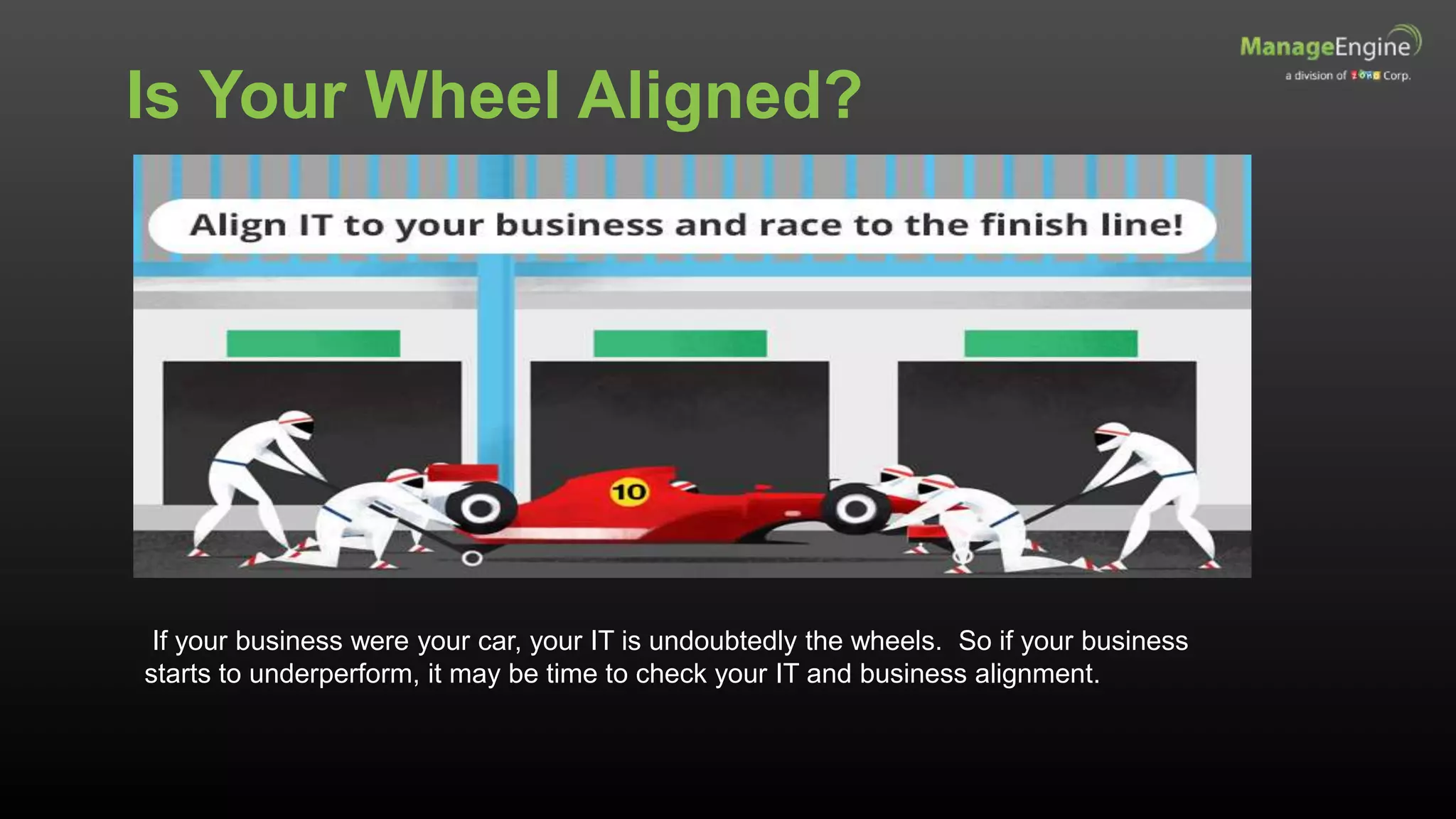
Is Your Wheel Aligned?
If your business were your car, your IT is undoubtedly the wheels. So if your business
starts to underperform, it may be time to check your IT and business alignment.
The Benefits of IT and Business
Alignment
The National Computing Centre of the UK identifies 8 main benefits:
- Reduce costs
- Standardise processes
- Enhance productivity
- Improve workflow and communications
- Sustain repeatable service levels
- Improve risk control mechanisms
- Implement new business strategies
- Facilitate organic and acquisition-driven growth
Gain competitive advantage by making technology work for you
Ways to Align IT to Business
1. Create Your IT brand
• The IT team must deliver on
its promises every time
• Develop the IT service
catalogue as a means to
build brand equity
• Link brand attributes to the
associations in the
customer’s mind
IT team must build trust
BrandEquity
Attributes
Identity
Associations
2. Be Social to Engage
• 89% of Australians own an account on social networks (Statista.com)
– 81% on Facebook
– 42% on Twitter
– 30% on Google+
• Social media influences purchasing decision of 35% of people (Gallup.com)
– Tourism Australia has 6m followers on www.facebook.com/seeaustralia
• Analyse where the target audience goes, the growth of different demographics, and percentage of
customers accessing social media through mobiles
Use social media to listen and interact with customers
Social media can give negative publicity
Agility through Social
3. Proactively Support Mobile
The Mobile revolution is only going to get bigger and bigger
• 1.62 Billion mobile devices in the workplace by 2016 (Rapid7)
• 85% of organizations will allow employee-owned devices by 2020
(Gartner)
• 21% of productivity gains comes from BYOD (Cisco)
• Decide which employees get mobile access
• Decide what data employees can access
• Decide what type of devices can be used for access
IT security and asset management are critical
4. Use Big Data to Drill Down to the
Small Things
• Australian companies spend more than
$50 Million per company on big data
(Australian Business Review)
• Three companies that successfully use
big data:
– Woolworths: analysing online and in-store
spending habits
– Commonwealth Bank: targeting customer
sales through analysis
– Telstra: marketing and customer service
• Big data can increase operating
margin as much as 60%
Big data can be a competitive advantage
5. Show the Value of IT Projects
IT spending is an investment to achieve business goals
• Quantify the benefits (and costs) of
IT projects
• Take account of indirect gains
from:
- Employee productivity
- Customer satisfaction
- Collaboration
• Set screening percentage
thresholds
• Facilitate investment prioritization
Calculating Your ROI
ROI =
(Present Value of all expected benefits) X 100
(Present Value of all expected costs)
6. Move Fast
• Move IT projects at a fast pace to create business impact in the
shortest possible time
• Be an early adopter of technology  gain a competitive advantage
• Measure project deadlines in days and not months
• Use service management to
• Implement changes successfully
• Resolve incidents quickly
An agile and fast business wins against competition
7. Become a Cloud Authority
• Netflix is the most famous success story on the cloud
– 33% of all prime-time web traffic in North America
– Launches in Australia March 2015
• Private, Public and Hybrid clouds
– Private: greater security and compliance (banks and government)
– Public: Pay-as-you-go policy (start-ups)
– Hybrid: companies with both sensitive and non-sensitive information (Internet
service provider)
• Achieve up to 2.5 times more gross profit than competitors by using
the cloud (IBM study)
Focus on core competencies by outsourcing to the cloud
8. Take on Shadow IT
• Shadow IT
– Short-term benefits for departments
– Leads to inefficiencies, wasted time, and security risks
– An integrated IT system enables different departments to come
together
– Work towards a common goal and towards success
• Goal is to eliminate – only possible through gaining a trusted
service provider relationship
A streamlined and lean IT system for organizational success
1. Create your brand
2. Get social
3. Support mobility
4. Big Data
5. Project Value
6. Speedy
7. Cloud authority
8. Conquer the shadows
Ways
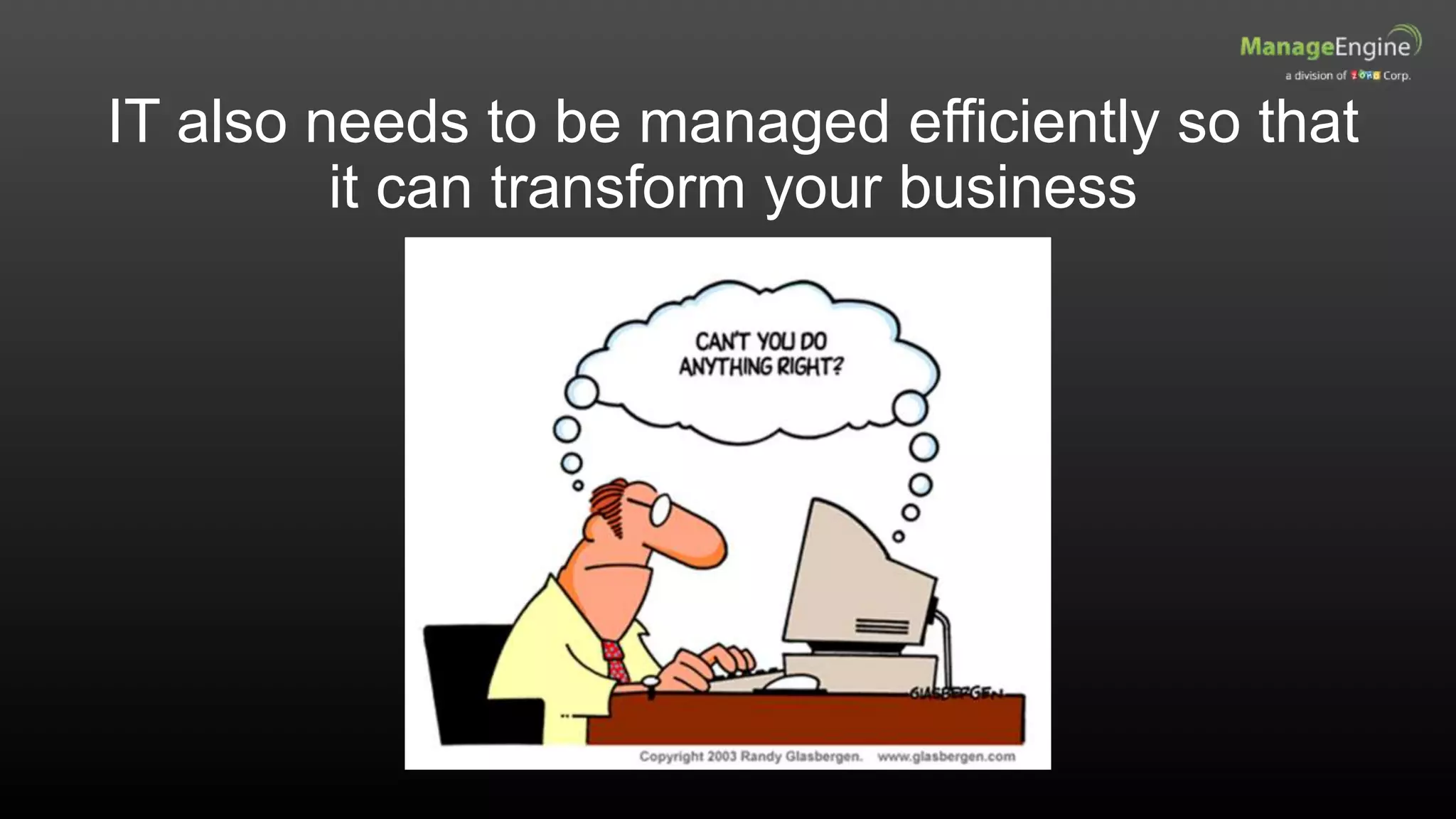
IT also needs to be managed efficiently so that
it can transform your business
Background
• 8,000 students and 1100 faculty
members
• 200 buildings on 500 acres
• Over 1000 switches and access
points
• Network devices from multiple
vendors
Business Challenge
• Vision: Achieve the highest levels of
distinction in the discovery and
transmission of knowledge and
understanding
• Provide state-of-the-art computer
systems, internet access and network
to support research and undergrad
teaching
Maximise network uptime
Case 1: A Leading University
Availability Management
The university had to keep the following in mind
There are 4 major facets of availability management
• Does the service perform at agreed levels when required?
Availability
• Does the service perform its agreed function without interruption?
Reliability
• How quickly can the service be restored after a failure?
Maintainability
• Does a third-party supplier meet all terms of availability, maintainability and reliability?
Serviceability
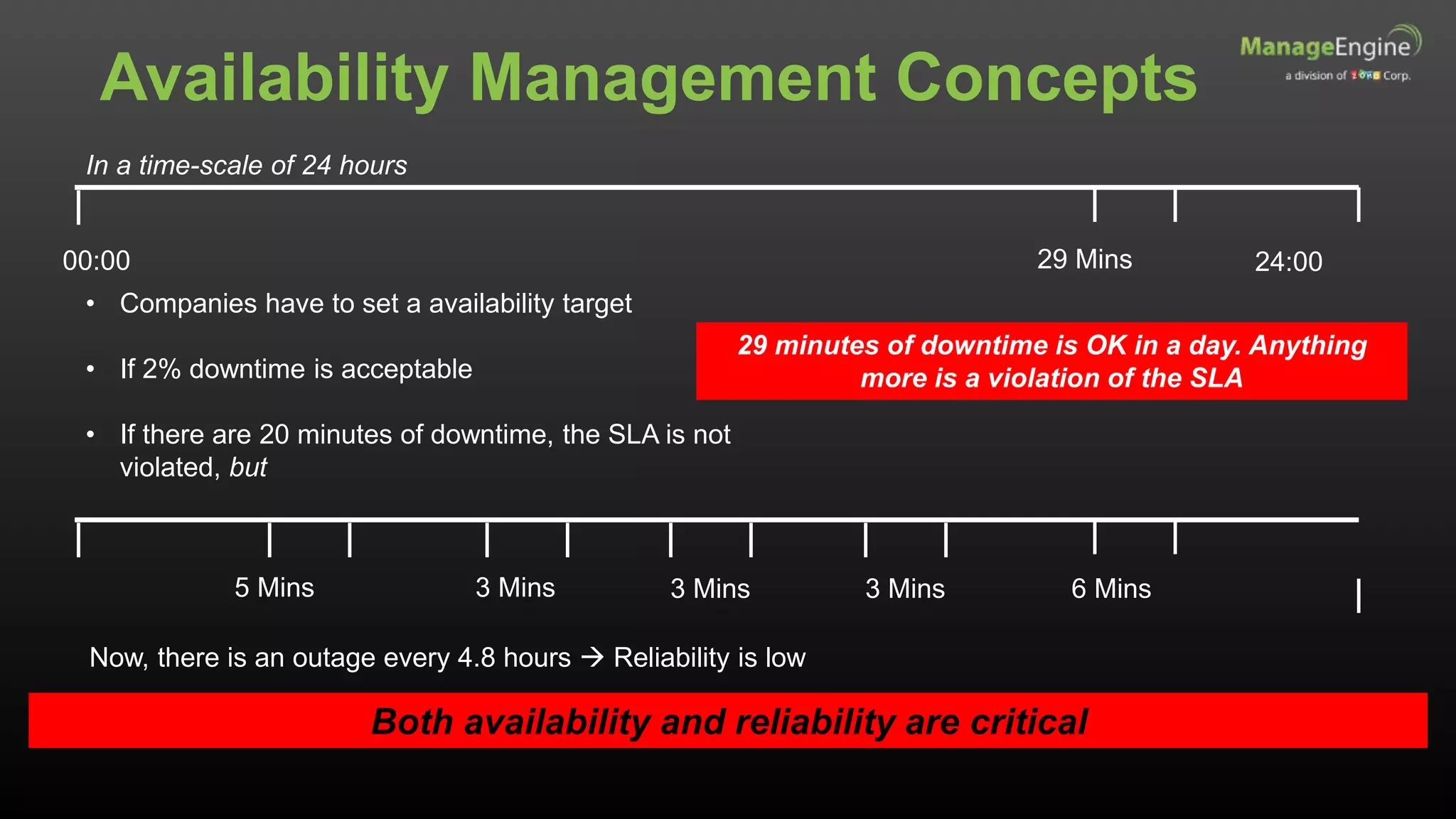
In a time-scale of 24 hours
00:00 24:00
• Companies have to set a availability target
• If 2% downtime is acceptable
• If there are 20 minutes of downtime, the SLA is not
violated, but
29 minutes of downtime is OK in a day. Anything
more is a violation of the SLA
29 Mins
5 Mins 3 Mins 3 Mins 3 Mins 6 Mins
Now, there is an outage every 4.8 hours  Reliability is low
Both availability and reliability are critical
Availability Management Concepts
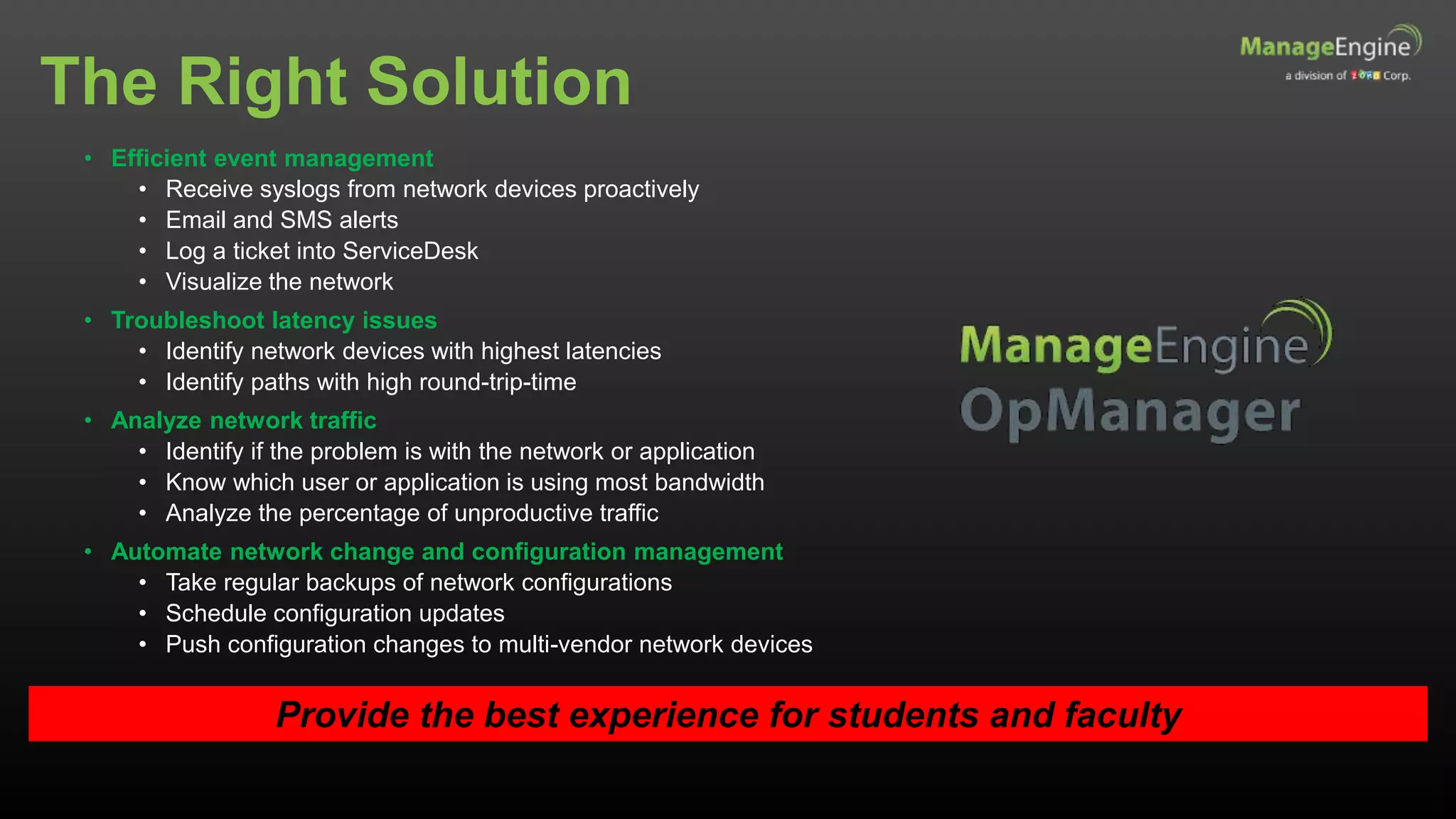
The Right Solution
Provide the best experience for students and faculty
• Efficient event management
• Receive syslogs from network devices proactively
• Email and SMS alerts
• Log a ticket into ServiceDesk
• Visualize the network
• Troubleshoot latency issues
• Identify network devices with highest latencies
• Identify paths with high round-trip-time
• Analyze network traffic
• Identify if the problem is with the network or application
• Know which user or application is using most bandwidth
• Analyze the percentage of unproductive traffic
• Automate network change and configuration management
• Take regular backups of network configurations
• Schedule configuration updates
• Push configuration changes to multi-vendor network devices
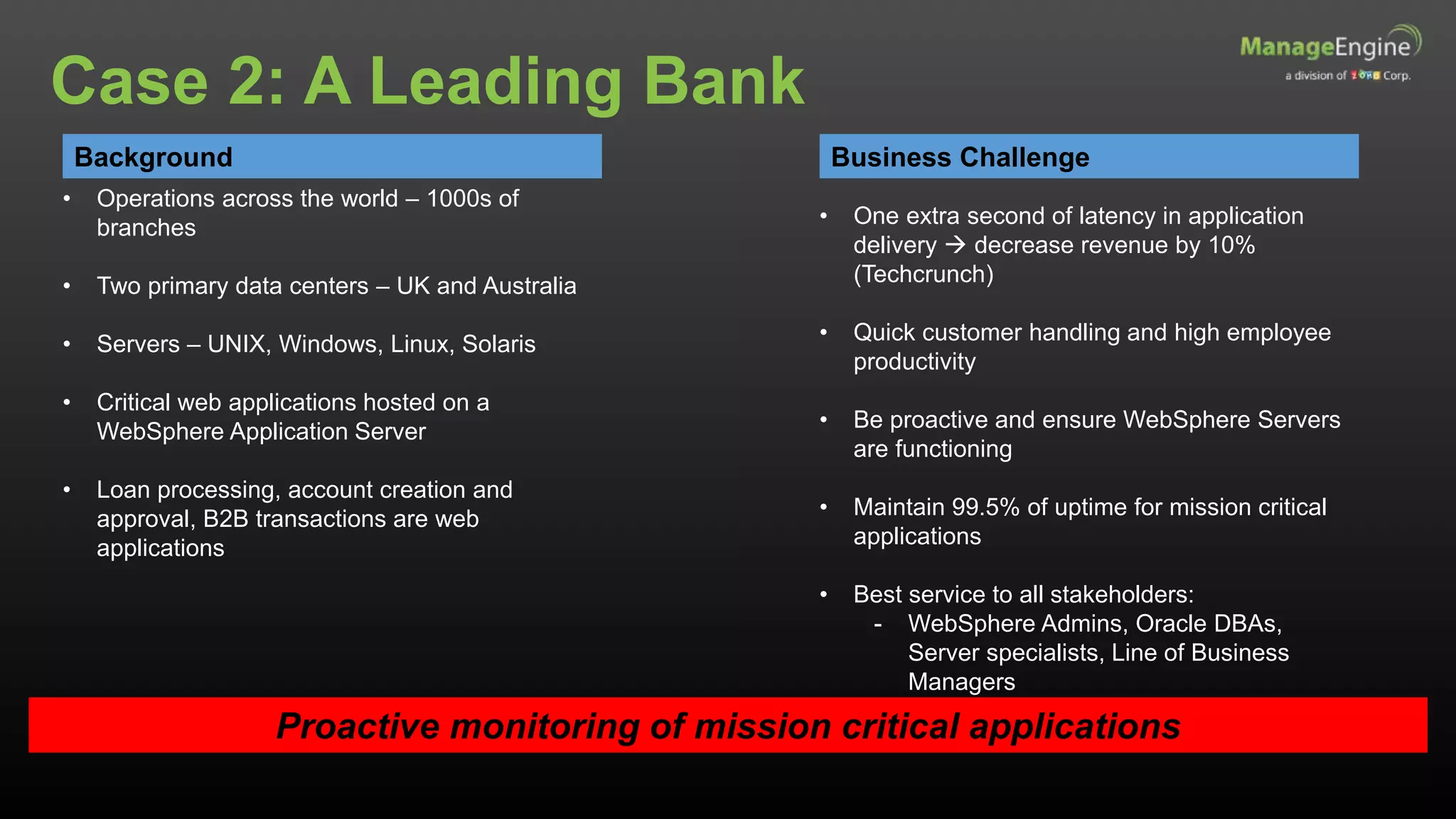
Background
• Operations across the world – 1000s of
branches
• Two primary data centers – UK and Australia
• Servers – UNIX, Windows, Linux, Solaris
• Critical web applications hosted on a
WebSphere Application Server
• Loan processing, account creation and
approval, B2B transactions are web
applications
Business Challenge
• One extra second of latency in application
delivery  decrease revenue by 10%
(Techcrunch)
• Quick customer handling and high employee
productivity
• Be proactive and ensure WebSphere Servers
are functioning
• Maintain 99.5% of uptime for mission critical
applications
• Best service to all stakeholders:
- WebSphere Admins, Oracle DBAs,
Server specialists, Line of Business
Managers
Proactive monitoring of mission critical applications
Case 2: A Leading Bank
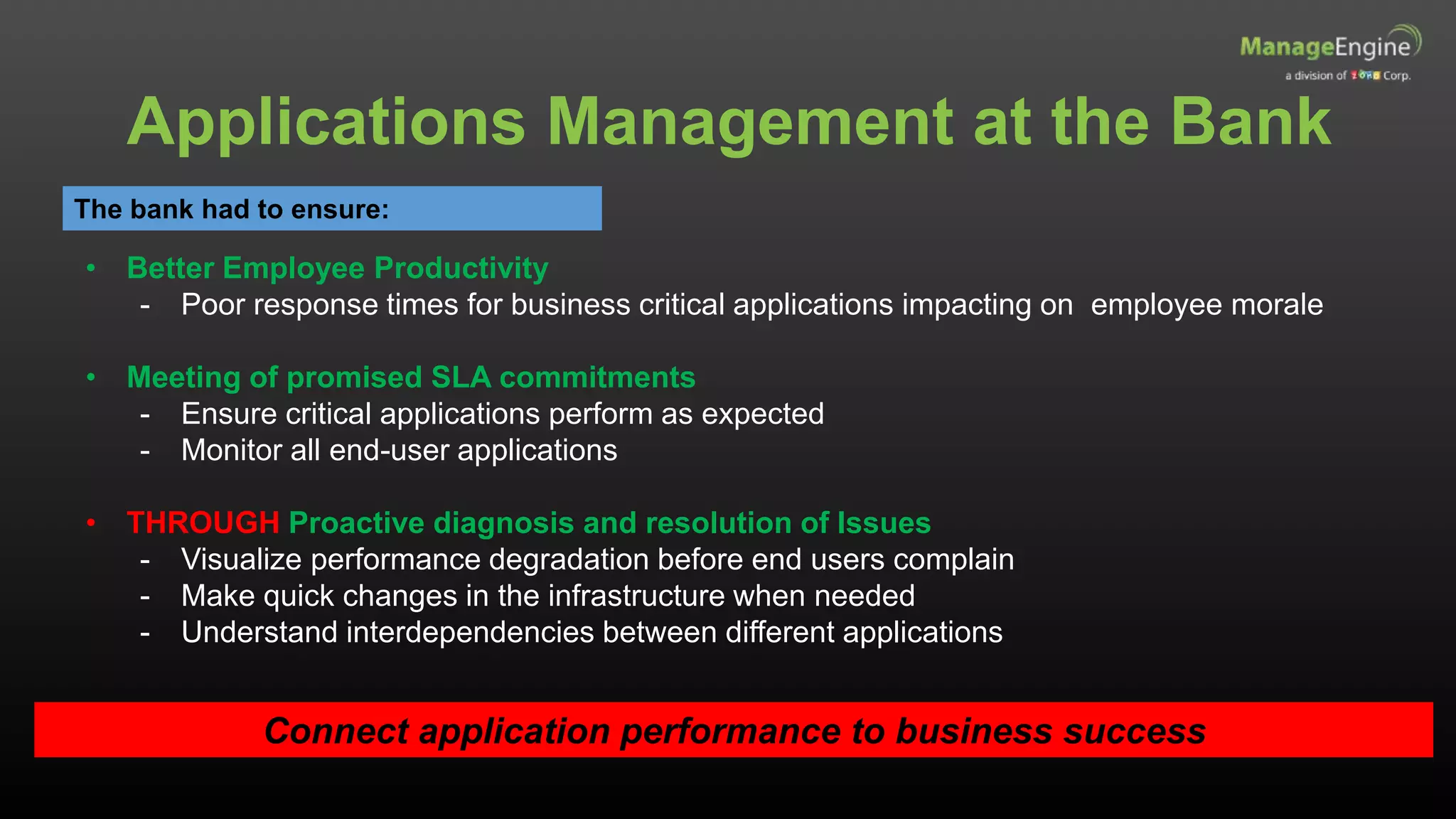
Applications Management at the Bank
The bank had to ensure:
• Better Employee Productivity
- Poor response times for business critical applications impacting on employee morale
• Meeting of promised SLA commitments
- Ensure critical applications perform as expected
- Monitor all end-user applications
• THROUGH Proactive diagnosis and resolution of Issues
- Visualize performance degradation before end users complain
- Make quick changes in the infrastructure when needed
- Understand interdependencies between different applications
Connect application performance to business success
Monitor performance on both physical and virtual systems
Monitor a Range of Applications
Supporting
monitoring
Application
reactive and
proactive
management
Deliver
application
services as per
SLAs
Application
Service Level
Management
Application
Performance
Monitoring
Application Server,
Web server
monitoring
Database
monitoring
Application
Performance
Troubleshooting
End User
Experience
monitoring
The Right Solution
Proactive planning, design and improvement of performance
• Proactively discover and monitor business applications
• Automatically discover application servers, servers, databases, web services,
transactions, virtual resources and cloud apps
• Group applications and monitor as a single unit
• View performance attributes and create custom dashboards
• Powerful reporting
• Turn data into information
• Help Line of Business Managers. E.g. Loan Application Managers
• Capacity planning
• Performance Management
• Decide what metrics to measure. E.g. response time, resource availability
• Fault management and root cause analysis
• Resolve application faults proactively before the end user knows
• Notification of problems through SMS and email
• Automate resolution by executing corrective scripts based on threshold violations
• Identify performance bottlenecks and reduce time spent analyzing problems
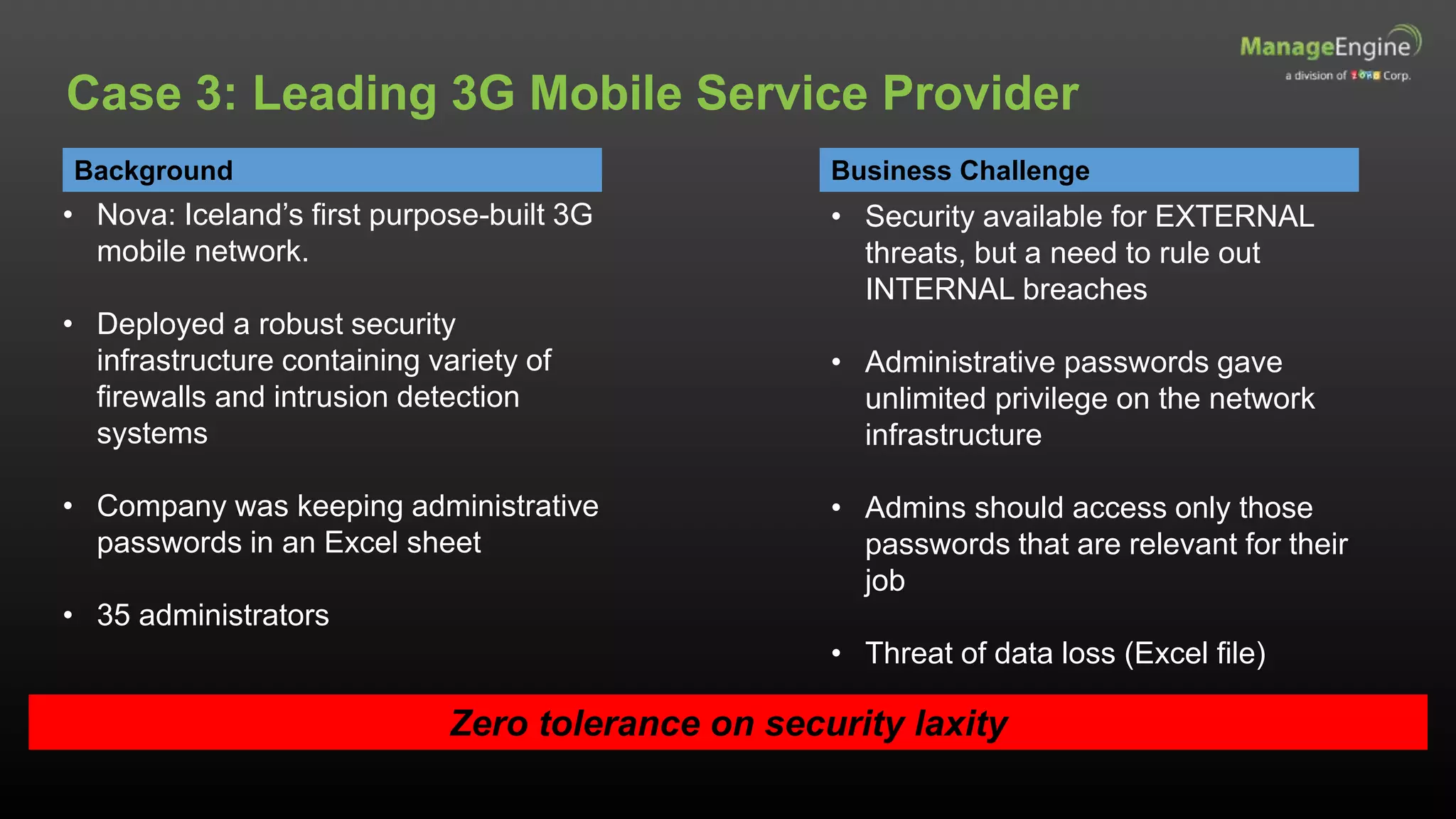
Background
• Nova: Iceland’s first purpose-built 3G
mobile network.
• Deployed a robust security
infrastructure containing variety of
firewalls and intrusion detection
systems
• Company was keeping administrative
passwords in an Excel sheet
• 35 administrators
Business Challenge
Zero tolerance on security laxity
Case 3: Leading 3G Mobile Service Provider
• Security available for EXTERNAL
threats, but a need to rule out
INTERNAL breaches
• Administrative passwords gave
unlimited privilege on the network
infrastructure
• Admins should access only those
passwords that are relevant for their
job
• Threat of data loss (Excel file)
Information Security Management
Align IT security with business security
• Information is
available when
required
• Business
transactions and
information
exchanges can
be trusted
• Information is
accurate and
protected against
unauthorised
modification
• Information is
disclosed only
to those who
have a right to
know
Confidentiality Integrity
AvailabilityAuthenticity
Information Security Policy
• Use and misuse of IT assets
• Access control
• Password control
• Email
• Internet
• Anti-virus
• Document classification
• Information classification
• Remote access
• Asset disposal
• Records retention
The security policy should be comprehensive
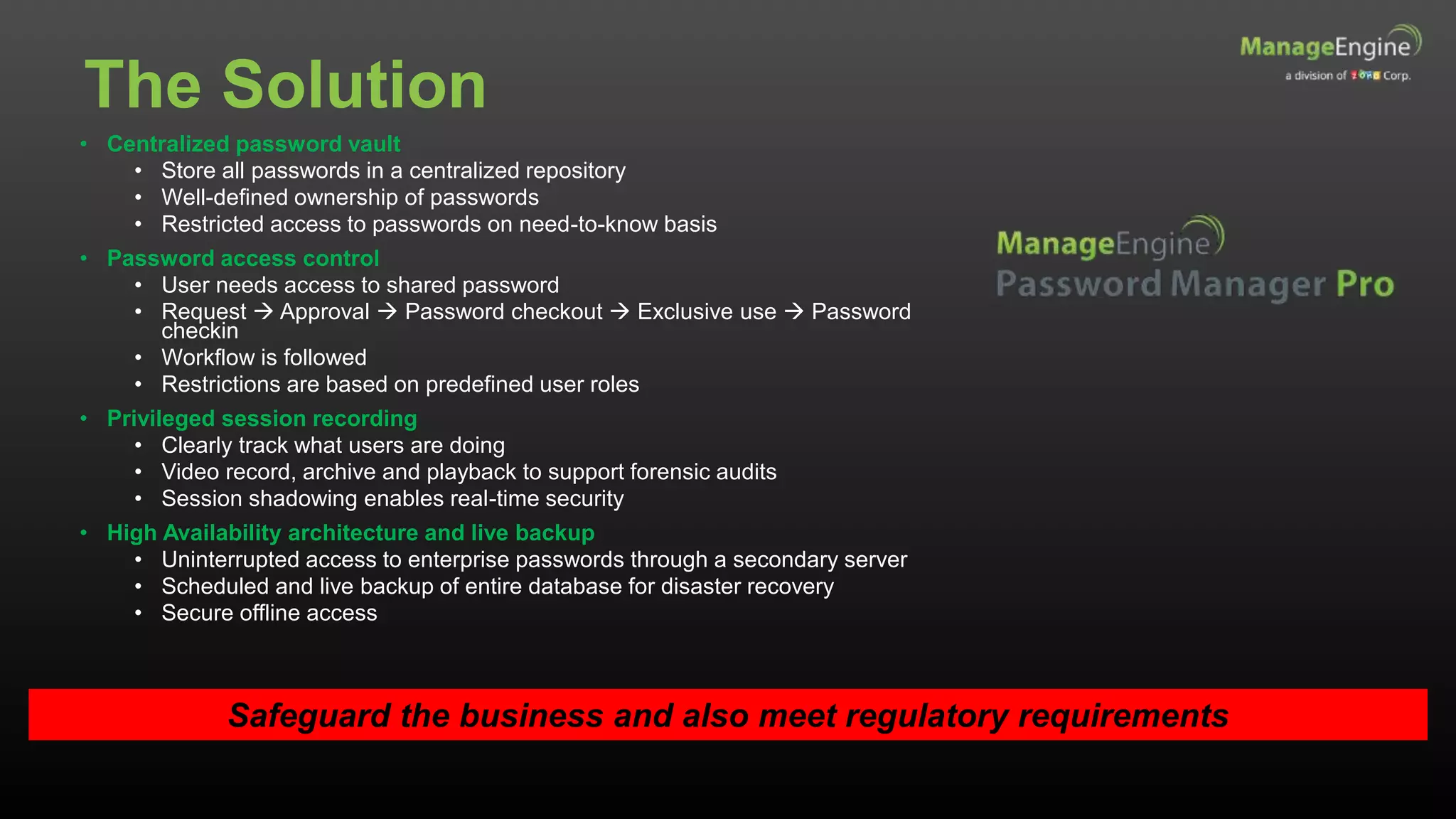
The Solution
• Centralized password vault
• Store all passwords in a centralized repository
• Well-defined ownership of passwords
• Restricted access to passwords on need-to-know basis
• Password access control
• User needs access to shared password
• Request  Approval  Password checkout  Exclusive use  Password
checkin
• Workflow is followed
• Restrictions are based on predefined user roles
• Privileged session recording
• Clearly track what users are doing
• Video record, archive and playback to support forensic audits
• Session shadowing enables real-time security
• High Availability architecture and live backup
• Uninterrupted access to enterprise passwords through a secondary server
• Scheduled and live backup of entire database for disaster recovery
• Secure offline access
Safeguard the business and also meet regulatory requirements
IT Management, Simplified
Real-time IT management solutions for the new speed of business
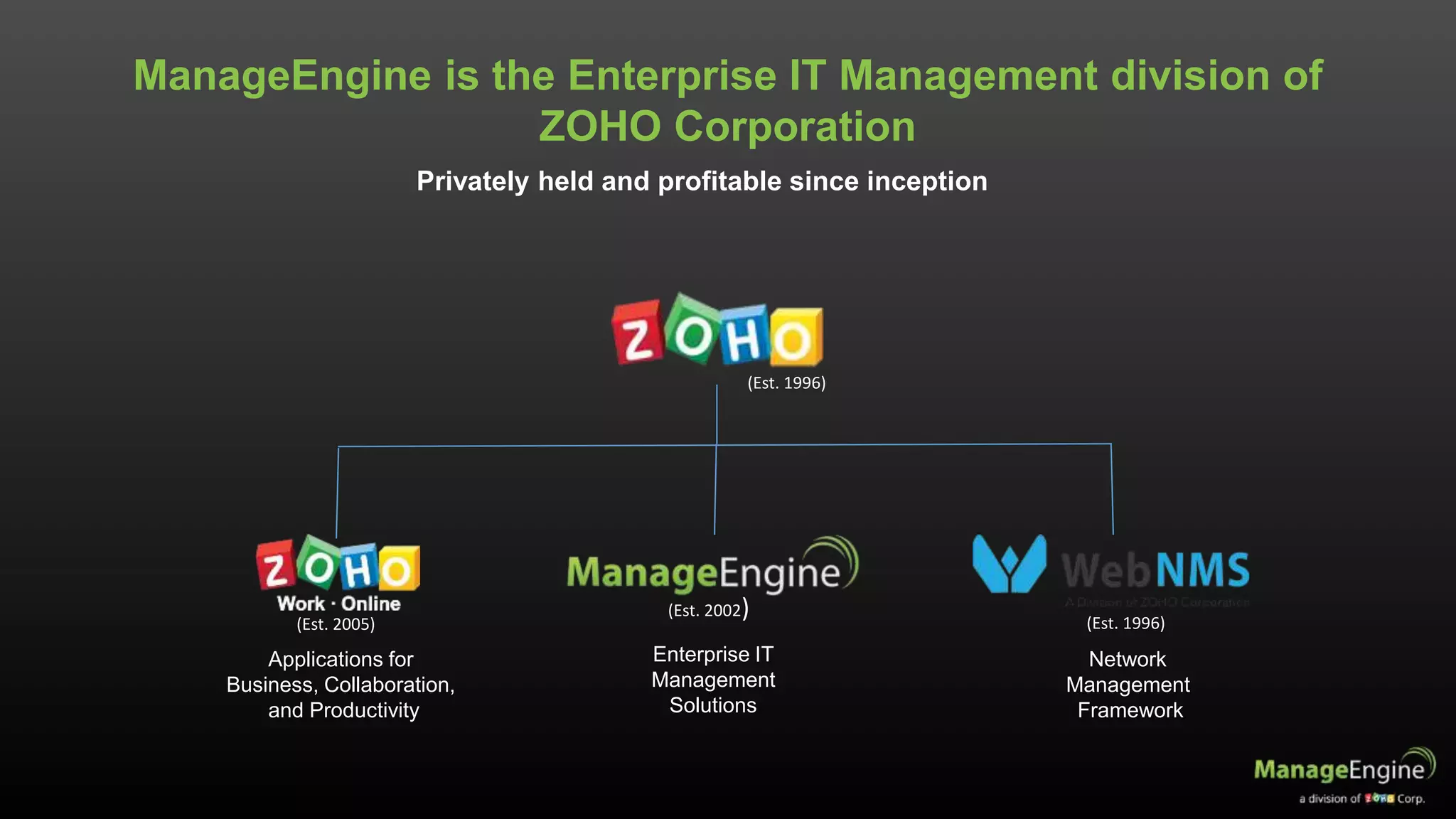
Applications for
Business, Collaboration,
and Productivity
Enterprise IT
Management
Solutions
Network
Management
Framework
(Est. 2005)
(Est. 2002) (Est. 1996)
ManageEngine is the Enterprise IT Management division of
ZOHO Corporation
Privately held and profitable since inception
(Est. 1996)
40+
Products and Free Tools for Real-Time IT Management,
built from the ground-up
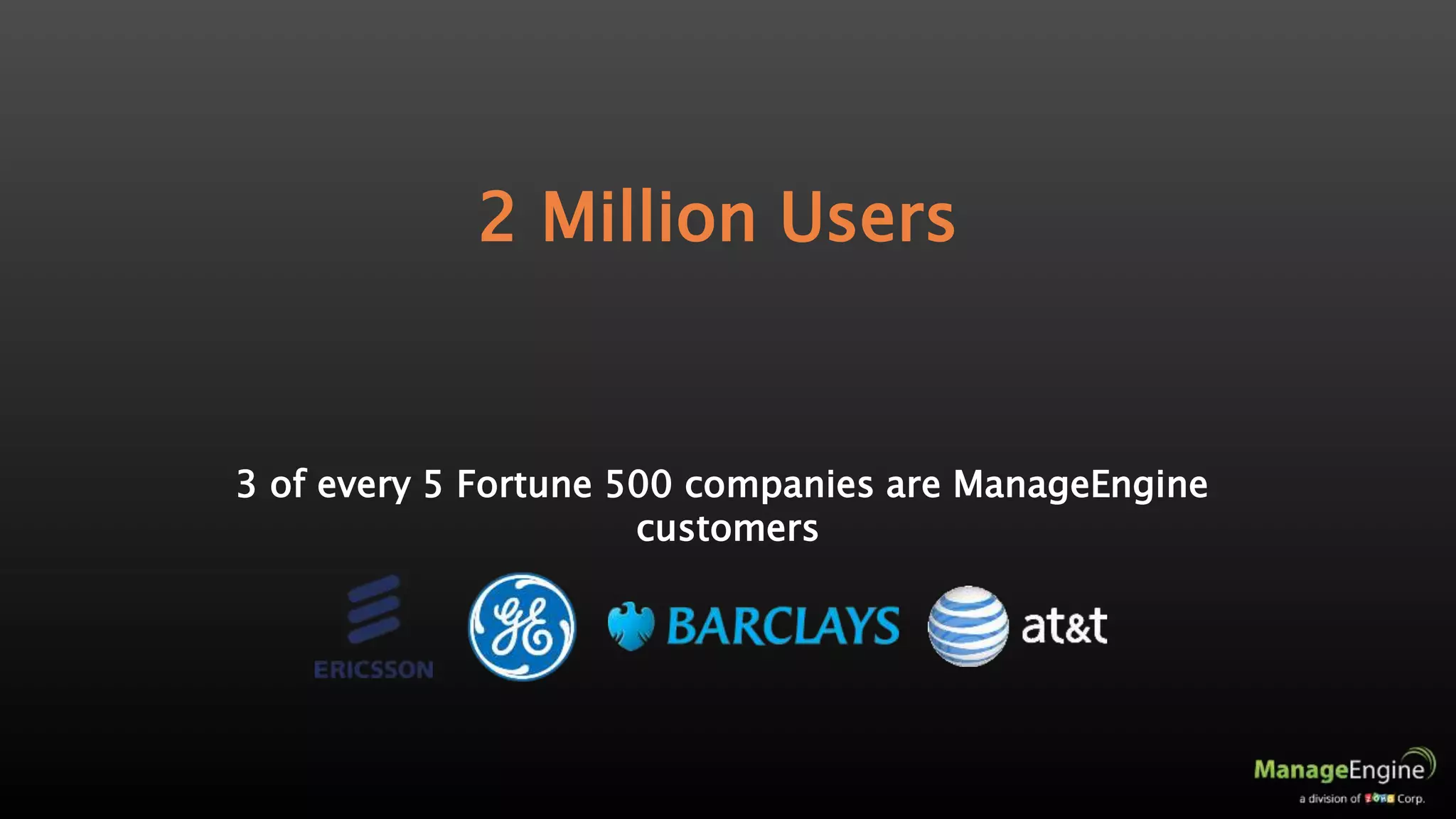
3 of every 5 Fortune 500 companies are ManageEngine
customers
2 Million Users
Active Directory Management
Active Directory
Exchange Server
Self-service Portal
Recovery and Backup
IT Operations Management
Network Performance
Application Performance
End-user Experience
Network Change and Configuration
Converged Infrastructure
Storage Infrastructure
Bandwidth and Traffic
SQL Server Monitoring
On Demand
Application Performance
Helpdesk Software
Active Directory Recovery
and Backup
IT Service Management
Help Desk
Asset Lifecycle
CMDB and ITIL
Customer Support
IT Security
Log Management
Firewall Analysis
Vulnerability Analysis
Privileged Password
Network Anomaly Detection
Client Management
Desktops Management
MDM and BYOD Policies
OS Deployments
ManageEngine Solutions
www.manageengine .com

Webinar - 8 ways to align IT to your business

  • 1.
    IT Management, Simplified Real-timeIT management solutions for the new speed of business
  • 2.
    ways to alignIT to Business with Claire Brereton Make IT a game-changer
  • 3.
    About Claire Claire Breretonis a IT strategy, governance and IT service management consultant. She works with clients of all sizes to build their IT capability. She is an Australian national representative on global IT governance and service management standards, and director, itSMF Australia. She is based in Brisbane, Australia. She was honoured with the title of Fellow of the Australian Computer Society (FACS) recently. Email: claire@breretonconsulting.com Skype: clairebrereton Web: www.breretonconsulting.com
  • 4.
    You will SoonDiscover 1.Benefits of IT and business alignment 2.Eight ways to align IT to business 3.The importance of managing your IT infrastructure 4.Some case studies on effective IT management 5.Effective IT management solutions from ManageEngine
  • 5.
    Is Your WheelAligned? If your business were your car, your IT is undoubtedly the wheels. So if your business starts to underperform, it may be time to check your IT and business alignment.
  • 6.
    The Benefits ofIT and Business Alignment The National Computing Centre of the UK identifies 8 main benefits: - Reduce costs - Standardise processes - Enhance productivity - Improve workflow and communications - Sustain repeatable service levels - Improve risk control mechanisms - Implement new business strategies - Facilitate organic and acquisition-driven growth Gain competitive advantage by making technology work for you
  • 7.
    Ways to AlignIT to Business
  • 8.
    1. Create YourIT brand • The IT team must deliver on its promises every time • Develop the IT service catalogue as a means to build brand equity • Link brand attributes to the associations in the customer’s mind IT team must build trust BrandEquity Attributes Identity Associations
  • 9.
    2. Be Socialto Engage • 89% of Australians own an account on social networks (Statista.com) – 81% on Facebook – 42% on Twitter – 30% on Google+ • Social media influences purchasing decision of 35% of people (Gallup.com) – Tourism Australia has 6m followers on www.facebook.com/seeaustralia • Analyse where the target audience goes, the growth of different demographics, and percentage of customers accessing social media through mobiles Use social media to listen and interact with customers
  • 10.
    Social media cangive negative publicity Agility through Social
  • 11.
    3. Proactively SupportMobile The Mobile revolution is only going to get bigger and bigger • 1.62 Billion mobile devices in the workplace by 2016 (Rapid7) • 85% of organizations will allow employee-owned devices by 2020 (Gartner) • 21% of productivity gains comes from BYOD (Cisco) • Decide which employees get mobile access • Decide what data employees can access • Decide what type of devices can be used for access IT security and asset management are critical
  • 12.
    4. Use BigData to Drill Down to the Small Things • Australian companies spend more than $50 Million per company on big data (Australian Business Review) • Three companies that successfully use big data: – Woolworths: analysing online and in-store spending habits – Commonwealth Bank: targeting customer sales through analysis – Telstra: marketing and customer service • Big data can increase operating margin as much as 60% Big data can be a competitive advantage
  • 13.
    5. Show theValue of IT Projects IT spending is an investment to achieve business goals • Quantify the benefits (and costs) of IT projects • Take account of indirect gains from: - Employee productivity - Customer satisfaction - Collaboration • Set screening percentage thresholds • Facilitate investment prioritization Calculating Your ROI ROI = (Present Value of all expected benefits) X 100 (Present Value of all expected costs)
  • 14.
    6. Move Fast •Move IT projects at a fast pace to create business impact in the shortest possible time • Be an early adopter of technology  gain a competitive advantage • Measure project deadlines in days and not months • Use service management to • Implement changes successfully • Resolve incidents quickly An agile and fast business wins against competition
  • 15.
    7. Become aCloud Authority • Netflix is the most famous success story on the cloud – 33% of all prime-time web traffic in North America – Launches in Australia March 2015 • Private, Public and Hybrid clouds – Private: greater security and compliance (banks and government) – Public: Pay-as-you-go policy (start-ups) – Hybrid: companies with both sensitive and non-sensitive information (Internet service provider) • Achieve up to 2.5 times more gross profit than competitors by using the cloud (IBM study) Focus on core competencies by outsourcing to the cloud
  • 16.
    8. Take onShadow IT • Shadow IT – Short-term benefits for departments – Leads to inefficiencies, wasted time, and security risks – An integrated IT system enables different departments to come together – Work towards a common goal and towards success • Goal is to eliminate – only possible through gaining a trusted service provider relationship A streamlined and lean IT system for organizational success
  • 17.
    1. Create yourbrand 2. Get social 3. Support mobility 4. Big Data 5. Project Value 6. Speedy 7. Cloud authority 8. Conquer the shadows Ways
  • 18.
    IT also needsto be managed efficiently so that it can transform your business
  • 19.
    Background • 8,000 studentsand 1100 faculty members • 200 buildings on 500 acres • Over 1000 switches and access points • Network devices from multiple vendors Business Challenge • Vision: Achieve the highest levels of distinction in the discovery and transmission of knowledge and understanding • Provide state-of-the-art computer systems, internet access and network to support research and undergrad teaching Maximise network uptime Case 1: A Leading University
  • 20.
    Availability Management The universityhad to keep the following in mind There are 4 major facets of availability management • Does the service perform at agreed levels when required? Availability • Does the service perform its agreed function without interruption? Reliability • How quickly can the service be restored after a failure? Maintainability • Does a third-party supplier meet all terms of availability, maintainability and reliability? Serviceability
  • 21.
    In a time-scaleof 24 hours 00:00 24:00 • Companies have to set a availability target • If 2% downtime is acceptable • If there are 20 minutes of downtime, the SLA is not violated, but 29 minutes of downtime is OK in a day. Anything more is a violation of the SLA 29 Mins 5 Mins 3 Mins 3 Mins 3 Mins 6 Mins Now, there is an outage every 4.8 hours  Reliability is low Both availability and reliability are critical Availability Management Concepts
  • 22.
    The Right Solution Providethe best experience for students and faculty • Efficient event management • Receive syslogs from network devices proactively • Email and SMS alerts • Log a ticket into ServiceDesk • Visualize the network • Troubleshoot latency issues • Identify network devices with highest latencies • Identify paths with high round-trip-time • Analyze network traffic • Identify if the problem is with the network or application • Know which user or application is using most bandwidth • Analyze the percentage of unproductive traffic • Automate network change and configuration management • Take regular backups of network configurations • Schedule configuration updates • Push configuration changes to multi-vendor network devices
  • 23.
    Background • Operations acrossthe world – 1000s of branches • Two primary data centers – UK and Australia • Servers – UNIX, Windows, Linux, Solaris • Critical web applications hosted on a WebSphere Application Server • Loan processing, account creation and approval, B2B transactions are web applications Business Challenge • One extra second of latency in application delivery  decrease revenue by 10% (Techcrunch) • Quick customer handling and high employee productivity • Be proactive and ensure WebSphere Servers are functioning • Maintain 99.5% of uptime for mission critical applications • Best service to all stakeholders: - WebSphere Admins, Oracle DBAs, Server specialists, Line of Business Managers Proactive monitoring of mission critical applications Case 2: A Leading Bank
  • 24.
    Applications Management atthe Bank The bank had to ensure: • Better Employee Productivity - Poor response times for business critical applications impacting on employee morale • Meeting of promised SLA commitments - Ensure critical applications perform as expected - Monitor all end-user applications • THROUGH Proactive diagnosis and resolution of Issues - Visualize performance degradation before end users complain - Make quick changes in the infrastructure when needed - Understand interdependencies between different applications Connect application performance to business success
  • 25.
    Monitor performance onboth physical and virtual systems Monitor a Range of Applications Supporting monitoring Application reactive and proactive management Deliver application services as per SLAs Application Service Level Management Application Performance Monitoring Application Server, Web server monitoring Database monitoring Application Performance Troubleshooting End User Experience monitoring
  • 26.
    The Right Solution Proactiveplanning, design and improvement of performance • Proactively discover and monitor business applications • Automatically discover application servers, servers, databases, web services, transactions, virtual resources and cloud apps • Group applications and monitor as a single unit • View performance attributes and create custom dashboards • Powerful reporting • Turn data into information • Help Line of Business Managers. E.g. Loan Application Managers • Capacity planning • Performance Management • Decide what metrics to measure. E.g. response time, resource availability • Fault management and root cause analysis • Resolve application faults proactively before the end user knows • Notification of problems through SMS and email • Automate resolution by executing corrective scripts based on threshold violations • Identify performance bottlenecks and reduce time spent analyzing problems
  • 27.
    Background • Nova: Iceland’sfirst purpose-built 3G mobile network. • Deployed a robust security infrastructure containing variety of firewalls and intrusion detection systems • Company was keeping administrative passwords in an Excel sheet • 35 administrators Business Challenge Zero tolerance on security laxity Case 3: Leading 3G Mobile Service Provider • Security available for EXTERNAL threats, but a need to rule out INTERNAL breaches • Administrative passwords gave unlimited privilege on the network infrastructure • Admins should access only those passwords that are relevant for their job • Threat of data loss (Excel file)
  • 28.
    Information Security Management AlignIT security with business security • Information is available when required • Business transactions and information exchanges can be trusted • Information is accurate and protected against unauthorised modification • Information is disclosed only to those who have a right to know Confidentiality Integrity AvailabilityAuthenticity
  • 29.
    Information Security Policy •Use and misuse of IT assets • Access control • Password control • Email • Internet • Anti-virus • Document classification • Information classification • Remote access • Asset disposal • Records retention The security policy should be comprehensive
  • 30.
    The Solution • Centralizedpassword vault • Store all passwords in a centralized repository • Well-defined ownership of passwords • Restricted access to passwords on need-to-know basis • Password access control • User needs access to shared password • Request  Approval  Password checkout  Exclusive use  Password checkin • Workflow is followed • Restrictions are based on predefined user roles • Privileged session recording • Clearly track what users are doing • Video record, archive and playback to support forensic audits • Session shadowing enables real-time security • High Availability architecture and live backup • Uninterrupted access to enterprise passwords through a secondary server • Scheduled and live backup of entire database for disaster recovery • Secure offline access Safeguard the business and also meet regulatory requirements
  • 31.
    IT Management, Simplified Real-timeIT management solutions for the new speed of business
  • 32.
    Applications for Business, Collaboration, andProductivity Enterprise IT Management Solutions Network Management Framework (Est. 2005) (Est. 2002) (Est. 1996) ManageEngine is the Enterprise IT Management division of ZOHO Corporation Privately held and profitable since inception (Est. 1996)
  • 33.
    40+ Products and FreeTools for Real-Time IT Management, built from the ground-up
  • 34.
    3 of every5 Fortune 500 companies are ManageEngine customers 2 Million Users
  • 35.
    Active Directory Management ActiveDirectory Exchange Server Self-service Portal Recovery and Backup IT Operations Management Network Performance Application Performance End-user Experience Network Change and Configuration Converged Infrastructure Storage Infrastructure Bandwidth and Traffic SQL Server Monitoring On Demand Application Performance Helpdesk Software Active Directory Recovery and Backup IT Service Management Help Desk Asset Lifecycle CMDB and ITIL Customer Support IT Security Log Management Firewall Analysis Vulnerability Analysis Privileged Password Network Anomaly Detection Client Management Desktops Management MDM and BYOD Policies OS Deployments ManageEngine Solutions
  • 36.