IT Management,
Simplified
Real-time IT management solutions for the new
speed of business
SNMP Demystified
- Part II
KARTHIK ANANDARAO
Sr. Product Consultant/Evangelist
ManageEngine
About me
• Senior Product Consultant and Evangelist
for ManageEngine. With Engineering and
MBA degrees from reputed Indian
Institutions,
• With over 17 years of IT Experience,
serving in different capacities including
System and Network Administration, IT
Management, and Consulting.
• Have travelled across the globe for
implementation, consultation and training
of ManageEngine products and solutions.
Join us soon
• Join us @ SNMP Nuts & Bolts
• https://connect.manageengine.com/groups/s
nmp-nuts-and-bolts
• SNMP Demystified - Part 1
• Video URL - http://bit.ly/1G2AT6u
• Presentation URL - http://bit.ly/1CrykqB
Agenda
• SNMP Demystified – Part 2
• Recap
• SNMP Tools
• Enable SNMP
• SNMP Walk
• Understand SNMP Table
• Receive Traps
• Check Community Strings
• Browse MIBS
• Perform SNMP Operations
• Troubleshoot SNMP
• Understand Error Messages
SNMP - Recap
• Simple Network Management Protocol
• Internet Standard Protocol to manage devices
on IP Networks
• Standard way of monitoring hardware and
software from any manufacturer from Cisco to
Juniper, from Microsoft to Unix.
• Has 3 components
• SNMP Manager – Monitoring solutions, NMS or EMS
• SNMP Agent - collects Management Information
• Managed Device – could be a network device or a
server or any device with an IP and SNMP Agent
SNMP - Recap
• Simple Network Management Protocol
• Has 3 versions
• SNMPv1
• SNMPv2c
• SNMPv3
• For enhanced security, administration and remote
configuration
• SNMP entity has an identifier – SNMPEngineID
• OIDs and MIBs
• OID is Object Identifier, defined in MIBs, Unique, can
be scalar or tabular and a dotted list of integers
• MIB is Management Information Base, collection of
OIDs.
ManageEngine SNMP Tools
• SNMP Tools
• ManageEngine SNMP MIB Browser
• ManageEngine Free Windows SNMP Enabler
Enable SNMP
• Windows
• Programs / Features – Turn on/off Windows
feature
• Linux
• Net-snmp
• Cisco devices
• #configure terminal
#snmp-server community
<community_string> rw/ro (example: snmp-
server community public ro)
#end
#copy running-config startup-config
Enable SNMP
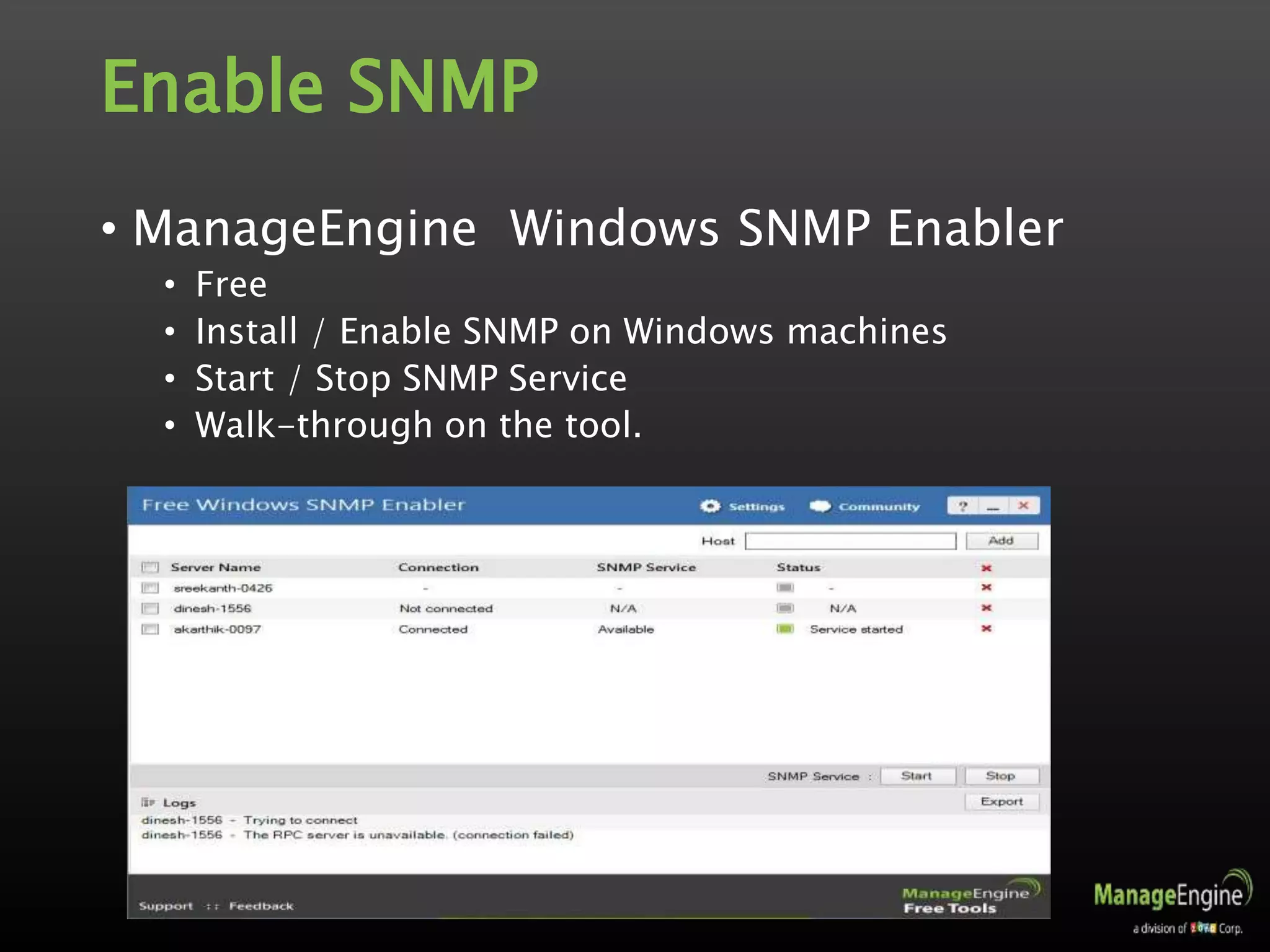
• ManageEngine Windows SNMP Enabler
• Free
• Install / Enable SNMP on Windows machines
• Start / Stop SNMP Service
• Walk-through on the tool.
SNMP Tools
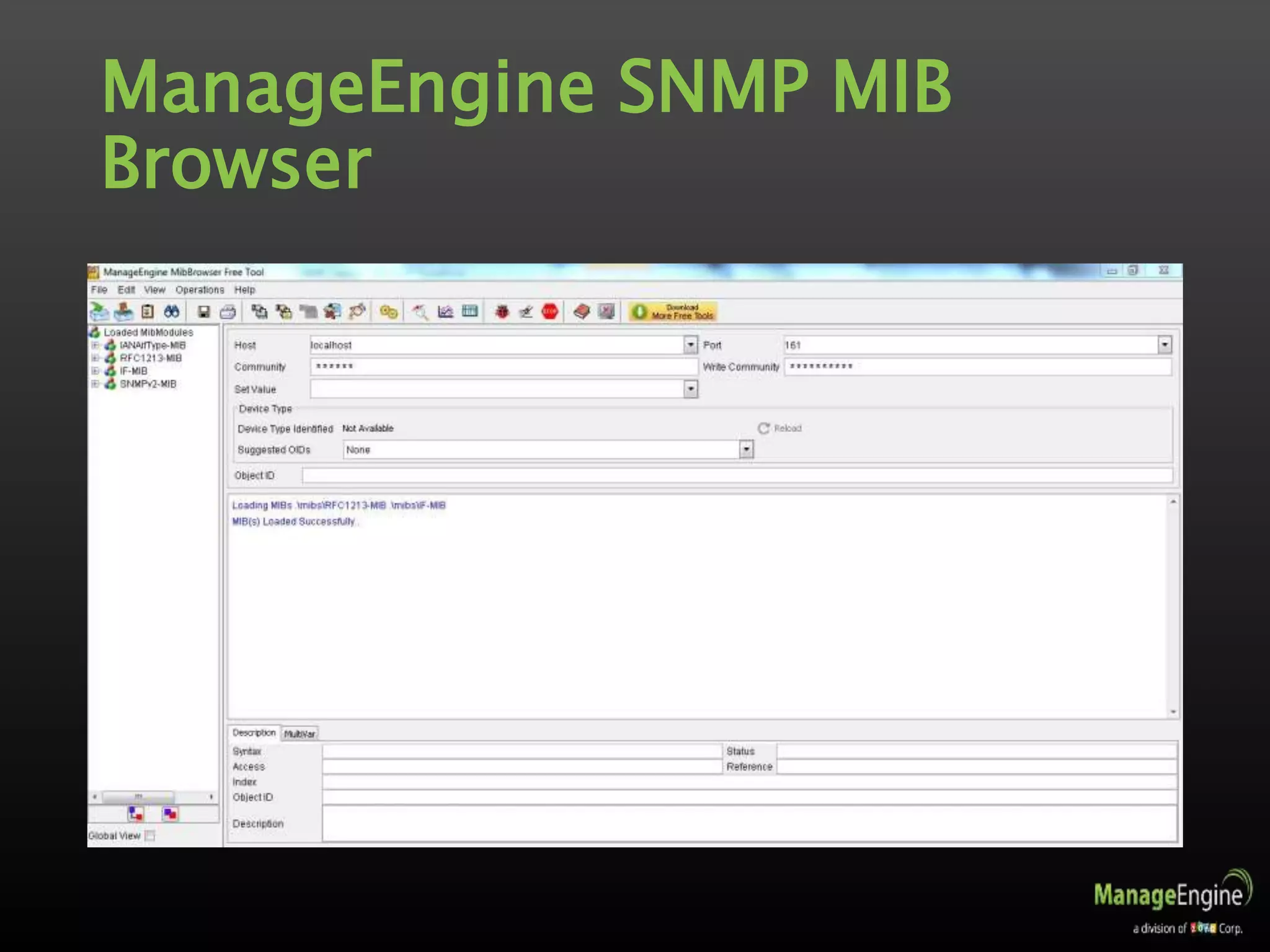
• ManageEngine SNMP MIB Browser
• Load/unload MIBs and fetch MIB data of SNMP(v1, v2c,
v3) agents
• Perform SNMP operations from Windows, Linux and Mac
devices
• Parse traps based on pre-defined match criteria
• View traps from SNMP agents and set up alert emails
• Leverage SNMPv3 security as defined in USM and VACM
standards
• View SNMP Table data and get graphical representation
in real-time
• Get the complete list of OIDs implemented on your
device
ManageEngine SNMP MIB
Browser
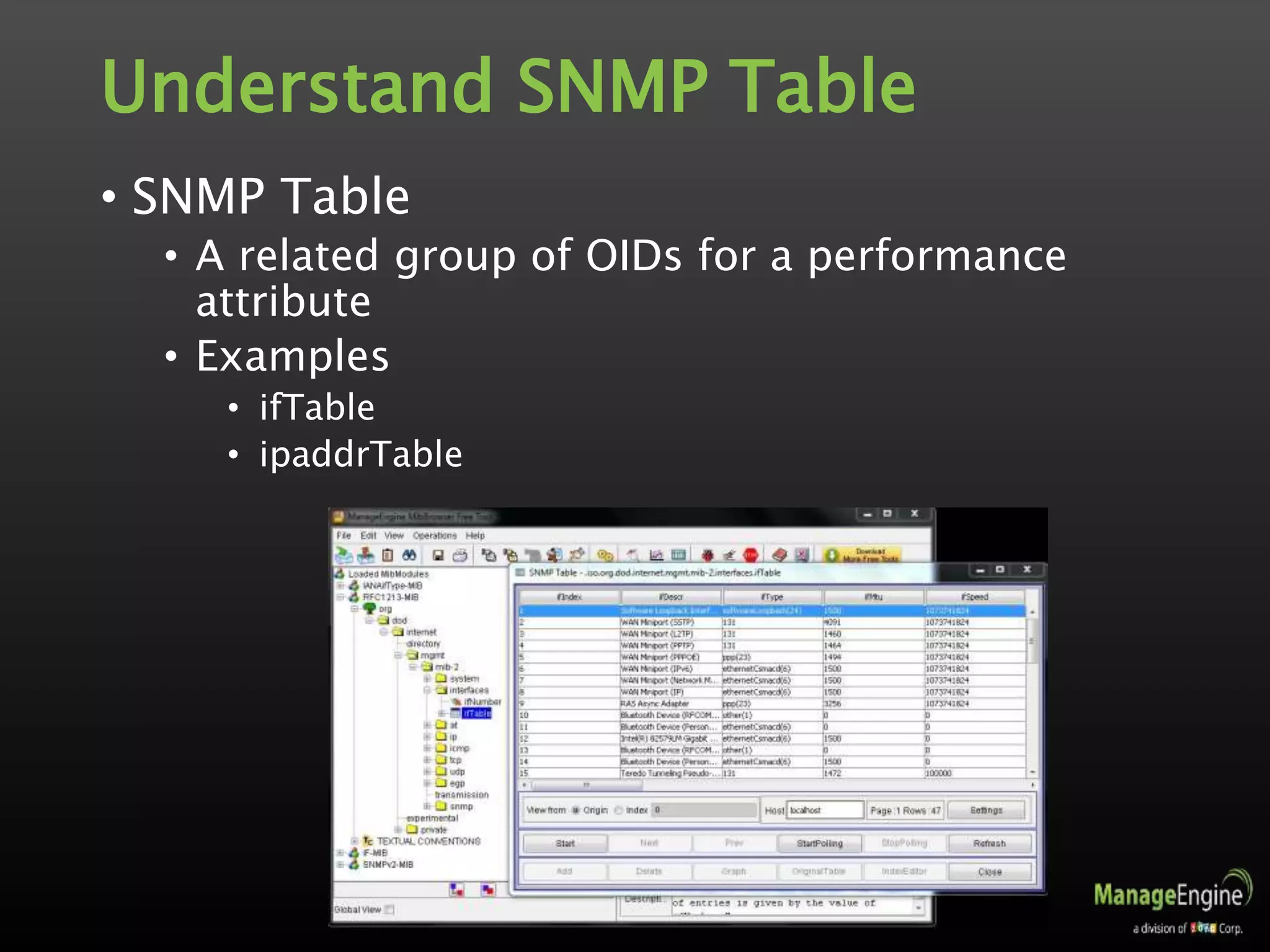
Understand SNMP Table
• SNMP Table
• A related group of OIDs for a performance
attribute
• Examples
• ifTable
• ipaddrTable
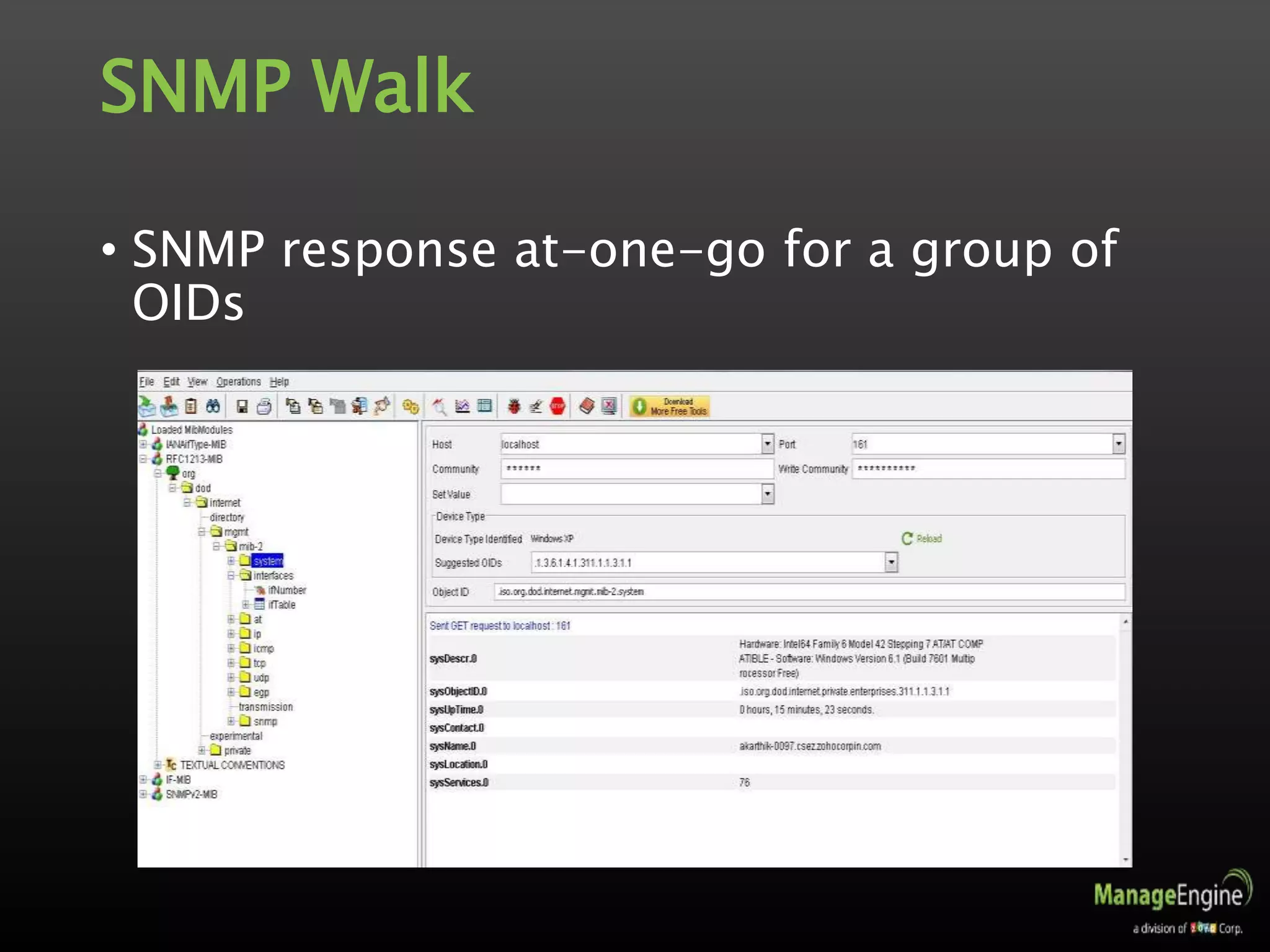
SNMP Walk
• SNMP response at-one-go for a group of
OIDs
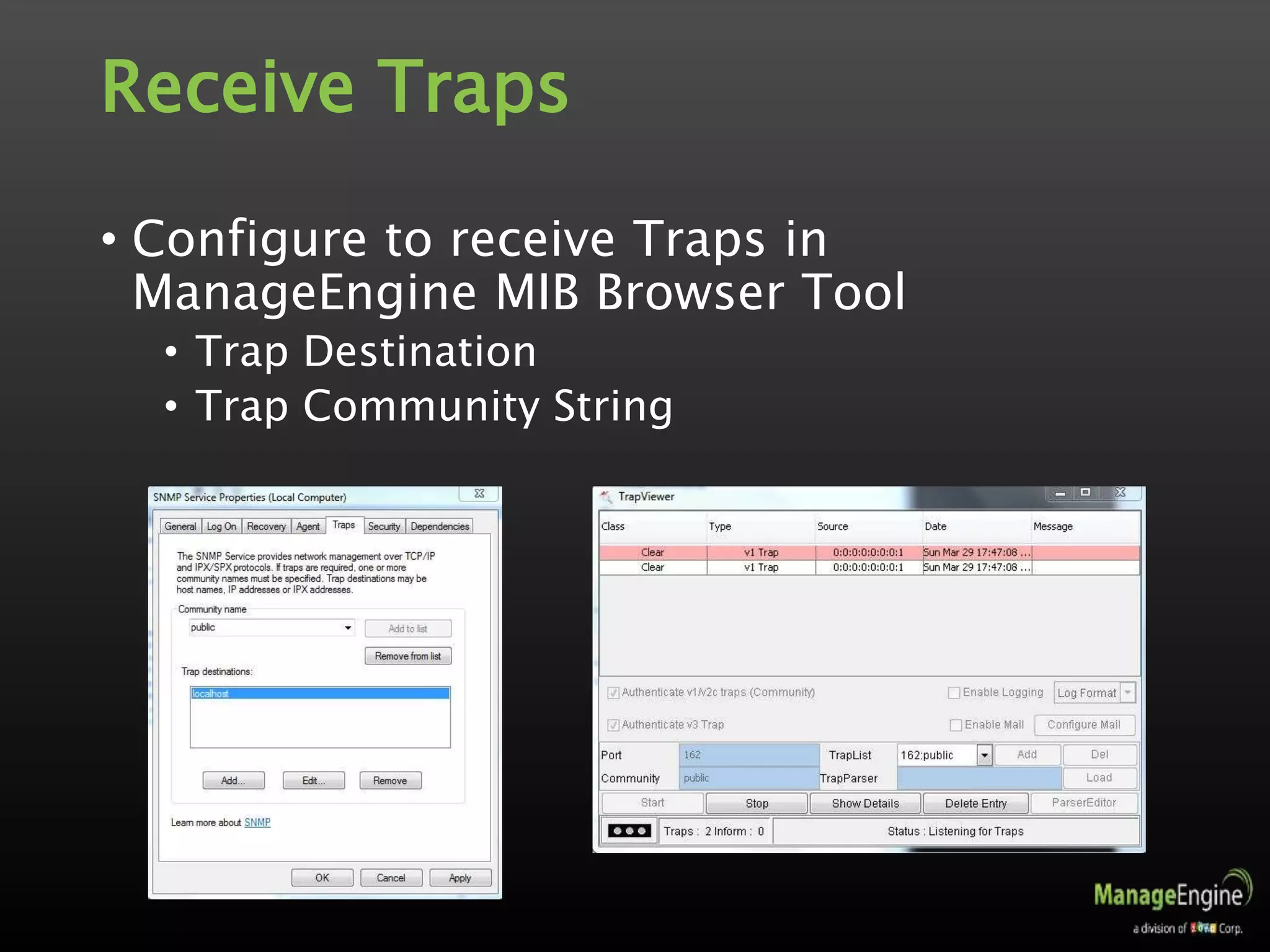
Receive Traps
• Configure to receive Traps in
ManageEngine MIB Browser Tool
• Trap Destination
• Trap Community String
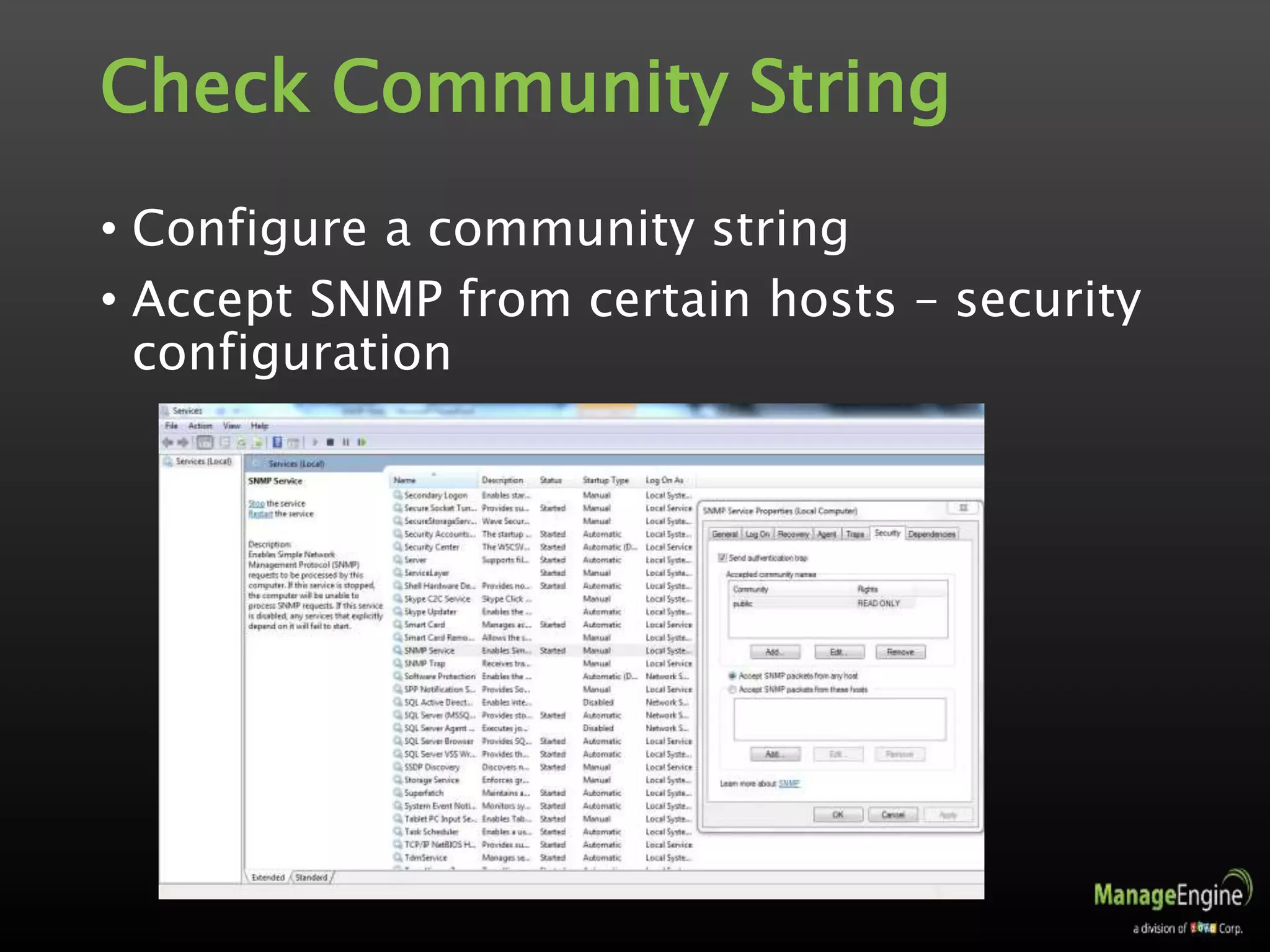
Check Community String
• Configure a community string
• Accept SNMP from certain hosts – security
configuration
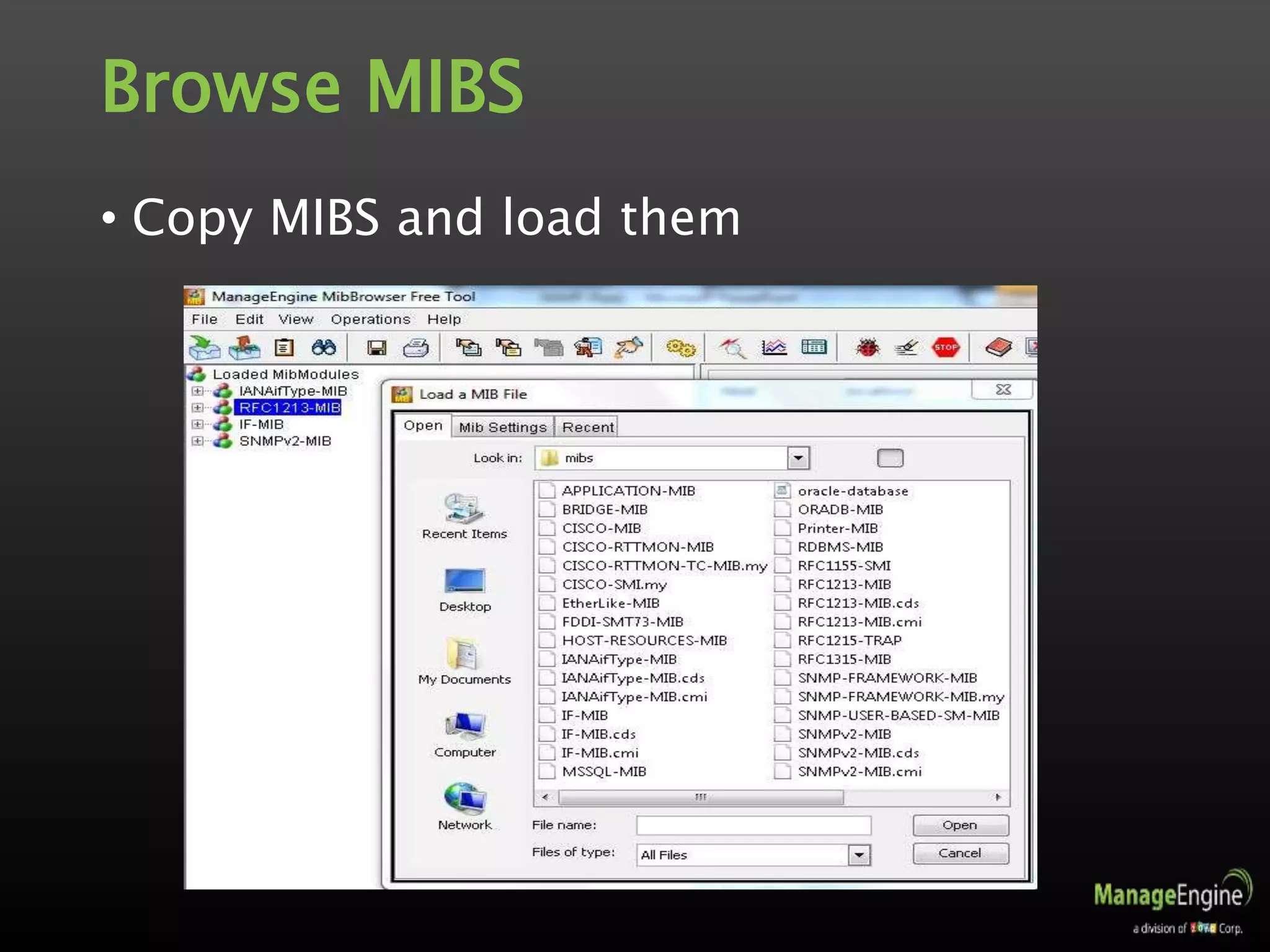
Browse MIBS
• Copy MIBS and load them
Perform SNMP Operations
• GET
• GET-NEXT
• SET
• TABLE
• SNMPWALK
• Let us see how to do these using
ManageEngine SNMP MIB Browser
Troubleshoot SNMP
• Troubleshoot SNMP
• Check community string
• Firewall configuration, if any
• Trap port occupied by some other application
• Allow SNMP from the host specified
• Check SNMP timeout
• Increase retries
• Check supported MIBs for device type
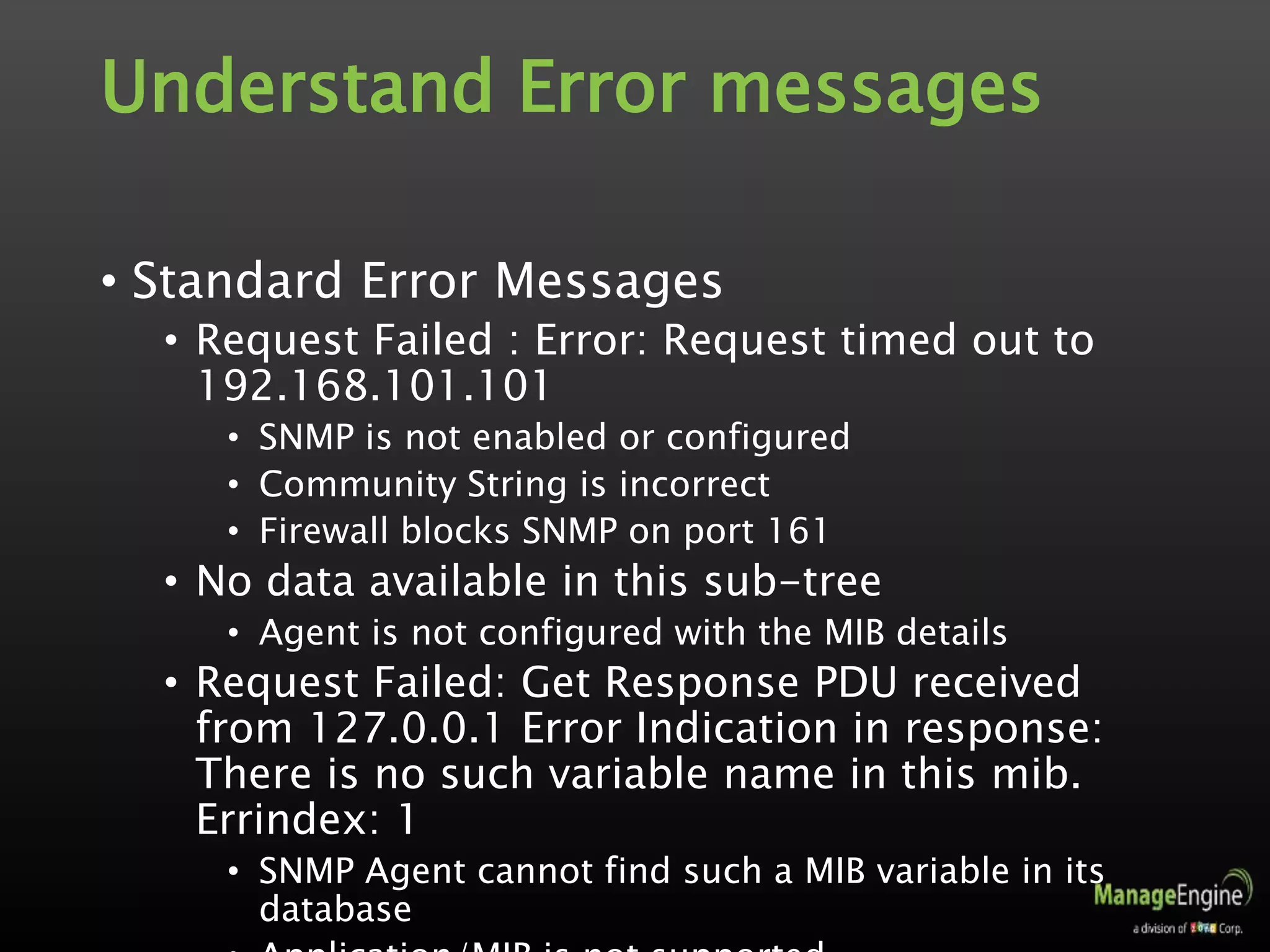
Understand Error messages
• Standard Error Messages
• Request Failed : Error: Request timed out to
192.168.101.101
• SNMP is not enabled or configured
• Community String is incorrect
• Firewall blocks SNMP on port 161
• No data available in this sub-tree
• Agent is not configured with the MIB details
• Request Failed: Get Response PDU received
from 127.0.0.1 Error Indication in response:
There is no such variable name in this mib.
Errindex: 1
• SNMP Agent cannot find such a MIB variable in its
database
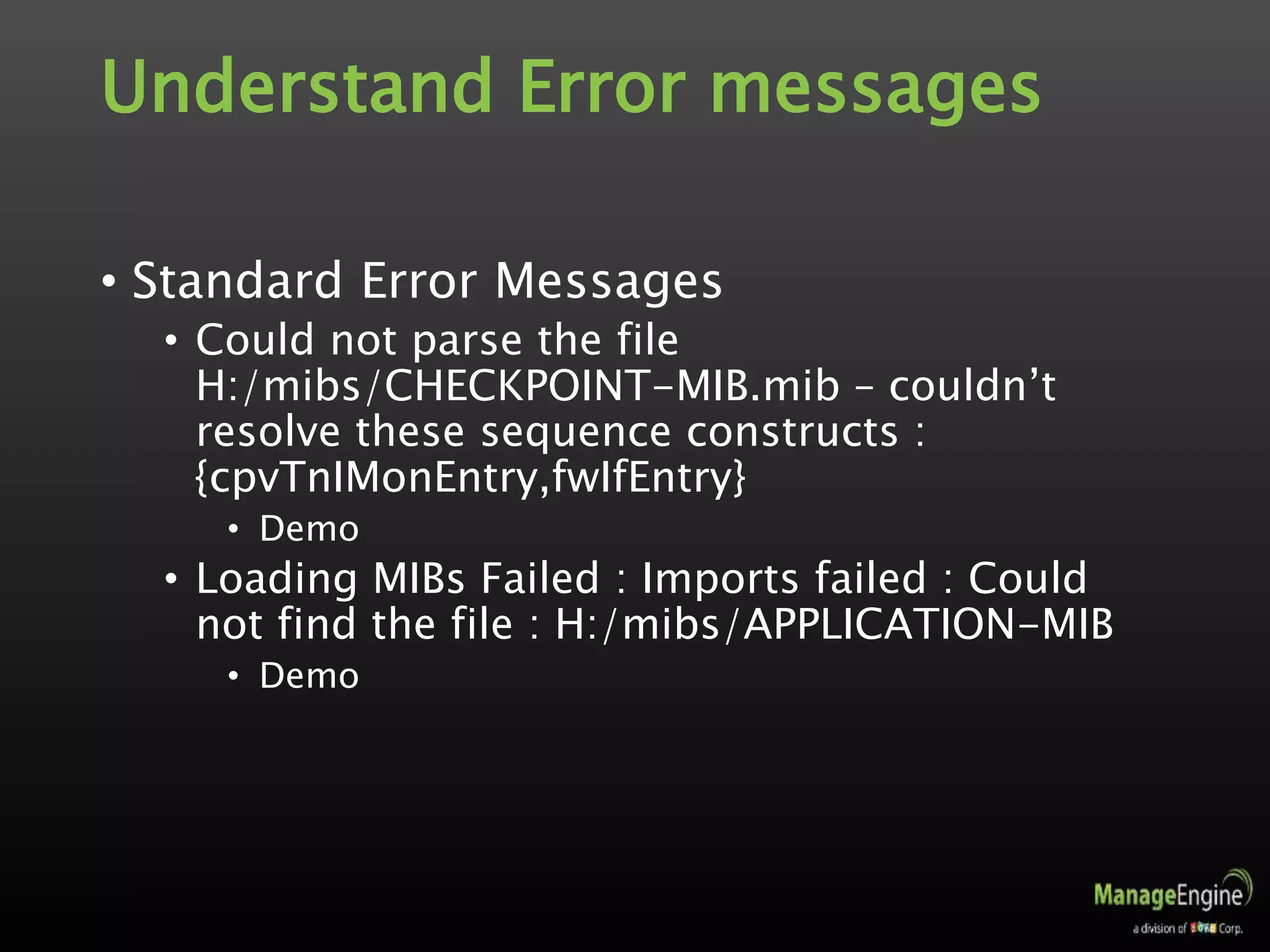
Understand Error messages
• Standard Error Messages
• Could not parse the file
H:/mibs/CHECKPOINT-MIB.mib – couldn’t
resolve these sequence constructs :
{cpvTnIMonEntry,fwIfEntry}
• Demo
• Loading MIBs Failed : Imports failed : Could
not find the file : H:/mibs/APPLICATION-MIB
• Demo
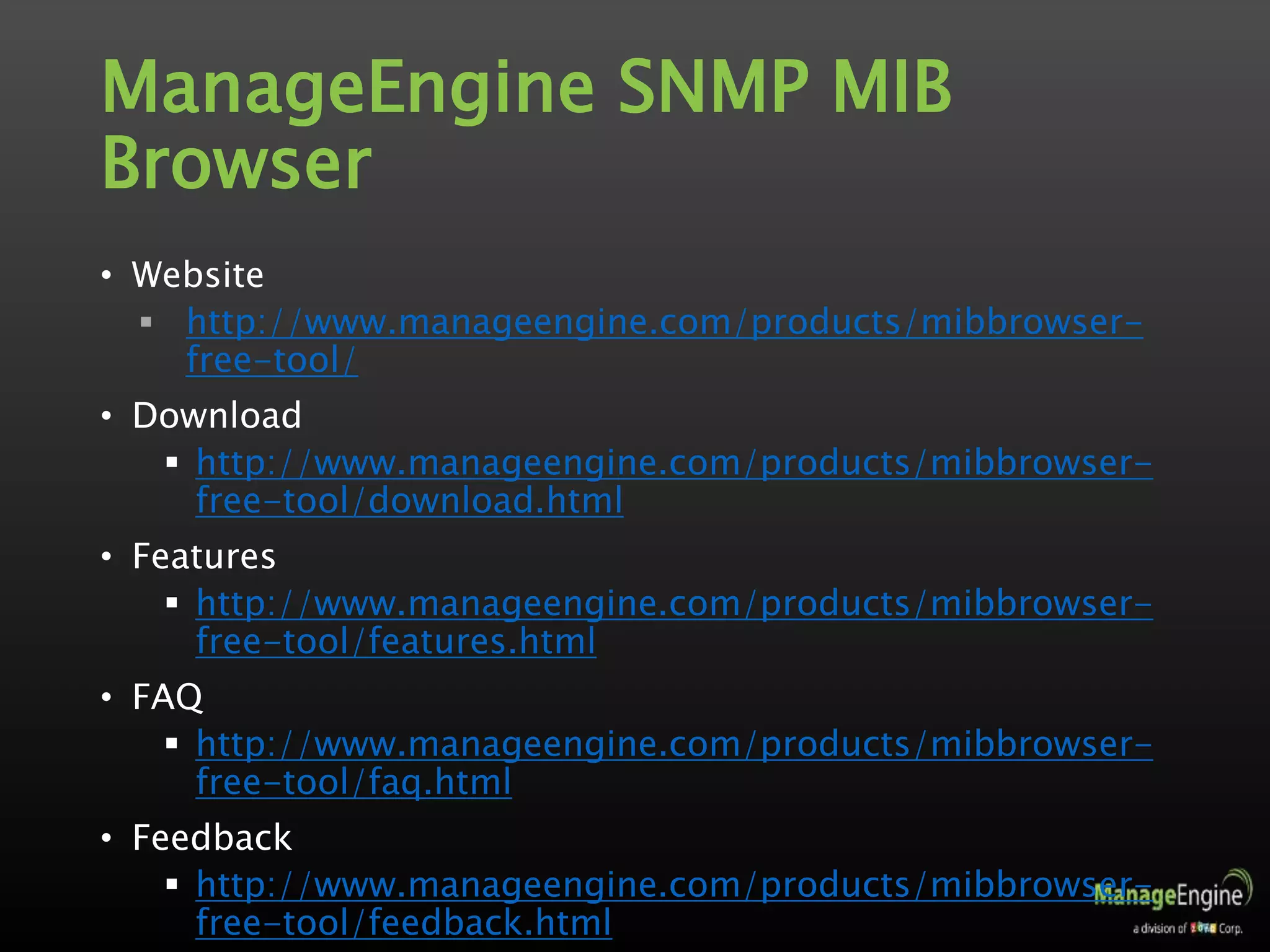
ManageEngine SNMP MIB
Browser
• Website
 http://www.manageengine.com/products/mibbrowser-
free-tool/
• Download
 http://www.manageengine.com/products/mibbrowser-
free-tool/download.html
• Features
 http://www.manageengine.com/products/mibbrowser-
free-tool/features.html
• FAQ
 http://www.manageengine.com/products/mibbrowser-
free-tool/faq.html
• Feedback
 http://www.manageengine.com/products/mibbrowser-
free-tool/feedback.html
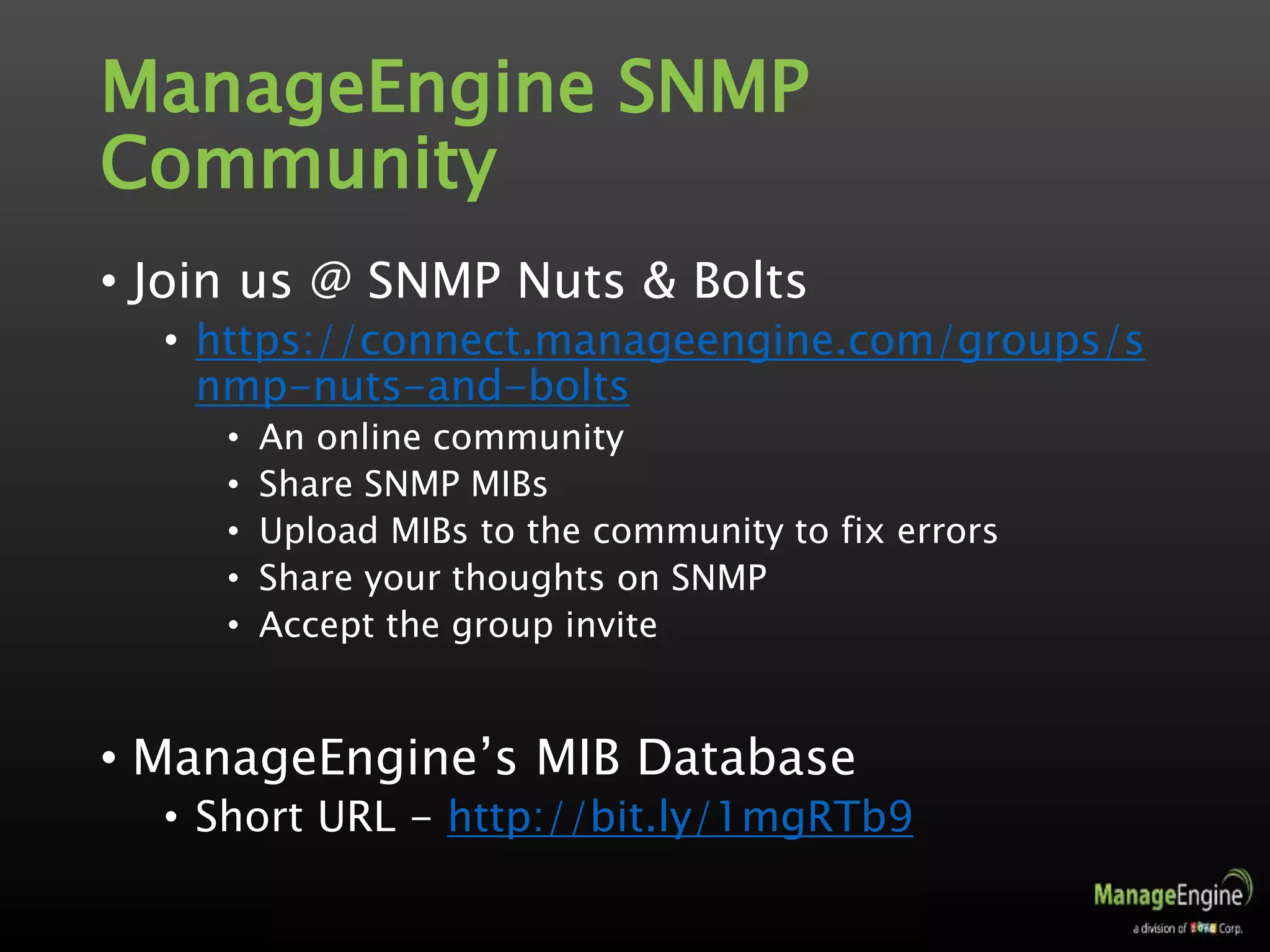
ManageEngine SNMP
Community
• Join us @ SNMP Nuts & Bolts
• https://connect.manageengine.com/groups/s
nmp-nuts-and-bolts
• An online community
• Share SNMP MIBs
• Upload MIBs to the community to fix errors
• Share your thoughts on SNMP
• Accept the group invite
• ManageEngine’s MIB Database
• Short URL - http://bit.ly/1mgRTb9
Thank You

SNMP Demystified Part-II

  • 1.
    IT Management, Simplified Real-time ITmanagement solutions for the new speed of business
  • 2.
    SNMP Demystified - PartII KARTHIK ANANDARAO Sr. Product Consultant/Evangelist ManageEngine
  • 3.
    About me • SeniorProduct Consultant and Evangelist for ManageEngine. With Engineering and MBA degrees from reputed Indian Institutions, • With over 17 years of IT Experience, serving in different capacities including System and Network Administration, IT Management, and Consulting. • Have travelled across the globe for implementation, consultation and training of ManageEngine products and solutions.
  • 4.
    Join us soon •Join us @ SNMP Nuts & Bolts • https://connect.manageengine.com/groups/s nmp-nuts-and-bolts • SNMP Demystified - Part 1 • Video URL - http://bit.ly/1G2AT6u • Presentation URL - http://bit.ly/1CrykqB
  • 5.
    Agenda • SNMP Demystified– Part 2 • Recap • SNMP Tools • Enable SNMP • SNMP Walk • Understand SNMP Table • Receive Traps • Check Community Strings • Browse MIBS • Perform SNMP Operations • Troubleshoot SNMP • Understand Error Messages
  • 6.
    SNMP - Recap •Simple Network Management Protocol • Internet Standard Protocol to manage devices on IP Networks • Standard way of monitoring hardware and software from any manufacturer from Cisco to Juniper, from Microsoft to Unix. • Has 3 components • SNMP Manager – Monitoring solutions, NMS or EMS • SNMP Agent - collects Management Information • Managed Device – could be a network device or a server or any device with an IP and SNMP Agent
  • 7.
    SNMP - Recap •Simple Network Management Protocol • Has 3 versions • SNMPv1 • SNMPv2c • SNMPv3 • For enhanced security, administration and remote configuration • SNMP entity has an identifier – SNMPEngineID • OIDs and MIBs • OID is Object Identifier, defined in MIBs, Unique, can be scalar or tabular and a dotted list of integers • MIB is Management Information Base, collection of OIDs.
  • 8.
    ManageEngine SNMP Tools •SNMP Tools • ManageEngine SNMP MIB Browser • ManageEngine Free Windows SNMP Enabler
  • 9.
    Enable SNMP • Windows •Programs / Features – Turn on/off Windows feature • Linux • Net-snmp • Cisco devices • #configure terminal #snmp-server community <community_string> rw/ro (example: snmp- server community public ro) #end #copy running-config startup-config
  • 10.
    Enable SNMP • ManageEngineWindows SNMP Enabler • Free • Install / Enable SNMP on Windows machines • Start / Stop SNMP Service • Walk-through on the tool.
  • 11.
    SNMP Tools • ManageEngineSNMP MIB Browser • Load/unload MIBs and fetch MIB data of SNMP(v1, v2c, v3) agents • Perform SNMP operations from Windows, Linux and Mac devices • Parse traps based on pre-defined match criteria • View traps from SNMP agents and set up alert emails • Leverage SNMPv3 security as defined in USM and VACM standards • View SNMP Table data and get graphical representation in real-time • Get the complete list of OIDs implemented on your device
  • 12.
  • 13.
    Understand SNMP Table •SNMP Table • A related group of OIDs for a performance attribute • Examples • ifTable • ipaddrTable
  • 14.
    SNMP Walk • SNMPresponse at-one-go for a group of OIDs
  • 15.
    Receive Traps • Configureto receive Traps in ManageEngine MIB Browser Tool • Trap Destination • Trap Community String
  • 16.
    Check Community String •Configure a community string • Accept SNMP from certain hosts – security configuration
  • 17.
    Browse MIBS • CopyMIBS and load them
  • 18.
    Perform SNMP Operations •GET • GET-NEXT • SET • TABLE • SNMPWALK • Let us see how to do these using ManageEngine SNMP MIB Browser
  • 19.
    Troubleshoot SNMP • TroubleshootSNMP • Check community string • Firewall configuration, if any • Trap port occupied by some other application • Allow SNMP from the host specified • Check SNMP timeout • Increase retries • Check supported MIBs for device type
  • 20.
    Understand Error messages •Standard Error Messages • Request Failed : Error: Request timed out to 192.168.101.101 • SNMP is not enabled or configured • Community String is incorrect • Firewall blocks SNMP on port 161 • No data available in this sub-tree • Agent is not configured with the MIB details • Request Failed: Get Response PDU received from 127.0.0.1 Error Indication in response: There is no such variable name in this mib. Errindex: 1 • SNMP Agent cannot find such a MIB variable in its database
  • 21.
    Understand Error messages •Standard Error Messages • Could not parse the file H:/mibs/CHECKPOINT-MIB.mib – couldn’t resolve these sequence constructs : {cpvTnIMonEntry,fwIfEntry} • Demo • Loading MIBs Failed : Imports failed : Could not find the file : H:/mibs/APPLICATION-MIB • Demo
  • 22.
    ManageEngine SNMP MIB Browser •Website  http://www.manageengine.com/products/mibbrowser- free-tool/ • Download  http://www.manageengine.com/products/mibbrowser- free-tool/download.html • Features  http://www.manageengine.com/products/mibbrowser- free-tool/features.html • FAQ  http://www.manageengine.com/products/mibbrowser- free-tool/faq.html • Feedback  http://www.manageengine.com/products/mibbrowser- free-tool/feedback.html
  • 23.
    ManageEngine SNMP Community • Joinus @ SNMP Nuts & Bolts • https://connect.manageengine.com/groups/s nmp-nuts-and-bolts • An online community • Share SNMP MIBs • Upload MIBs to the community to fix errors • Share your thoughts on SNMP • Accept the group invite • ManageEngine’s MIB Database • Short URL - http://bit.ly/1mgRTb9
  • 24.

Editor's Notes

  • #10 Show the Turn on/off windows feature on your laptop.
  • #11 Open SNMP Enabler and Start the service alone.
  • #13 Open MIB Browser tool
  • #14 Show ifTable response for the interface in your laptop
  • #16 Generate an authentication trap and show the same in the Trap Viewer
  • #17 Open the SNMP Service Properties Window