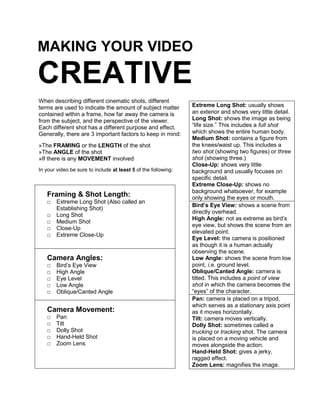
MAKING YOUR VIDEO CREATIVEWhen describing different cinematic shots, different terms are used to indicate the amount of subject matter contained within a frame, how far away the camera is from the subject, and the perspective of the viewer. Each different shot has a different purpose and effect. Generally, there are 3 important factors to keep in mind:»The FRAMING or the LENGTH of the shot»The ANGLE of the shot»If there is any MOVEMENT involvedIn your video be sure to include at least 5 of the following:Extreme Long Shot: usually shows an exterior and shows very little detail.Long Shot: shows the image as being “life size.” This includes a full shot which shows the entire human body.Medium Shot: contains a figure from the knees/waist up. This includes a two shot (showing two figures) or three shot (showing three.)Close-Up: shows very little background and usually focuses on specific detail.Extreme Close-Up: shows no background whatsoever, for example only showing the eyes or mouth.Bird’s Eye View: shows a scene from directly overhead.High Angle: not as extreme as bird’s eye view, but shows the scene from an elevated point.Eye Level: the camera is positioned as though it is a human actually observing the scene.Low Angle: shows the scene from low point, i.e. ground level.Oblique/Canted Angle: camera is tilted. This includes a point of view shot in which the camera becomes the “eyes” of the character.Pan: camera is placed on a tripod, which serves as a stationary axis point as it moves horizontally.Tilt: camera moves vertically.Dolly Shot: sometimes called a trucking or tracking shot. The camera is placed on a moving vehicle and moves alongside the action.Hand-Held Shot: gives a jerky, ragged effect.Zoom Lens: magnifies the image.Framing & Shot Length:Extreme Long Shot (Also called an Establishing Shot)Long ShotMedium ShotClose-UpExtreme Close-UpCamera Angles:Bird’s Eye ViewHigh AngleEye LevelLow AngleOblique/Canted AngleCamera Movement:PanTiltDolly ShotHand-Held ShotZoom Lens

Making Your Video Creative

  • 1.
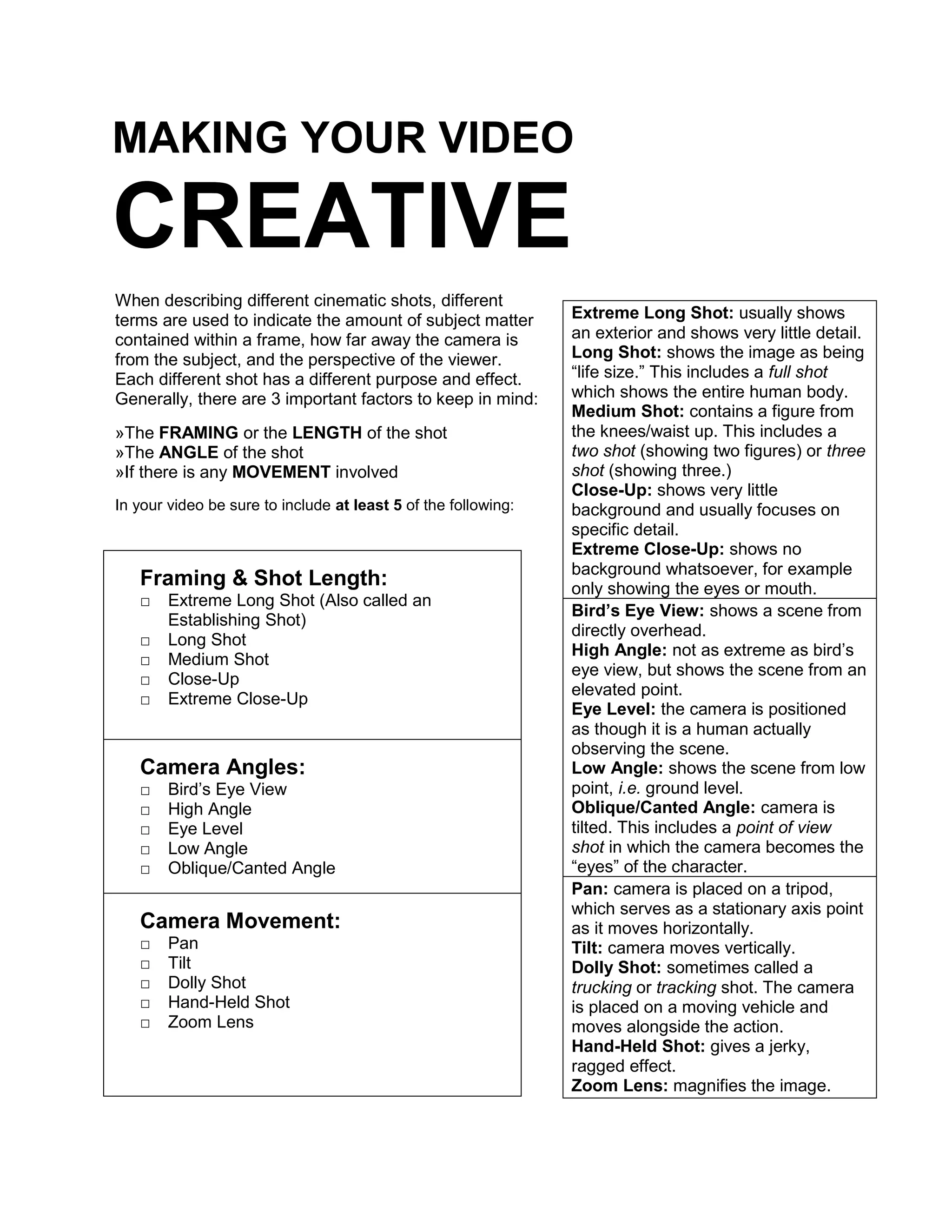
    MAKING YOUR VIDEOCREATIVEWhen describing different cinematic shots, different terms are used to indicate the amount of subject matter contained within a frame, how far away the camera is from the subject, and the perspective of the viewer. Each different shot has a different purpose and effect. Generally, there are 3 important factors to keep in mind:»The FRAMING or the LENGTH of the shot»The ANGLE of the shot»If there is any MOVEMENT involvedIn your video be sure to include at least 5 of the following:Extreme Long Shot: usually shows an exterior and shows very little detail.Long Shot: shows the image as being “life size.” This includes a full shot which shows the entire human body.Medium Shot: contains a figure from the knees/waist up. This includes a two shot (showing two figures) or three shot (showing three.)Close-Up: shows very little background and usually focuses on specific detail.Extreme Close-Up: shows no background whatsoever, for example only showing the eyes or mouth.Bird’s Eye View: shows a scene from directly overhead.High Angle: not as extreme as bird’s eye view, but shows the scene from an elevated point.Eye Level: the camera is positioned as though it is a human actually observing the scene.Low Angle: shows the scene from low point, i.e. ground level.Oblique/Canted Angle: camera is tilted. This includes a point of view shot in which the camera becomes the “eyes” of the character.Pan: camera is placed on a tripod, which serves as a stationary axis point as it moves horizontally.Tilt: camera moves vertically.Dolly Shot: sometimes called a trucking or tracking shot. The camera is placed on a moving vehicle and moves alongside the action.Hand-Held Shot: gives a jerky, ragged effect.Zoom Lens: magnifies the image.Framing & Shot Length:Extreme Long Shot (Also called an Establishing Shot)Long ShotMedium ShotClose-UpExtreme Close-UpCamera Angles:Bird’s Eye ViewHigh AngleEye LevelLow AngleOblique/Canted AngleCamera Movement:PanTiltDolly ShotHand-Held ShotZoom Lens