Make Great Tutorial or
  Product Videos


  Steve Burge @alledia
Steve Burge
Steve Burge
Steve Burge
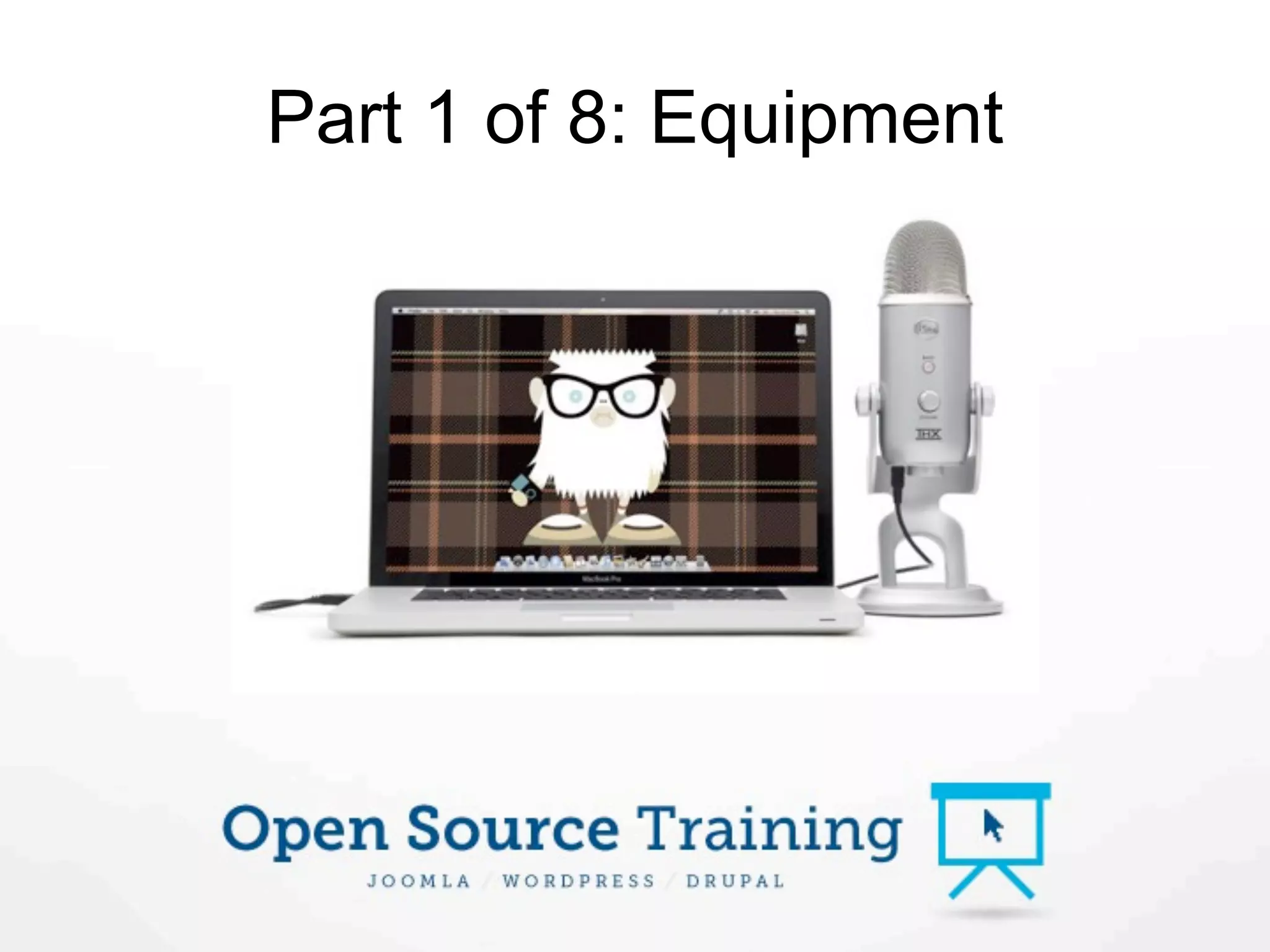
Part 1 of 8: Equipment
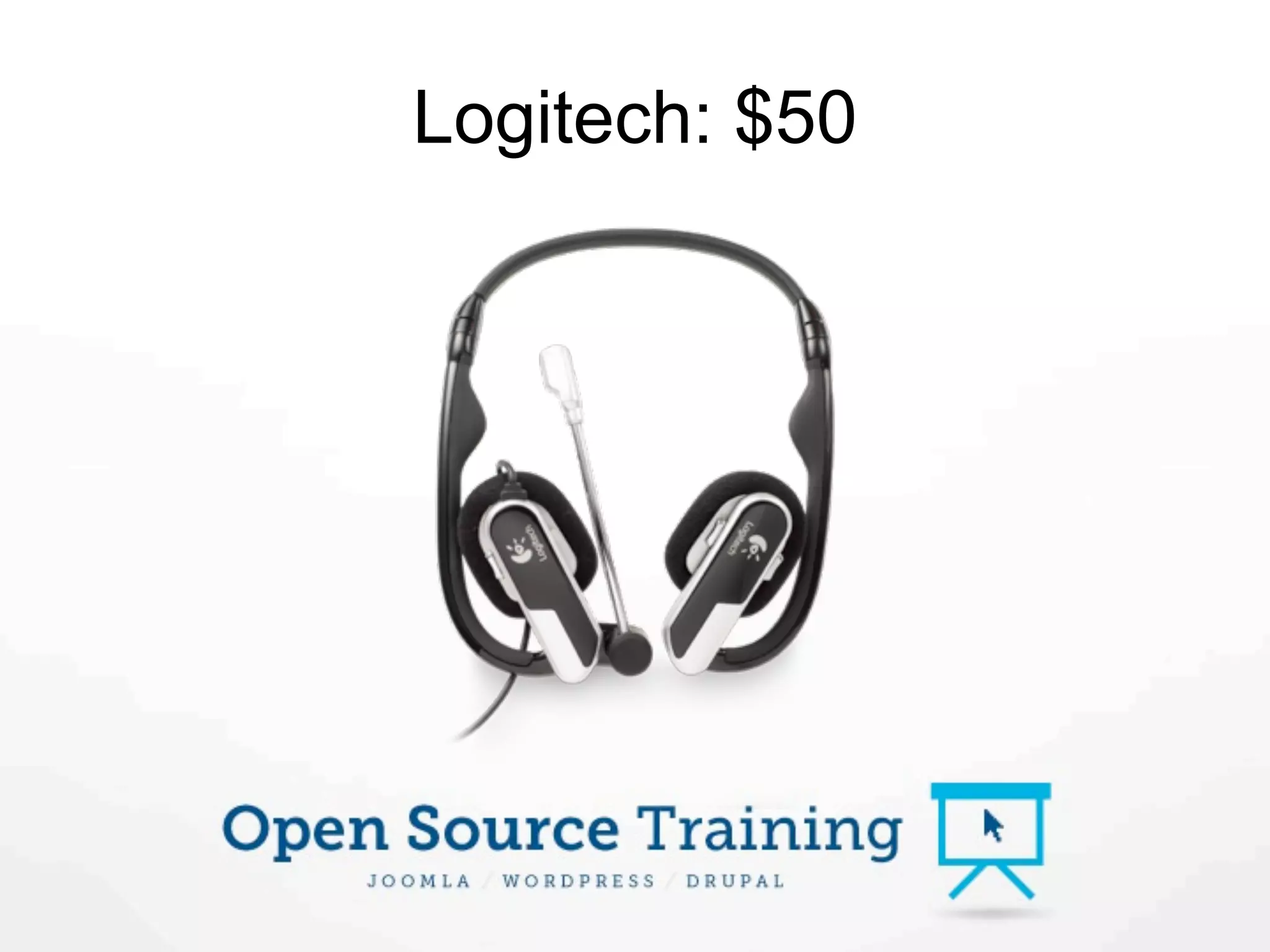
Logitech: $50
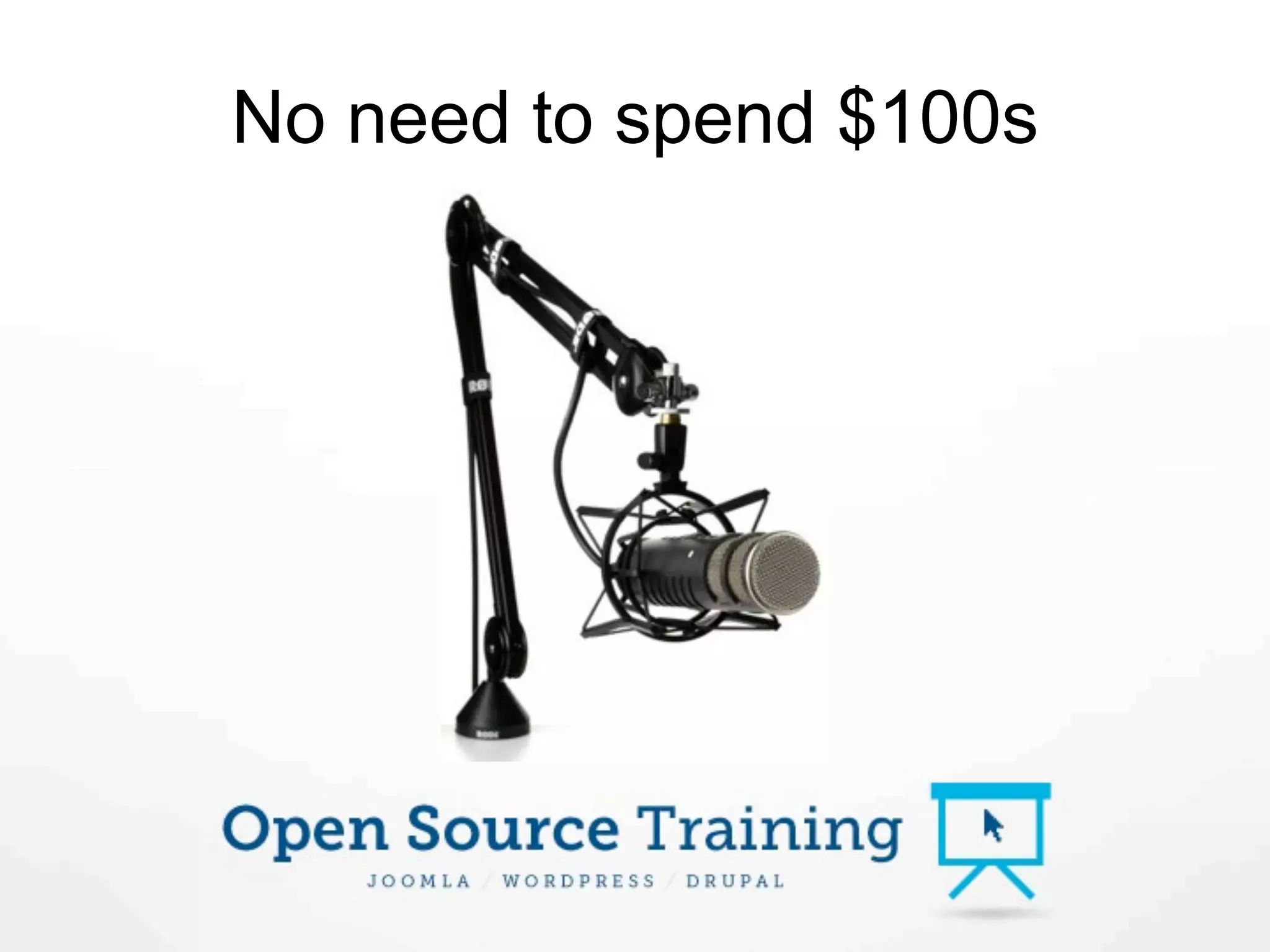
No need to spend $100s
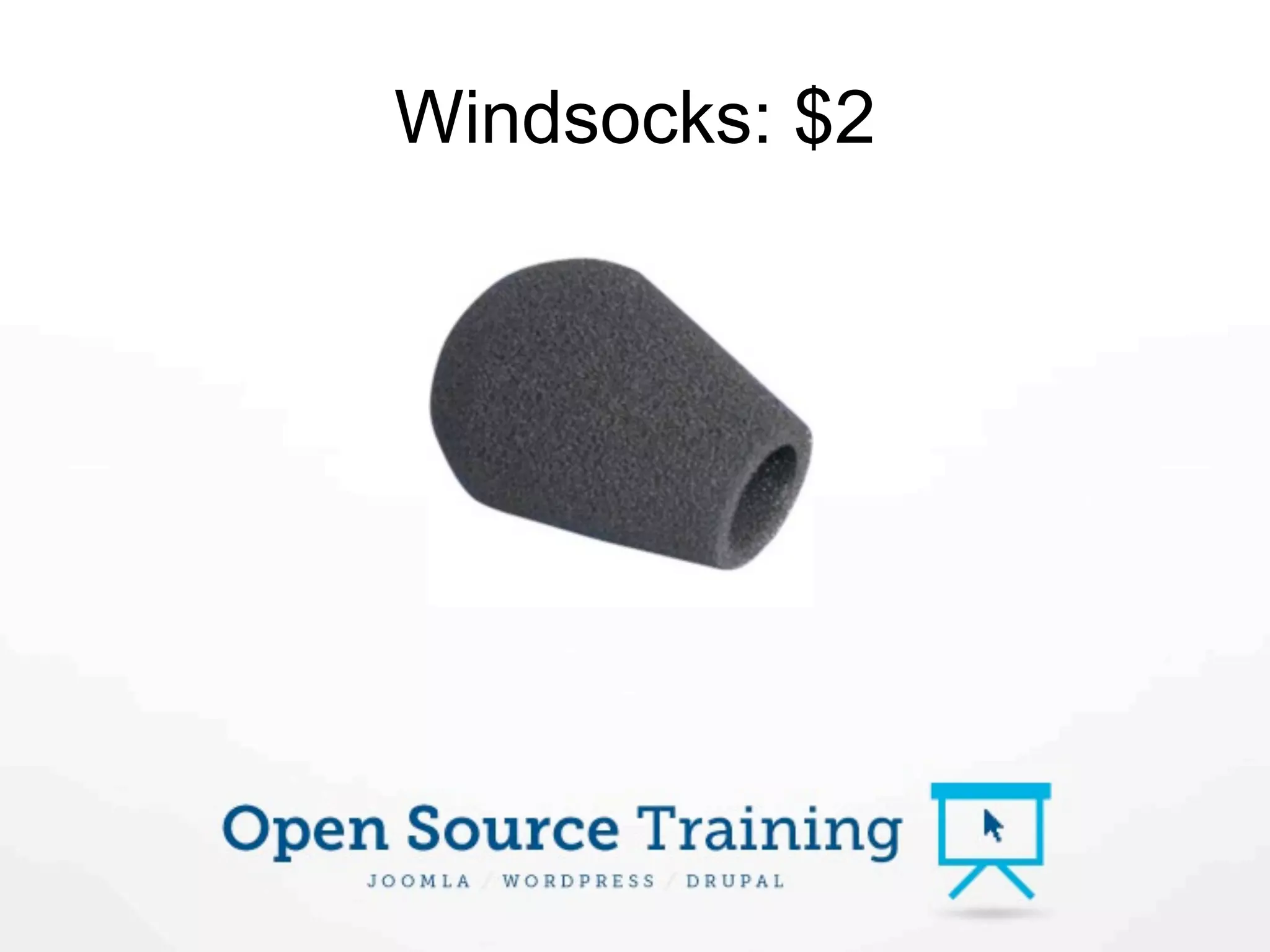
Windsocks: $2
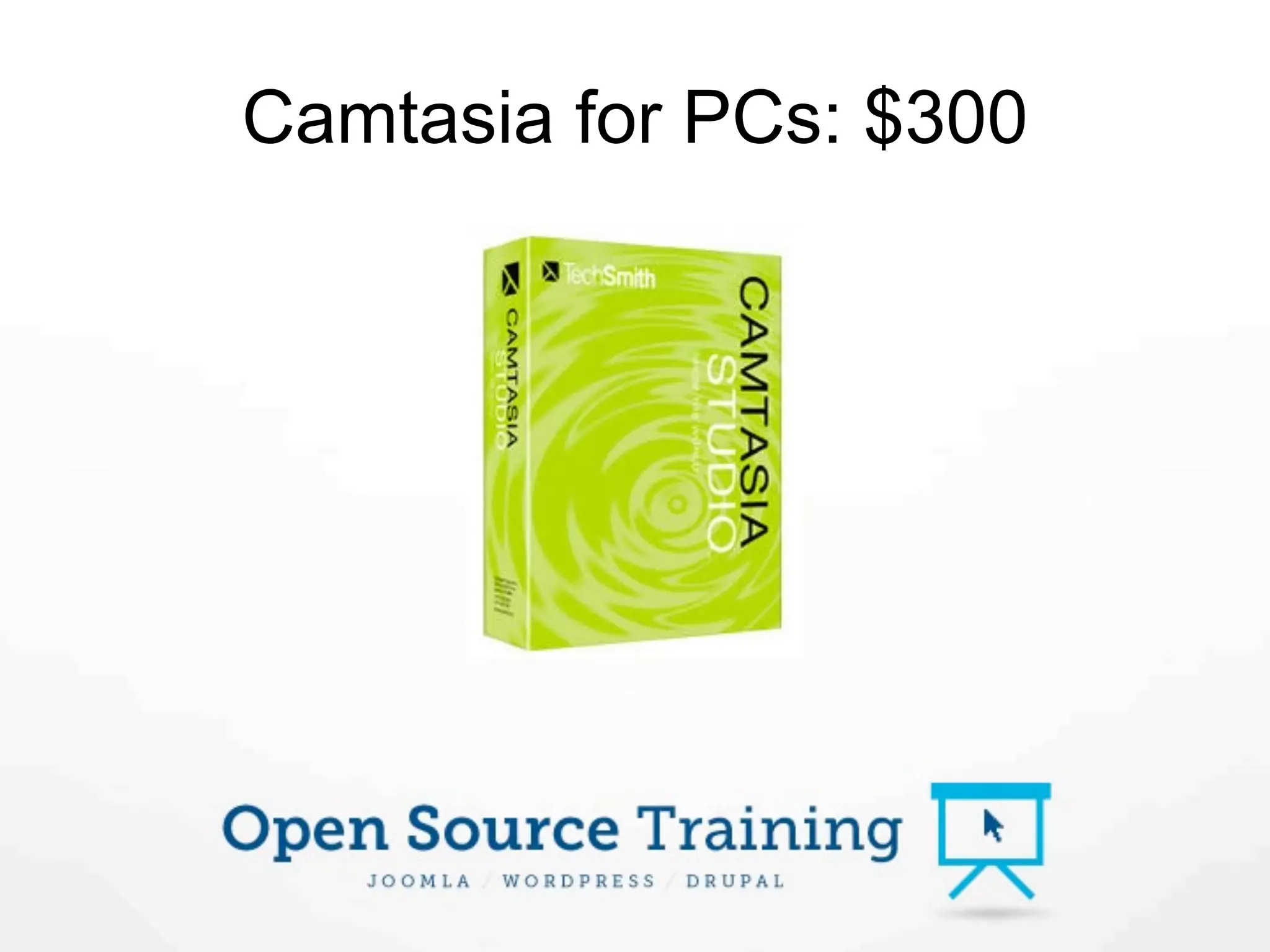
Camtasia for PCs: $300
Screenflow for Mac: $100
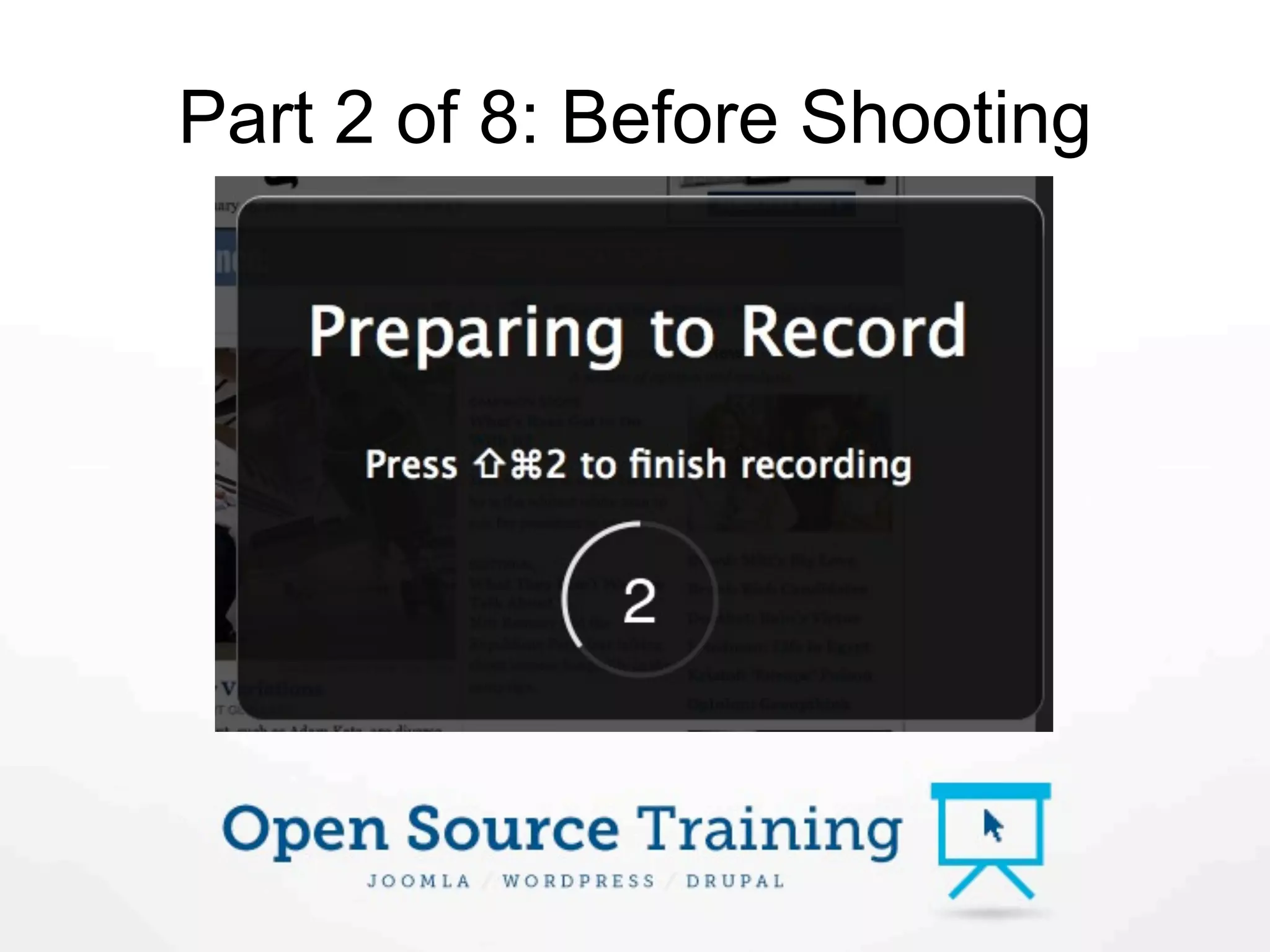
Part 2 of 8: Before Shooting
Prepare

1. Know your audience
2. Know your style
3. Know your product

All of these make it difficult
to outsource videos.
Quiet Environment
Write a Script
Part 3 of 8: Shooting
Screen Resolution

High-quality computers:
full screen, then shrink during editing.

Low-quality computers:
screen to 1280 or 1024.
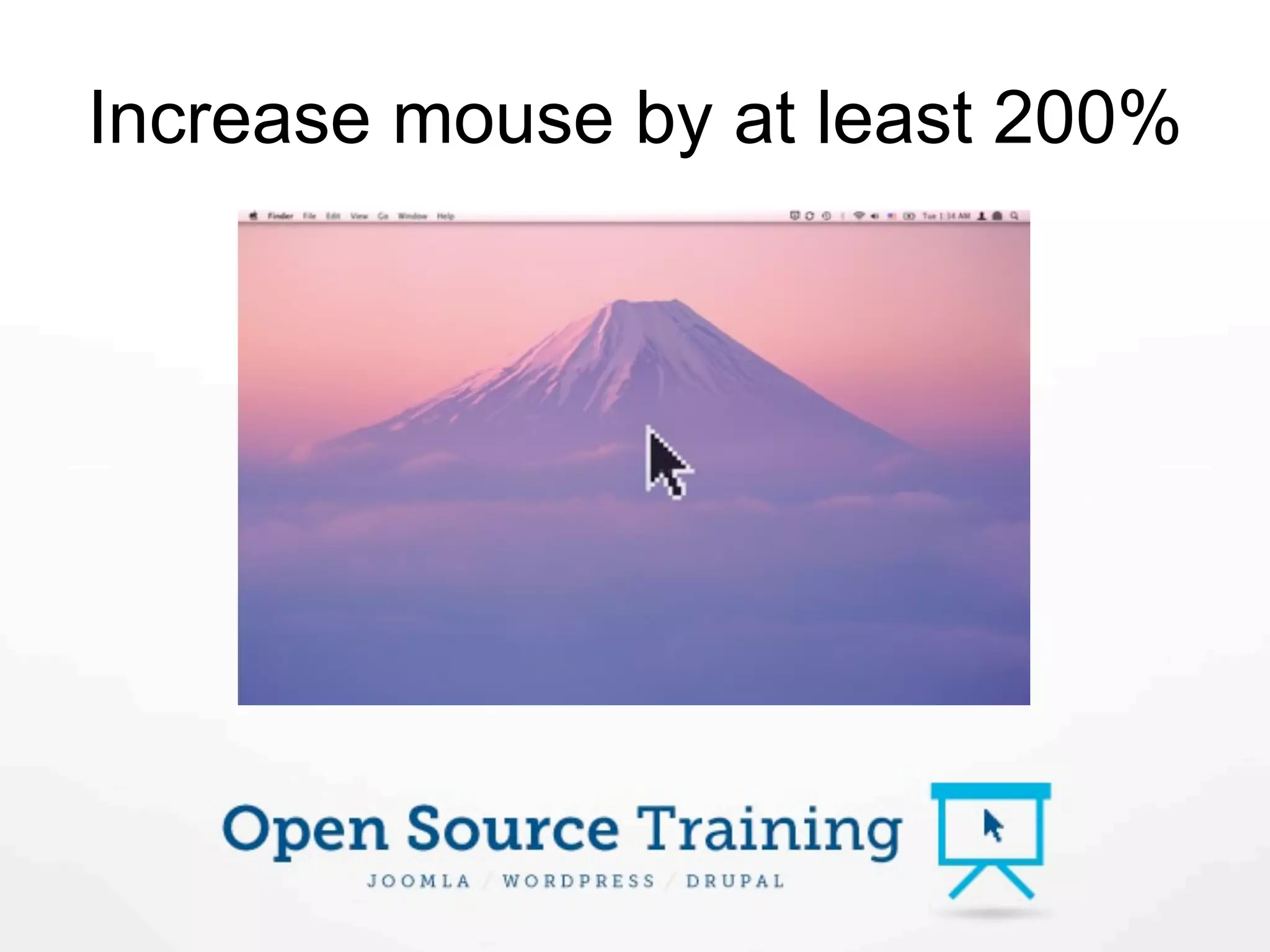
Increase mouse by at least 200%
Natural voice
Keep going despite mistakes
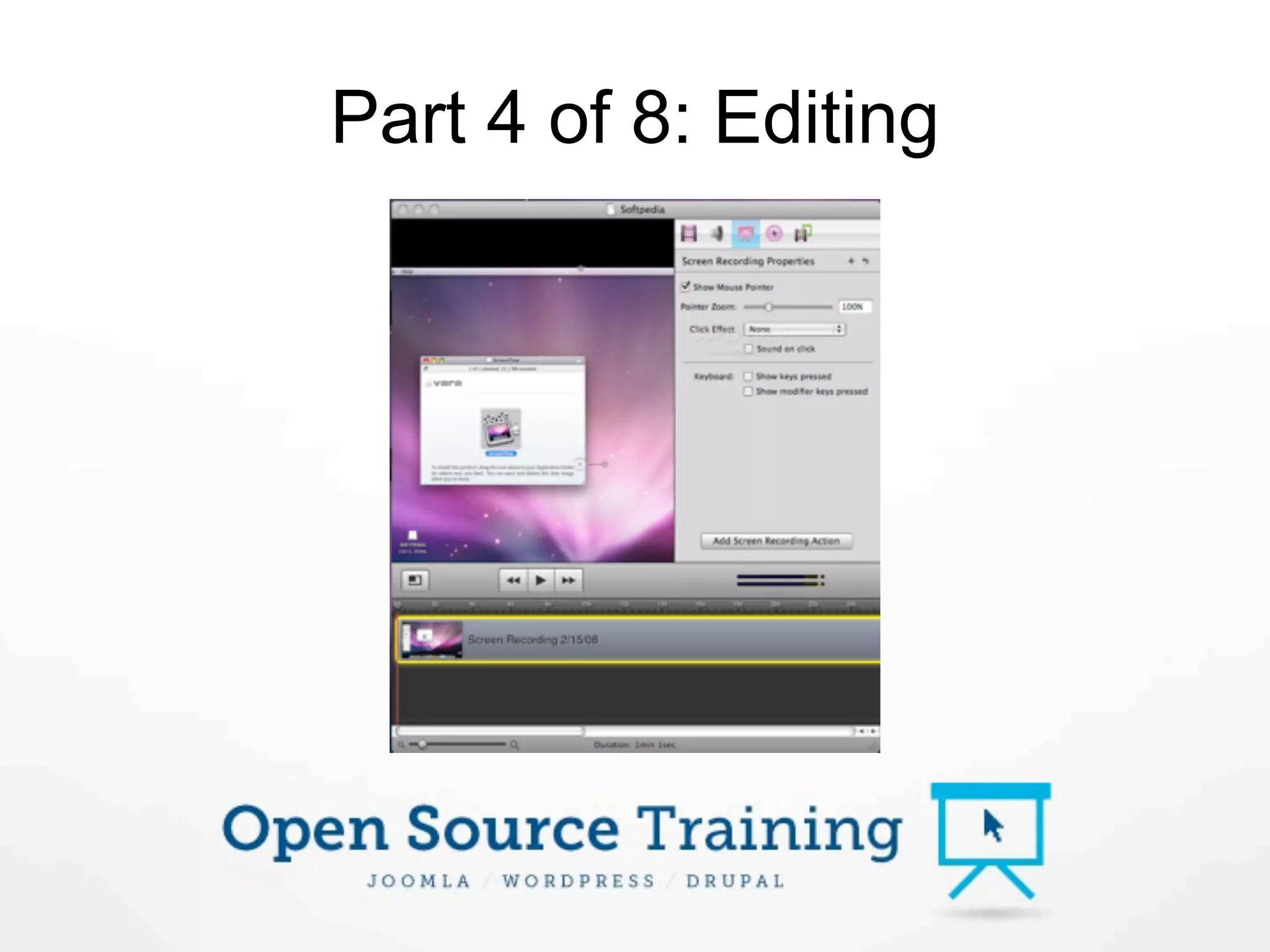
Part 4 of 8: Editing
Editing

Voice: Remove “um”s and “ahs”.
Visuals: Remove key mistakes
Images: Insert where useful but
keep to a minimum, particularly
logos (add them as overlays).
Zooming

Do zoom in on key areas. People
will watch this on their phones.

Don’t zoom in and out much. It
will make viewers dizzy.
Export Size

Choose the largest screen size
 you’ll use. For us it’s 905px.
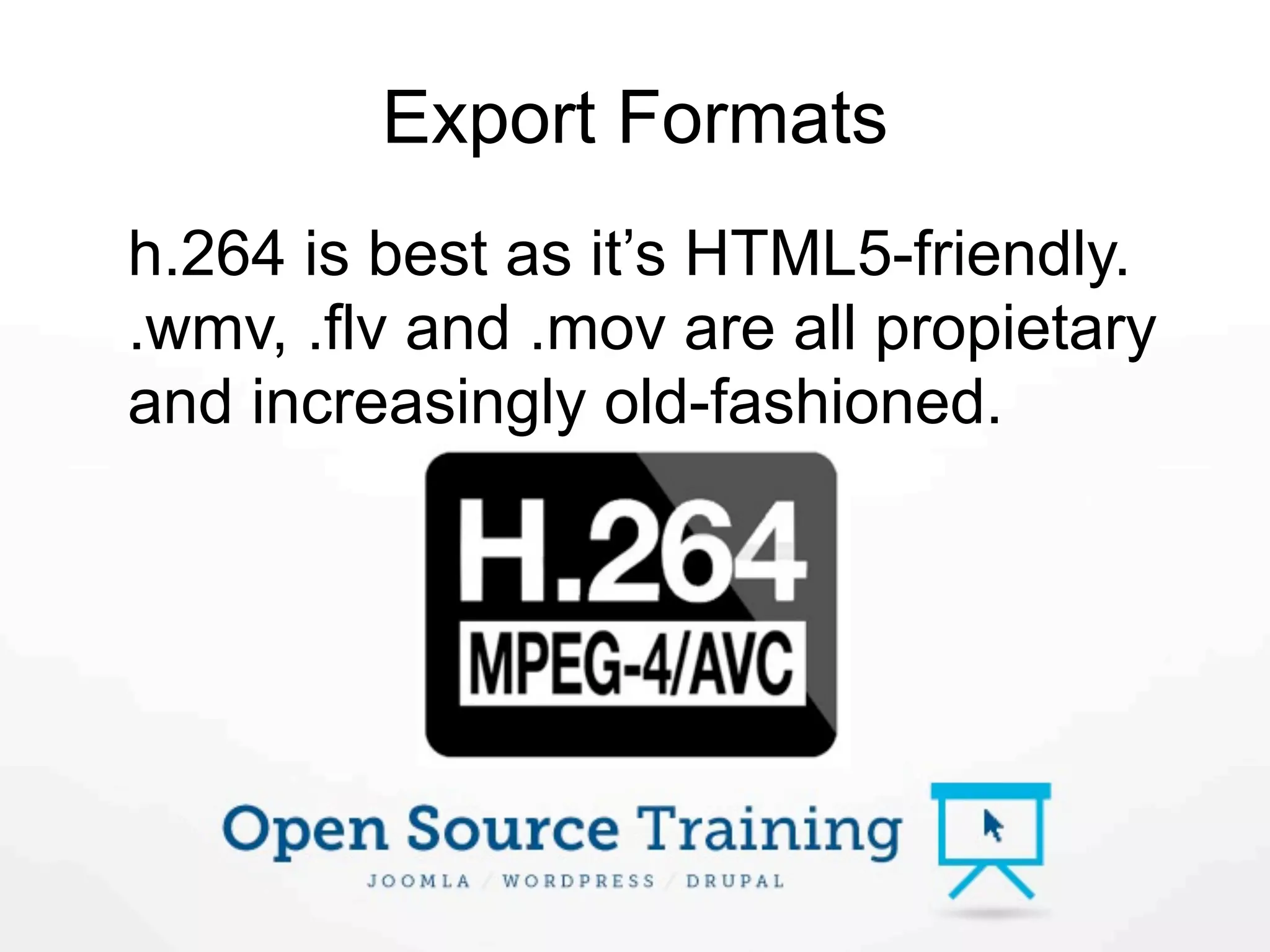
Export Formats
h.264 is best as it’s HTML5-friendly.
.wmv, .flv and .mov are all propietary
and increasingly old-fashioned.
Part 5 of 8: Hosting

1. Free hosting
2. Self-hosting
3. Professional hosting
Free Hosting
Self-hosting
Professional hosting
Don’t worry about warez
Part 6 of 8: How long will it take?

Preparation: Depends on product
knowledge.
Shooting: 5 mins for 1 min of footage.
Editing: Much longer! Depends on
mistakes, graphics, transitions etc.
Overall: A 5 mins video will take well
over an hour.
Part 6 of 8: How much will it cost?

    From $150 to $15,000 or more
     depending on your ambition.
Part 7 of 8: White screen
Equipment: Video camera, tripod
and more.
Room: Often a basement or garage.
Teleprompter: iPad or laptop below
camera.
Software: Final Cut Express, X or
Pro. Export from there to Screenflow.
Part 7 of 8: White screen videos
Part 8 of 8: Further Learning
telestream.net/screen-flow/demos.htm
White screen videos
  vimeo.com/789519
Over to you …
Make great tutorial and product videos

Make great tutorial and product videos