
Reno-Tahoe WordCamp2011WORDPRESSENDUSERSECURITYIT STARTS WITH YOU!Dre Armeda - @dremeda
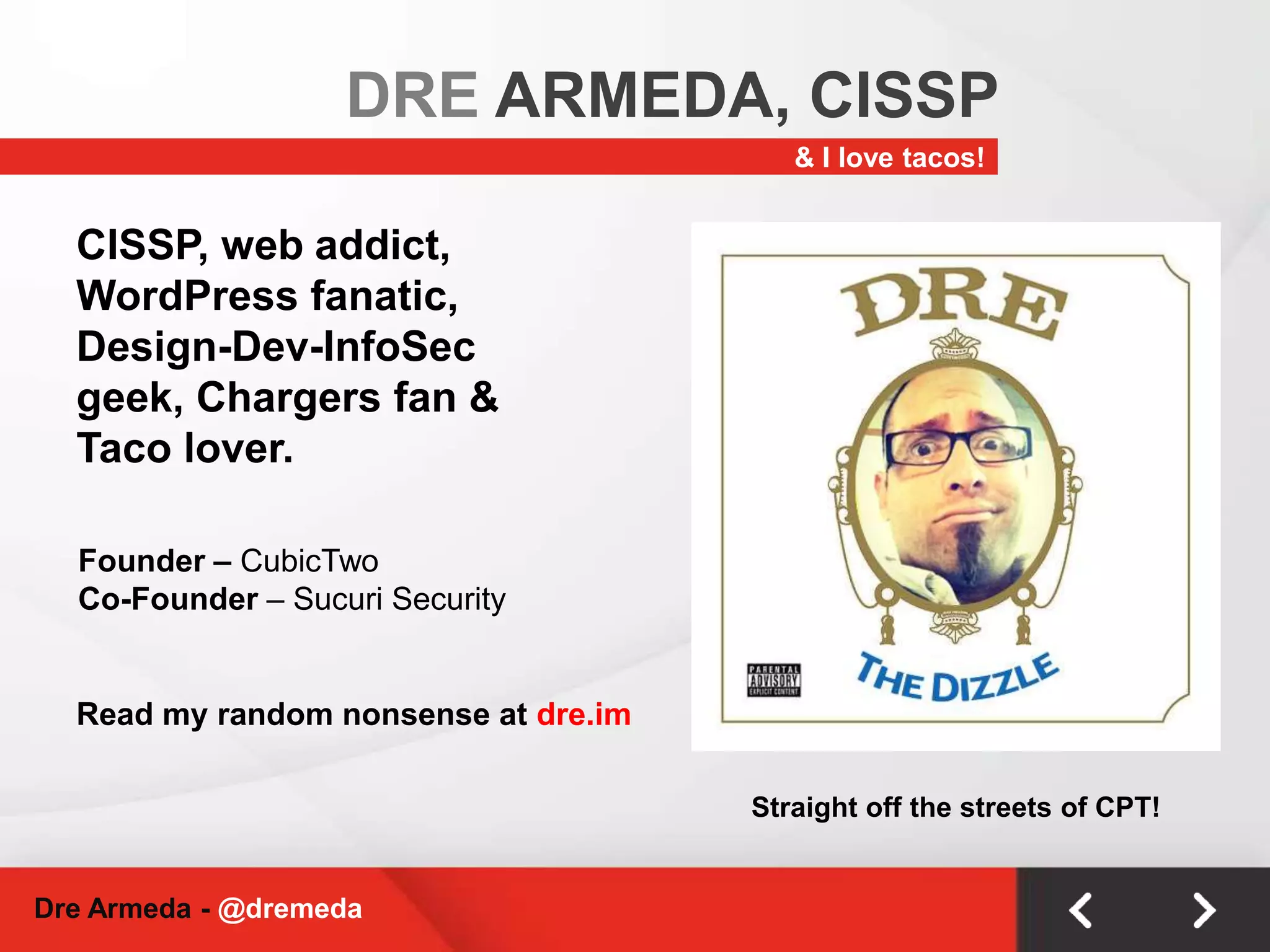
DRE ARMEDA, CISSP& I love tacos!CISSP, web addict, WordPress fanatic, Design-Dev-InfoSec geek, Chargers fan & Taco lover.Founder – CubicTwoCo-Founder – Sucuri SecurityRead my random nonsense at dre.imStraight off the streets of CPT!Dre Armeda - @dremeda
WHAT IS SECURITY?Different people, different meanings.Protecting things of value from harm’s way.Dre Armeda - @dremeda
IS MY SITE SECURE?Is any site?The percentage of risk can never be 0!Key objective: Minimize riskDre Armeda - @dremeda
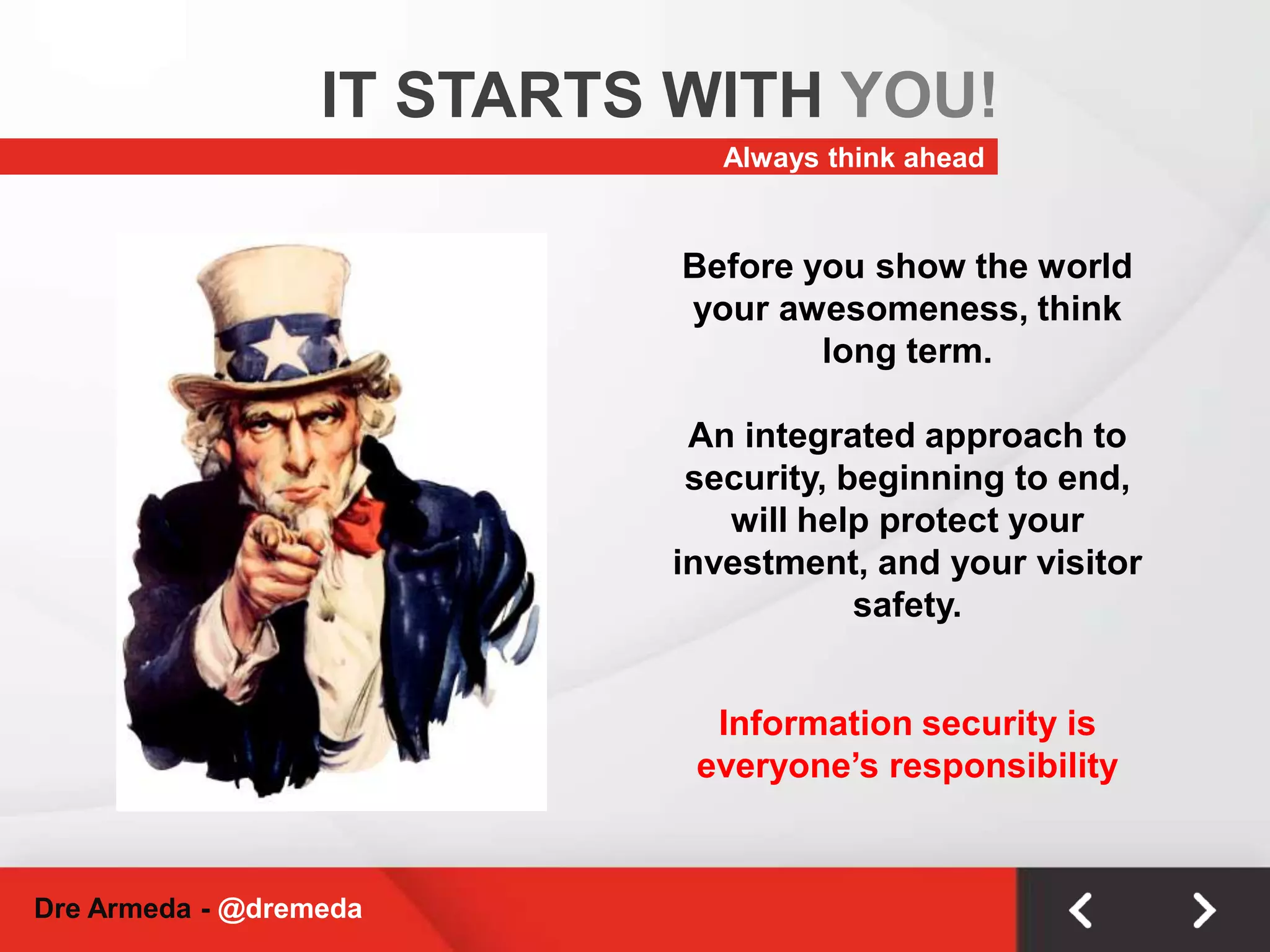
IT STARTS WITH YOU!Always think aheadBefore you show the world your awesomeness, think long term. An integrated approach to security, beginning to end, will help protect your investment, and your visitor safety.Information security is everyone’s responsibilityDre Armeda - @dremeda
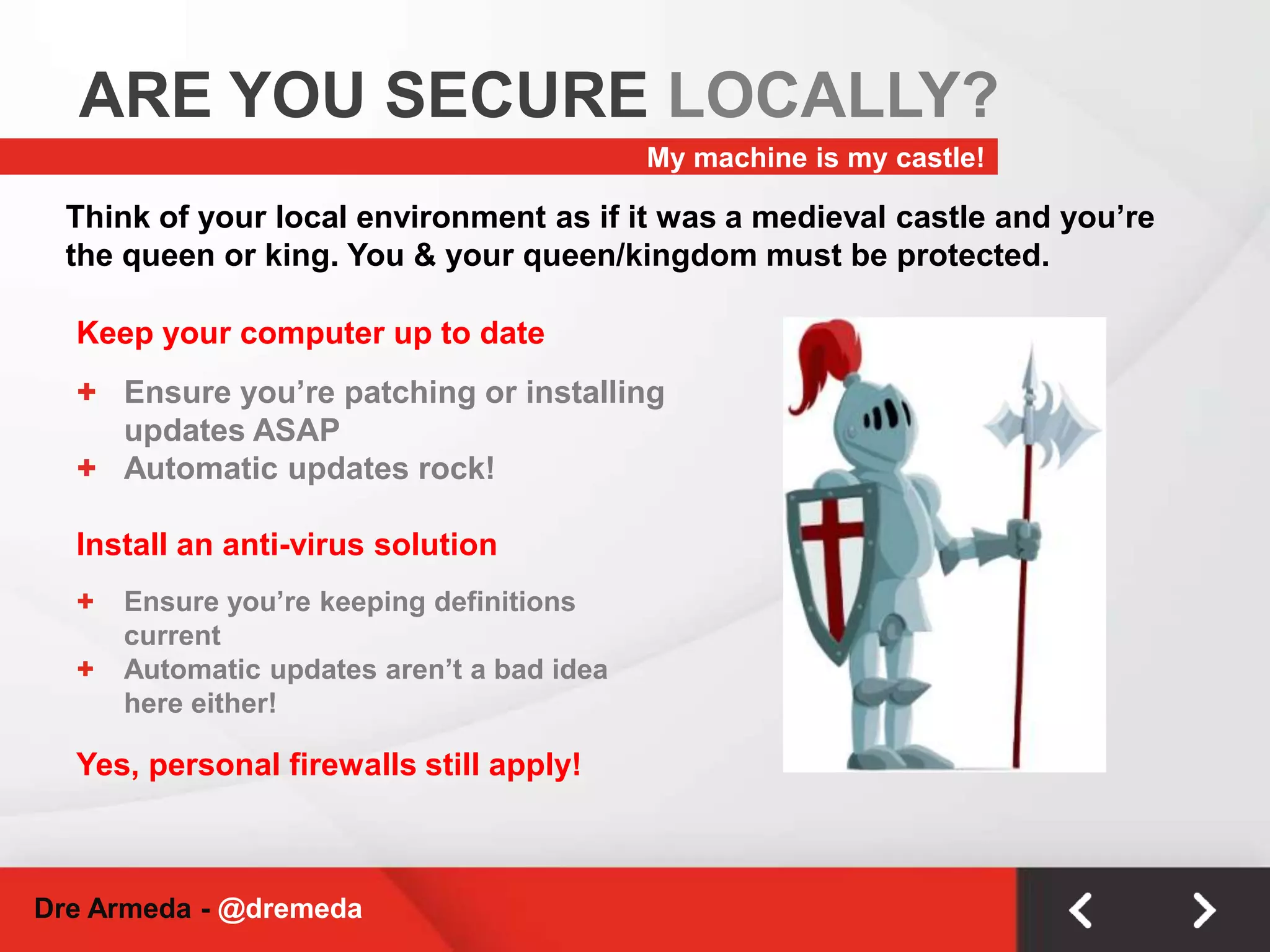
ARE YOU SECURE LOCALLY?My machine is my castle!Think of your local environment as if it was a medieval castle and you’re the queen or king. You & your queen/kingdom must be protected.Keep your computer up to dateEnsure you’re patching or installing updates ASAP
Automatic updates rock!Install an anti-virus solutionEnsure you’re keeping definitions current
Automatic updates aren’t a bad idea here either!Yes, personal firewalls still apply!Dre Armeda - @dremeda
CONNECTING SECURELY?Who’s watching?It’s your information, but who’s watching & listening? You may be a network geek at home, but what happens at Starbucks?Your Internet ConnectionUse SSL whenever possible, especially on an unverified connection.HTTPS - great way to ensure transactions & traffic are traveling with security in mind.Connecting To Your Site(s)Consider using sFTP/SSH vs. FTPStill widely marketed, but did you know your credentials are passed unencrypted when using FTP
If FTP is unavoidable, deny anonymous login, limit connections, practice least privilege
Don’t store your credentials in your FTP client.Dre Armeda - @dremeda
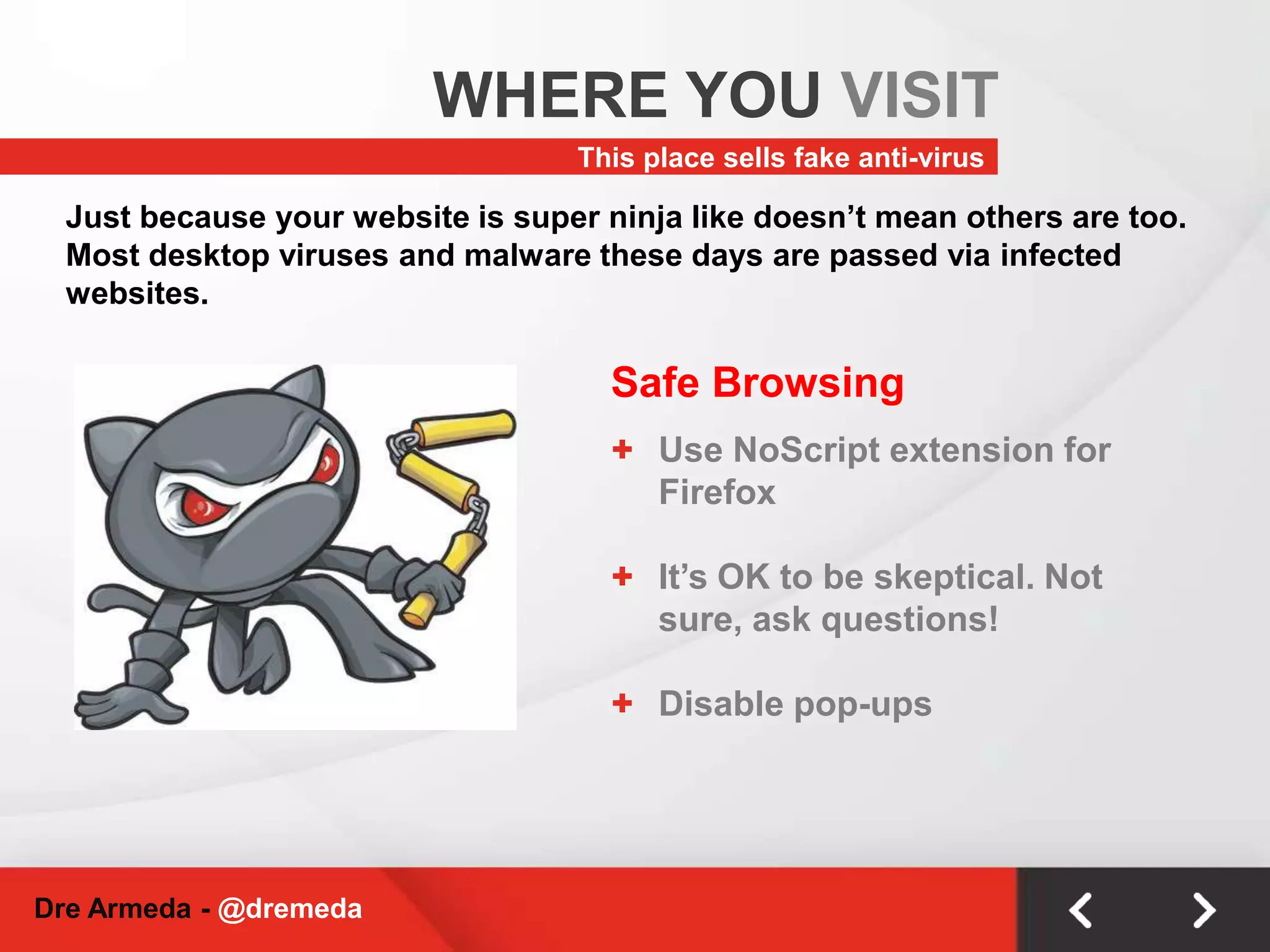
WHERE YOU VISITThis place sells fake anti-virusJust because your website is super ninja like doesn’t mean others are too. Most desktop viruses and malware these days are passed via infected websites.Safe BrowsingUse NoScript extension for Firefox
It’s OK to be skeptical. Not sure, ask questions!
Disable pop-upsDre Armeda - @dremeda
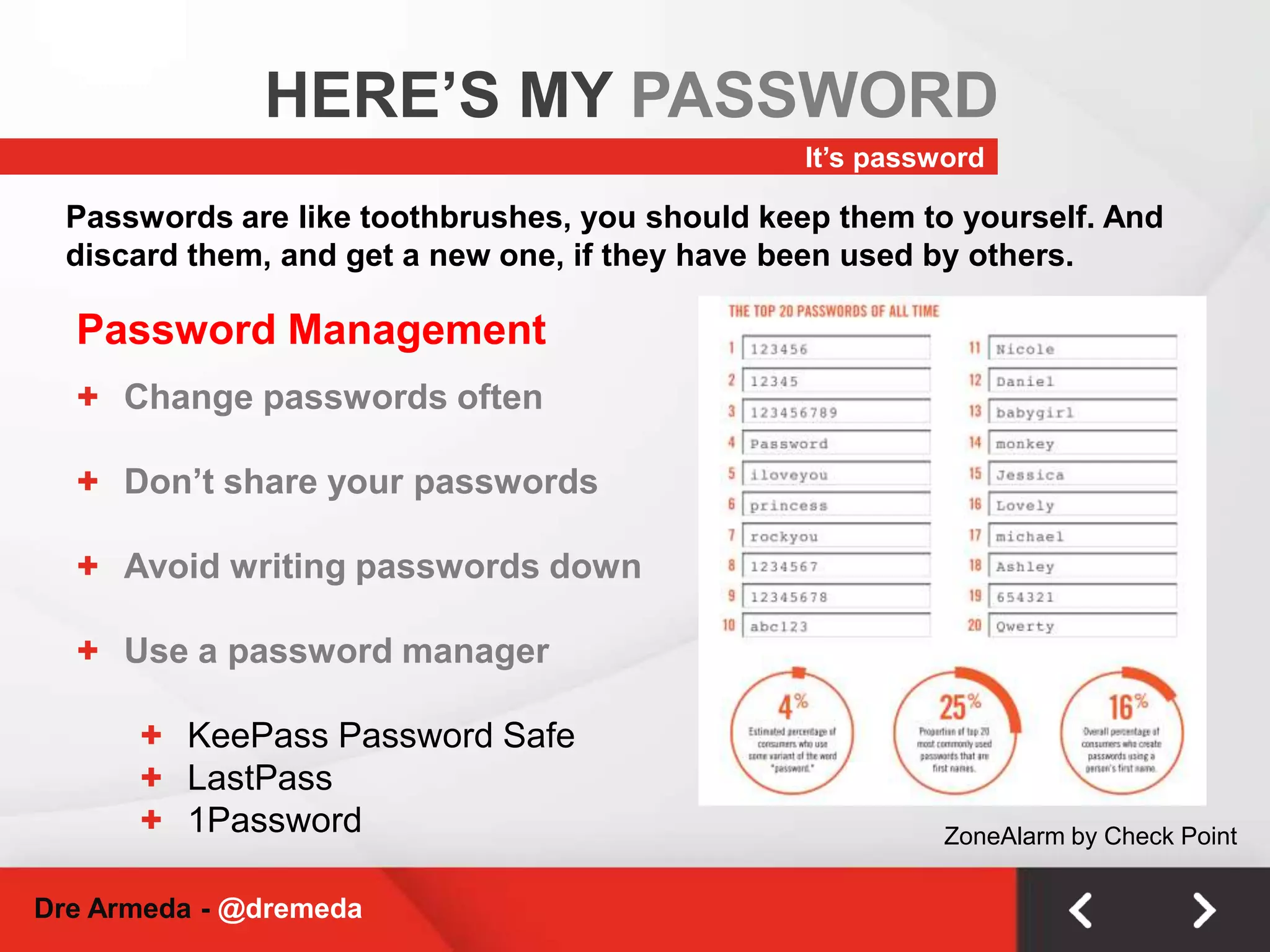
HERE’S MY PASSWORDIt’s passwordPasswords are like toothbrushes, you should keep them to yourself. And discard them, and get a new one, if they have been used by others.Password ManagementChange passwords often
Don’t share your passwords
Avoid writing passwords down
Use a password manager
KeePass Password Safe
LastPass
1PasswordZoneAlarm by Check PointDre Armeda - @dremeda
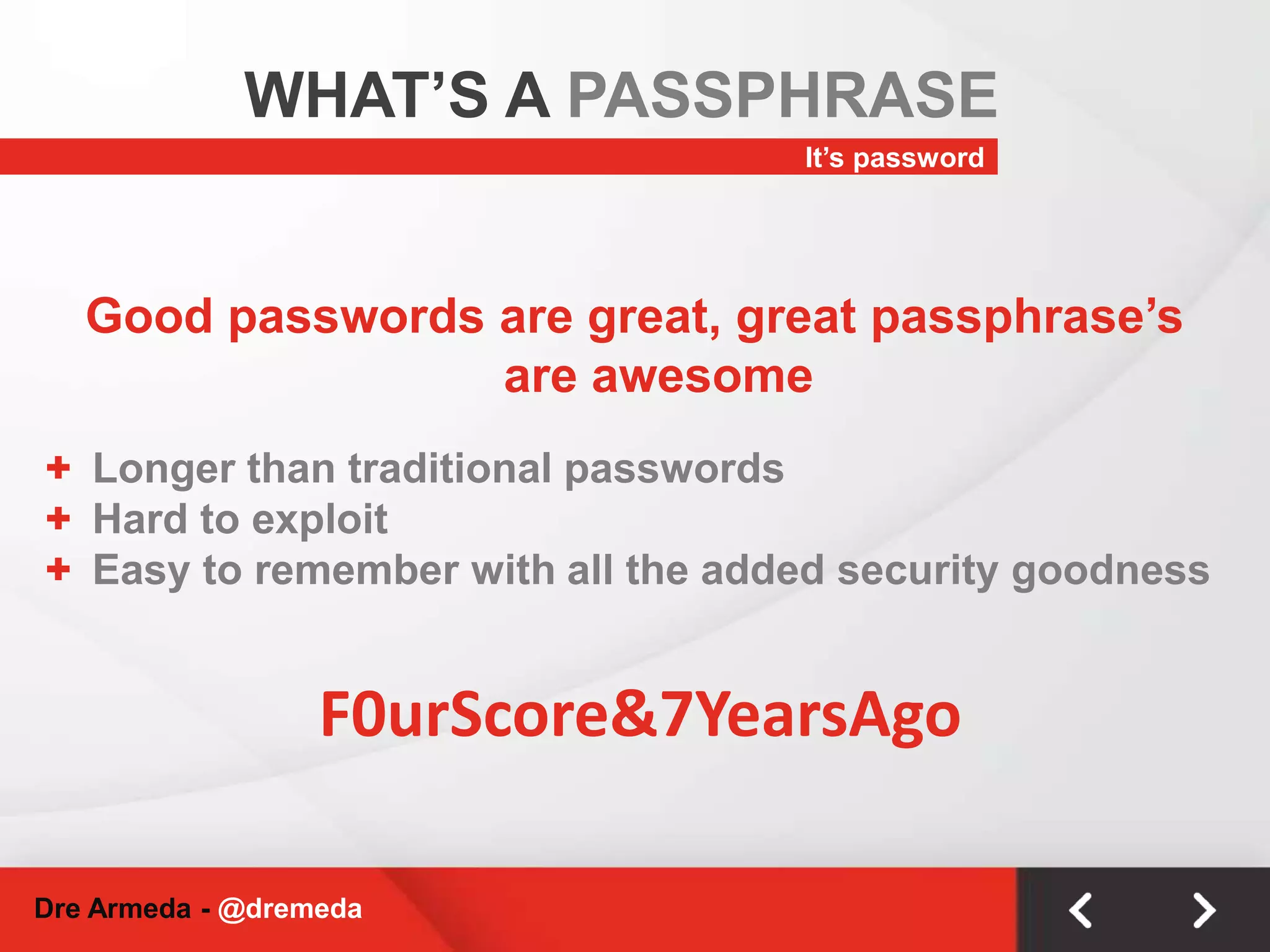
WHAT’S A PASSPHRASEIt’s passwordGood passwords are great, great passphrase’s are awesomeLonger than traditional passwords
Hard to exploit
Easy to remember with all the added security goodnessF0urScore&7YearsAgoDre Armeda - @dremeda
WHERE DO YOU LIVE?Choose wisely!At the end of the day, hosting providers market the world. You in turn, should have opportunity to know how they’re going to protect you.Your Lovely HostCheap doesn’t always mean best, or safest!How many sites on their network are blacklisted or infected w/ malware?
What versions of software do they run and how often do they update?
How are account credentials stored & who has access.
Do they have published security practices?Use Google Tools to check your host:http://www.google.com/safebrowsing/diagnostic?site=hostingcompanywebsite.comDre Armeda - @dremeda
WORDPRESSSECURITY TIPSThings to think aboutDre Armeda - @dremeda
UPDATE UPDATE UPDATEDre Armeda - @dremeda
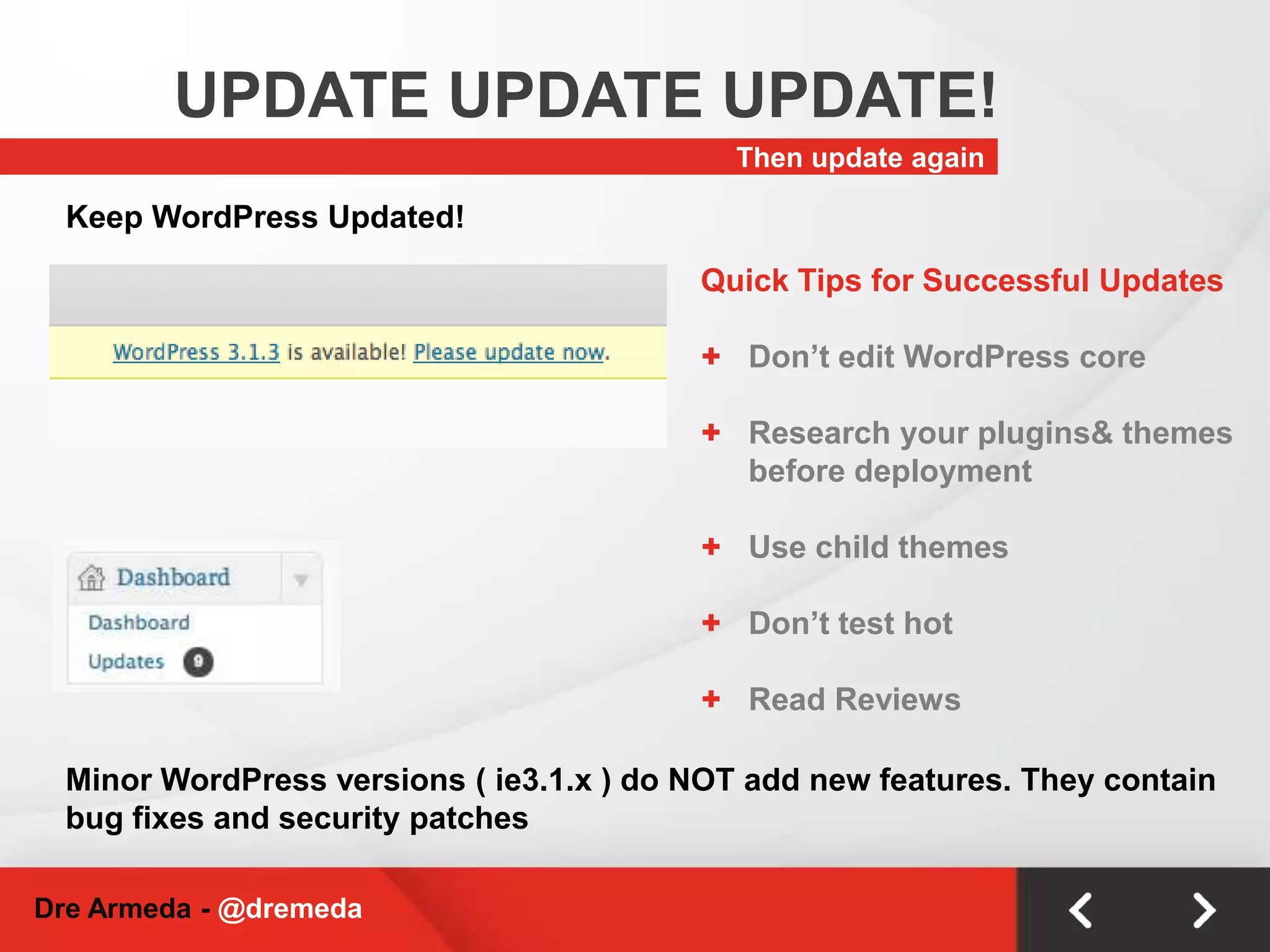
UPDATE UPDATE UPDATE!Then update againKeep WordPress Updated!Quick Tips for Successful UpdatesDon’t edit WordPress core
Research your plugins & themes before deployment
Use child themes
Don’t test hot
Read ReviewsMinor WordPress versions ( ie3.1.x ) do NOT add new features. They contain bug fixes and security patchesDre Armeda - @dremeda
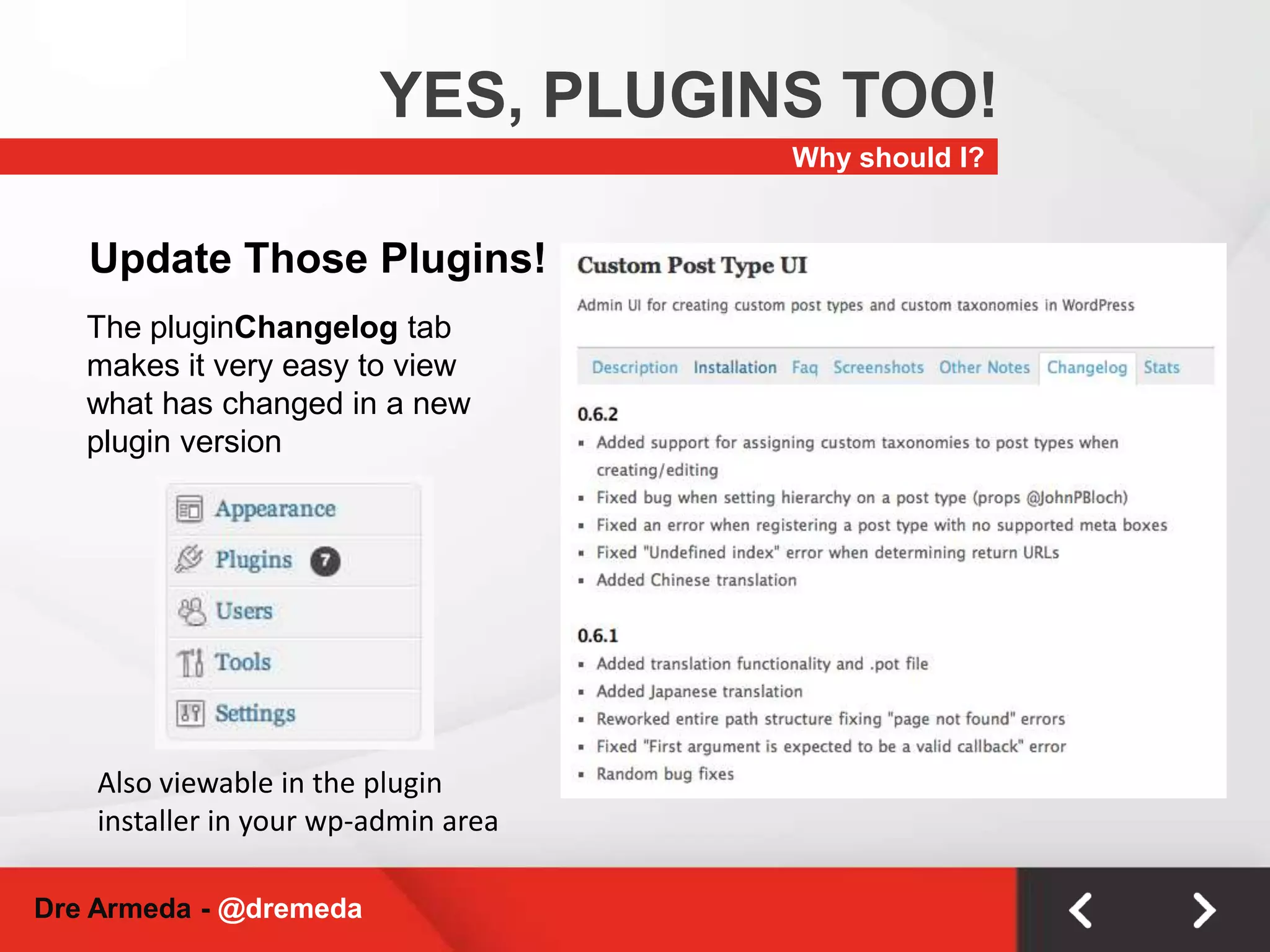
YES, PLUGINS TOO!Why should I?Update Those Plugins!The pluginChangelog tab makes it very easy to view what has changed in a new plugin versionAlso viewable in the plugin installer in your wp-admin areaDre Armeda - @dremeda

Reno-Tahoe WordCamp 2011 - WordPress End User Security - Dre Armeda

  • 1.
  • 2.
    DRE ARMEDA, CISSP&I love tacos!CISSP, web addict, WordPress fanatic, Design-Dev-InfoSec geek, Chargers fan & Taco lover.Founder – CubicTwoCo-Founder – Sucuri SecurityRead my random nonsense at dre.imStraight off the streets of CPT!Dre Armeda - @dremeda
  • 3.
    WHAT IS SECURITY?Differentpeople, different meanings.Protecting things of value from harm’s way.Dre Armeda - @dremeda
  • 4.
    IS MY SITESECURE?Is any site?The percentage of risk can never be 0!Key objective: Minimize riskDre Armeda - @dremeda
  • 5.
    IT STARTS WITHYOU!Always think aheadBefore you show the world your awesomeness, think long term. An integrated approach to security, beginning to end, will help protect your investment, and your visitor safety.Information security is everyone’s responsibilityDre Armeda - @dremeda
  • 6.
    ARE YOU SECURELOCALLY?My machine is my castle!Think of your local environment as if it was a medieval castle and you’re the queen or king. You & your queen/kingdom must be protected.Keep your computer up to dateEnsure you’re patching or installing updates ASAP
  • 7.
    Automatic updates rock!Installan anti-virus solutionEnsure you’re keeping definitions current
  • 8.
    Automatic updates aren’ta bad idea here either!Yes, personal firewalls still apply!Dre Armeda - @dremeda
  • 9.
    CONNECTING SECURELY?Who’s watching?It’syour information, but who’s watching & listening? You may be a network geek at home, but what happens at Starbucks?Your Internet ConnectionUse SSL whenever possible, especially on an unverified connection.HTTPS - great way to ensure transactions & traffic are traveling with security in mind.Connecting To Your Site(s)Consider using sFTP/SSH vs. FTPStill widely marketed, but did you know your credentials are passed unencrypted when using FTP
  • 10.
    If FTP isunavoidable, deny anonymous login, limit connections, practice least privilege
  • 11.
    Don’t store yourcredentials in your FTP client.Dre Armeda - @dremeda
  • 12.
    WHERE YOU VISITThisplace sells fake anti-virusJust because your website is super ninja like doesn’t mean others are too. Most desktop viruses and malware these days are passed via infected websites.Safe BrowsingUse NoScript extension for Firefox
  • 13.
    It’s OK tobe skeptical. Not sure, ask questions!
  • 14.
  • 15.
    HERE’S MY PASSWORDIt’spasswordPasswords are like toothbrushes, you should keep them to yourself. And discard them, and get a new one, if they have been used by others.Password ManagementChange passwords often
  • 16.
  • 17.
  • 18.
  • 19.
  • 20.
  • 21.
    1PasswordZoneAlarm by CheckPointDre Armeda - @dremeda
  • 22.
    WHAT’S A PASSPHRASEIt’spasswordGood passwords are great, great passphrase’s are awesomeLonger than traditional passwords
  • 23.
  • 24.
    Easy to rememberwith all the added security goodnessF0urScore&7YearsAgoDre Armeda - @dremeda
  • 25.
    WHERE DO YOULIVE?Choose wisely!At the end of the day, hosting providers market the world. You in turn, should have opportunity to know how they’re going to protect you.Your Lovely HostCheap doesn’t always mean best, or safest!How many sites on their network are blacklisted or infected w/ malware?
  • 26.
    What versions ofsoftware do they run and how often do they update?
  • 27.
    How are accountcredentials stored & who has access.
  • 28.
    Do they havepublished security practices?Use Google Tools to check your host:http://www.google.com/safebrowsing/diagnostic?site=hostingcompanywebsite.comDre Armeda - @dremeda
  • 29.
    WORDPRESSSECURITY TIPSThings tothink aboutDre Armeda - @dremeda
  • 30.
    UPDATE UPDATE UPDATEDreArmeda - @dremeda
  • 31.
    UPDATE UPDATE UPDATE!Thenupdate againKeep WordPress Updated!Quick Tips for Successful UpdatesDon’t edit WordPress core
  • 32.
    Research your plugins& themes before deployment
  • 33.
  • 34.
  • 35.
    Read ReviewsMinor WordPressversions ( ie3.1.x ) do NOT add new features. They contain bug fixes and security patchesDre Armeda - @dremeda
  • 36.
    YES, PLUGINS TOO!Whyshould I?Update Those Plugins!The pluginChangelog tab makes it very easy to view what has changed in a new plugin versionAlso viewable in the plugin installer in your wp-admin areaDre Armeda - @dremeda
  • 37.
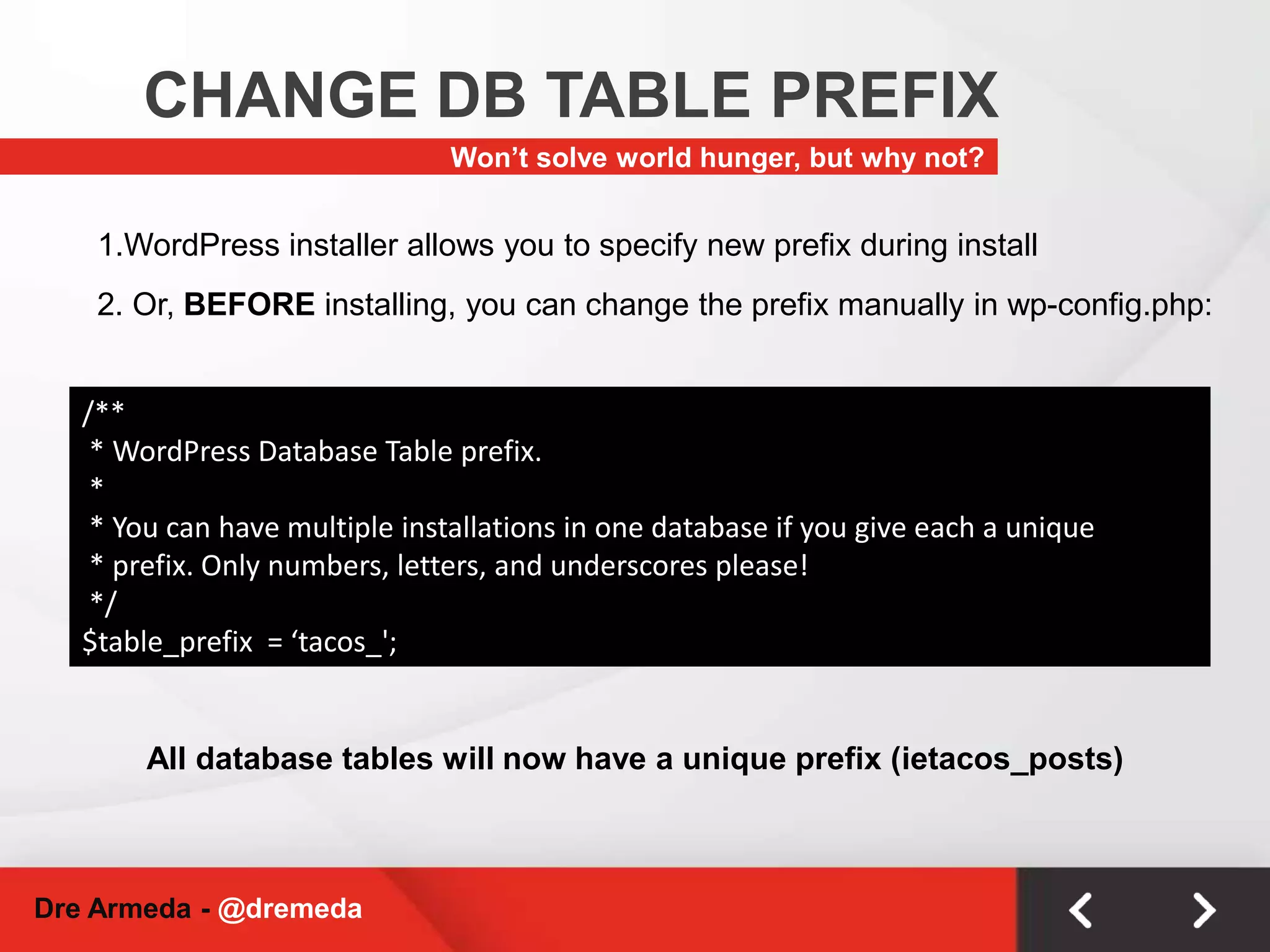
    CHANGE DB TABLEPREFIXWon’t solve world hunger, but why not?1.WordPress installer allows you to specify new prefix during install2. Or, BEFORE installing, you can change the prefix manually in wp-config.php:/** * WordPress Database Table prefix. * * You can have multiple installations in one database if you give each a unique * prefix. Only numbers, letters, and underscores please! */$table_prefix = ‘tacos_';All database tables will now have a unique prefix (ietacos_posts)Dre Armeda - @dremeda
  • 38.
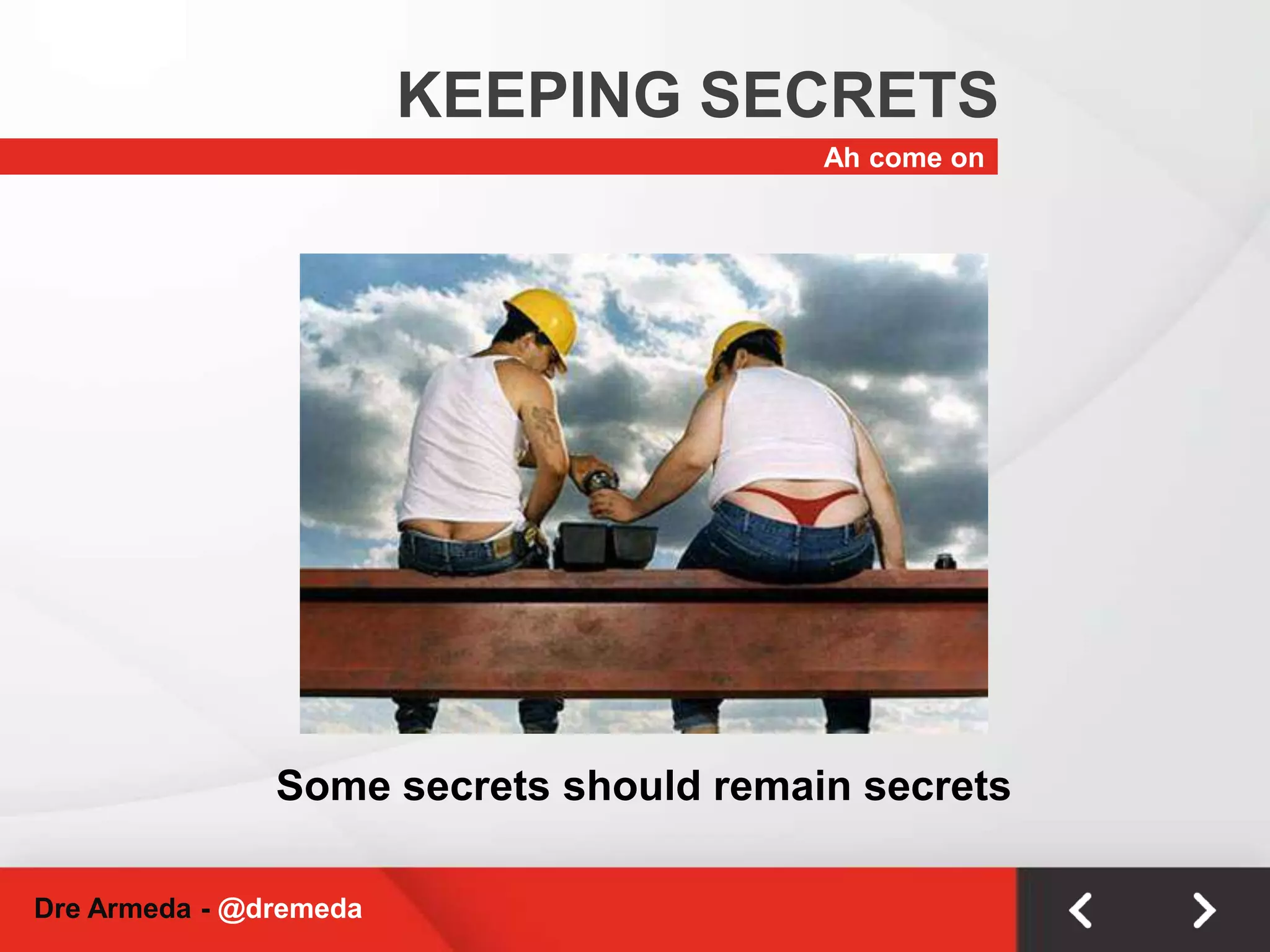
    KEEPING SECRETSAh comeonSome secrets should remain secretsDre Armeda - @dremeda
  • 39.
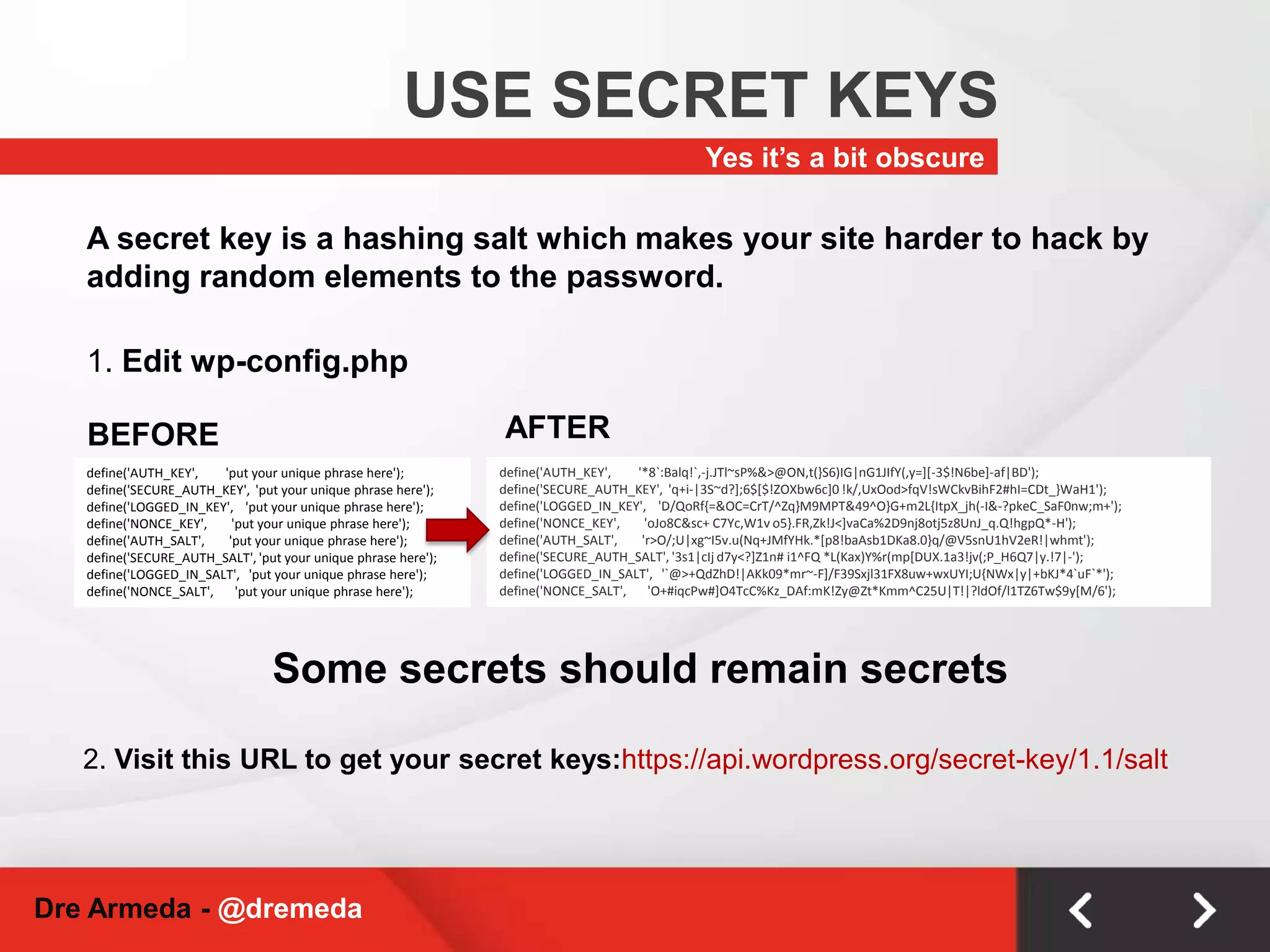
    USE SECRET KEYSYesit’s a bit obscureA secret key is a hashing salt which makes your site harder to hack by adding random elements to the password.1. Edit wp-config.phpAFTERBEFOREdefine('AUTH_KEY', '*8`:Balq!`,-j.JTl~sP%&>@ON,t(}S6)IG|nG1JIfY(,y=][-3$!N6be]-af|BD');define('SECURE_AUTH_KEY', 'q+i-|3S~d?];6$[$!ZOXbw6c]0 !k/,UxOod>fqV!sWCkvBihF2#hI=CDt_}WaH1');define('LOGGED_IN_KEY', 'D/QoRf{=&OC=CrT/^Zq}M9MPT&49^O}G+m2L{ItpX_jh(-I&-?pkeC_SaF0nw;m+');define('NONCE_KEY', 'oJo8C&sc+ C7Yc,W1v o5}.FR,Zk!J<]vaCa%2D9nj8otj5z8UnJ_q.Q!hgpQ*-H');define('AUTH_SALT', 'r>O/;U|xg~I5v.u(Nq+JMfYHk.*[p8!baAsb1DKa8.0}q/@V5snU1hV2eR!|whmt');define('SECURE_AUTH_SALT', '3s1|cIj d7y<?]Z1n# i1^FQ *L(Kax)Y%r(mp[DUX.1a3!jv(;P_H6Q7|y.!7|-');define('LOGGED_IN_SALT', '`@>+QdZhD!|AKk09*mr~-F]/F39Sxjl31FX8uw+wxUYI;U{NWx|y|+bKJ*4`uF`*');define('NONCE_SALT', 'O+#iqcPw#]O4TcC%Kz_DAf:mK!Zy@Zt*Kmm^C25U|T!|?ldOf/l1TZ6Tw$9y[M/6');define('AUTH_KEY', 'put your unique phrase here');define('SECURE_AUTH_KEY', 'put your unique phrase here');define('LOGGED_IN_KEY', 'put your unique phrase here');define('NONCE_KEY', 'put your unique phrase here');define('AUTH_SALT', 'put your unique phrase here');define('SECURE_AUTH_SALT', 'put your unique phrase here');define('LOGGED_IN_SALT', 'put your unique phrase here');define('NONCE_SALT', 'put your unique phrase here');Some secrets should remain secrets2. Visit this URL to get your secret keys:https://api.wordpress.org/secret-key/1.1/saltDre Armeda - @dremeda
  • 40.
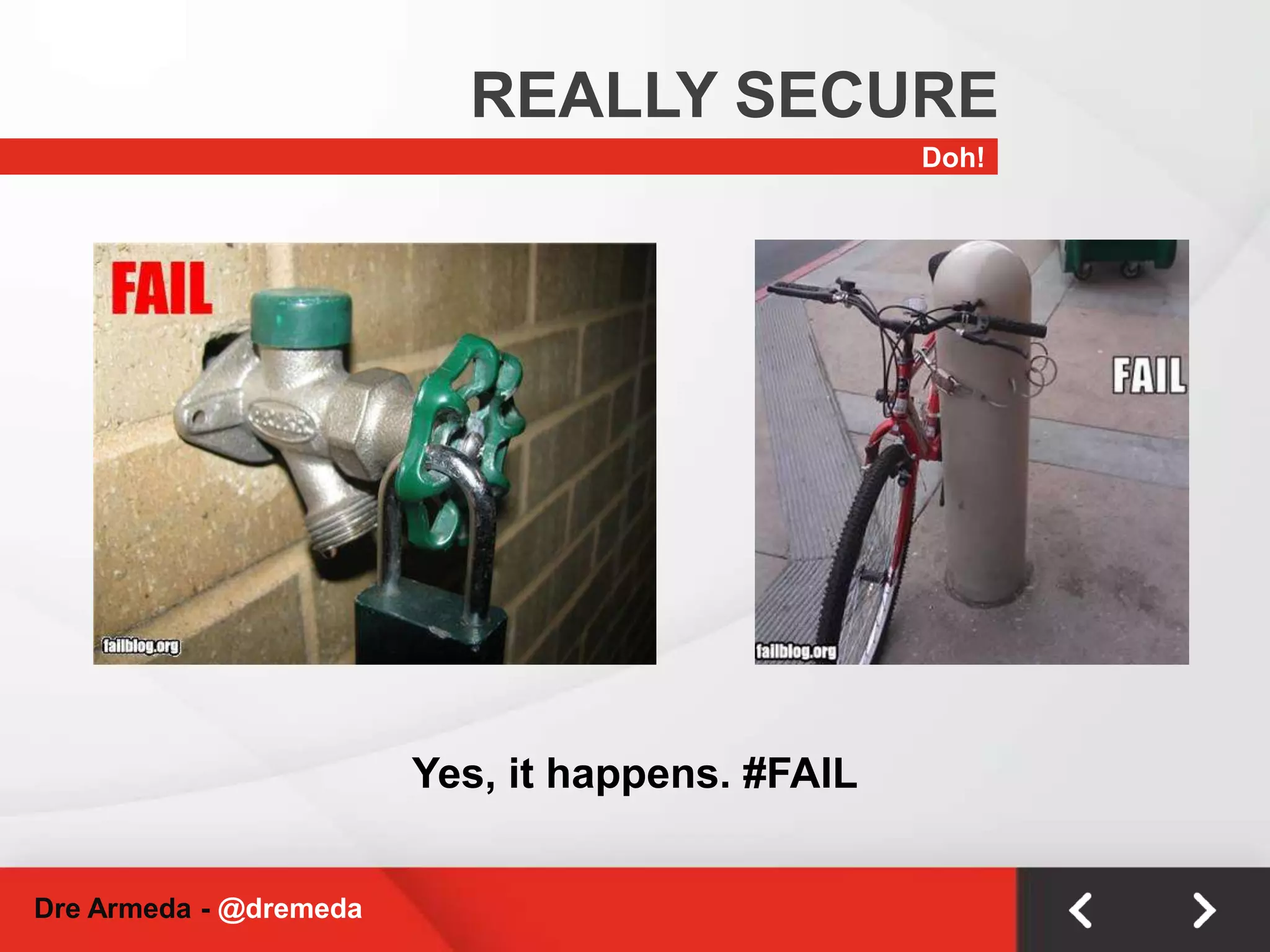
    REALLY SECUREDoh!Yes, ithappens. #FAILDre Armeda - @dremeda
  • 41.
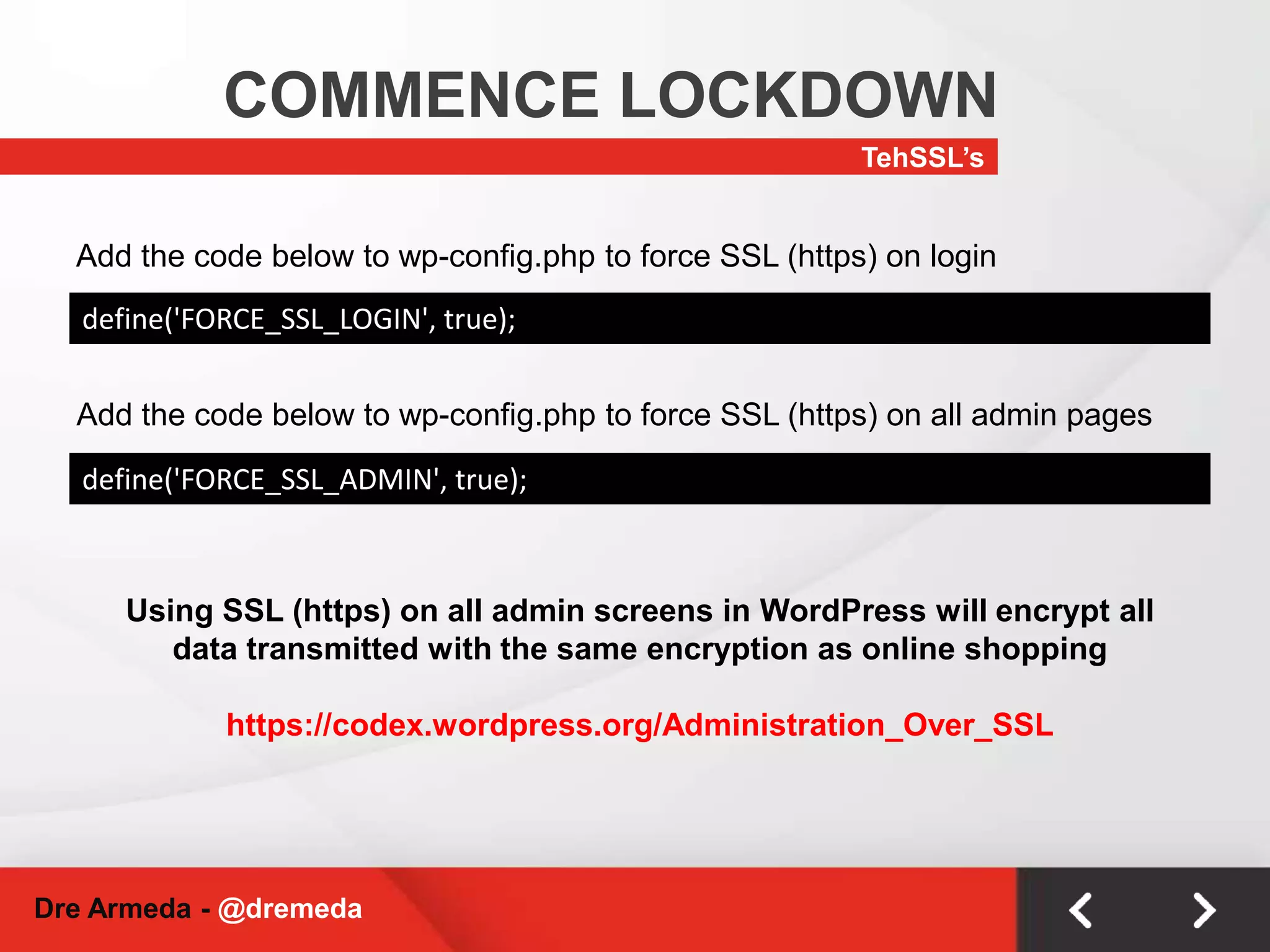
    COMMENCE LOCKDOWNTehSSL’sAdd thecode below to wp-config.php to force SSL (https) on logindefine('FORCE_SSL_LOGIN', true);Add the code below to wp-config.php to force SSL (https) on all admin pagesdefine('FORCE_SSL_ADMIN', true);Using SSL (https) on all admin screens in WordPress will encrypt all data transmitted with the same encryption as online shoppinghttps://codex.wordpress.org/Administration_Over_SSLDre Armeda - @dremeda
  • 42.
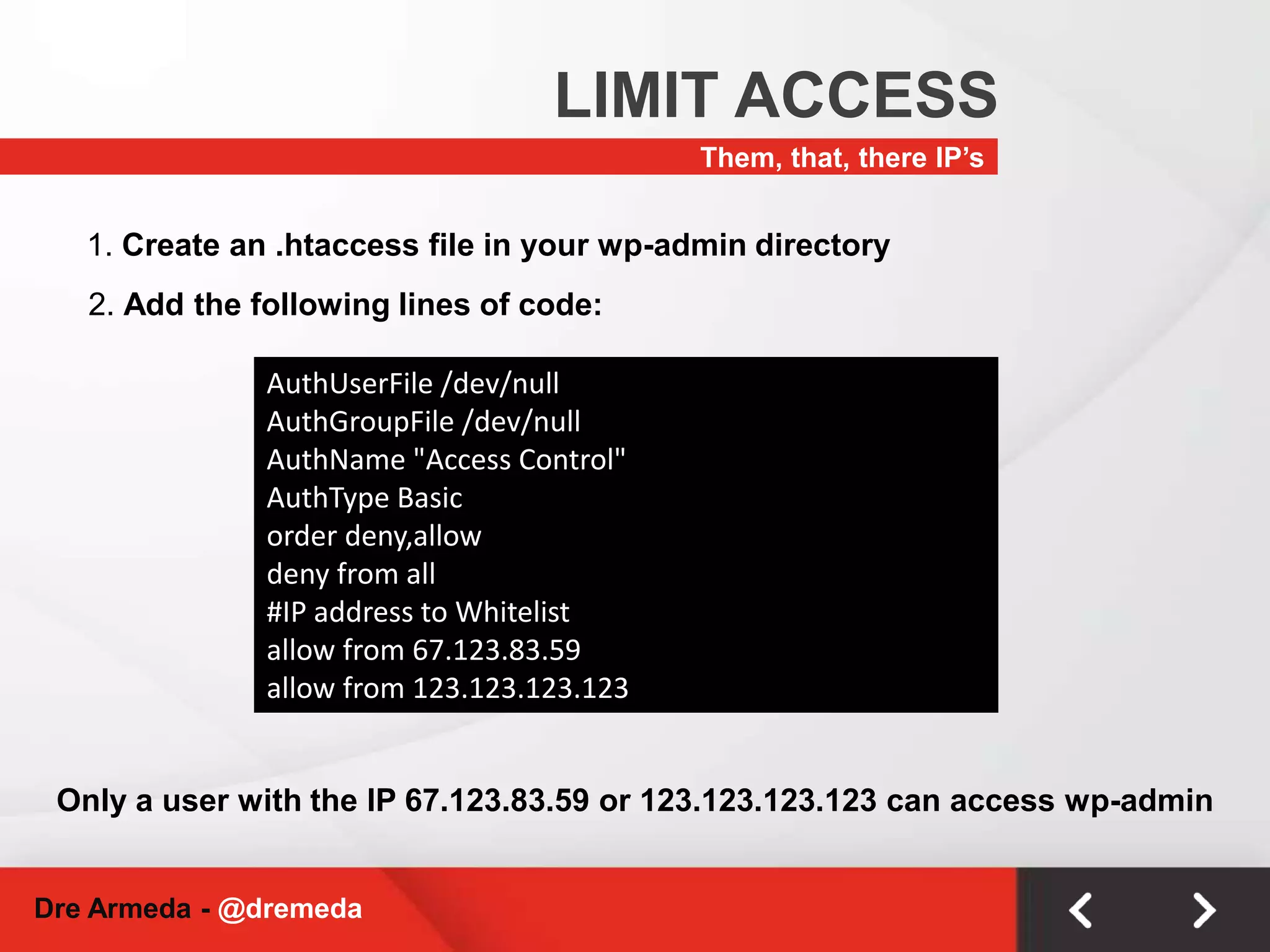
    LIMIT ACCESSThem, that,there IP’s1. Create an .htaccess file in your wp-admin directory2. Add the following lines of code:AuthUserFile /dev/nullAuthGroupFile /dev/nullAuthName "Access Control"AuthType Basicorder deny,allowdeny from all#IP address to Whitelistallow from 67.123.83.59allow from 123.123.123.123Only a user with the IP 67.123.83.59 or 123.123.123.123 can access wp-adminDre Armeda - @dremeda
  • 43.
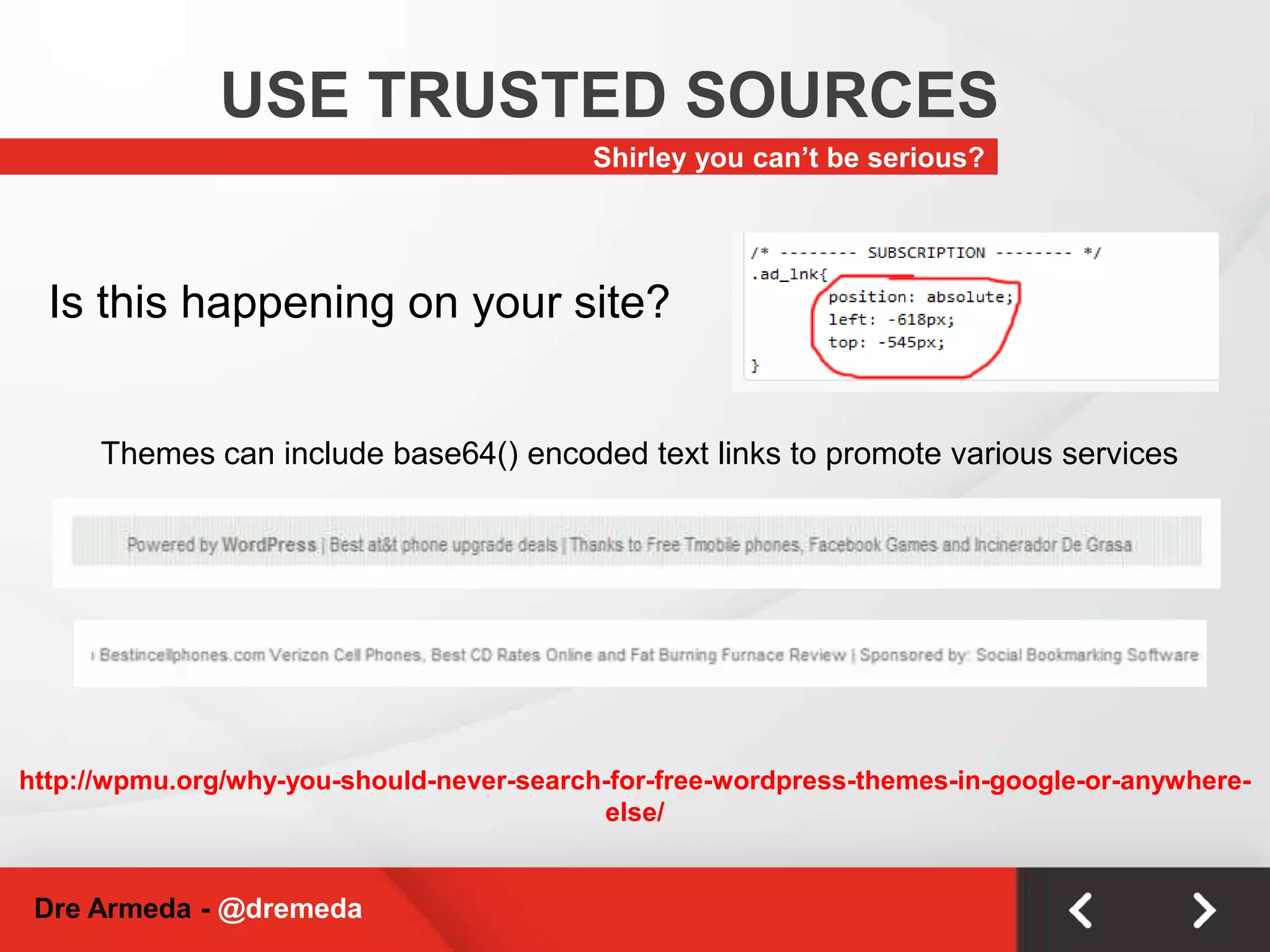
    USE TRUSTED SOURCESShirleyyou can’t be serious?Is this happening on your site?Themes can include base64() encoded text links to promote various serviceshttp://wpmu.org/why-you-should-never-search-for-free-wordpress-themes-in-google-or-anywhere-else/Dre Armeda - @dremeda
  • 44.
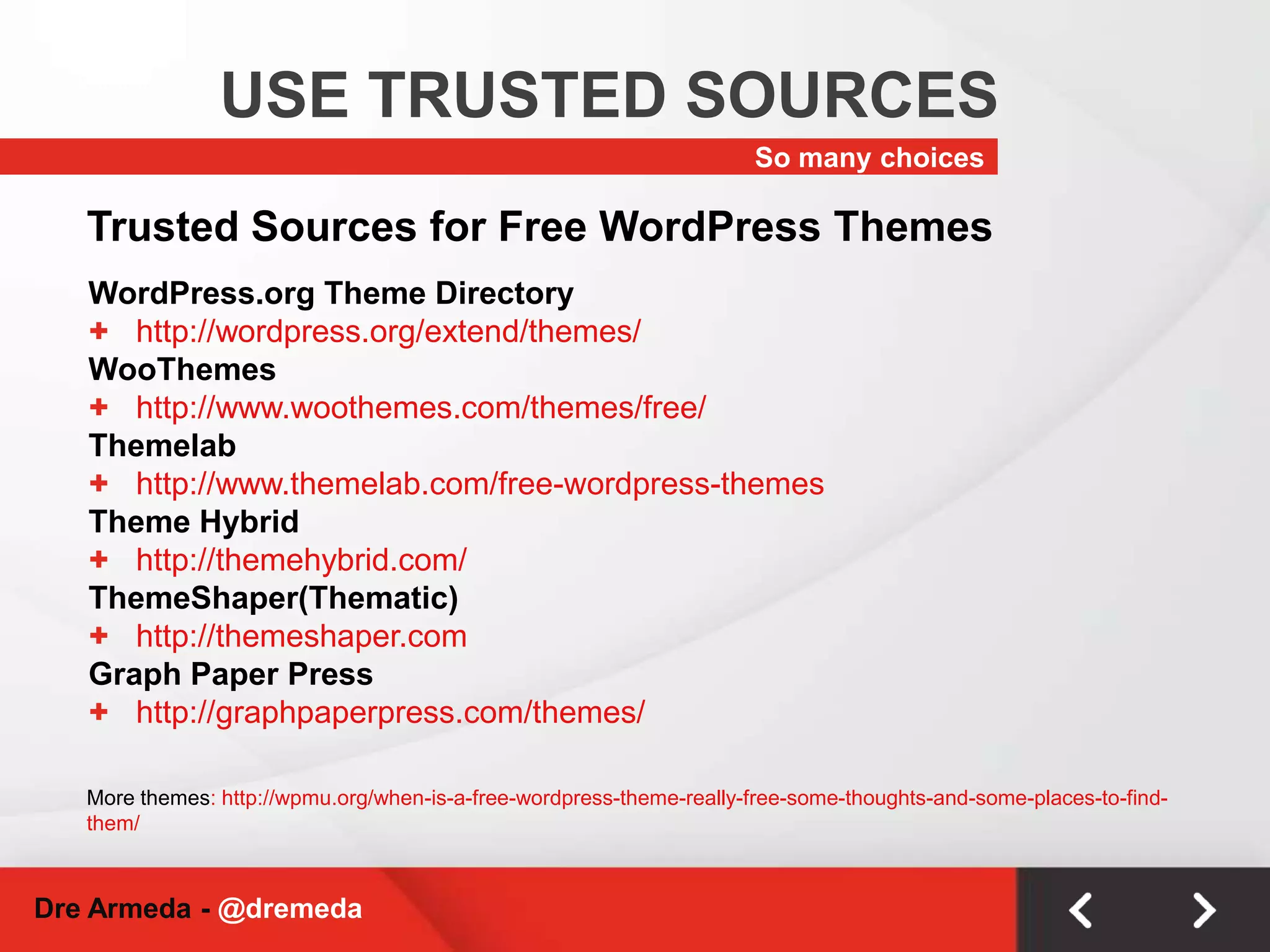
    USE TRUSTED SOURCESSomany choicesTrusted Sources for Free WordPress ThemesWordPress.org Theme Directoryhttp://wordpress.org/extend/themes/WooThemeshttp://www.woothemes.com/themes/free/Themelabhttp://www.themelab.com/free-wordpress-themesTheme Hybridhttp://themehybrid.com/ThemeShaper(Thematic)http://themeshaper.comGraph Paper Presshttp://graphpaperpress.com/themes/More themes: http://wpmu.org/when-is-a-free-wordpress-theme-really-free-some-thoughts-and-some-places-to-find-them/Dre Armeda - @dremeda
  • 45.
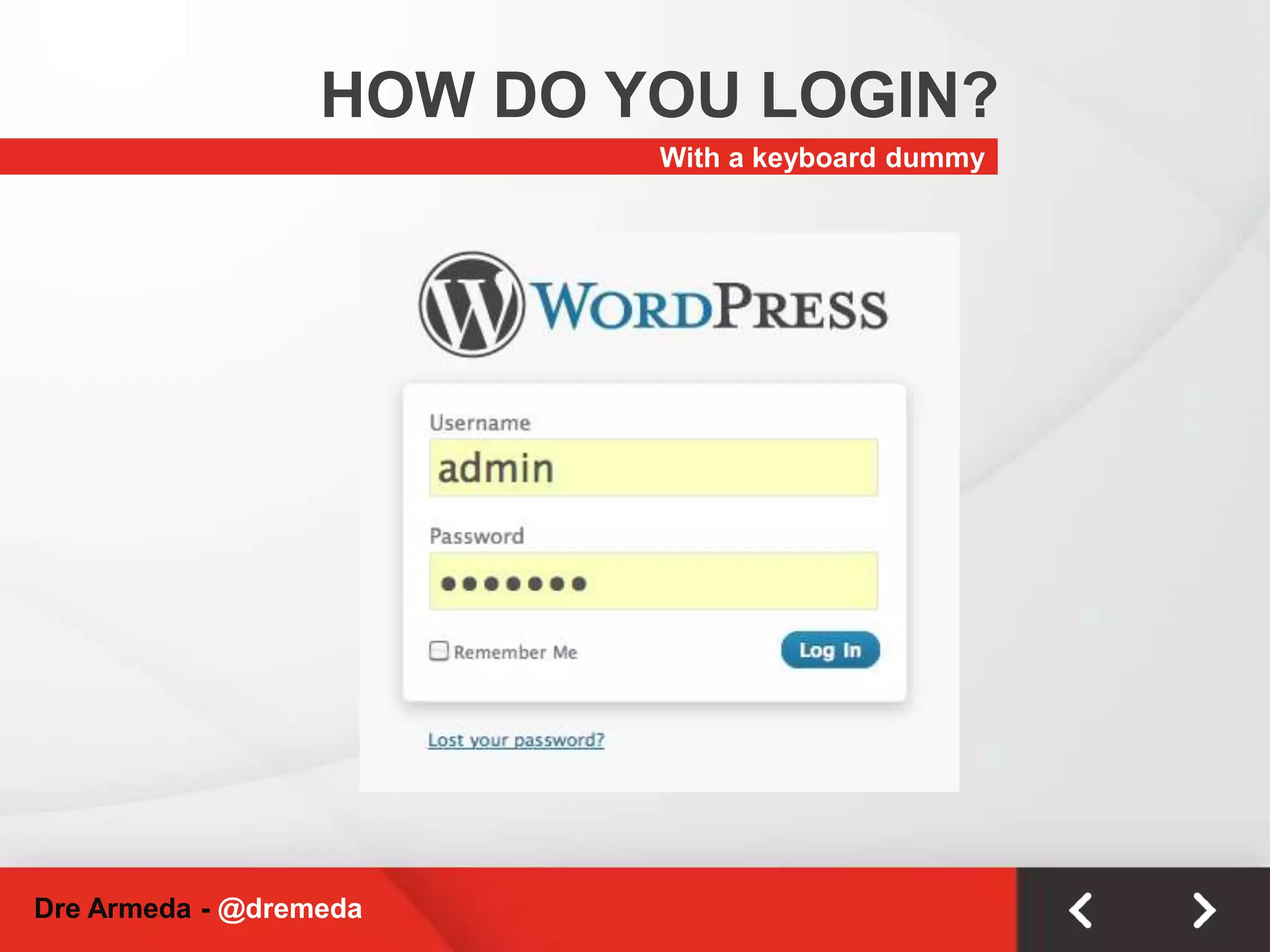
    HOW DO YOULOGIN?With a keyboard dummyDre Armeda - @dremeda
  • 46.
    DON’T BE HOODYO!I got nothing!Dre Armeda - @dremeda
  • 47.
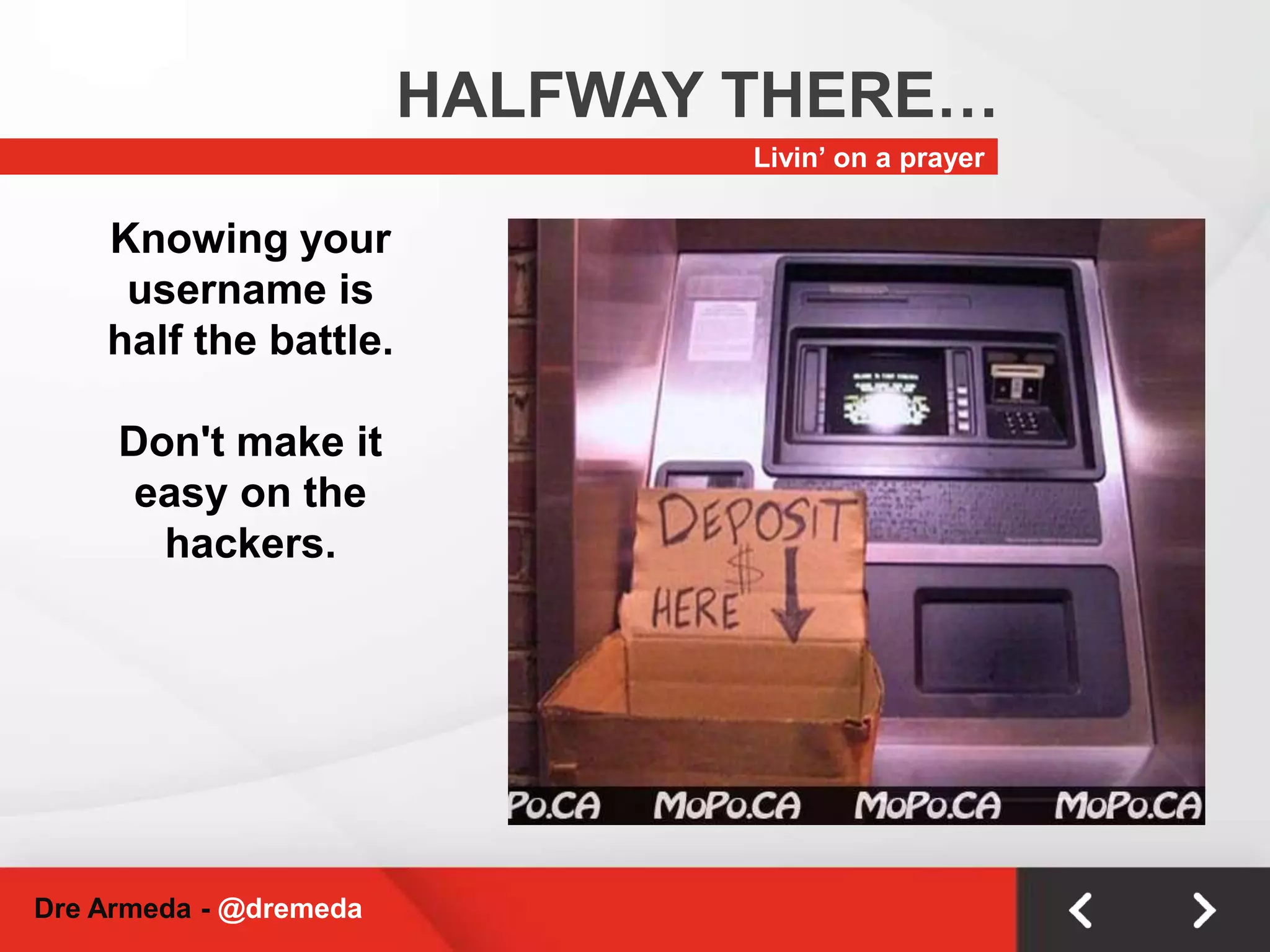
    HALFWAY THERE…Livin’ ona prayerKnowing your username is half the battle. Don't make it easy on the hackers.Dre Armeda - @dremeda
  • 48.
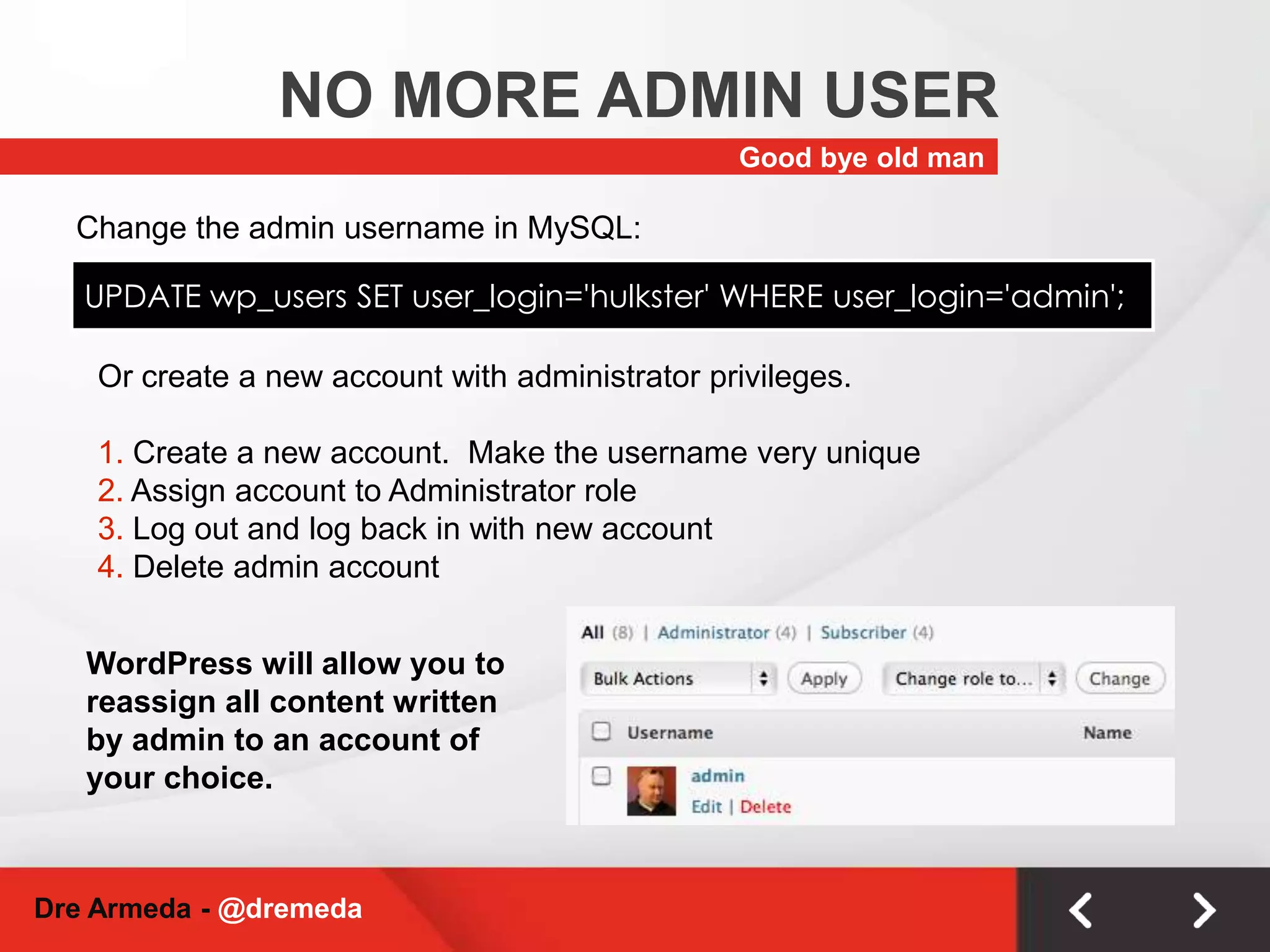
    NO MORE ADMINUSERGood bye old manChange the admin username in MySQL:UPDATE wp_users SET user_login='hulkster' WHERE user_login='admin';Or create a new account with administrator privileges. Create a new account. Make the username very unique Assign account to Administrator role Log out and log back in with new account Delete admin accountWordPress will allow you to reassign all content written by admin to an account of your choice. Dre Armeda - @dremeda
  • 49.
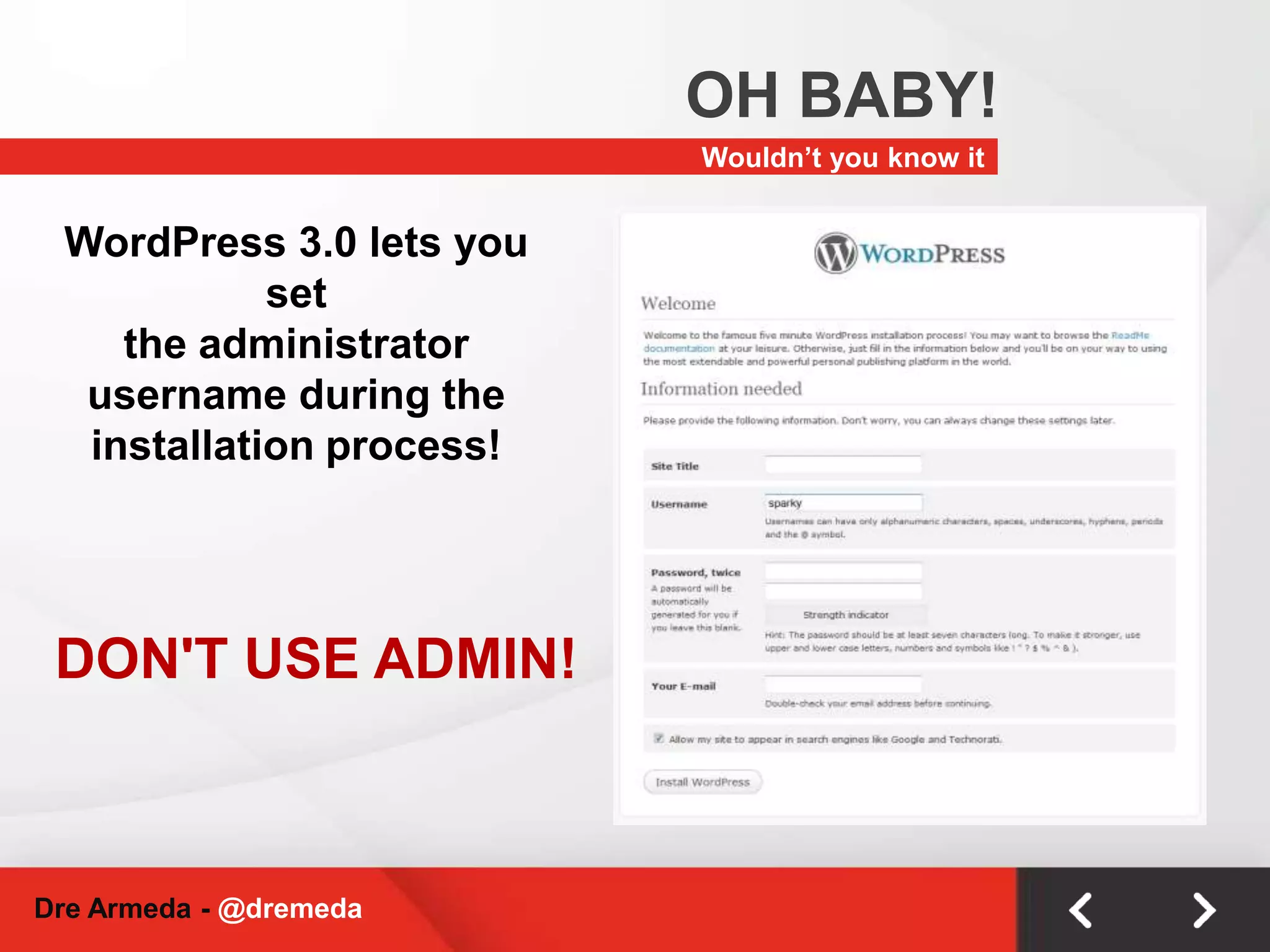
    OH BABY!Wouldn’t youknow itWordPress 3.0 lets you setthe administrator username during the installation process!DON'T USE ADMIN!Dre Armeda - @dremeda
  • 50.
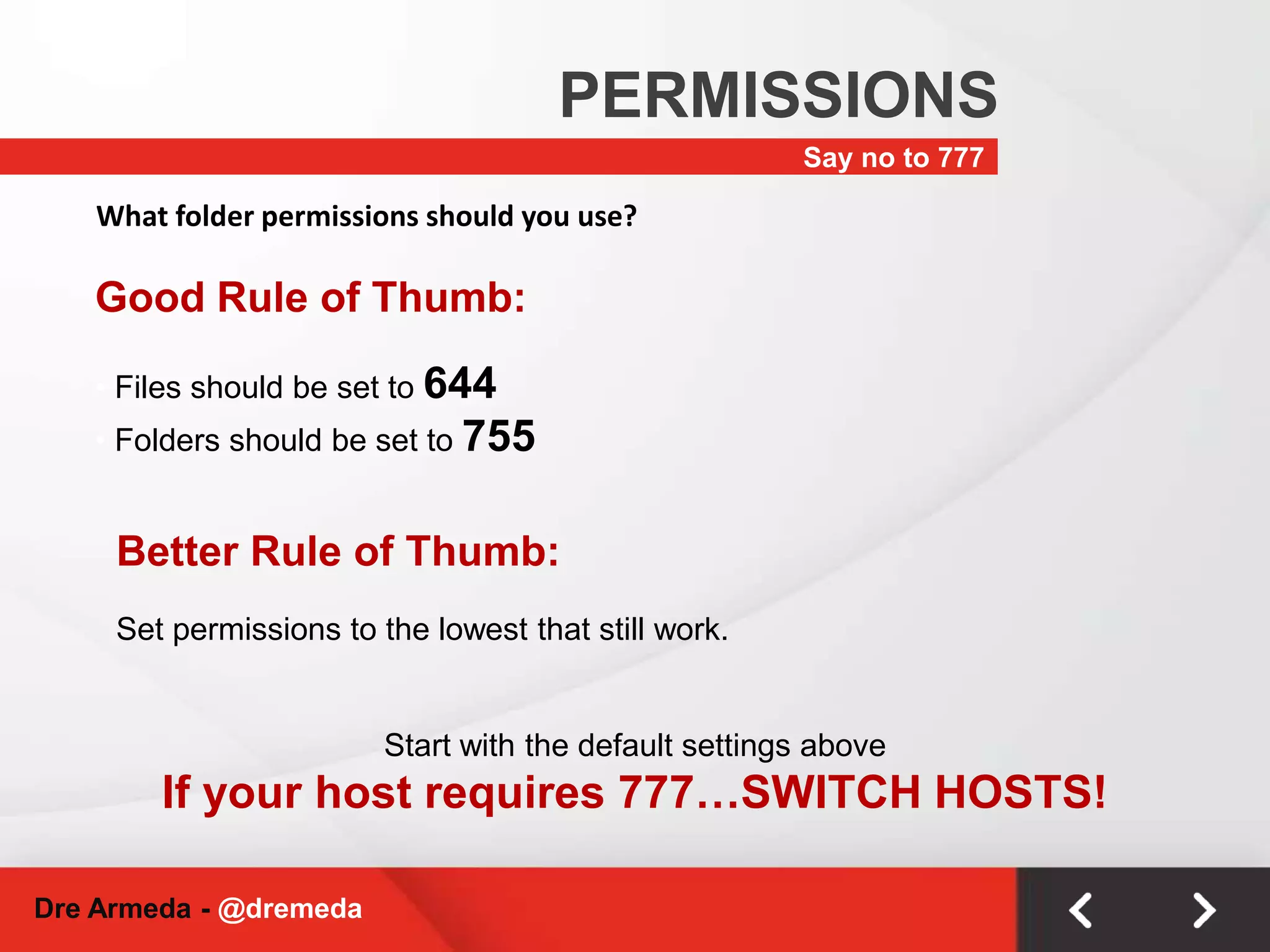
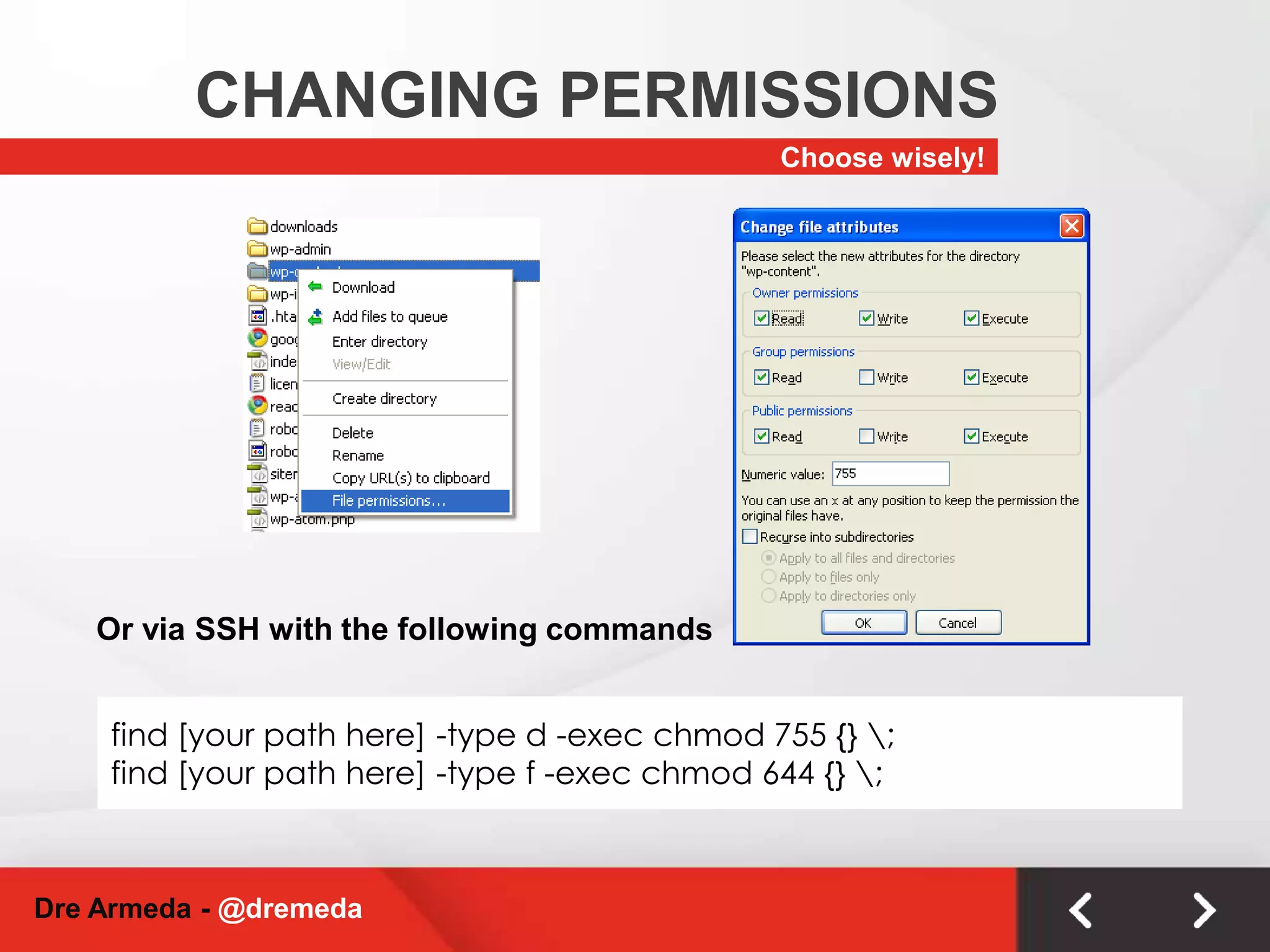
    PERMISSIONSSay no to777What folder permissions should you use?Good Rule of Thumb: Files should be set to 644
  • 51.
    Folders shouldbe set to 755Better Rule of Thumb:Set permissions to the lowest that still work.Start with the default settings above If your host requires 777…SWITCH HOSTS!Dre Armeda - @dremeda
  • 52.
    CHANGING PERMISSIONSChoosewisely!Or via SSH with the following commandsfind [your path here] -type d -exec chmod 755 {} \;find [your path here] -type f -exec chmod 644 {} \;Dre Armeda - @dremeda
  • 53.
    UPDATE UPDATE UPDATEDreArmeda - @dremeda
  • 54.
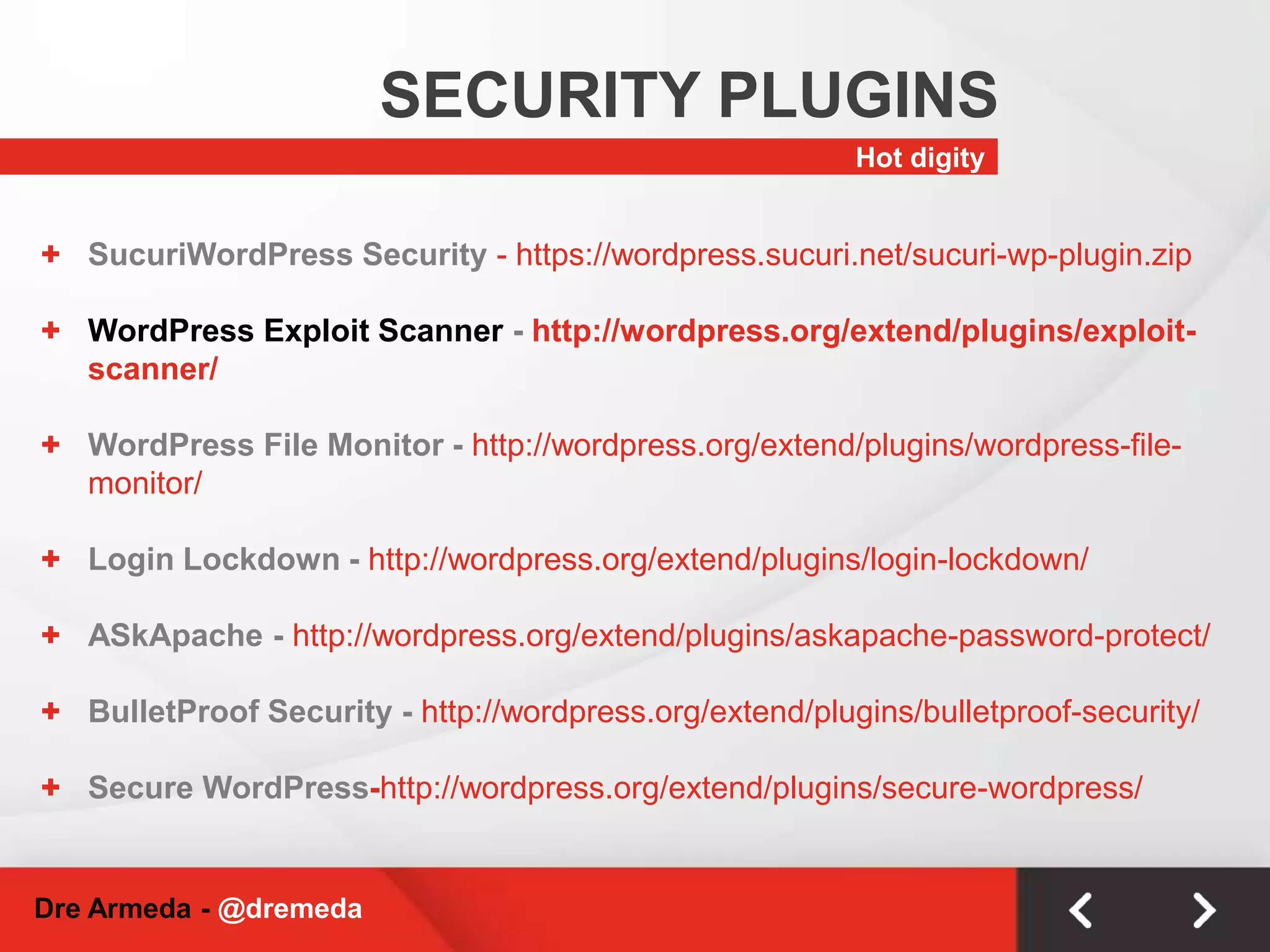
    SECURITY PLUGINSHot digitySucuriWordPressSecurity - https://wordpress.sucuri.net/sucuri-wp-plugin.zip
  • 55.
    WordPress Exploit Scanner- http://wordpress.org/extend/plugins/exploit-scanner/
  • 56.
    WordPress File Monitor- http://wordpress.org/extend/plugins/wordpress-file-monitor/
  • 57.
    Login Lockdown -http://wordpress.org/extend/plugins/login-lockdown/
  • 58.
  • 59.
    BulletProof Security -http://wordpress.org/extend/plugins/bulletproof-security/
  • 60.
  • 61.
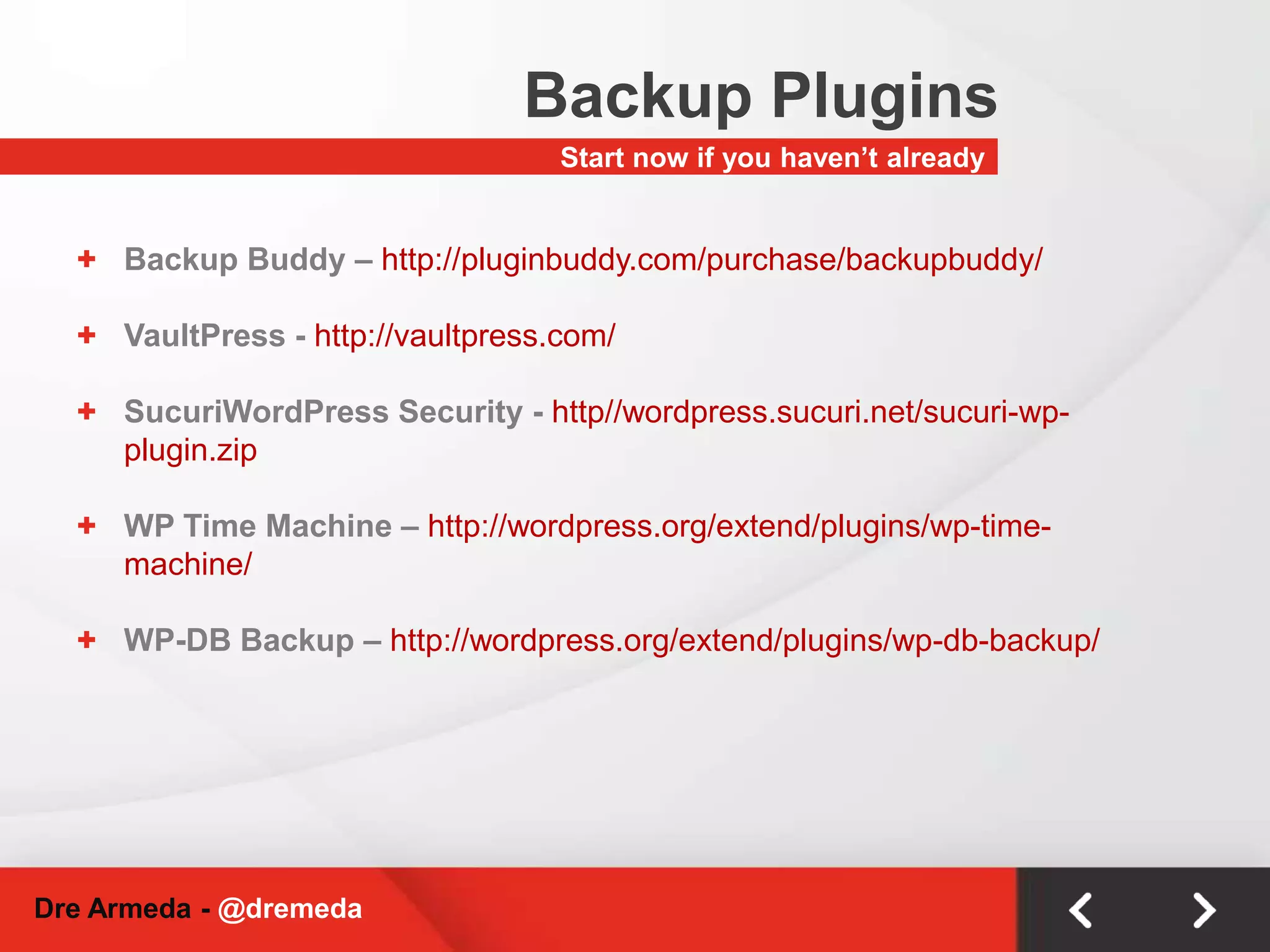
    Backup PluginsStart nowif you haven’t alreadyBackup Buddy – http://pluginbuddy.com/purchase/backupbuddy/
  • 62.
  • 63.
    SucuriWordPress Security -http//wordpress.sucuri.net/sucuri-wp-plugin.zip
  • 64.
    WP Time Machine– http://wordpress.org/extend/plugins/wp-time-machine/
  • 65.
    WP-DB Backup –http://wordpress.org/extend/plugins/wp-db-backup/Dre Armeda - @dremeda
  • 66.
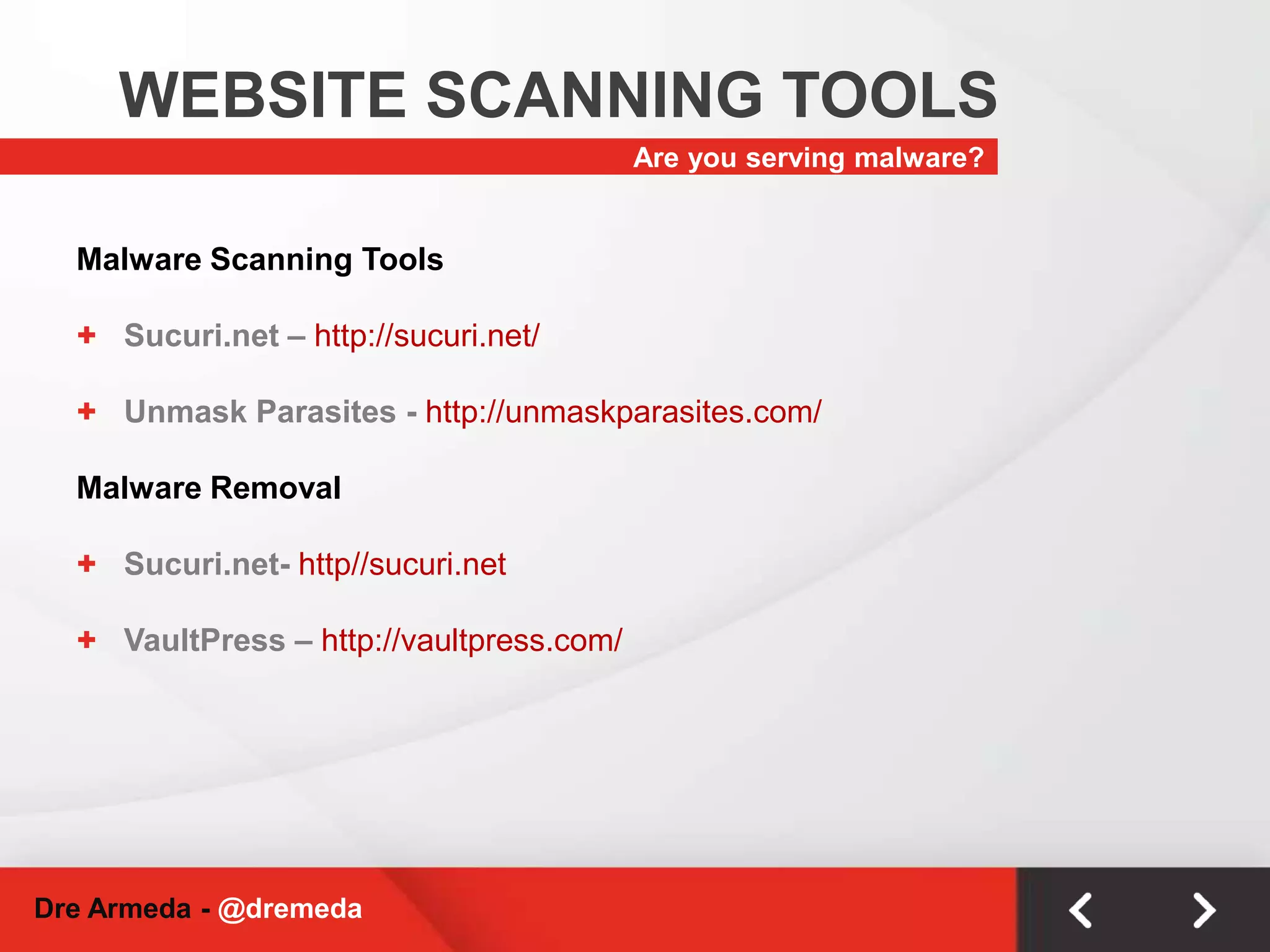
    WEBSITE SCANNING TOOLSAreyou serving malware?Malware Scanning ToolsSucuri.net – http://sucuri.net/
  • 67.
    Unmask Parasites -http://unmaskparasites.com/Malware RemovalSucuri.net- http//sucuri.net
  • 68.
  • 69.
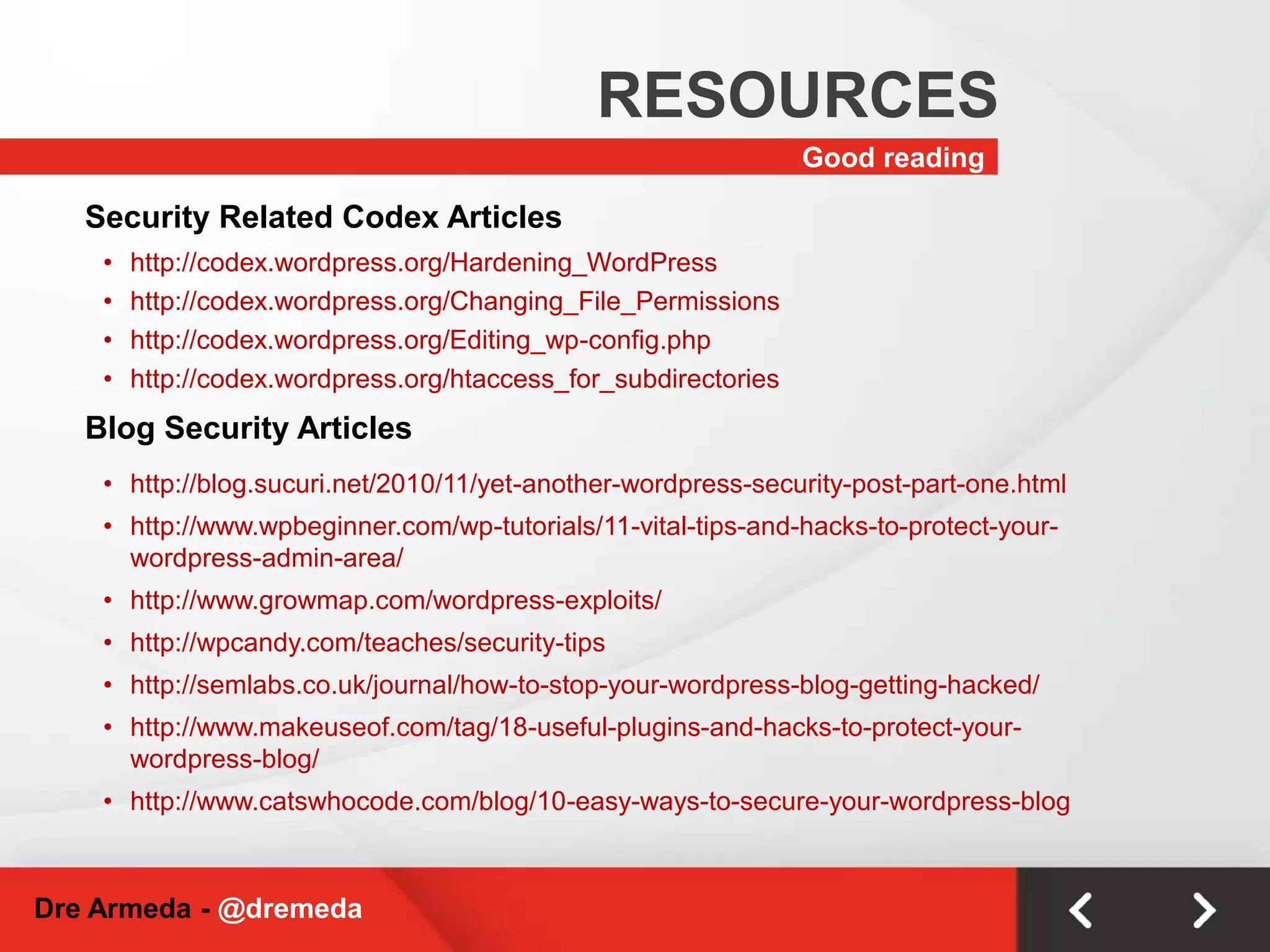
    RESOURCESGood reading SecurityRelated Codex Articleshttp://codex.wordpress.org/Hardening_WordPress
  • 70.
  • 71.
  • 72.
    http://codex.wordpress.org/htaccess_for_subdirectories Blog SecurityArticleshttp://blog.sucuri.net/2010/11/yet-another-wordpress-security-post-part-one.html
  • 73.
  • 74.
  • 75.
  • 76.
  • 77.
  • 78.
  • 79.
    THANKS FORCOMINGSee yousoonDre Armeda, CISSP@dremedaCubictwo.comSucuri.netDre.imDre Armeda - @dremeda