Downloaded 16 times
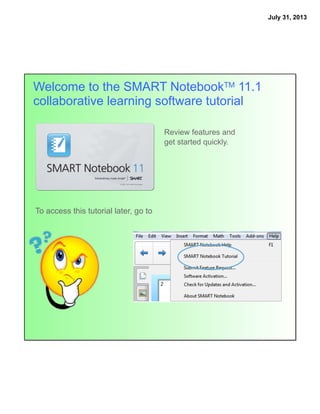
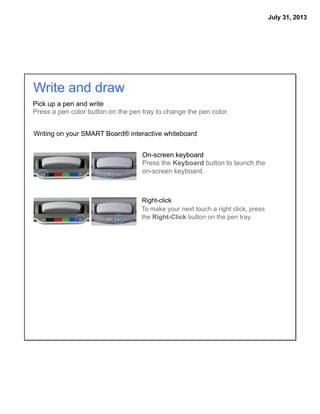
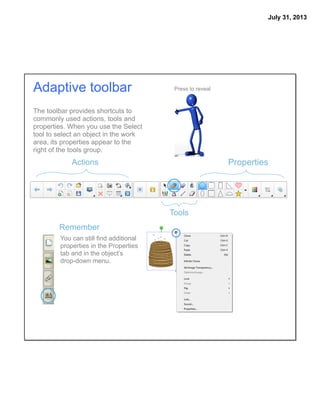
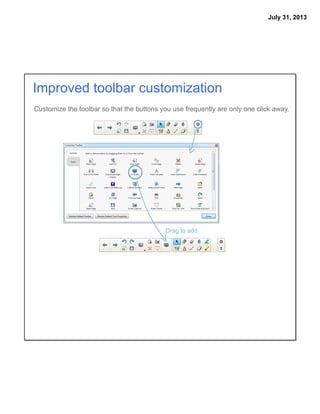


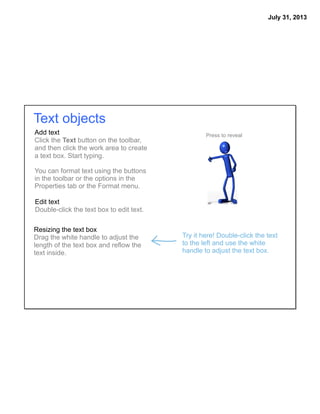

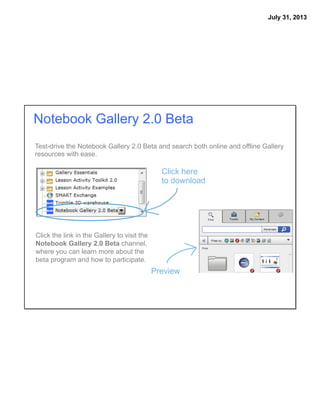
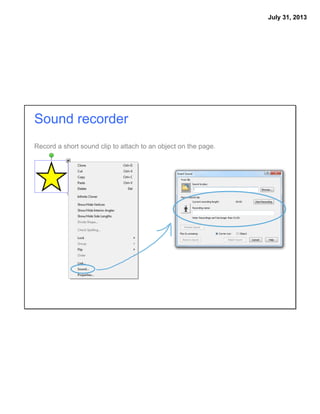
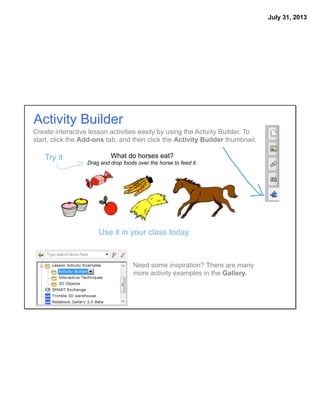


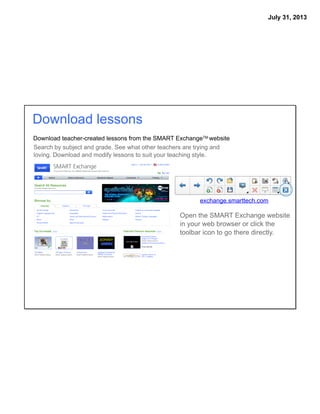




This tutorial provides an overview of the key features and improvements in SMART Notebook 11.1 collaborative learning software. It highlights updated tools for writing and drawing, reorganized menus and customizable toolbars, improved page sorting and object manipulation, enhanced text editing, and new options for adding multimedia content, creating interactive lessons, customizing preferences, and downloading lessons from the SMART Exchange.


