Download to read offline
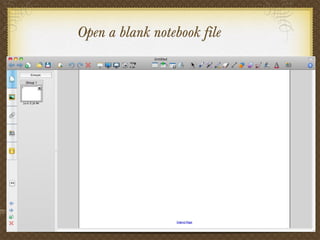
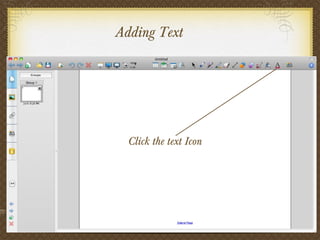
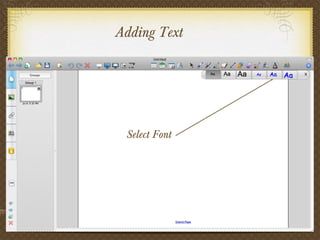
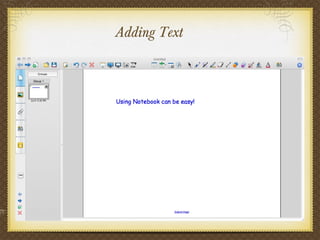
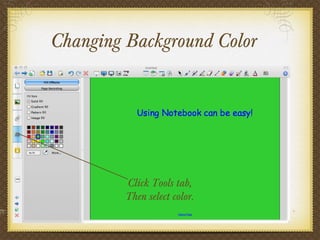
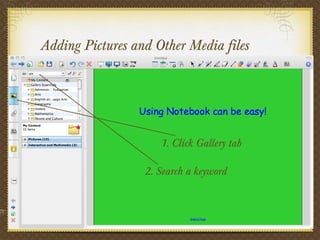
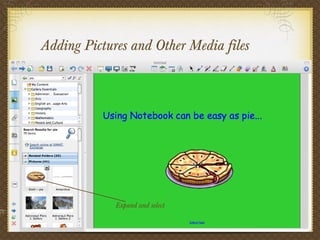
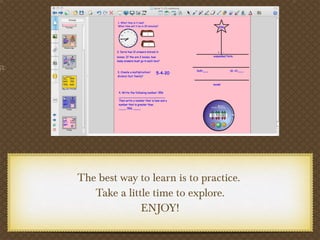
This document provides instructions for using the features of Notebook software for an interactive smart board. It outlines how to add text, change background colors, and insert pictures and other media files. The document encourages users to practice using the different features to become familiar with the software and have an enjoyable learning experience.


