Miguel Perez & Luis Jordan
VenTESOL Communications Coordinators
Tapping their way to
home practice with
What is TinyTap?
TinyTap is a social platform which empowers families,
teachers and students to learn from each other by
creating their own personalized learning apps and
playing thousands of new ones shared daily by a
worldwide community of educators and learners
worldwide.
Features
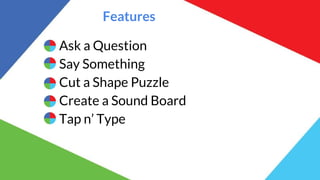
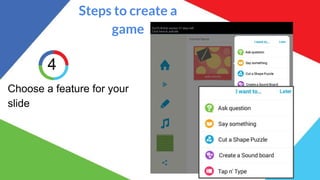
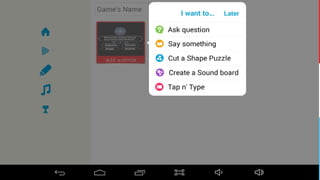
Ask a Question
Say Something
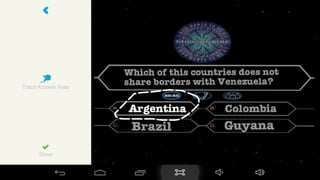
Cut a Shape Puzzle
Create a Sound Board
Tap n’ Type
Types of Activities
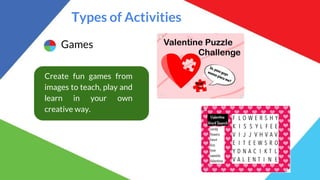
Games
Create fun games from
images to teach, play and
learn in your own
creative way.
Types of Activities
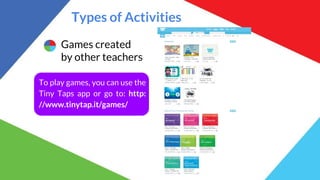
Games created
by other teachers
To play games, you can use the
Tiny Taps app or go to: http:
//www.tinytap.it/games/
Types of Activities
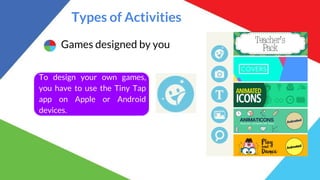
Games designed by you
To design your own games,
you have to use the Tiny Tap
app on Apple or Android
devices.
Types of Activities
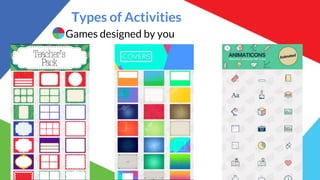
Games designed by you
Types of Activities
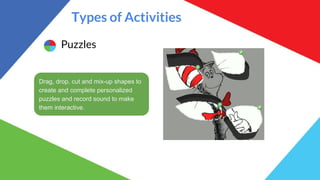
Puzzles
Drag, drop, cut and mix-up shapes to
create and complete personalized
puzzles and record sound to make
them interactive.
Types of Activities
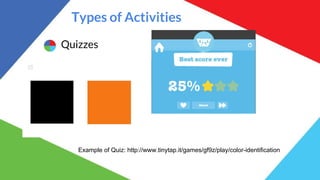
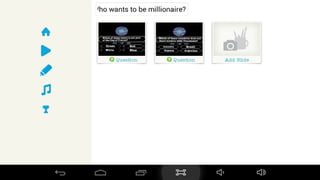
Quizzes
Example of Quiz: http://www.tinytap.it/games/gf9z/play/color-identification
Types of Activities
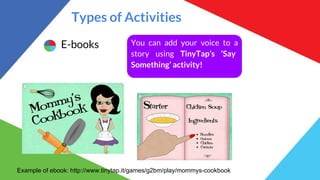
E-books You can add your voice to a
story using TinyTap’s ‘Say
Something’ activity!
Example of ebook: http://www.tinytap.it/games/g2bm/play/mommys-cookbook
Types of Activities
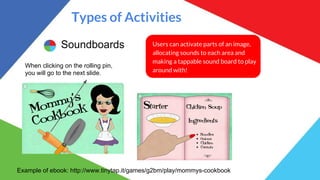
Soundboards Users can activate parts of an image,
allocating sounds to each area and
making a tappable sound board to play
around with!
Example of ebook: http://www.tinytap.it/games/g2bm/play/mommys-cookbook
When clicking on the rolling pin,
you will go to the next slide.
Types of Activities
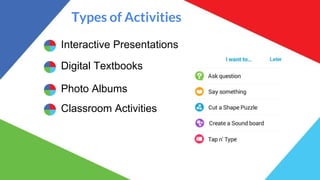
Interactive Presentations
Digital Textbooks
Photo Albums
Classroom Activities
Let´s make a game!
Steps to create a
game
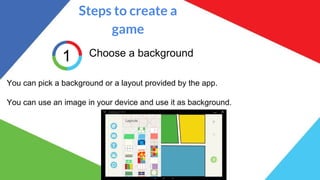
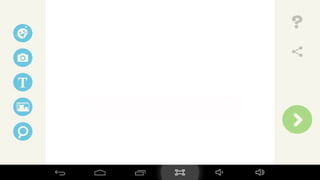
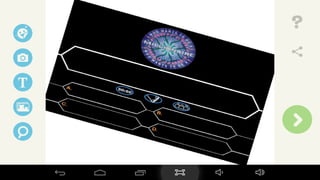
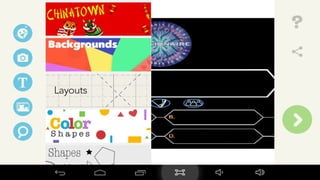
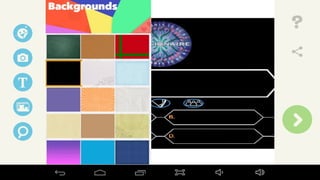
1 Choose a background
You can pick a background or a layout provided by the app.
You can use an image in your device and use it as background.
Steps to create a
game
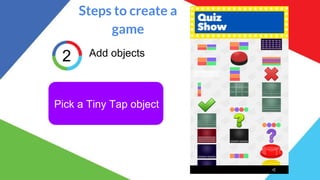
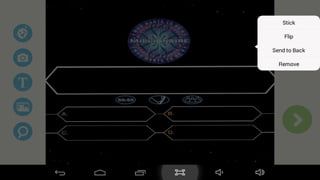
2 Add objects
Pick a Tiny Tap object
Steps to create a
game
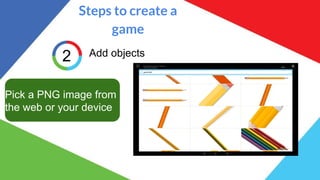
2 Add objects
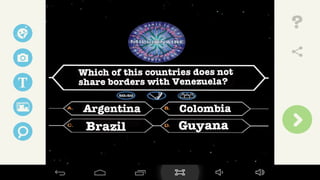
Pick a PNG image from
the web or your device
Steps to create a
game
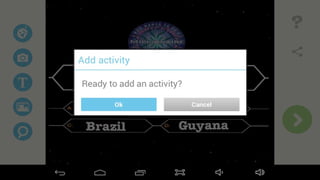
3
Choose a feature for your
slide
Questions
&
Answers
Thank you!
Contact us!
Prof. Miguel Perez
miguelperez.uc@gmail.com
@maperezramos
Prof. Luis Jordan
ljordan.uc@gmail.com
@jordanquero
Find this presentation on Slideshare
http://bit.ly/TinyTapTESOL16

#TESOL16 Tapping their way to home practice with TinyTap

  • 1.
    Miguel Perez &Luis Jordan VenTESOL Communications Coordinators Tapping their way to home practice with
  • 2.
    What is TinyTap? TinyTapis a social platform which empowers families, teachers and students to learn from each other by creating their own personalized learning apps and playing thousands of new ones shared daily by a worldwide community of educators and learners worldwide.
  • 3.
    Features Ask a Question SaySomething Cut a Shape Puzzle Create a Sound Board Tap n’ Type
  • 4.
    Types of Activities Games Createfun games from images to teach, play and learn in your own creative way.
  • 5.
    Types of Activities Gamescreated by other teachers To play games, you can use the Tiny Taps app or go to: http: //www.tinytap.it/games/
  • 6.
    Types of Activities Gamesdesigned by you To design your own games, you have to use the Tiny Tap app on Apple or Android devices.
  • 7.
  • 8.
    Types of Activities Puzzles Drag,drop, cut and mix-up shapes to create and complete personalized puzzles and record sound to make them interactive.
  • 9.
    Types of Activities Quizzes Exampleof Quiz: http://www.tinytap.it/games/gf9z/play/color-identification
  • 10.
    Types of Activities E-booksYou can add your voice to a story using TinyTap’s ‘Say Something’ activity! Example of ebook: http://www.tinytap.it/games/g2bm/play/mommys-cookbook
  • 11.
    Types of Activities SoundboardsUsers can activate parts of an image, allocating sounds to each area and making a tappable sound board to play around with! Example of ebook: http://www.tinytap.it/games/g2bm/play/mommys-cookbook When clicking on the rolling pin, you will go to the next slide.
  • 12.
    Types of Activities InteractivePresentations Digital Textbooks Photo Albums Classroom Activities
  • 13.
  • 14.
    Steps to createa game 1 Choose a background You can pick a background or a layout provided by the app. You can use an image in your device and use it as background.
  • 15.
    Steps to createa game 2 Add objects Pick a Tiny Tap object
  • 16.
    Steps to createa game 2 Add objects Pick a PNG image from the web or your device
  • 17.
    Steps to createa game 3 Choose a feature for your slide
  • 28.
  • 29.
  • 30.
    Contact us! Prof. MiguelPerez miguelperez.uc@gmail.com @maperezramos Prof. Luis Jordan ljordan.uc@gmail.com @jordanquero Find this presentation on Slideshare http://bit.ly/TinyTapTESOL16