Agenda

What is Linux

History of Linux

Linux Today

Open Source Software

Popular Linux Distributions

Software Applications

Languages Supported by Linux

Why to switch to Linux?

Why not to switch to Linux?

Comparison between Linux and Windows
What is Linux

UNIX like Operating System

Multi-user, Multitasking, Multiprocessor

Has the X Windows GUI

Runs on multiple hardware platforms

Source Code is available
History of Linux
• In 80’s, Microsoft’s DOS was the dominant
OS for PC
• Apple MAC was better, but expensive
• UNIX was much better, but much, much
more expensive. Only for minicomputer for
commercial applications
• People were looking for a UNIX based
system, which is cheaper and can run on
PC
History of Linux
• Both DOS, MAC and UNIX were
proprietary, i.e., the source code of their
kernel is protected
• No modification is possible without paying
high license fees
• A famous professor Andrew Tanenbaum
developed Minix, a simplified version of
UNIX that runs on PC
– Minix is for class teaching only. No intention for
commercial use
History of Linux
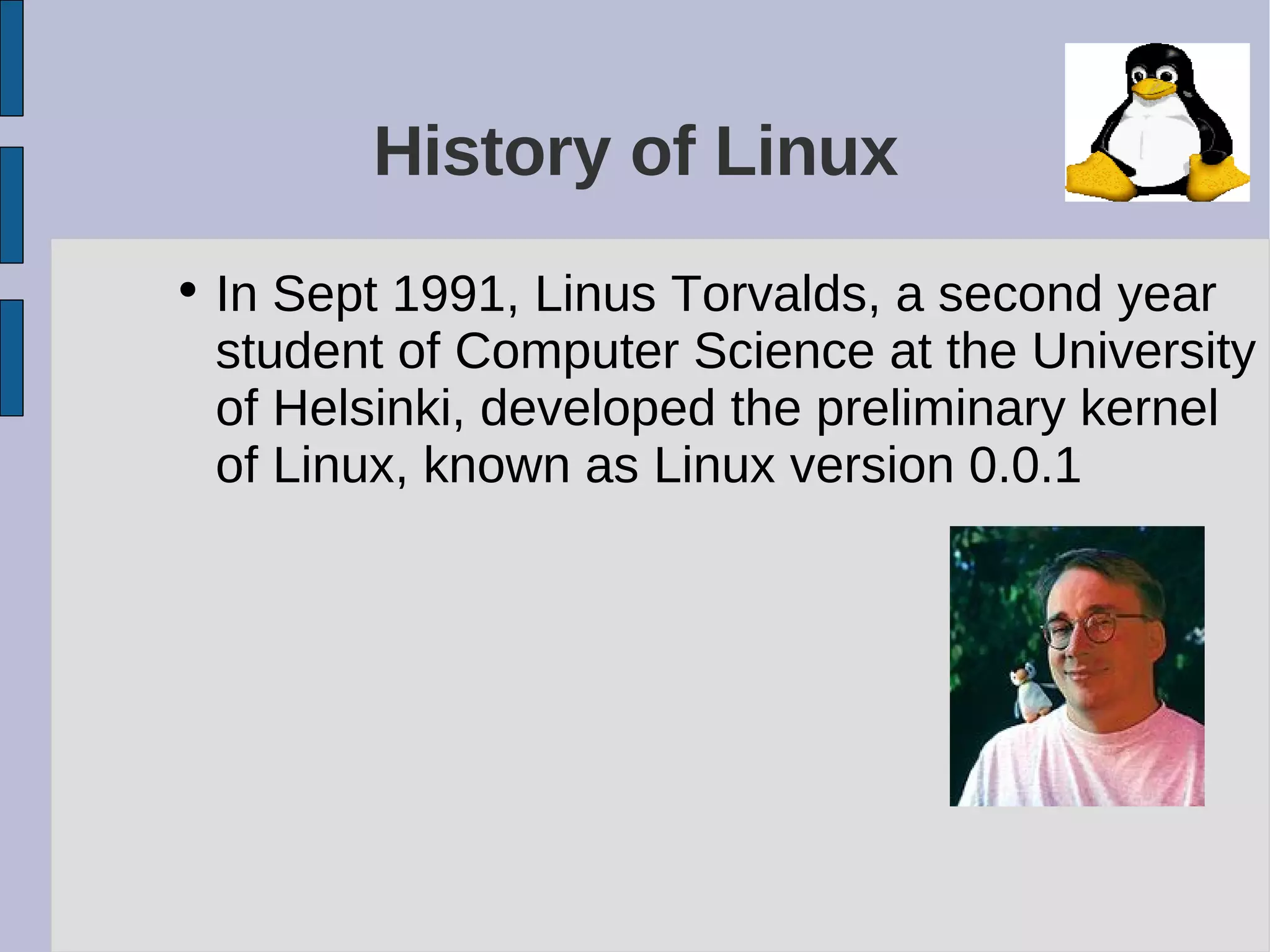
• In Sept 1991, Linus Torvalds, a second year
student of Computer Science at the University
of Helsinki, developed the preliminary kernel
of Linux, known as Linux version 0.0.1
Linux Today
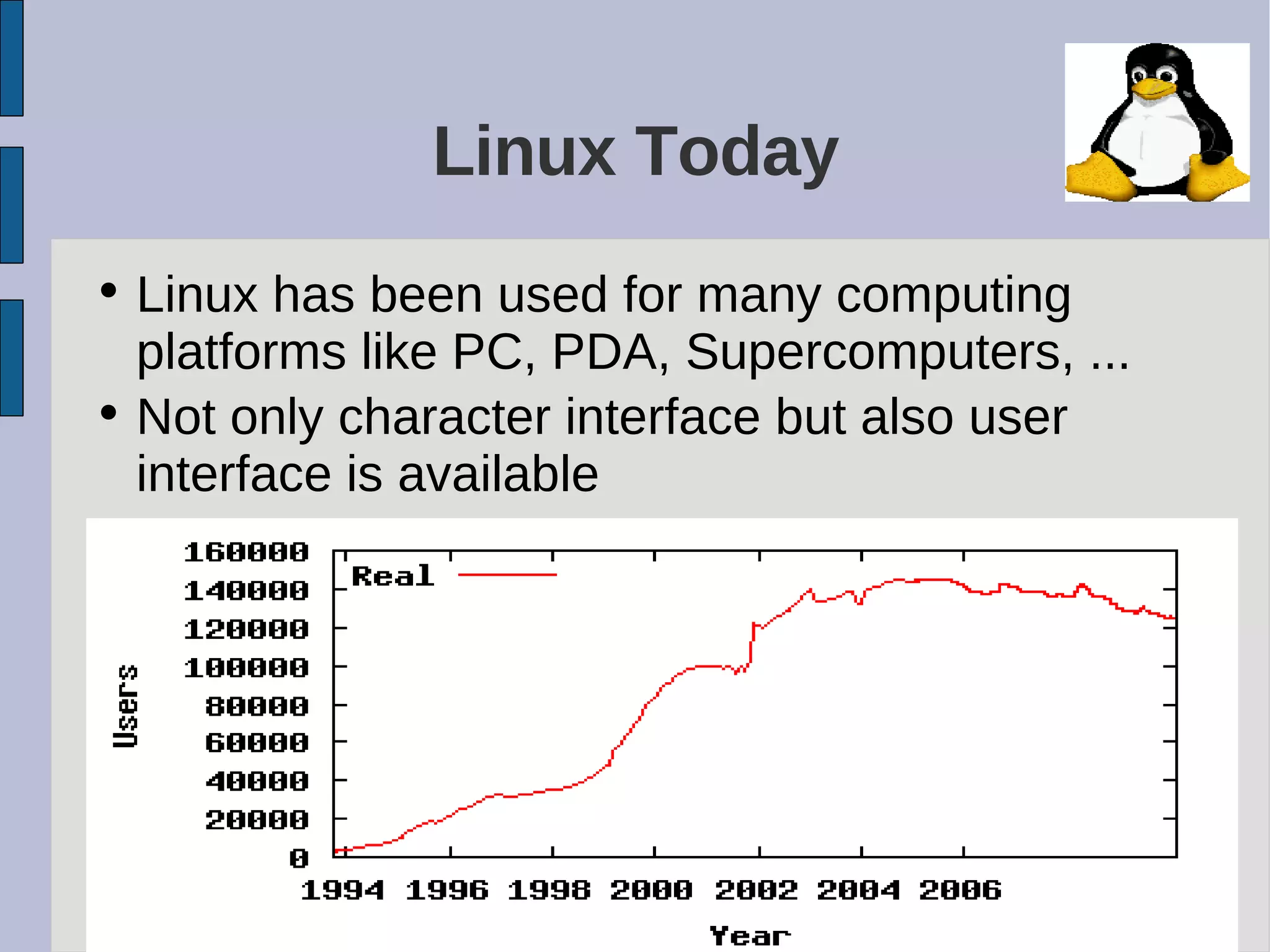
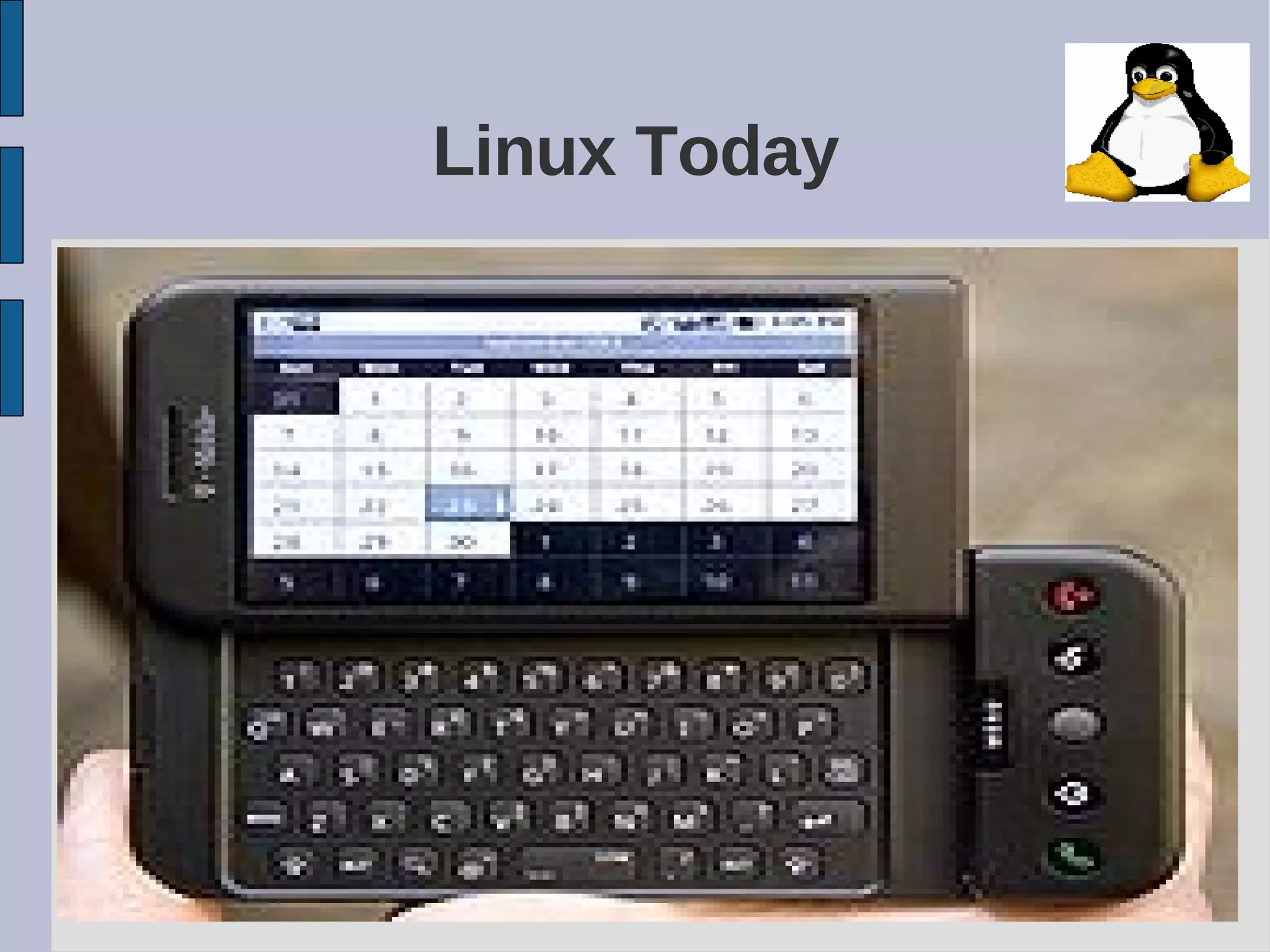
• Linux has been used for many computing
platforms like PC, PDA, Supercomputers, ...
• Not only character interface but also user
interface is available
Linux Today

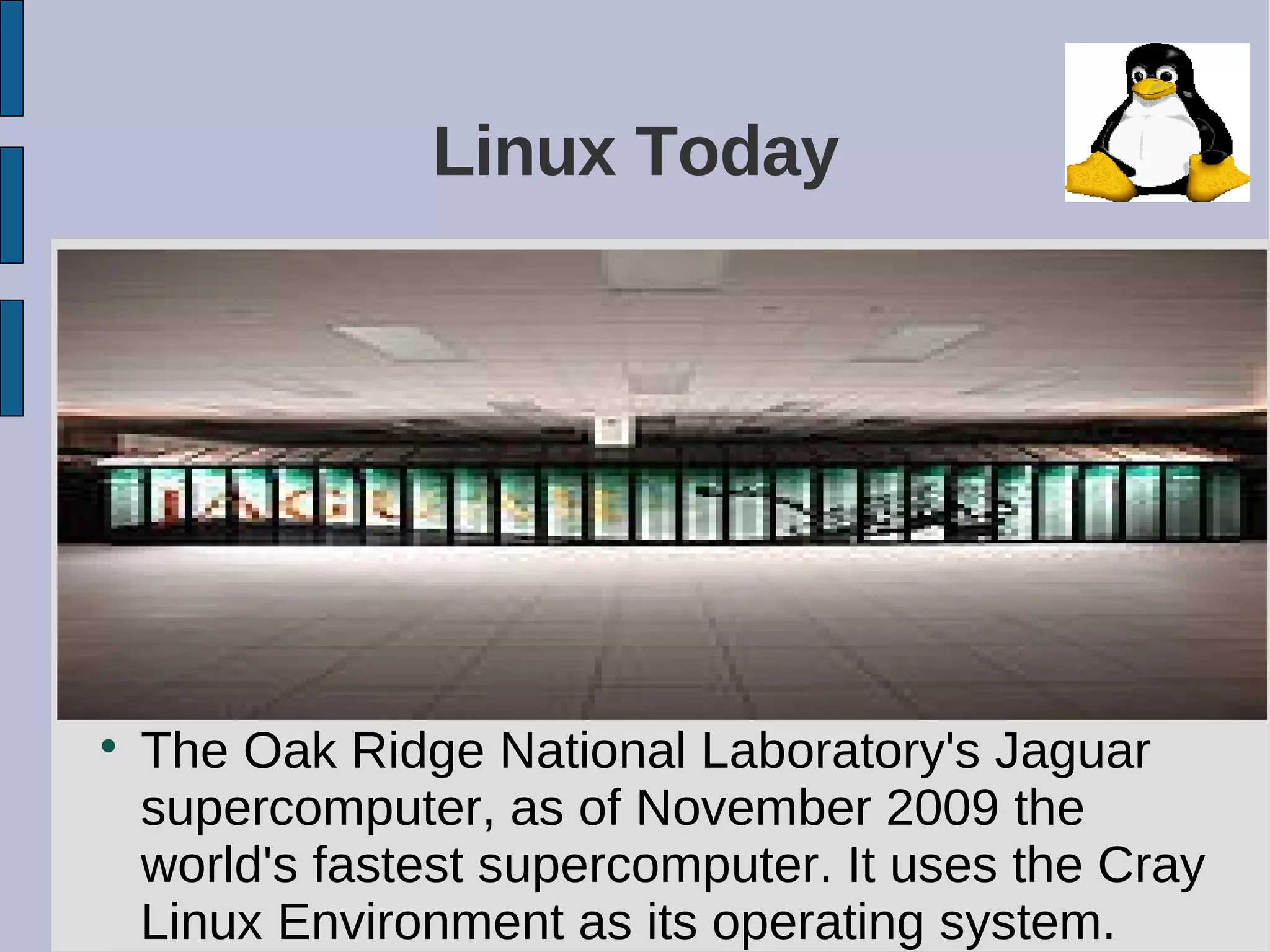
The Oak Ridge National Laboratory's Jaguar
supercomputer, as of November 2009 the
world's fastest supercomputer. It uses the Cray
Linux Environment as its operating system.
Linux Today
Open Source Software

When programmers on the Internet can read,
redistribute, and modify the source for a
piece of software, it evolves

People improve it, people adapt it, people fix
bugs. And this can happen at a speed that,
compared to conventional software
development, seems astonishing
How do we get it?

Download it from the Internet

From a “Distribution” (e.g. RedHat)
− Linux kernel
− X Windows system and GUI
− Web, e-mail, FTP servers
− Installation & configuration support
− 3rd party apps
− Hardware support
Why is it significant?

Growing popularity

Powerful
− Runs on multiple hardware platforms
− Users like its speed and stability
− No requirement for latest hardware

It’s “free”
− Licensed under GPL
− Vendors are distributors who package Linux
Popular Linux Distributions

Archlinux,

CentOS

Debian

Knoppix, a Live CD

Red Hat Enterprise Linux

Ubuntu

Fedora
Software Applications

OpenOffice: word processing, spreadsheets,
drawing

Adobe Acrobat Reader

Konqueror: The KDE File Manager and Web
Browser

Kmail: The KDE Mail Application

Evolution: An Email and Calendar Program

XMMS, VLC: Multimedia Applications
Software Applications

TV, Video, Radio, and Webcam

K3b: The KDE CD Burning Application

Digital Cameras

Kooka: Scanning Application

Graphics with the GIMP

Powerful Shell system (Console)
Languages Supported

Afrikaans, Amharic, Arabic, Azerbaijani,
Belarussian, Bulgarian, Bengali, Breton,
Bosnian, Catalan, Czech, Cymraeg, Danish,
German, Greek, Esperanto, Spanish,
Estonian, Euskara, Farsi (Iranian), Suomi
(Finnish),French, Furlan, Gaeilge (Irish
Gaelic), Galician, Hebrew, Hindi, Croatian,
Hungarian, Armenian, Indonesian,
Icelandic, Italian, Japanese, Georgian,
Kannada, Korean, Kurdish, Kyrgyz, Lao,
Lithuanian, Latgalian, Latvian, Macedonian,
Mongolian,
Languages Supported

Malay, Maltese, Dutch, Norwegian Bokmål,
Norwegian Nynorsk, Punjabi (in gurmukhi
script), Polish, Portuguese (Portugal),
Brazilian Portuguese, Romanian, Russian,
Sardinian, Slovakian, Slovenian, Albanian,
Serbian, Swedish, Tamil, Tajiki, Thai,
Turkmen, Filipino (Tagalog), Turkish,
Ukrainian, Urdu, Uzbekian, Vietnamese,
Walloon, Chinese (simplified), Chinese
(traditional)
Why to switch to Linux?

Security: Linux will keep our systems away
from Malware and Viruses

Cost: Linux is the most cost efficient OS in
the world. Why? Because it’s free...and not
only is it free, it also (typically) comes with
applications that would cost hundreds,
hundreds if not thousands of dollars

Linux is highly resistant to System Crash and
rarely needs rebooting
Why to switch to Linux?

Ease of use: Linux is extremely easy to use.
If you know Windows, you’ll be able to work
easily in Linux...

Linux plays well with others: Linux includes
software to make it easy to network with
Windows, Macs, and other Linux based
computers

Support is everywhere: If you’re having a
problem with Linux, help is as close as the
nearest message board.
Why not to switch to Linux?

If you are using any propriatory software
which is not supported by Linux

If you are using any hardware which is not
supported by Linux
Comparison between Linux and
Windows...

/media/disk-4/Documents and Settings/Amar More
References

http://linux.org

http://weikipedia.com

http://linuxquestions.com

http://linuxcounter.com
Amarmore linuxintro-100301095530-phpapp01

Amarmore linuxintro-100301095530-phpapp01

  • 1.
    Agenda  What is Linux  Historyof Linux  Linux Today  Open Source Software  Popular Linux Distributions  Software Applications  Languages Supported by Linux  Why to switch to Linux?  Why not to switch to Linux?  Comparison between Linux and Windows
  • 2.
    What is Linux  UNIXlike Operating System  Multi-user, Multitasking, Multiprocessor  Has the X Windows GUI  Runs on multiple hardware platforms  Source Code is available
  • 3.
    History of Linux •In 80’s, Microsoft’s DOS was the dominant OS for PC • Apple MAC was better, but expensive • UNIX was much better, but much, much more expensive. Only for minicomputer for commercial applications • People were looking for a UNIX based system, which is cheaper and can run on PC
  • 4.
    History of Linux •Both DOS, MAC and UNIX were proprietary, i.e., the source code of their kernel is protected • No modification is possible without paying high license fees • A famous professor Andrew Tanenbaum developed Minix, a simplified version of UNIX that runs on PC – Minix is for class teaching only. No intention for commercial use
  • 5.
    History of Linux •In Sept 1991, Linus Torvalds, a second year student of Computer Science at the University of Helsinki, developed the preliminary kernel of Linux, known as Linux version 0.0.1
  • 6.
    Linux Today • Linuxhas been used for many computing platforms like PC, PDA, Supercomputers, ... • Not only character interface but also user interface is available
  • 7.
    Linux Today  The OakRidge National Laboratory's Jaguar supercomputer, as of November 2009 the world's fastest supercomputer. It uses the Cray Linux Environment as its operating system.
  • 8.
  • 9.
    Open Source Software  Whenprogrammers on the Internet can read, redistribute, and modify the source for a piece of software, it evolves  People improve it, people adapt it, people fix bugs. And this can happen at a speed that, compared to conventional software development, seems astonishing
  • 10.
    How do weget it?  Download it from the Internet  From a “Distribution” (e.g. RedHat) − Linux kernel − X Windows system and GUI − Web, e-mail, FTP servers − Installation & configuration support − 3rd party apps − Hardware support
  • 11.
    Why is itsignificant?  Growing popularity  Powerful − Runs on multiple hardware platforms − Users like its speed and stability − No requirement for latest hardware  It’s “free” − Licensed under GPL − Vendors are distributors who package Linux
  • 12.
    Popular Linux Distributions  Archlinux,  CentOS  Debian  Knoppix,a Live CD  Red Hat Enterprise Linux  Ubuntu  Fedora
  • 13.
    Software Applications  OpenOffice: wordprocessing, spreadsheets, drawing  Adobe Acrobat Reader  Konqueror: The KDE File Manager and Web Browser  Kmail: The KDE Mail Application  Evolution: An Email and Calendar Program  XMMS, VLC: Multimedia Applications
  • 14.
    Software Applications  TV, Video,Radio, and Webcam  K3b: The KDE CD Burning Application  Digital Cameras  Kooka: Scanning Application  Graphics with the GIMP  Powerful Shell system (Console)
  • 15.
    Languages Supported  Afrikaans, Amharic,Arabic, Azerbaijani, Belarussian, Bulgarian, Bengali, Breton, Bosnian, Catalan, Czech, Cymraeg, Danish, German, Greek, Esperanto, Spanish, Estonian, Euskara, Farsi (Iranian), Suomi (Finnish),French, Furlan, Gaeilge (Irish Gaelic), Galician, Hebrew, Hindi, Croatian, Hungarian, Armenian, Indonesian, Icelandic, Italian, Japanese, Georgian, Kannada, Korean, Kurdish, Kyrgyz, Lao, Lithuanian, Latgalian, Latvian, Macedonian, Mongolian,
  • 16.
    Languages Supported  Malay, Maltese,Dutch, Norwegian Bokmål, Norwegian Nynorsk, Punjabi (in gurmukhi script), Polish, Portuguese (Portugal), Brazilian Portuguese, Romanian, Russian, Sardinian, Slovakian, Slovenian, Albanian, Serbian, Swedish, Tamil, Tajiki, Thai, Turkmen, Filipino (Tagalog), Turkish, Ukrainian, Urdu, Uzbekian, Vietnamese, Walloon, Chinese (simplified), Chinese (traditional)
  • 17.
    Why to switchto Linux?  Security: Linux will keep our systems away from Malware and Viruses  Cost: Linux is the most cost efficient OS in the world. Why? Because it’s free...and not only is it free, it also (typically) comes with applications that would cost hundreds, hundreds if not thousands of dollars  Linux is highly resistant to System Crash and rarely needs rebooting
  • 18.
    Why to switchto Linux?  Ease of use: Linux is extremely easy to use. If you know Windows, you’ll be able to work easily in Linux...  Linux plays well with others: Linux includes software to make it easy to network with Windows, Macs, and other Linux based computers  Support is everywhere: If you’re having a problem with Linux, help is as close as the nearest message board.
  • 19.
    Why not toswitch to Linux?  If you are using any propriatory software which is not supported by Linux  If you are using any hardware which is not supported by Linux
  • 20.
    Comparison between Linuxand Windows...  /media/disk-4/Documents and Settings/Amar More
  • 21.