Linux Directory Structure
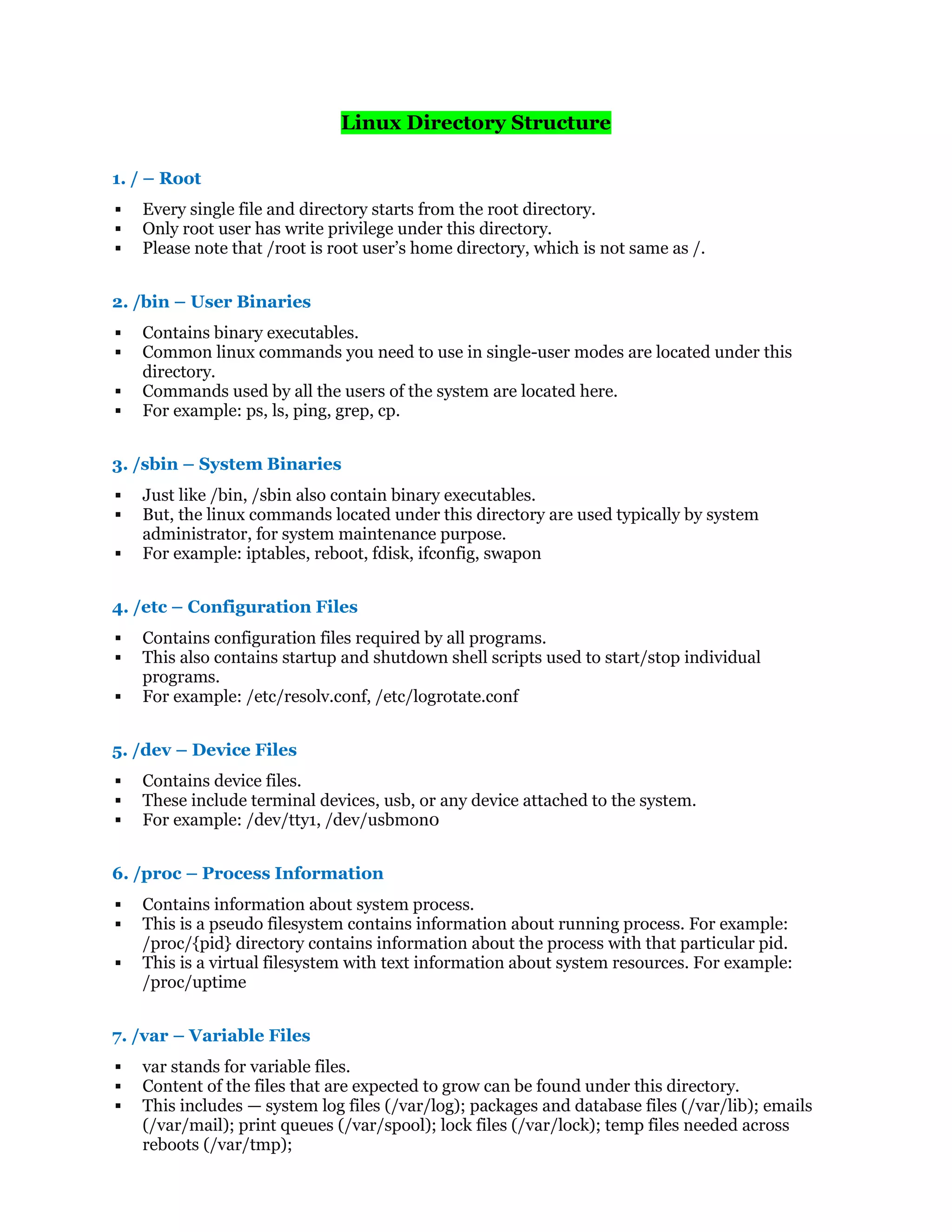
1. / – Root
 Every single file and directory starts from the root directory.
 Only root user has write privilege under this directory.
 Please note that /root is root user’s home directory, which is not same as /.
2. /bin – User Binaries
 Contains binary executables.
 Common linux commands you need to use in single-user modes are located under this
directory.
 Commands used by all the users of the system are located here.
 For example: ps, ls, ping, grep, cp.
3. /sbin – System Binaries
 Just like /bin, /sbin also contain binary executables.
 But, the linux commands located under this directory are used typically by system
administrator, for system maintenance purpose.
 For example: iptables, reboot, fdisk, ifconfig, swapon
4. /etc – Configuration Files
 Contains configuration files required by all programs.
 This also contains startup and shutdown shell scripts used to start/stop individual
programs.
 For example: /etc/resolv.conf, /etc/logrotate.conf
5. /dev – Device Files
 Contains device files.
 These include terminal devices, usb, or any device attached to the system.
 For example: /dev/tty1, /dev/usbmon0
6. /proc – Process Information
 Contains information about system process.
 This is a pseudo filesystem contains information about running process. For example:
/proc/{pid} directory contains information about the process with that particular pid.
 This is a virtual filesystem with text information about system resources. For example:
/proc/uptime
7. /var – Variable Files
 var stands for variable files.
 Content of the files that are expected to grow can be found under this directory.
 This includes — system log files (/var/log); packages and database files (/var/lib); emails
(/var/mail); print queues (/var/spool); lock files (/var/lock); temp files needed across
reboots (/var/tmp);
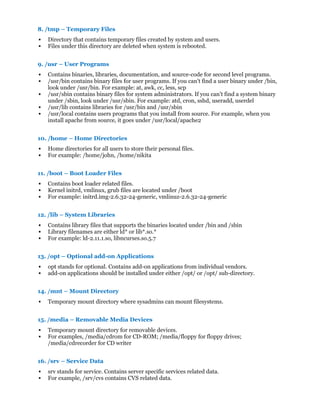
8. /tmp – Temporary Files
 Directory that contains temporary files created by system and users.
 Files under this directory are deleted when system is rebooted.
9. /usr – User Programs
 Contains binaries, libraries, documentation, and source-code for second level programs.
 /usr/bin contains binary files for user programs. If you can’t find a user binary under /bin,
look under /usr/bin. For example: at, awk, cc, less, scp
 /usr/sbin contains binary files for system administrators. If you can’t find a system binary
under /sbin, look under /usr/sbin. For example: atd, cron, sshd, useradd, userdel
 /usr/lib contains libraries for /usr/bin and /usr/sbin
 /usr/local contains users programs that you install from source. For example, when you
install apache from source, it goes under /usr/local/apache2
10. /home – Home Directories
 Home directories for all users to store their personal files.
 For example: /home/john, /home/nikita
11. /boot – Boot Loader Files
 Contains boot loader related files.
 Kernel initrd, vmlinux, grub files are located under /boot
 For example: initrd.img-2.6.32-24-generic, vmlinuz-2.6.32-24-generic
12. /lib – System Libraries
 Contains library files that supports the binaries located under /bin and /sbin
 Library filenames are either ld* or lib*.so.*
 For example: ld-2.11.1.so, libncurses.so.5.7
13. /opt – Optional add-on Applications
 opt stands for optional. Contains add-on applications from individual vendors.
 add-on applications should be installed under either /opt/ or /opt/ sub-directory.
14. /mnt – Mount Directory
 Temporary mount directory where sysadmins can mount filesystems.
15. /media – Removable Media Devices
 Temporary mount directory for removable devices.
 For examples, /media/cdrom for CD-ROM; /media/floppy for floppy drives;
/media/cdrecorder for CD writer
16. /srv – Service Data
 srv stands for service. Contains server specific services related data.
 For example, /srv/cvs contains CVS related data.

Linux file

  • 1.
    Linux Directory Structure 1./ – Root  Every single file and directory starts from the root directory.  Only root user has write privilege under this directory.  Please note that /root is root user’s home directory, which is not same as /. 2. /bin – User Binaries  Contains binary executables.  Common linux commands you need to use in single-user modes are located under this directory.  Commands used by all the users of the system are located here.  For example: ps, ls, ping, grep, cp. 3. /sbin – System Binaries  Just like /bin, /sbin also contain binary executables.  But, the linux commands located under this directory are used typically by system administrator, for system maintenance purpose.  For example: iptables, reboot, fdisk, ifconfig, swapon 4. /etc – Configuration Files  Contains configuration files required by all programs.  This also contains startup and shutdown shell scripts used to start/stop individual programs.  For example: /etc/resolv.conf, /etc/logrotate.conf 5. /dev – Device Files  Contains device files.  These include terminal devices, usb, or any device attached to the system.  For example: /dev/tty1, /dev/usbmon0 6. /proc – Process Information  Contains information about system process.  This is a pseudo filesystem contains information about running process. For example: /proc/{pid} directory contains information about the process with that particular pid.  This is a virtual filesystem with text information about system resources. For example: /proc/uptime 7. /var – Variable Files  var stands for variable files.  Content of the files that are expected to grow can be found under this directory.  This includes — system log files (/var/log); packages and database files (/var/lib); emails (/var/mail); print queues (/var/spool); lock files (/var/lock); temp files needed across reboots (/var/tmp);
  • 2.
    8. /tmp –Temporary Files  Directory that contains temporary files created by system and users.  Files under this directory are deleted when system is rebooted. 9. /usr – User Programs  Contains binaries, libraries, documentation, and source-code for second level programs.  /usr/bin contains binary files for user programs. If you can’t find a user binary under /bin, look under /usr/bin. For example: at, awk, cc, less, scp  /usr/sbin contains binary files for system administrators. If you can’t find a system binary under /sbin, look under /usr/sbin. For example: atd, cron, sshd, useradd, userdel  /usr/lib contains libraries for /usr/bin and /usr/sbin  /usr/local contains users programs that you install from source. For example, when you install apache from source, it goes under /usr/local/apache2 10. /home – Home Directories  Home directories for all users to store their personal files.  For example: /home/john, /home/nikita 11. /boot – Boot Loader Files  Contains boot loader related files.  Kernel initrd, vmlinux, grub files are located under /boot  For example: initrd.img-2.6.32-24-generic, vmlinuz-2.6.32-24-generic 12. /lib – System Libraries  Contains library files that supports the binaries located under /bin and /sbin  Library filenames are either ld* or lib*.so.*  For example: ld-2.11.1.so, libncurses.so.5.7 13. /opt – Optional add-on Applications  opt stands for optional. Contains add-on applications from individual vendors.  add-on applications should be installed under either /opt/ or /opt/ sub-directory. 14. /mnt – Mount Directory  Temporary mount directory where sysadmins can mount filesystems. 15. /media – Removable Media Devices  Temporary mount directory for removable devices.  For examples, /media/cdrom for CD-ROM; /media/floppy for floppy drives; /media/cdrecorder for CD writer 16. /srv – Service Data  srv stands for service. Contains server specific services related data.  For example, /srv/cvs contains CVS related data.