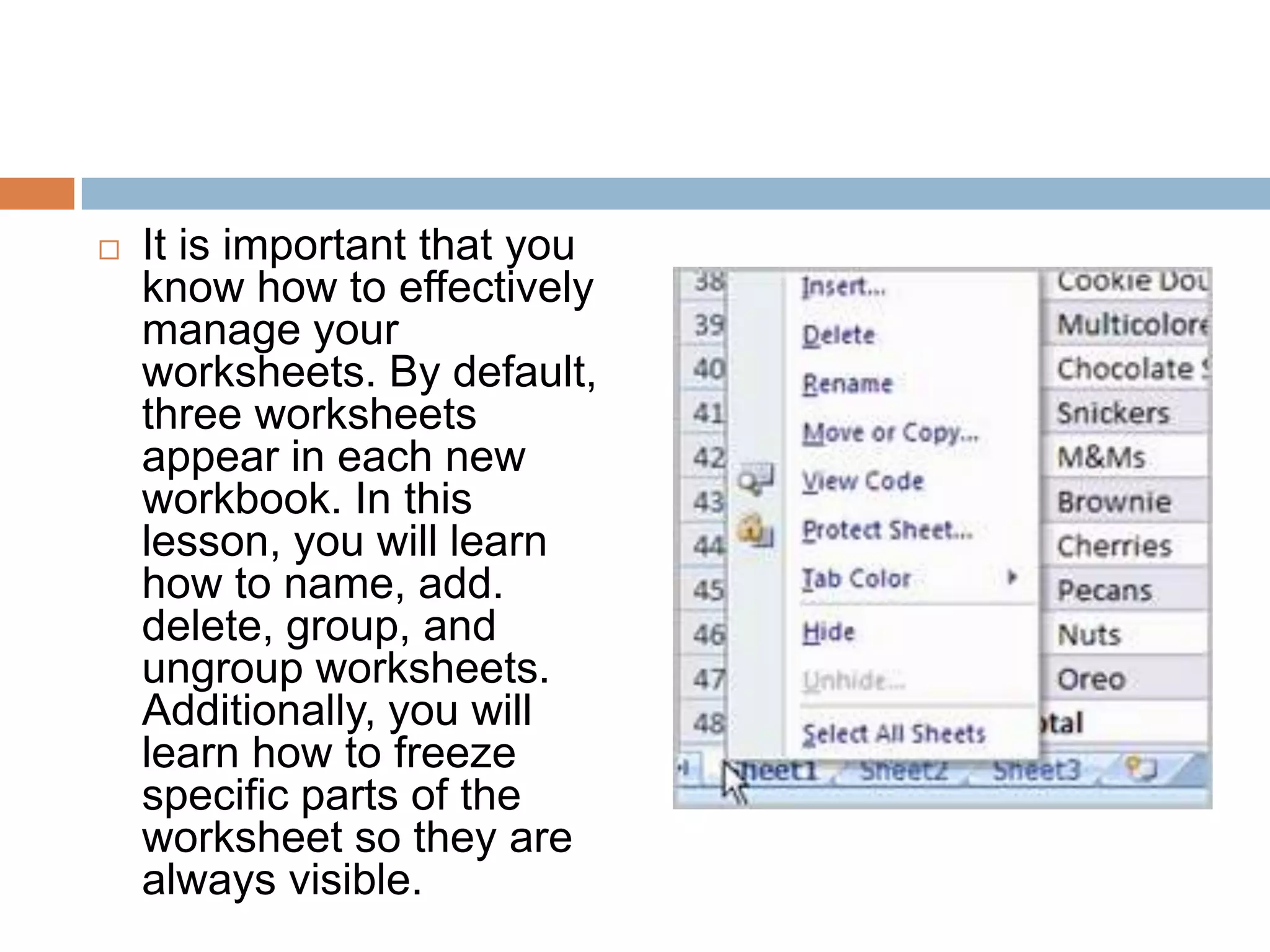
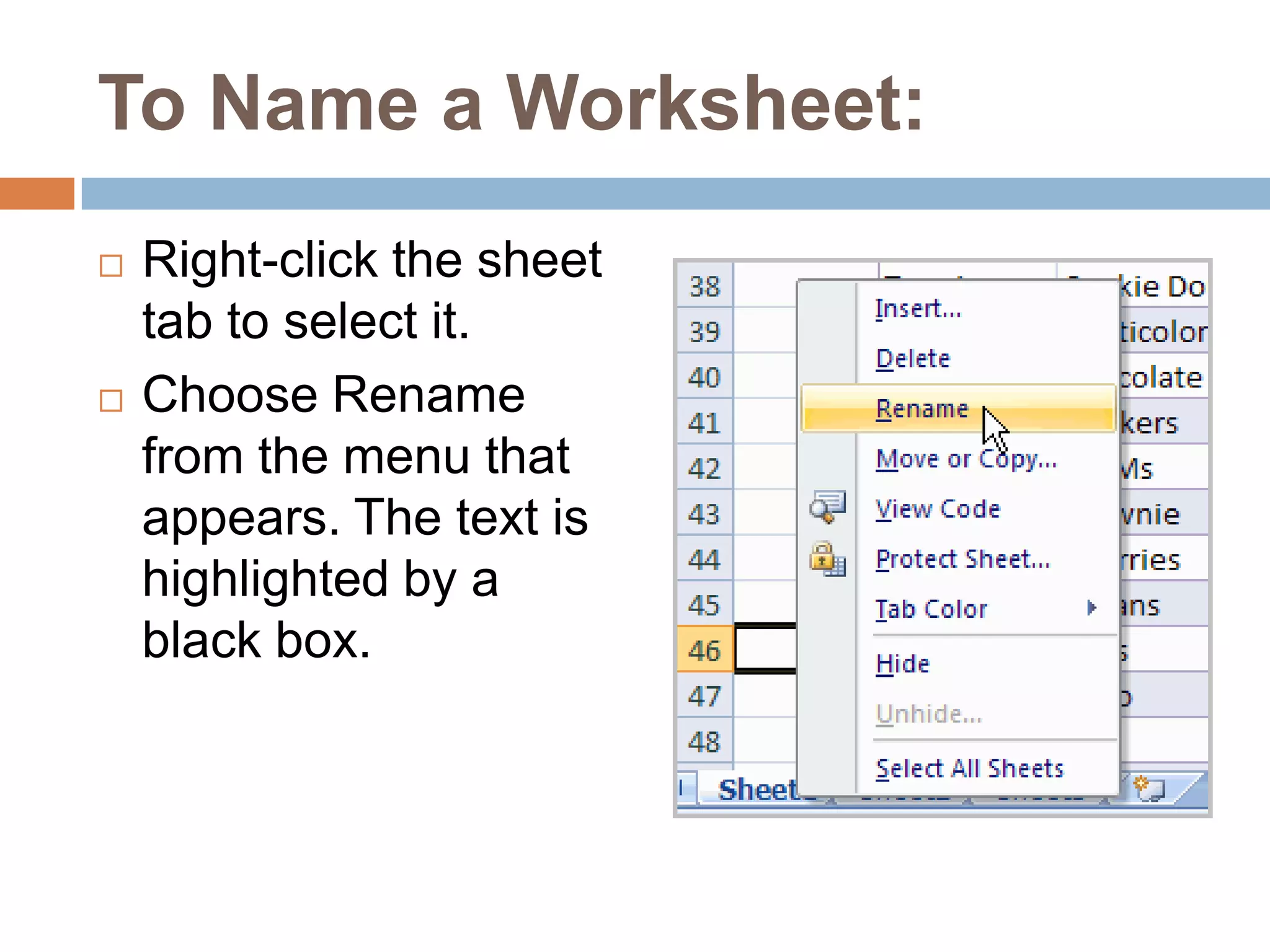
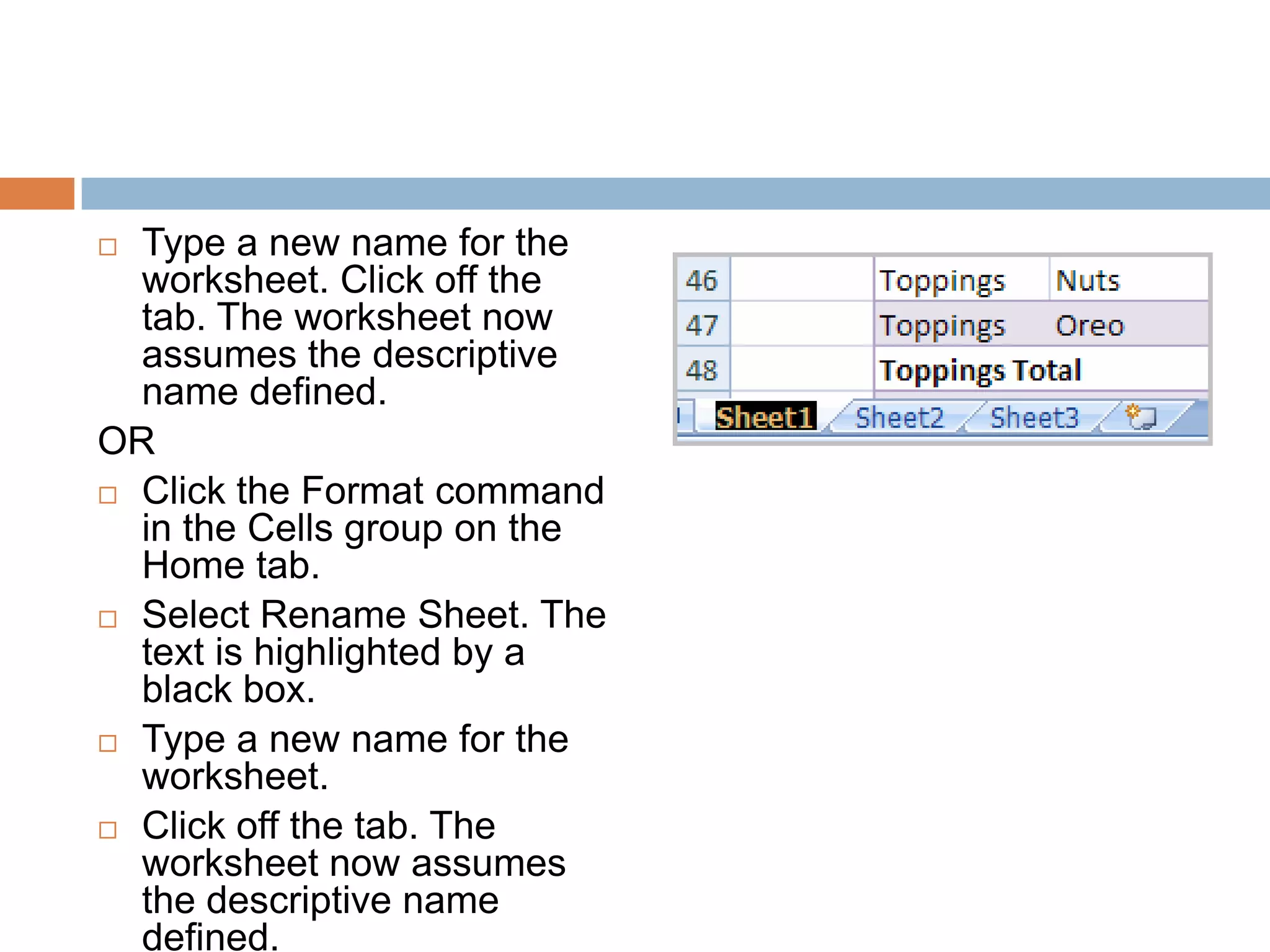
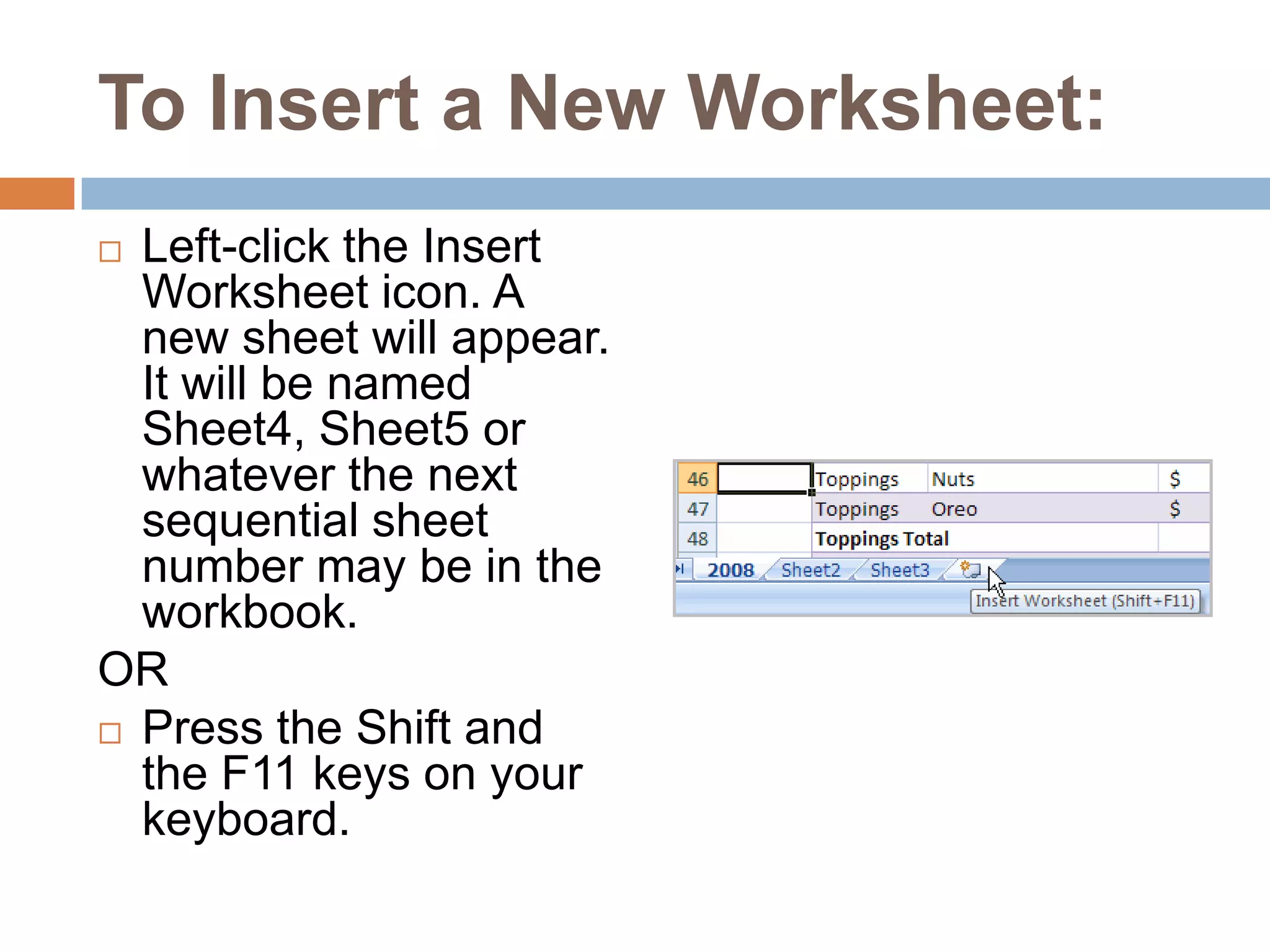
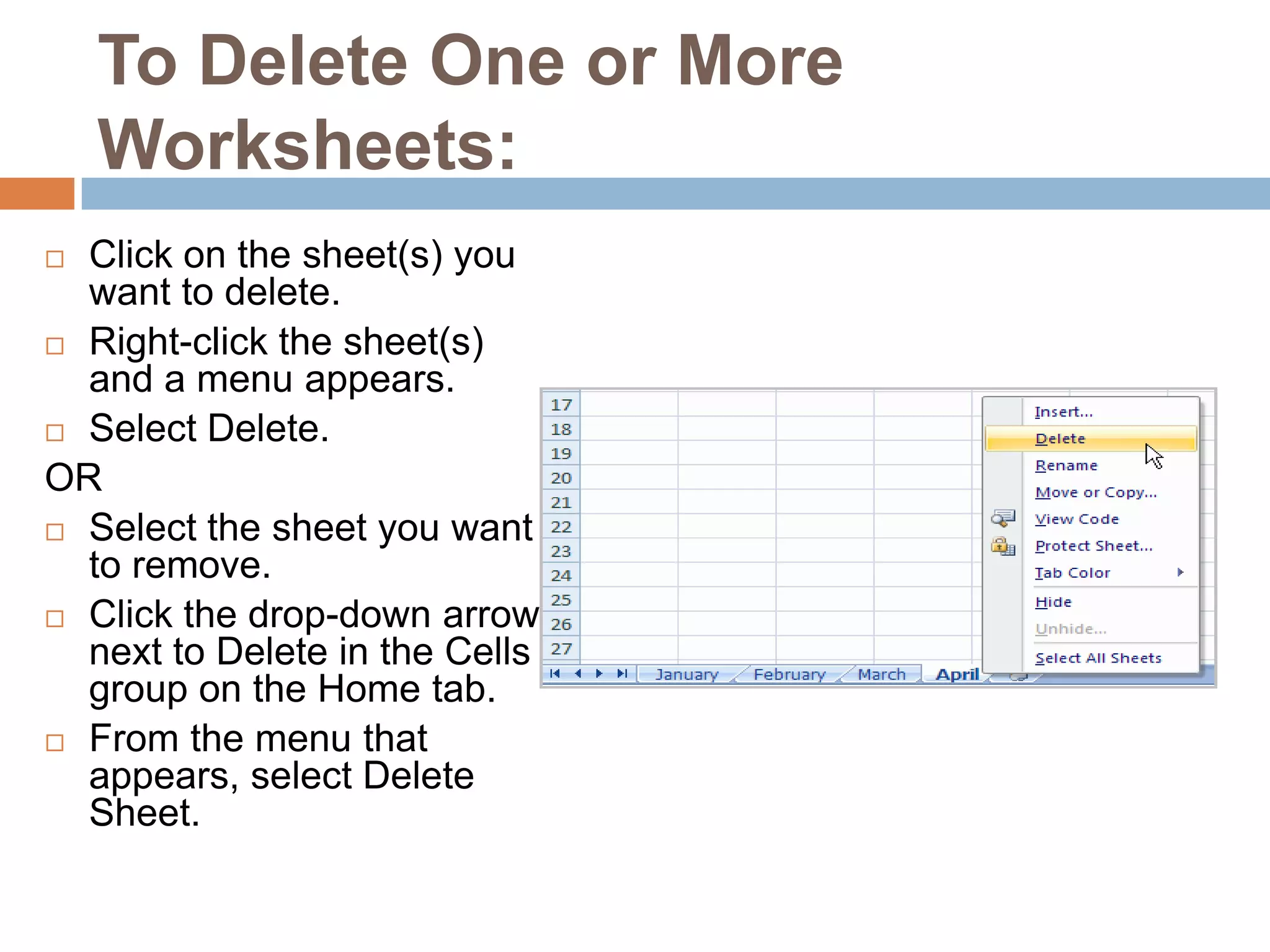
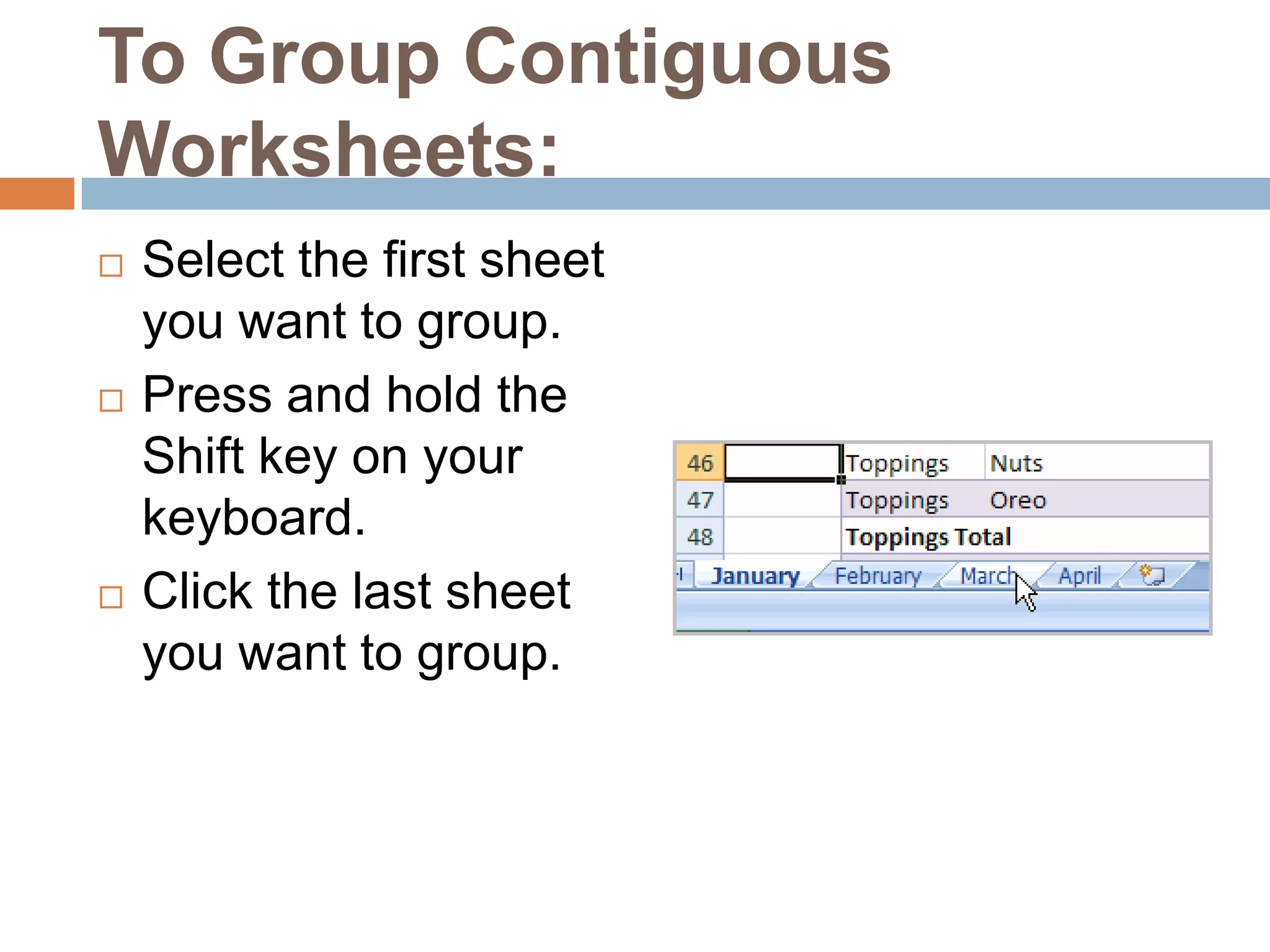
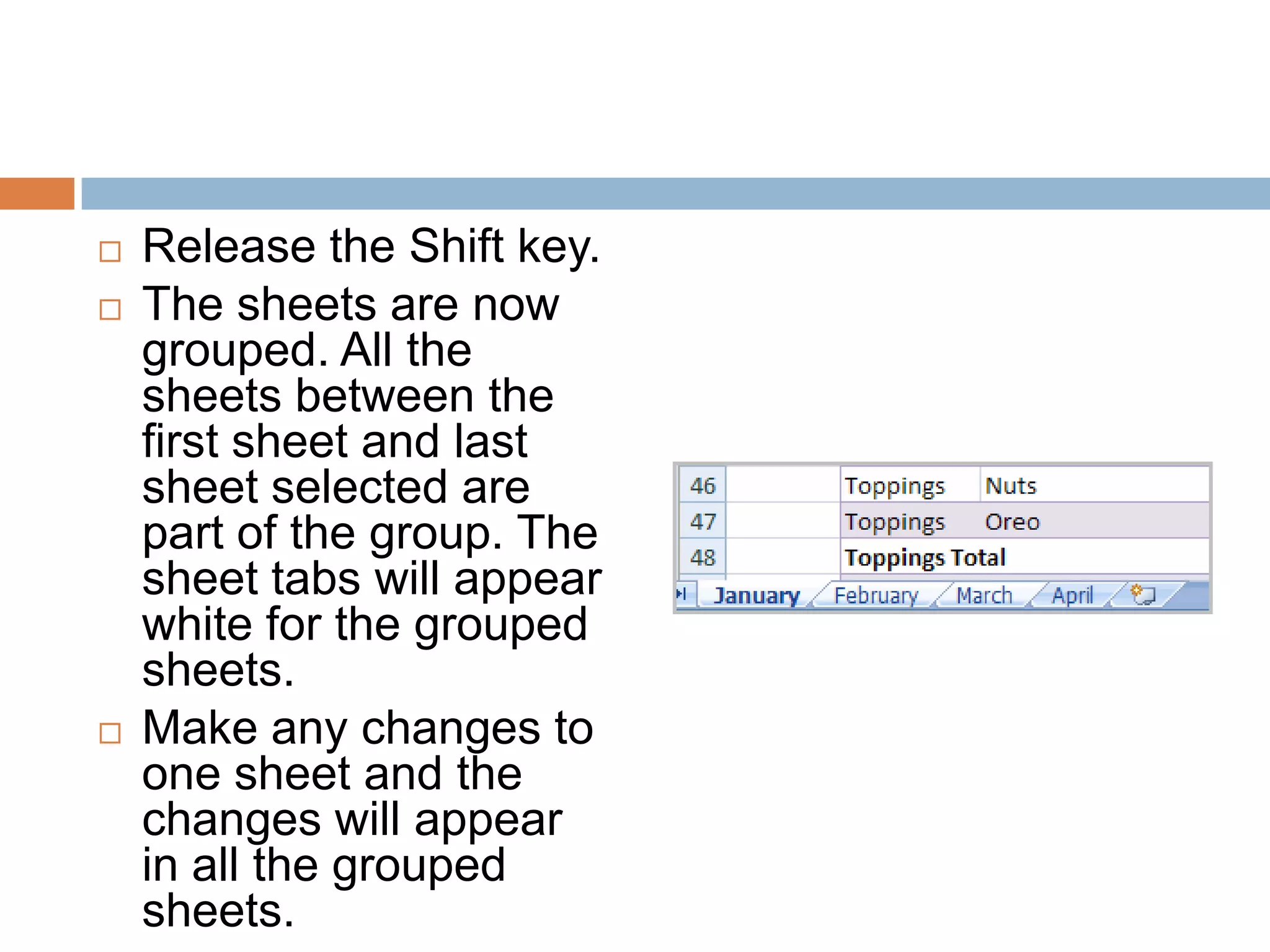
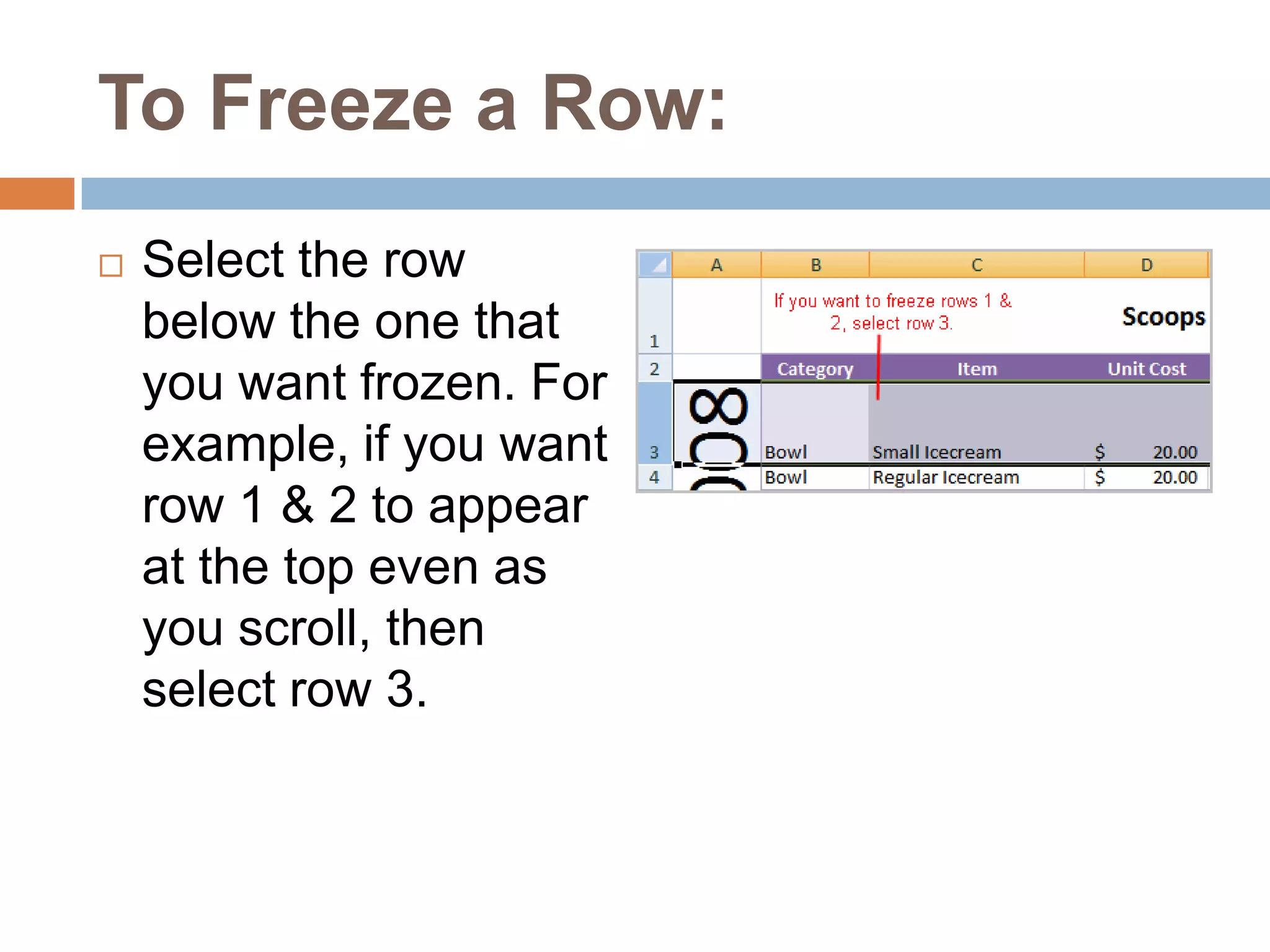
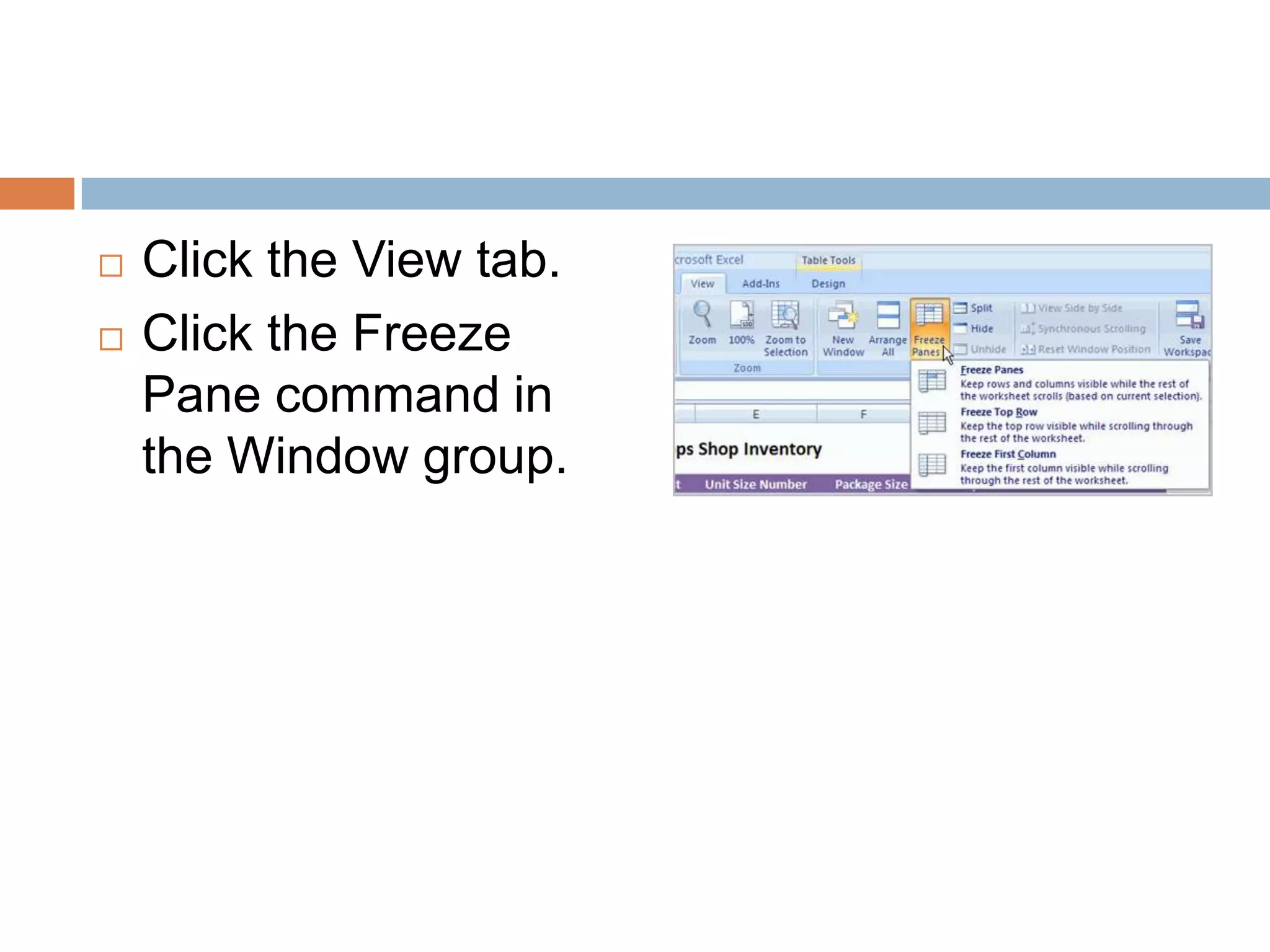
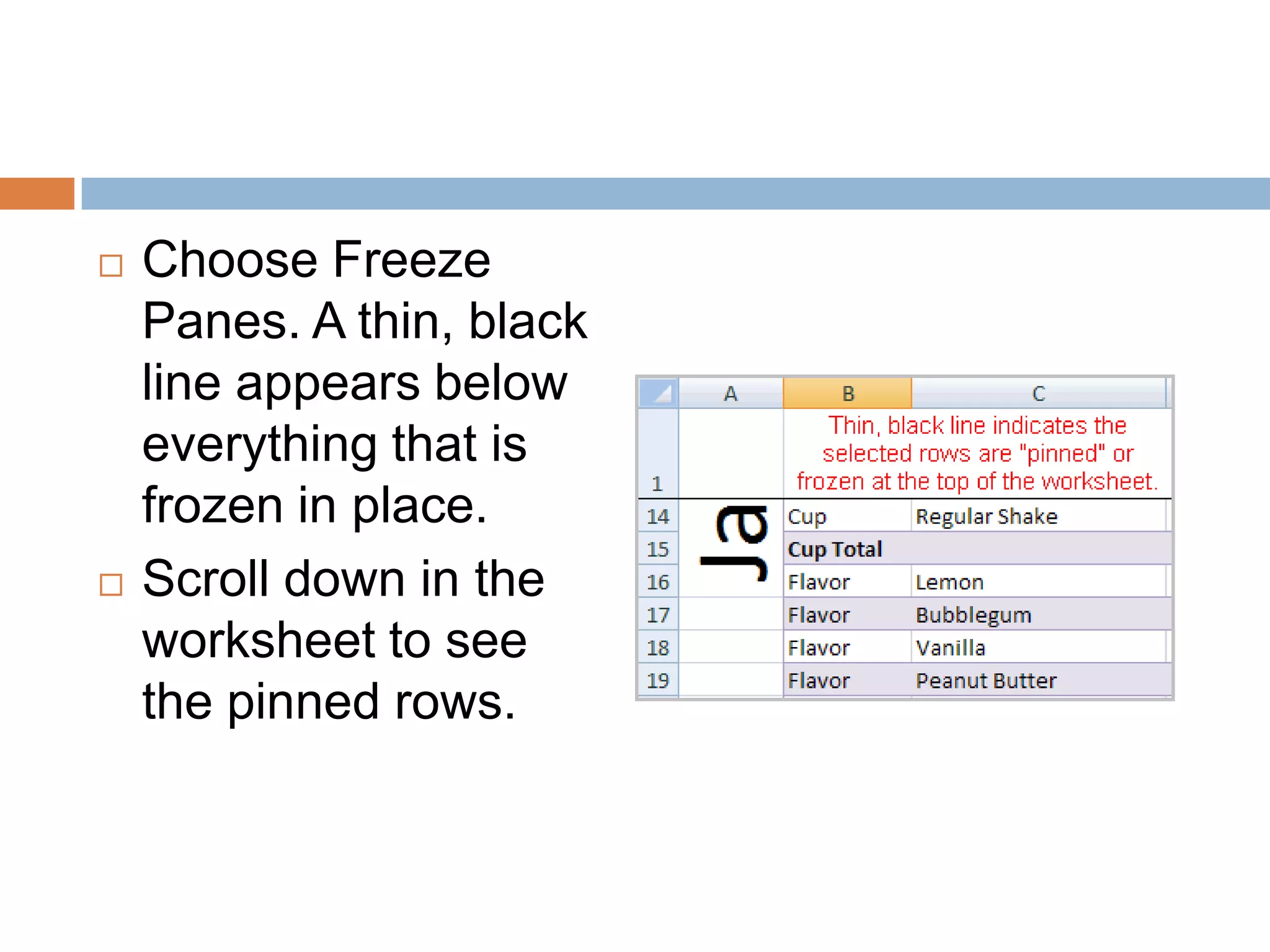
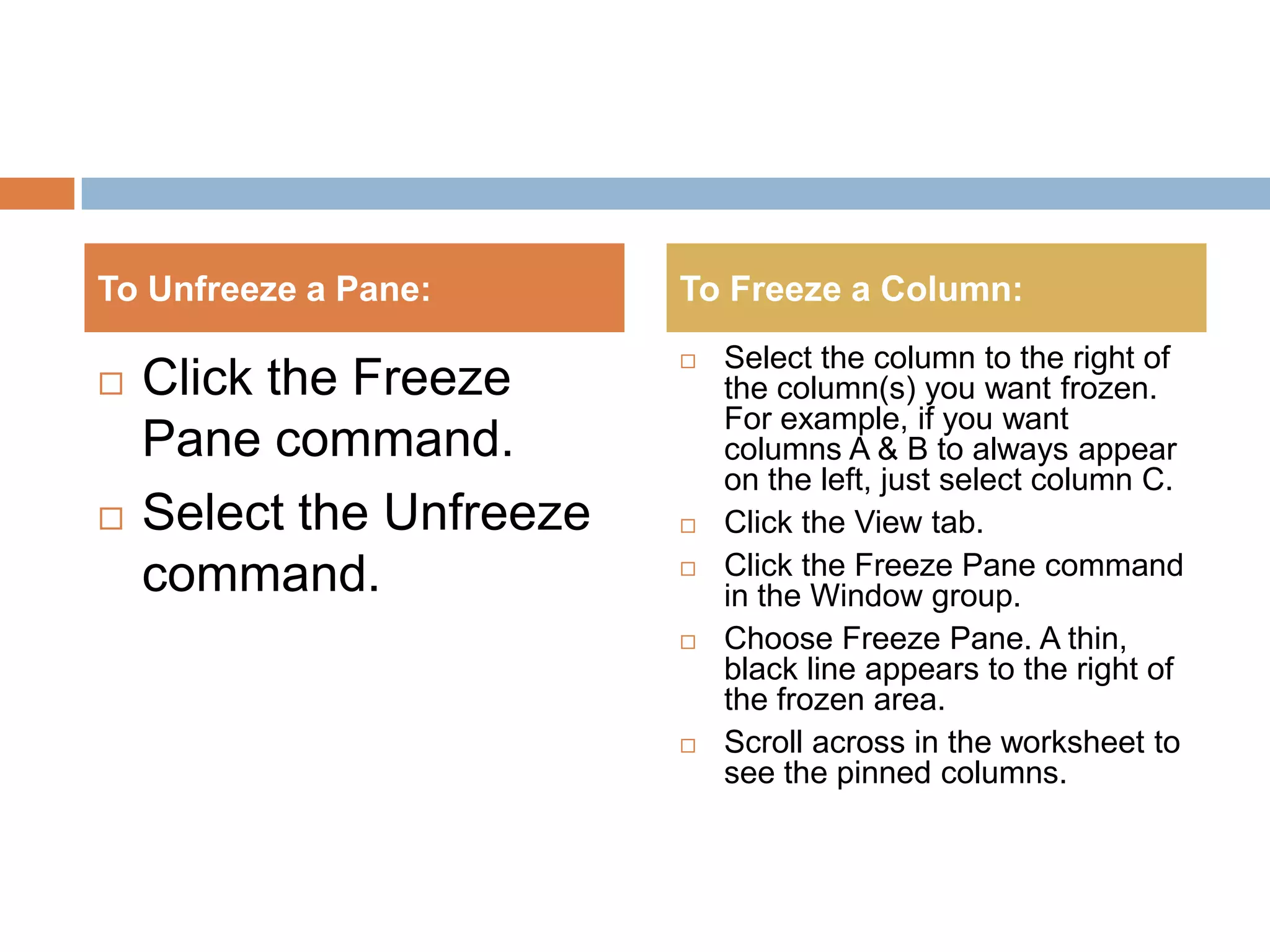
The document provides instructions on how to manage worksheets in Excel by naming, adding, deleting, grouping, and ungrouping worksheets as well as freezing panes. It explains how to name worksheets, insert and delete worksheets, group and ungroup worksheets so changes apply to all, and freeze rows or columns so they remain visible while scrolling. The challenge section provides a hands-on example of applying these skills to manage worksheets in a sample workbook.