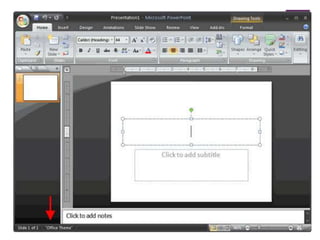
This document discusses themes and background styles in PowerPoint. It provides instructions on how to:
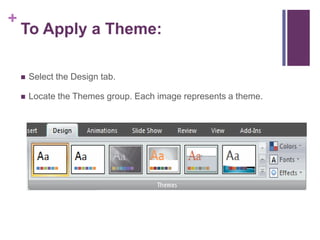
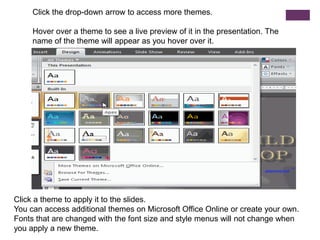
1) Apply a theme to slides which sets colors, fonts, and effects for a professional look. Additional background styles can then be applied to modify the theme.
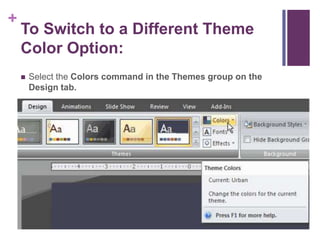
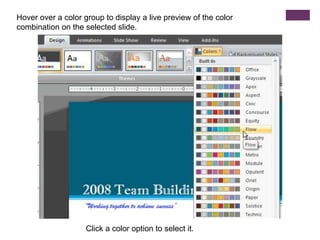
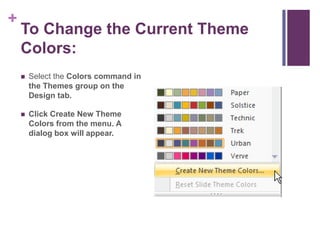
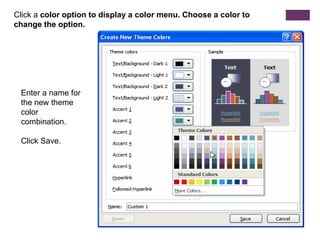
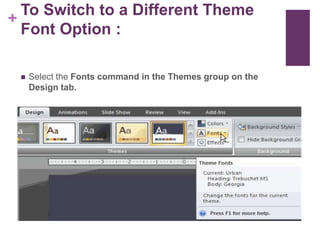
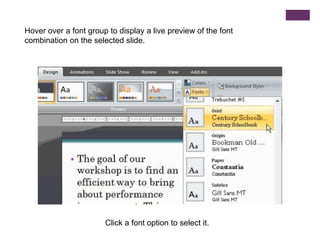
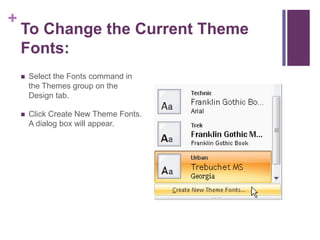
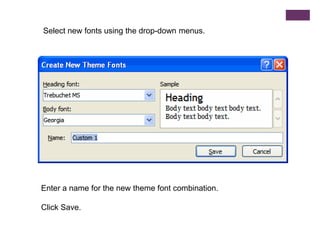
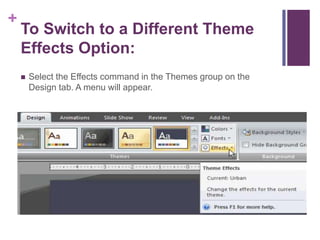
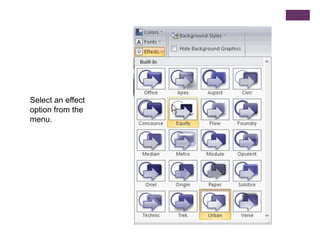
2) Modify existing themes by changing colors, fonts, or effects and saving as a new custom theme.
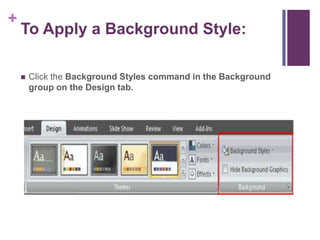
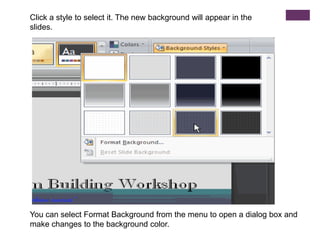
3) Apply different background styles to slides after selecting a theme to change the slide fills based on the theme colors.
The document teaches how to use themes and background styles to format PowerPoint presentations professionally and customize themes by modifying colors, fonts, and effects. It includes a challenge to apply the Urban theme and modify its colors and fonts.