

How to Create a PowerPoint in Less Than 5 Minutes Your Host  Mr. Viereck
Step 1 Select a Slide Design Format /Slide Design Different Slide Designs Have Different Fonts and Font Sizes
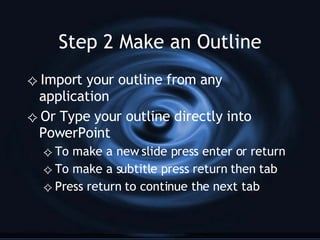
Step 2 Make an Outline Import your outline from any application Or Type your outline directly into PowerPoint To make a new slide press enter or return To make a subtitle press return then tab Press return to continue the next tab
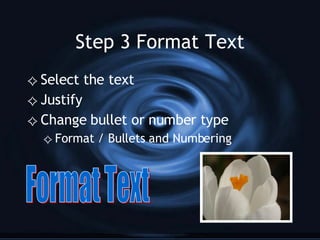
Step 3 Format Text Select the text Justify  Change bullet or number type Format / Bullets and Numbering Format Text
Step 4 Add Images and Organize Drag images  Copy and Paste images Organize text and images Add  Images  in  AutoShapes
Step 5 Select Preset Animation  Slide Show / Preset Animation
Step 6 Select Slide Transitions Slide Show / Slide Transition  Apply to All
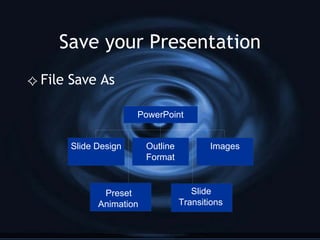
Save your Presentation File Save As

PowerPoint in Less Than 5 Minutes

  • 1.
    How to Createa PowerPoint in Less Than 5 Minutes Your Host Mr. Viereck
  • 2.
    Step 1 Selecta Slide Design Format /Slide Design Different Slide Designs Have Different Fonts and Font Sizes
  • 3.
    Step 2 Makean Outline Import your outline from any application Or Type your outline directly into PowerPoint To make a new slide press enter or return To make a subtitle press return then tab Press return to continue the next tab
  • 4.
    Step 3 FormatText Select the text Justify Change bullet or number type Format / Bullets and Numbering Format Text
  • 5.
    Step 4 AddImages and Organize Drag images Copy and Paste images Organize text and images Add Images in AutoShapes
  • 6.
    Step 5 SelectPreset Animation Slide Show / Preset Animation
  • 7.
    Step 6 SelectSlide Transitions Slide Show / Slide Transition Apply to All
  • 8.